Testing is important to ensure software quality by validating requirements and identifying bugs. There are different types of testing such as static and dynamic testing. Static testing involves manual reviews of documents while dynamic testing executes the code. Testing can be done from different perspectives such as black box, white box, and grey box. Different testing techniques are applied at various stages like unit, integration, and system testing. Testing also aims to validate functionality as well as non-functional aspects. Domain knowledge is critical for effective manual testing.
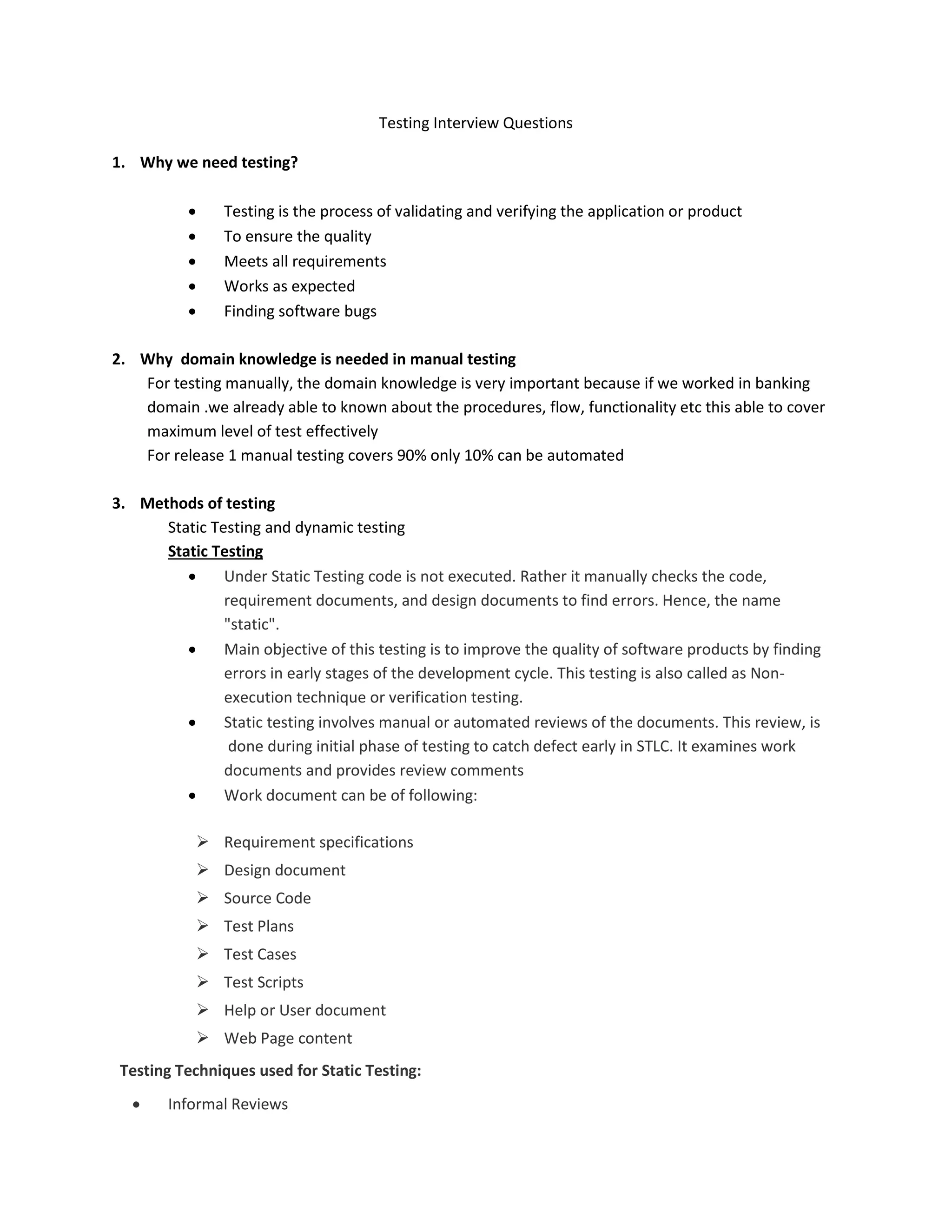
Testing Interview Questions 1.Why we need testing? Testing is the process of validating and verifying the application or product To ensure the quality Meets all requirements Works as expected Finding software bugs 2. Why domain knowledge is needed in manual testing For testing manually, the domain knowledge is very important because if we worked in banking domain .we already able to known about the procedures, flow, functionality etc this able to cover maximum level of test effectively For release 1 manual testing covers 90% only 10% can be automated 3. Methods of testing Static Testing and dynamic testing Static Testing Under Static Testing code is not executed. Rather it manually checks the code, requirement documents, and design documents to find errors. Hence, the name "static". Main objective of this testing is to improve the quality of software products by finding errors in early stages of the development cycle. This testing is also called as Non- execution technique or verification testing. Static testing involves manual or automated reviews of the documents. This review, is done during initial phase of testing to catch defect early in STLC. It examines work documents and provides review comments Work document can be of following: Requirement specifications Design document Source Code Test Plans Test Cases Test Scripts Help or User document Web Page content Testing Techniques used for Static Testing: Informal Reviews
2.
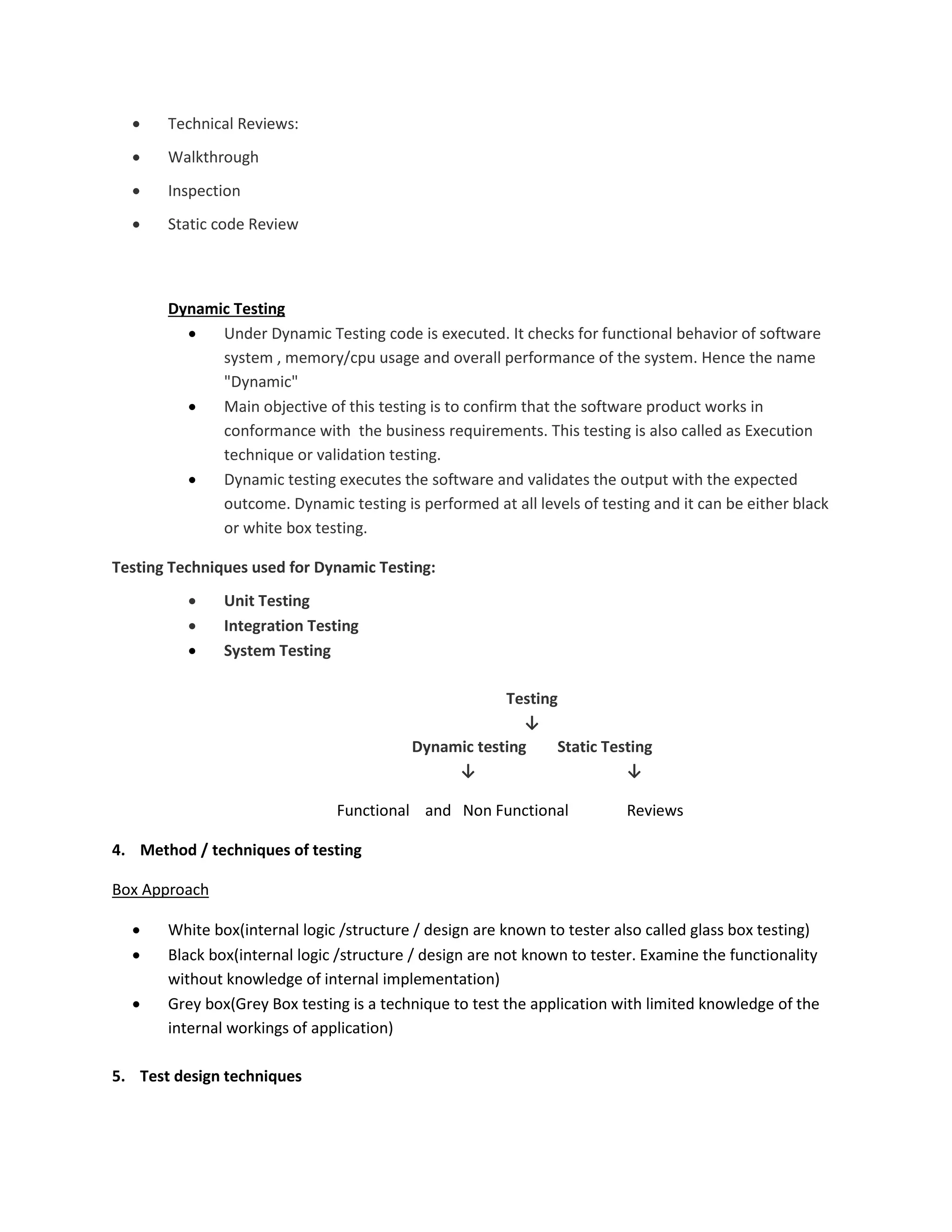
Technical Reviews: Walkthrough Inspection Static code Review Dynamic Testing Under Dynamic Testing code is executed. It checks for functional behavior of software system , memory/cpu usage and overall performance of the system. Hence the name "Dynamic" Main objective of this testing is to confirm that the software product works in conformance with the business requirements. This testing is also called as Execution technique or validation testing. Dynamic testing executes the software and validates the output with the expected outcome. Dynamic testing is performed at all levels of testing and it can be either black or white box testing. Testing Techniques used for Dynamic Testing: Unit Testing Integration Testing System Testing Testing ↓ Dynamic testing Static Testing ↓ ↓ Functional and Non Functional Reviews 4. Method / techniques of testing Box Approach White box(internal logic /structure / design are known to tester also called glass box testing) Black box(internal logic /structure / design are not known to tester. Examine the functionality without knowledge of internal implementation) Grey box(Grey Box testing is a technique to test the application with limited knowledge of the internal workings of application) 5. Test design techniques
3.
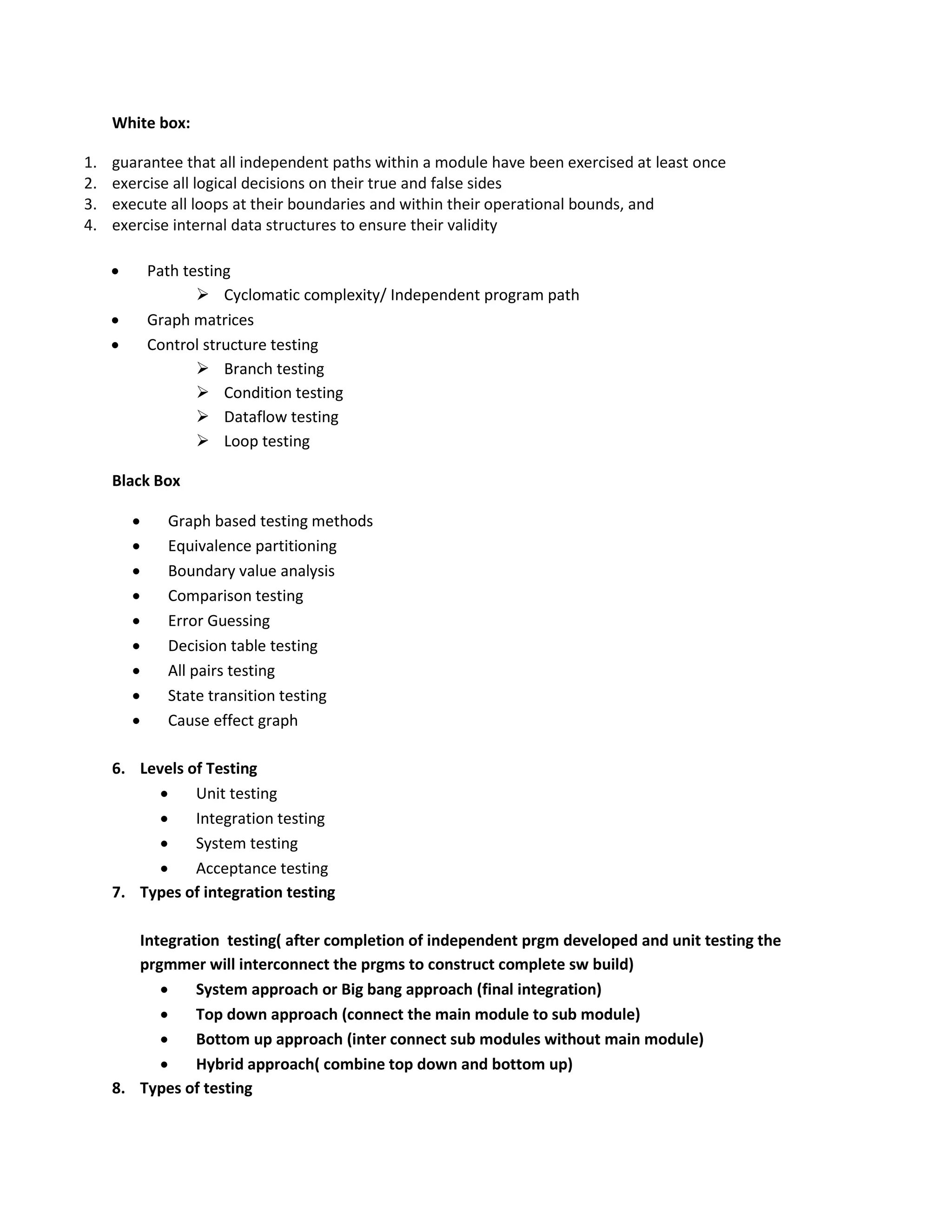
White box: 1. guaranteethat all independent paths within a module have been exercised at least once 2. exercise all logical decisions on their true and false sides 3. execute all loops at their boundaries and within their operational bounds, and 4. exercise internal data structures to ensure their validity Path testing Cyclomatic complexity/ Independent program path Graph matrices Control structure testing Branch testing Condition testing Dataflow testing Loop testing Black Box Graph based testing methods Equivalence partitioning Boundary value analysis Comparison testing Error Guessing Decision table testing All pairs testing State transition testing Cause effect graph 6. Levels of Testing Unit testing Integration testing System testing Acceptance testing 7. Types of integration testing Integration testing( after completion of independent prgm developed and unit testing the prgmmer will interconnect the prgms to construct complete sw build) System approach or Big bang approach (final integration) Top down approach (connect the main module to sub module) Bottom up approach (inter connect sub modules without main module) Hybrid approach( combine top down and bottom up) 8. Types of testing
4.
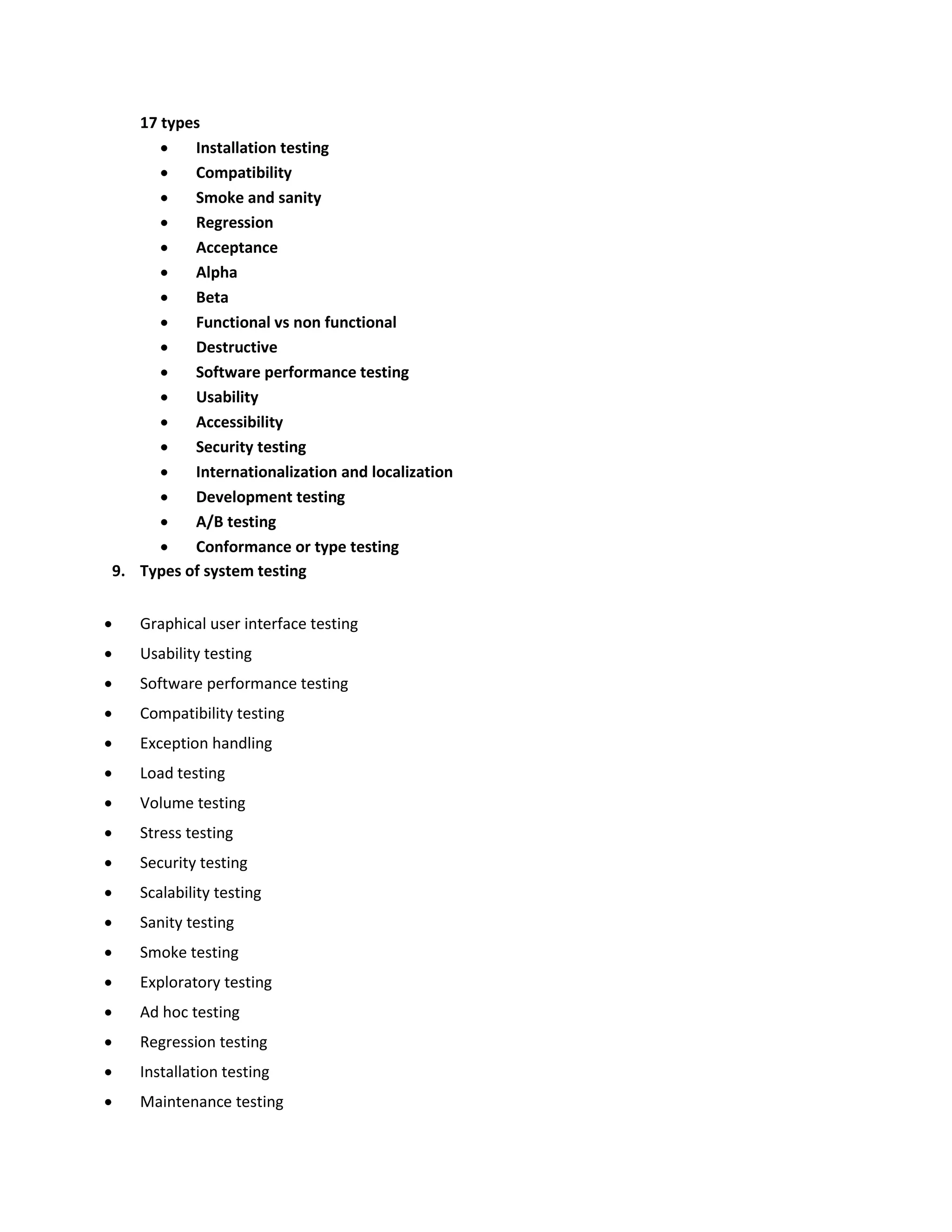
17 types Installationtesting Compatibility Smoke and sanity Regression Acceptance Alpha Beta Functional vs non functional Destructive Software performance testing Usability Accessibility Security testing Internationalization and localization Development testing A/B testing Conformance or type testing 9. Types of system testing Graphical user interface testing Usability testing Software performance testing Compatibility testing Exception handling Load testing Volume testing Stress testing Security testing Scalability testing Sanity testing Smoke testing Exploratory testing Ad hoc testing Regression testing Installation testing Maintenance testing
5.
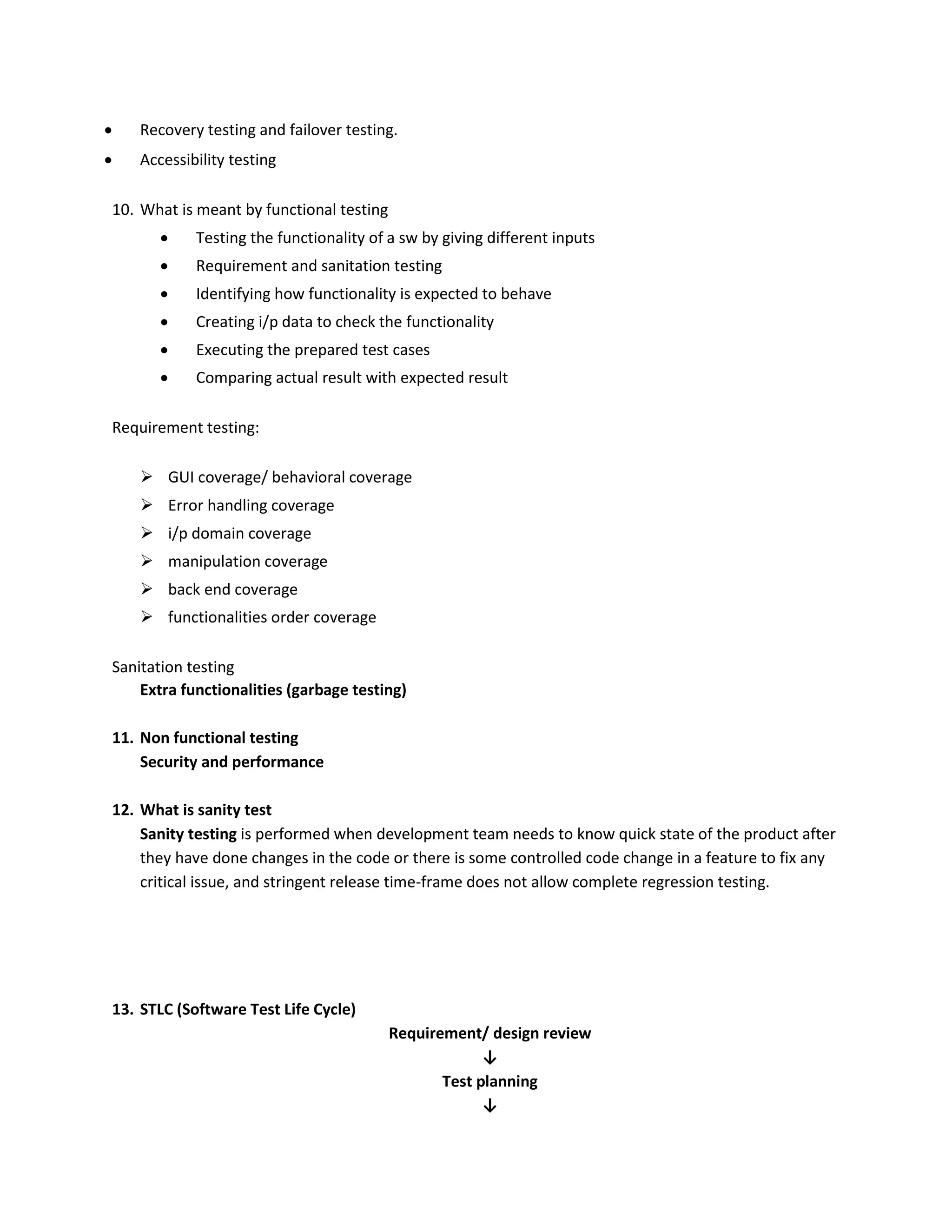
Recovery testingand failover testing. Accessibility testing 10. What is meant by functional testing Testing the functionality of a sw by giving different inputs Requirement and sanitation testing Identifying how functionality is expected to behave Creating i/p data to check the functionality Executing the prepared test cases Comparing actual result with expected result Requirement testing: GUI coverage/ behavioral coverage Error handling coverage i/p domain coverage manipulation coverage back end coverage functionalities order coverage Sanitation testing Extra functionalities (garbage testing) 11. Non functional testing Security and performance 12. What is sanity test Sanity testing is performed when development team needs to know quick state of the product after they have done changes in the code or there is some controlled code change in a feature to fix any critical issue, and stringent release time-frame does not allow complete regression testing. 13. STLC (Software Test Life Cycle) Requirement/ design review ↓ Test planning ↓
6.
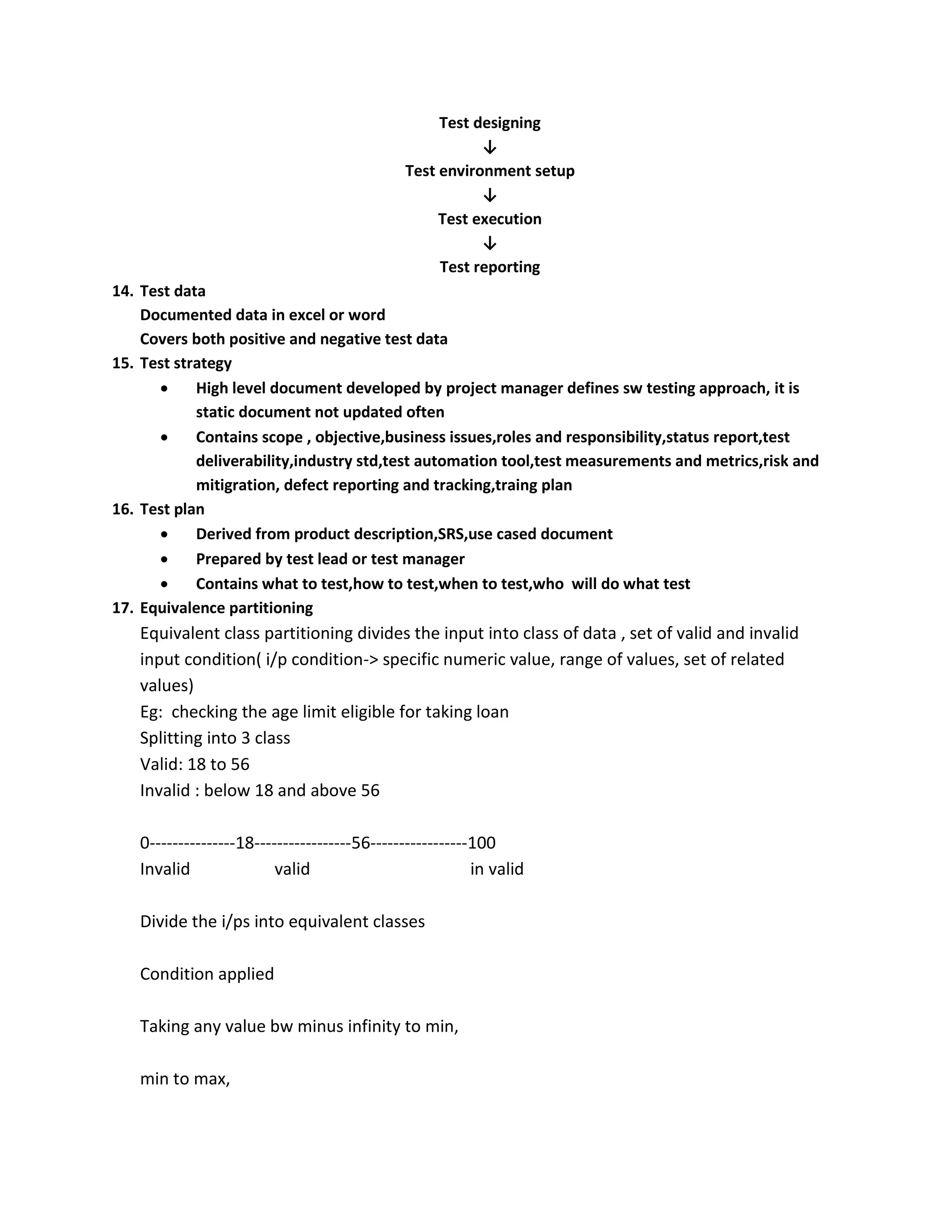
Test designing ↓ Test environmentsetup ↓ Test execution ↓ Test reporting 14. Test data Documented data in excel or word Covers both positive and negative test data 15. Test strategy High level document developed by project manager defines sw testing approach, it is static document not updated often Contains scope , objective,business issues,roles and responsibility,status report,test deliverability,industry std,test automation tool,test measurements and metrics,risk and mitigration, defect reporting and tracking,traing plan 16. Test plan Derived from product description,SRS,use cased document Prepared by test lead or test manager Contains what to test,how to test,when to test,who will do what test 17. Equivalence partitioning Equivalent class partitioning divides the input into class of data , set of valid and invalid input condition( i/p condition-> specific numeric value, range of values, set of related values) Eg: checking the age limit eligible for taking loan Splitting into 3 class Valid: 18 to 56 Invalid : below 18 and above 56 0---------------18-----------------56-----------------100 Invalid valid in valid Divide the i/ps into equivalent classes Condition applied Taking any value bw minus infinity to min, min to max,
7.
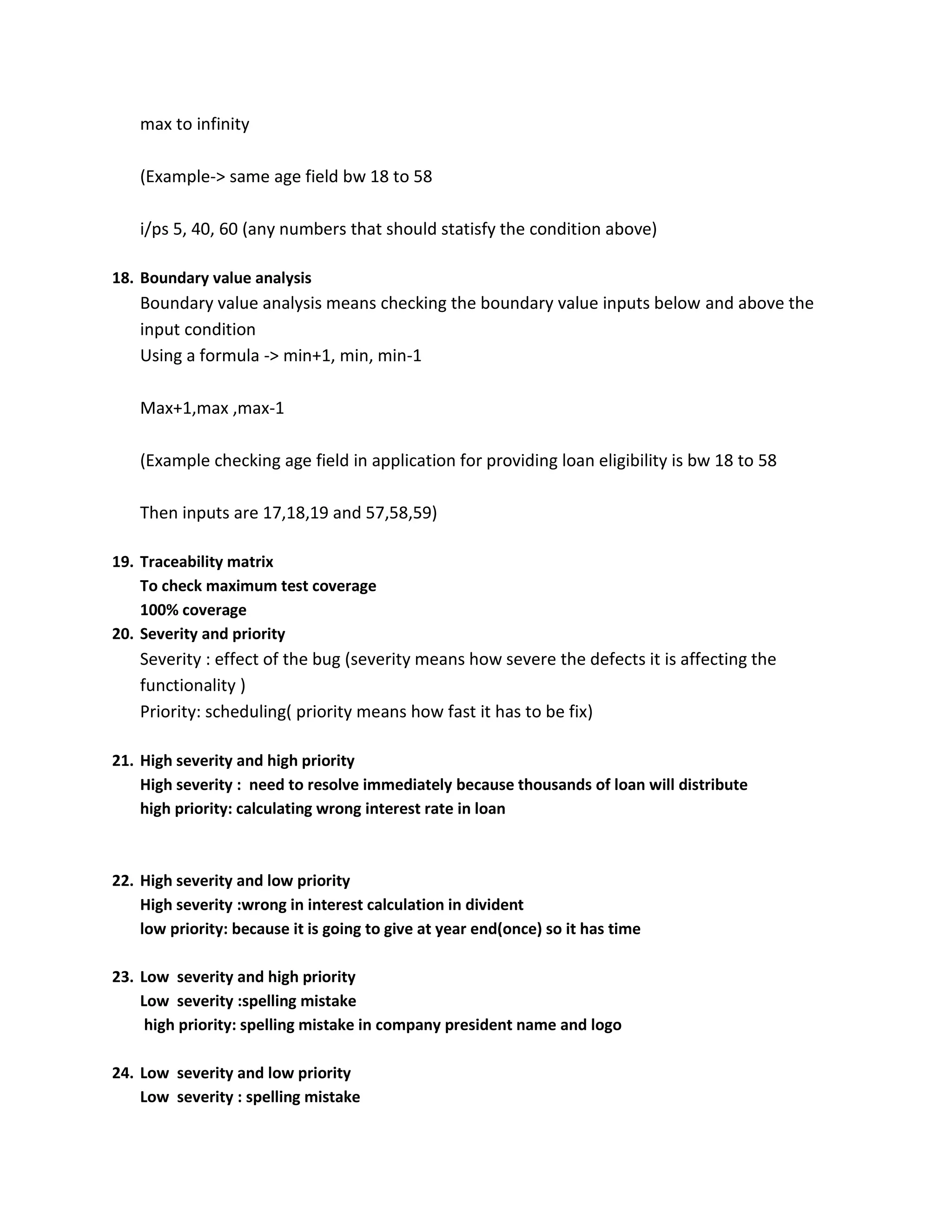
max to infinity (Example->same age field bw 18 to 58 i/ps 5, 40, 60 (any numbers that should statisfy the condition above) 18. Boundary value analysis Boundary value analysis means checking the boundary value inputs below and above the input condition Using a formula -> min+1, min, min-1 Max+1,max ,max-1 (Example checking age field in application for providing loan eligibility is bw 18 to 58 Then inputs are 17,18,19 and 57,58,59) 19. Traceability matrix To check maximum test coverage 100% coverage 20. Severity and priority Severity : effect of the bug (severity means how severe the defects it is affecting the functionality ) Priority: scheduling( priority means how fast it has to be fix) 21. High severity and high priority High severity : need to resolve immediately because thousands of loan will distribute high priority: calculating wrong interest rate in loan 22. High severity and low priority High severity :wrong in interest calculation in divident low priority: because it is going to give at year end(once) so it has time 23. Low severity and high priority Low severity :spelling mistake high priority: spelling mistake in company president name and logo 24. Low severity and low priority Low severity : spelling mistake
8.
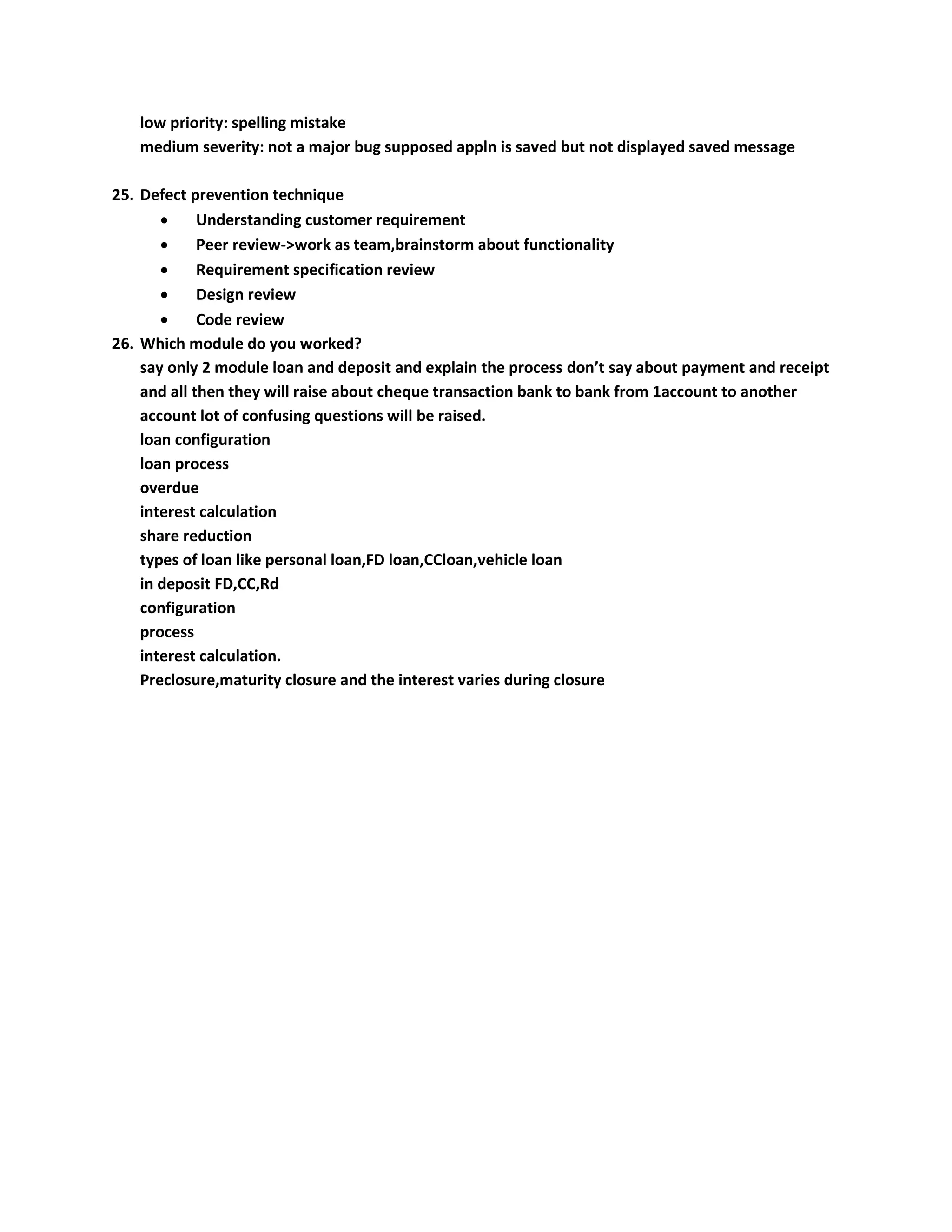
low priority: spellingmistake medium severity: not a major bug supposed appln is saved but not displayed saved message 25. Defect prevention technique Understanding customer requirement Peer review->work as team,brainstorm about functionality Requirement specification review Design review Code review 26. Which module do you worked? say only 2 module loan and deposit and explain the process don’t say about payment and receipt and all then they will raise about cheque transaction bank to bank from 1account to another account lot of confusing questions will be raised. loan configuration loan process overdue interest calculation share reduction types of loan like personal loan,FD loan,CCloan,vehicle loan in deposit FD,CC,Rd configuration process interest calculation. Preclosure,maturity closure and the interest varies during closure