

Tuning SQL Server for SharePoint : what every SharePoint consultant needs to know Serge Luca & Isabelle Van Campenhoudt
www.sharepointsummit.org About us Isabelle Van Campenhoudt SQL Server MVP Consultant, speaker, trainer Managing partner of www.ShareQL.com Works with SQL Server since 1999 Blog: http://thesqlgrrrl.wordpress.com/ ivc@ShareQL.com @thesqlgrrrl Isabelle Van Campenhoudt
www.sharepointsummit.org About Us Serge Luca SharePoint MVP Consultant, speaker, trainer Managing partner of www.ShareQL.com Works with SharePoint since 2001 Blog: http://sergeluca.wordpress.com/ sergeluca@ShareQL.com @SergeLuca Serge Luca
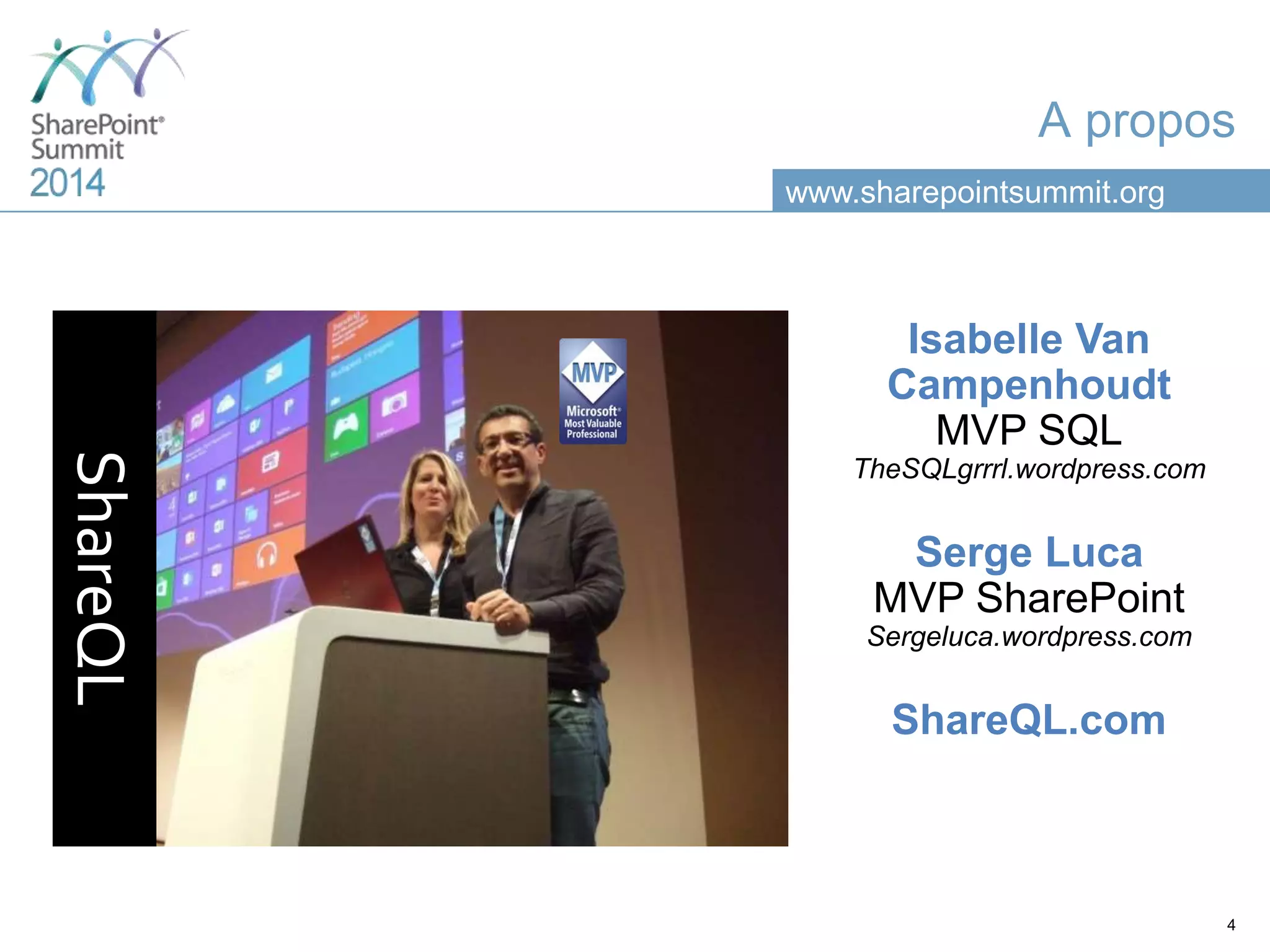
www.sharepointsummit.org A propos ShareQL 4 Isabelle Van Campenhoudt MVP SQL TheSQLgrrrl.wordpress.com Serge Luca MVP SharePoint Sergeluca.wordpress.com ShareQL.com
www.sharepointsummit.org Credits Serge Luca Accidental DBA Isabelle Van Campenhoudt SQL guru
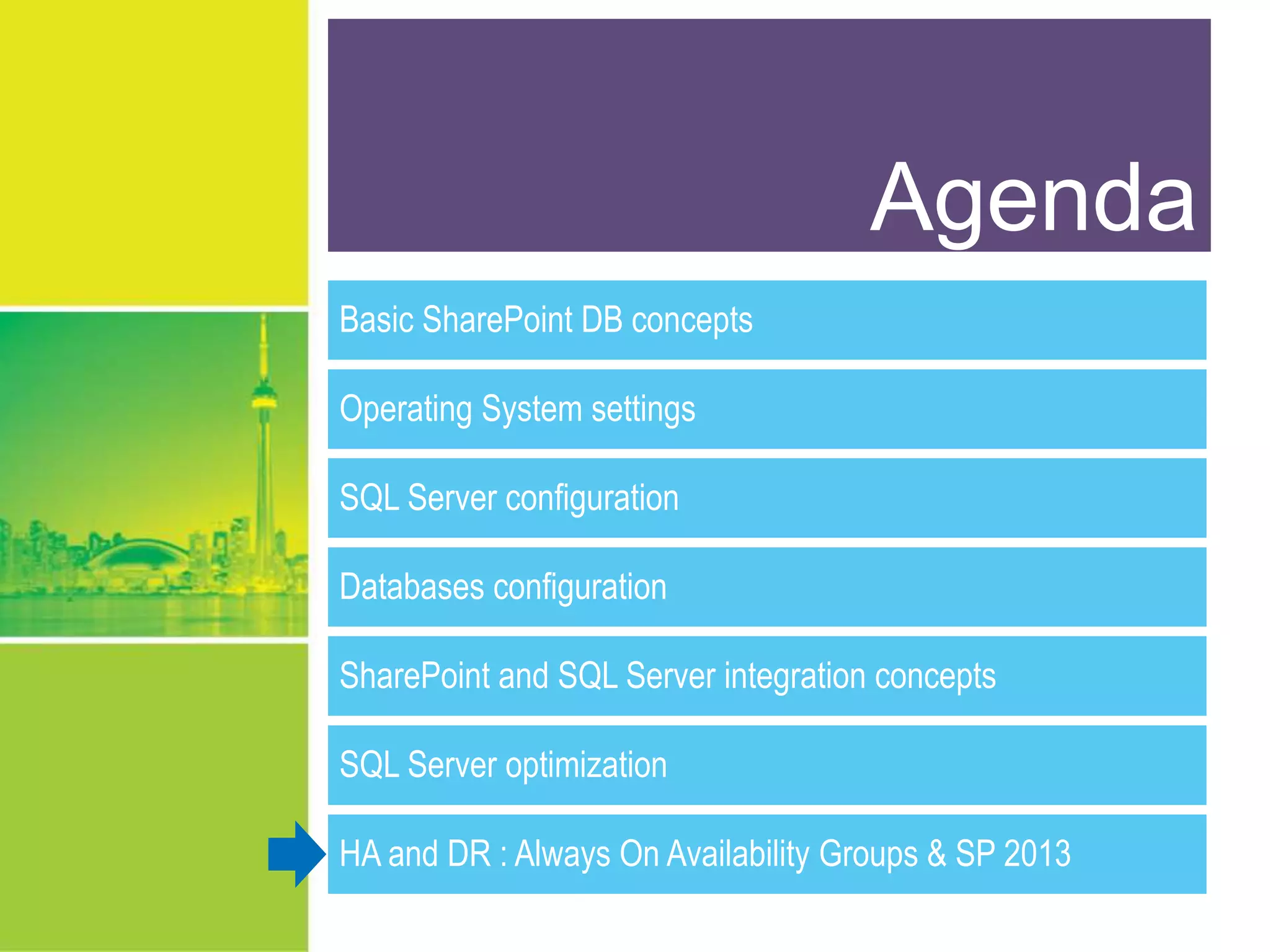
www.sharepointsummit.org Agenda Basic SharePoint DB concepts Operating System settings SQL Server configuration Databases configuration SharePoint and SQL Server integration concepts SQL Server optimization HA and DR : Always On Availability Groups & SP 2013
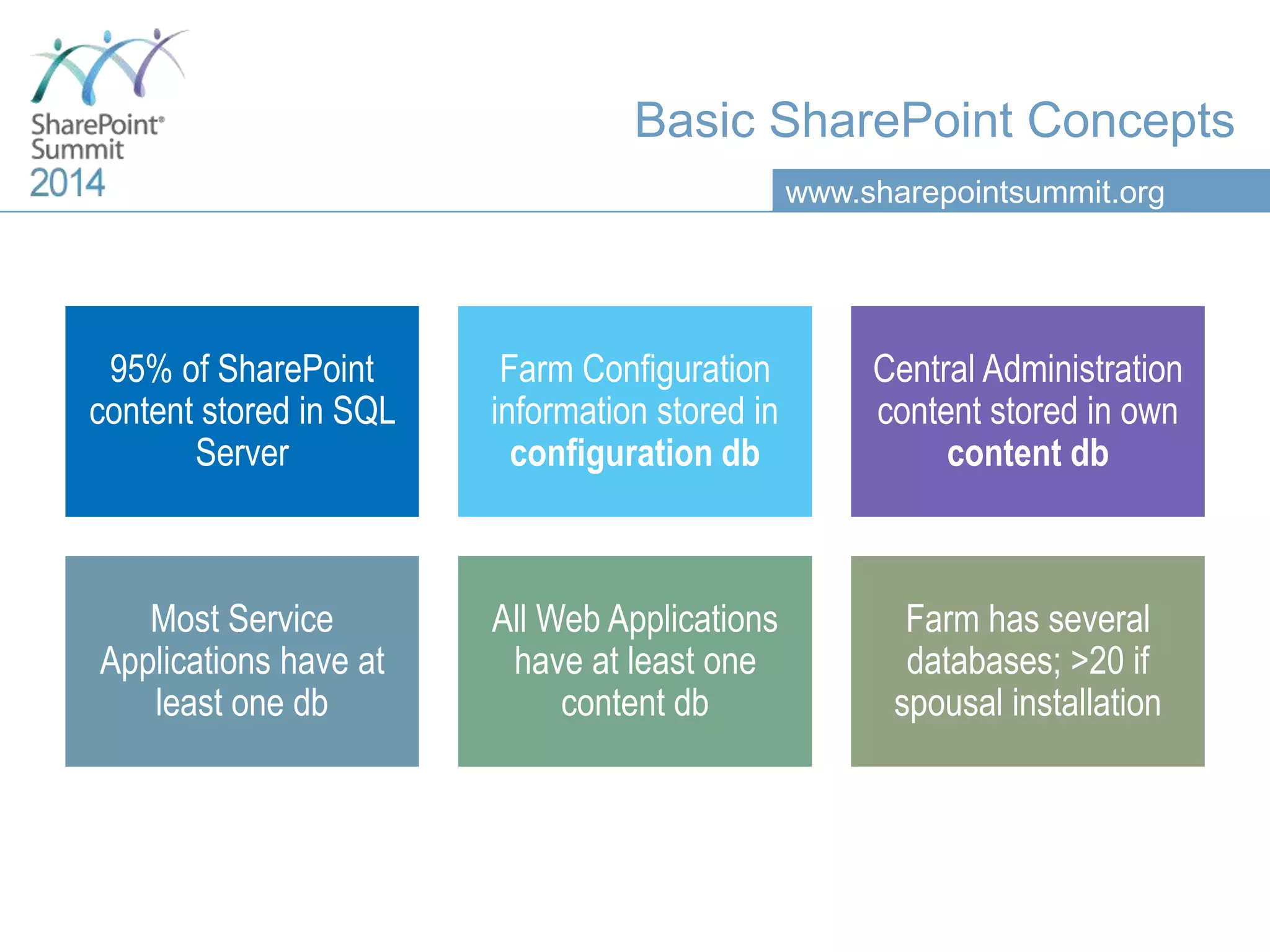
www.sharepointsummit.org Basic SharePoint Concepts 95% of SharePoint content stored in SQL Server Farm Configuration information stored in configuration db Central Administration content stored in own content db Most Service Applications have at least one db All Web Applications have at least one content db Farm has several databases; >20 if spousal installation
www.sharepointsummit.org Agenda Basic SharePoint DB concepts Operating System settings SQL Server configuration Databases configuration SharePoint and SQL Server integration concepts SQL Server optimization HA and DR : Always On Availability Groups & SP 2013
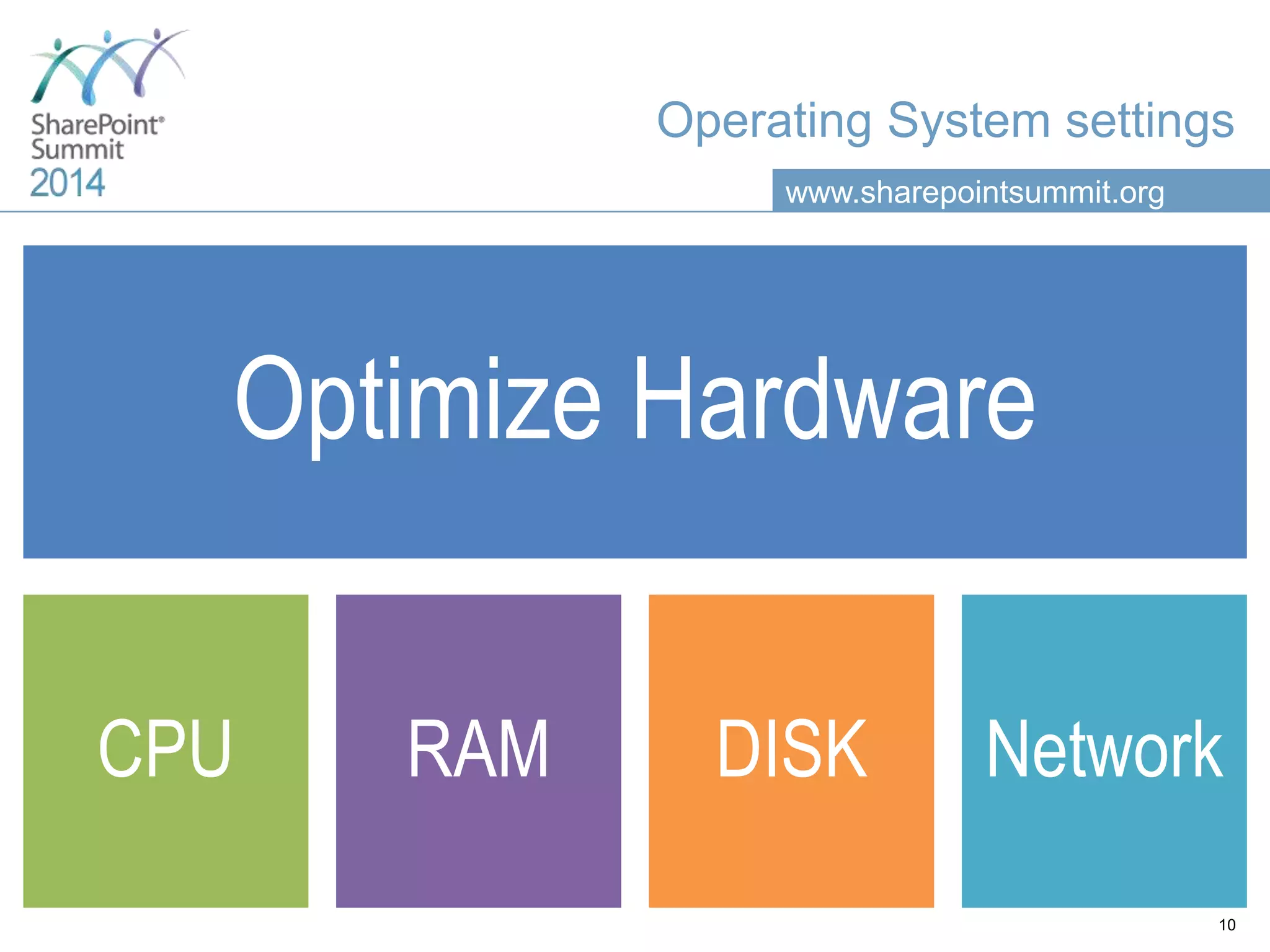
www.sharepointsummit.org Operating System settings Optimize Hardware CPU RAM DISK Network 10
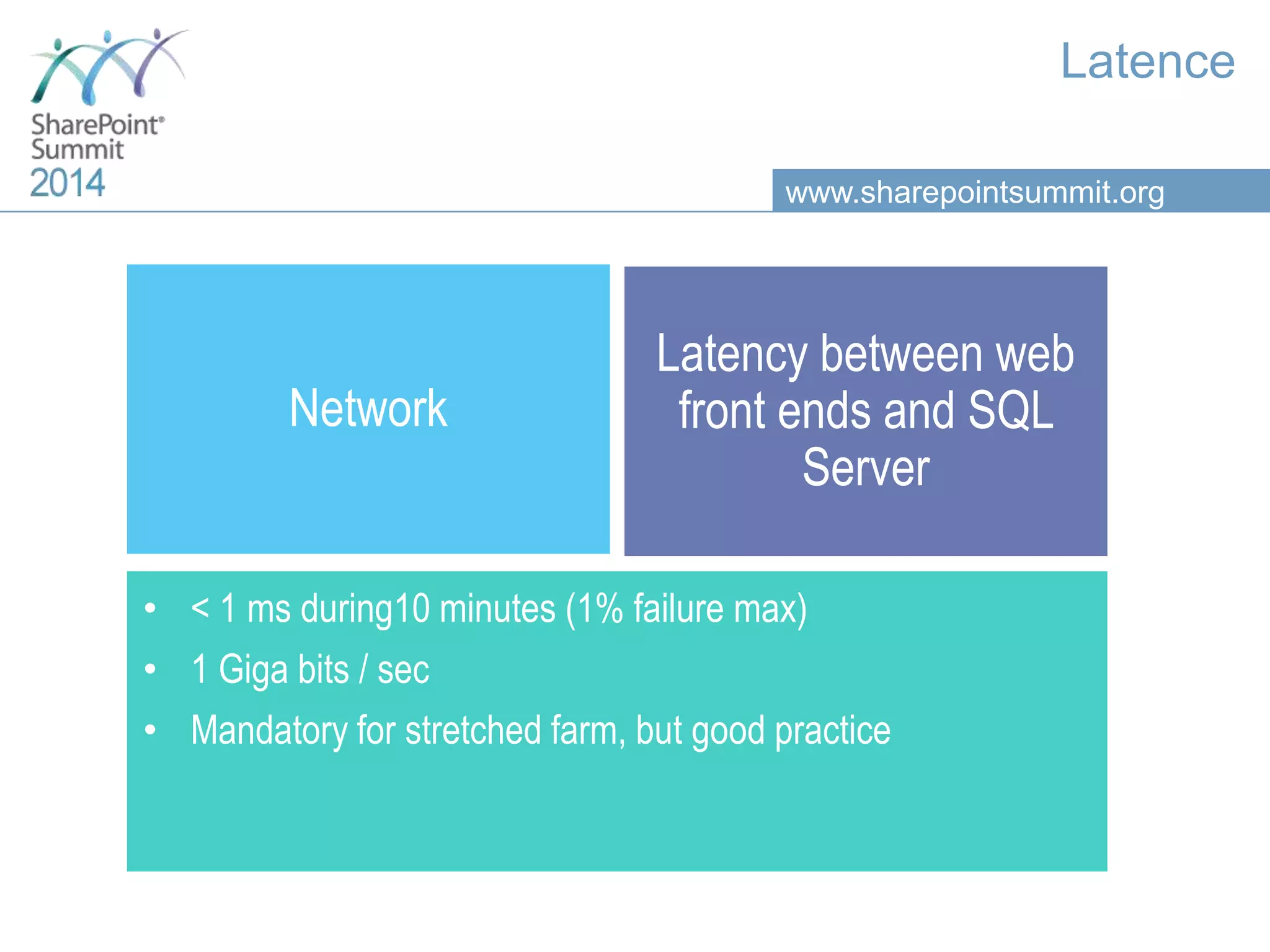
www.sharepointsummit.org Latence Network Latency between web front ends and SQL Server • < 1 ms during10 minutes (1% failure max) • 1 Giga bits / sec • Mandatory for stretched farm, but good practice
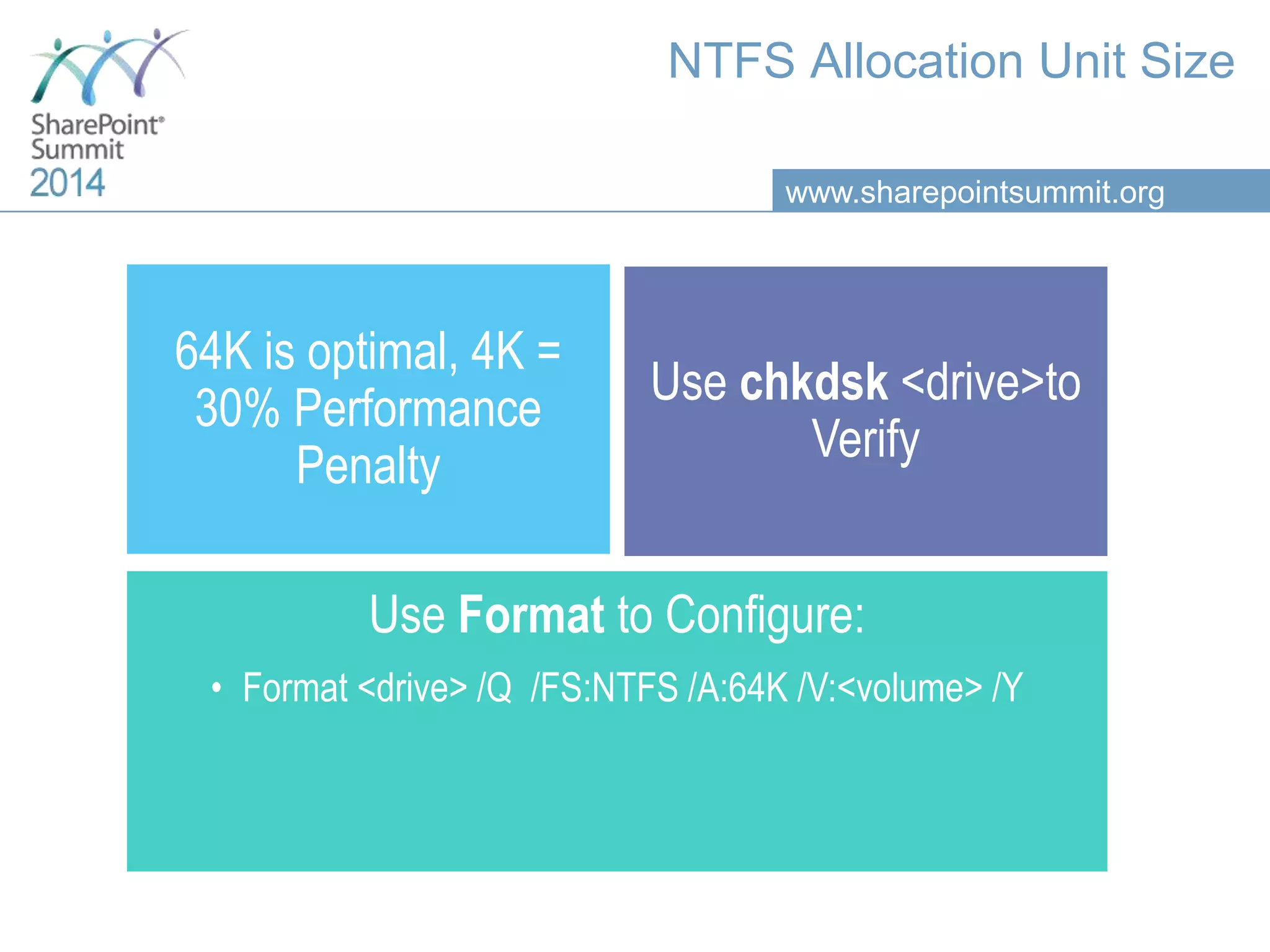
www.sharepointsummit.org NTFS Allocation Unit Size 64K is optimal, 4K = 30% Performance Penalty Use chkdsk <drive>to Verify Use Format to Configure: • Format <drive> /Q /FS:NTFS /A:64K /V:<volume> /Y
www.sharepointsummit.org Agenda Basic SharePoint DB concepts Operating System settings SQL Server configuration Databases configuration SharePoint and SQL Server integration concepts SQL Server optimization HA and DR : Always On Availability Groups & SP 2013
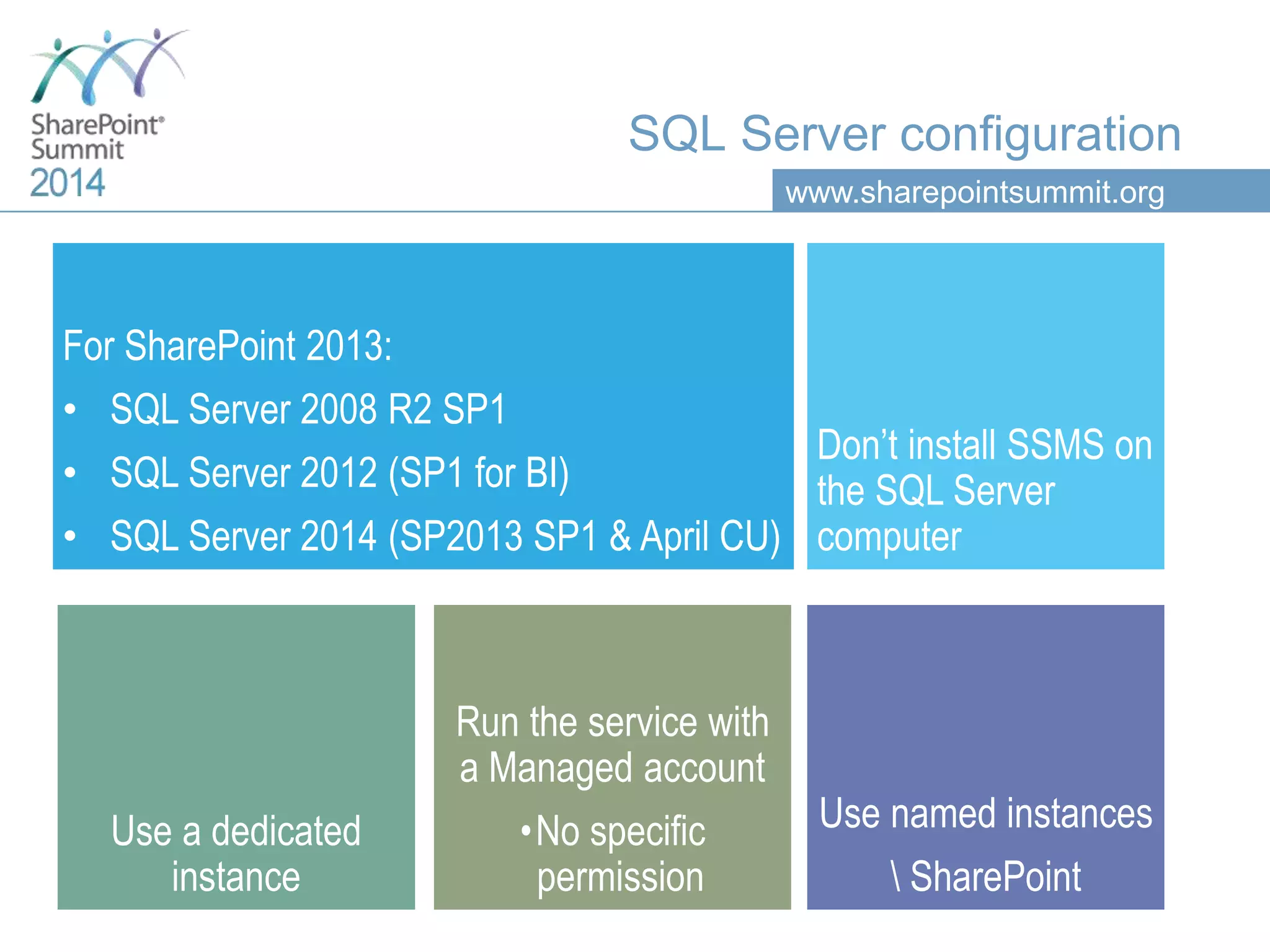
www.sharepointsummit.org SQL Server configuration For SharePoint 2013: • SQL Server 2008 R2 SP1 • SQL Server 2012 (SP1 for BI) • SQL Server 2014 (SP2013 SP1 & April CU) Don’t install SSMS on the SQL Server computer Use named instances SharePoint Use a dedicated instance Run the service with a Managed account •No specific permission
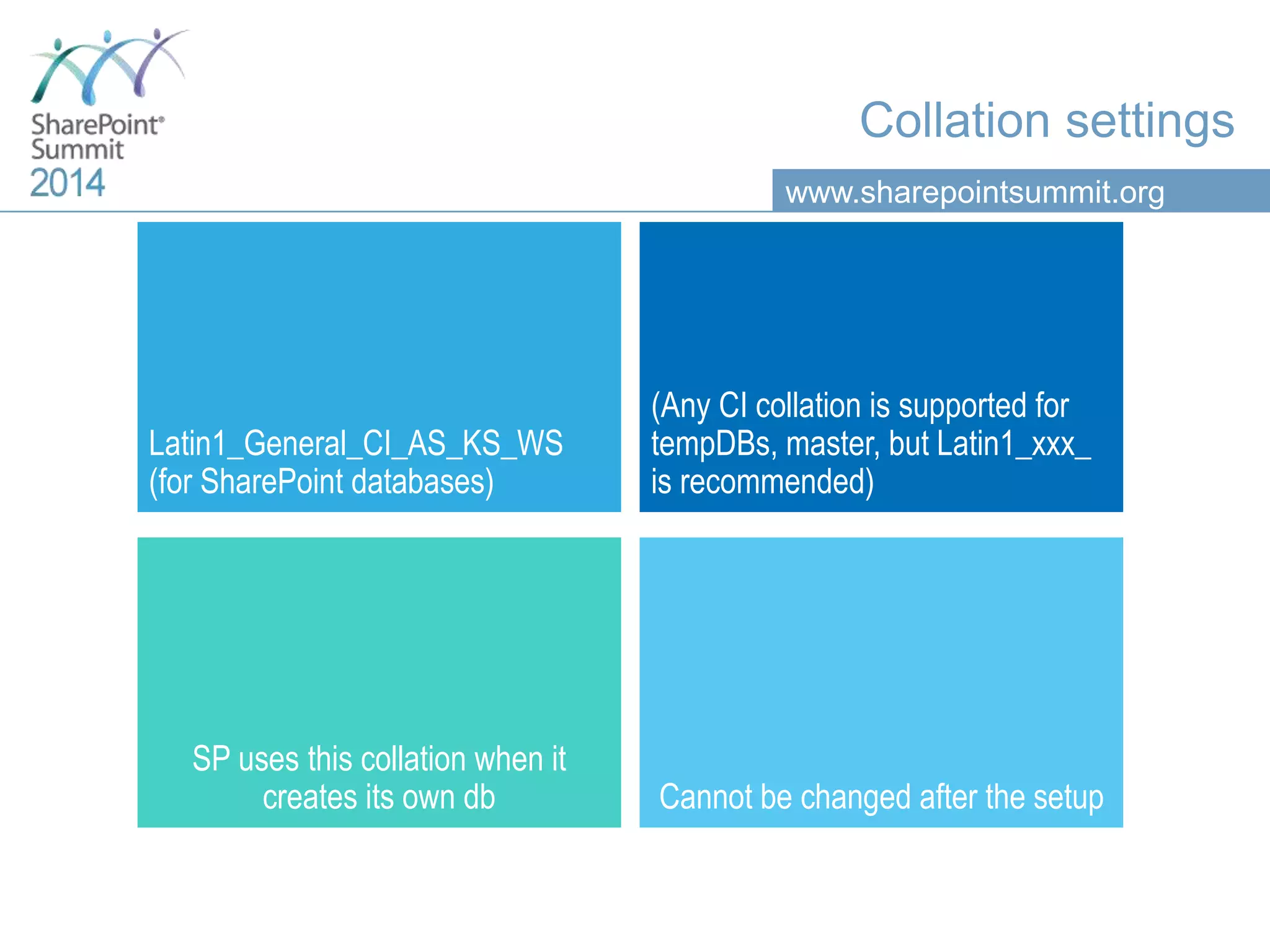
www.sharepointsummit.org Collation settings Latin1_General_CI_AS_KS_WS (for SharePoint databases) (Any CI collation is supported for tempDBs, master, but Latin1_xxx_ is recommended) SP uses this collation when it creates its own db Cannot be changed after the setup
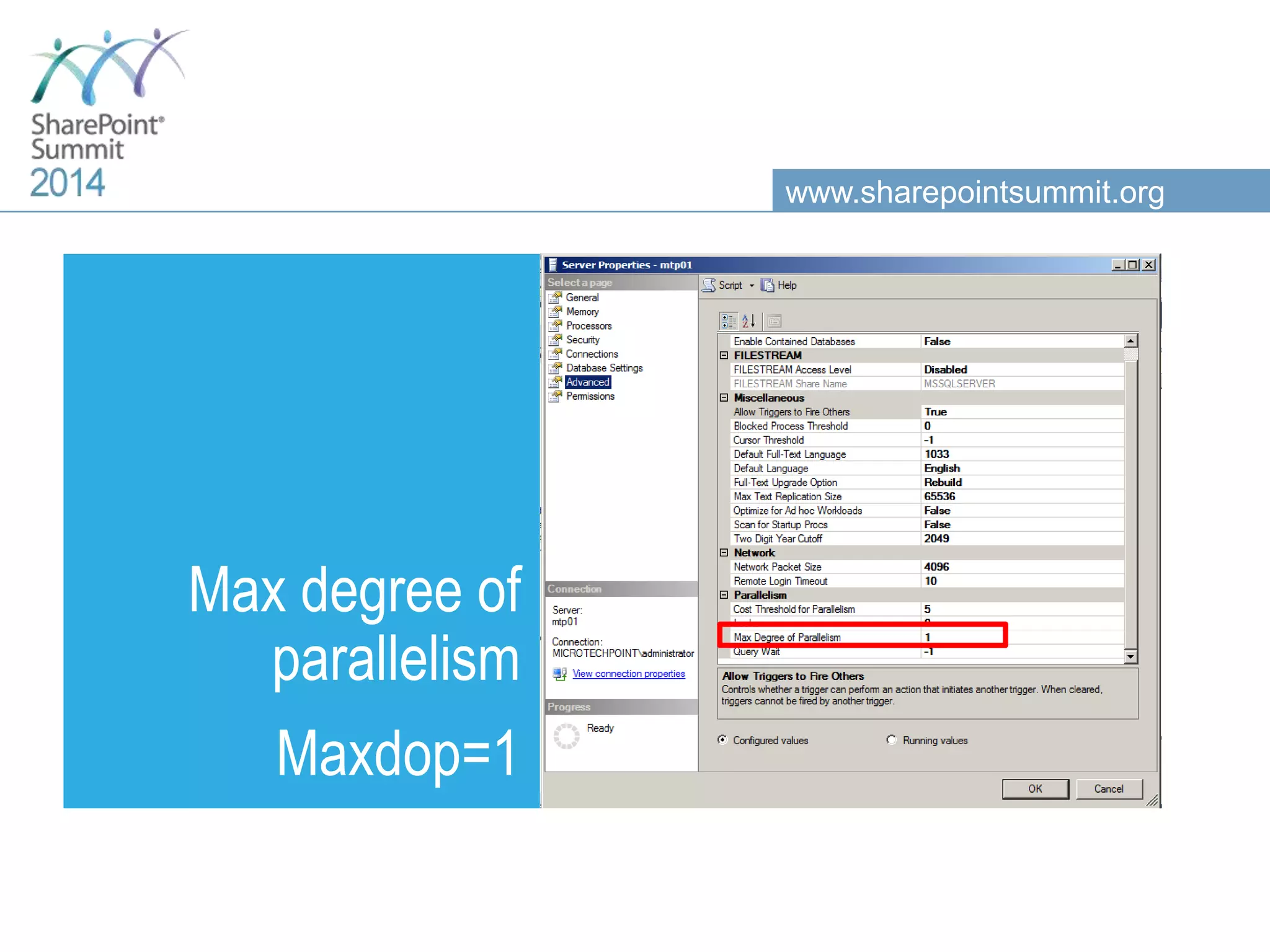
www.sharepointsummit.org Max degree of parallelism Maxdop=1
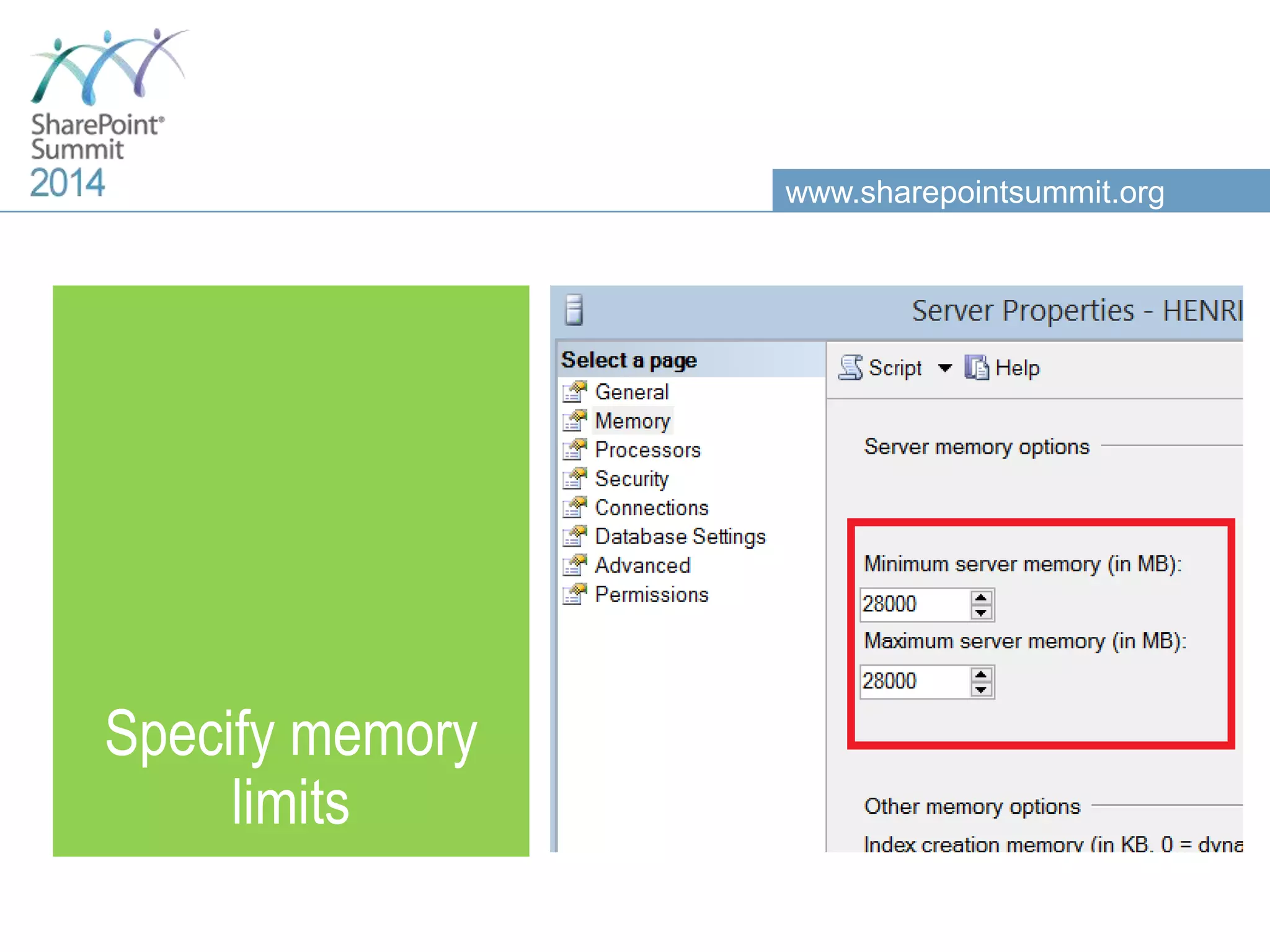
www.sharepointsummit.org Specify memory limits
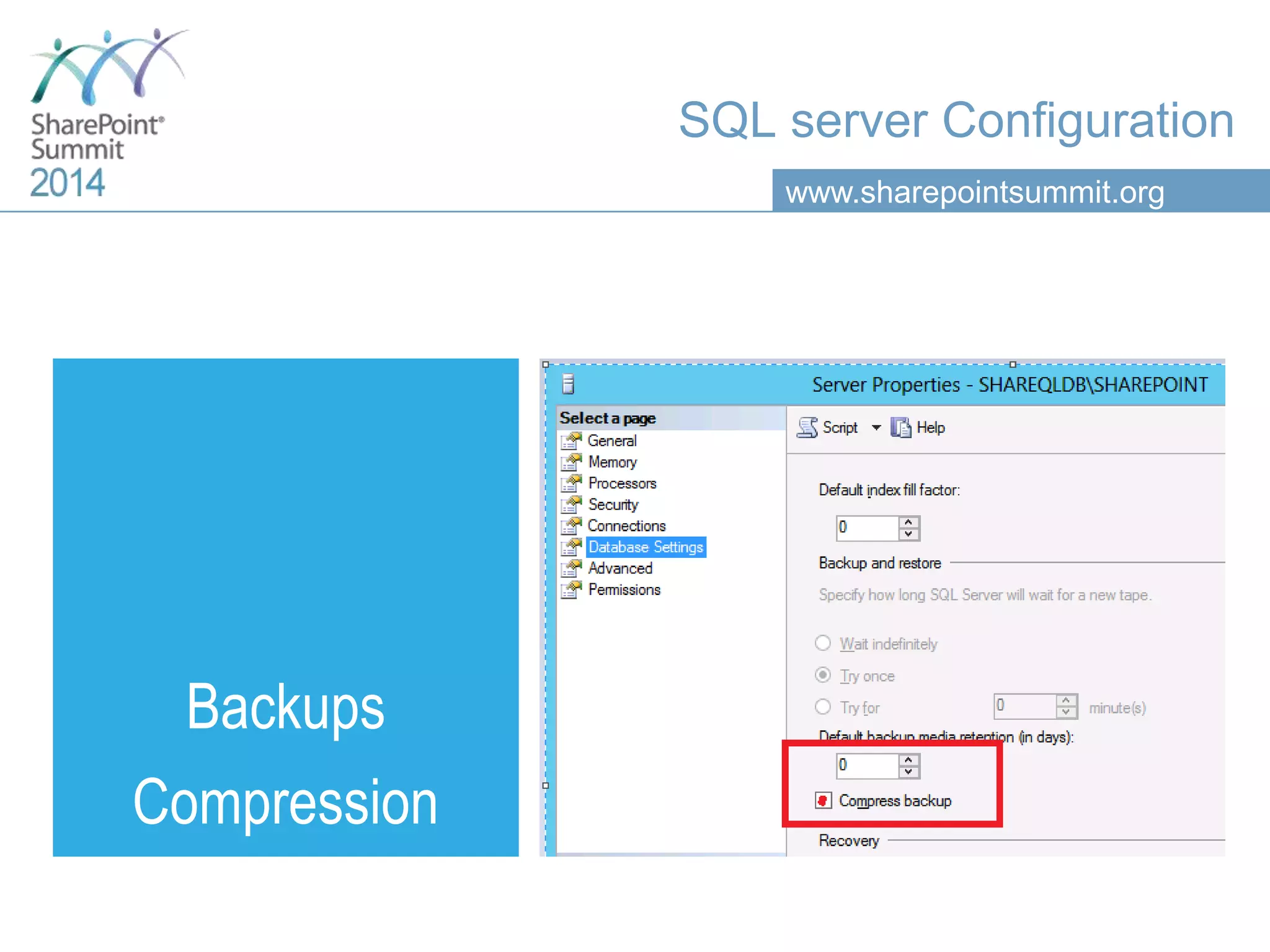
www.sharepointsummit.org Backups Compression SQL server Configuration
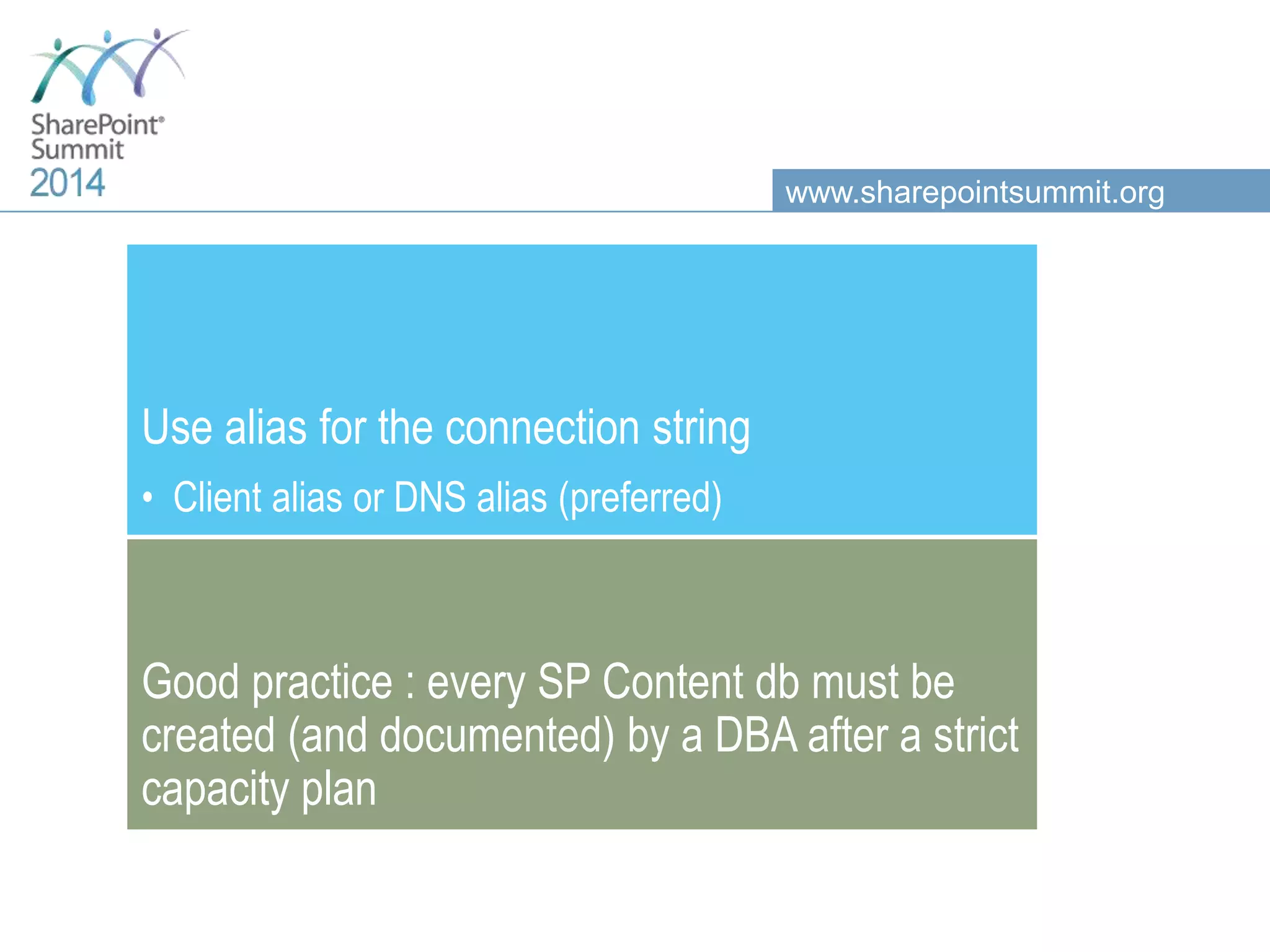
www.sharepointsummit.org Use alias for the connection string • Client alias or DNS alias (preferred) Good practice : every SP Content db must be created (and documented) by a DBA after a strict capacity plan
www.sharepointsummit.org Agenda Basic SharePoint DB concepts Operating System settings SQL Server configuration Databases configuration SharePoint and SQL Server integration concepts SQL Server optimization HA and DR : Always On Availability Groups & SP 2013
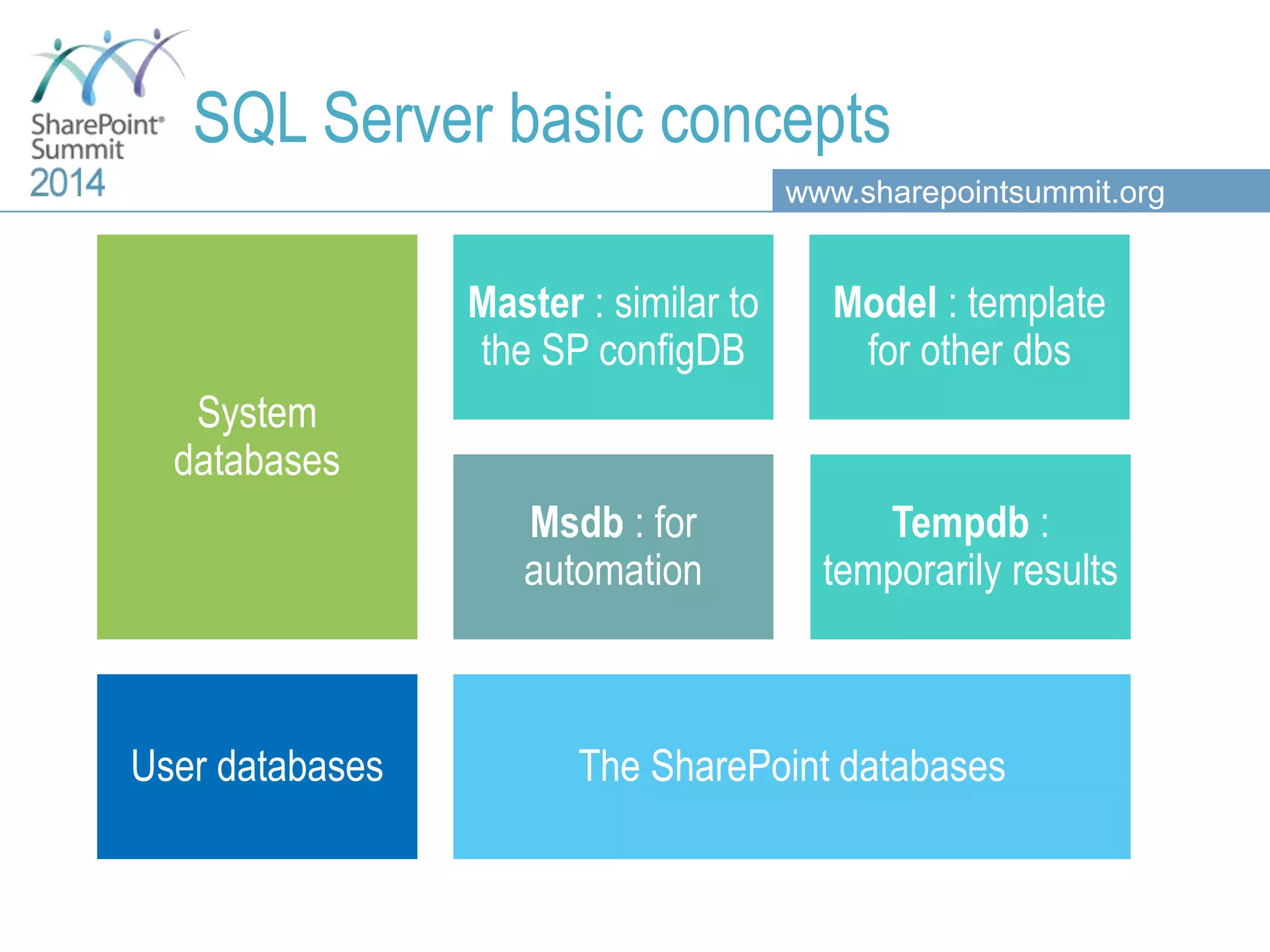
www.sharepointsummit.org System databases Master : similar to the SP configDB Model : template for other dbs Tempdb : temporarily results Msdb : for automation User databases The SharePoint databases SQL Server basic concepts
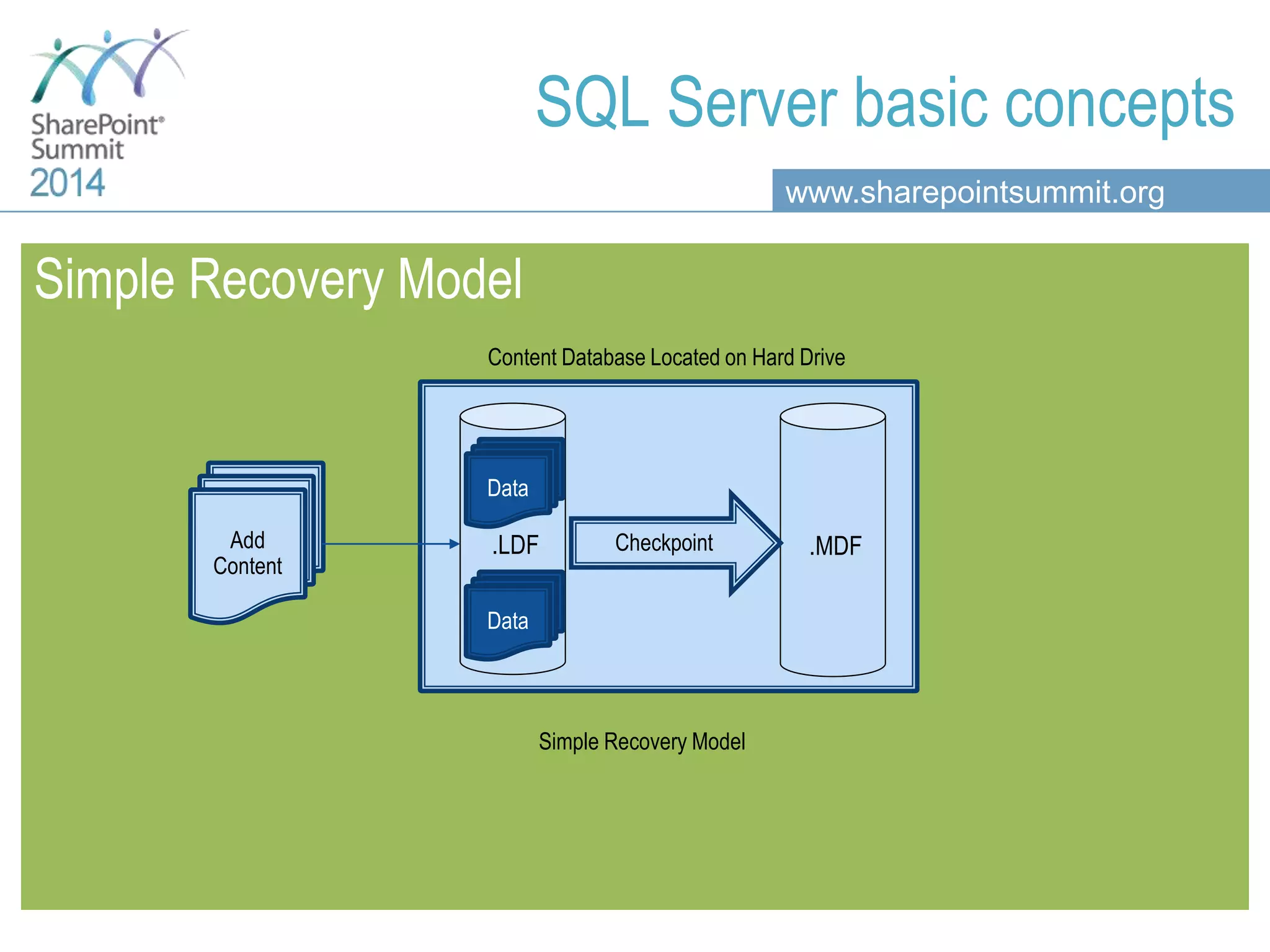
www.sharepointsummit.org SQL Server basic concepts Simple Recovery Model .MDF.LDFAdd Content Content Database Located on Hard Drive Checkpoint Data Data Simple Recovery Model
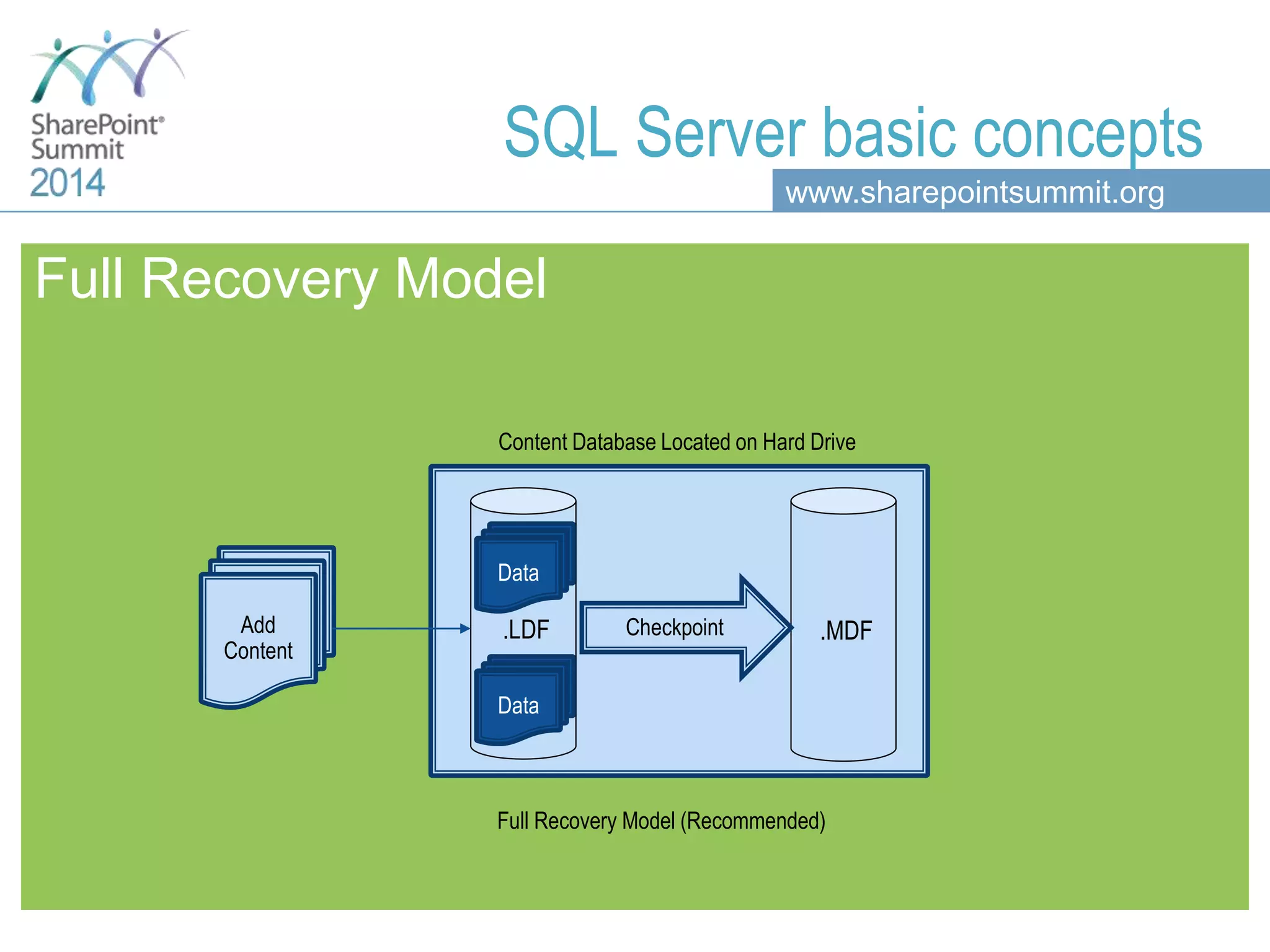
www.sharepointsummit.org Full Recovery Model .LDF Data Data .MDFAdd Content Content Database Located on Hard Drive Checkpoint Data Data Full Recovery Model (Recommended) SQL Server basic concepts
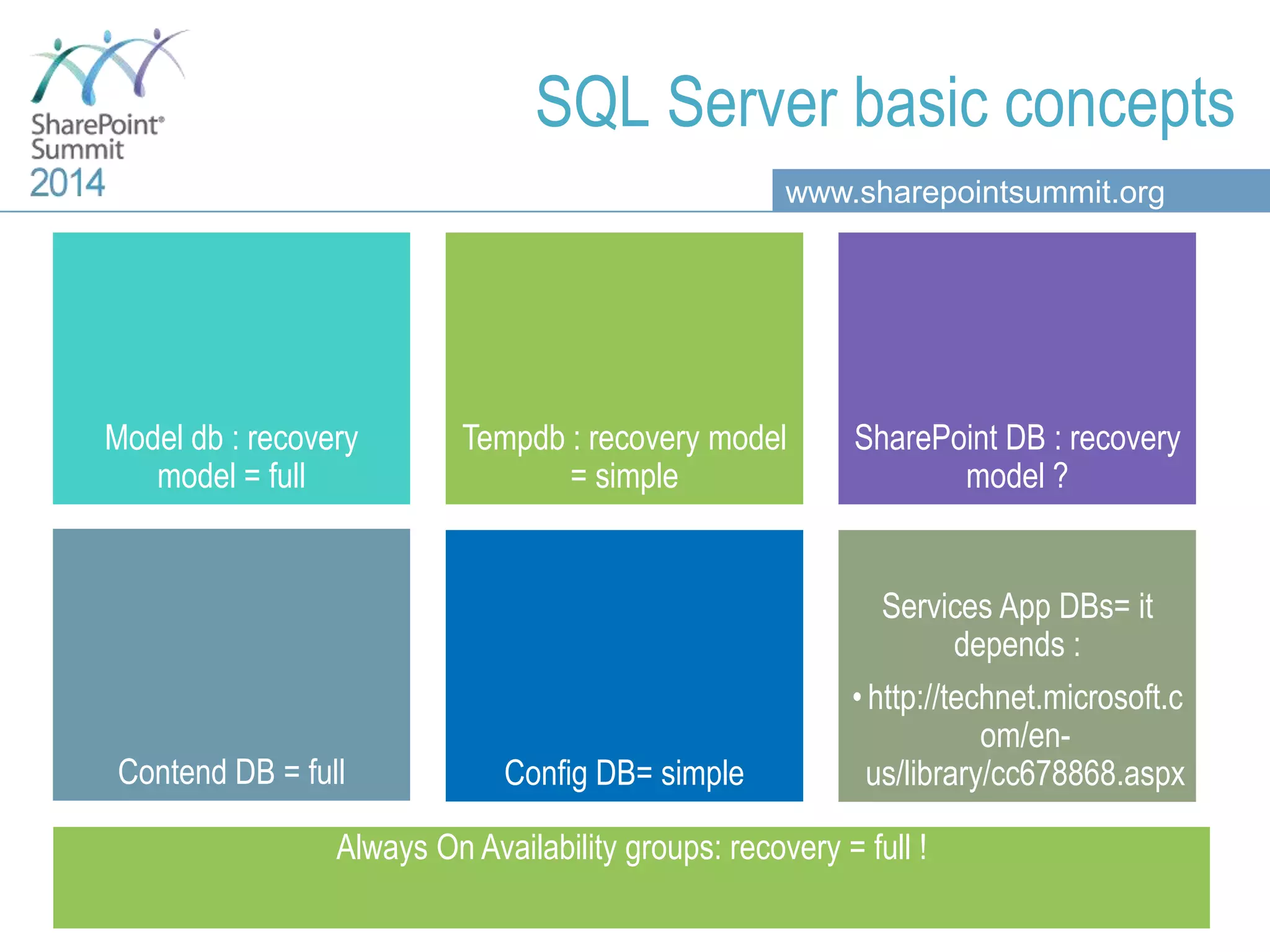
www.sharepointsummit.org Model db : recovery model = full Tempdb : recovery model = simple SharePoint DB : recovery model ? Contend DB = full Config DB= simple Services App DBs= it depends : • http://technet.microsoft.c om/en- us/library/cc678868.aspx Always On Availability groups: recovery = full ! SQL Server basic concepts
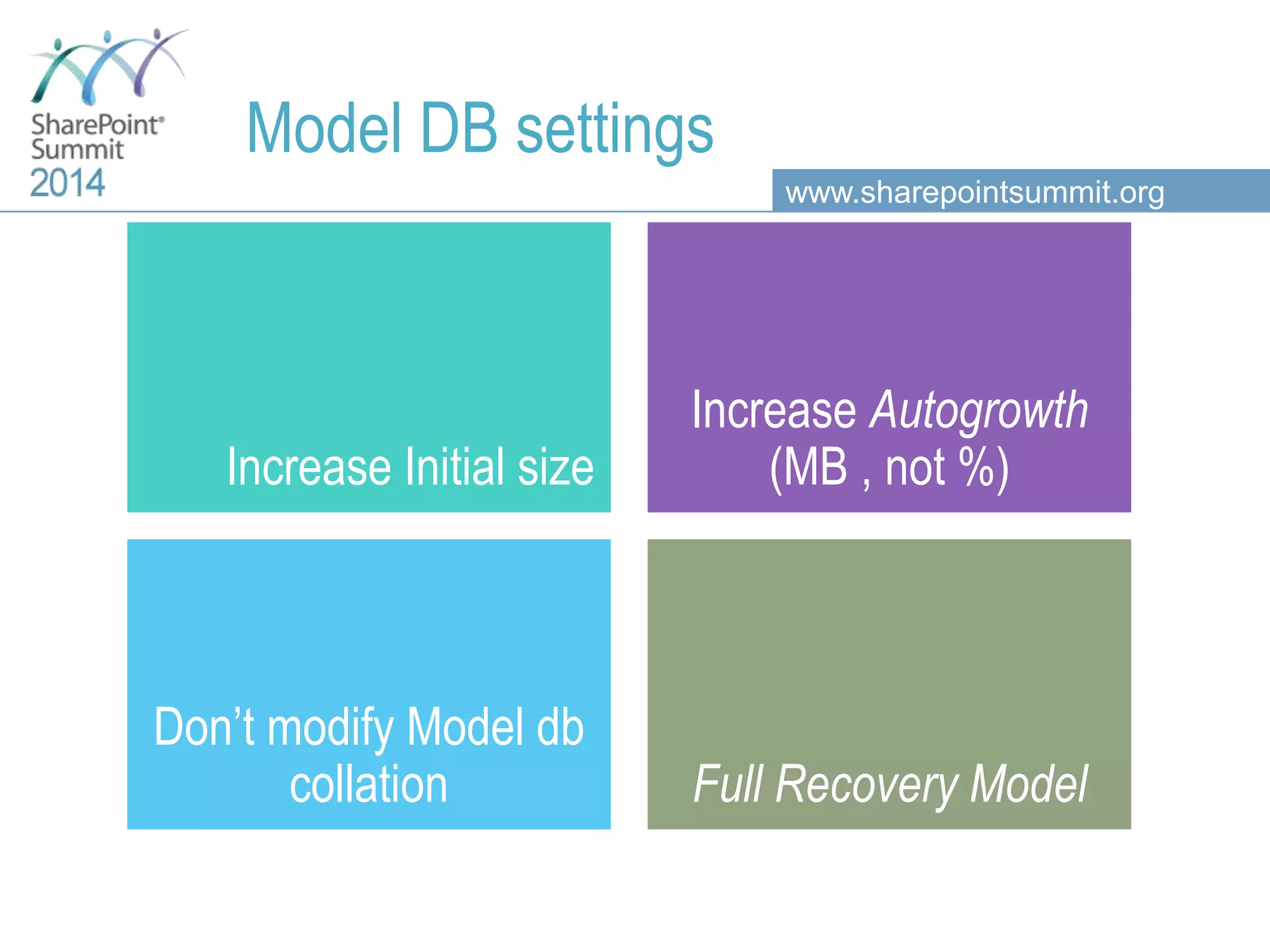
www.sharepointsummit.org Model DB settings Increase Initial size Increase Autogrowth (MB , not %) Don’t modify Model db collation Full Recovery Model
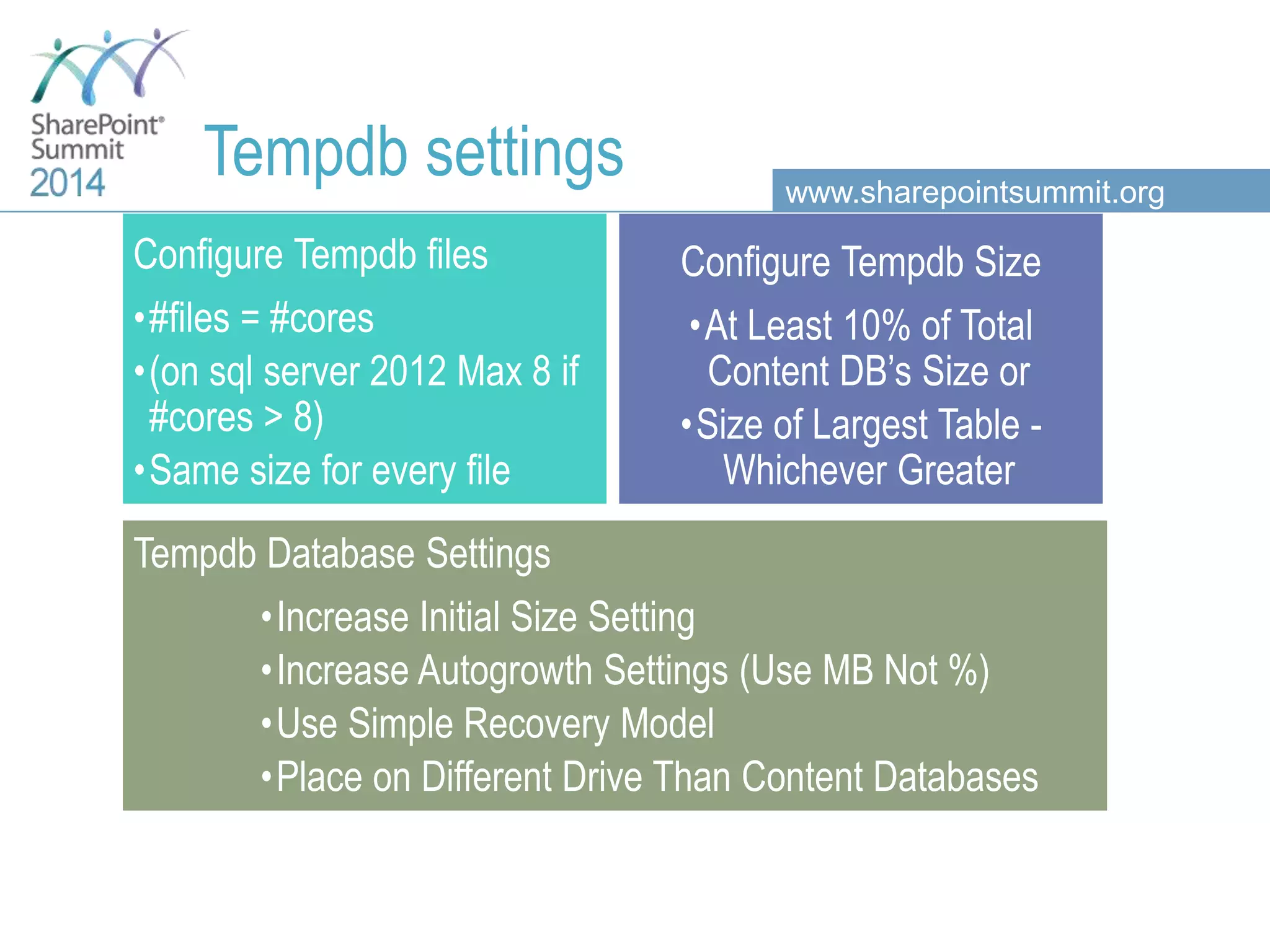
www.sharepointsummit.org Tempdb settings Configure Tempdb files •#files = #cores •(on sql server 2012 Max 8 if #cores > 8) •Same size for every file Configure Tempdb Size •At Least 10% of Total Content DB’s Size or •Size of Largest Table - Whichever Greater Tempdb Database Settings •Increase Initial Size Setting •Increase Autogrowth Settings (Use MB Not %) •Use Simple Recovery Model •Place on Different Drive Than Content Databases
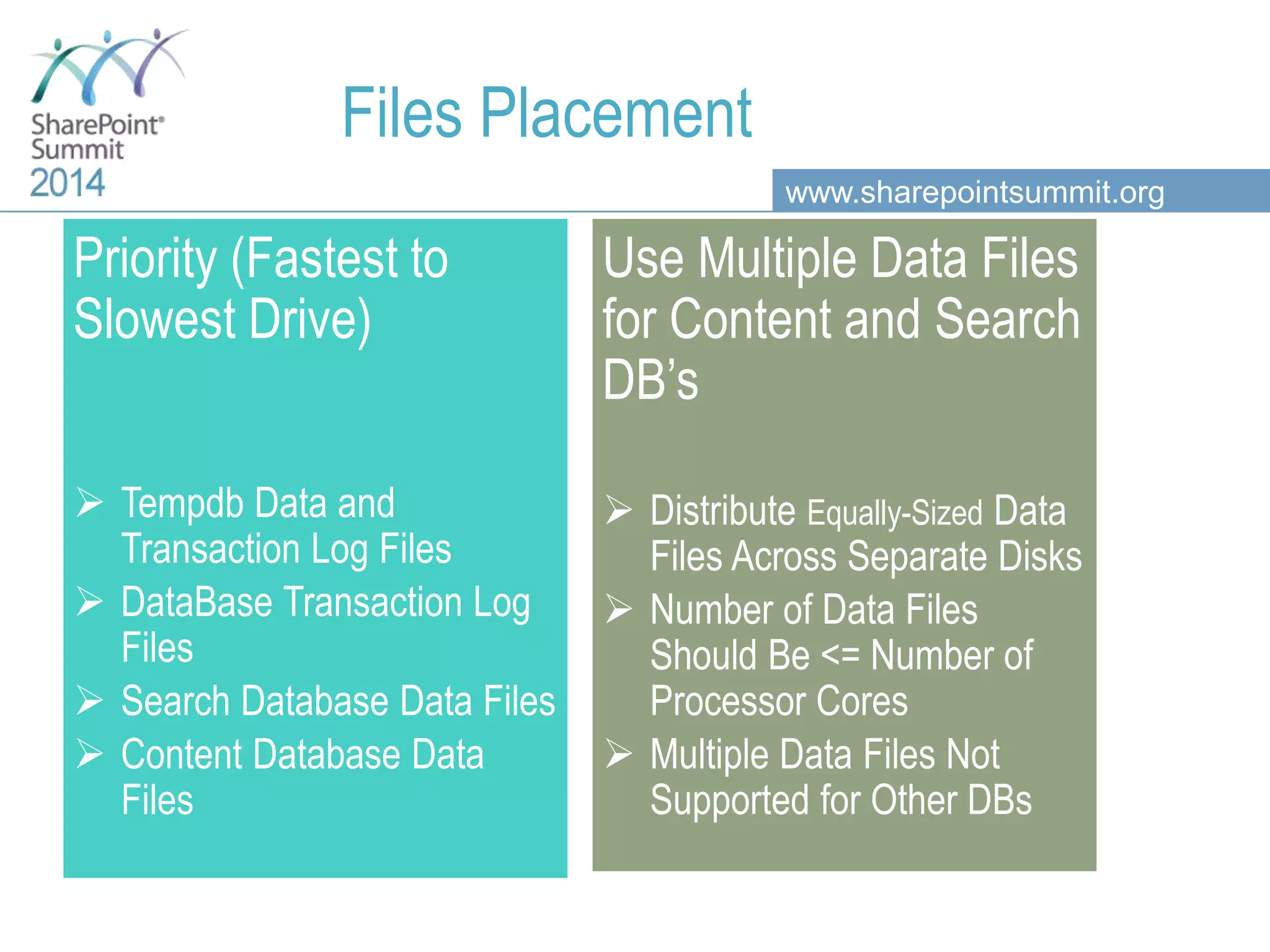
www.sharepointsummit.org Files Placement Priority (Fastest to Slowest Drive)  Tempdb Data and Transaction Log Files  DataBase Transaction Log Files  Search Database Data Files  Content Database Data Files Use Multiple Data Files for Content and Search DB’s  Distribute Equally-Sized Data Files Across Separate Disks  Number of Data Files Should Be <= Number of Processor Cores  Multiple Data Files Not Supported for Other DBs
www.sharepointsummit.org Agenda Basic SharePoint DB concepts Operating System settings SQL Server configuration Databases configuration SharePoint and SQL Server integration concepts SQL Server optimization HA and DR : Always On Availability Groups & SP 2013
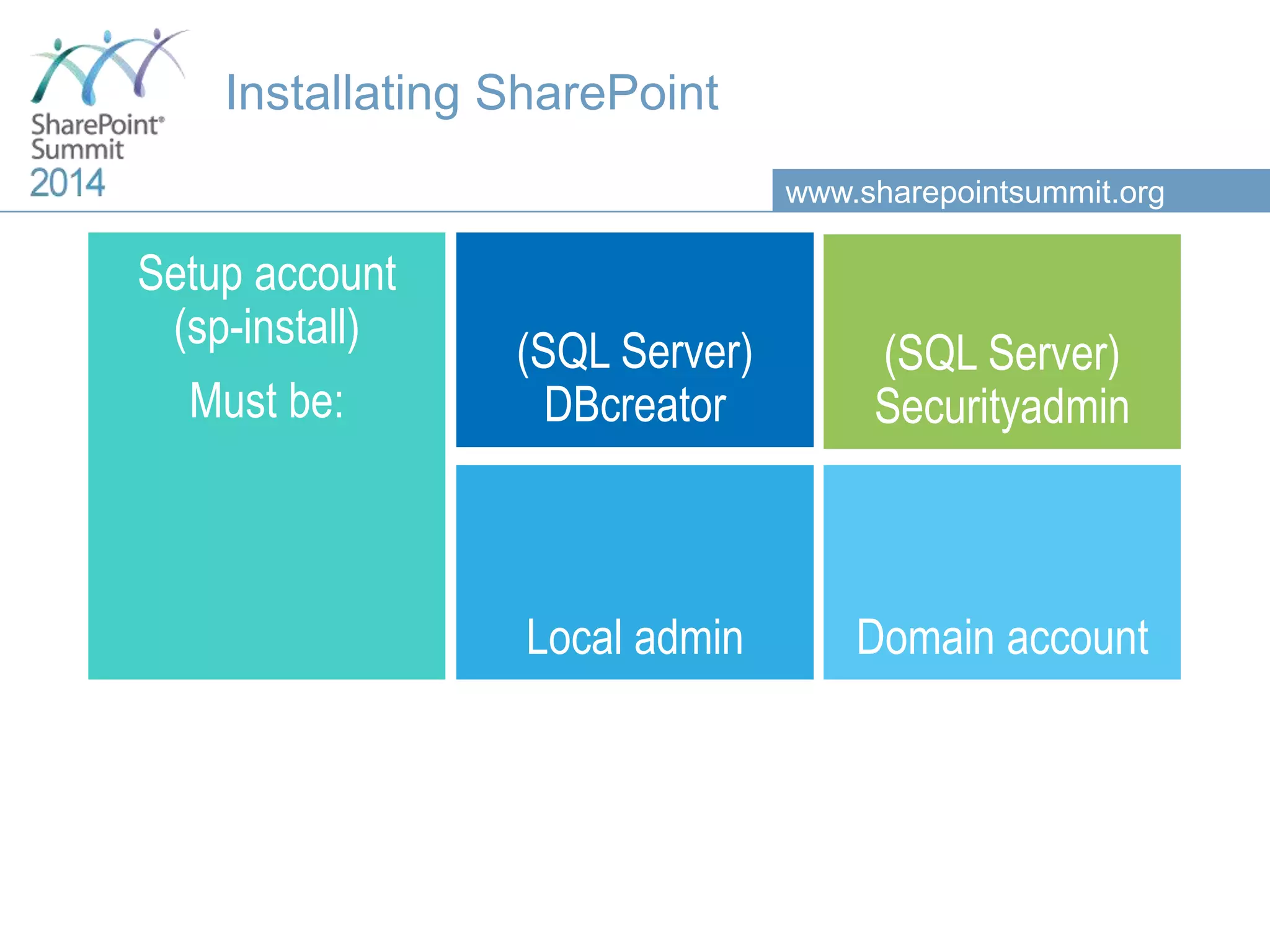
www.sharepointsummit.org Installating SharePoint Setup account (sp-install) Must be: (SQL Server) DBcreator (SQL Server) Securityadmin Local admin Domain account
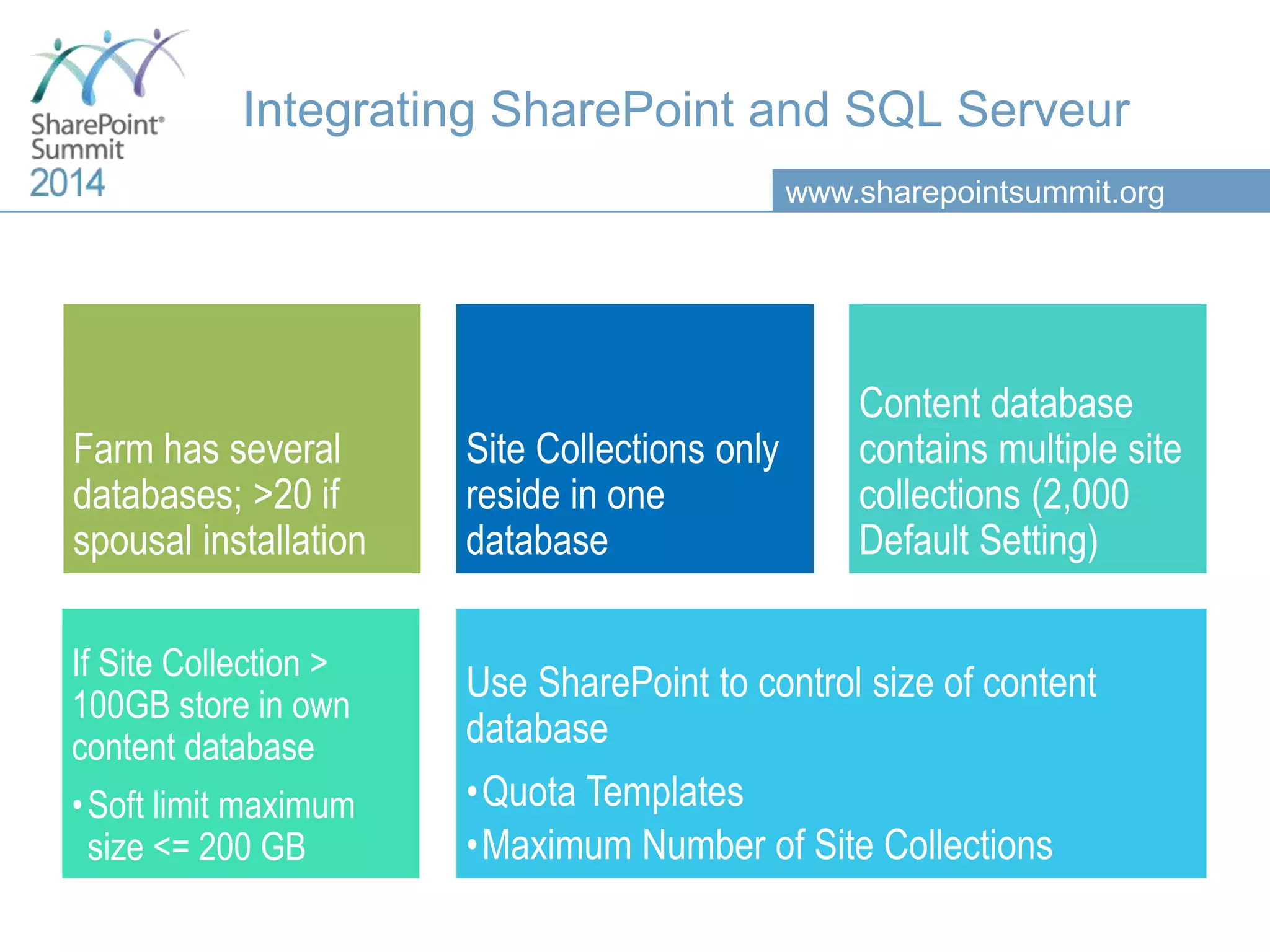
www.sharepointsummit.org Integrating SharePoint and SQL Serveur Farm has several databases; >20 if spousal installation Site Collections only reside in one database Content database contains multiple site collections (2,000 Default Setting) If Site Collection > 100GB store in own content database •Soft limit maximum size <= 200 GB Use SharePoint to control size of content database •Quota Templates •Maximum Number of Site Collections
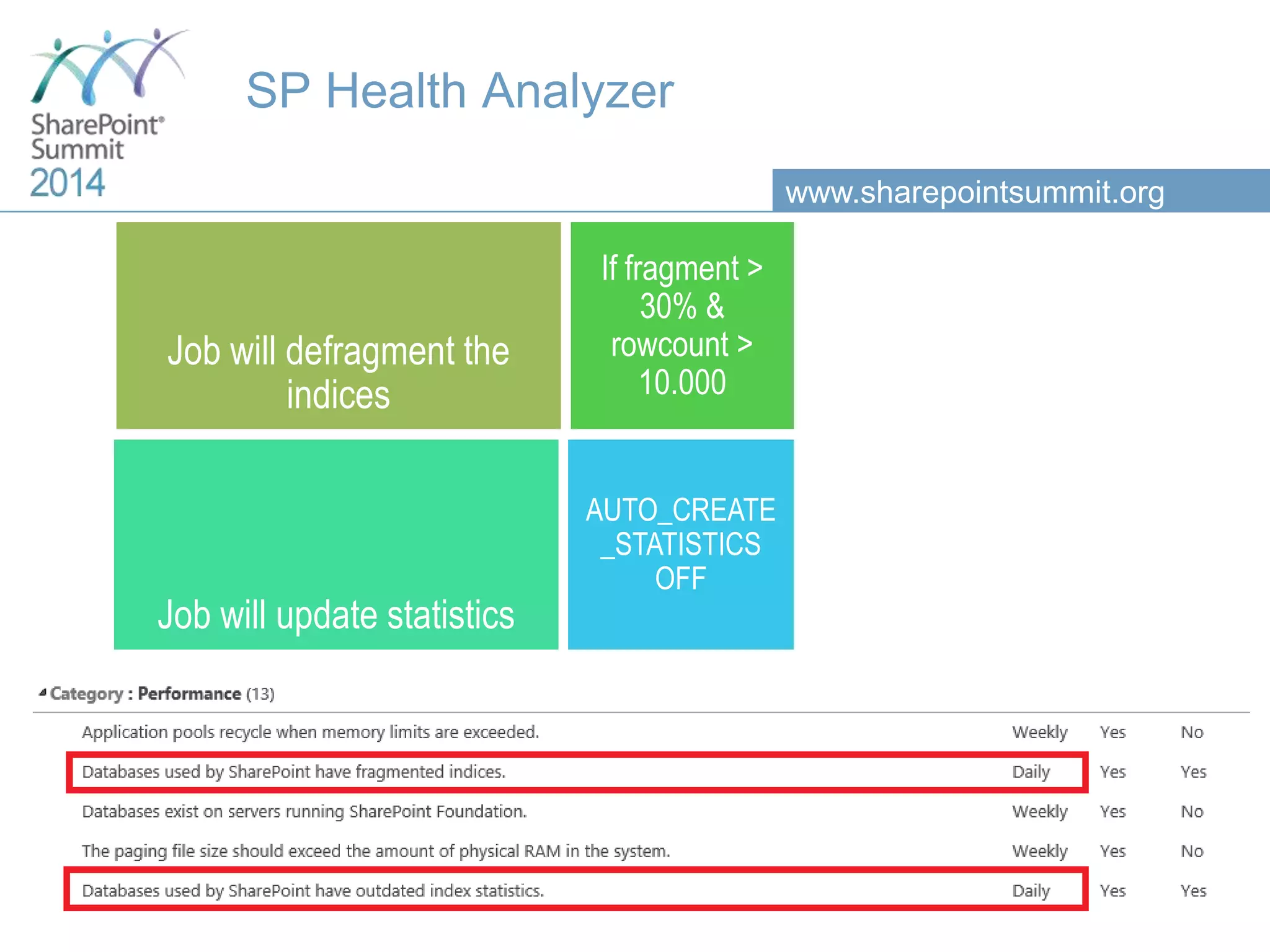
www.sharepointsummit.org SP Health Analyzer Job will defragment the indices If fragment > 30% & rowcount > 10.000 Job will update statistics AUTO_CREATE _STATISTICS OFF
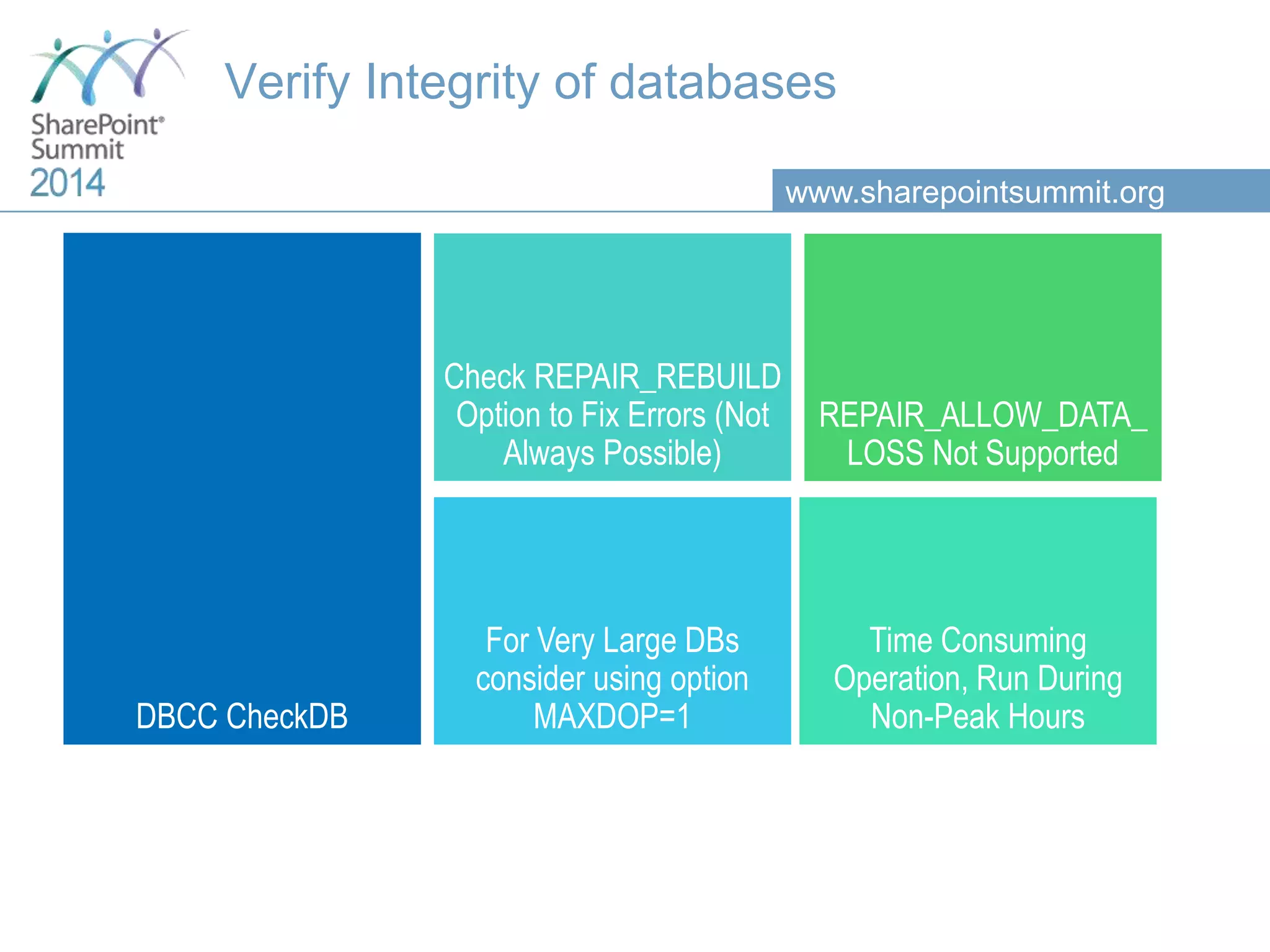
www.sharepointsummit.org Verify Integrity of databases DBCC CheckDB Check REPAIR_REBUILD Option to Fix Errors (Not Always Possible) REPAIR_ALLOW_DATA_ LOSS Not Supported Time Consuming Operation, Run During Non-Peak Hours For Very Large DBs consider using option MAXDOP=1
www.sharepointsummit.org Agenda Basic SharePoint DB concepts Operating System settings SQL Server configuration Databases configuration SharePoint and SQL Server integration concepts SQL Server optimization HA and DR : Always On Availability Groups & SP 2013
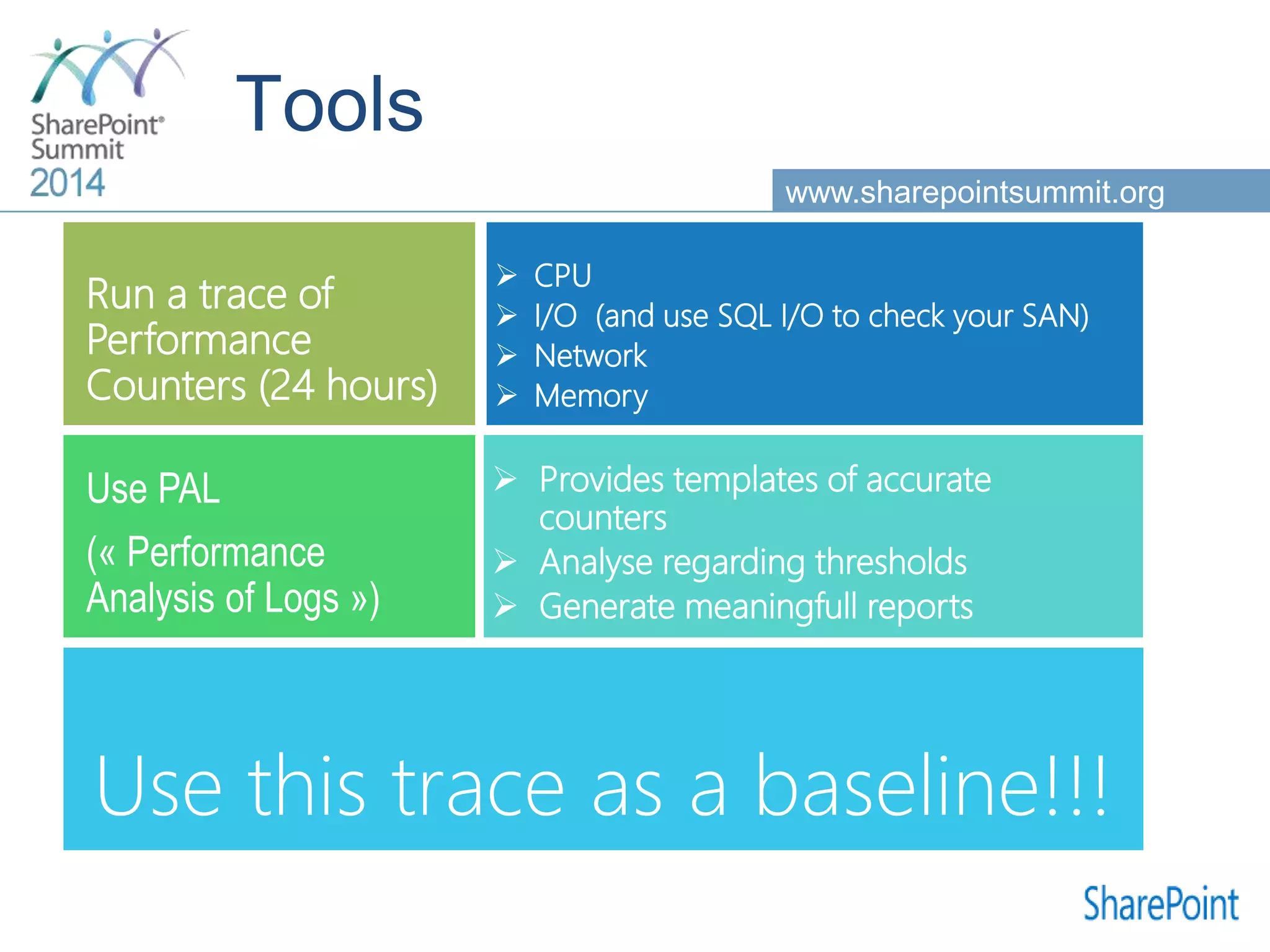
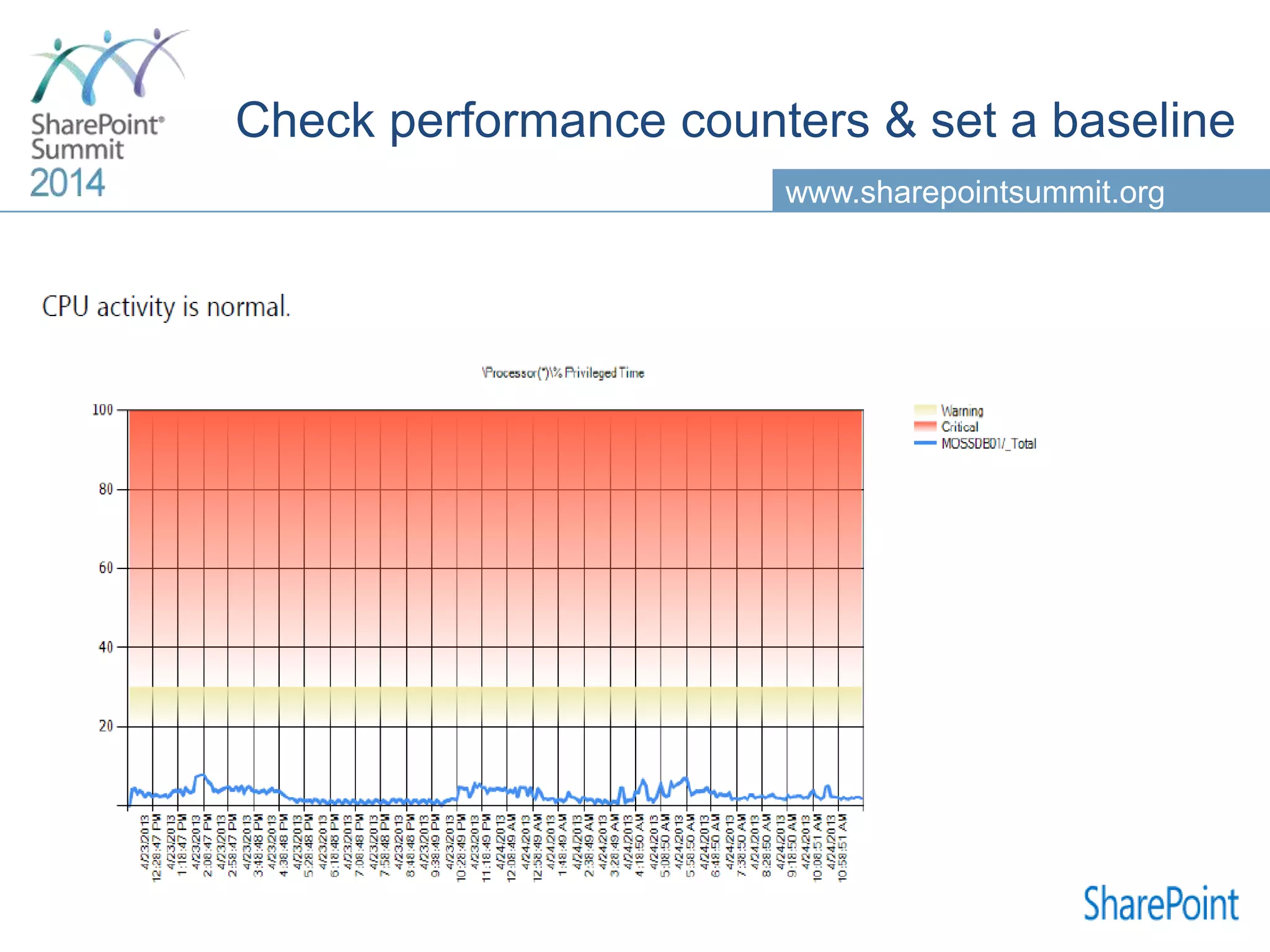
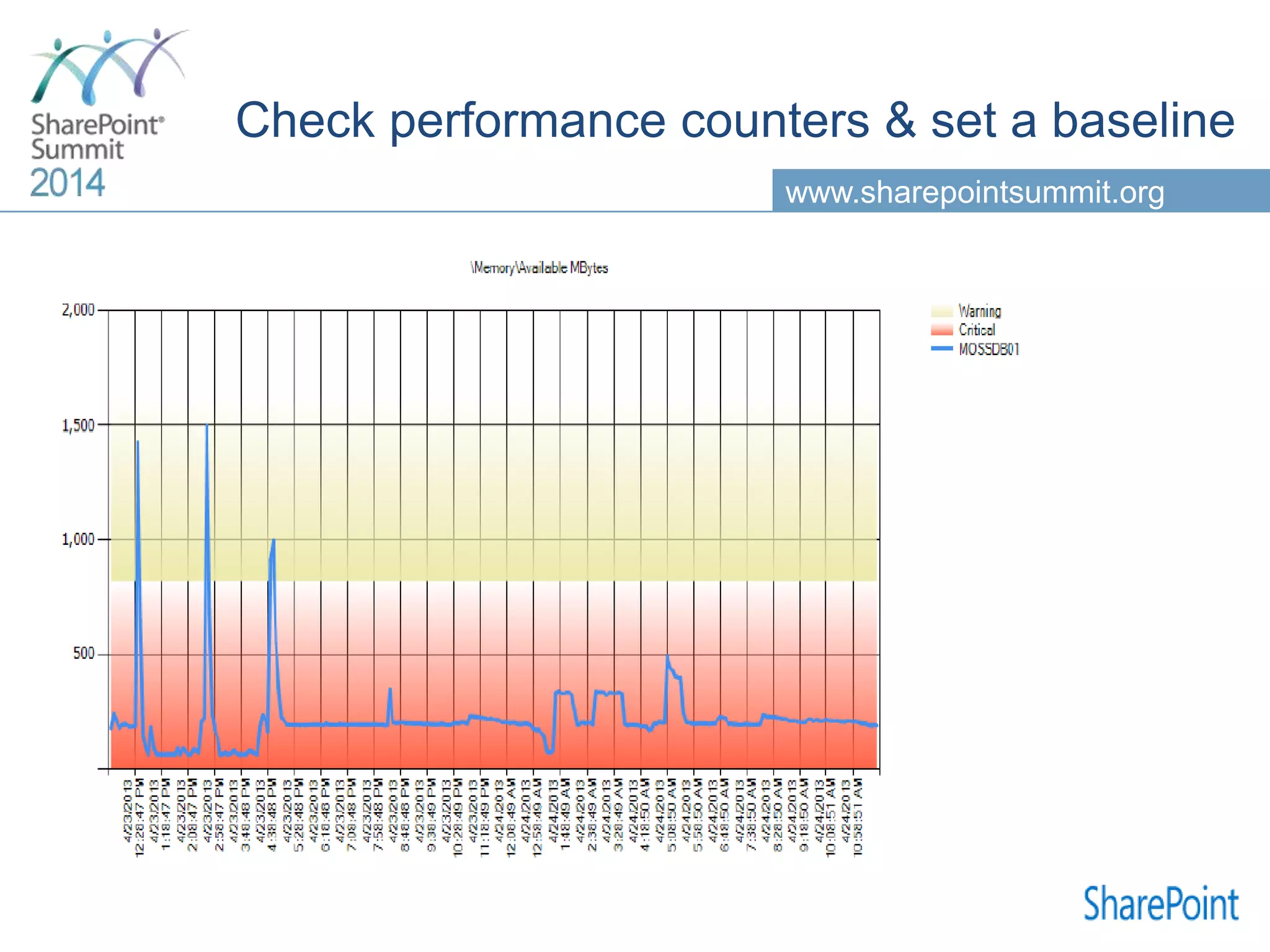
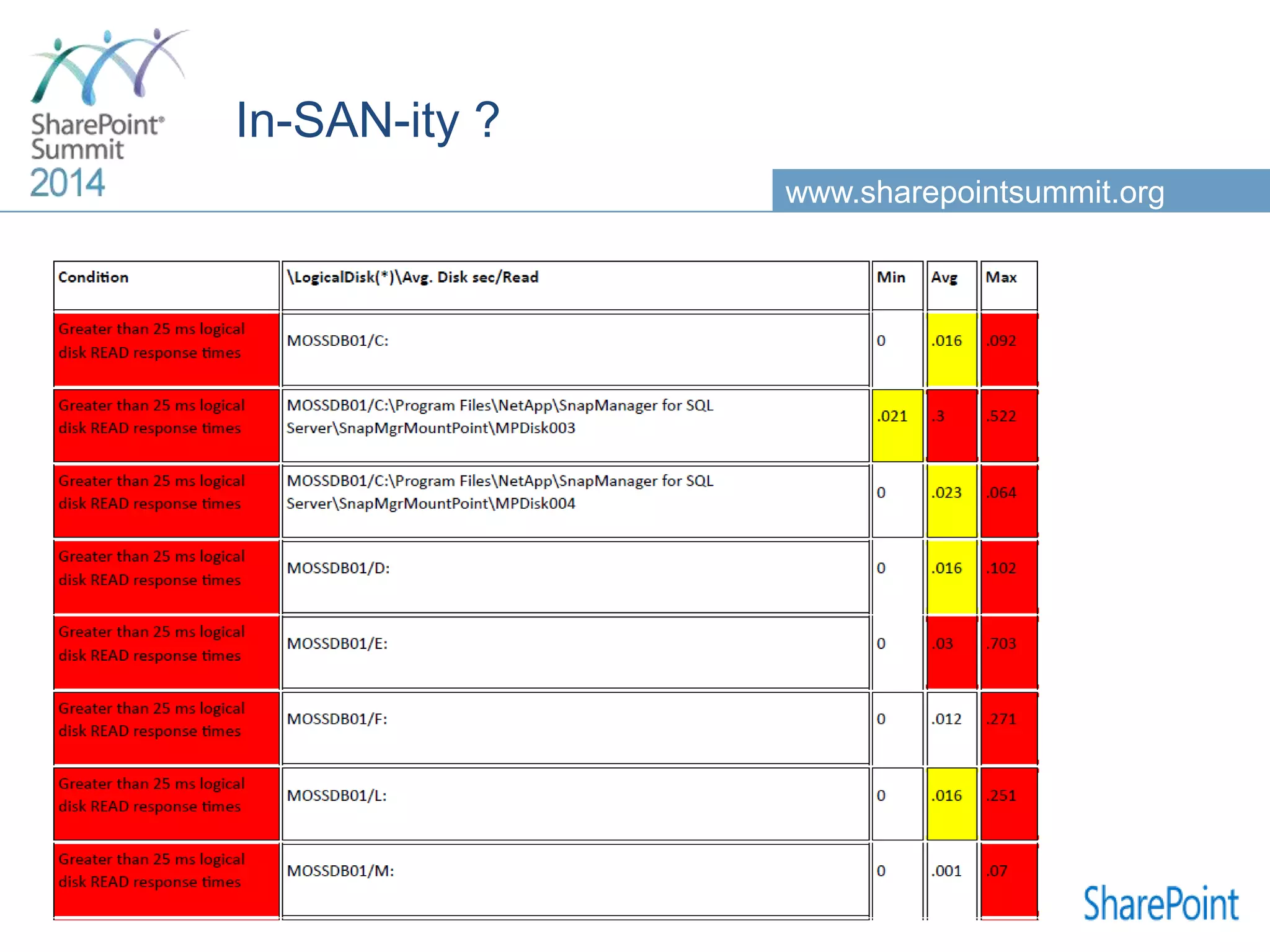
www.sharepointsummit.org  CPU  I/O (and use SQL I/O to check your SAN)  Network  Memory Run a trace of Performance Counters (24 hours)  Provides templates of accurate counters  Analyse regarding thresholds  Generate meaningfull reports Use PAL (« Performance Analysis of Logs ») Use this trace as a baseline!!!
www.sharepointsummit.org
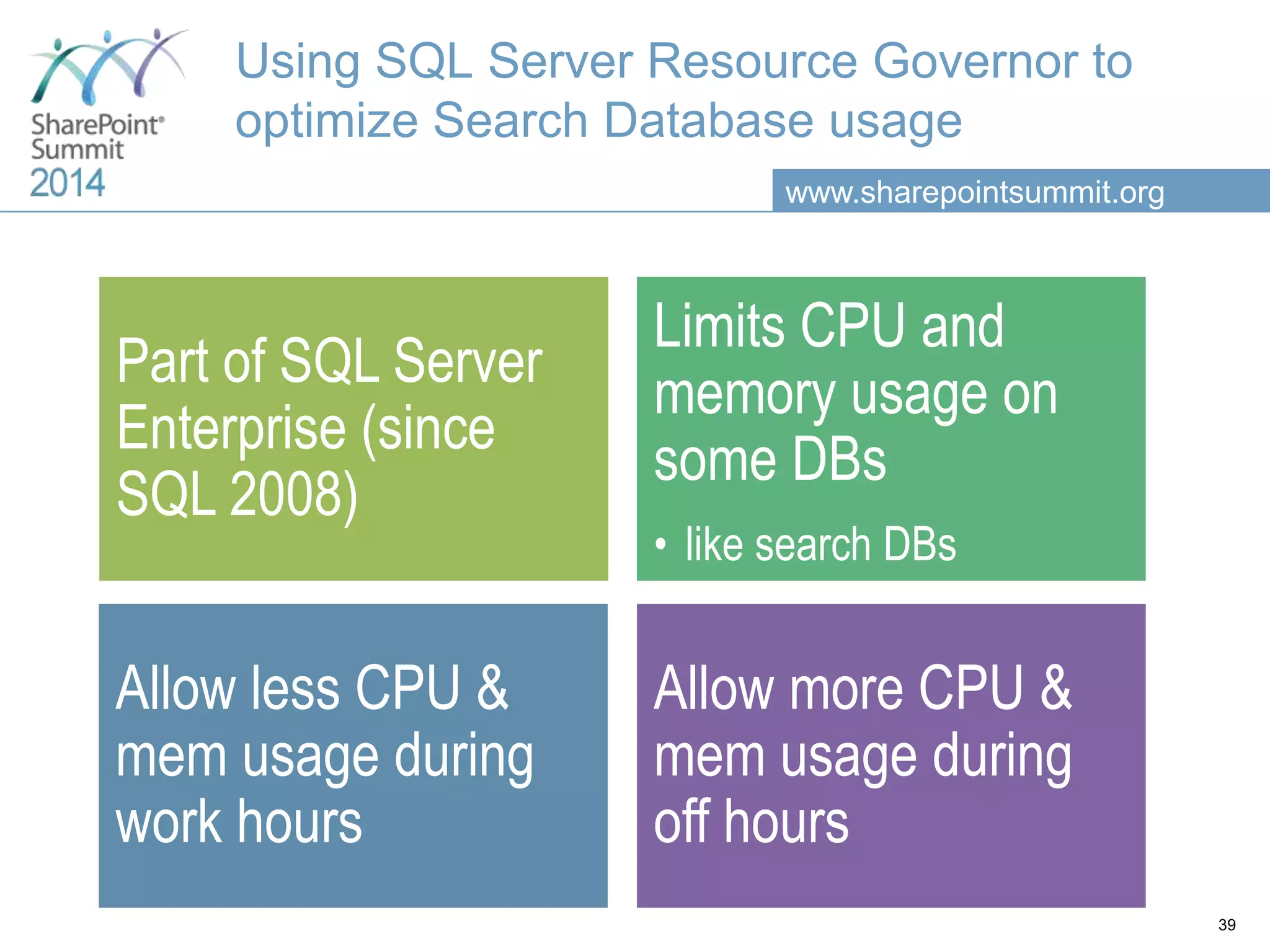
www.sharepointsummit.org Using SQL Server Resource Governor to optimize Search Database usage Part of SQL Server Enterprise (since SQL 2008) Limits CPU and memory usage on some DBs • like search DBs Allow less CPU & mem usage during work hours Allow more CPU & mem usage during off hours 39
www.sharepointsummit.org Agenda Basic SharePoint DB concepts Operating System settings SQL Server configuration Databases configuration SharePoint and SQL Server integration concepts SQL Server optimization HA and DR : Always On Availability Groups & SP 2013
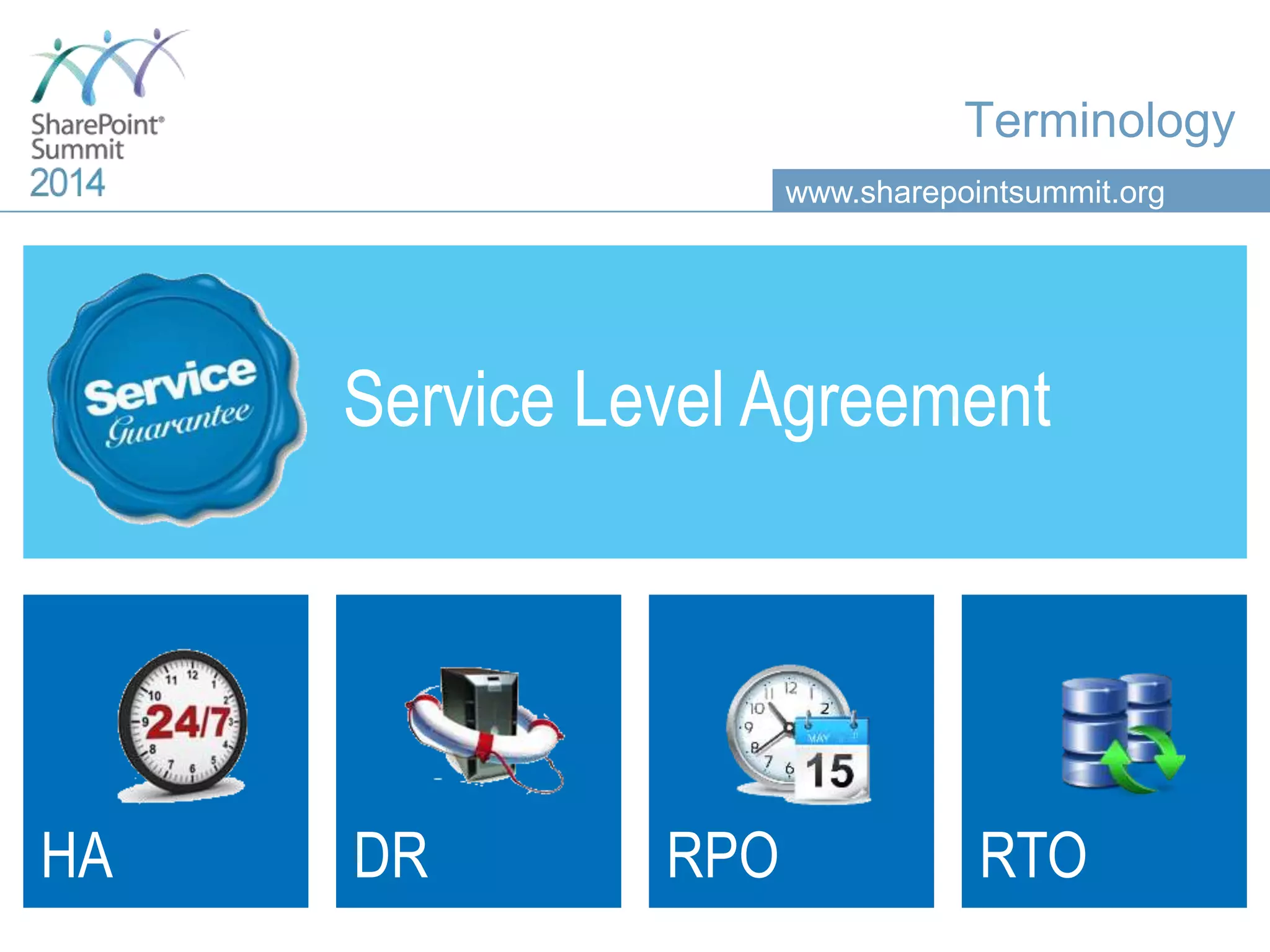
www.sharepointsummit.org Terminology Service Level Agreement HA DR RPO RTO
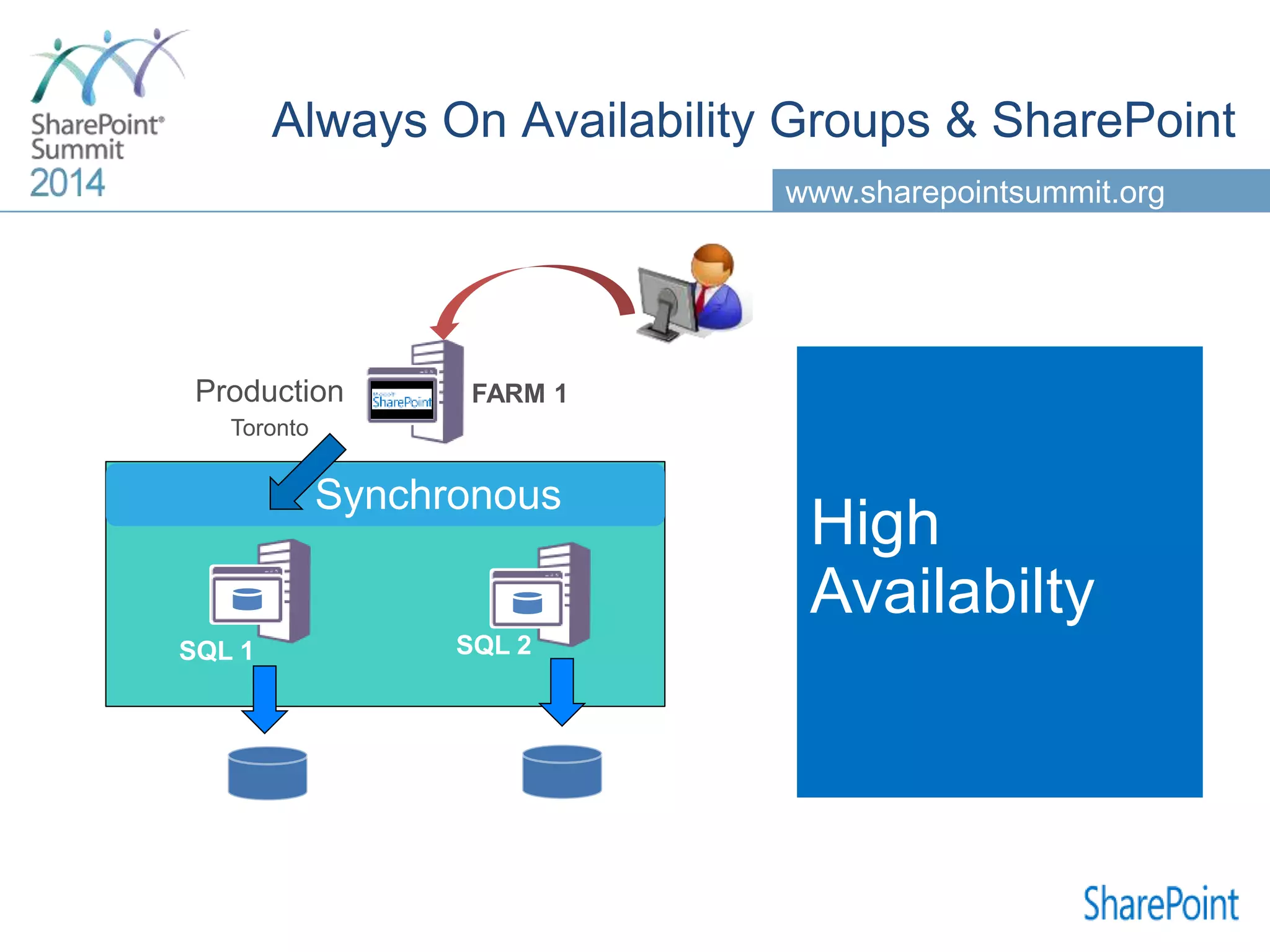
www.sharepointsummit.org SQL 1 FARM 1 SQL 2 High Availabilty Synchronous
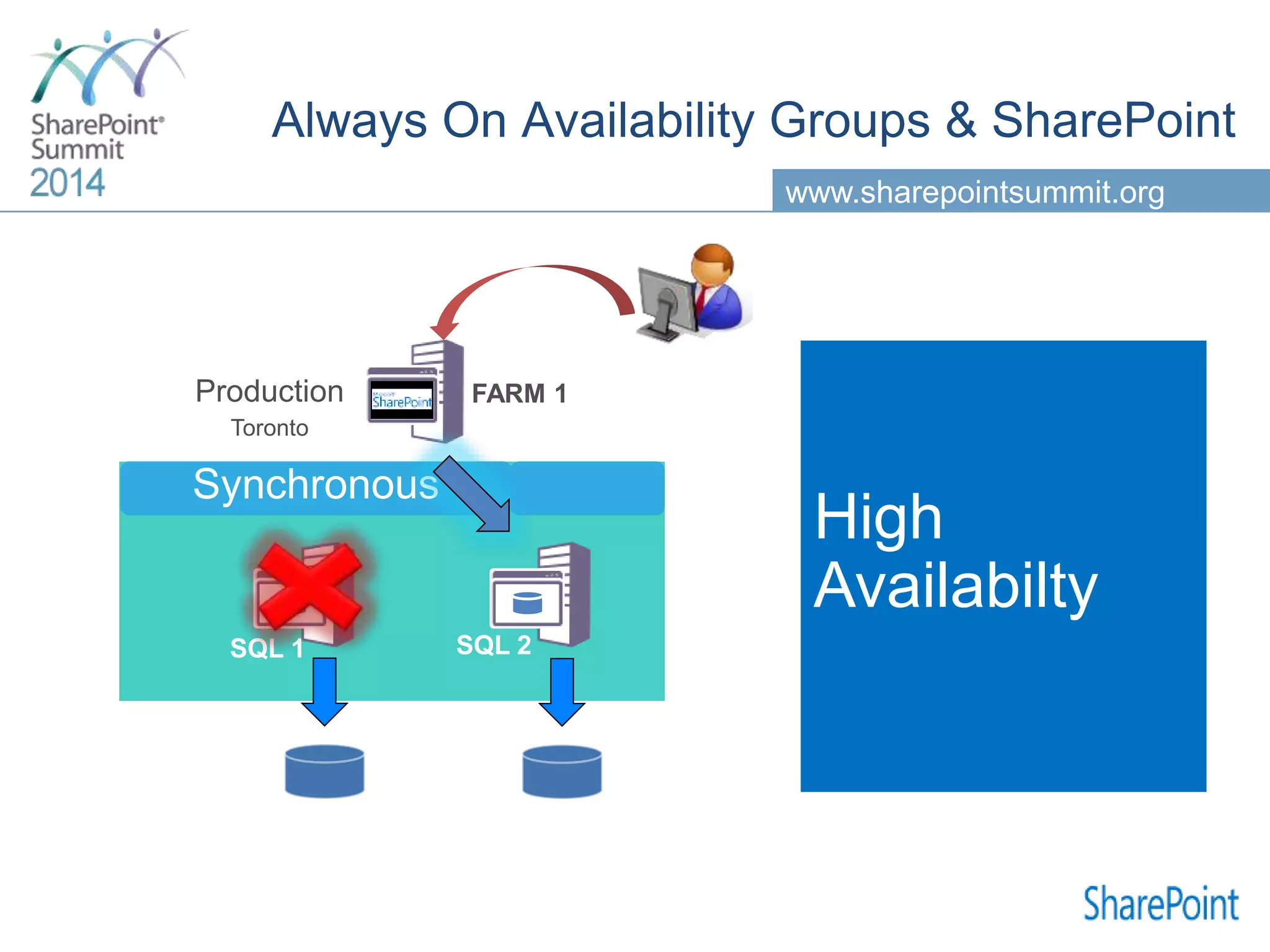
www.sharepointsummit.org SQL 1 FARM 1 SQL 2 Synchronous High Availabilty
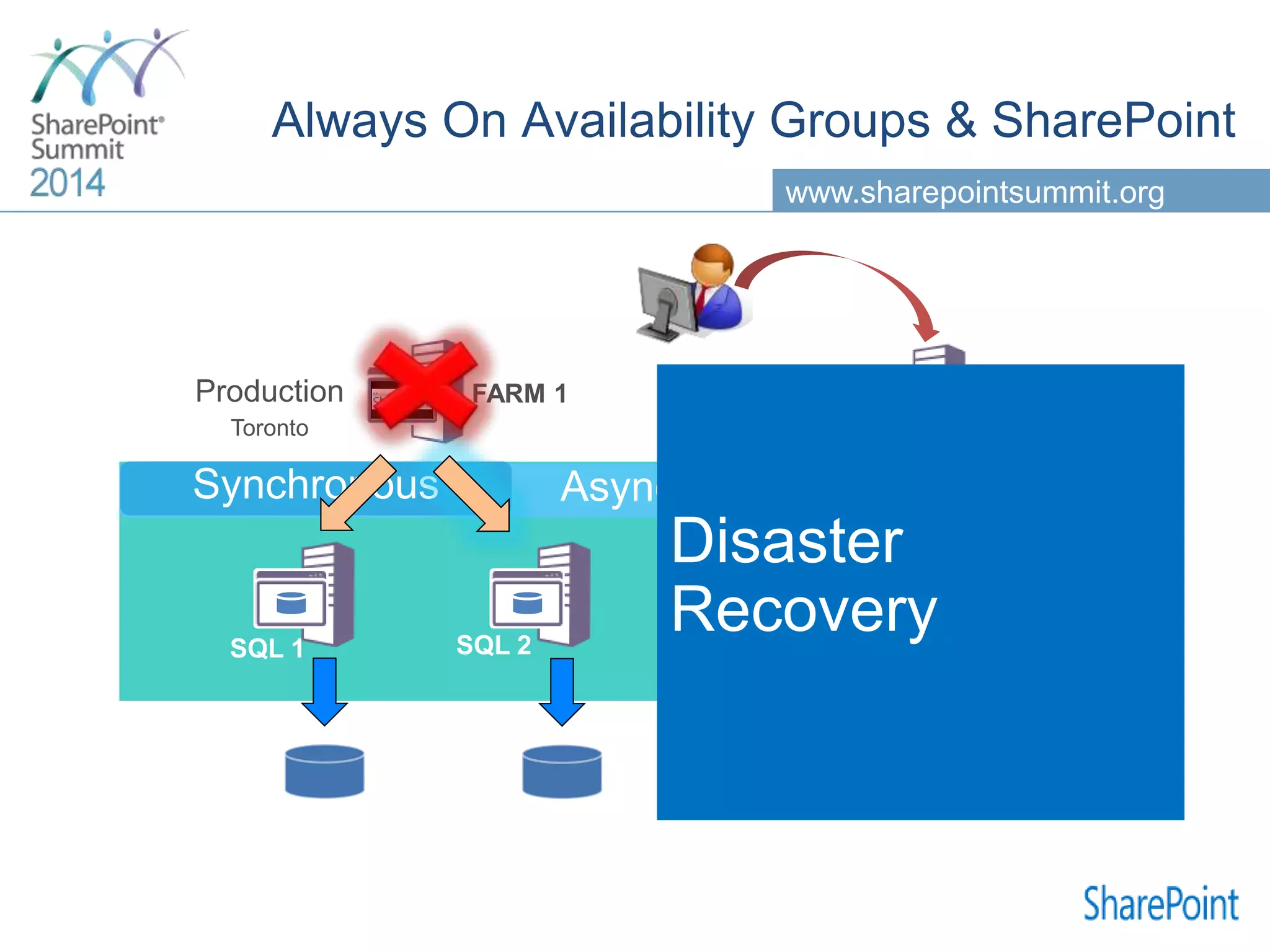
www.sharepointsummit.org SQL 1 FARM 1 SQL 2 FARM 2 SQL 3 Asynchronous Disaster Recovery Synchronous
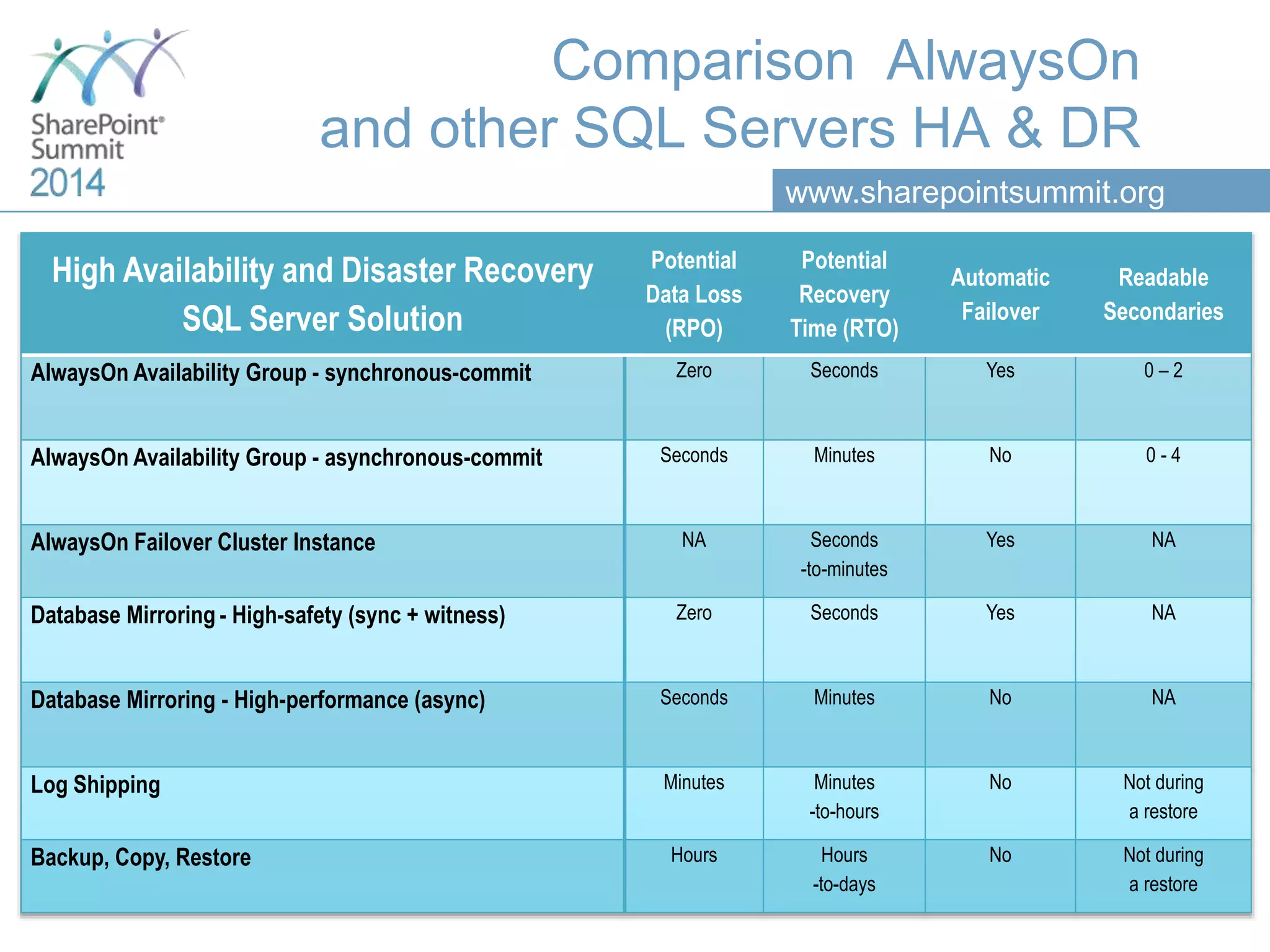
www.sharepointsummit.org Comparison AlwaysOn and other SQL Servers HA & DR High Availability and Disaster Recovery SQL Server Solution Potential Data Loss (RPO) Potential Recovery Time (RTO) Automatic Failover Readable Secondaries AlwaysOn Availability Group - synchronous-commit Zero Seconds Yes 0 – 2 AlwaysOn Availability Group - asynchronous-commit Seconds Minutes No 0 - 4 AlwaysOn Failover Cluster Instance NA Seconds -to-minutes Yes NA Database Mirroring - High-safety (sync + witness) Zero Seconds Yes NA Database Mirroring - High-performance (async) Seconds Minutes No NA Log Shipping Minutes Minutes -to-hours No Not during a restore Backup, Copy, Restore Hours Hours -to-days No Not during a restore
www.sharepointsummit.org Q&A
Thank you for your attention! This presentation will be available on the Toronto SharePoint Summit web site a few days after the event. @sergeluca @thesqlgrrrl
Please rate this session! Fill out the survey for a chance to win a Surface

Tuning SQL Server for Sharepoint-Sharepoint Summit Toronto 2014

Editor's Notes

  • #3 Rendre sexy
  • #6 Isabelle and I have spent a lot of time together doing SharePoint farms assessments; one of the most important bottleneck weve noticed was related to SQL Server configuration é usages issues. We ‘ve also noticed that communication between sql server DBA and SharePoint consultants was not alsways easy : DBA (when there is one) need some basic sharepoint background and sharepointer sometime lack some basic sql server understanding as well. The goal of this session is to provide a kind of checklist to start the discussion in such way that you will be able to talk to your dba and make your sharepoint farm fast é performant.
  • #11 Isa
  • #12 http://blogs.technet.com/b/alexst/archive/2013/09/12/sharepoint-2013-environment-latency-and-network-test-script.aspx
  • #13 animation ISA Todo verifier le San http://technet.microsoft.com/en-us/library/dd758814(v=sql.100).aspx Parler des disques
  • #15 Managed service accounts & managed group service accounts http://blogs.msdn.com/b/arvindsh/archive/2014/02/03/managed-service-accounts-msa-and-sql-2012-practical-tips.aspx http://joedantoni.wordpress.com/2012/12/14/group-managed-service-accounts/
  • #16 ISA : animation
  • #17 ISA
  • #18 ISA TODO: changer le slide car max=min SQL Serveur tend à utiliser presque toute la mémoire disponible, même s’il n’en a pas besoin; il faut l’encadrer; laisser 4 GB à l’OS, puis positionner le minimum et le maximum à la valeur de la RAM résiduelle, MAX=MIN!
  • #20  ISA : animation Capacity plan http://technet.microsoft.com/en-us/library/cc298801(v=office.15).aspx http://technet.microsoft.com/en-us/library/cc298801(v=office.15).aspx
  • #22 NOTE: When a DB is created in SSMS off the ModelDB, it picks up both the initial size settings and the Autogrowth settings. When a DB is created via Central Administration, however, it will only pick up the initial size settings. You can, if you want, create content DB's within SSMS, rather than in CA in SharePoint. This is OK. However, remember that collation must set correctly if it wasn't setup correct during installation.
  • #27 Taille de la tempdb= trouver le jeu de données le plus chaud Tempdb sur les disques les plus rapides test http://blogs.technet.com/b/sqlpfeil/archive/2012/07/14/four-tips-for-sql-tuning-for-sharepoint-part-3-tempdb.aspx
  • #28 Todo: vérifier
  • #30 TODO farm account
  • #31 http://technet.microsoft.com/en-us/library/cc262787(v=office.15).aspx Content databases of up to 4 TB are supported when the following requirements are met: Disk sub-system performance of 0.25 IOPs per GB. 2 IOPs per GB is recommended for optimal performance. You must have developed plans for high availability, disaster recovery, future capacity, and performance testing. Unimited: SharePoint Server 2013 sites must be based on Document Center or Records Center site templates. Less than 5% of the content in the content database is accessed each month on average, and less than 1% of content is modified or written each month on average. Do not use alerts, workflows, link fix-ups, or item level security on any SharePoint Server 2013 objects in the content database.
  • #32 1 job appellee 1x/jour La stored Proc_updatestatistics sur chaque db sharepoint; http://blogs.msdn.com/b/erica/archive/2012/10/31/sharepoint-and-database-statistics-why-are-they-out-of-date-and-what-to-do-about-it.aspx
  • #33 ISA
  • #39 Use a tool like SQLIO to check your SAN capability
  • #40 http://technet.microsoft.com/en-us/library/cc298801(v=office.15).aspx http://www.wictorwilen.se/using-sql-server-resource-governor-to-optimize-sharepoint-2013-performance