Fundamentals of Web designing Ministry of Higher Education Bamyan University Computer Science Department 1 Presented by : Mustafa Kamel Mohammadi Email : bamian.cs@gmail.com Working with Text and Lists in HTML
learning objective  In this chapter you will learn  How to work with text in HTML  Define paragraphs and headings  Define different types of lists 2
Introduction  HTML recognizes several kinds of text blocks that you can use in your document, including (but not limited to):  Paragraphs  Headings  Block quotes  Lists  Tables  Forms 3
Paragraphs  Paragraphs are used more often in Web pages than any other kind of text block.  To create a paragraph, follow these steps: 1. Add <p> in the body of the document. 2. Type the content of the paragraph. 3. Add </p> to close that paragraph <p> // content goes here </p> 4
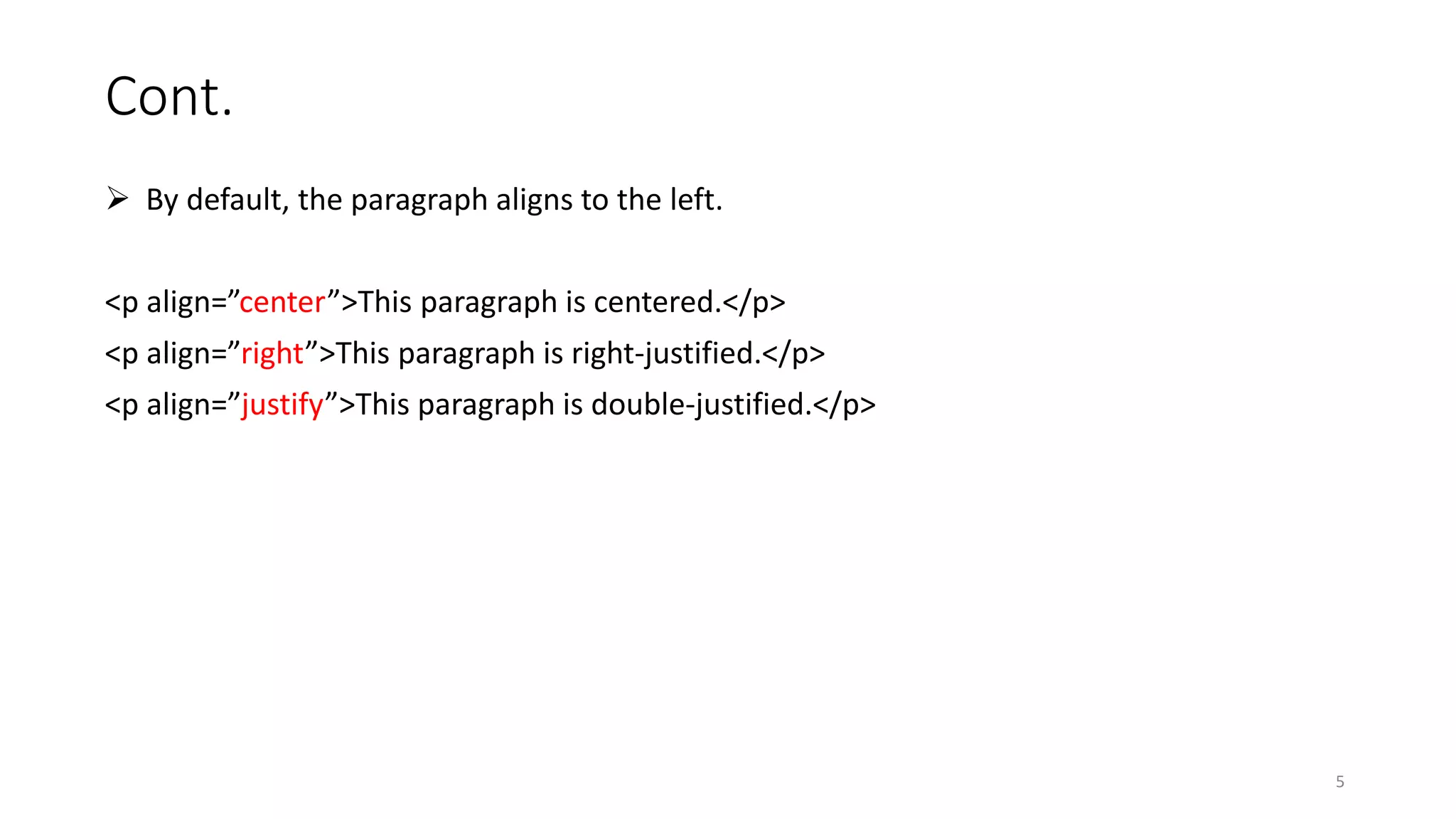
Cont.  By default, the paragraph aligns to the left. <p align=”center”>This paragraph is centered.</p> <p align=”right”>This paragraph is right-justified.</p> <p align=”justify”>This paragraph is double-justified.</p> 5
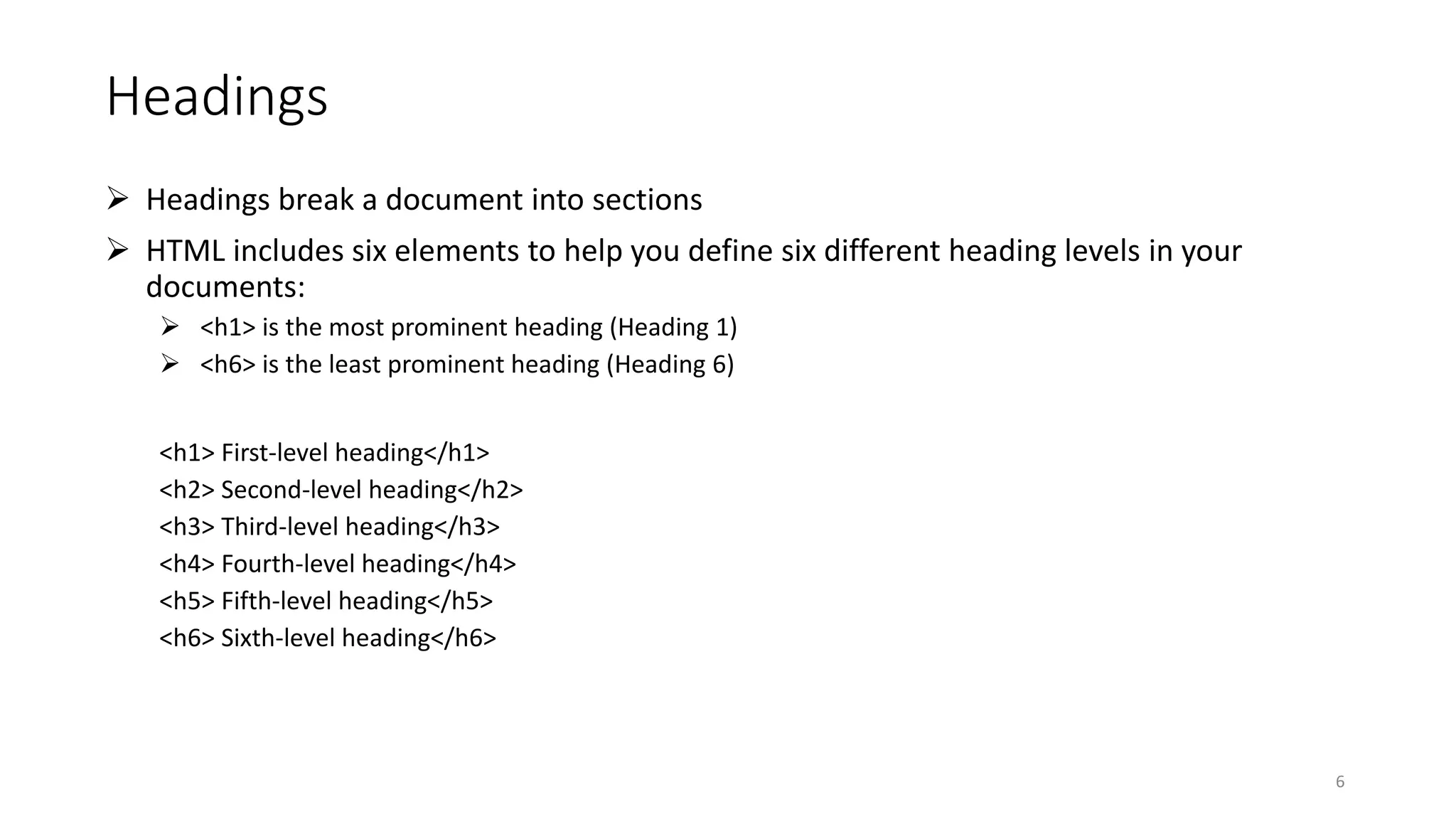
Headings  Headings break a document into sections  HTML includes six elements to help you define six different heading levels in your documents:  <h1> is the most prominent heading (Heading 1)  <h6> is the least prominent heading (Heading 6) <h1> First-level heading</h1> <h2> Second-level heading</h2> <h3> Third-level heading</h3> <h4> Fourth-level heading</h4> <h5> Fifth-level heading</h5> <h6> Sixth-level heading</h6> 6
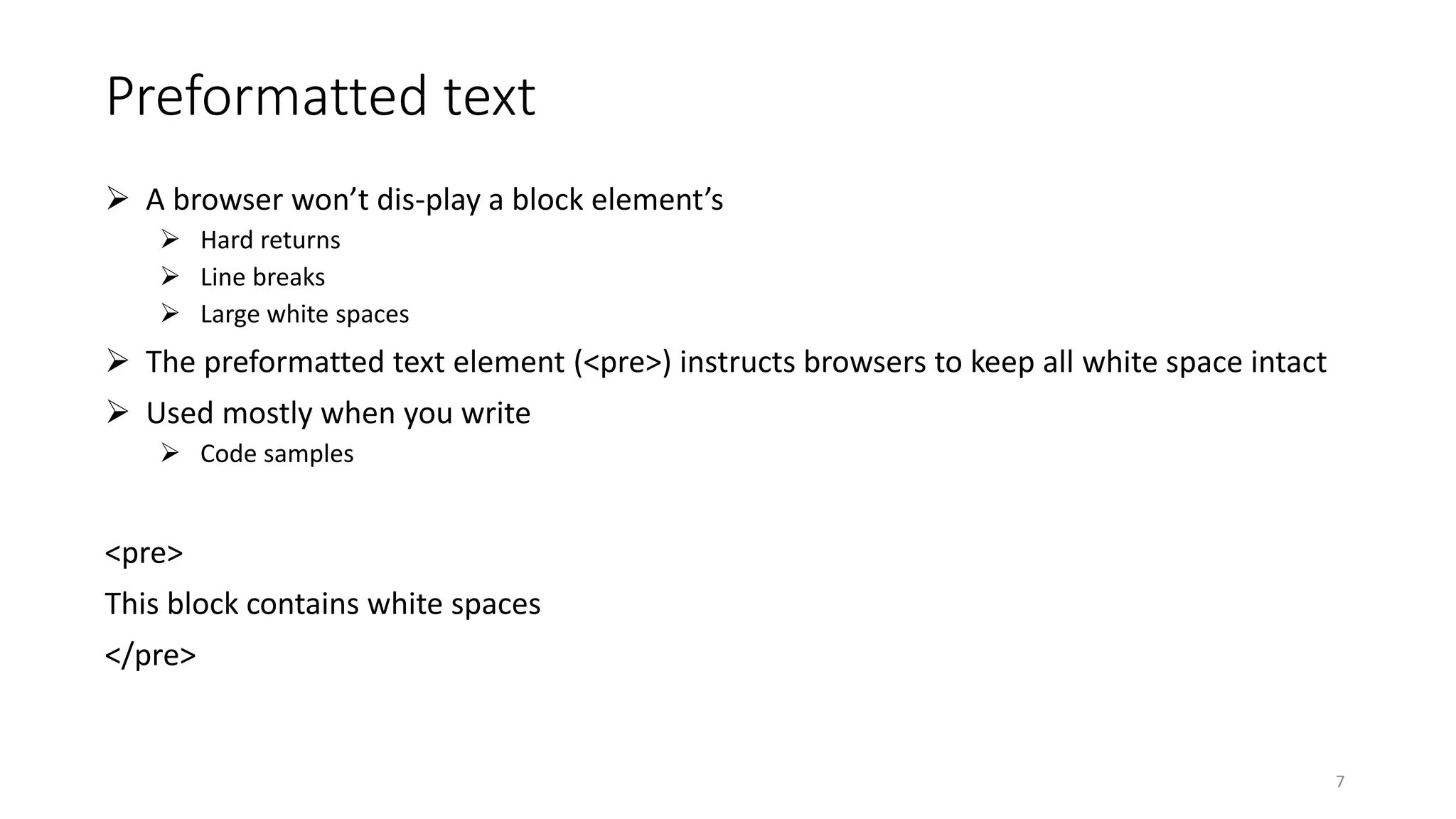
Preformatted text  A browser won’t dis-play a block element’s  Hard returns  Line breaks  Large white spaces  The preformatted text element (<pre>) instructs browsers to keep all white space intact  Used mostly when you write  Code samples <pre> This block contains white spaces </pre> 7
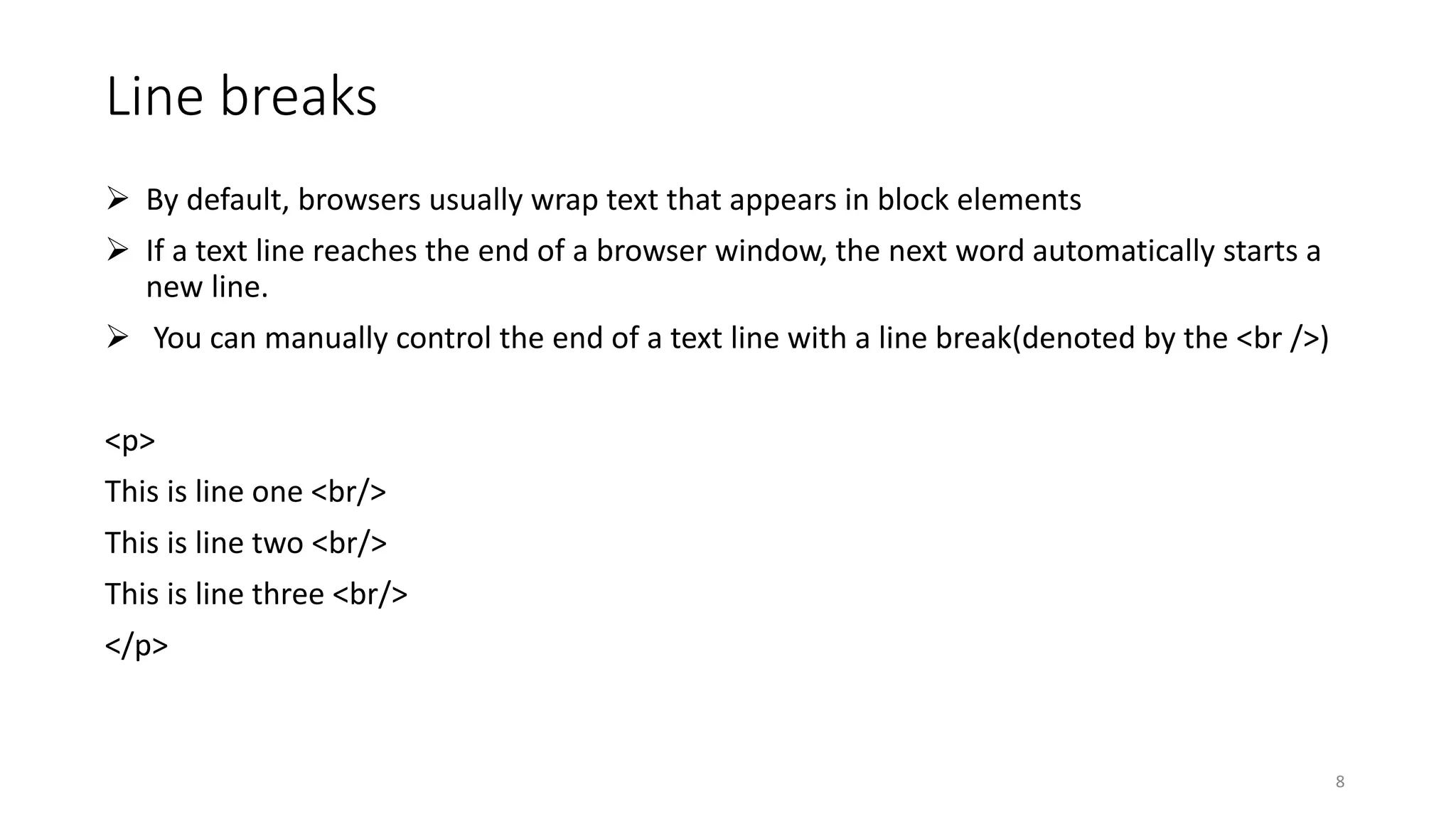
Line breaks  By default, browsers usually wrap text that appears in block elements  If a text line reaches the end of a browser window, the next word automatically starts a new line.  You can manually control the end of a text line with a line break(denoted by the <br />) <p> This is line one <br/> This is line two <br/> This is line three <br/> </p> 8
Horizontal rules  The horizontal rule element (<hr />) helps you include solid straight lines (rules)on your page.  A horizontal rule must always sit on a line by itself; you can’t add the <hr /> element in the middle of a paragraph (or other block element).  It may have the (width, size, align, shade) attributes. <p> This is paragraph one </p> <hr/> <p> This is paragraph two </p> 9
Organizing Information  Lists are powerful tools for arranging similar elements together  They give visitors to your site an easy way to hone in on groups of information  Lists use a combination of elements — at least two components:  A markup element that says “Hey browser! The following items are a list.”  Markup elements that say “Hey browser! This is an item in the list.”  HTML provides for three different kinds of lists:  Numbered lists  Bulleted lists  Definition lists 10
Numbered lists  You use two kinds of elements for a numbered list:  The ordered list element (<ol>) specifies that this is a numbered list.  List item elements (<li>) mark each item in the list.  Two attributes control the appearance of ordered lists  Start :Specifies the first number in the list.  The default starting number is 1.  Type : Specifies the numbering style from the list. You can choose from five predefined numbering styles:  1: Decimal numbers.  a: Lowercase letters.  A: Uppercase letters.  i: Lowercase Roman numerals.  I: Uppercase Roman numerals. 11
Bulleted lists  A bulleted list consists of one or more items each prefaced by a bullet (often a big dot)  A bulleted list requires the following:  The unordered list element (<ul>) specifies that you’re creating a bulleted list.  A list item element (<li>) marks each item in the list  Type attribute specifies the style of bullet list  disc: Solid circle bullets (the default)  square: Solid square bullets  circle: Hollow circle bullets 12
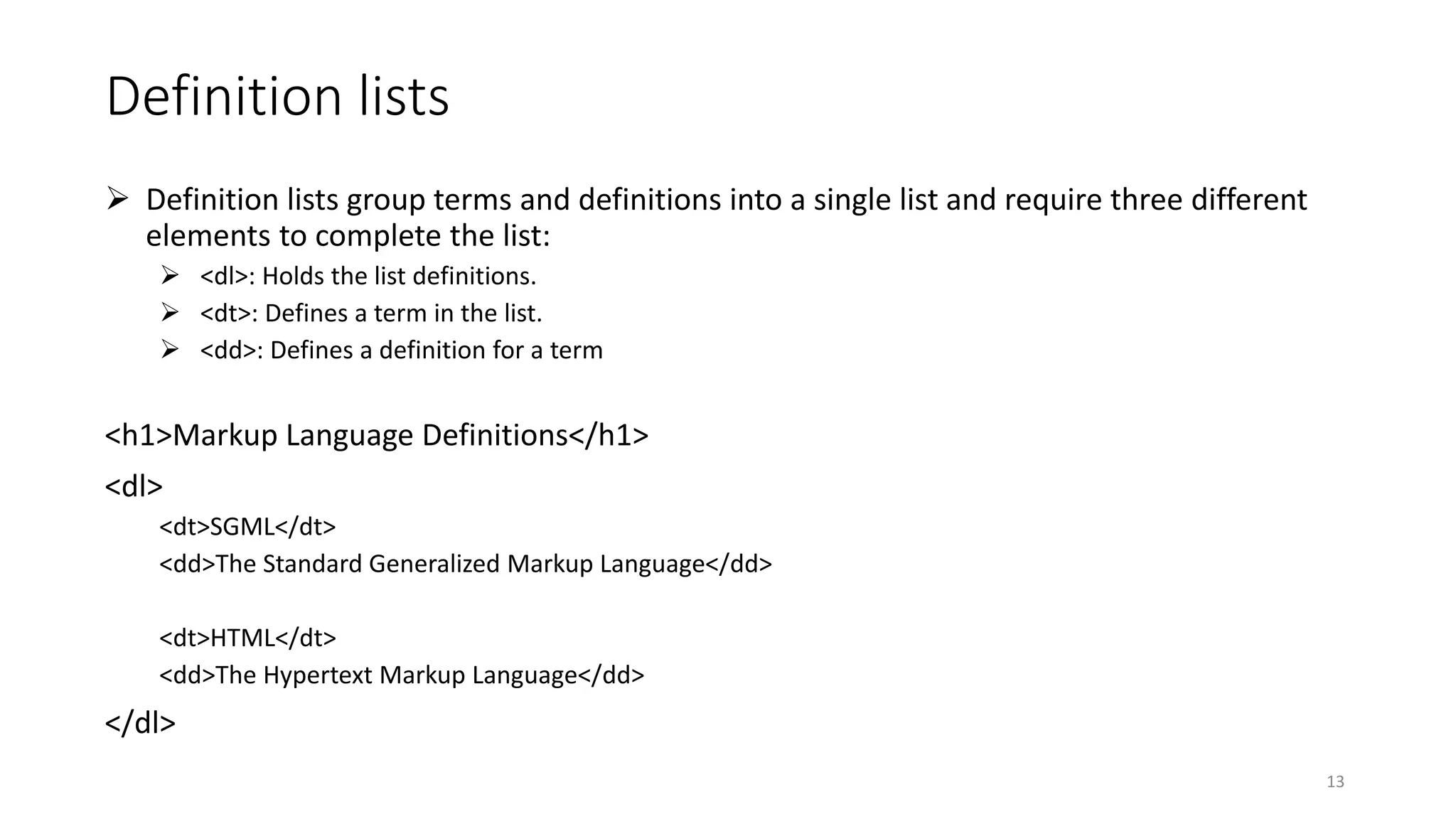
Definition lists  Definition lists group terms and definitions into a single list and require three different elements to complete the list:  <dl>: Holds the list definitions.  <dt>: Defines a term in the list.  <dd>: Defines a definition for a term <h1>Markup Language Definitions</h1> <dl> <dt>SGML</dt> <dd>The Standard Generalized Markup Language</dd> <dt>HTML</dt> <dd>The Hypertext Markup Language</dd> </dl> 13
Nesting lists  You can create subcategories by nesting lists within other lists  You can create subcategories by nesting lists within other lists  As you build nested lists, watch your opening and closing tags carefully. 14
15
References • “HTML 4 dummies 5th edition” by Ed Tittel & Mary Burmeister • “HTML 5 designing rich internet applications” by Mathew Dawid • “HTML in ten simple steps” by Robert G. fuller 16

Web design - Working with Text and Lists in HTML

  • 1.
    Fundamentals of Webdesigning Ministry of Higher Education Bamyan University Computer Science Department 1 Presented by : Mustafa Kamel Mohammadi Email : bamian.cs@gmail.com Working with Text and Lists in HTML
  • 2.
    learning objective  Inthis chapter you will learn  How to work with text in HTML  Define paragraphs and headings  Define different types of lists 2
  • 3.
    Introduction  HTML recognizesseveral kinds of text blocks that you can use in your document, including (but not limited to):  Paragraphs  Headings  Block quotes  Lists  Tables  Forms 3
  • 4.
    Paragraphs  Paragraphs areused more often in Web pages than any other kind of text block.  To create a paragraph, follow these steps: 1. Add <p> in the body of the document. 2. Type the content of the paragraph. 3. Add </p> to close that paragraph <p> // content goes here </p> 4
  • 5.
    Cont.  By default,the paragraph aligns to the left. <p align=”center”>This paragraph is centered.</p> <p align=”right”>This paragraph is right-justified.</p> <p align=”justify”>This paragraph is double-justified.</p> 5
  • 6.
    Headings  Headings breaka document into sections  HTML includes six elements to help you define six different heading levels in your documents:  <h1> is the most prominent heading (Heading 1)  <h6> is the least prominent heading (Heading 6) <h1> First-level heading</h1> <h2> Second-level heading</h2> <h3> Third-level heading</h3> <h4> Fourth-level heading</h4> <h5> Fifth-level heading</h5> <h6> Sixth-level heading</h6> 6
  • 7.
    Preformatted text  Abrowser won’t dis-play a block element’s  Hard returns  Line breaks  Large white spaces  The preformatted text element (<pre>) instructs browsers to keep all white space intact  Used mostly when you write  Code samples <pre> This block contains white spaces </pre> 7
  • 8.
    Line breaks  Bydefault, browsers usually wrap text that appears in block elements  If a text line reaches the end of a browser window, the next word automatically starts a new line.  You can manually control the end of a text line with a line break(denoted by the <br />) <p> This is line one <br/> This is line two <br/> This is line three <br/> </p> 8
  • 9.
    Horizontal rules  Thehorizontal rule element (<hr />) helps you include solid straight lines (rules)on your page.  A horizontal rule must always sit on a line by itself; you can’t add the <hr /> element in the middle of a paragraph (or other block element).  It may have the (width, size, align, shade) attributes. <p> This is paragraph one </p> <hr/> <p> This is paragraph two </p> 9
  • 10.
    Organizing Information  Listsare powerful tools for arranging similar elements together  They give visitors to your site an easy way to hone in on groups of information  Lists use a combination of elements — at least two components:  A markup element that says “Hey browser! The following items are a list.”  Markup elements that say “Hey browser! This is an item in the list.”  HTML provides for three different kinds of lists:  Numbered lists  Bulleted lists  Definition lists 10
  • 11.
    Numbered lists  Youuse two kinds of elements for a numbered list:  The ordered list element (<ol>) specifies that this is a numbered list.  List item elements (<li>) mark each item in the list.  Two attributes control the appearance of ordered lists  Start :Specifies the first number in the list.  The default starting number is 1.  Type : Specifies the numbering style from the list. You can choose from five predefined numbering styles:  1: Decimal numbers.  a: Lowercase letters.  A: Uppercase letters.  i: Lowercase Roman numerals.  I: Uppercase Roman numerals. 11
  • 12.
    Bulleted lists  Abulleted list consists of one or more items each prefaced by a bullet (often a big dot)  A bulleted list requires the following:  The unordered list element (<ul>) specifies that you’re creating a bulleted list.  A list item element (<li>) marks each item in the list  Type attribute specifies the style of bullet list  disc: Solid circle bullets (the default)  square: Solid square bullets  circle: Hollow circle bullets 12
  • 13.
    Definition lists  Definitionlists group terms and definitions into a single list and require three different elements to complete the list:  <dl>: Holds the list definitions.  <dt>: Defines a term in the list.  <dd>: Defines a definition for a term <h1>Markup Language Definitions</h1> <dl> <dt>SGML</dt> <dd>The Standard Generalized Markup Language</dd> <dt>HTML</dt> <dd>The Hypertext Markup Language</dd> </dl> 13
  • 14.
    Nesting lists  Youcan create subcategories by nesting lists within other lists  You can create subcategories by nesting lists within other lists  As you build nested lists, watch your opening and closing tags carefully. 14
  • 15.
  • 16.
    References • “HTML 4dummies 5th edition” by Ed Tittel & Mary Burmeister • “HTML 5 designing rich internet applications” by Mathew Dawid • “HTML in ten simple steps” by Robert G. fuller 16