
Apache Web Server Installation & Configuration SHAOJIE YANG
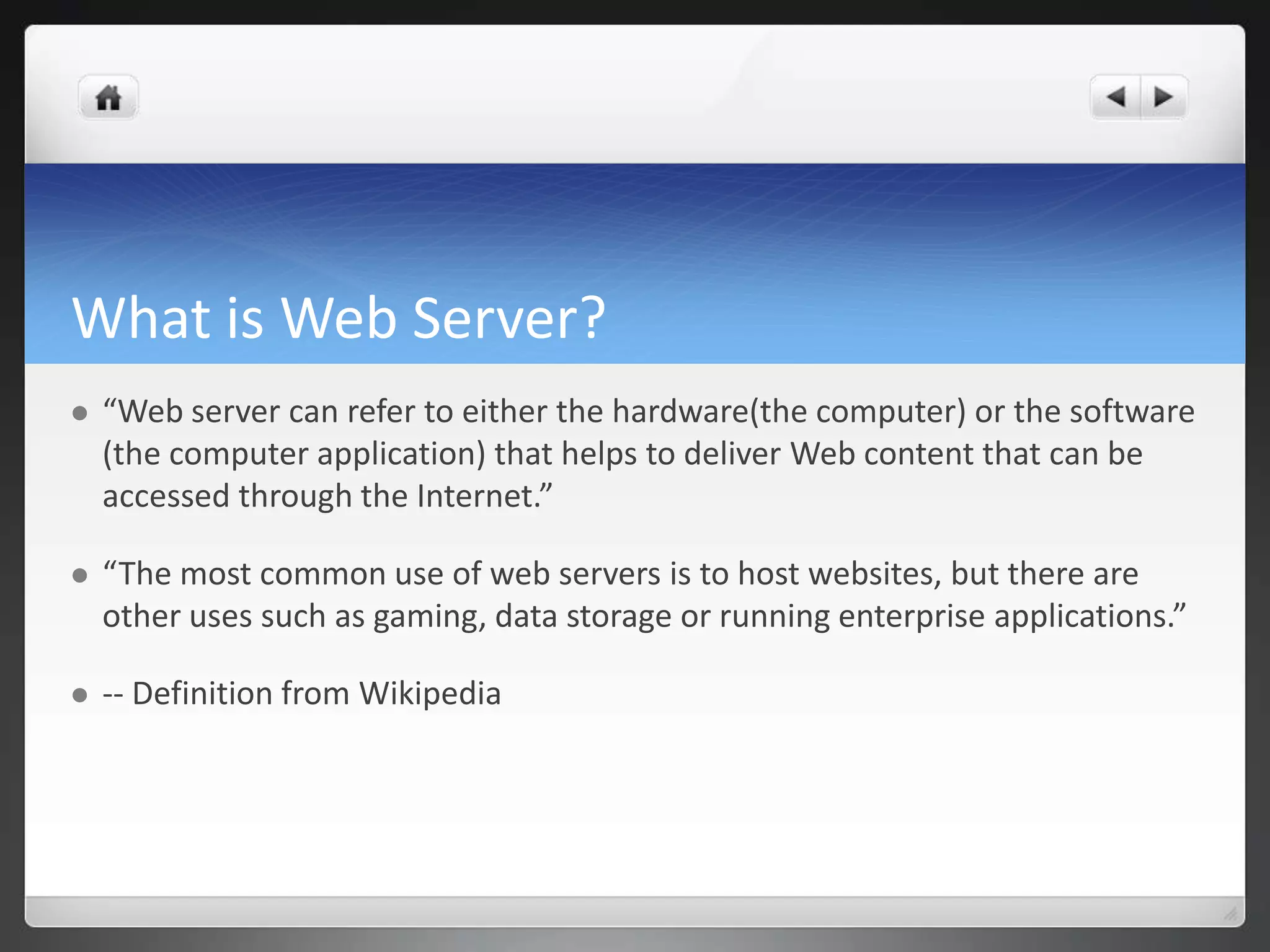
What is Web Server?  “Web server can refer to either the hardware(the computer) or the software (the computer application) that helps to deliver Web content that can be accessed through the Internet.”  “The most common use of web servers is to host websites, but there are other uses such as gaming, data storage or running enterprise applications.”  -- Definition from Wikipedia
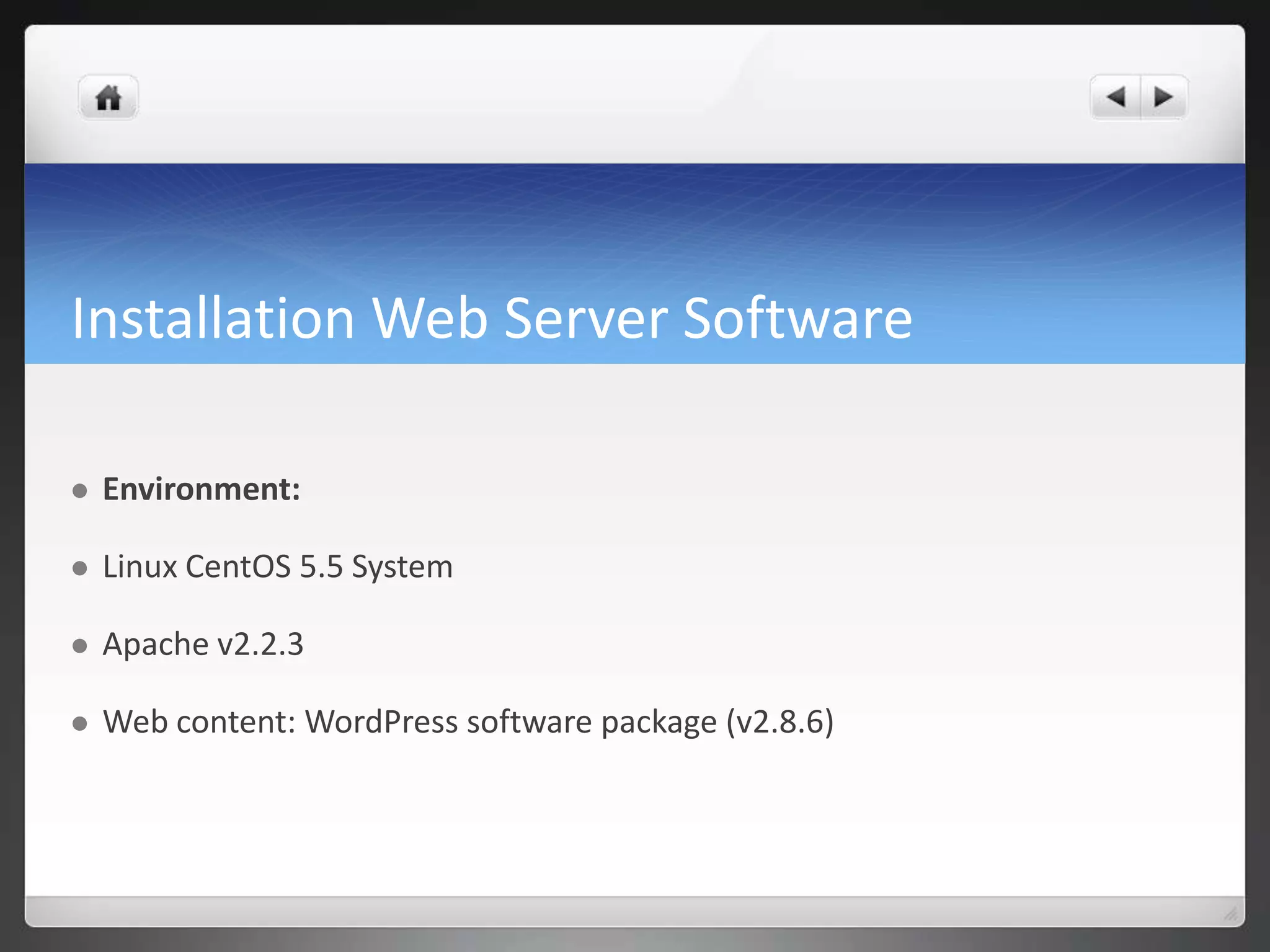
Installation Web Server Software  Environment:  Linux CentOS 5.5 System  Apache v2.2.3  Web content: WordPress software package (v2.8.6)
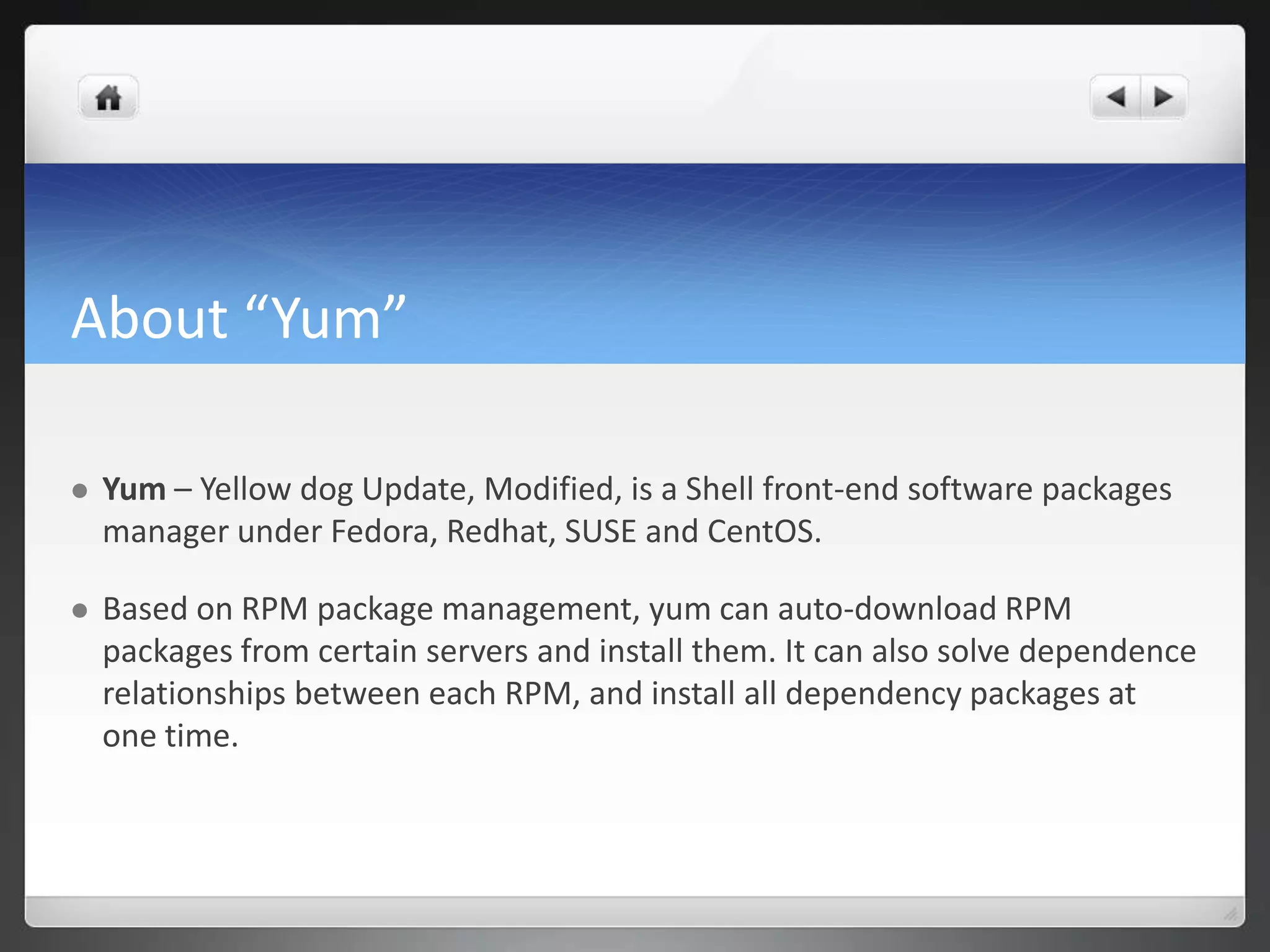
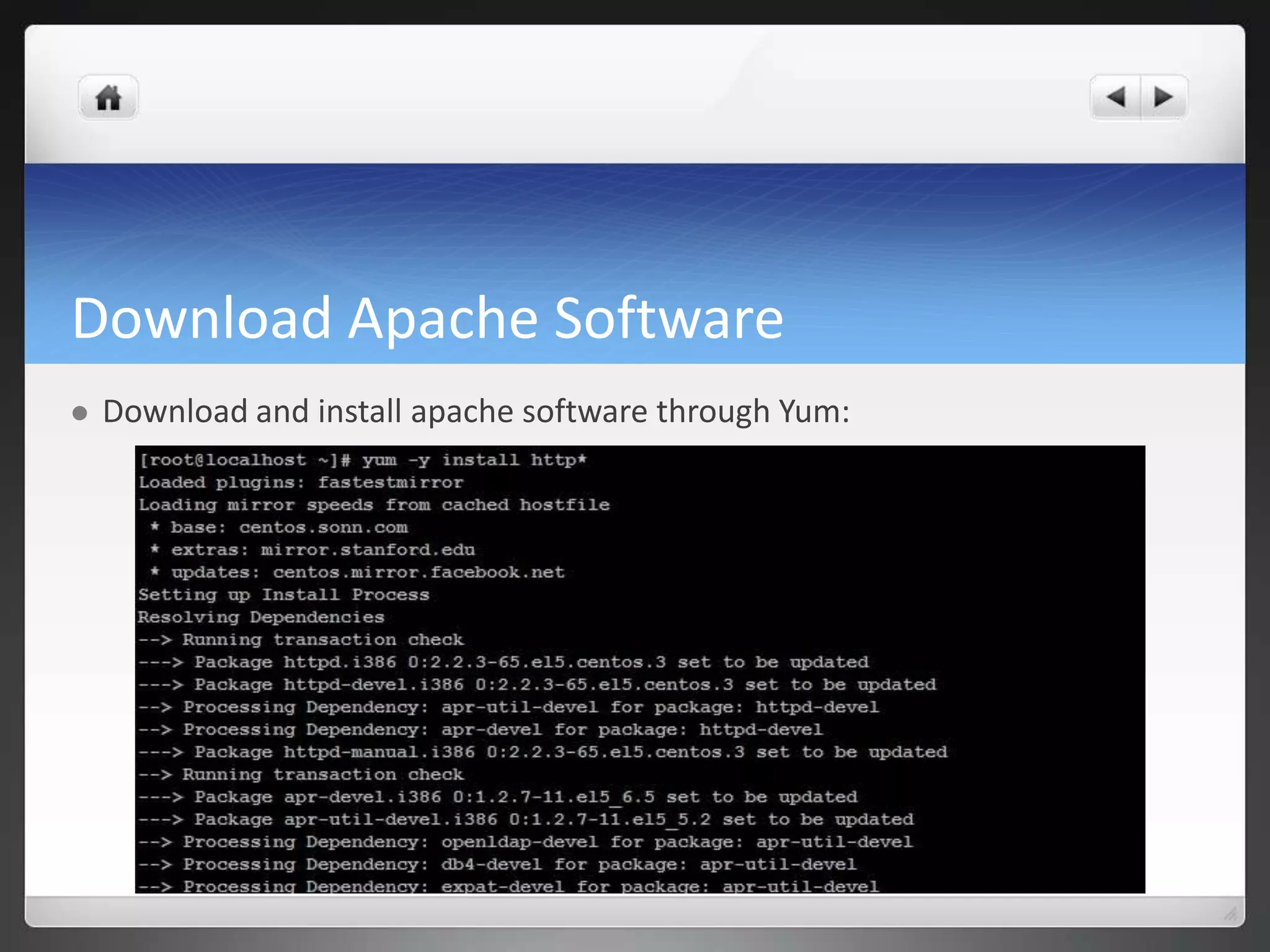
About “Yum”  Yum – Yellow dog Update, Modified, is a Shell front-end software packages manager under Fedora, Redhat, SUSE and CentOS.  Based on RPM package management, yum can auto-download RPM packages from certain servers and install them. It can also solve dependence relationships between each RPM, and install all dependency packages at one time.
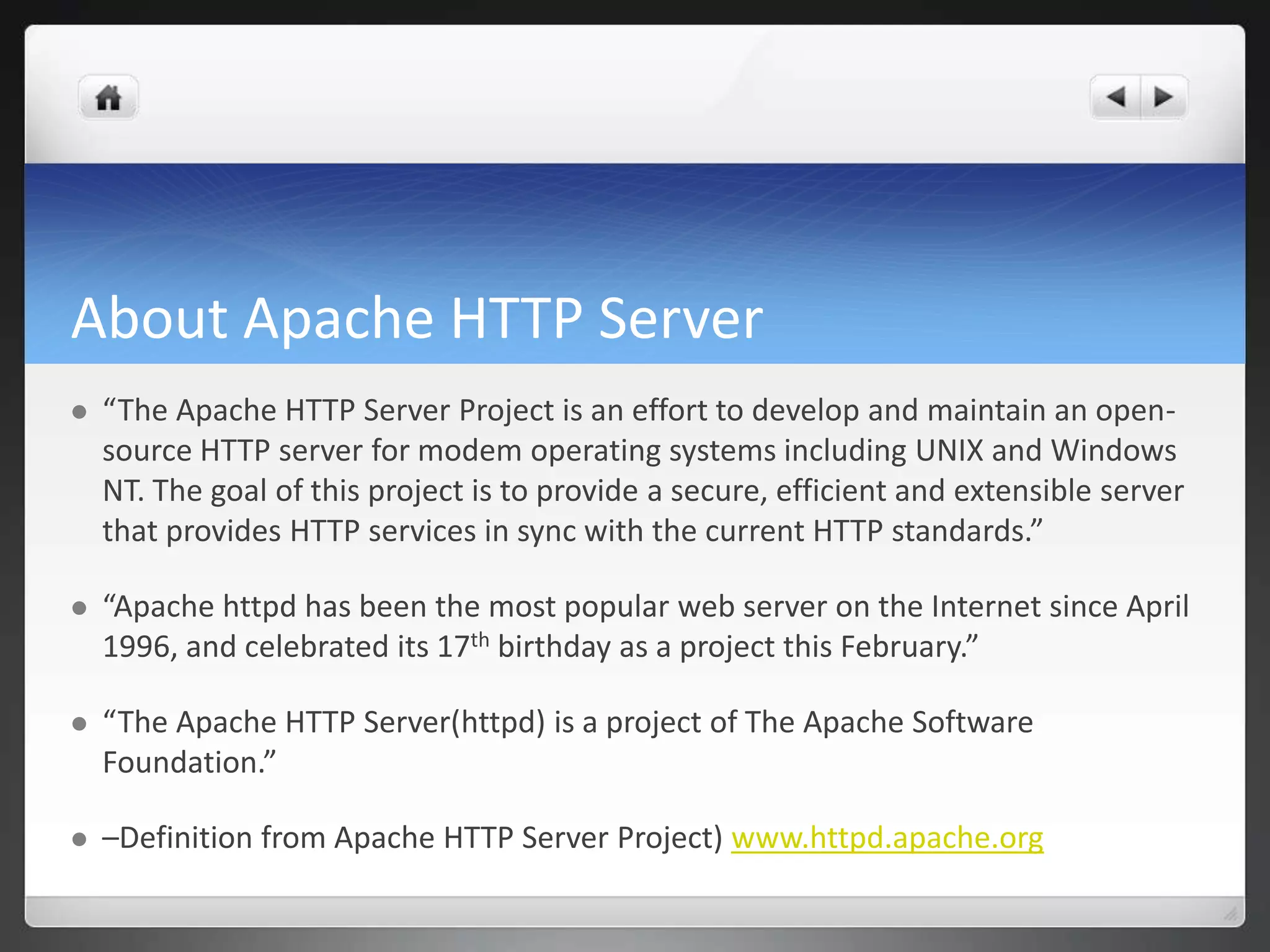
About Apache HTTP Server  “The Apache HTTP Server Project is an effort to develop and maintain an open- source HTTP server for modem operating systems including UNIX and Windows NT. The goal of this project is to provide a secure, efficient and extensible server that provides HTTP services in sync with the current HTTP standards.”  “Apache httpd has been the most popular web server on the Internet since April 1996, and celebrated its 17th birthday as a project this February.”  “The Apache HTTP Server(httpd) is a project of The Apache Software Foundation.”  –Definition from Apache HTTP Server Project) www.httpd.apache.org
Download Apache Software  Download and install apache software through Yum:
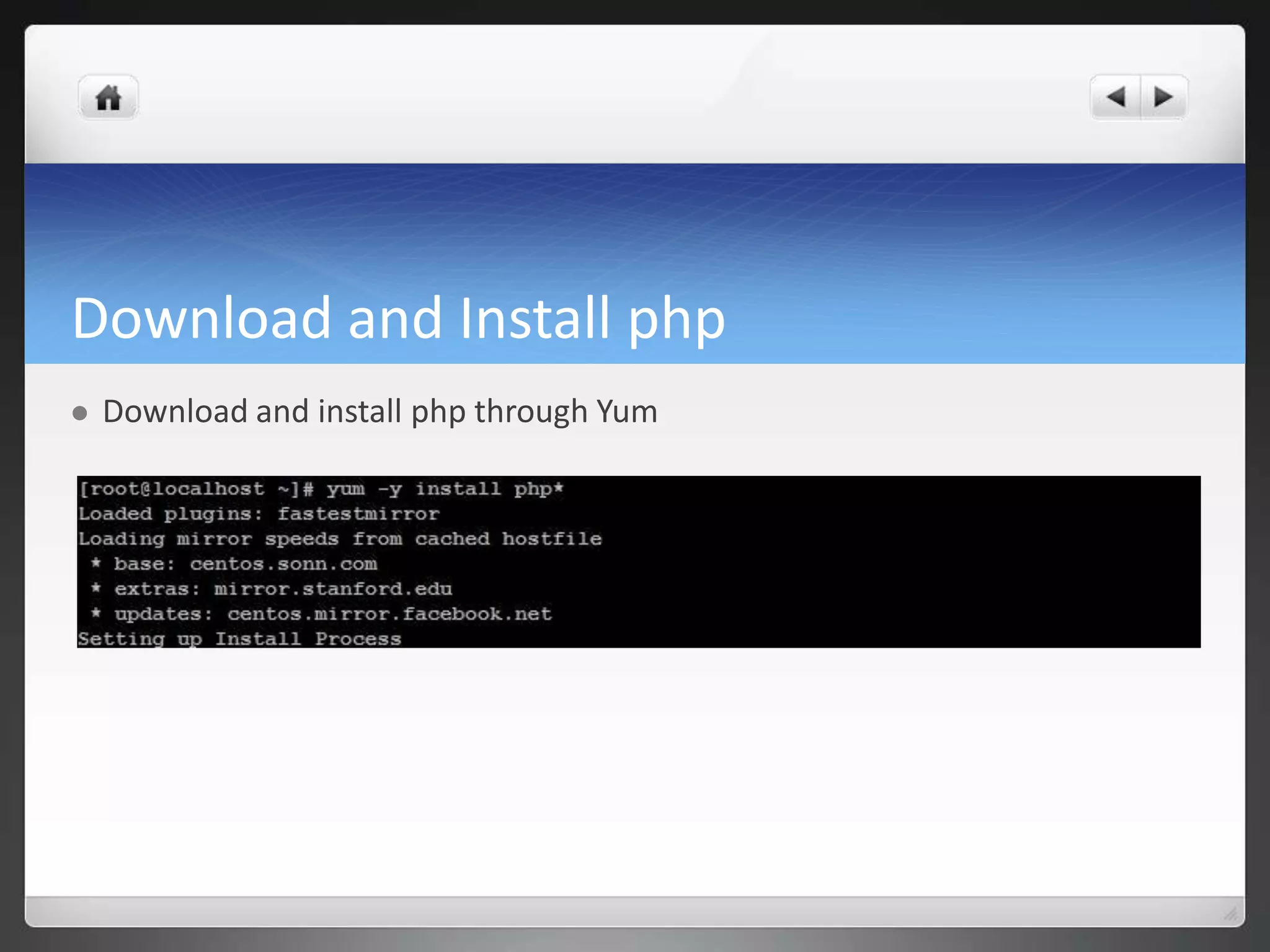
Download and Install php  Download and install php through Yum
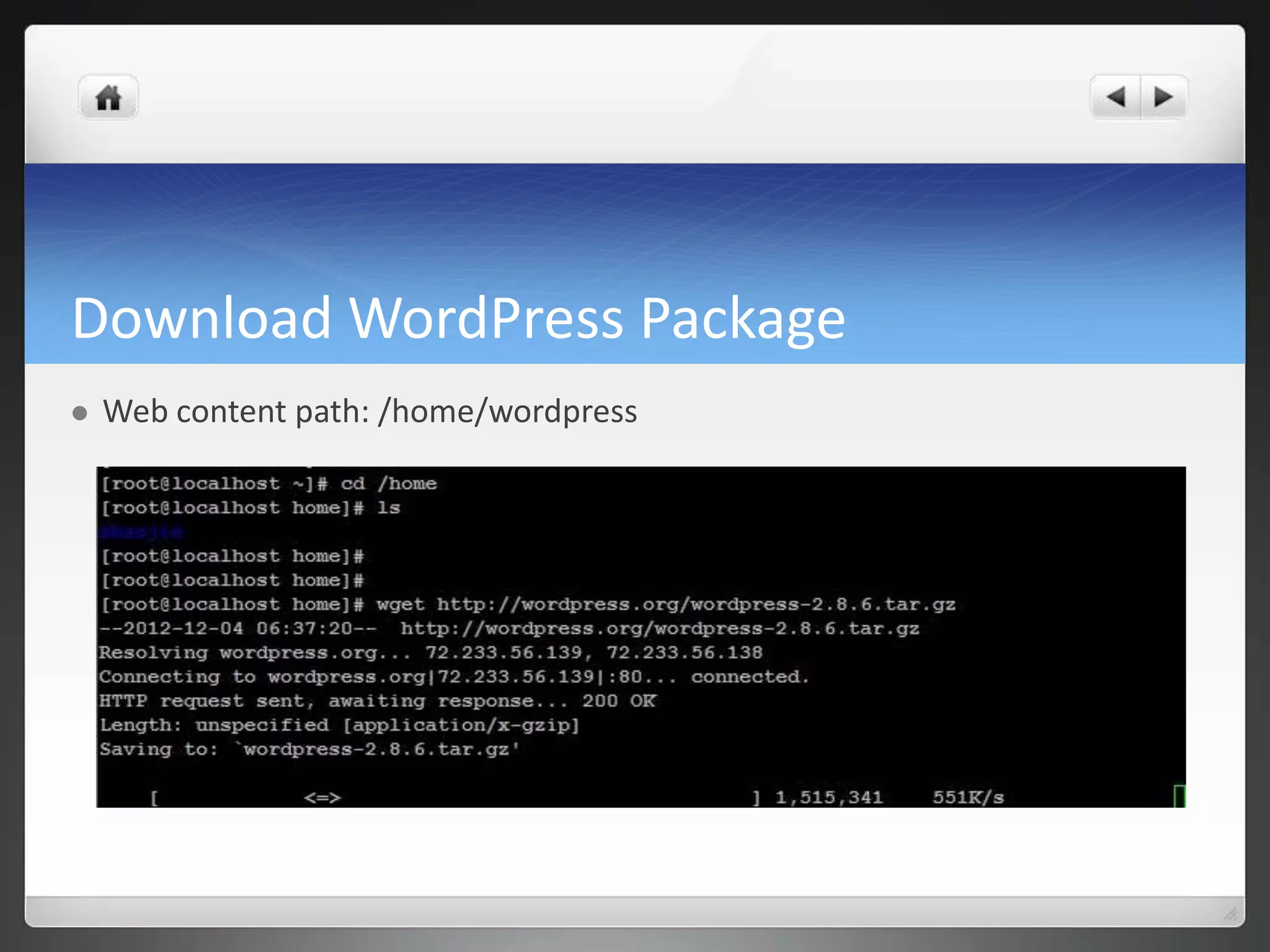
Download WordPress Package  Web content path: /home/wordpress
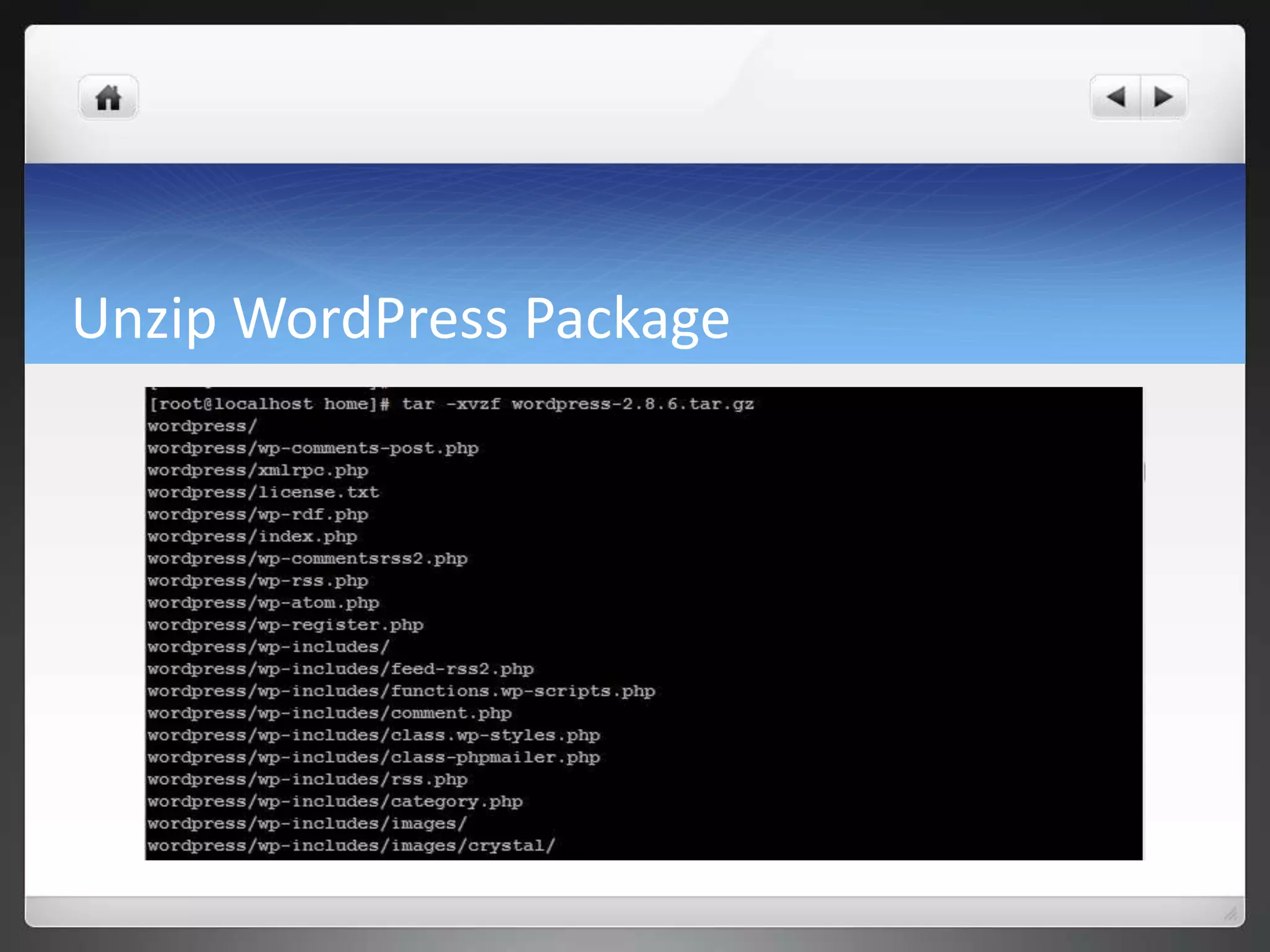
Unzip WordPress Package
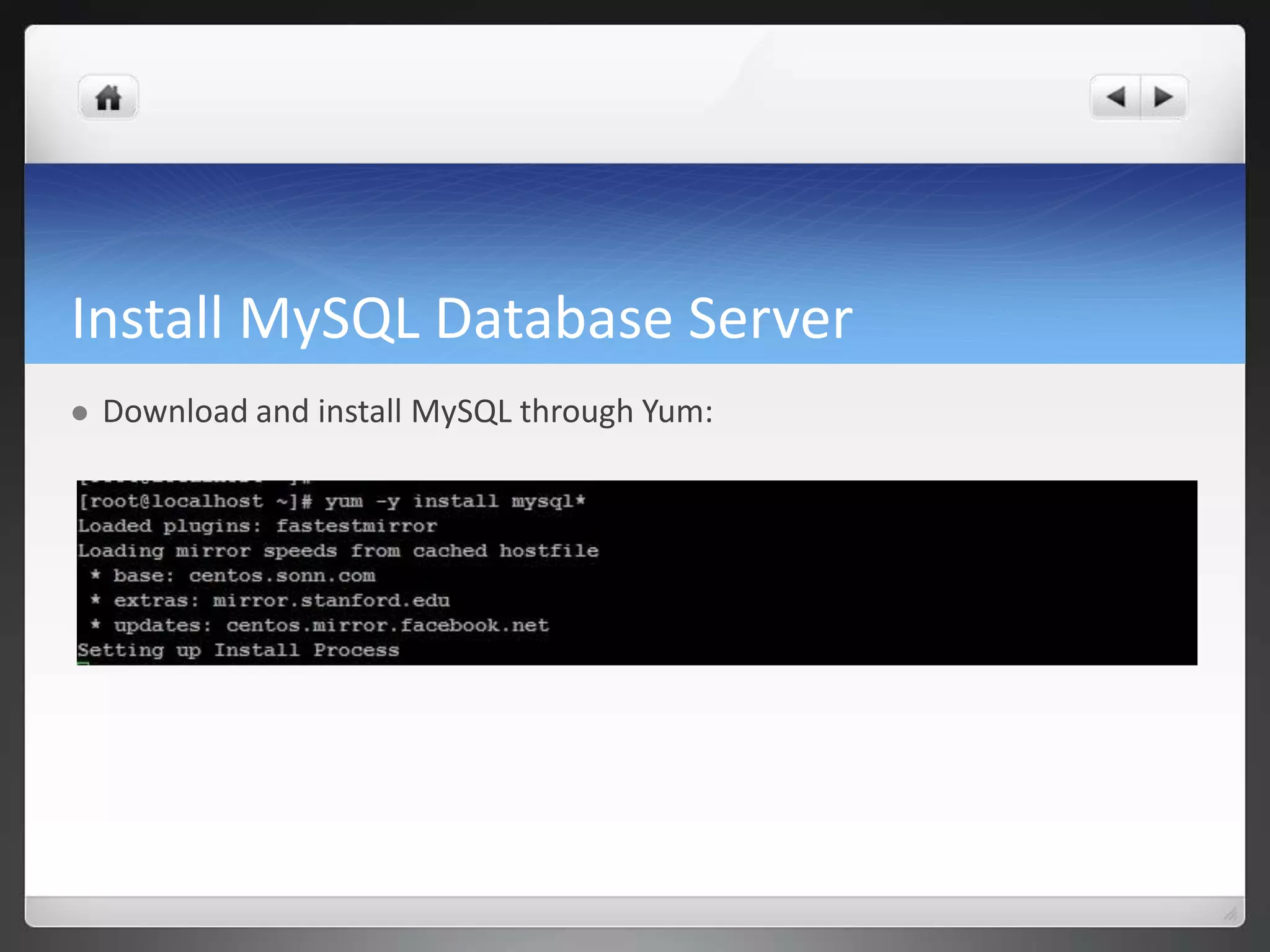
Install MySQL Database Server  Download and install MySQL through Yum:
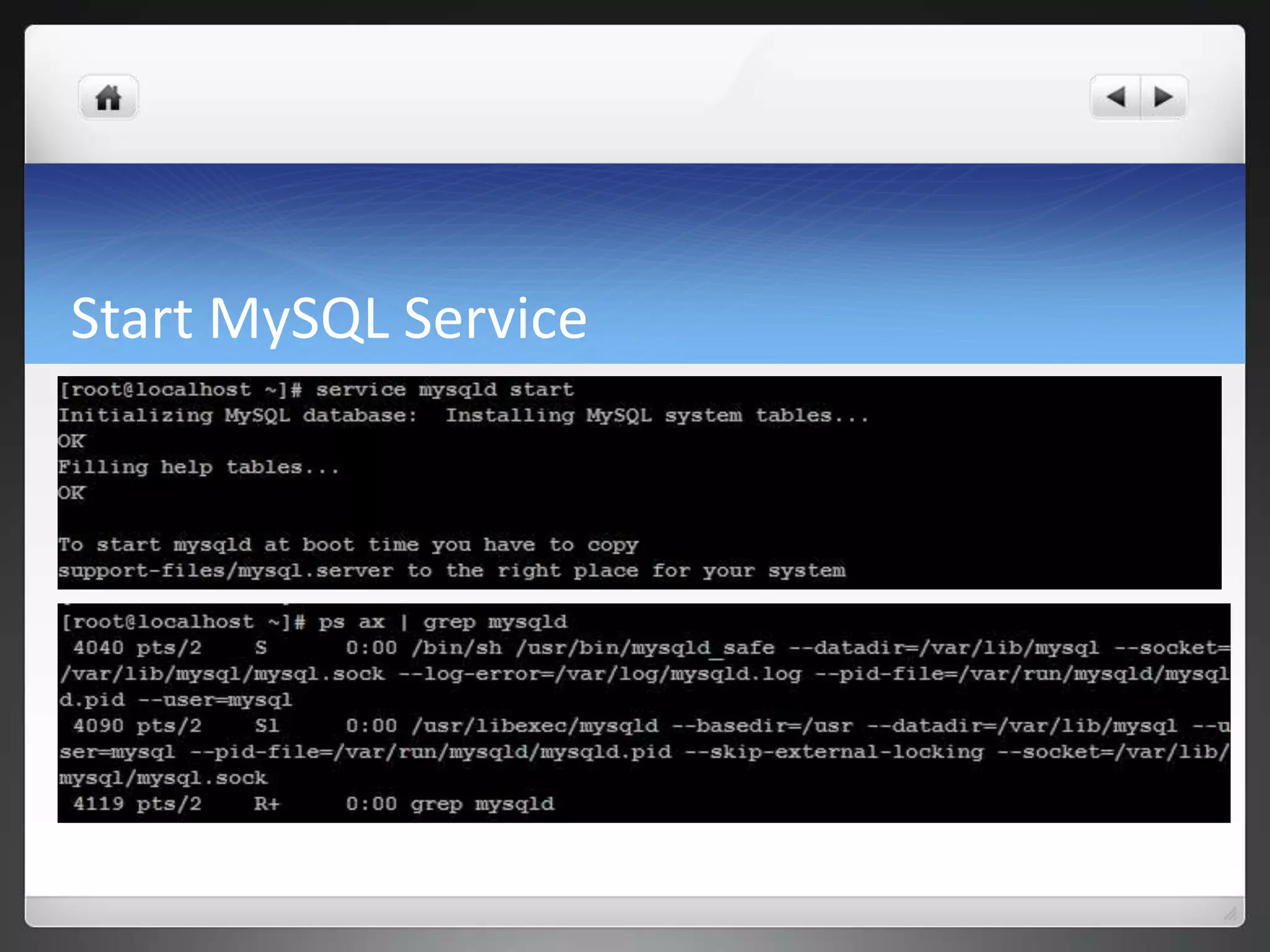
Start MySQL Service
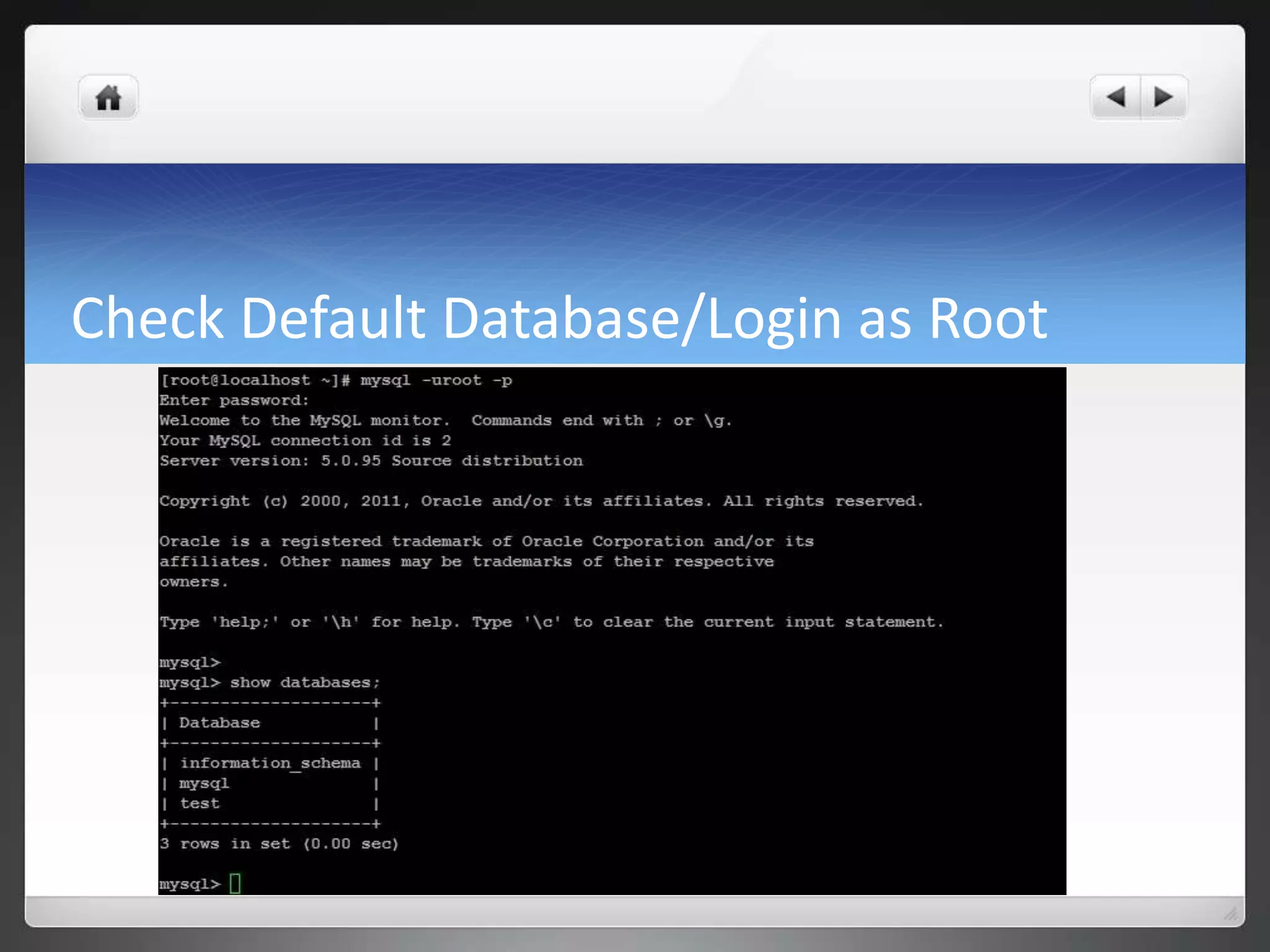
Check Default Database/Login as Root
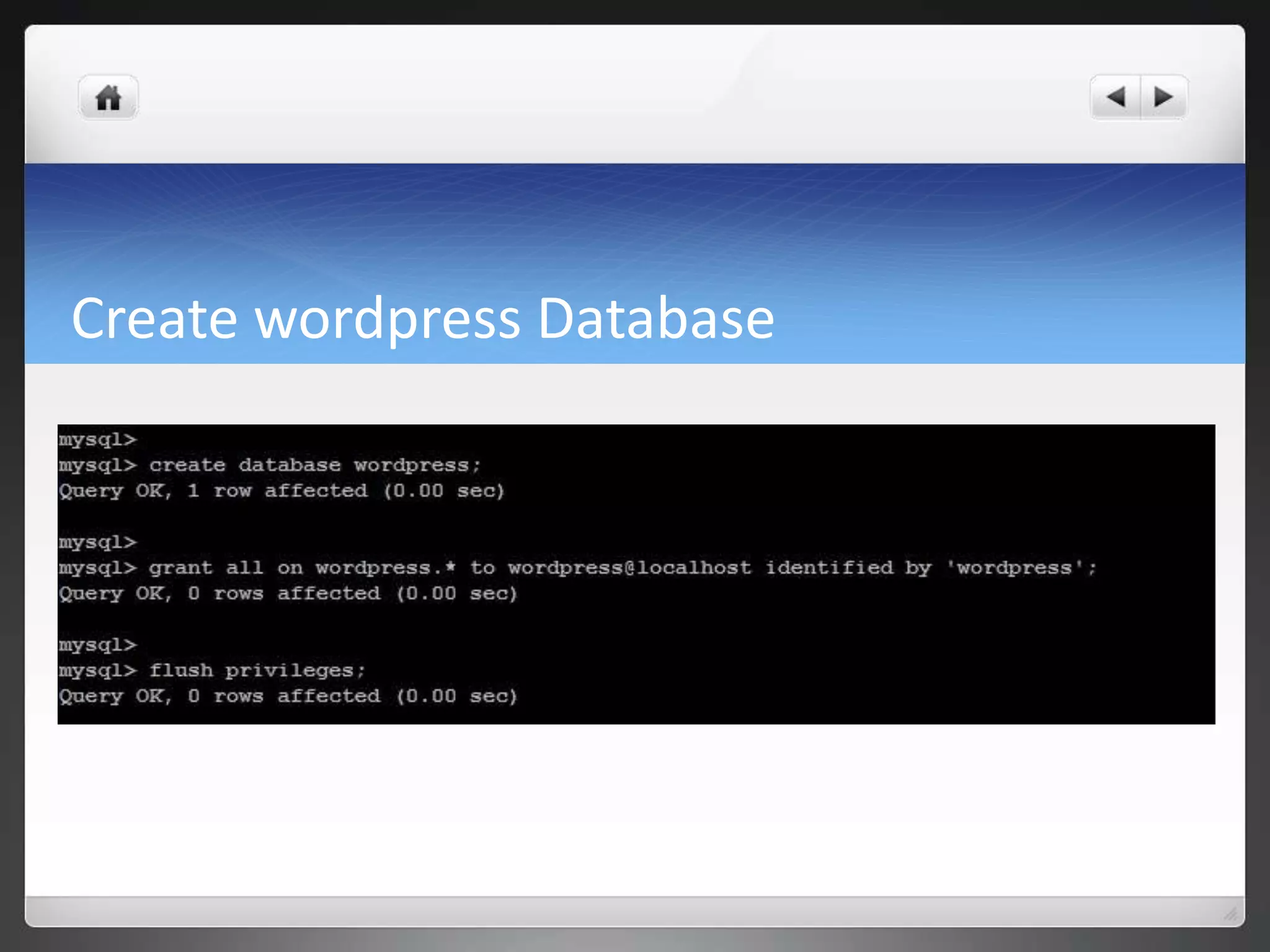
Create wordpress Database
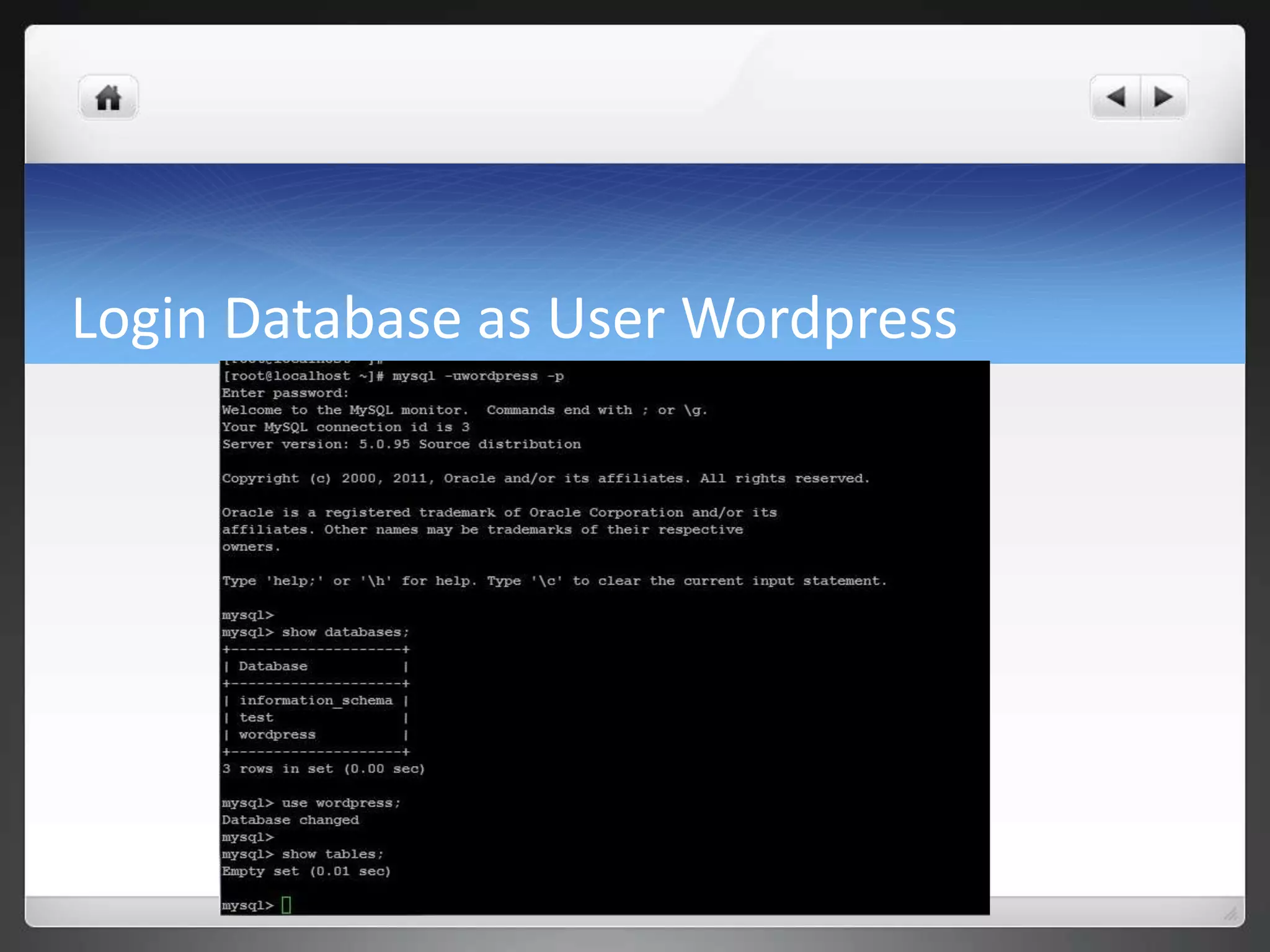
Login Database as User Wordpress
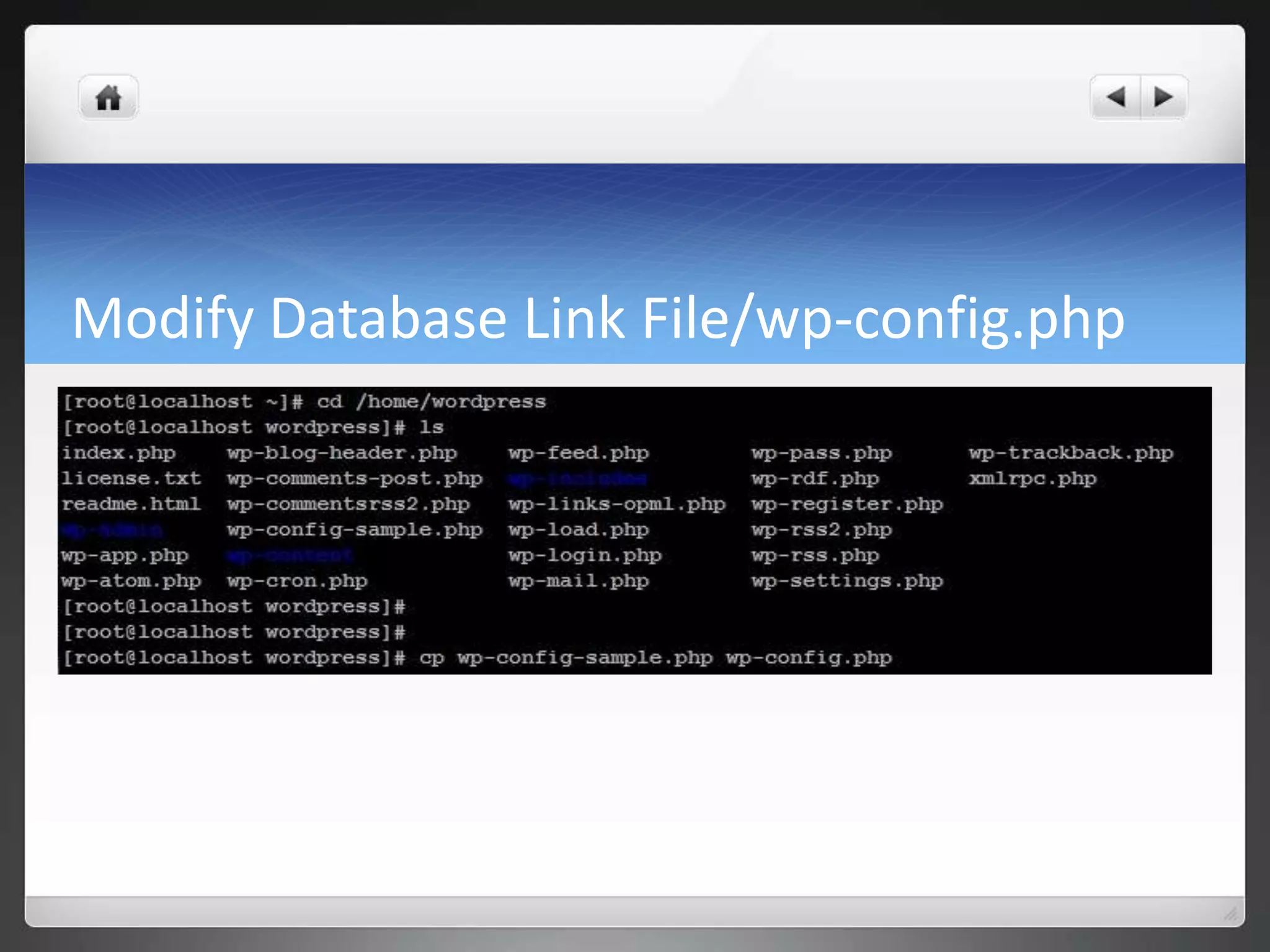
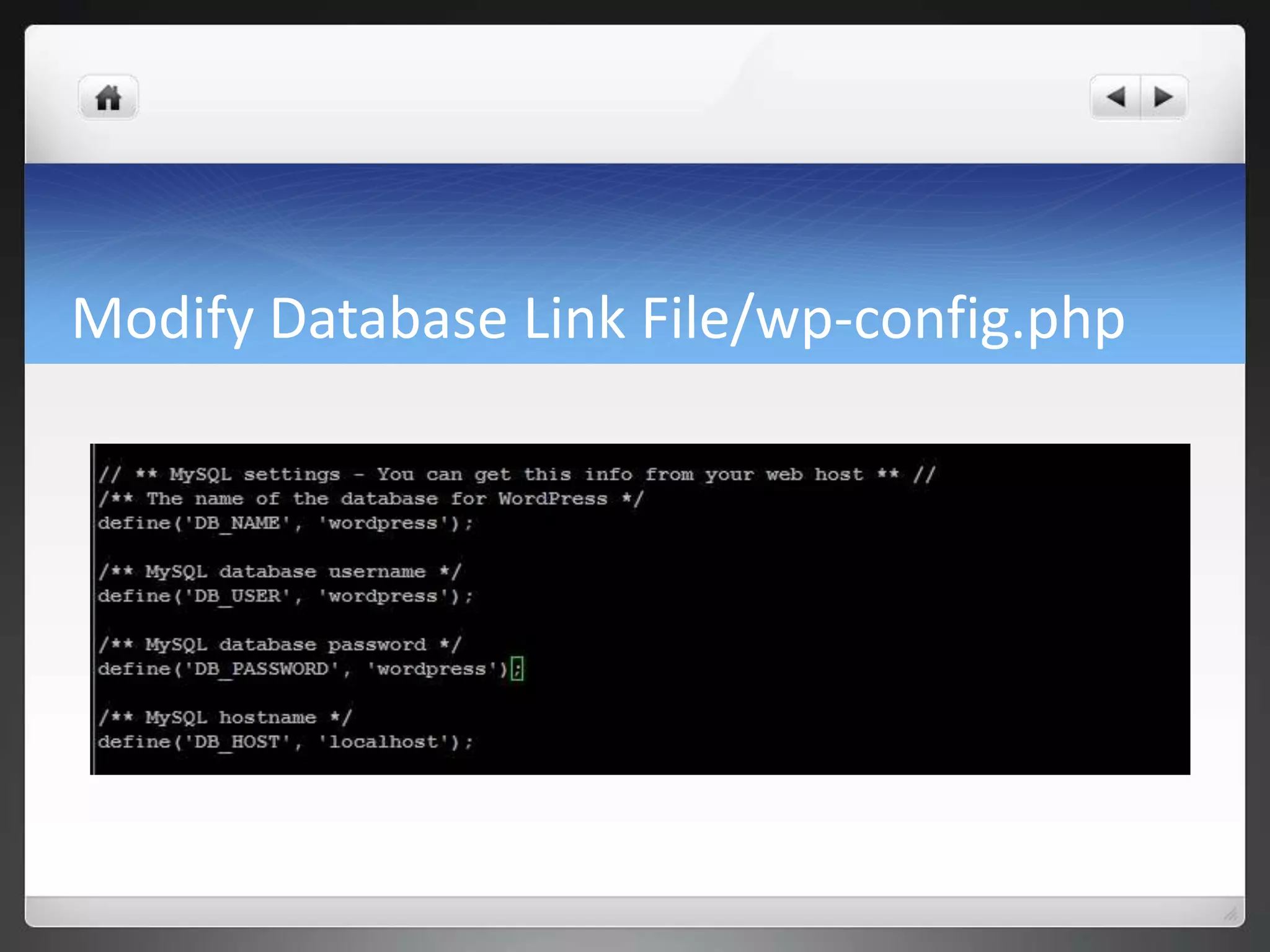
Modify Database Link File/wp-config.php
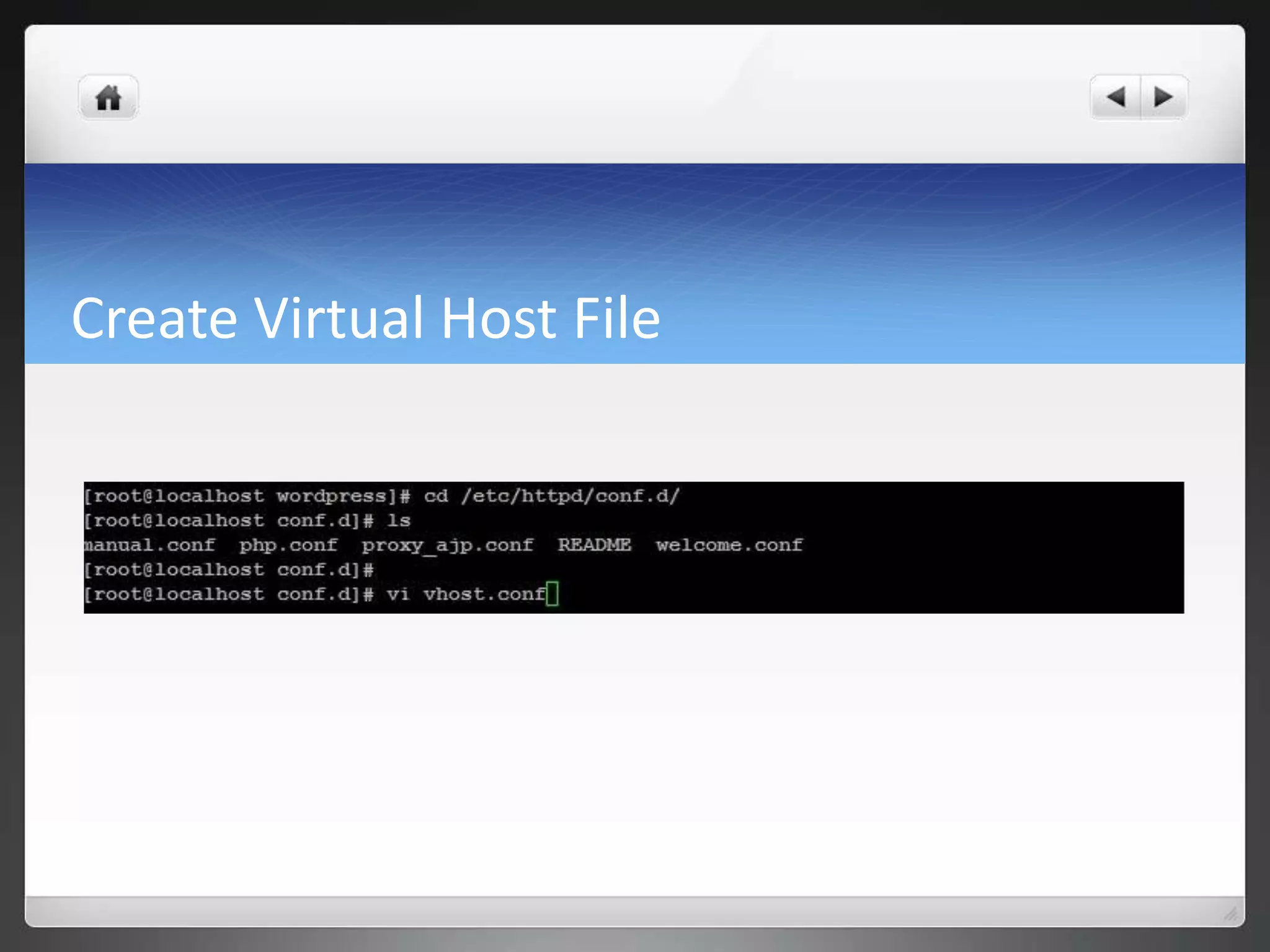
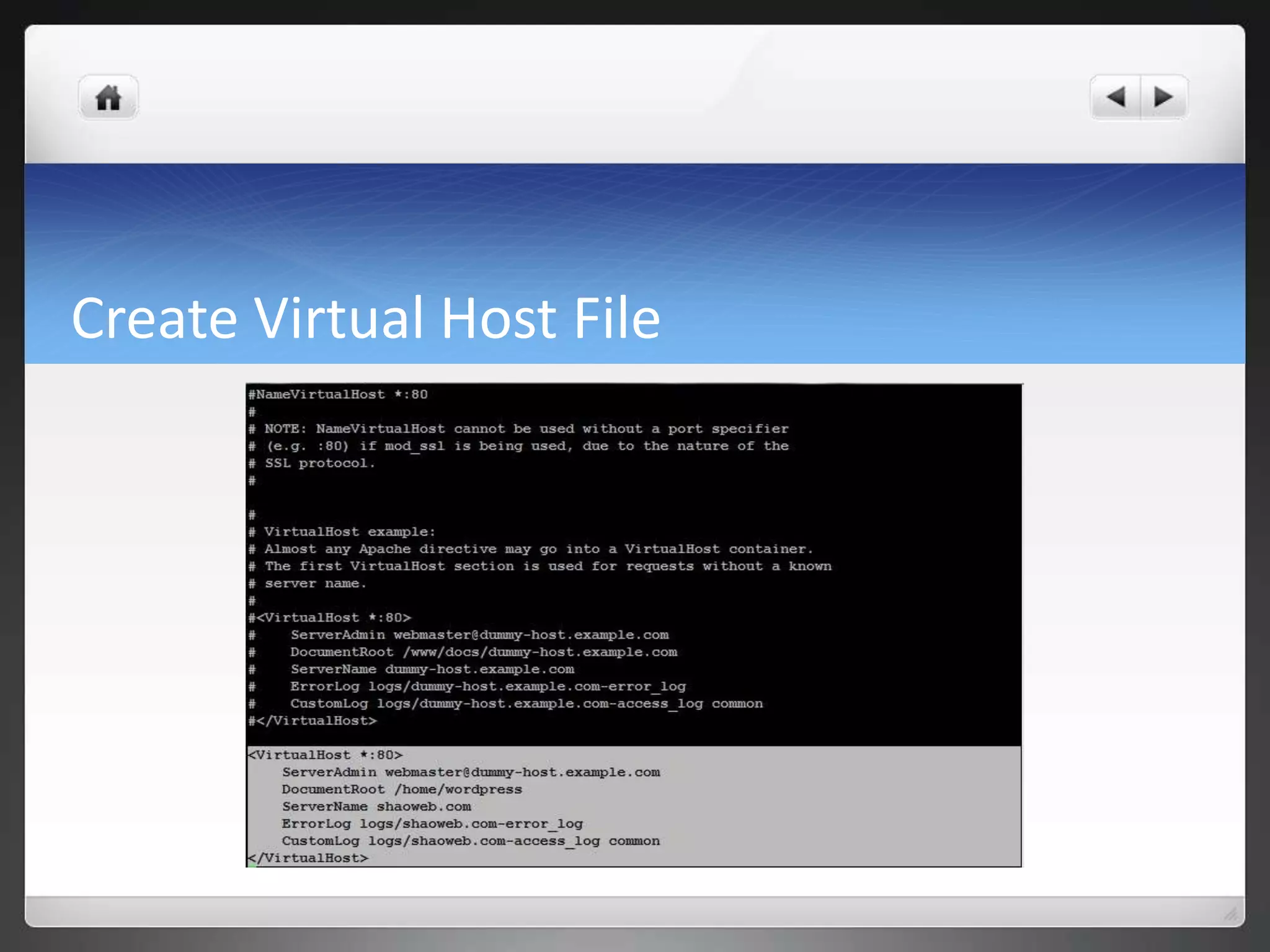
Create Virtual Host File
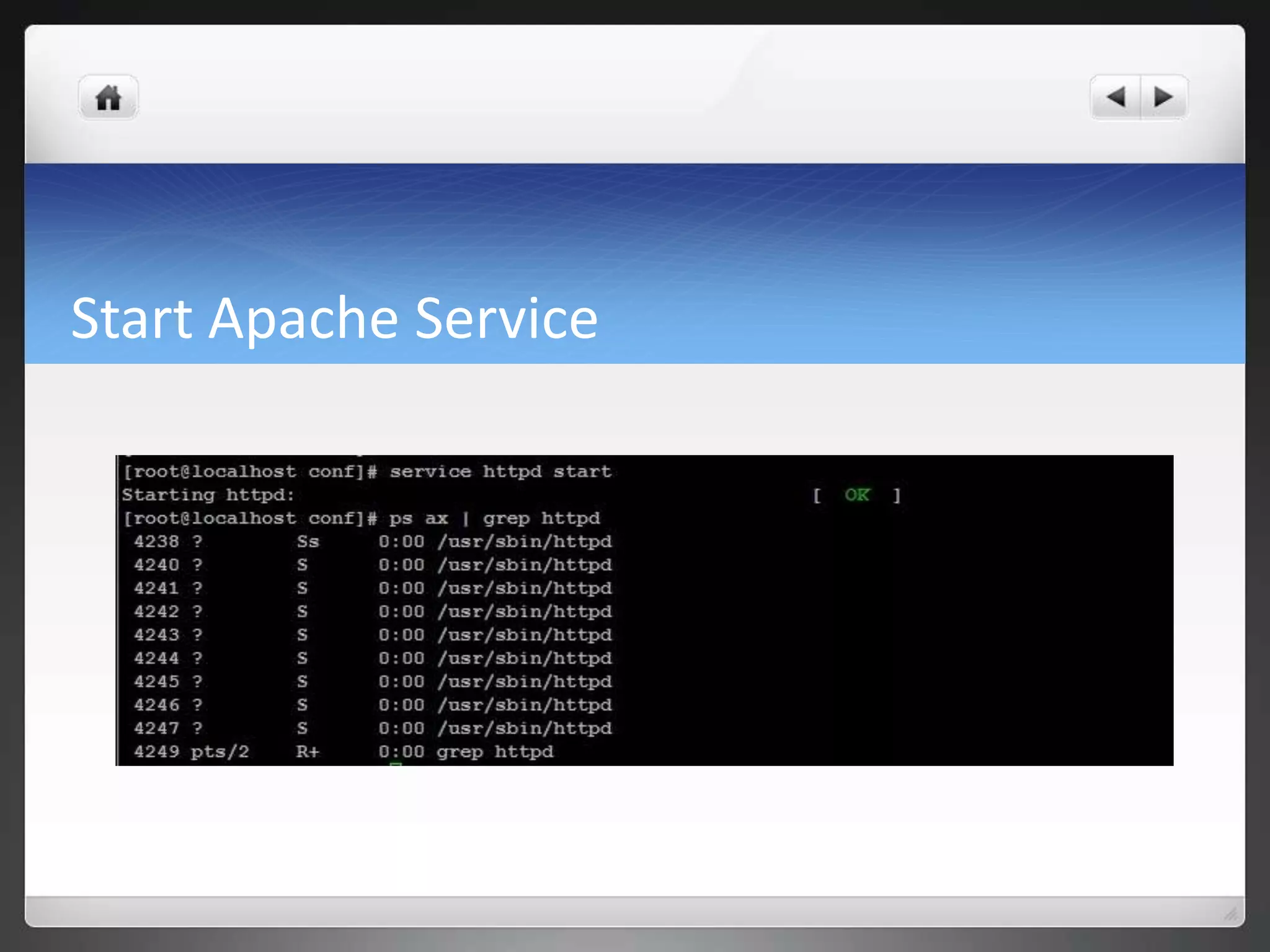
Start Apache Service
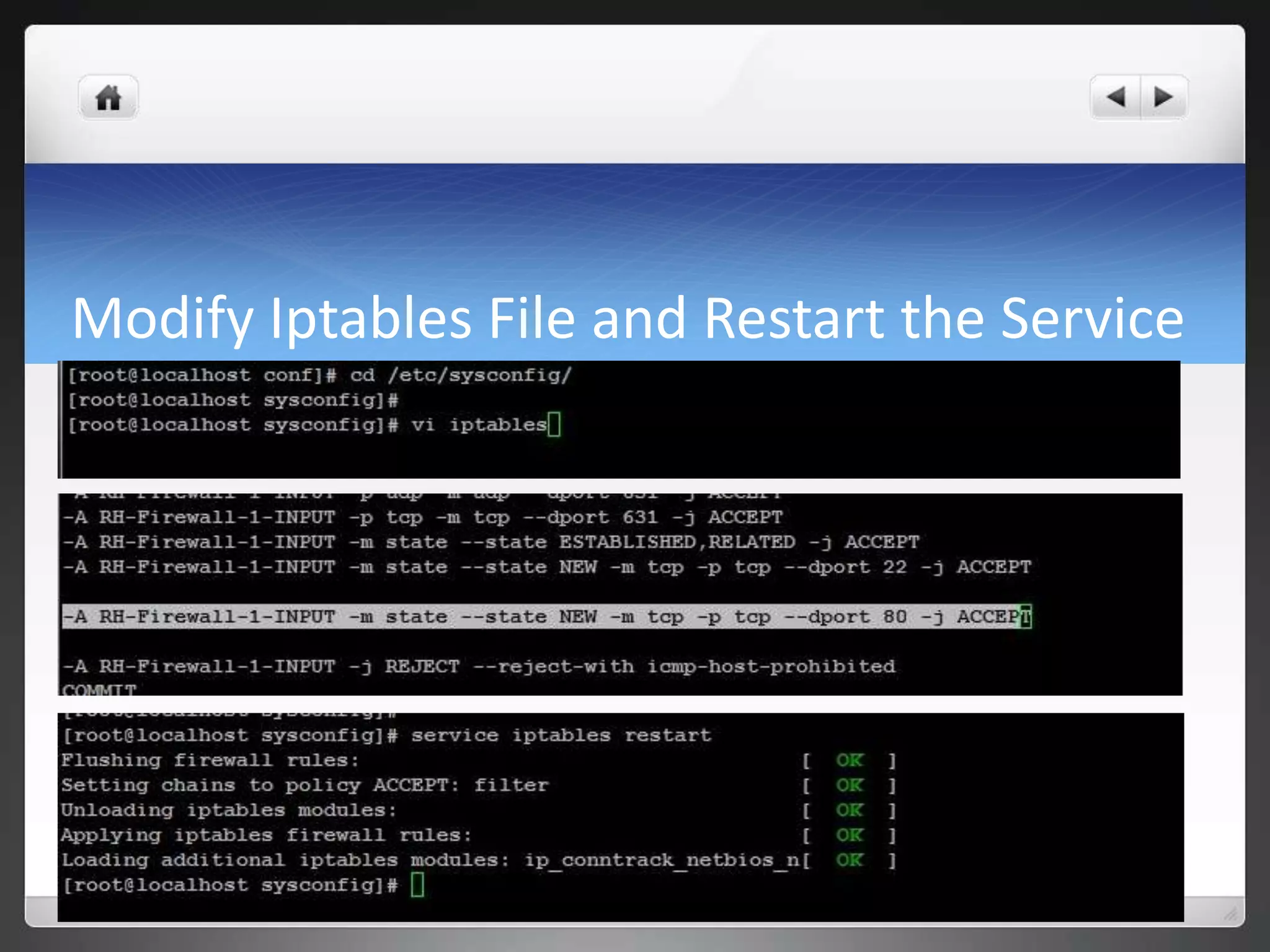
Modify Iptables File and Restart the Service
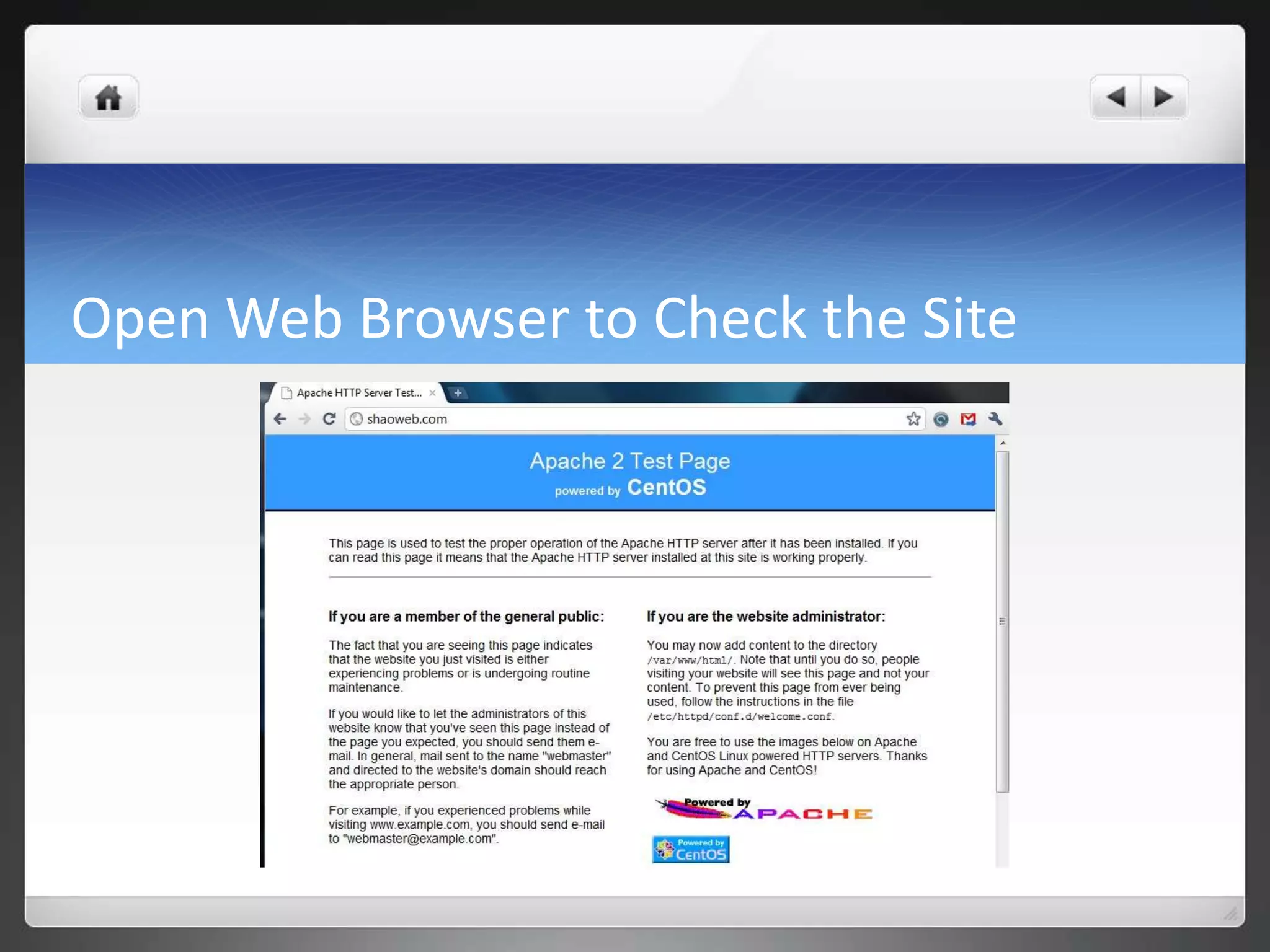
Open Web Browser to Check the Site
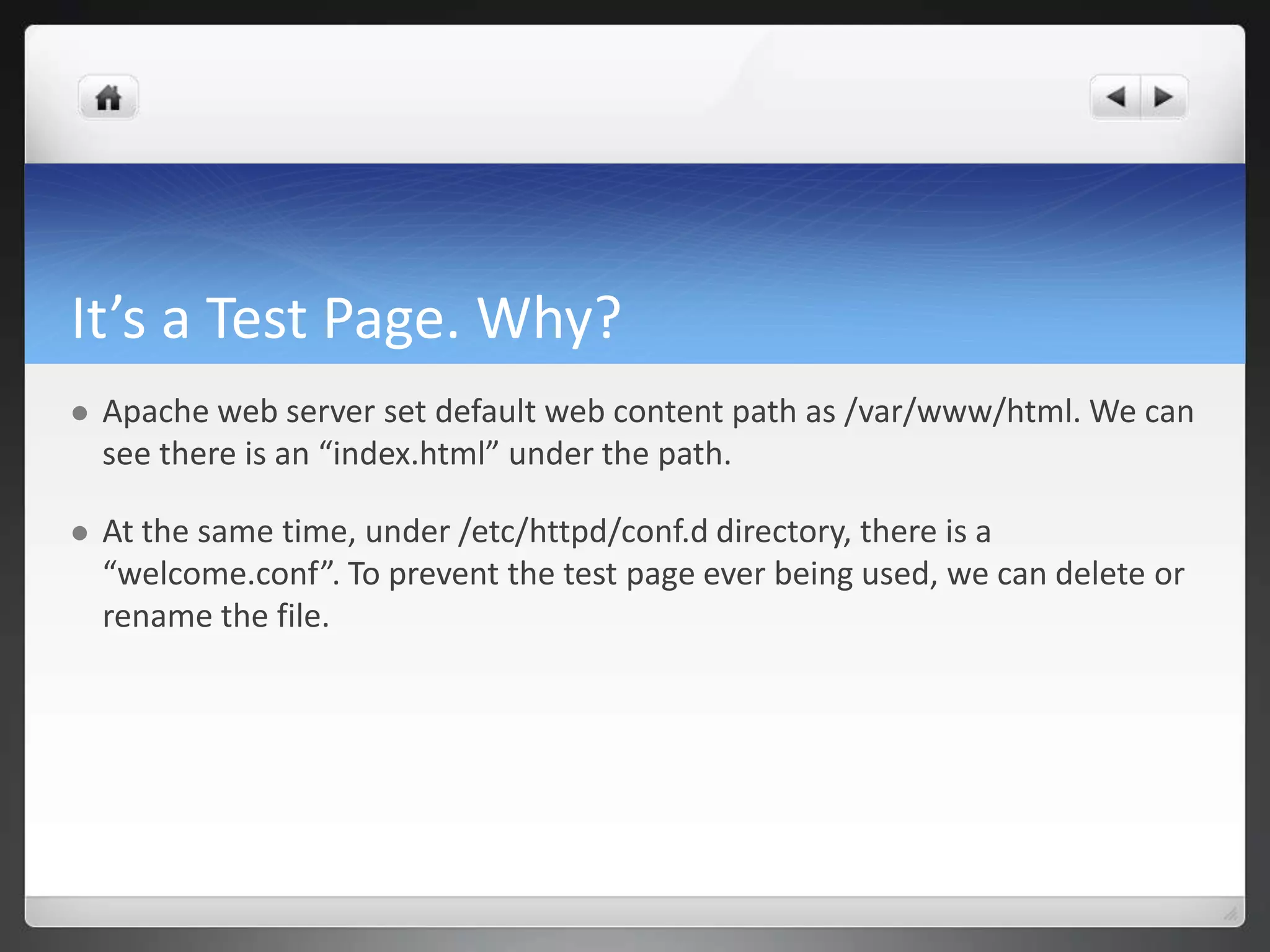
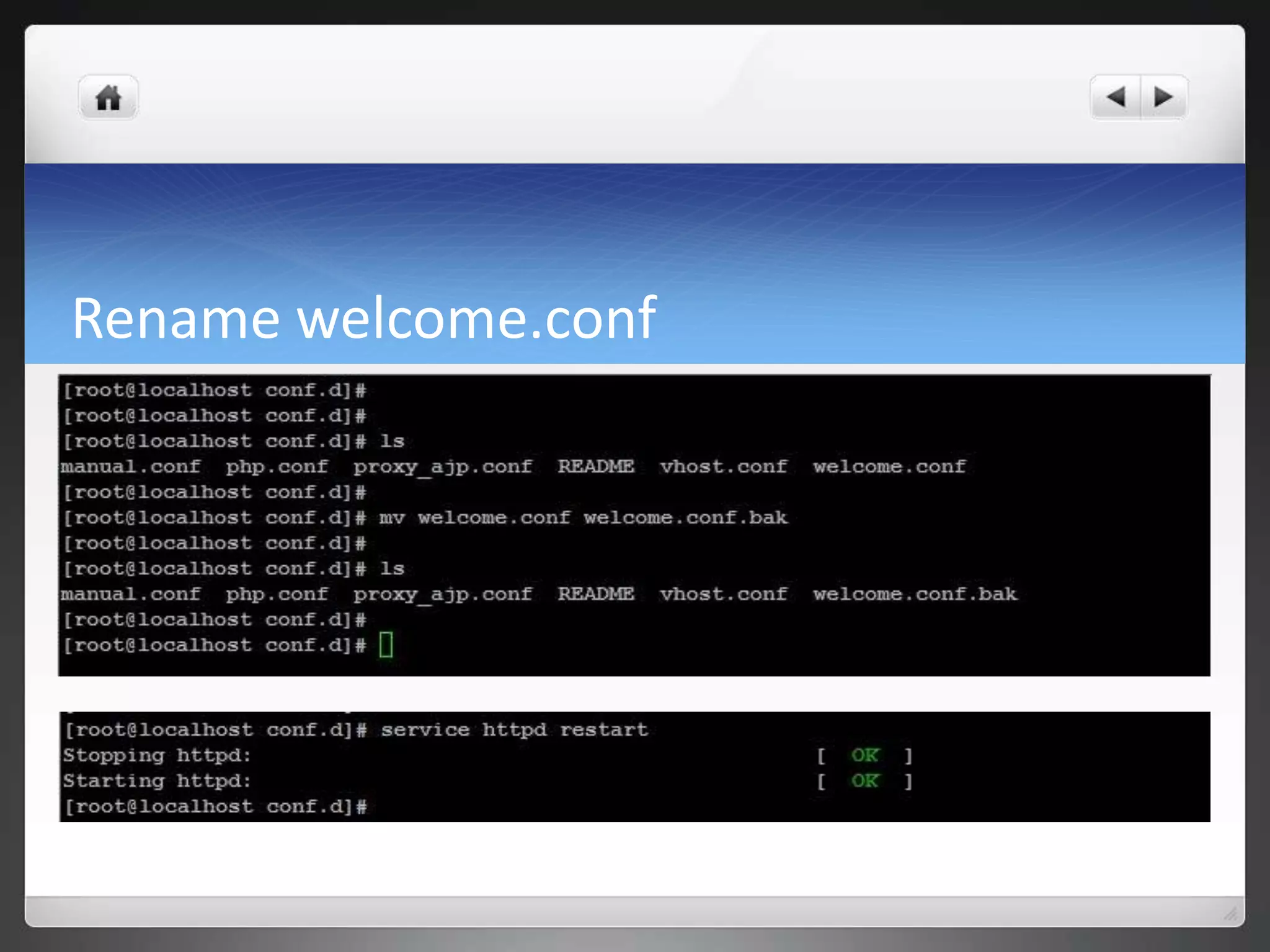
It’s a Test Page. Why?  Apache web server set default web content path as /var/www/html. We can see there is an “index.html” under the path.  At the same time, under /etc/httpd/conf.d directory, there is a “welcome.conf”. To prevent the test page ever being used, we can delete or rename the file.
Rename welcome.conf
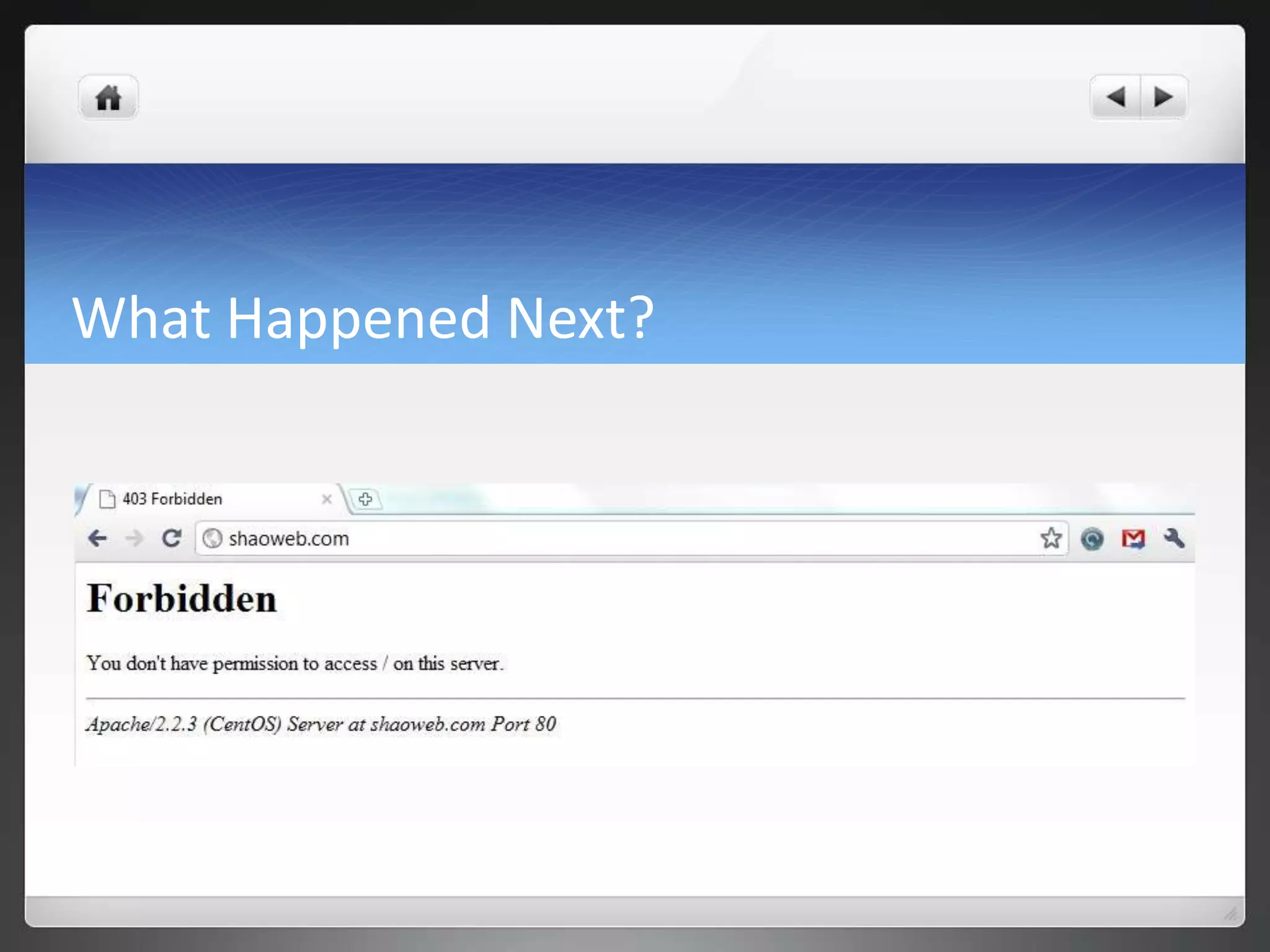
What Happened Next?
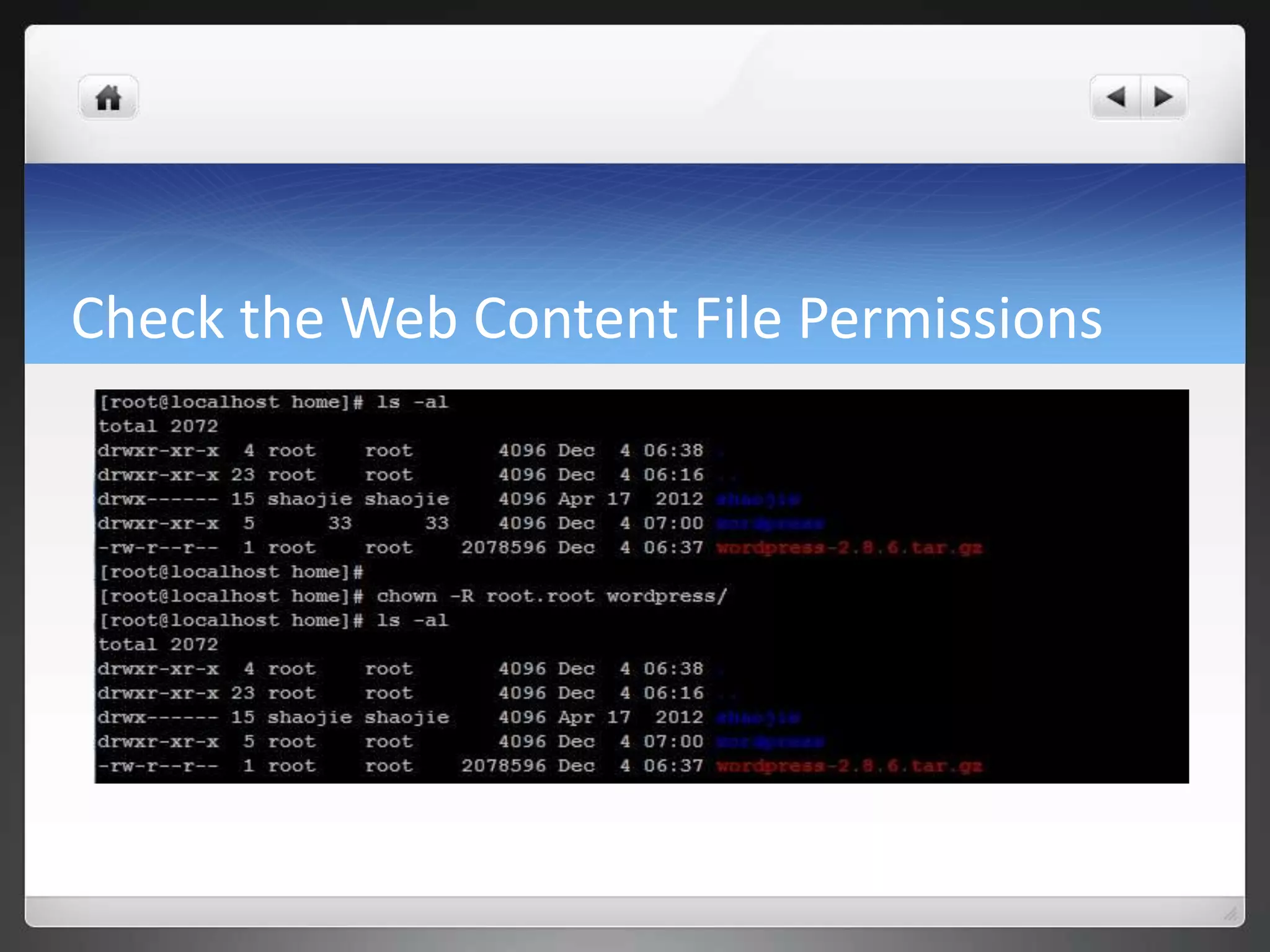
Check the Web Content File Permissions
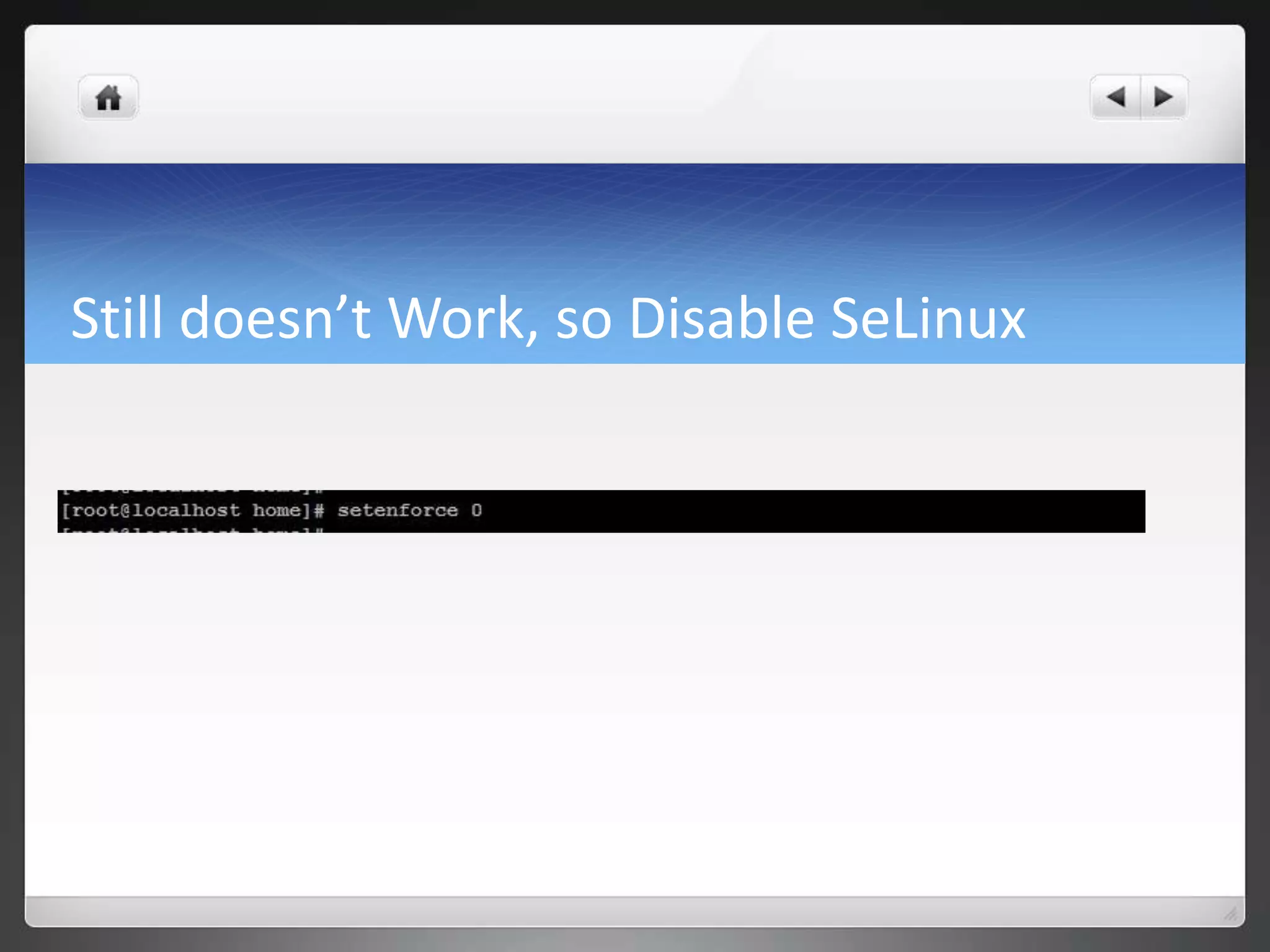
Still doesn’t Work, so Disable SeLinux
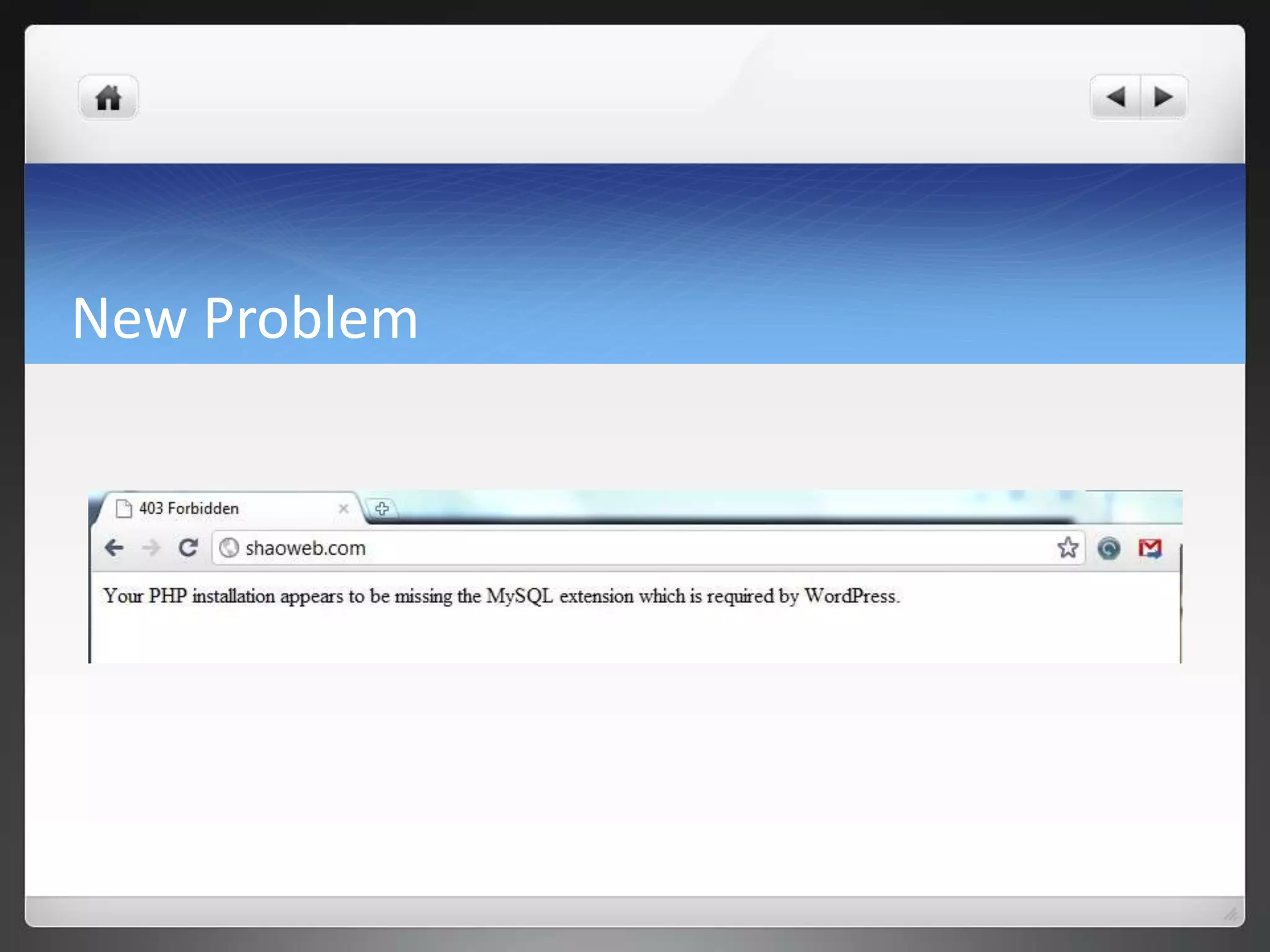
New Problem
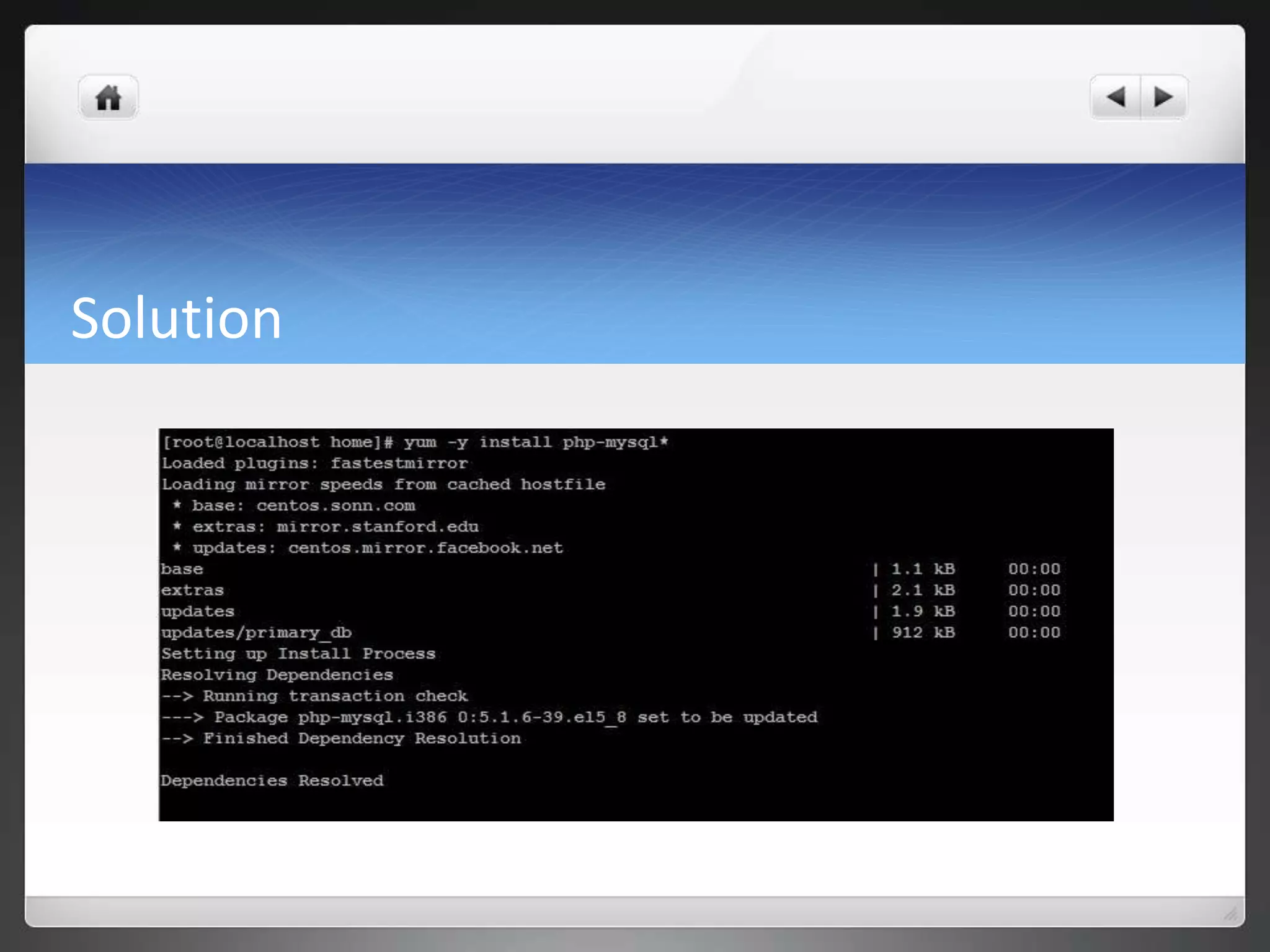
Solution
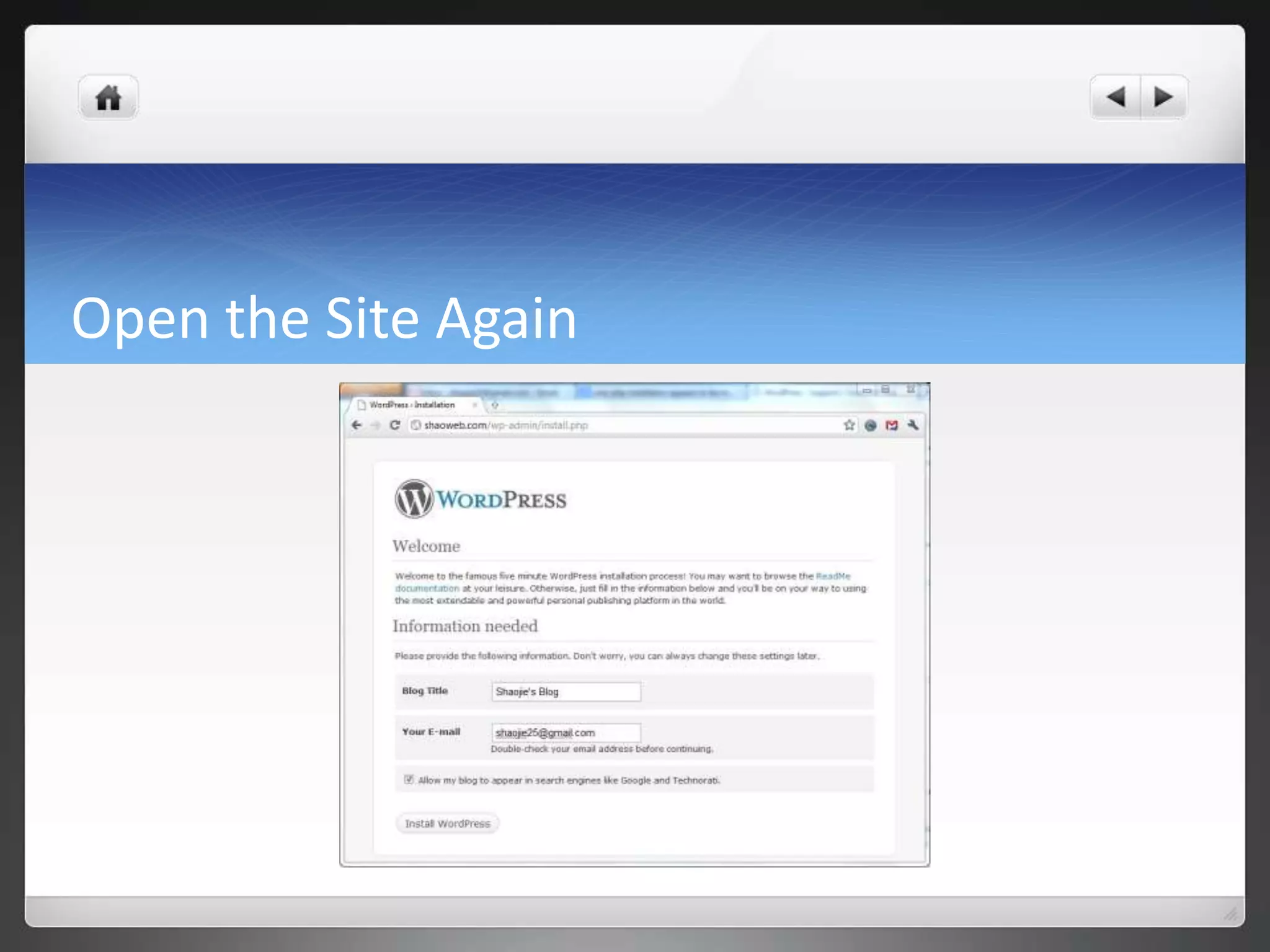
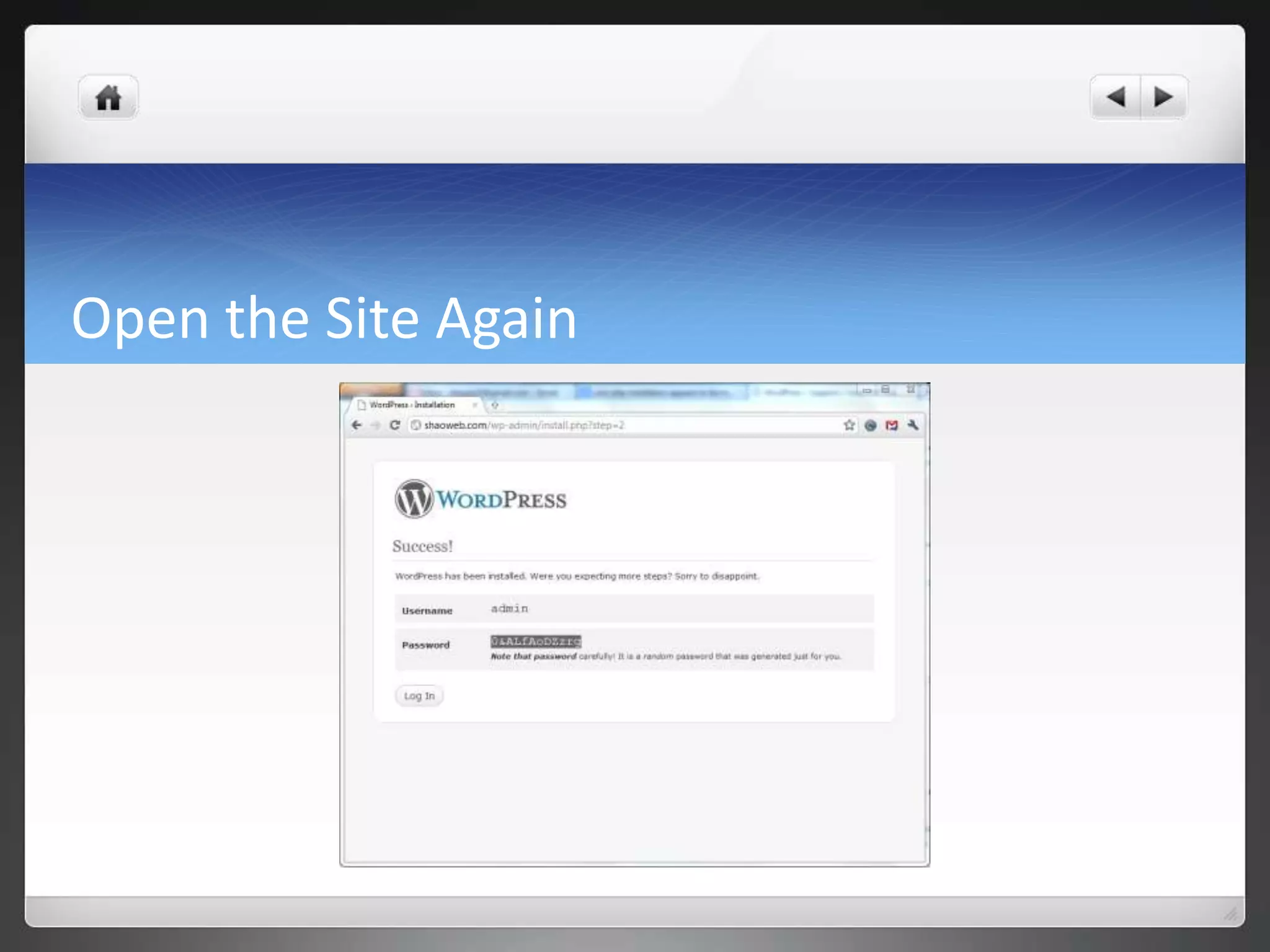
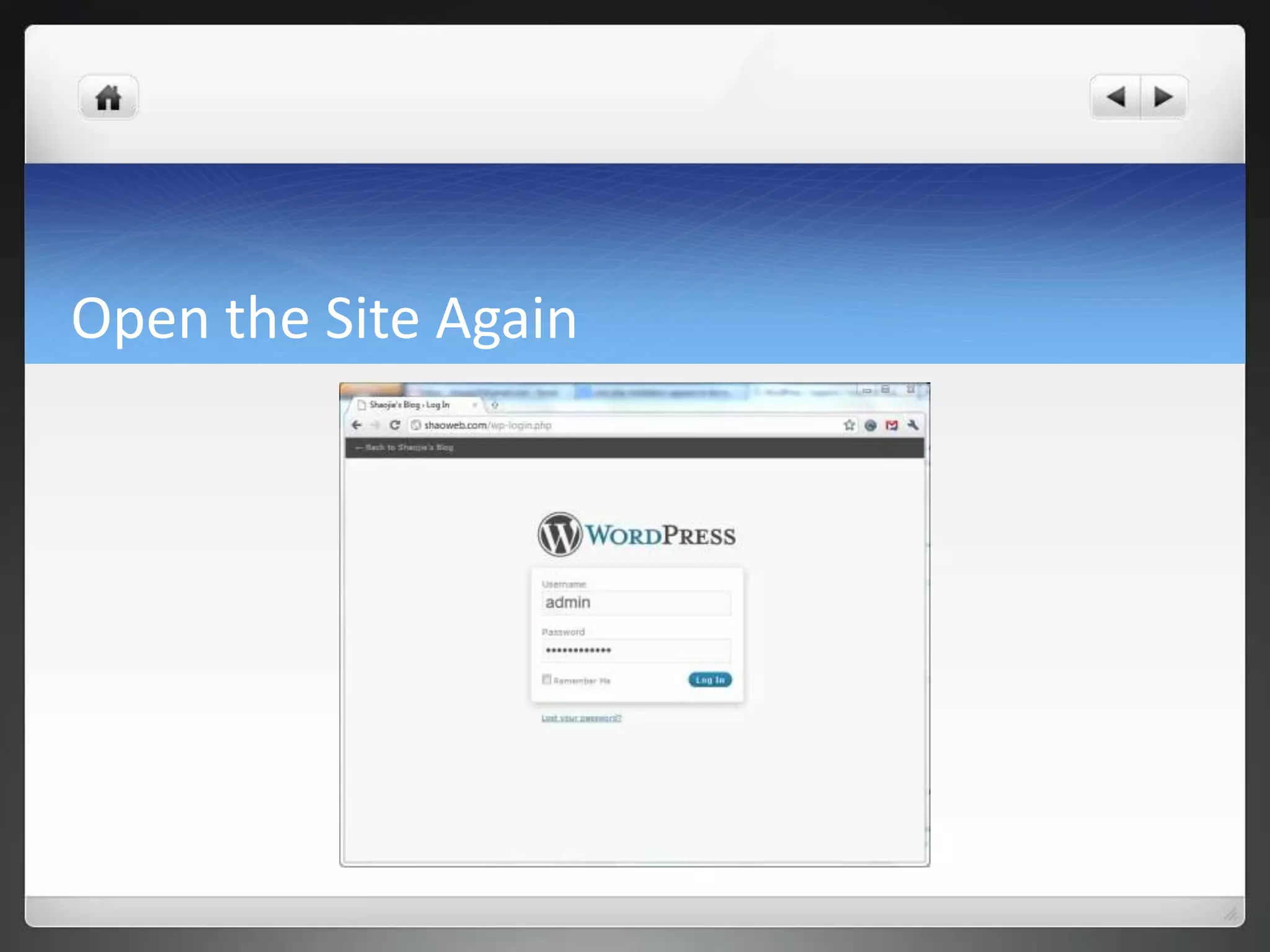
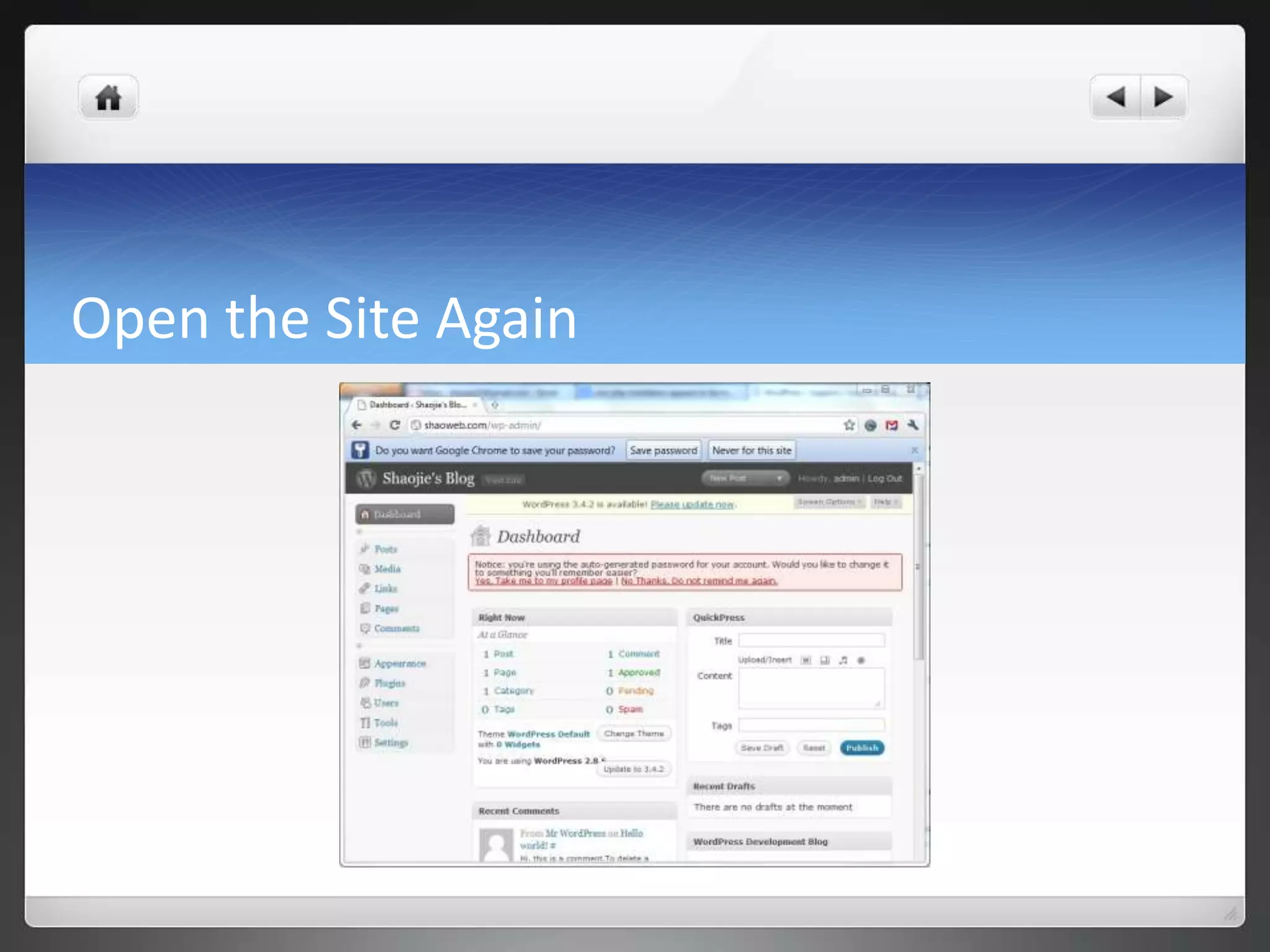
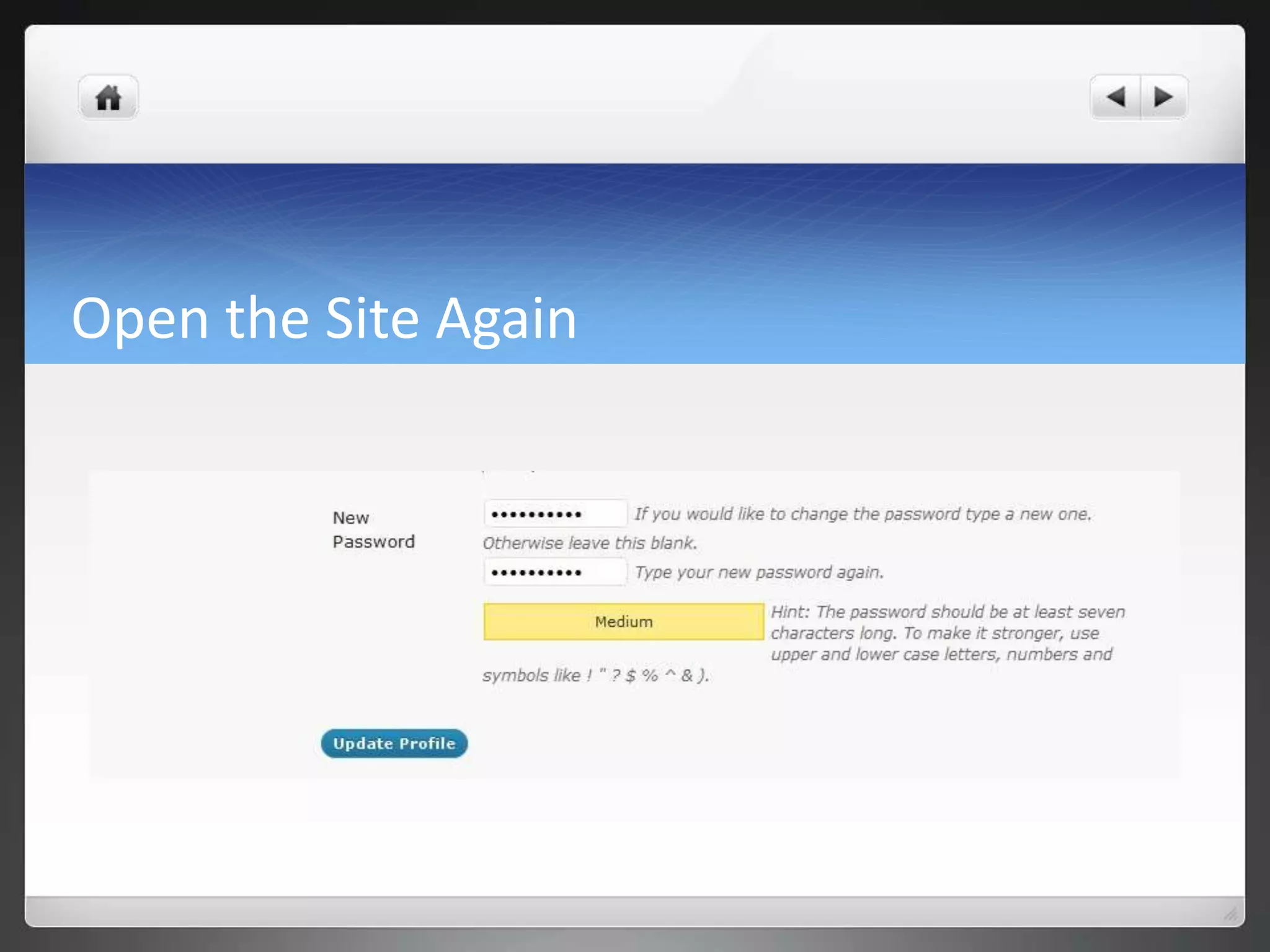
Open the Site Again
Open the Site Again
Open the Site Again
Open the Site Again
Open the Site Again
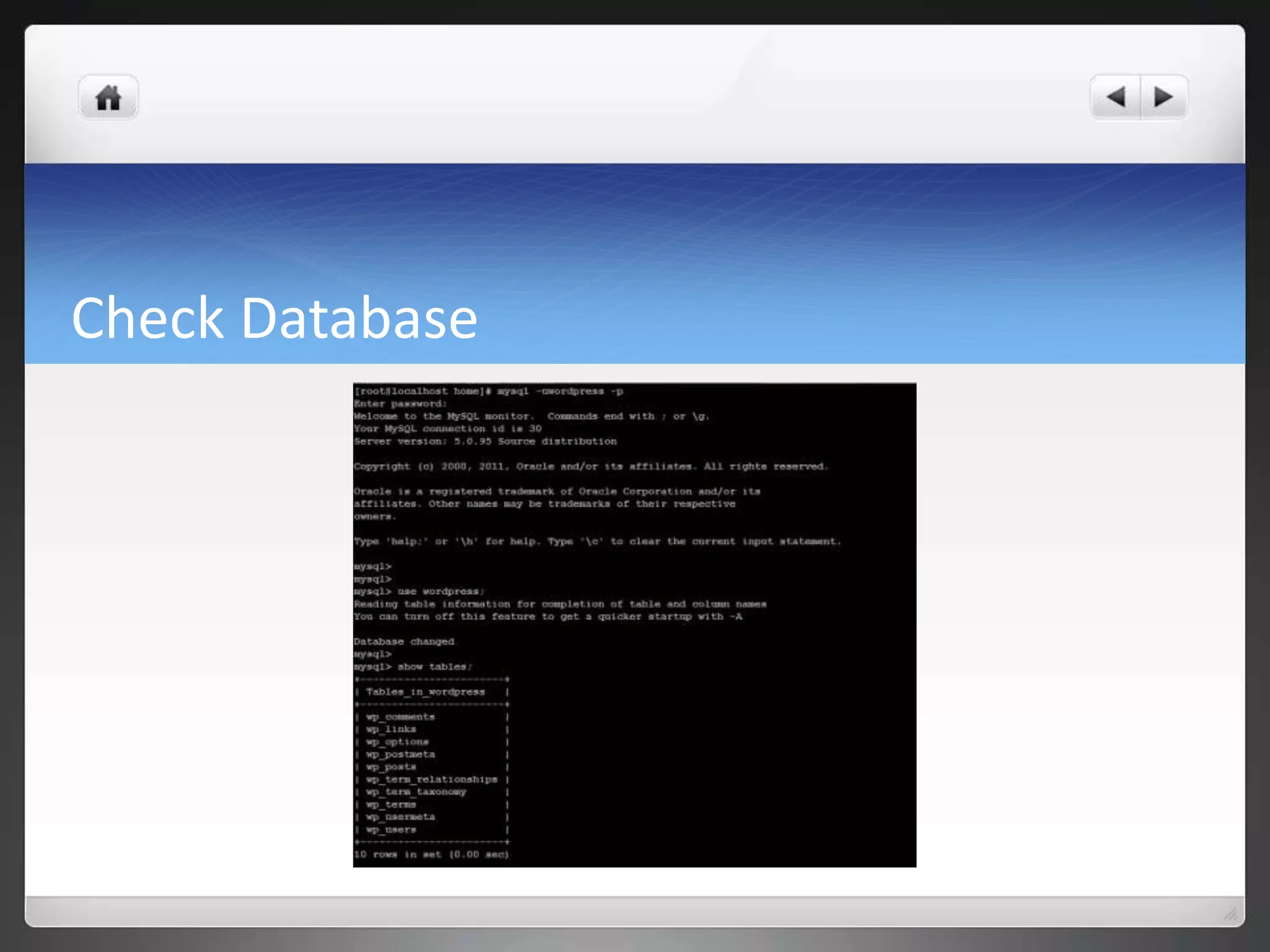
Check Database
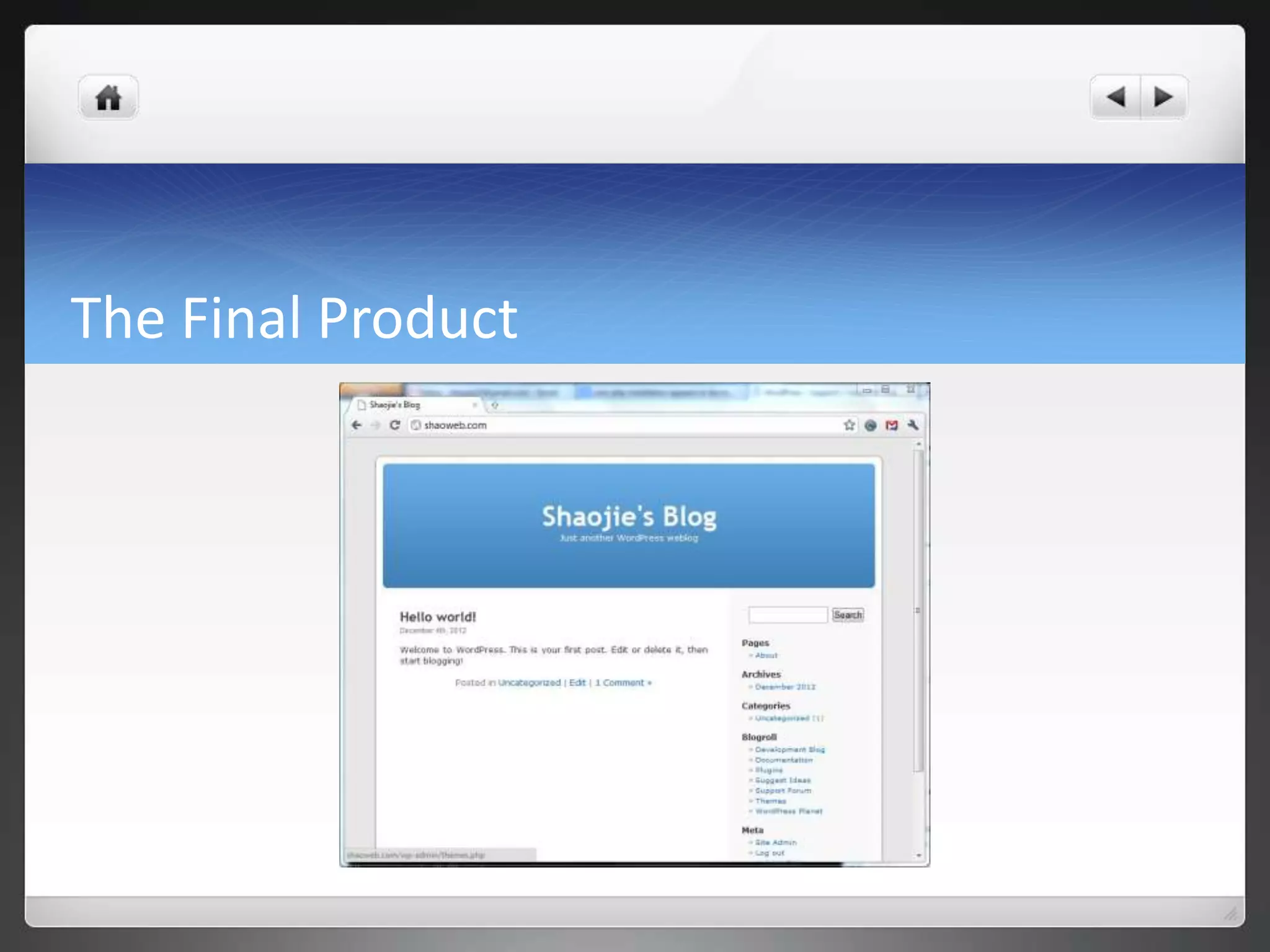
The Final Product
Web server installation_configuration_apache

Web server installation_configuration_apache