Web Testing
Agenda for the session Functionality Usability Server Side Interfaces Client side Compatibility Performance Security
Functionality Testing Links Objective is to check for all the links in the website.   All Internal Links   All External Links   All mail to links Check for Broken Links
Field Level Validation Check for length, special characters, numerical characters etc., Functional checks Create, modify, view and delete are working. Forms….
Forms…. Error Handling for wrong inputs or actions. - Check whether Appropriate error messages to be displayed. Optional and mandatory fields. - Mandatory field should not be left blank. Optional should allow the user to skip the field.
Cookies Check whether cookies are enabled. Web sites use cookies to simulate a continuous connection to that site.
Database Data Integrity - Should not be any missing or wrong data in the database .
Usability Navigation Navigation describes the way users navigate within a page, between different user interface controls (buttons, boxes, lists, windows etc.), or between pages via e.g. links. Check the following .. - Application navigation is proper through tab - Navigation through Mouse - Main features accessible from the main/home page. - Any hot keys, control keys to access menus.
Usability Content Correctness is whether the information is truthful or contains misinformation. The accuracy of the information is whether it is without grammatical or spelling errors. Remove irrelevant information from your site. This may otherwise cause misunderstandings or confusion.
Usability General Appearance Page appearance Color, font and size Frames Consistent design
Server Side Interfaces Server Interface Verify that communication is done correctly, Web server-Application server, Application server-Database server and vice versa. Compatibility of server software, hardware, network connections. Database compatibility (SQL, Oracle etc.)
Client Side Compatibility Platform Check for the compatibility of a. Windows (95, 98, 2000, NT) b. Unix (different sets) c. Macintosh (If applicable) d. Linux e. Solaris (If applicable)
Client Side Compatibility Browsers Check for the various combinations Internet Explorer (3.X 4.X, 5.X) Netscape Navigator (3.X, 4.X, 6.X) AOL Browser settings (security settings, graphics, Java etc.) Frames and Cascade Style sheets Applets, ActiveX controls, DHTML, client side scripting HTML specifications.
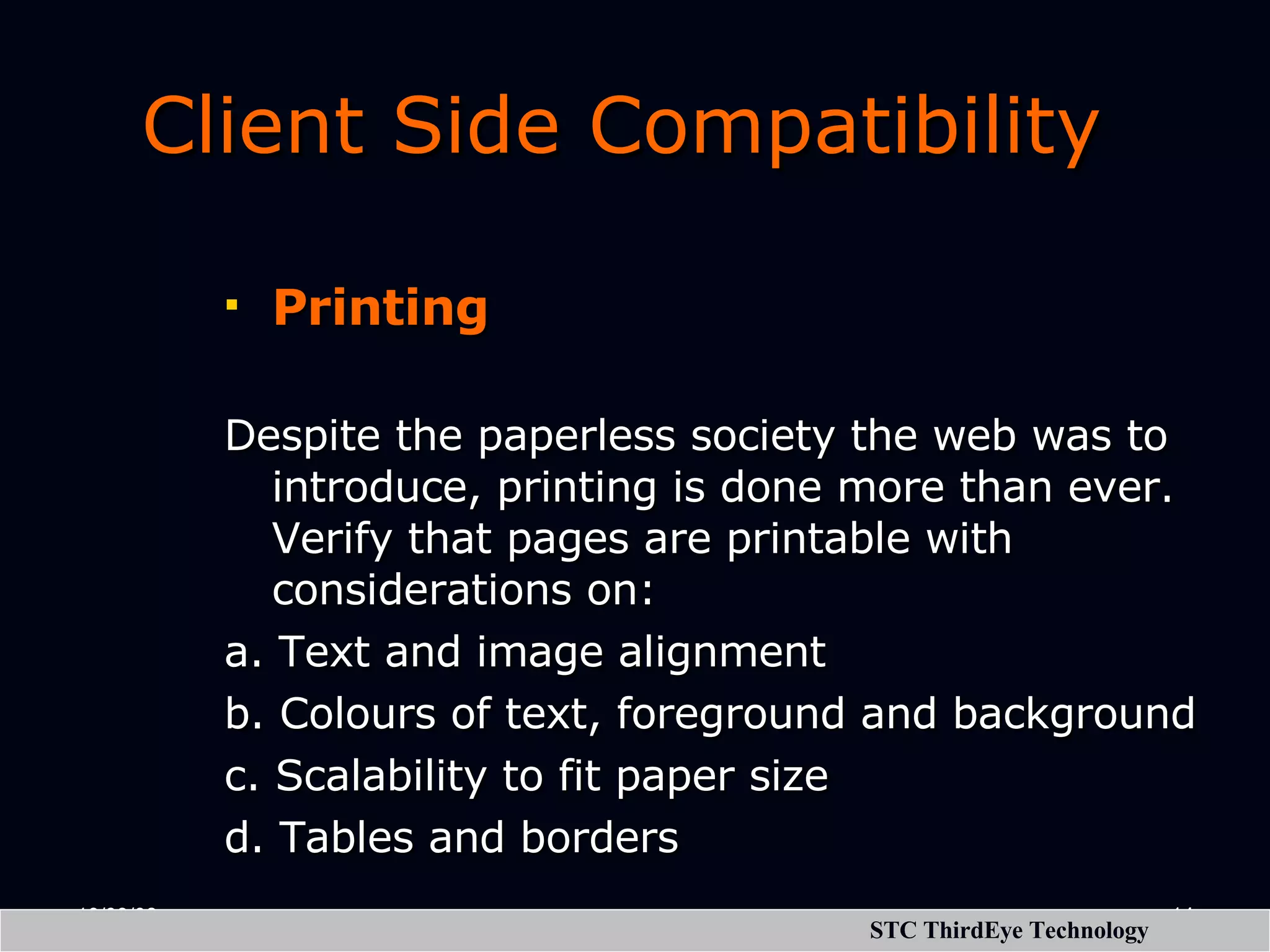
Client Side Compatibility Printing Despite the paperless society the web was to introduce, printing is done more than ever. Verify that pages are printable with considerations on: a. Text and image alignment b. Colours of text, foreground and background c. Scalability to fit paper size d. Tables and borders
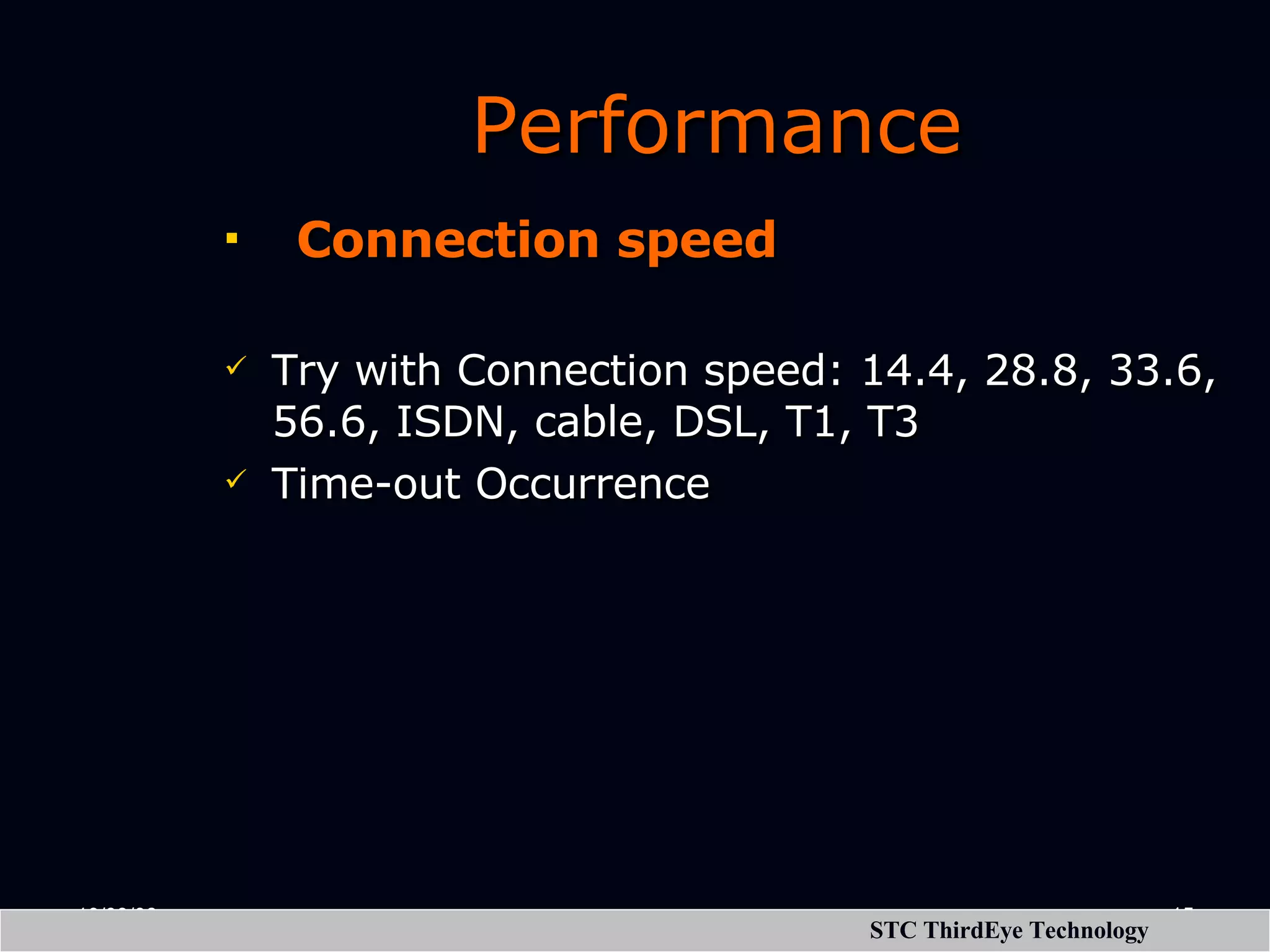
Performance   Connection speed Try with Connection speed: 14.4, 28.8, 33.6, 56.6, ISDN, cable, DSL, T1, T3 Time-out Occurrence
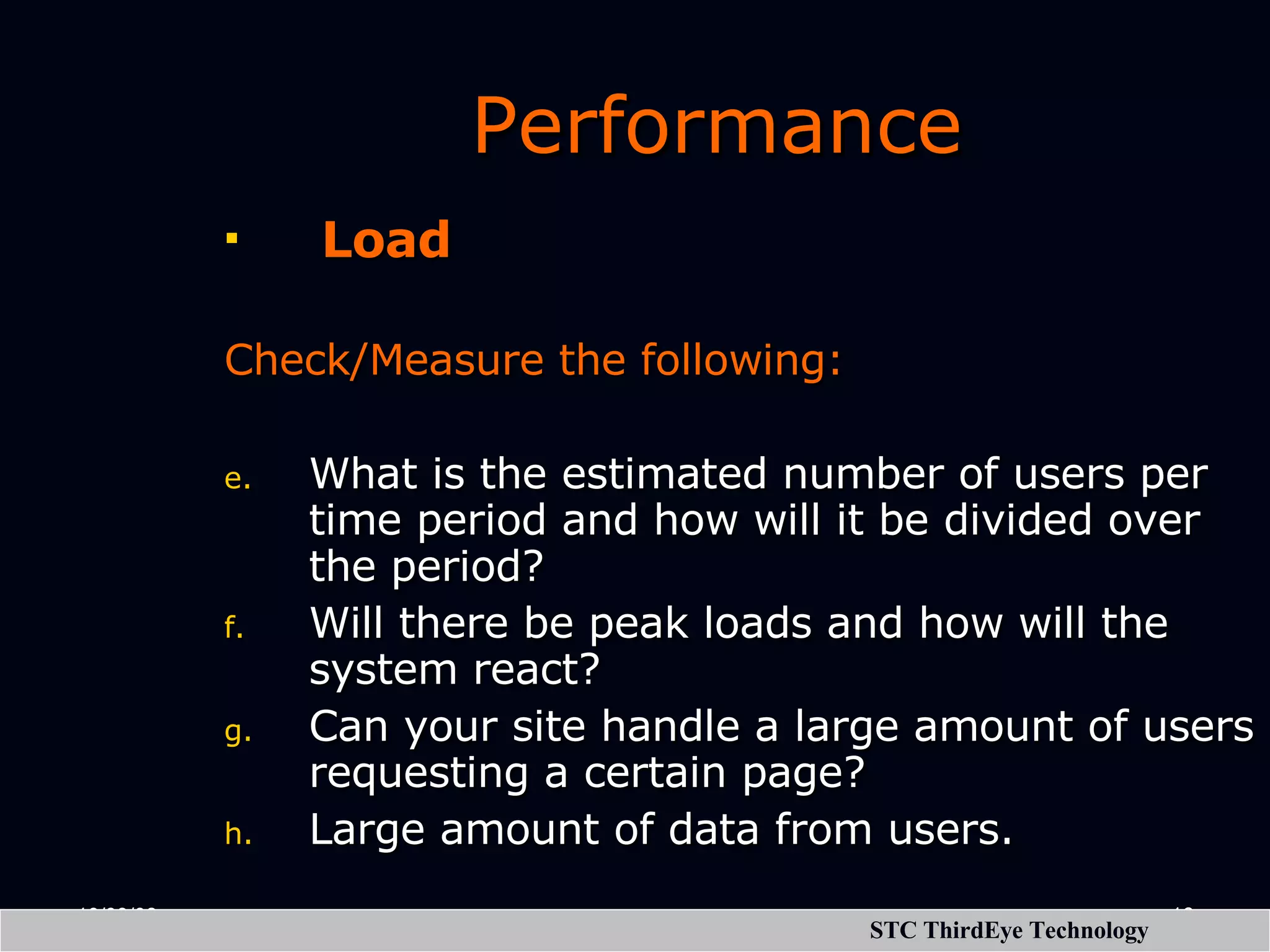
Performance   Load Check/Measure the following:   What is the estimated number of users per time period and how will it be divided over the period? Will there be peak loads and how will the system react? Can your site handle a large amount of users requesting a certain page? Large amount of data from users.
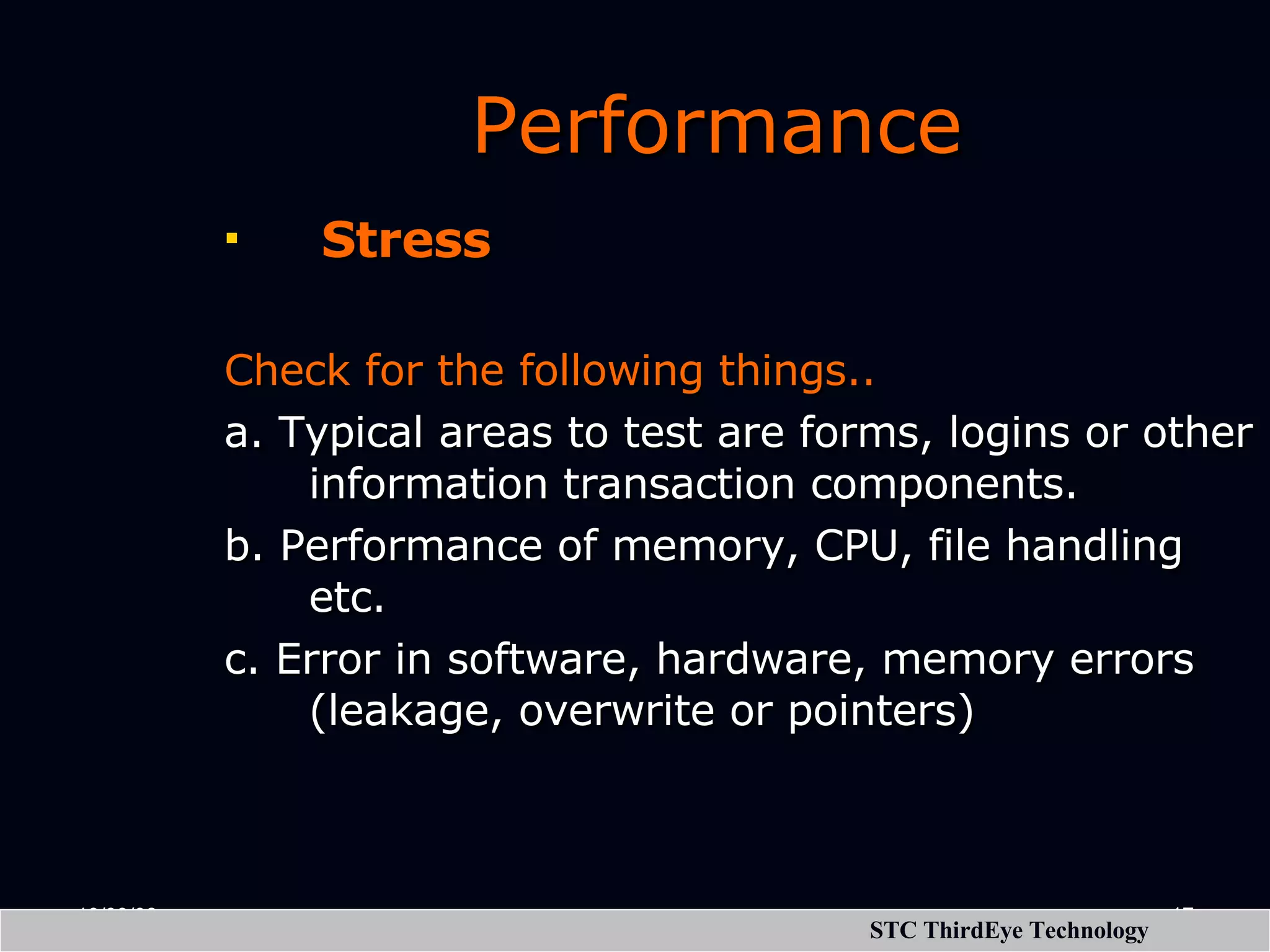
Performance   Stress Check for the following things.. a. Typical areas to test are forms, logins or other information transaction components. b. Performance of memory, CPU, file handling etc. c. Error in software, hardware, memory errors (leakage, overwrite or pointers)
Security   Valid and Invalid Login    Limit defined for the number of tries.    Verify Log files are maintained to store the information for traceability.   Verify encryption is done correctly if SSL is used (If applicable)    No access to edit scripts on the server without authorization.

Web Testing

  • 1.
  • 2.
    Agenda for thesession Functionality Usability Server Side Interfaces Client side Compatibility Performance Security
  • 3.
    Functionality Testing LinksObjective is to check for all the links in the website.   All Internal Links   All External Links   All mail to links Check for Broken Links
  • 4.
    Field Level ValidationCheck for length, special characters, numerical characters etc., Functional checks Create, modify, view and delete are working. Forms….
  • 5.
    Forms…. Error Handling for wrong inputs or actions. - Check whether Appropriate error messages to be displayed. Optional and mandatory fields. - Mandatory field should not be left blank. Optional should allow the user to skip the field.
  • 6.
    Cookies Check whethercookies are enabled. Web sites use cookies to simulate a continuous connection to that site.
  • 7.
    Database Data Integrity - Should not be any missing or wrong data in the database .
  • 8.
    Usability Navigation Navigation describes the way users navigate within a page, between different user interface controls (buttons, boxes, lists, windows etc.), or between pages via e.g. links. Check the following .. - Application navigation is proper through tab - Navigation through Mouse - Main features accessible from the main/home page. - Any hot keys, control keys to access menus.
  • 9.
    Usability Content Correctnessis whether the information is truthful or contains misinformation. The accuracy of the information is whether it is without grammatical or spelling errors. Remove irrelevant information from your site. This may otherwise cause misunderstandings or confusion.
  • 10.
    Usability General AppearancePage appearance Color, font and size Frames Consistent design
  • 11.
    Server Side Interfaces Server Interface Verify that communication is done correctly, Web server-Application server, Application server-Database server and vice versa. Compatibility of server software, hardware, network connections. Database compatibility (SQL, Oracle etc.)
  • 12.
    Client Side Compatibility Platform Check for the compatibility of a. Windows (95, 98, 2000, NT) b. Unix (different sets) c. Macintosh (If applicable) d. Linux e. Solaris (If applicable)
  • 13.
    Client Side Compatibility Browsers Check for the various combinations Internet Explorer (3.X 4.X, 5.X) Netscape Navigator (3.X, 4.X, 6.X) AOL Browser settings (security settings, graphics, Java etc.) Frames and Cascade Style sheets Applets, ActiveX controls, DHTML, client side scripting HTML specifications.
  • 14.
    Client Side Compatibility Printing Despite the paperless society the web was to introduce, printing is done more than ever. Verify that pages are printable with considerations on: a. Text and image alignment b. Colours of text, foreground and background c. Scalability to fit paper size d. Tables and borders
  • 15.
    Performance   Connection speed Try with Connection speed: 14.4, 28.8, 33.6, 56.6, ISDN, cable, DSL, T1, T3 Time-out Occurrence
  • 16.
    Performance  Load Check/Measure the following:   What is the estimated number of users per time period and how will it be divided over the period? Will there be peak loads and how will the system react? Can your site handle a large amount of users requesting a certain page? Large amount of data from users.
  • 17.
    Performance  Stress Check for the following things.. a. Typical areas to test are forms, logins or other information transaction components. b. Performance of memory, CPU, file handling etc. c. Error in software, hardware, memory errors (leakage, overwrite or pointers)
  • 18.
    Security   Valid and Invalid Login    Limit defined for the number of tries.    Verify Log files are maintained to store the information for traceability.   Verify encryption is done correctly if SSL is used (If applicable)    No access to edit scripts on the server without authorization.