
I never liked WRI tendency to now iconize some results from computation in the notebook. I do not know if this is the correct term for it.
I like to see result always in plain normal code. Here is an example
Clear["Global`*"] eqn = y''[t] + b y'[t] + (c0 + c1 t + c2 t^2 + c3 t^3) y[t] == 0; sol = y[t] /. First@DSolve[eqn, y[t], t] it gives

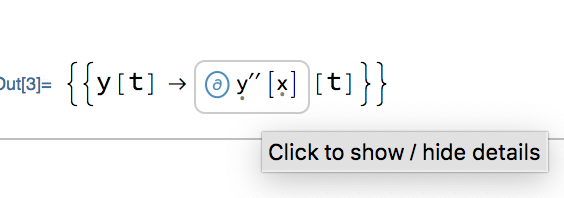
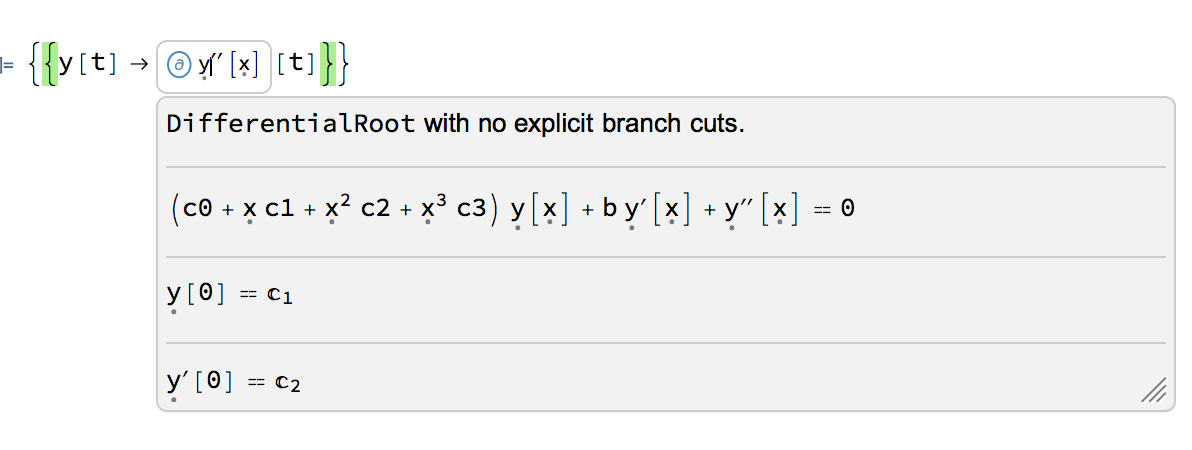
And one is supposed to click on the icon to get some information. But I want to see the plain text solution.
When applying InputForm, the output get chopped and not readable. This is inside notebook with 100% zoom on windows 10.
InputForm[sol] 
Can't read it. In version 12.2 it was readable. Below is screen shots showing same output in version 11.3, 12.2, and 12.3.1.
Is there a better option to see the solution, without this icon thing showing up? As InputForm is not helping too much here.
If I make the resolution 300%, then output of InputForm above becomes readable. But I can't have resolution at 300%. it seems to do with the Format used.
Any workaround?
version 12.3.1 on windows 10.
Here is some comparison
Version 11.3

Version 12.2
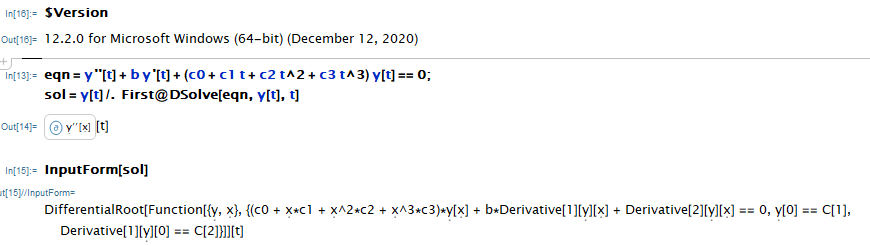
Version 12.3.1



PrintDefitionsand follow theMakeBoxesrule one level down you can find a flag to disable the new boxes $\endgroup$