
electron+vue 仿微信客户端聊天|electron 仿微信界面|electron 聊天实例
26 / 5 / 创建于 6年前
 xiaoyan2015 的个人博客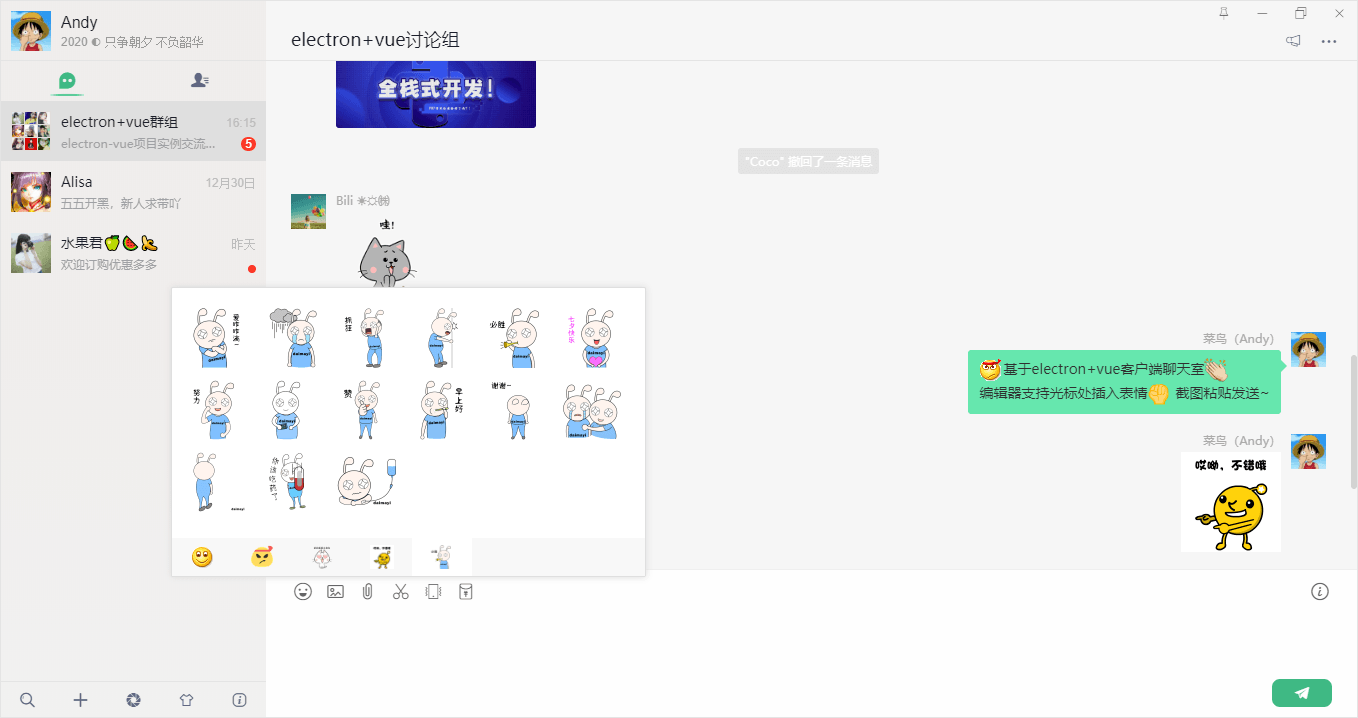
项目简介
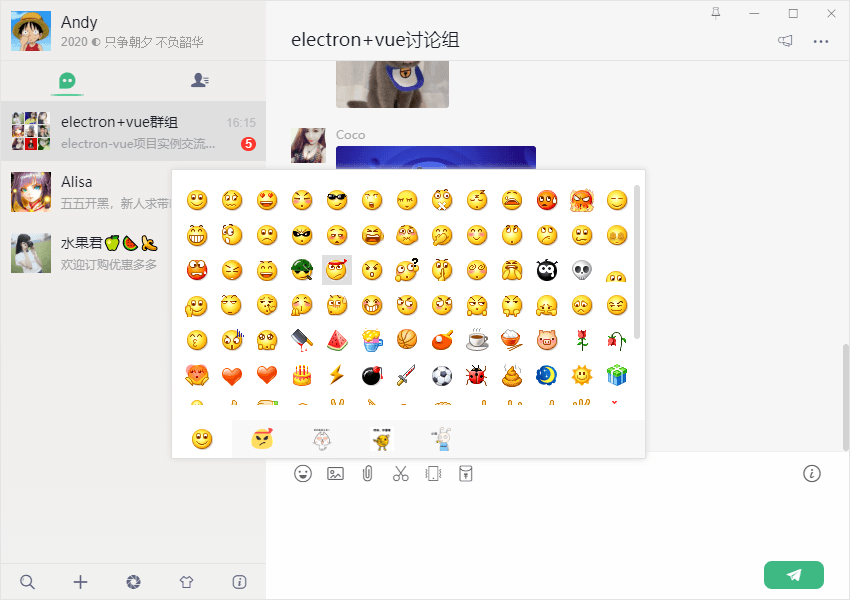
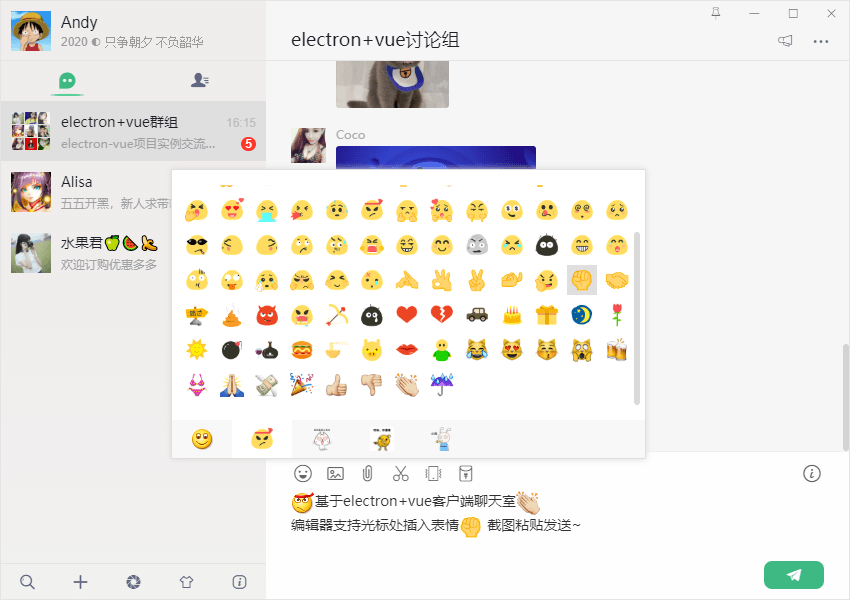
采用 electron+vue+electron-vue+vuex+Node+electron-builder 等技术开发的高仿微信电脑端IM聊天ElectronVchat项目实例。实现了编辑器光标处插入消息/表情、图片/视频预览、拖拽功能/截图粘贴发送、朋友圈/红包/换肤等功能。
技术框架
- 组合技术:electron + electron-vue + vue
- 状态管理:Vuex
- 地址路由:Vue-router
- 字体图标:阿里iconfont字体图标库
- 弹窗插件:wcPop
- 打包工具:electron-builder
- 图片预览:vue-photo-preview
- 视频组件:vue-video-player
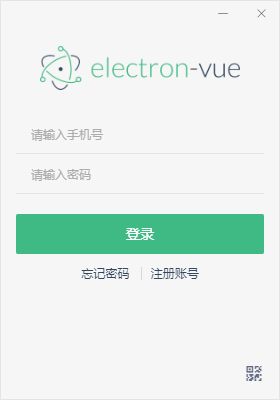

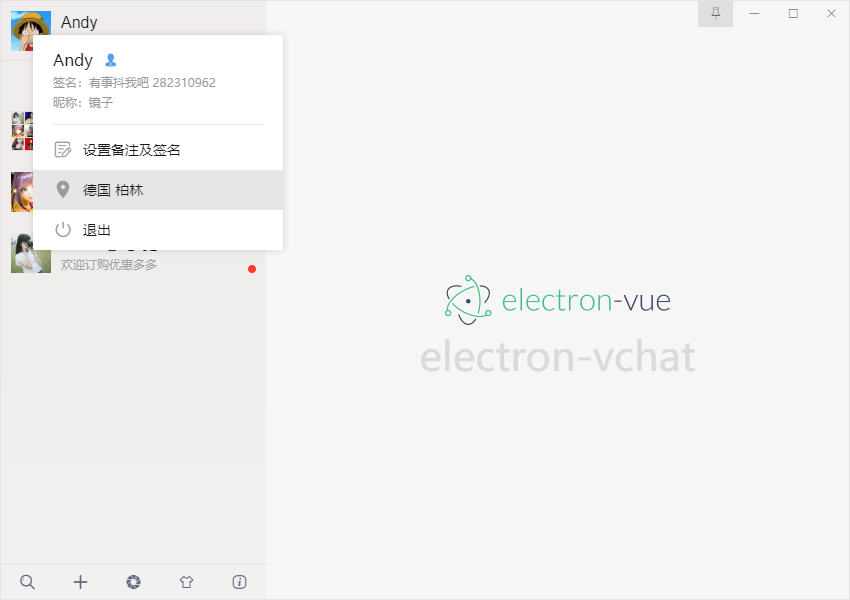
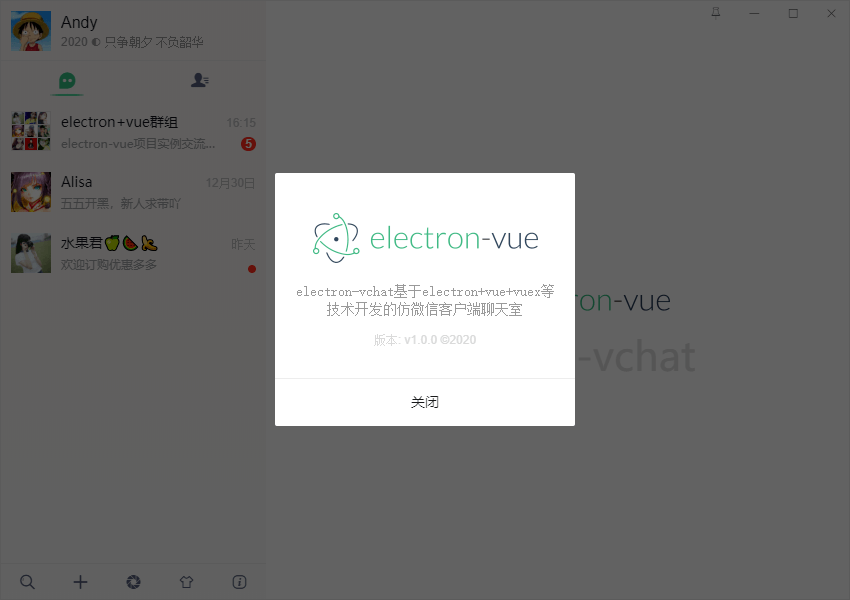
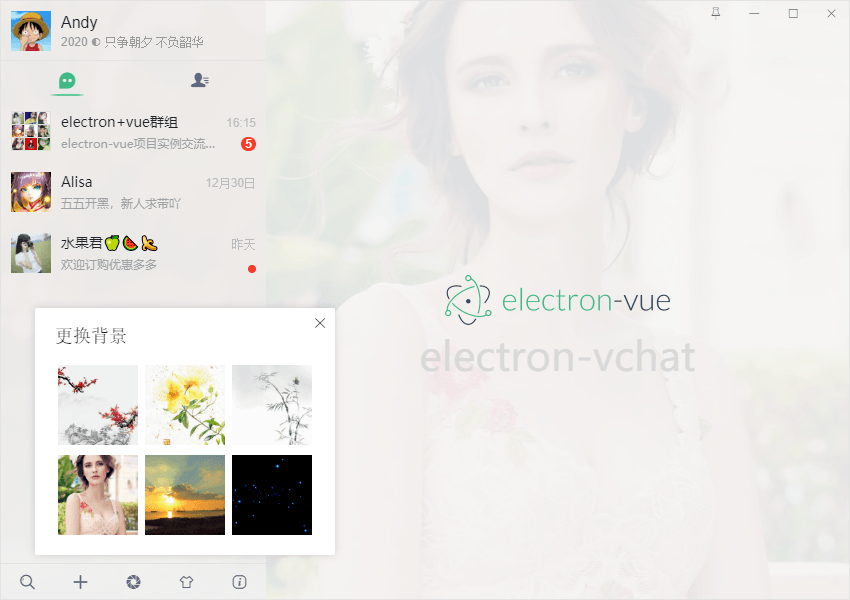
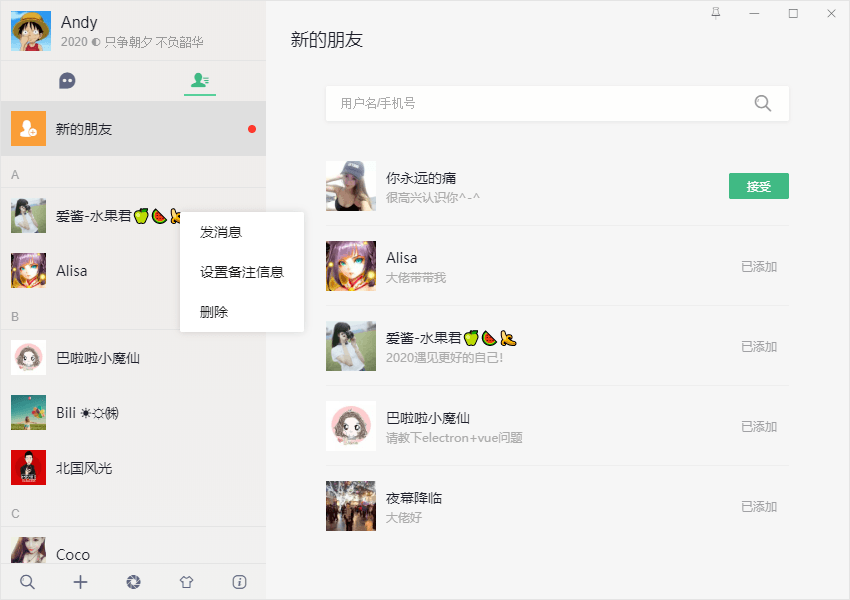
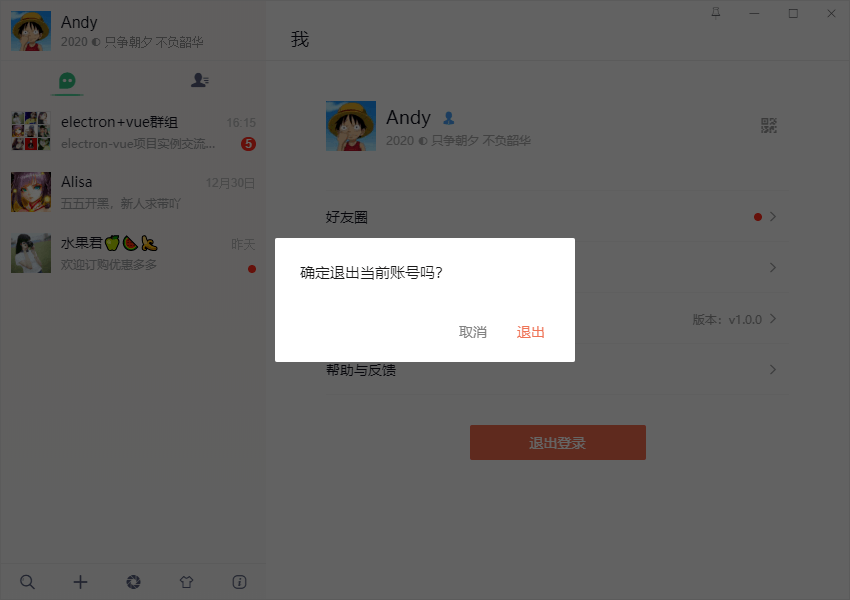
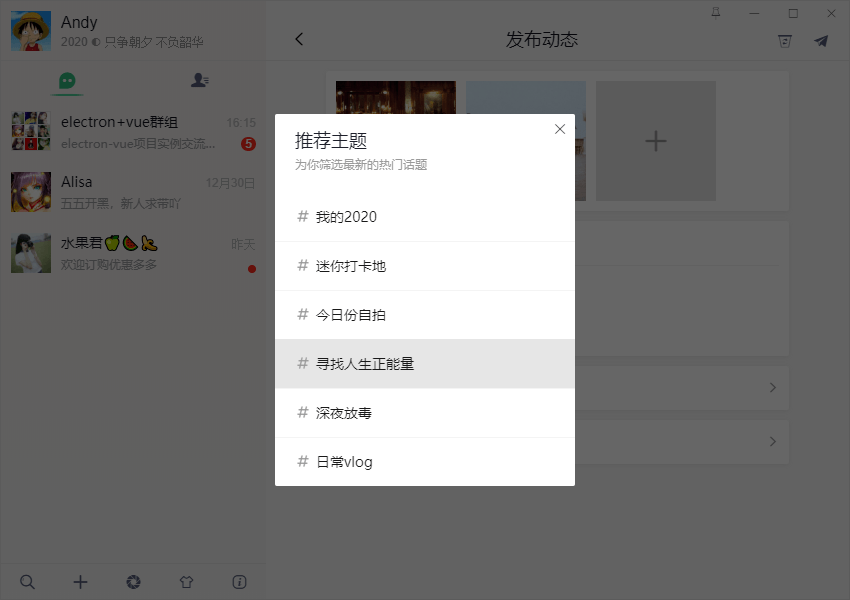
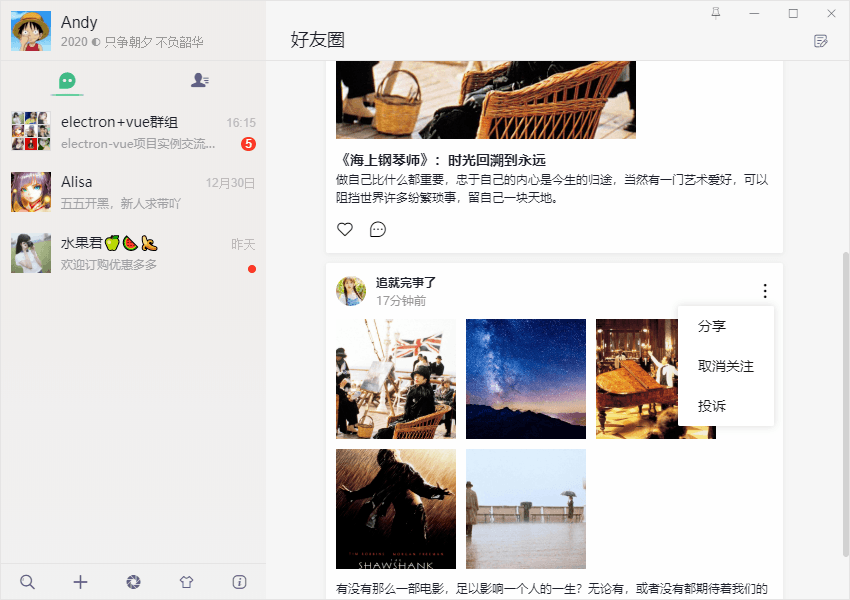
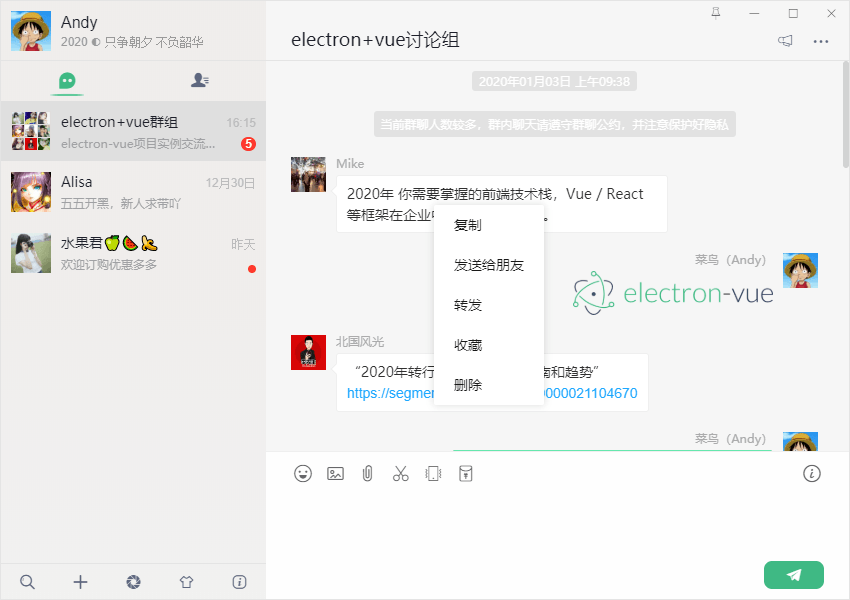
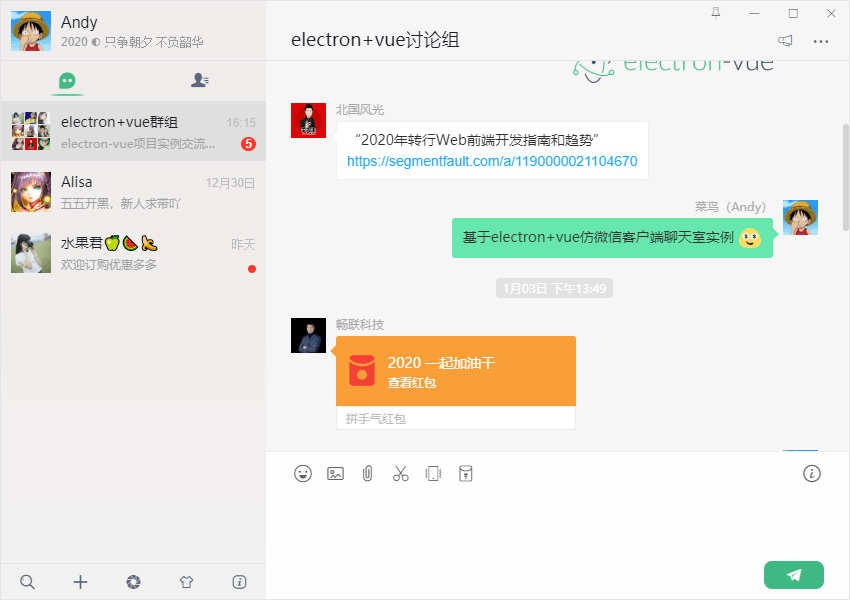
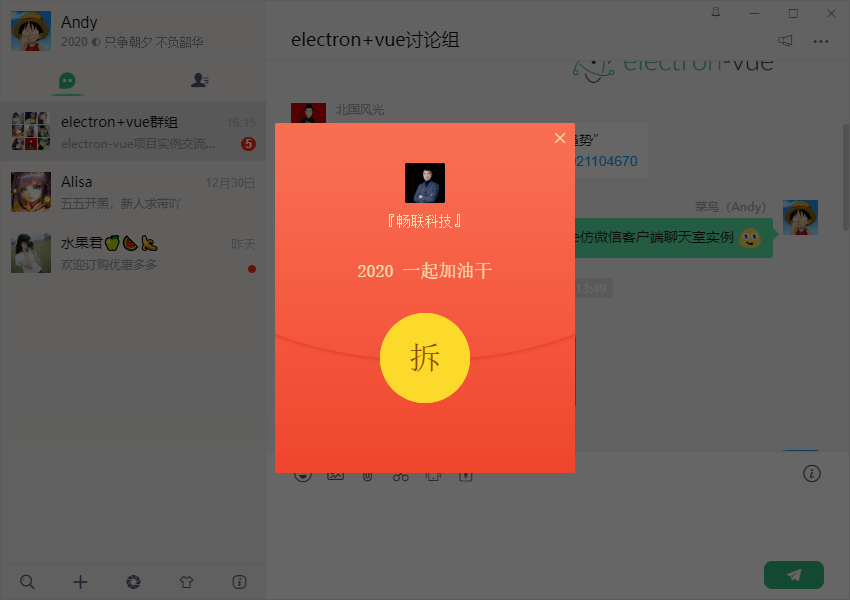
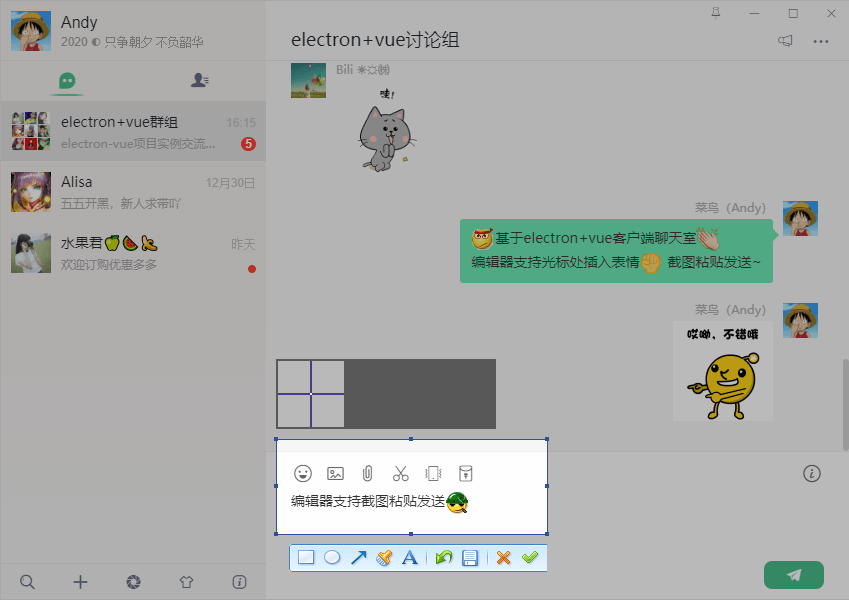
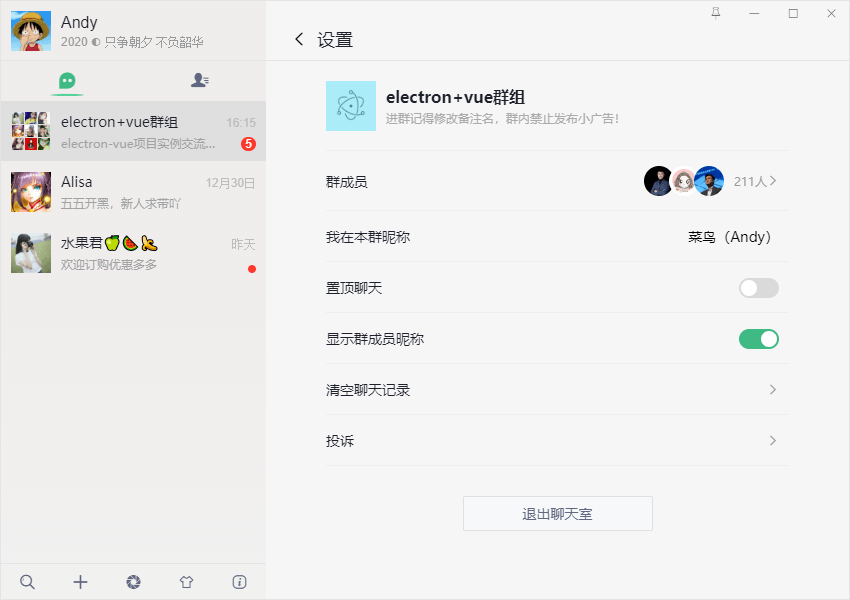
electron 是用 HTML,CSS 和 JavaScript 来构建跨平台桌面应用程序的一个开源库。electron-vue就是基于vue脚手架vue-cli和electron结合来把你的vue项目转化为桌面项目
https://electron.org.cn/vue/index.html
https://github.com/SimulatedGREG/electron-...
electron主线程创建
electron-vue构建项目后,src目录下有main、renderer两个文件夹,分别对应主线程和渲染线程页面,主进程入口页面 src/main/index.js
/** * @Desc 主线程 Create by andy on 2019/12/26 * @about Q:282310962 wx:xy190310 */ import { BrowserWindow, app, ipcMain, Tray, Menu } from 'electron' // 引入主线程公共配置 import Common from './utils/common' /** * Set `__static` path to static files in production * https://simulatedgreg.gitbooks.io/electron-vue/content/en/using-static-assets.html */ if (process.env.NODE_ENV !== 'development') { global.__static = require('path').join(__dirname, '/static').replace(/\\/g, '\\\\') } let mainWin let tray let forceQuit = false let logined = false /** * 创建主窗口 */ function createMainWin() { mainWin = new BrowserWindow({ // 背景颜色 // backgroundColor: '#ebebeb', width: Common.WIN_SIZE_MAIN.width, height: Common.WIN_SIZE_MAIN.height, title: Common.WIN_TITLE, useContentSize: true, autoHideMenuBar: true, // 无边框窗口 frame: false, resizable: true, // 窗口创建的时候是否显示. 默认值为true show: false, webPreferences: { // devTools: false, webSecurity: false } }) mainWin.setMenu(null) mainWin.loadURL(Common.WIN_LOAD_URL()) mainWin.once('ready-to-show', () => { mainWin.show() mainWin.focus() }) // 判断最小化到系统托盘 mainWin.on('close', (e) => { if(logined && !forceQuit) { e.preventDefault() mainWin.hide() }else { mainWin = null app.quit() } }) initialIPC() } app.on('ready', createMainWin) app.on('activate', () => { if(mainWin === null) { createMainWin() } }) app.on('before-quit', () => { forceQuit = true }) app.on('window-all-closed', () => { if(process.platform !== 'darwin') { app.quit() } }) ...electron创建系统托盘图标+新消息闪烁
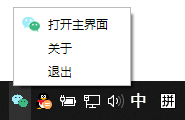
/** * electron构建系统托盘图标 */ let flashTrayTimer = null let trayIco1 = `${__static}/icon.ico` let trayIco2 = `${__static}/empty.ico` let apptray = { // 创建托盘图标 createTray() { tray = new Tray(trayIco1) const menu = Menu.buildFromTemplate([ { label: '打开主界面', icon: `${__static}/tray-ico1.png`, click: () => { if(mainWin.isMinimized()) mainWin.restore() mainWin.show() mainWin.focus() this.flashTray(false) } }, { label: '关于', }, { label: '退出', click: () => { if(process.platform !== 'darwin') { mainWin.show() // 清空登录信息 mainWin.webContents.send('clearLoggedInfo') forceQuit = true mainWin = null app.quit() } } }, ]) tray.setContextMenu(menu) tray.setToolTip('electron-vchat v1.0.0') // 托盘点击事件 tray.on('click', () => { if(mainWin.isMinimized()) mainWin.restore() mainWin.show() mainWin.focus() this.flashTray(false) }) }, // 托盘图标闪烁 flashTray(bool) { let hasIco = false if(bool) { if(flashTrayTimer) return flashTrayTimer = setInterval(() => { tray.setImage(hasIco ? trayIco1 : trayIco2) hasIco = !hasIco }, 500) }else { if(flashTrayTimer) { clearInterval(flashTrayTimer) flashTrayTimer = null } tray.setImage(trayIco1) } }, // 销毁托盘图标 destroyTray() { this.flashTray(false) tray.destroy() tray = null } }electron无边框效果、自定义顶部栏

在BrowserWindow对象中配置frame:false后,就进入无边框窗体模式
设置 css -webkit-app-region: drag; 就能实现局部拖动效果
methods: { ...mapMutations(['SET_WINMAXIMIZE']), // 置顶窗口 handleFixTop() { this.isAlwaysOnTop = !this.isAlwaysOnTop currentWin.setAlwaysOnTop(this.isAlwaysOnTop) }, // 最小化 handleMin() { currentWin.minimize() }, // 最大化 handleMax() { if(!currentWin.isMaximizable()) return if(currentWin.isMaximized()) { currentWin.unmaximize() this.SET_WINMAXIMIZE(false) }else { currentWin.maximize() this.SET_WINMAXIMIZE(true) } }, // 关闭 handleQuit() { currentWin.close() } }注意:默认设置-webkit-app-region: drag 后,下面的元素不能点击操作,可通过设置需点击元素 no-drag 即可
electron实现类似微信编辑器插入图文表情
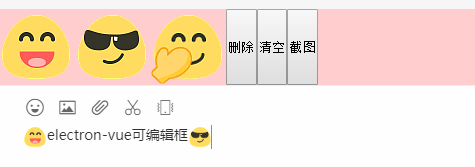
思路:在vue页面设置div可编辑contenteditable="true" 自定义双向绑定v-model ,获取当前光标位置并插入表情。
由于之前有过一篇分享专门介绍如何在electron+vue中实现编辑器插入富文本图文
electron-vue 仿微信图文编辑器|截图功能分享
到这里基于electron+vue开发仿微信pc桌面聊天项目就介绍完了,希望喜欢!!🐁🐁
Taro聊天室|react+taro仿微信聊天App界面|taro聊天实例
基于vue+uniapp直播项目|uni-app仿抖音/陌陌直播室

本作品采用《CC 协议》,转载必须注明作者和本文链接












 关于 LearnKu


 粤公网安备 44030502004330号
请教下楼主,通讯用的什么呢?能否开源分享一哈 :kissing_heart:
开发不易,赞一个。
:flushed: 万恶的CSS
楼主,能否发下git地址
最新版Electron31+vue3桌面端聊天exe程序。
博客:Electron31-vite5-chat:原创vue3+electron31+pinia2客户端聊天exe应...