
vue3.0仿制QQ+微信PC端|vue3+element-plus实战聊天室|vue3网页实例
7 / 4 / 创建于 5年前
 xiaoyan2015 的个人博客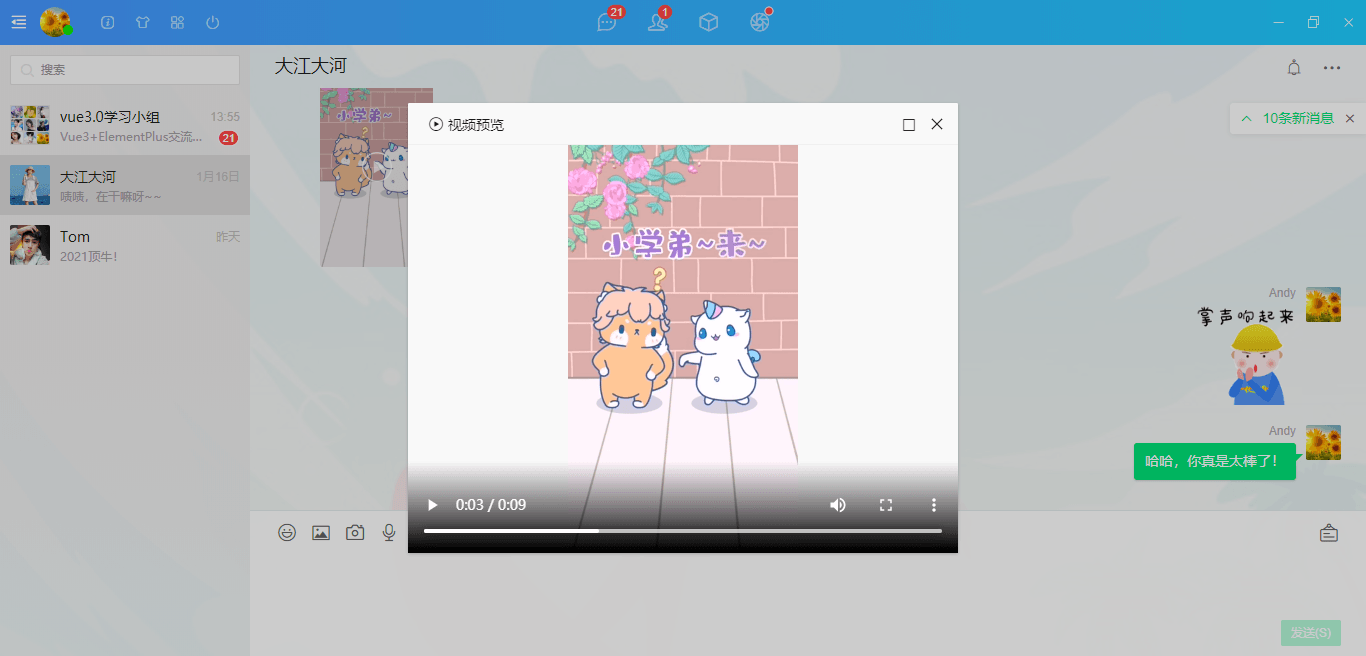
一、项目介绍
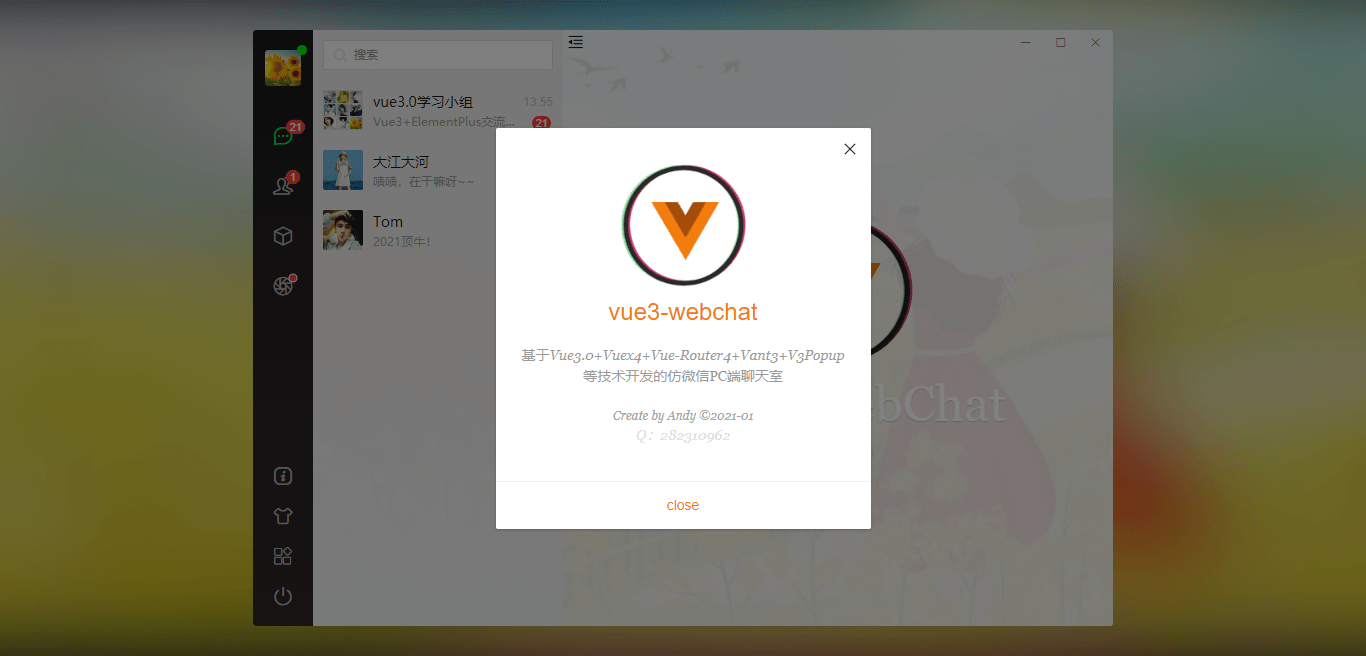
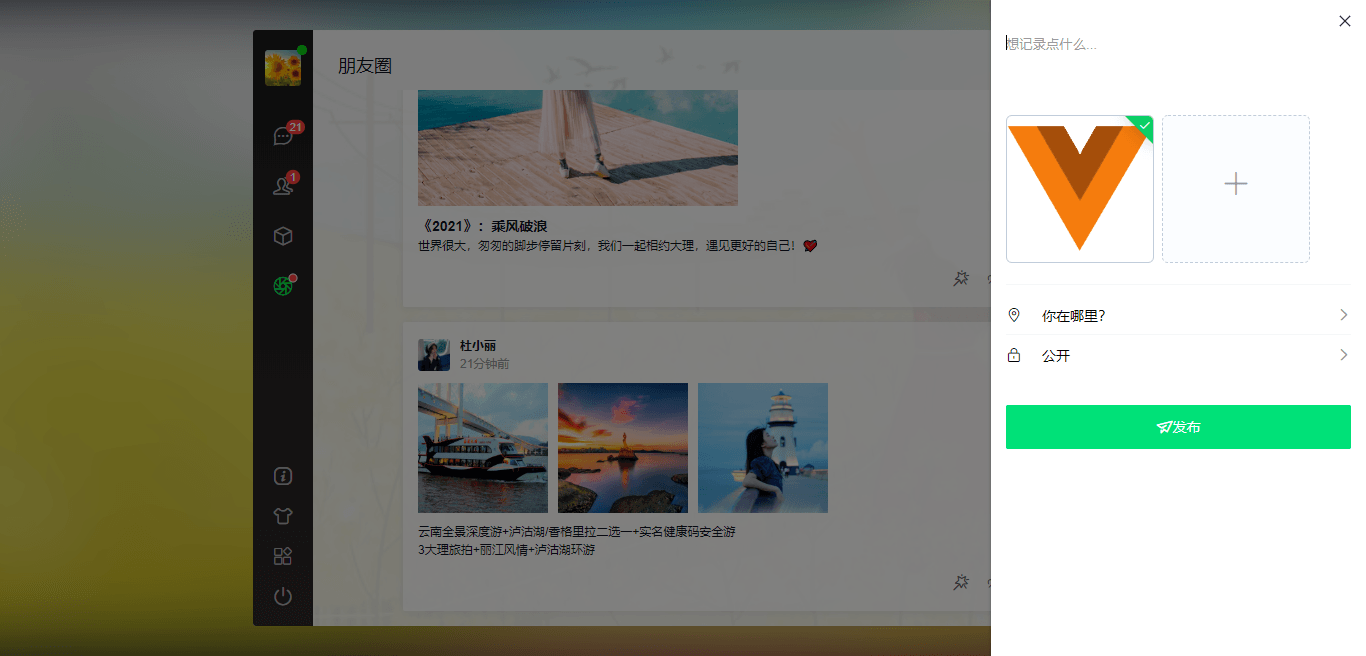
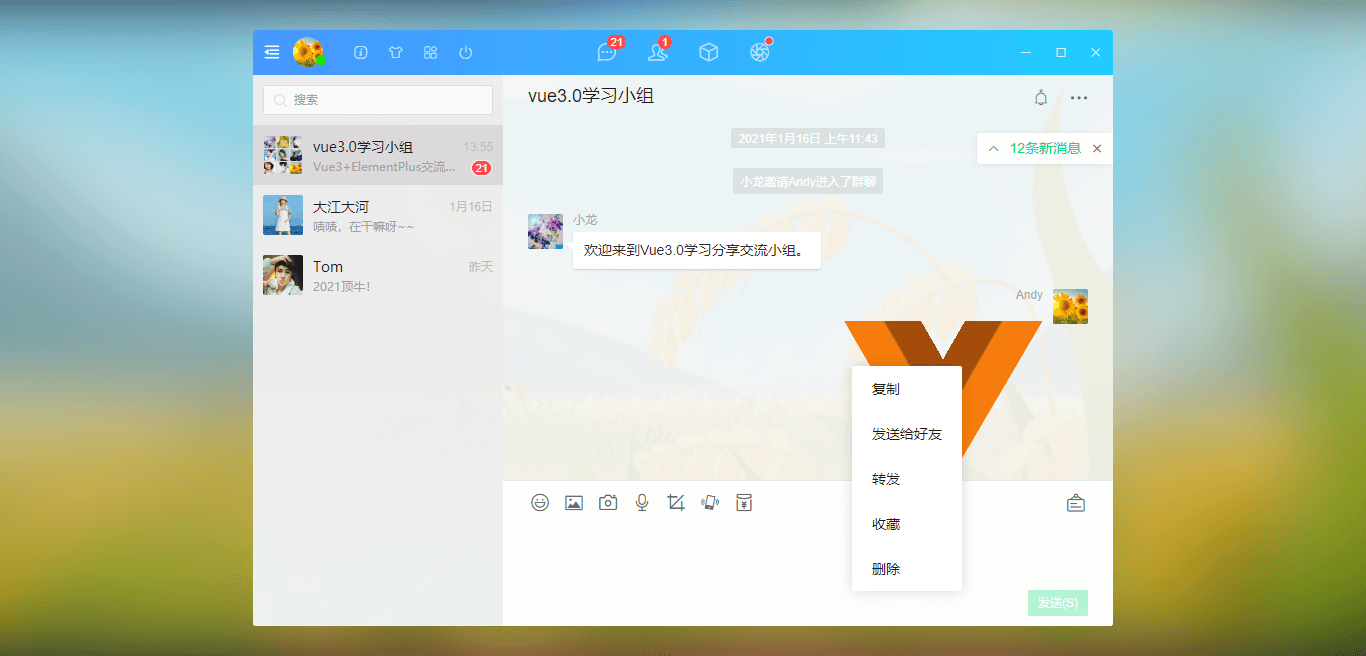
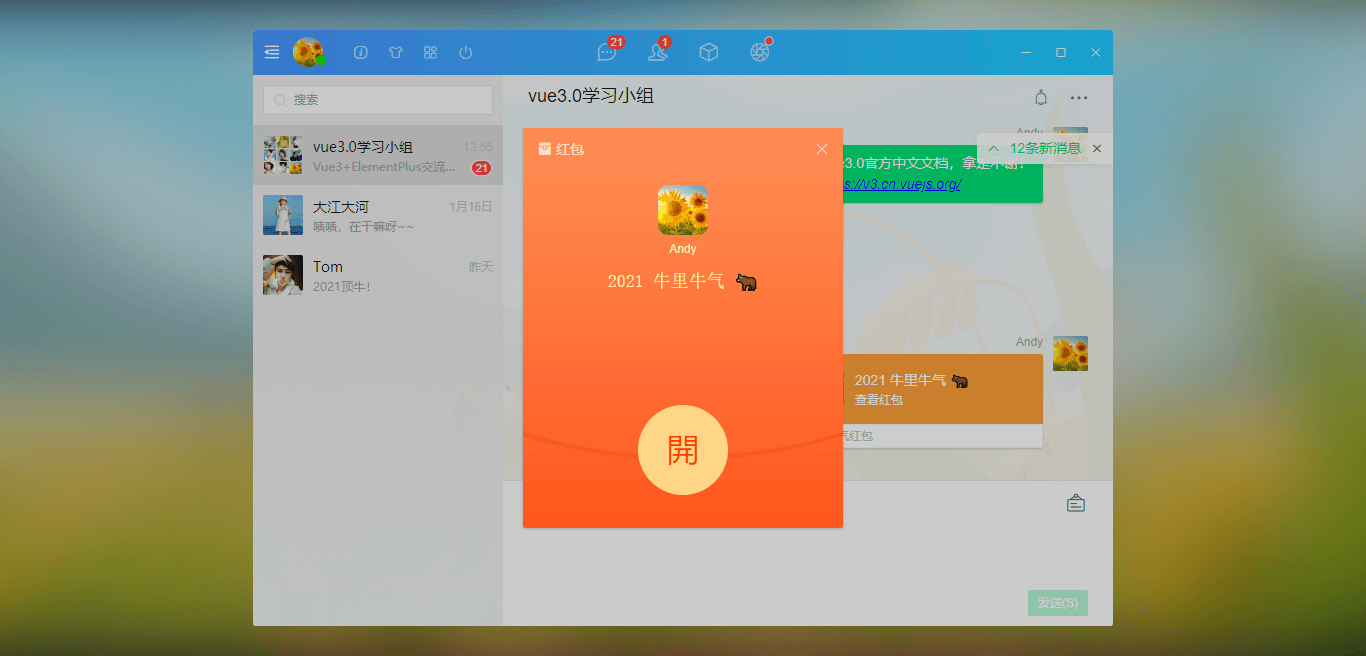
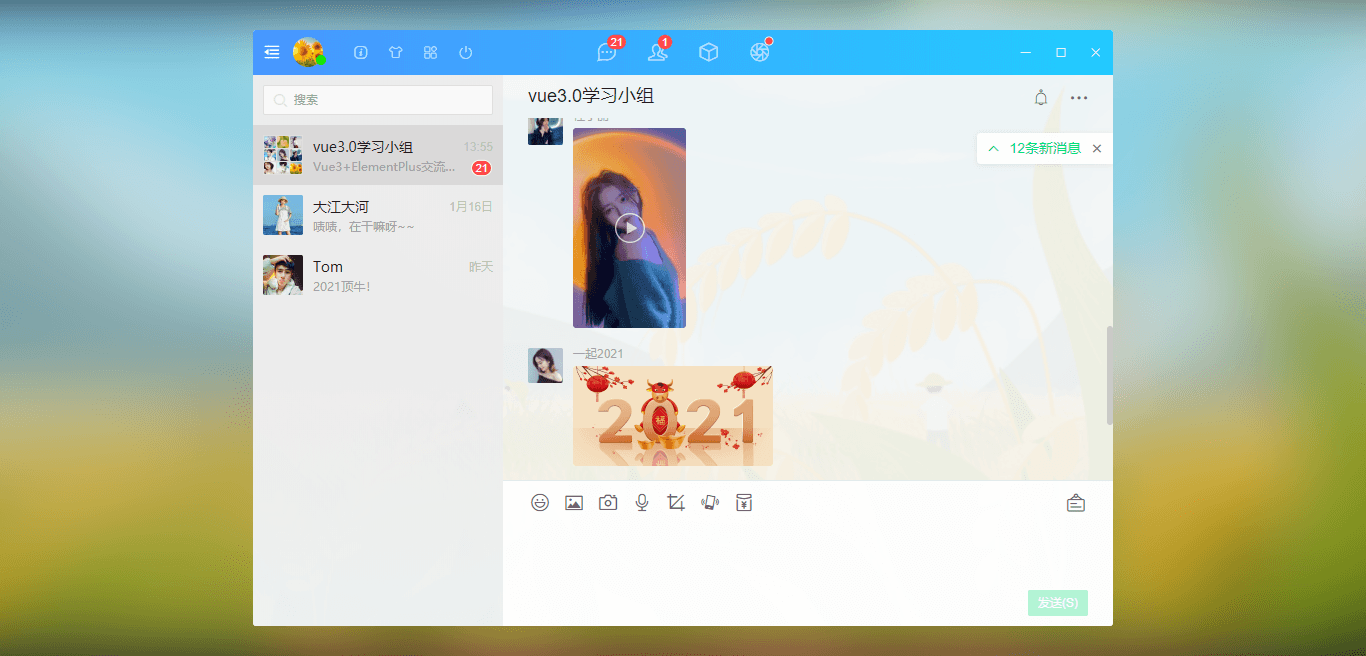
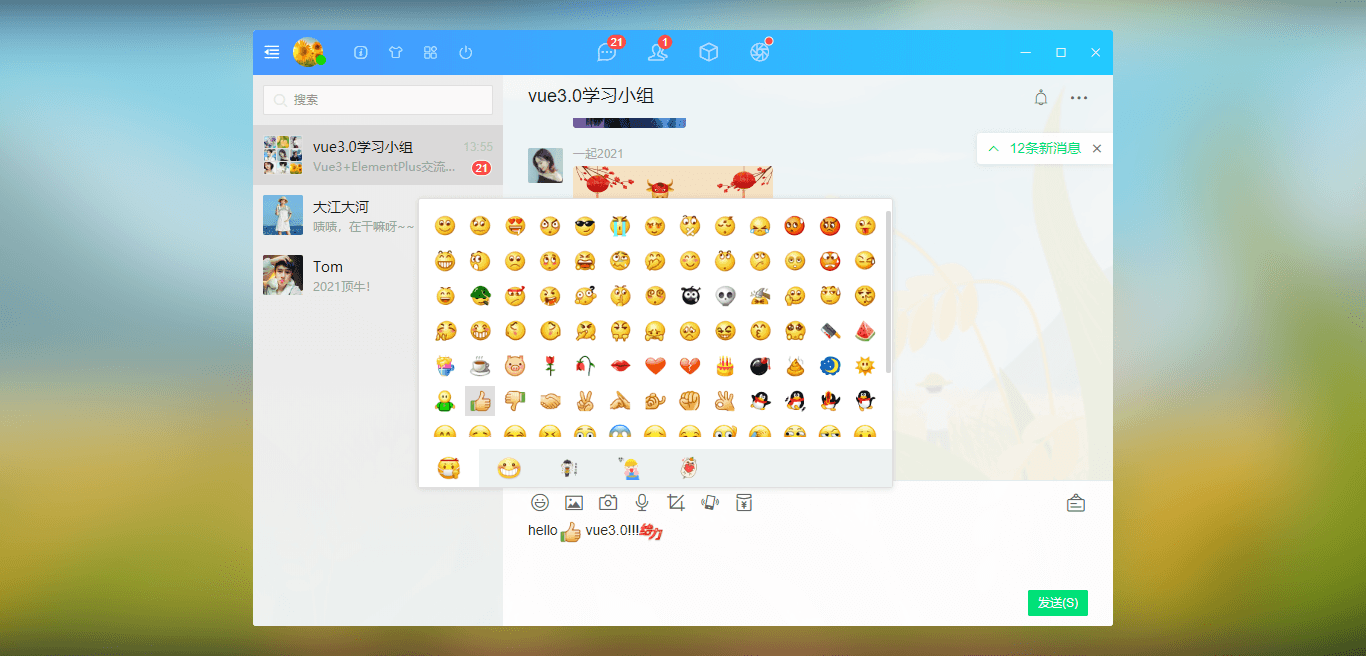
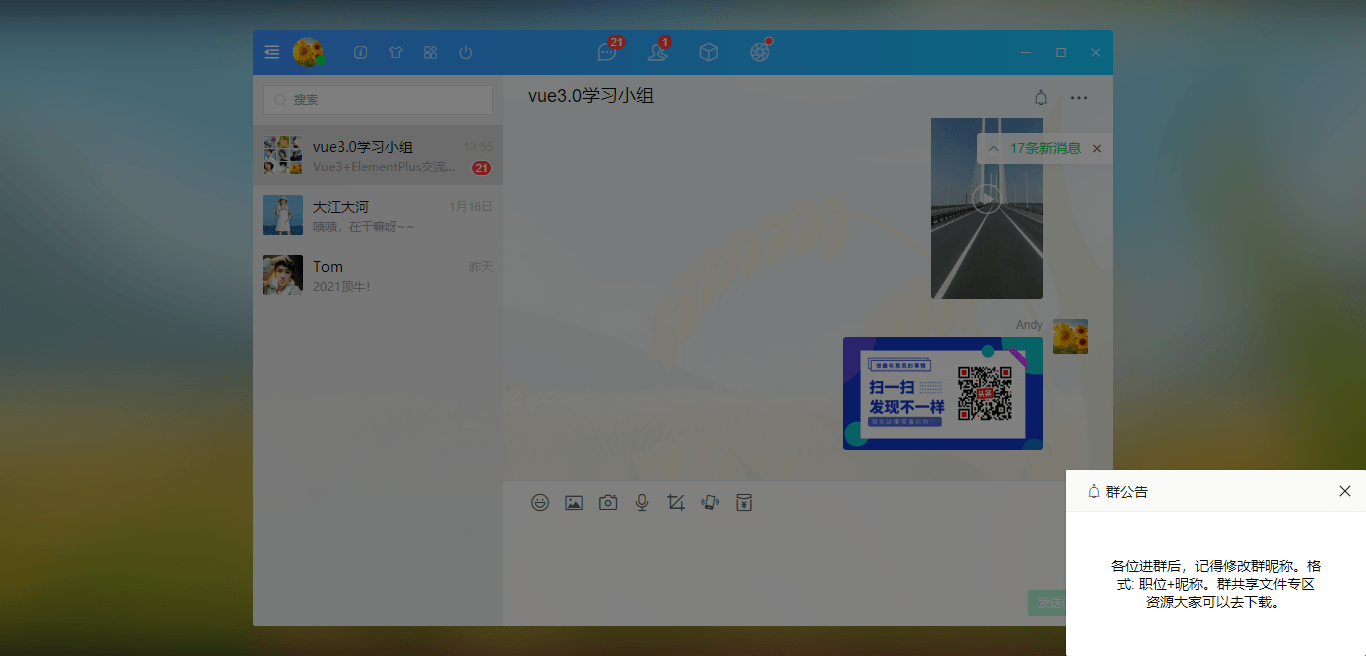
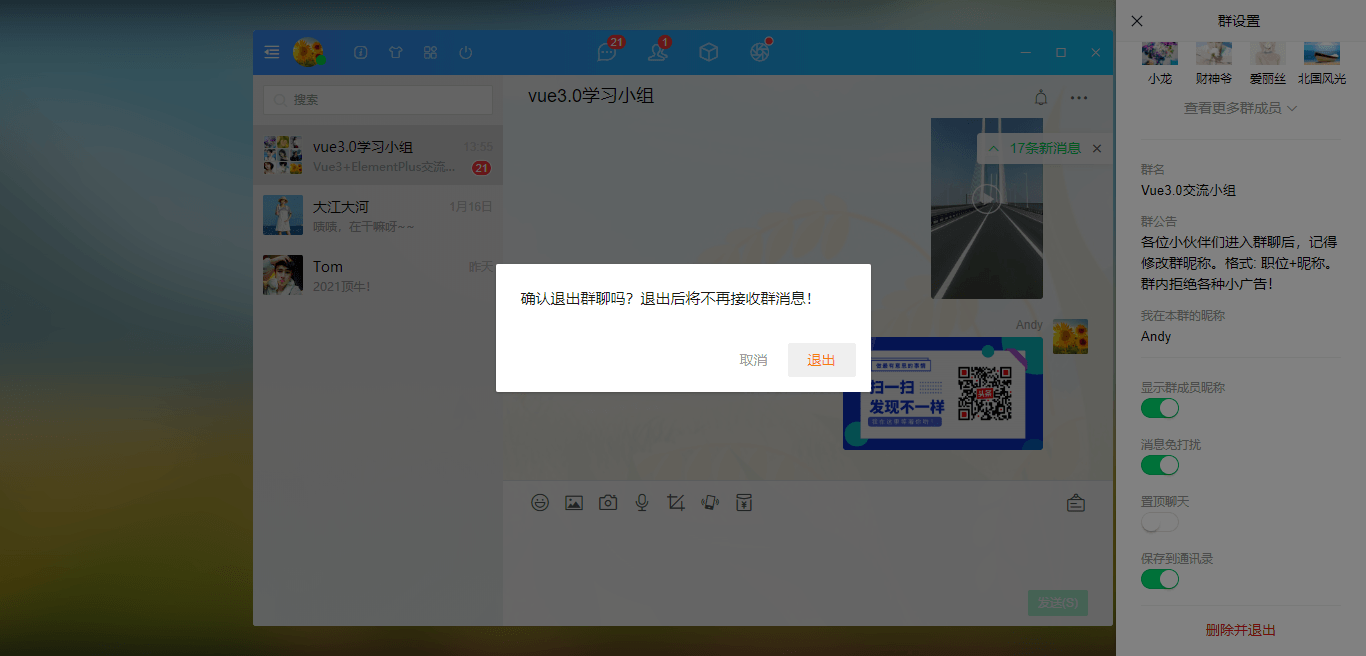
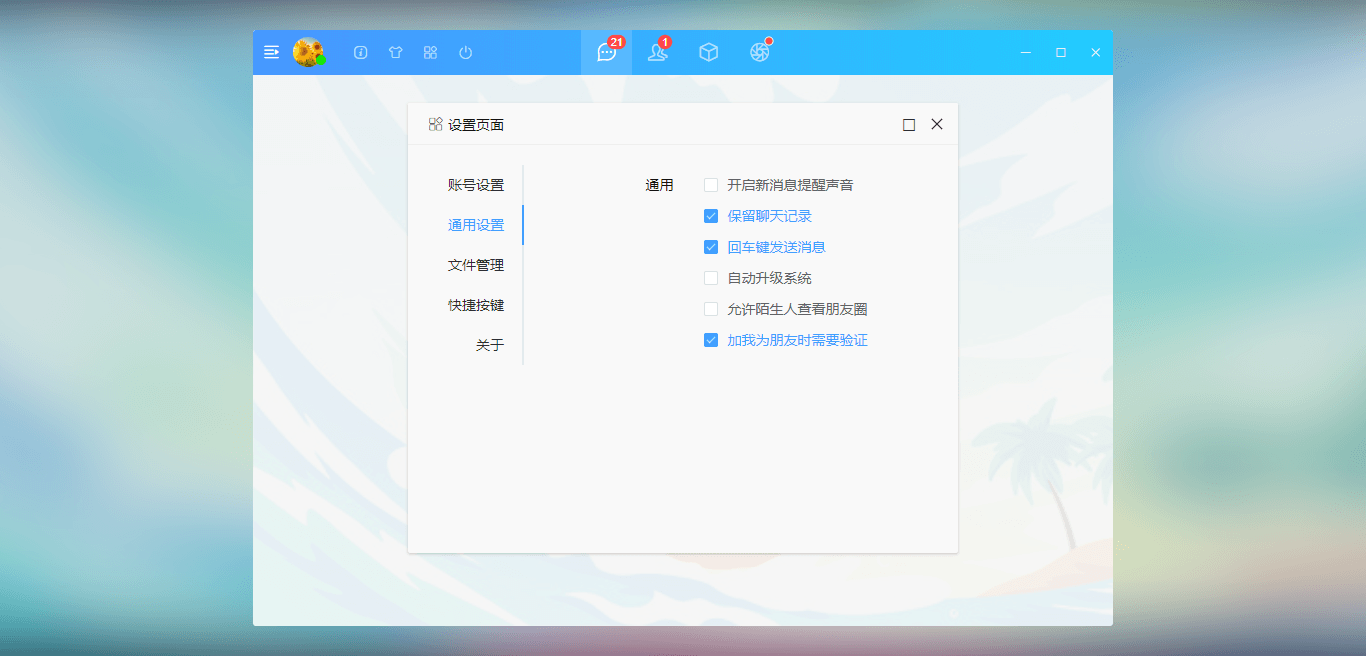
使用vue3全家桶vue3.0.5+vuex4+vue-router@4 + elementPlus+v3scroll+v3layer等技术仿制QQ/微信网页端界面聊天实战项目。支持图文消息、视频/图片预览、网址链接查看、拖拽发送图片、红包/朋友圈等功能。

使用技术
- MVVM 框架:Vue.js 3.0.5
- 状态管理:Vuex4
- 路由管理:Vue-router@4
- UI 组件库:elementPlus (饿了么 pc 端 vue3 组件库)
- 弹窗组件:v3layer (基于 vue3 自定义弹窗组件)
- 滚动条组件:v3scroll (基于 vue3 自定义滚动条组件)
- 字体图标:阿里 iconfont 图标
- 环境配置:node.js + npm/yarn
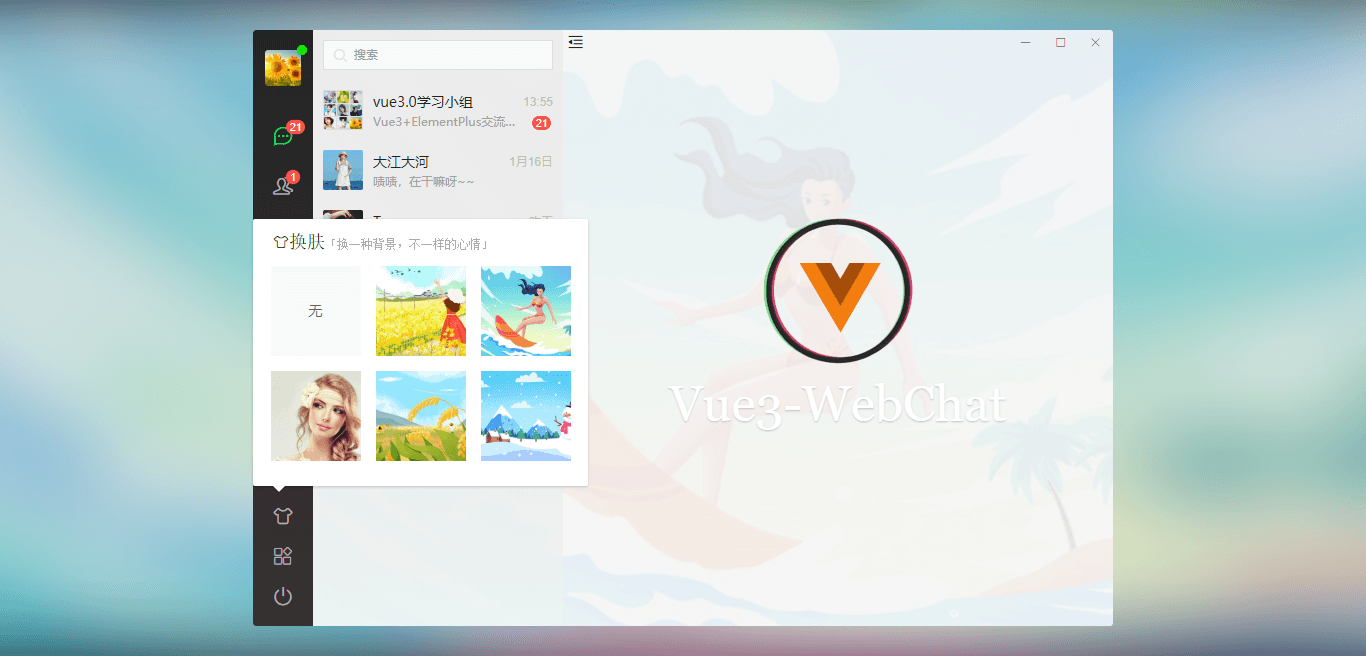

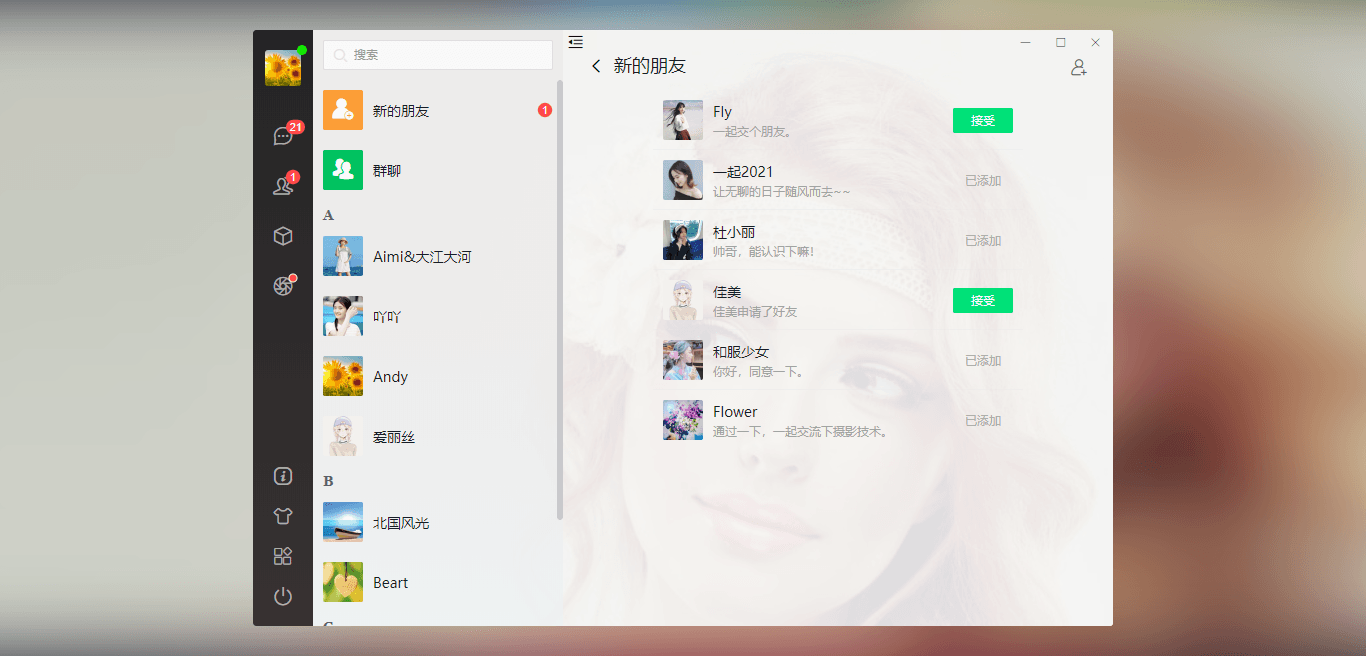
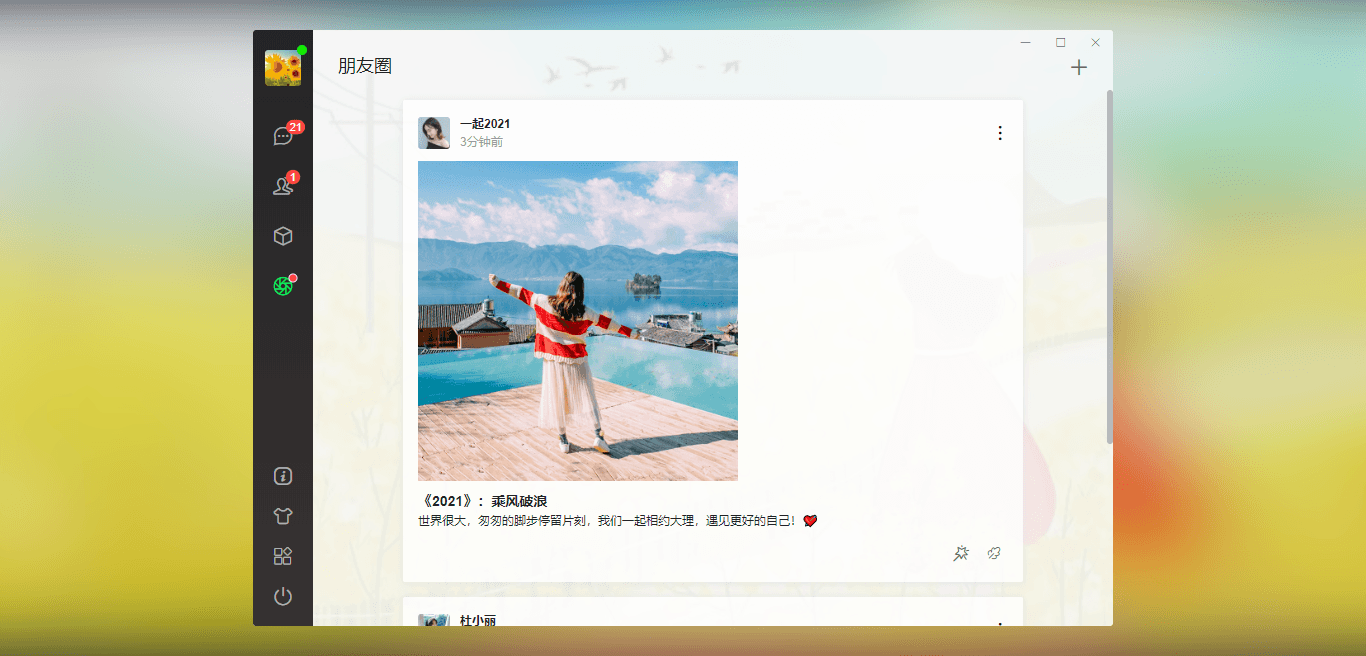
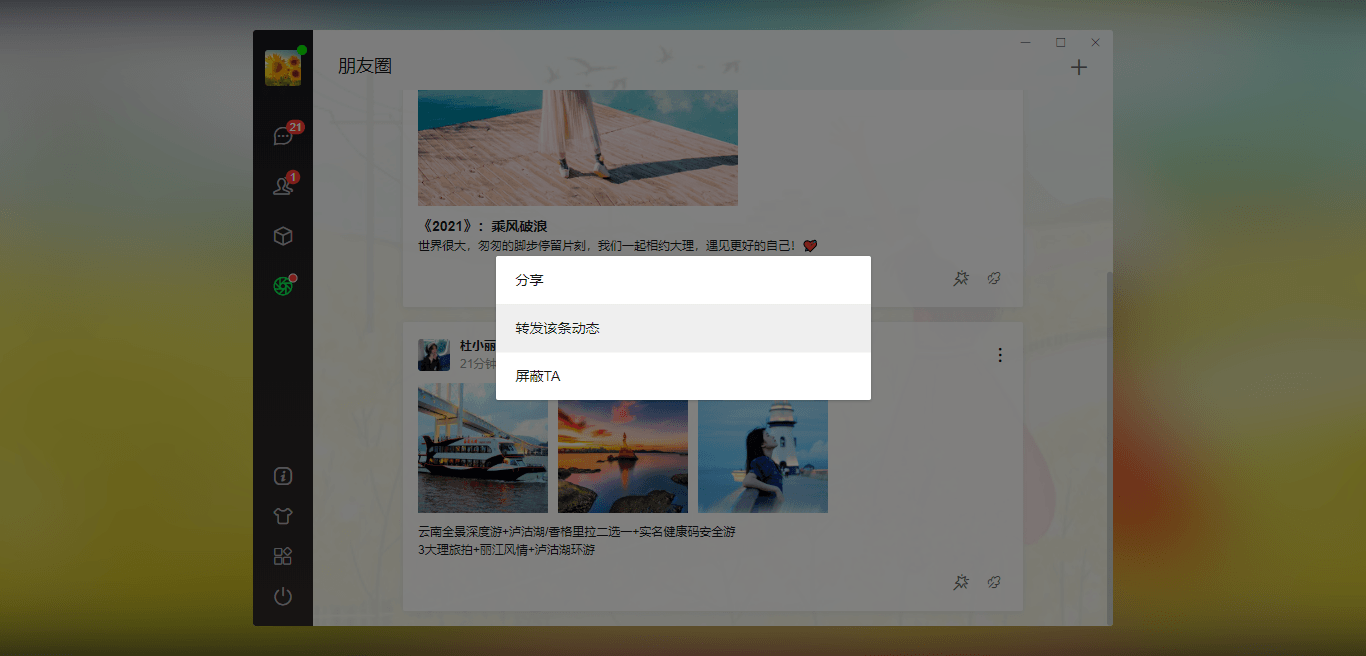


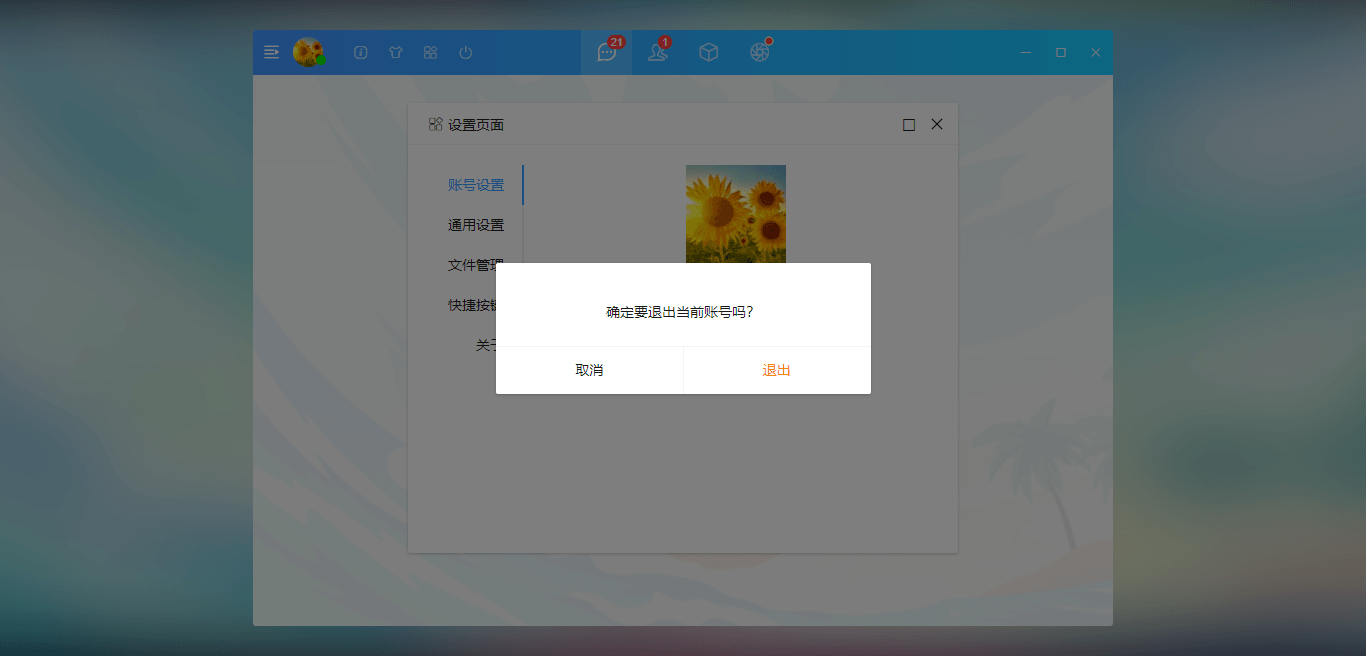
目录结构
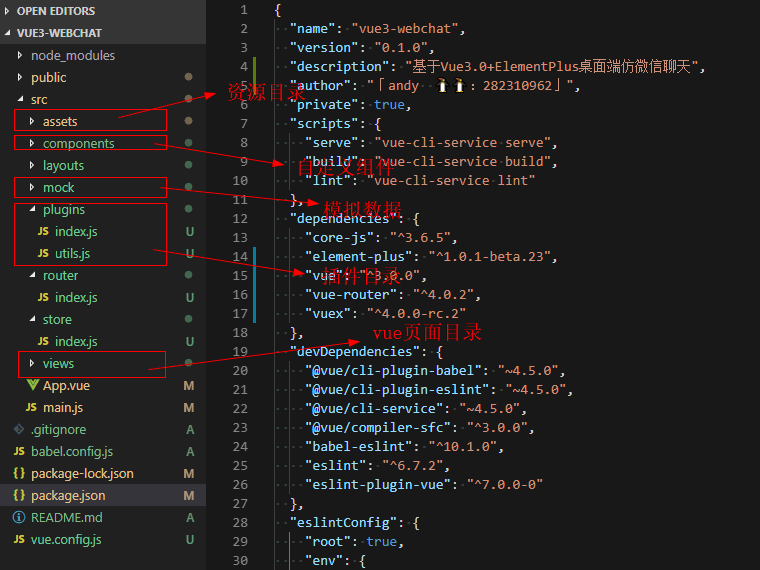
vue3虚拟滚动条组件
项目中所有页面均是采用统一滚动条,目的是保持页面效果一致。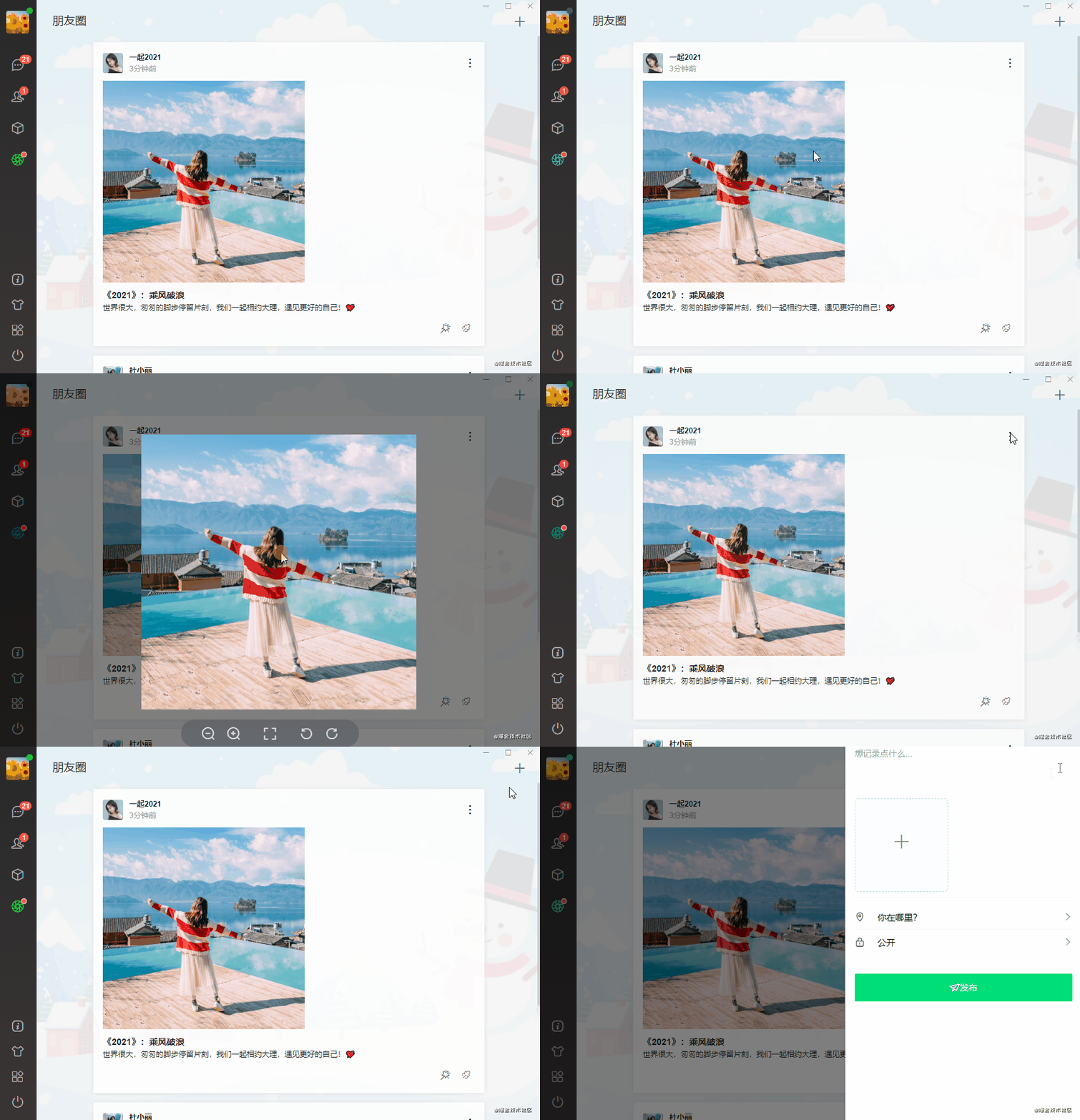
之前有过一篇分享文章,感兴趣的话大家可以去看看。
vue3.x自定义pc端美化滚动条组件
vue3桌面端弹窗组件
v3layer 基于vue3开发的PC桌面端自定义弹窗组件。 支持多达30+种参数,支持拖拽、缩放、最大化、全屏及自定义样式和置顶等功能。
vue3.x自定义pc桌面端全局弹窗组件
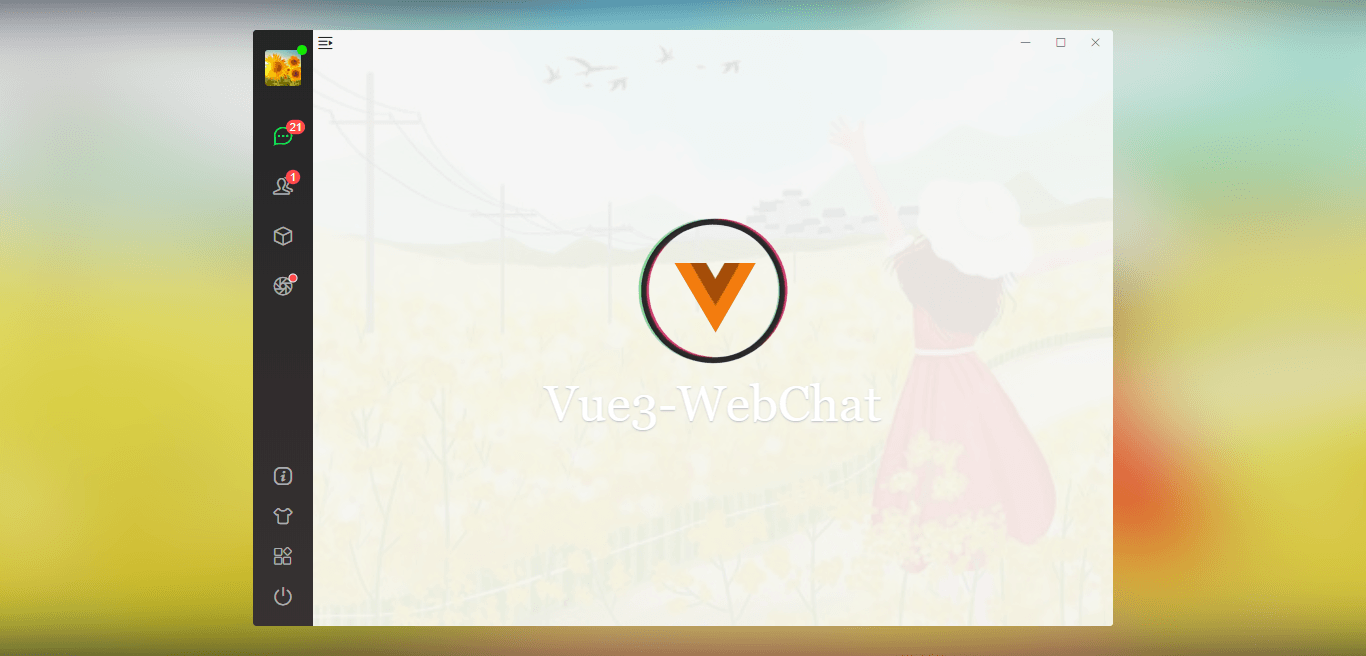
app.vue主模板布局
<div :class="['vui__wrapper', store.state.isWinMaximize&&'maximize']"> <div class="vui__board flexbox"> <div class="flex1 flexbox"> <!-- 右上角按钮 --> <WinBar v-if="!route.meta.hideWinBar" /> <!-- 侧边栏 --> <SideBar v-if="!route.meta.hideSideBar" class="nt__sidebar flexbox flex-col" /> <!-- 中间栏 --> <Middle v-show="!route.meta.hideMiddle" /> <!-- 主内容区 --> <router-view class="nt__mainbox flex1 flexbox flex-col"></router-view> </div> </div> </div>毛玻璃效果实现
项目中的背景采用整体svg filter虚化效果,凸显聊天区域。
<!-- //毛玻璃效果 --> <div class="vui__bgblur"> <svg width="100%" height="100%" class="blur-svg" viewBox="0 0 1920 875" preserveAspectRatio="none"> <filter id="blur_mkvvpnf"><feGaussianBlur in="SourceGraphic" stdDeviation="50"></feGaussianBlur></filter> <image :xlink:href="store.state.skin" x="0" y="0" width="100%" height="100%" externalResourcesRequired="true" xmlns:xlink="http://www.w3.org/1999/xlink" style="filter:url(#blur_mkvvpnf)" preserveAspectRatio="none"></image> </svg> <div class="blur-cover"></div> </div>图片+视频预览
图片预览功能使用的是element-plus组件库中的image组件。
<el-image class="img__pic" :src="item.imgsrc" :preview-src-list="[item.imgsrc]" hide-on-click-modal />视频预览则是使用v3layer弹窗来实现的。

<!-- 视频播放器 --> <v3-layer v-model="isShowVideoPlayer" title="<i class='iconfont icon-bofang'></i> 视频预览" layerStyle="background:#f9f9f9" opacity=".2" :area="['550px', '450px']" xclose resize :maximize="true" > <video class="vplayer" ref="playerRef" autoplay preload="auto" controls :src="videoList.videosrc" :poster="videoList.imgsrc" x5-video-player-fullscreen="true" webkit-playsinline="true" x-webkit-airplay="true" playsinline="true" x5-playsinline /> </v3-layer>网址链接查看
项目中点击聊天网址链接会弹窗显示链接内容。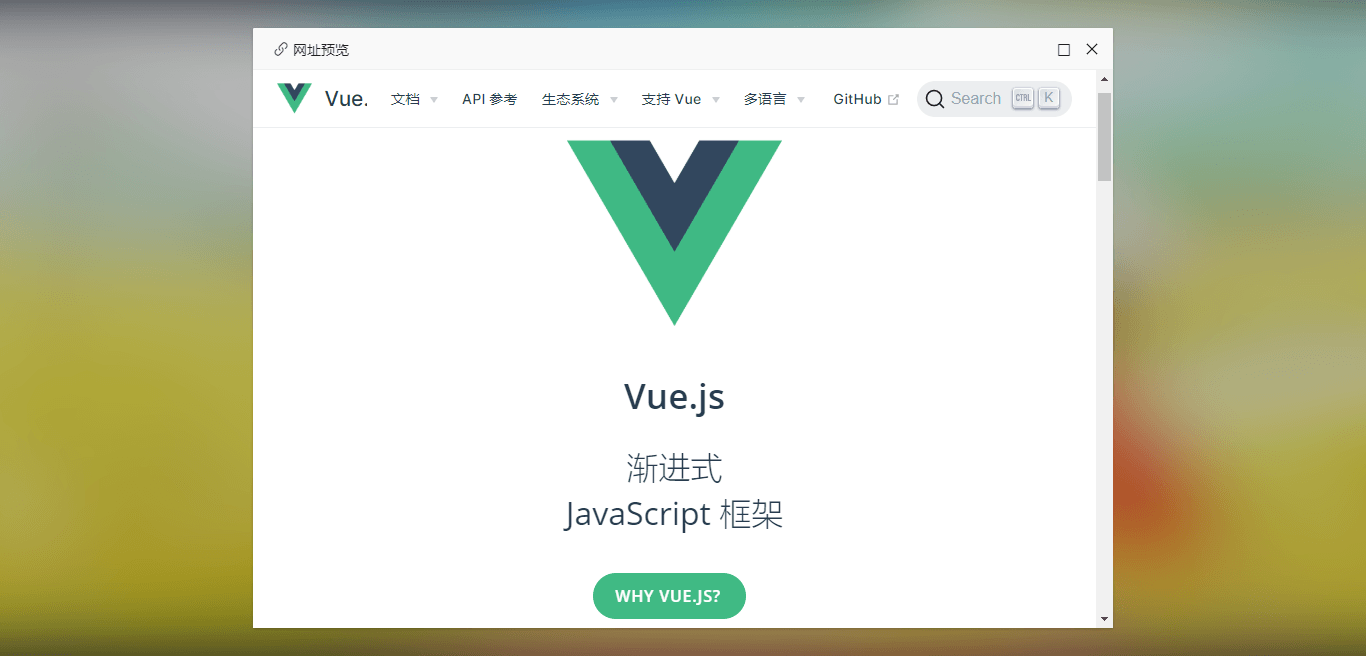
const handleMsgClicked = (e) => { let target = e.target // 链接 if(target.tagName === 'A') { e.preventDefault() // console.log('触发点击链接事件!') v3layer({ type: 'iframe', title: '<i class="iconfont icon-link"></i> 网址预览', content: target.href, opacity: .2, area: ['860px', '600px'], xclose: true, resize: true, maximize: true }) } // 图片 if (target.tagName === 'IMG' && target.classList.contains('img-view')) { // ... } }vue3实现60s倒计时+表单验证
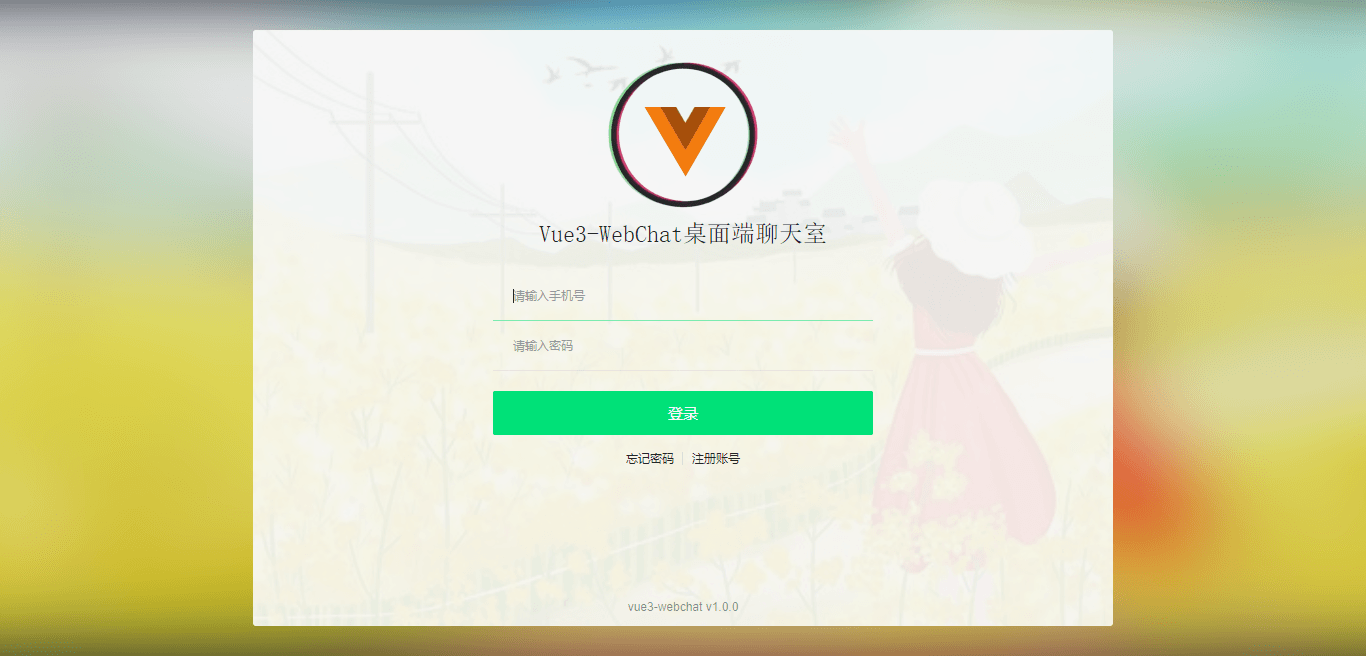
/** * @Desc vue3.0注册表单验证 * @Time andy by 2021-01 * @About Q:282310962 wx:xy190310 */ <script> import { reactive, toRefs, inject, getCurrentInstance } from 'vue' export default { components: {}, setup() { const { ctx } = getCurrentInstance() const v3layer = inject('v3layer') const utils = inject('utils') const formObj = reactive({}) const data = reactive({ vcodeText: '获取验证码', disabled: false, time: 0, }) const VTips = (content) => { v3layer({ content: content, layerStyle: 'background:#ff5151;color:#fff;', time: 2 }) } const handleSubmit = () => { if(!formObj.tel){ VTips('手机号不能为空!') }else if(!utils.checkTel(formObj.tel)){ VTips('手机号格式不正确!') }else if(!formObj.pwd){ VTips('密码不能为空!') }else if(!formObj.vcode){ VTips('验证码不能为空!') }else{ ctx.$store.commit('SET_TOKEN', utils.setToken()); ctx.$store.commit('SET_USER', formObj.tel); // ... } } // 60s倒计时 const handleVcode = () => { if(!formObj.tel) { VTips('手机号不能为空!') }else if(!utils.checkTel(formObj.tel)) { VTips('手机号格式不正确!') }else { data.time = 60 data.disabled = true countDown() } } const countDown = () => { if(data.time > 0) { data.vcodeText = '获取验证码('+ data.time +')' data.time-- setTimeout(countDown, 1000) }else{ data.vcodeText = '获取验证码' data.time = 0 data.disabled = false } } return { formObj, ...toRefs(data), handleSubmit, handleVcode } } } </script>Okay,以上就是vue3.x+elementPlus实战聊天项目的介绍,希望对大家有所帮助哈!✍️😃
nuxt.js仿微信App通讯聊天|vue+nuxt聊天|仿微信界面
本作品采用《CC 协议》,转载必须注明作者和本文链接
本帖由系统于 4年前 自动加精









 关于 LearnKu


 粤公网安备 44030502004330号
赞一个 :+1: :+1: :+1: :+1: :+1:
@Seale_极束梦想 感谢支持哈! :facepunch: :grinning:
老哥,该项目开源吗?
源码呢?