AN OVERVIEW OF SOFTWARE TESTING METHODOLOGIES Understanding Key Approaches to Ensuring Software Quality
Introduction Importance of software quality Cost of software defects Where testing fits in the software development lifecycle TABLE OF CONTENT
WHAT IS SOFTWARE TESTING? Software testing is a systematic process used to evaluate and verify that a software application or system meets specified requirements and functions correctly. It involves executing the software to identify any defects or issues, ensuring that the software behaves as expected under various conditions.
DEFINING SOFTWARE TESTING Definition and Objectives: Software testing is the process of evaluating and verifying that a software application or system meets specified requirements and functions correctly. Objectives include identifying defects, ensuring quality, and validating that the software meets user needs. Verification vs. Validation: Verification: Ensures the product is built correctly (i.e., meets specifications). Validation: Ensures the right product is built (i.e., meets user needs). Manual vs. Automated Testing: Manual Testing: Human testers execute test cases without automation tools. Automated Testing: Use of software tools to run tests automatically, improving efficiency and coverage.
TYPES OF TESTING Functional vs. Non-Functional: Functional Testing: Validates the software against functional requirements (e.g., features, user interactions). Non-Functional Testing: Assesses performance, usability, reliability, etc. Static vs. Dynamic: Static Testing: Involves reviewing code and documentation without executing the program. Dynamic Testing: Involves executing the code and validating the output. White-box vs. Black-box vs. Gray-box: White-box Testing: Tester has knowledge of the internal workings of the application. Black-box Testing: Tester evaluates the software without knowledge of internal code or logic. Gray-box Testing: Combines both white-box and black-box testing techniques. 01 02 03
TESTING LEVELS Unit Testing -Tests individual components or modules for correctness. System Testing: Validates the complete and integrated software product. Integration Testing: Tests the interaction between integrated components or systems. Acceptance Testing: Confirms the software meets business requirements and is ready for deployment. Unit Testing Integration Testing System Testing Acceptance Testing
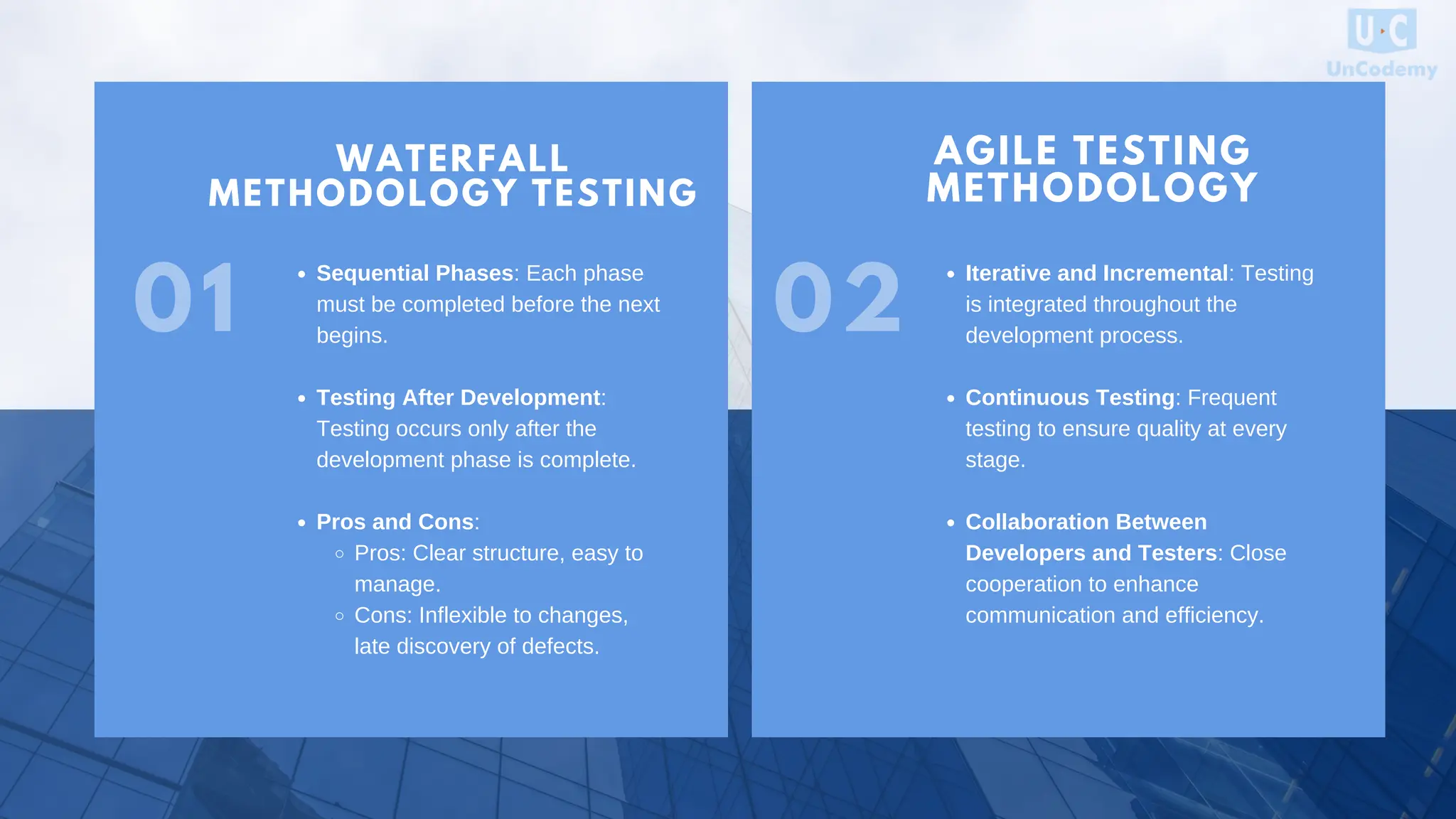
VISION WATERFALL METHODOLOGY TESTING 01 AGILE TESTING METHODOLOGY Sequential Phases: Each phase must be completed before the next begins. Testing After Development: Testing occurs only after the development phase is complete. Pros and Cons: Pros: Clear structure, easy to manage. Cons: Inflexible to changes, late discovery of defects. Iterative and Incremental: Testing is integrated throughout the development process. Continuous Testing: Frequent testing to ensure quality at every stage. Collaboration Between Developers and Testers: Close cooperation to enhance communication and efficiency. 02
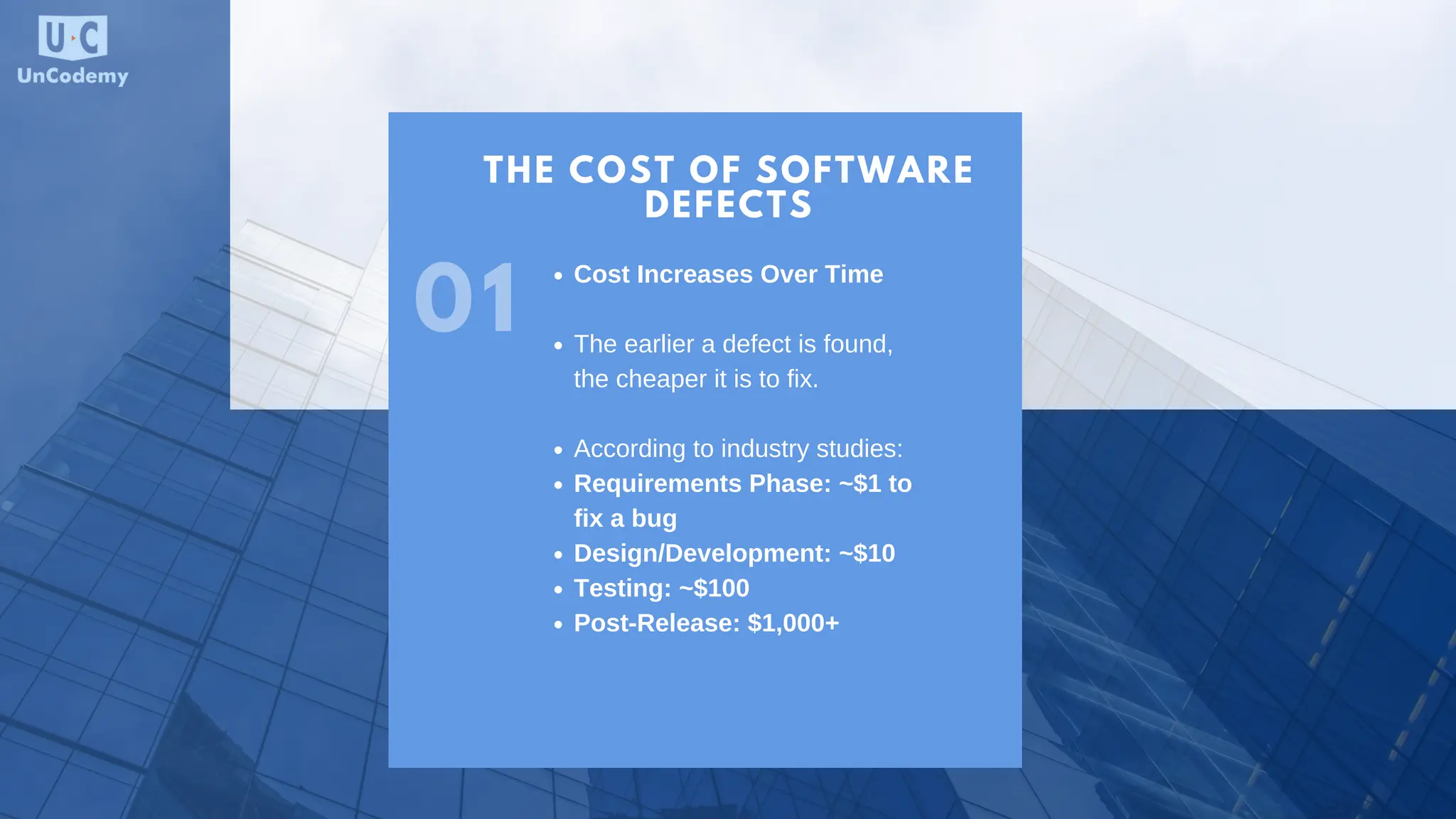
THE COST OF SOFTWARE DEFECTS 01 Cost Increases Over Time The earlier a defect is found, the cheaper it is to fix. According to industry studies: Requirements Phase: ~$1 to fix a bug Design/Development: ~$10 Testing: ~$100 Post-Release: $1,000+
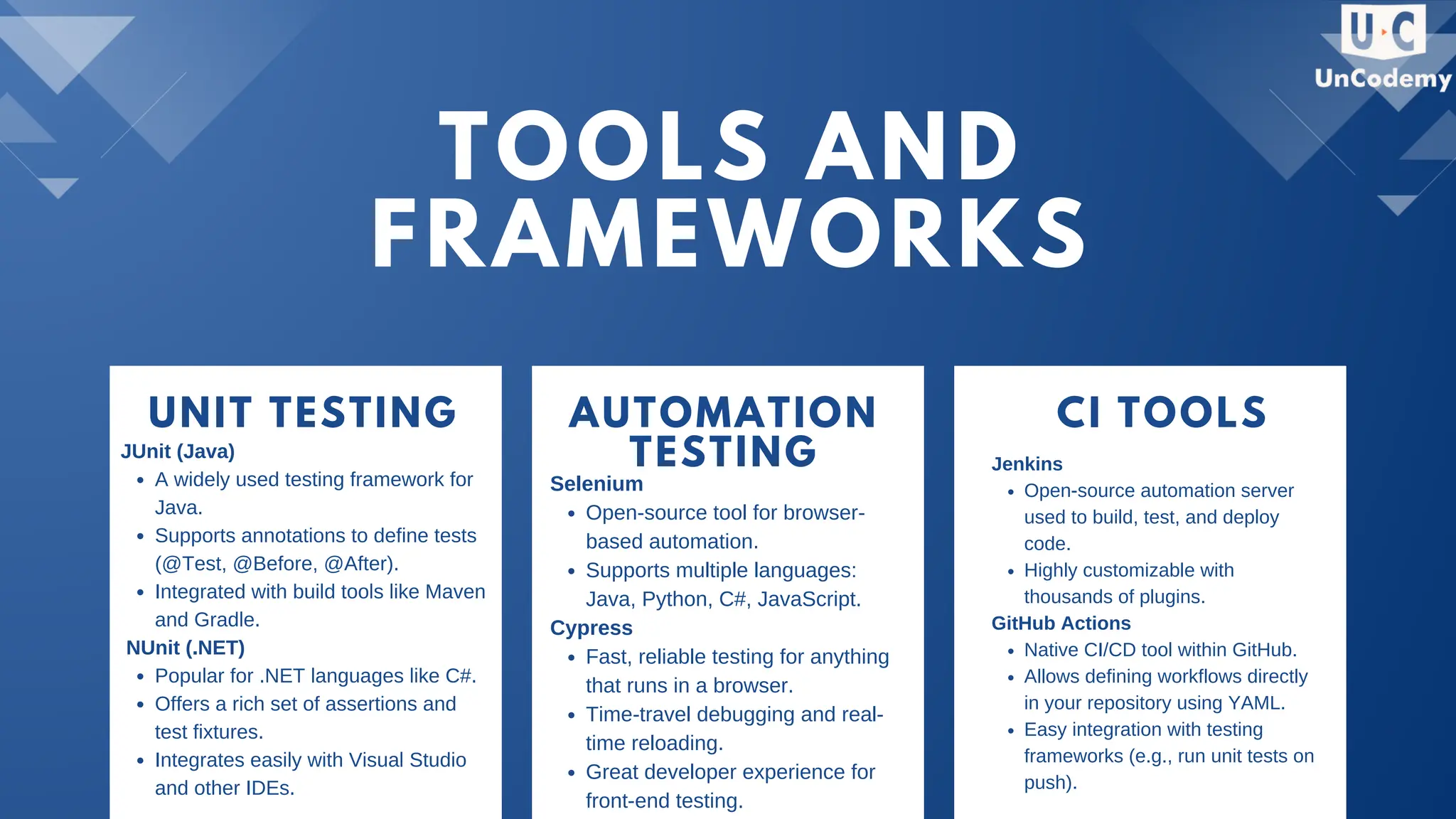
TOOLS AND FRAMEWORKS UNIT TESTING AUTOMATION TESTING CI TOOLS JUnit (Java) A widely used testing framework for Java. Supports annotations to define tests (@Test, @Before, @After). Integrated with build tools like Maven and Gradle. NUnit (.NET) Popular for .NET languages like C#. Offers a rich set of assertions and test fixtures. Integrates easily with Visual Studio and other IDEs. Selenium Open-source tool for browser- based automation. Supports multiple languages: Java, Python, C#, JavaScript. Cypress Fast, reliable testing for anything that runs in a browser. Time-travel debugging and real- time reloading. Great developer experience for front-end testing. Jenkins Open-source automation server used to build, test, and deploy code. Highly customizable with thousands of plugins. GitHub Actions Native CI/CD tool within GitHub. Allows defining workflows directly in your repository using YAML. Easy integration with testing frameworks (e.g., run unit tests on push).
THANK YOU +91 8882213880 www.uncodemy.com

An Overview of Software Testing Methodologies

  • 1.
    AN OVERVIEW OFSOFTWARE TESTING METHODOLOGIES Understanding Key Approaches to Ensuring Software Quality
  • 2.
    Introduction Importance of softwarequality Cost of software defects Where testing fits in the software development lifecycle TABLE OF CONTENT
  • 3.
    WHAT IS SOFTWARE TESTING? Softwaretesting is a systematic process used to evaluate and verify that a software application or system meets specified requirements and functions correctly. It involves executing the software to identify any defects or issues, ensuring that the software behaves as expected under various conditions.
  • 4.
    DEFINING SOFTWARE TESTING Definition and Objectives: Softwaretesting is the process of evaluating and verifying that a software application or system meets specified requirements and functions correctly. Objectives include identifying defects, ensuring quality, and validating that the software meets user needs. Verification vs. Validation: Verification: Ensures the product is built correctly (i.e., meets specifications). Validation: Ensures the right product is built (i.e., meets user needs). Manual vs. Automated Testing: Manual Testing: Human testers execute test cases without automation tools. Automated Testing: Use of software tools to run tests automatically, improving efficiency and coverage.
  • 5.
    TYPES OF TESTING Functional vs.Non-Functional: Functional Testing: Validates the software against functional requirements (e.g., features, user interactions). Non-Functional Testing: Assesses performance, usability, reliability, etc. Static vs. Dynamic: Static Testing: Involves reviewing code and documentation without executing the program. Dynamic Testing: Involves executing the code and validating the output. White-box vs. Black-box vs. Gray-box: White-box Testing: Tester has knowledge of the internal workings of the application. Black-box Testing: Tester evaluates the software without knowledge of internal code or logic. Gray-box Testing: Combines both white-box and black-box testing techniques. 01 02 03
  • 6.
    TESTING LEVELS Unit Testing-Tests individual components or modules for correctness. System Testing: Validates the complete and integrated software product. Integration Testing: Tests the interaction between integrated components or systems. Acceptance Testing: Confirms the software meets business requirements and is ready for deployment. Unit Testing Integration Testing System Testing Acceptance Testing
  • 7.
    VISION WATERFALL METHODOLOGY TESTING 01 AGILE TESTING METHODOLOGY SequentialPhases: Each phase must be completed before the next begins. Testing After Development: Testing occurs only after the development phase is complete. Pros and Cons: Pros: Clear structure, easy to manage. Cons: Inflexible to changes, late discovery of defects. Iterative and Incremental: Testing is integrated throughout the development process. Continuous Testing: Frequent testing to ensure quality at every stage. Collaboration Between Developers and Testers: Close cooperation to enhance communication and efficiency. 02
  • 8.
    THE COST OFSOFTWARE DEFECTS 01 Cost Increases Over Time The earlier a defect is found, the cheaper it is to fix. According to industry studies: Requirements Phase: ~$1 to fix a bug Design/Development: ~$10 Testing: ~$100 Post-Release: $1,000+
  • 9.
    TOOLS AND FRAMEWORKS UNIT TESTINGAUTOMATION TESTING CI TOOLS JUnit (Java) A widely used testing framework for Java. Supports annotations to define tests (@Test, @Before, @After). Integrated with build tools like Maven and Gradle. NUnit (.NET) Popular for .NET languages like C#. Offers a rich set of assertions and test fixtures. Integrates easily with Visual Studio and other IDEs. Selenium Open-source tool for browser- based automation. Supports multiple languages: Java, Python, C#, JavaScript. Cypress Fast, reliable testing for anything that runs in a browser. Time-travel debugging and real- time reloading. Great developer experience for front-end testing. Jenkins Open-source automation server used to build, test, and deploy code. Highly customizable with thousands of plugins. GitHub Actions Native CI/CD tool within GitHub. Allows defining workflows directly in your repository using YAML. Easy integration with testing frameworks (e.g., run unit tests on push).
  • 10.