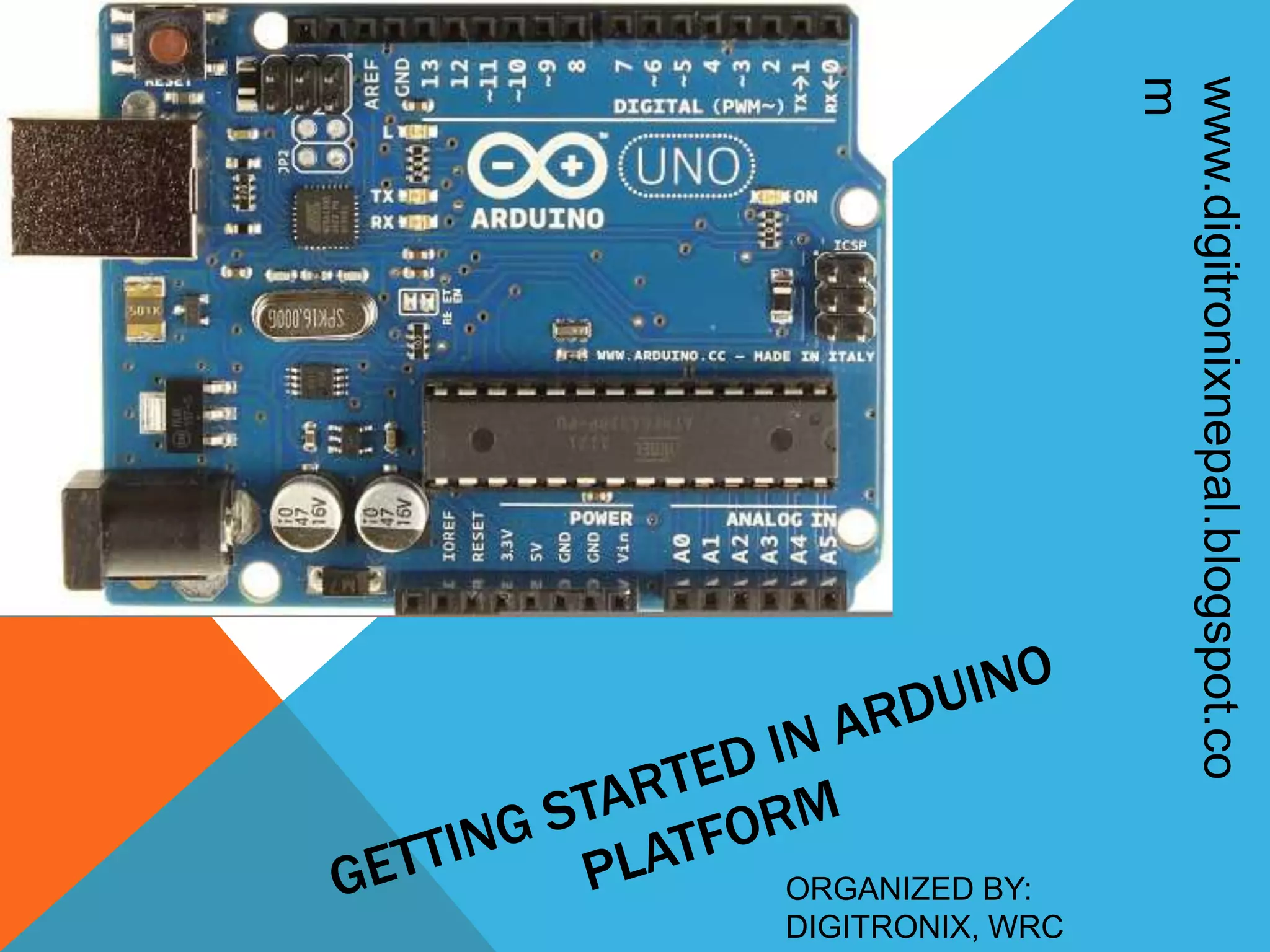
ORGANIZED BY: DIGITRONIX, WRC www.digitronixnepal.blogspot.co m
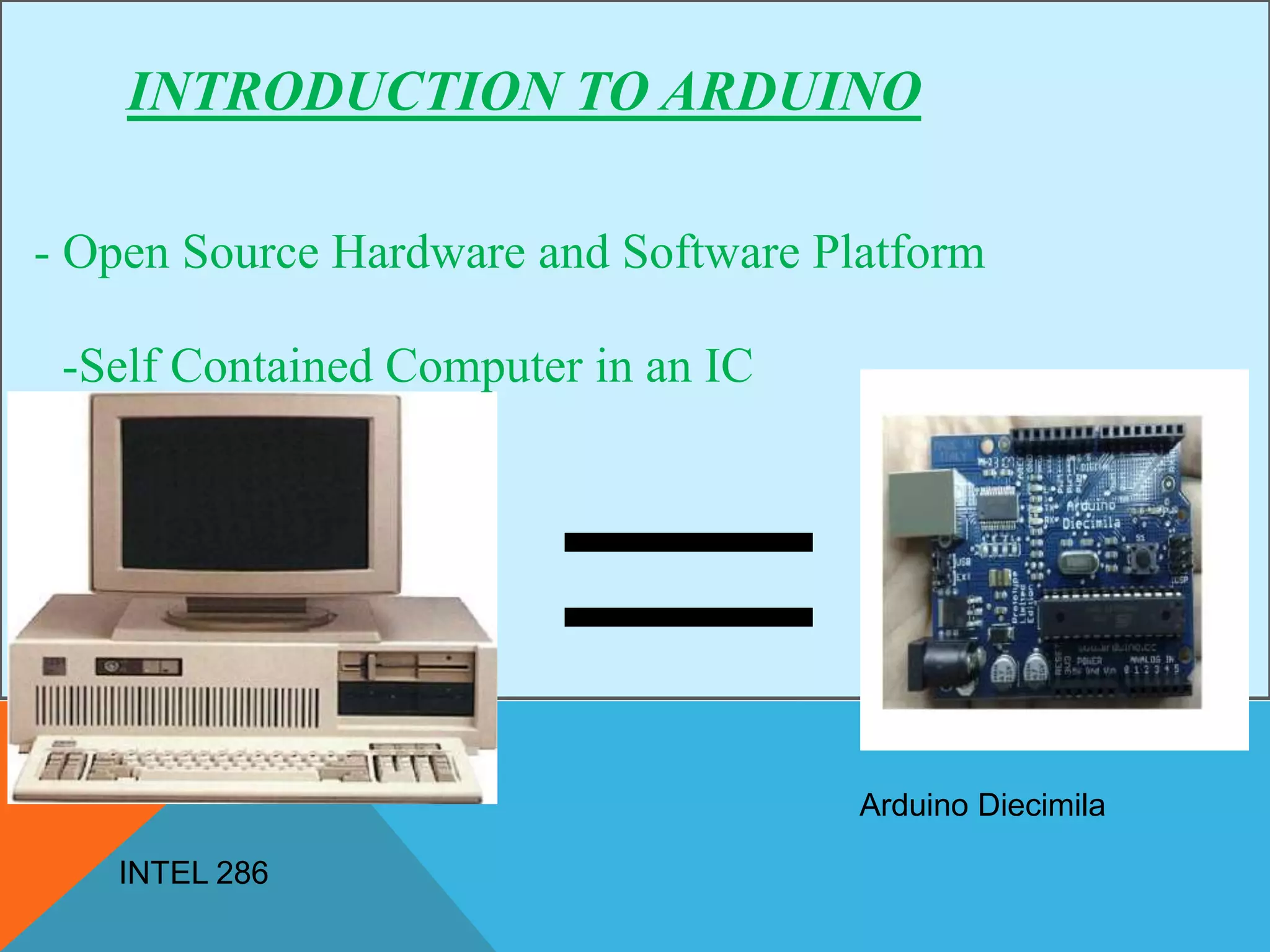
INTRODUCTION TO ARDUINO - Open Source Hardware and Software Platform -Self Contained Computer in an IC INTEL 286 Arduino Diecimila
INTRODUCTION TO ARDUINO - Based on AVR microcontrollers that are widely popular for their RISC architecture, hight flash memory, inbuilt different features - Arduino Uses C programming(E A S Y)……
WHY ARDUINO? - Inbuilt ADC, Serial Interface, PWM, IO pins -Programming so easy……(Can be used available libraries) -Open Source platform
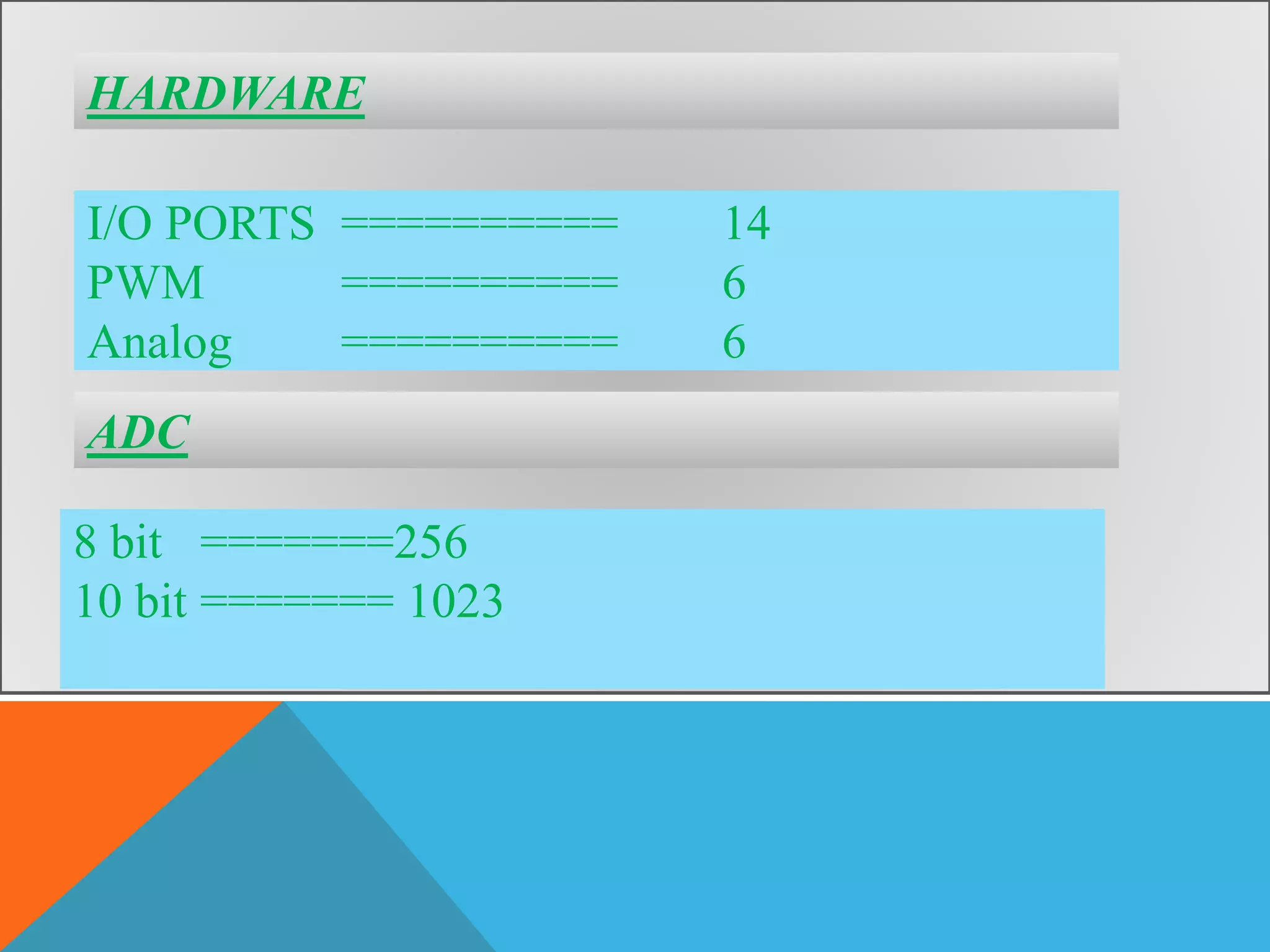
HARDWARE I/O PORTS ========== 14 PWM ========== 6 Analog ========== 6 8 bit =======256 10 bit ======= 1023 ADC
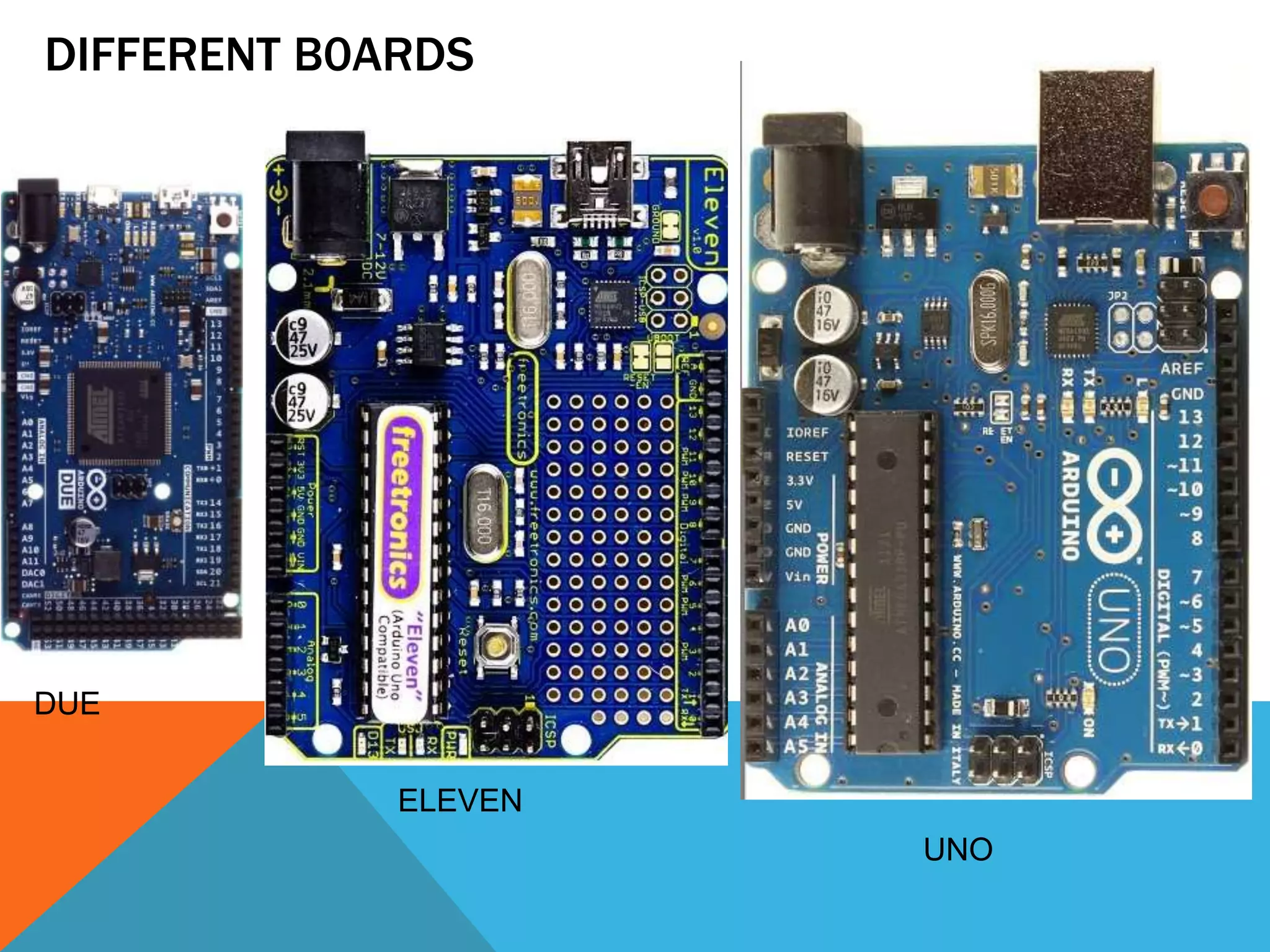
DIFFERENT B0ARDS DUE ELEVEN UNO
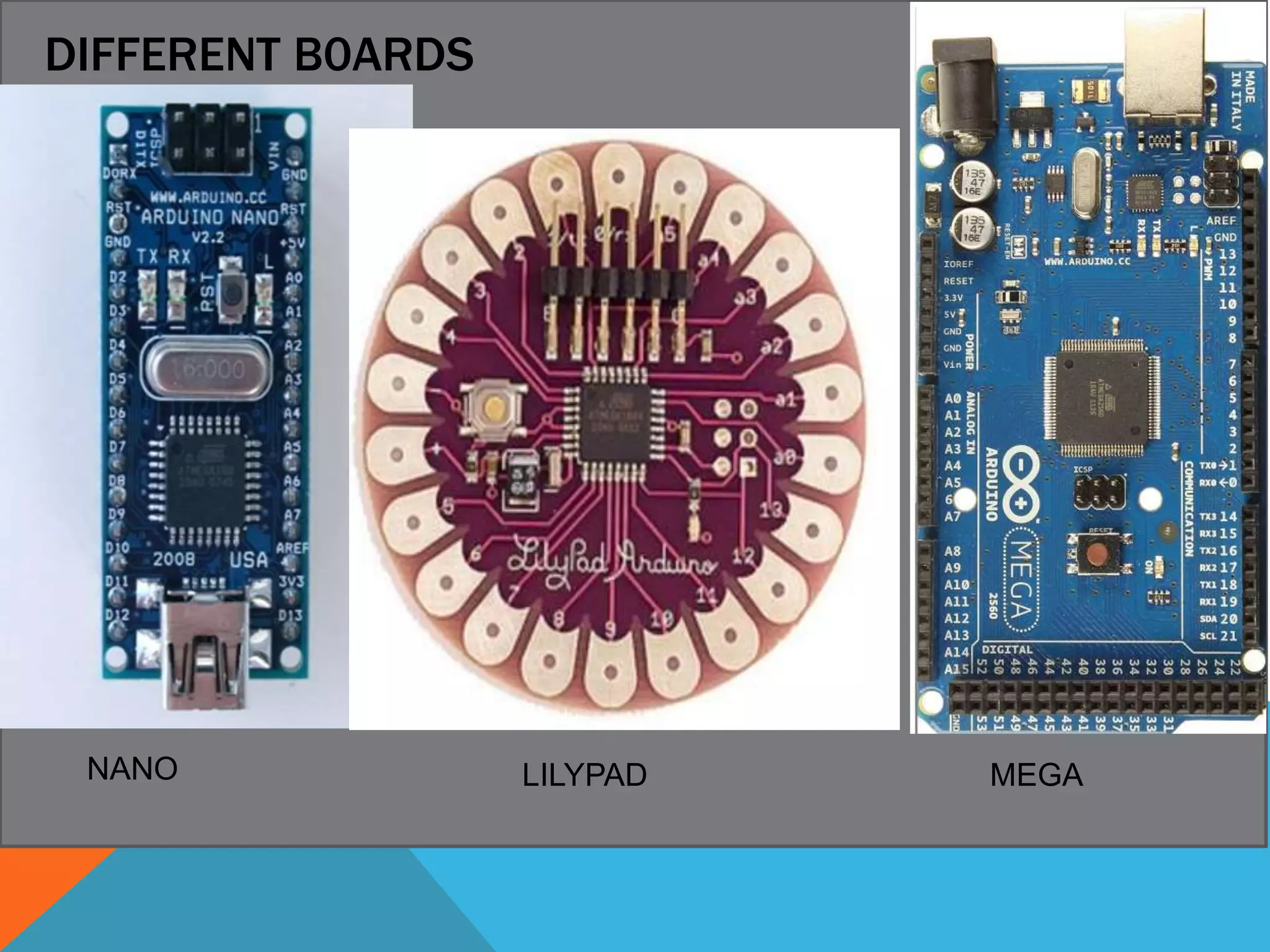
DIFFERENT B0ARDS DUE LILYPAD MEGANANO
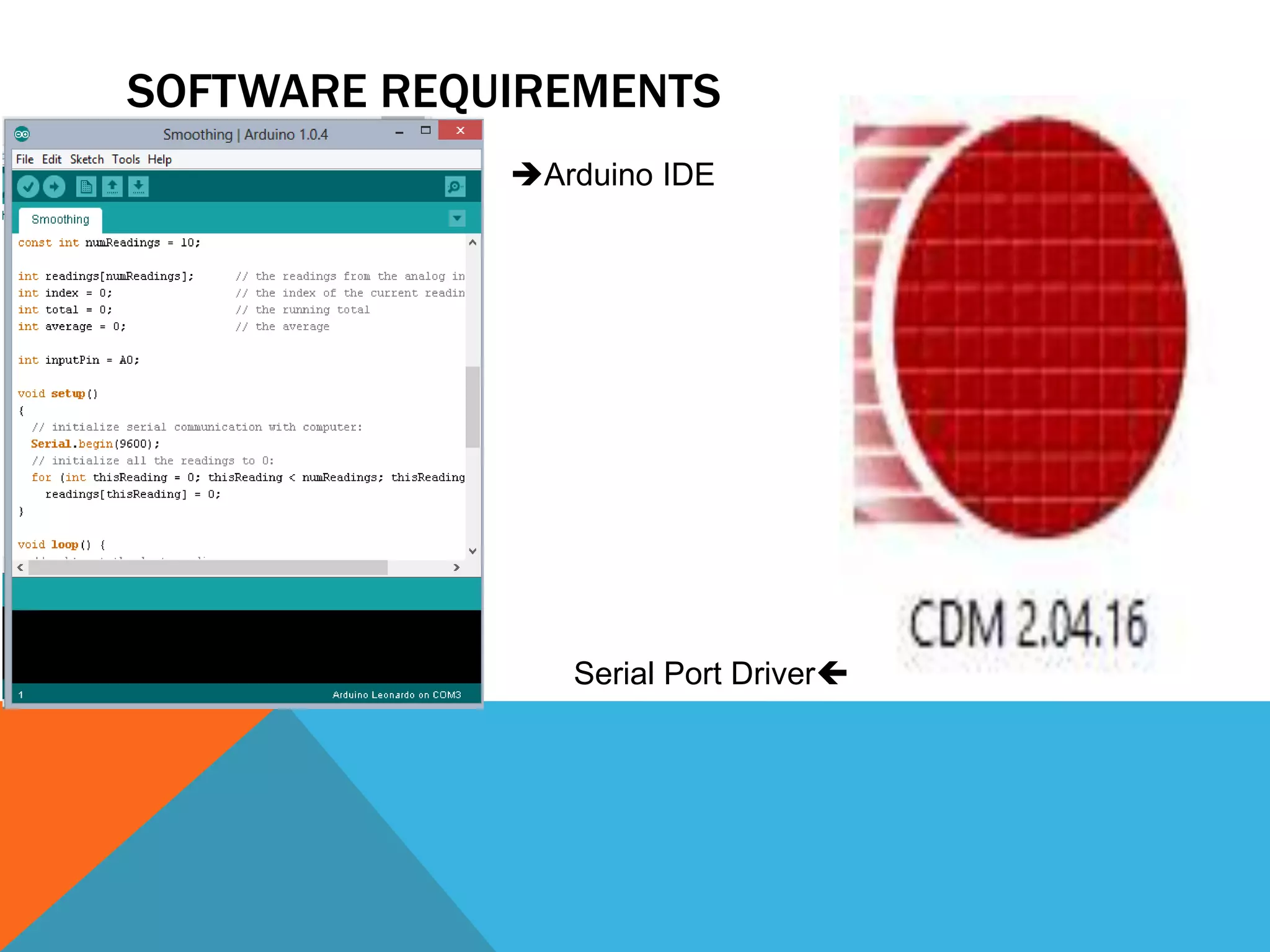
SOFTWARE REQUIREMENTS Arduino IDE Serial Port Driver
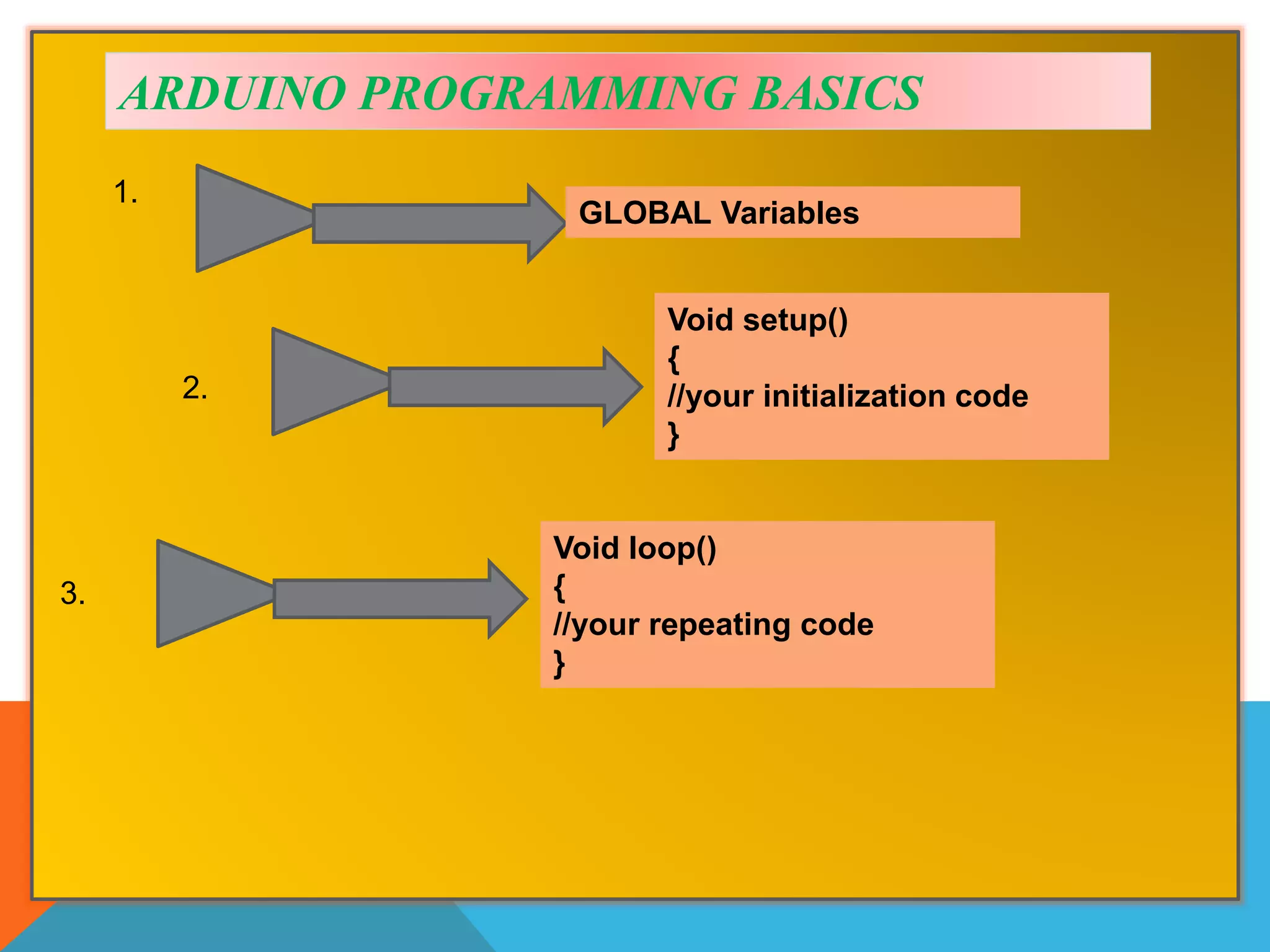
ARDUINO PROGRAMMING BASICS Void setup() { //your initialization code } GLOBAL Variables 1. 2. Void loop() { //your repeating code } 3.
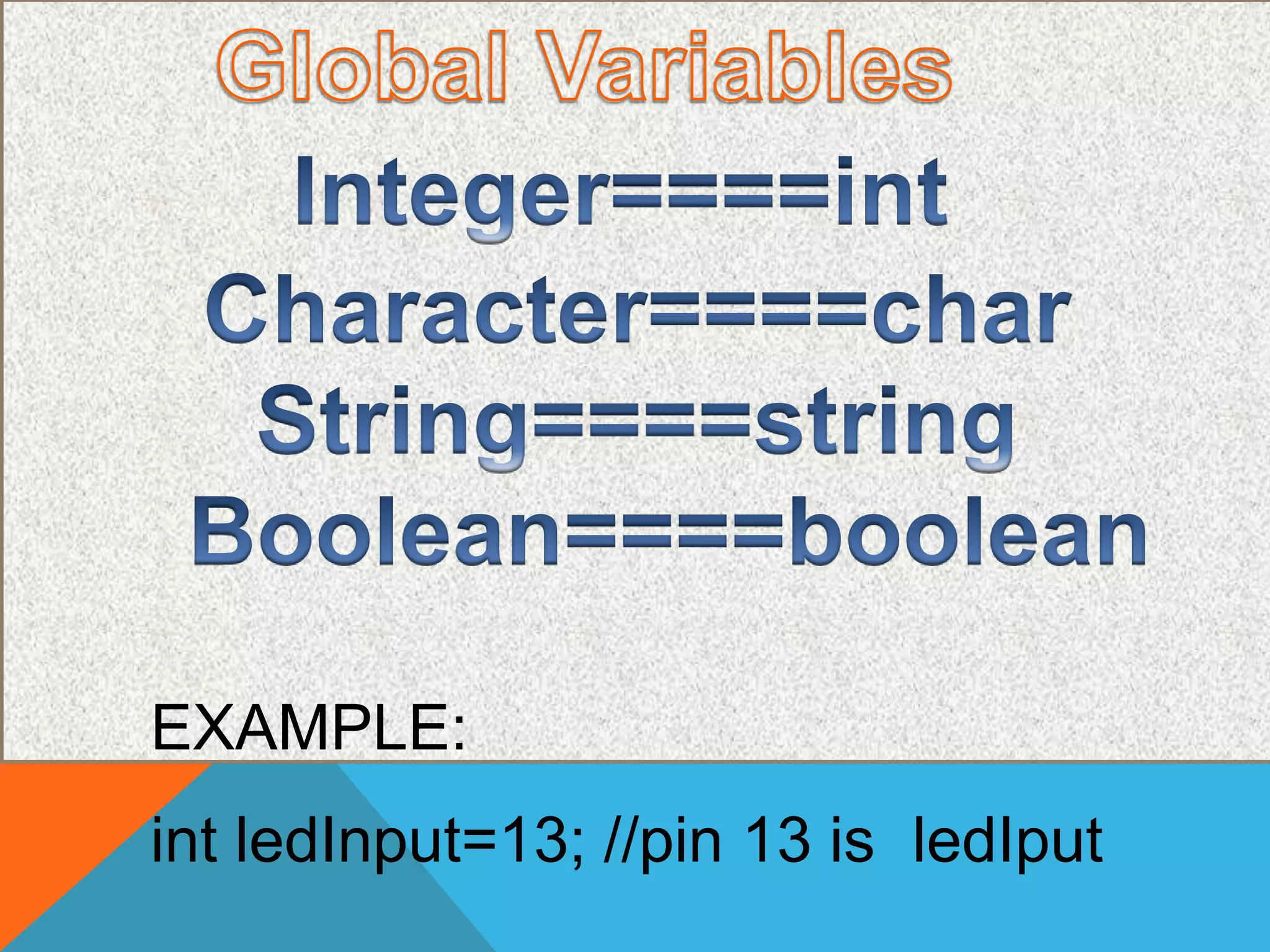
int ledInput=13; //pin 13 is ledIput EXAMPLE:
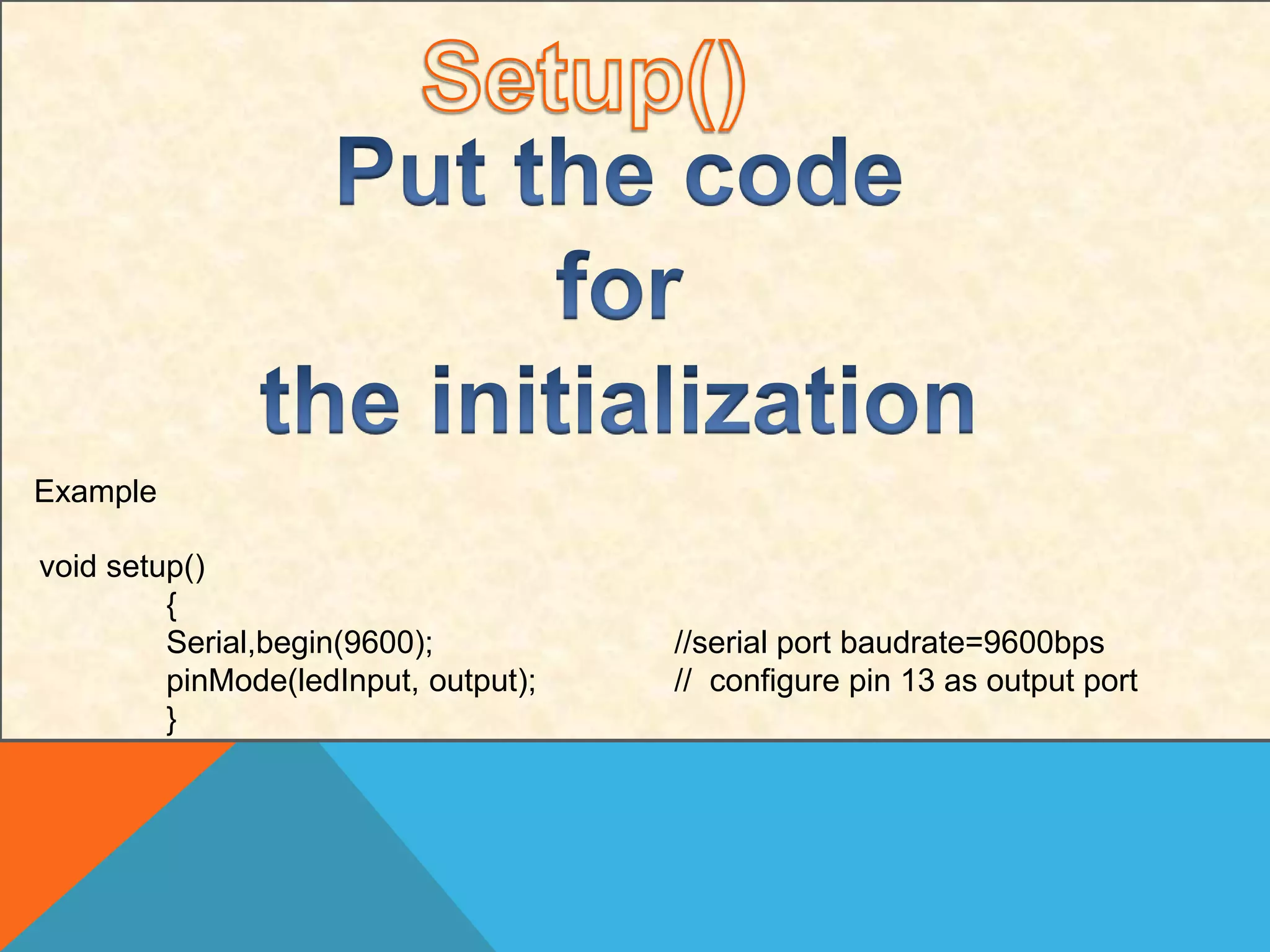
Example void setup() { Serial,begin(9600); //serial port baudrate=9600bps pinMode(ledInput, output); // configure pin 13 as output port }
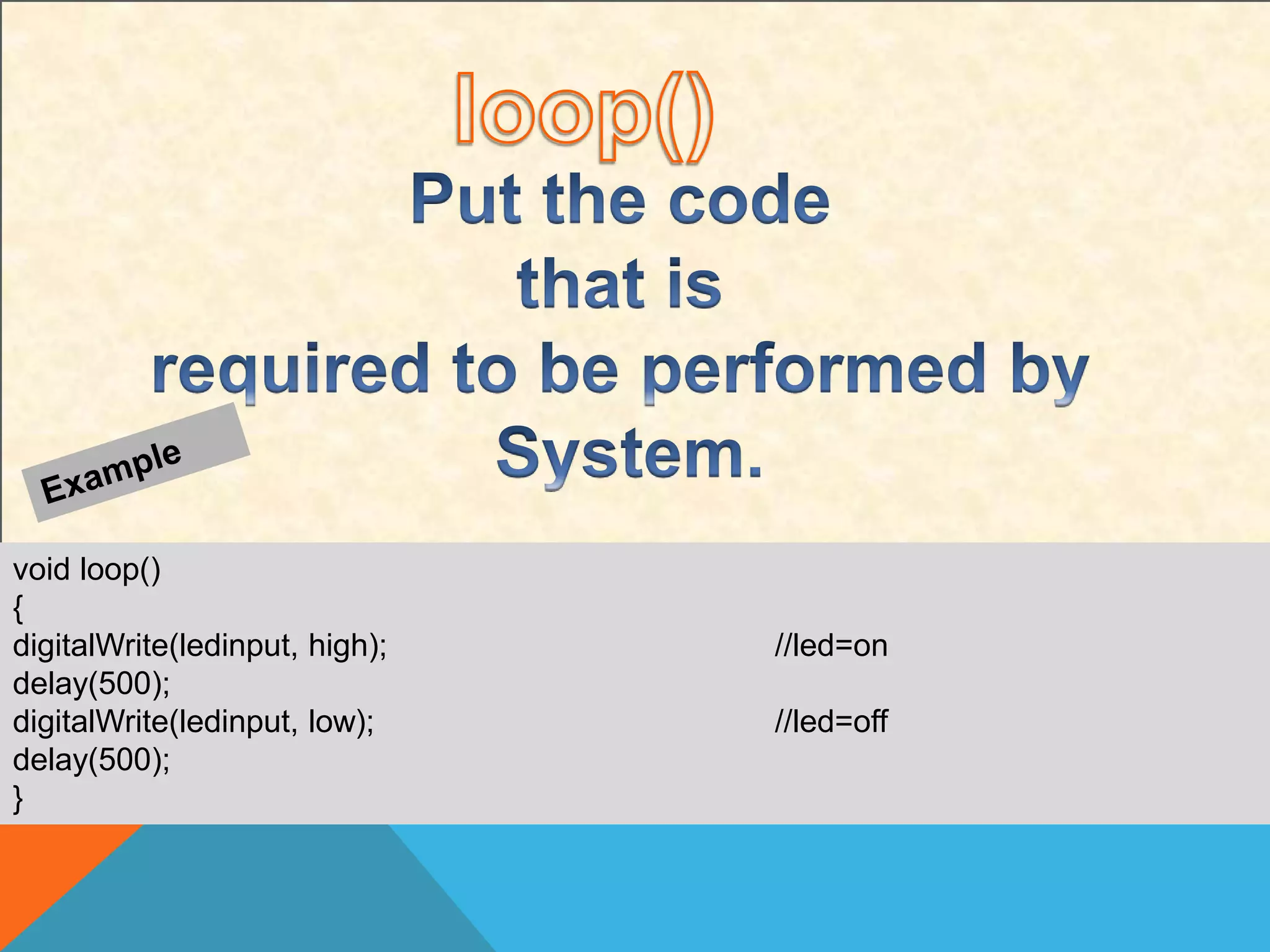
void loop() { digitalWrite(ledinput, high); //led=on delay(500); digitalWrite(ledinput, low); //led=off delay(500); }
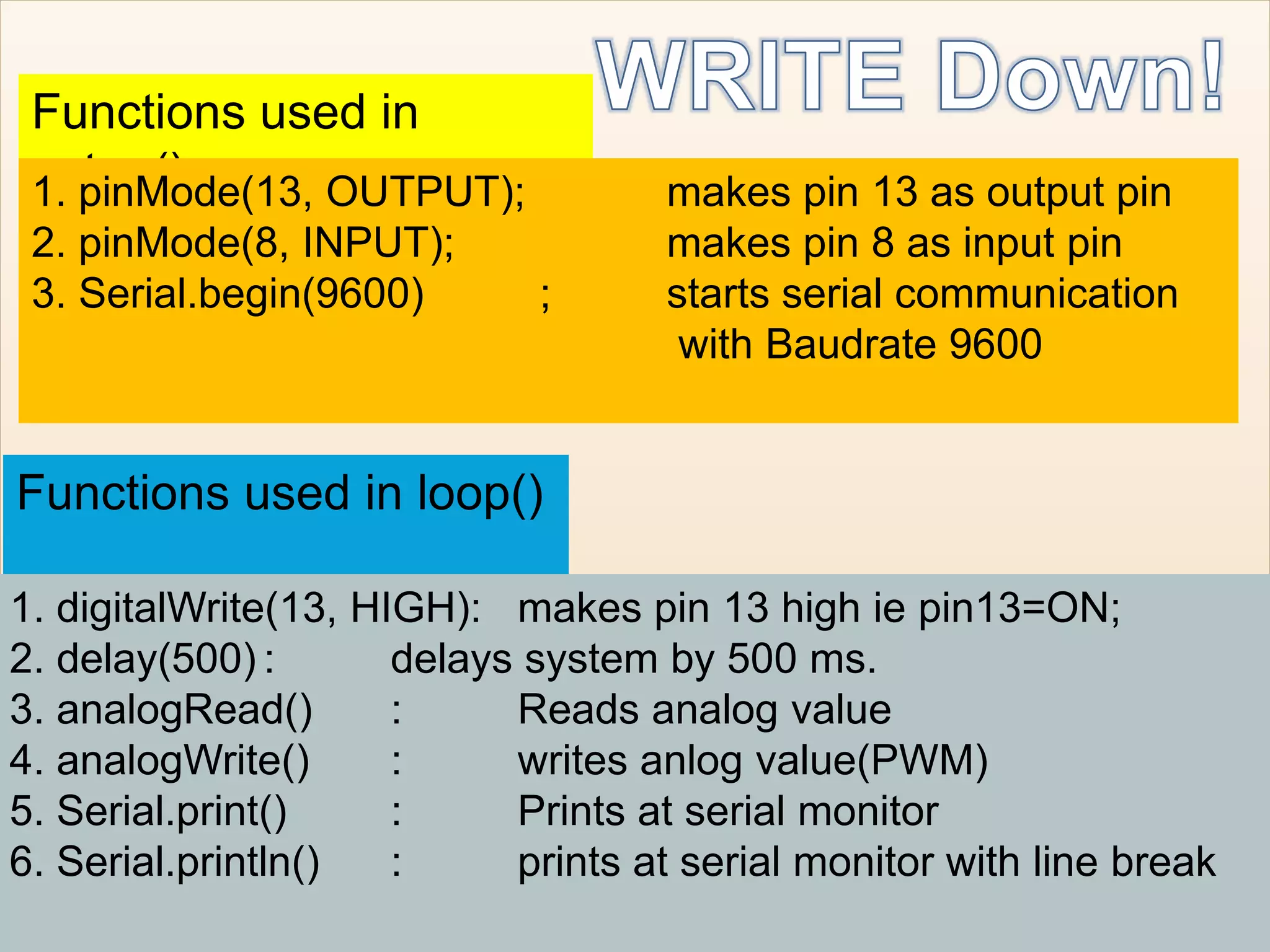
Functions used in setup()1. pinMode(13, OUTPUT); makes pin 13 as output pin 2. pinMode(8, INPUT); makes pin 8 as input pin 3. Serial.begin(9600) ; starts serial communication with Baudrate 9600 Functions used in loop() 1. digitalWrite(13, HIGH): makes pin 13 high ie pin13=ON; 2. delay(500) : delays system by 500 ms. 3. analogRead() : Reads analog value 4. analogWrite() : writes anlog value(PWM) 5. Serial.print() : Prints at serial monitor 6. Serial.println() : prints at serial monitor with line break
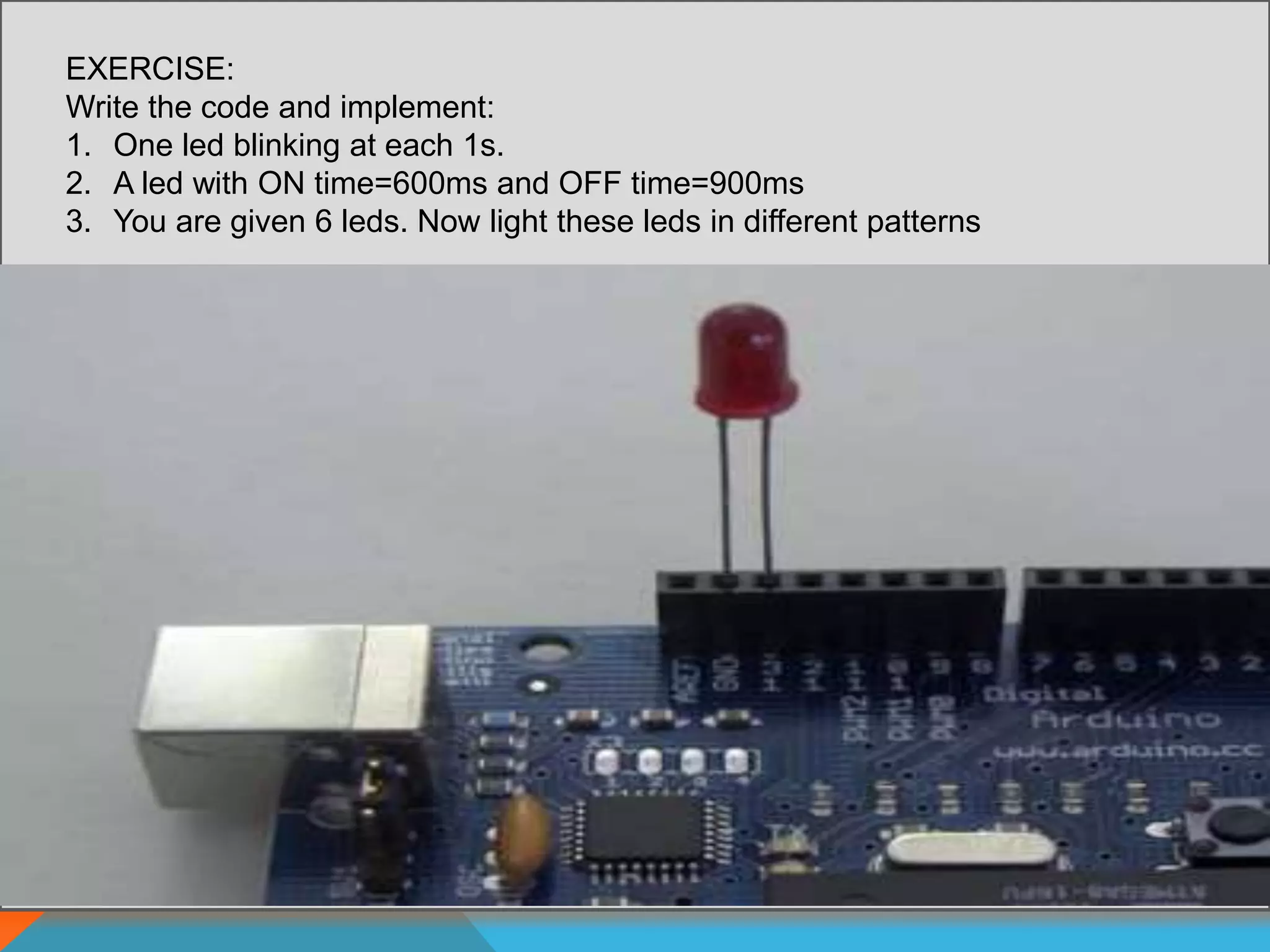
EXERCISE: Write the code and implement: 1. One led blinking at each 1s. 2. A led with ON time=600ms and OFF time=900ms 3. You are given 6 leds. Now light these leds in different patterns
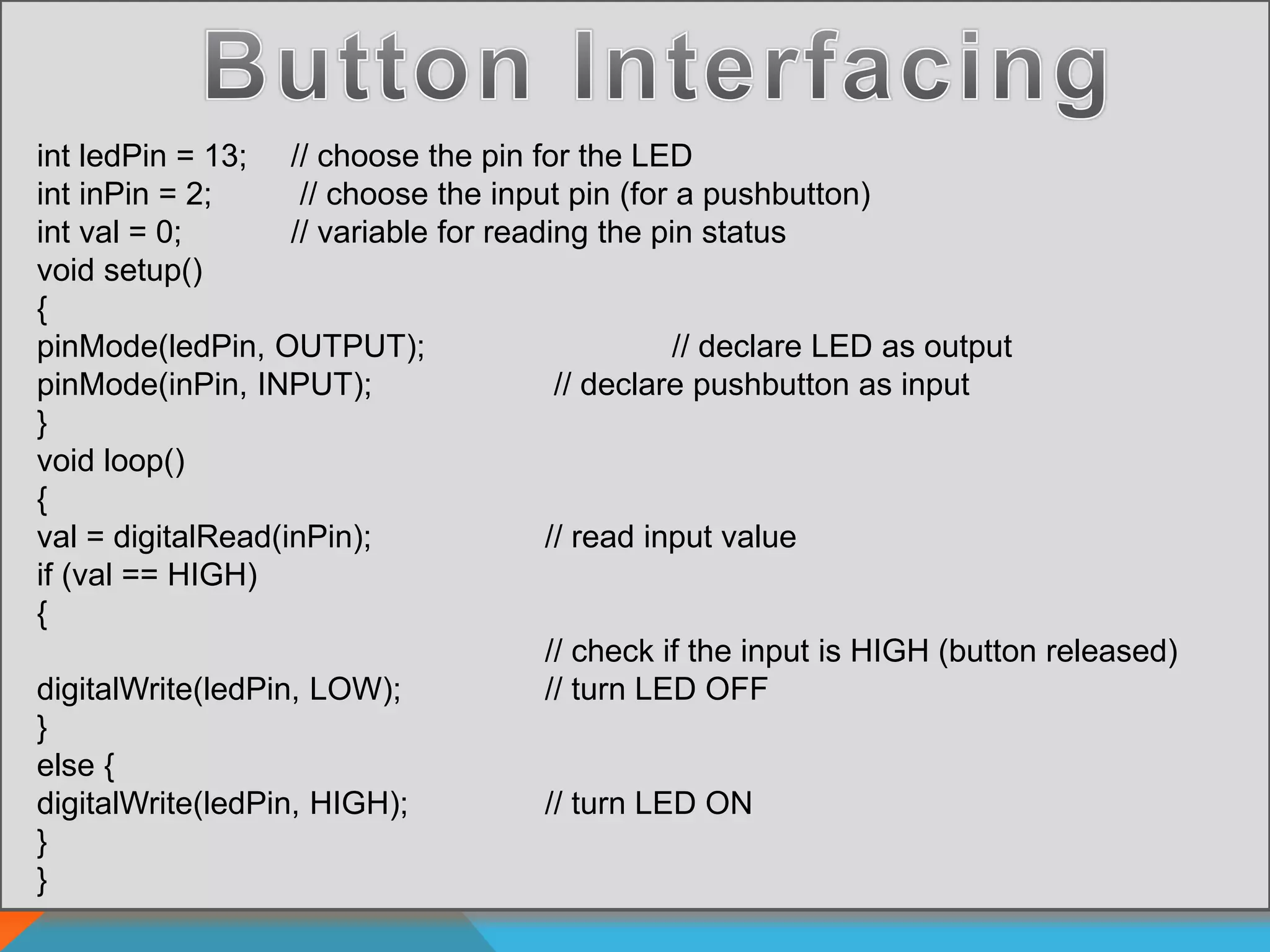
int ledPin = 13; // choose the pin for the LED int inPin = 2; // choose the input pin (for a pushbutton) int val = 0; // variable for reading the pin status void setup() { pinMode(ledPin, OUTPUT); // declare LED as output pinMode(inPin, INPUT); // declare pushbutton as input } void loop() { val = digitalRead(inPin); // read input value if (val == HIGH) { // check if the input is HIGH (button released) digitalWrite(ledPin, LOW); // turn LED OFF } else { digitalWrite(ledPin, HIGH); // turn LED ON } }
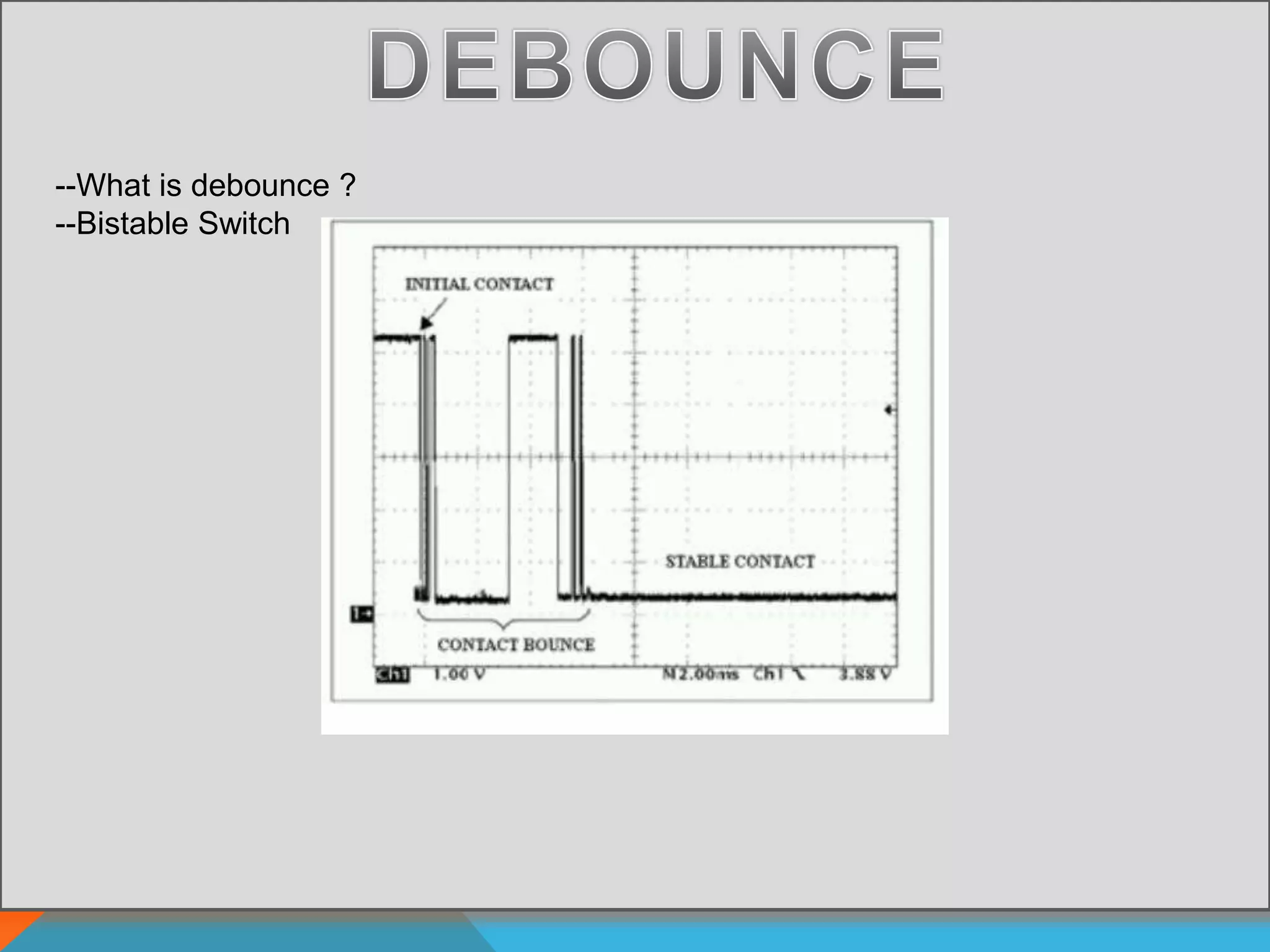
--What is debounce ? --Bistable Switch
REVIEW: ARDUINO INTRODUCTION ARDUINO PROGRAMMING LED BLINKING BUTTON INTERFACING
Arduino Day 1 Presentation

Arduino Day 1 Presentation