1 ArduinoProgramming101 Mark Aplet
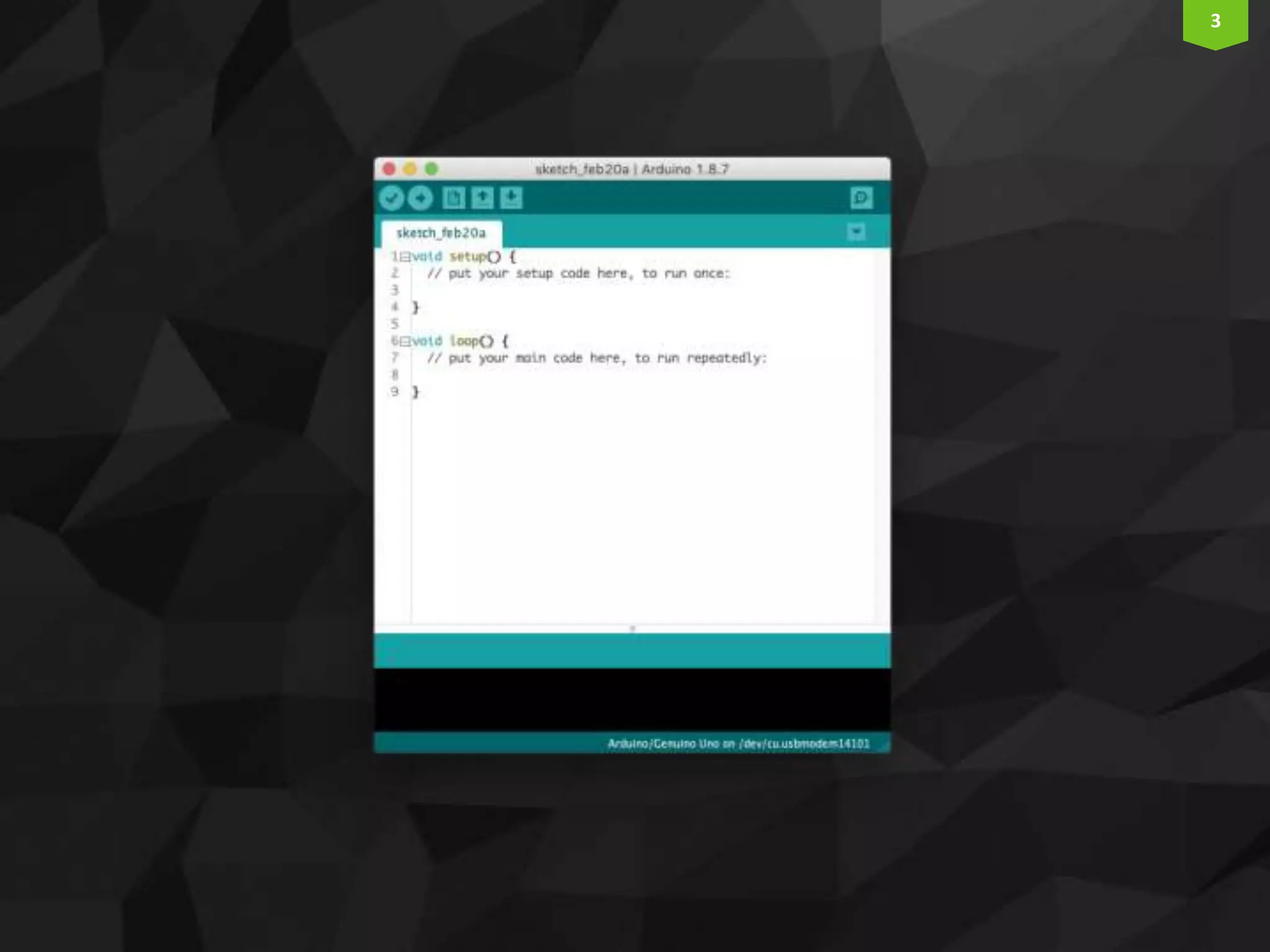
2 ArduinoIDE  https://www.arduino.cc/en/main/software  Free  Mac, Windows, and Linux
3
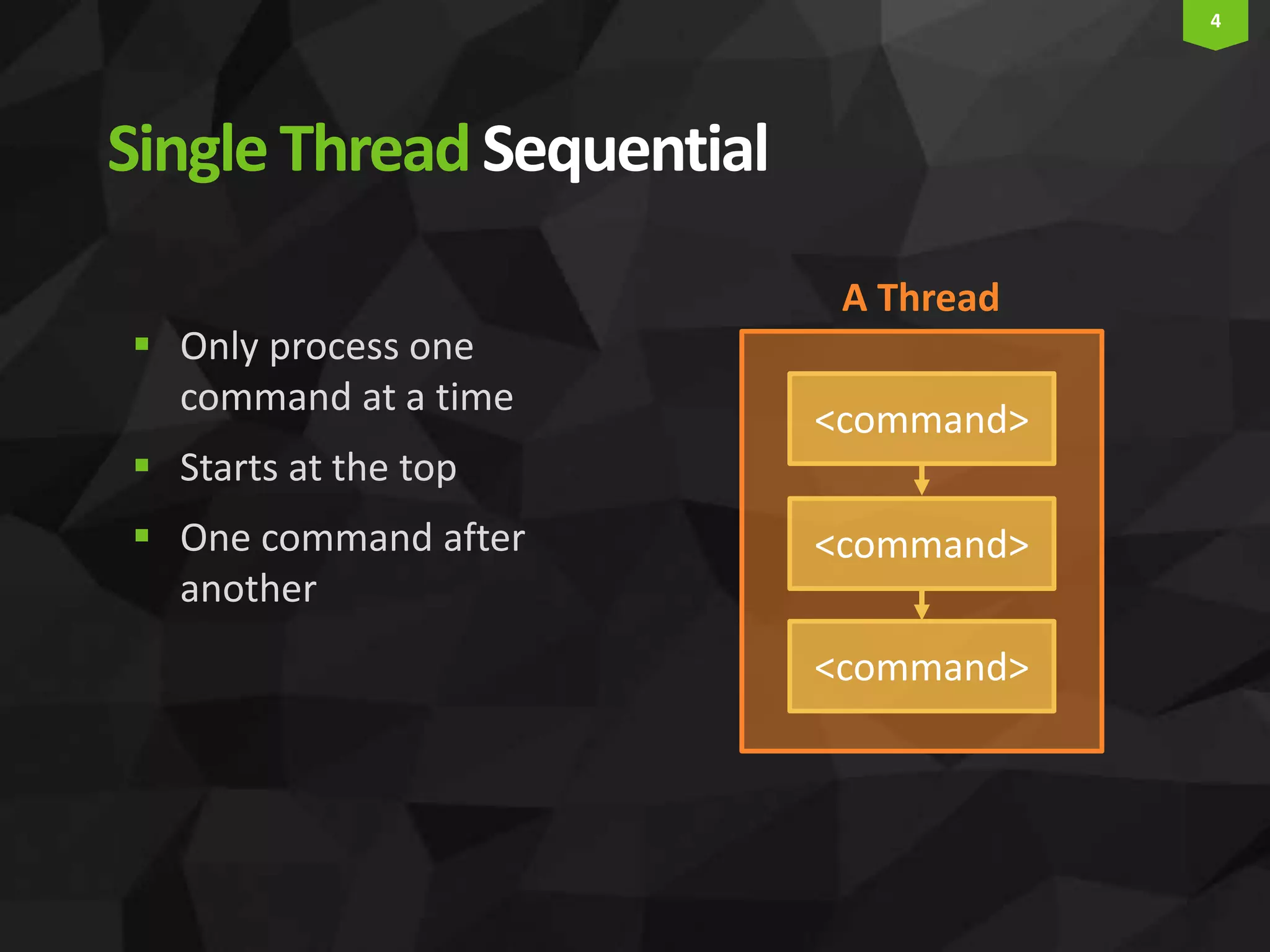
4 SingleThreadSequential  Only process one command at a time  Starts at the top  One command after another <command> <command> <command> A Thread
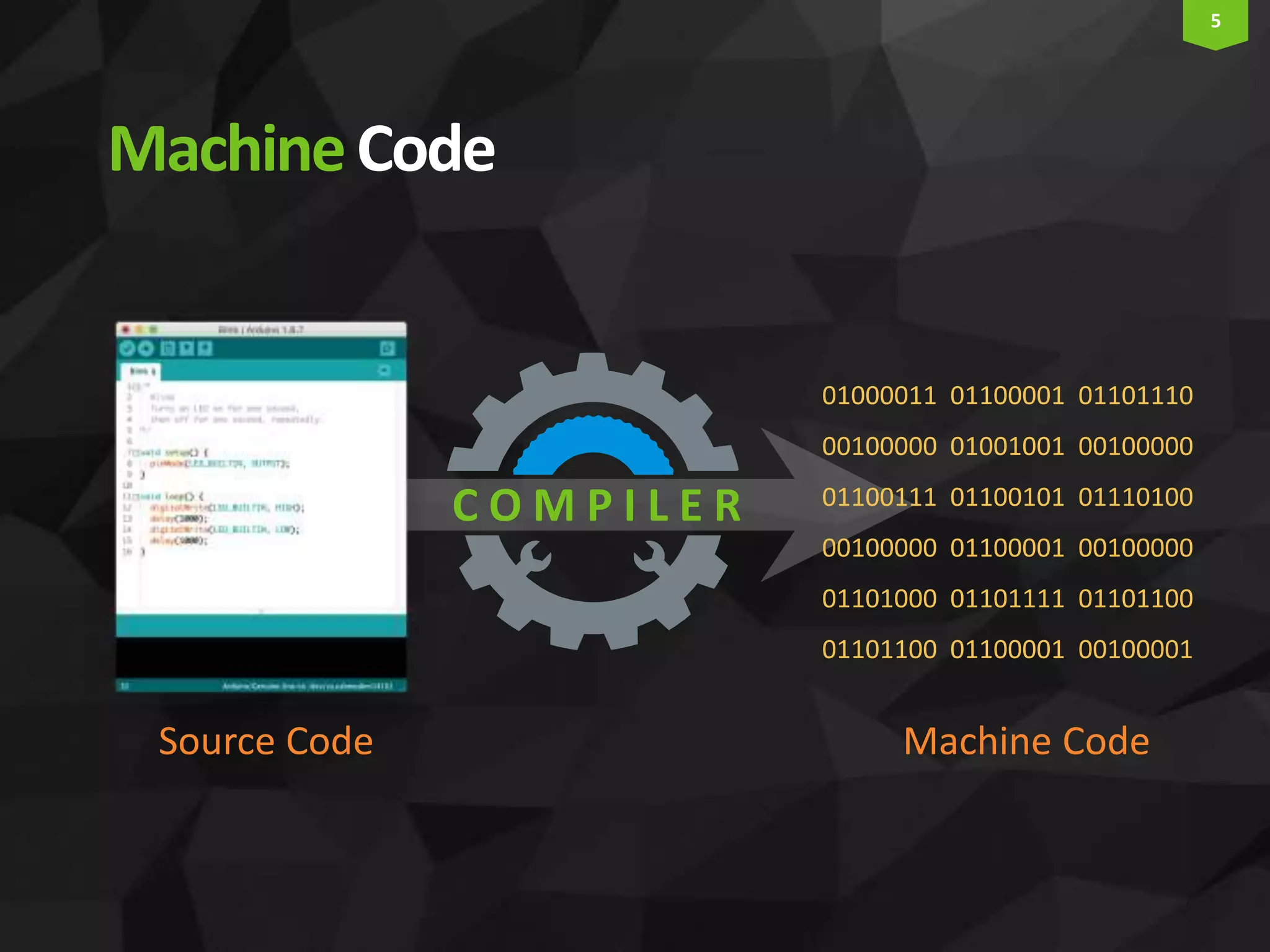
5 MachineCode 01000011 01100001 01101110 00100000 01001001 00100000 01100111 01100101 01110100 00100000 01100001 00100000 01101000 01101111 01101100 01101100 01100001 00100001 Source Code Machine Code C O M P I L E R
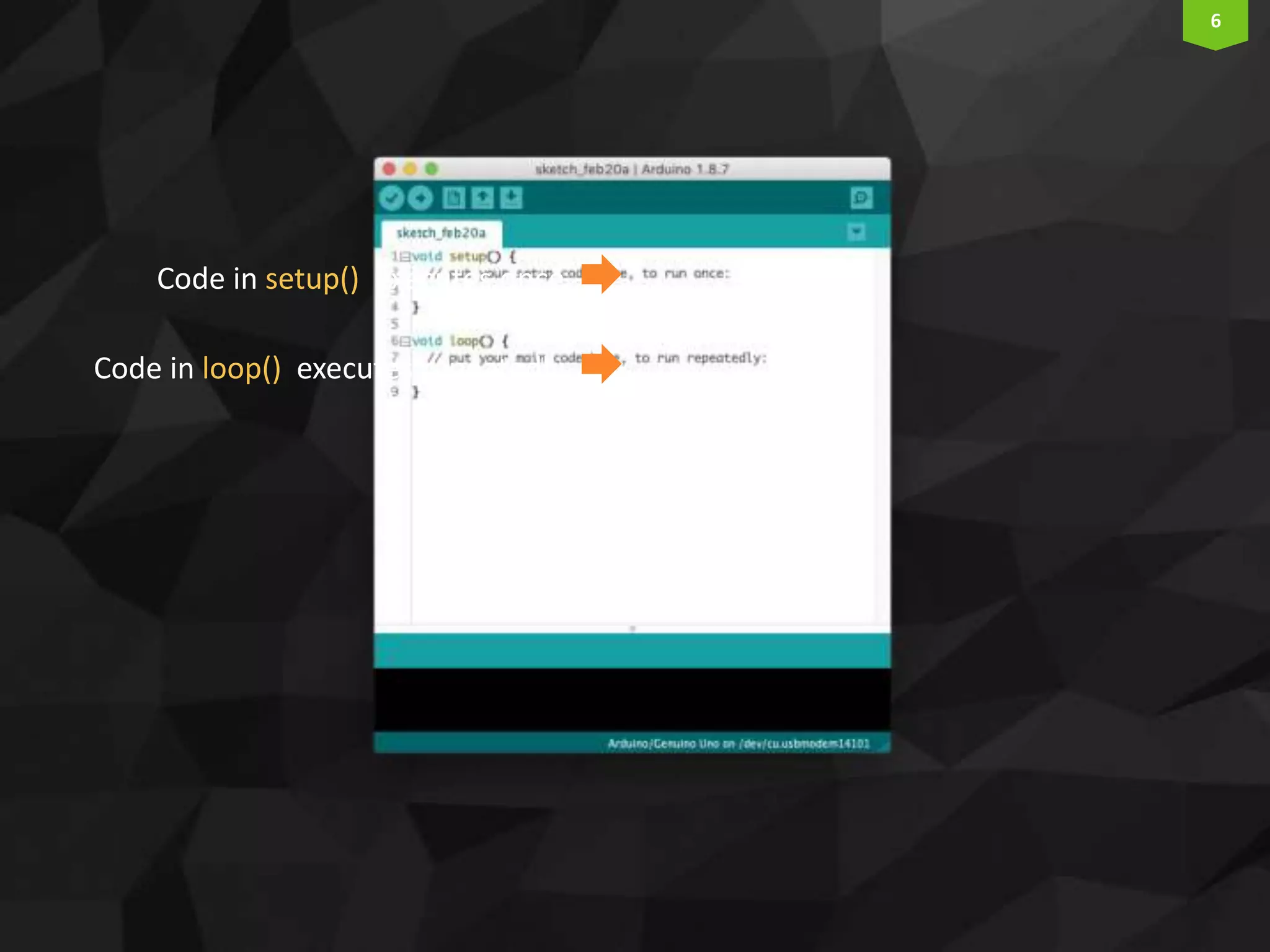
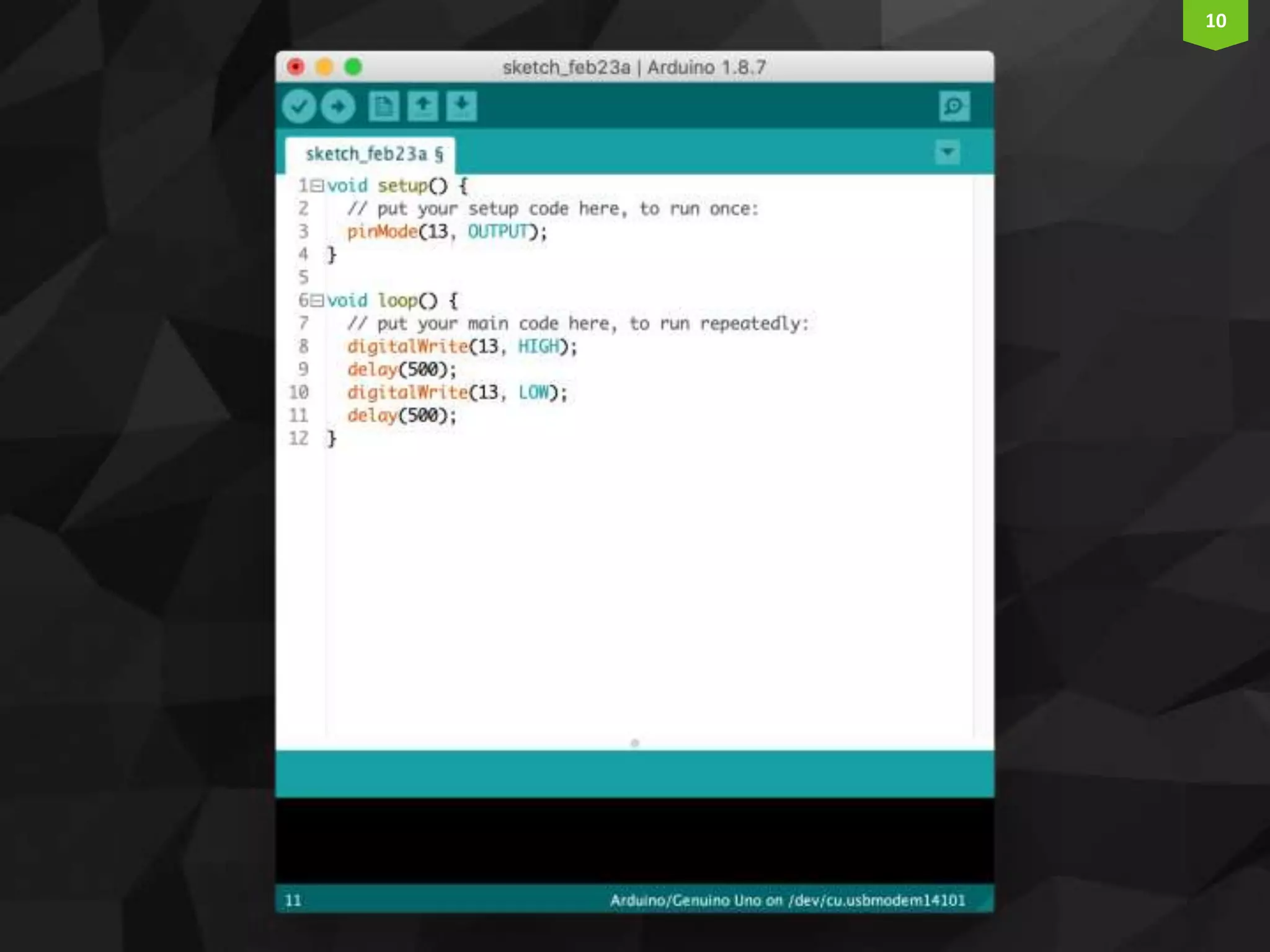
6 Code in setup() executes once Code in loop() executes repeatedly
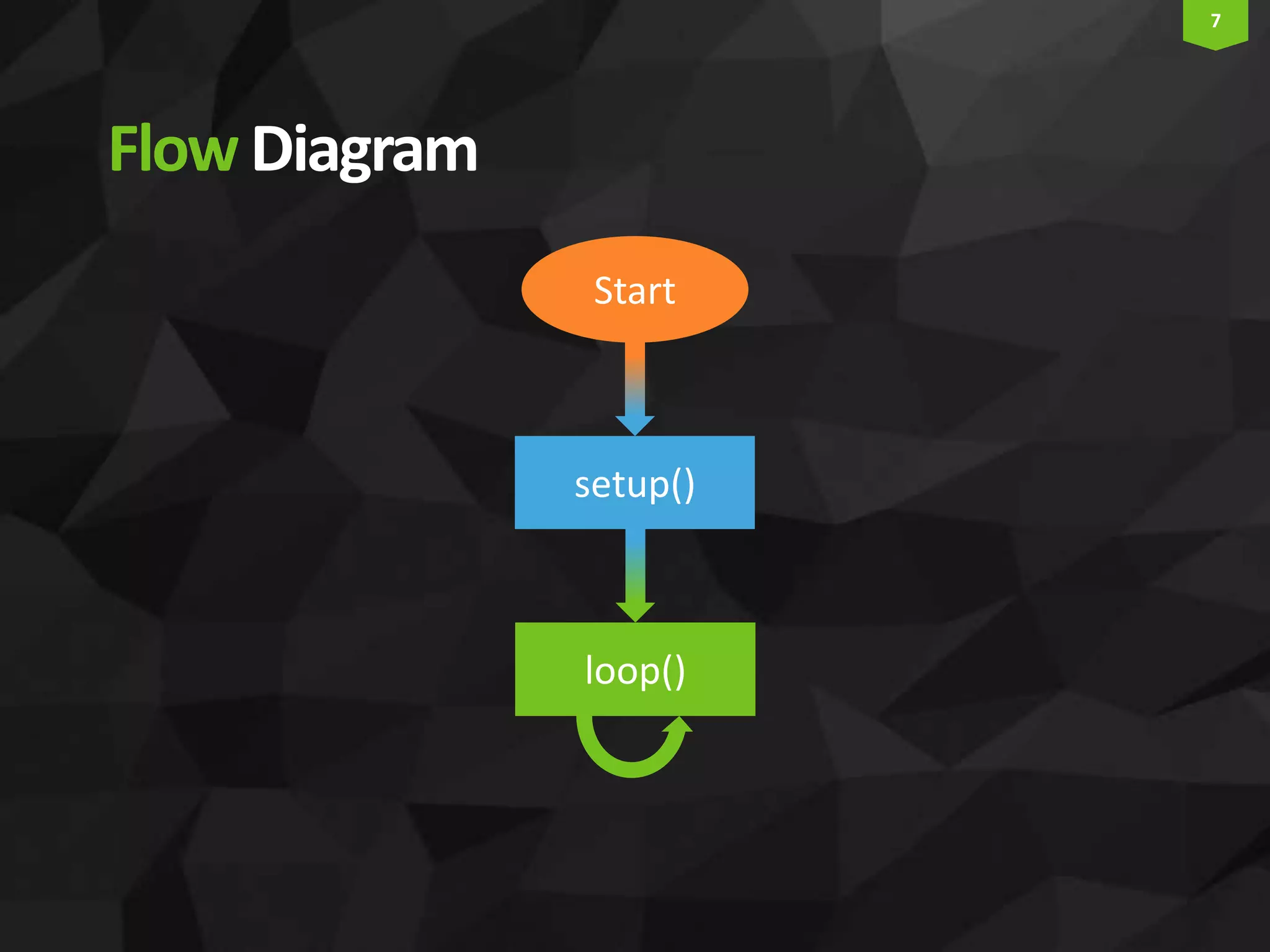
7 FlowDiagram Start setup() loop()
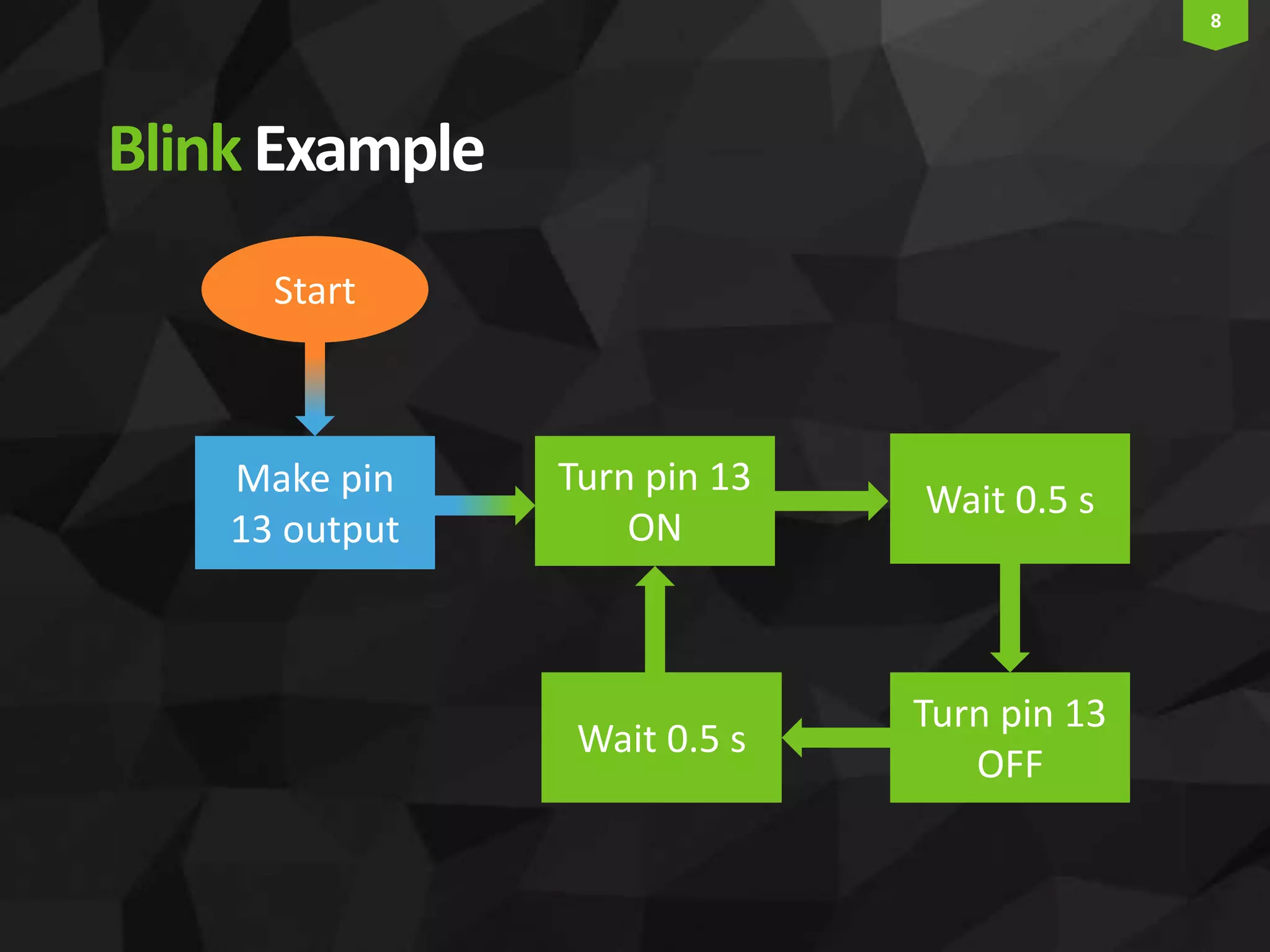
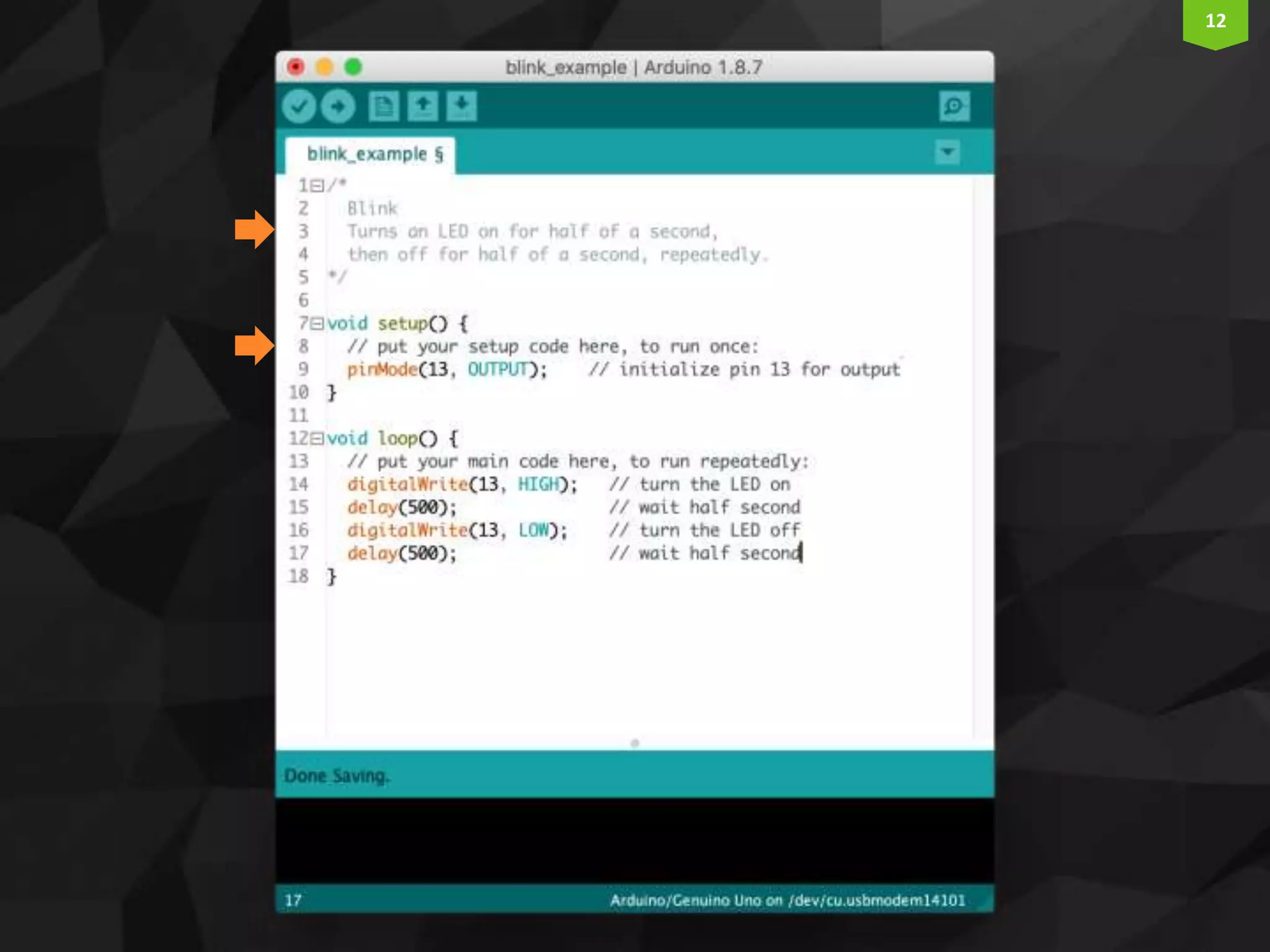
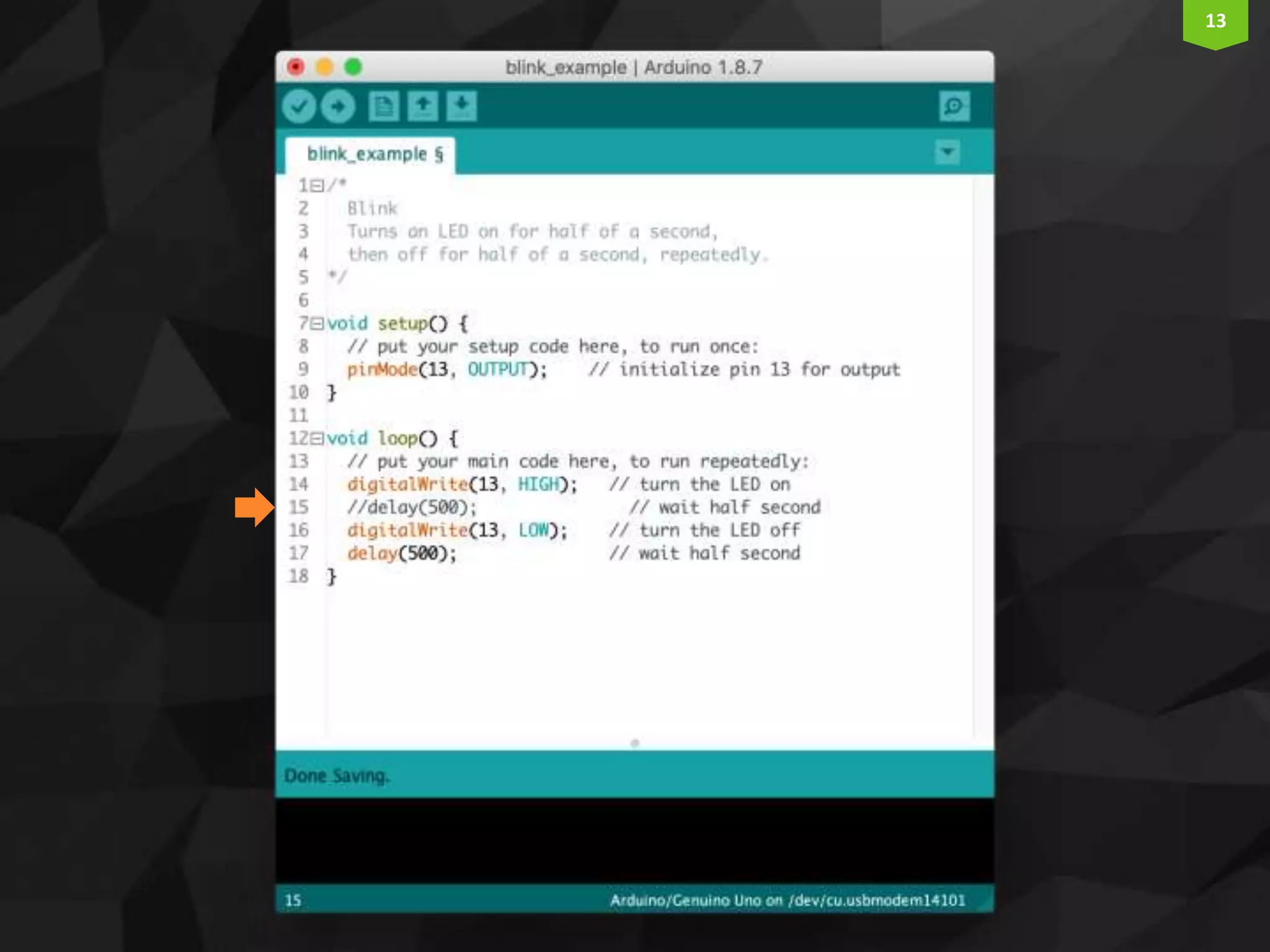
8 BlinkExample Start Make pin 13 output Turn pin 13 ON Wait 0.5 s Turn pin 13 OFF Wait 0.5 s
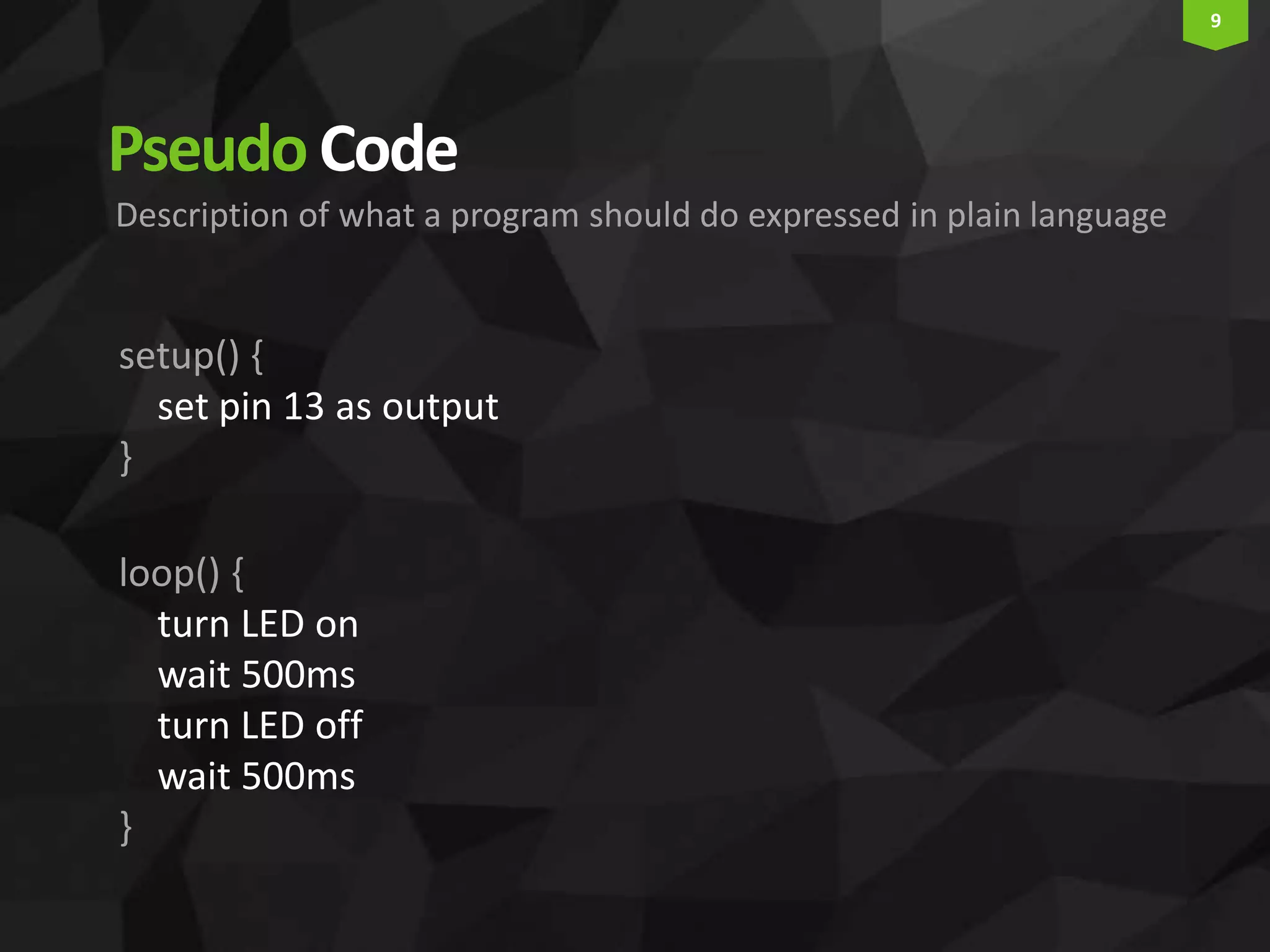
9 PseudoCode setup() { set pin 13 as output } loop() { turn LED on wait 500ms turn LED off wait 500ms } Description of what a program should do expressed in plain language
10
11
12
13
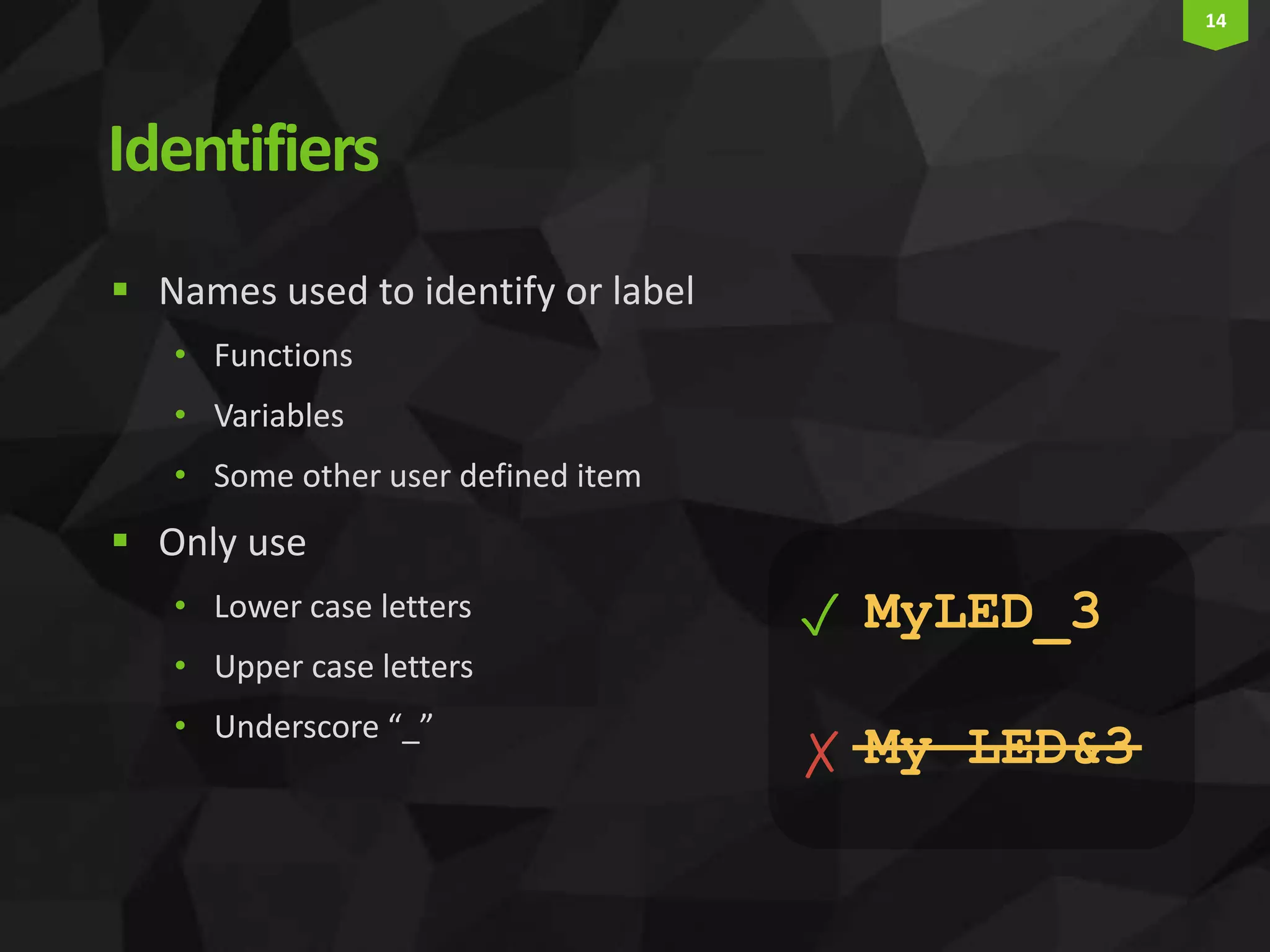
14 Identifiers  Names used to identify or label • Functions • Variables • Some other user defined item  Only use • Lower case letters • Upper case letters • Underscore “_” MyLED_3 My LED&3 ✓ ✗
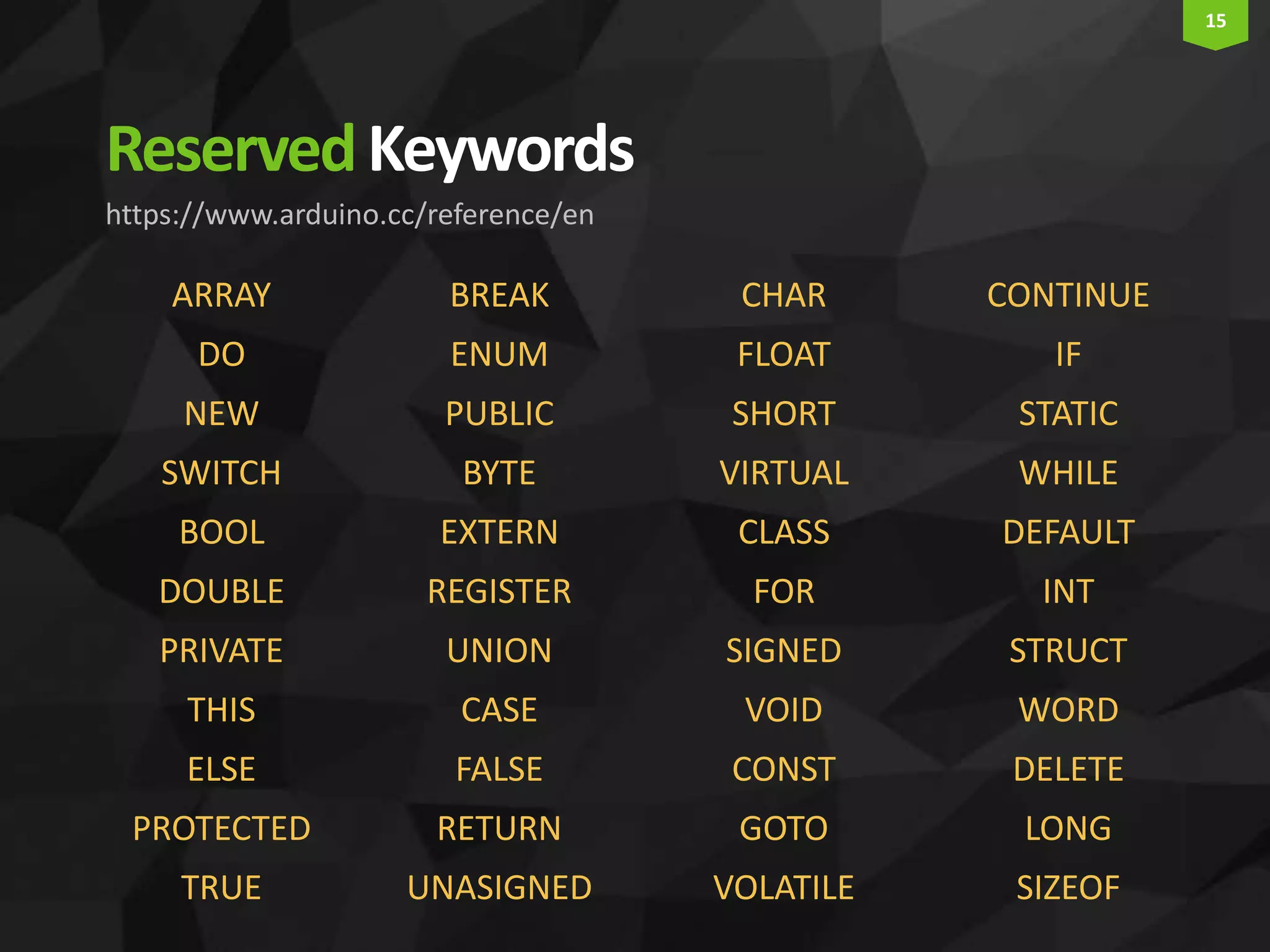
15 ReservedKeywords https://www.arduino.cc/reference/en ARRAY DO NEW SWITCH BOOL DOUBLE PRIVATE THIS ELSE PROTECTED TRUE BREAK ENUM PUBLIC BYTE EXTERN REGISTER UNION CASE FALSE RETURN UNASIGNED CHAR FLOAT SHORT VIRTUAL CLASS FOR SIGNED VOID CONST GOTO VOLATILE CONTINUE IF STATIC WHILE DEFAULT INT STRUCT WORD DELETE LONG SIZEOF
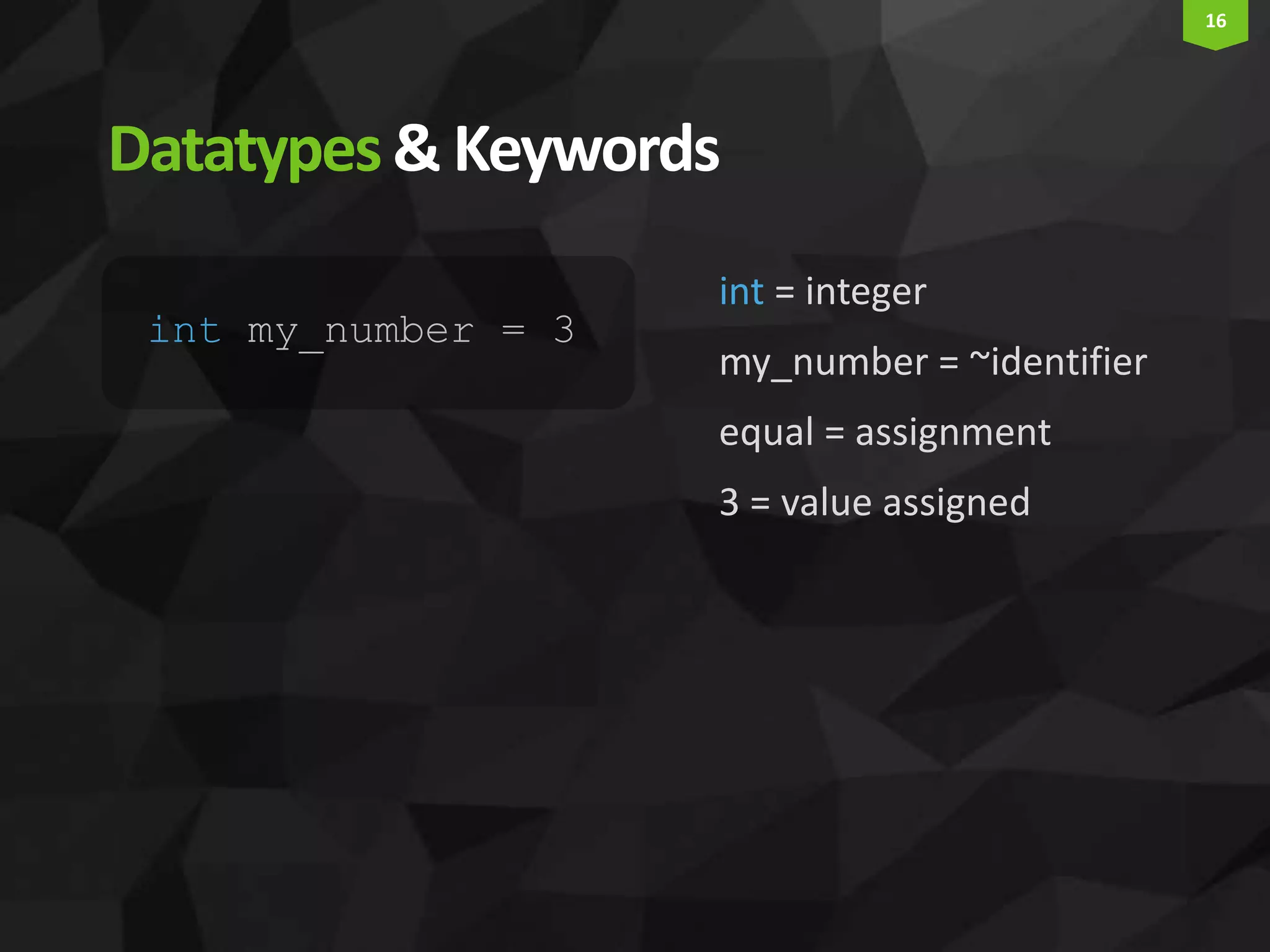
16 Datatypes& Keywords int = integer my_number = ~identifier equal = assignment 3 = value assigned int my_number = 3
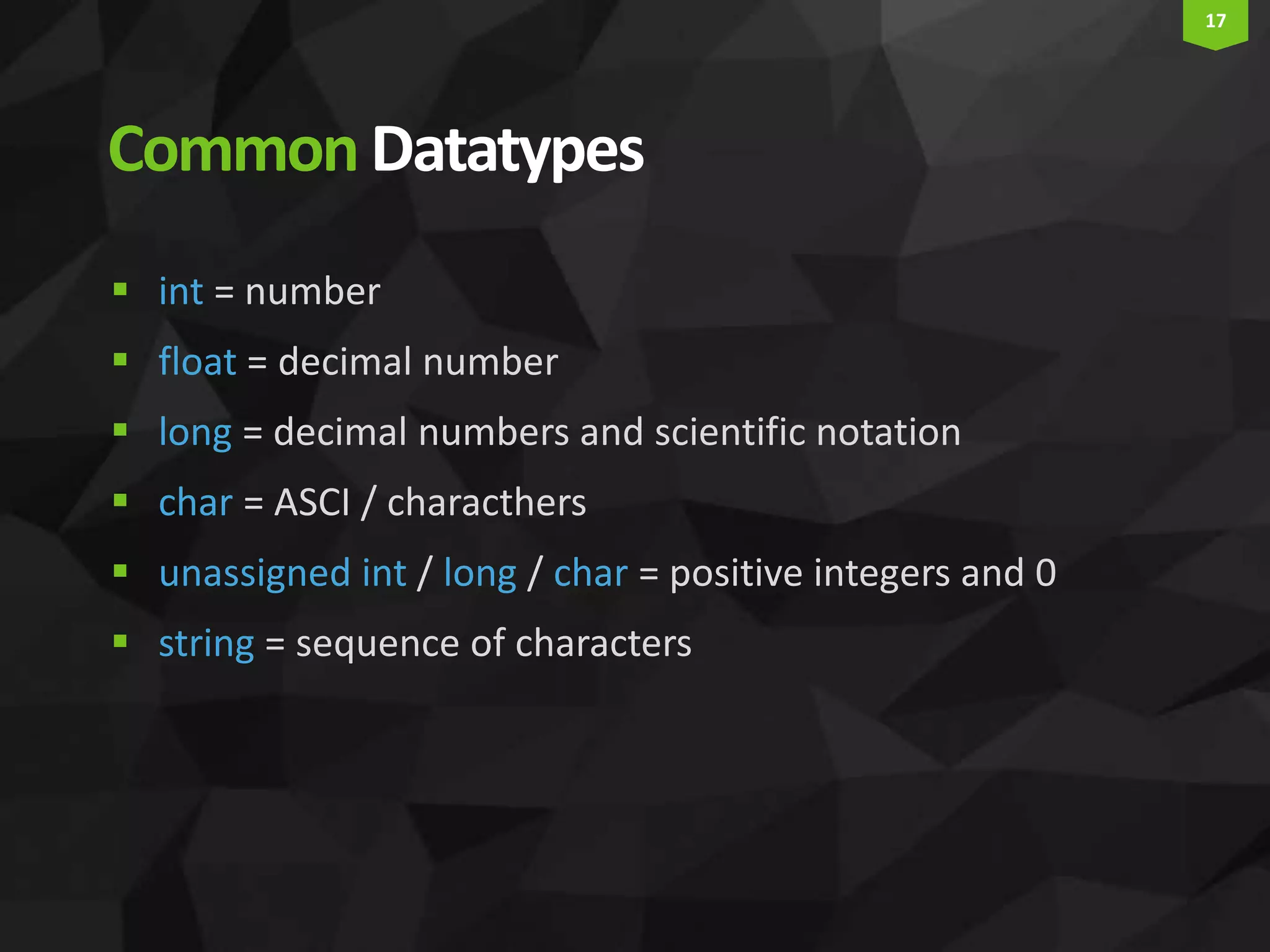
17 CommonDatatypes  int = number  float = decimal number  long = decimal numbers and scientific notation  char = ASCI / characthers  unassigned int / long / char = positive integers and 0  string = sequence of characters
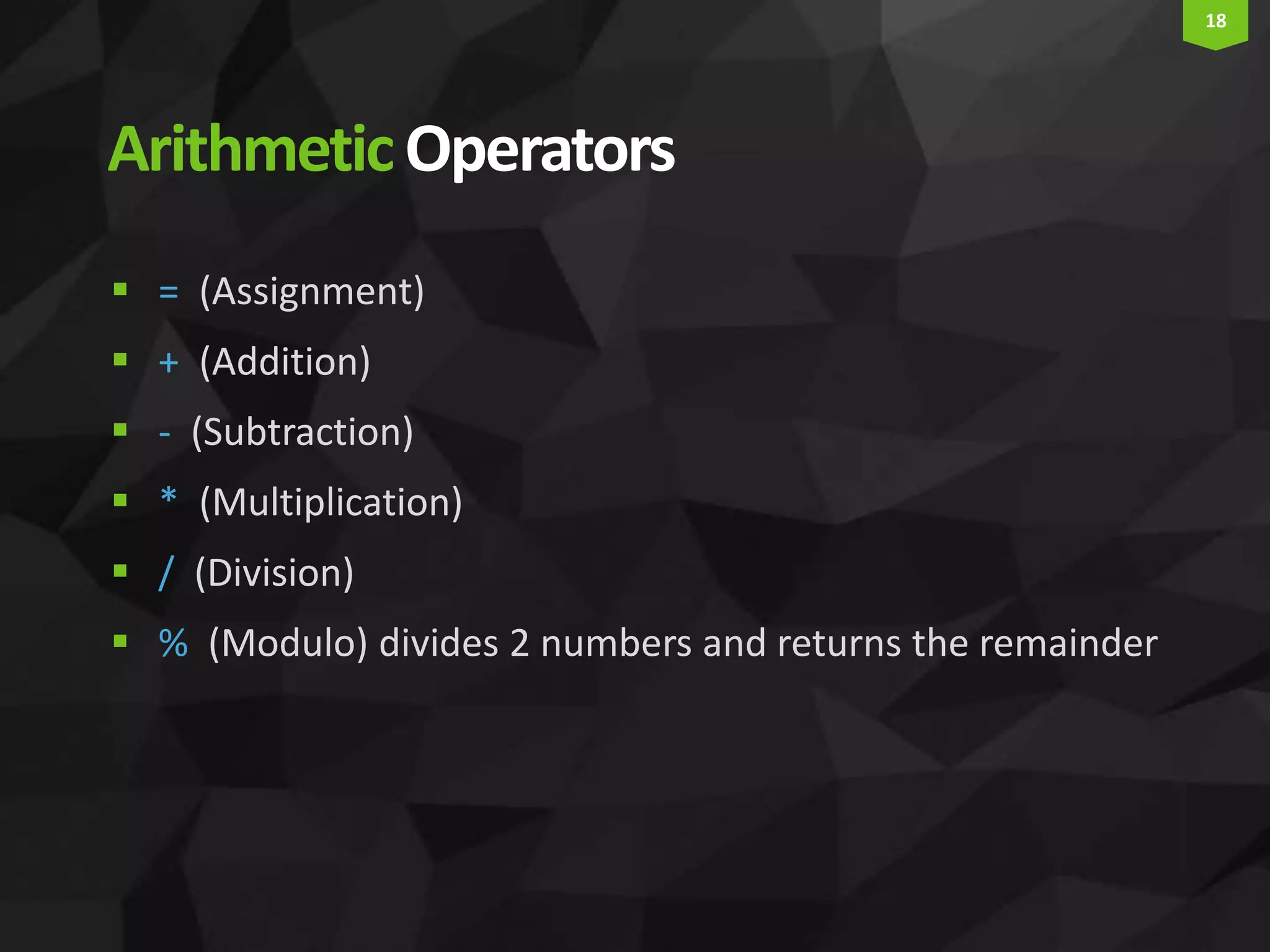
18 ArithmeticOperators  = (Assignment)  + (Addition)  - (Subtraction)  * (Multiplication)  / (Division)  % (Modulo) divides 2 numbers and returns the remainder
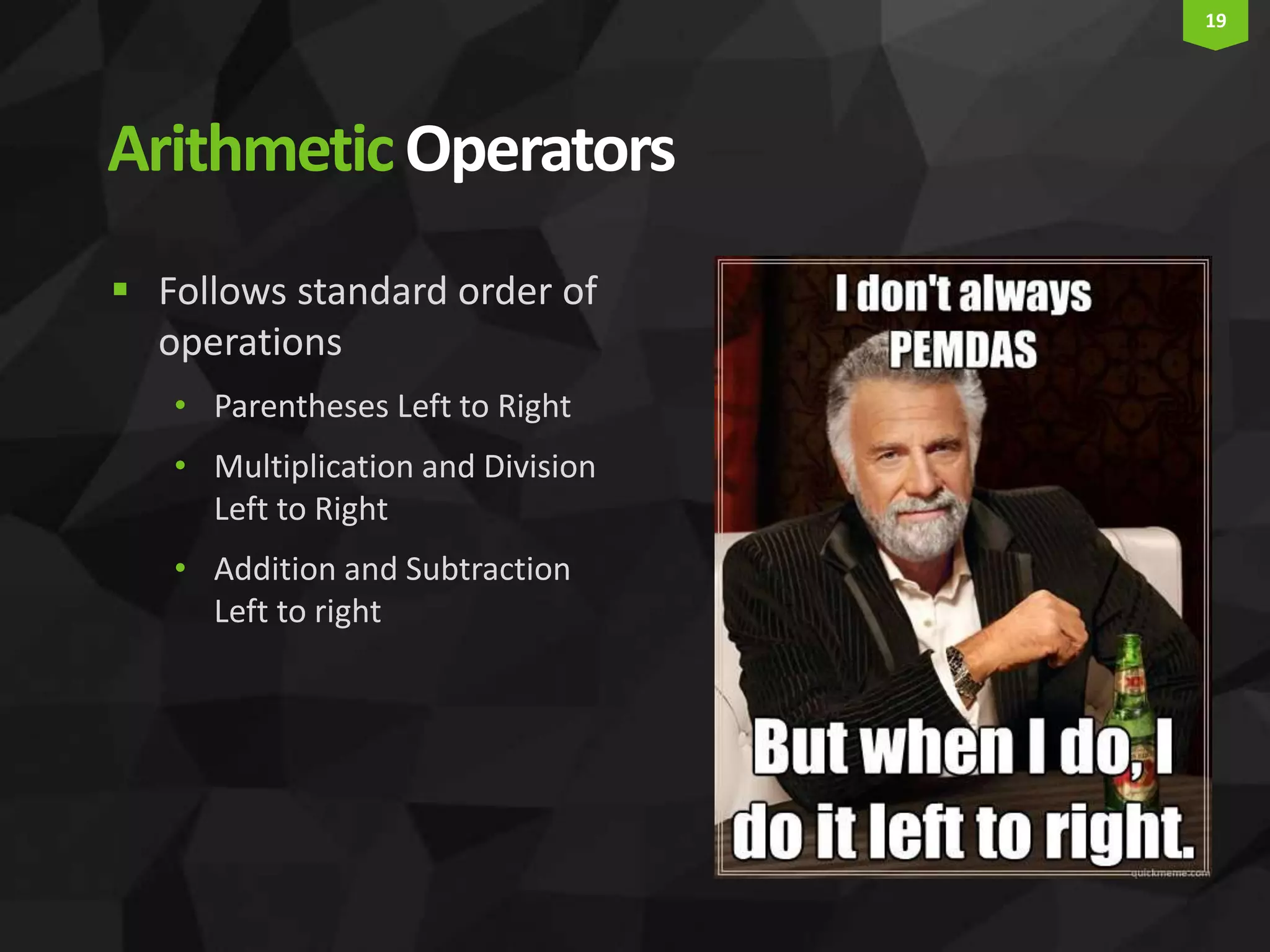
19 ArithmeticOperators  Follows standard order of operations • Parentheses Left to Right • Multiplication and Division Left to Right • Addition and Subtraction Left to right
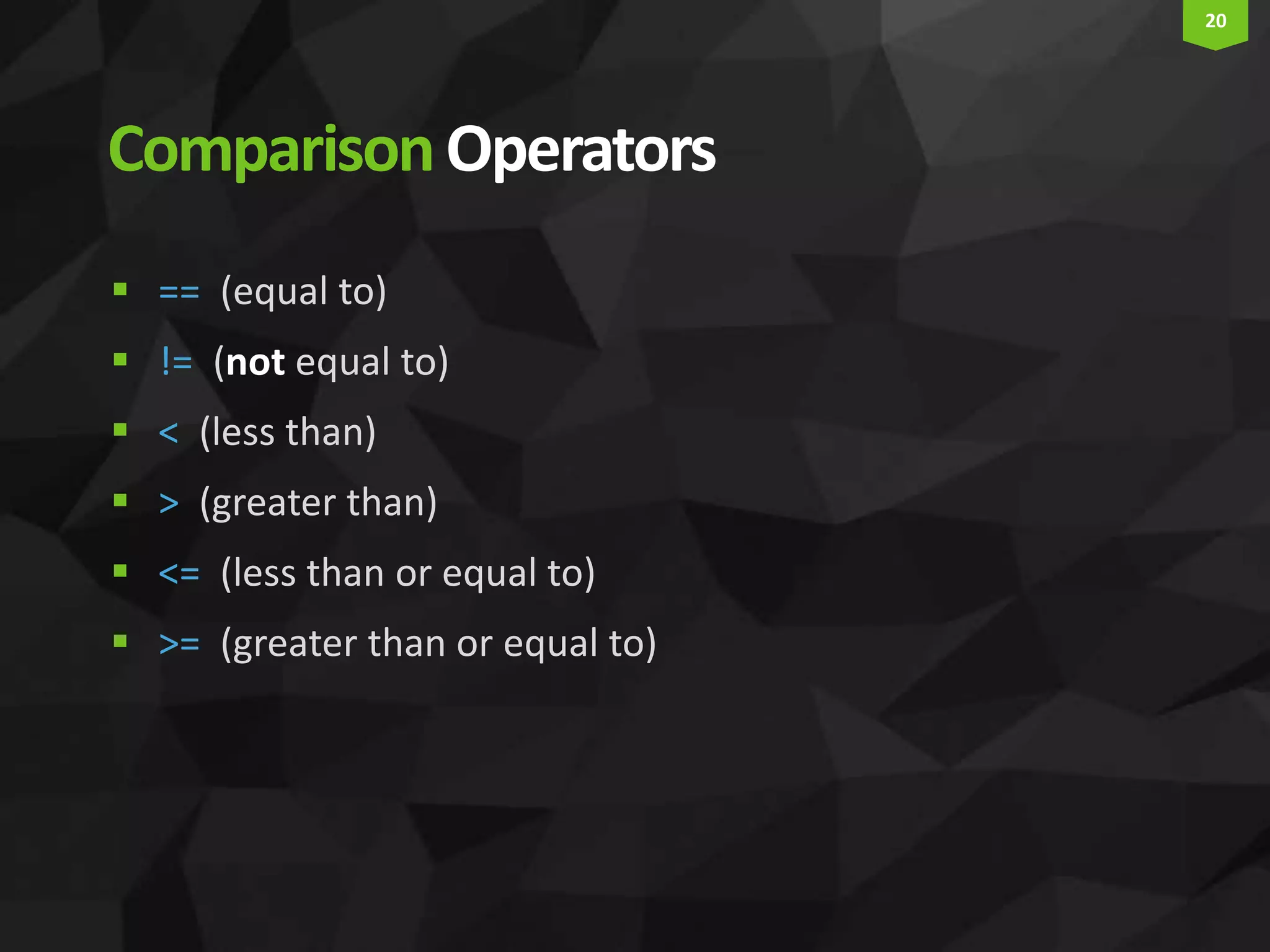
20 ComparisonOperators  == (equal to)  != (not equal to)  < (less than)  > (greater than)  <= (less than or equal to)  >= (greater than or equal to)
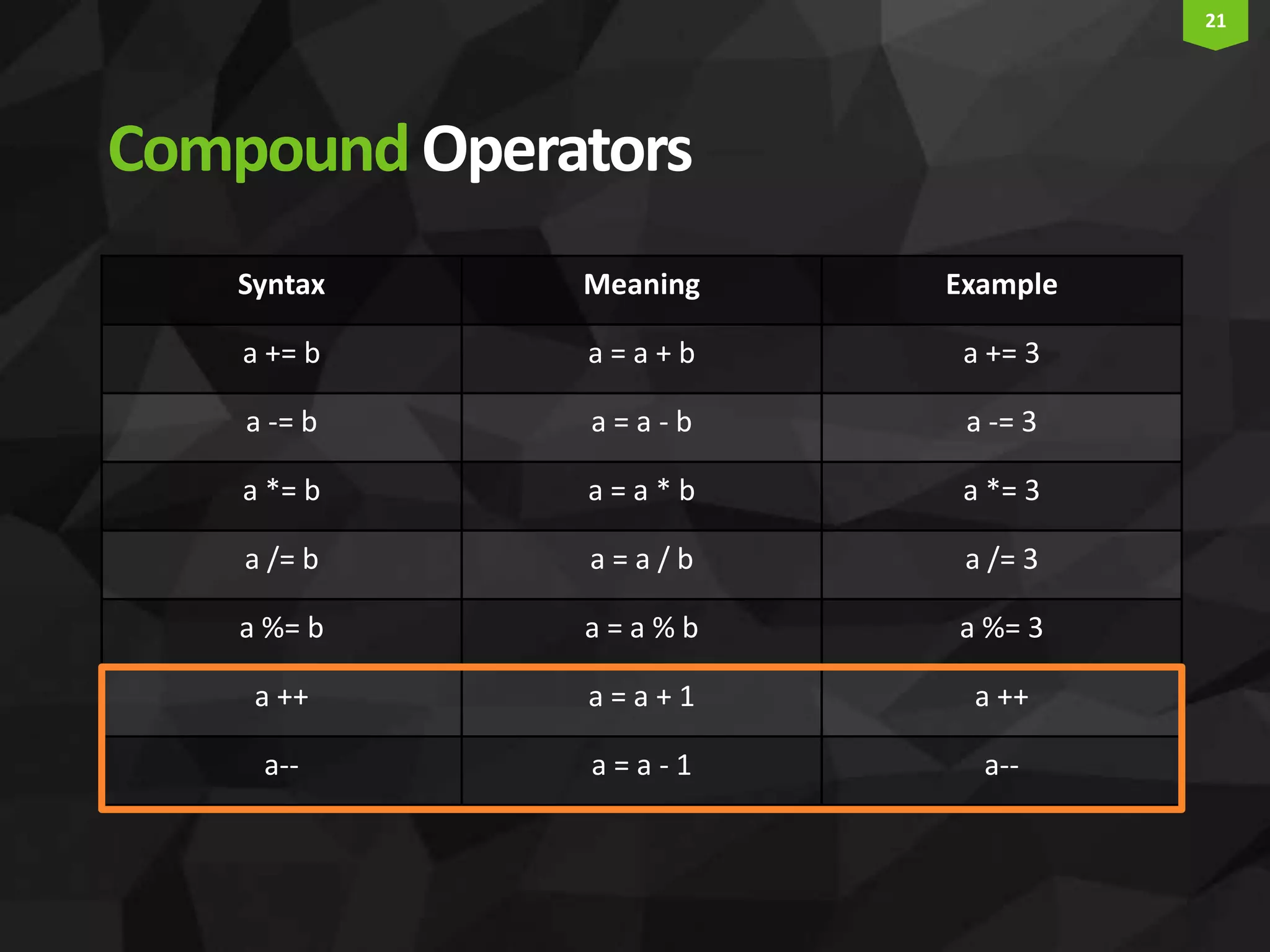
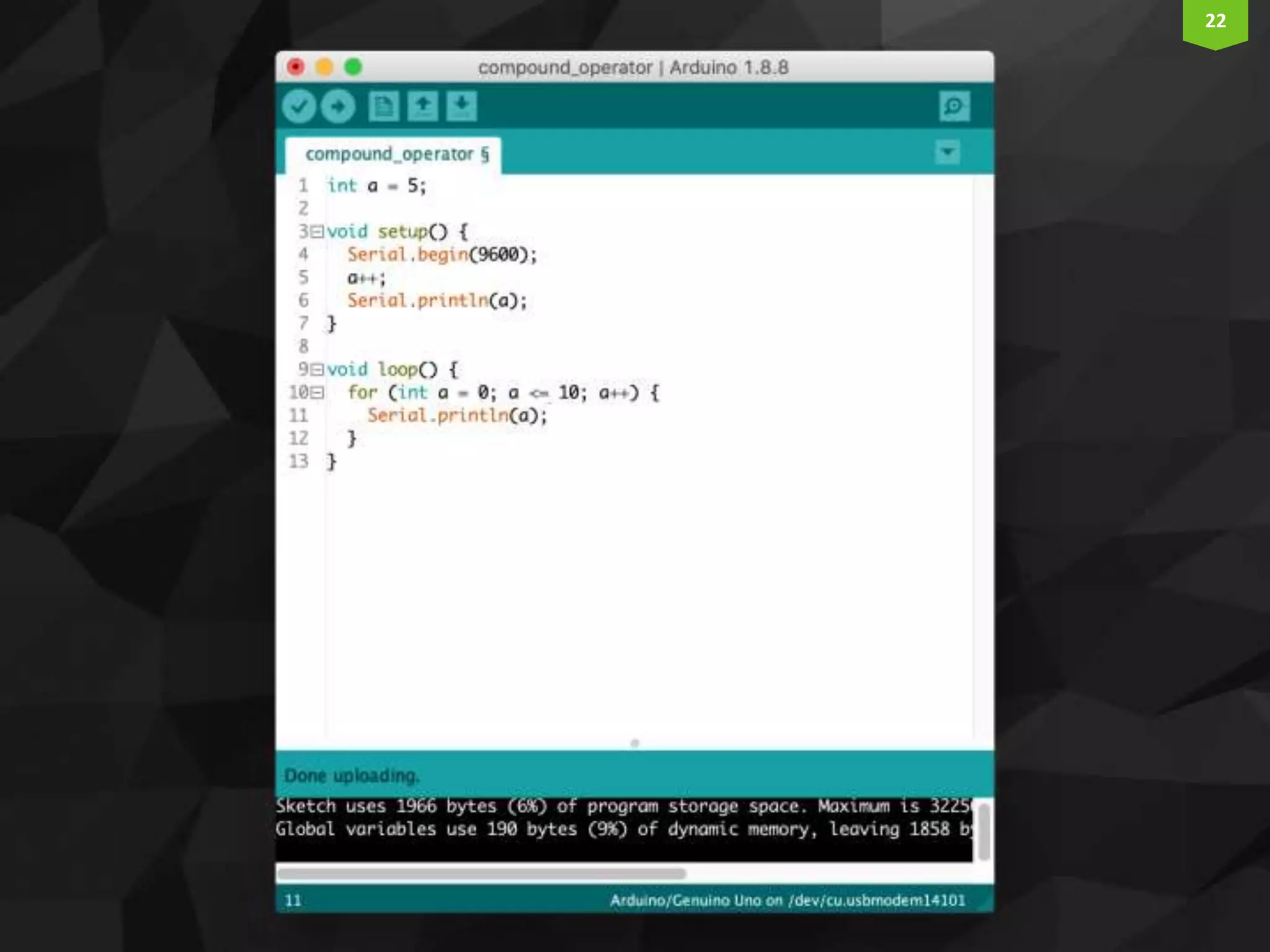
21 CompoundOperators Syntax Meaning Example a += b a = a + b a += 3 a -= b a = a - b a -= 3 a *= b a = a * b a *= 3 a /= b a = a / b a /= 3 a %= b a = a % b a %= 3 a ++ a = a + 1 a ++ a-- a = a - 1 a--
22
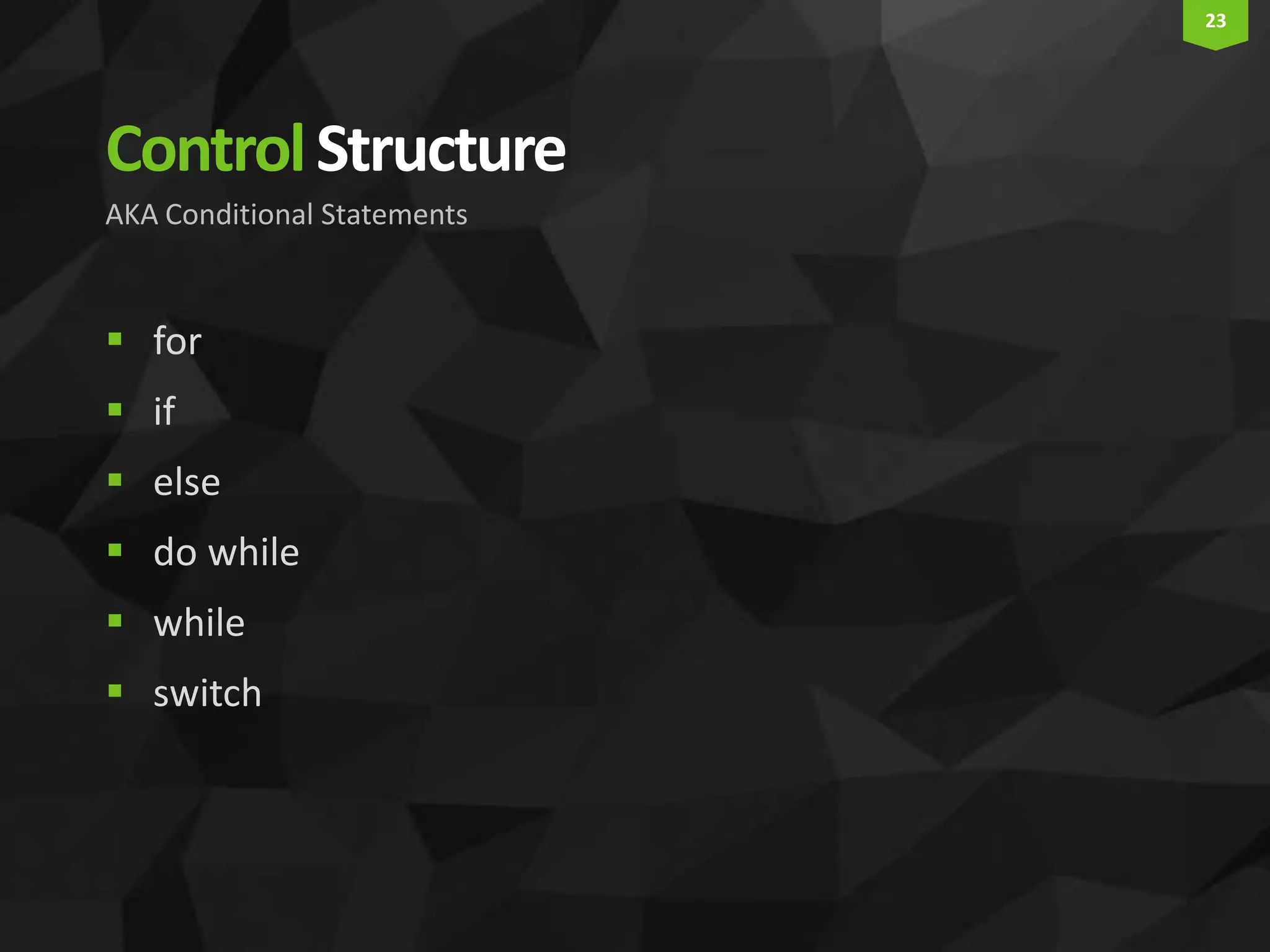
23 ControlStructure  for  if  else  do while  while  switch AKA Conditional Statements
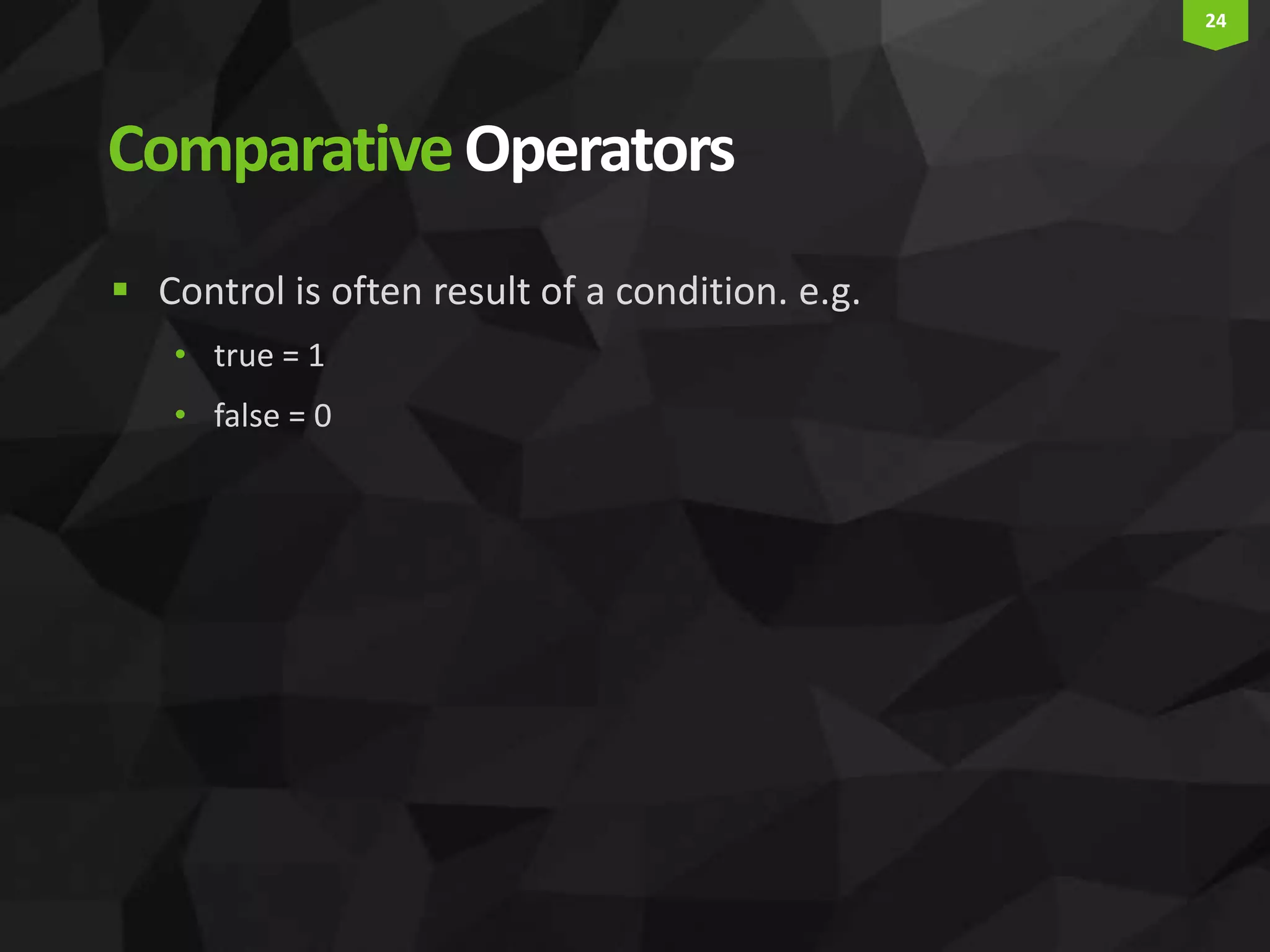
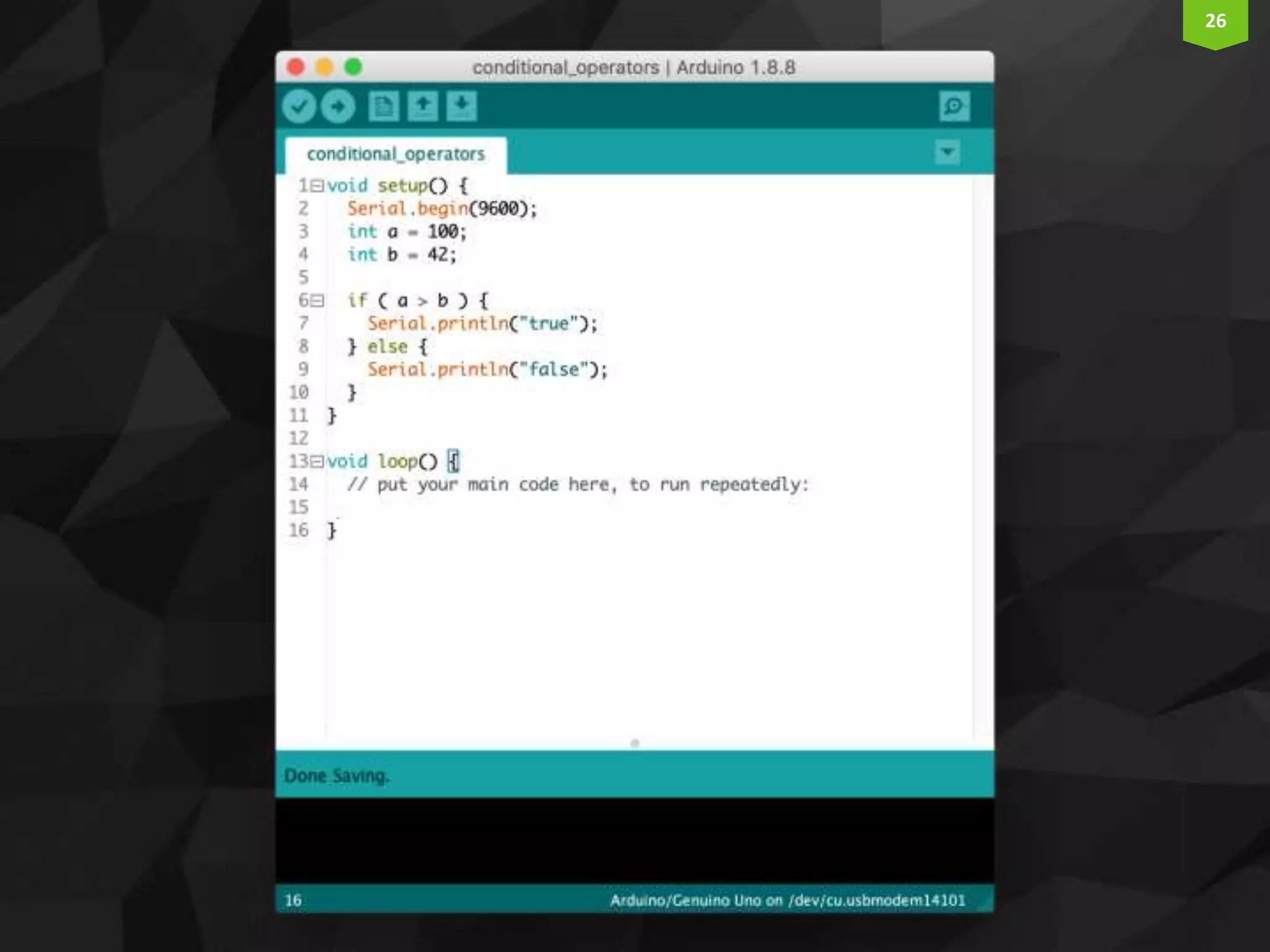
24 ComparativeOperators  Control is often result of a condition. e.g. • true = 1 • false = 0
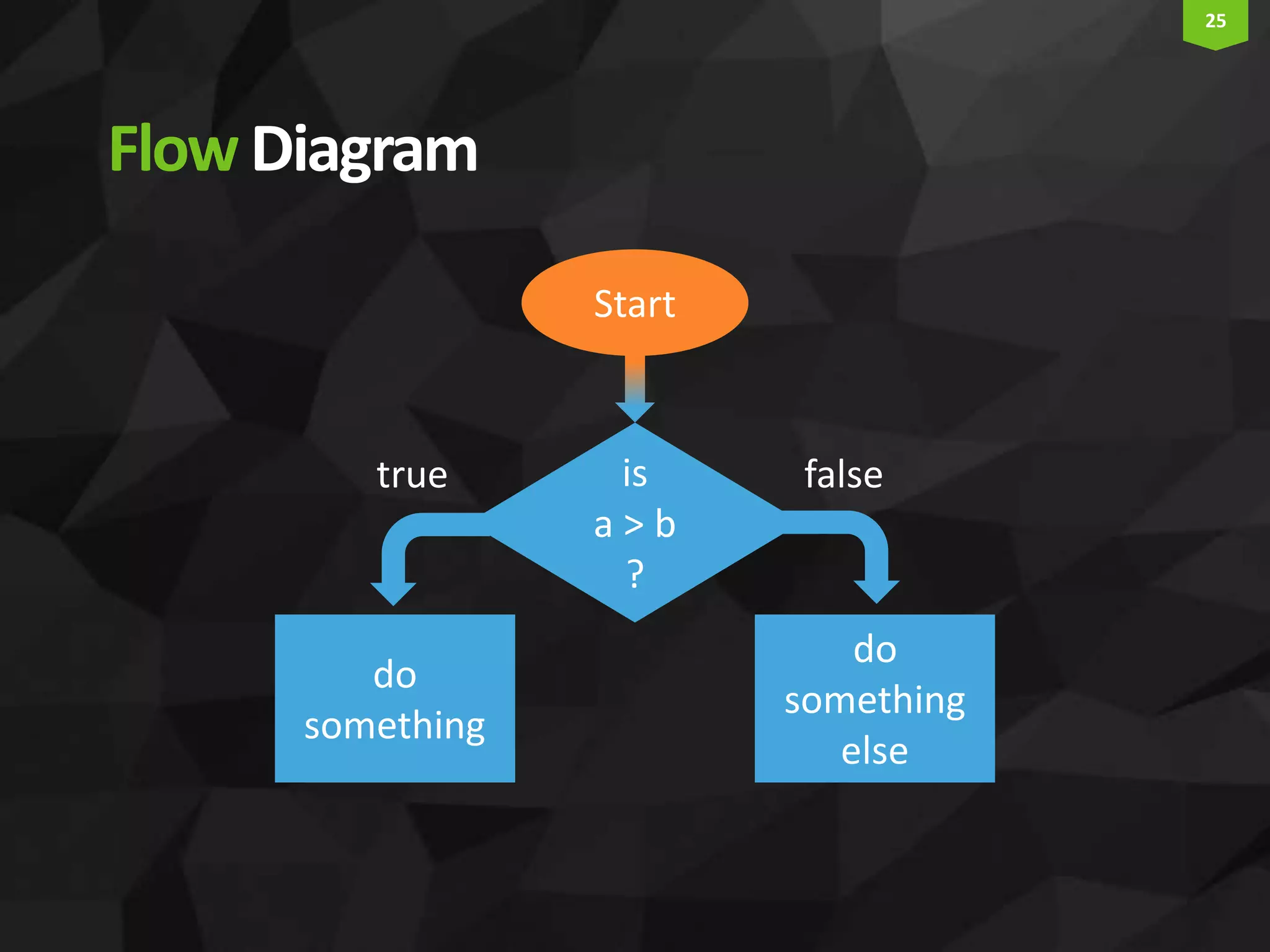
25 FlowDiagram Start do something else is a > b ? do something true false
26
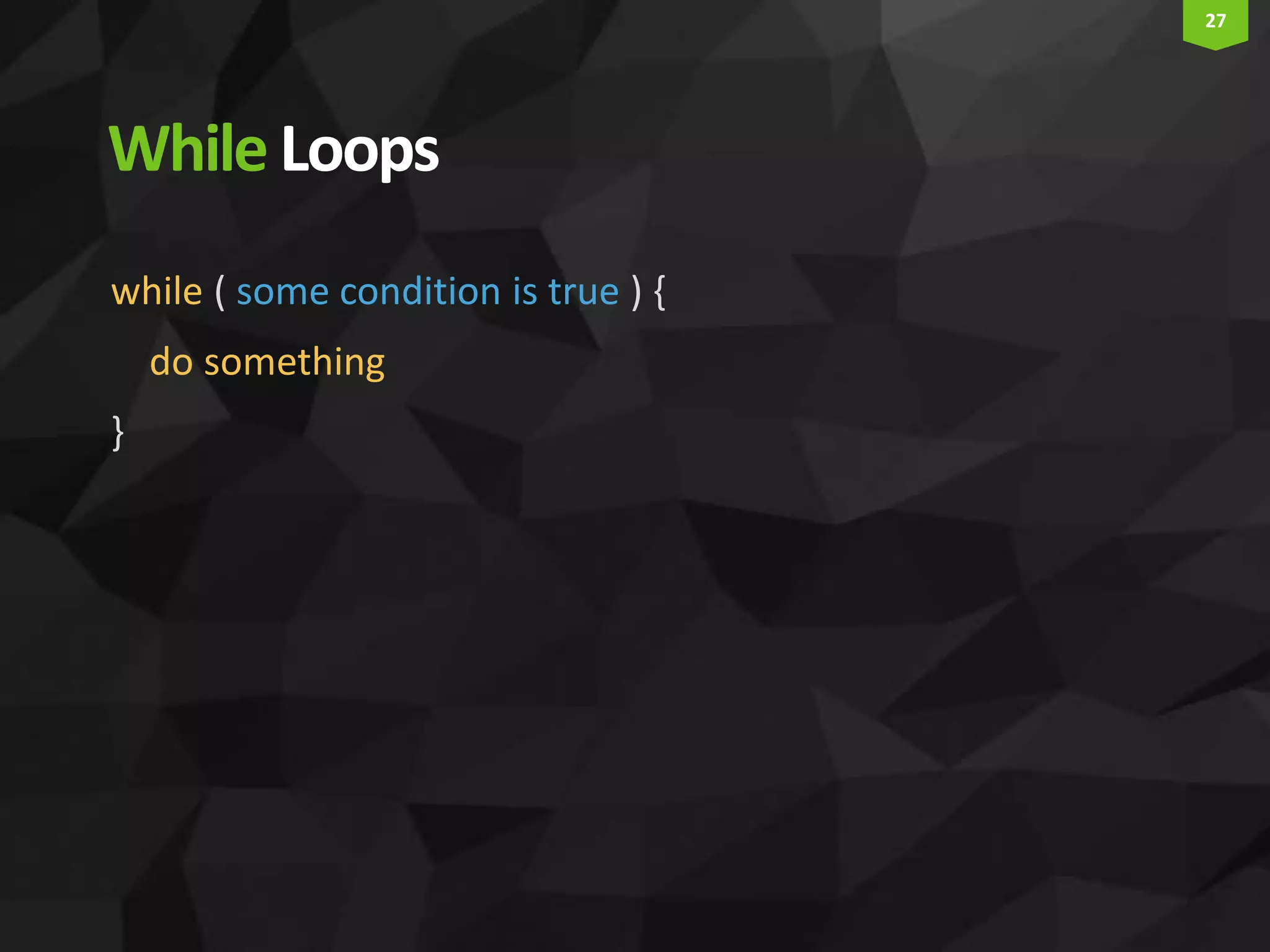
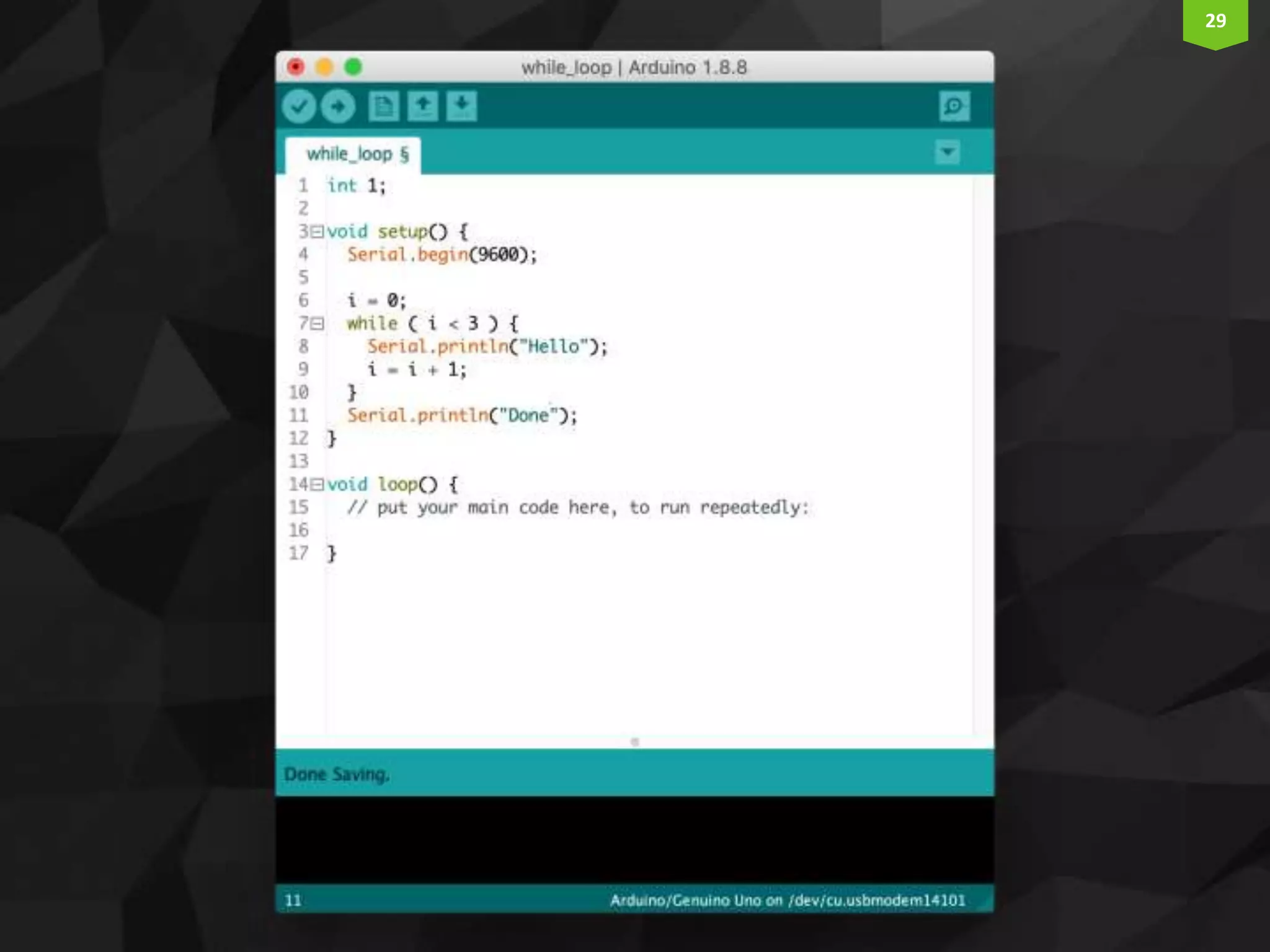
27 WhileLoops while ( some condition is true ) { do something }
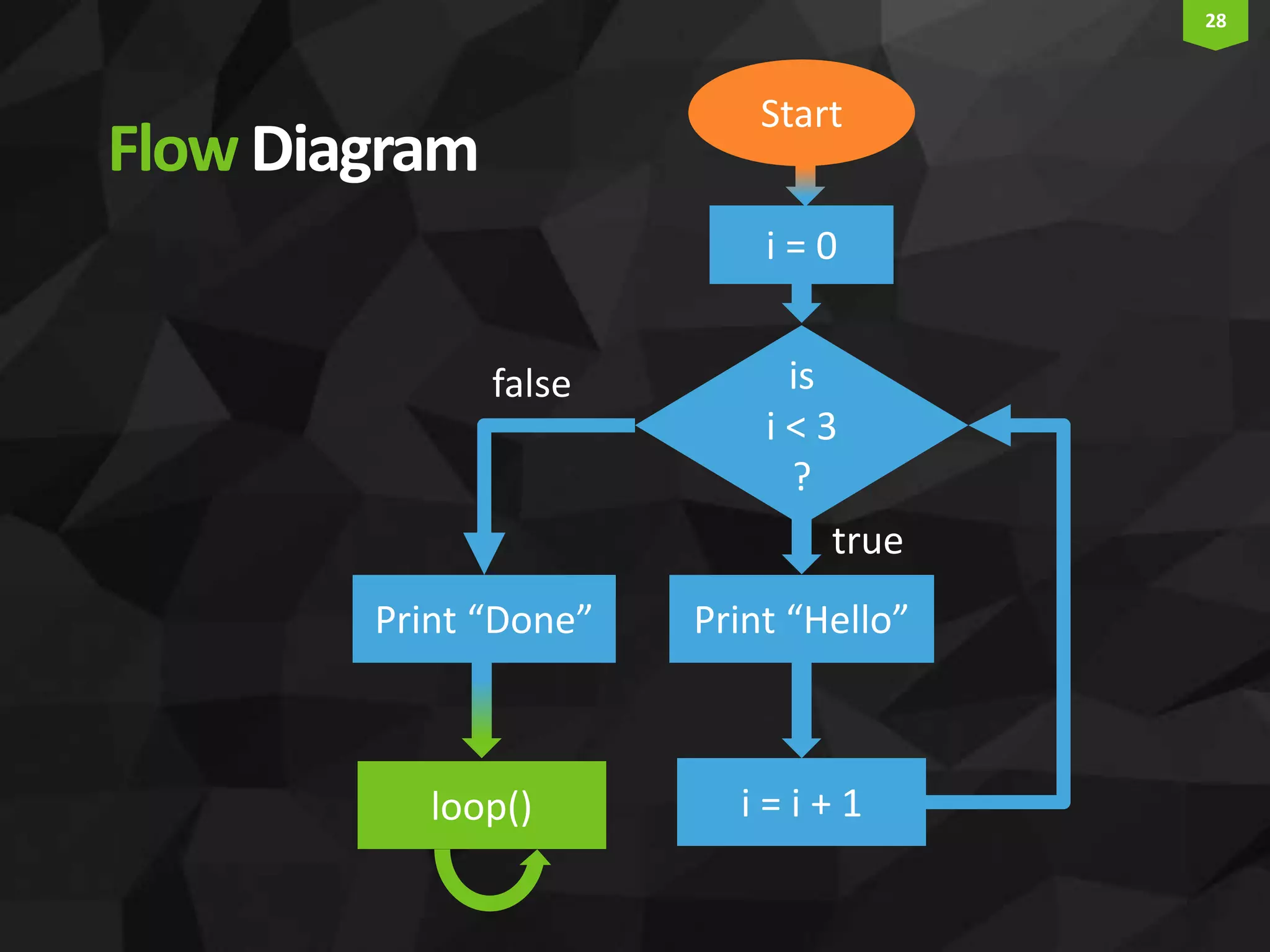
28 FlowDiagram Start Print “Hello” is i < 3 ? i = 0 true false i = i + 1 Print “Done” loop()
29
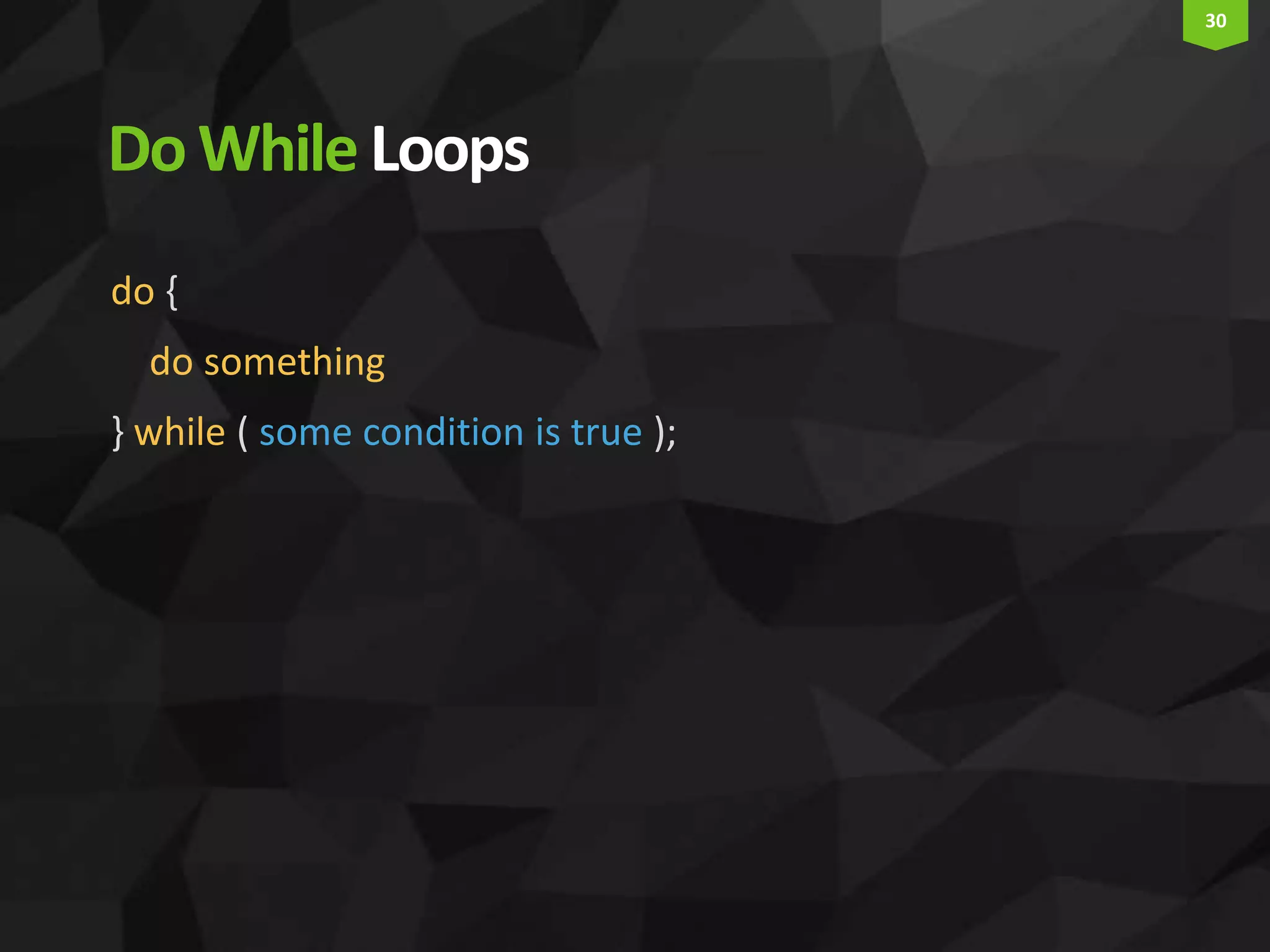
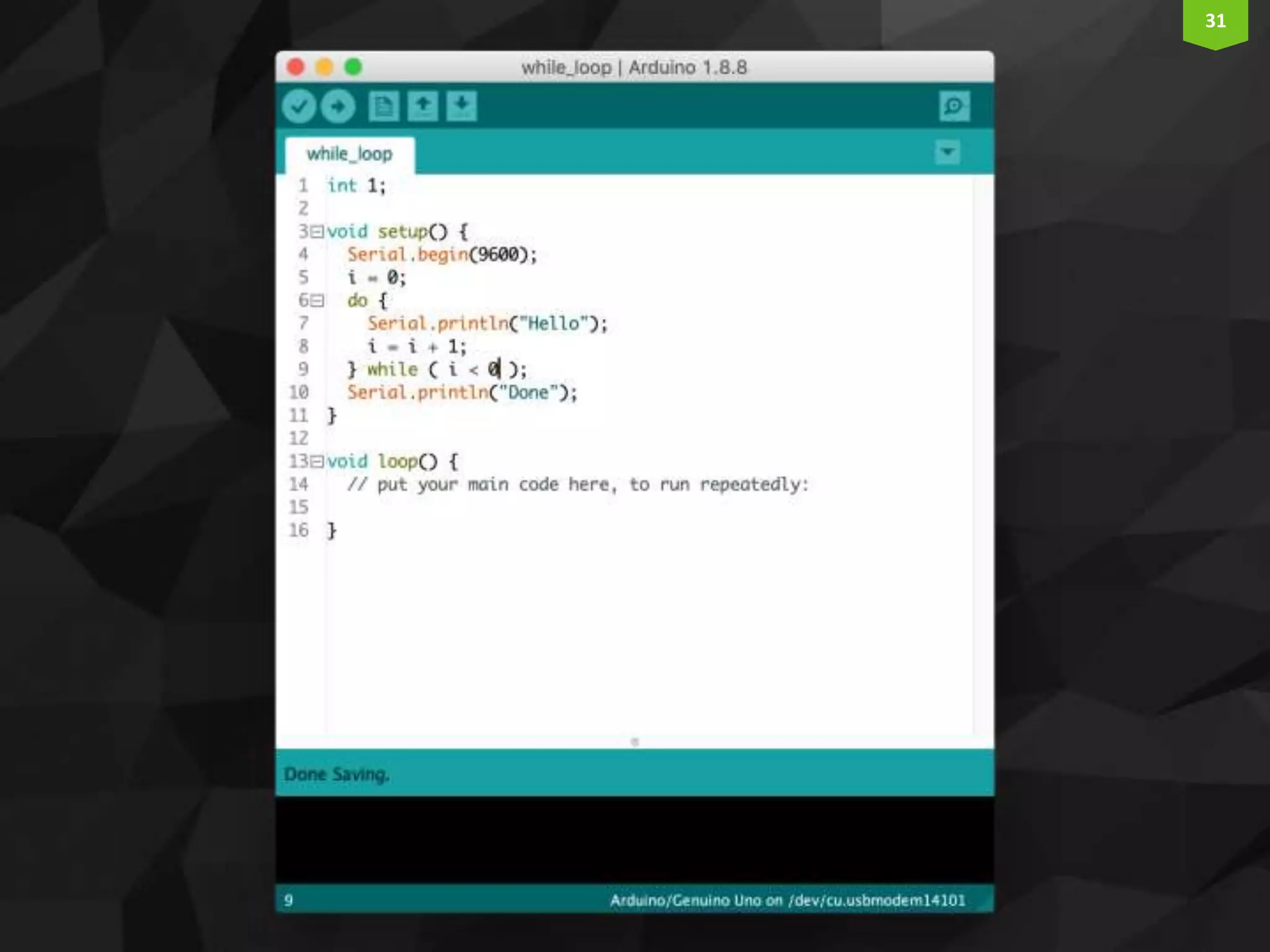
30 DoWhileLoops do { do something } while ( some condition is true );
31
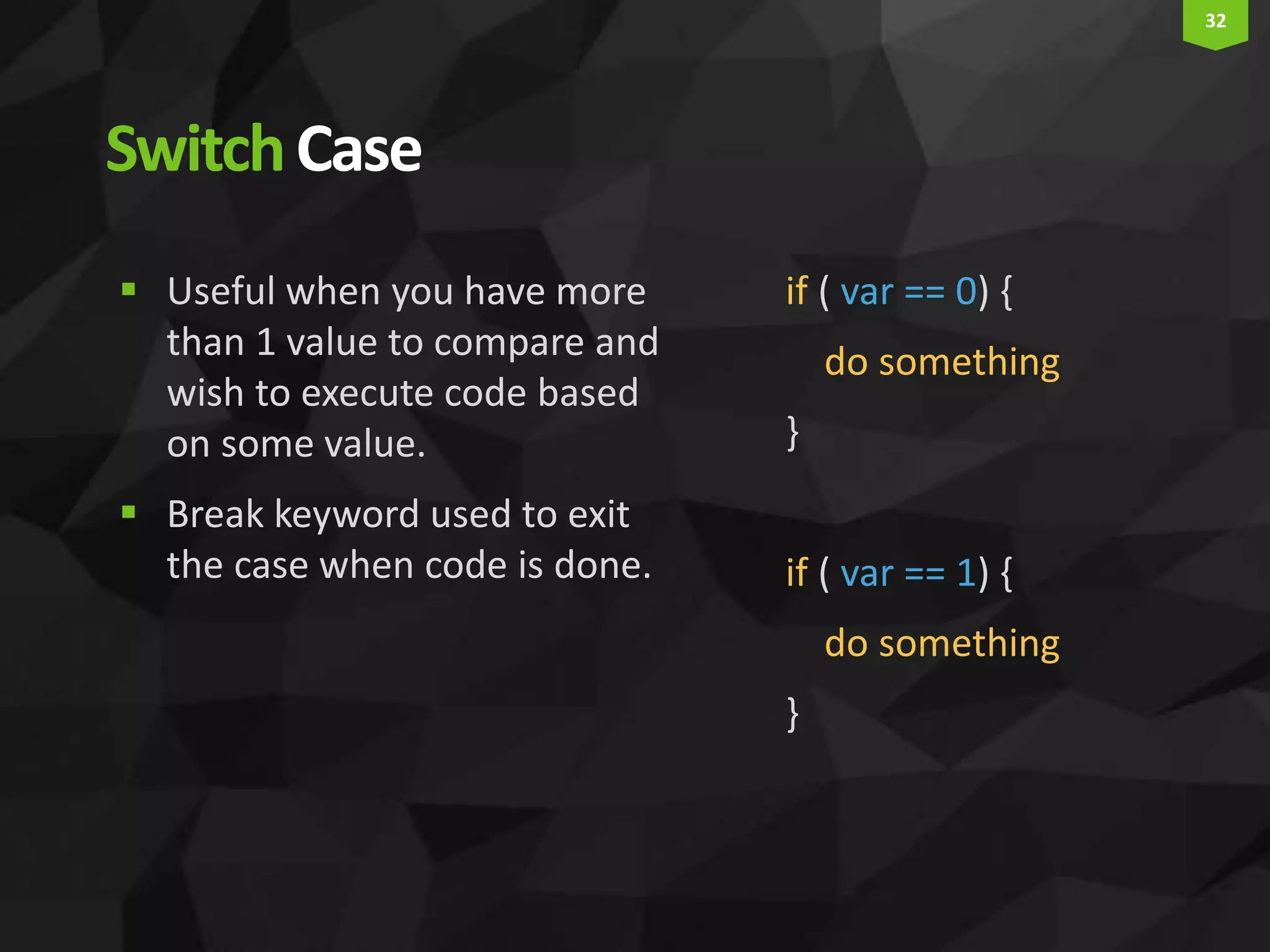
32 SwitchCase if ( var == 0) { do something } if ( var == 1) { do something }  Useful when you have more than 1 value to compare and wish to execute code based on some value.  Break keyword used to exit the case when code is done.
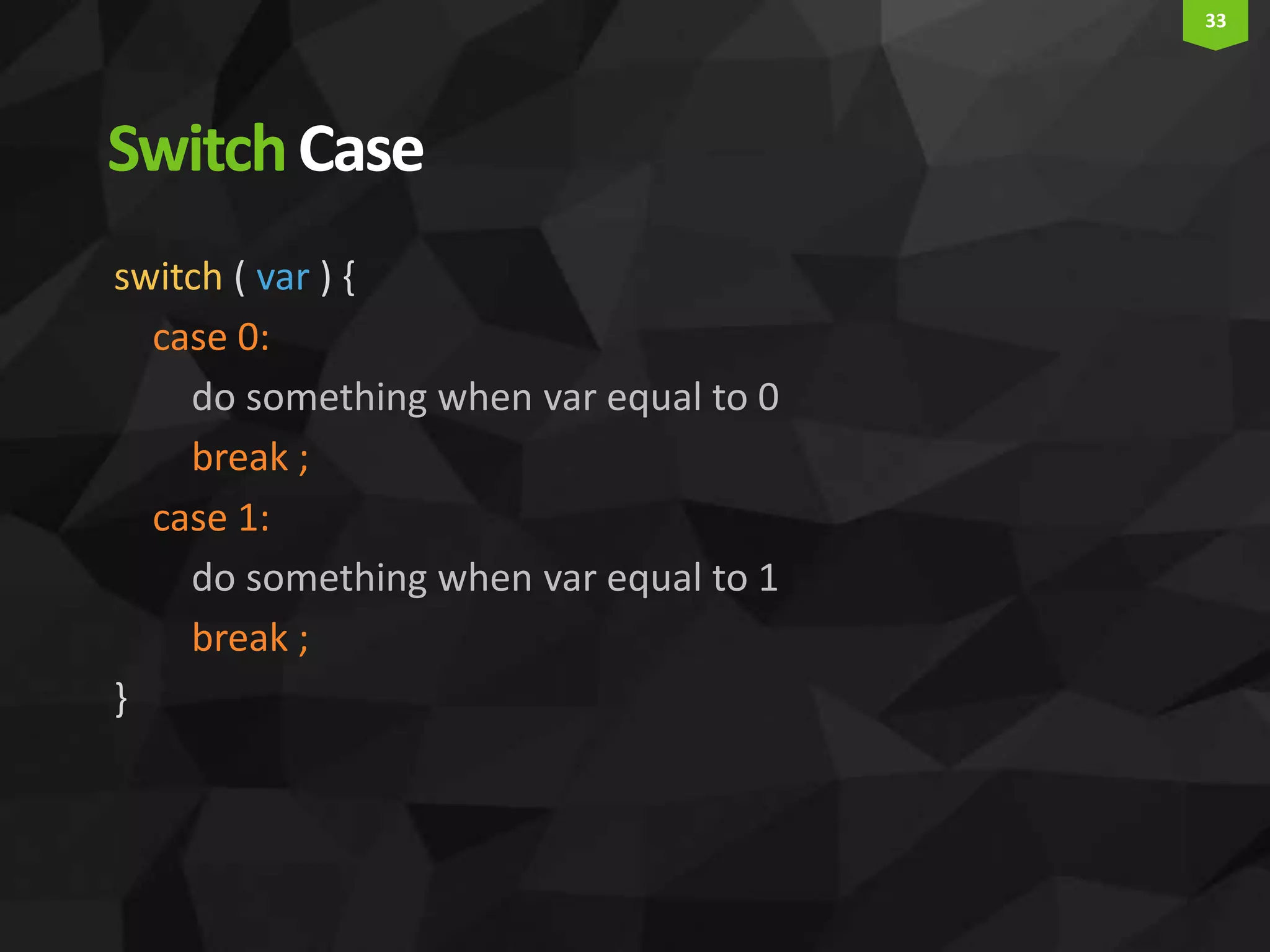
33 SwitchCase switch ( var ) { case 0: do something when var equal to 0 break ; case 1: do something when var equal to 1 break ; }
34 Thank You Questions?

Arduino programming 101