Getting Started With Jenkins and Drupal Phil Norton DrupalCampNW 2013 #!
Me • Phil Norton (@philipnorton42) • #! code (www.hashbangcode.com) • Technical Lead at Access • Help run NWDUG • DrupalCampNW2013 co-organizer • Help out at PHPNW #!
Jenkins • Build and automation server • Java application • Used to be called Hudson • Built for continuous integration • Helps you run repetitive tasks • http://jenkins-ci.org/ #!
#!
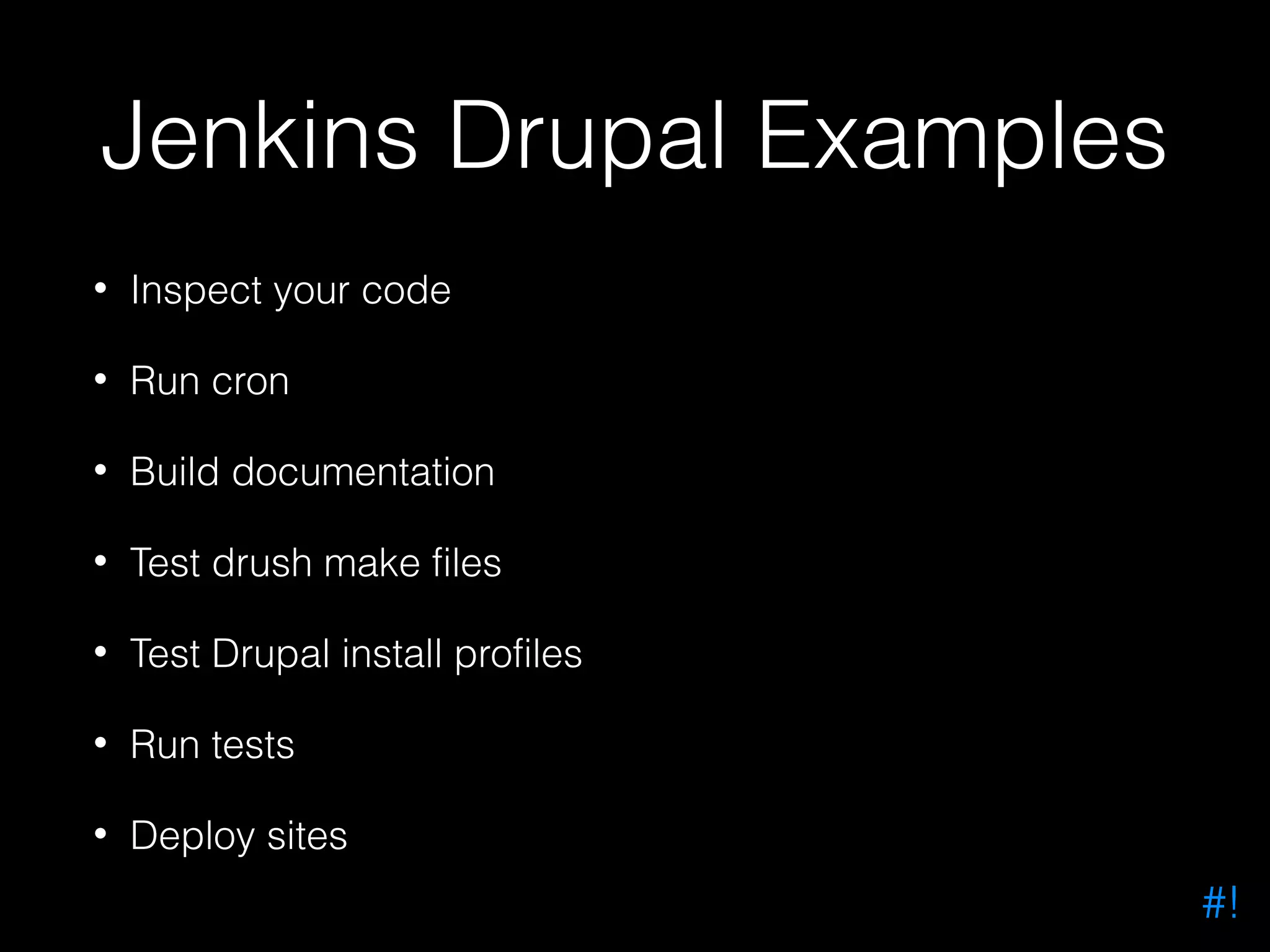
Jenkins Drupal Examples • Inspect your code • Run cron • Build documentation • Test drush make files • Test Drupal install profiles • Run tests • Deploy sites #!
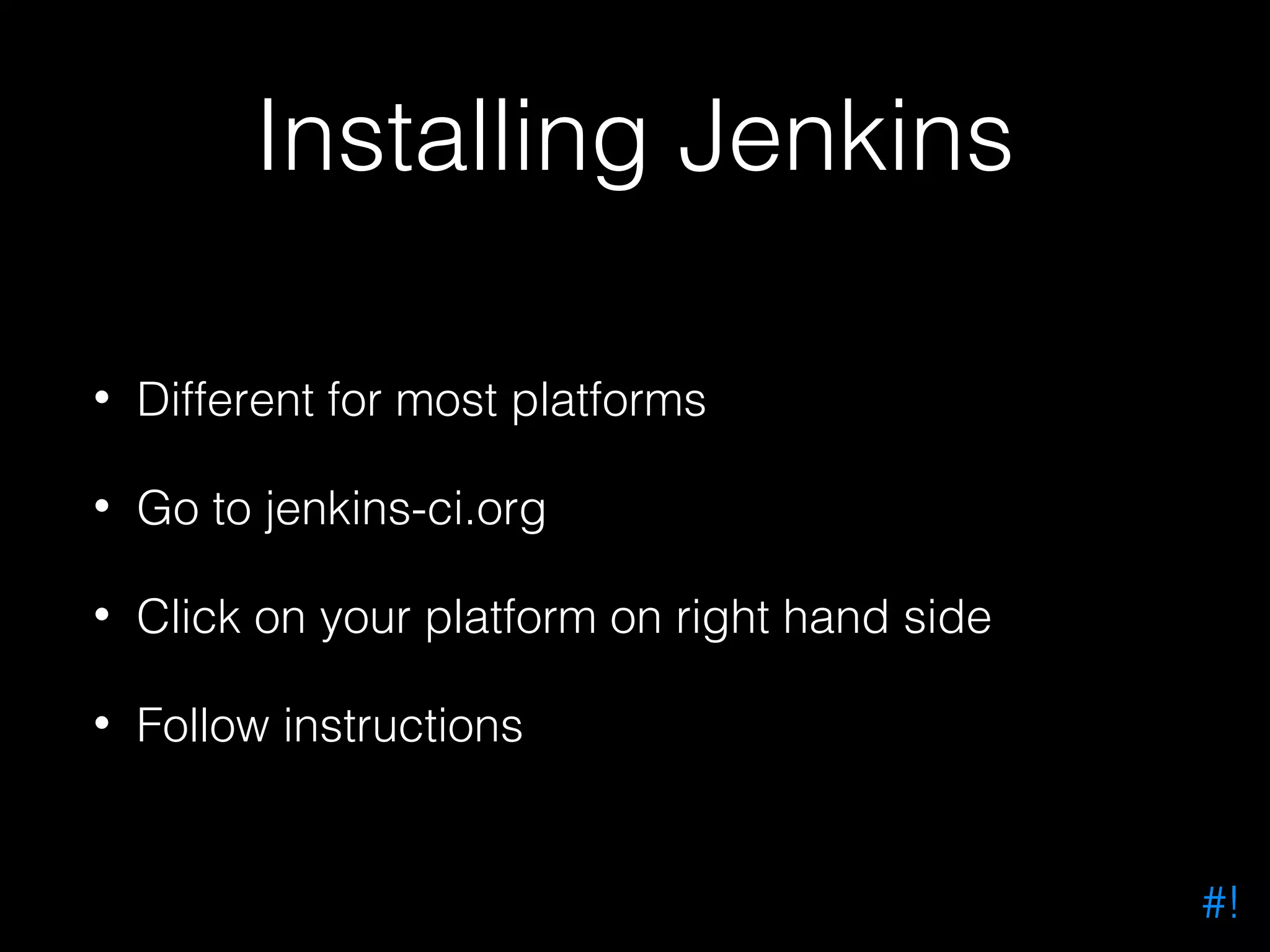
Installing Jenkins • Different for most platforms • Go to jenkins-ci.org • Click on your platform on right hand side • Follow instructions #!
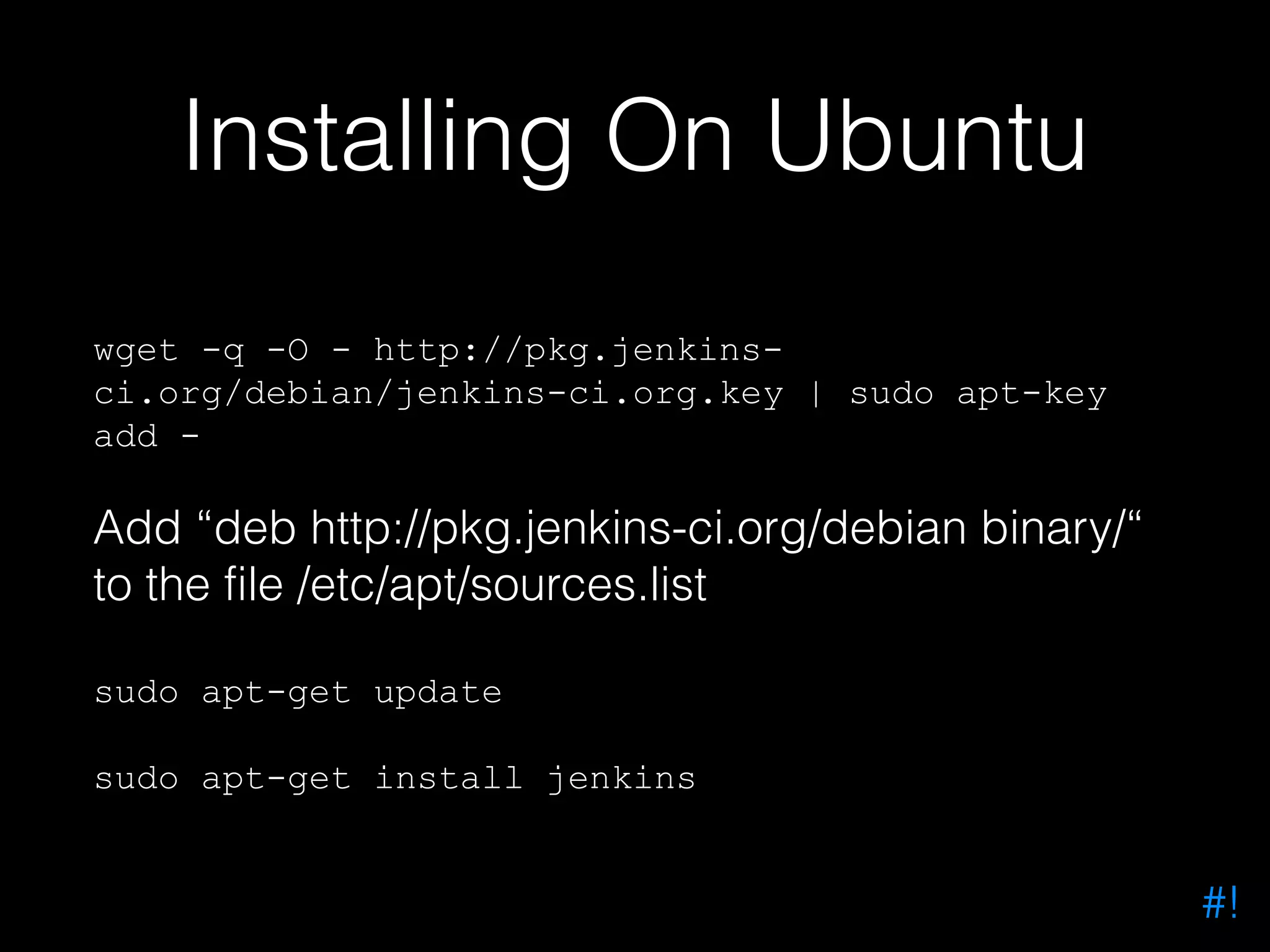
Installing On Ubuntu wget -q -O - http://pkg.jenkinsci.org/debian/jenkins-ci.org.key | sudo apt-key add - Add “deb http://pkg.jenkins-ci.org/debian binary/“ to the file /etc/apt/sources.list sudo apt-get update sudo apt-get install jenkins #!
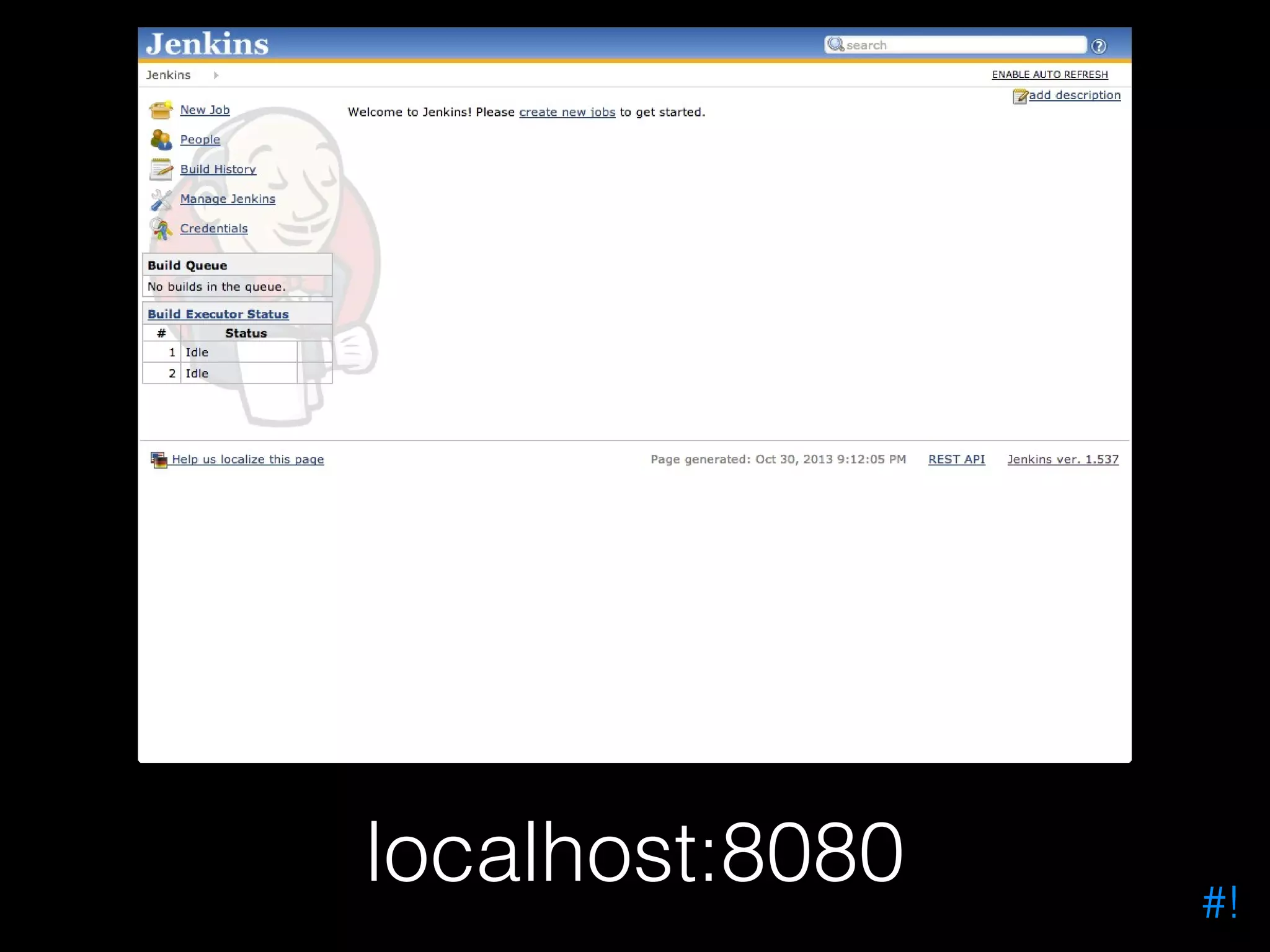
localhost:8080 #!
Authentication • Jenkins doesn’t have authentication when first installed • Probably a good idea to enable it! • Many different models from local user credentials to domain authentication #!
Creating A User In Jenkins • Simplest security model for beginners • Manage Jenkins > Configure Security > Enable Security • Manage Jenkins > Manage Users > Create User #!
ooopss… • Quite easy to lock yourself out • Open the file config.xml remove the element <useSecurity> to remove security #!
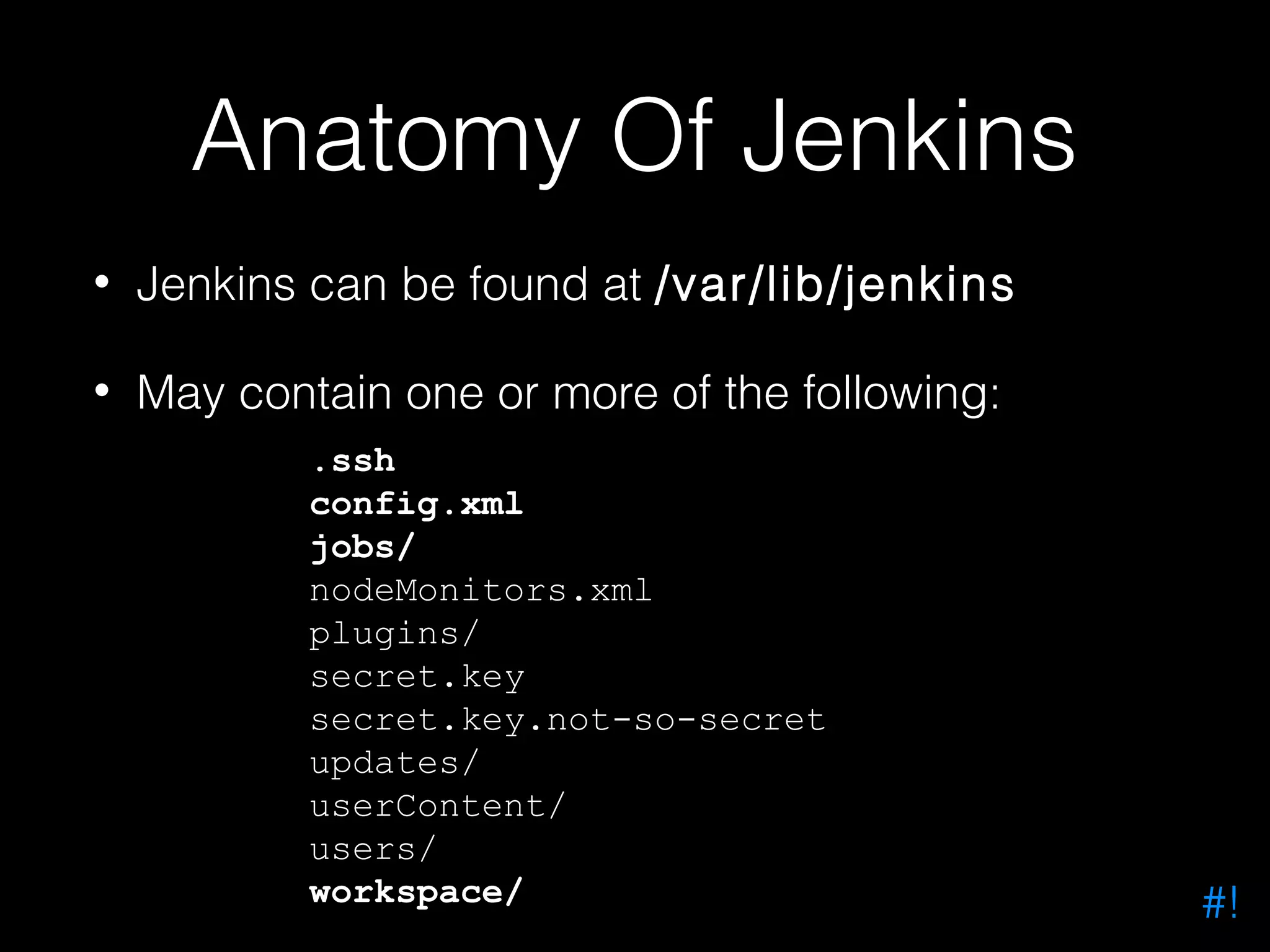
Anatomy Of Jenkins • Jenkins can be found at /var/lib/jenkins • May contain one or more of the following: .ssh config.xml jobs/ nodeMonitors.xml plugins/ secret.key secret.key.not-so-secret updates/ userContent/ users/ workspace/ #!
Your First Jenkins Project Jenkins Project #!
Drupal Cron • Start off using Jenkins with something simple • Running a Drupal cron through Jenkins is easy #!
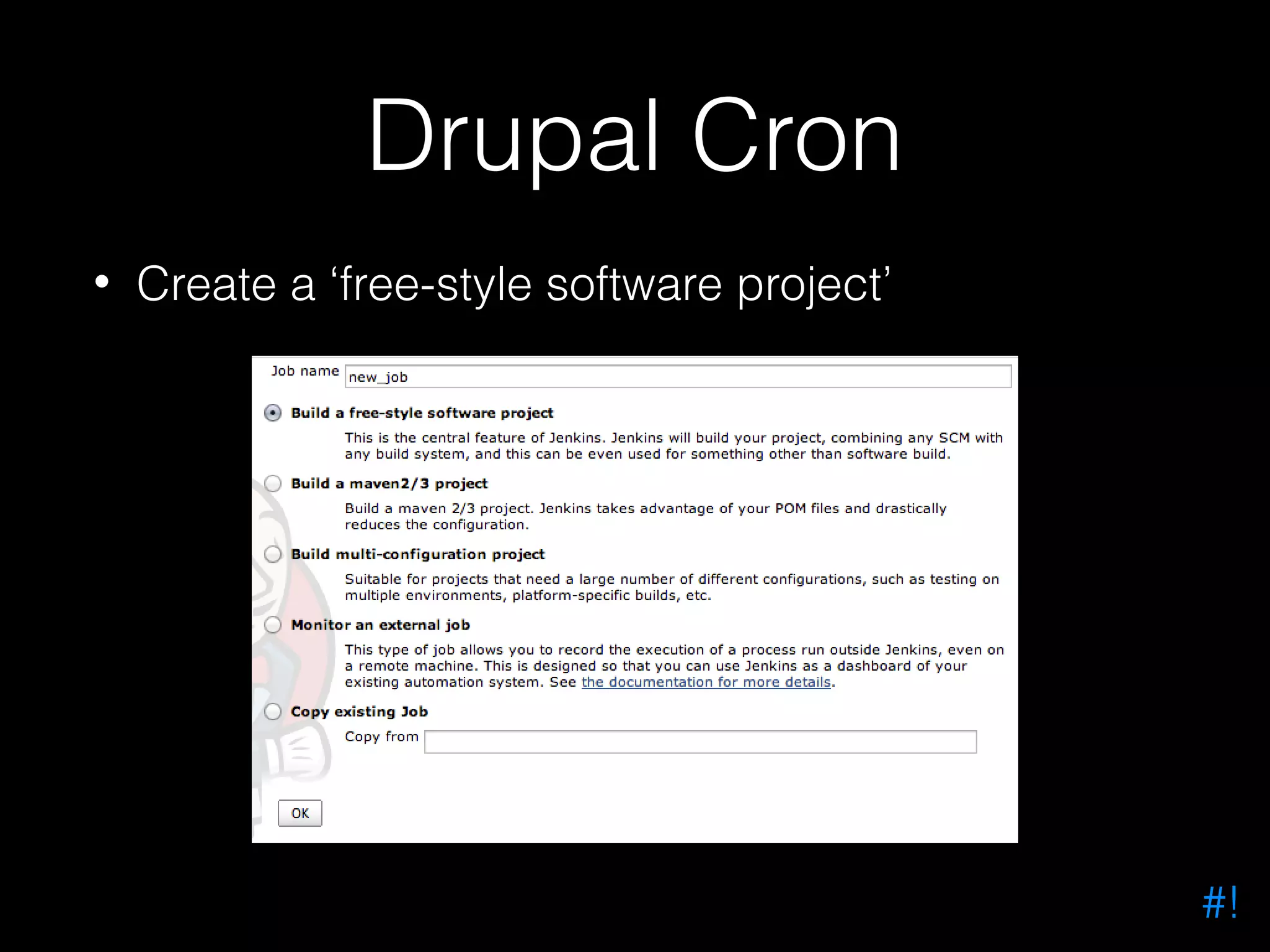
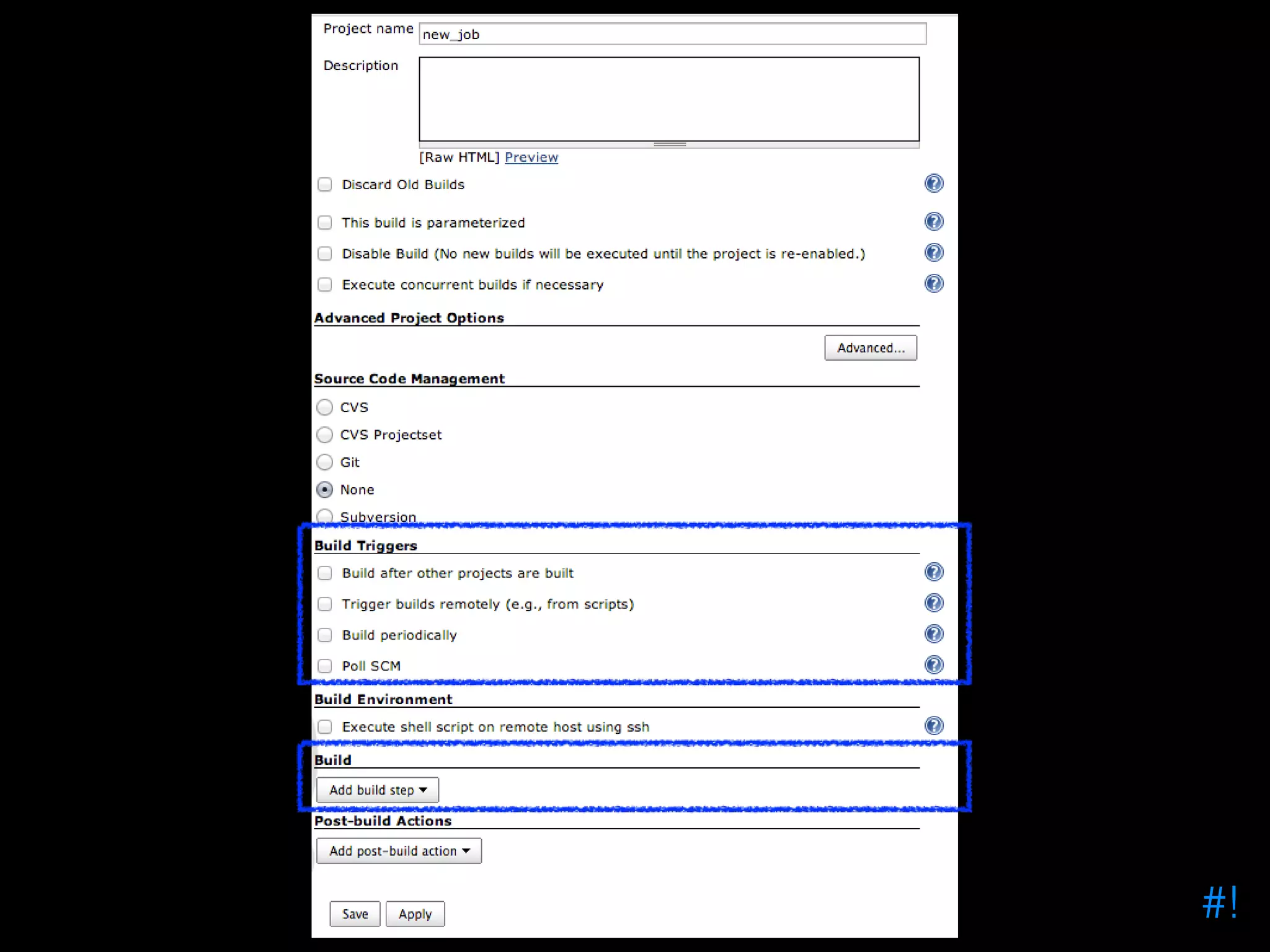
Drupal Cron • Create a ‘free-style software project’ #!
#!
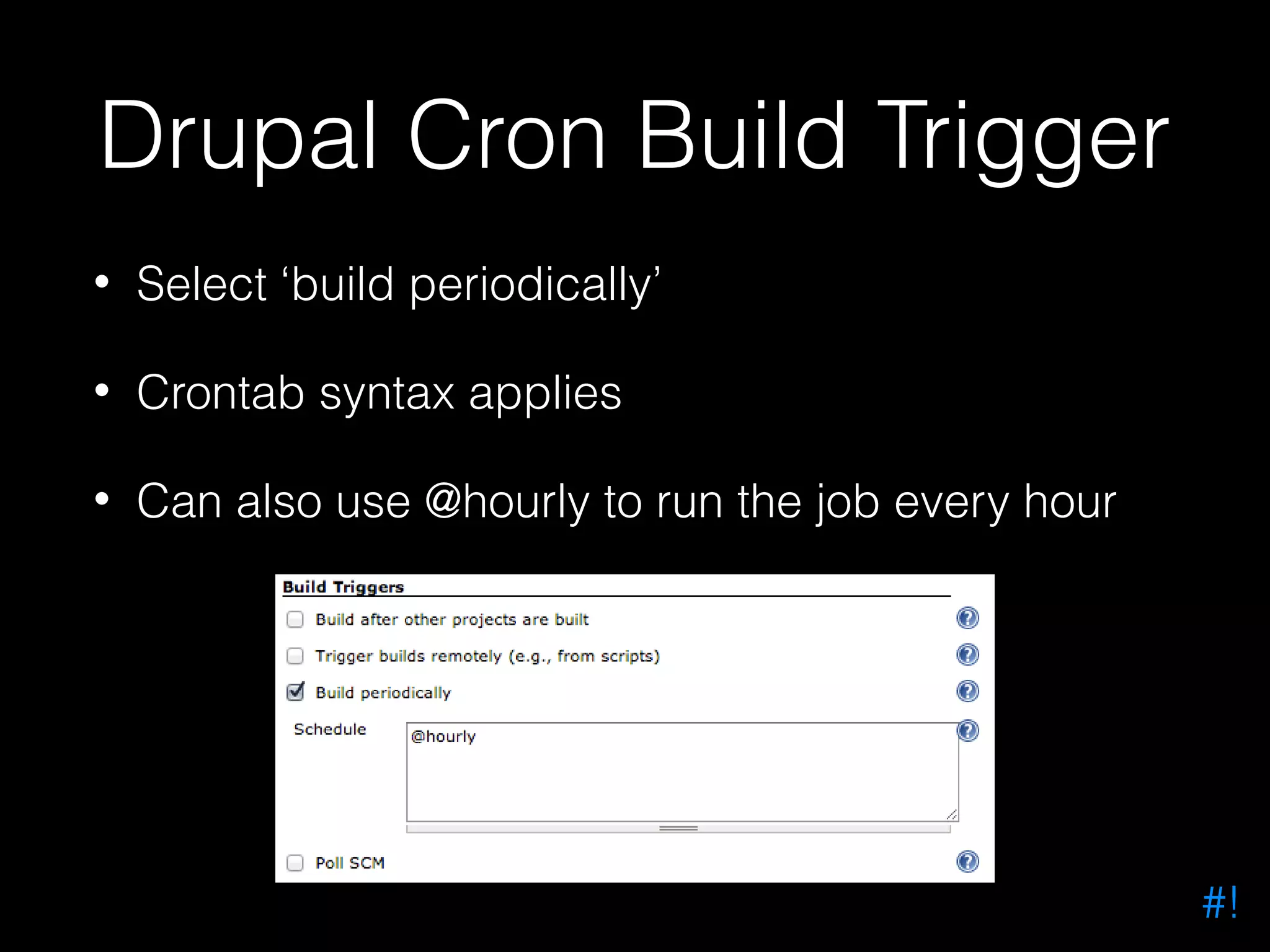
Drupal Cron Build Trigger • Select ‘build periodically’ • Crontab syntax applies • Can also use @hourly to run the job every hour #!
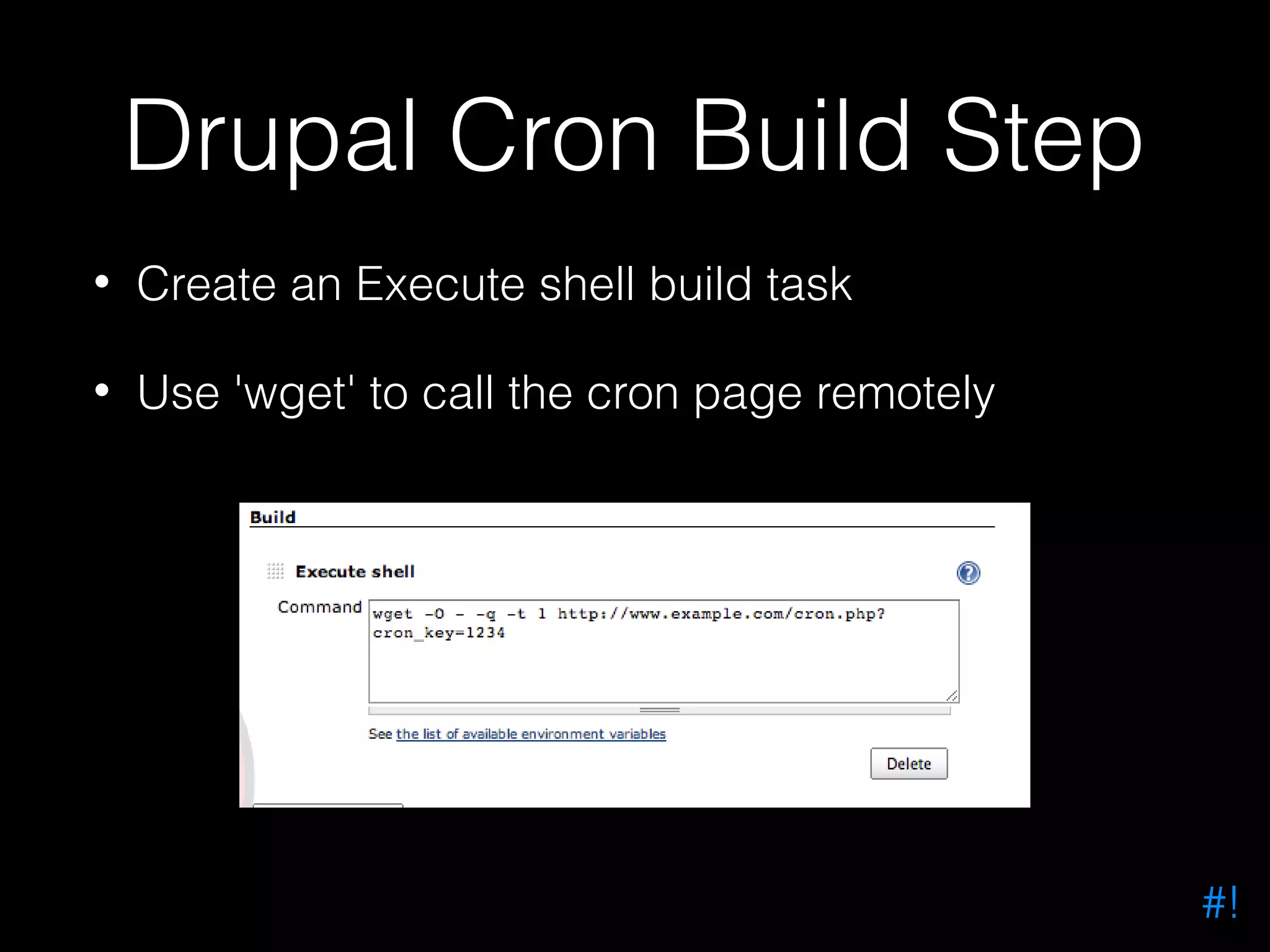
Drupal Cron Build Step • Create an Execute shell build task • Use 'wget' to call the cron page remotely #!
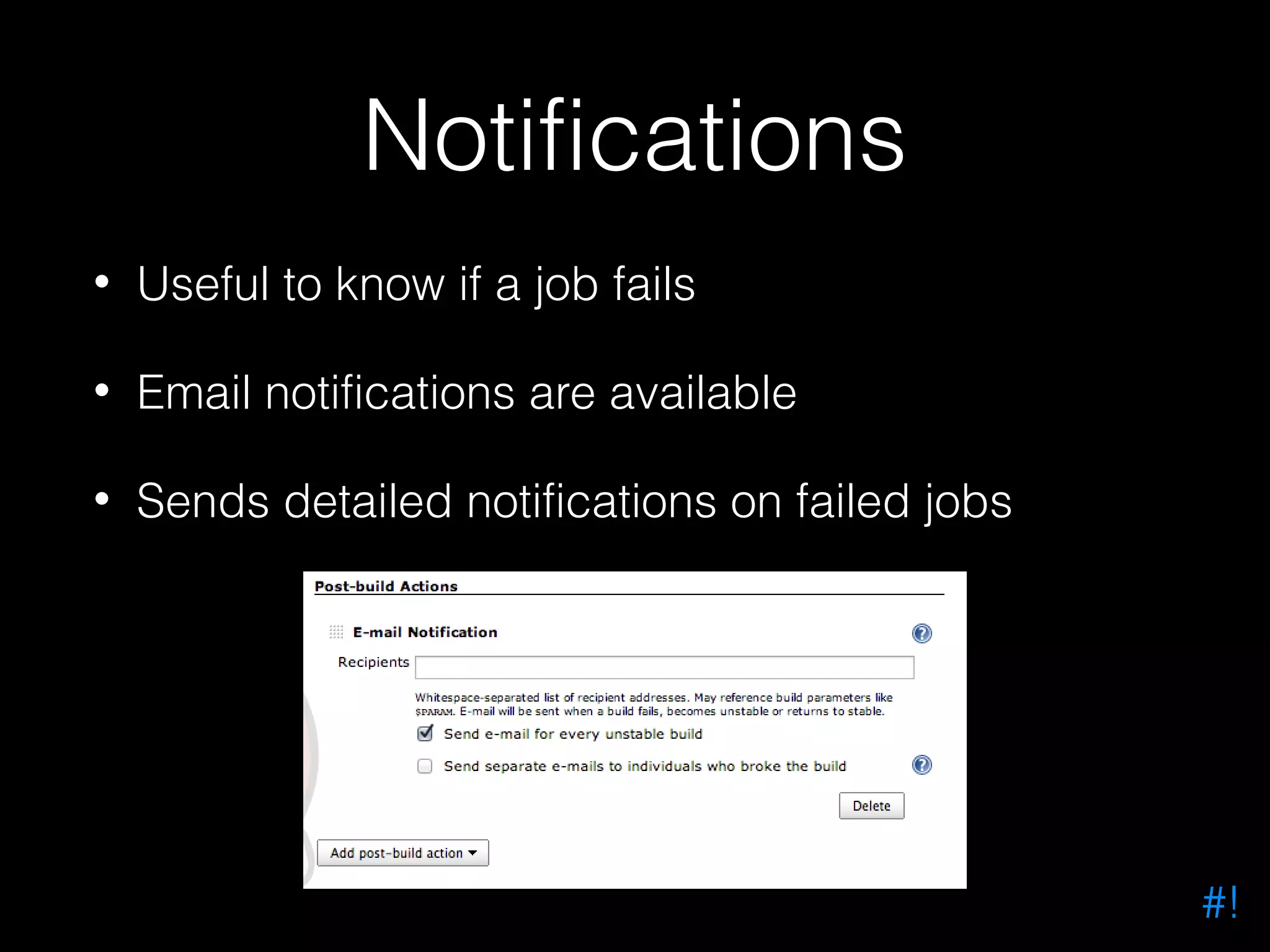
Notifications • Useful to know if a job fails • Email notifications are available • Sends detailed notifications on failed jobs #!
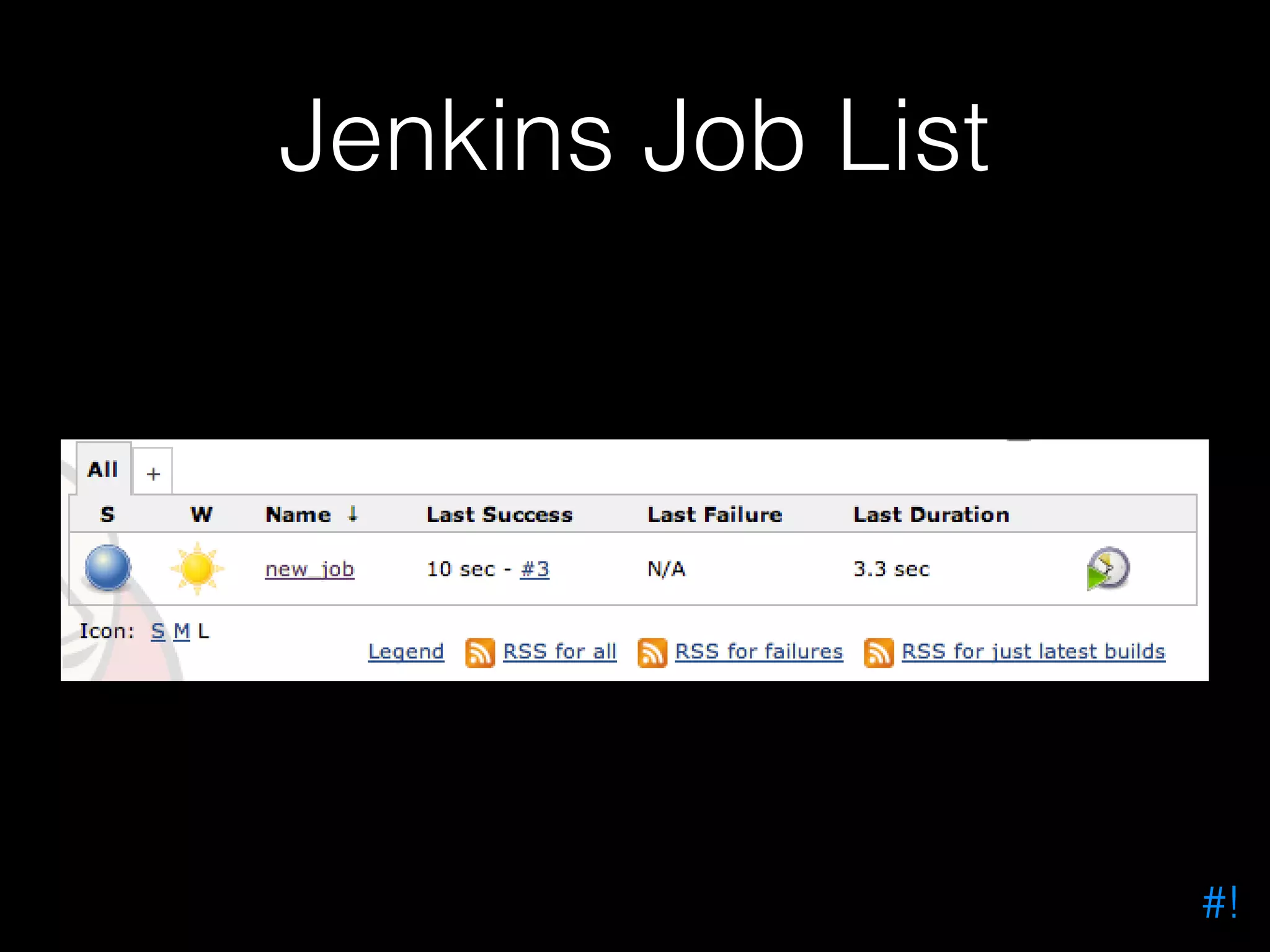
Jenkins Job List #!
Jenkins Plugins #!
Jenkins Plugins • Jenkins can be extended with plugins • Install them via the plugin manager • Manage Jenkins > Manage Plugins #!
Drupal Code Analysis In Jenkins #!
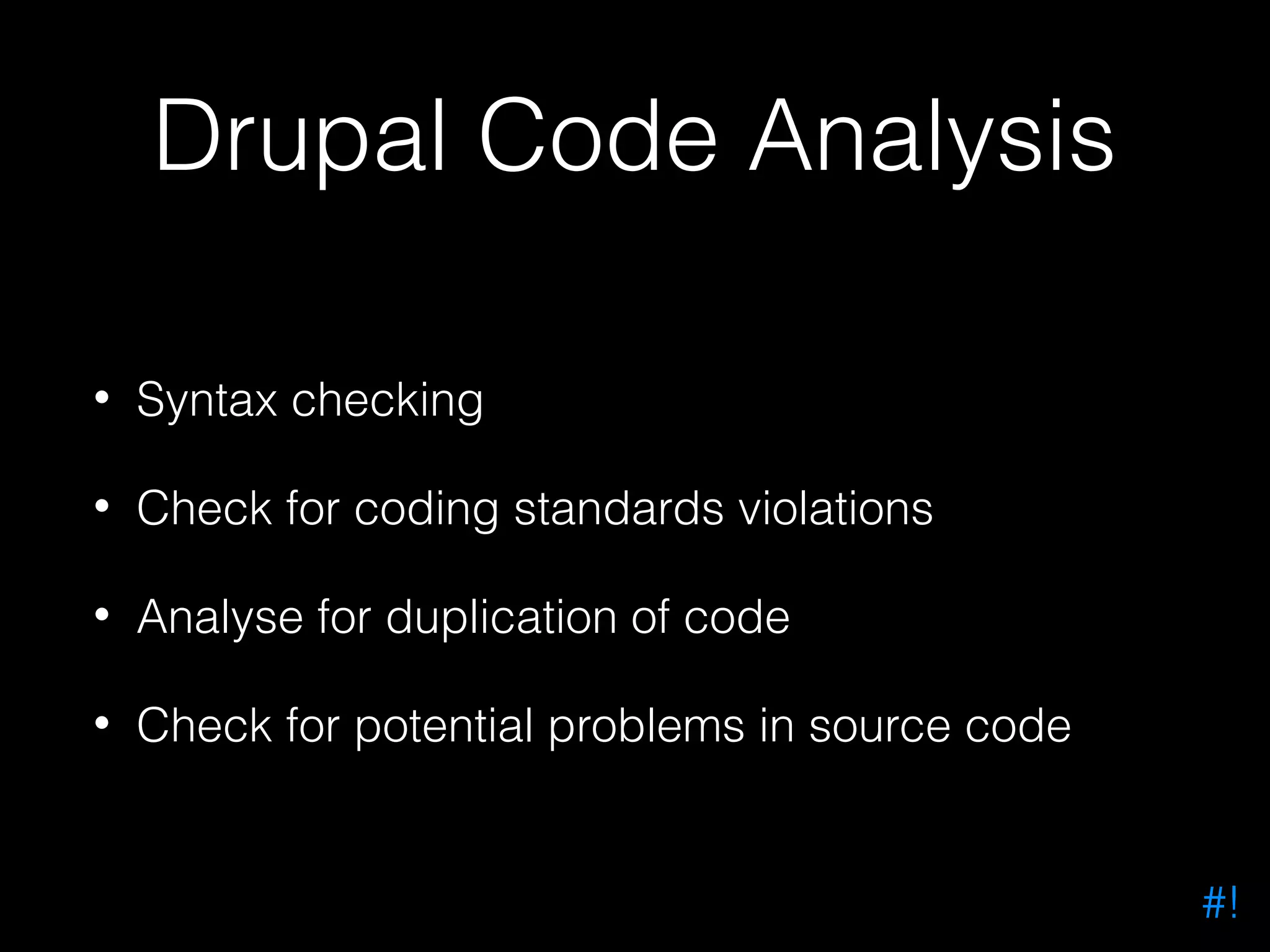
Drupal Code Analysis • Syntax checking • Check for coding standards violations • Analyse for duplication of code • Check for potential problems in source code #!
STAHP! #!
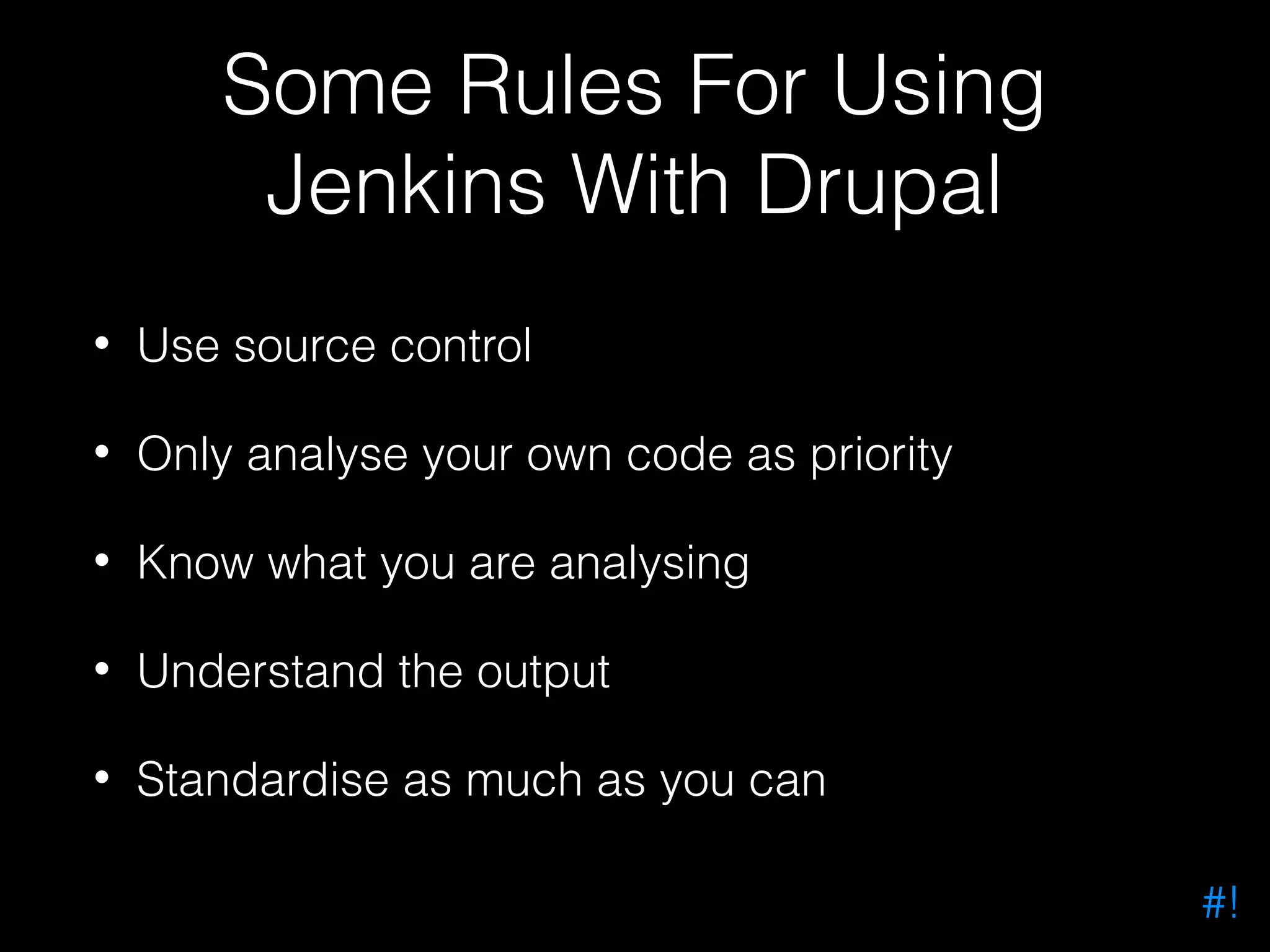
Some Rules For Using Jenkins With Drupal • Use source control • Only analyse your own code as priority • Know what you are analysing • Understand the output • Standardise as much as you can #!
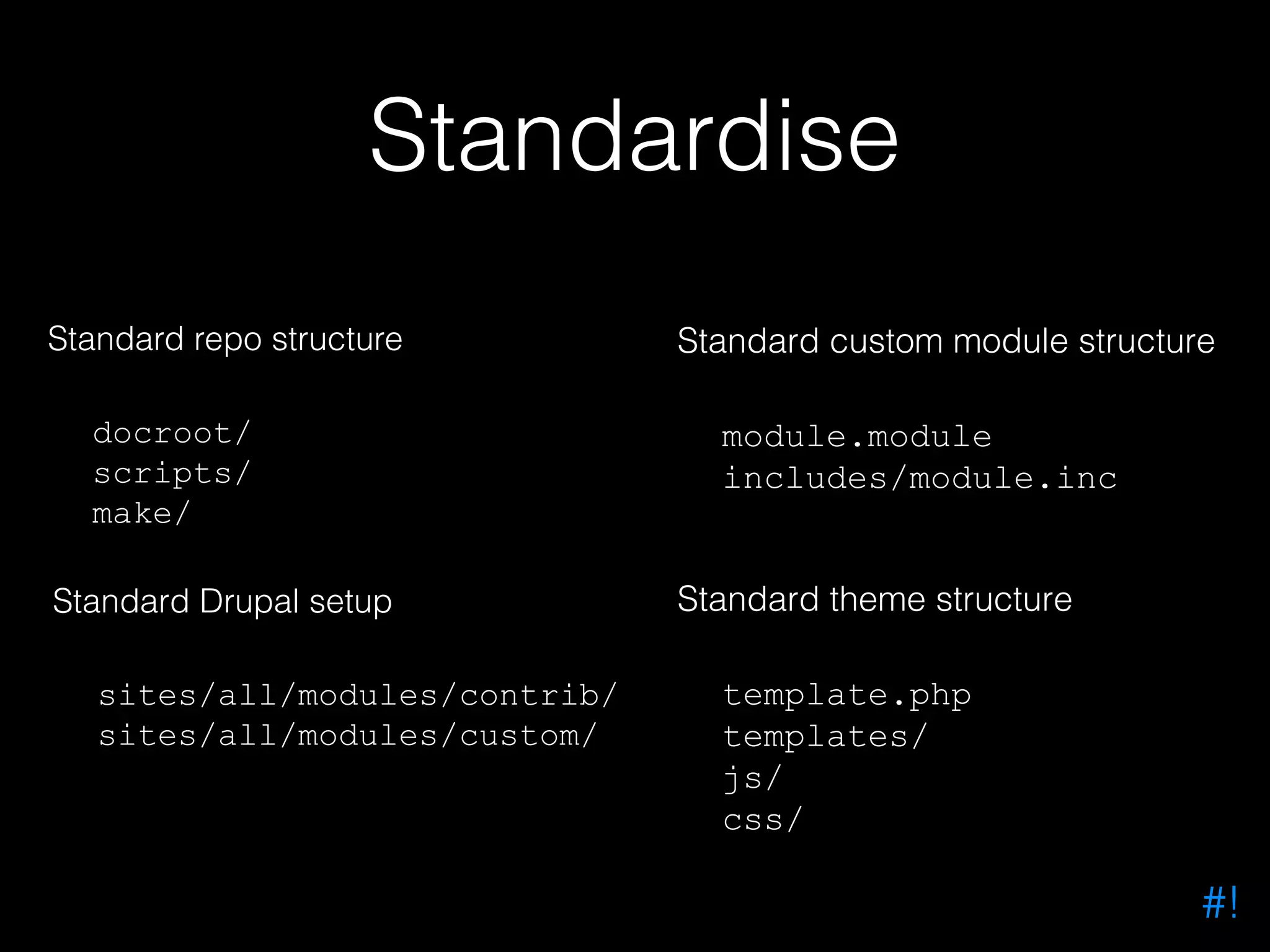
Standardise Standard repo structure docroot/ scripts/ make/ Standard Drupal setup sites/all/modules/contrib/ sites/all/modules/custom/ Standard custom module structure module.module includes/module.inc Standard theme structure template.php templates/ js/ css/ #!
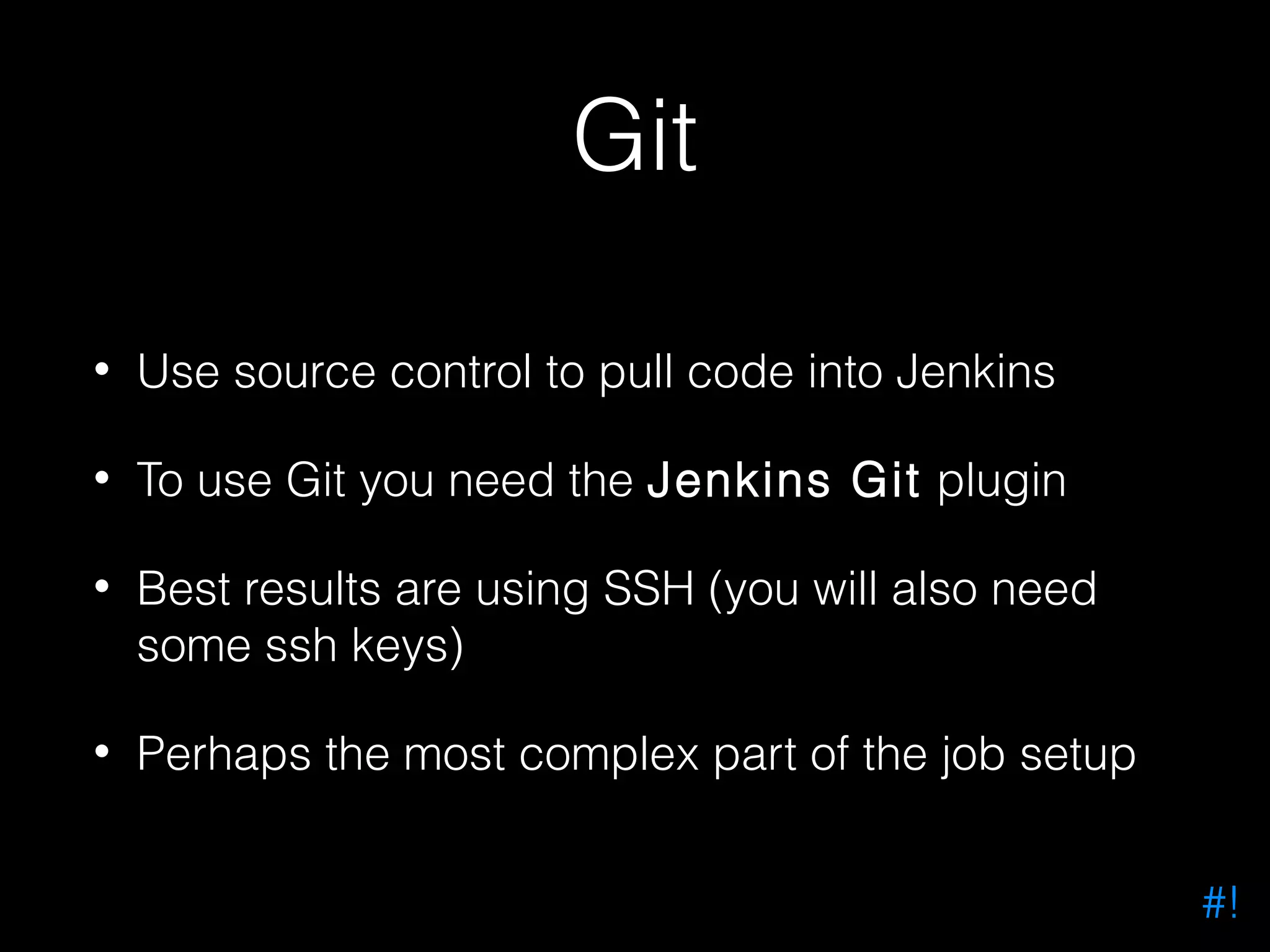
Git • Use source control to pull code into Jenkins • To use Git you need the Jenkins Git plugin • Best results are using SSH (you will also need some ssh keys) • Perhaps the most complex part of the job setup #!
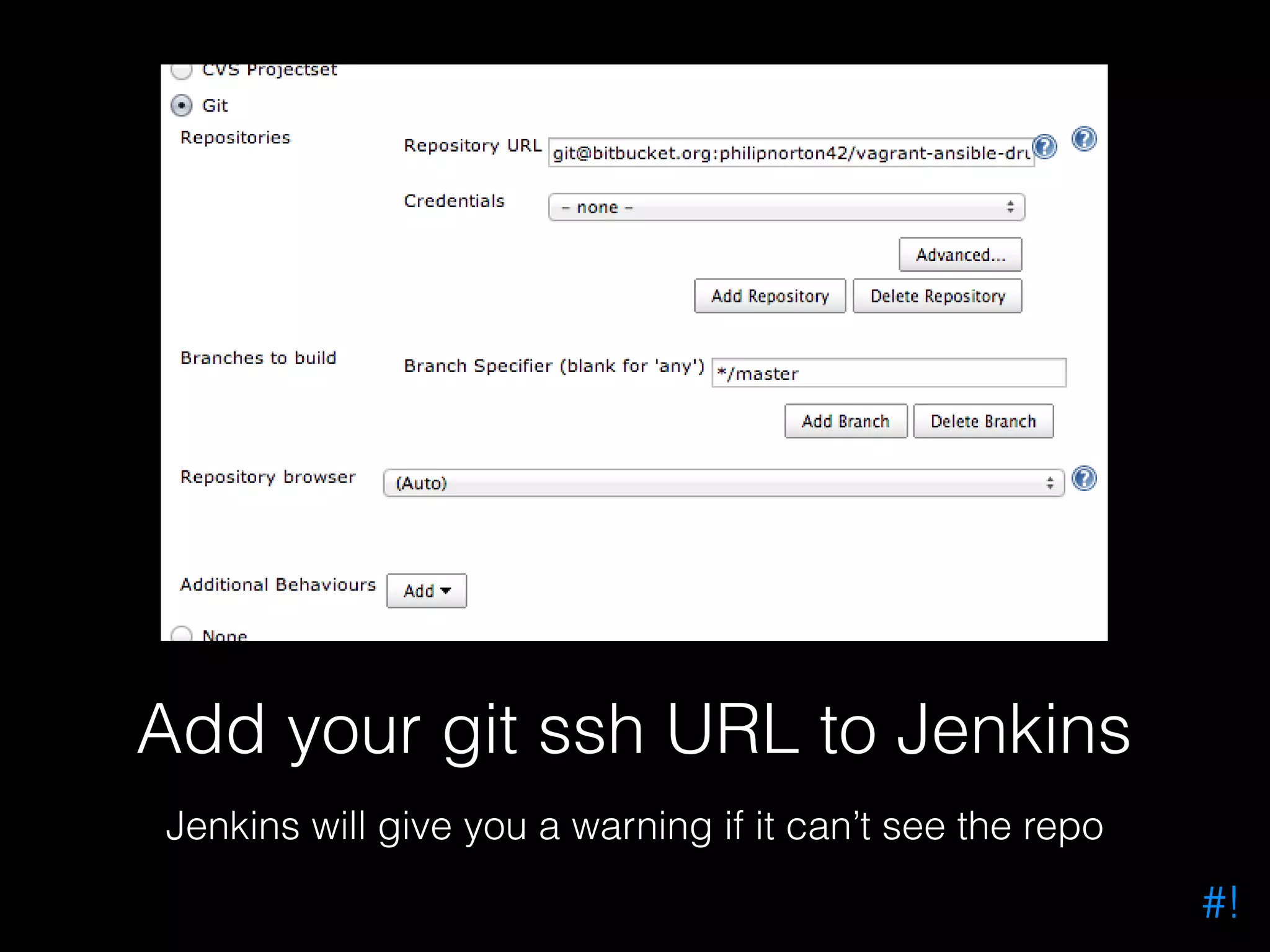
Add your git ssh URL to Jenkins Jenkins will give you a warning if it can’t see the repo #!
Syntax Checking #!
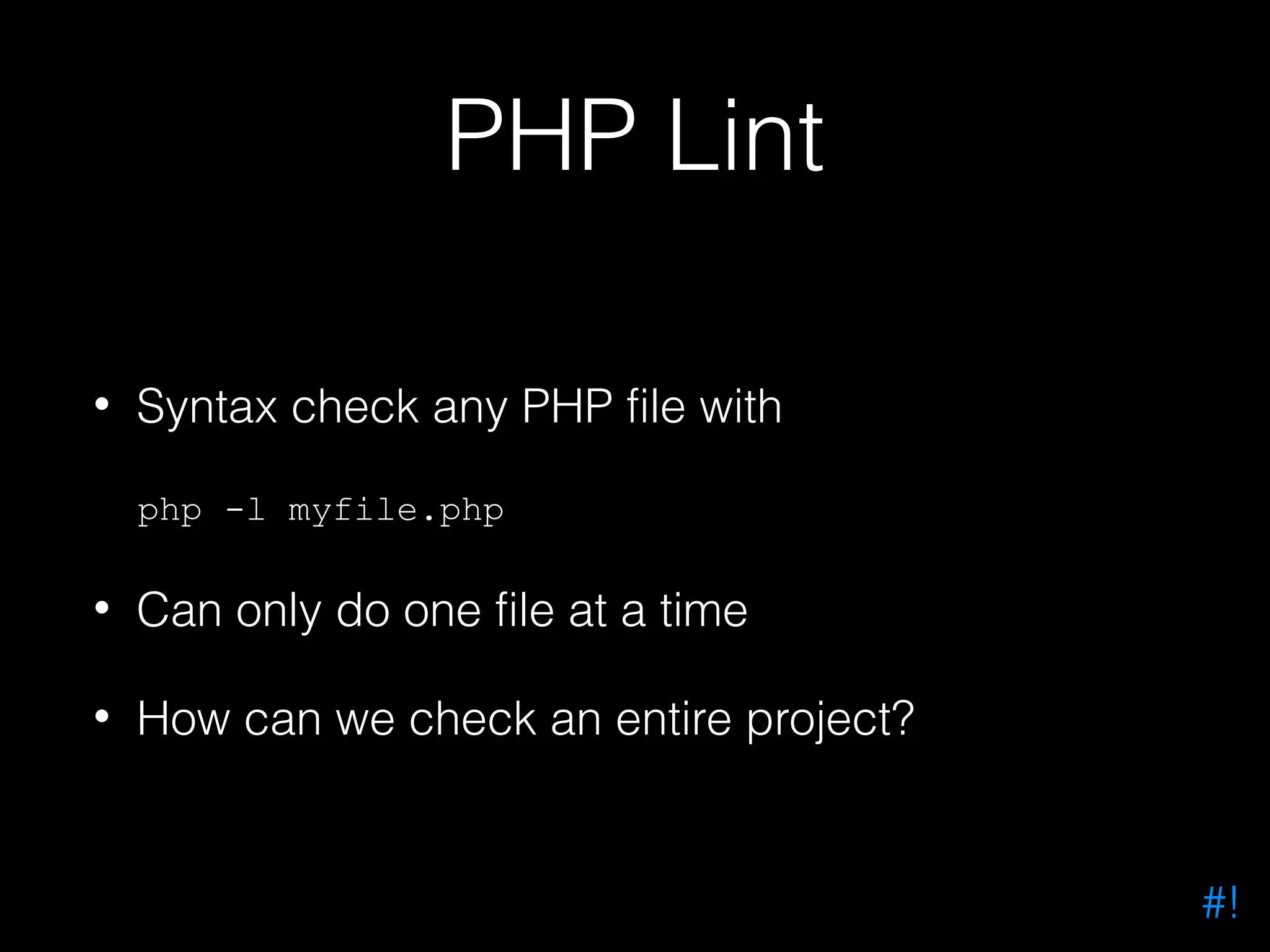
PHP Lint • Syntax check any PHP file with php -l myfile.php • Can only do one file at a time • How can we check an entire project? #!
• Build tool • Controlled with XML files • Written in PHP • Available through PEAR • Integrates with Jenkins • Certified awesome! #!
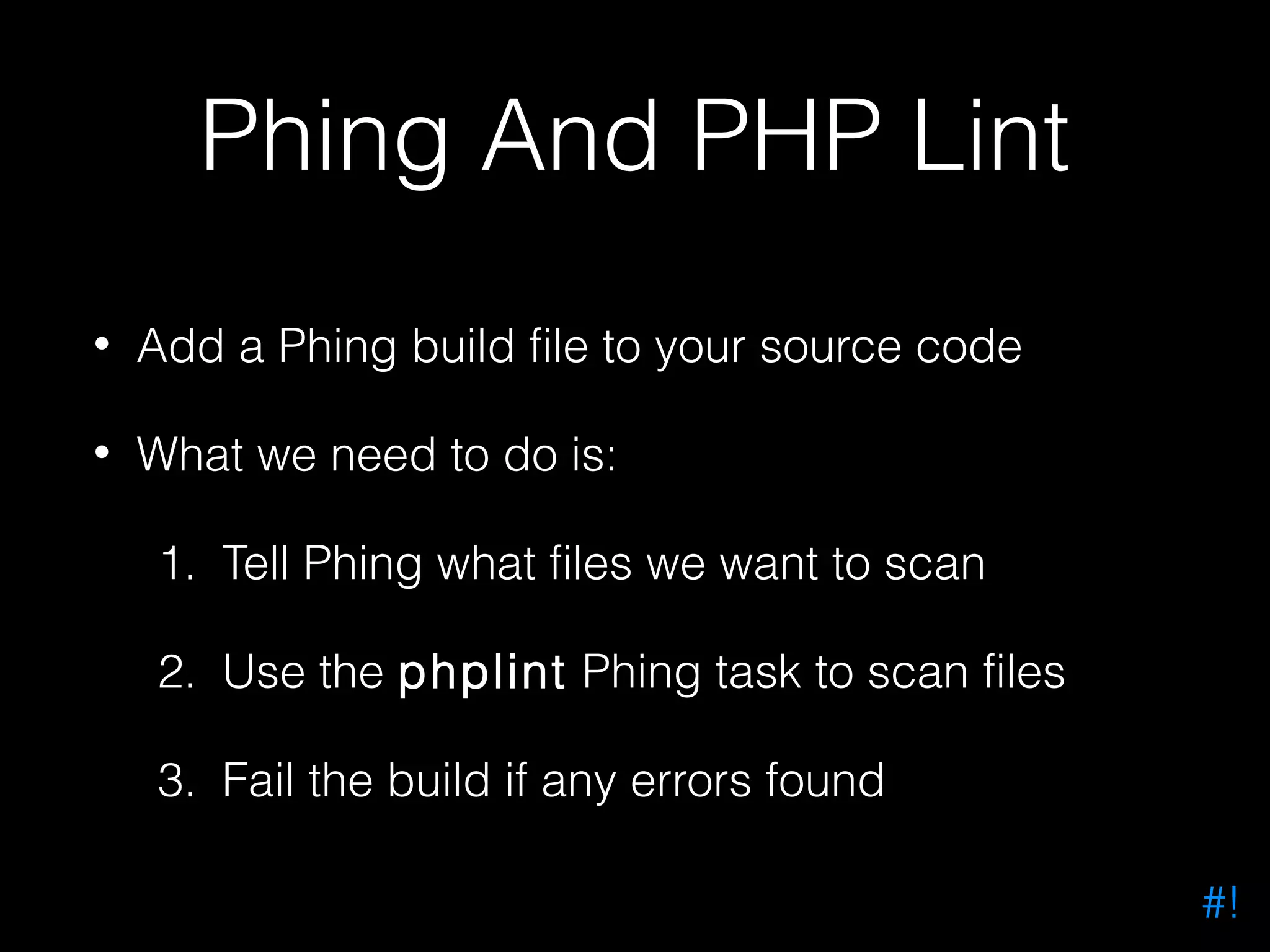
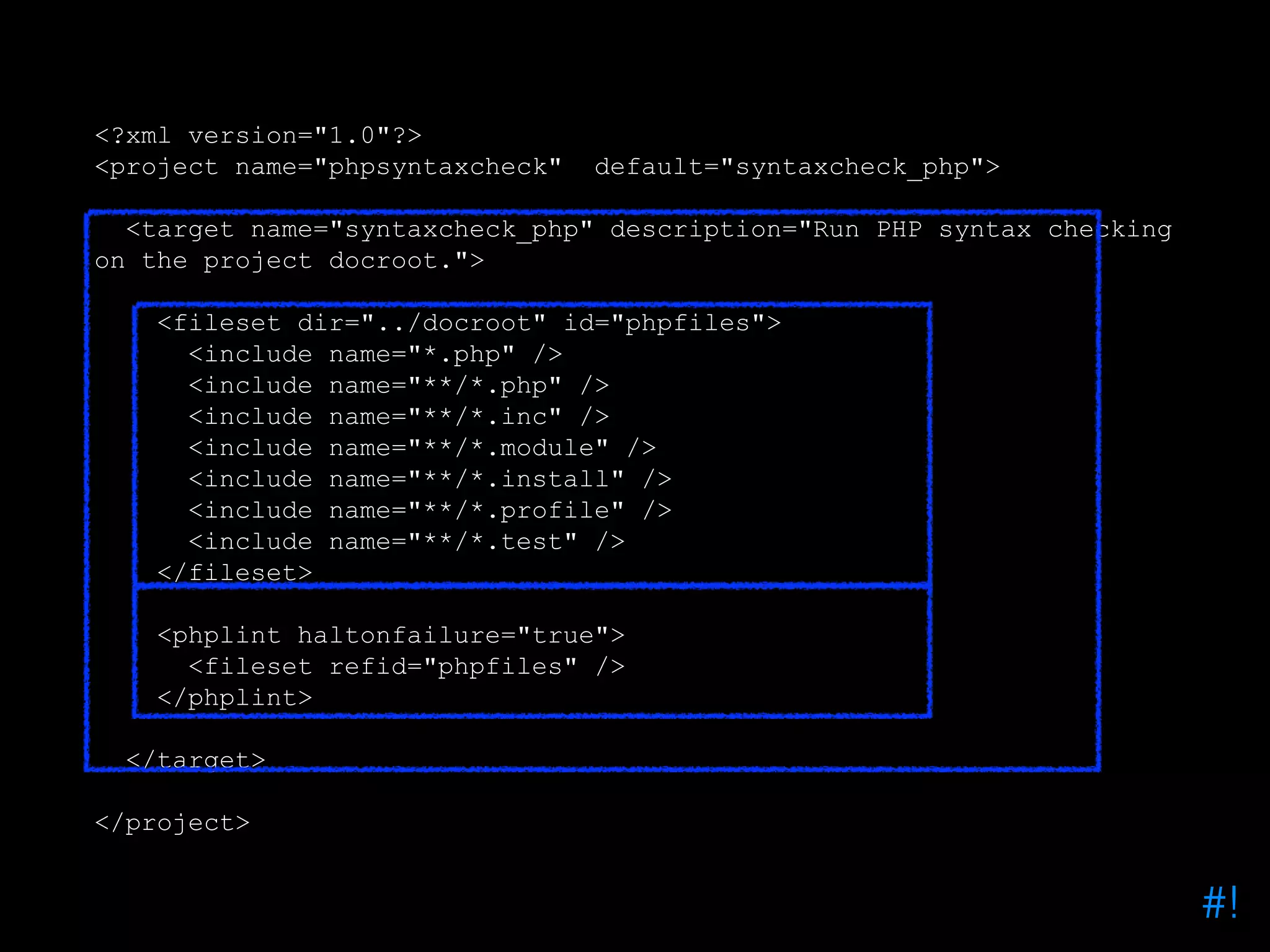
Phing And PHP Lint • Add a Phing build file to your source code • What we need to do is: 1. Tell Phing what files we want to scan 2. Use the phplint Phing task to scan files 3. Fail the build if any errors found #!
<?xml version="1.0"?> <project name="phpsyntaxcheck" default="syntaxcheck_php"> <target name="syntaxcheck_php" description="Run PHP syntax checking on the project docroot."> <fileset dir="../docroot" id="phpfiles"> <include name="*.php" /> <include name="**/*.php" /> <include name="**/*.inc" /> <include name="**/*.module" /> <include name="**/*.install" /> <include name="**/*.profile" /> <include name="**/*.test" /> </fileset> <phplint haltonfailure="true"> <fileset refid="phpfiles" /> </phplint> </target> </project> #!
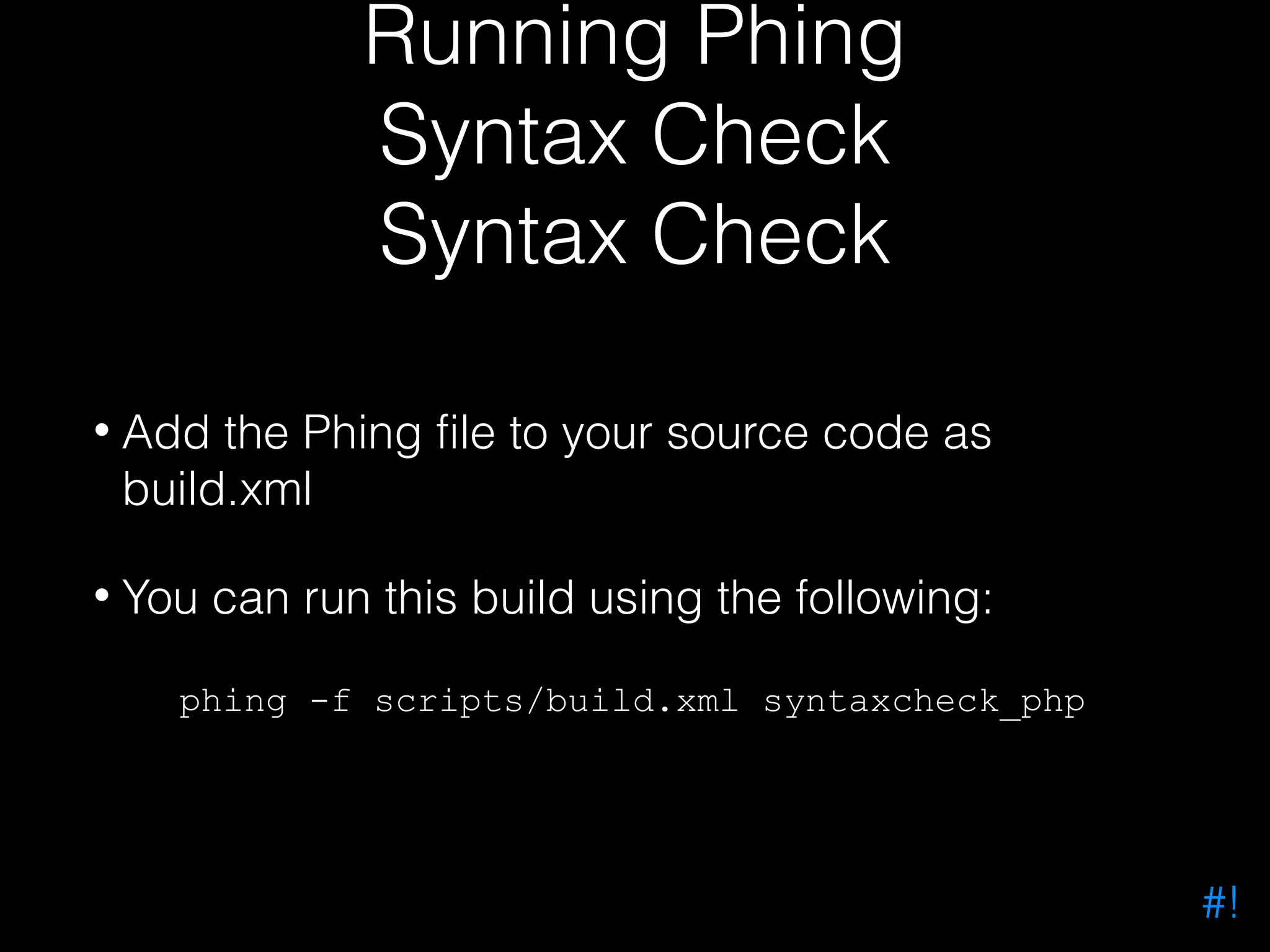
Running Phing Syntax Check Syntax Check • Add the Phing file to your source code as build.xml • You can run this build using the following: phing -f scripts/build.xml syntaxcheck_php #!
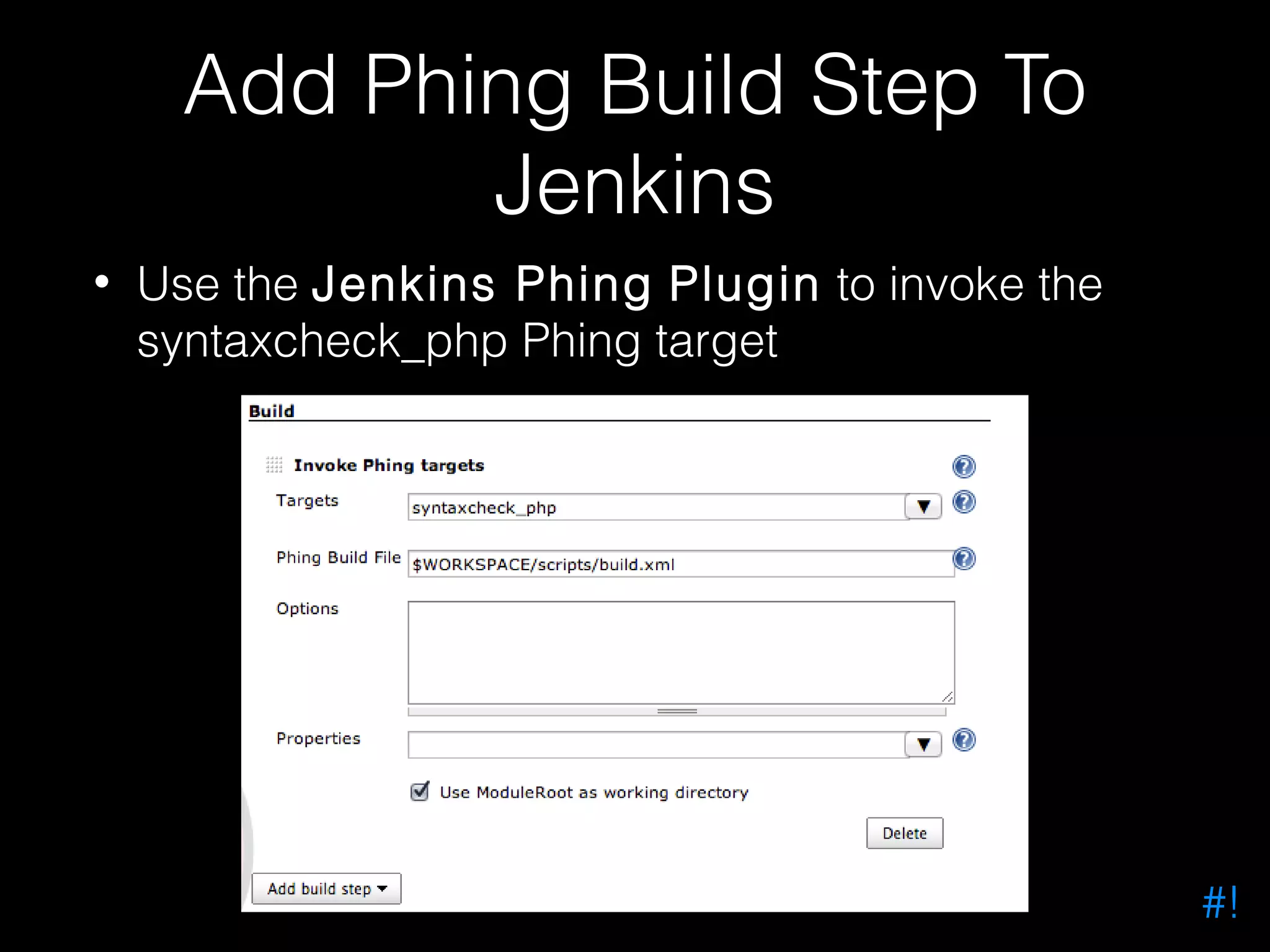
Add Phing Build Step To Jenkins • Use the Jenkins Phing Plugin to invoke the syntaxcheck_php Phing target #!
What Next? #!
Drupal Coding Standards https://drupal.org/coding-standards #!
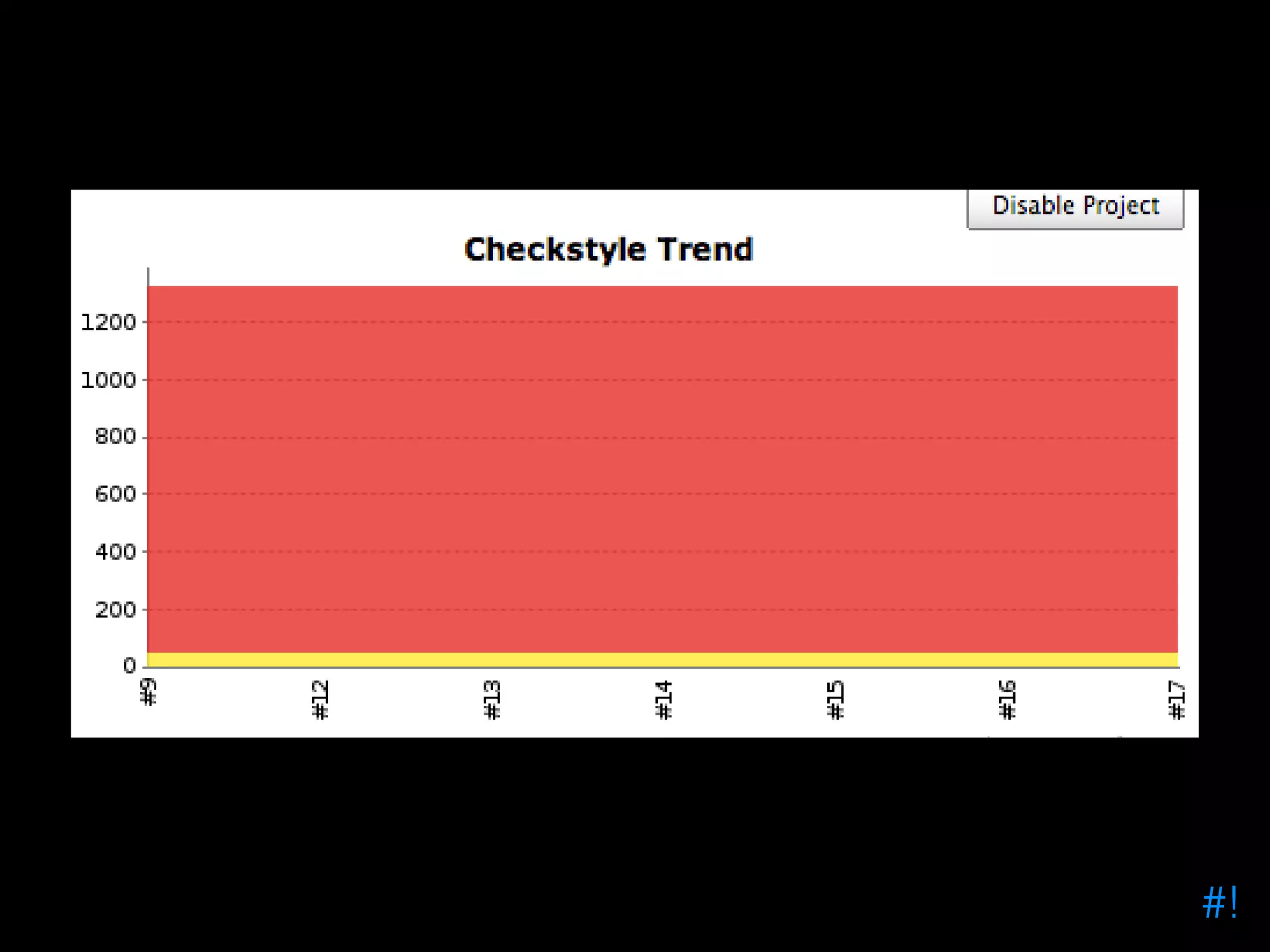
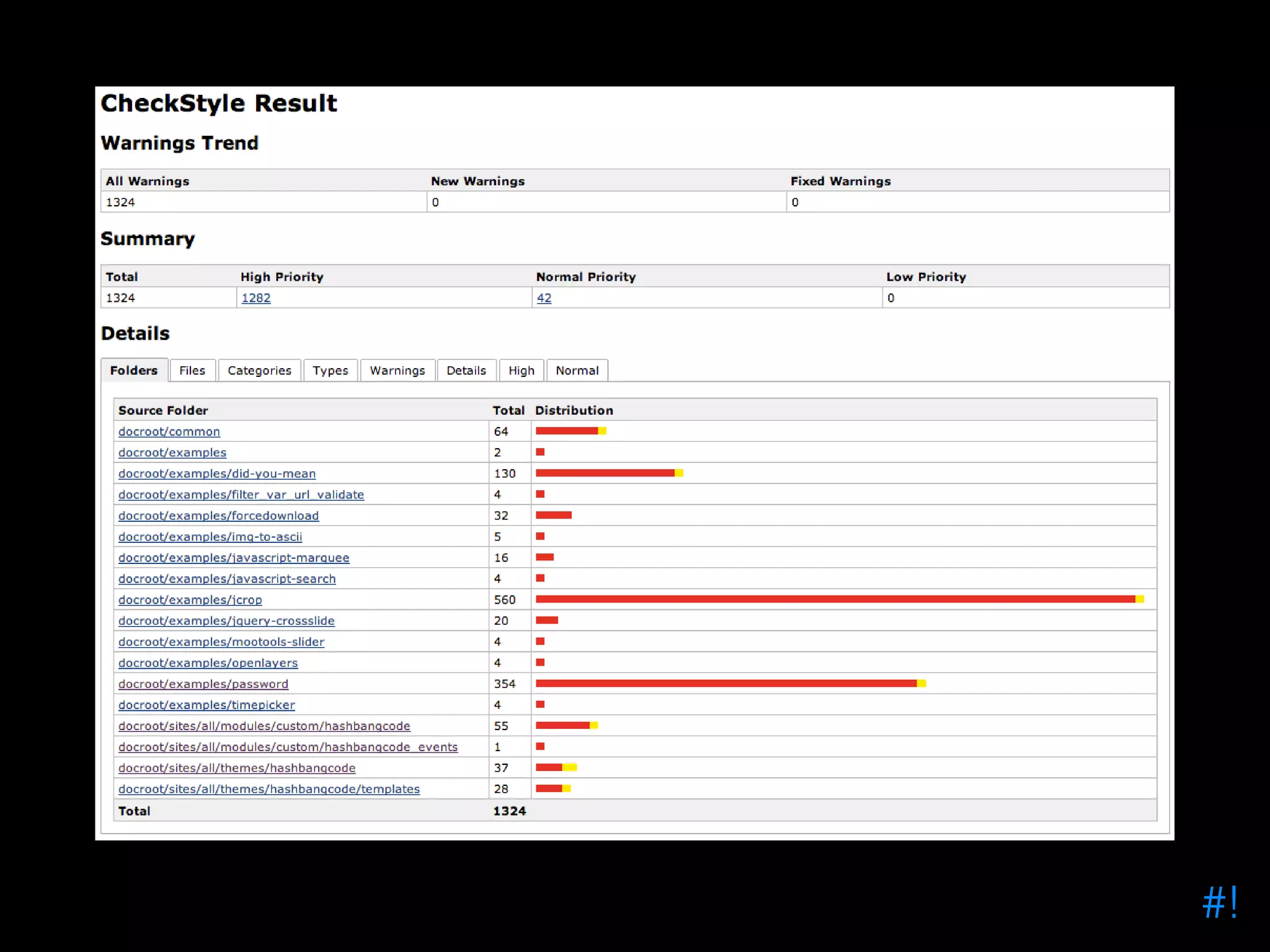
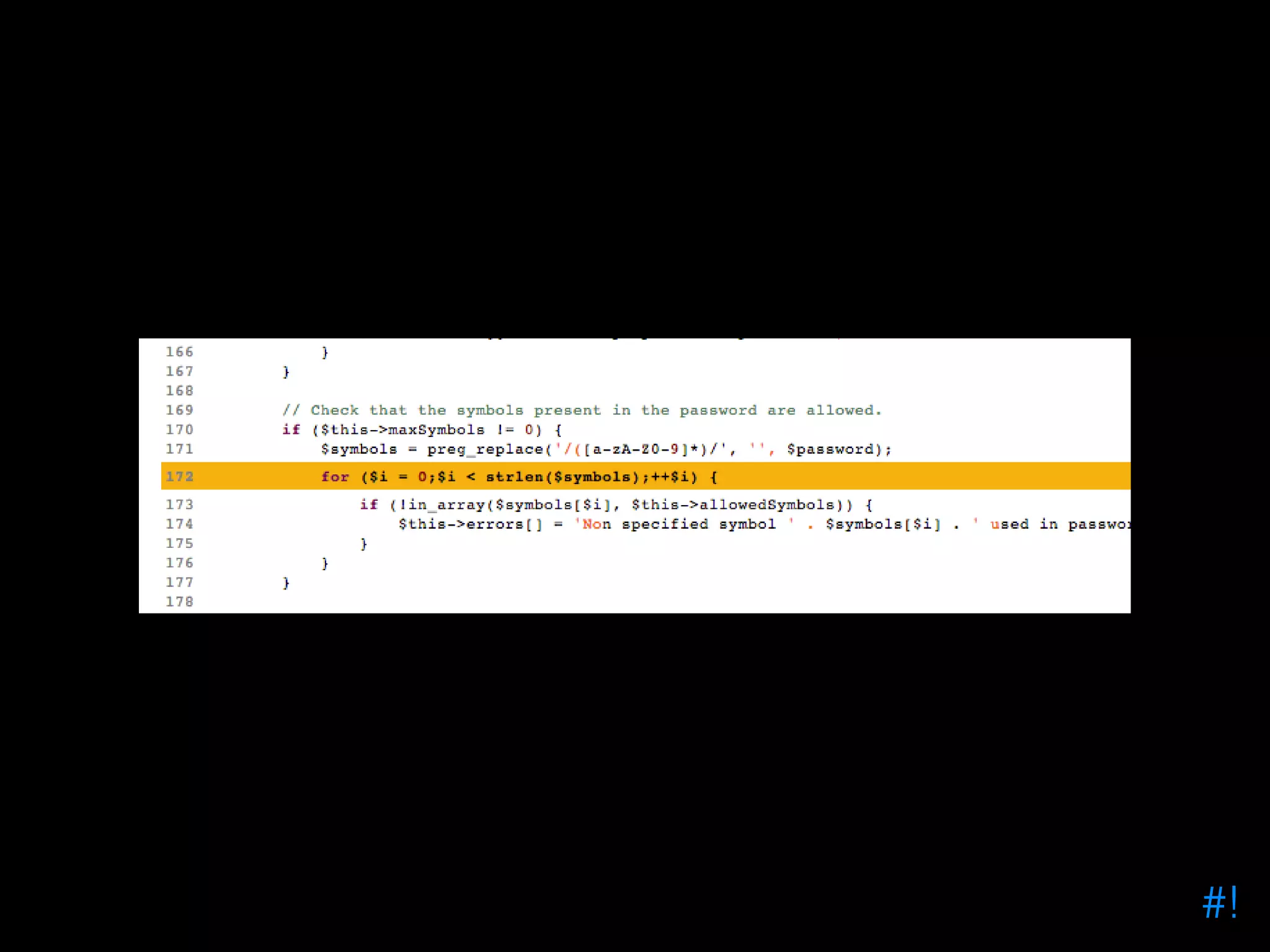
Checkstyle • Jenkins Plugin • Reports on coding standards results • Accepts a checkstyle.xml file produces lots of graphs and code reports #!
PHP CodeSniffer • Inspect code for Drupal coding standards • Produces checkstyle.xml files for Checkstyle • Looks for best practice in your code #!
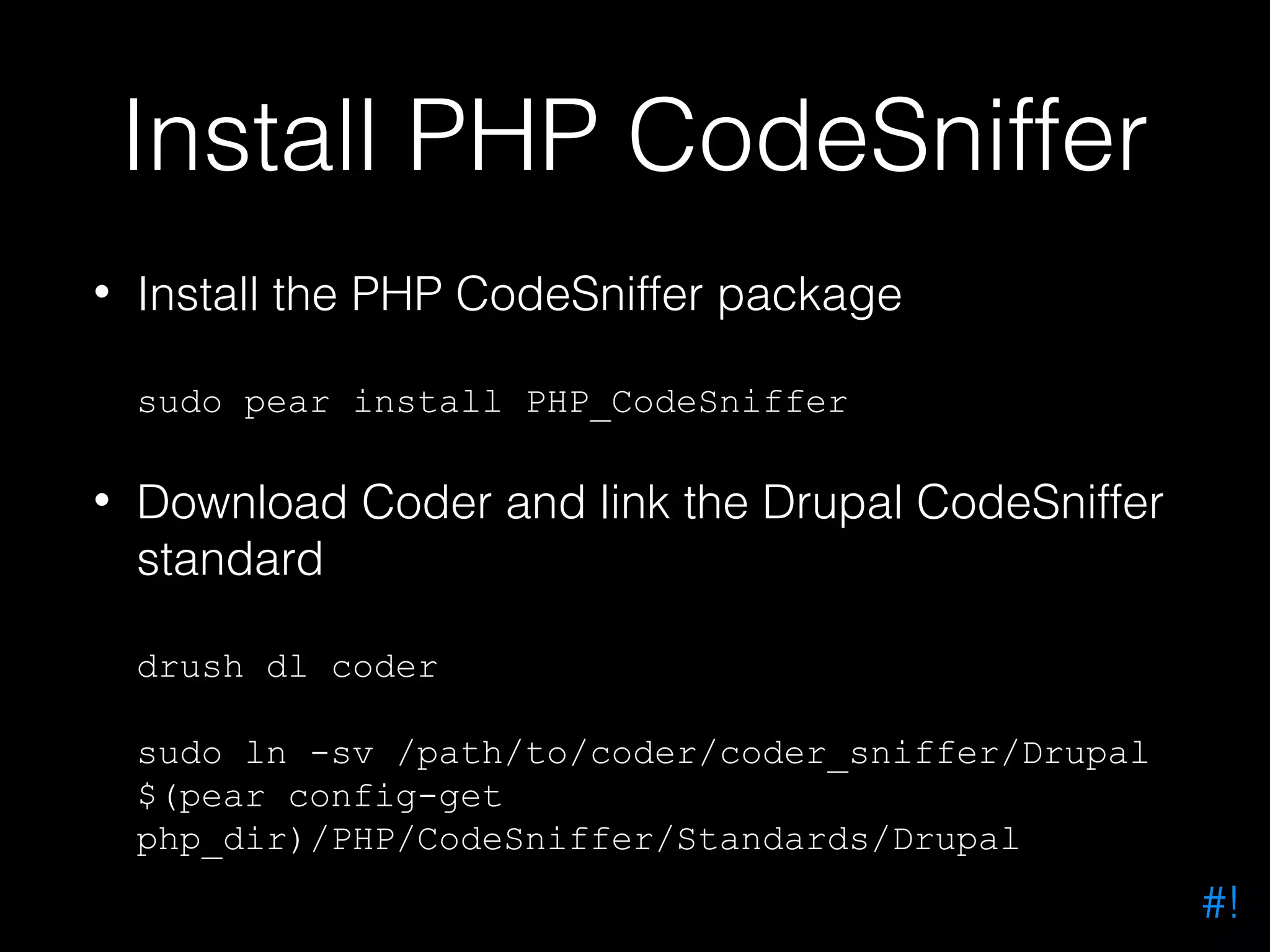
Install PHP CodeSniffer • Install the PHP CodeSniffer package sudo pear install PHP_CodeSniffer • Download Coder and link the Drupal CodeSniffer standard drush dl coder sudo ln -sv /path/to/coder/coder_sniffer/Drupal $(pear config-get php_dir)/PHP/CodeSniffer/Standards/Drupal #!
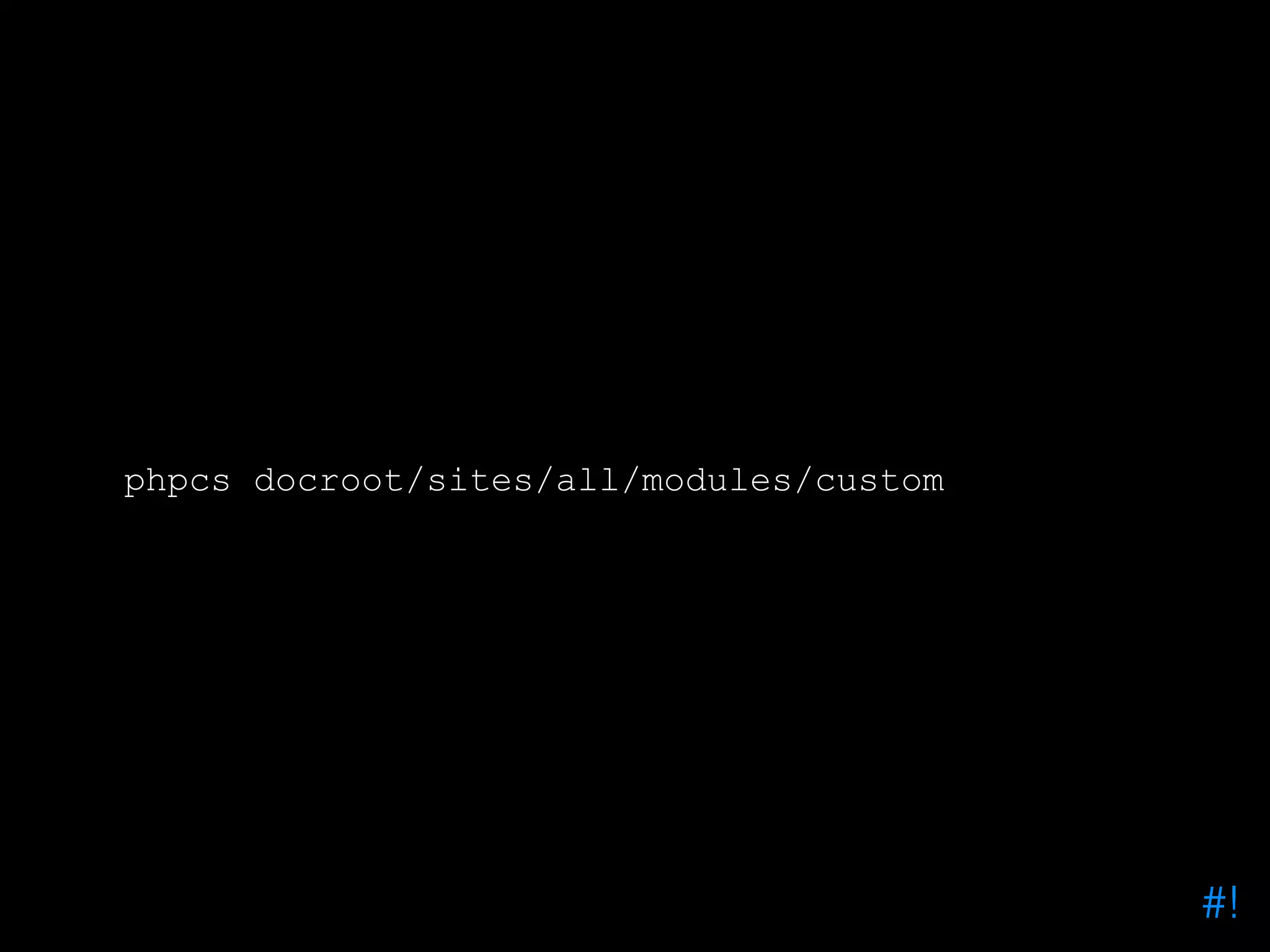
phpcs docroot/sites/all/modules/custom #!
phpcs --standard=Drupal docroot/sites/all/modules/custom #!
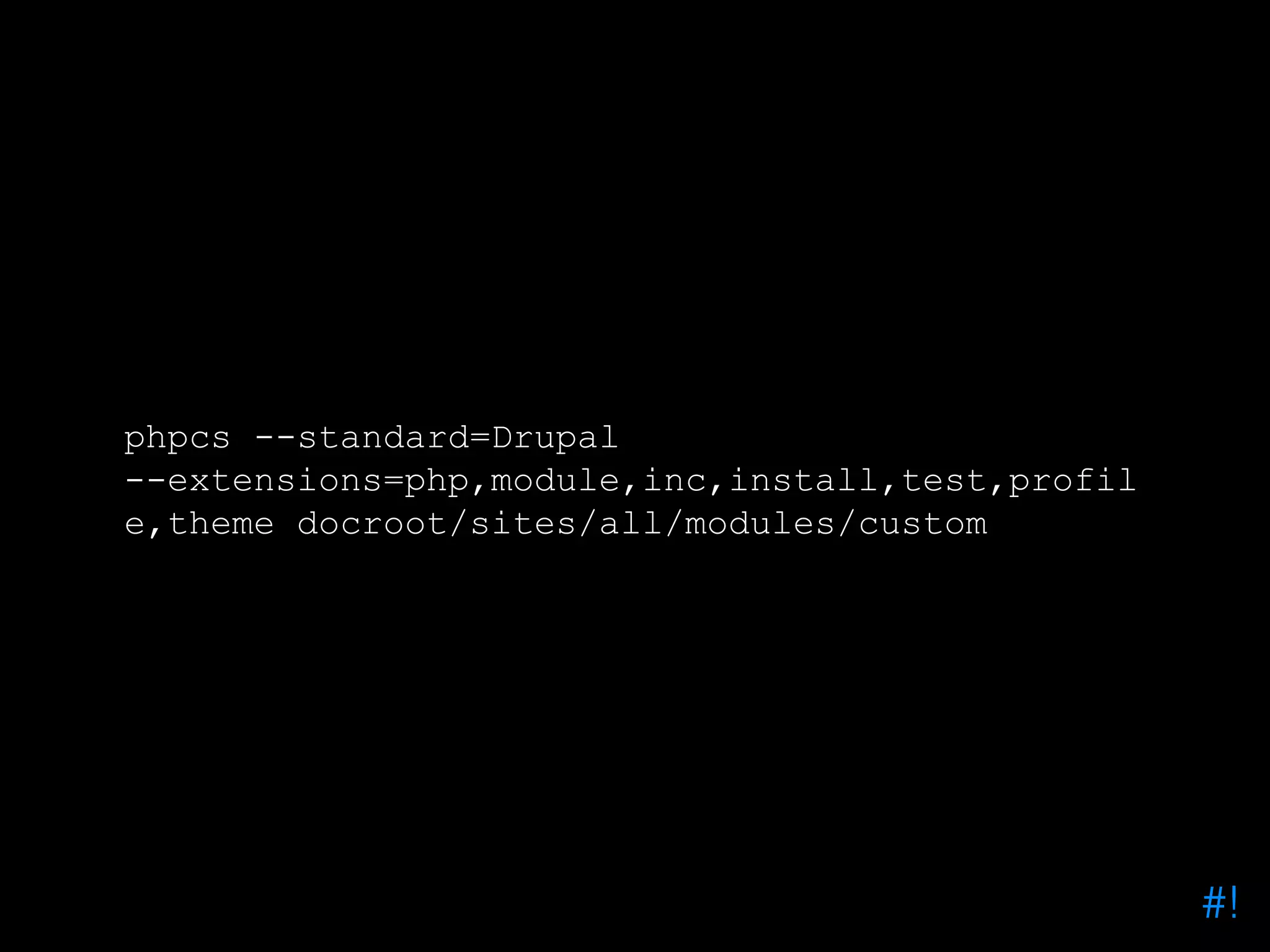
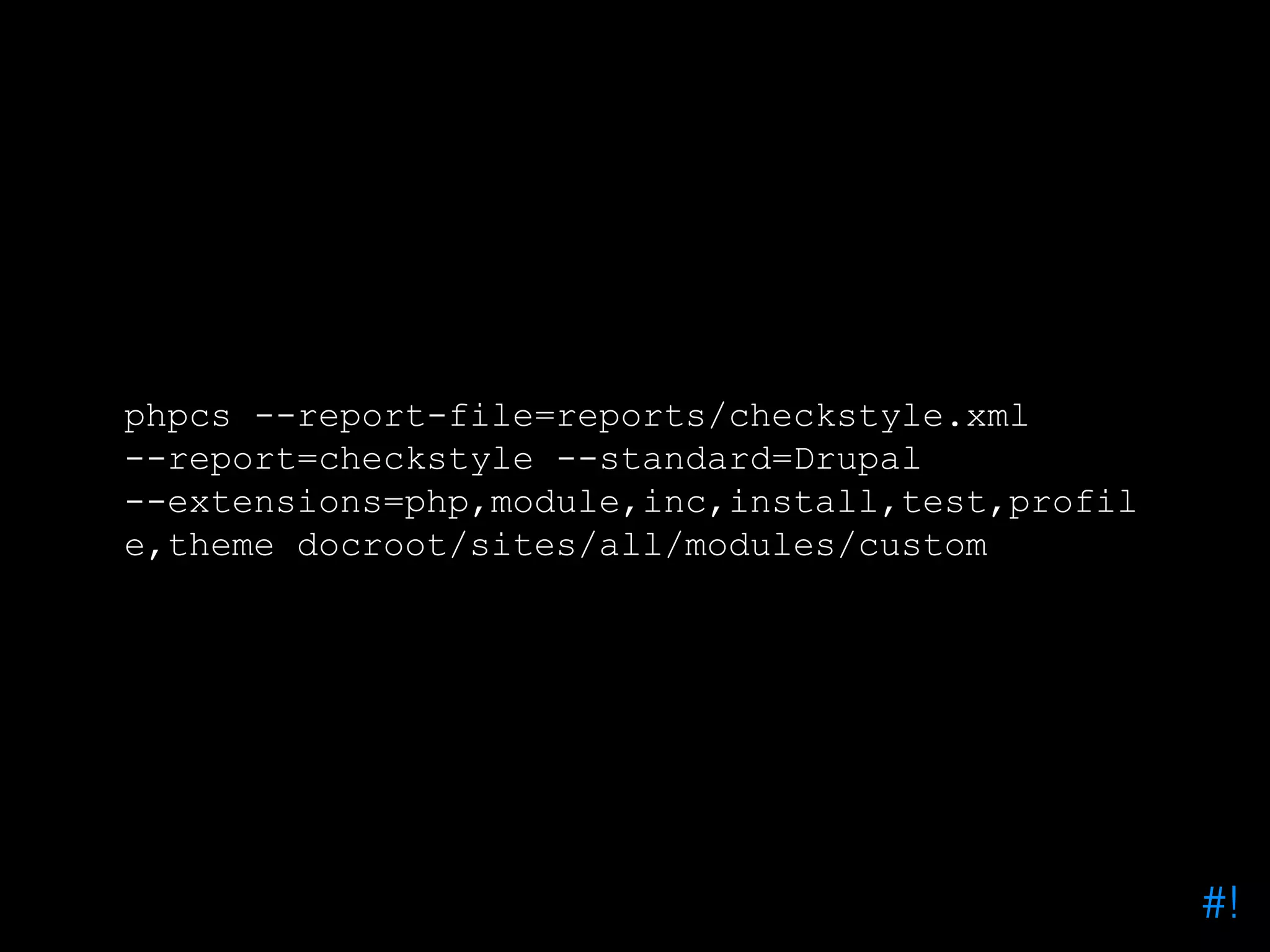
phpcs --standard=Drupal --extensions=php,module,inc,install,test,profil e,theme docroot/sites/all/modules/custom #!
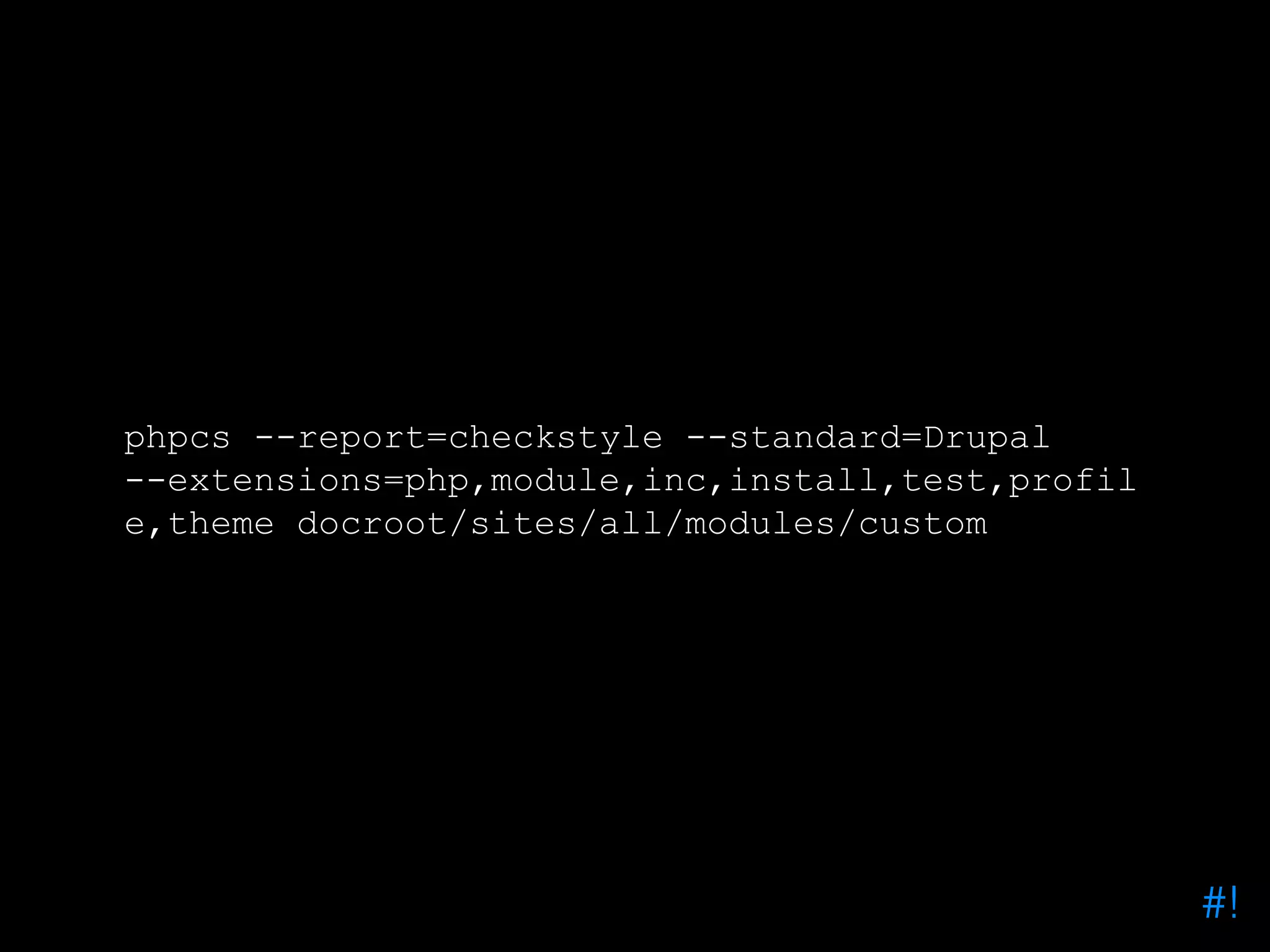
phpcs --report=checkstyle --standard=Drupal --extensions=php,module,inc,install,test,profil e,theme docroot/sites/all/modules/custom #!
phpcs --report-file=reports/checkstyle.xml --report=checkstyle --standard=Drupal --extensions=php,module,inc,install,test,profil e,theme docroot/sites/all/modules/custom #!
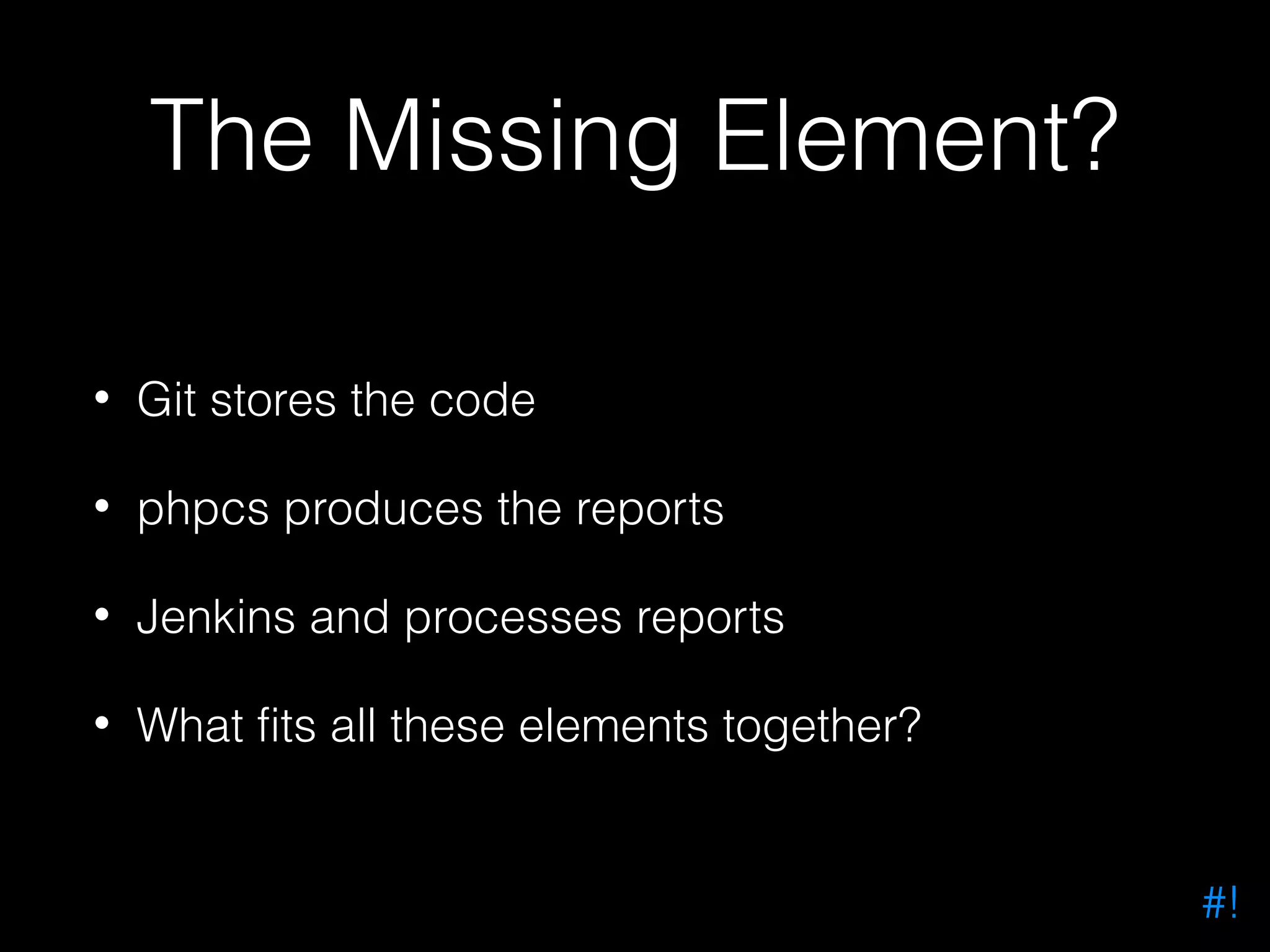
The Missing Element? • Git stores the code • phpcs produces the reports • Jenkins and processes reports • What fits all these elements together? #!
Phing! (did I mention it was awesome?) #!
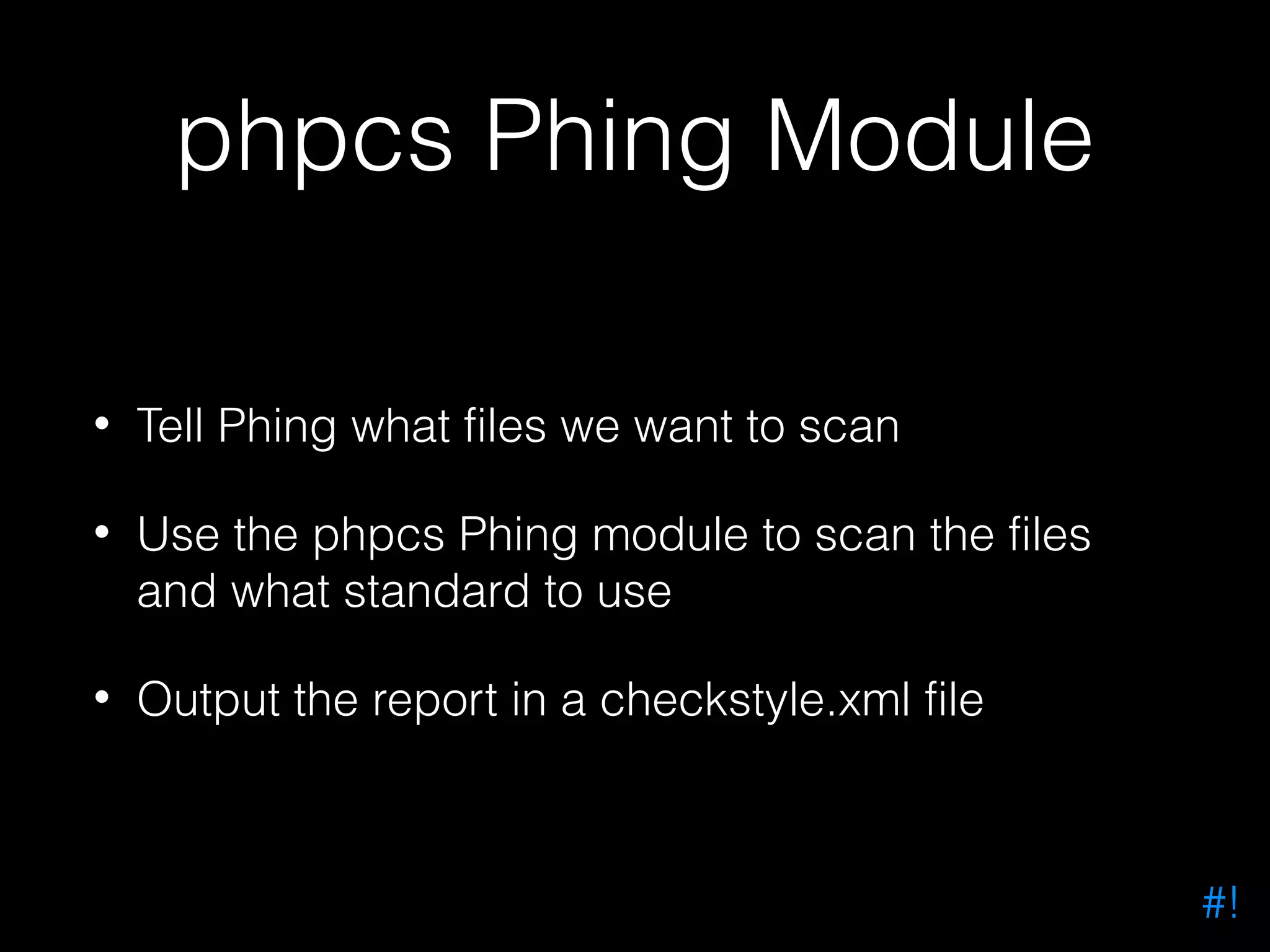
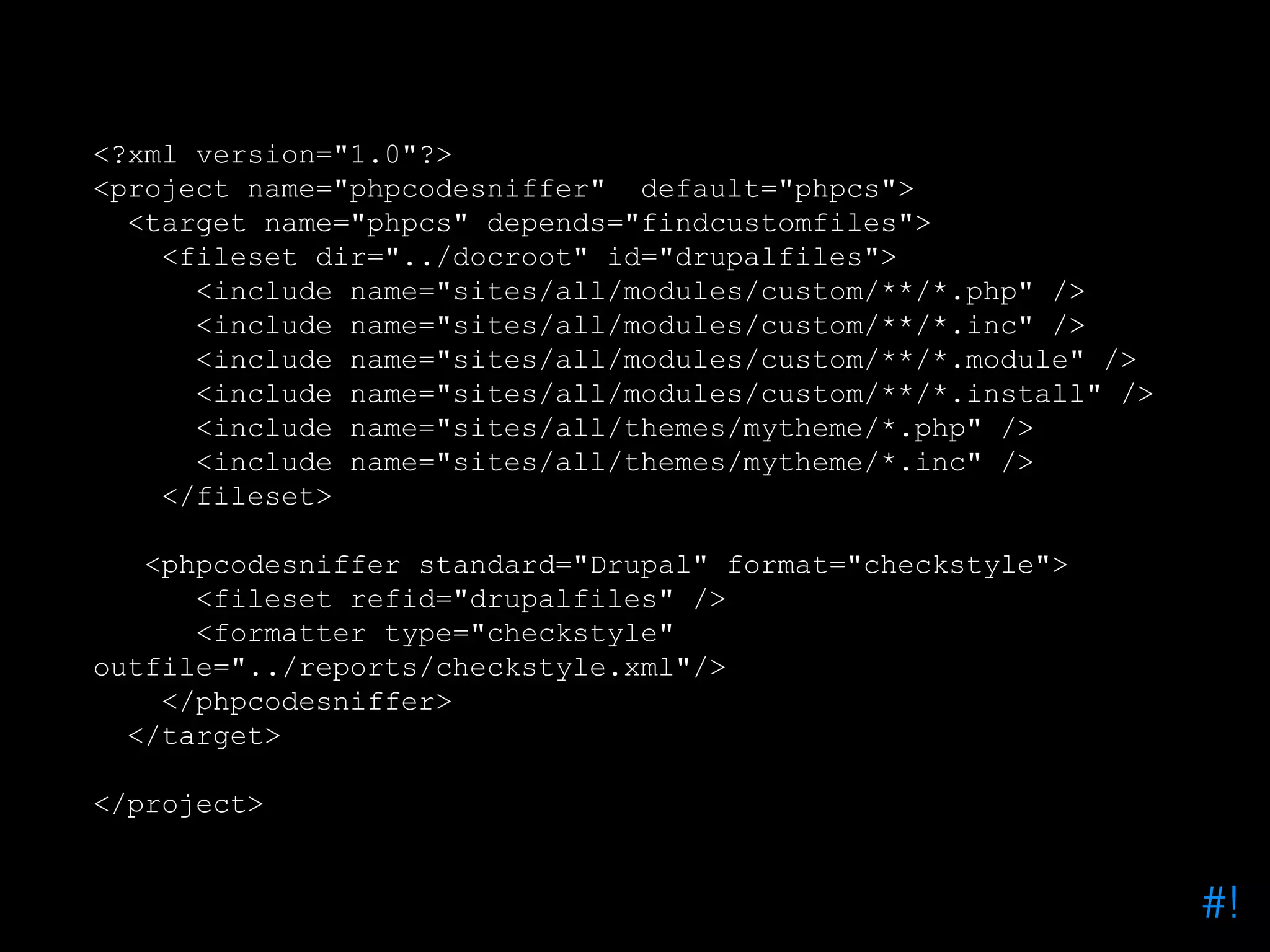
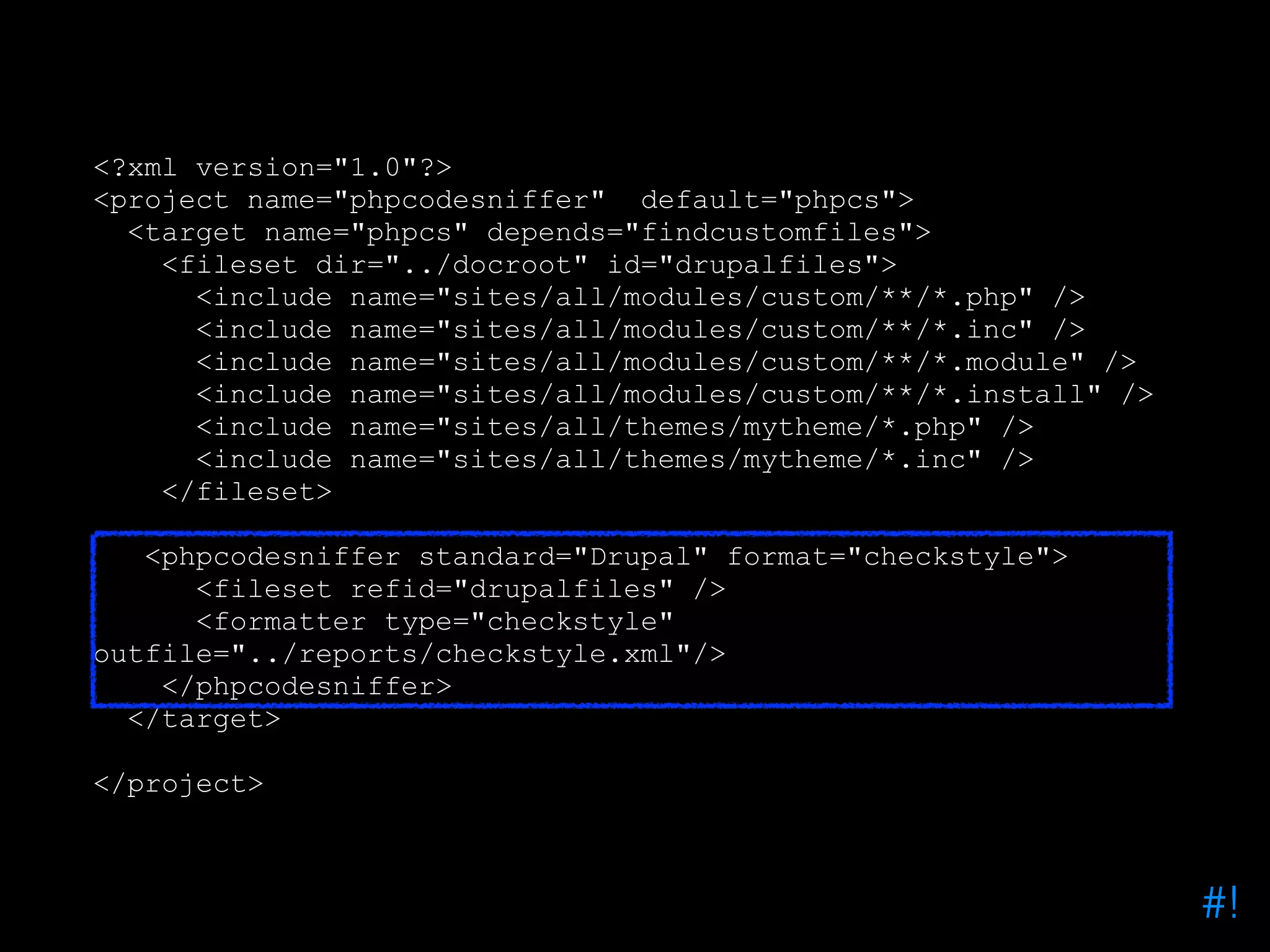
phpcs Phing Module • Tell Phing what files we want to scan • Use the phpcs Phing module to scan the files and what standard to use • Output the report in a checkstyle.xml file #!
<?xml version="1.0"?> <project name="phpcodesniffer" default="phpcs"> <target name="phpcs" depends="findcustomfiles"> <fileset dir="../docroot" id="drupalfiles"> <include name="sites/all/modules/custom/**/*.php" /> <include name="sites/all/modules/custom/**/*.inc" /> <include name="sites/all/modules/custom/**/*.module" /> <include name="sites/all/modules/custom/**/*.install" /> <include name="sites/all/themes/mytheme/*.php" /> <include name="sites/all/themes/mytheme/*.inc" /> </fileset> <phpcodesniffer standard="Drupal" format="checkstyle"> <fileset refid="drupalfiles" /> <formatter type="checkstyle" outfile="../reports/checkstyle.xml"/> </phpcodesniffer> </target> </project> #!
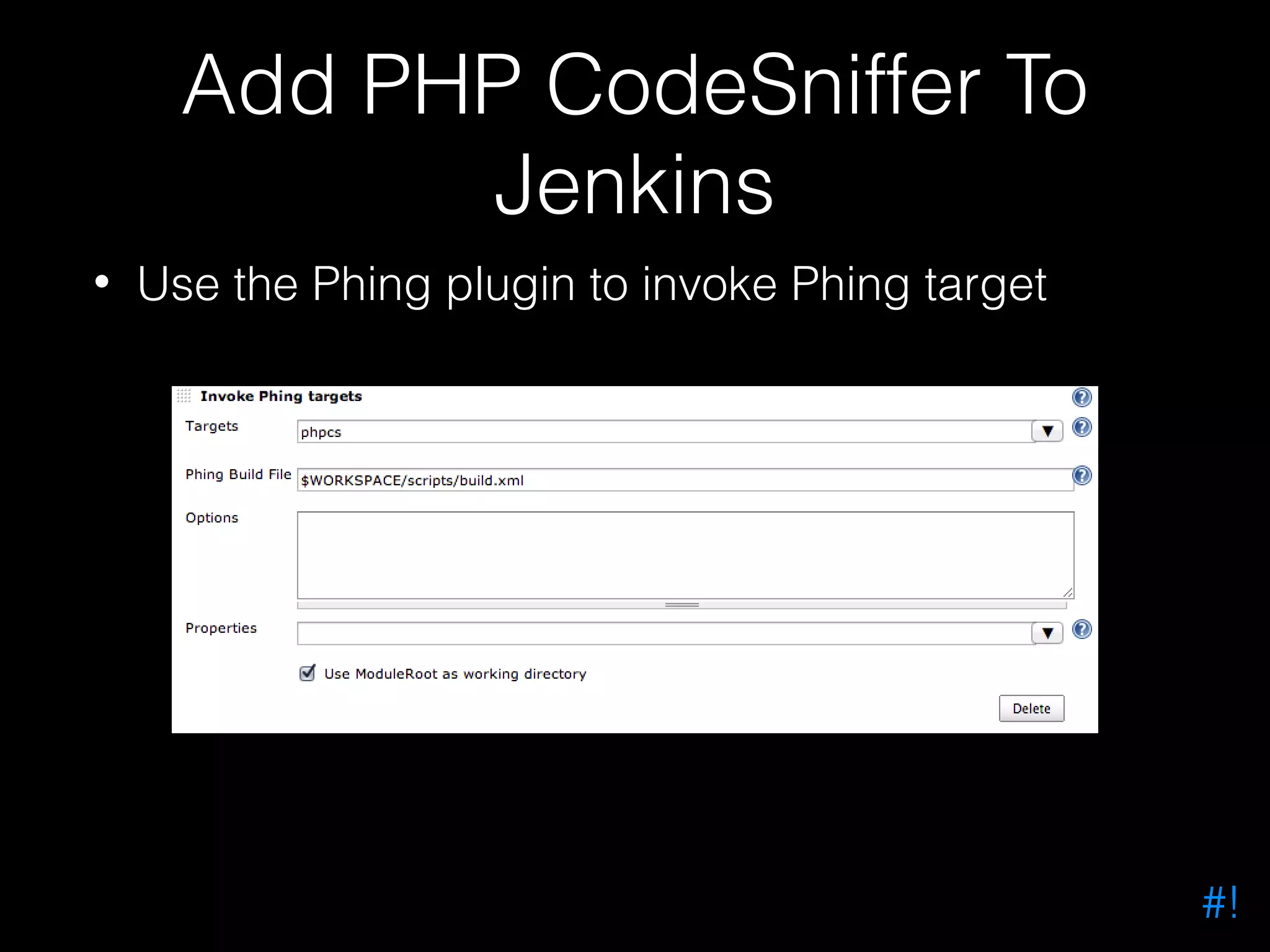
Add PHP CodeSniffer To Jenkins • Use the Phing plugin to invoke Phing target #!
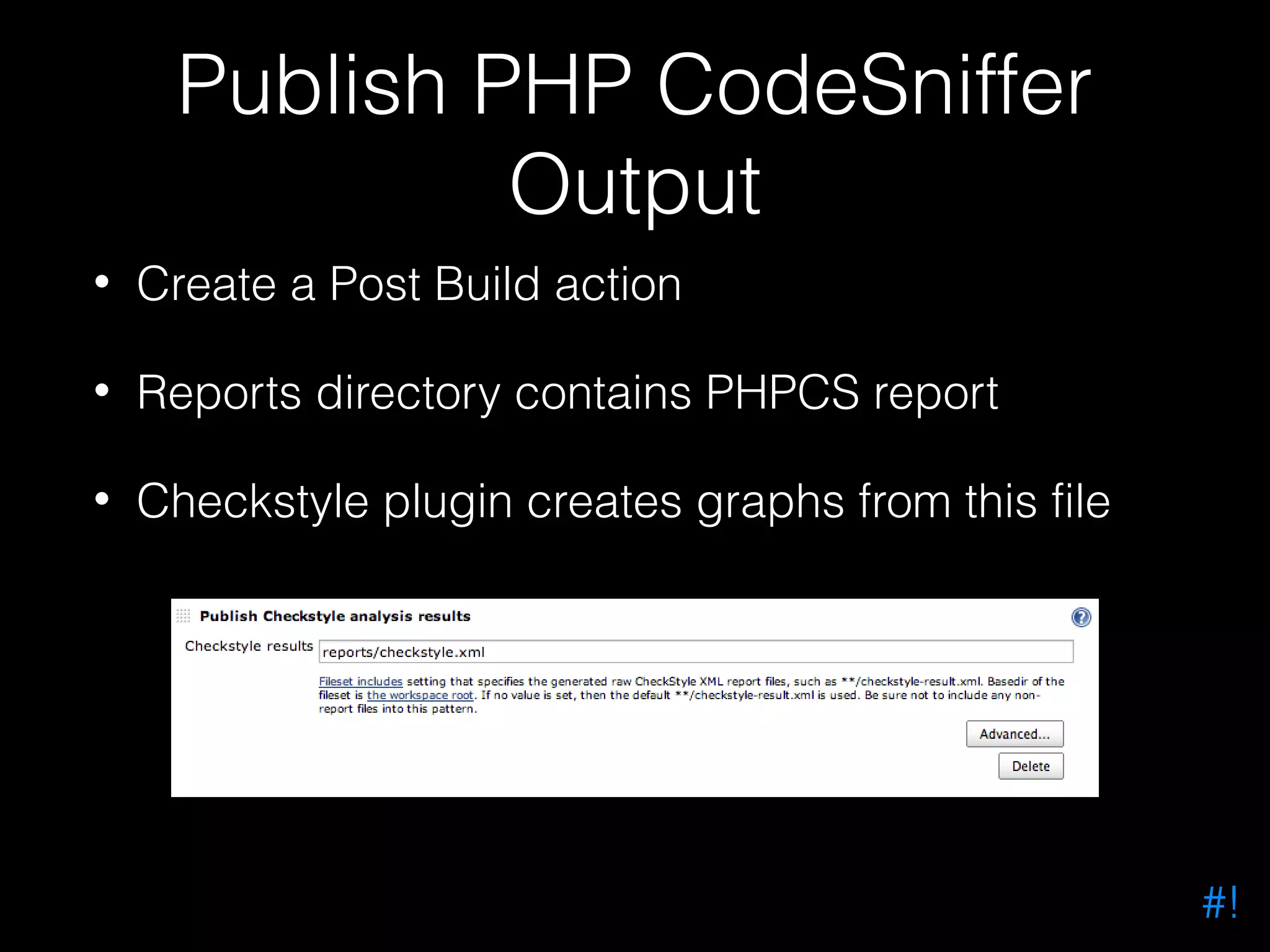
Publish PHP CodeSniffer Output • Create a Post Build action • Reports directory contains PHPCS report • Checkstyle plugin creates graphs from this file #!
#!
#!
#!
Try It Yourself • PHP Mess Detect Phing output into PMD Analysis Results graphs in Jenkins • PHP Copy Paste Detect Phing output into Duplicate Code Analysis results graphs in Jenkins #!
Do More! • Use Phing to run an action • Use Jenkins to automate it — or — • Use Phing to generate reports • Use Jenkins plugins to convert reports into graphs #!
joind.in/10137 #!
Me • Phil Norton (@philipnorton42) • #! code (www.hashbangcode.com) • Technical Lead at Access • Help run NWDUG • DrupalCampNW2013 co-organizer • Help out at PHPNW #!

Getting Started With Jenkins And Drupal