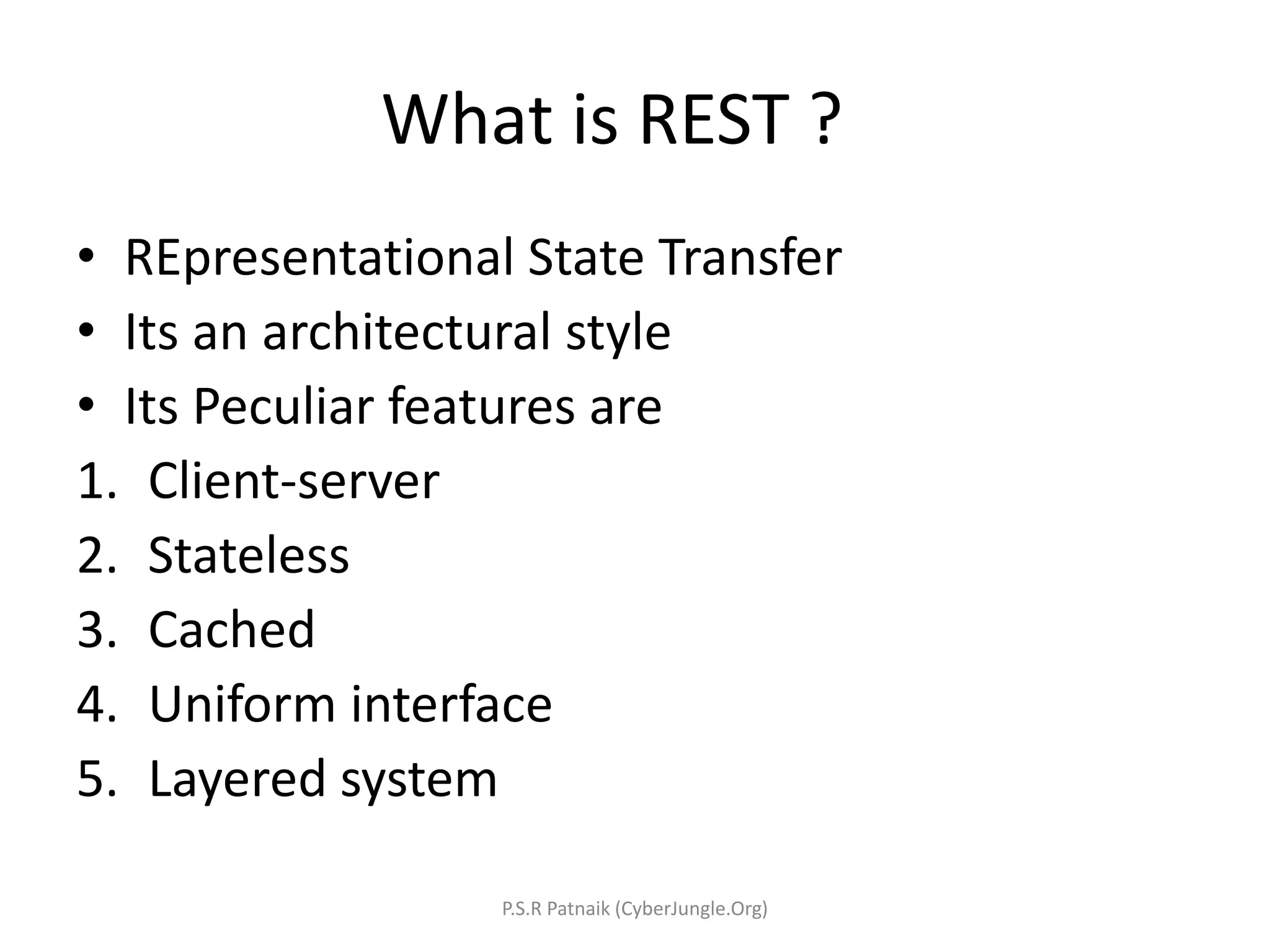
What is REST ? • REpresentational State Transfer • Its an architectural style • Its Peculiar features are 1. Client-server 2. Stateless 3. Cached 4. Uniform interface 5. Layered system P.S.R Patnaik (CyberJungle.Org)
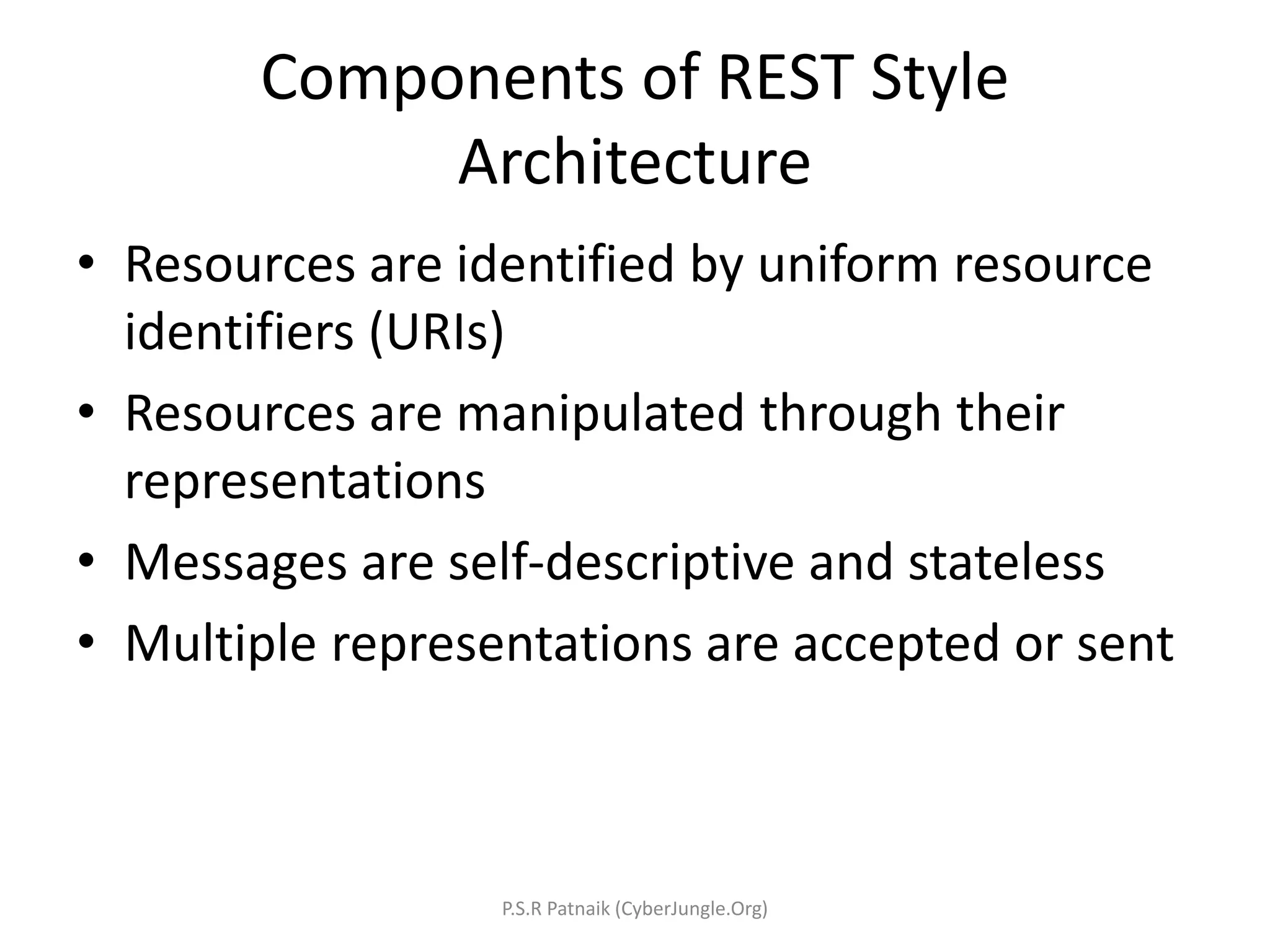
Components of REST Style Architecture • Resources are identified by uniform resource identifiers (URIs) • Resources are manipulated through their representations • Messages are self-descriptive and stateless • Multiple representations are accepted or sent P.S.R Patnaik (CyberJungle.Org)
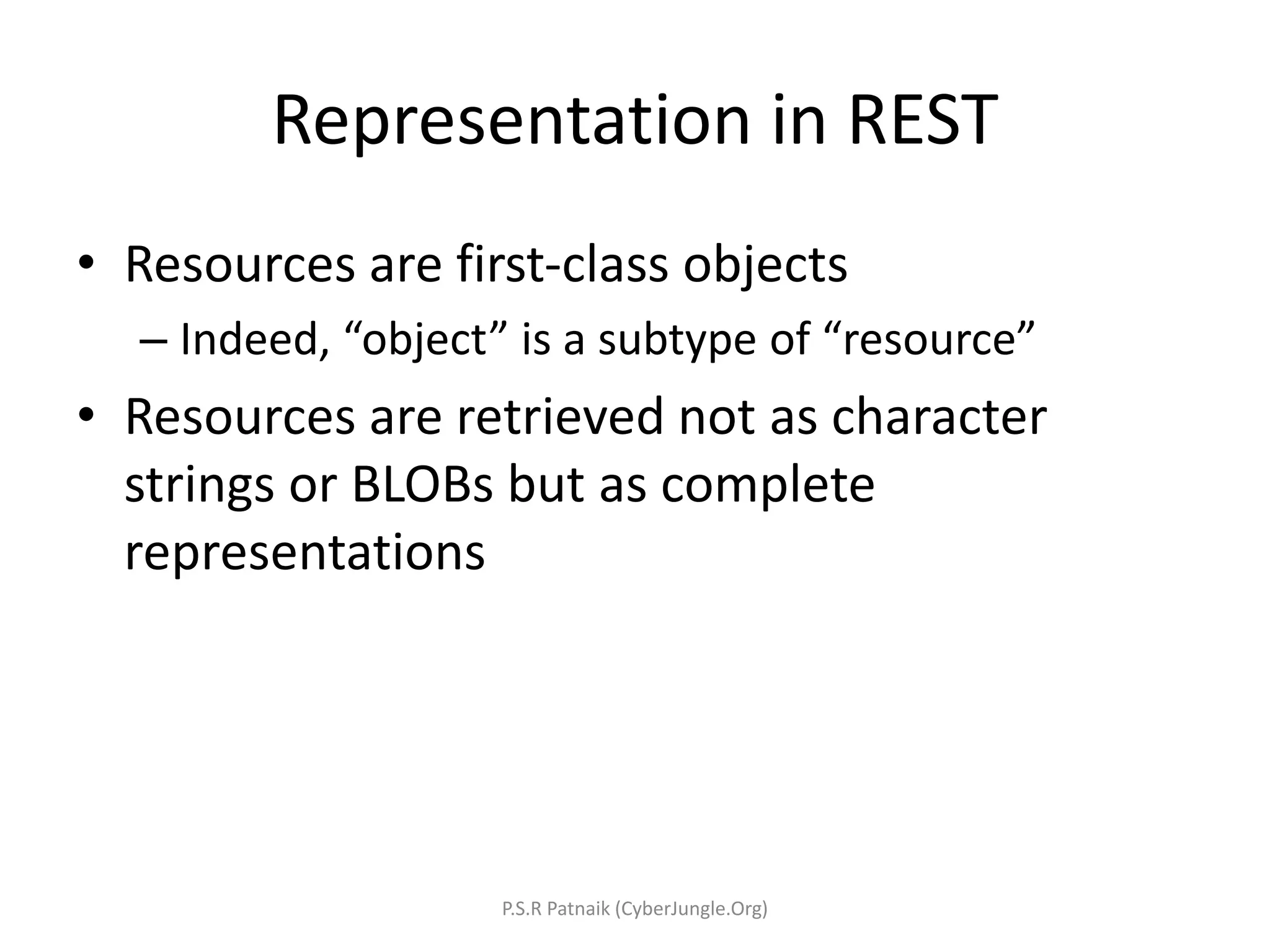
Representation in REST • Resources are first-class objects – Indeed, “object” is a subtype of “resource” • Resources are retrieved not as character strings or BLOBs but as complete representations P.S.R Patnaik (CyberJungle.Org)
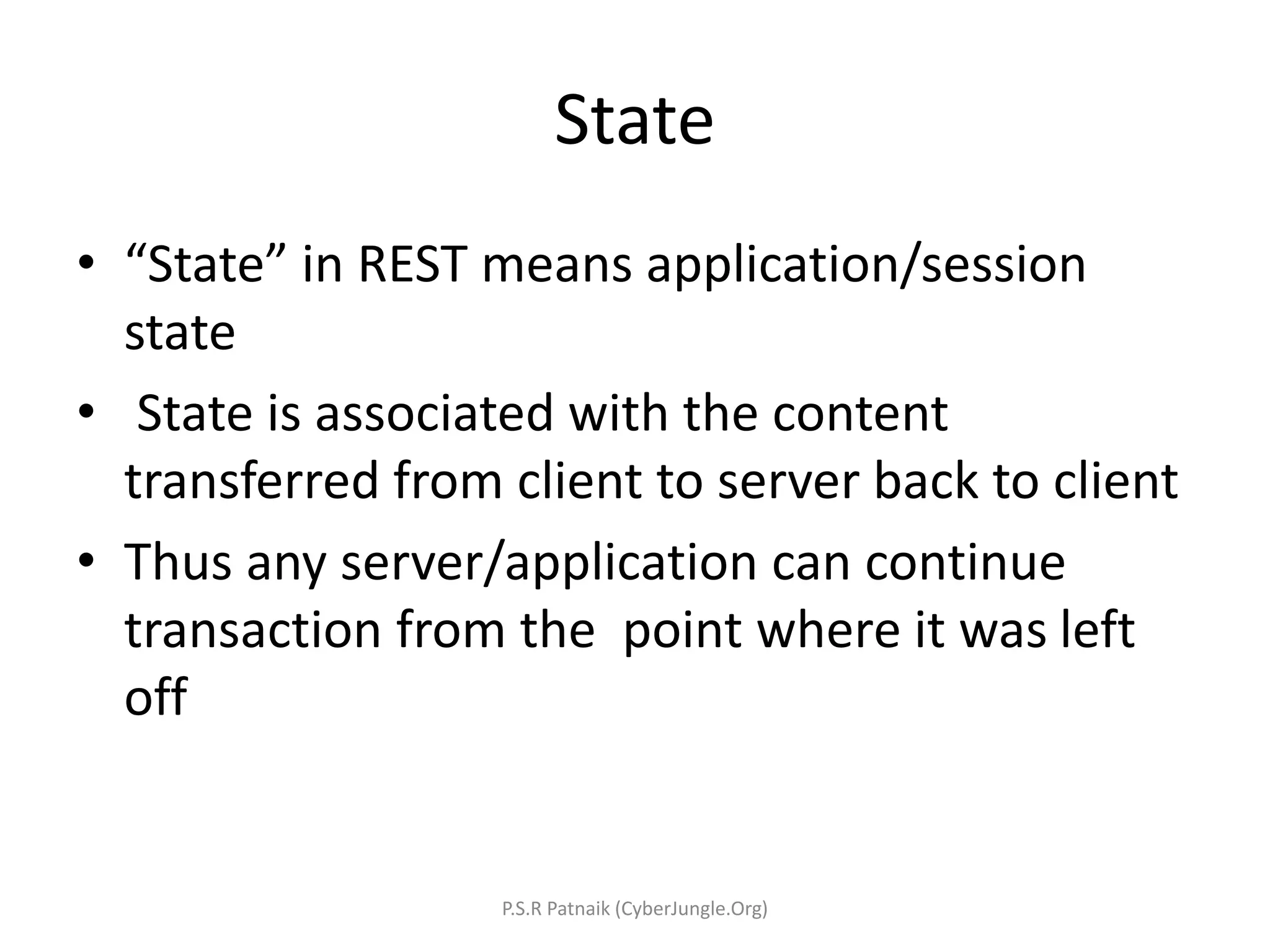
State • “State” in REST means application/session state • State is associated with the content transferred from client to server back to client • Thus any server/application can continue transaction from the point where it was left off P.S.R Patnaik (CyberJungle.Org)
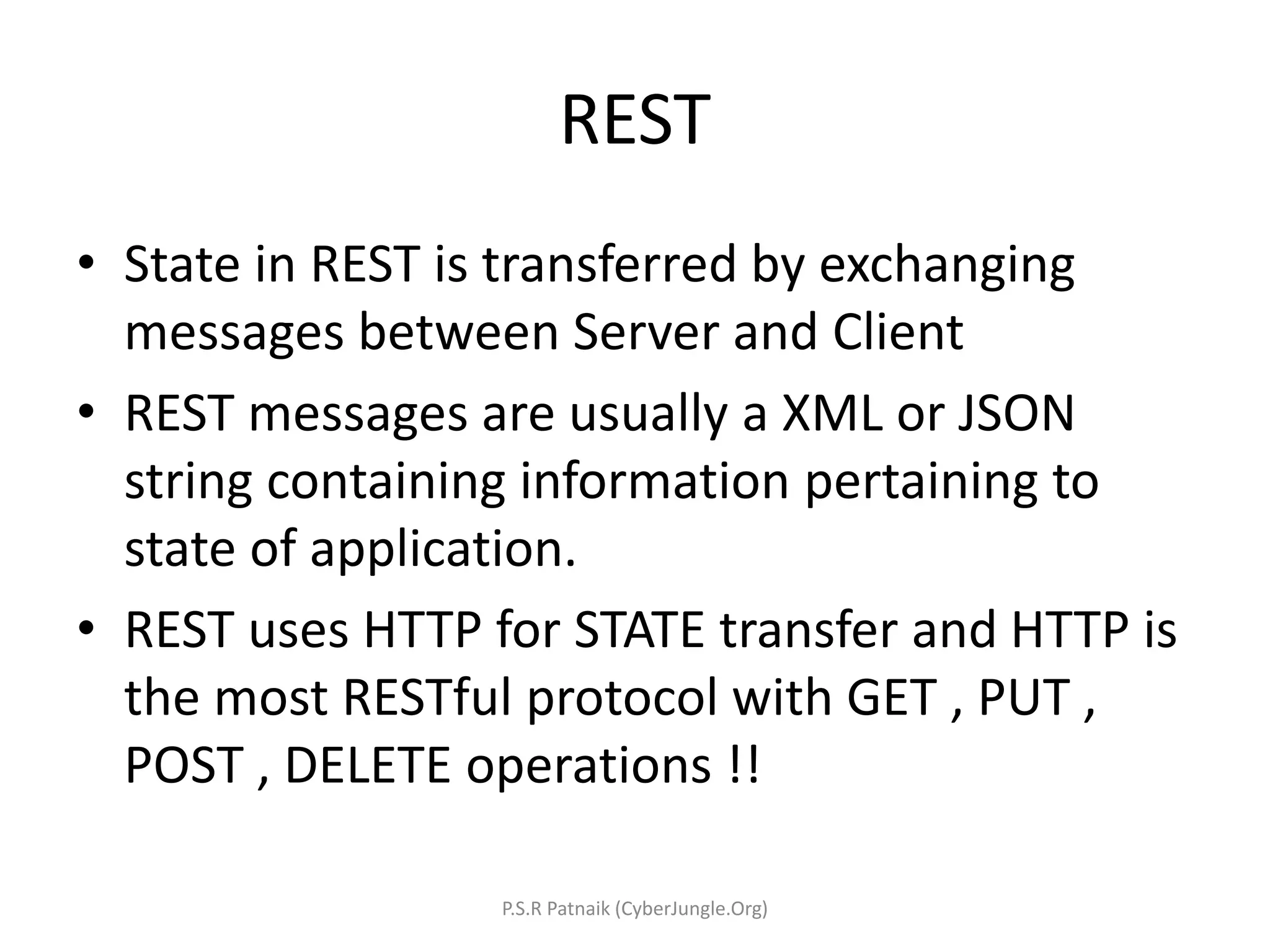
REST • State in REST is transferred by exchanging messages between Server and Client • REST messages are usually a XML or JSON string containing information pertaining to state of application. • REST uses HTTP for STATE transfer and HTTP is the most RESTful protocol with GET , PUT , POST , DELETE operations !! P.S.R Patnaik (CyberJungle.Org)
RESTful Web Services • Now we know what is REST and its components , so what is RESTful webservice ? P.S.R Patnaik (CyberJungle.Org)
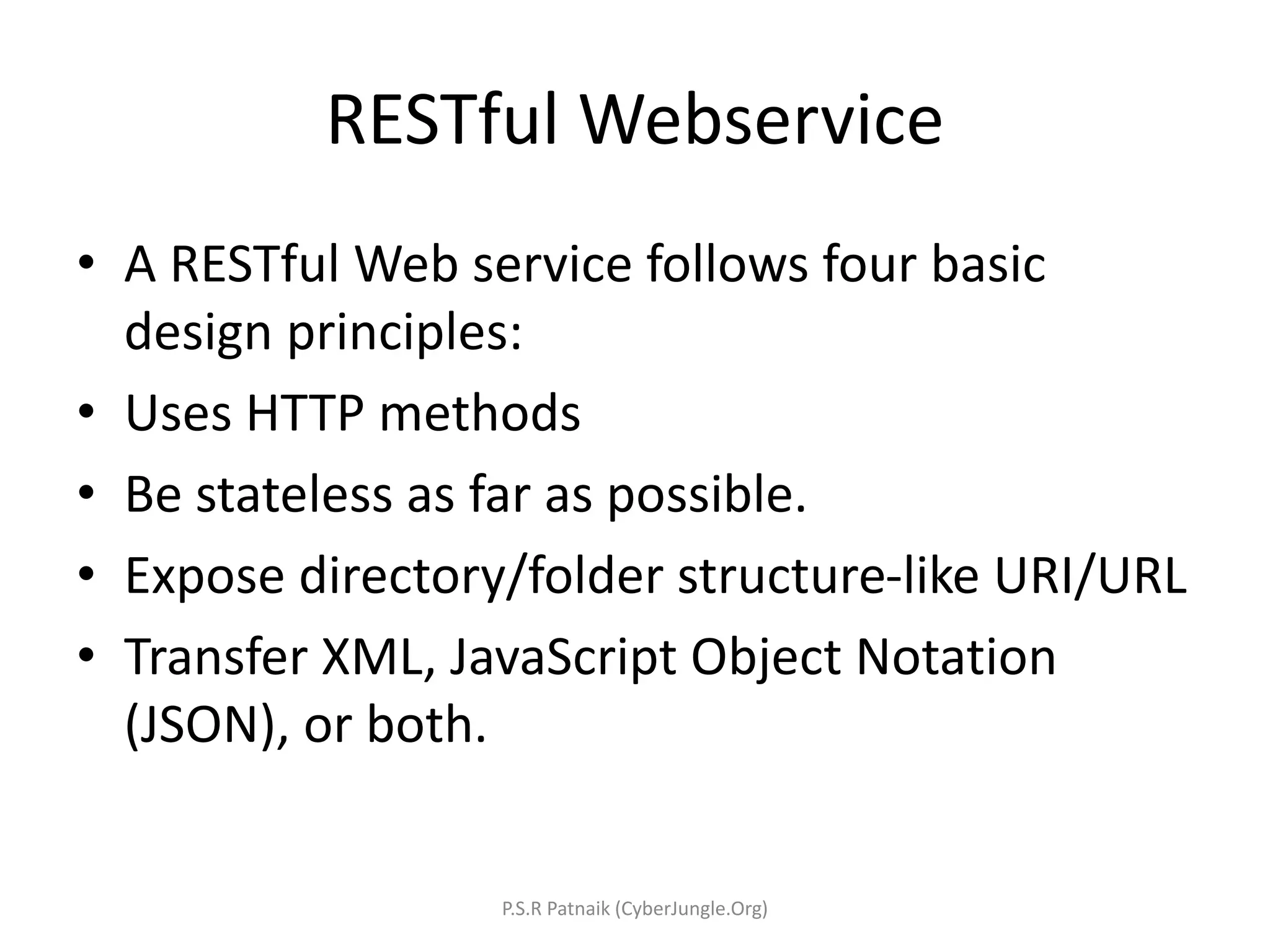
RESTful Webservice • A RESTful Web service follows four basic design principles: • Uses HTTP methods • Be stateless as far as possible. • Expose directory/folder structure-like URI/URL • Transfer XML, JavaScript Object Notation (JSON), or both. P.S.R Patnaik (CyberJungle.Org)
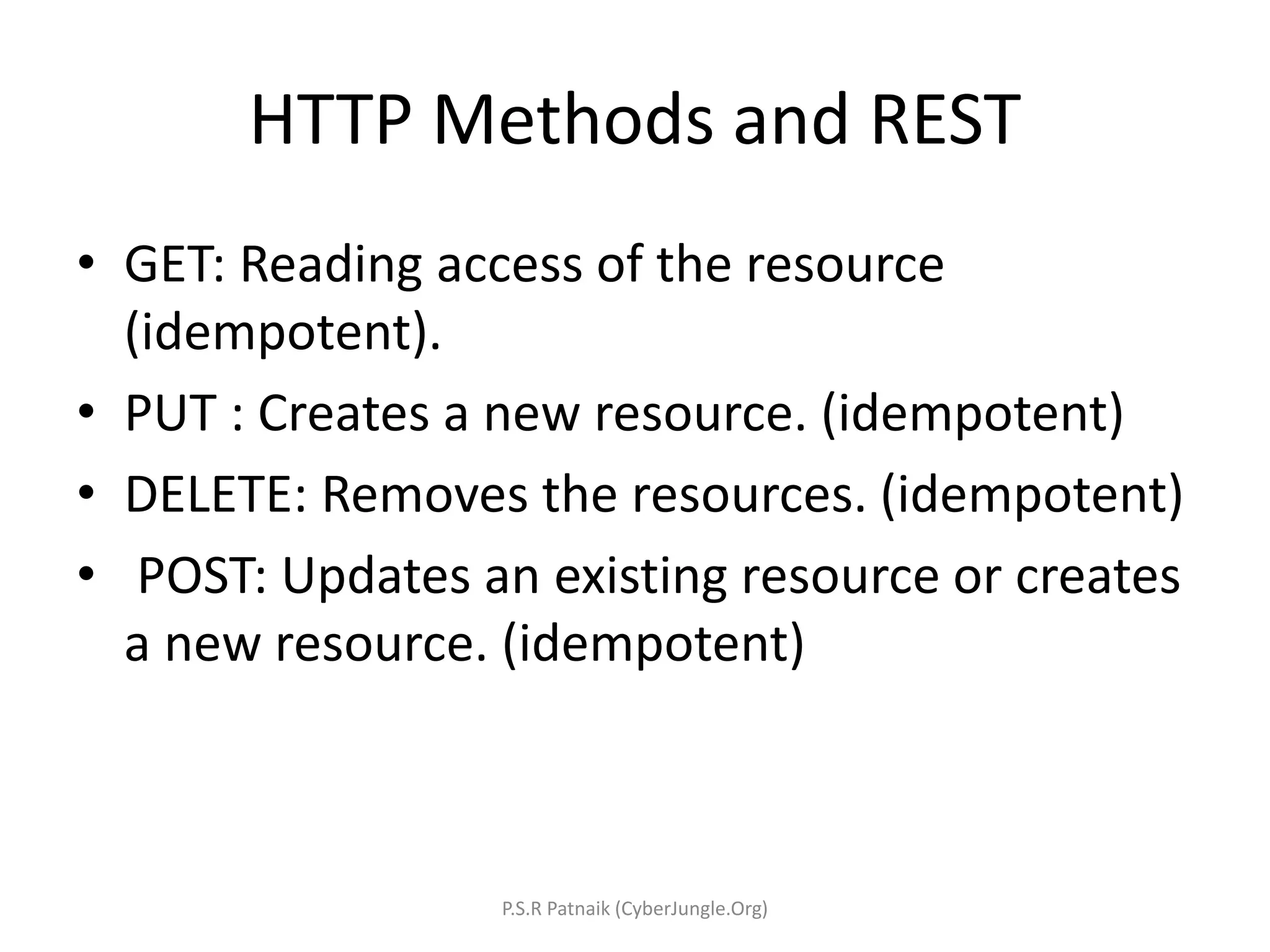
HTTP Methods and REST • GET: Reading access of the resource (idempotent). • PUT : Creates a new resource. (idempotent) • DELETE: Removes the resources. (idempotent) • POST: Updates an existing resource or creates a new resource. (idempotent) P.S.R Patnaik (CyberJungle.Org)
RESTful Webservice Using JAVA • JSR 311: JAX-RS: The JavaTM API for RESTful Web Services • JSR 311 : API for providing support for RESTful(Representational State Transfer) Web Services in the Java Platform. P.S.R Patnaik (CyberJungle.Org)
How to develop RESTful Webservice in Java • By using simple Java Servlet and conforming to REST standards and best practices • By using JSR 311 implementation like famous Jersey framework , Jackson (fasterxml), Resteasy, Apache CXF. P.S.R Patnaik (CyberJungle.Org)
RESTful Webservice Best Practices • Provide a distinct URI for each resource you wish to expose. • Use nouns in your URIs, they highlight the fact that resources are things and not actions. • Methods that map to GET should not change any data. • Methods that map to POST should change the data. • Make your service stateless. P.S.R Patnaik (CyberJungle.Org)
Designing RESTful Webservice • Define the resources the service will expose. A service exposes one or more resources that are organized as a tree. • Define what actions you want to be able to perform on each resource. • Map the actions to the appropriate HTTP verbs. • For example you want to create service to book ticket. For example, booking ticket /bookingticket/getavailability /bookingticket/bookticket /bookingticket/updateavailability P.S.R Patnaik (CyberJungle.Org)
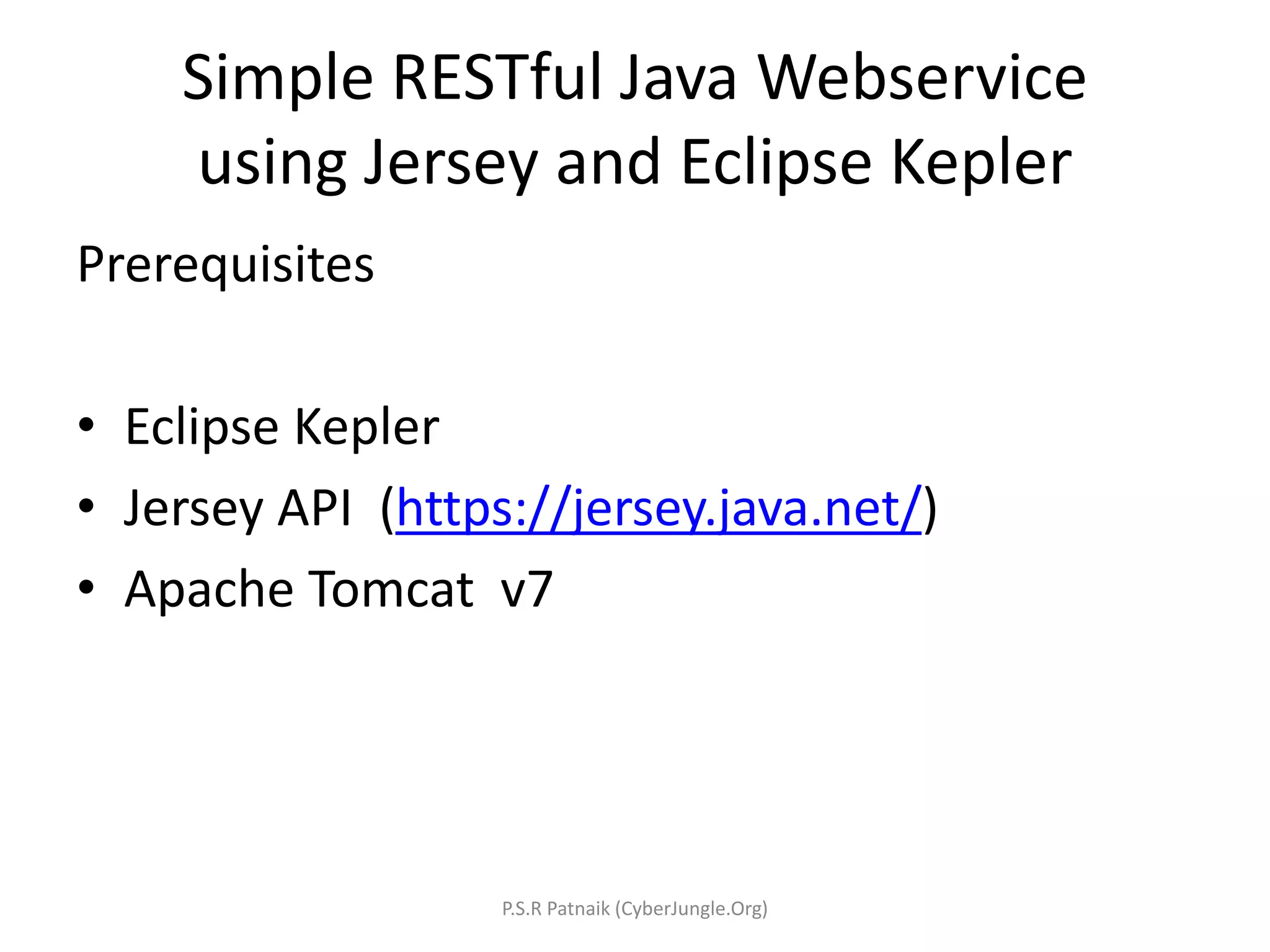
Simple RESTful Java Webservice using Jersey and Eclipse Kepler Prerequisites • Eclipse Kepler • Jersey API (https://jersey.java.net/) • Apache Tomcat v7 P.S.R Patnaik (CyberJungle.Org)
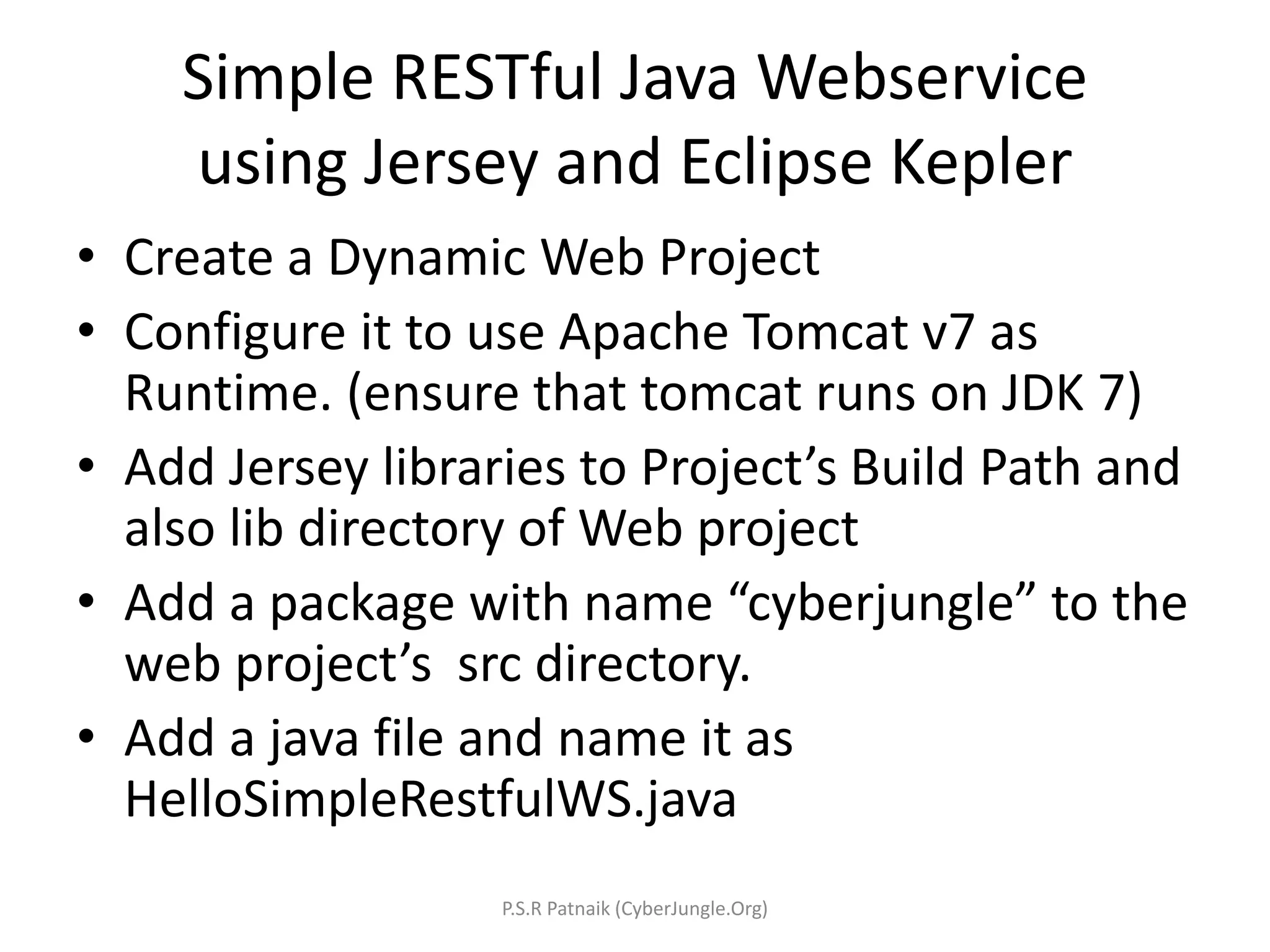
Simple RESTful Java Webservice using Jersey and Eclipse Kepler • Create a Dynamic Web Project • Configure it to use Apache Tomcat v7 as Runtime. (ensure that tomcat runs on JDK 7) • Add Jersey libraries to Project’s Build Path and also lib directory of Web project • Add a package with name “cyberjungle” to the web project’s src directory. • Add a java file and name it as HelloSimpleRestfulWS.java P.S.R Patnaik (CyberJungle.Org)
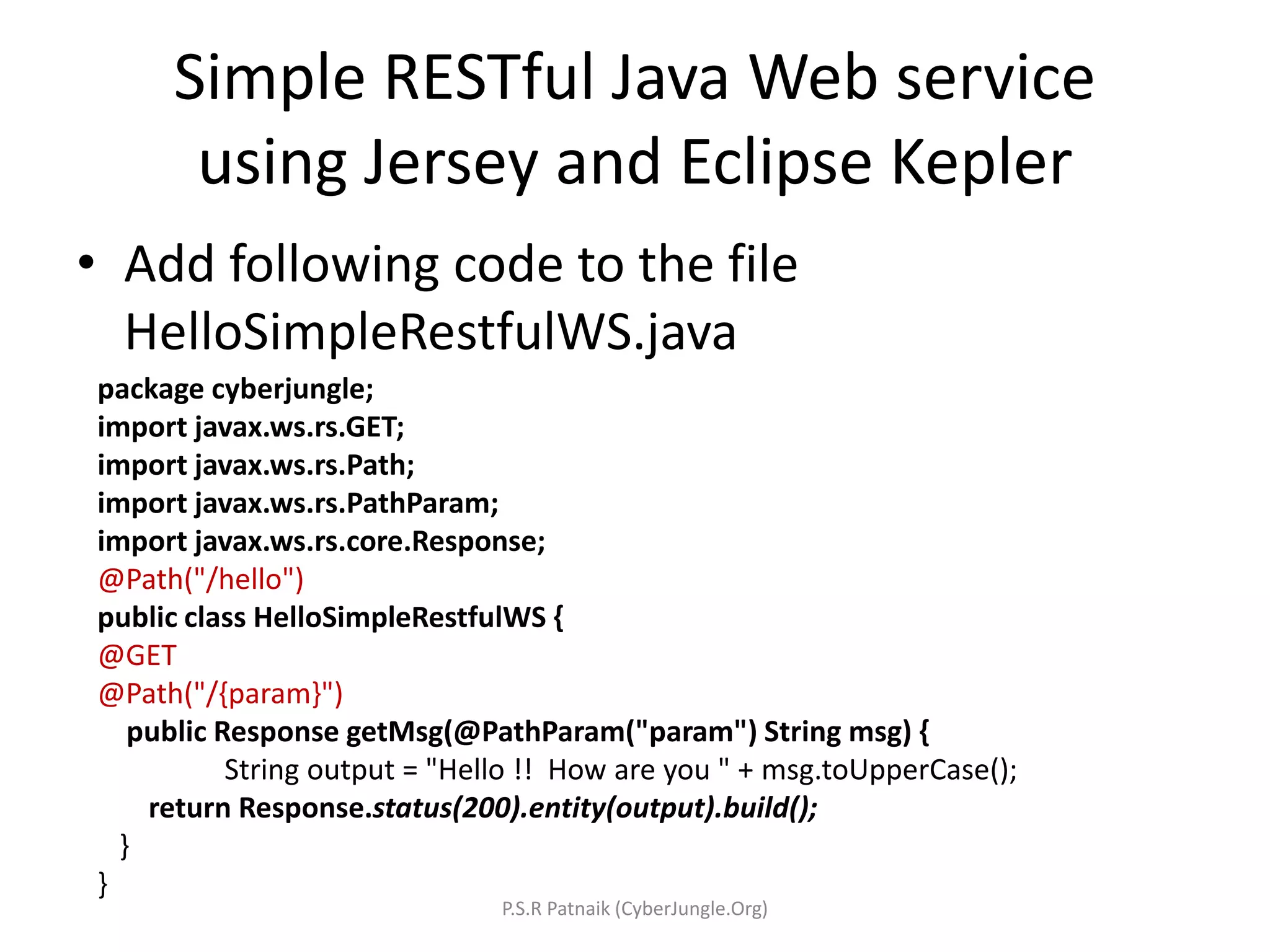
Simple RESTful Java Web service using Jersey and Eclipse Kepler • Add following code to the file HelloSimpleRestfulWS.java package cyberjungle; import javax.ws.rs.GET; import javax.ws.rs.Path; import javax.ws.rs.PathParam; import javax.ws.rs.core.Response; @Path("/hello") public class HelloSimpleRestfulWS { @GET @Path("/{param}") public Response getMsg(@PathParam("param") String msg) { String output = "Hello !! How are you " + msg.toUpperCase(); return Response.status(200).entity(output).build(); } } P.S.R Patnaik (CyberJungle.Org)
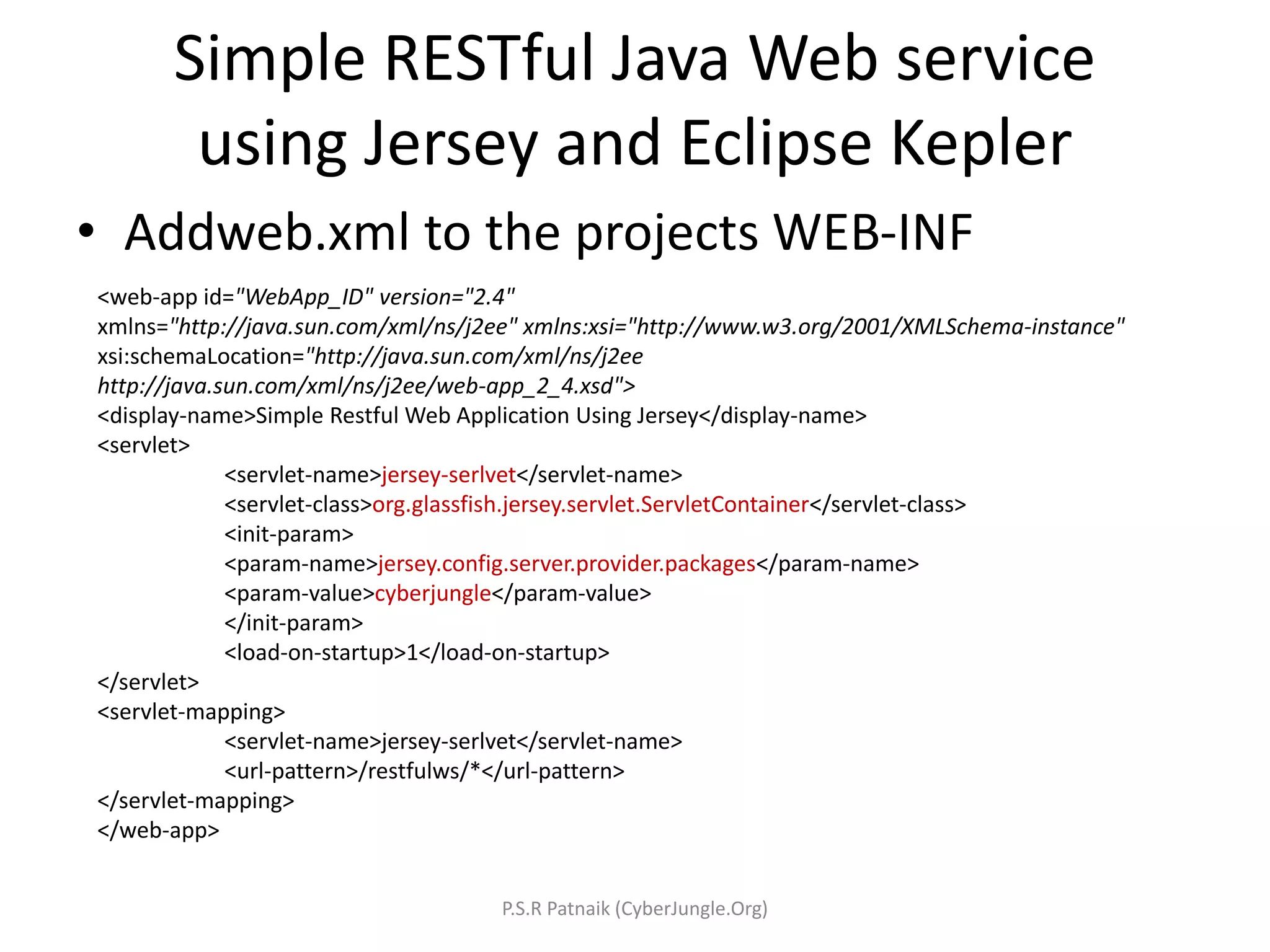
Simple RESTful Java Web service using Jersey and Eclipse Kepler • Addweb.xml to the projects WEB-INF <web-app id="WebApp_ID" version="2.4" xmlns="http://java.sun.com/xml/ns/j2ee" xmlns:xsi="http://www.w3.org/2001/XMLSchema-instance" xsi:schemaLocation="http://java.sun.com/xml/ns/j2ee http://java.sun.com/xml/ns/j2ee/web-app_2_4.xsd"> <display-name>Simple Restful Web Application Using Jersey</display-name> <servlet> <servlet-name>jersey-serlvet</servlet-name> <servlet-class>org.glassfish.jersey.servlet.ServletContainer</servlet-class> <init-param> <param-name>jersey.config.server.provider.packages</param-name> <param-value>cyberjungle</param-value> </init-param> <load-on-startup>1</load-on-startup> </servlet> <servlet-mapping> <servlet-name>jersey-serlvet</servlet-name> <url-pattern>/restfulws/*</url-pattern> </servlet-mapping> </web-app> P.S.R Patnaik (CyberJungle.Org)
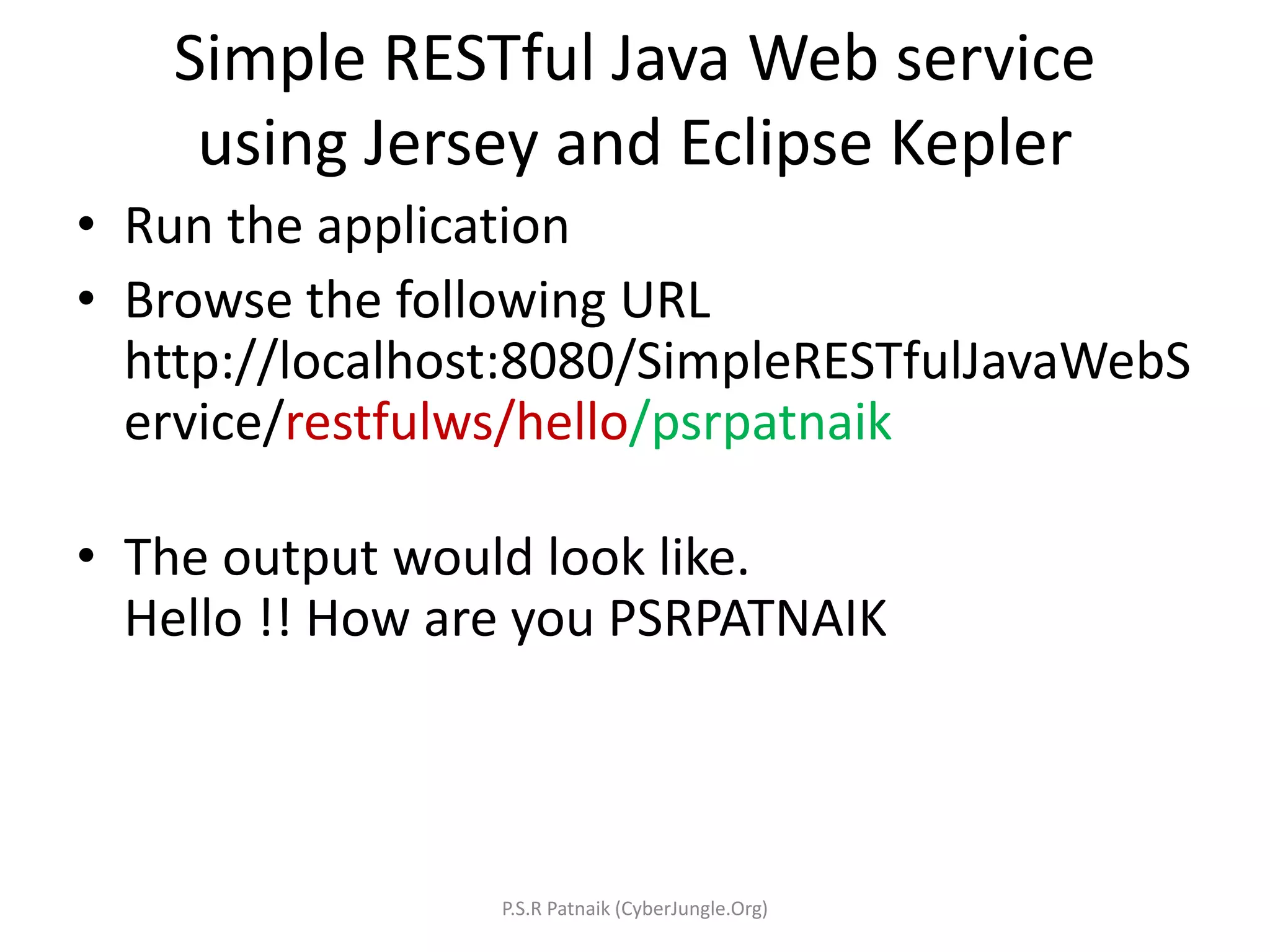
Simple RESTful Java Web service using Jersey and Eclipse Kepler • Run the application • Browse the following URL http://localhost:8080/SimpleRESTfulJavaWebS ervice/restfulws/hello/psrpatnaik • The output would look like. Hello !! How are you PSRPATNAIK P.S.R Patnaik (CyberJungle.Org)
Reference Resources • IBM Developers Work. • Oracle RESTfulWeb Services Developer's Guide • Jersey User Guide. P.S.R Patnaik (CyberJungle.Org)

Introduction to RESTful Webservices in JAVA

  • 1.
    What is REST? • REpresentational State Transfer • Its an architectural style • Its Peculiar features are 1. Client-server 2. Stateless 3. Cached 4. Uniform interface 5. Layered system P.S.R Patnaik (CyberJungle.Org)
  • 2.
    Components of RESTStyle Architecture • Resources are identified by uniform resource identifiers (URIs) • Resources are manipulated through their representations • Messages are self-descriptive and stateless • Multiple representations are accepted or sent P.S.R Patnaik (CyberJungle.Org)
  • 3.
    Representation in REST •Resources are first-class objects – Indeed, “object” is a subtype of “resource” • Resources are retrieved not as character strings or BLOBs but as complete representations P.S.R Patnaik (CyberJungle.Org)
  • 4.
    State • “State” inREST means application/session state • State is associated with the content transferred from client to server back to client • Thus any server/application can continue transaction from the point where it was left off P.S.R Patnaik (CyberJungle.Org)
  • 5.
    REST • State inREST is transferred by exchanging messages between Server and Client • REST messages are usually a XML or JSON string containing information pertaining to state of application. • REST uses HTTP for STATE transfer and HTTP is the most RESTful protocol with GET , PUT , POST , DELETE operations !! P.S.R Patnaik (CyberJungle.Org)
  • 6.
    RESTful Web Services •Now we know what is REST and its components , so what is RESTful webservice ? P.S.R Patnaik (CyberJungle.Org)
  • 7.
    RESTful Webservice • ARESTful Web service follows four basic design principles: • Uses HTTP methods • Be stateless as far as possible. • Expose directory/folder structure-like URI/URL • Transfer XML, JavaScript Object Notation (JSON), or both. P.S.R Patnaik (CyberJungle.Org)
  • 8.
    HTTP Methods andREST • GET: Reading access of the resource (idempotent). • PUT : Creates a new resource. (idempotent) • DELETE: Removes the resources. (idempotent) • POST: Updates an existing resource or creates a new resource. (idempotent) P.S.R Patnaik (CyberJungle.Org)
  • 9.
    RESTful Webservice UsingJAVA • JSR 311: JAX-RS: The JavaTM API for RESTful Web Services • JSR 311 : API for providing support for RESTful(Representational State Transfer) Web Services in the Java Platform. P.S.R Patnaik (CyberJungle.Org)
  • 10.
    How to developRESTful Webservice in Java • By using simple Java Servlet and conforming to REST standards and best practices • By using JSR 311 implementation like famous Jersey framework , Jackson (fasterxml), Resteasy, Apache CXF. P.S.R Patnaik (CyberJungle.Org)
  • 11.
    RESTful Webservice BestPractices • Provide a distinct URI for each resource you wish to expose. • Use nouns in your URIs, they highlight the fact that resources are things and not actions. • Methods that map to GET should not change any data. • Methods that map to POST should change the data. • Make your service stateless. P.S.R Patnaik (CyberJungle.Org)
  • 12.
    Designing RESTful Webservice •Define the resources the service will expose. A service exposes one or more resources that are organized as a tree. • Define what actions you want to be able to perform on each resource. • Map the actions to the appropriate HTTP verbs. • For example you want to create service to book ticket. For example, booking ticket /bookingticket/getavailability /bookingticket/bookticket /bookingticket/updateavailability P.S.R Patnaik (CyberJungle.Org)
  • 13.
    Simple RESTful JavaWebservice using Jersey and Eclipse Kepler Prerequisites • Eclipse Kepler • Jersey API (https://jersey.java.net/) • Apache Tomcat v7 P.S.R Patnaik (CyberJungle.Org)
  • 14.
    Simple RESTful JavaWebservice using Jersey and Eclipse Kepler • Create a Dynamic Web Project • Configure it to use Apache Tomcat v7 as Runtime. (ensure that tomcat runs on JDK 7) • Add Jersey libraries to Project’s Build Path and also lib directory of Web project • Add a package with name “cyberjungle” to the web project’s src directory. • Add a java file and name it as HelloSimpleRestfulWS.java P.S.R Patnaik (CyberJungle.Org)
  • 15.
    Simple RESTful JavaWeb service using Jersey and Eclipse Kepler • Add following code to the file HelloSimpleRestfulWS.java package cyberjungle; import javax.ws.rs.GET; import javax.ws.rs.Path; import javax.ws.rs.PathParam; import javax.ws.rs.core.Response; @Path("/hello") public class HelloSimpleRestfulWS { @GET @Path("/{param}") public Response getMsg(@PathParam("param") String msg) { String output = "Hello !! How are you " + msg.toUpperCase(); return Response.status(200).entity(output).build(); } } P.S.R Patnaik (CyberJungle.Org)
  • 16.
    Simple RESTful JavaWeb service using Jersey and Eclipse Kepler • Addweb.xml to the projects WEB-INF <web-app id="WebApp_ID" version="2.4" xmlns="http://java.sun.com/xml/ns/j2ee" xmlns:xsi="http://www.w3.org/2001/XMLSchema-instance" xsi:schemaLocation="http://java.sun.com/xml/ns/j2ee http://java.sun.com/xml/ns/j2ee/web-app_2_4.xsd"> <display-name>Simple Restful Web Application Using Jersey</display-name> <servlet> <servlet-name>jersey-serlvet</servlet-name> <servlet-class>org.glassfish.jersey.servlet.ServletContainer</servlet-class> <init-param> <param-name>jersey.config.server.provider.packages</param-name> <param-value>cyberjungle</param-value> </init-param> <load-on-startup>1</load-on-startup> </servlet> <servlet-mapping> <servlet-name>jersey-serlvet</servlet-name> <url-pattern>/restfulws/*</url-pattern> </servlet-mapping> </web-app> P.S.R Patnaik (CyberJungle.Org)
  • 17.
    Simple RESTful JavaWeb service using Jersey and Eclipse Kepler • Run the application • Browse the following URL http://localhost:8080/SimpleRESTfulJavaWebS ervice/restfulws/hello/psrpatnaik • The output would look like. Hello !! How are you PSRPATNAIK P.S.R Patnaik (CyberJungle.Org)
  • 18.
    Reference Resources • IBMDevelopers Work. • Oracle RESTfulWeb Services Developer's Guide • Jersey User Guide. P.S.R Patnaik (CyberJungle.Org)