RESTful Web Services An Overview RAVI BUDDHARAJU
Agenda  REST Concepts  JAX-RS – Annotations  Sample code  Configure REST in Tomcat  Unit testing the REST services
Types of Web Services  SOAP based Web Service:  Uses XML messages that follow the Simple Object Access Protocol (SOAP) standard, which defines message architecture and message formats.  Operations offered by the service are written in the Web Services Description Language (WSDL)  RESTful Web Services  RESTful web services are often better integrated with HTTP.  Do not require WSDL services and XML messages.
What are RESTful web services?  RESTful web services are build to work best on the Web.  REpresentational State Transfer(REST) is an architectural style, where data and functionality are accessed as URIs.  Stateless, client-server, cacheable communications protocol, like HTTP  Simple, Lightweight, and fast
When to use SOAP then  Asynchronous processing and invocation: if your application needs a guaranteed level of reliability and security  Formal contracts: if both sides (provider and consumer) have to agree on the exchange format  Stateful operations: if the application needs contextual information and conversational state management; and to support those things (Security, Transactions, Coordination, etc).
JAX-RS  JAX-RS is a API designed to develop apps using REST architecture.  JAX-RS API uses annotations to simplify development. [defined in JSR311]  Jersey is a reference implementation of JAX-RS
Resources & Representations  Data and functionality are considered as Resources and accessed using URIs.  Resources are manipulated using CRUD[PUT, GET, POST, DELETE] operations  Resources are decoupled from their representations , so that their content can be accessed in a variety of formats, HTML, XML, plain text, JSON…
Stateful interactions through hyperlinks  Every interaction with the resource is stateless.  Stateful interactions are based on the concept of explicit state transfer  State can be embedded in response messages to point to valid future states of the interaction.
Annotations Overview  @Path – A relative URI path indicating where the Java class will be hosted  @[GET /PUT/POST/DELETE ] – will process corresponding HTTP requests  @[PathParam/QueryParam] – to extract parameters  @[Consumes/Produces] – specify MIME types
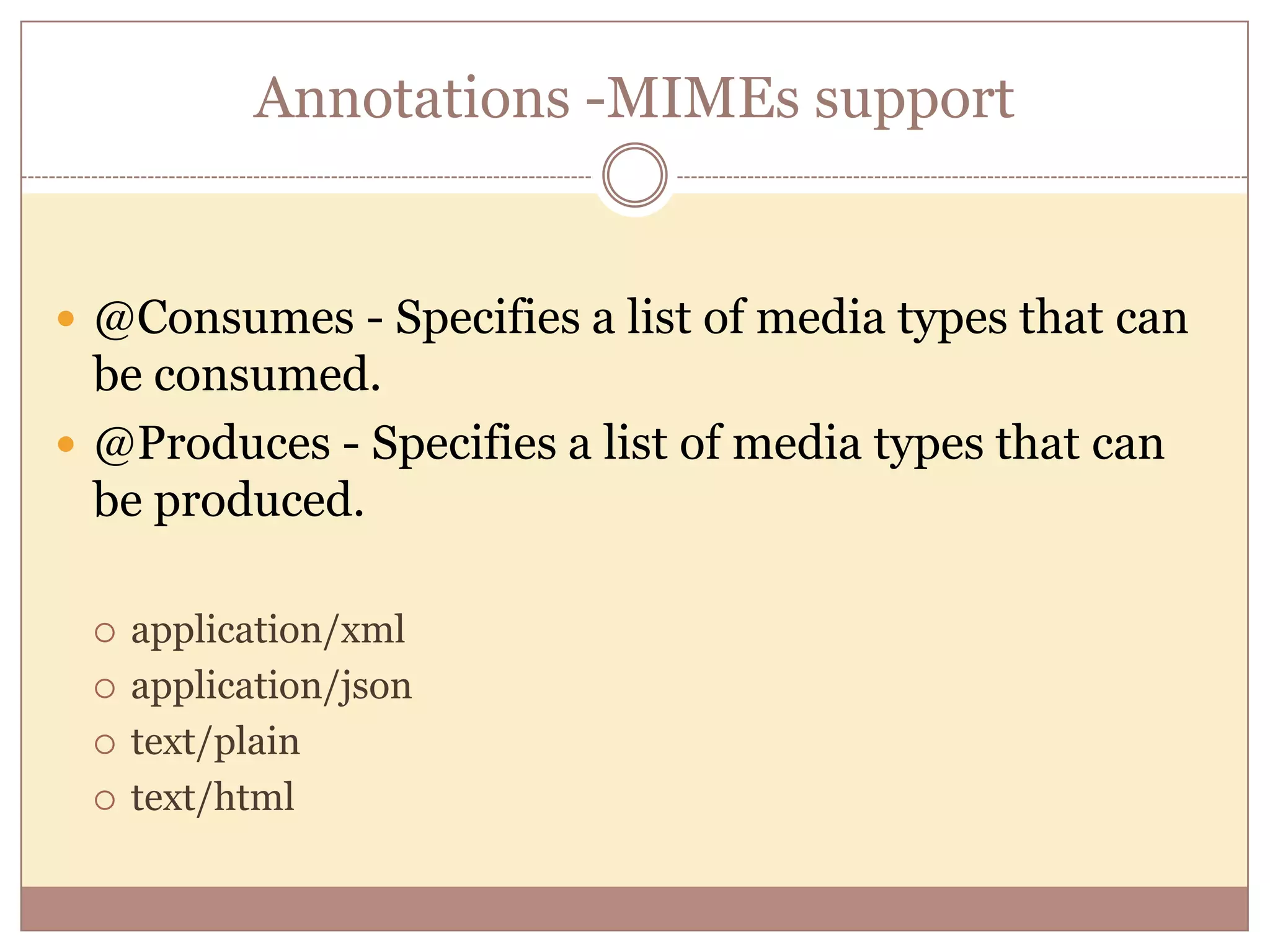
Annotations -MIMEs support  @Consumes - Specifies a list of media types that can be consumed.  @Produces - Specifies a list of media types that can be produced.  application/xml  application/json  text/plain  text/html
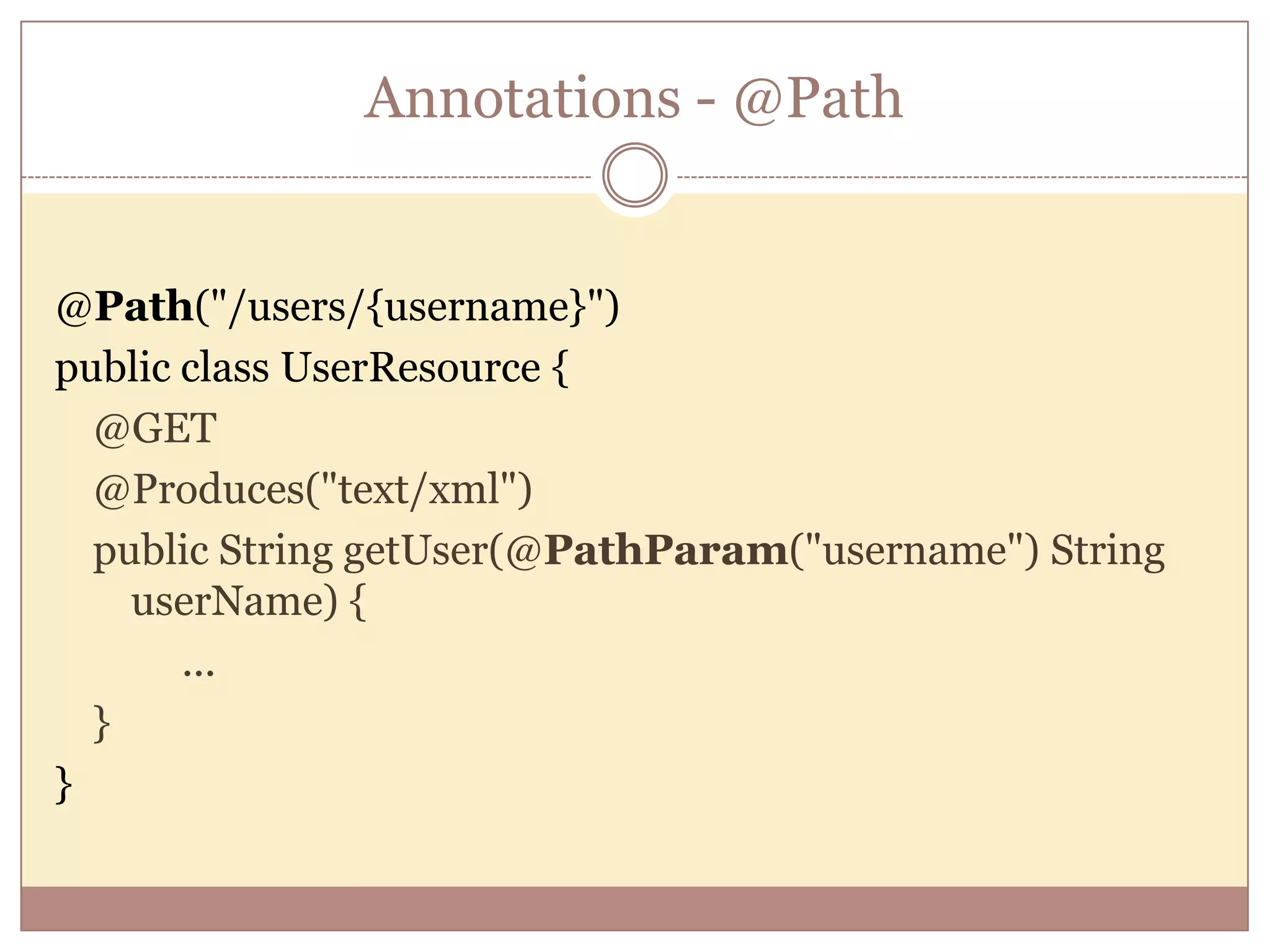
Annotations - @Path @Path("/users/{username}") public class UserResource { @GET @Produces("text/xml") public String getUser(@PathParam("username") String userName) { ... } }
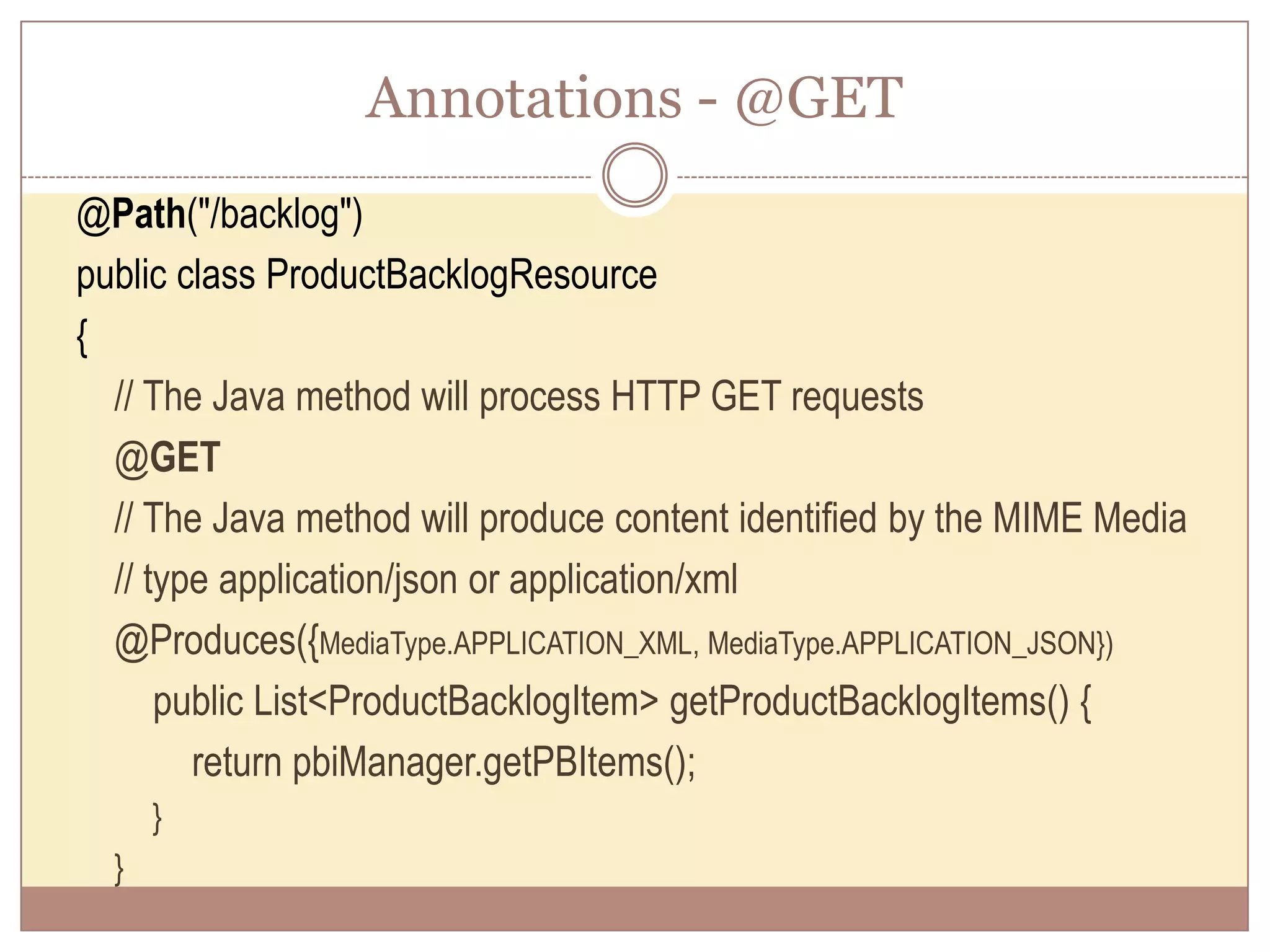
Annotations - @GET @Path("/backlog") public class ProductBacklogResource { // The Java method will process HTTP GET requests @GET // The Java method will produce content identified by the MIME Media // type application/json or application/xml @Produces({MediaType.APPLICATION_XML, MediaType.APPLICATION_JSON}) public List<ProductBacklogItem> getProductBacklogItems() { return pbiManager.getPBItems(); } }
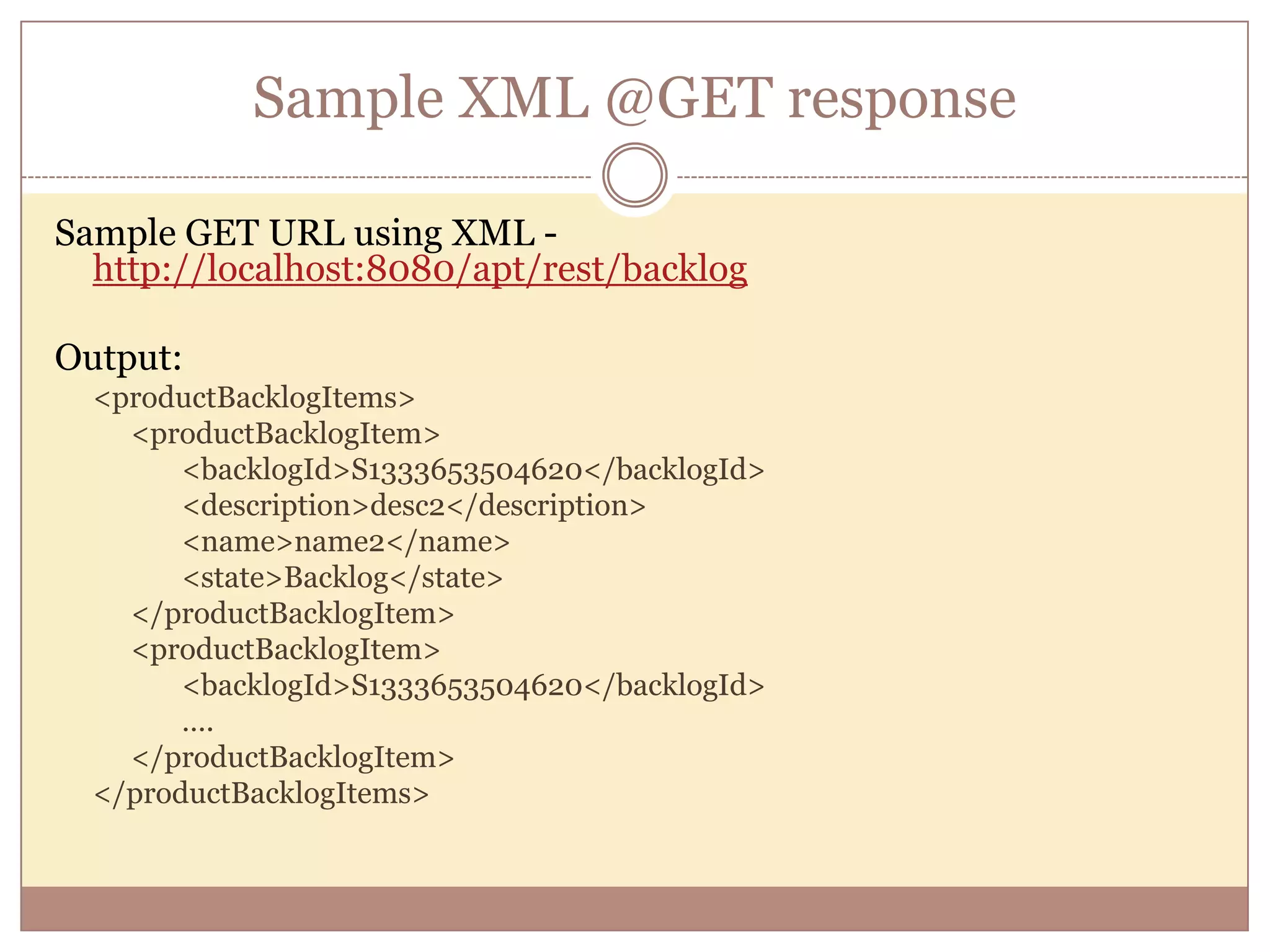
Sample XML @GET response Sample GET URL using XML - http://localhost:8080/apt/rest/backlog Output: <productBacklogItems> <productBacklogItem> <backlogId>S1333653504620</backlogId> <description>desc2</description> <name>name2</name> <state>Backlog</state> </productBacklogItem> <productBacklogItem> <backlogId>S1333653504620</backlogId> …. </productBacklogItem> </productBacklogItems>
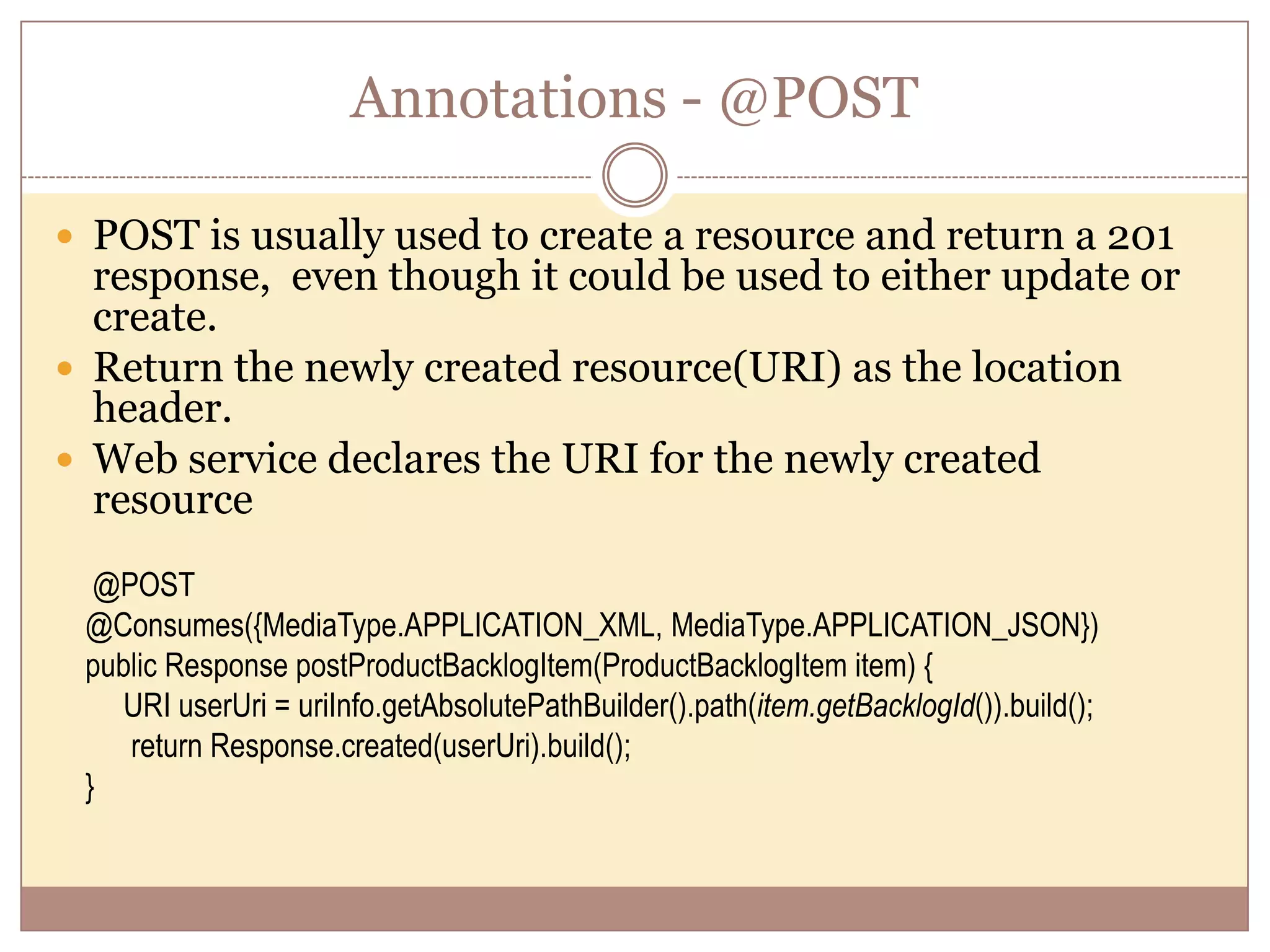
Annotations - @POST  POST is usually used to create a resource and return a 201 response, even though it could be used to either update or create.  Return the newly created resource(URI) as the location header.  Web service declares the URI for the newly created resource @POST @Consumes({MediaType.APPLICATION_XML, MediaType.APPLICATION_JSON}) public Response postProductBacklogItem(ProductBacklogItem item) { URI userUri = uriInfo.getAbsolutePathBuilder().path(item.getBacklogId()).build(); return Response.created(userUri).build(); }
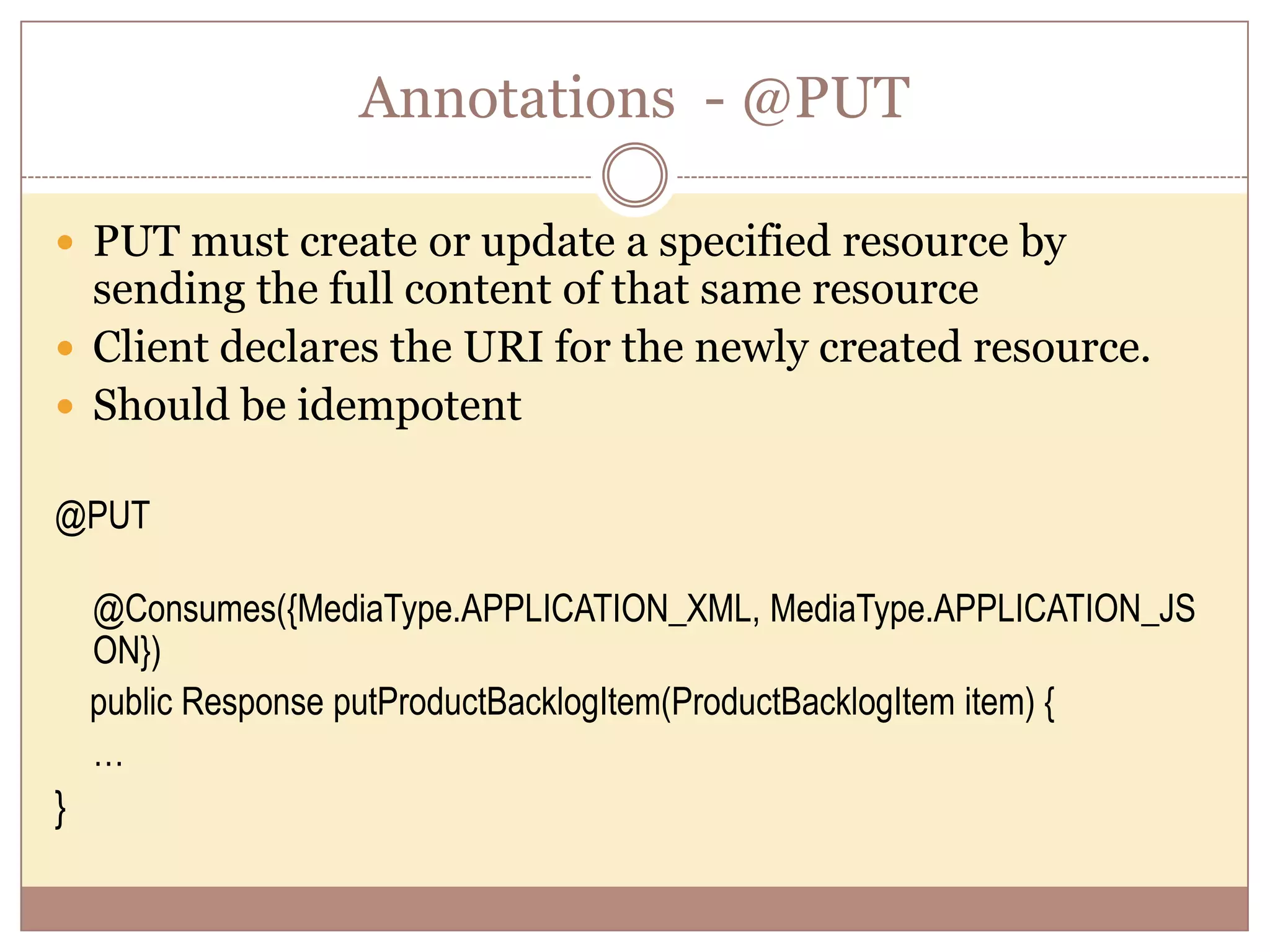
Annotations - @PUT  PUT must create or update a specified resource by sending the full content of that same resource  Client declares the URI for the newly created resource.  Should be idempotent @PUT @Consumes({MediaType.APPLICATION_XML, MediaType.APPLICATION_JS ON}) public Response putProductBacklogItem(ProductBacklogItem item) { … }
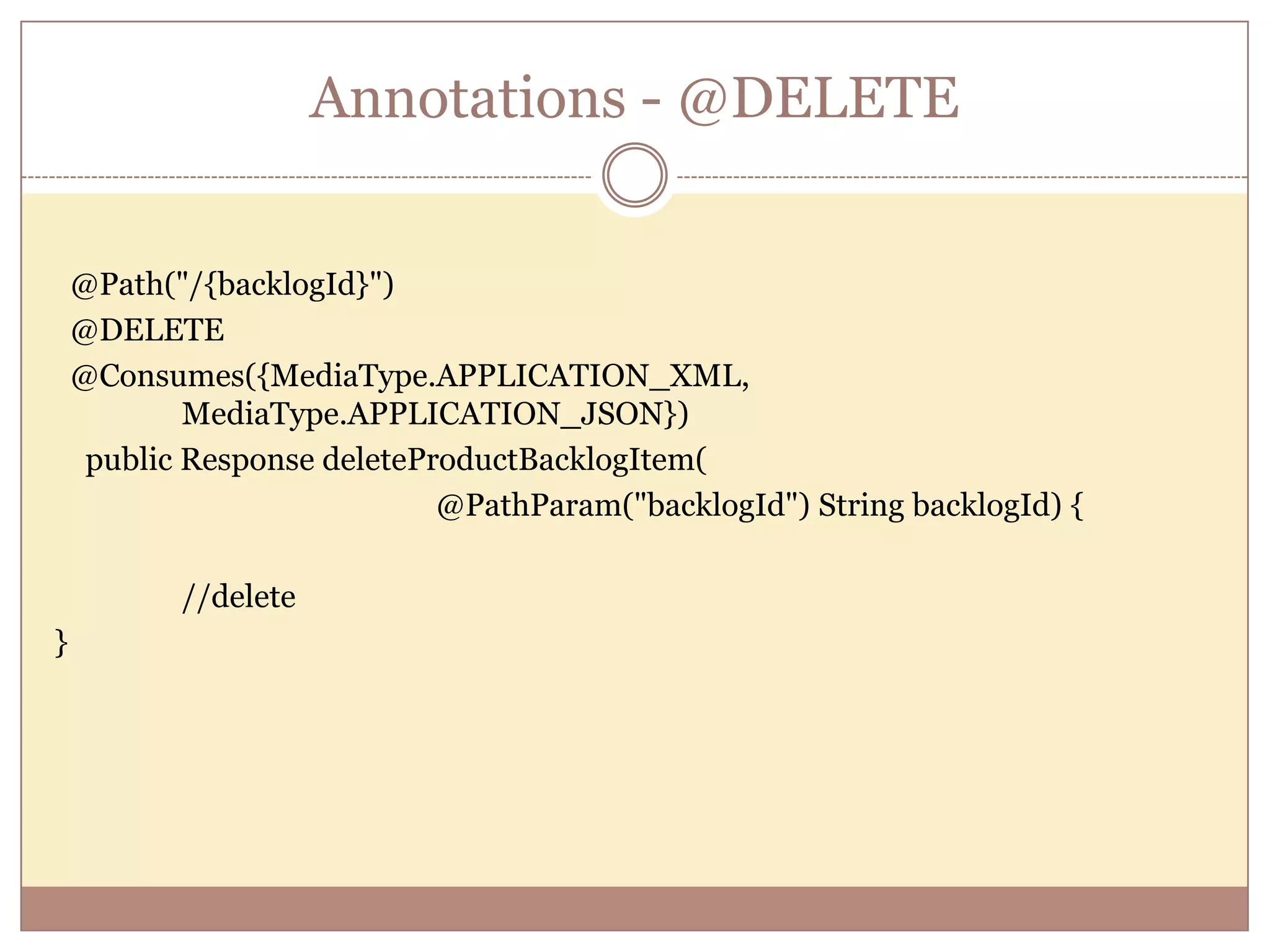
Annotations - @DELETE @Path("/{backlogId}") @DELETE @Consumes({MediaType.APPLICATION_XML, MediaType.APPLICATION_JSON}) public Response deleteProductBacklogItem( @PathParam("backlogId") String backlogId) { //delete }
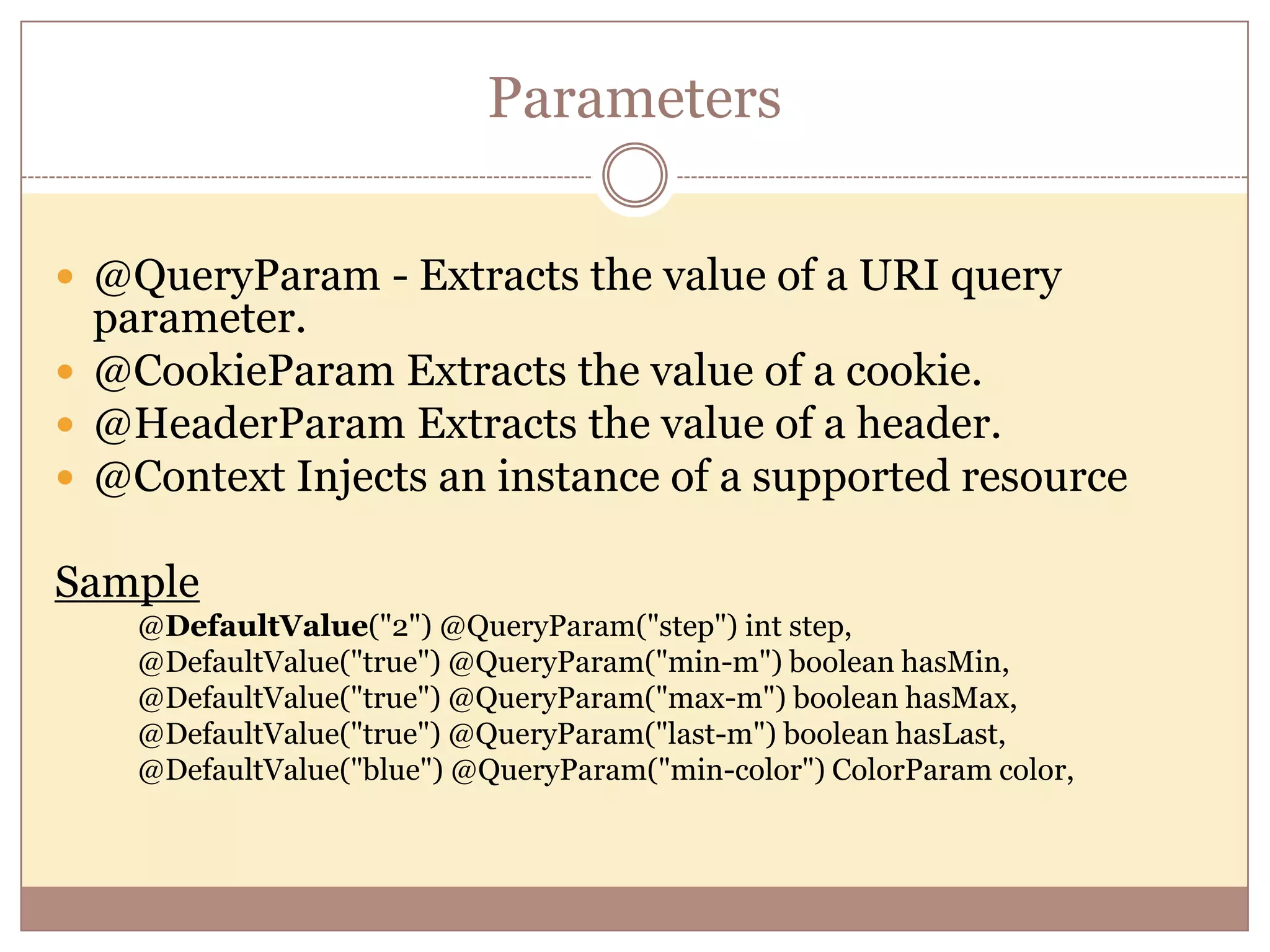
Parameters  @QueryParam - Extracts the value of a URI query parameter.  @CookieParam Extracts the value of a cookie.  @HeaderParam Extracts the value of a header.  @Context Injects an instance of a supported resource Sample @DefaultValue("2") @QueryParam("step") int step, @DefaultValue("true") @QueryParam("min-m") boolean hasMin, @DefaultValue("true") @QueryParam("max-m") boolean hasMax, @DefaultValue("true") @QueryParam("last-m") boolean hasLast, @DefaultValue("blue") @QueryParam("min-color") ColorParam color,
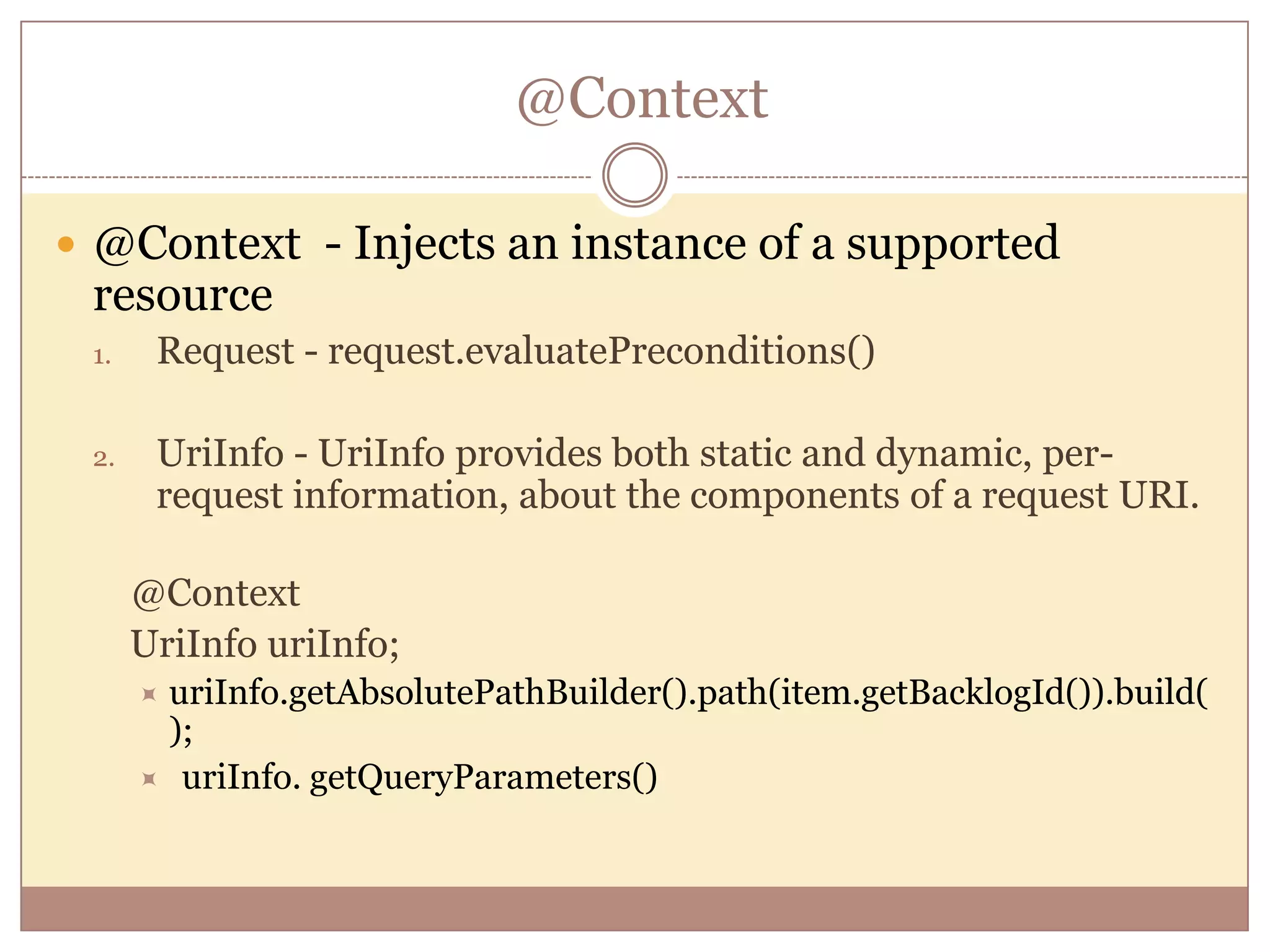
@Context  @Context - Injects an instance of a supported resource 1. Request - request.evaluatePreconditions() 2. UriInfo - UriInfo provides both static and dynamic, per- request information, about the components of a request URI. @Context UriInfo uriInfo; uriInfo.getAbsolutePathBuilder().path(item.getBacklogId()).build( );  uriInfo. getQueryParameters()
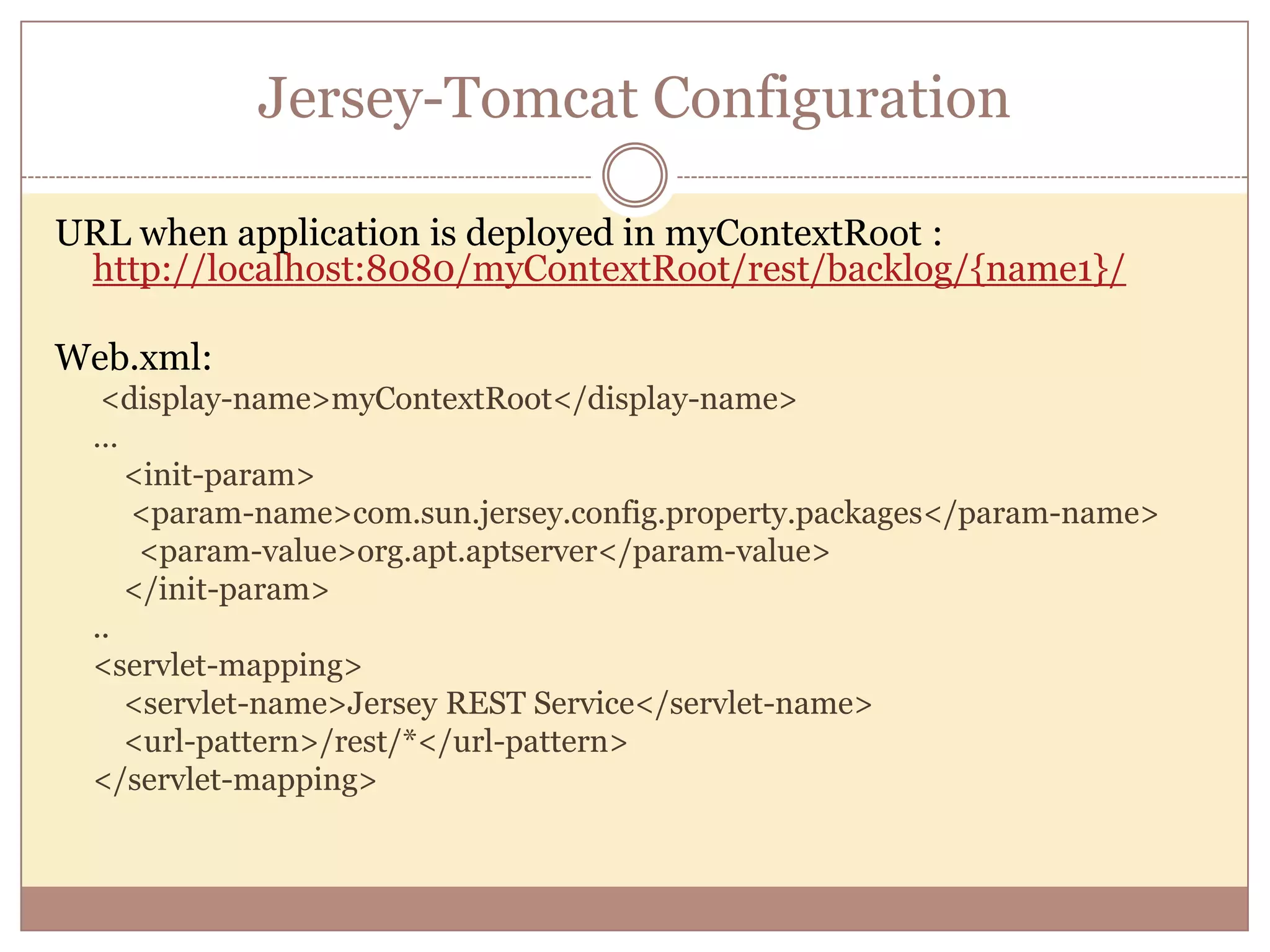
Jersey-Tomcat Configuration URL when application is deployed in myContextRoot : http://localhost:8080/myContextRoot/rest/backlog/{name1}/ Web.xml: <display-name>myContextRoot</display-name> … <init-param> <param-name>com.sun.jersey.config.property.packages</param-name> <param-value>org.apt.aptserver</param-value> </init-param> .. <servlet-mapping> <servlet-name>Jersey REST Service</servlet-name> <url-pattern>/rest/*</url-pattern> </servlet-mapping>
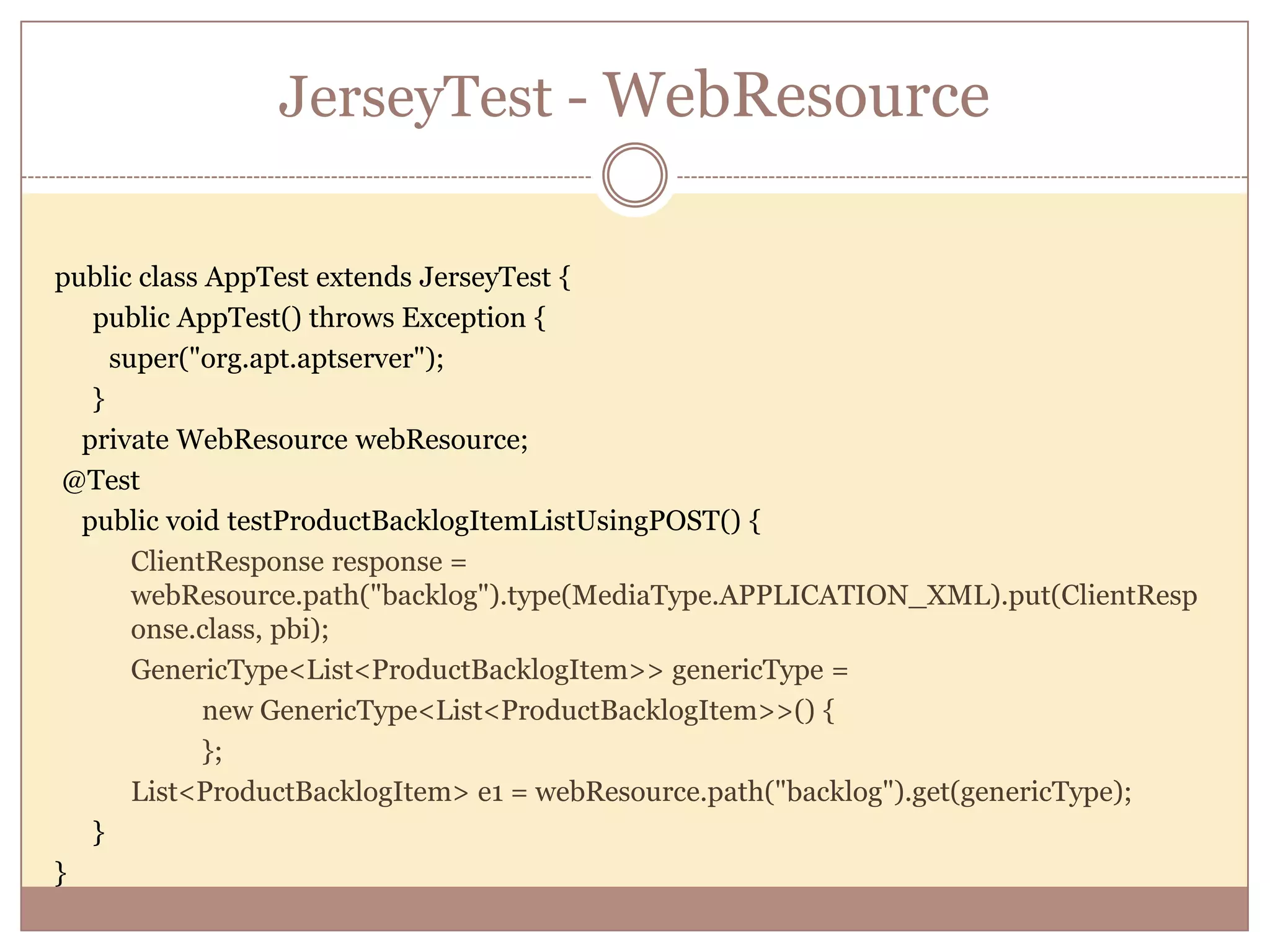
JerseyTest - WebResource public class AppTest extends JerseyTest { public AppTest() throws Exception { super("org.apt.aptserver"); } private WebResource webResource; @Test public void testProductBacklogItemListUsingPOST() { ClientResponse response = webResource.path("backlog").type(MediaType.APPLICATION_XML).put(ClientResp onse.class, pbi); GenericType<List<ProductBacklogItem>> genericType = new GenericType<List<ProductBacklogItem>>() { }; List<ProductBacklogItem> e1 = webResource.path("backlog").get(genericType); } }
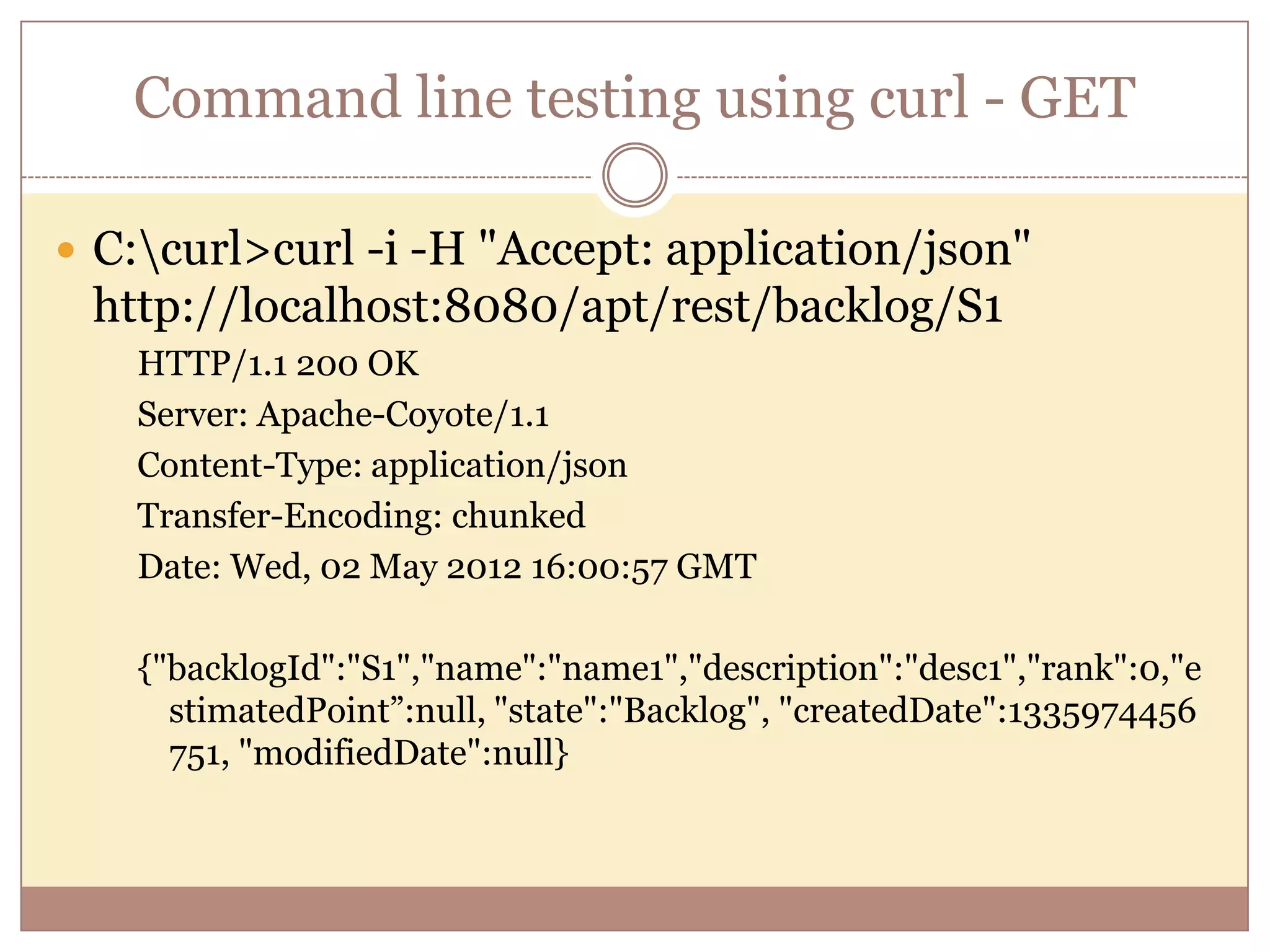
Command line testing using curl - GET  C:curl>curl -i -H "Accept: application/json" http://localhost:8080/apt/rest/backlog/S1 HTTP/1.1 200 OK Server: Apache-Coyote/1.1 Content-Type: application/json Transfer-Encoding: chunked Date: Wed, 02 May 2012 16:00:57 GMT {"backlogId":"S1","name":"name1","description":"desc1","rank":0,"e stimatedPoint”:null, "state":"Backlog", "createdDate":1335974456 751, "modifiedDate":null}
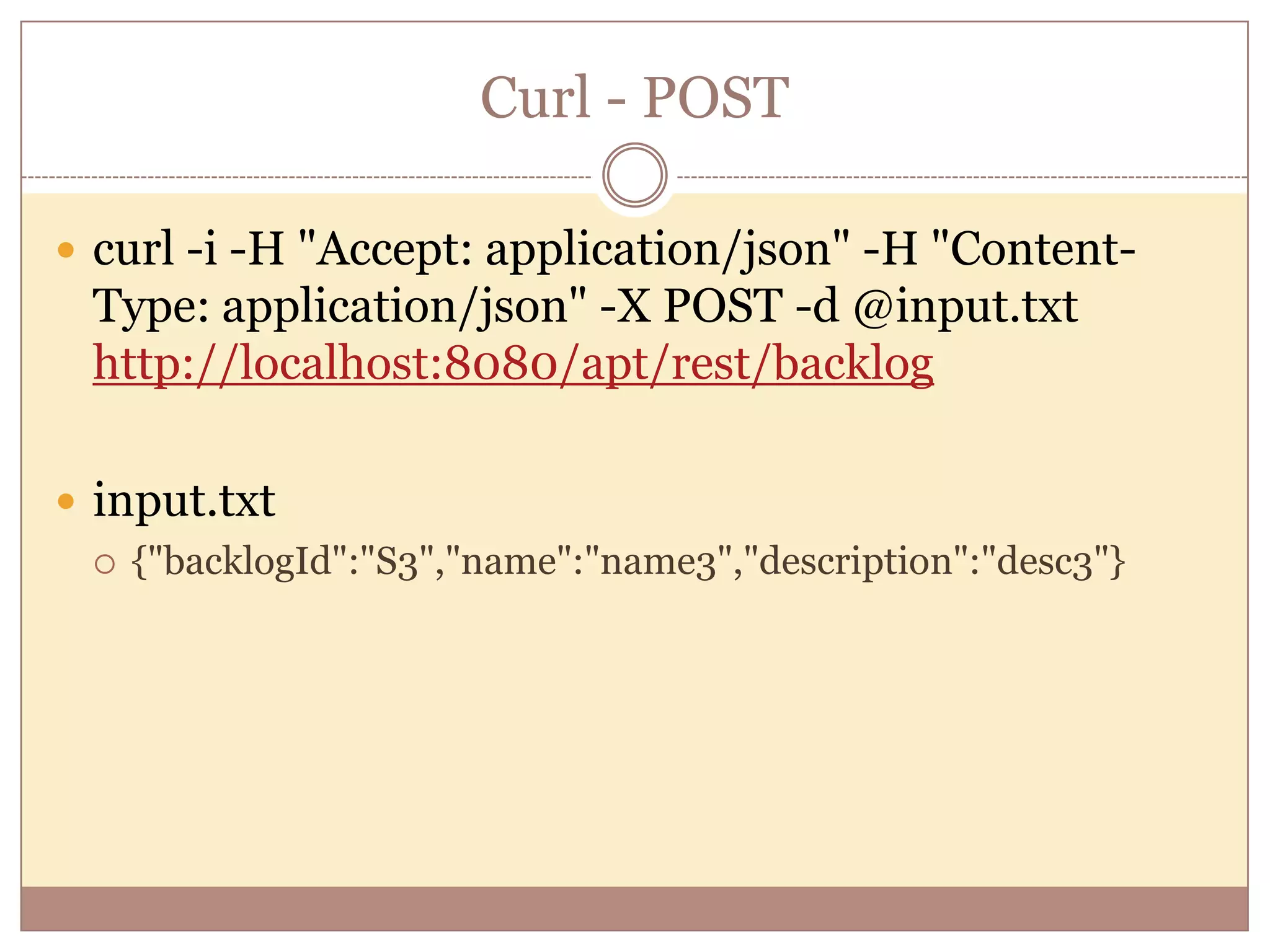
Curl - POST  curl -i -H "Accept: application/json" -H "Content- Type: application/json" -X POST -d @input.txt http://localhost:8080/apt/rest/backlog  input.txt  {"backlogId":"S3","name":"name3","description":"desc3"}
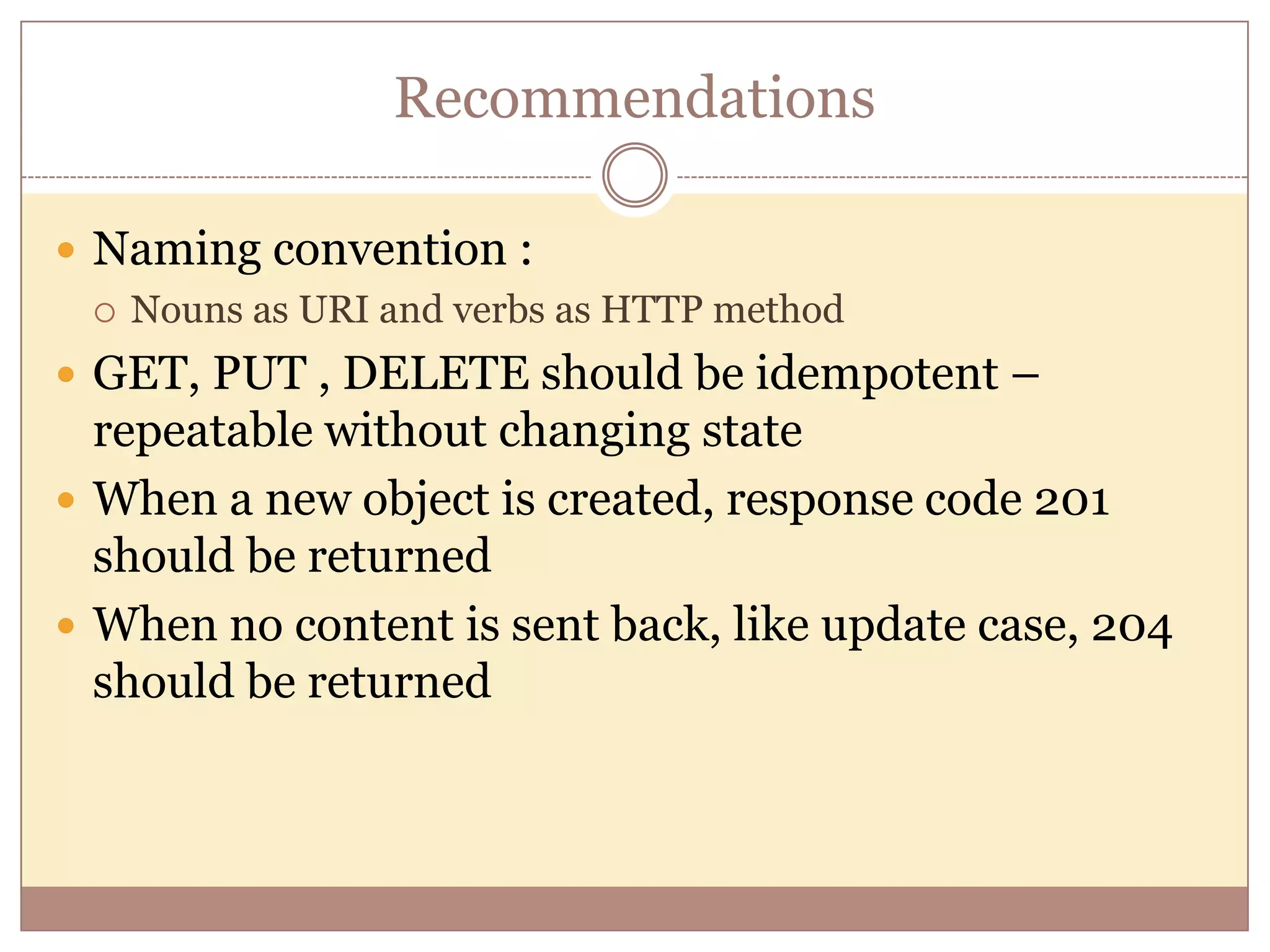
Recommendations  Naming convention :  Nouns as URI and verbs as HTTP method  GET, PUT , DELETE should be idempotent – repeatable without changing state  When a new object is created, response code 201 should be returned  When no content is sent back, like update case, 204 should be returned
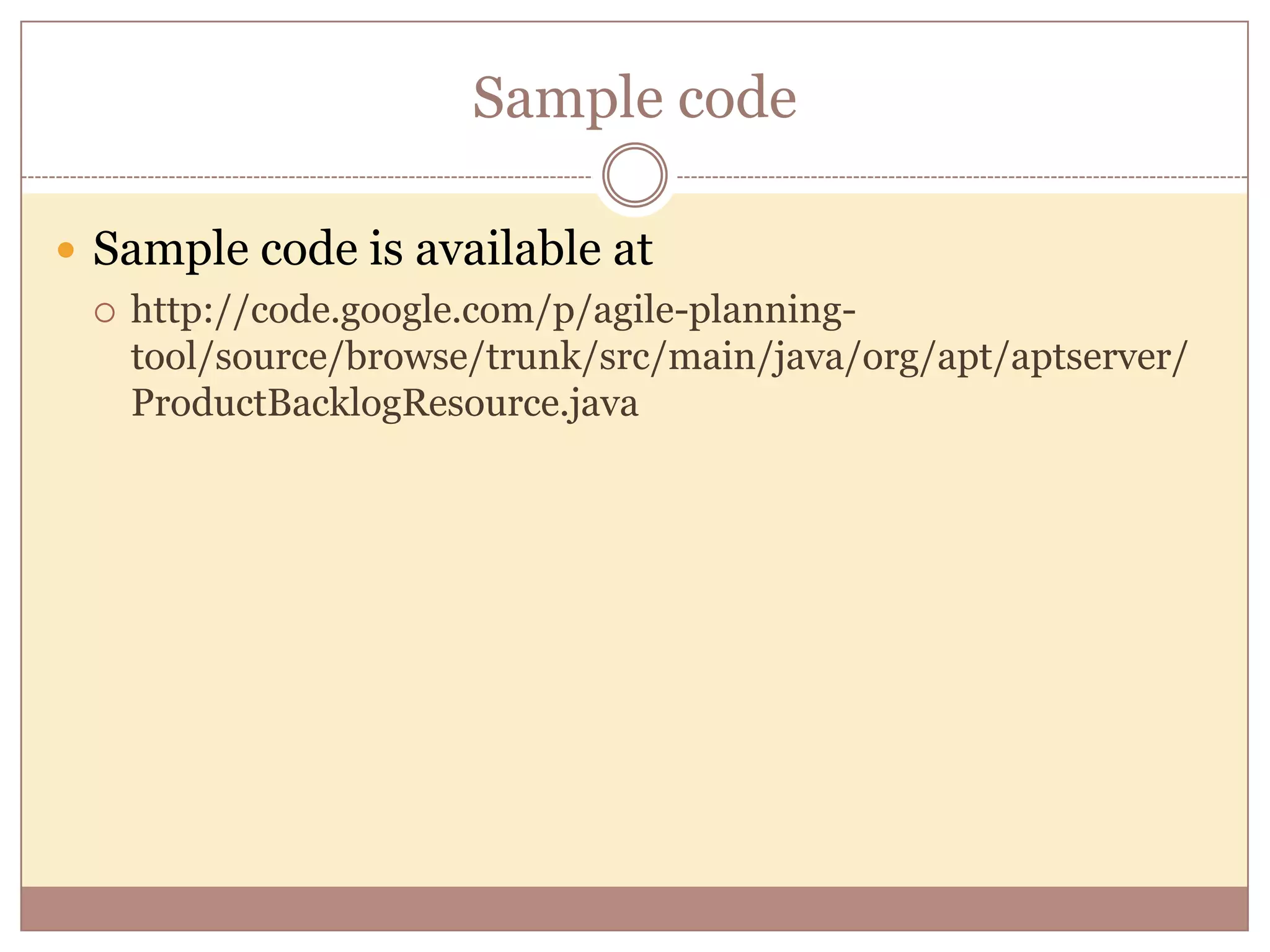
Sample code  Sample code is available at  http://code.google.com/p/agile-planning- tool/source/browse/trunk/src/main/java/org/apt/aptserver/ ProductBacklogResource.java
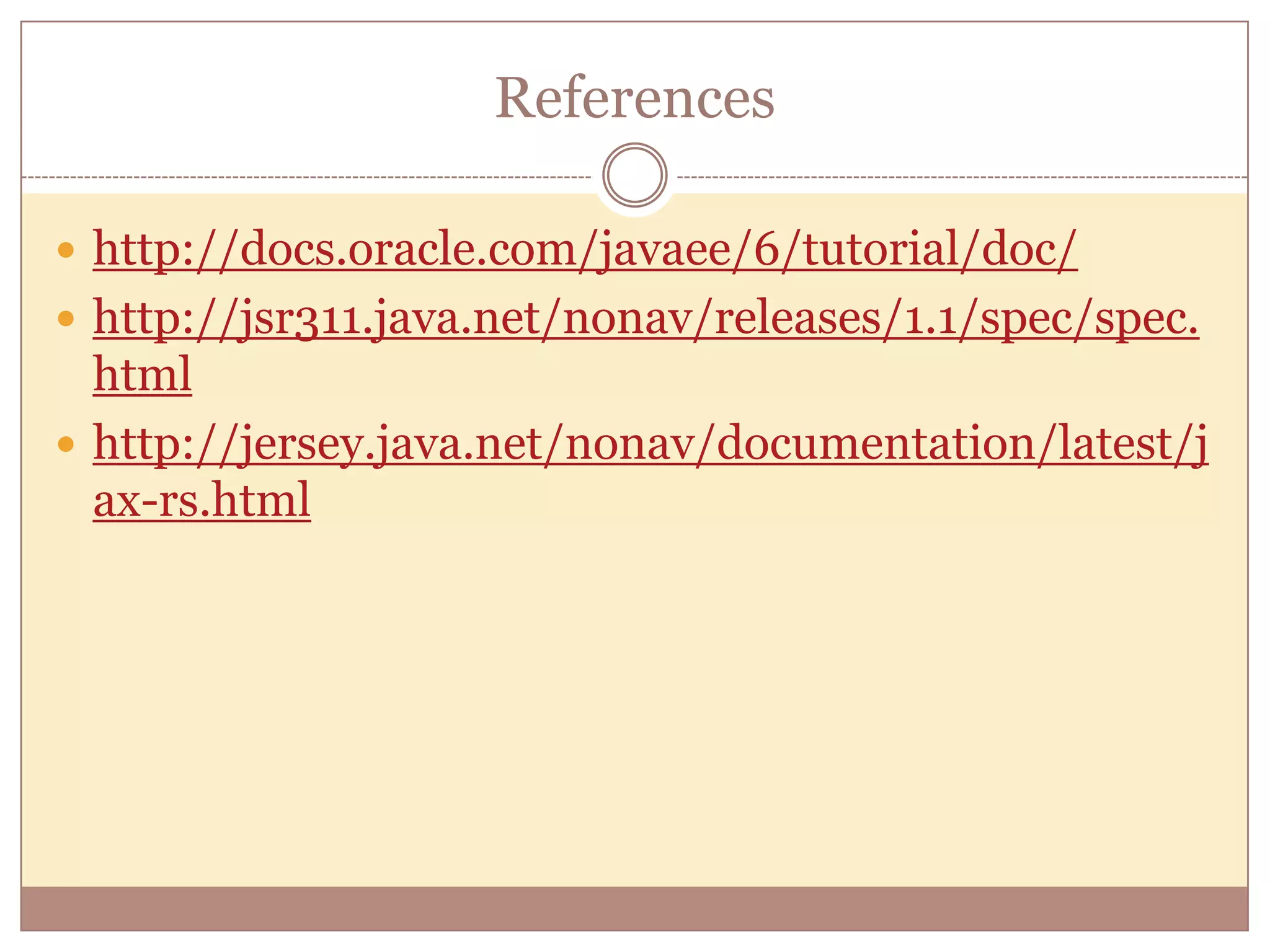
References  http://docs.oracle.com/javaee/6/tutorial/doc/  http://jsr311.java.net/nonav/releases/1.1/spec/spec. html  http://jersey.java.net/nonav/documentation/latest/j ax-rs.html
Where to go from here  Explore reusability – sub resources  Providers – more control on resource mapping  Spring integration  JerseyTest
What to do after you attend this training session: Please complete a short Evaluation Survey - whether you attended the live session or a recorded session - the survey can be found on the Product Development Training SharePoint site: http://sharepoint.internal.gxs.com/Organizations/GSD/ProductDev/engtrng09/default.aspx -Or you can get to it from the GXS SharePoint home page:  Organizations > Global Service Delivery > Product Development > Engineering / Product Development Training Then Select “Training Evaluation Survey” (found on the left side frame) Product Development Training SharePoint Site - Includes: Documentation on training available across GXS, recordings from previous sessions, surveys, and other related training documents.

Overview of RESTful web services

  • 1.
    RESTful Web Services An Overview RAVI BUDDHARAJU
  • 2.
    Agenda  REST Concepts JAX-RS – Annotations  Sample code  Configure REST in Tomcat  Unit testing the REST services
  • 3.
    Types of WebServices  SOAP based Web Service:  Uses XML messages that follow the Simple Object Access Protocol (SOAP) standard, which defines message architecture and message formats.  Operations offered by the service are written in the Web Services Description Language (WSDL)  RESTful Web Services  RESTful web services are often better integrated with HTTP.  Do not require WSDL services and XML messages.
  • 4.
    What are RESTfulweb services?  RESTful web services are build to work best on the Web.  REpresentational State Transfer(REST) is an architectural style, where data and functionality are accessed as URIs.  Stateless, client-server, cacheable communications protocol, like HTTP  Simple, Lightweight, and fast
  • 5.
    When to useSOAP then  Asynchronous processing and invocation: if your application needs a guaranteed level of reliability and security  Formal contracts: if both sides (provider and consumer) have to agree on the exchange format  Stateful operations: if the application needs contextual information and conversational state management; and to support those things (Security, Transactions, Coordination, etc).
  • 6.
    JAX-RS  JAX-RS isa API designed to develop apps using REST architecture.  JAX-RS API uses annotations to simplify development. [defined in JSR311]  Jersey is a reference implementation of JAX-RS
  • 7.
    Resources & Representations Data and functionality are considered as Resources and accessed using URIs.  Resources are manipulated using CRUD[PUT, GET, POST, DELETE] operations  Resources are decoupled from their representations , so that their content can be accessed in a variety of formats, HTML, XML, plain text, JSON…
  • 8.
    Stateful interactions throughhyperlinks  Every interaction with the resource is stateless.  Stateful interactions are based on the concept of explicit state transfer  State can be embedded in response messages to point to valid future states of the interaction.
  • 9.
    Annotations Overview  @Path– A relative URI path indicating where the Java class will be hosted  @[GET /PUT/POST/DELETE ] – will process corresponding HTTP requests  @[PathParam/QueryParam] – to extract parameters  @[Consumes/Produces] – specify MIME types
  • 10.
    Annotations -MIMEs support @Consumes - Specifies a list of media types that can be consumed.  @Produces - Specifies a list of media types that can be produced.  application/xml  application/json  text/plain  text/html
  • 11.
    Annotations - @Path @Path("/users/{username}") publicclass UserResource { @GET @Produces("text/xml") public String getUser(@PathParam("username") String userName) { ... } }
  • 12.
    Annotations - @GET @Path("/backlog") publicclass ProductBacklogResource { // The Java method will process HTTP GET requests @GET // The Java method will produce content identified by the MIME Media // type application/json or application/xml @Produces({MediaType.APPLICATION_XML, MediaType.APPLICATION_JSON}) public List<ProductBacklogItem> getProductBacklogItems() { return pbiManager.getPBItems(); } }
  • 13.
    Sample XML @GETresponse Sample GET URL using XML - http://localhost:8080/apt/rest/backlog Output: <productBacklogItems> <productBacklogItem> <backlogId>S1333653504620</backlogId> <description>desc2</description> <name>name2</name> <state>Backlog</state> </productBacklogItem> <productBacklogItem> <backlogId>S1333653504620</backlogId> …. </productBacklogItem> </productBacklogItems>
  • 14.
    Annotations - @POST POST is usually used to create a resource and return a 201 response, even though it could be used to either update or create.  Return the newly created resource(URI) as the location header.  Web service declares the URI for the newly created resource @POST @Consumes({MediaType.APPLICATION_XML, MediaType.APPLICATION_JSON}) public Response postProductBacklogItem(ProductBacklogItem item) { URI userUri = uriInfo.getAbsolutePathBuilder().path(item.getBacklogId()).build(); return Response.created(userUri).build(); }
  • 15.
    Annotations - @PUT PUT must create or update a specified resource by sending the full content of that same resource  Client declares the URI for the newly created resource.  Should be idempotent @PUT @Consumes({MediaType.APPLICATION_XML, MediaType.APPLICATION_JS ON}) public Response putProductBacklogItem(ProductBacklogItem item) { … }
  • 16.
    Annotations - @DELETE @Path("/{backlogId}") @DELETE @Consumes({MediaType.APPLICATION_XML, MediaType.APPLICATION_JSON}) public Response deleteProductBacklogItem( @PathParam("backlogId") String backlogId) { //delete }
  • 17.
    Parameters  @QueryParam -Extracts the value of a URI query parameter.  @CookieParam Extracts the value of a cookie.  @HeaderParam Extracts the value of a header.  @Context Injects an instance of a supported resource Sample @DefaultValue("2") @QueryParam("step") int step, @DefaultValue("true") @QueryParam("min-m") boolean hasMin, @DefaultValue("true") @QueryParam("max-m") boolean hasMax, @DefaultValue("true") @QueryParam("last-m") boolean hasLast, @DefaultValue("blue") @QueryParam("min-color") ColorParam color,
  • 18.
    @Context  @Context -Injects an instance of a supported resource 1. Request - request.evaluatePreconditions() 2. UriInfo - UriInfo provides both static and dynamic, per- request information, about the components of a request URI. @Context UriInfo uriInfo; uriInfo.getAbsolutePathBuilder().path(item.getBacklogId()).build( );  uriInfo. getQueryParameters()
  • 19.
    Jersey-Tomcat Configuration URL whenapplication is deployed in myContextRoot : http://localhost:8080/myContextRoot/rest/backlog/{name1}/ Web.xml: <display-name>myContextRoot</display-name> … <init-param> <param-name>com.sun.jersey.config.property.packages</param-name> <param-value>org.apt.aptserver</param-value> </init-param> .. <servlet-mapping> <servlet-name>Jersey REST Service</servlet-name> <url-pattern>/rest/*</url-pattern> </servlet-mapping>
  • 20.
    JerseyTest - WebResource publicclass AppTest extends JerseyTest { public AppTest() throws Exception { super("org.apt.aptserver"); } private WebResource webResource; @Test public void testProductBacklogItemListUsingPOST() { ClientResponse response = webResource.path("backlog").type(MediaType.APPLICATION_XML).put(ClientResp onse.class, pbi); GenericType<List<ProductBacklogItem>> genericType = new GenericType<List<ProductBacklogItem>>() { }; List<ProductBacklogItem> e1 = webResource.path("backlog").get(genericType); } }
  • 21.
    Command line testingusing curl - GET  C:curl>curl -i -H "Accept: application/json" http://localhost:8080/apt/rest/backlog/S1 HTTP/1.1 200 OK Server: Apache-Coyote/1.1 Content-Type: application/json Transfer-Encoding: chunked Date: Wed, 02 May 2012 16:00:57 GMT {"backlogId":"S1","name":"name1","description":"desc1","rank":0,"e stimatedPoint”:null, "state":"Backlog", "createdDate":1335974456 751, "modifiedDate":null}
  • 22.
    Curl - POST curl -i -H "Accept: application/json" -H "Content- Type: application/json" -X POST -d @input.txt http://localhost:8080/apt/rest/backlog  input.txt  {"backlogId":"S3","name":"name3","description":"desc3"}
  • 23.
    Recommendations  Naming convention:  Nouns as URI and verbs as HTTP method  GET, PUT , DELETE should be idempotent – repeatable without changing state  When a new object is created, response code 201 should be returned  When no content is sent back, like update case, 204 should be returned
  • 24.
    Sample code  Samplecode is available at  http://code.google.com/p/agile-planning- tool/source/browse/trunk/src/main/java/org/apt/aptserver/ ProductBacklogResource.java
  • 25.
  • 26.
    Where to gofrom here  Explore reusability – sub resources  Providers – more control on resource mapping  Spring integration  JerseyTest
  • 27.
    What to doafter you attend this training session: Please complete a short Evaluation Survey - whether you attended the live session or a recorded session - the survey can be found on the Product Development Training SharePoint site: http://sharepoint.internal.gxs.com/Organizations/GSD/ProductDev/engtrng09/default.aspx -Or you can get to it from the GXS SharePoint home page:  Organizations > Global Service Delivery > Product Development > Engineering / Product Development Training Then Select “Training Evaluation Survey” (found on the left side frame) Product Development Training SharePoint Site - Includes: Documentation on training available across GXS, recordings from previous sessions, surveys, and other related training documents.

Editor's Notes

  • #5 RESTful web services are built to work best on the Web. Representational State Transfer (REST)is an architectural style that specifies constraints, such as the uniform interface, that if applied toa web service induce desirable properties, such as performance, scalability, and modifiability,that enable services to work best on the Web.
  • #19 @context - Request - allow a caller to determine the best matching representation variant