


@fernando_cejas Code samples: https://github.com/android10/Inside_Android_Testing https://github.com/android10/AndroidApplicationTestingSample
Who am I? •  GDG Organizer •  Android, Agile and technology Geek •  NFC Actions App •  Mobile Developer @fernando_cejas http://www.fernandocejas.com/
Agenda •  Why testing? •  Types of tests •  What to test on Android •  Tools for testing –  JUnit –  Mockito –  Robolectric –  Test Framework  
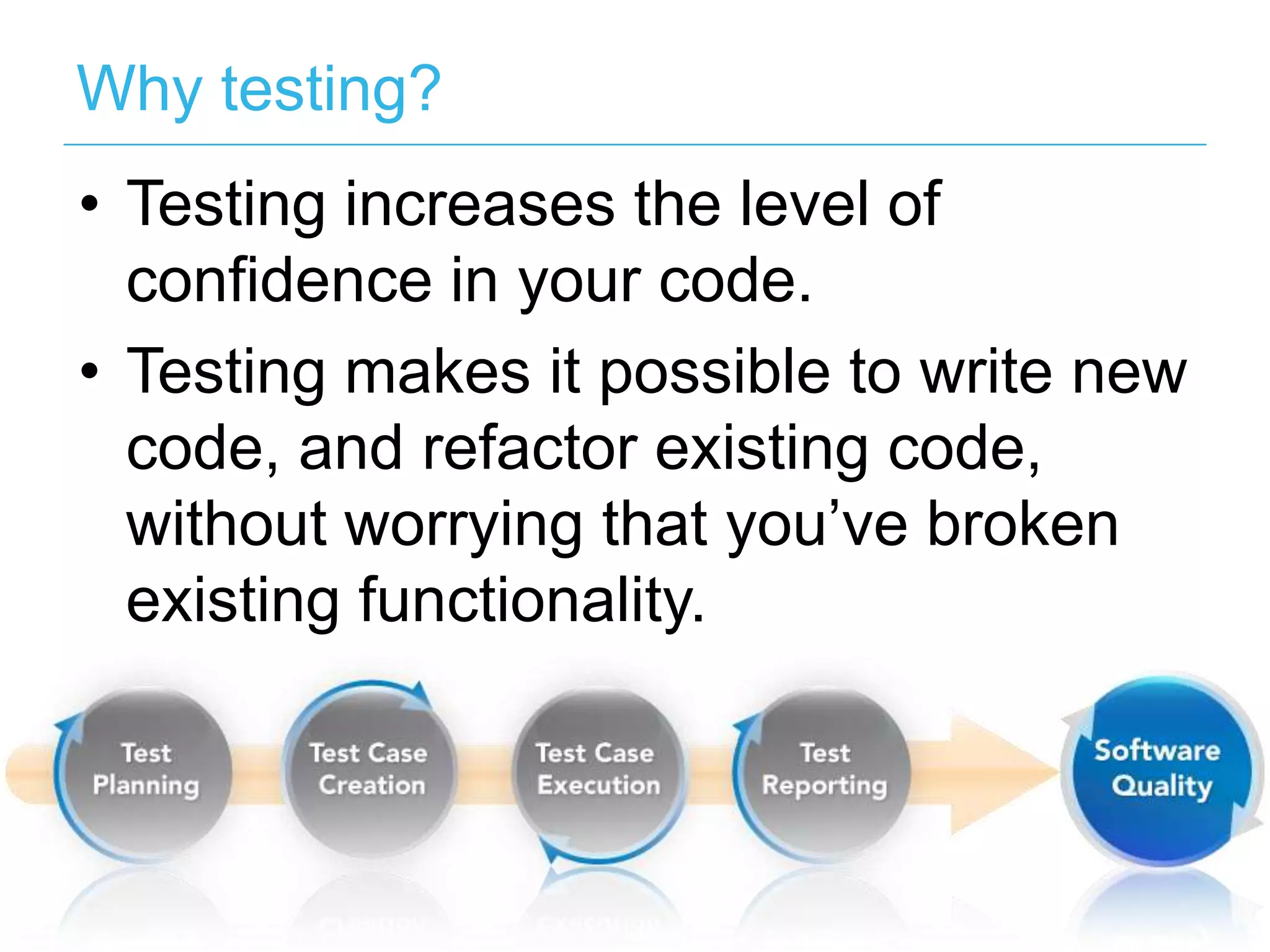
Why testing? •  Testing increases the level of confidence in your code. •  Testing makes it possible to write new code, and refactor existing code, without worrying that you’ve broken existing functionality.
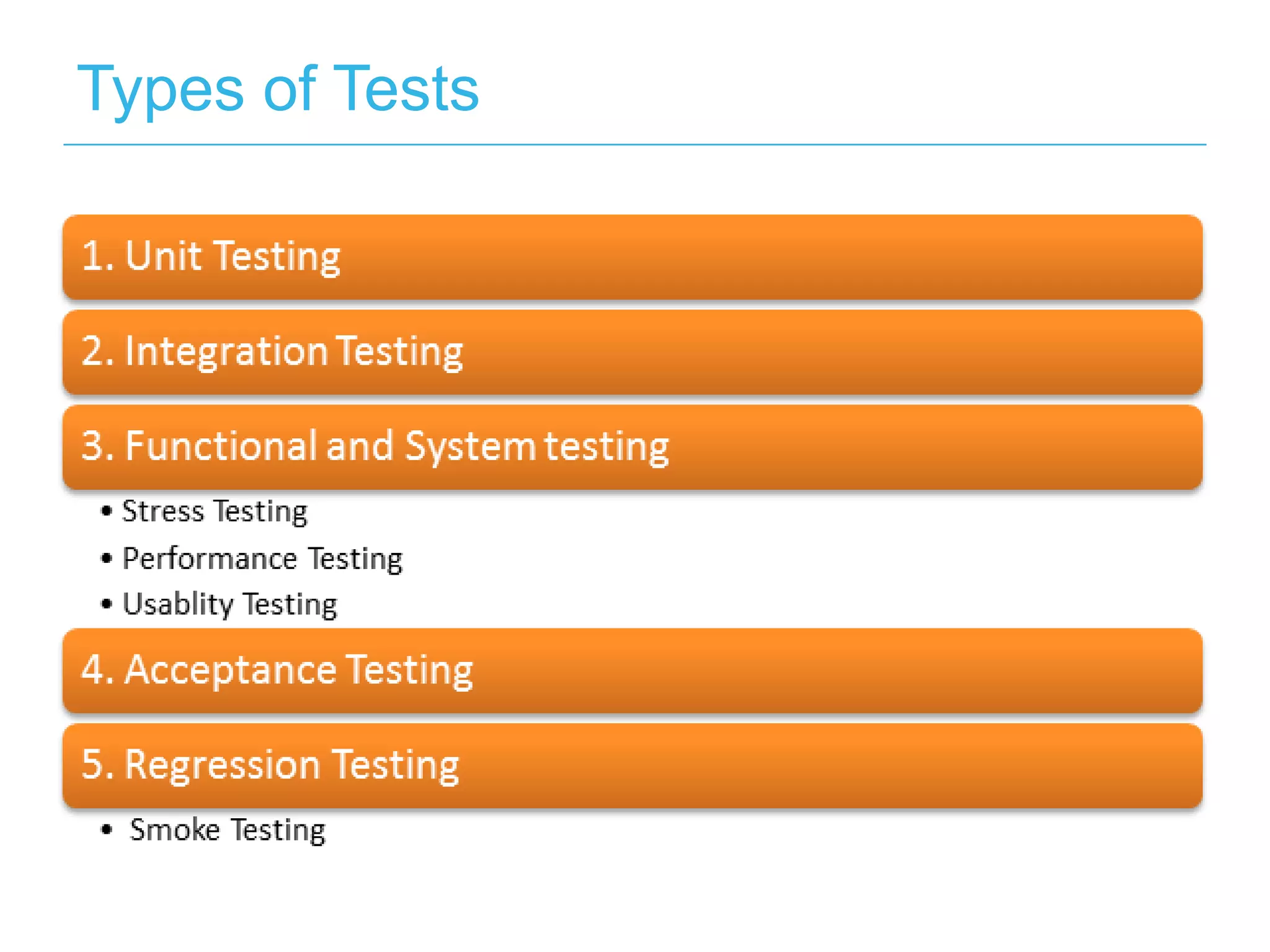
Types of Tests
Testing on Android… Tools… •  Junit •  Mockito •  Robolectric •  Test Framework
JUnit •  JUnit is an open source framework that has been designed for the purpose of writing and running unit tests in Java.
Mockito •  Mocking Frameworks allow us to test the code you want, without its dependencies. •  Mock objects can simulate the behaviour of complex objects. •  Mock objects isolate the unit of code you are testing.
Code Sample
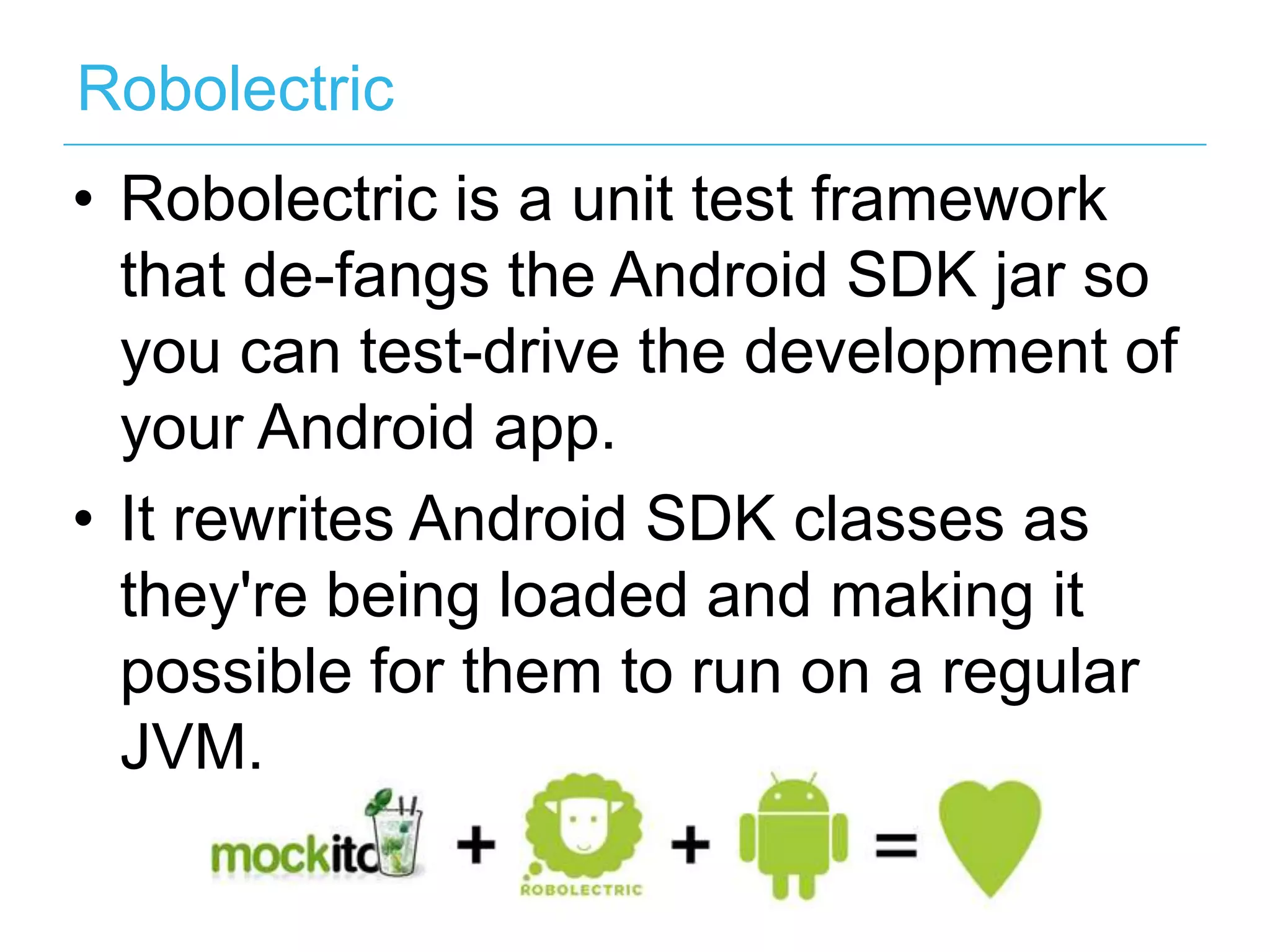
Robolectric •  Robolectric is a unit test framework that de-fangs the Android SDK jar so you can test-drive the development of your Android app. •  It rewrites Android SDK classes as they're being loaded and making it possible for them to run on a regular JVM.
Code Sample
Android Test Framework •  Offered by the android framework. •  Needs an emulator to execute the tests •  Lets write unit, integration and functional tests. •  Has its own mocking framework
Code Sample
More tools… •  Fest •  Spoon •  Robotium •  UI Automator •  Monkey Runner •  Strict Mode
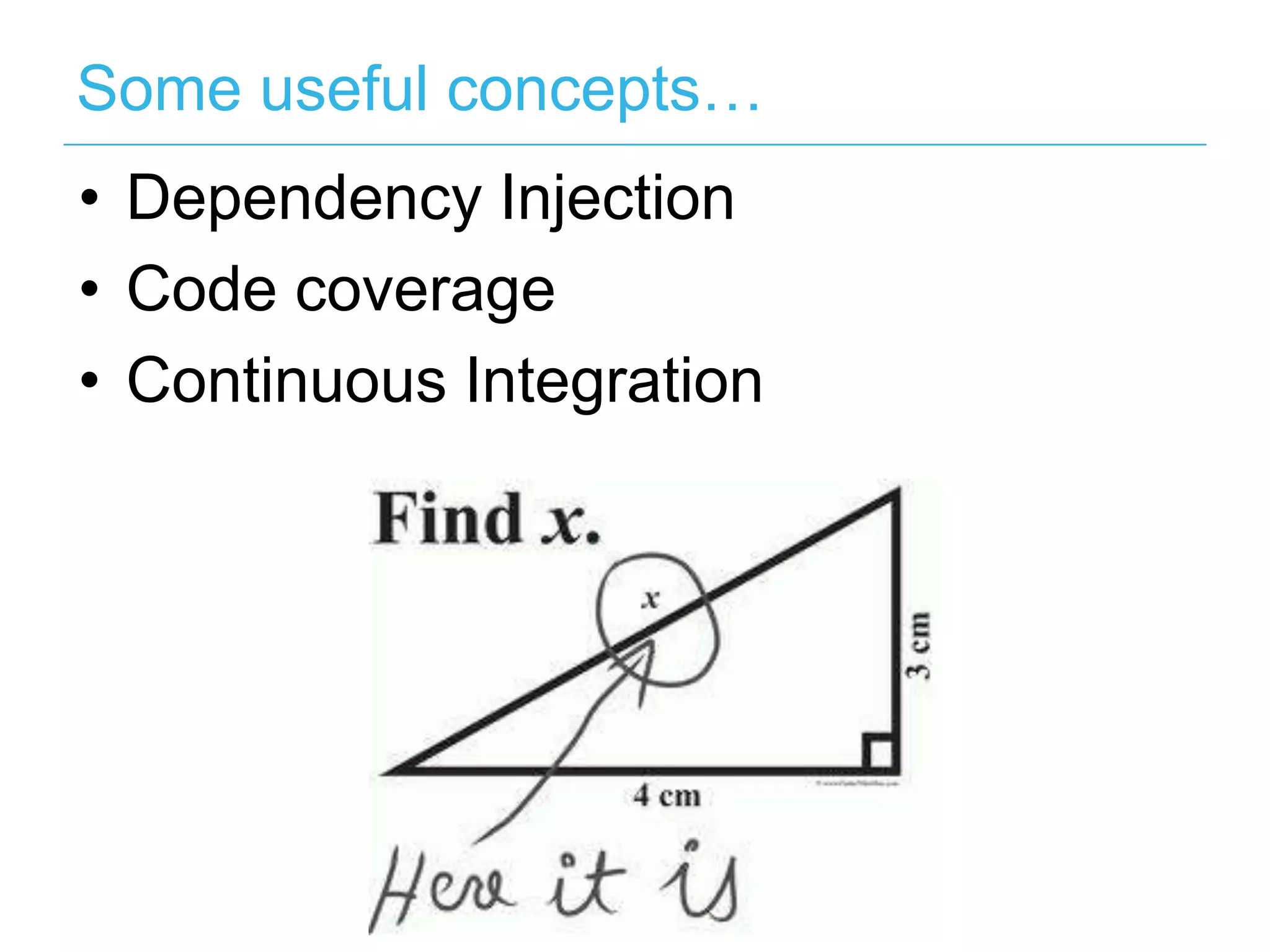
Some useful concepts… •  Dependency Injection •  Code coverage •  Continuous Integration
Conclusion There is virtually no reason why you should not be testing.
Any questions?
Thanks! @fernando_cejas https://github.com/android10 www.fernandocejas.com http://corporate.tuenti.com/es/dev/blog

Inside Android Testing