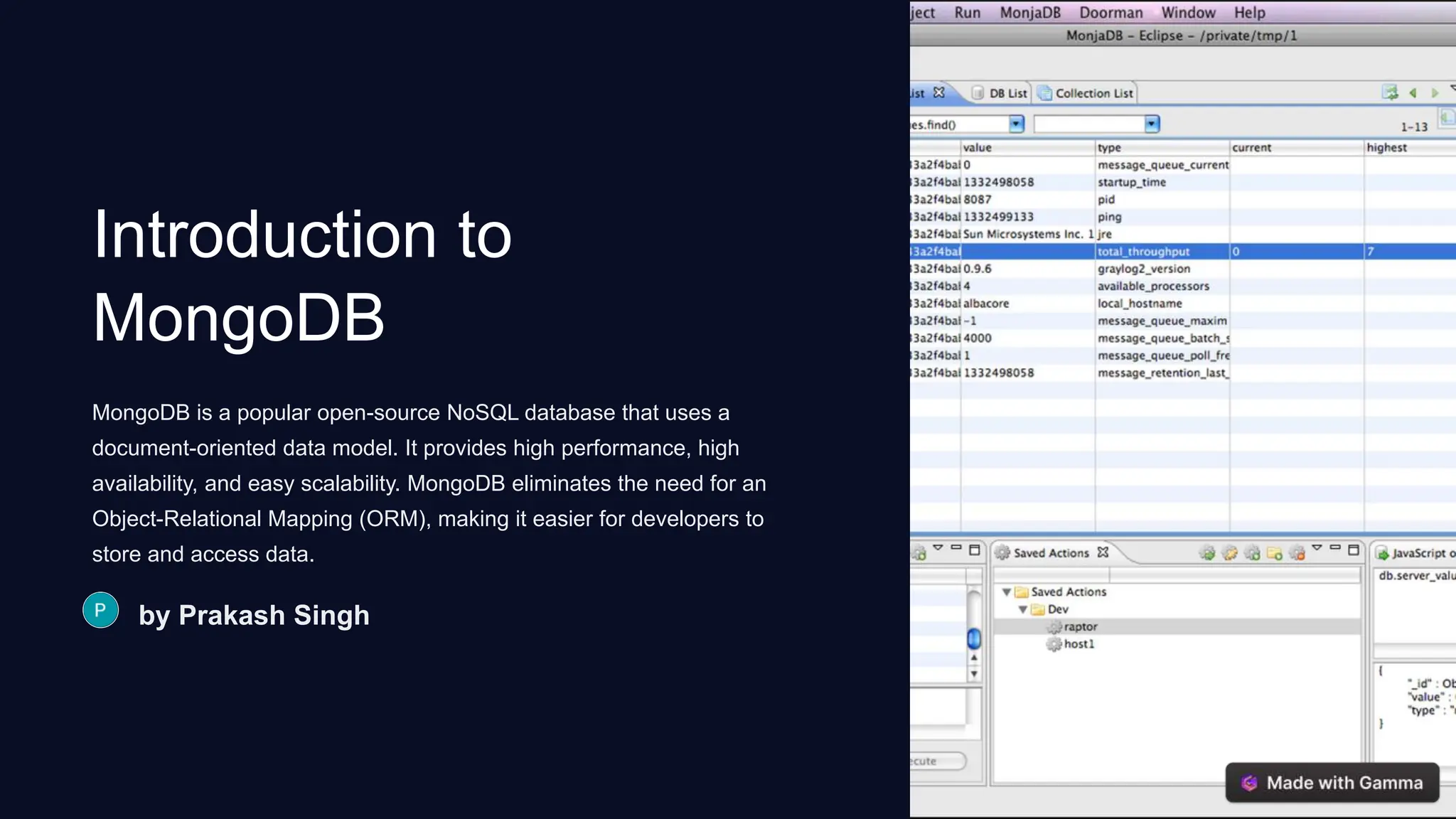
Introduction to MongoDB MongoDB is a popular open-source NoSQL database that uses a document-oriented data model. It provides high performance, high availability, and easy scalability. MongoDB eliminates the need for an Object-Relational Mapping (ORM), making it easier for developers to store and access data. by Prakash Singh
What is MongoDB? 1 Scalability MongoDB allows horizontal scaling through sharding, which distributes data across multiple machines. 2 Flexibility It supports various data types and provides dynamic schema design, making it especially useful for agile development. 3 Performance With in-memory computing and native JSON support, MongoDB offers fast read and write operations.
Advantages of using MongoDB Document Storage Stores data in flexible, JSON-like documents which can vary in structure, offering a more natural representation of data. Scalability Easily scales out to handle larger amounts of data and high throughput.
Introduction to Mongoose 1 Object Modeling Mongoose provides a straightforward, schema-based solution to model application data. 2 Validation It supports built-in data validation, ensuring data integrity and consistency.
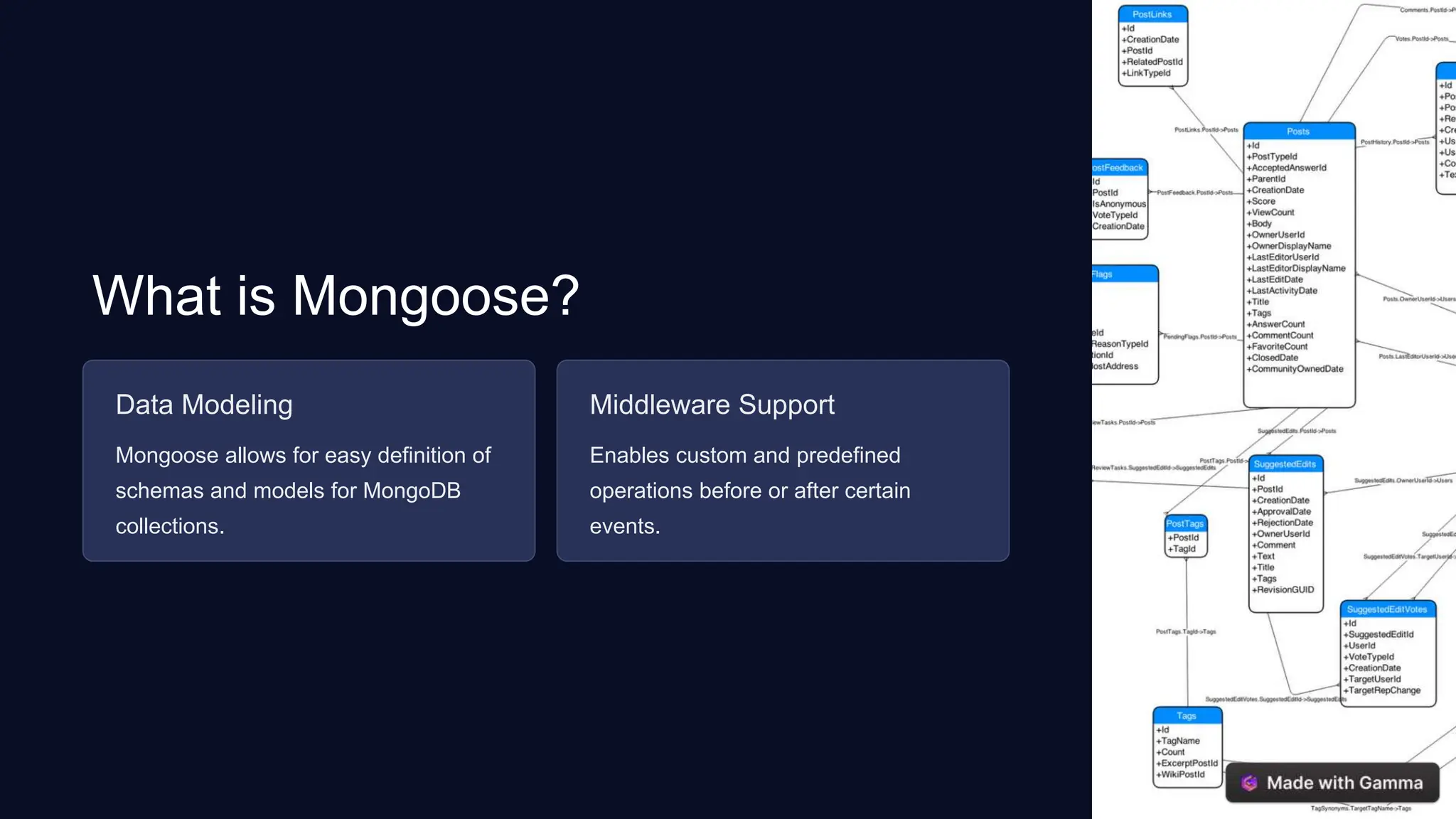
What is Mongoose? Data Modeling Mongoose allows for easy definition of schemas and models for MongoDB collections. Middleware Support Enables custom and predefined operations before or after certain events.
How to connect MongoDB with Node.js using Mongoose Install Mongoose Use npm to install Mongoose package for Node.js. Setup Connection Establish a connection between Node.js and MongoDB using Mongoose. CRUD Operations Perform create, read, update, and delete operations using Mongoose with MongoDB.
Basics of Node.js 10K Community Node.js has a large and active community providing extensive support and resources. 3 Event-Driven Architecture Node.js utilizes an event-driven, non-blocking I/O model, making it lightweight and efficient.
Introduction to Node.js Environment Node.js provides an environment for executing JavaScript code on the server-side. Libraries It offers a rich repository of libraries to extend its functionality and features.
Setting up a Node.js project 1 Initialize Project Use npm init command to create the initial project structure. 2 Install Dependencies Use npm to install necessary packages such as express and mongoose. 3 Create Server Write code to create a server using Node.js and set up the routes.
Basics of querying MongoDB using Mongoose 1 Find() Method Use Mongoose's find() method to query data based on specific conditions. 2 Update() Method Modify existing data in MongoDB using Mongoose's update() method.

Introduction-to-MongoDB with mongoose and Node

  • 1.
    Introduction to MongoDB MongoDB isa popular open-source NoSQL database that uses a document-oriented data model. It provides high performance, high availability, and easy scalability. MongoDB eliminates the need for an Object-Relational Mapping (ORM), making it easier for developers to store and access data. by Prakash Singh
  • 2.
    What is MongoDB? 1Scalability MongoDB allows horizontal scaling through sharding, which distributes data across multiple machines. 2 Flexibility It supports various data types and provides dynamic schema design, making it especially useful for agile development. 3 Performance With in-memory computing and native JSON support, MongoDB offers fast read and write operations.
  • 3.
    Advantages of usingMongoDB Document Storage Stores data in flexible, JSON-like documents which can vary in structure, offering a more natural representation of data. Scalability Easily scales out to handle larger amounts of data and high throughput.
  • 4.
    Introduction to Mongoose 1Object Modeling Mongoose provides a straightforward, schema-based solution to model application data. 2 Validation It supports built-in data validation, ensuring data integrity and consistency.
  • 5.
    What is Mongoose? DataModeling Mongoose allows for easy definition of schemas and models for MongoDB collections. Middleware Support Enables custom and predefined operations before or after certain events.
  • 6.
    How to connectMongoDB with Node.js using Mongoose Install Mongoose Use npm to install Mongoose package for Node.js. Setup Connection Establish a connection between Node.js and MongoDB using Mongoose. CRUD Operations Perform create, read, update, and delete operations using Mongoose with MongoDB.
  • 7.
    Basics of Node.js 10K Community Node.jshas a large and active community providing extensive support and resources. 3 Event-Driven Architecture Node.js utilizes an event-driven, non-blocking I/O model, making it lightweight and efficient.
  • 8.
    Introduction to Node.js EnvironmentNode.js provides an environment for executing JavaScript code on the server-side. Libraries It offers a rich repository of libraries to extend its functionality and features.
  • 9.
    Setting up aNode.js project 1 Initialize Project Use npm init command to create the initial project structure. 2 Install Dependencies Use npm to install necessary packages such as express and mongoose. 3 Create Server Write code to create a server using Node.js and set up the routes.
  • 10.
    Basics of queryingMongoDB using Mongoose 1 Find() Method Use Mongoose's find() method to query data based on specific conditions. 2 Update() Method Modify existing data in MongoDB using Mongoose's update() method.