Topic
Team Members  Faysal Ahmmed  Md.Hasanul Haque  Md.Mahamudul Hasan
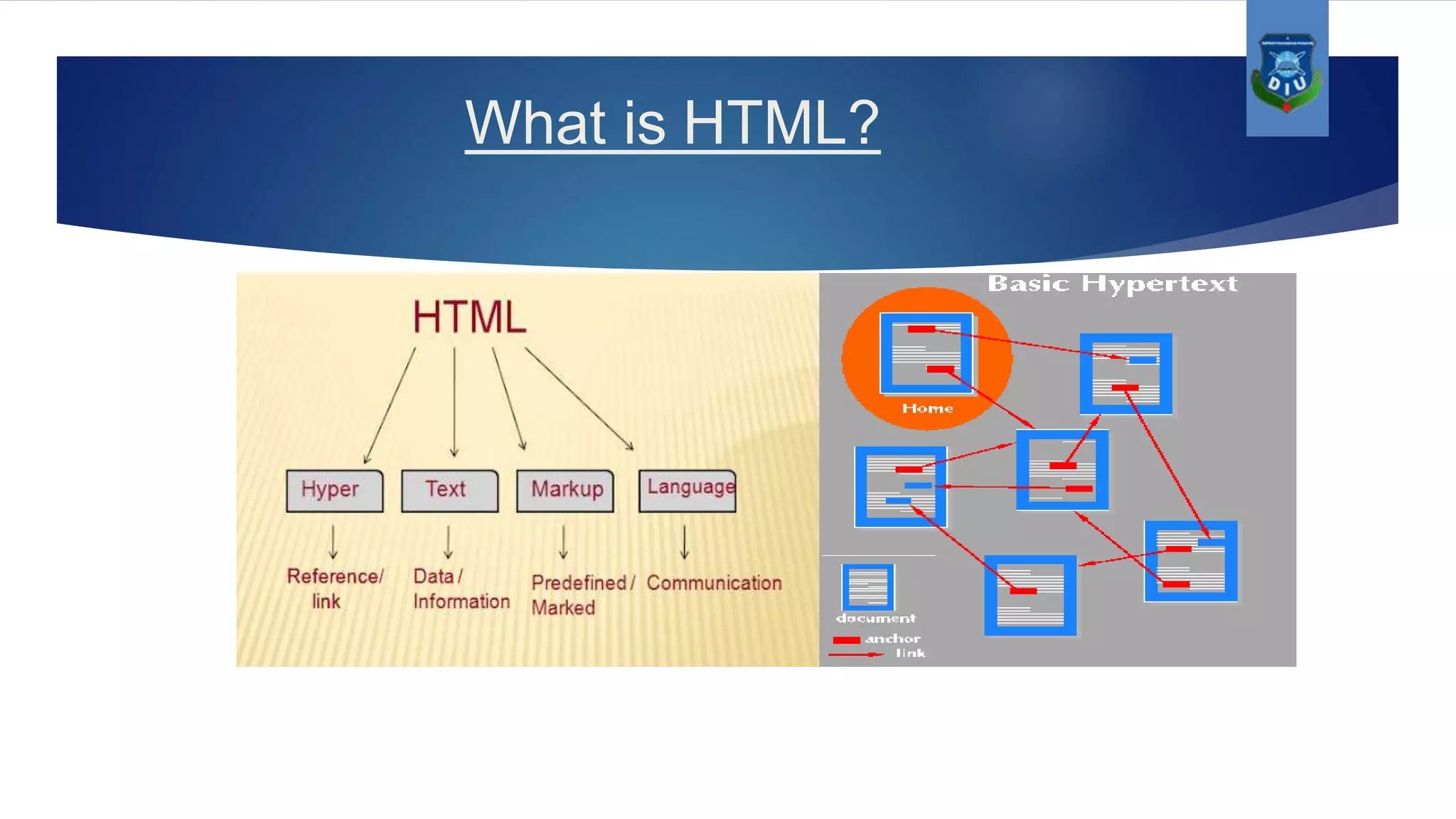
What is HTML?
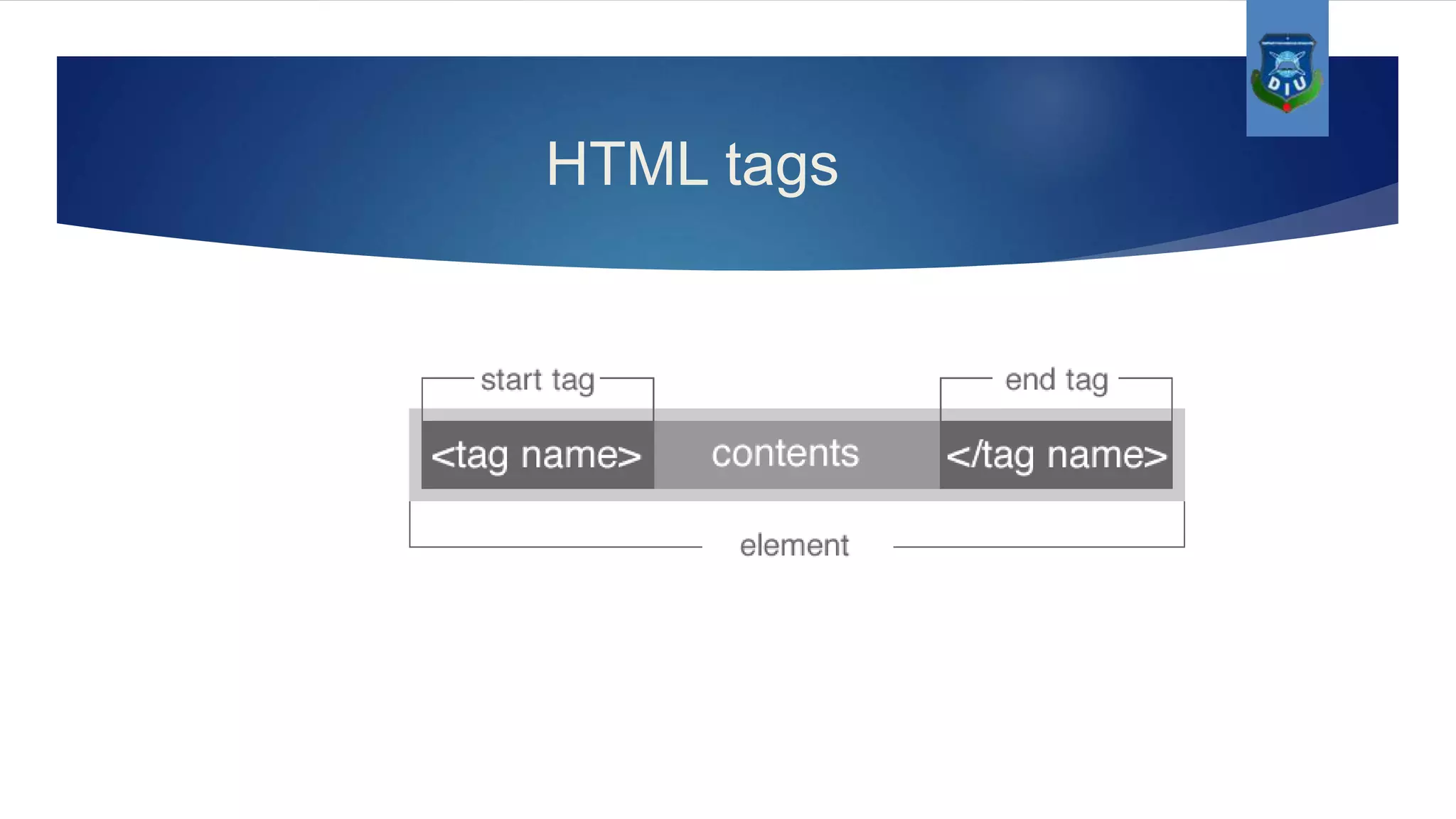
HTML tags
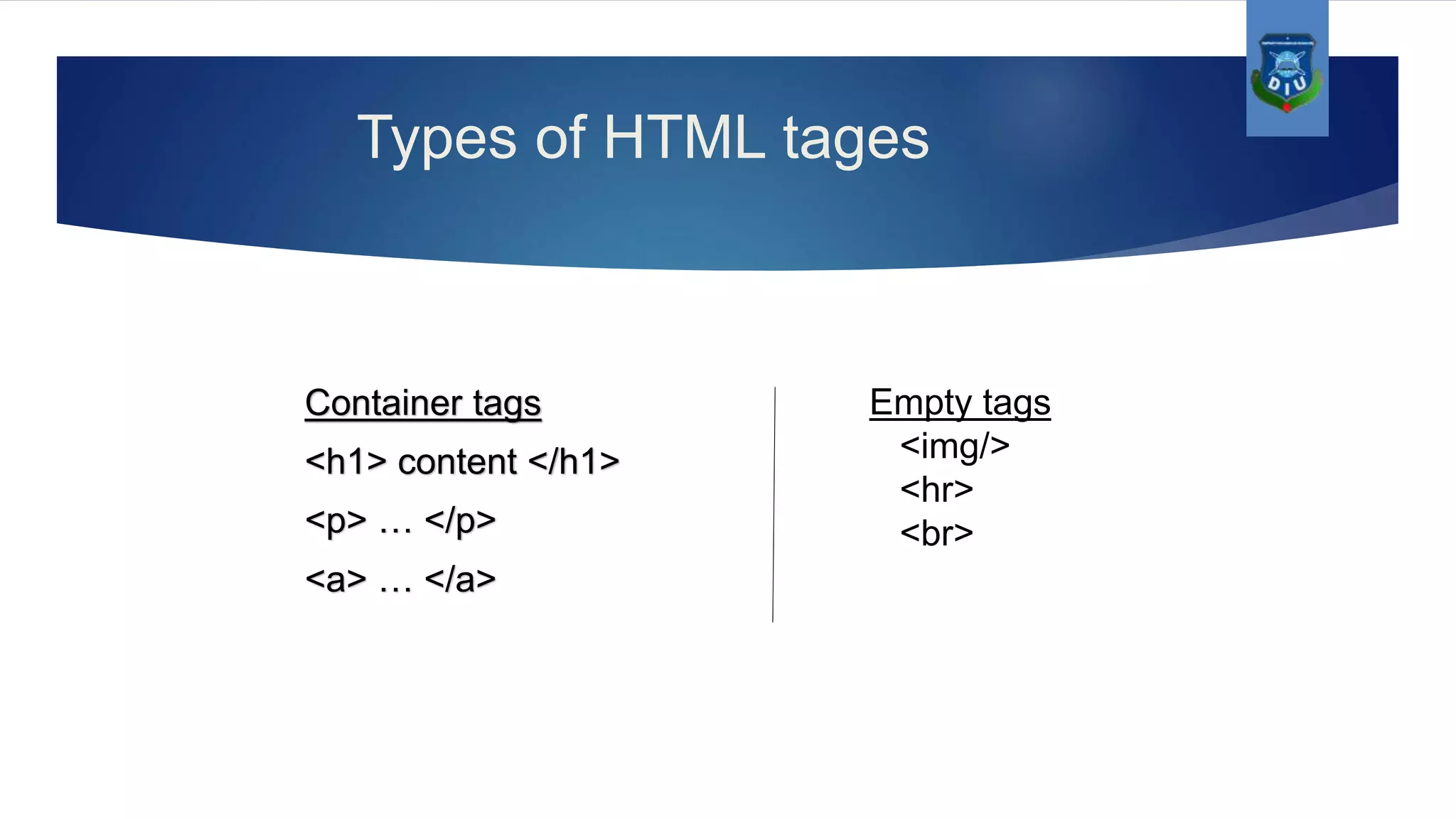
Types of HTML tages Container tags <h1> content </h1> <p> … </p> <a> … </a> Empty tags <img/> <hr> <br>
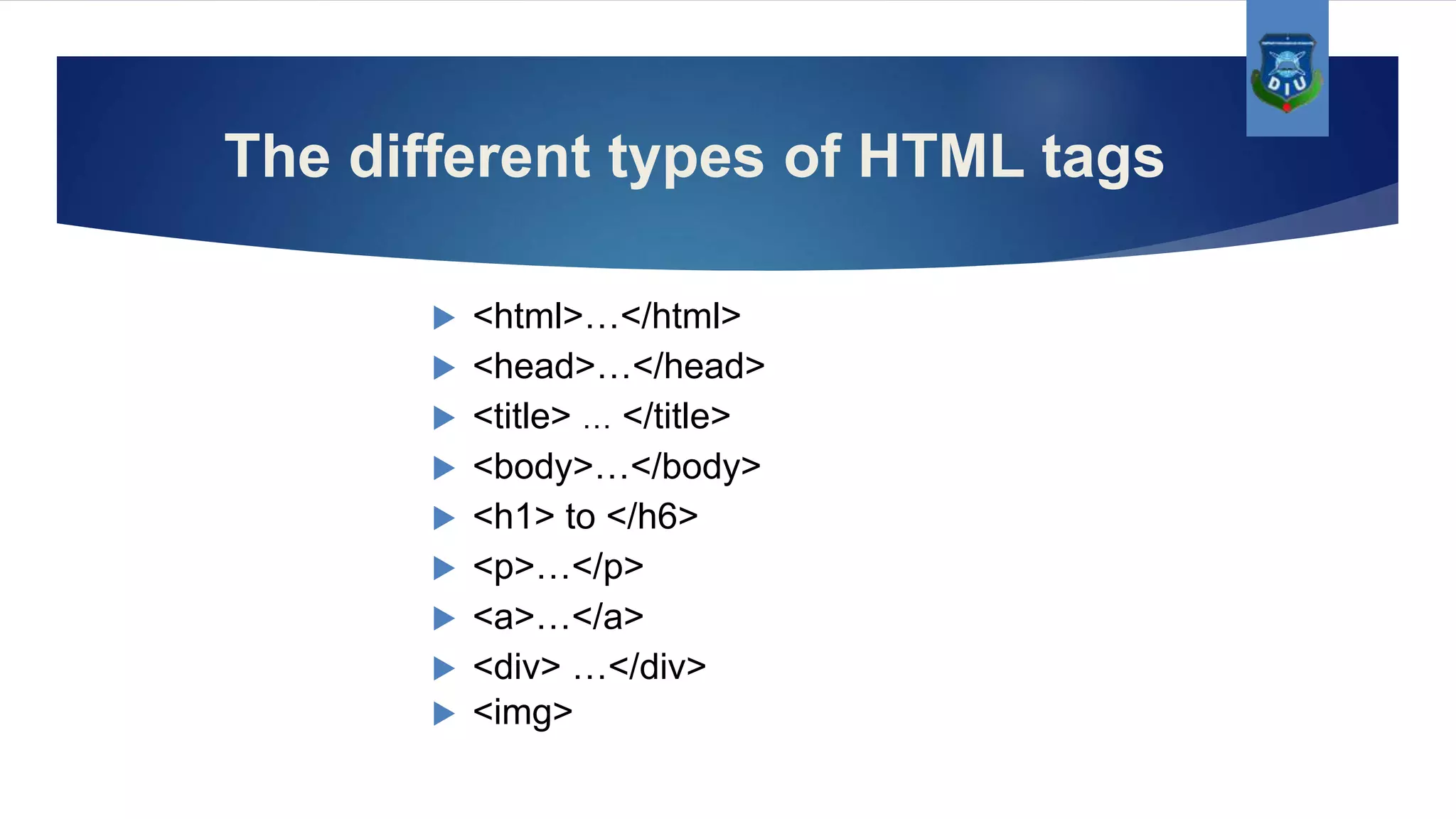
The different types of HTML tags  <html>…</html>  <head>…</head>  <title> … </title>  <body>…</body>  <h1> to </h6>  <p>…</p>  <a>…</a>  <div> …</div>  <img>
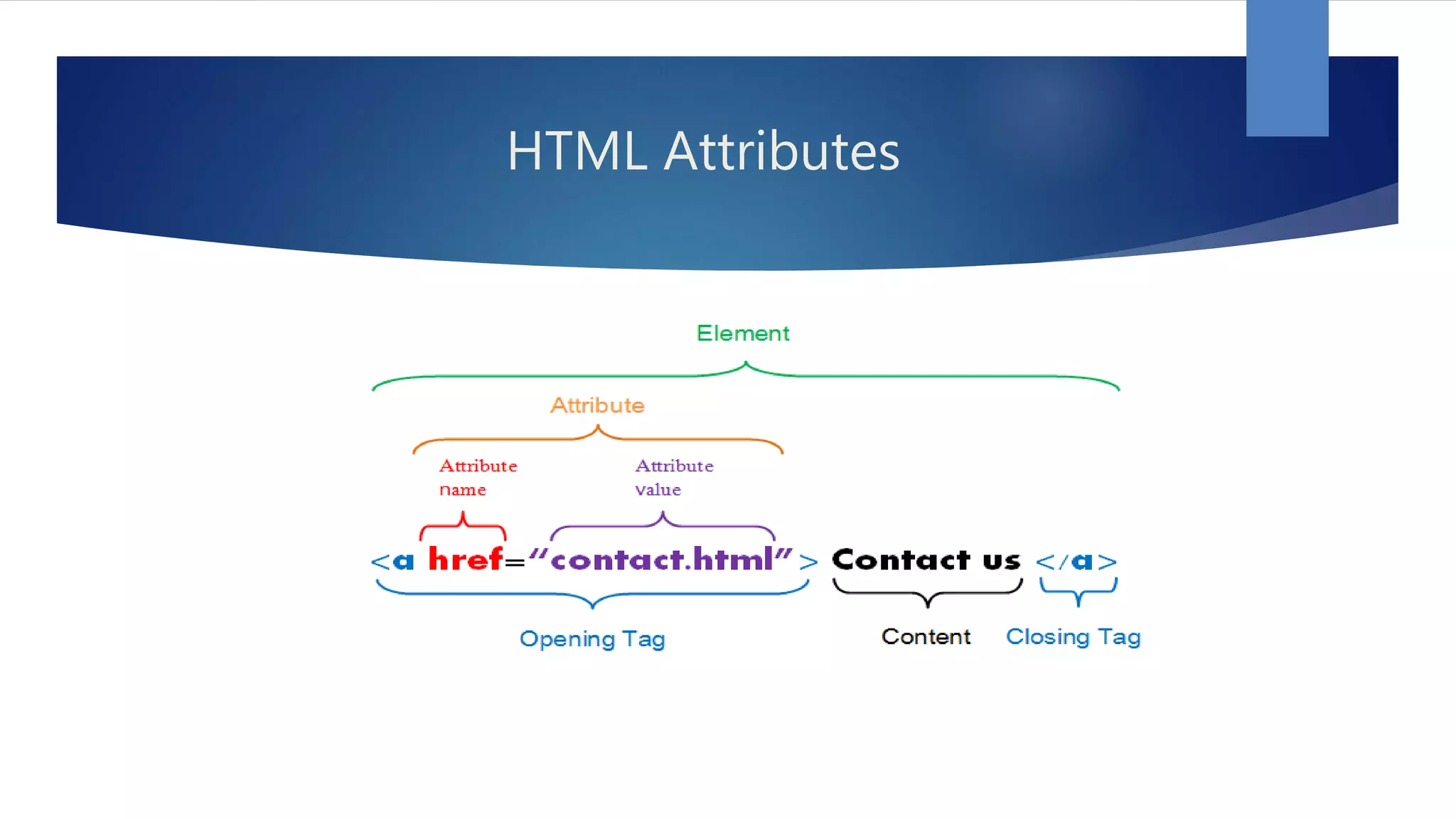
HTML Attributes
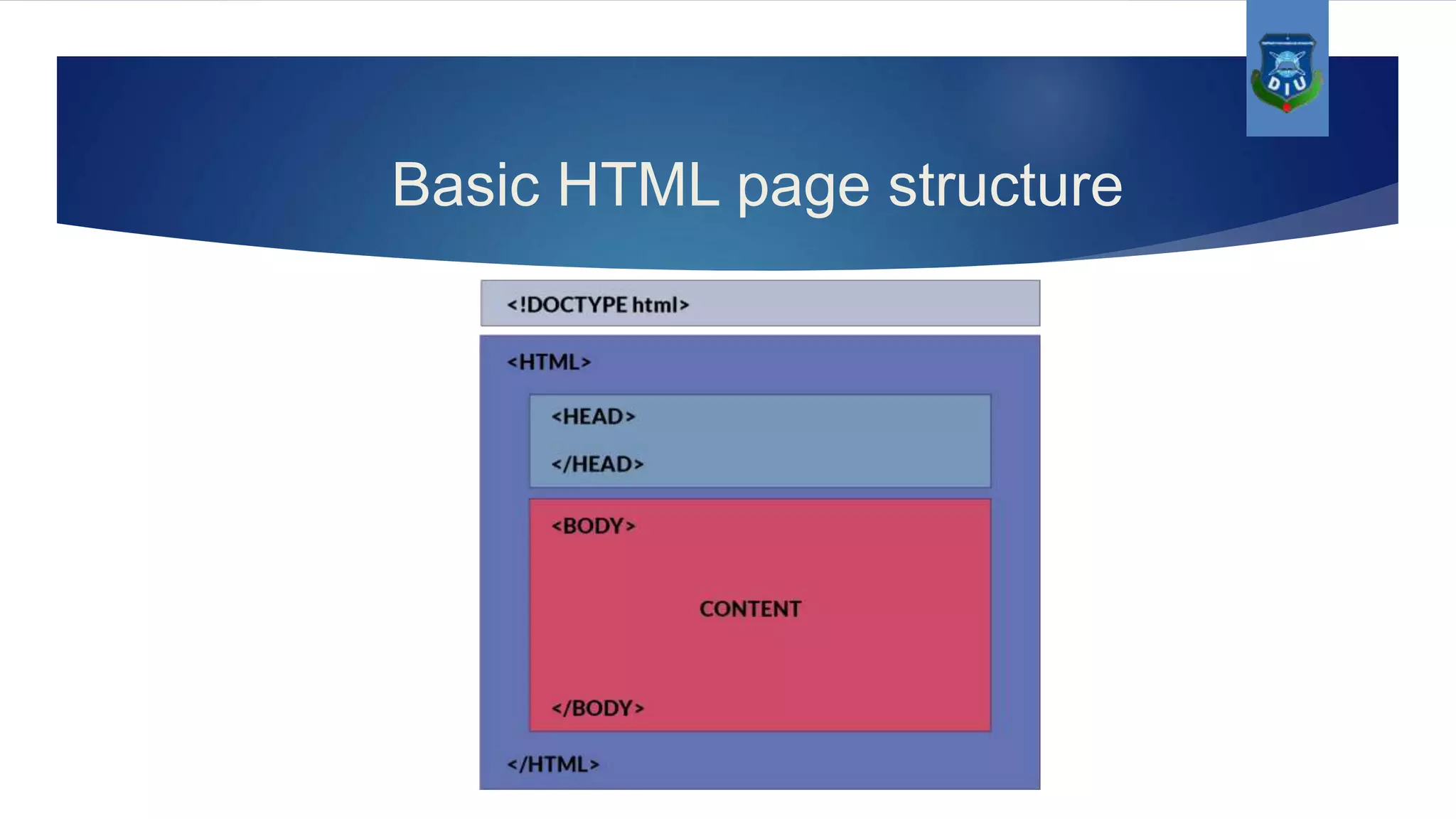
Basic HTML page structure
CSS
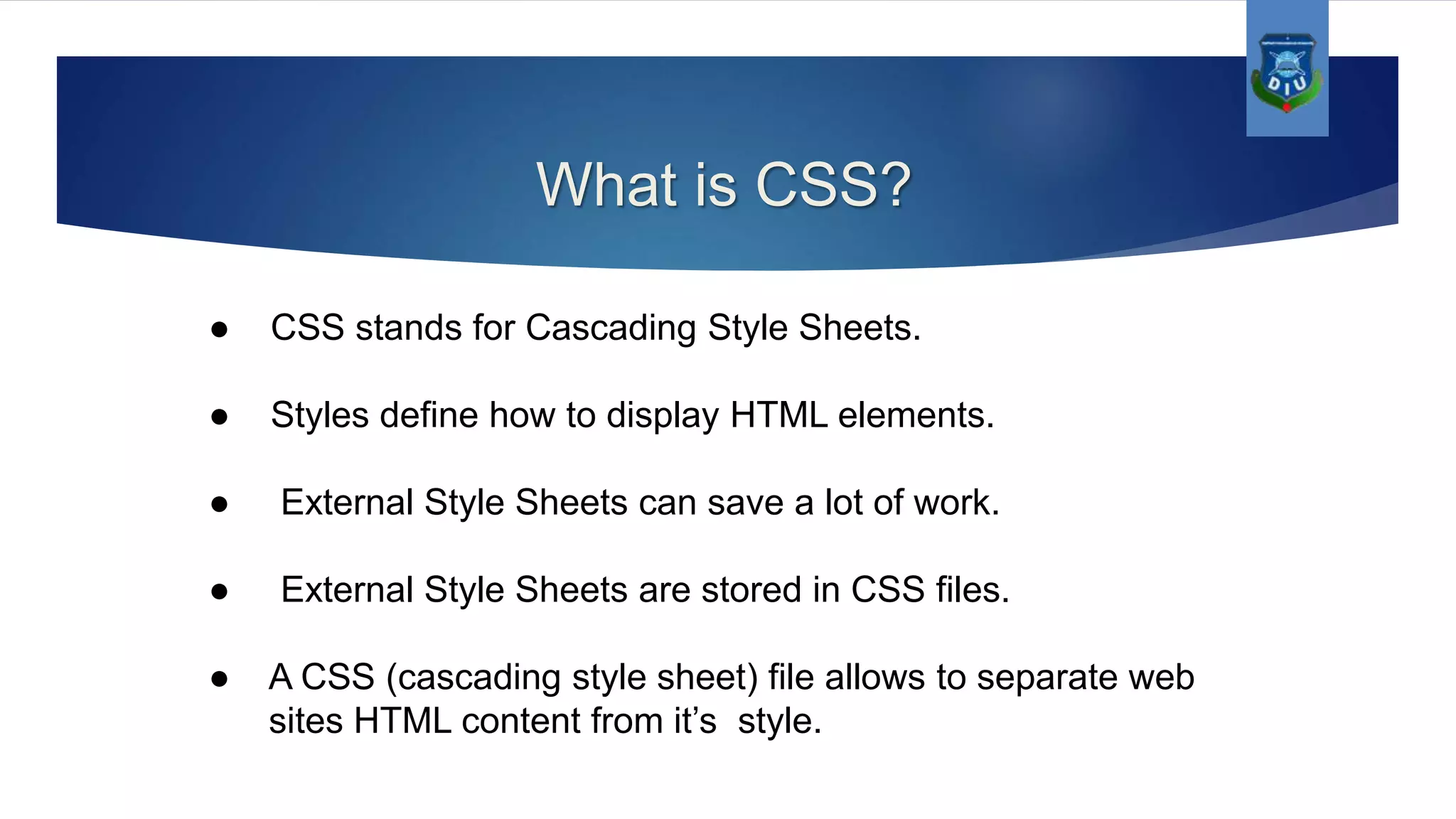
What is CSS? ● CSS stands for Cascading Style Sheets. ● Styles define how to display HTML elements. ● External Style Sheets can save a lot of work. ● External Style Sheets are stored in CSS files. ● A CSS (cascading style sheet) file allows to separate web sites HTML content from it’s style.
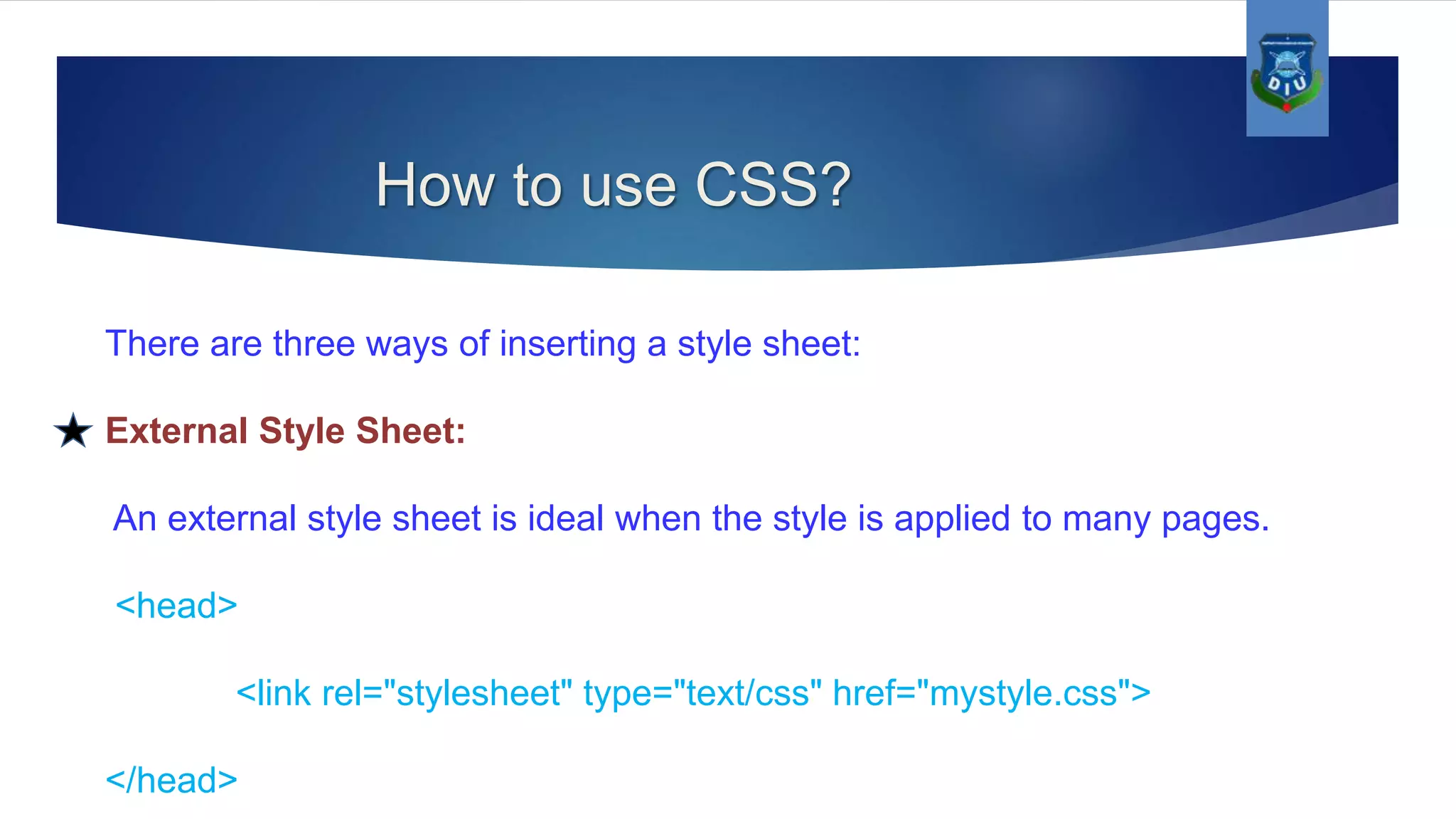
How to use CSS? There are three ways of inserting a style sheet: External Style Sheet: An external style sheet is ideal when the style is applied to many pages. <head> <link rel="stylesheet" type="text/css" href="mystyle.css"> </head>
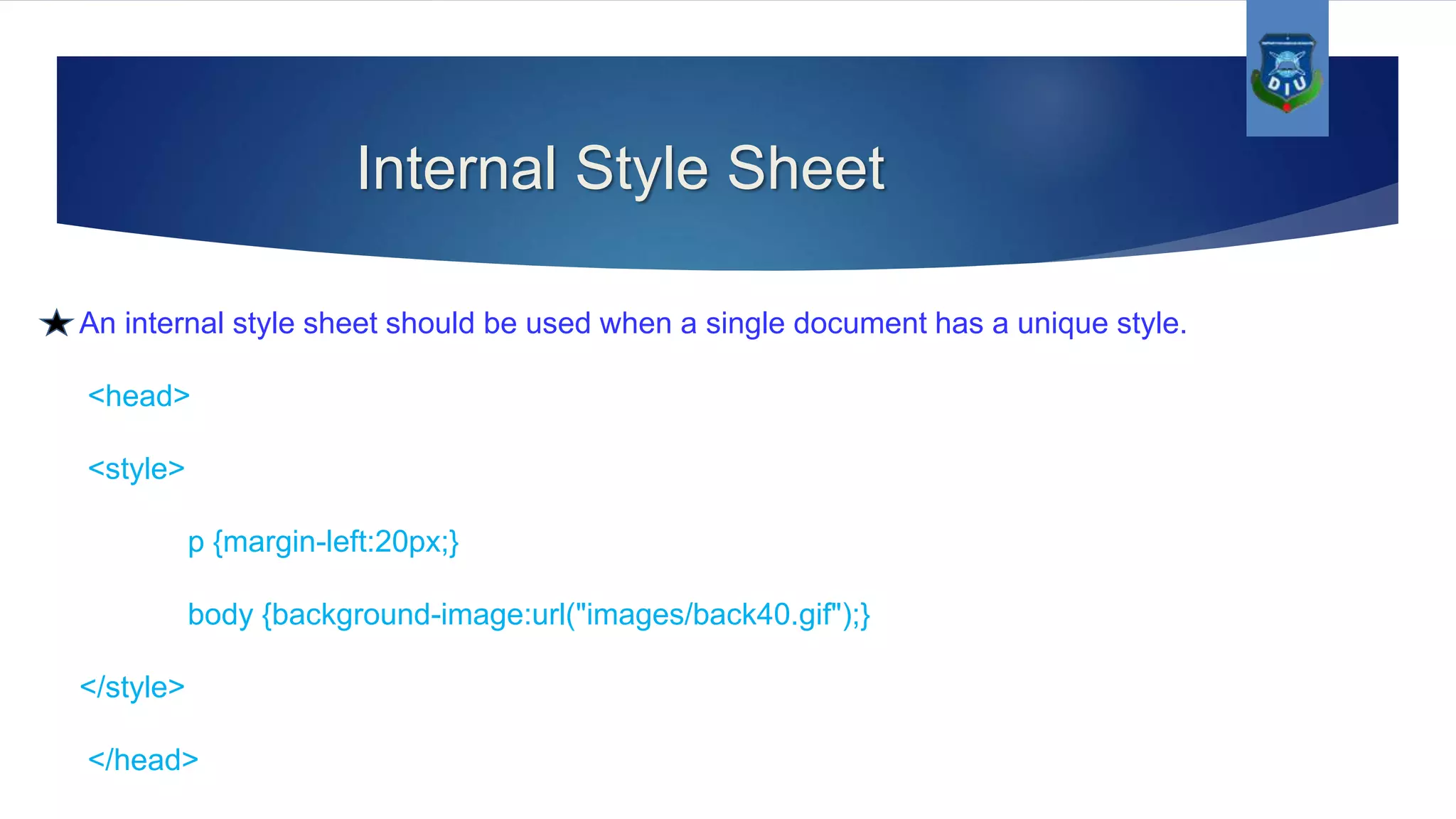
Internal Style Sheet An internal style sheet should be used when a single document has a unique style. <head> <style> p {margin-left:20px;} body {background-image:url("images/back40.gif");} </style> </head>
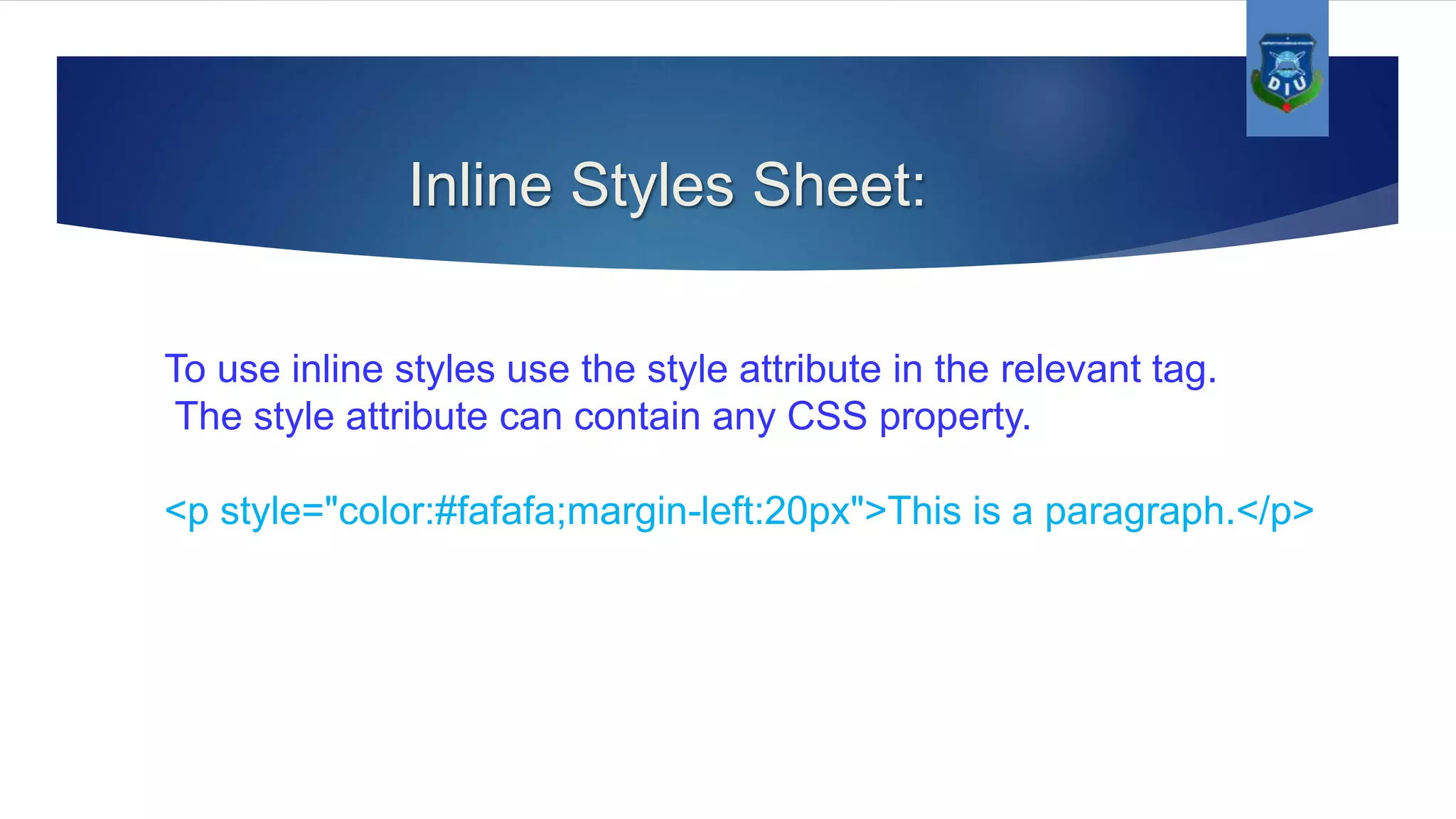
Inline Styles Sheet: To use inline styles use the style attribute in the relevant tag. The style attribute can contain any CSS property. <p style="color:#fafafa;margin-left:20px">This is a paragraph.</p>
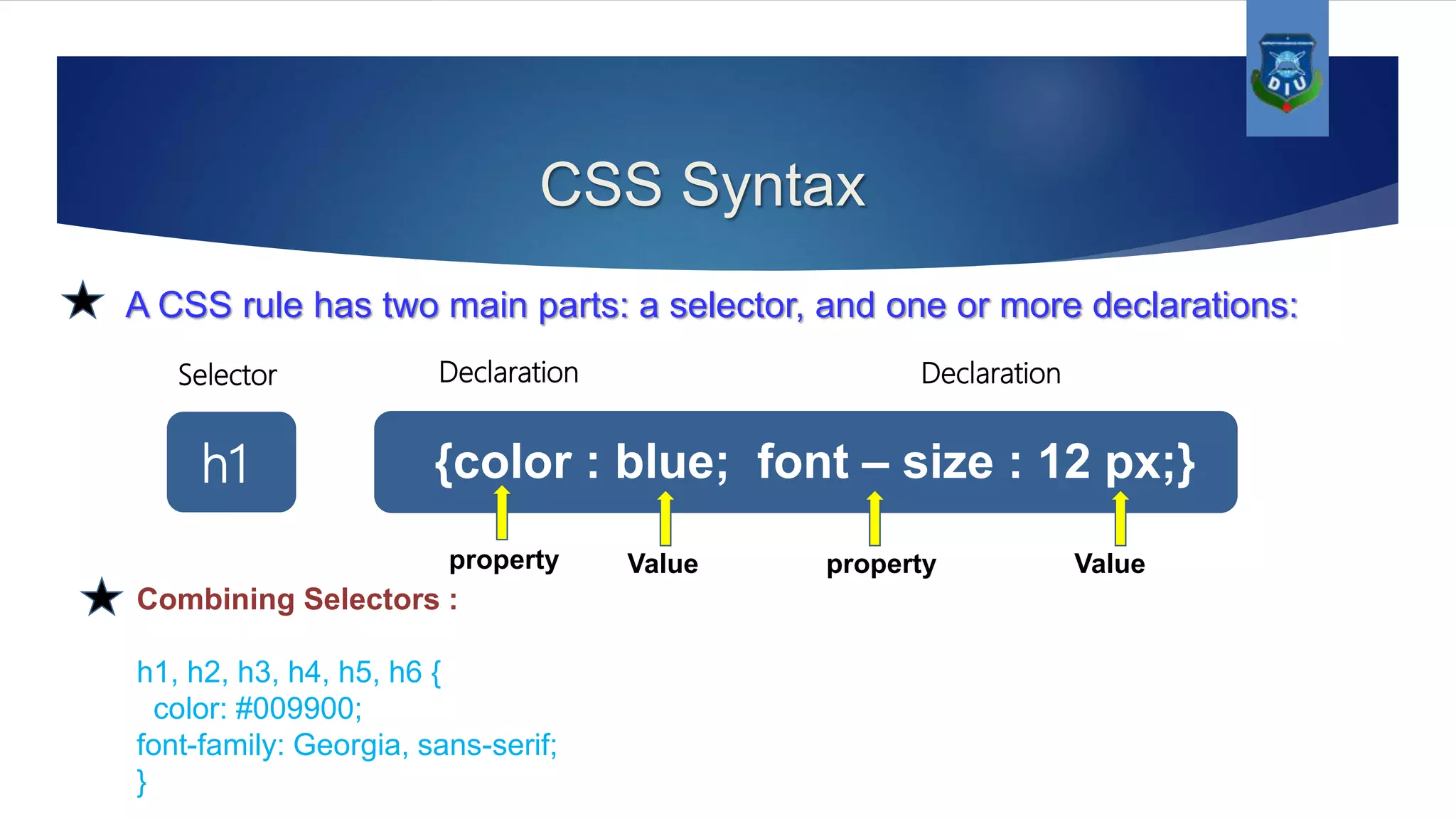
CSS Syntax A CSS rule has two main parts: a selector, and one or more declarations: {color : blue; font – size : 12 px;}h1 Value Valuepropertyproperty Selector Declaration Declaration Combining Selectors : h1, h2, h3, h4, h5, h6 { color: #009900; font-family: Georgia, sans-serif; }
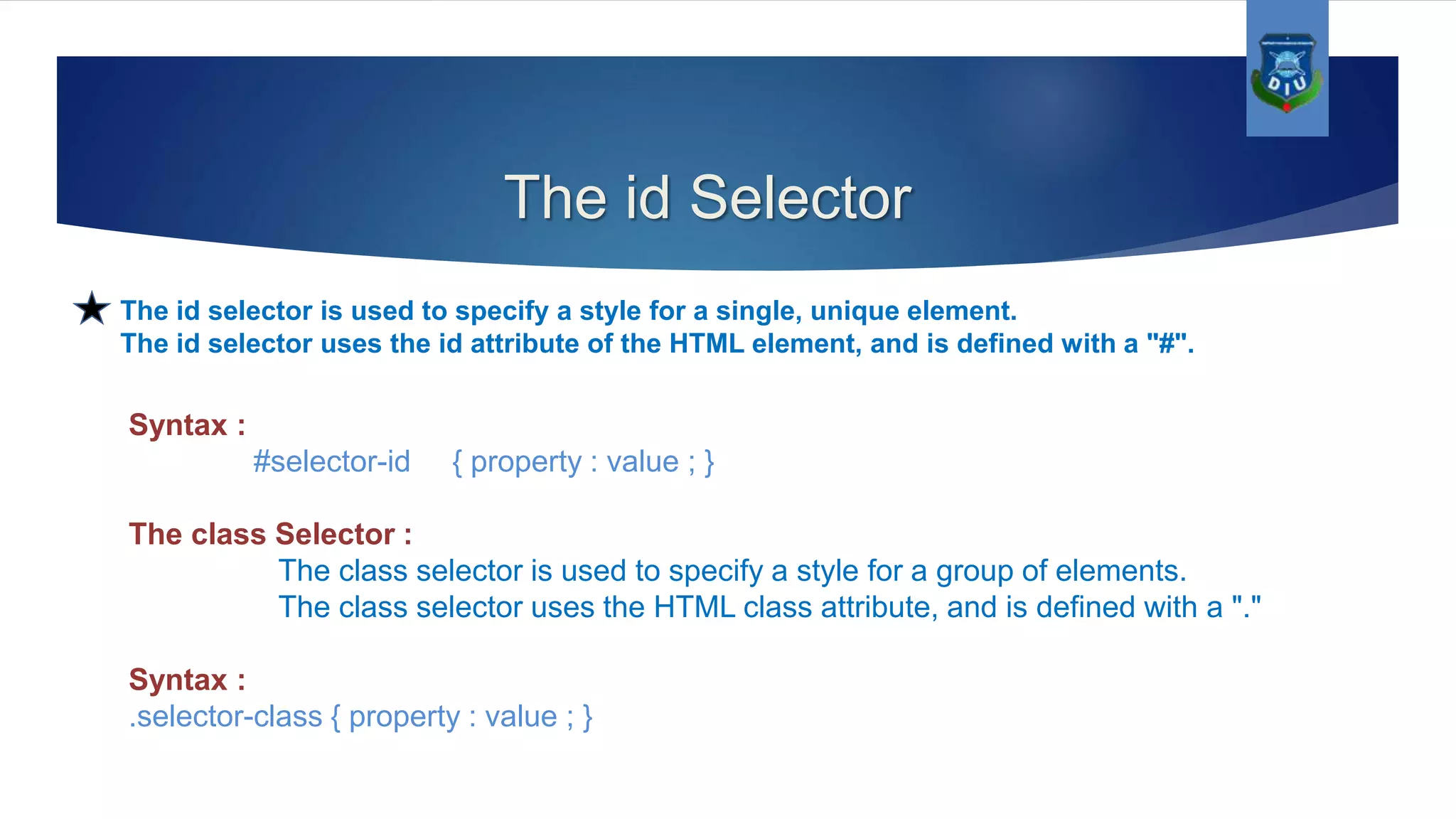
The id Selector The id selector is used to specify a style for a single, unique element. The id selector uses the id attribute of the HTML element, and is defined with a "#". Syntax : #selector-id { property : value ; } The class Selector : The class selector is used to specify a style for a group of elements. The class selector uses the HTML class attribute, and is defined with a "." Syntax : .selector-class { property : value ; }
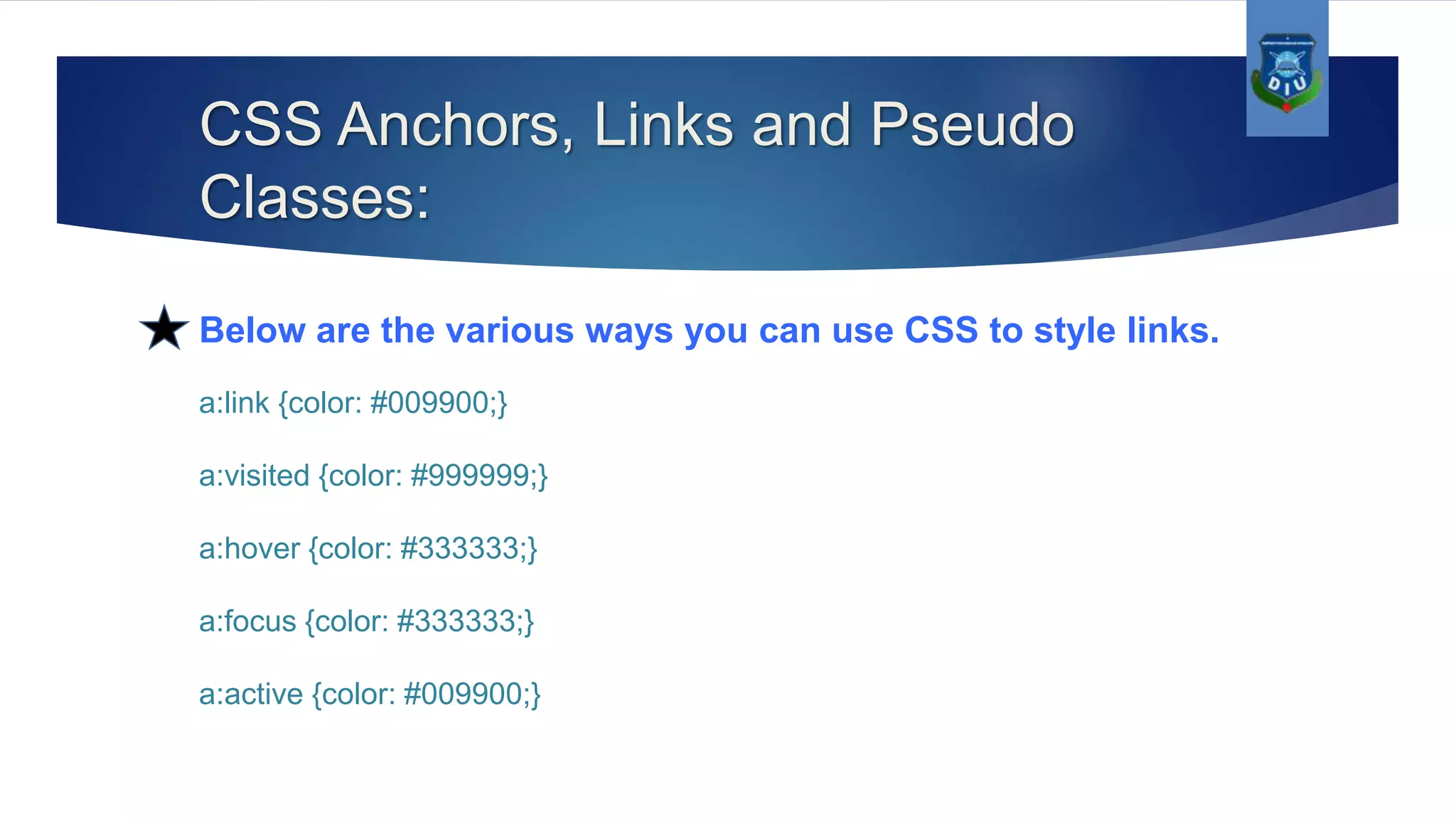
CSS Anchors, Links and Pseudo Classes: Below are the various ways you can use CSS to style links. a:link {color: #009900;} a:visited {color: #999999;} a:hover {color: #333333;} a:focus {color: #333333;} a:active {color: #009900;}
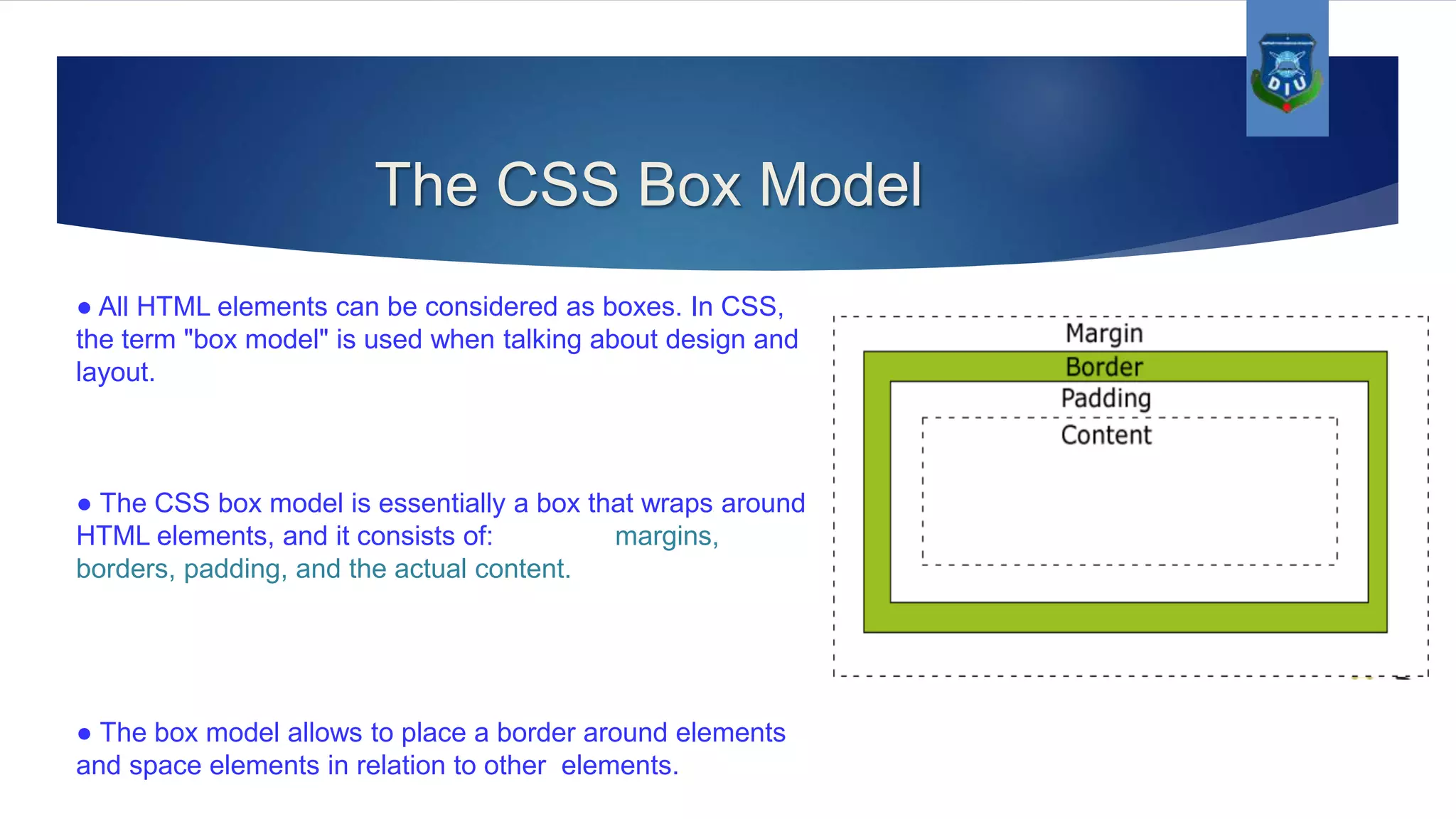
The CSS Box Model ● All HTML elements can be considered as boxes. In CSS, the term "box model" is used when talking about design and layout. ● The CSS box model is essentially a box that wraps around HTML elements, and it consists of: margins, borders, padding, and the actual content. ● The box model allows to place a border around elements and space elements in relation to other elements.
Example #signup-form { background-color: #F8FDEF; border: 1px solid #DFDCDC; border-radius: 15px 15px 15px 15px; display: inline-block; margin-bottom: 30px; margin-left: 20px; margin-top: 10px; padding: 25px 50px 10px; width: 350px; } #signup-form .fieldgroup { display: inline-block; padding: 8px 10px; width: 340px; } #signup-form .fieldgroup label { float: left; padding: 15px 0 0; text-align: right; width: 110px; } #signup-form .fieldgroup input, #signup-form . fieldgroup textarea, #signup-form .fieldgroup select { float: right; margin: 10px 0; height: 25px; } #signup-form .submit { padding: 10px; width: 220px; height: 40px !important; } #signup-form .fieldgroup label.error { color: #FB3A3A; display: inline-block; margin: 4px 0 5px 125px; padding: 0; text-align: left; width: 220px; }
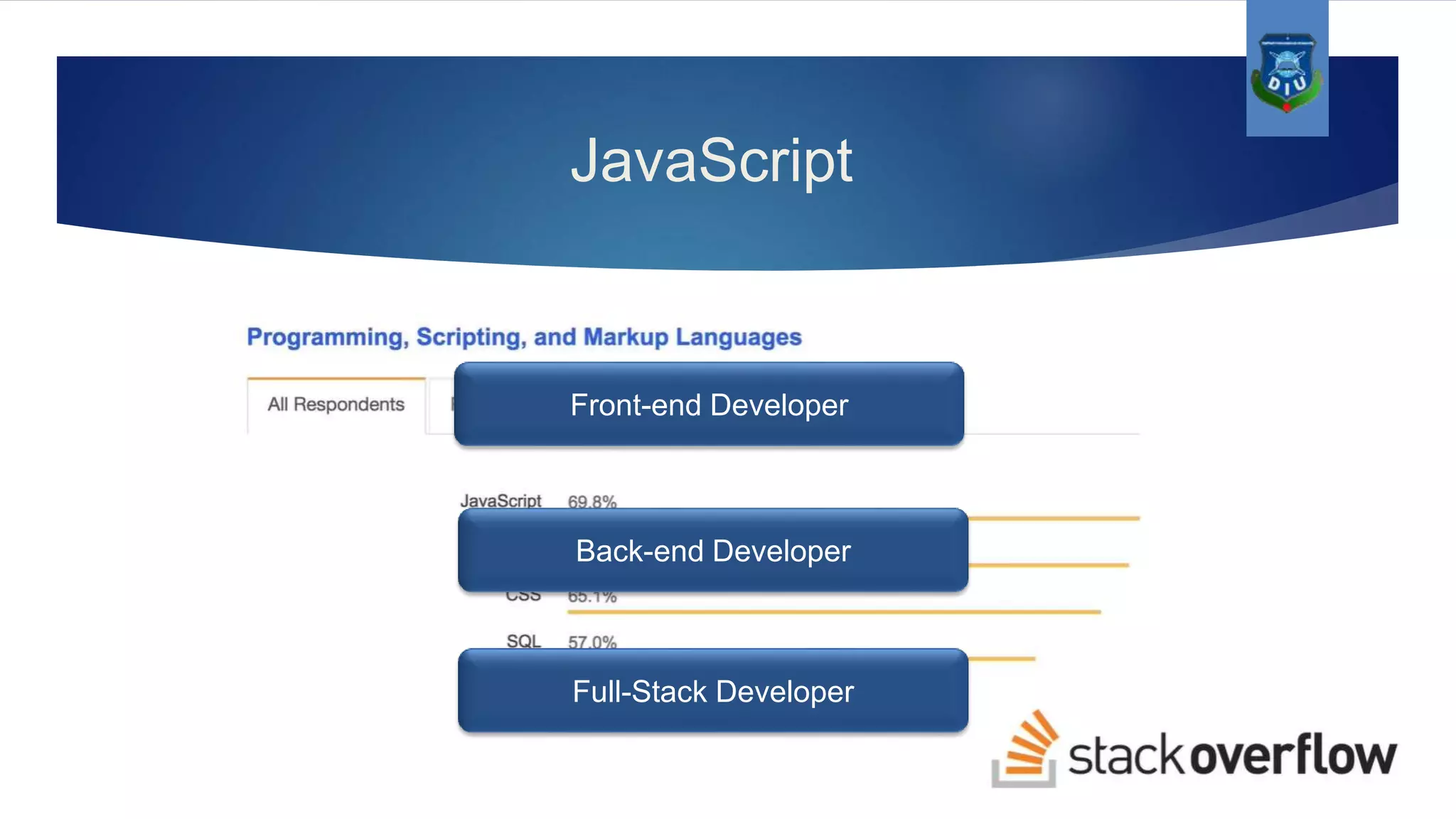
JavaScript Brendan Eich in 1995 Back-end Developer Full-Stack Developer Front-end Developer
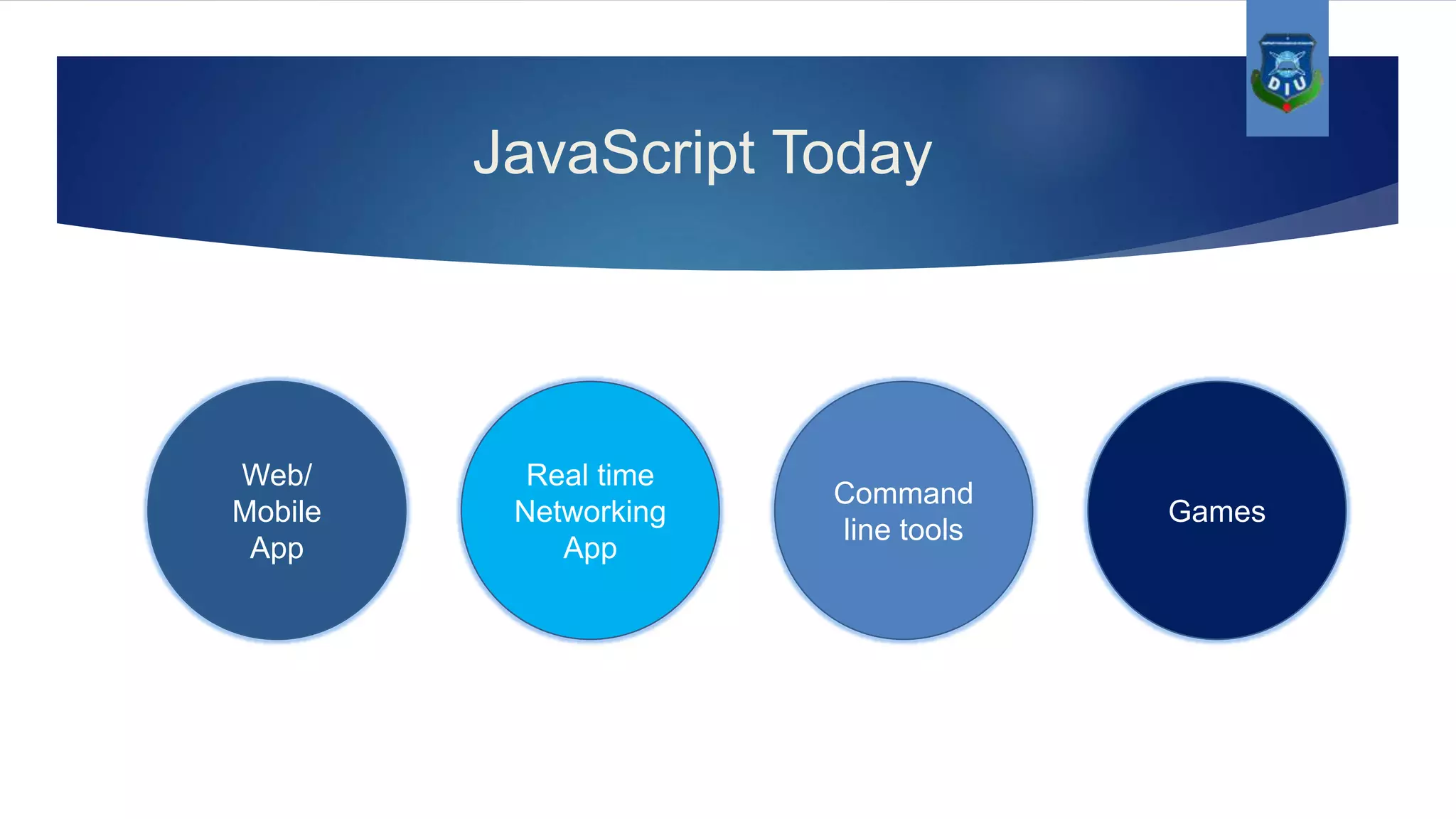
JavaScript Today Web/ Mobile App Games Command line tools Real time Networking App
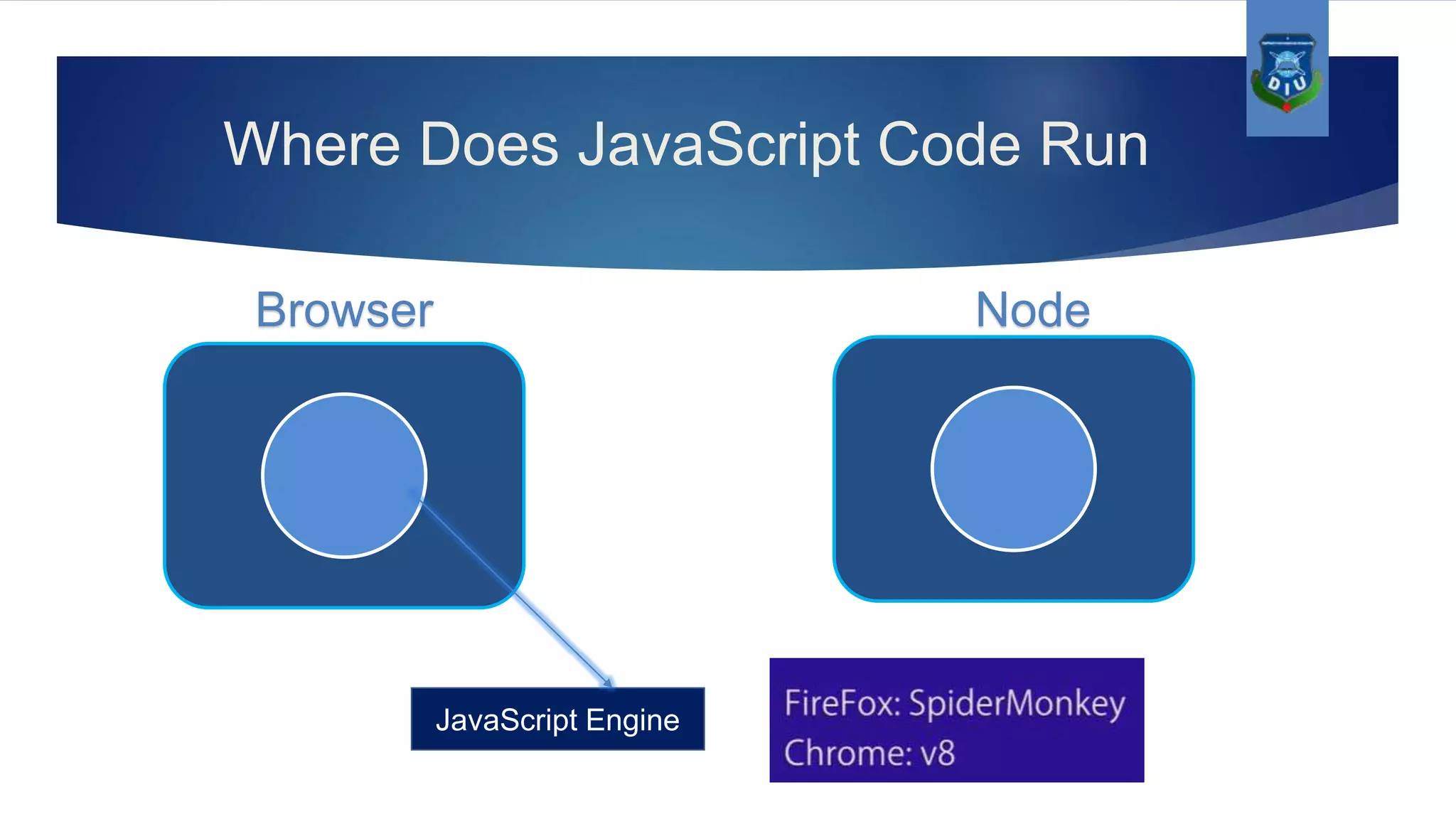
Where Does JavaScript Code Run JavaScript Engine Browser Node
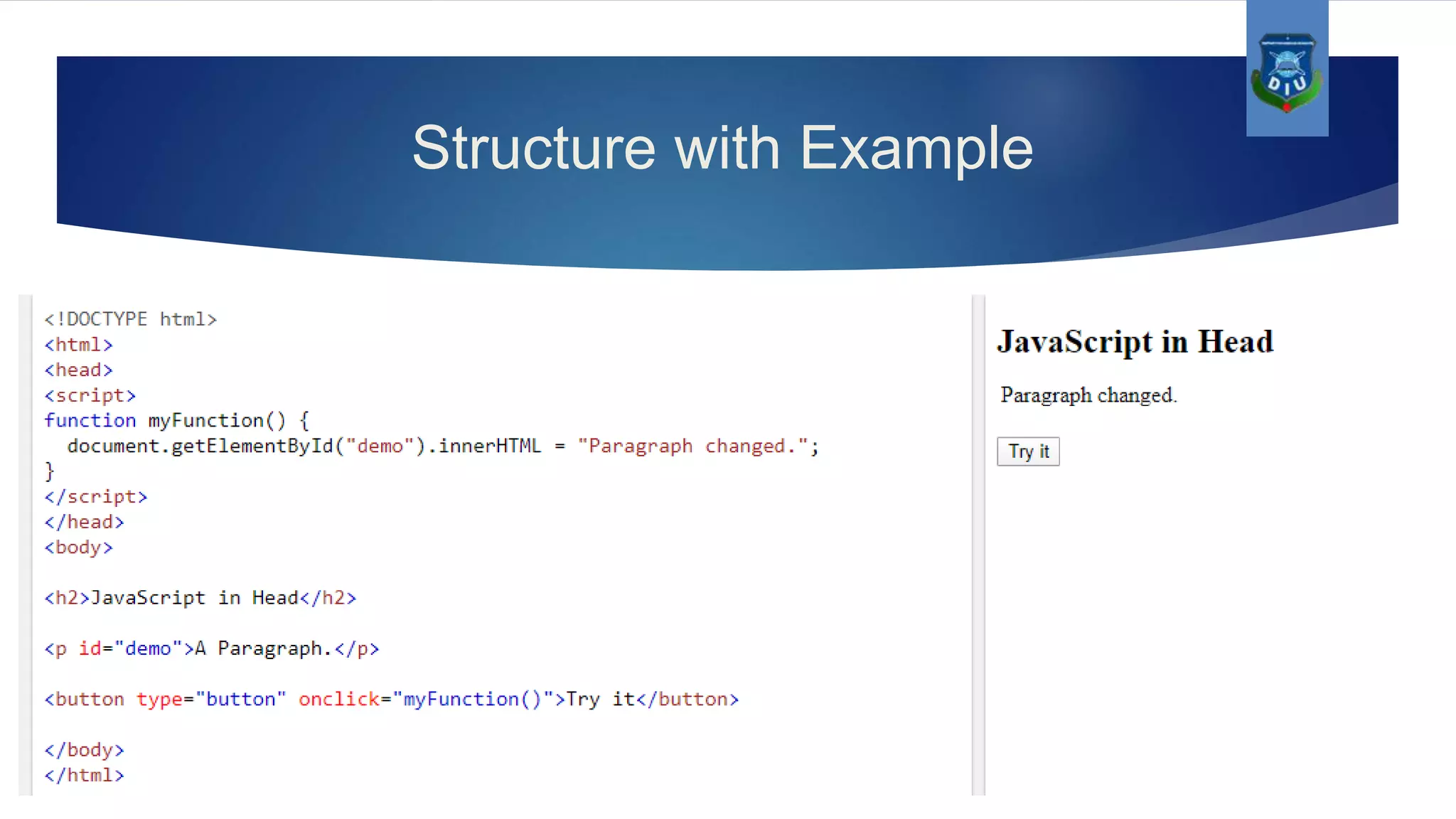
Structure with Example
Languages for web(HTML,CSS,JS)

Languages for web(HTML,CSS,JS)

  • 2.
  • 3.
    Team Members  FaysalAhmmed  Md.Hasanul Haque  Md.Mahamudul Hasan
  • 5.
  • 6.
  • 7.
    Types of HTMLtages Container tags <h1> content </h1> <p> … </p> <a> … </a> Empty tags <img/> <hr> <br>
  • 8.
    The different typesof HTML tags  <html>…</html>  <head>…</head>  <title> … </title>  <body>…</body>  <h1> to </h6>  <p>…</p>  <a>…</a>  <div> …</div>  <img>
  • 9.
  • 10.
    Basic HTML pagestructure
  • 11.
  • 12.
    What is CSS? ●CSS stands for Cascading Style Sheets. ● Styles define how to display HTML elements. ● External Style Sheets can save a lot of work. ● External Style Sheets are stored in CSS files. ● A CSS (cascading style sheet) file allows to separate web sites HTML content from it’s style.
  • 13.
    How to useCSS? There are three ways of inserting a style sheet: External Style Sheet: An external style sheet is ideal when the style is applied to many pages. <head> <link rel="stylesheet" type="text/css" href="mystyle.css"> </head>
  • 14.
    Internal Style Sheet Aninternal style sheet should be used when a single document has a unique style. <head> <style> p {margin-left:20px;} body {background-image:url("images/back40.gif");} </style> </head>
  • 15.
    Inline Styles Sheet: Touse inline styles use the style attribute in the relevant tag. The style attribute can contain any CSS property. <p style="color:#fafafa;margin-left:20px">This is a paragraph.</p>
  • 16.
    CSS Syntax A CSSrule has two main parts: a selector, and one or more declarations: {color : blue; font – size : 12 px;}h1 Value Valuepropertyproperty Selector Declaration Declaration Combining Selectors : h1, h2, h3, h4, h5, h6 { color: #009900; font-family: Georgia, sans-serif; }
  • 17.
    The id Selector Theid selector is used to specify a style for a single, unique element. The id selector uses the id attribute of the HTML element, and is defined with a "#". Syntax : #selector-id { property : value ; } The class Selector : The class selector is used to specify a style for a group of elements. The class selector uses the HTML class attribute, and is defined with a "." Syntax : .selector-class { property : value ; }
  • 18.
    CSS Anchors, Linksand Pseudo Classes: Below are the various ways you can use CSS to style links. a:link {color: #009900;} a:visited {color: #999999;} a:hover {color: #333333;} a:focus {color: #333333;} a:active {color: #009900;}
  • 19.
    The CSS BoxModel ● All HTML elements can be considered as boxes. In CSS, the term "box model" is used when talking about design and layout. ● The CSS box model is essentially a box that wraps around HTML elements, and it consists of: margins, borders, padding, and the actual content. ● The box model allows to place a border around elements and space elements in relation to other elements.
  • 20.
    Example #signup-form { background-color: #F8FDEF; border:1px solid #DFDCDC; border-radius: 15px 15px 15px 15px; display: inline-block; margin-bottom: 30px; margin-left: 20px; margin-top: 10px; padding: 25px 50px 10px; width: 350px; } #signup-form .fieldgroup { display: inline-block; padding: 8px 10px; width: 340px; } #signup-form .fieldgroup label { float: left; padding: 15px 0 0; text-align: right; width: 110px; } #signup-form .fieldgroup input, #signup-form . fieldgroup textarea, #signup-form .fieldgroup select { float: right; margin: 10px 0; height: 25px; } #signup-form .submit { padding: 10px; width: 220px; height: 40px !important; } #signup-form .fieldgroup label.error { color: #FB3A3A; display: inline-block; margin: 4px 0 5px 125px; padding: 0; text-align: left; width: 220px; }
  • 22.
    JavaScript Brendan Eich in1995 Back-end Developer Full-Stack Developer Front-end Developer
  • 23.
  • 24.
    Where Does JavaScriptCode Run JavaScript Engine Browser Node
  • 25.