What is HTML  HTML stands for Hyper Text Markup Language  HTML is used for describing web pages.  HTML is a markup language.  A markup language consist of markup tags.  The tags defines document content.  HTML documents include HTML tags and plain text.
HTML Tags  HTML markup tags are usually called HTML tags.  HTML tags are keywords surrounded by angle brackets like <HTML>.  Html tags normally come in pairs like <b>and </b>.  The first tag in pair is the start tag and second tag is the end tag.  The end tag is written like the start tag , with a forward slash before the tag name.  Start and end tags are also called opening tags and closing tags. <tagname>Content</tagname>
Basic HTML page structure  HTML  HEAD: Non web displayable info and code like meta tags, script, title etc.  BODY: Includes <div> div: Header – We can include branding and navigation elements like logo, slogan, menu, etc. div: Main content – We can include all kind of elements like images, paragraphs, videos, links, etc. div: Footer – We can include informational elements like: copyright, sub menu, links, site info, etc.
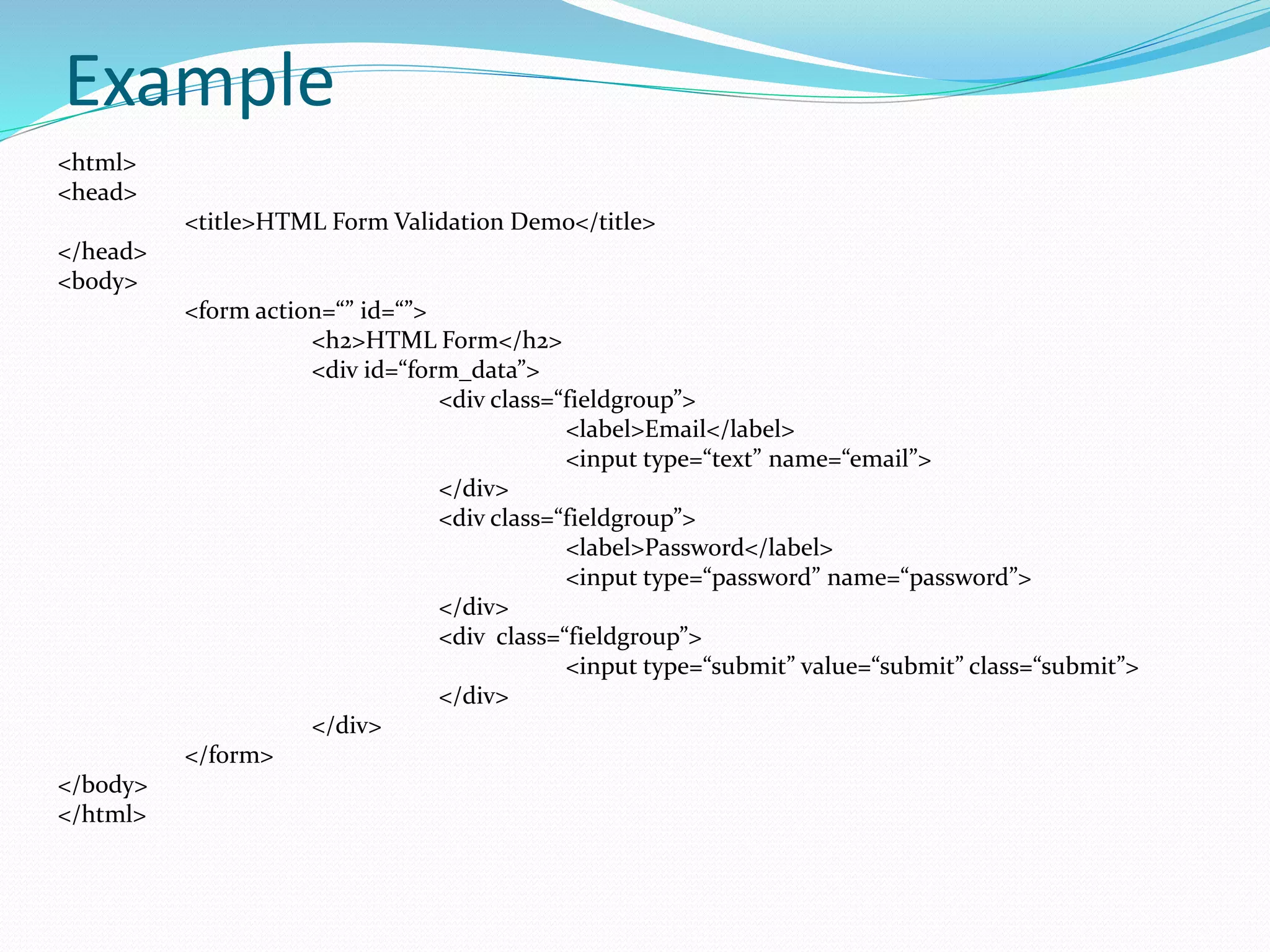
Example <html> <head> <title>HTML Form Validation Demo</title> </head> <body> <form action=“” id=“”> <h2>HTML Form</h2> <div id=“form_data”> <div class=“fieldgroup”> <label>Email</label> <input type=“text” name=“email”> </div> <div class=“fieldgroup”> <label>Password</label> <input type=“password” name=“password”> </div> <div class=“fieldgroup”> <input type=“submit” value=“submit” class=“submit”> </div> </div> </form> </body> </html>
What is CSS  CSS stands for Cascading Style Sheet.  Styles define how to display HTML elements.  External style sheets can save a lot of work.  External style sheets are stored in CSS file.  A CSS file allows to separate web sites HTML content from its style.
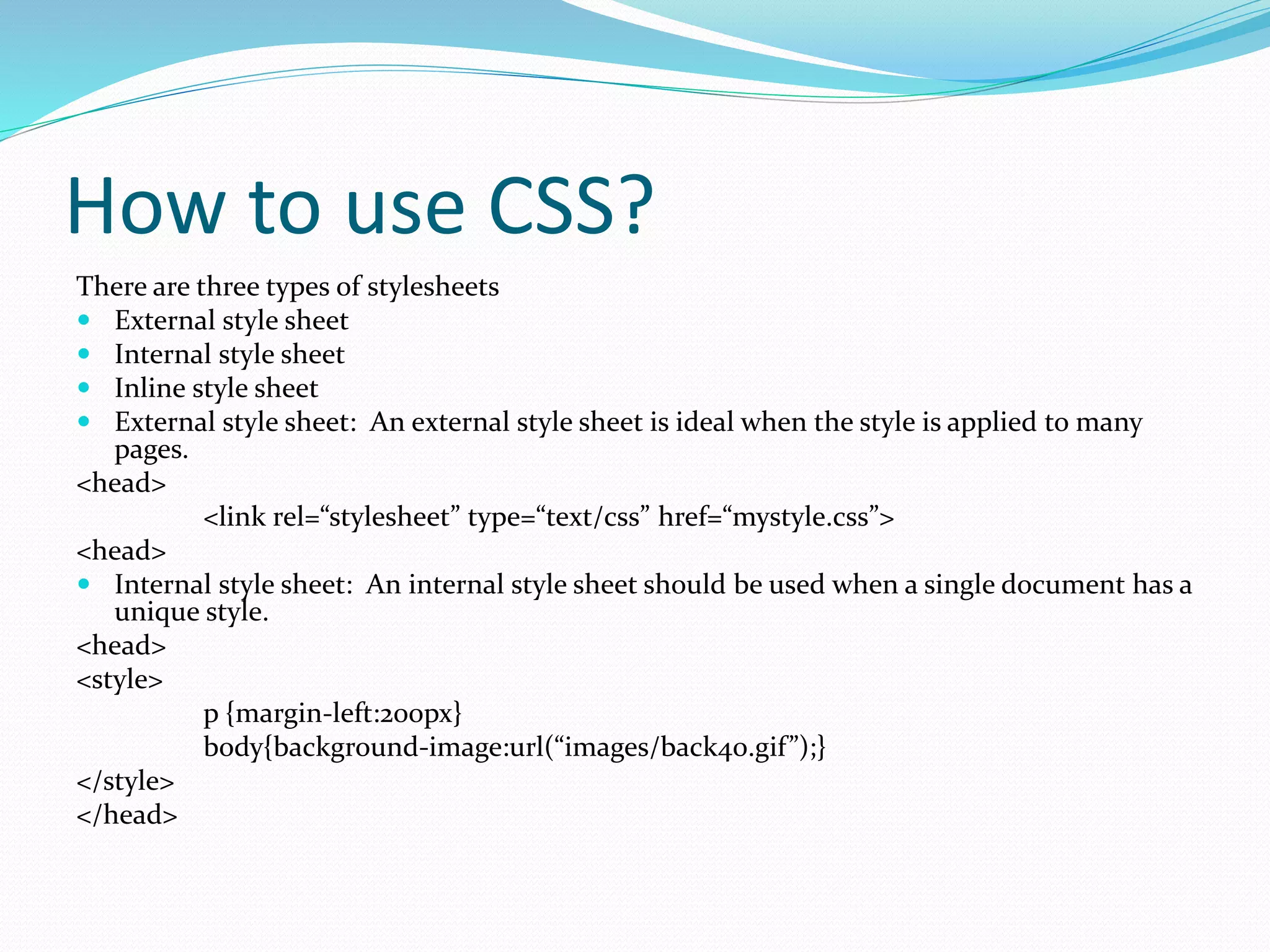
How to use CSS? There are three types of stylesheets  External style sheet  Internal style sheet  Inline style sheet  External style sheet: An external style sheet is ideal when the style is applied to many pages. <head> <link rel=“stylesheet” type=“text/css” href=“mystyle.css”> <head>  Internal style sheet: An internal style sheet should be used when a single document has a unique style. <head> <style> p {margin-left:200px} body{background-image:url(“images/back40.gif”);} </style> </head>
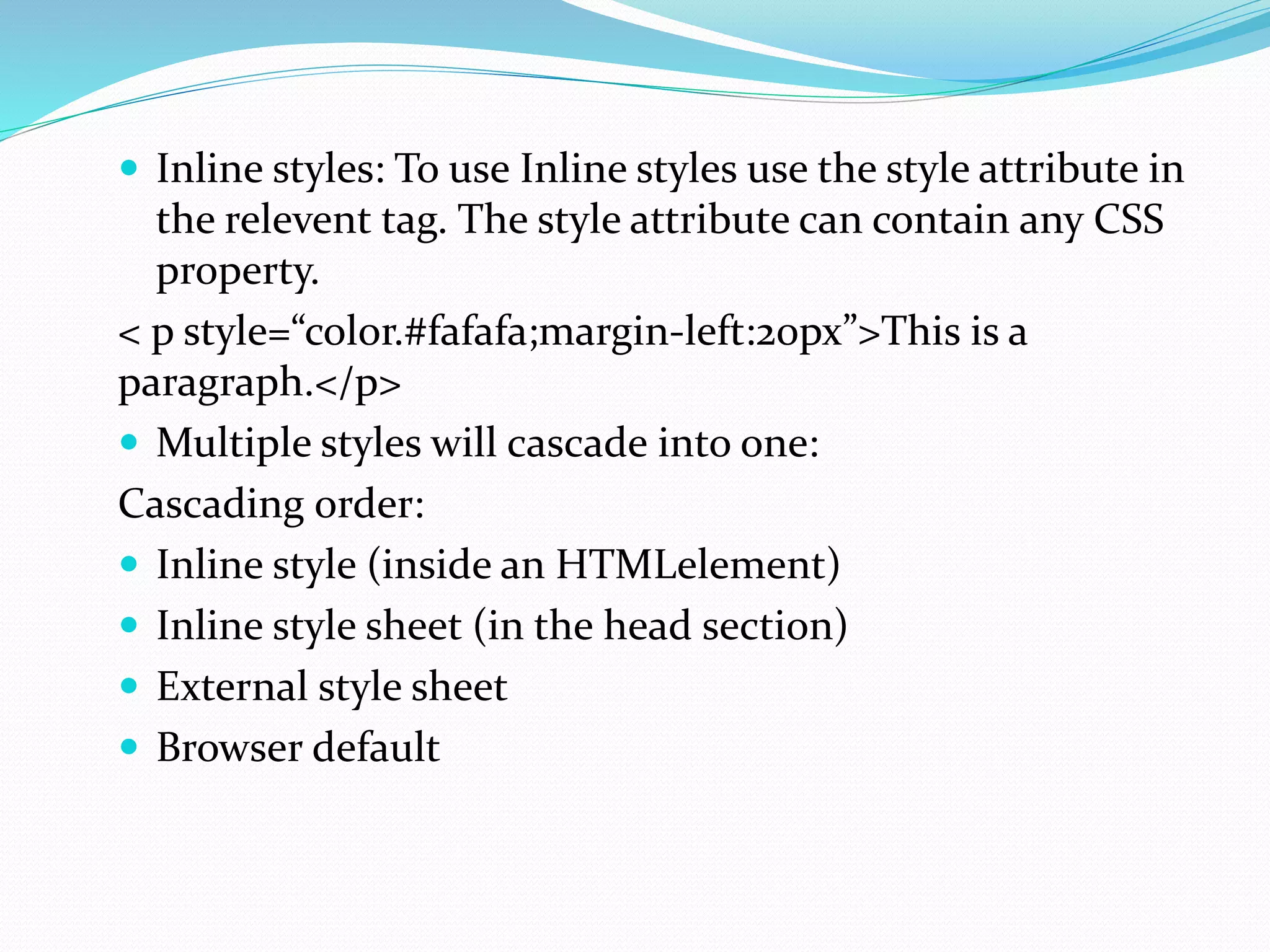
 Inline styles: To use Inline styles use the style attribute in the relevent tag. The style attribute can contain any CSS property. < p style=“color.#fafafa;margin-left:20px”>This is a paragraph.</p>  Multiple styles will cascade into one: Cascading order:  Inline style (inside an HTMLelement)  Inline style sheet (in the head section)  External style sheet  Browser default
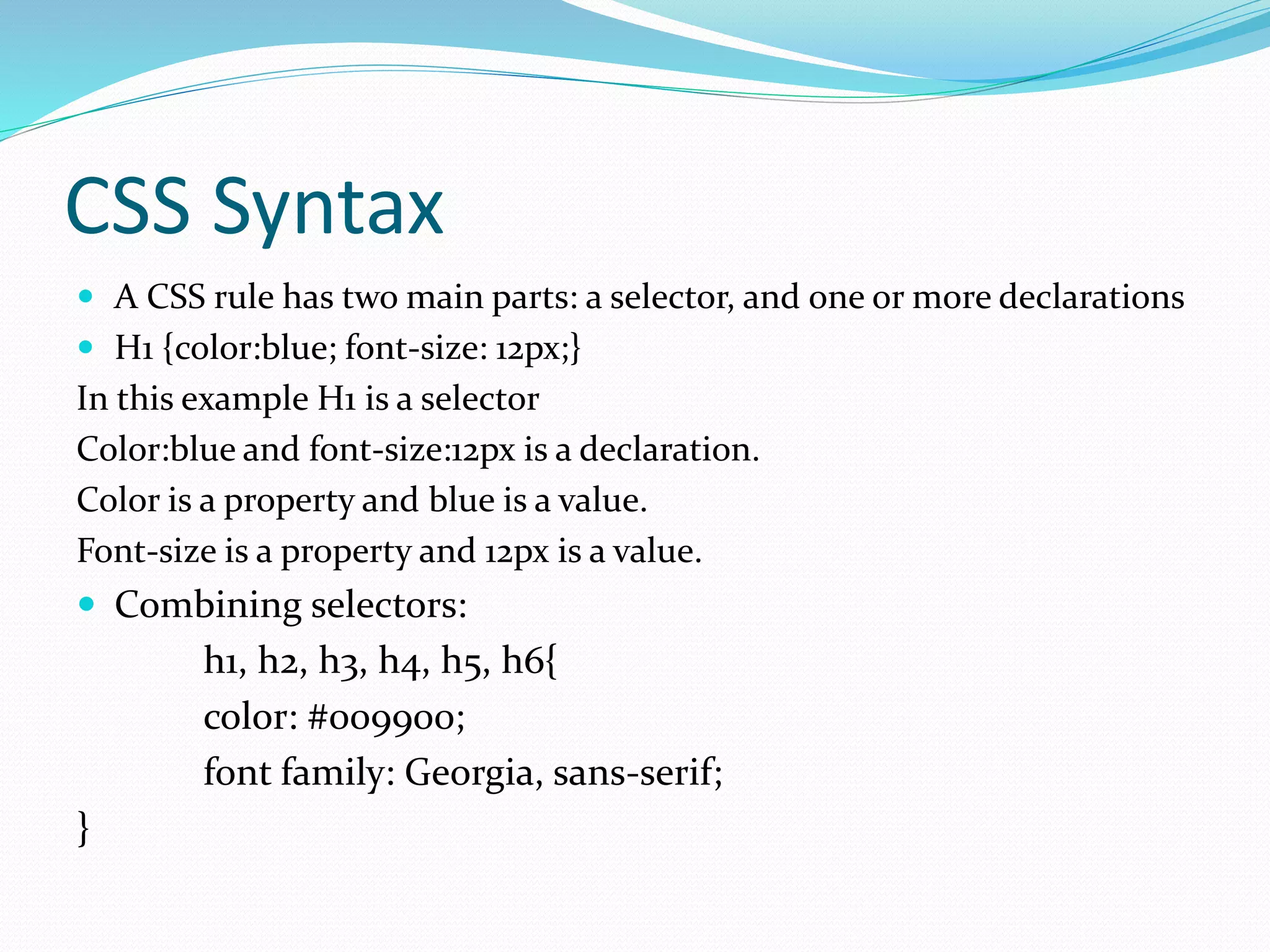
CSS Syntax  A CSS rule has two main parts: a selector, and one or more declarations  H1 {color:blue; font-size: 12px;} In this example H1 is a selector Color:blue and font-size:12px is a declaration. Color is a property and blue is a value. Font-size is a property and 12px is a value.  Combining selectors: h1, h2, h3, h4, h5, h6{ color: #009900; font family: Georgia, sans-serif; }
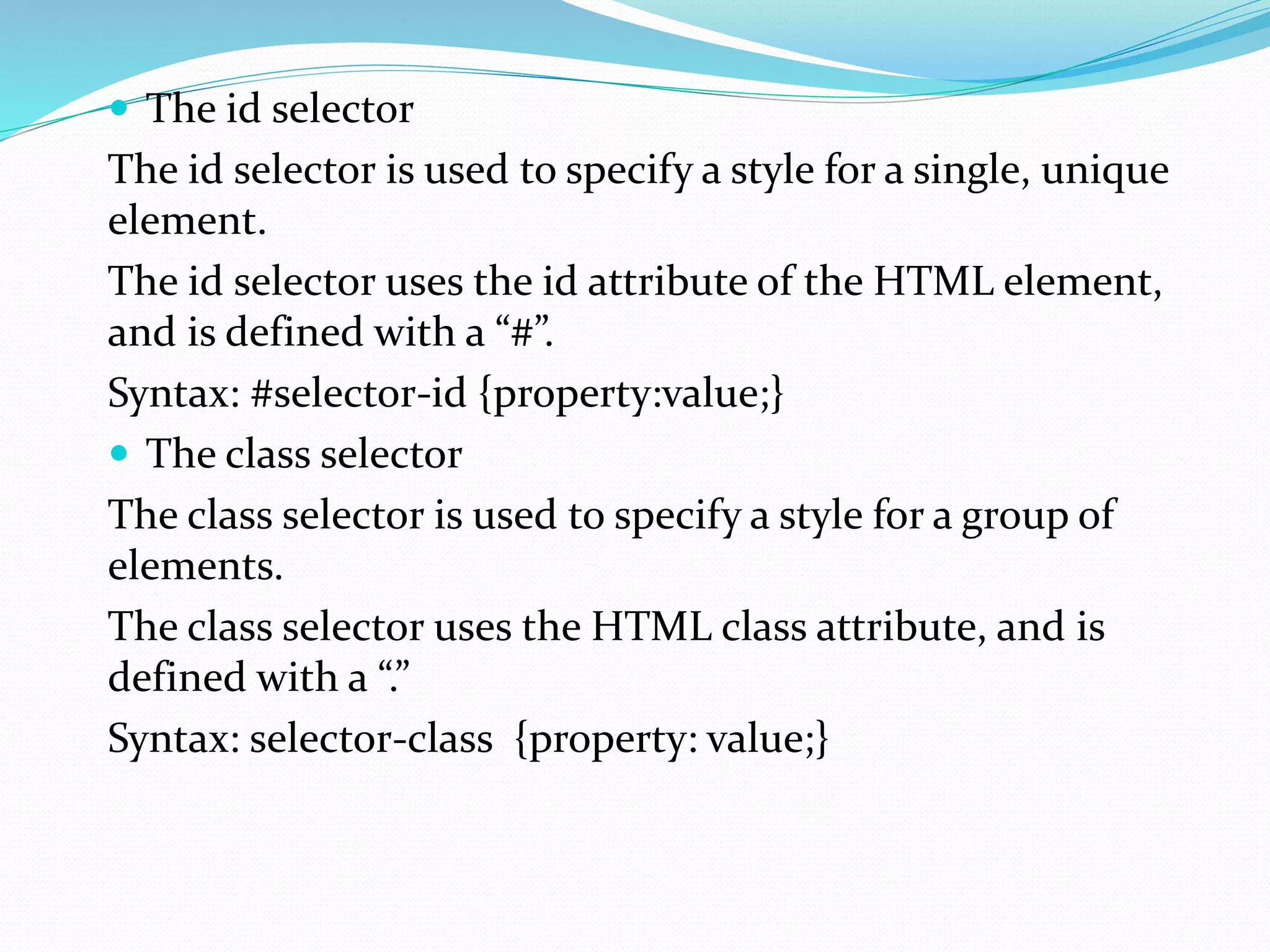
 The id selector The id selector is used to specify a style for a single, unique element. The id selector uses the id attribute of the HTML element, and is defined with a “#”. Syntax: #selector-id {property:value;}  The class selector The class selector is used to specify a style for a group of elements. The class selector uses the HTML class attribute, and is defined with a “.” Syntax: selector-class {property: value;}
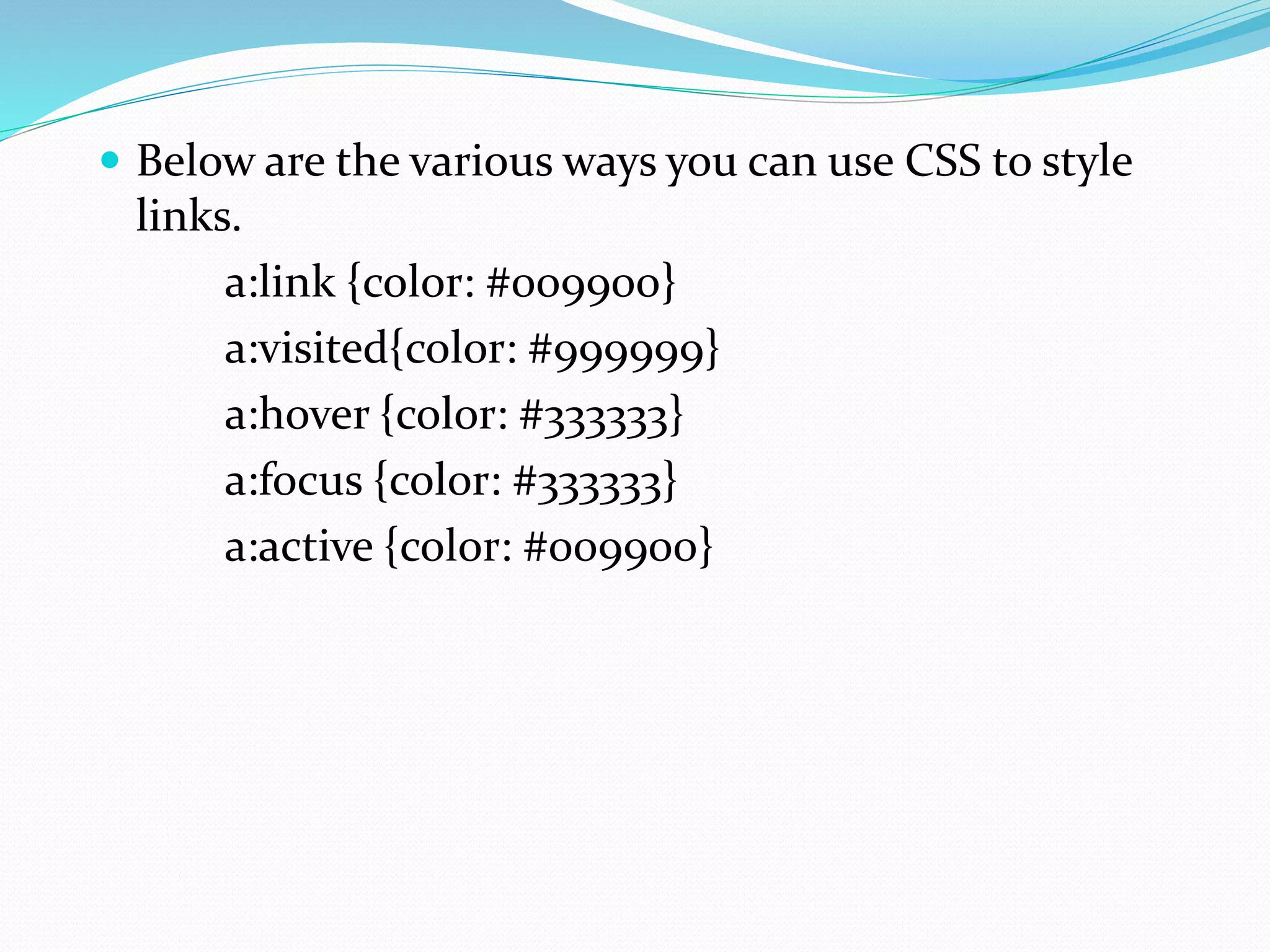
 Below are the various ways you can use CSS to style links. a:link {color: #009900} a:visited{color: #999999} a:hover {color: #333333} a:focus {color: #333333} a:active {color: #009900}
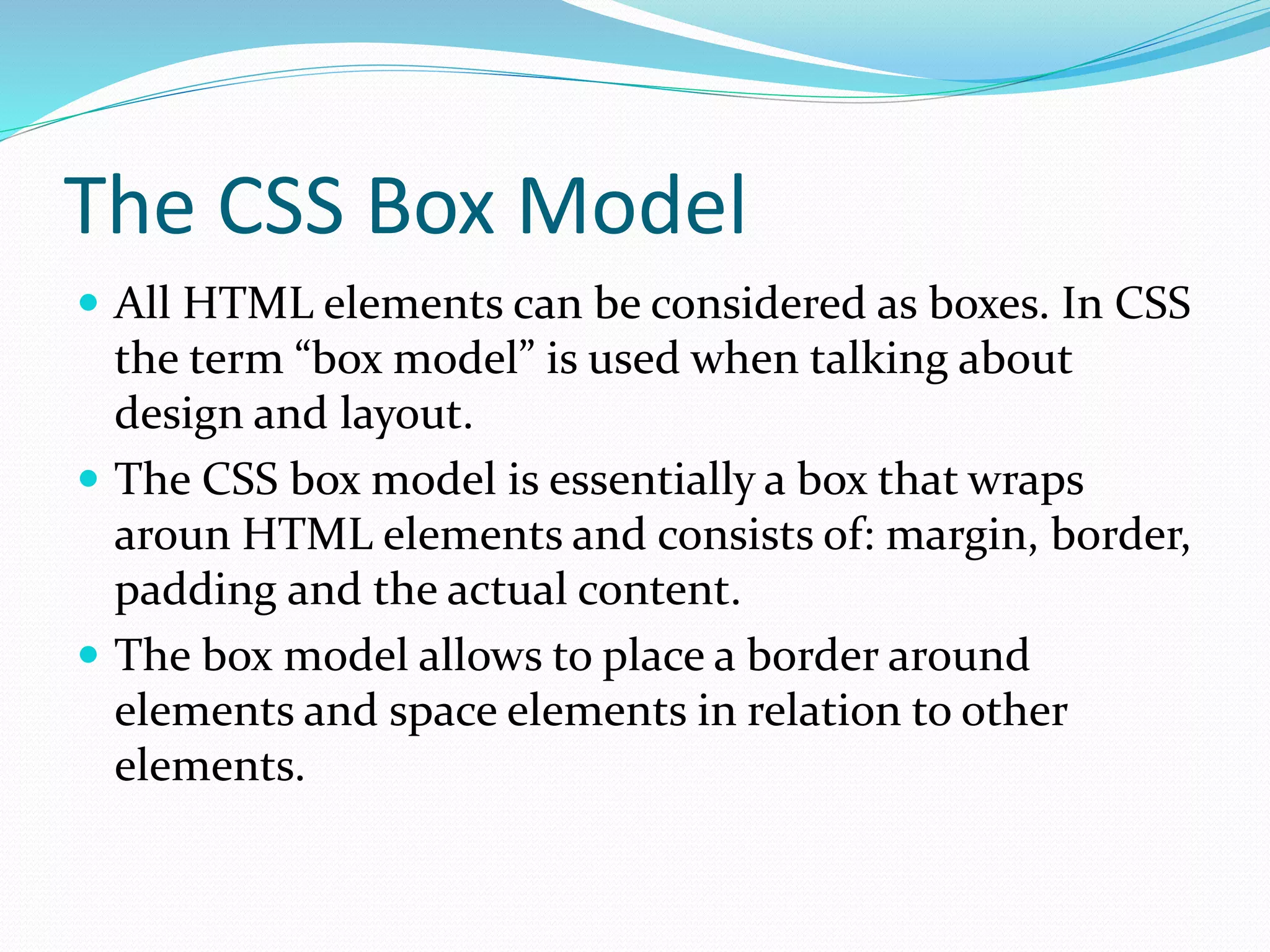
The CSS Box Model  All HTML elements can be considered as boxes. In CSS the term “box model” is used when talking about design and layout.  The CSS box model is essentially a box that wraps aroun HTML elements and consists of: margin, border, padding and the actual content.  The box model allows to place a border around elements and space elements in relation to other elements.
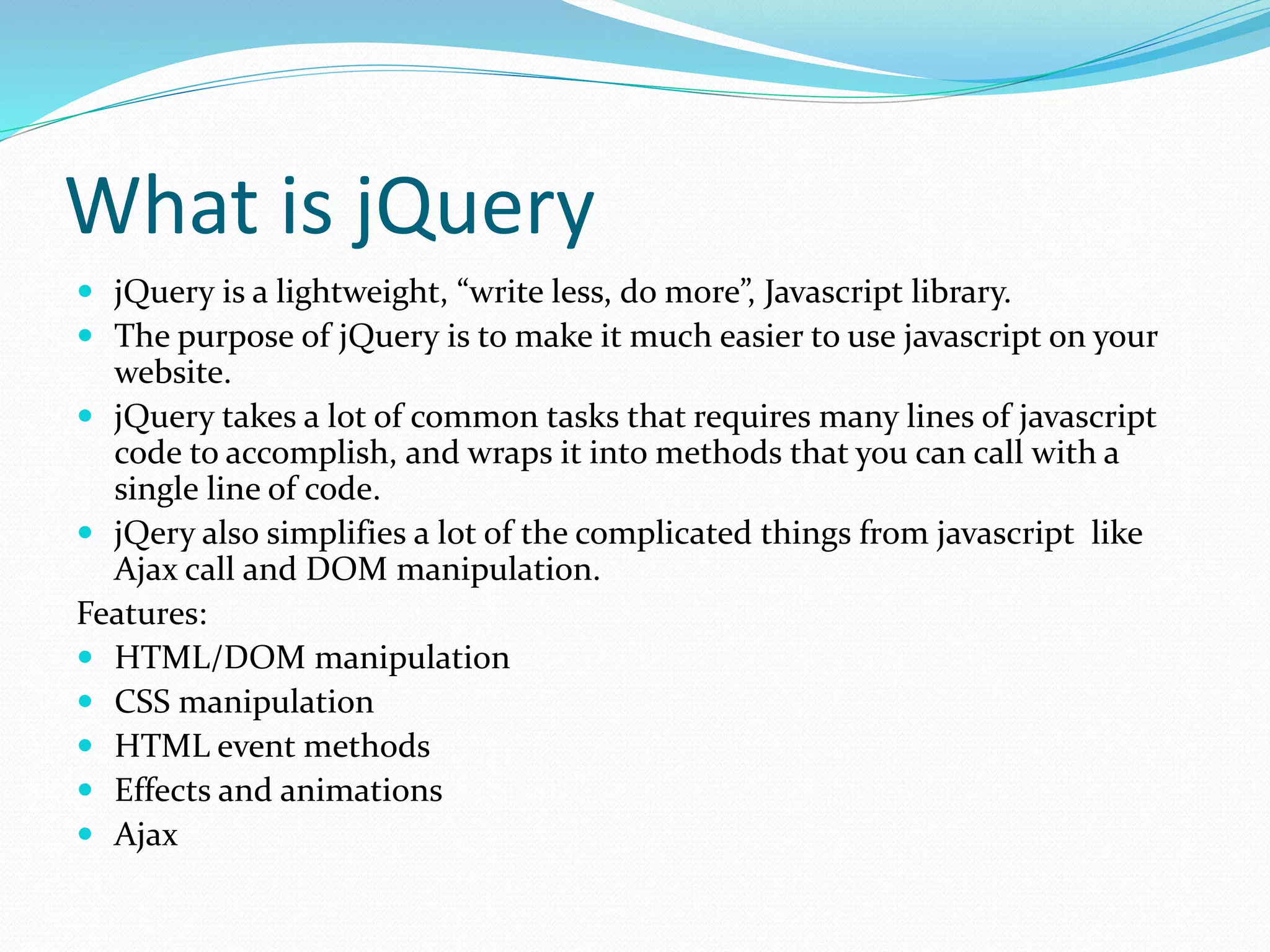
What is jQuery  jQuery is a lightweight, “write less, do more”, Javascript library.  The purpose of jQuery is to make it much easier to use javascript on your website.  jQuery takes a lot of common tasks that requires many lines of javascript code to accomplish, and wraps it into methods that you can call with a single line of code.  jQery also simplifies a lot of the complicated things from javascript like Ajax call and DOM manipulation. Features:  HTML/DOM manipulation  CSS manipulation  HTML event methods  Effects and animations  Ajax
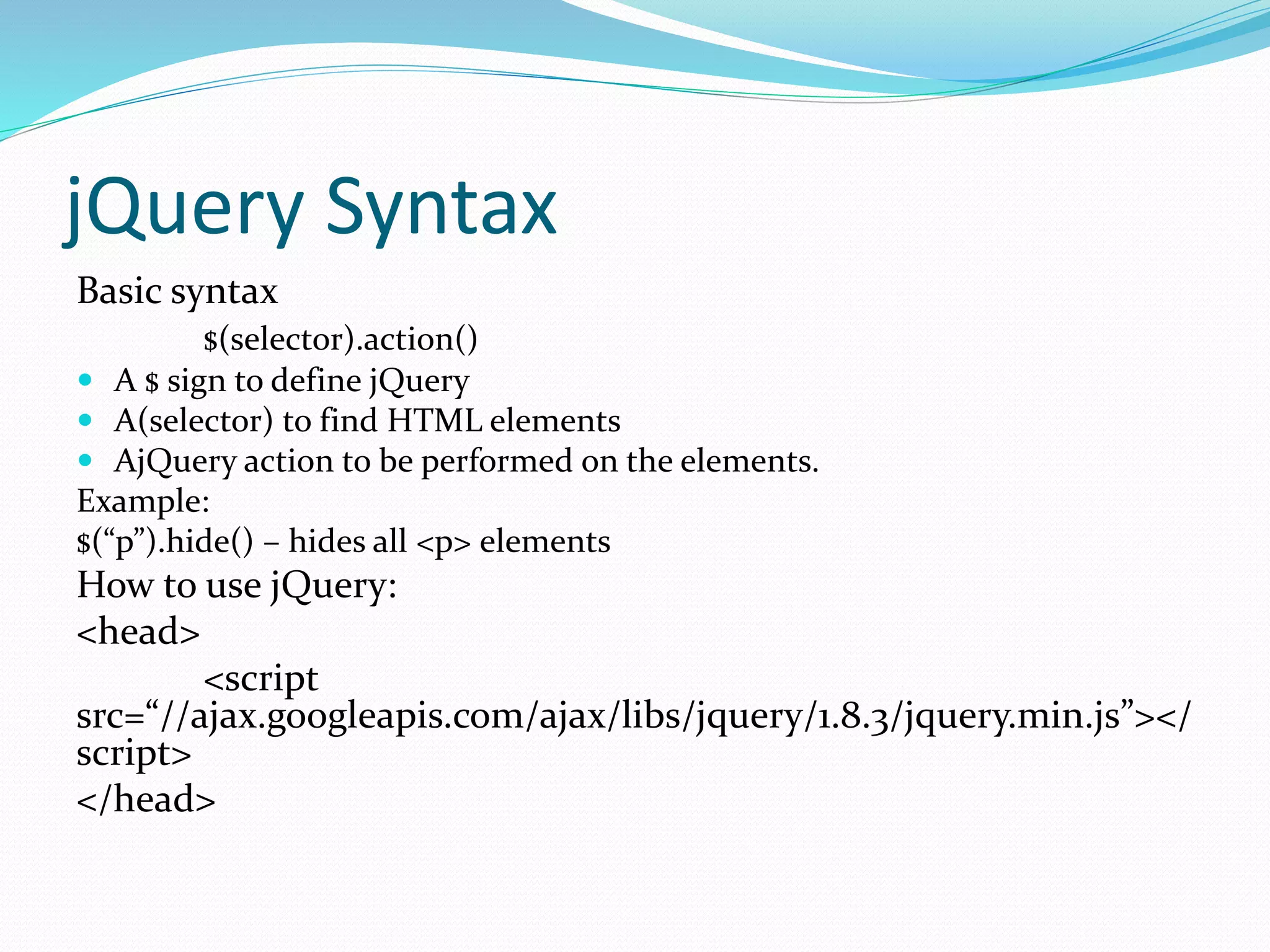
jQuery Syntax Basic syntax $(selector).action()  A $ sign to define jQuery  A(selector) to find HTML elements  AjQuery action to be performed on the elements. Example: $(“p”).hide() – hides all <p> elements How to use jQuery: <head> <script src=“//ajax.googleapis.com/ajax/libs/jquery/1.8.3/jquery.min.js”></ script> </head>
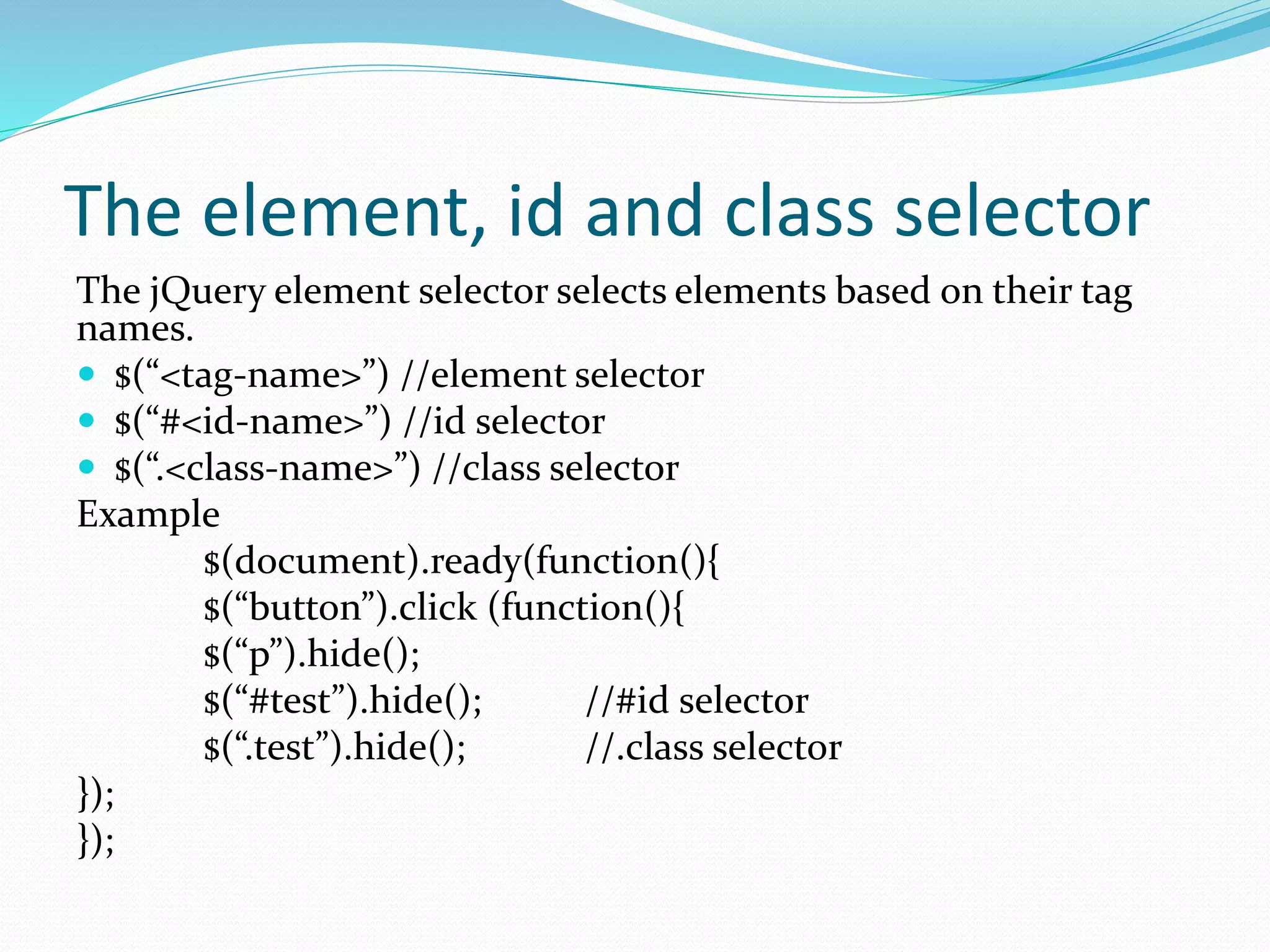
The element, id and class selector The jQuery element selector selects elements based on their tag names.  $(“<tag-name>”) //element selector  $(“#<id-name>”) //id selector  $(“.<class-name>”) //class selector Example $(document).ready(function(){ $(“button”).click (function(){ $(“p”).hide(); $(“#test”).hide(); //#id selector $(“.test”).hide(); //.class selector }); });
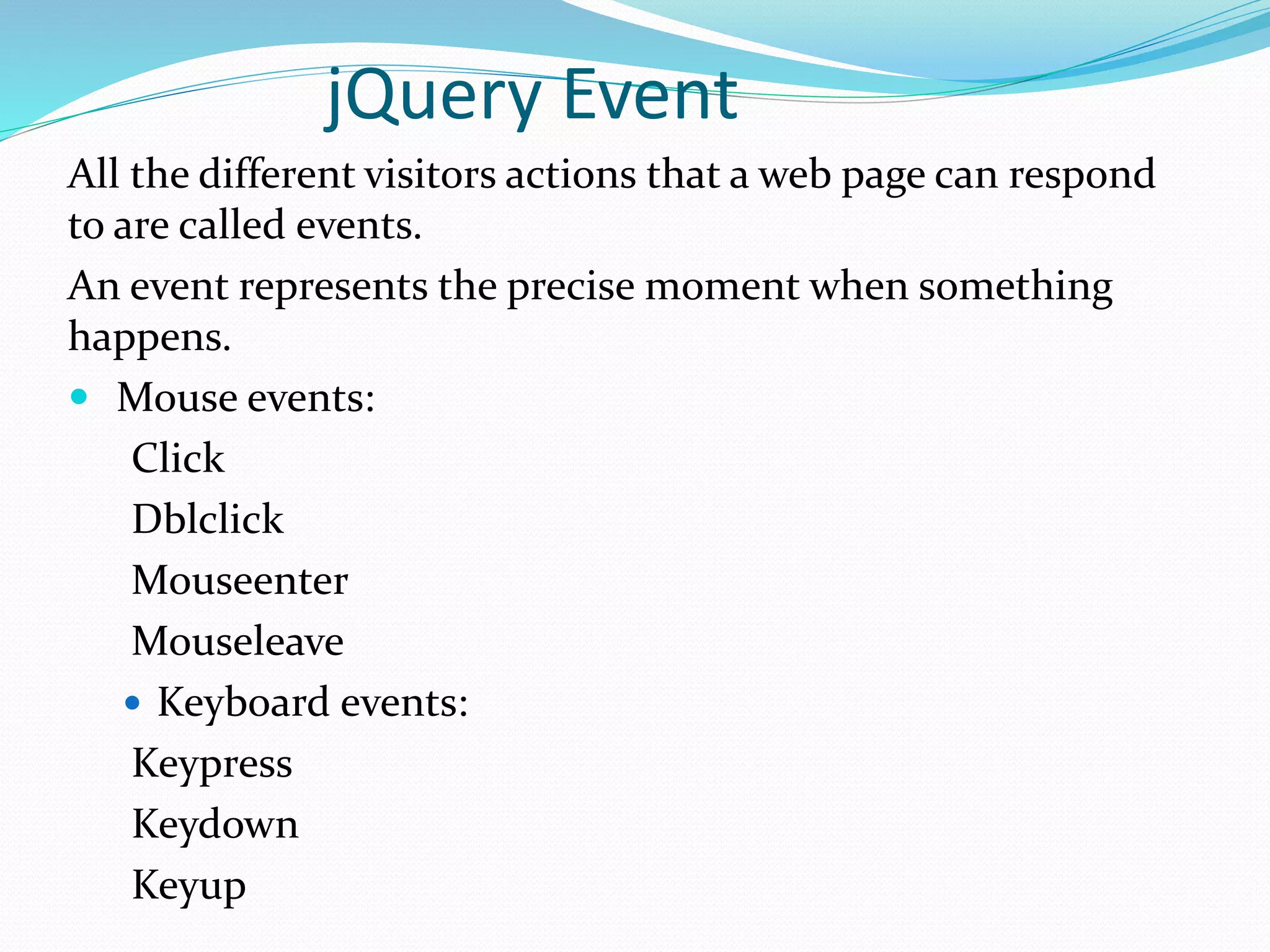
jQuery Event All the different visitors actions that a web page can respond to are called events. An event represents the precise moment when something happens.  Mouse events: Click Dblclick Mouseenter Mouseleave  Keyboard events: Keypress Keydown Keyup
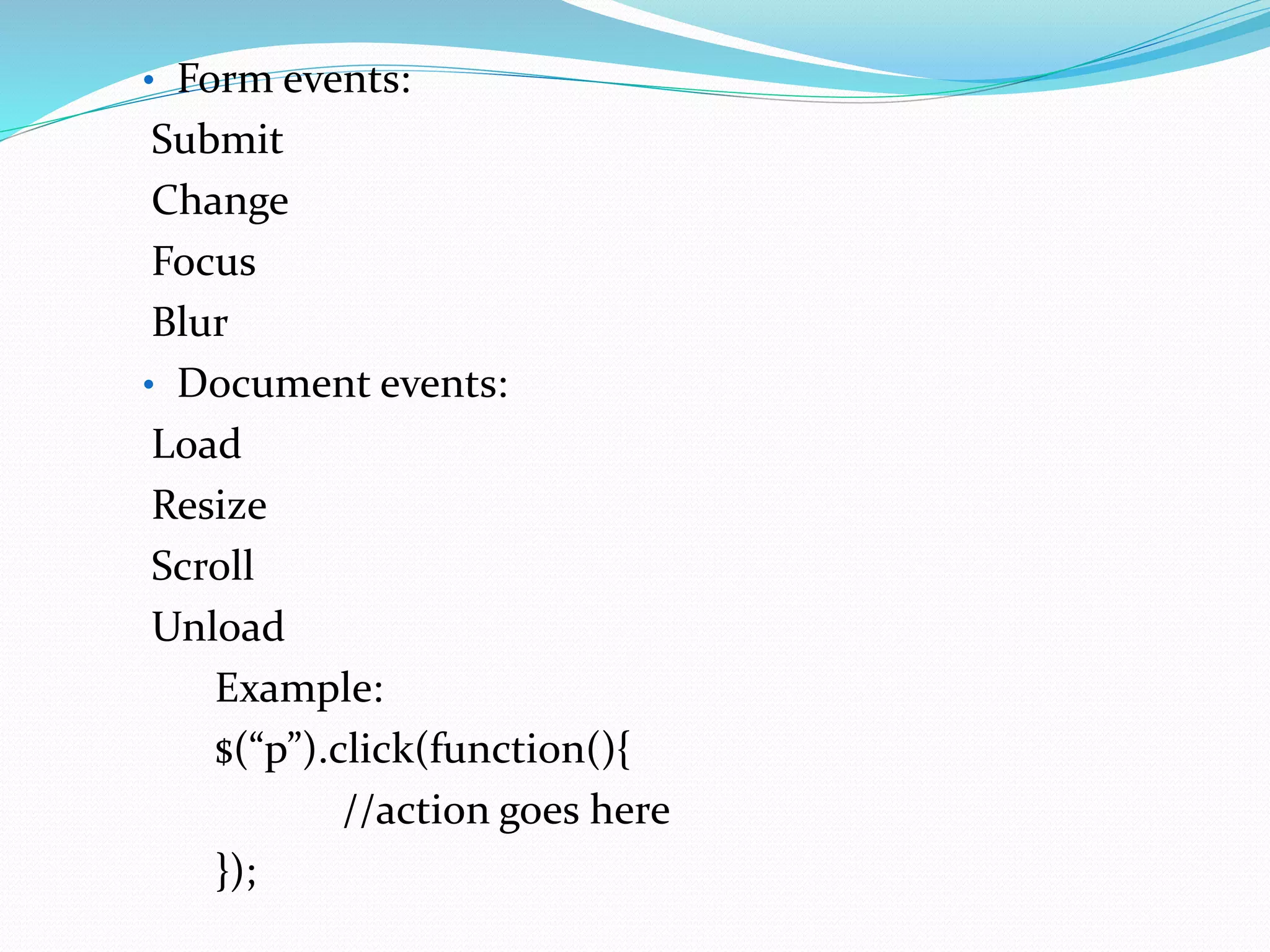
• Form events: Submit Change Focus Blur • Document events: Load Resize Scroll Unload Example: $(“p”).click(function(){ //action goes here });
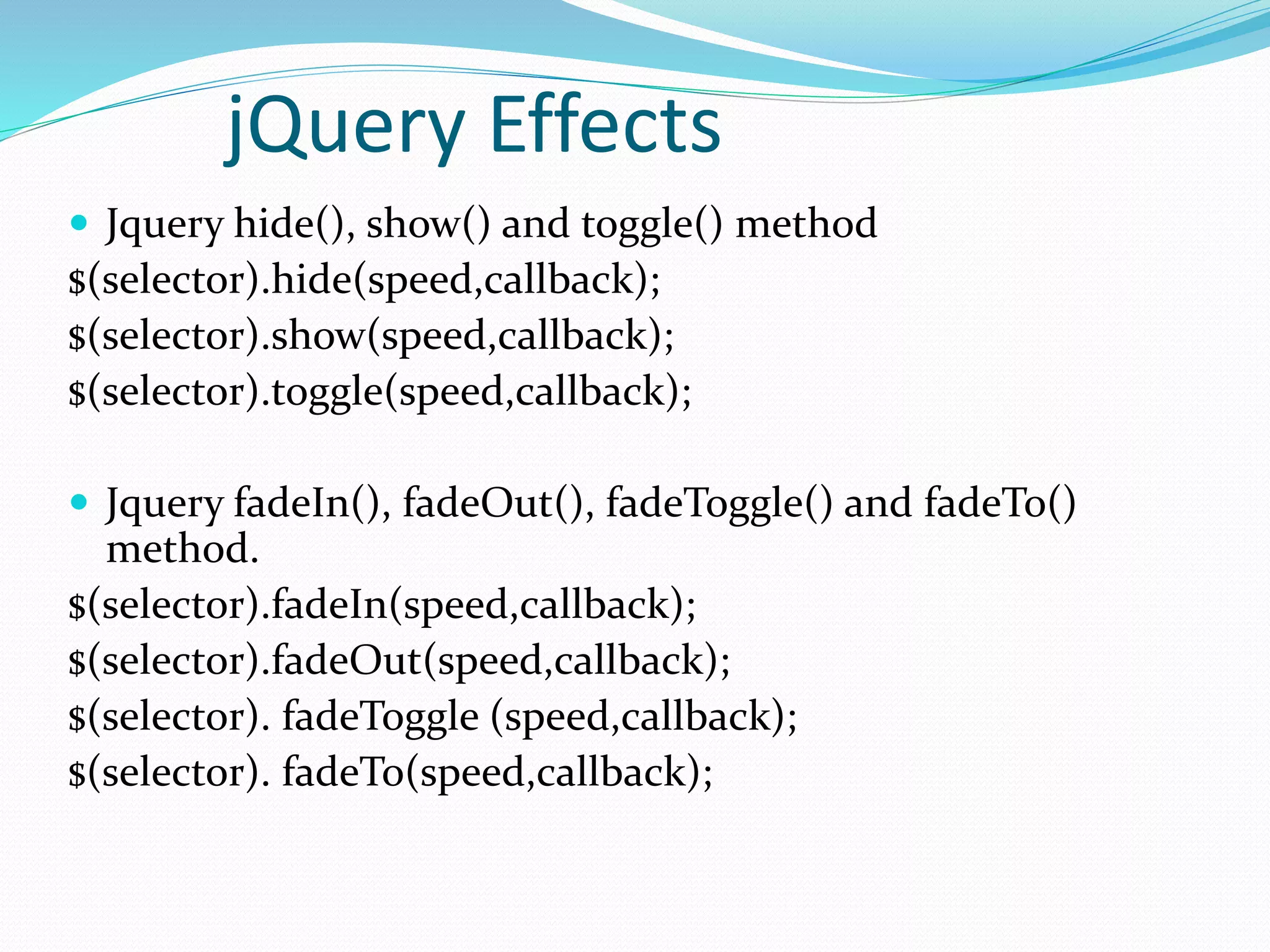
jQuery Effects  Jquery hide(), show() and toggle() method $(selector).hide(speed,callback); $(selector).show(speed,callback); $(selector).toggle(speed,callback);  Jquery fadeIn(), fadeOut(), fadeToggle() and fadeTo() method. $(selector).fadeIn(speed,callback); $(selector).fadeOut(speed,callback); $(selector). fadeToggle (speed,callback); $(selector). fadeTo(speed,callback);

Html, css and jquery introduction

  • 2.
    What is HTML HTML stands for Hyper Text Markup Language  HTML is used for describing web pages.  HTML is a markup language.  A markup language consist of markup tags.  The tags defines document content.  HTML documents include HTML tags and plain text.
  • 3.
    HTML Tags  HTMLmarkup tags are usually called HTML tags.  HTML tags are keywords surrounded by angle brackets like <HTML>.  Html tags normally come in pairs like <b>and </b>.  The first tag in pair is the start tag and second tag is the end tag.  The end tag is written like the start tag , with a forward slash before the tag name.  Start and end tags are also called opening tags and closing tags. <tagname>Content</tagname>
  • 4.
    Basic HTML pagestructure  HTML  HEAD: Non web displayable info and code like meta tags, script, title etc.  BODY: Includes <div> div: Header – We can include branding and navigation elements like logo, slogan, menu, etc. div: Main content – We can include all kind of elements like images, paragraphs, videos, links, etc. div: Footer – We can include informational elements like: copyright, sub menu, links, site info, etc.
  • 5.
    Example <html> <head> <title>HTML Form ValidationDemo</title> </head> <body> <form action=“” id=“”> <h2>HTML Form</h2> <div id=“form_data”> <div class=“fieldgroup”> <label>Email</label> <input type=“text” name=“email”> </div> <div class=“fieldgroup”> <label>Password</label> <input type=“password” name=“password”> </div> <div class=“fieldgroup”> <input type=“submit” value=“submit” class=“submit”> </div> </div> </form> </body> </html>
  • 6.
    What is CSS CSS stands for Cascading Style Sheet.  Styles define how to display HTML elements.  External style sheets can save a lot of work.  External style sheets are stored in CSS file.  A CSS file allows to separate web sites HTML content from its style.
  • 7.
    How to useCSS? There are three types of stylesheets  External style sheet  Internal style sheet  Inline style sheet  External style sheet: An external style sheet is ideal when the style is applied to many pages. <head> <link rel=“stylesheet” type=“text/css” href=“mystyle.css”> <head>  Internal style sheet: An internal style sheet should be used when a single document has a unique style. <head> <style> p {margin-left:200px} body{background-image:url(“images/back40.gif”);} </style> </head>
  • 8.
     Inline styles:To use Inline styles use the style attribute in the relevent tag. The style attribute can contain any CSS property. < p style=“color.#fafafa;margin-left:20px”>This is a paragraph.</p>  Multiple styles will cascade into one: Cascading order:  Inline style (inside an HTMLelement)  Inline style sheet (in the head section)  External style sheet  Browser default
  • 9.
    CSS Syntax  ACSS rule has two main parts: a selector, and one or more declarations  H1 {color:blue; font-size: 12px;} In this example H1 is a selector Color:blue and font-size:12px is a declaration. Color is a property and blue is a value. Font-size is a property and 12px is a value.  Combining selectors: h1, h2, h3, h4, h5, h6{ color: #009900; font family: Georgia, sans-serif; }
  • 10.
     The idselector The id selector is used to specify a style for a single, unique element. The id selector uses the id attribute of the HTML element, and is defined with a “#”. Syntax: #selector-id {property:value;}  The class selector The class selector is used to specify a style for a group of elements. The class selector uses the HTML class attribute, and is defined with a “.” Syntax: selector-class {property: value;}
  • 11.
     Below arethe various ways you can use CSS to style links. a:link {color: #009900} a:visited{color: #999999} a:hover {color: #333333} a:focus {color: #333333} a:active {color: #009900}
  • 12.
    The CSS BoxModel  All HTML elements can be considered as boxes. In CSS the term “box model” is used when talking about design and layout.  The CSS box model is essentially a box that wraps aroun HTML elements and consists of: margin, border, padding and the actual content.  The box model allows to place a border around elements and space elements in relation to other elements.
  • 13.
    What is jQuery jQuery is a lightweight, “write less, do more”, Javascript library.  The purpose of jQuery is to make it much easier to use javascript on your website.  jQuery takes a lot of common tasks that requires many lines of javascript code to accomplish, and wraps it into methods that you can call with a single line of code.  jQery also simplifies a lot of the complicated things from javascript like Ajax call and DOM manipulation. Features:  HTML/DOM manipulation  CSS manipulation  HTML event methods  Effects and animations  Ajax
  • 14.
    jQuery Syntax Basic syntax $(selector).action() A $ sign to define jQuery  A(selector) to find HTML elements  AjQuery action to be performed on the elements. Example: $(“p”).hide() – hides all <p> elements How to use jQuery: <head> <script src=“//ajax.googleapis.com/ajax/libs/jquery/1.8.3/jquery.min.js”></ script> </head>
  • 15.
    The element, idand class selector The jQuery element selector selects elements based on their tag names.  $(“<tag-name>”) //element selector  $(“#<id-name>”) //id selector  $(“.<class-name>”) //class selector Example $(document).ready(function(){ $(“button”).click (function(){ $(“p”).hide(); $(“#test”).hide(); //#id selector $(“.test”).hide(); //.class selector }); });
  • 16.
    jQuery Event All thedifferent visitors actions that a web page can respond to are called events. An event represents the precise moment when something happens.  Mouse events: Click Dblclick Mouseenter Mouseleave  Keyboard events: Keypress Keydown Keyup
  • 17.
    • Form events: Submit Change Focus Blur •Document events: Load Resize Scroll Unload Example: $(“p”).click(function(){ //action goes here });
  • 18.
    jQuery Effects  Jqueryhide(), show() and toggle() method $(selector).hide(speed,callback); $(selector).show(speed,callback); $(selector).toggle(speed,callback);  Jquery fadeIn(), fadeOut(), fadeToggle() and fadeTo() method. $(selector).fadeIn(speed,callback); $(selector).fadeOut(speed,callback); $(selector). fadeToggle (speed,callback); $(selector). fadeTo(speed,callback);