Managing Drupal on Windows with Drush Alessandro Pilotti @alexpilotti MVP ASP.NET / IIS Windows Azure Insider MCSD, MCAD, MCSE, MCDBA, MCT Red Hat Certified Engineer
Drush  Drush is a command line shell and scripting interface for Drupal  Very useful for Deployment and Management  Windows installer available  http://drush.ws/drush_windows_installer  Targets Drush 5
Drush Requirements  The installer handles all the requirements  PHP  Drush is written in PHP  GnuWin32  Required *nix tools not available on Windows  cwRsync  For site / database synchronization with Linux hosts  WinRM  For remote management of Windows hosts
Drush commands  http://drush.ws/help/5  Examples (just a small subset)!  core-status,status  site-install,si  pm-download, dl  pm-enable, en  clear-cache, cc  watchdog-show, ws  self-update  updatedb  core-rsync, rsync  sql-sync  Modules can provide additional commands  E.g. apachesolr
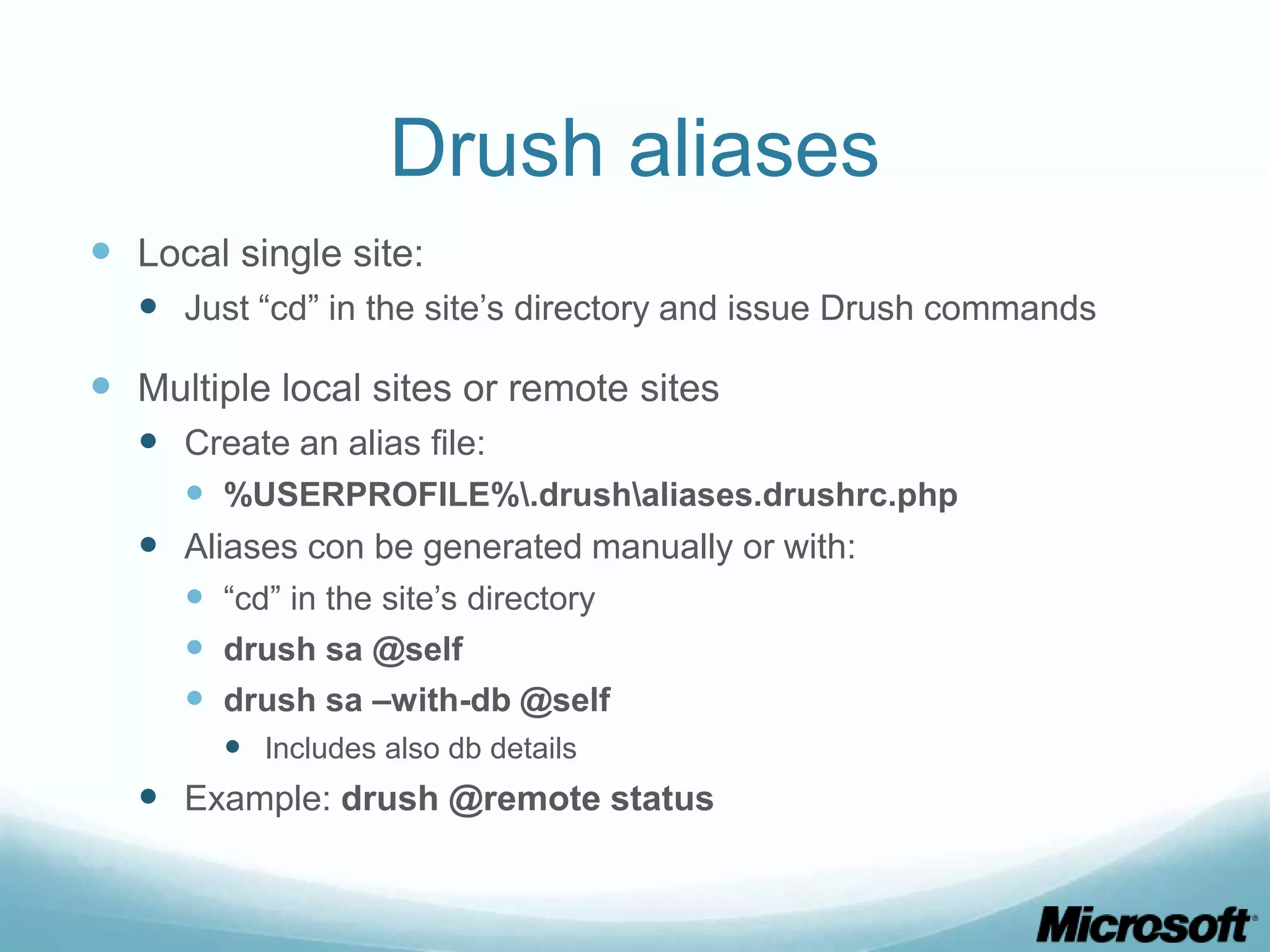
Drush aliases  Local single site:  Just “cd” in the site’s directory and issue Drush commands  Multiple local sites or remote sites  Create an alias file:  %USERPROFILE%.drushaliases.drushrc.php  Aliases con be generated manually or with:  “cd” in the site’s directory  drush sa @self  drush sa –with-db @self  Includes also db details  Example: drush @remote status
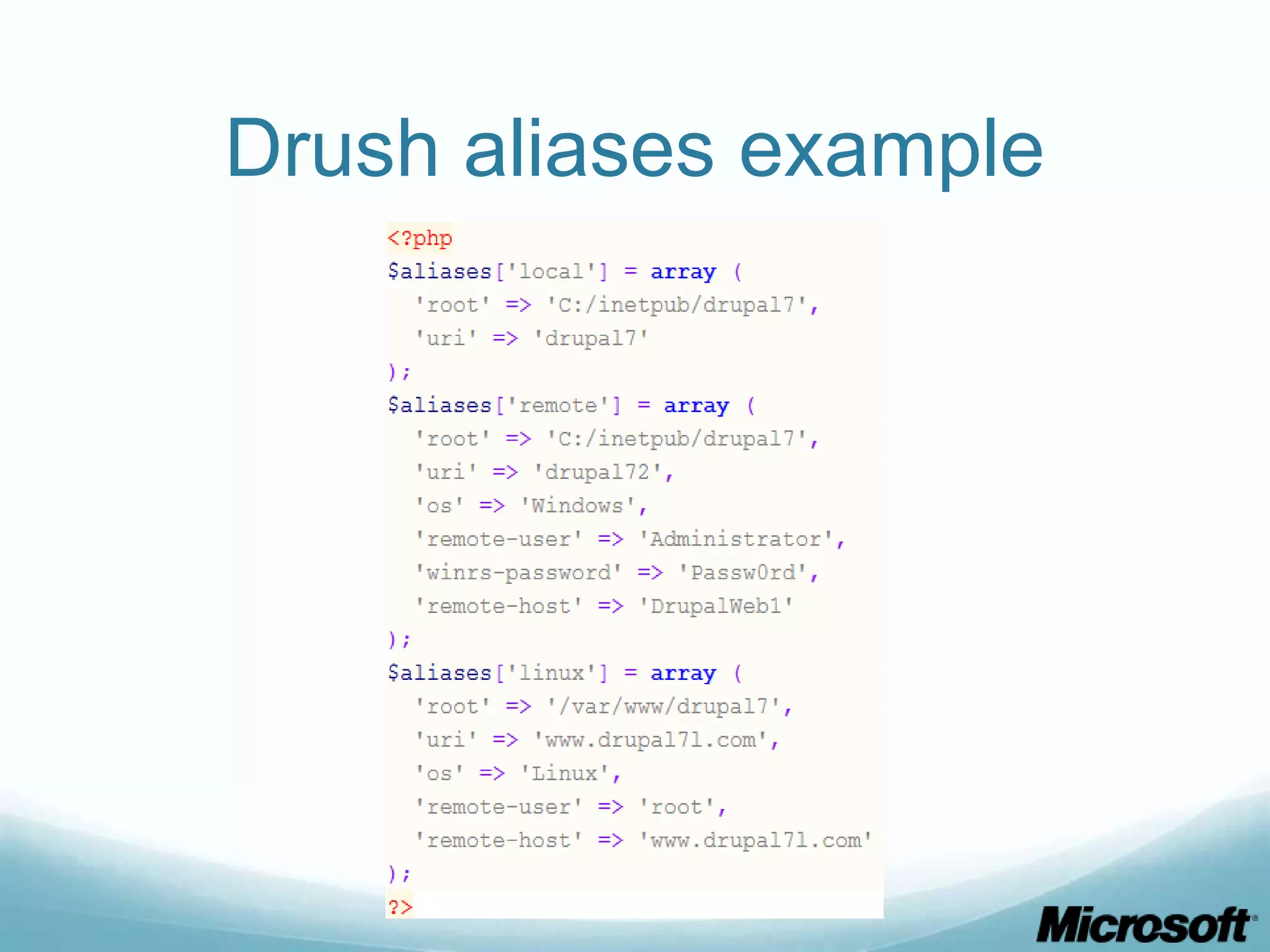
Drush aliases example
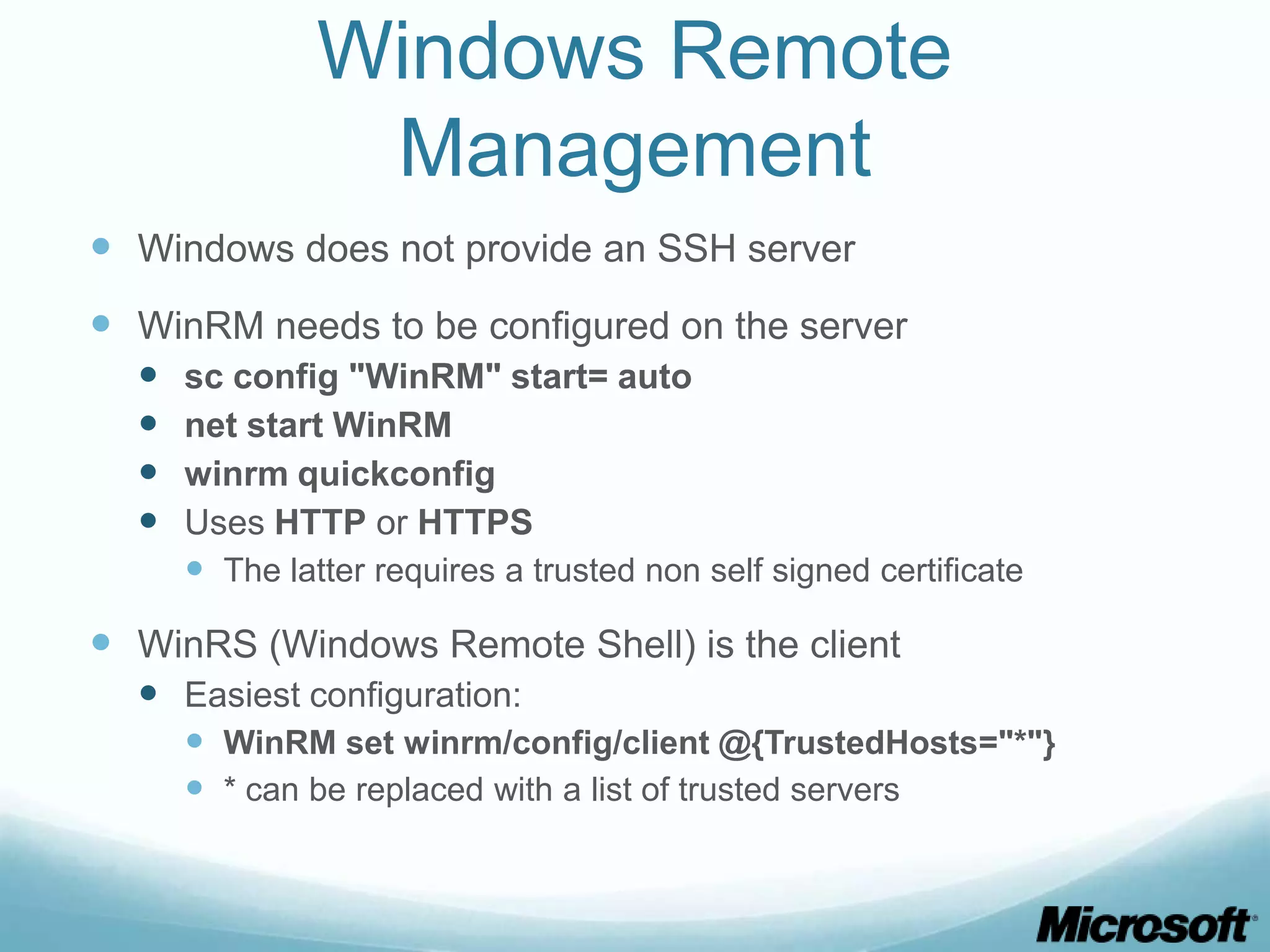
Windows Remote Management  Windows does not provide an SSH server  WinRM needs to be configured on the server  sc config "WinRM" start= auto  net start WinRM  winrm quickconfig  Uses HTTP or HTTPS  The latter requires a trusted non self signed certificate  WinRS (Windows Remote Shell) is the client  Easiest configuration:  WinRM set winrm/config/client @{TrustedHosts="*"}  * can be replaced with a list of trusted servers
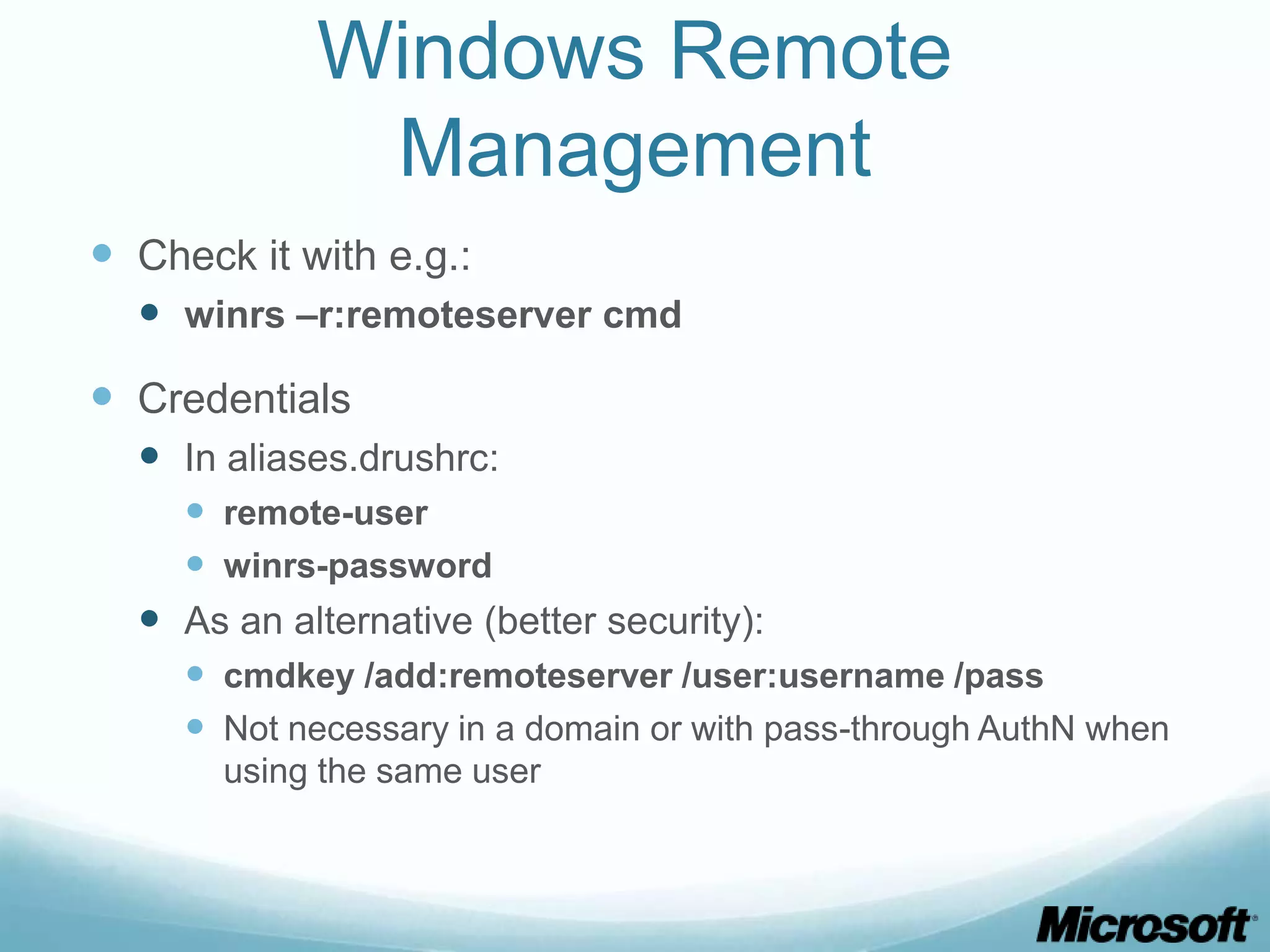
Windows Remote Management  Check it with e.g.:  winrs –r:remoteserver cmd  Credentials  In aliases.drushrc:  remote-user  winrs-password  As an alternative (better security):  cmdkey /add:remoteserver /user:username /pass  Not necessary in a domain or with pass-through AuthN when using the same user
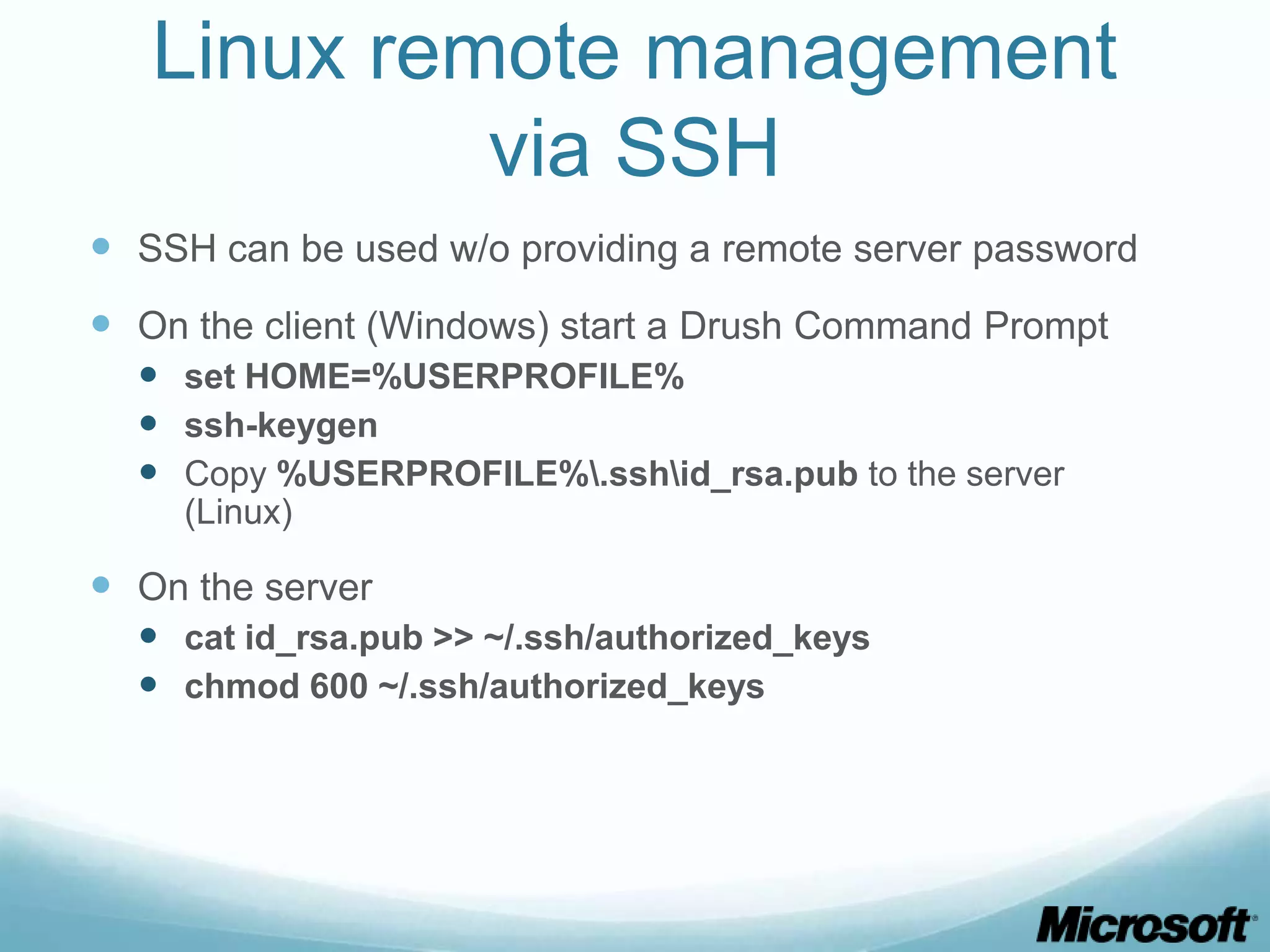
Linux remote management via SSH  SSH can be used w/o providing a remote server password  On the client (Windows) start a Drush Command Prompt  set HOME=%USERPROFILE%  ssh-keygen  Copy %USERPROFILE%.sshid_rsa.pub to the server (Linux)  On the server  cat id_rsa.pub >> ~/.ssh/authorized_keys  chmod 600 ~/.ssh/authorized_keys

Managing Drupal on Windows with Drush

  • 1.
    Managing Drupal on Windowswith Drush Alessandro Pilotti @alexpilotti MVP ASP.NET / IIS Windows Azure Insider MCSD, MCAD, MCSE, MCDBA, MCT Red Hat Certified Engineer
  • 2.
    Drush  Drush isa command line shell and scripting interface for Drupal  Very useful for Deployment and Management  Windows installer available  http://drush.ws/drush_windows_installer  Targets Drush 5
  • 3.
    Drush Requirements  Theinstaller handles all the requirements  PHP  Drush is written in PHP  GnuWin32  Required *nix tools not available on Windows  cwRsync  For site / database synchronization with Linux hosts  WinRM  For remote management of Windows hosts
  • 4.
    Drush commands  http://drush.ws/help/5 Examples (just a small subset)!  core-status,status  site-install,si  pm-download, dl  pm-enable, en  clear-cache, cc  watchdog-show, ws  self-update  updatedb  core-rsync, rsync  sql-sync  Modules can provide additional commands  E.g. apachesolr
  • 5.
    Drush aliases  Localsingle site:  Just “cd” in the site’s directory and issue Drush commands  Multiple local sites or remote sites  Create an alias file:  %USERPROFILE%.drushaliases.drushrc.php  Aliases con be generated manually or with:  “cd” in the site’s directory  drush sa @self  drush sa –with-db @self  Includes also db details  Example: drush @remote status
  • 6.
  • 7.
    Windows Remote Management  Windows does not provide an SSH server  WinRM needs to be configured on the server  sc config "WinRM" start= auto  net start WinRM  winrm quickconfig  Uses HTTP or HTTPS  The latter requires a trusted non self signed certificate  WinRS (Windows Remote Shell) is the client  Easiest configuration:  WinRM set winrm/config/client @{TrustedHosts="*"}  * can be replaced with a list of trusted servers
  • 8.
    Windows Remote Management  Check it with e.g.:  winrs –r:remoteserver cmd  Credentials  In aliases.drushrc:  remote-user  winrs-password  As an alternative (better security):  cmdkey /add:remoteserver /user:username /pass  Not necessary in a domain or with pass-through AuthN when using the same user
  • 9.
    Linux remote management via SSH  SSH can be used w/o providing a remote server password  On the client (Windows) start a Drush Command Prompt  set HOME=%USERPROFILE%  ssh-keygen  Copy %USERPROFILE%.sshid_rsa.pub to the server (Linux)  On the server  cat id_rsa.pub >> ~/.ssh/authorized_keys  chmod 600 ~/.ssh/authorized_keys