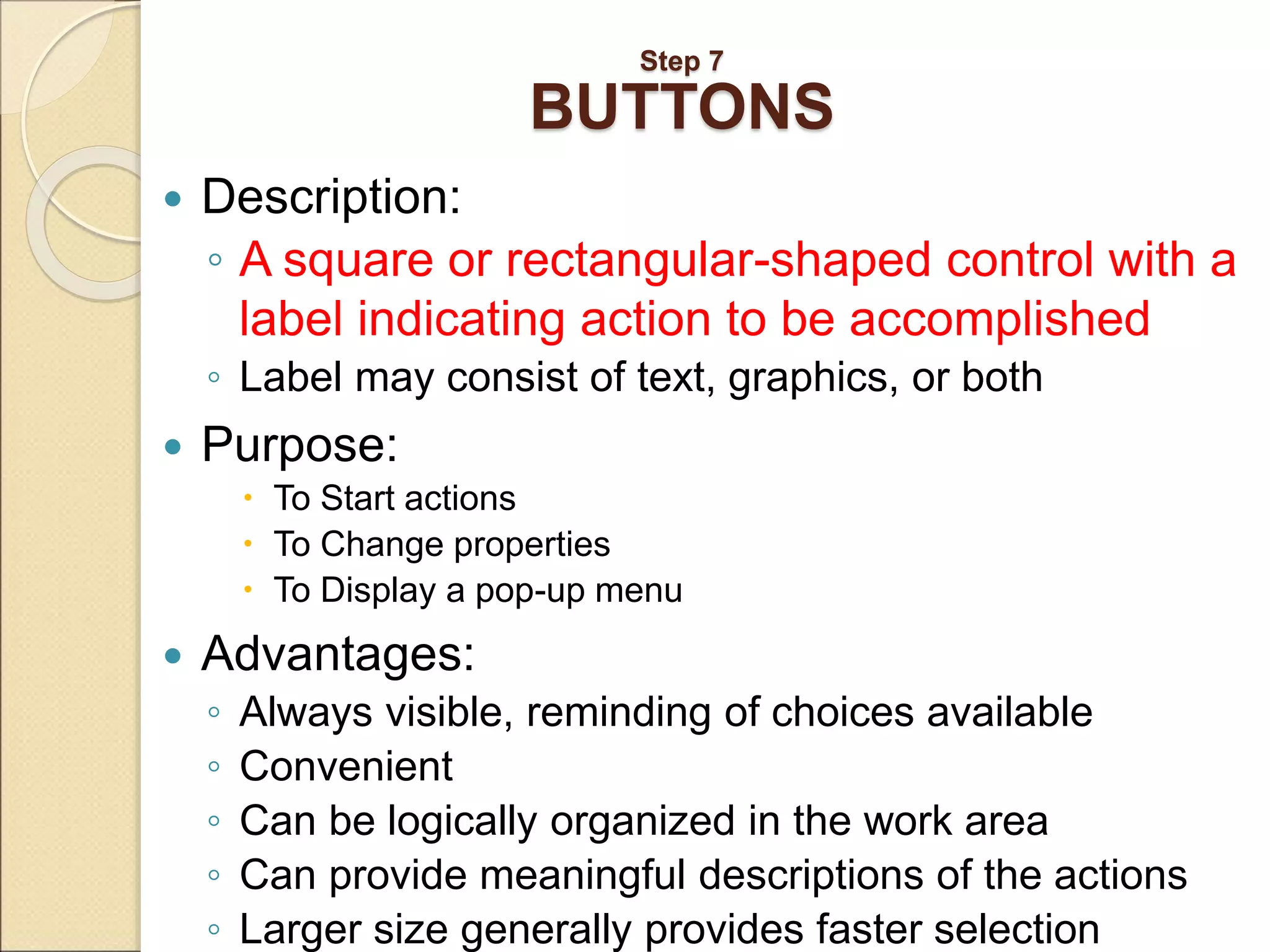
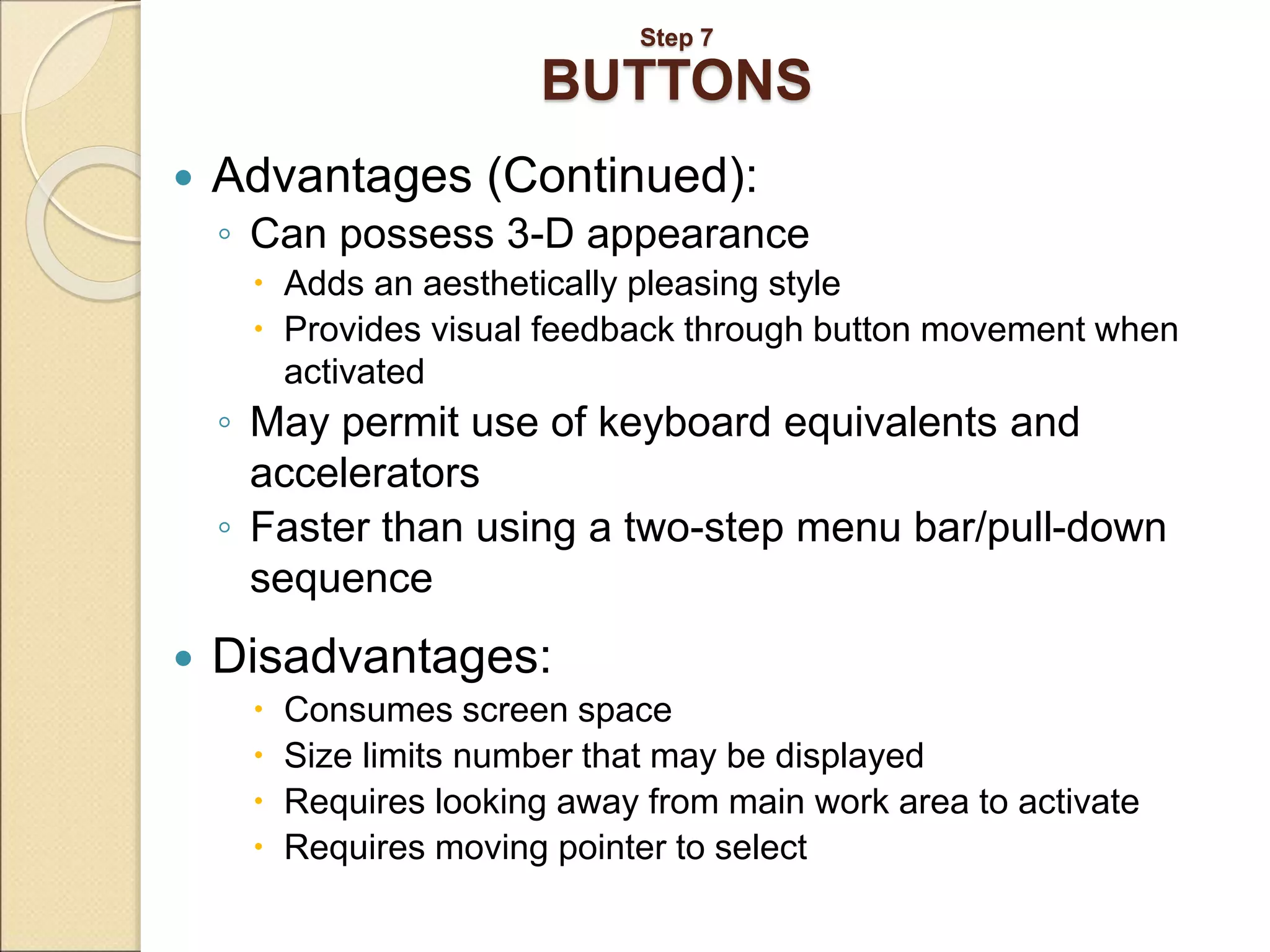
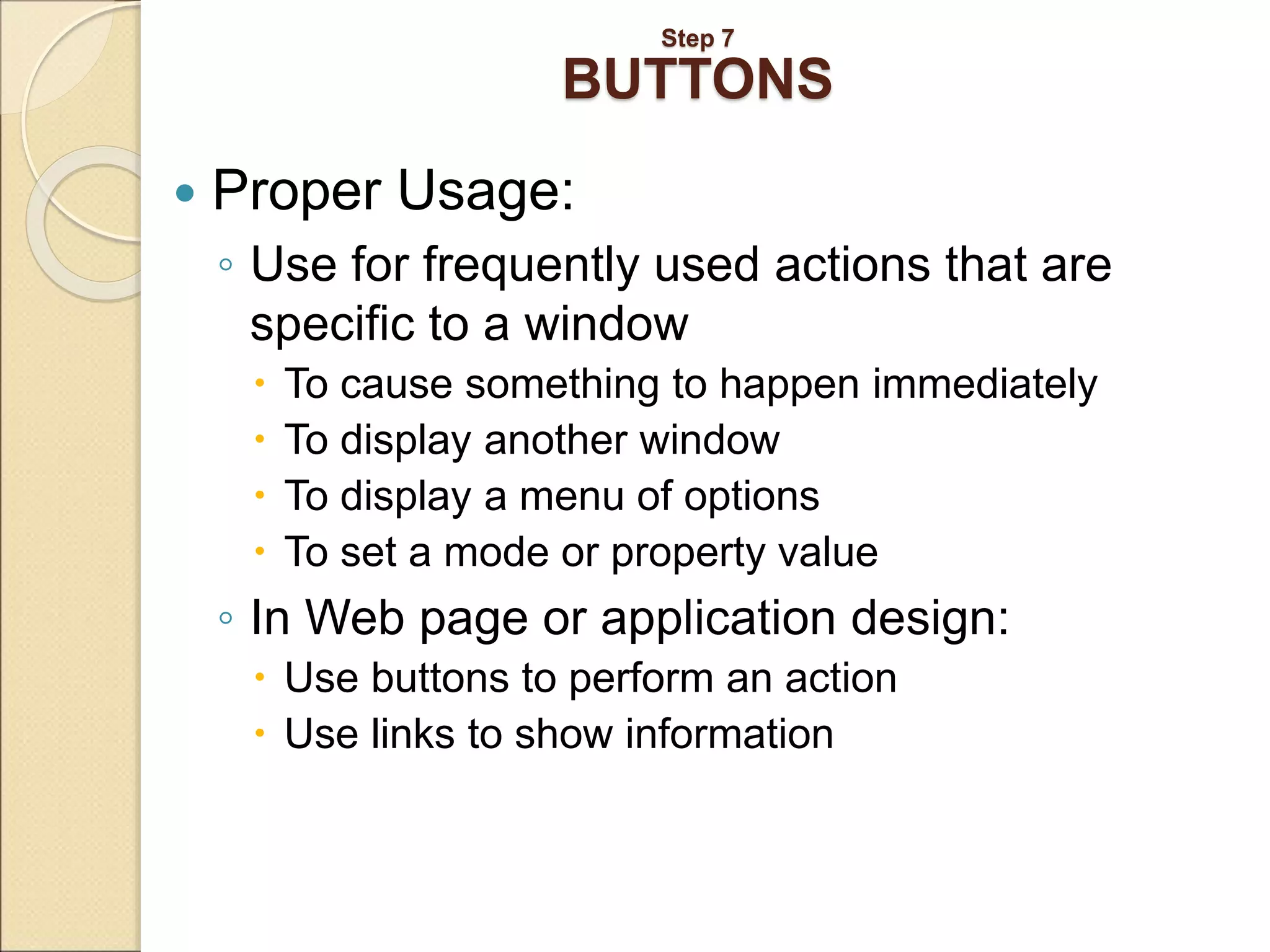
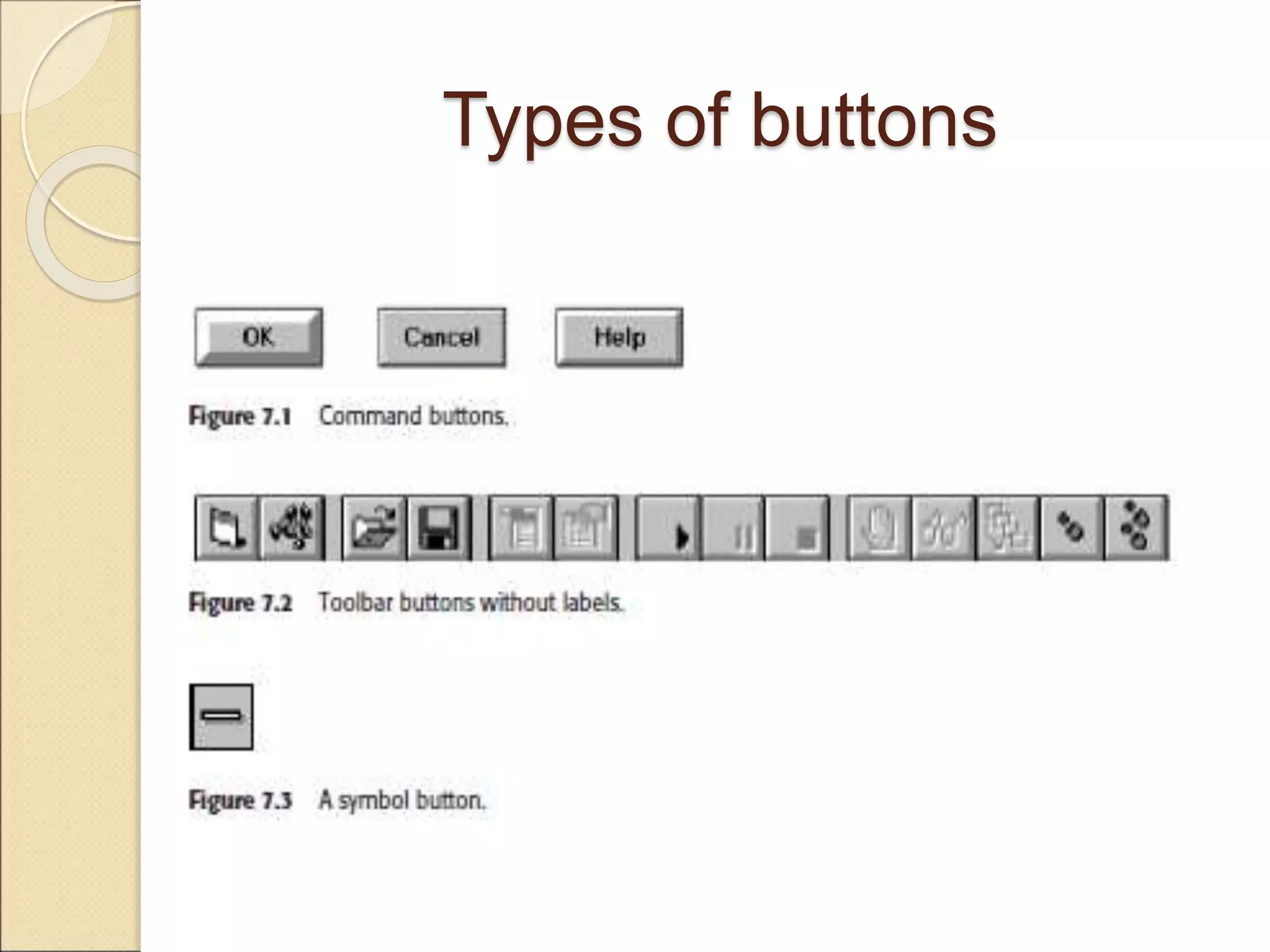
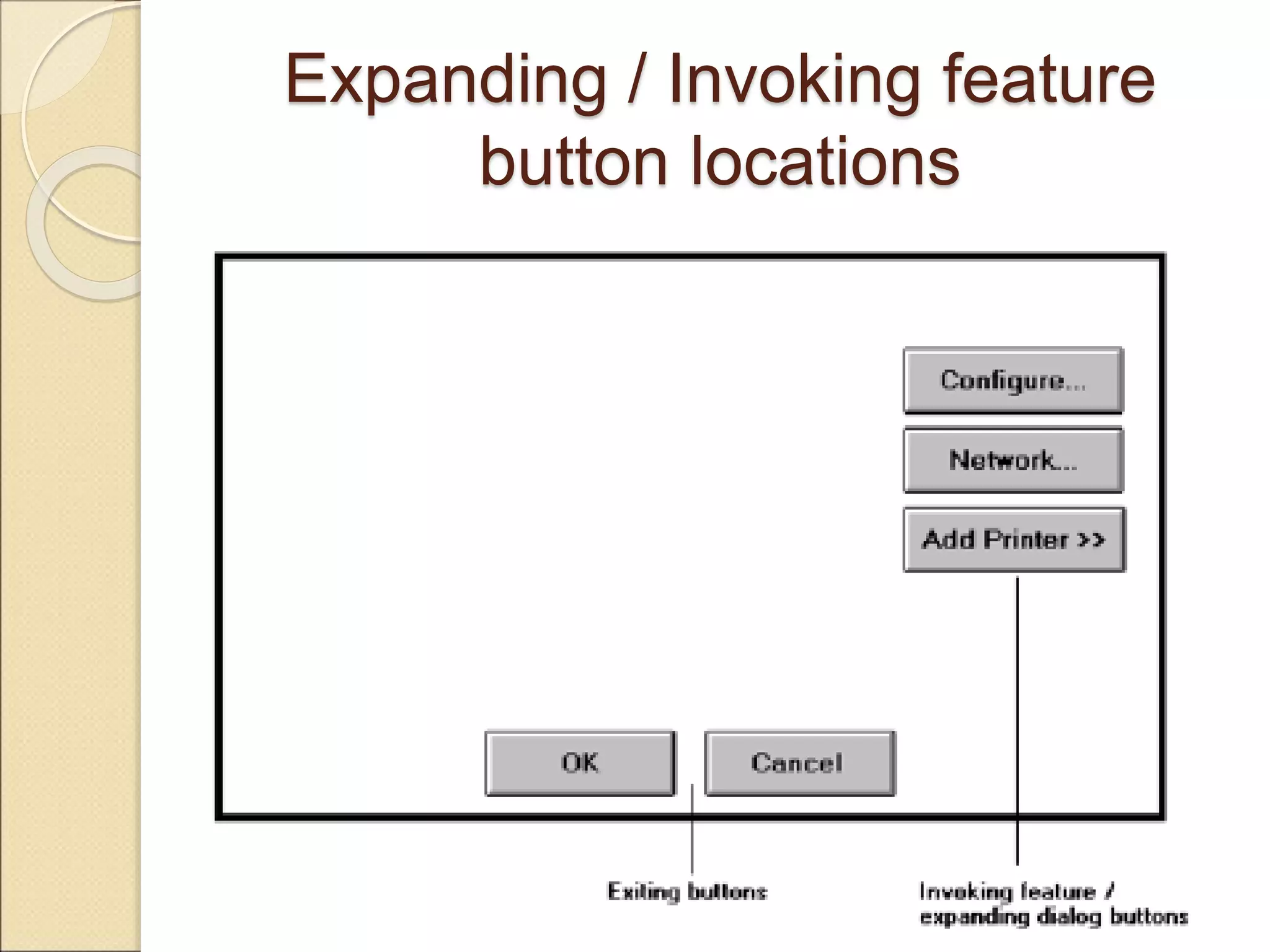
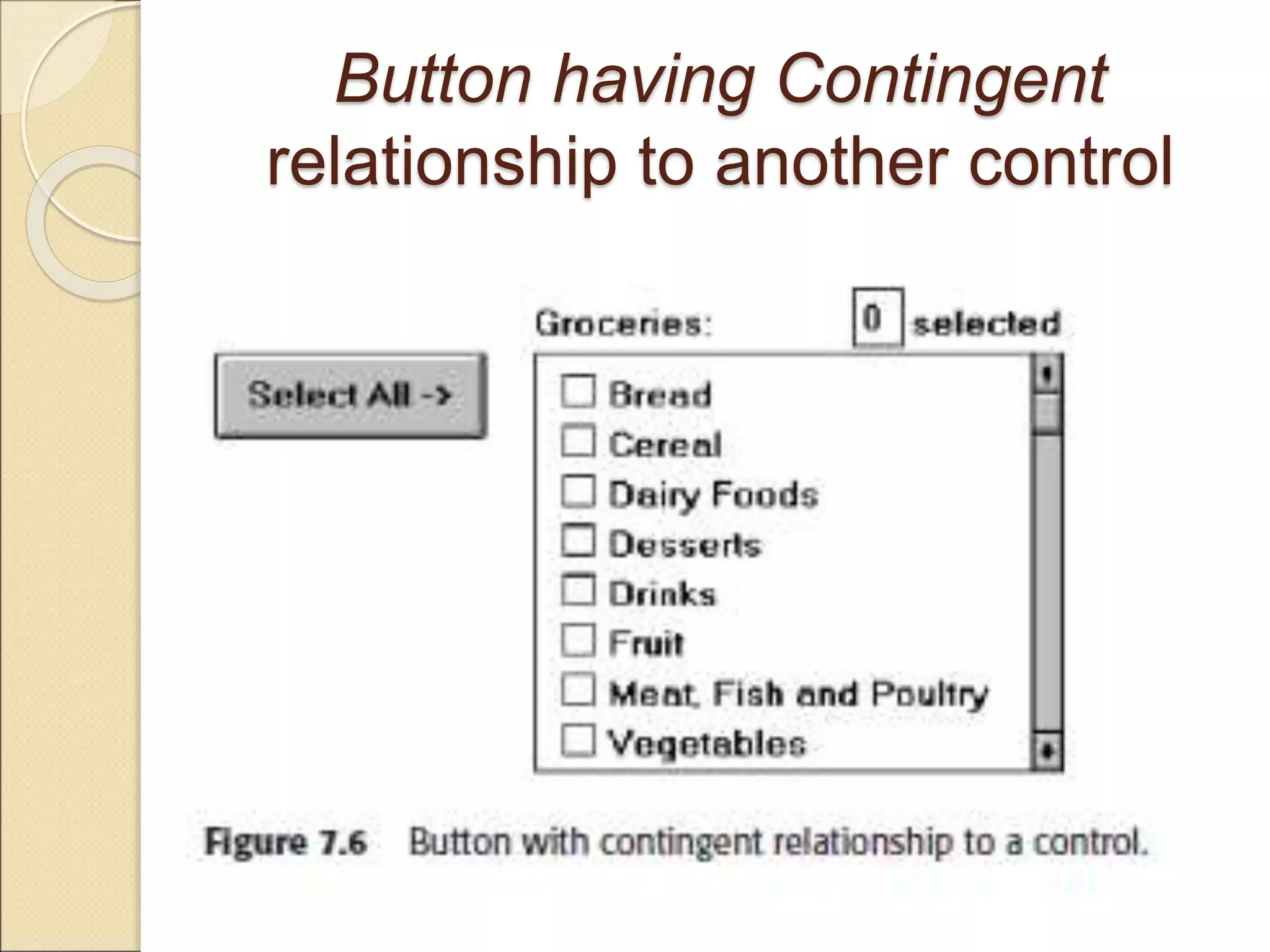
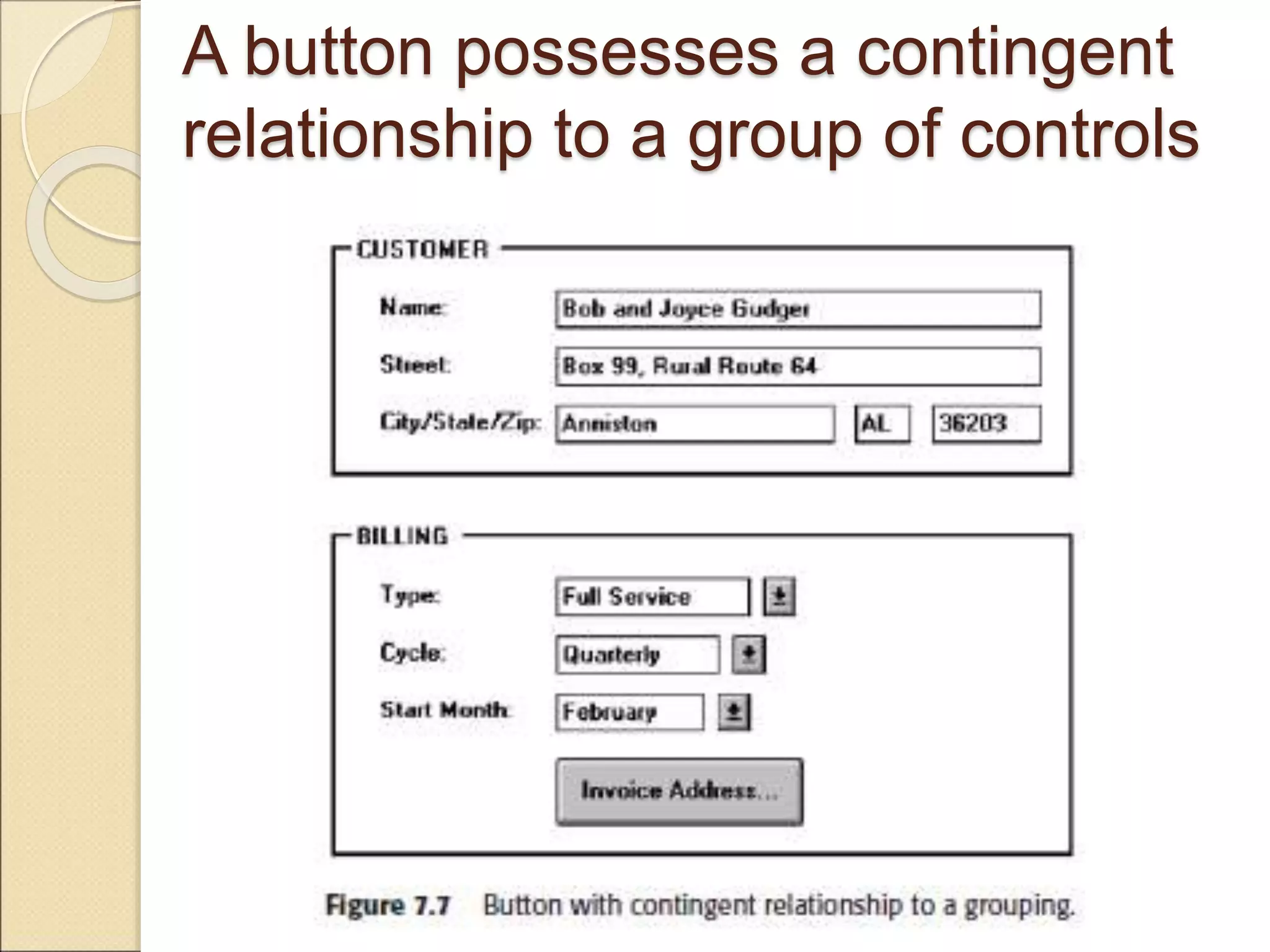
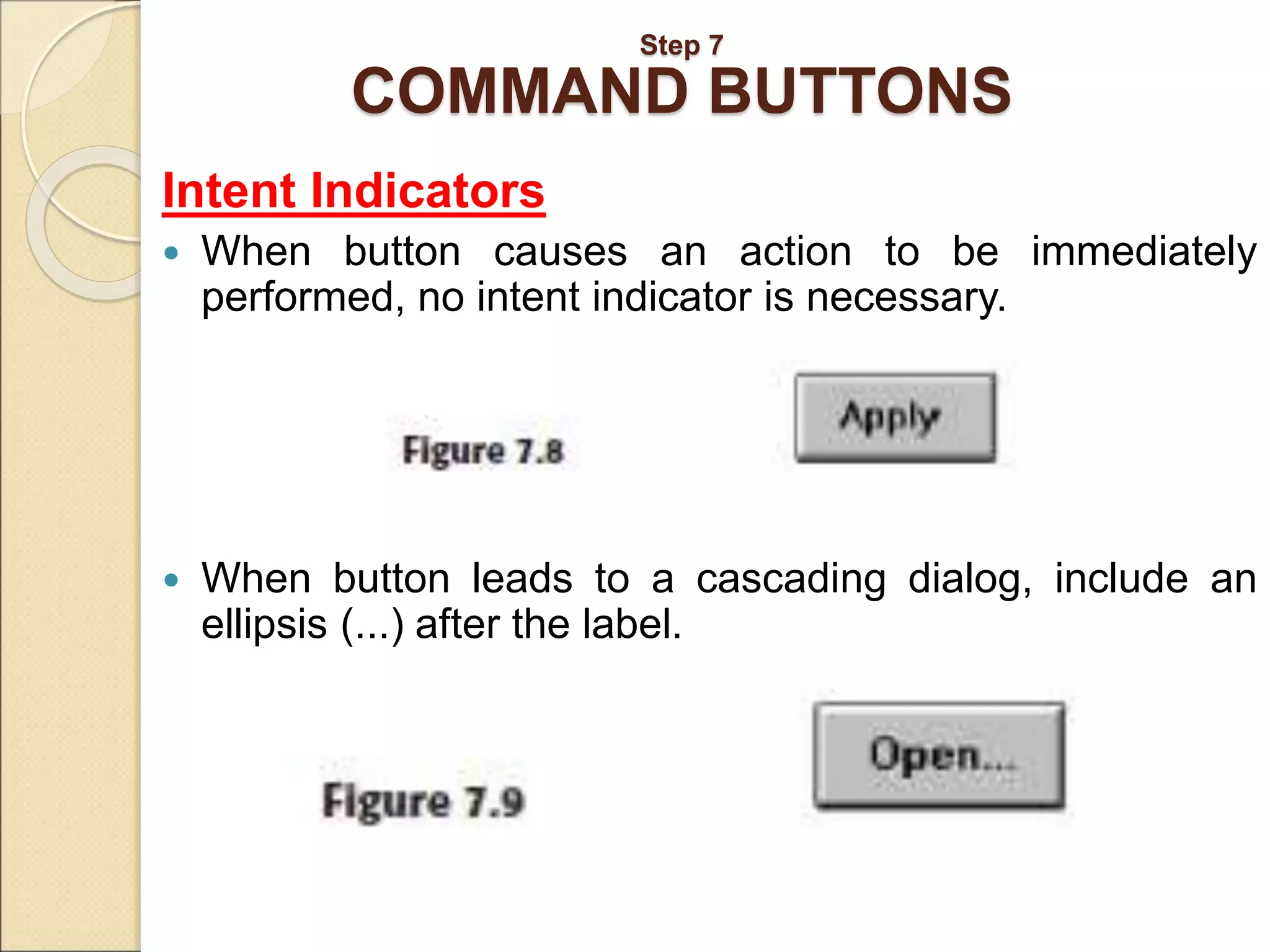
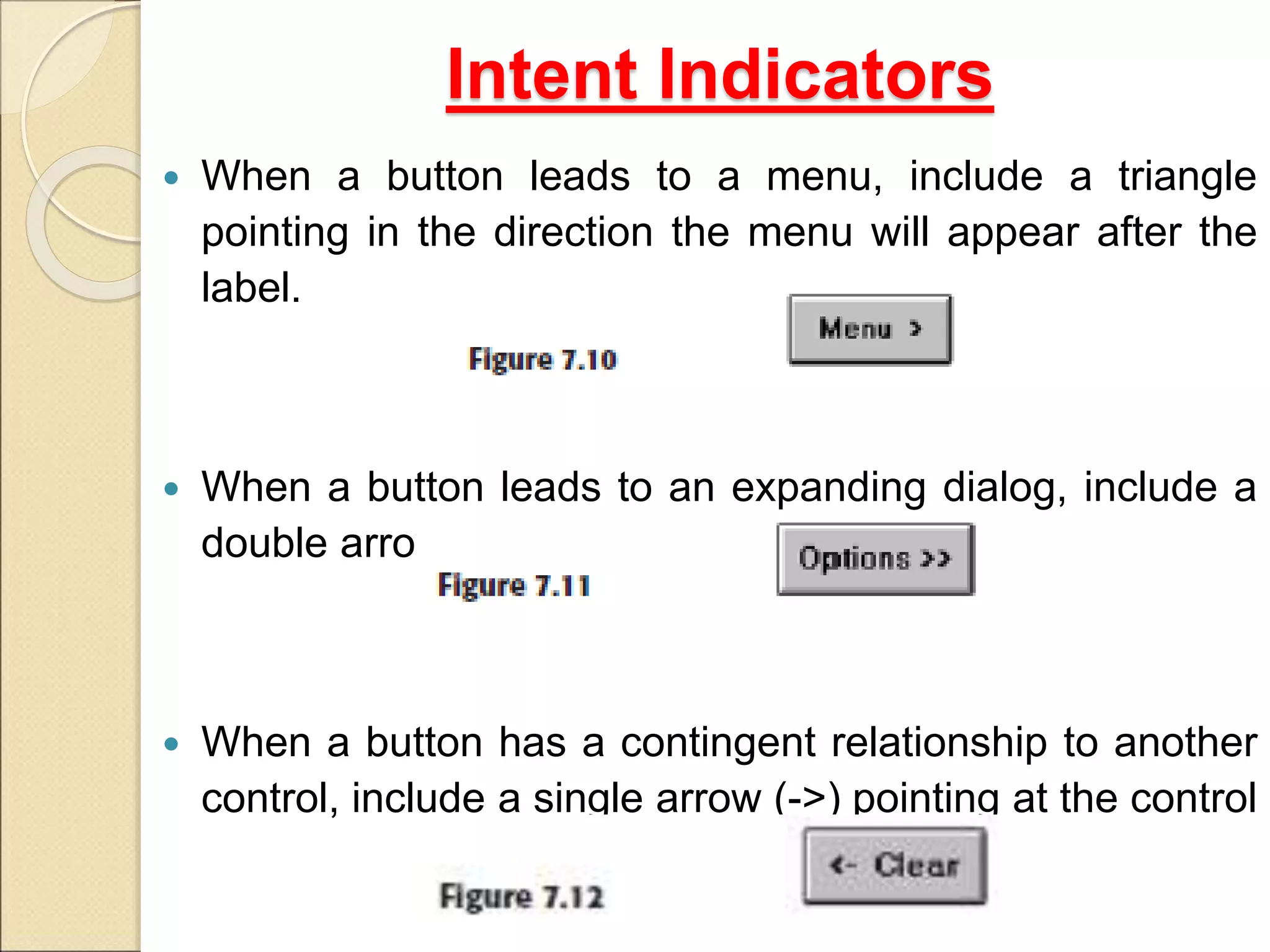
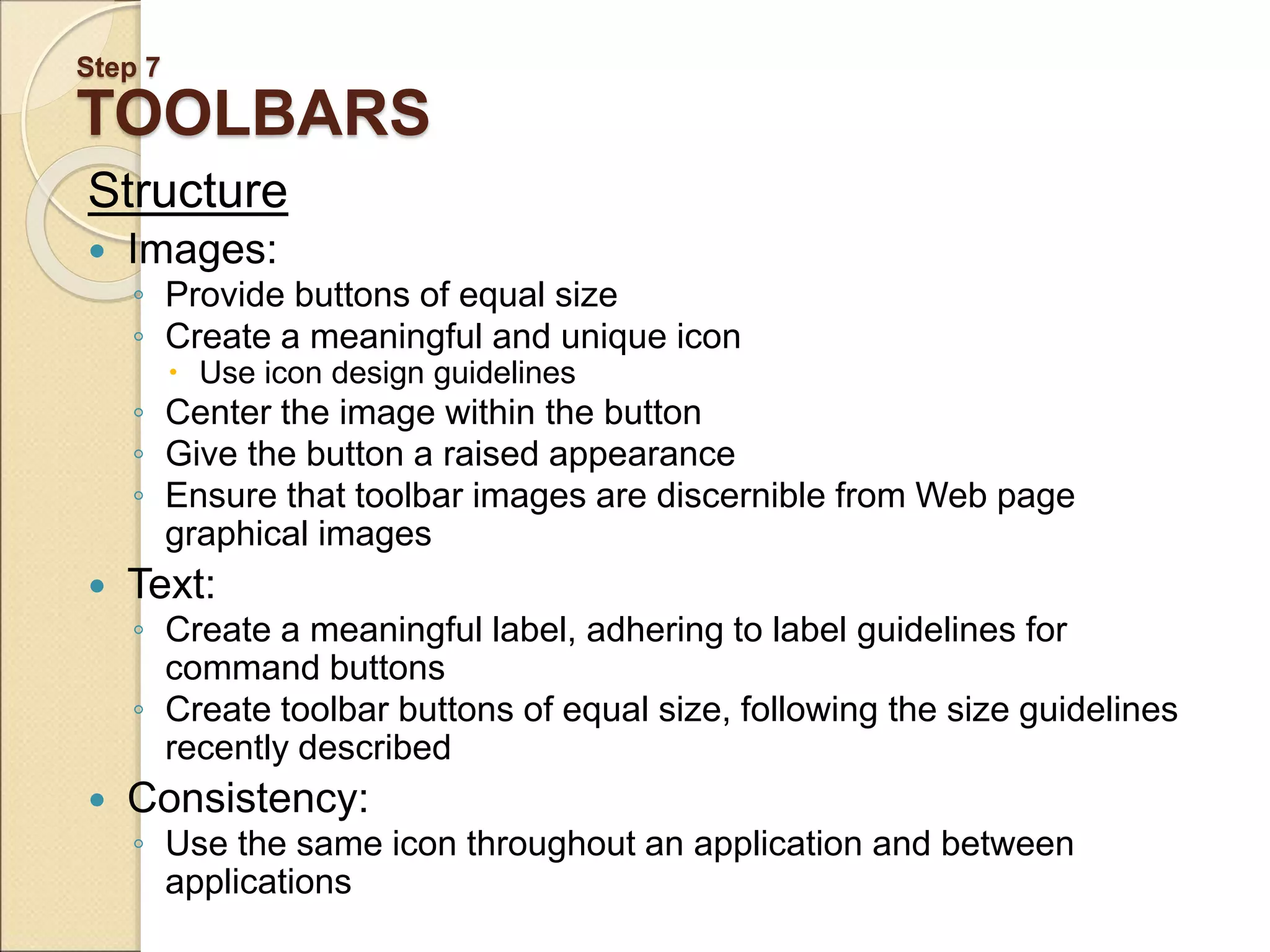
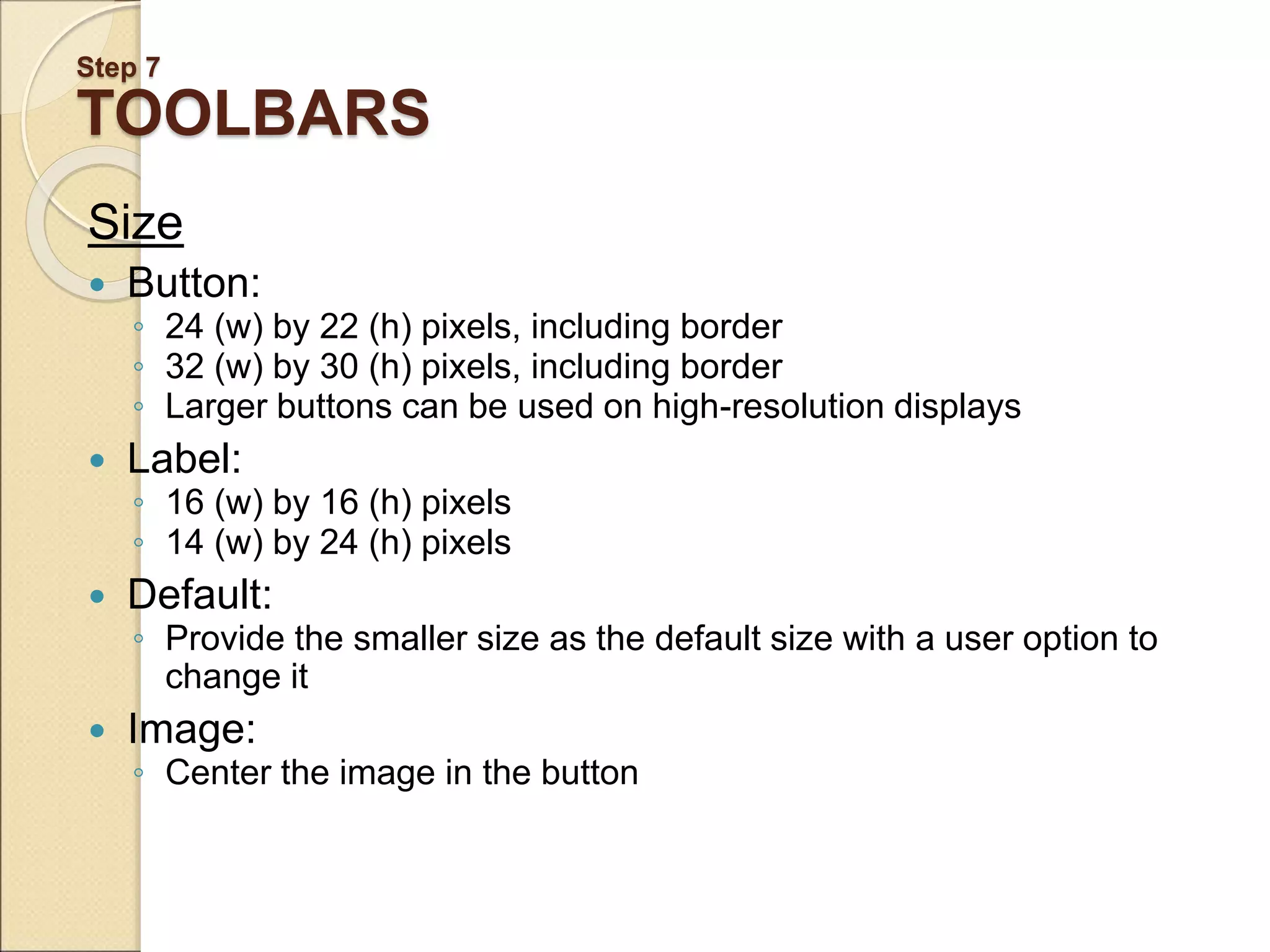
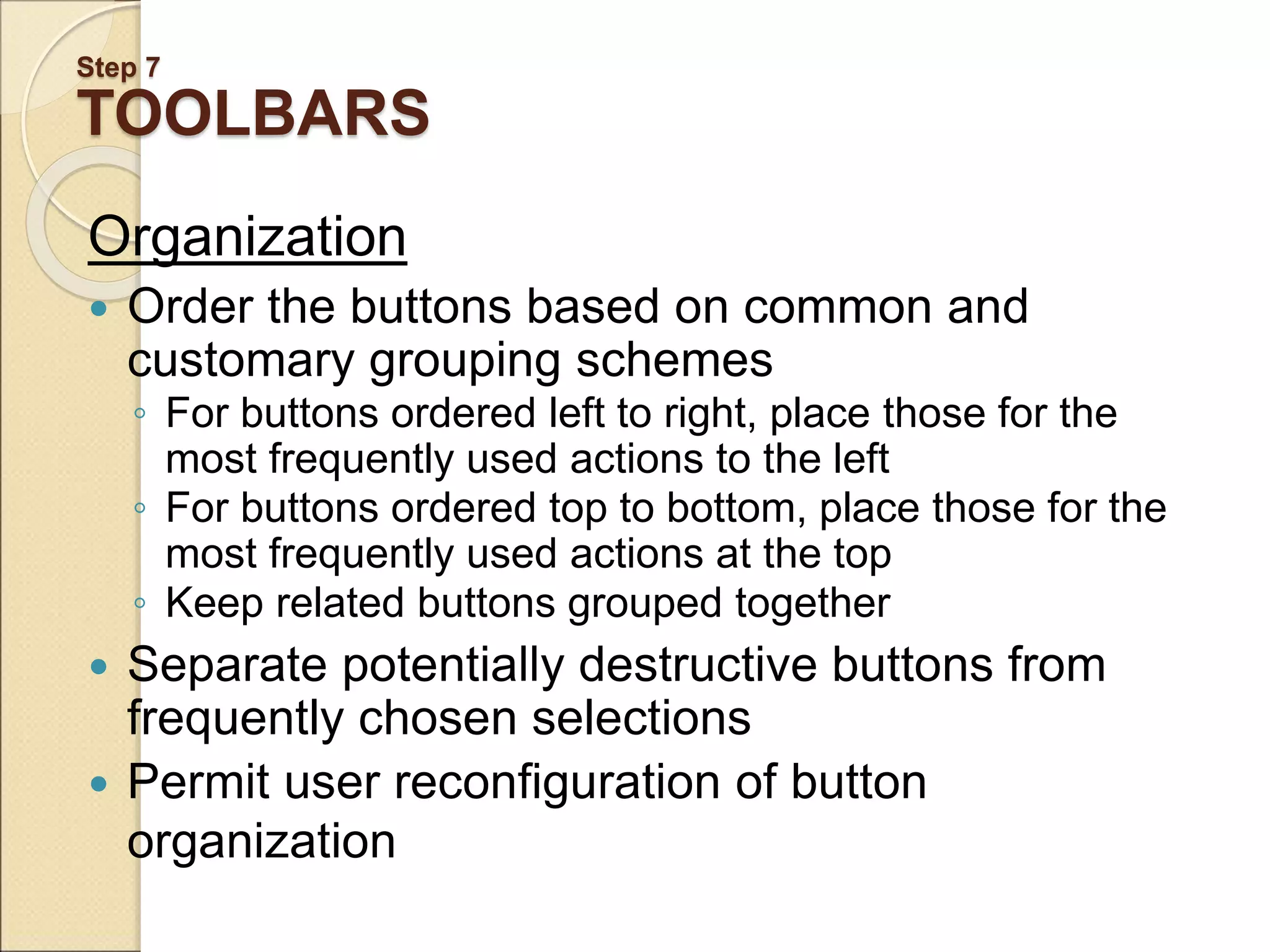
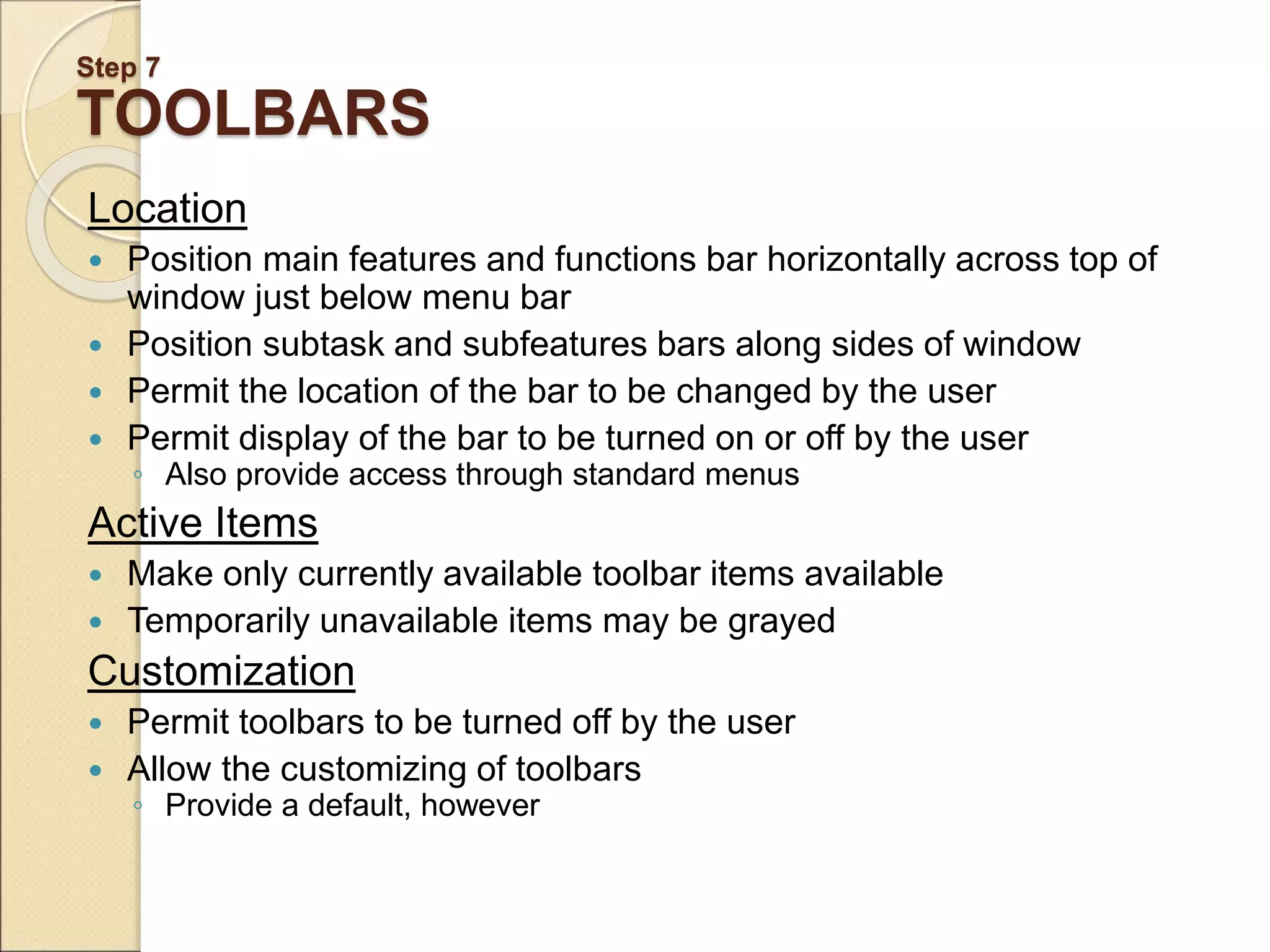
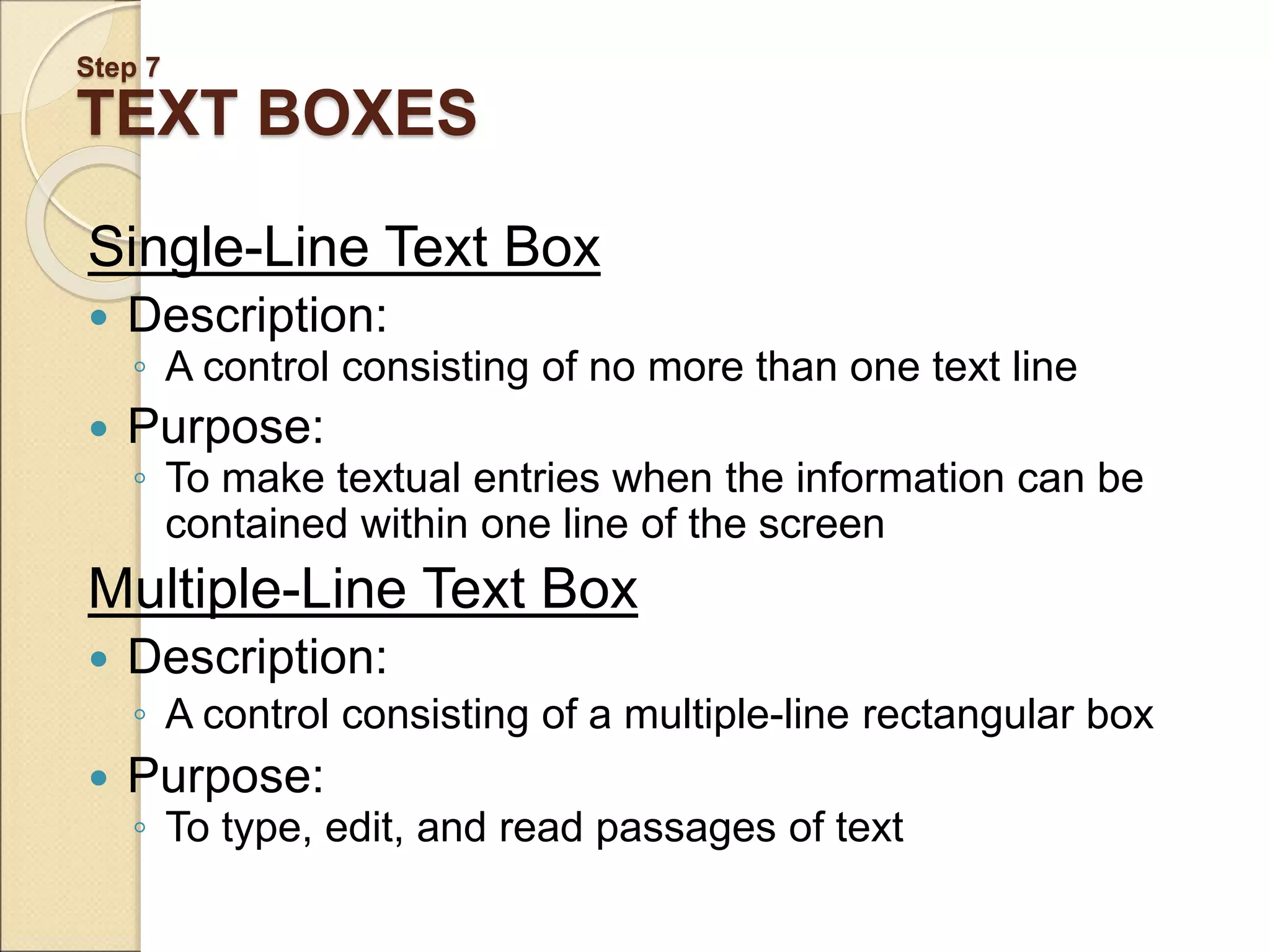
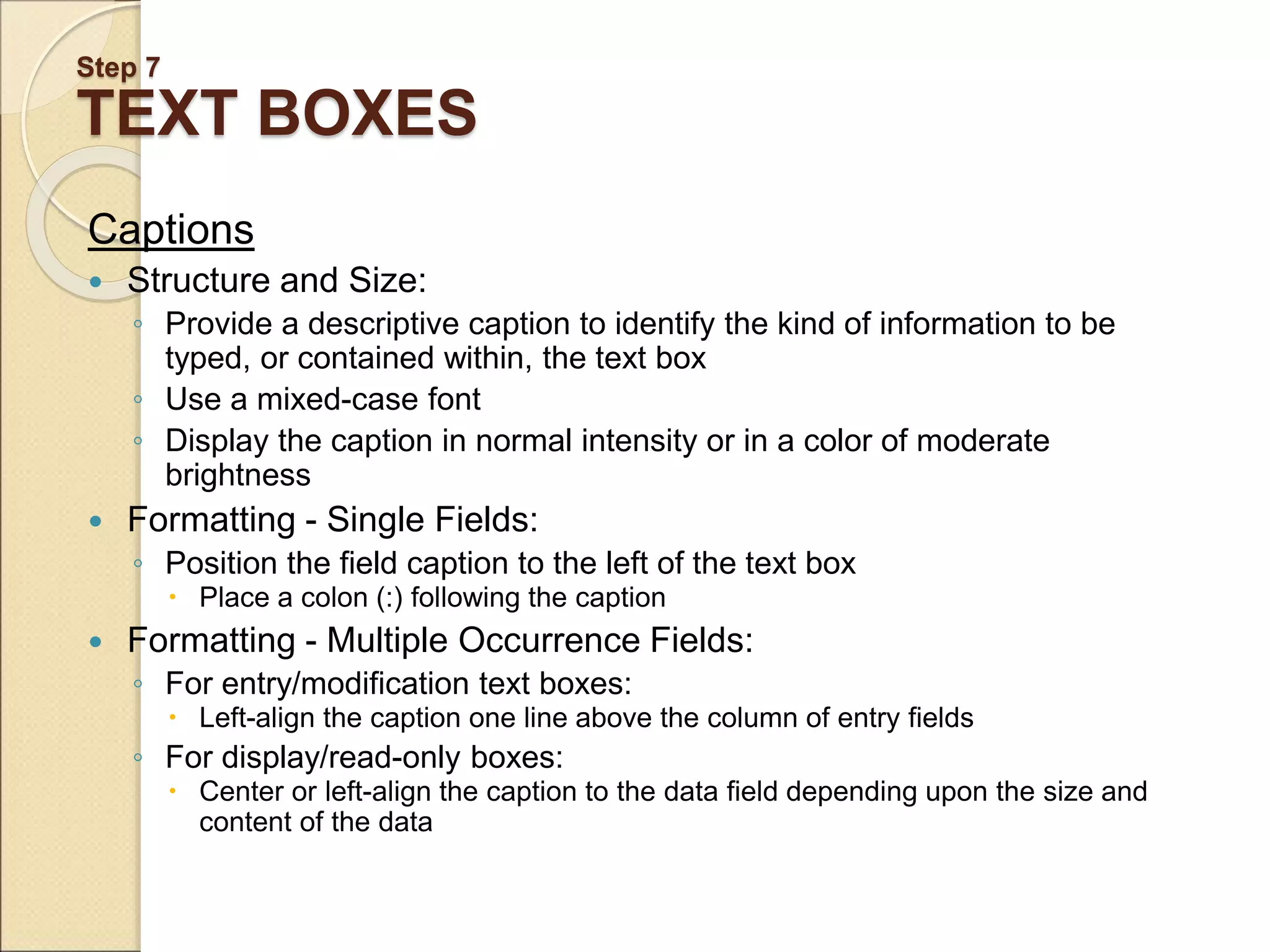
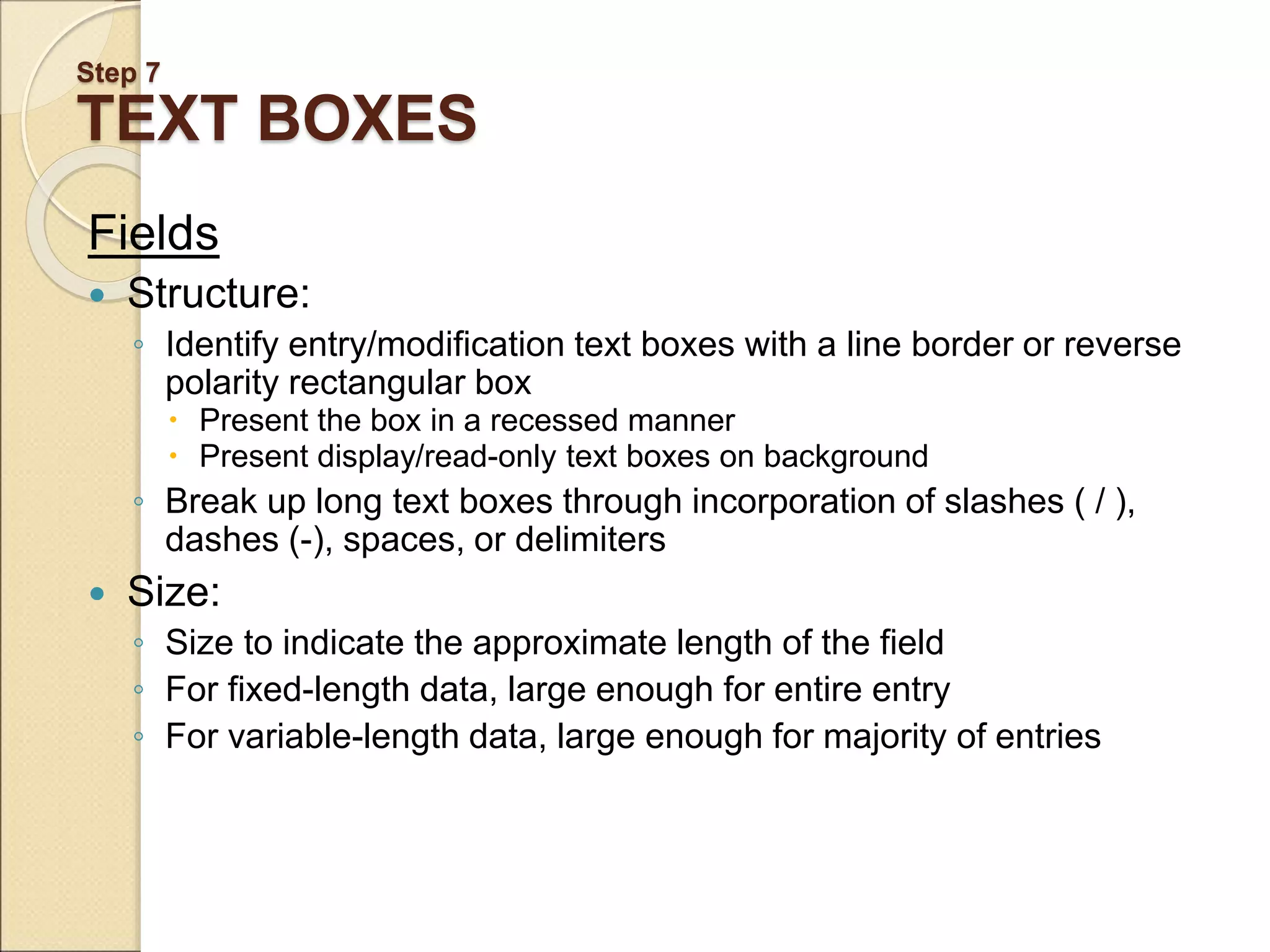
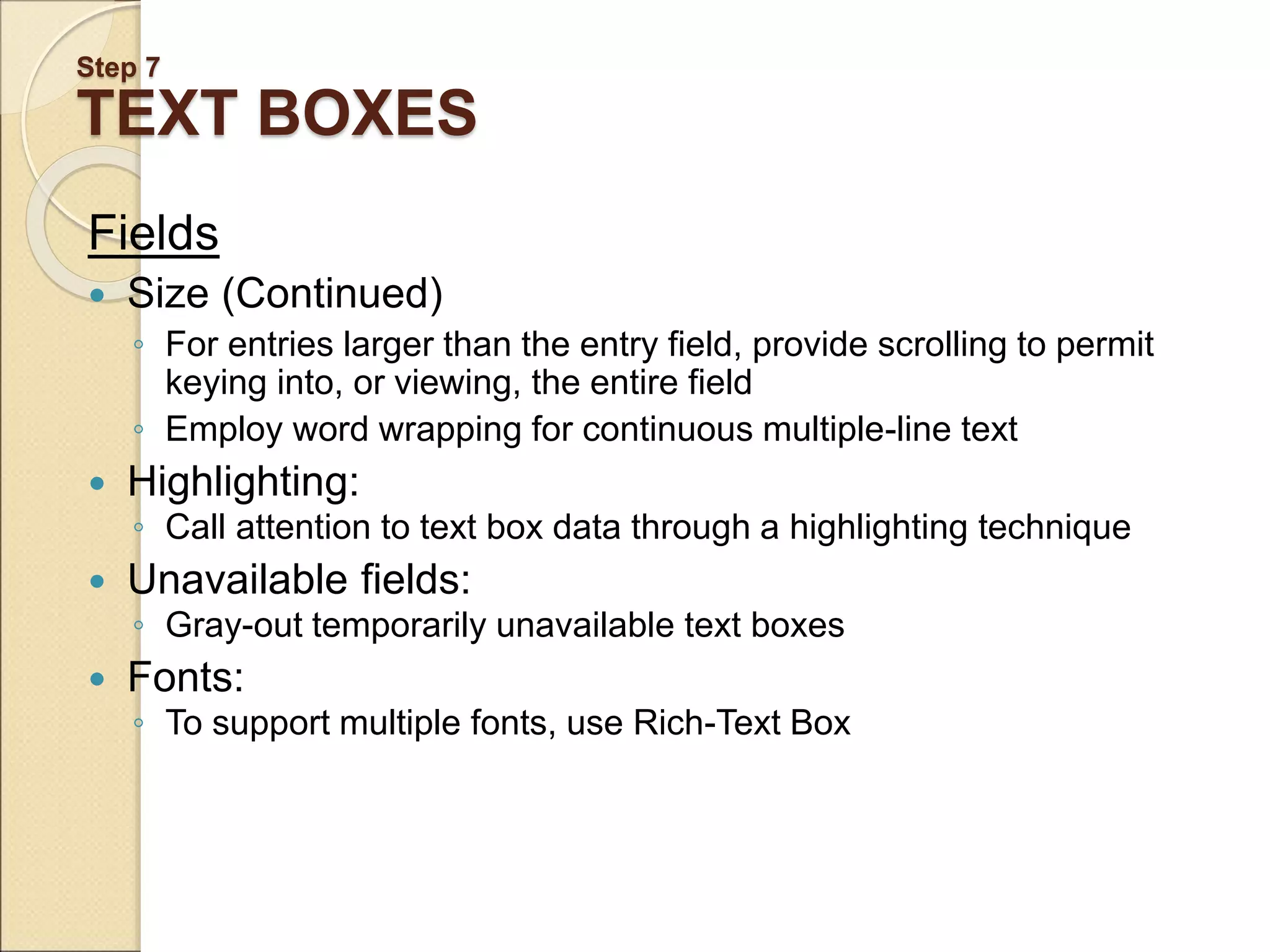
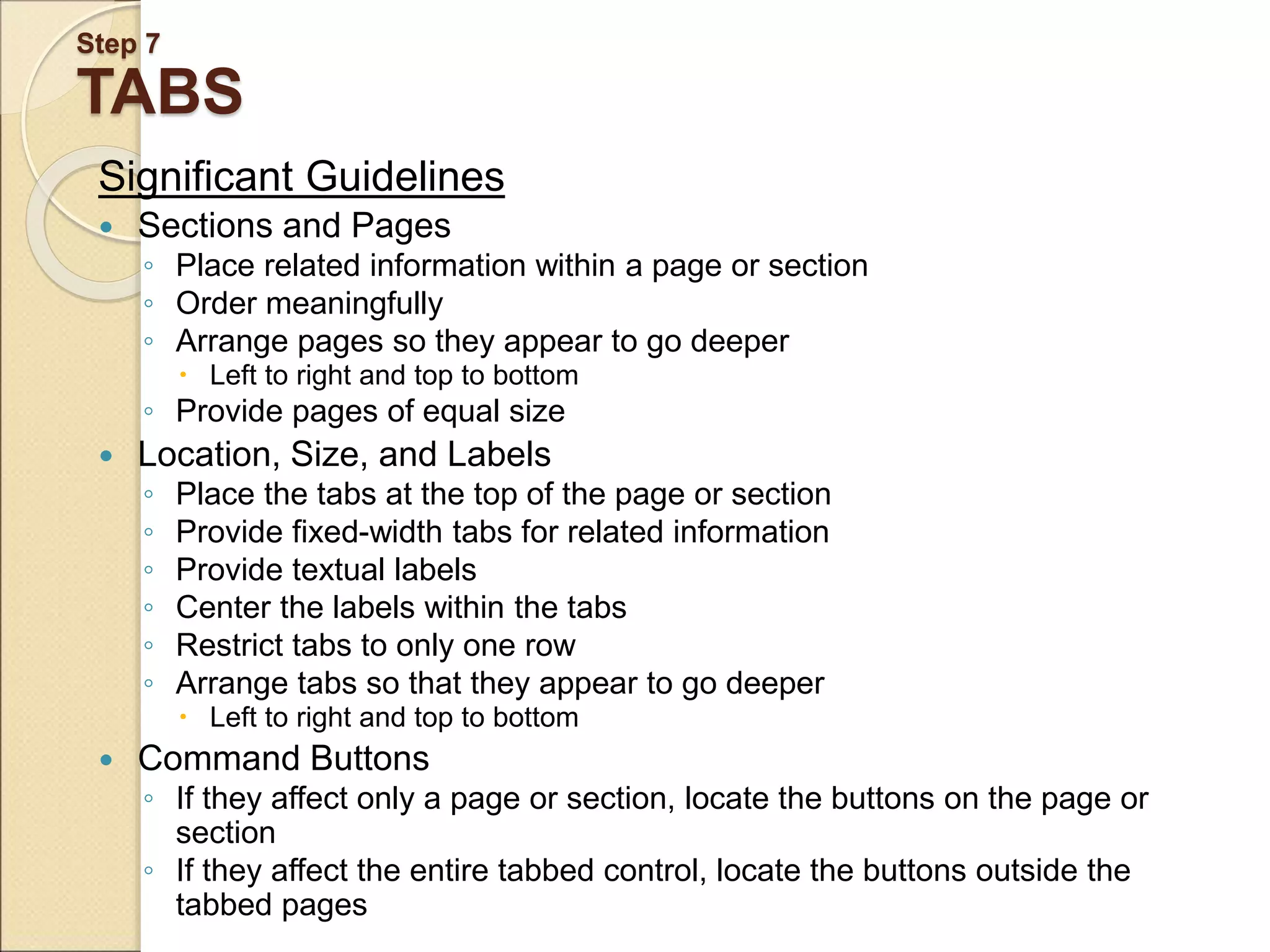
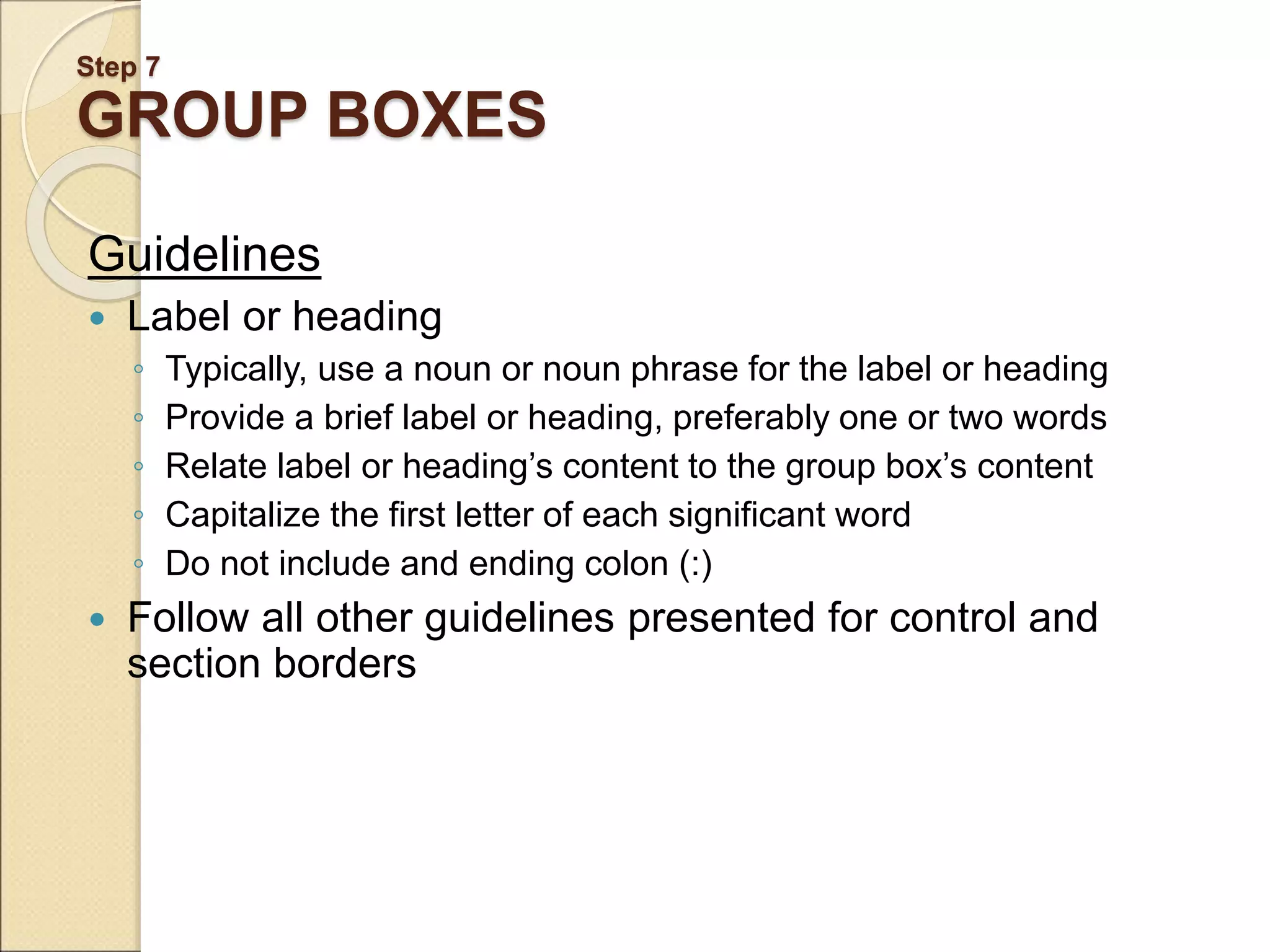
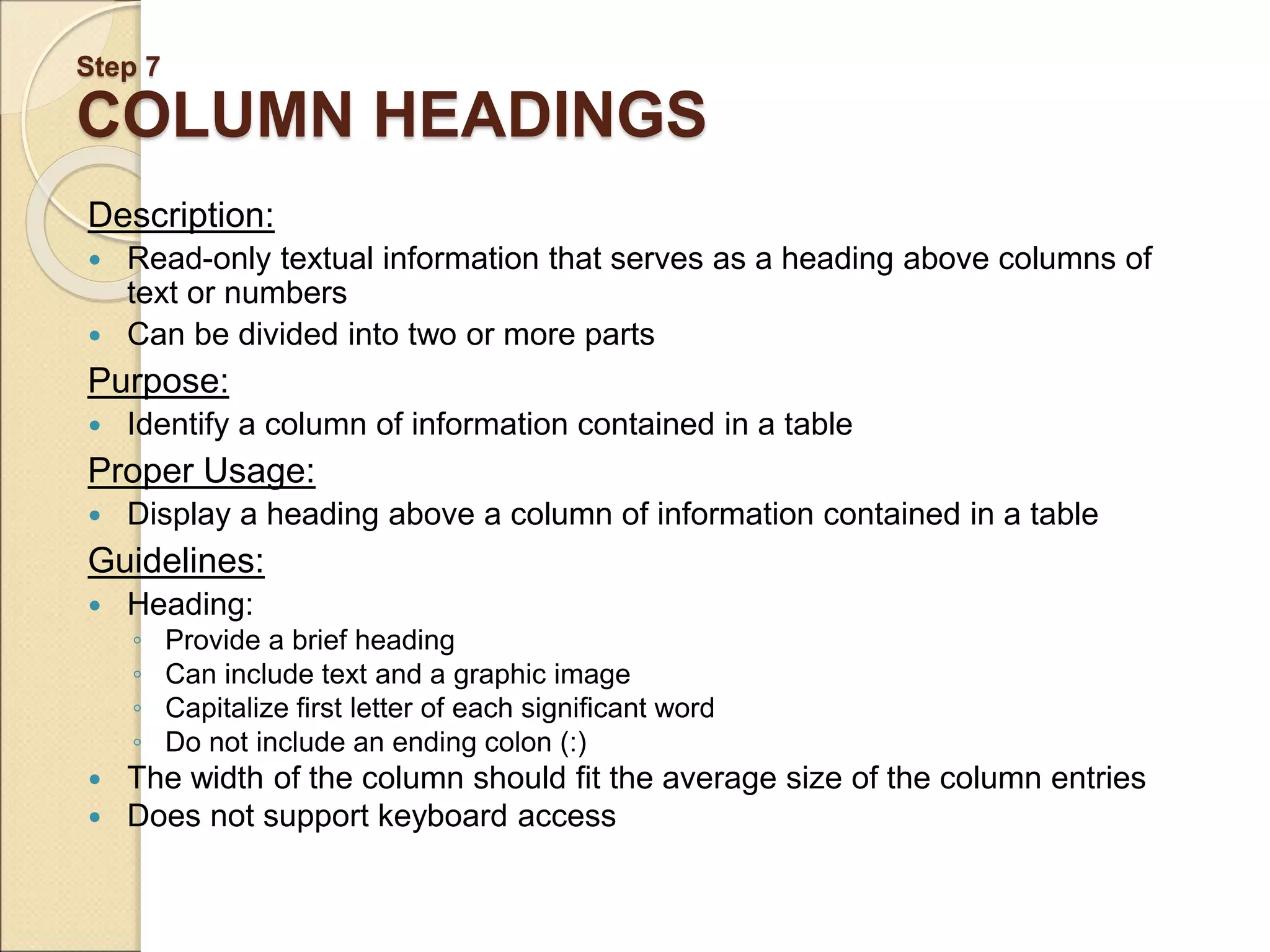
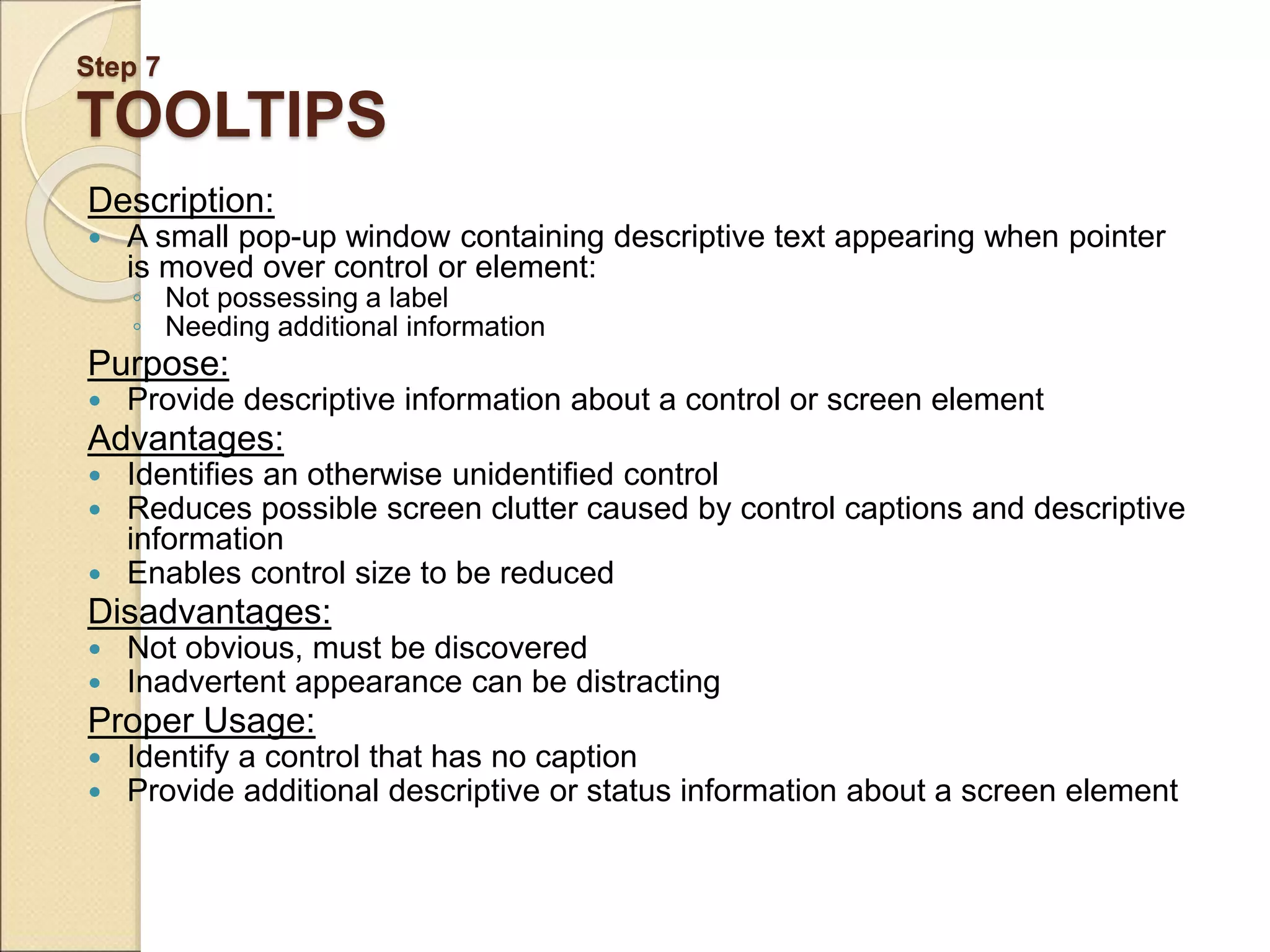
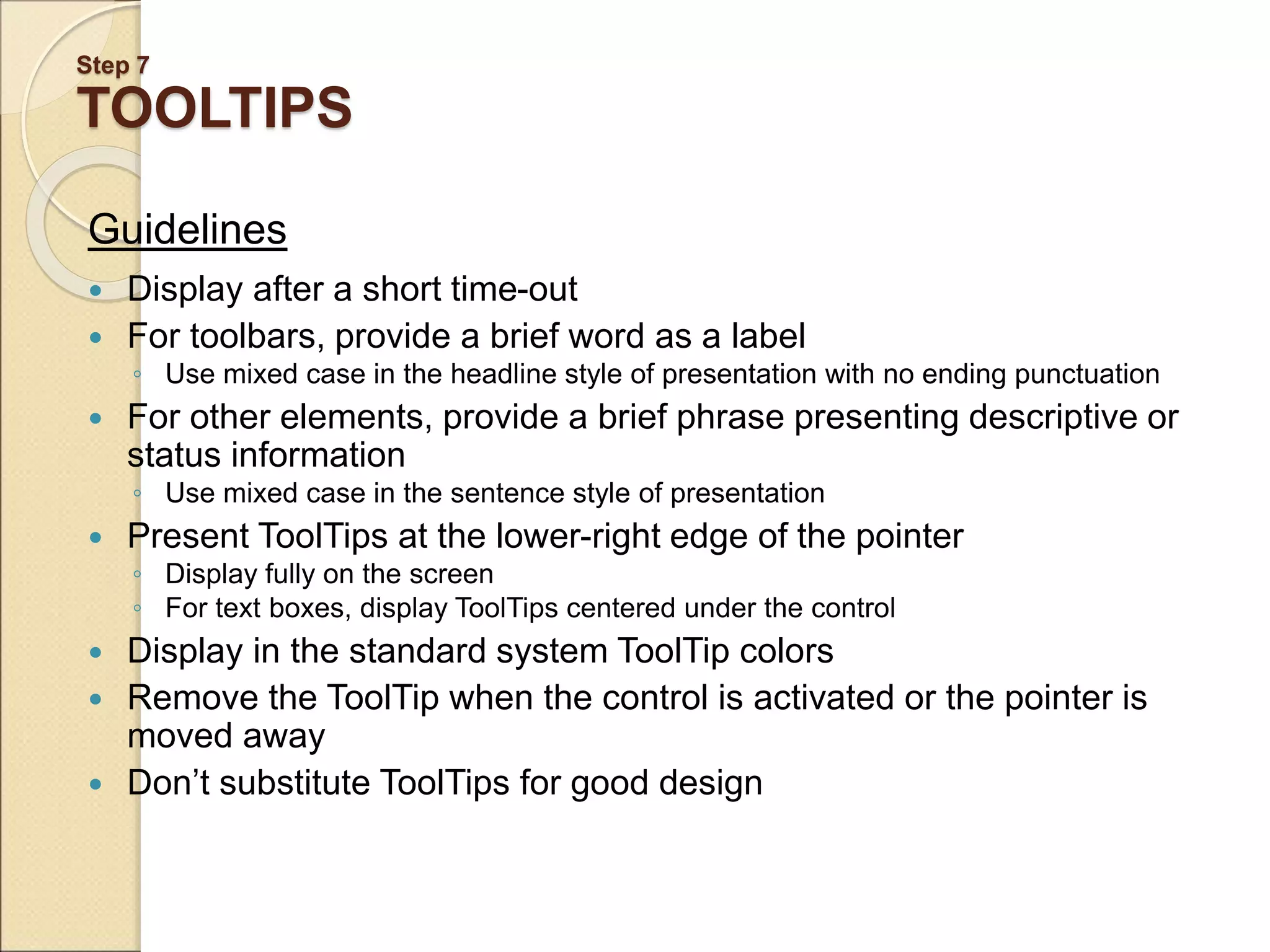
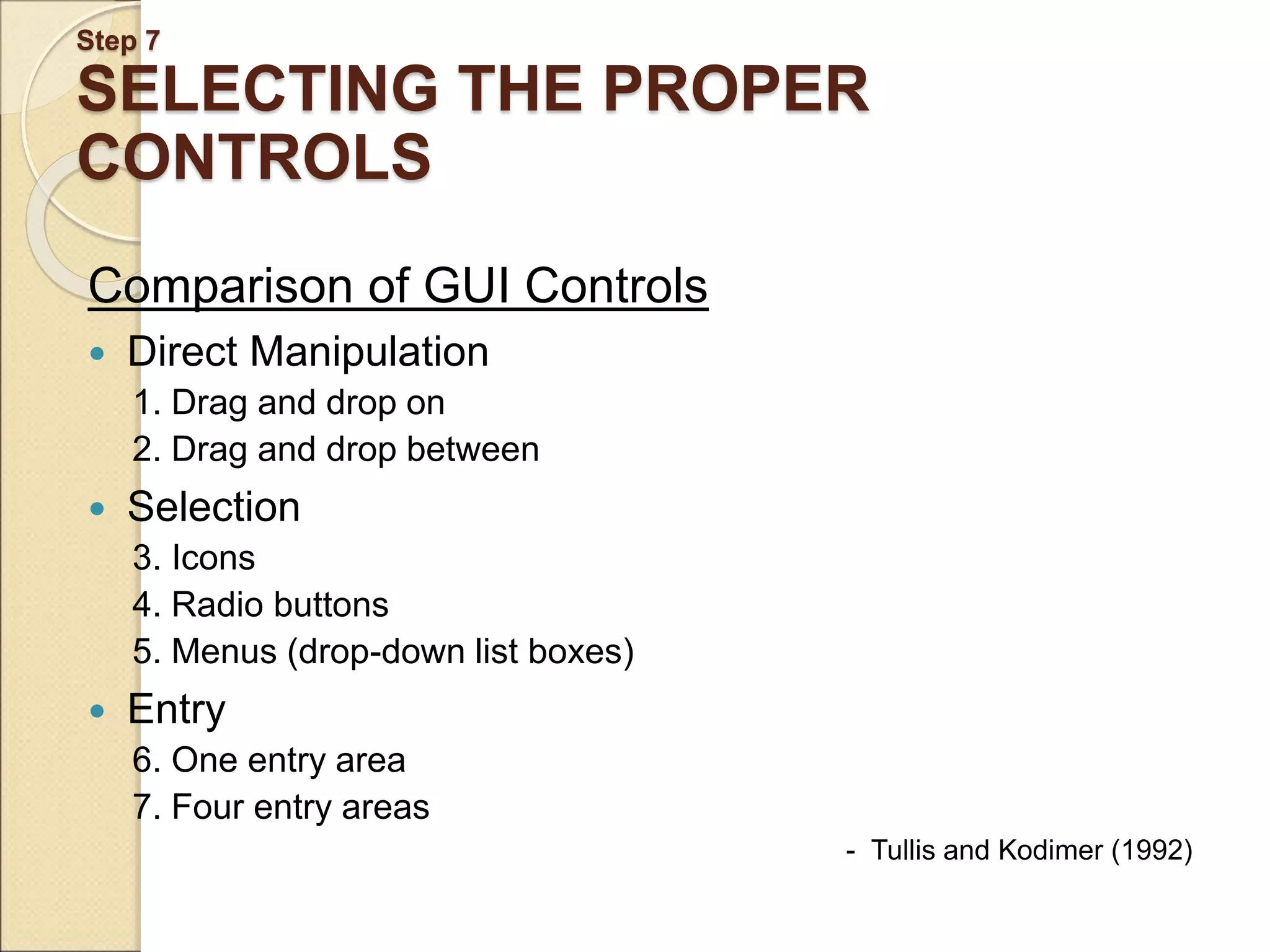
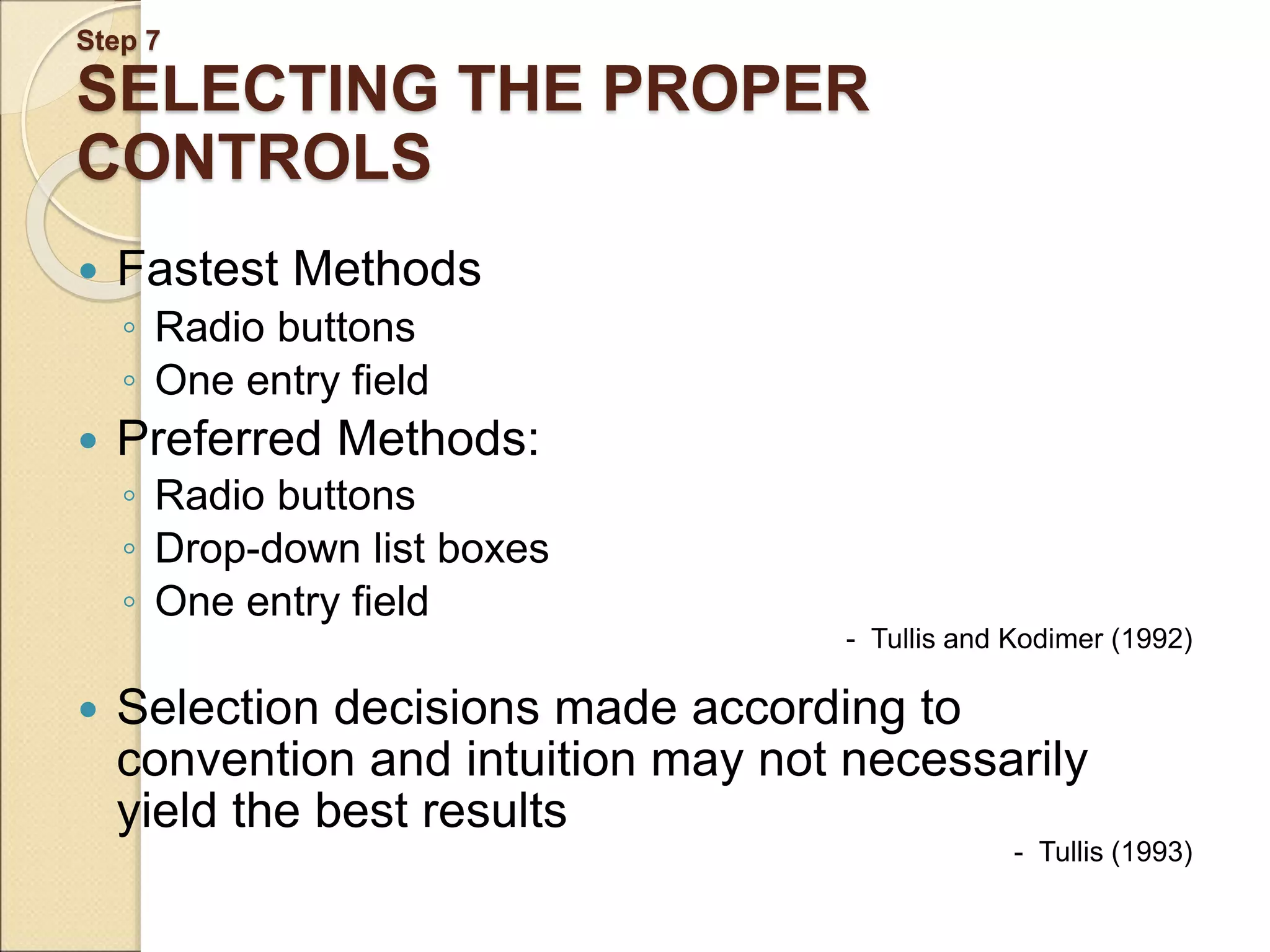
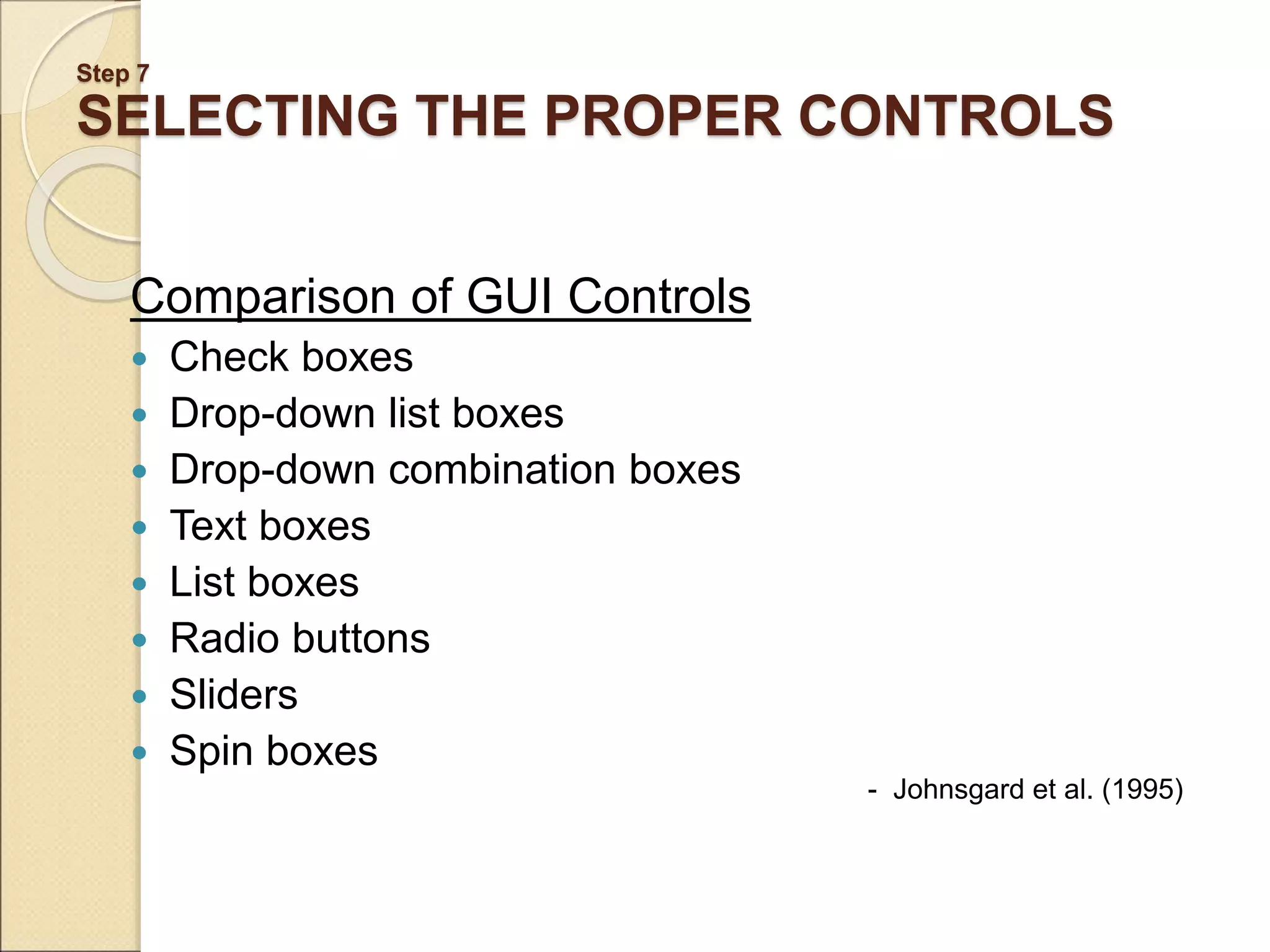
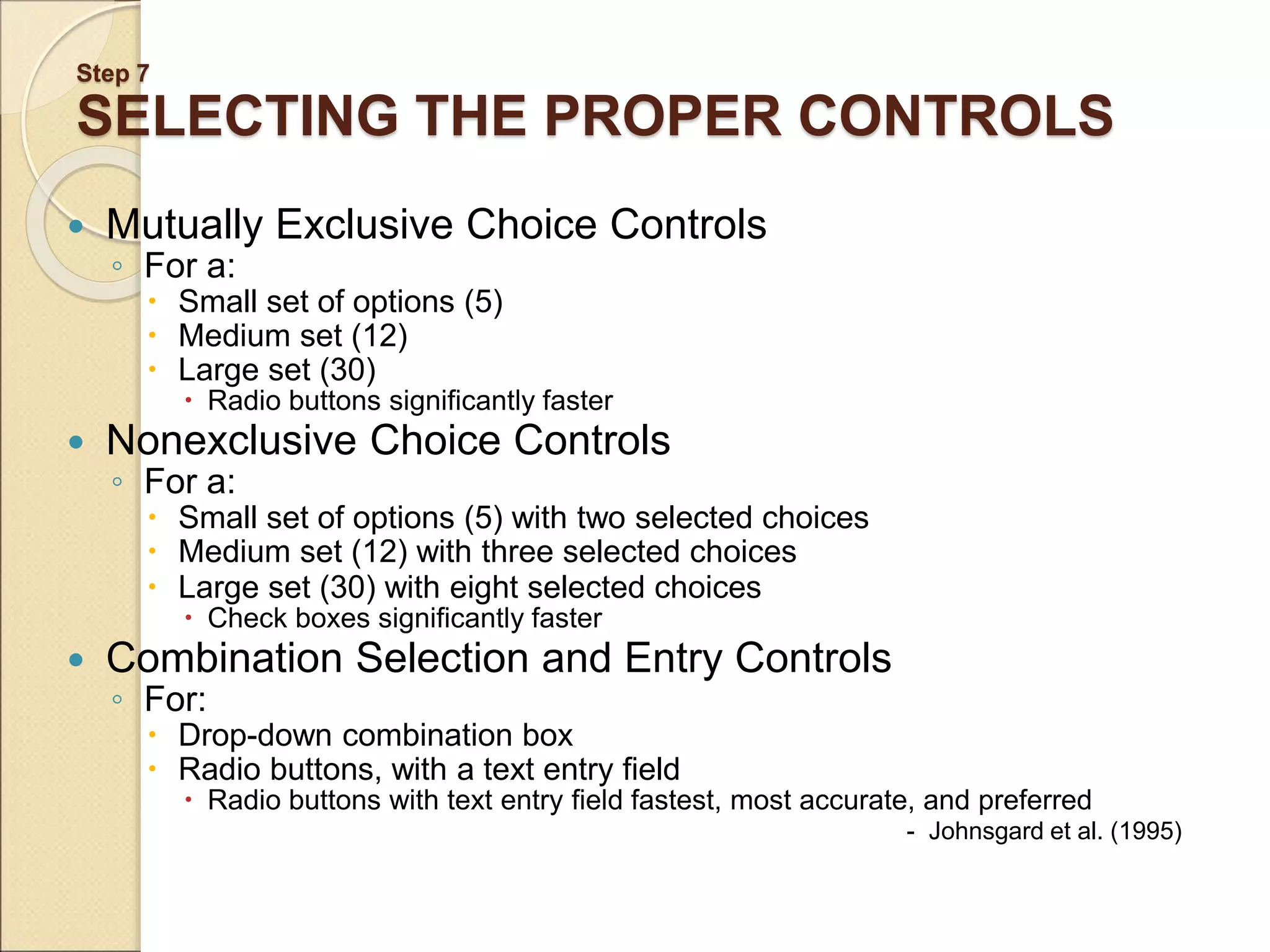
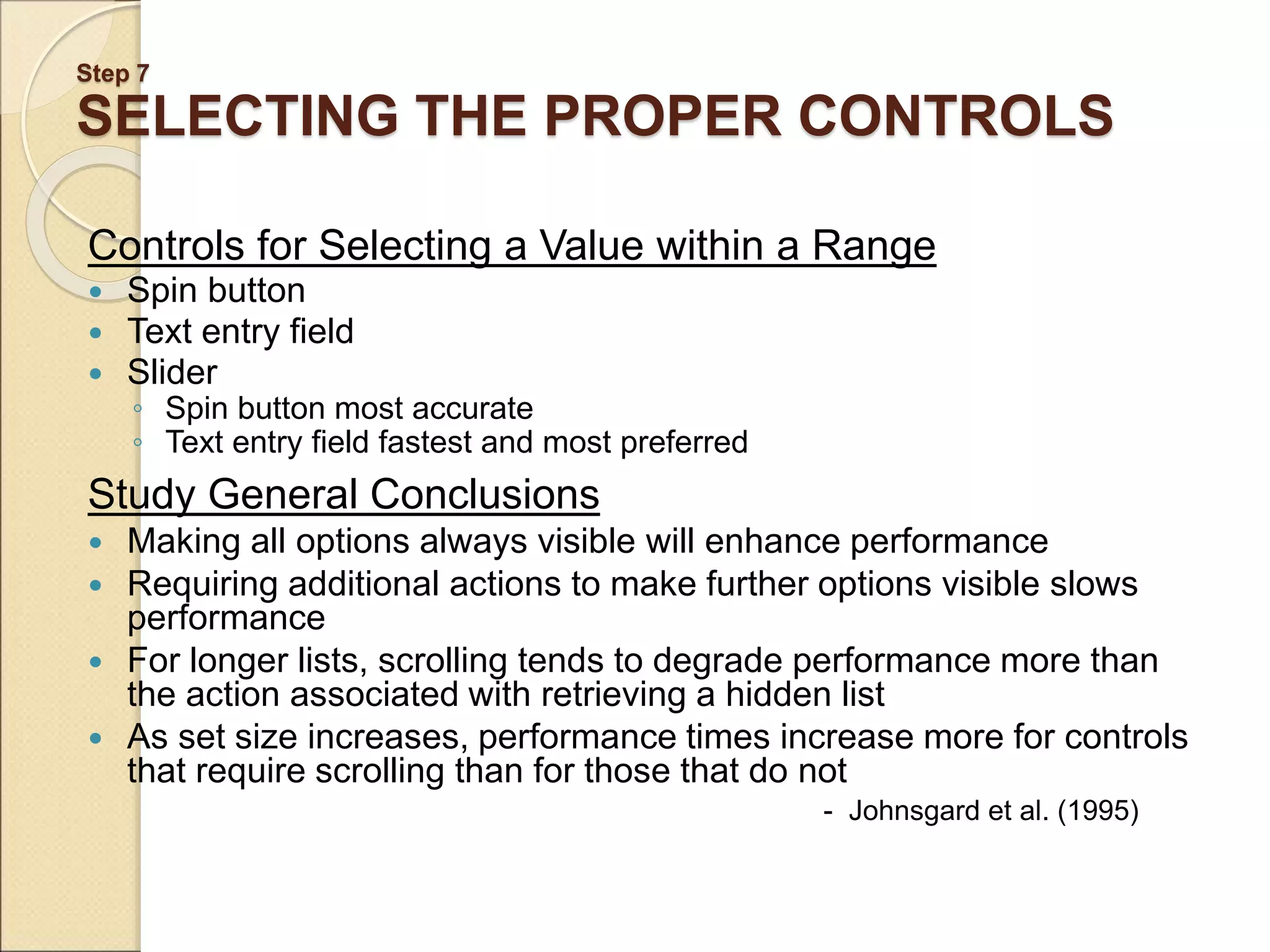
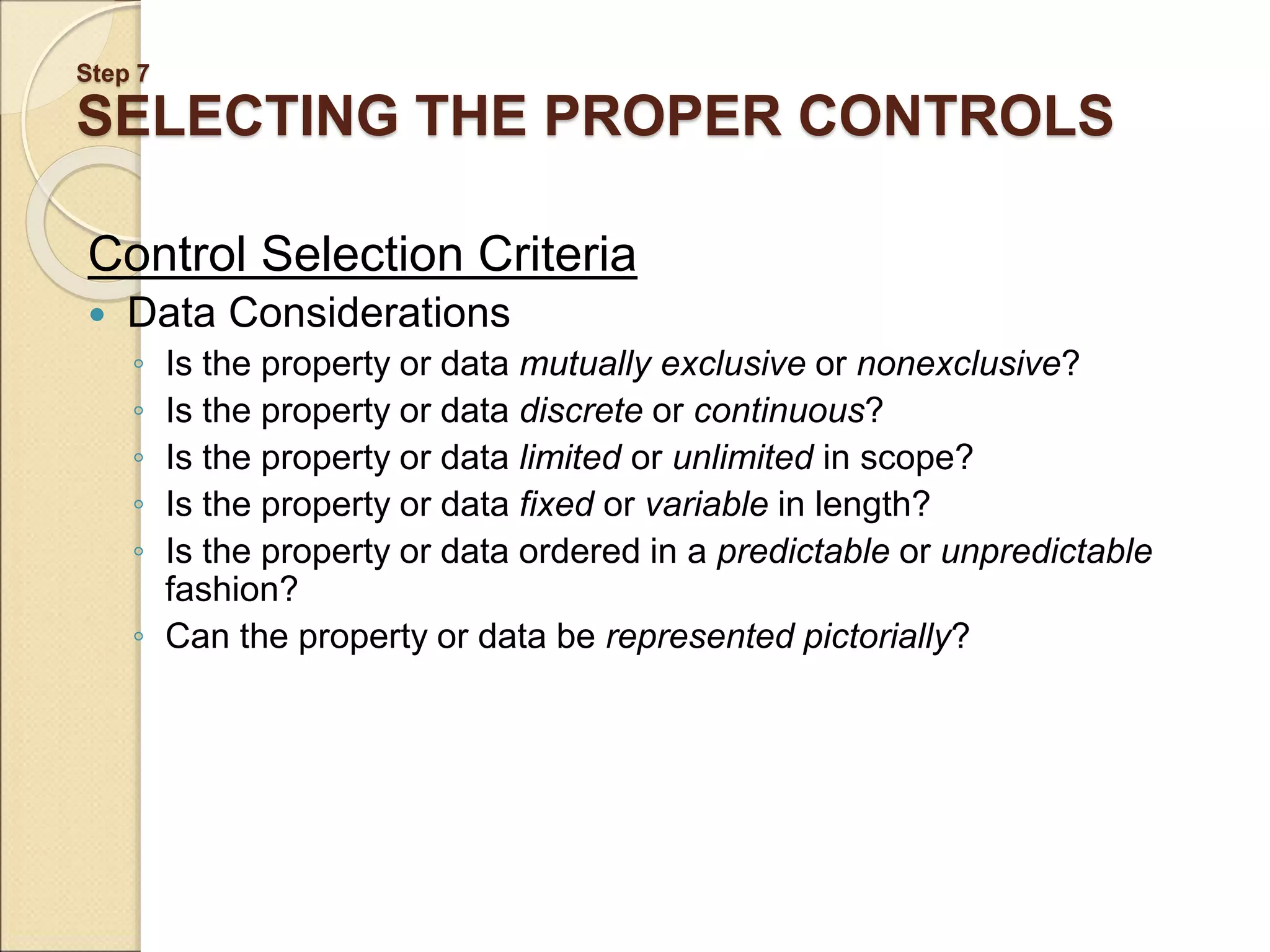
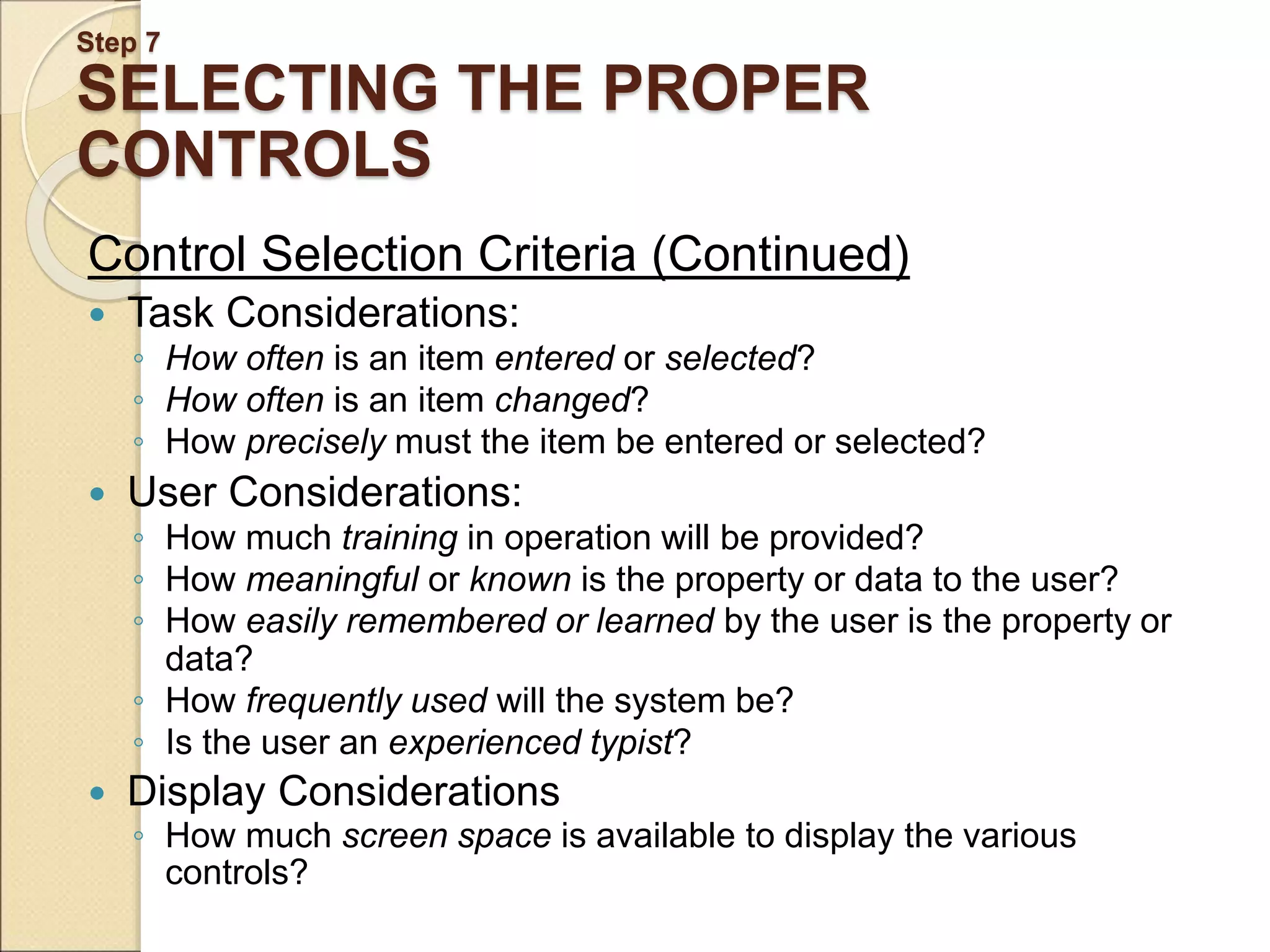
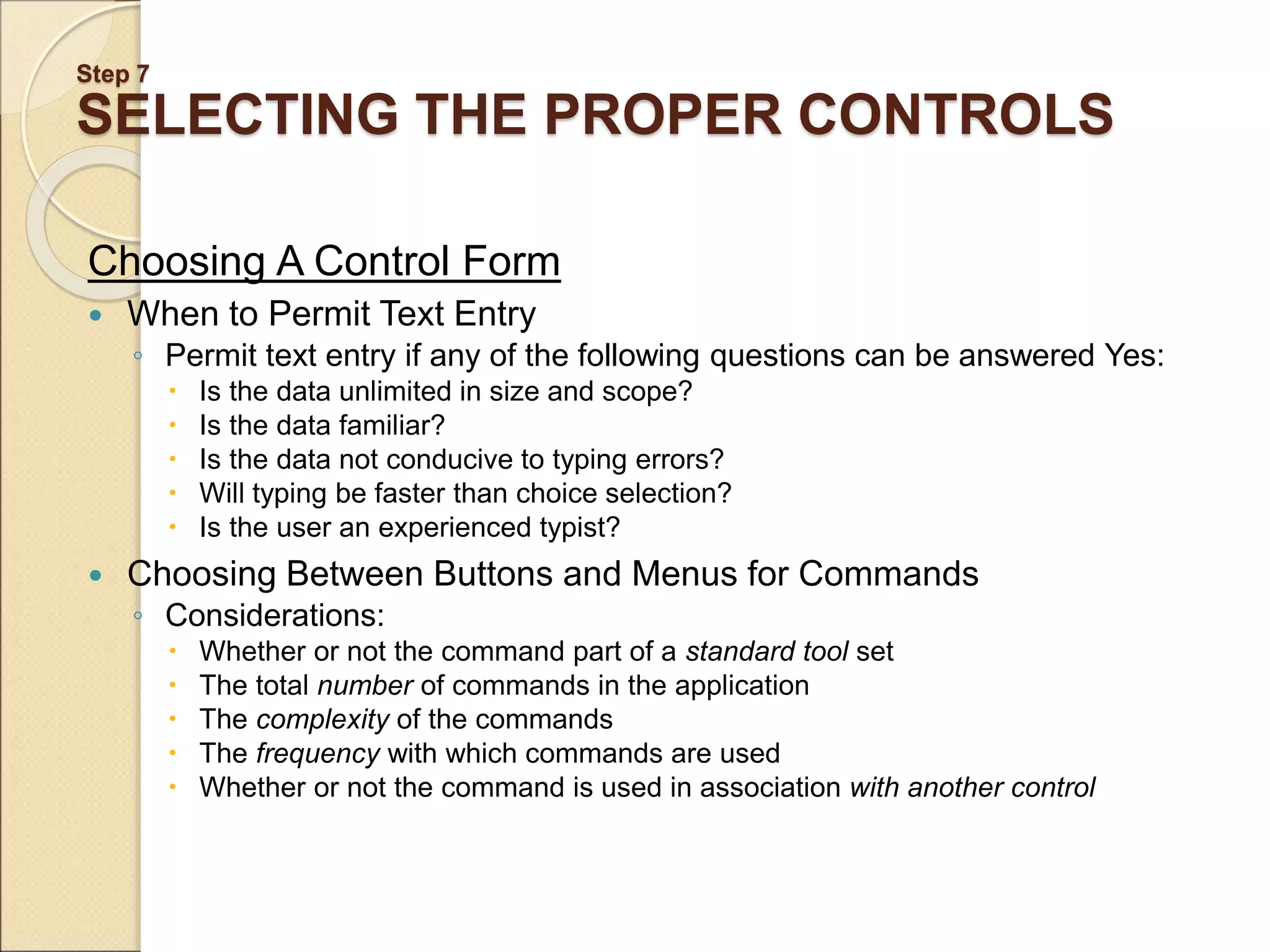
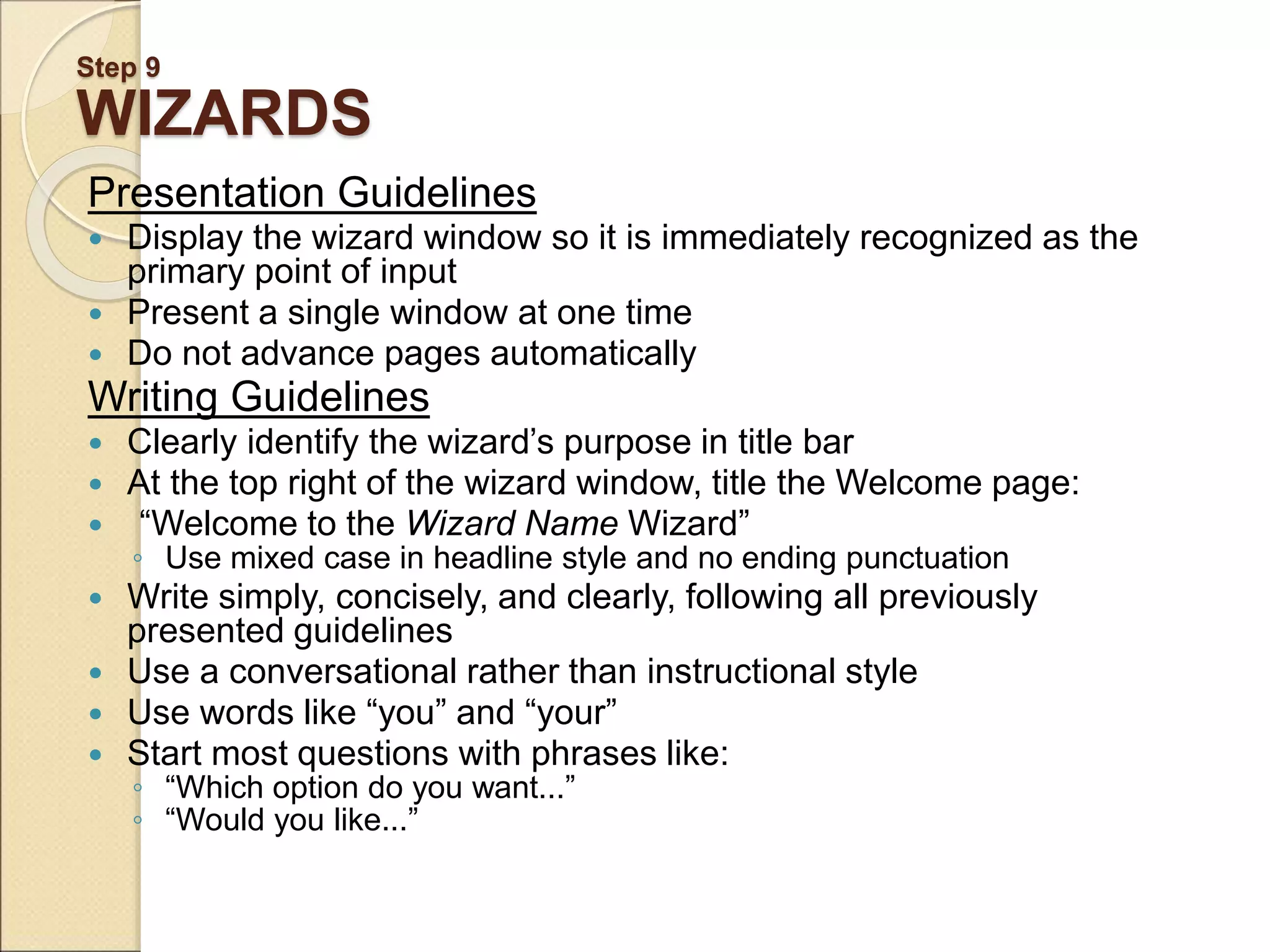
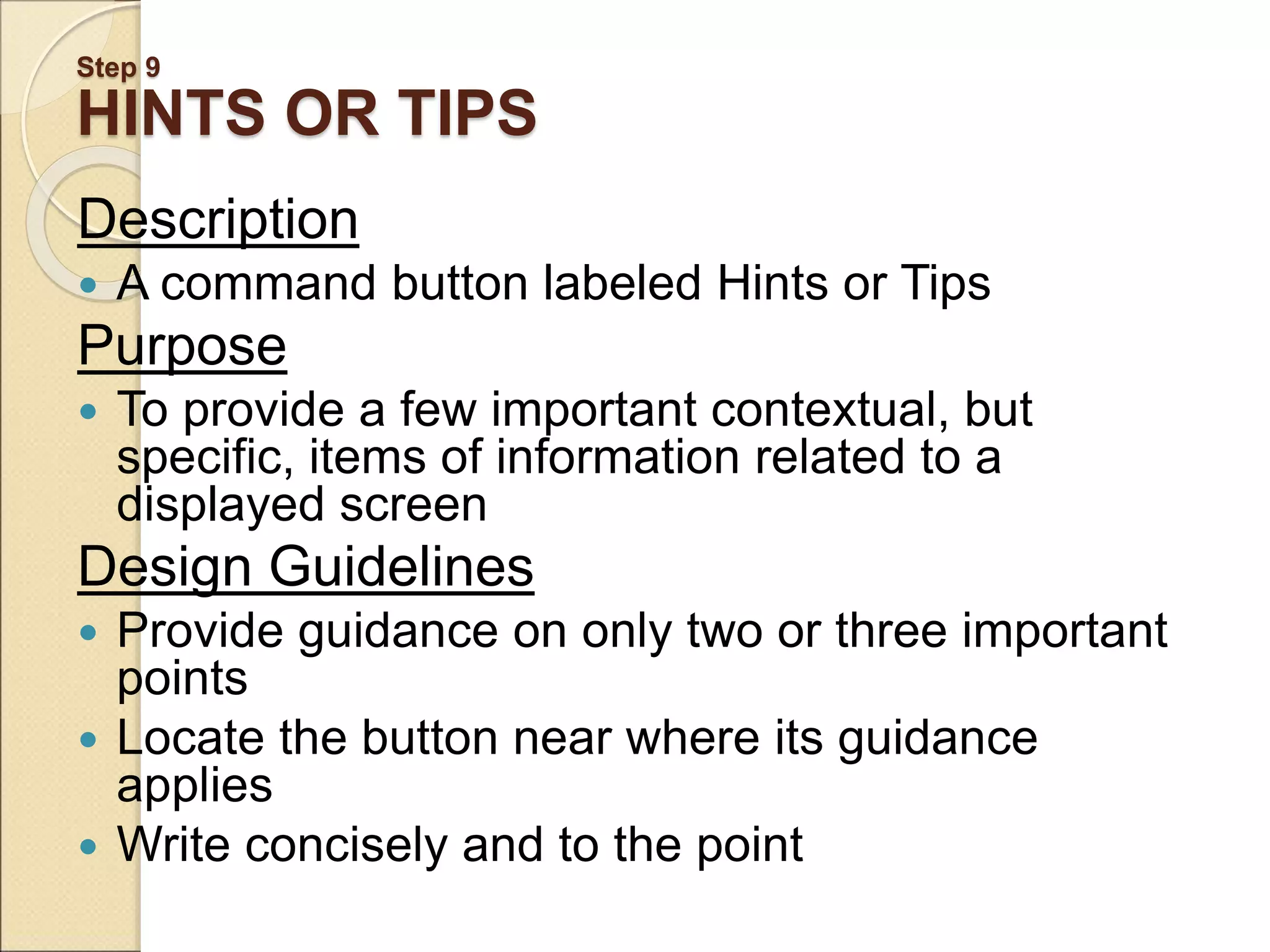
Screen-based controls include buttons, text boxes, dropdowns and other interactive elements that allow users to enter data, make selections and trigger commands. The document discusses guidelines for implementing different types of controls effectively, including: - Buttons should be labeled clearly and placed in consistent locations for predictability. Common button types are command buttons and toolbar buttons. - Toolbars provide quick access to frequent commands and should group related buttons together in a customizable manner. - Controls must be designed intuitively based on standard conventions so users understand their purpose from their appearance.