Object Oriented Programming slides that can help students
1.
CSC 211 /COE 121 OBJECT ORIENTED PROGRAMMING. CHAPTER 1: Introduction To Java Basics BY SAMWEL TARUS
2.
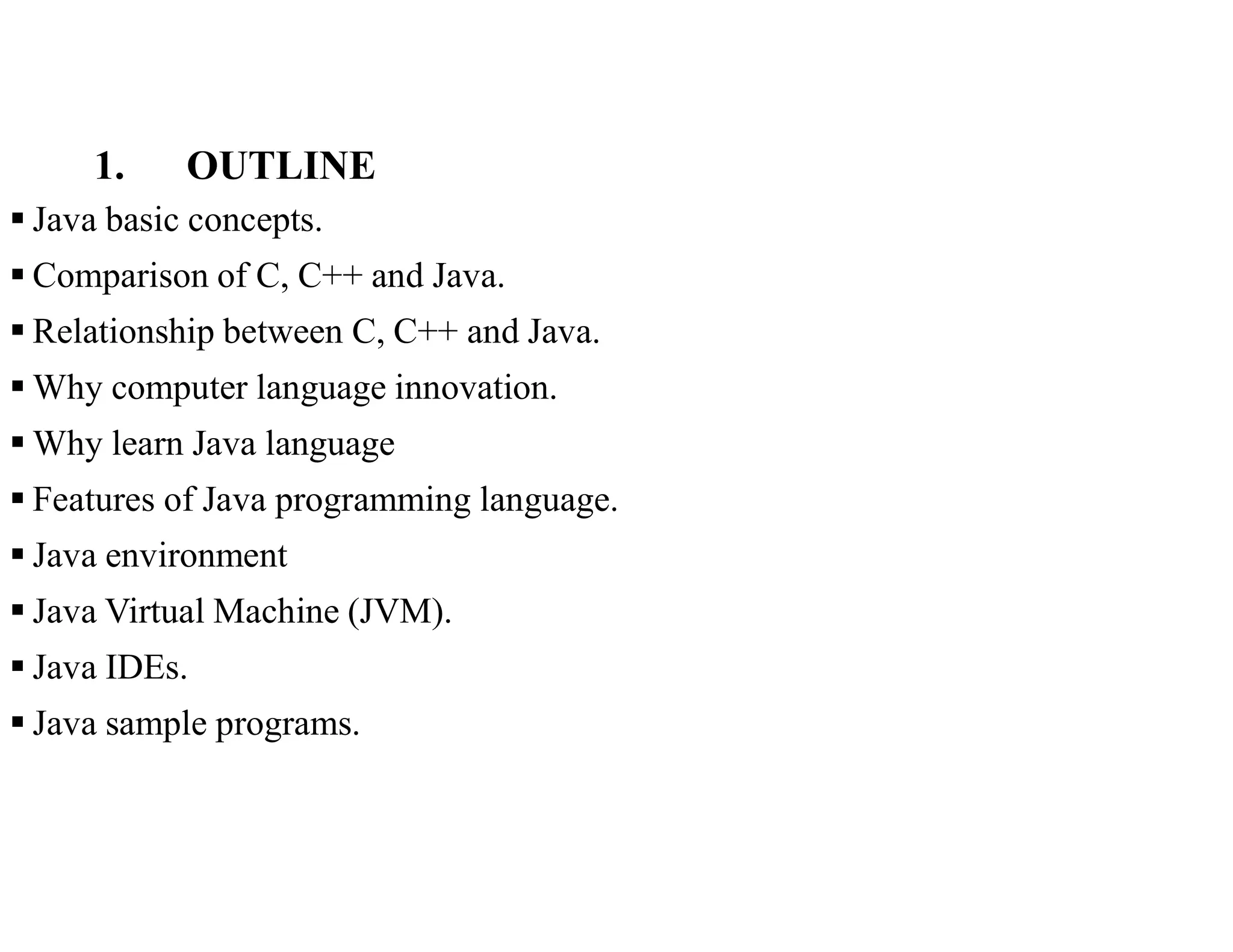
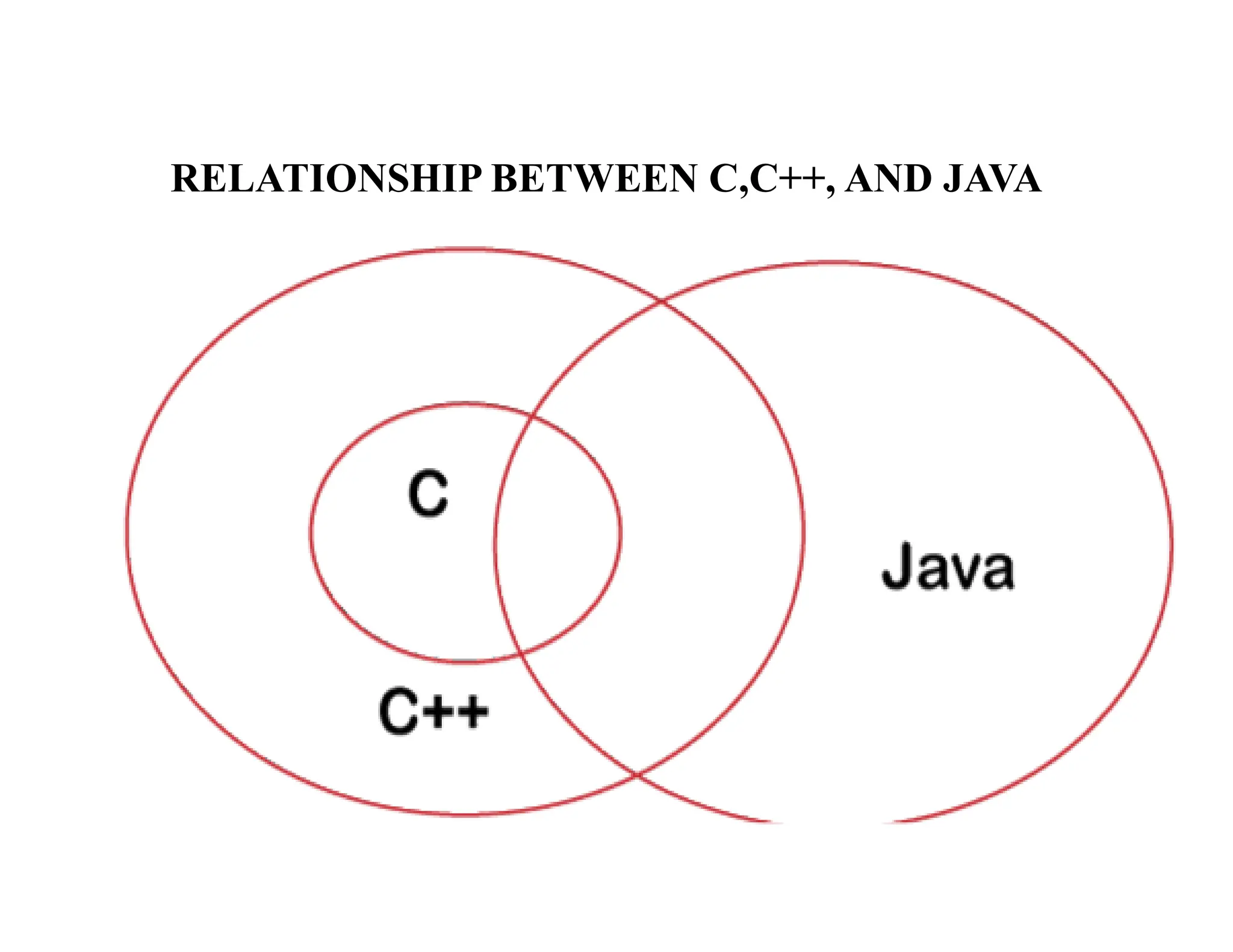
1. OUTLINE Javabasic concepts. Comparison of C, C++ and Java. Relationship between C, C++ and Java. Why computer language innovation. Why learn Java language Features of Java programming language. Java environment Java Virtual Machine (JVM). Java IDEs. Java sample programs.
3.
1. BASIC CONCEPTS Introducedby James Gosling, Patrick Naughton, Chris Warth, Ed Frank, and Mike Sheridan at Sun Microsystems in 1991. Released in 1995 as core component of Sun Microsystems’ Java platform (Java 1.0 [J2SE]). Powerful general purpose /practical and widely used OOP Designed for the development of s/w for consumer electronic devices like TVs, VCRs, car alarms, Toasters, and other electronic machines, programming games and creating mission-critical applications. Java has built-in support to create programs with graphical user interface (GUI), utilize internet, create client-server solutions, etc. Programs written in Java can run without change on any of the common operating systems eg Windows 95/NT, Macintosh, Unix and in any hardware platforms. Java is closely related to C, and C++. Simple, Portable, and highly reliable.
4.
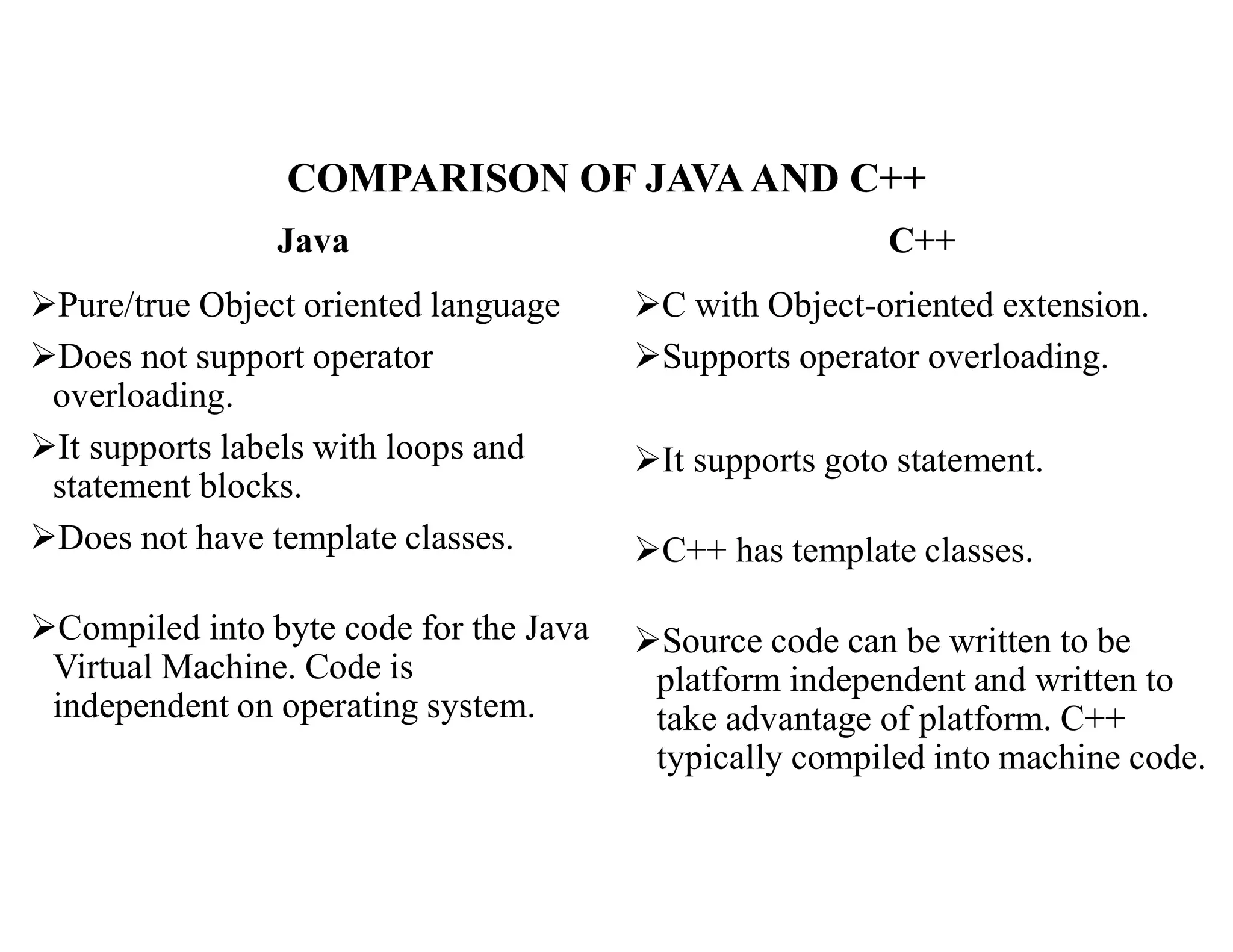
COMPARISON OF JAVAANDC++ Java Pure/true Object oriented language Does not support operator overloading. It supports labels with loops and statement blocks. Does not have template classes. Compiled into byte code for the Java Virtual Machine. Code is independent on operating system. C++ C with Object-oriented extension. Supports operator overloading. It supports goto statement. C++ has template classes. Source code can be written to be platform independent and written to take advantage of platform. C++ typically compiled into machine code.
5.
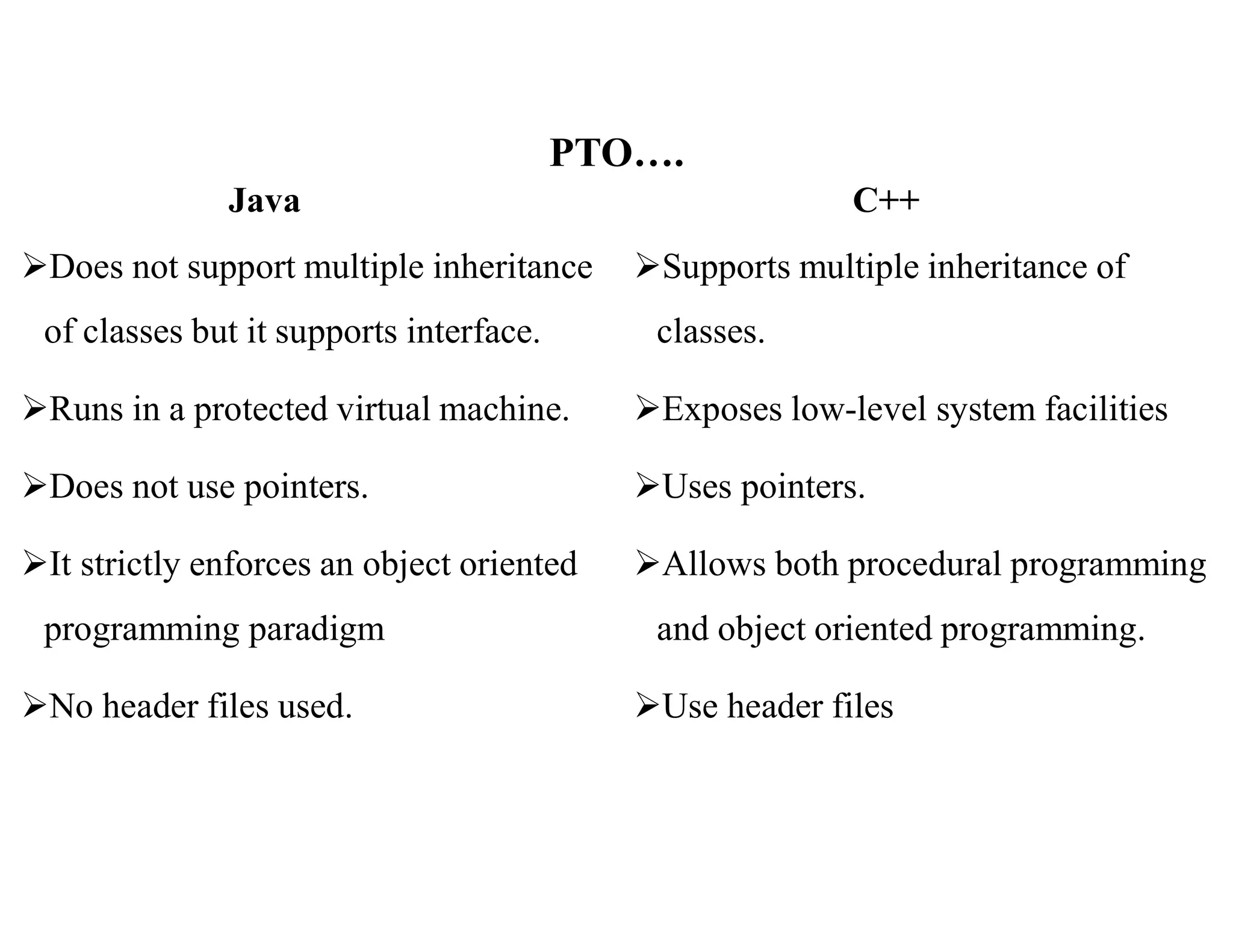
PTO…. Java Does not supportmultiple inheritance of classes but it supports interface. Runs in a protected virtual machine. Does not use pointers. It strictly enforces an object oriented programming paradigm No header files used. C++ Supports multiple inheritance of classes. Exposes low-level system facilities Uses pointers. Allows both procedural programming and object oriented programming. Use header files
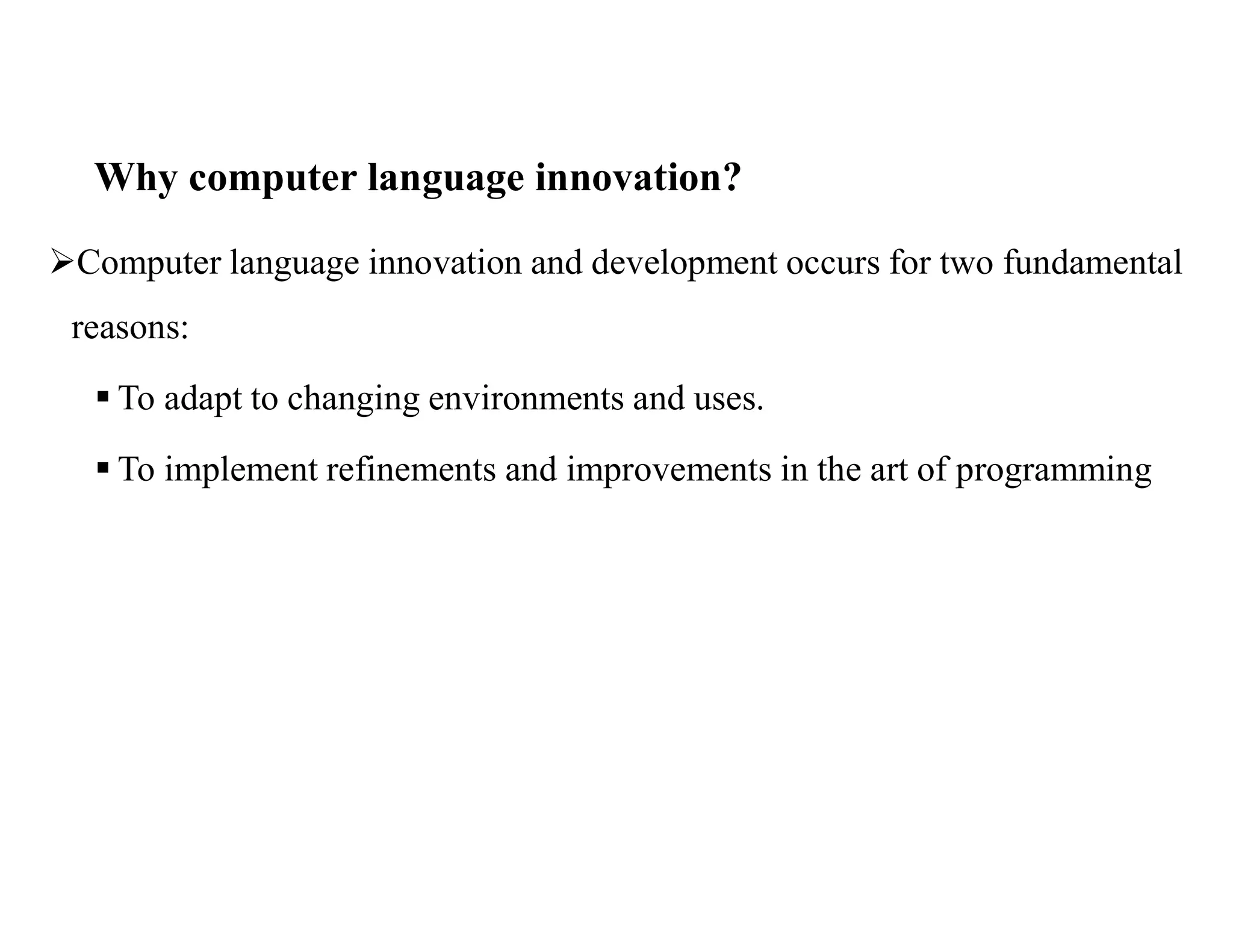
Why computer languageinnovation? Computer language innovation and development occurs for two fundamental reasons: To adapt to changing environments and uses. To implement refinements and improvements in the art of programming
8.
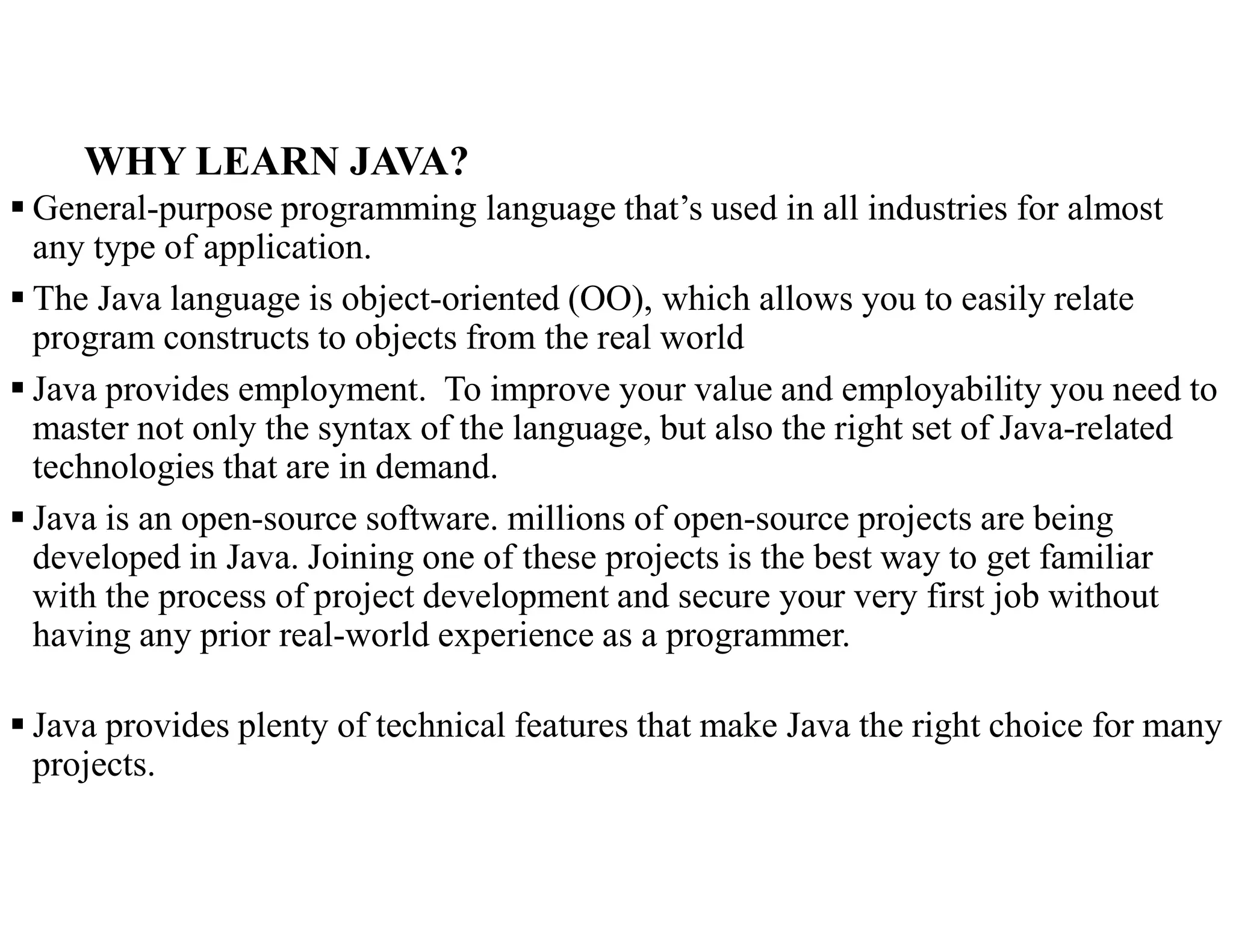
WHY LEARN JAVA? General-purpose programming language that’s used in all industries for almost any type of application. The Java language is object-oriented (OO), which allows you to easily relate program constructs to objects from the real world Java provides employment. To improve your value and employability you need to master not only the syntax of the language, but also the right set of Java-related technologies that are in demand. Java is an open-source software. millions of open-source projects are being developed in Java. Joining one of these projects is the best way to get familiar with the process of project development and secure your very first job without having any prior real-world experience as a programmer. Java provides plenty of technical features that make Java the right choice for many projects.
9.
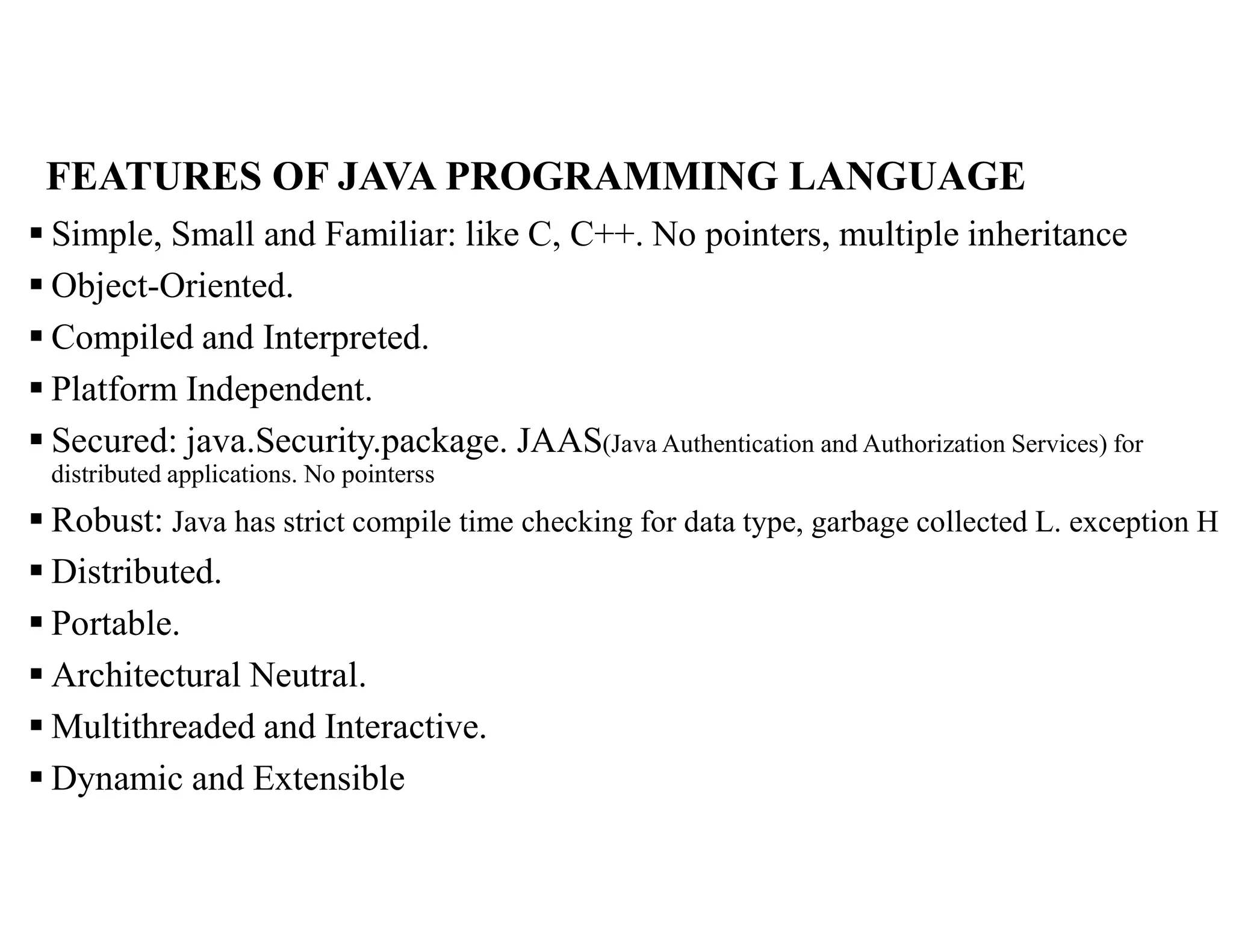
FEATURES OF JAVAPROGRAMMING LANGUAGE Simple, Small and Familiar: like C, C++. No pointers, multiple inheritance Object-Oriented. Compiled and Interpreted. Platform Independent. Secured: java.Security.package. JAAS(Java Authentication and Authorization Services) for distributed applications. No pointerss Robust: Java has strict compile time checking for data type, garbage collected L. exception H Distributed. Portable. Architectural Neutral. Multithreaded and Interactive. Dynamic and Extensible
10.
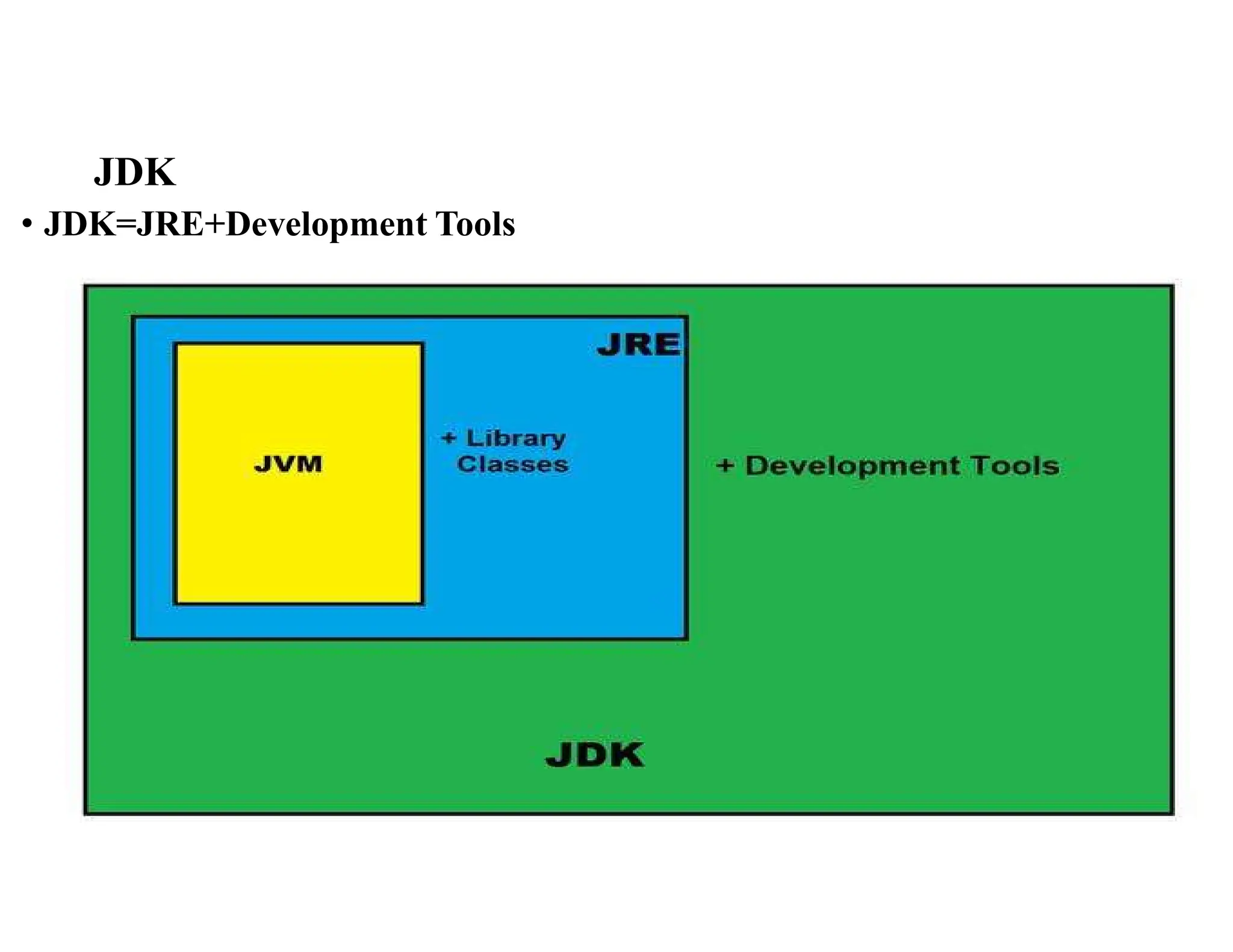
JAVA ENVIRONMENT 1. JavaDevelopment Kit (JDK): - Includes a number of development tools It includes: Appletviewer (used for viewing the applet) Javac (It is a Java Compiler) Java (java interpreter) Javap (Java diassembler, which convert byte code into program description) Javah (It is for java C header files). Javadoc (for creating HTML document) Jdb (It is Java debugger). Jar (tool also helps manage JAR files.) 2. Java Standard Library (JSL): - Includes classes and methods. Also known as the Application Programming Interface (API). Eg., java.applet, java.Scanner, Java.util etc (packages)
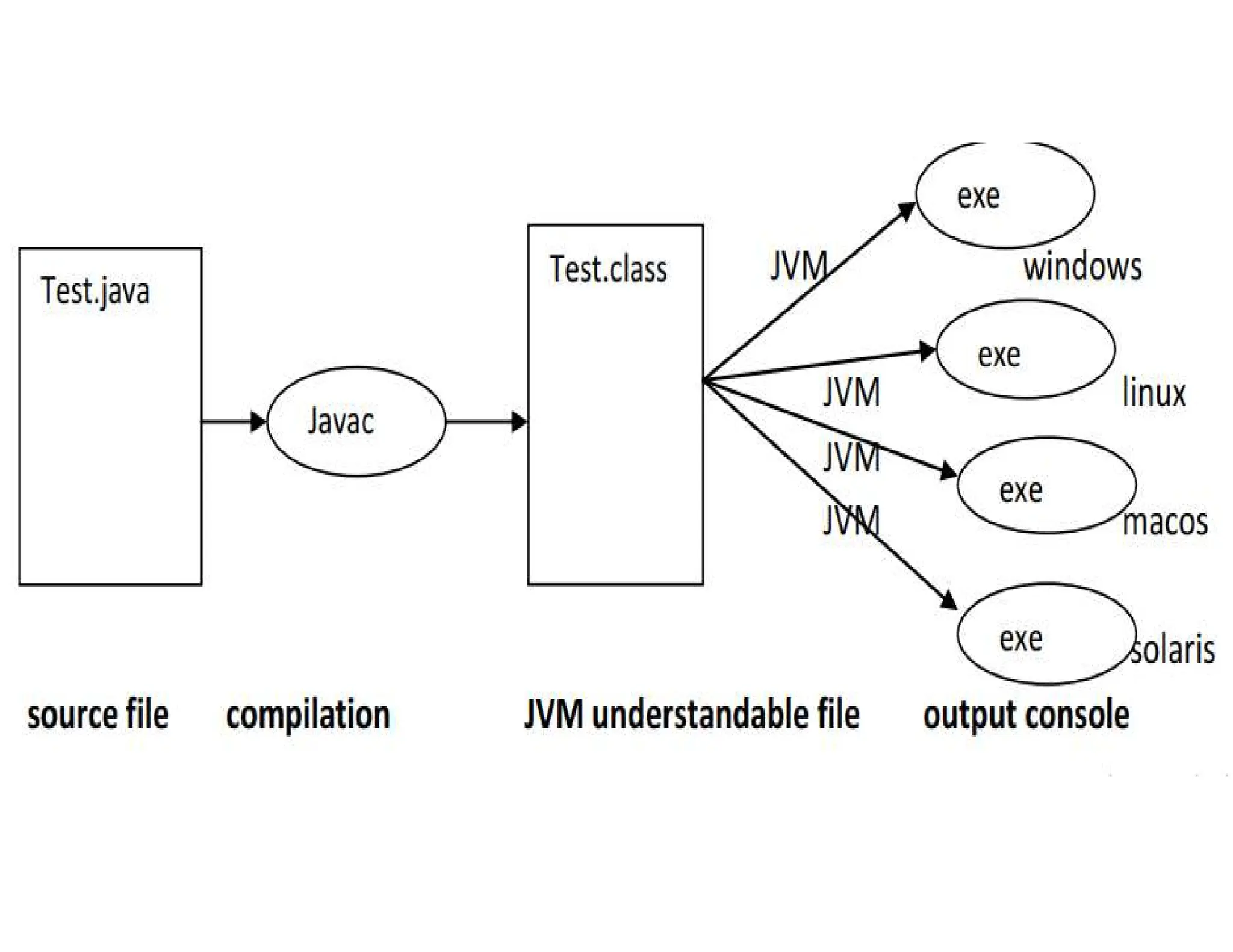
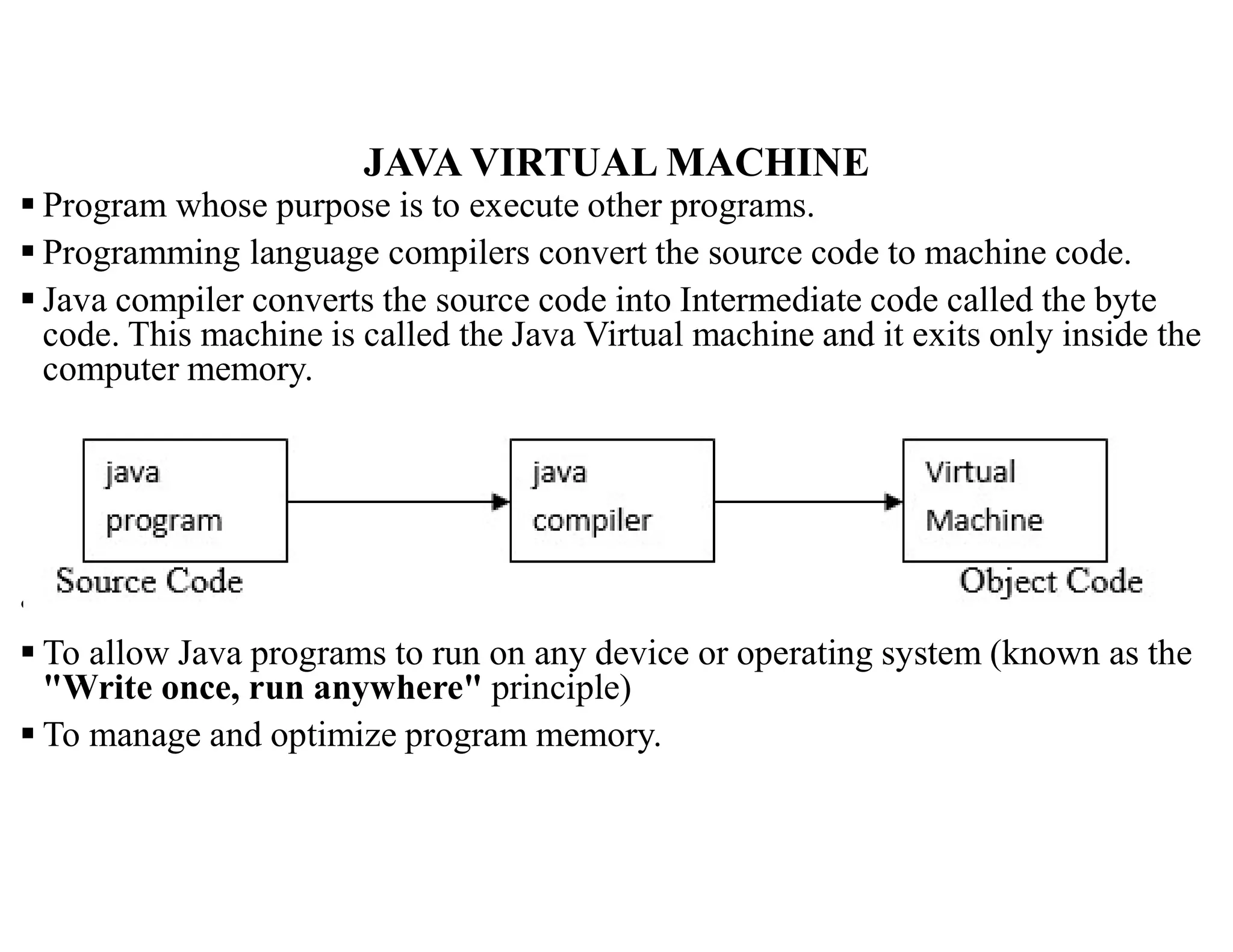
JAVA VIRTUAL MACHINE Program whose purpose is to execute other programs. Programming language compilers convert the source code to machine code. Java compiler converts the source code into Intermediate code called the byte code. This machine is called the Java Virtual machine and it exits only inside the computer memory. • Functions of JVM: To allow Java programs to run on any device or operating system (known as the "Write once, run anywhere" principle) To manage and optimize program memory.
13.
JVM Computing machinethat allows Java programs to run by acting as an intermediary between the Java code and the operating system and hardware. Responsible for the following: Cross-platform compatibility The JVM makes it possible for Java programs to run on multiple platforms. Memory management The JVM uses a combination of automatic memory allocation and garbage collection to manage memory. Execution engine The JVM's execution engine interprets bytecode and executes Java bytecode. It also manages access to system resources, such as memory, network, and files. Just-in-time (JIT) compiler The JIT compiler dynamically compiles bytecode into native machine code at runtime. This improves the performance of frequently executed parts of the program.
14.
/*Java demo program*/ // public class Test { public static void main(String[] args) { //code put here } }
16.
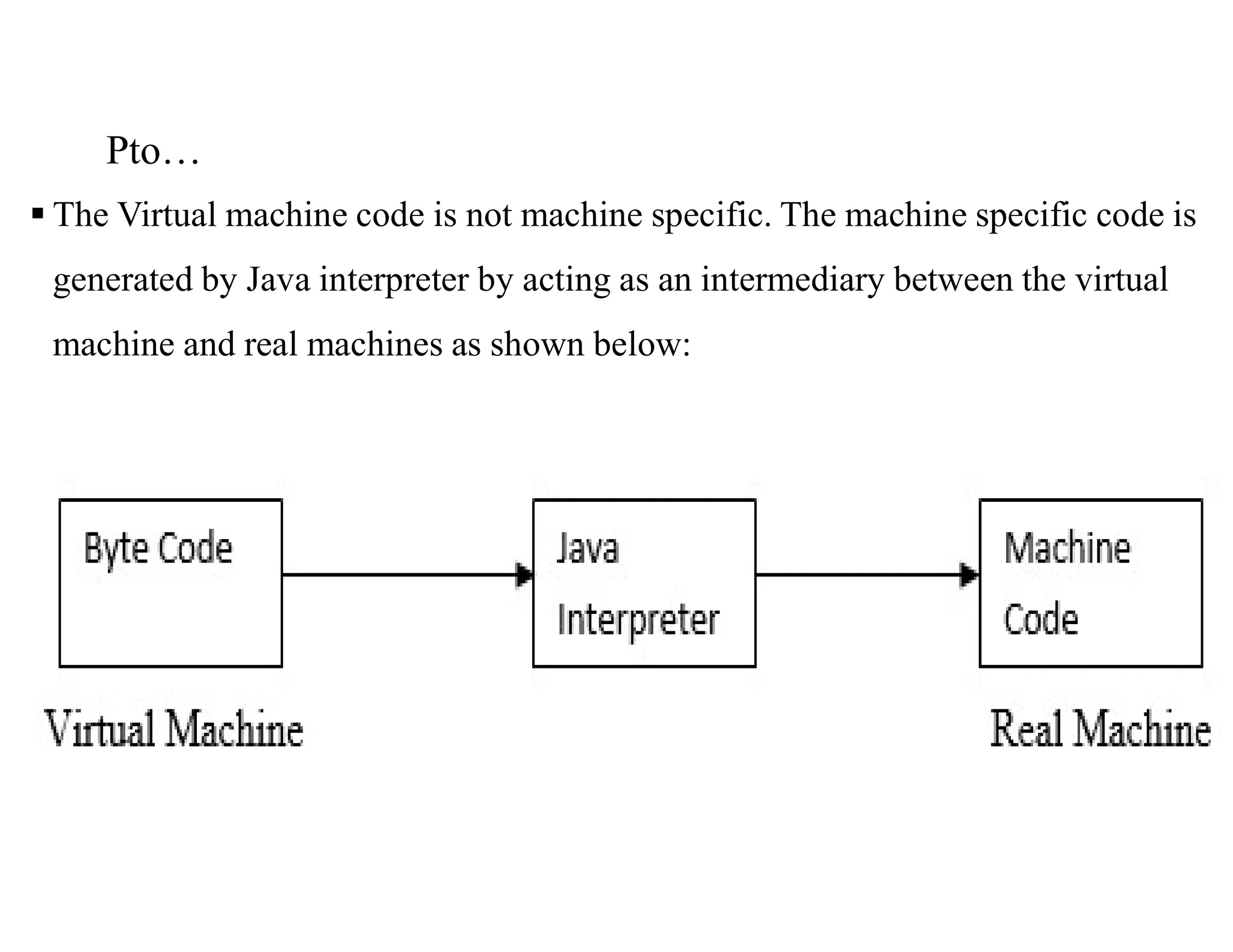
Pto… The Virtualmachine code is not machine specific. The machine specific code is generated by Java interpreter by acting as an intermediary between the virtual machine and real machines as shown below:
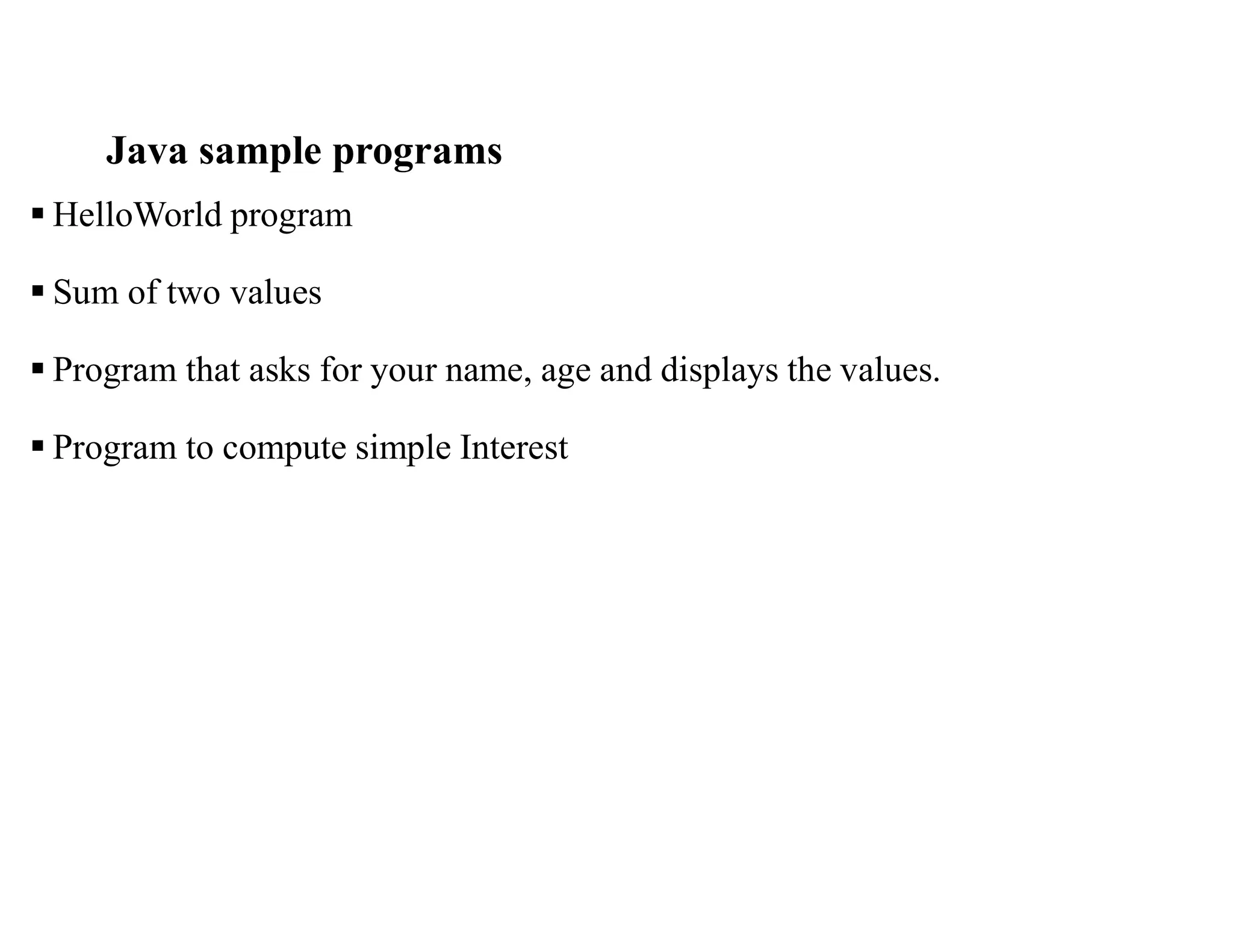
Java sample programs HelloWorld program Sum of two values Program that asks for your name, age and displays the values. Program to compute simple Interest
![1. BASIC CONCEPTS Introduced by James Gosling, Patrick Naughton, Chris Warth, Ed Frank, and Mike Sheridan at Sun Microsystems in 1991. Released in 1995 as core component of Sun Microsystems’ Java platform (Java 1.0 [J2SE]). Powerful general purpose /practical and widely used OOP Designed for the development of s/w for consumer electronic devices like TVs, VCRs, car alarms, Toasters, and other electronic machines, programming games and creating mission-critical applications. Java has built-in support to create programs with graphical user interface (GUI), utilize internet, create client-server solutions, etc. Programs written in Java can run without change on any of the common operating systems eg Windows 95/NT, Macintosh, Unix and in any hardware platforms. Java is closely related to C, and C++. Simple, Portable, and highly reliable.](https://image.slidesharecdn.com/chapter1csc211-250219094242-e0ab9792/75/Object-Oriented-Programming-slides-that-can-help-students-3-2048.jpg)
![/*Java demo program */ // public class Test { public static void main(String[] args) { //code put here } }](https://image.slidesharecdn.com/chapter1csc211-250219094242-e0ab9792/75/Object-Oriented-Programming-slides-that-can-help-students-14-2048.jpg)