-Hardik Malhotra
Python introduction Basic programming: data types, conditionals, looping Data structures: Lists and dictionaries Functions Example codes Based on presentation from www.cis.upenn.edu/~cse391/cse391_2004/PythonIntro1.ppt
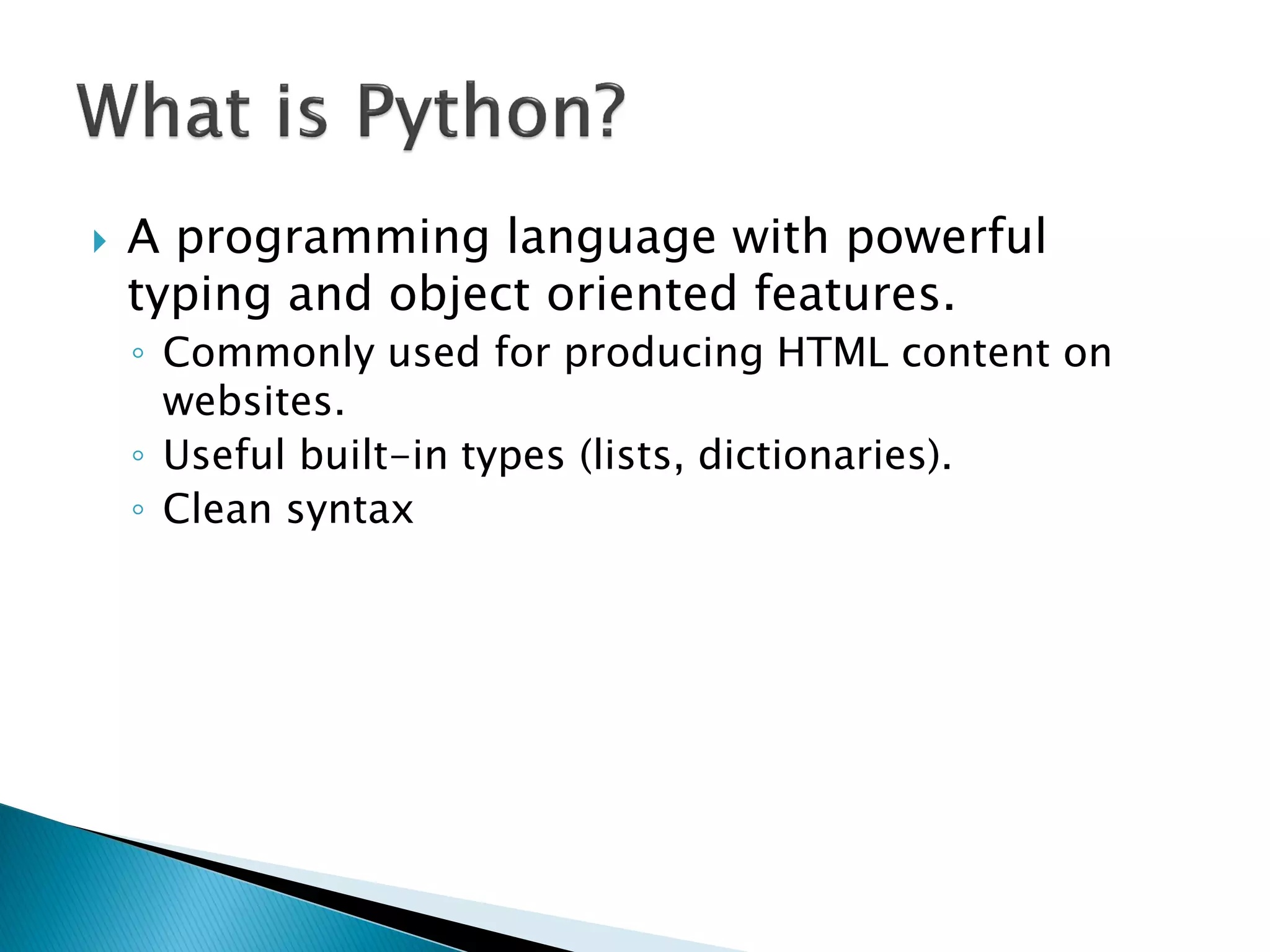
A programming language with powerful typing and object oriented features. ◦Commonly used for producing HTML content on websites. ◦Useful built-in types (lists, dictionaries). ◦Clean syntax
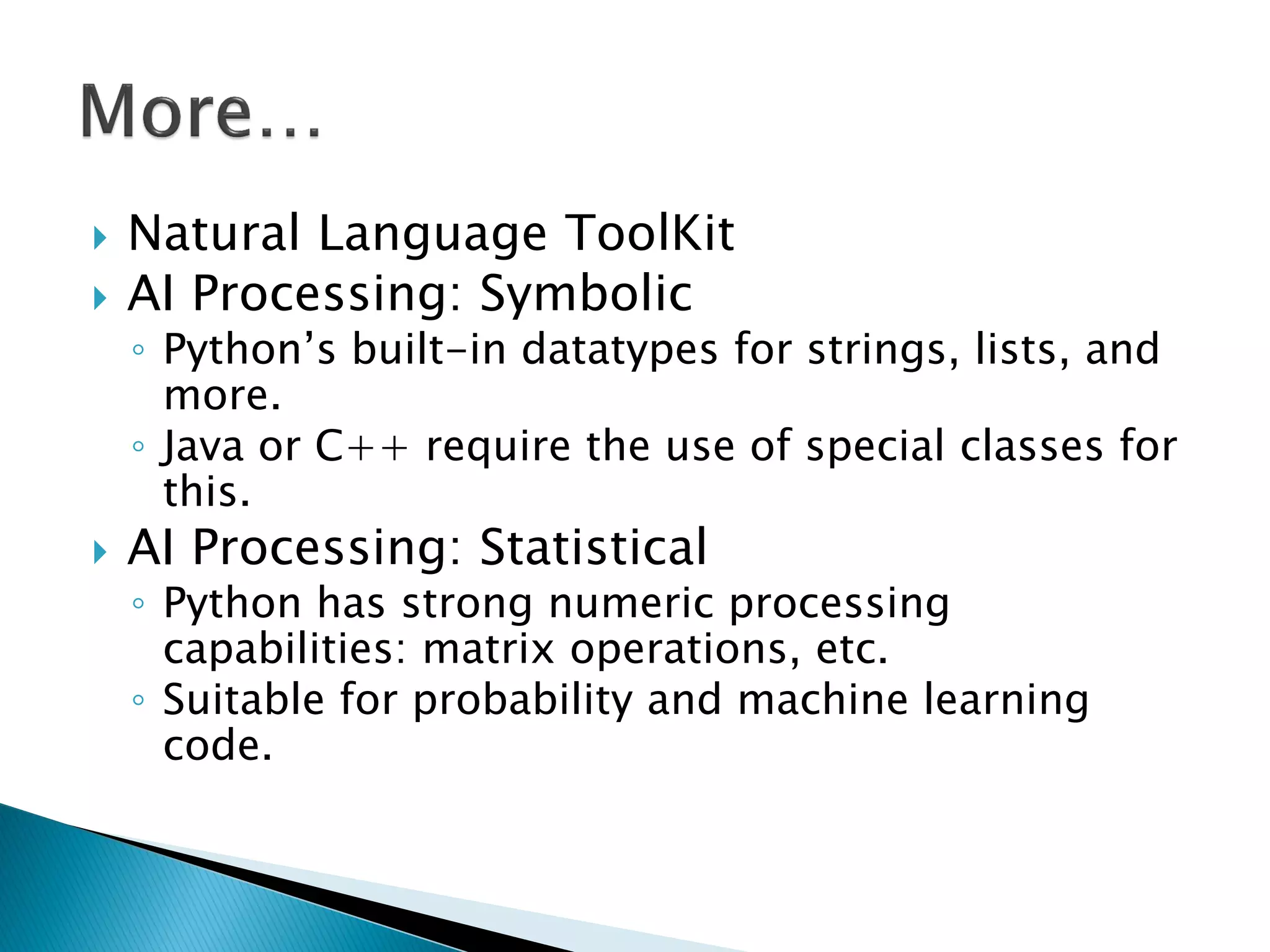
Natural Language ToolKit AI Processing: Symbolic ◦Python‘s built-in datatypes for strings, lists, and more. ◦Java or C++ require the use of special classes for this. AI Processing: Statistical ◦Python has strong numeric processing capabilities: matrix operations, etc. ◦Suitable for probability and machine learning code.
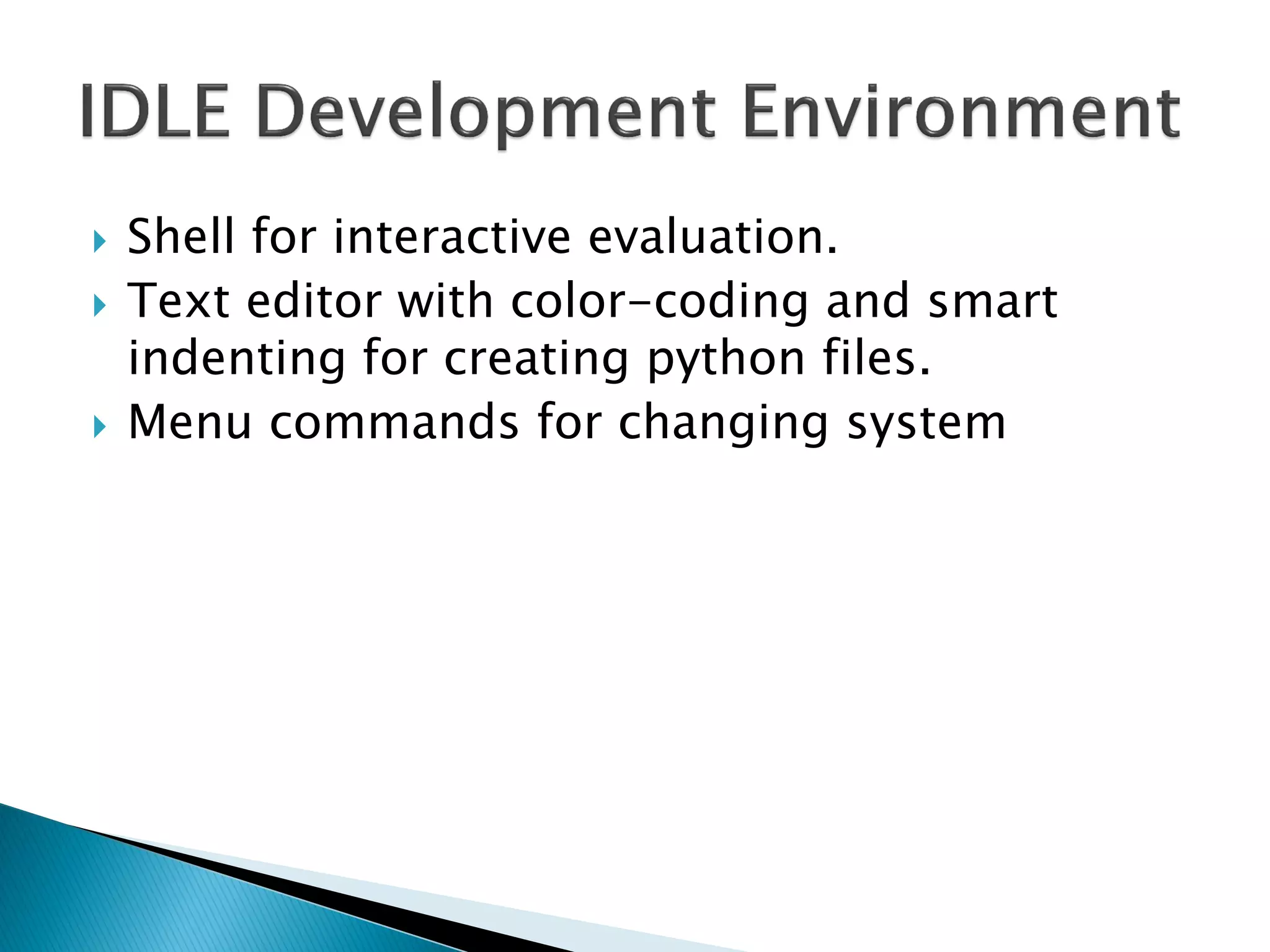
Shell for interactive evaluation. Text editor with color-coding and smart indenting for creating python files. Menu commands for changing system
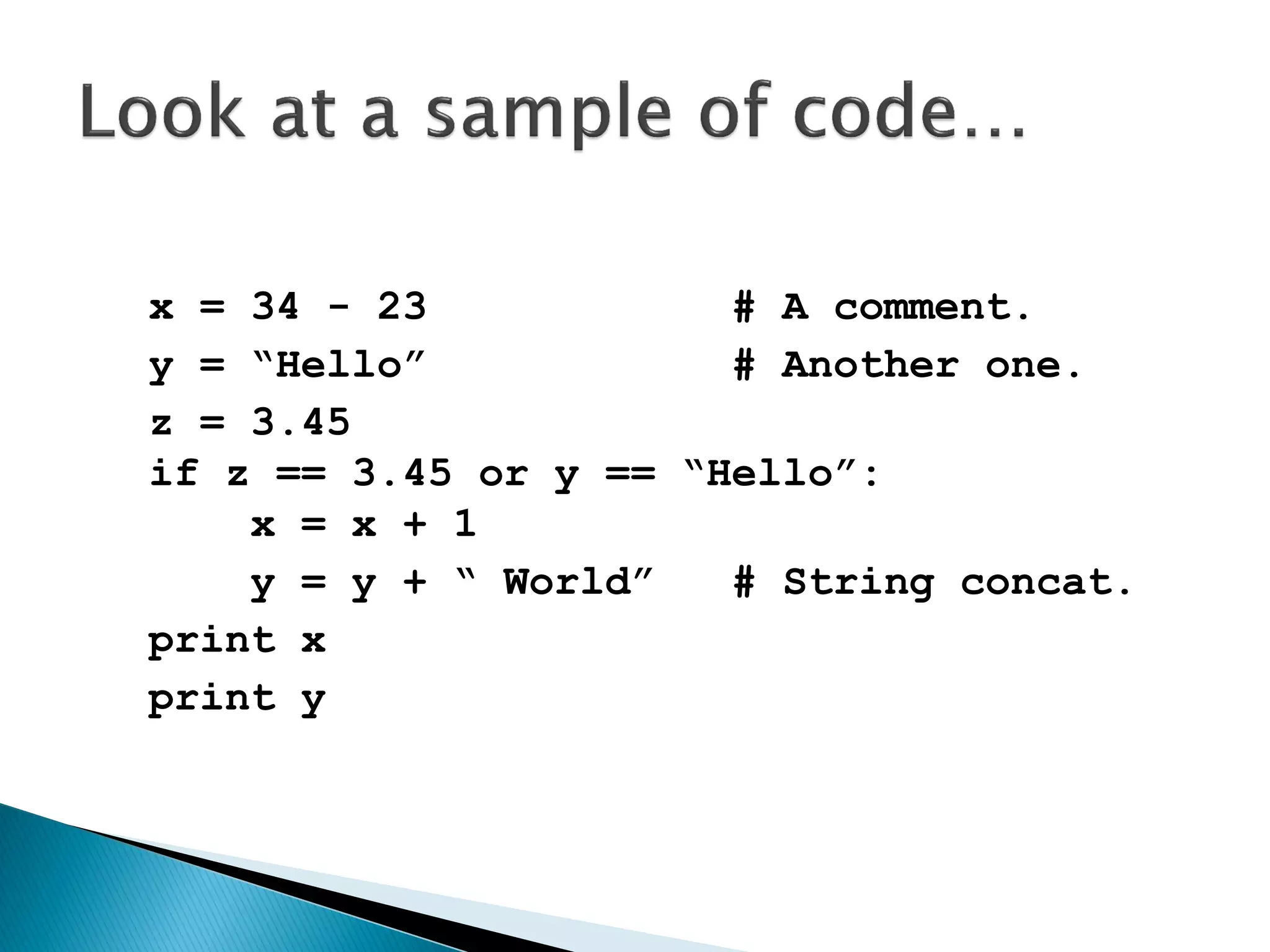
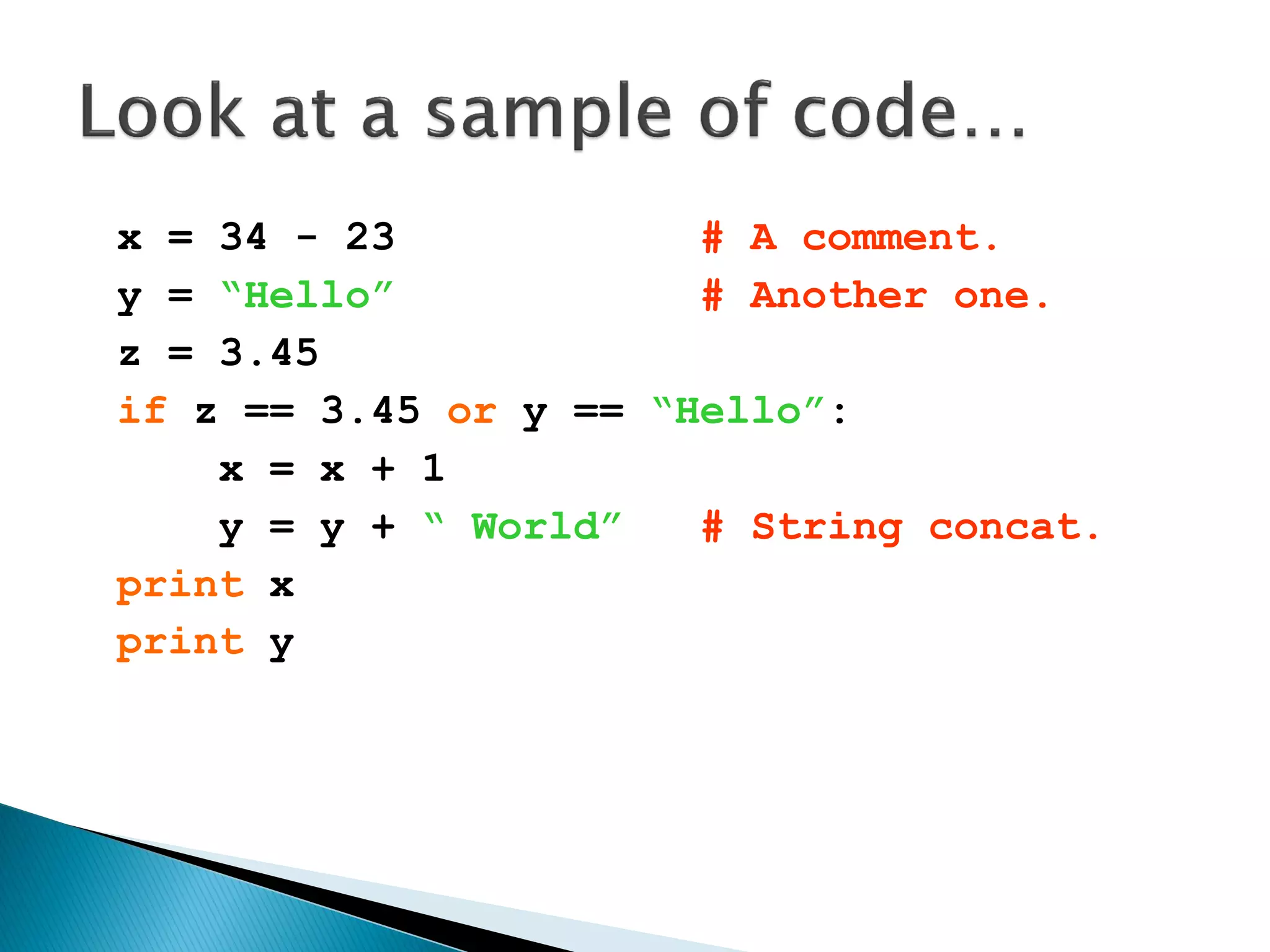
x = 34 - 23 # A comment. y = “Hello” # Another one. z = 3.45 if z == 3.45 or y == “Hello”: x = x + 1 y = y + “ World” # String concat. print x print y
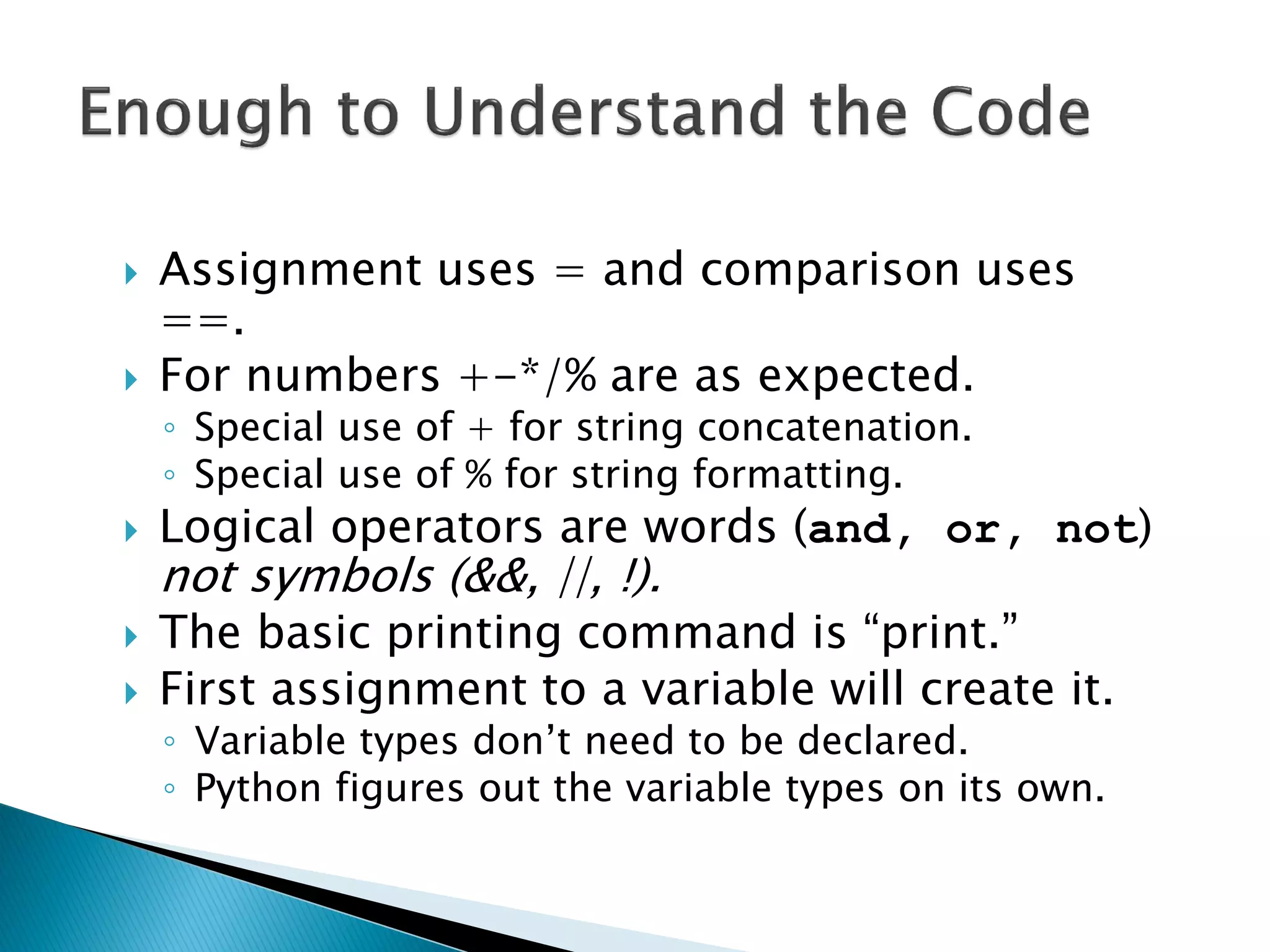
Assignment uses = and comparison uses ==. For numbers +-*/% are as expected. ◦Special use of + for string concatenation. ◦Special use of % for string formatting. Logical operators are words (and, or, not) not symbols (&&, ||, !). The basic printing command is ―print.‖ First assignment to a variable will create it. ◦Variable types don‘t need to be declared. ◦Python figures out the variable types on its own.
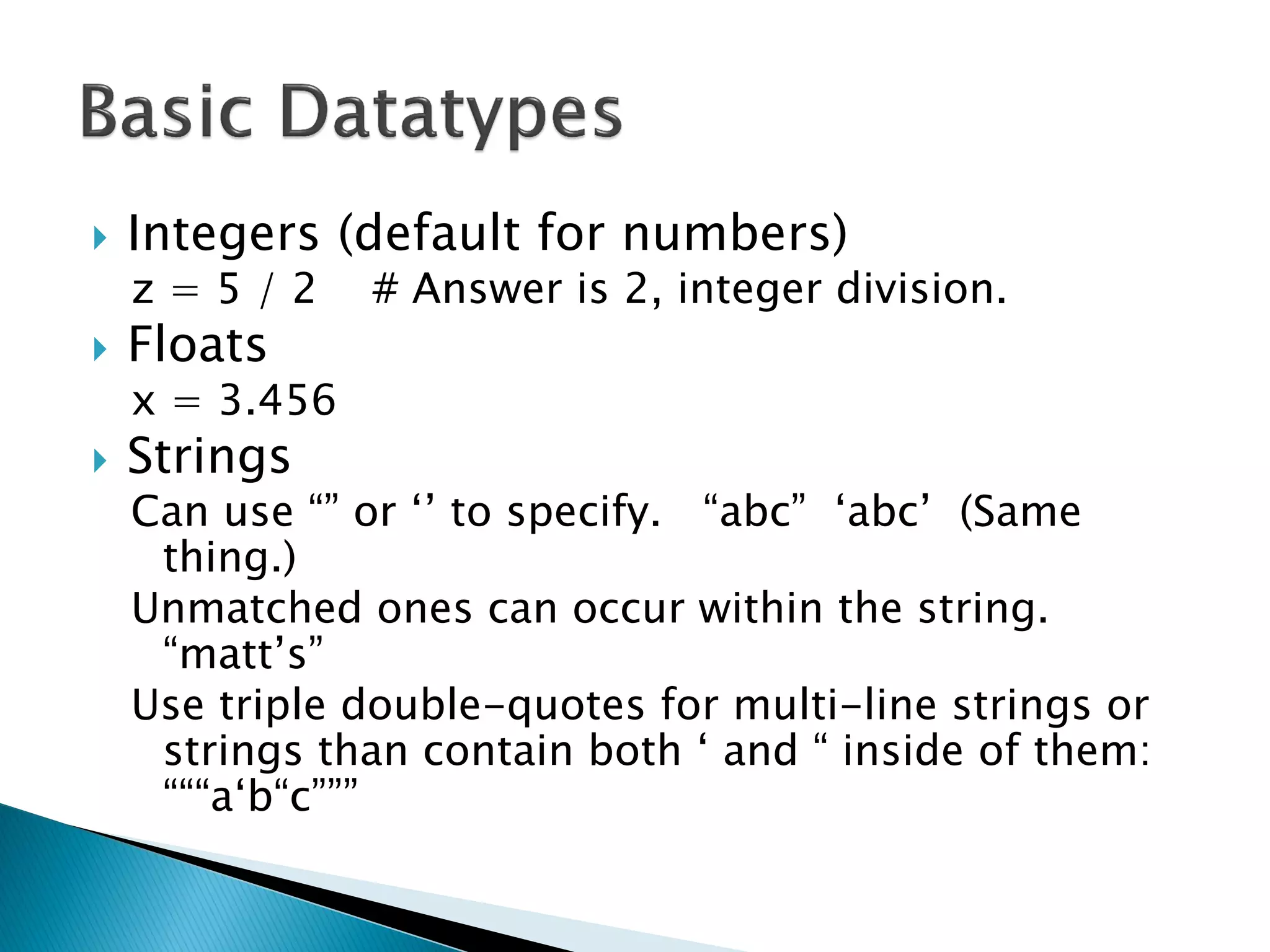
Integers (default for numbers) z = 5 / 2 # Answer is 2, integer division. Floats x = 3.456 Strings Can use ―‖ or ‗‘ to specify. ―abc‖ ‗abc‘ (Same thing.) Unmatched ones can occur within the string. ―matt‘s‖ Use triple double-quotes for multi-line strings or strings than contain both ‗ and ― inside of them: ―――a‗b―c‖‖‖
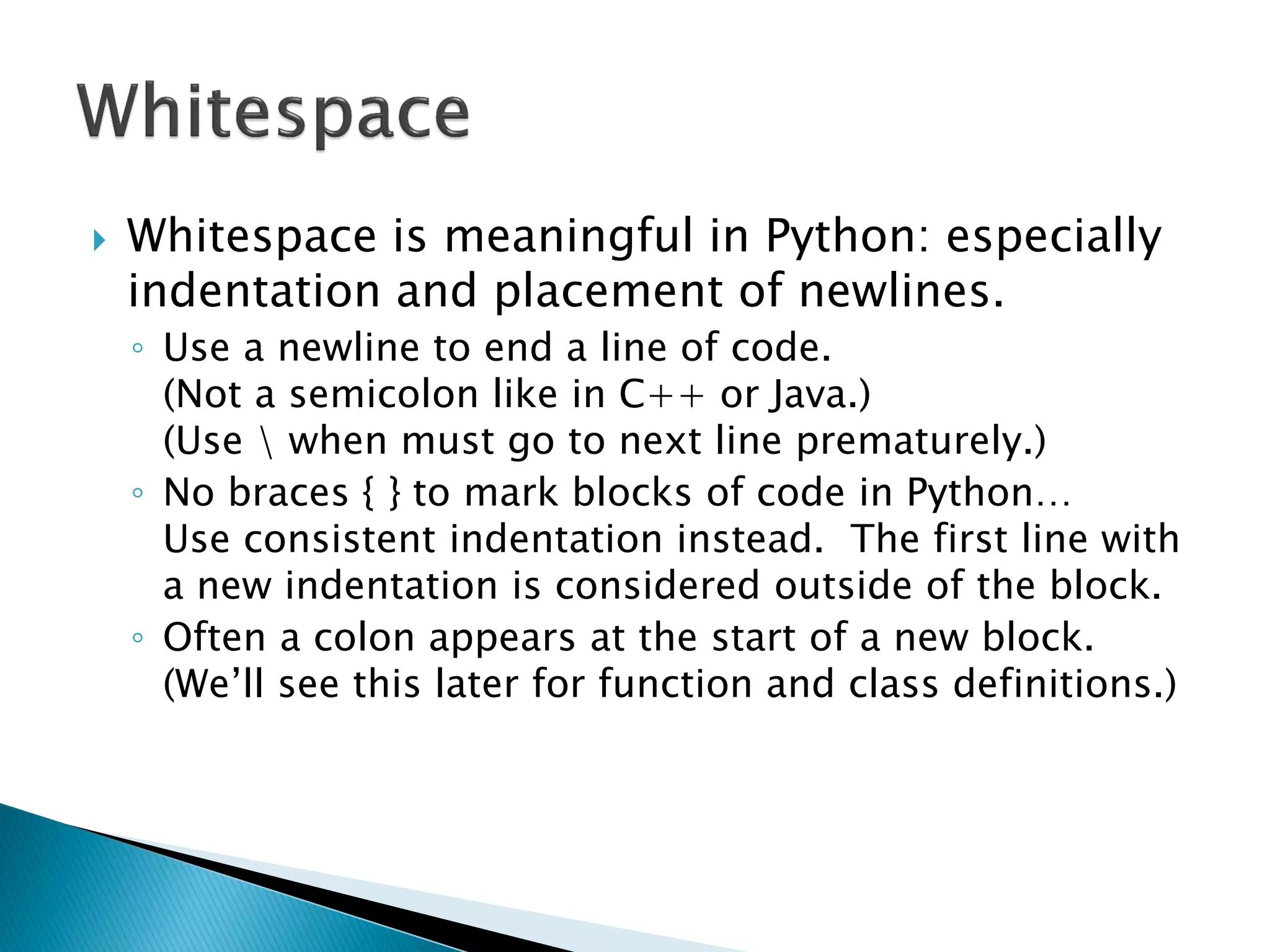
Whitespace is meaningful in Python: especially indentation and placement of newlines. ◦Use a newline to end a line of code. (Not a semicolon like in C++ or Java.) (Use when must go to next line prematurely.) ◦No braces { } to mark blocks of code in Python… Use consistent indentation instead. The first line with a new indentation is considered outside of the block. ◦Often a colon appears at the start of a new block. (We‘ll see this later for function and class definitions.)
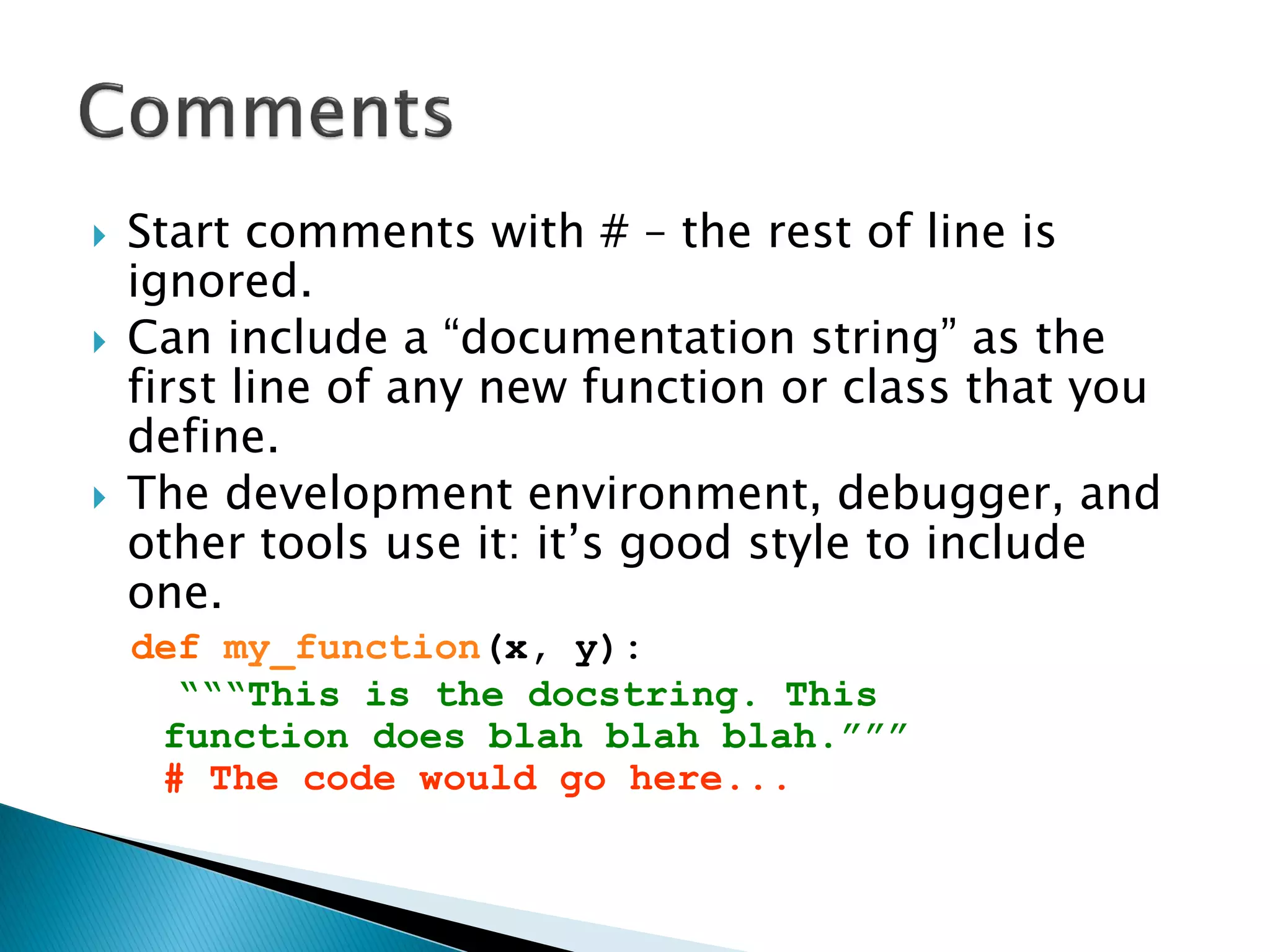
Start comments with # – the rest of line is ignored. Can include a ―documentation string‖ as the first line of any new function or class that you define. The development environment, debugger, and other tools use it: it‘s good style to include one. def my_function(x, y): “““This is the docstring. This function does blah blah blah.””” # The code would go here...
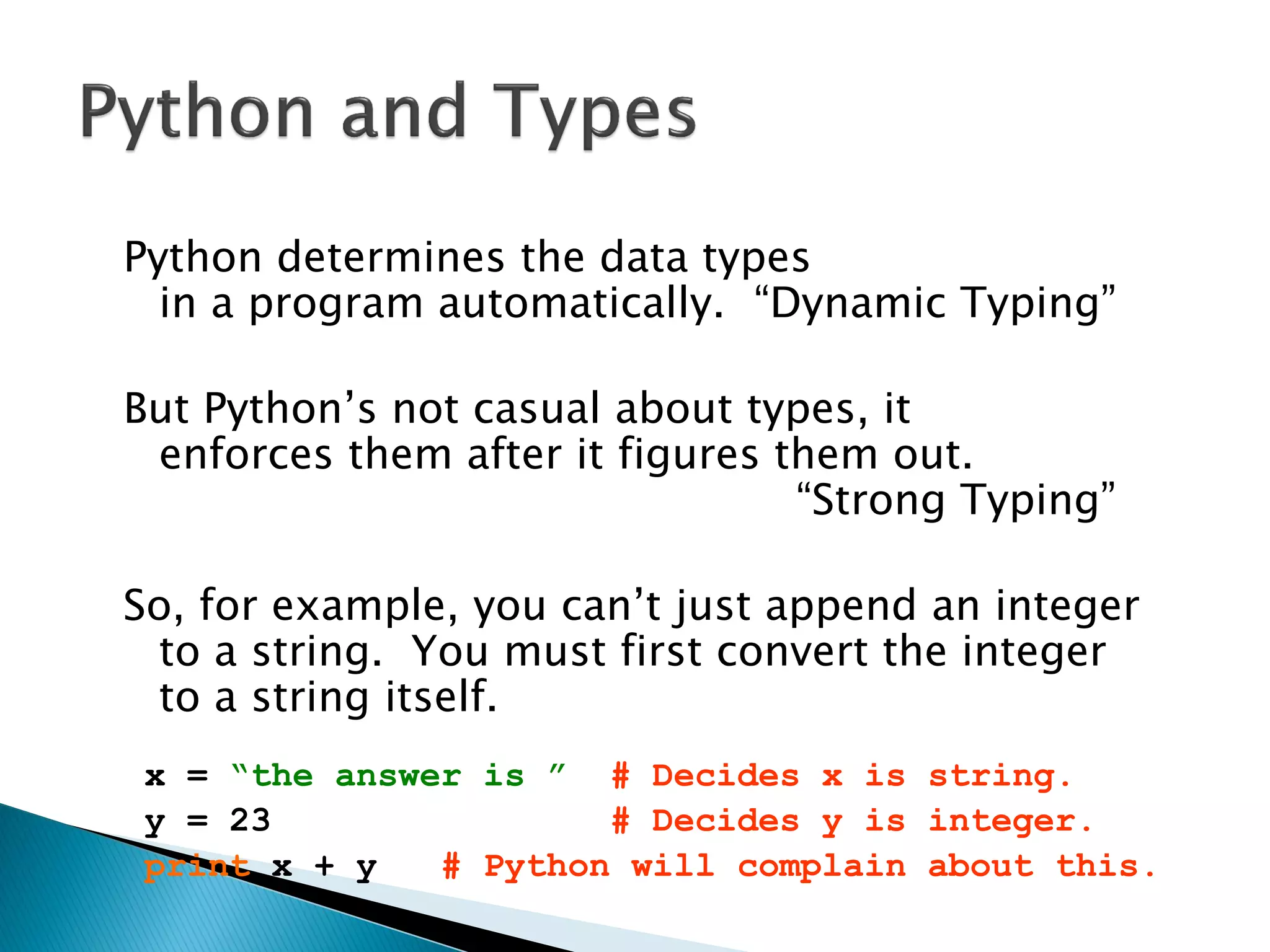
Python determines the data types in a program automatically. ―Dynamic Typing‖ But Python‘s not casual about types, it enforces them after it figures them out. ―Strong Typing‖ So, for example, you can‘t just append an integer to a string. You must first convert the integer to a string itself. x = “the answer is ” # Decides x is string. y = 23 # Decides y is integer. print x + y # Python will complain about this.
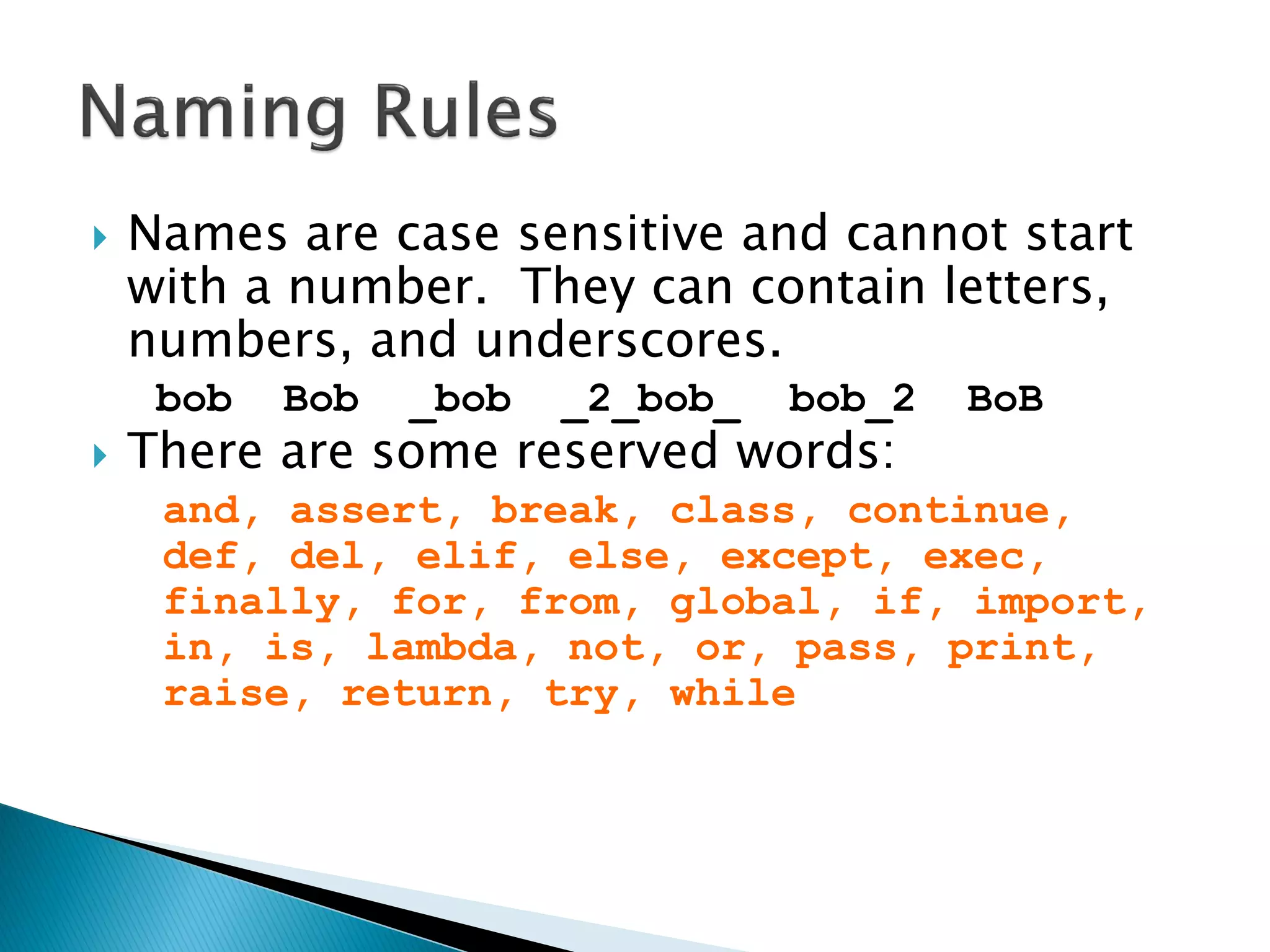
Names are case sensitive and cannot start with a number. They can contain letters, numbers, and underscores. bob Bob _bob _2_bob_ bob_2 BoB There are some reserved words: and, assert, break, class, continue, def, del, elif, else, except, exec, finally, for, from, global, if, import, in, is, lambda, not, or, pass, print, raise, return, try, while
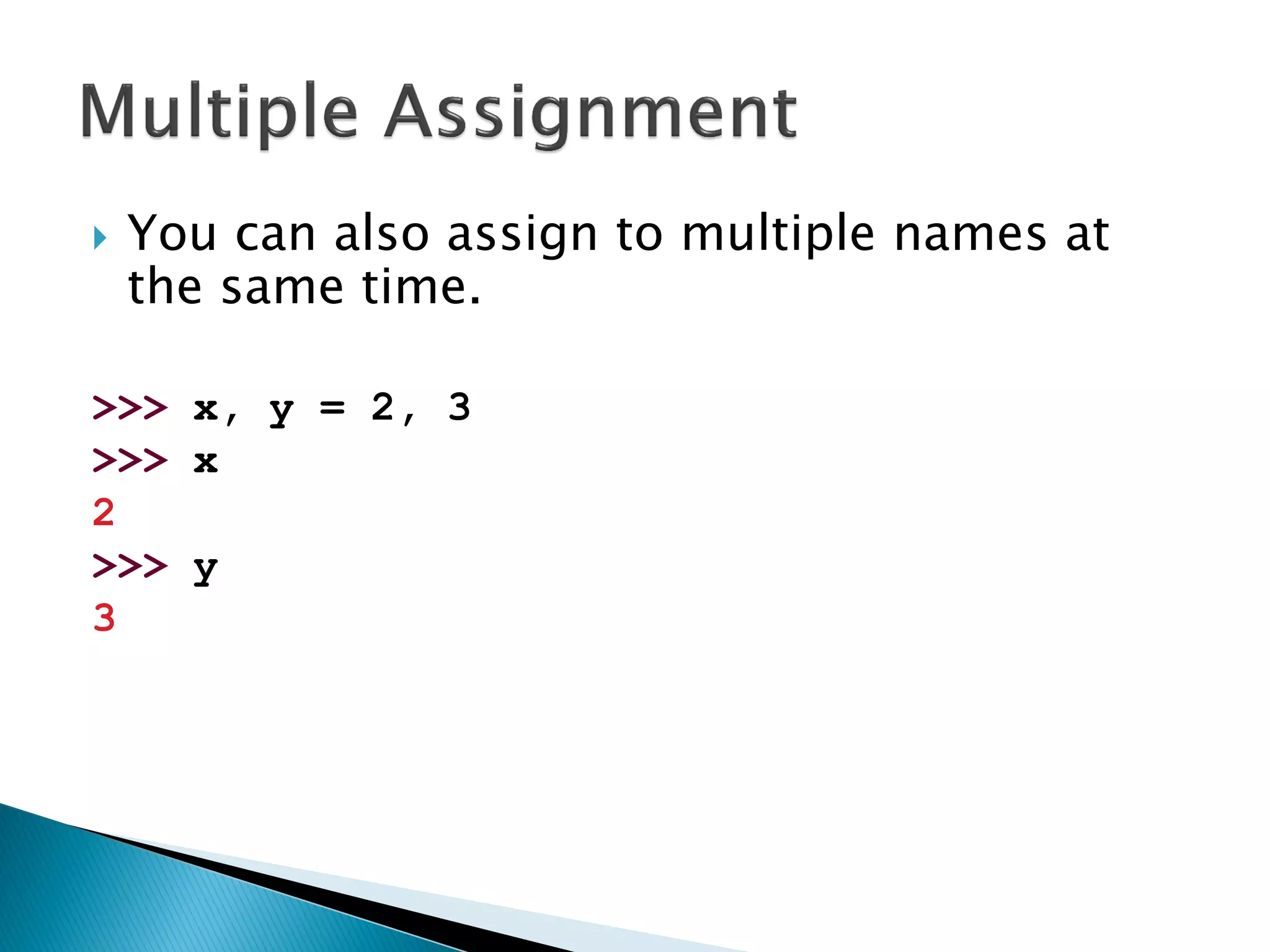
You can also assign to multiple names at the same time. >>> x, y = 2, 3 >>> x 2 >>> y 3
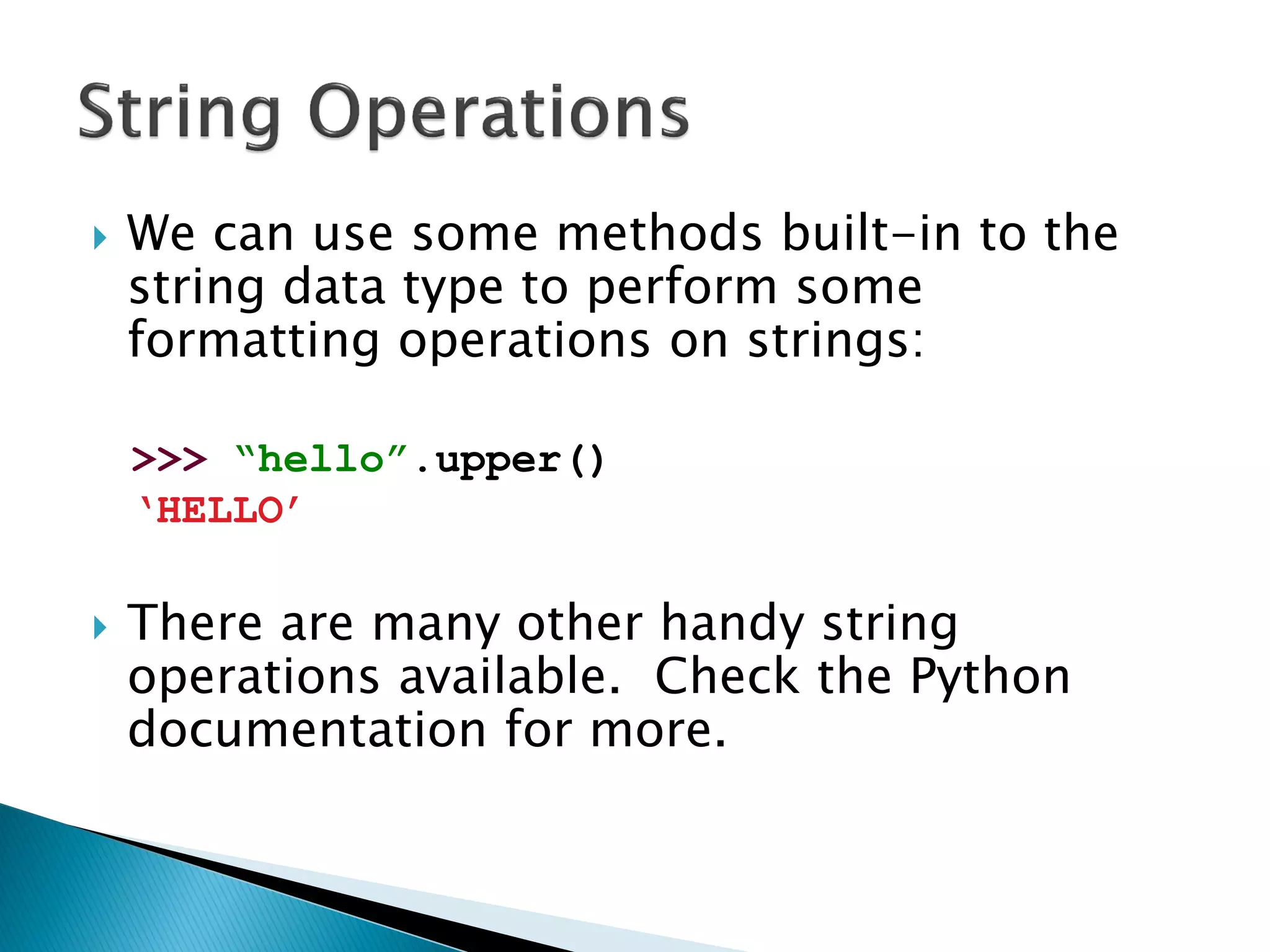
We can use some methods built-in to the string data type to perform some formatting operations on strings: >>> “hello”.upper() „HELLO‟ There are many other handy string operations available. Check the Python documentation for more.
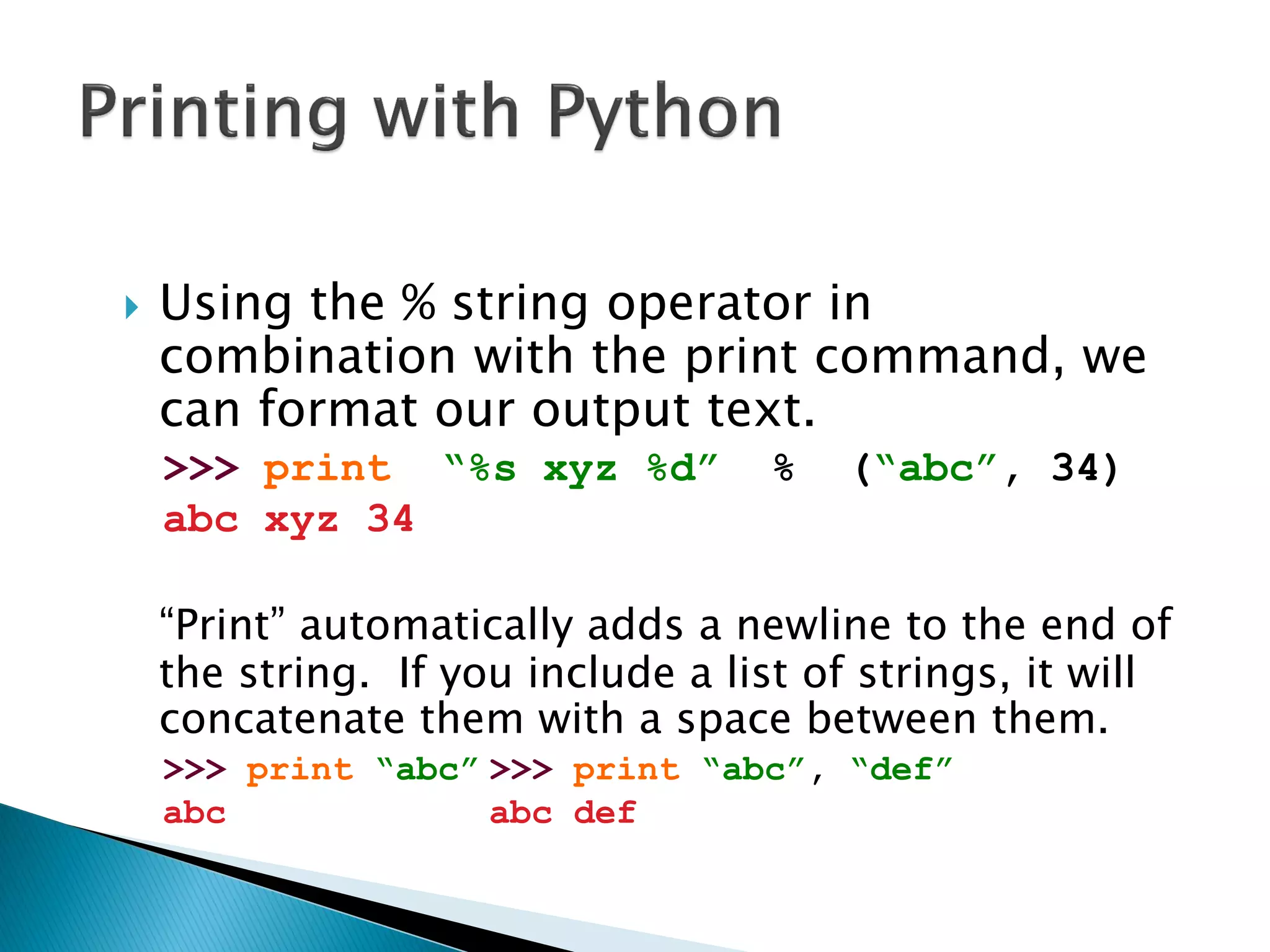
Using the % string operator in combination with the print command, we can format our output text. >>> print “%s xyz %d” % (“abc”, 34) abc xyz 34 ―Print‖ automatically adds a newline to the end of the string. If you include a list of strings, it will concatenate them with a space between them. >>> print “abc” >>> print “abc”, “def” abc abc def
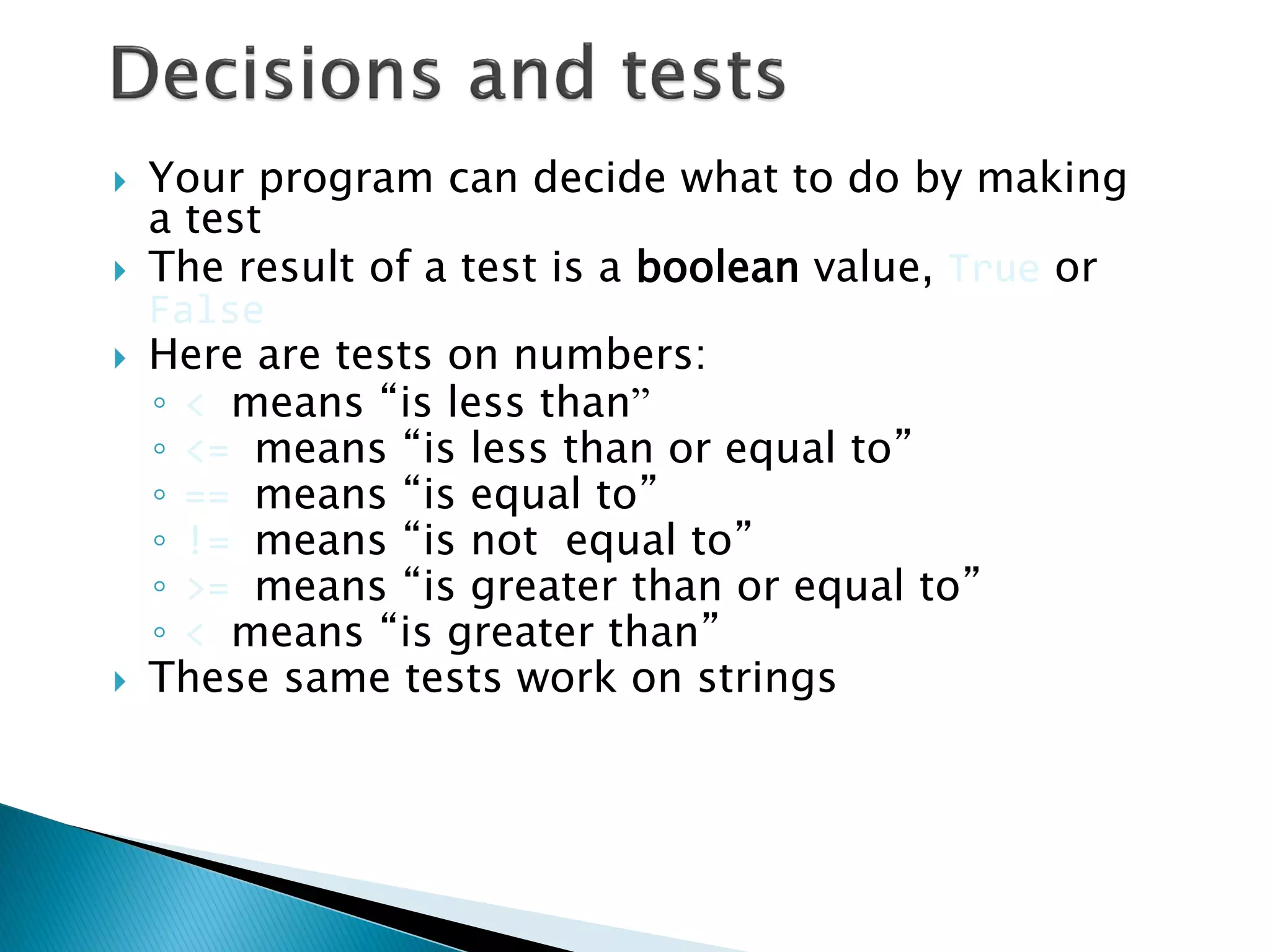
Your program can decide what to do by making a test The result of a test is a boolean value, True or False Here are tests on numbers: ◦< means “is less than” ◦<= means “is less than or equal to” ◦== means “is equal to” ◦!= means “is not equal to” ◦>= means “is greater than or equal to” ◦< means “is greater than” These same tests work on strings
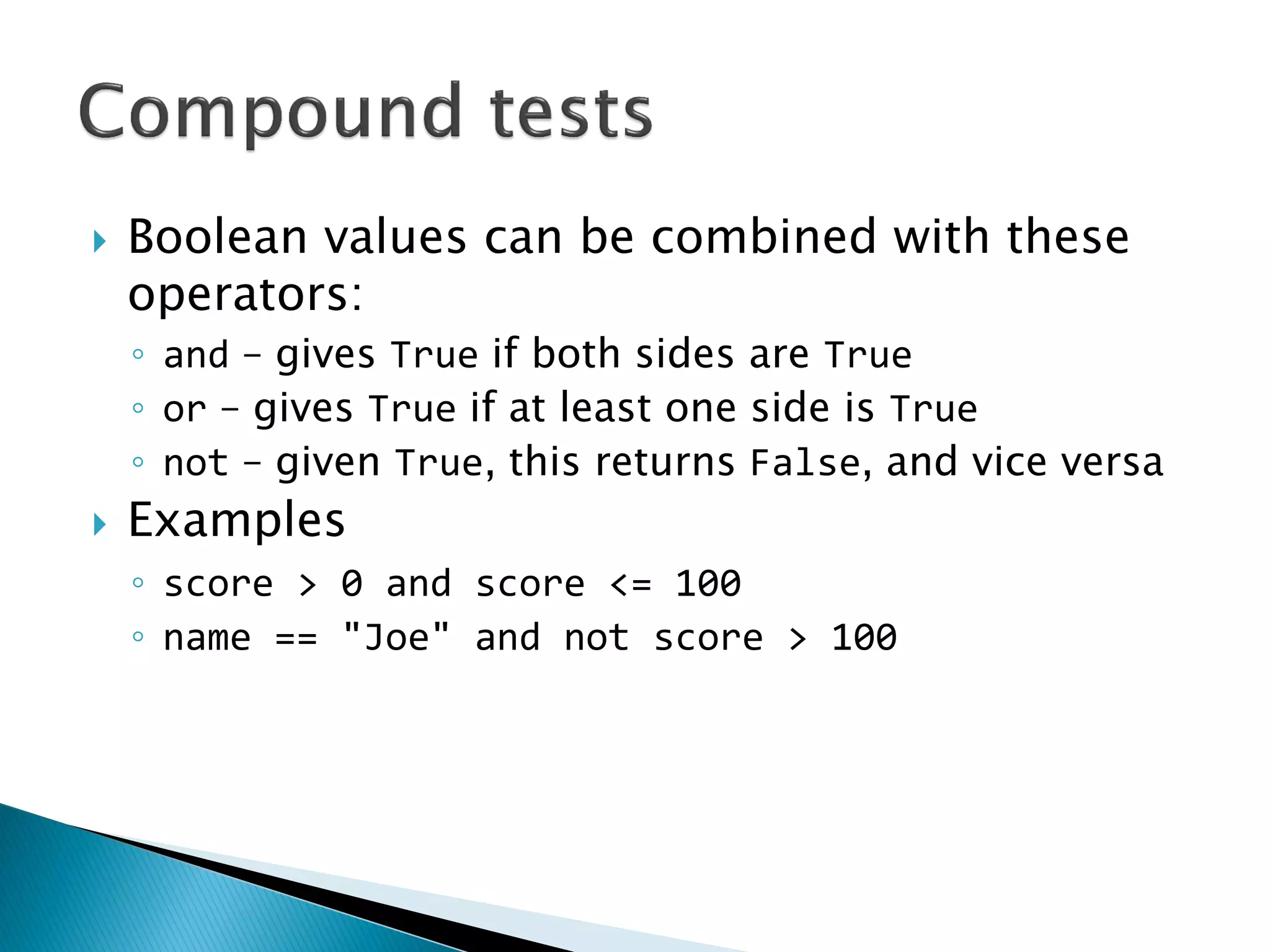
Boolean values can be combined with these operators: ◦and – gives True if both sides are True ◦or – gives True if at least one side is True ◦not – given True, this returns False, and vice versa Examples ◦score > 0 and score <= 100 ◦name == "Joe" and not score > 100
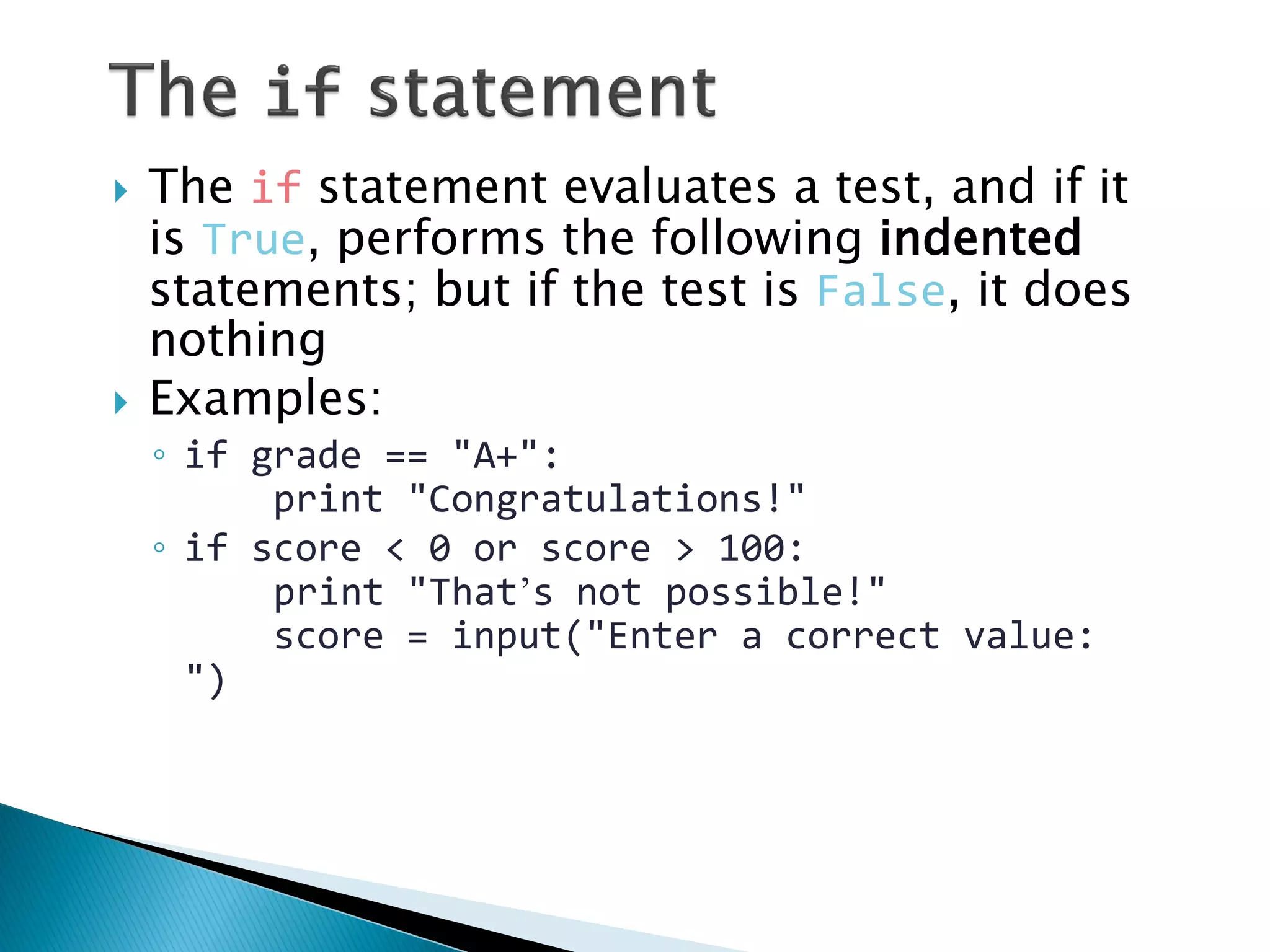
The if statement evaluates a test, and if it is True, performs the following indented statements; but if the test is False, it does nothing Examples: ◦if grade == "A+": print "Congratulations!" ◦if score < 0 or score > 100: print "That’s not possible!" score = input("Enter a correct value: ")
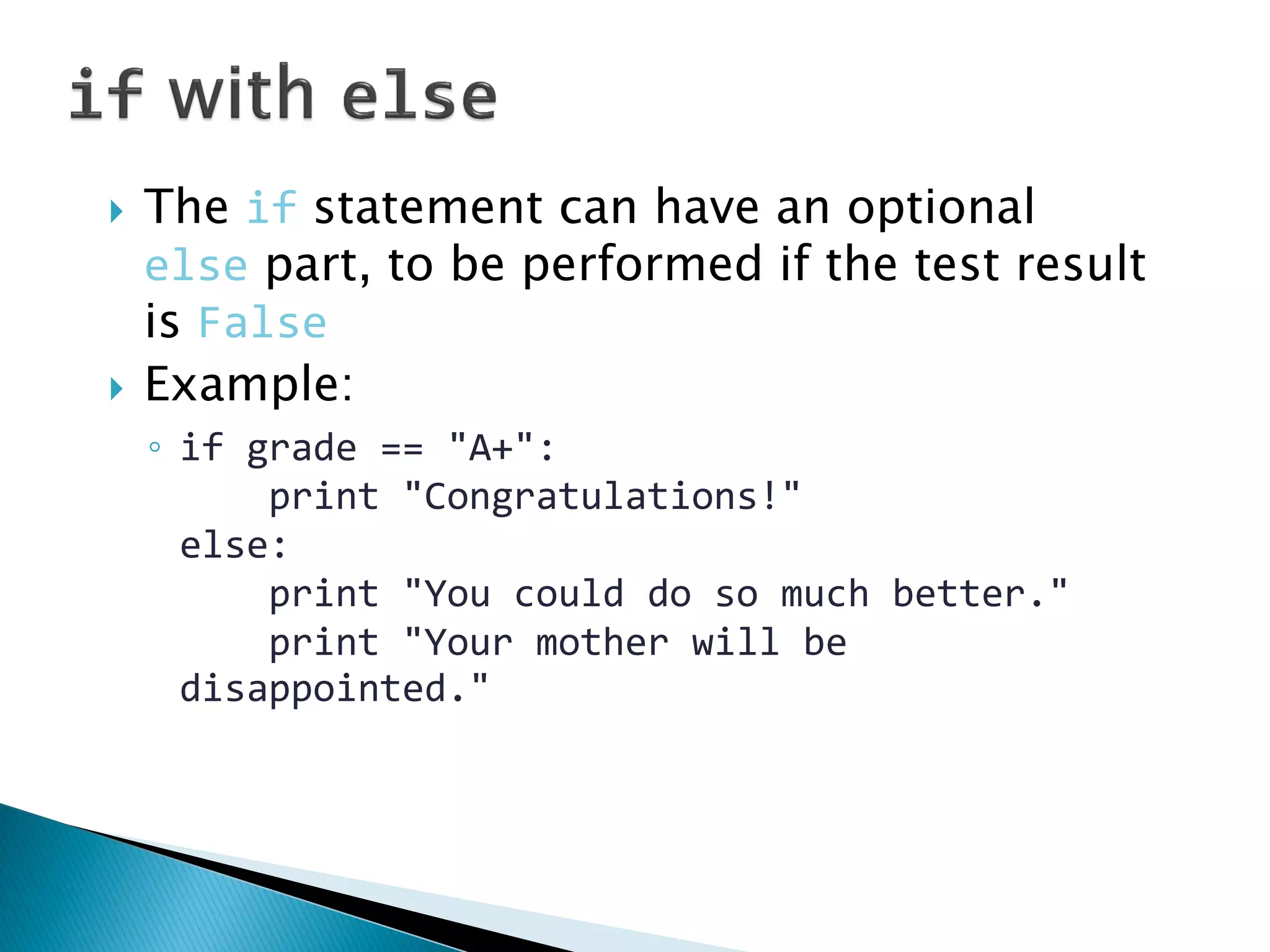
The if statement can have an optional else part, to be performed if the test result is False Example: ◦if grade == "A+": print "Congratulations!" else: print "You could do so much better." print "Your mother will be disappointed."
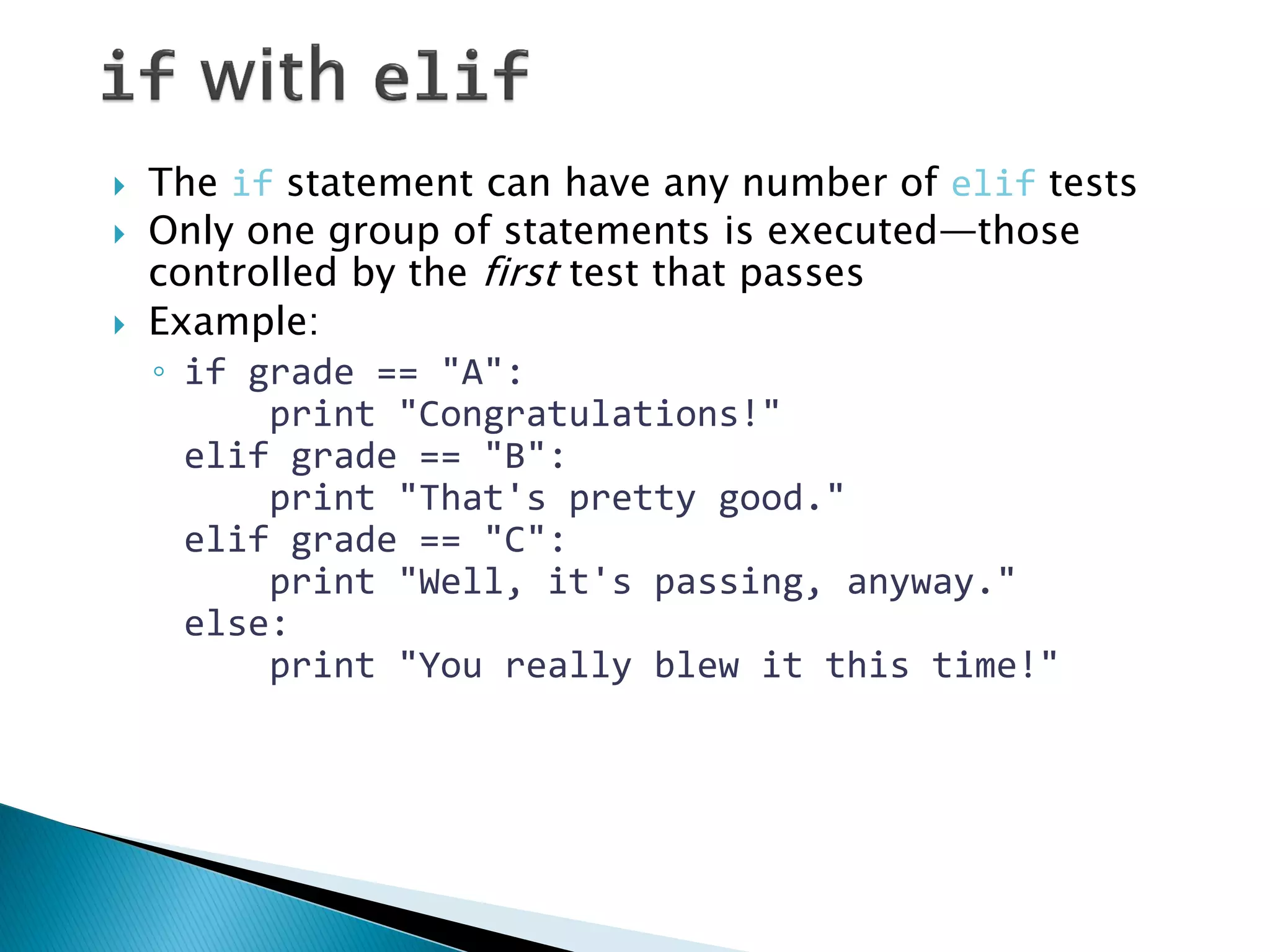
The if statement can have any number of elif tests Only one group of statements is executed—those controlled by the first test that passes Example: ◦if grade == "A": print "Congratulations!" elif grade == "B": print "That's pretty good." elif grade == "C": print "Well, it's passing, anyway." else: print "You really blew it this time!"
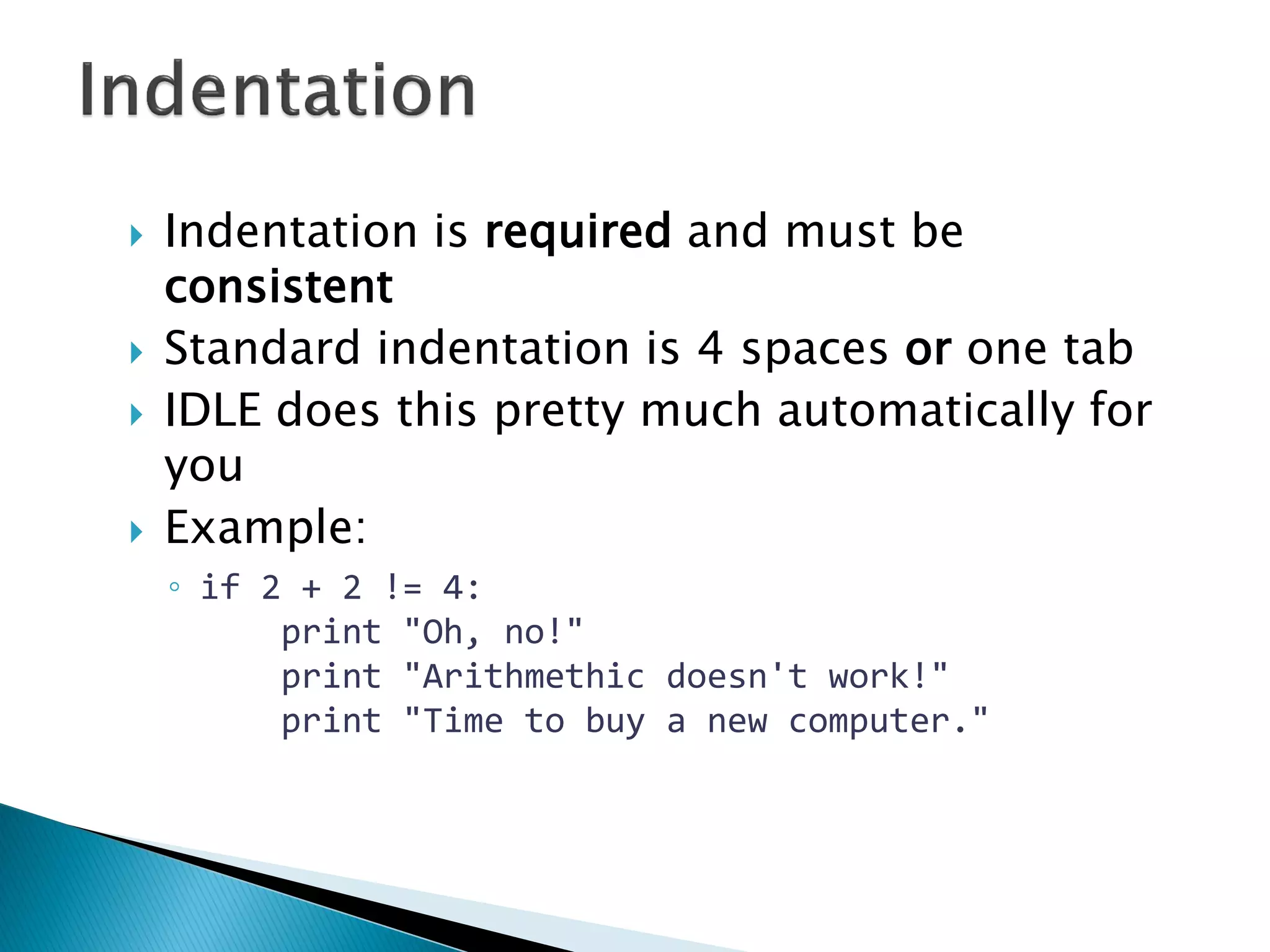
Indentation is required and must be consistent Standard indentation is 4 spaces or one tab IDLE does this pretty much automatically for you Example: ◦if 2 + 2 != 4: print "Oh, no!" print "Arithmethic doesn't work!" print "Time to buy a new computer."
A list ◦Example: courses = ['CIT 591', 'CIT 592', 'CIT 593'] Referring in list ◦Example: courses[2] is 'CIT 593' The len function ◦Example: len(courses) is 3 Range is a function that creates a list of integers, from the first number up to but not including the second number ◦Example: range(0, 5) creates the list [0, 1, 2, 3, 4] Range with third number ◦Example: range(2, 10, 3) creates the list [2, 5, 8]
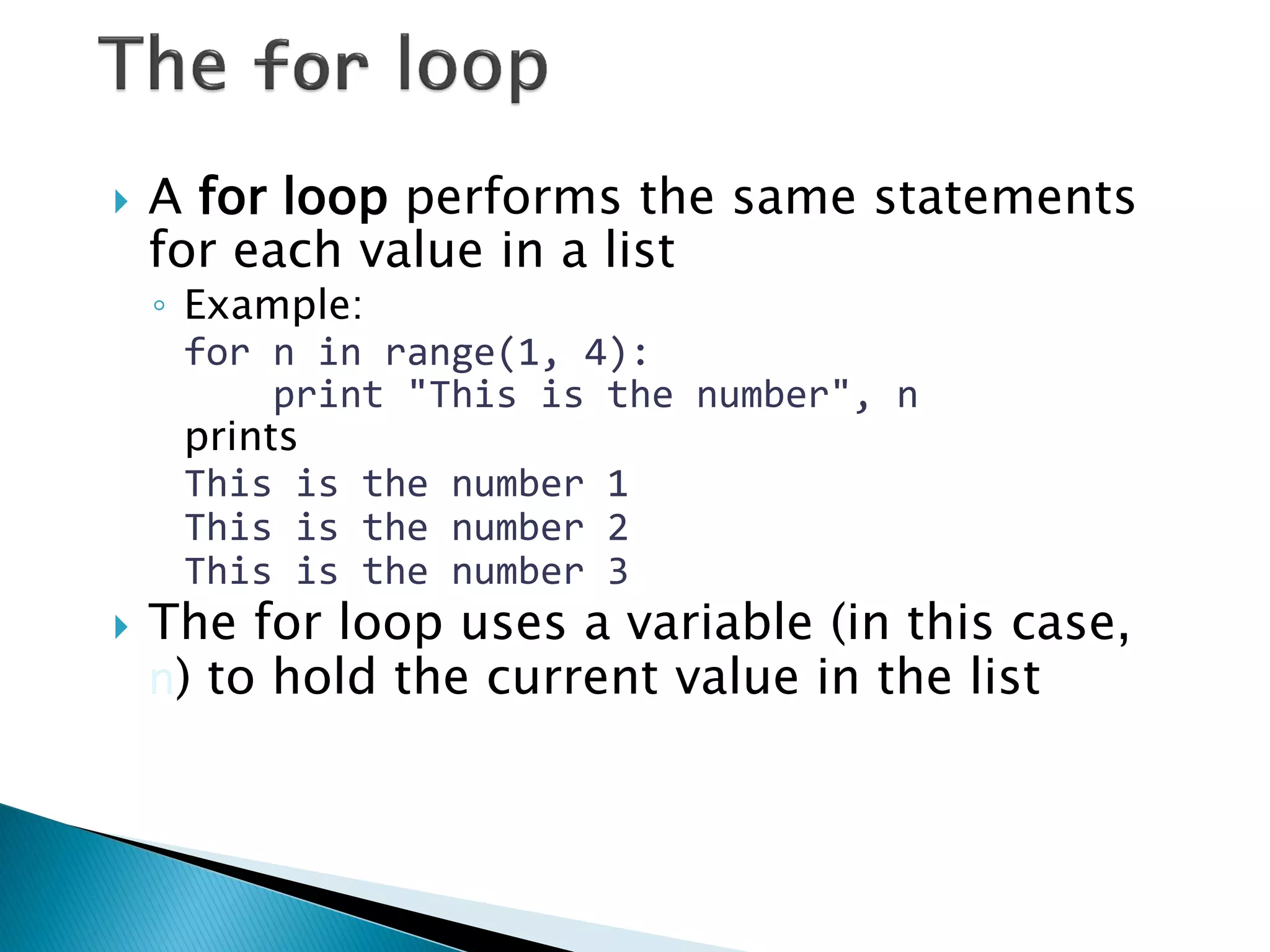
A for loop performs the same statements for each value in a list ◦Example: for n in range(1, 4): print "This is the number", n prints This is the number 1 This is the number 2 This is the number 3 The for loop uses a variable (in this case, n) to hold the current value in the list
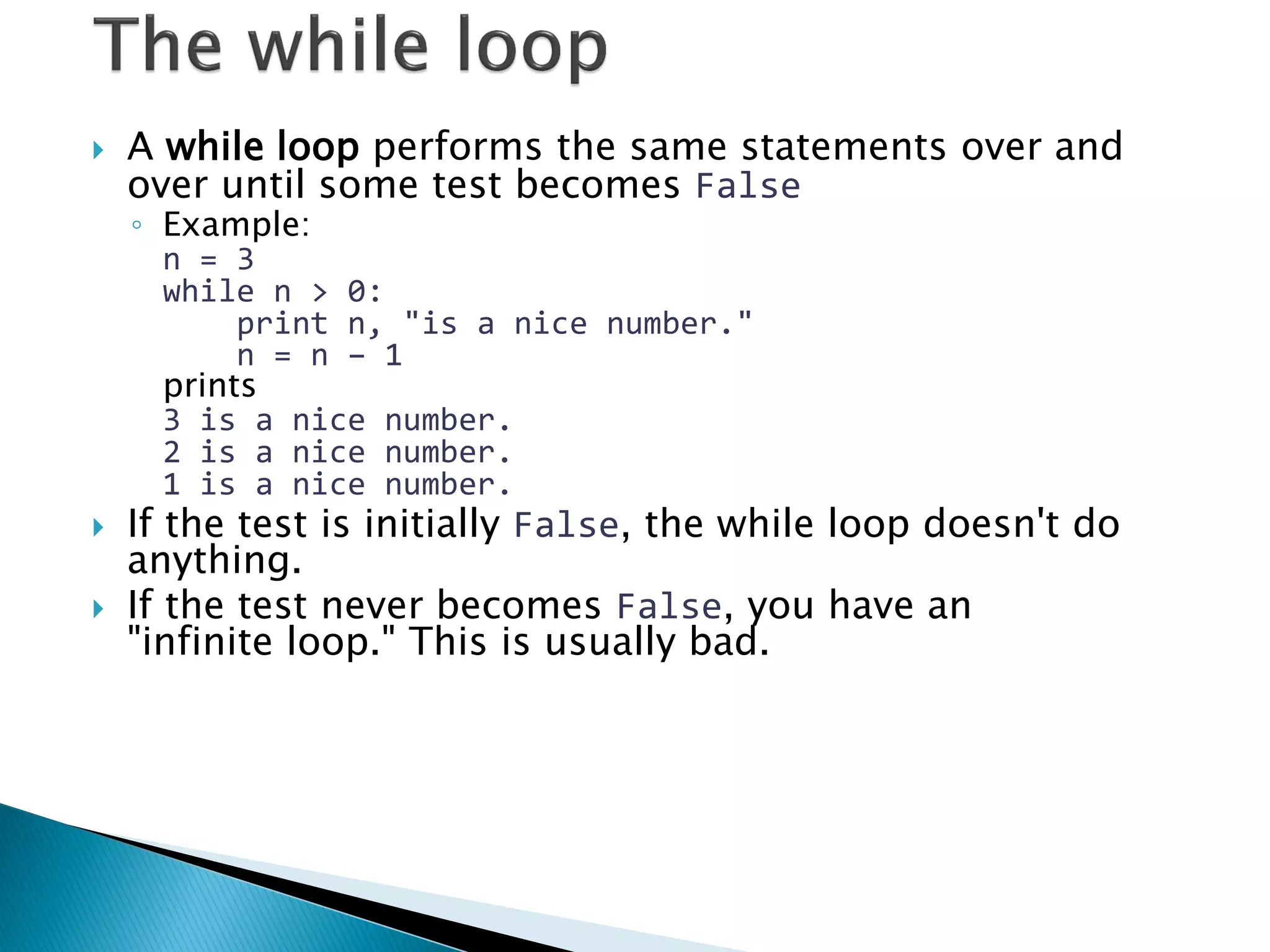
A while loop performs the same statements over and over until some test becomes False ◦Example: n = 3 while n > 0: print n, "is a nice number." n = n – 1 prints 3 is a nice number. 2 is a nice number. 1 is a nice number. If the test is initially False, the while loop doesn't do anything. If the test never becomes False, you have an "infinite loop." This is usually bad.
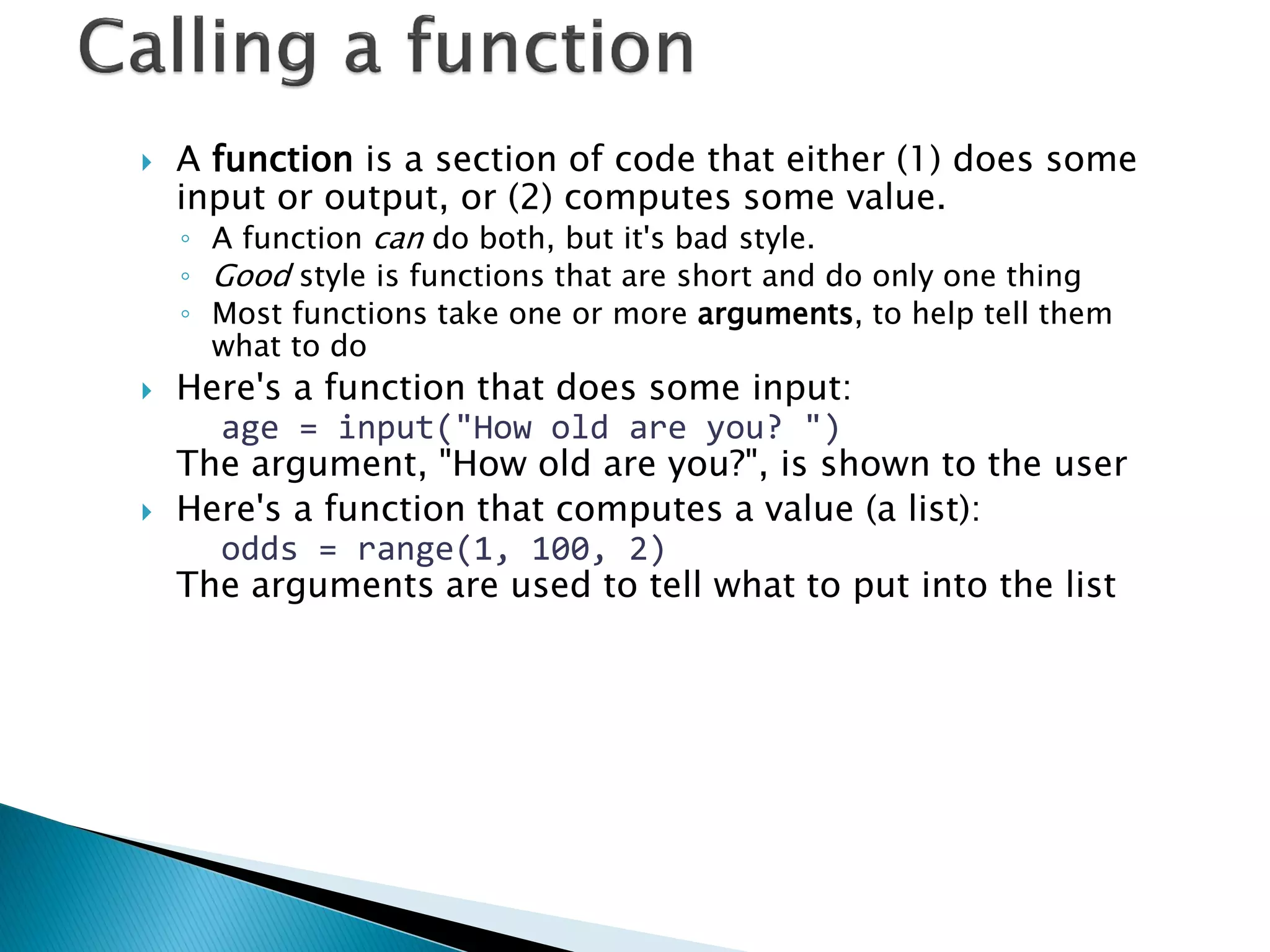
A function is a section of code that either (1) does some input or output, or (2) computes some value. ◦A function can do both, but it's bad style. ◦Good style is functions that are short and do only one thing ◦Most functions take one or more arguments, to help tell them what to do Here's a function that does some input: age = input("How old are you? ") The argument, "How old are you?", is shown to the user Here's a function that computes a value (a list): odds = range(1, 100, 2) The arguments are used to tell what to put into the list
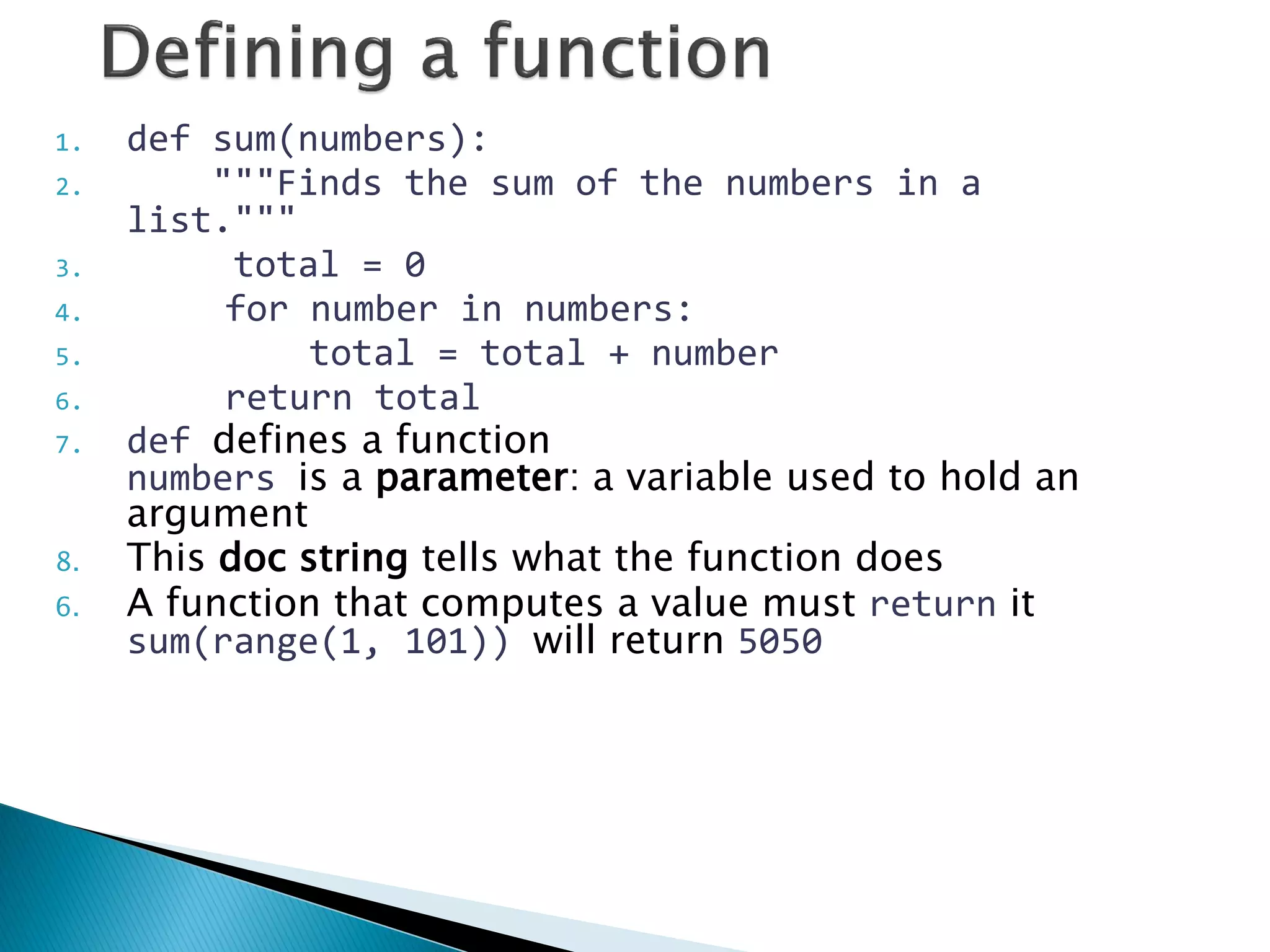
1.def sum(numbers): 2. """Finds the sum of the numbers in a list.""" 3. total = 0 4. for number in numbers: 5. total = total + number 6. return total 7.def defines a function numbers is a parameter: a variable used to hold an argument 8.This doc string tells what the function does 6.A function that computes a value must return it sum(range(1, 101)) will return 5050
Dictionary is an unordered set of key: value pairs The keys are unique (within one dictionary) Use of dictionary: Example codes Based on presentation from www.cis.upenn.edu/~cse391/cse391_2004/PythonIntro1.ppt
Arithmetic: + - * / % < <= == != >= > Logic (boolean): True False and or not Strings: "Double quoted" or 'Single quoted' Lists: [1, 2, 3, 4] len(lst) range(0, 100, 5) Input: input(question) raw_input(question) Decide: if test: elif test: else: For loop: for variable in list: While loop: while test: Calling a function: sum(numbers) Defining a function: def sum(numbers): return result
Things to read through ―Dive into Python‖ (Chapters 2 to 4) http://diveintopython.org/ Python 101 – Beginning Python http://www.rexx.com/~dkuhlman/python_101/python_101.html Things to refer to The Official Python Tutorial http://www.python.org/doc/current/tut/tut.html The Python Quick Reference http://rgruet.free.fr/PQR2.3.html

Pythonintro

  • 1.
  • 2.
    Python introduction Basicprogramming: data types, conditionals, looping Data structures: Lists and dictionaries Functions Example codes Based on presentation from www.cis.upenn.edu/~cse391/cse391_2004/PythonIntro1.ppt
  • 3.
    A programming languagewith powerful typing and object oriented features. ◦Commonly used for producing HTML content on websites. ◦Useful built-in types (lists, dictionaries). ◦Clean syntax
  • 4.
    Natural Language ToolKit AI Processing: Symbolic ◦Python‘s built-in datatypes for strings, lists, and more. ◦Java or C++ require the use of special classes for this. AI Processing: Statistical ◦Python has strong numeric processing capabilities: matrix operations, etc. ◦Suitable for probability and machine learning code.
  • 5.
    Shell for interactiveevaluation. Text editor with color-coding and smart indenting for creating python files. Menu commands for changing system
  • 6.
    x = 34- 23 # A comment. y = “Hello” # Another one. z = 3.45 if z == 3.45 or y == “Hello”: x = x + 1 y = y + “ World” # String concat. print x print y
  • 7.
    x = 34- 23 # A comment. y = “Hello” # Another one. z = 3.45 if z == 3.45 or y == “Hello”: x = x + 1 y = y + “ World” # String concat. print x print y
  • 8.
    Assignment uses =and comparison uses ==. For numbers +-*/% are as expected. ◦Special use of + for string concatenation. ◦Special use of % for string formatting. Logical operators are words (and, or, not) not symbols (&&, ||, !). The basic printing command is ―print.‖ First assignment to a variable will create it. ◦Variable types don‘t need to be declared. ◦Python figures out the variable types on its own.
  • 9.
    Integers (default fornumbers) z = 5 / 2 # Answer is 2, integer division. Floats x = 3.456 Strings Can use ―‖ or ‗‘ to specify. ―abc‖ ‗abc‘ (Same thing.) Unmatched ones can occur within the string. ―matt‘s‖ Use triple double-quotes for multi-line strings or strings than contain both ‗ and ― inside of them: ―――a‗b―c‖‖‖
  • 10.
    Whitespace is meaningfulin Python: especially indentation and placement of newlines. ◦Use a newline to end a line of code. (Not a semicolon like in C++ or Java.) (Use when must go to next line prematurely.) ◦No braces { } to mark blocks of code in Python… Use consistent indentation instead. The first line with a new indentation is considered outside of the block. ◦Often a colon appears at the start of a new block. (We‘ll see this later for function and class definitions.)
  • 11.
    Start comments with# – the rest of line is ignored. Can include a ―documentation string‖ as the first line of any new function or class that you define. The development environment, debugger, and other tools use it: it‘s good style to include one. def my_function(x, y): “““This is the docstring. This function does blah blah blah.””” # The code would go here...
  • 12.
    Python determines thedata types in a program automatically. ―Dynamic Typing‖ But Python‘s not casual about types, it enforces them after it figures them out. ―Strong Typing‖ So, for example, you can‘t just append an integer to a string. You must first convert the integer to a string itself. x = “the answer is ” # Decides x is string. y = 23 # Decides y is integer. print x + y # Python will complain about this.
  • 13.
    Names are casesensitive and cannot start with a number. They can contain letters, numbers, and underscores. bob Bob _bob _2_bob_ bob_2 BoB There are some reserved words: and, assert, break, class, continue, def, del, elif, else, except, exec, finally, for, from, global, if, import, in, is, lambda, not, or, pass, print, raise, return, try, while
  • 14.
    You can alsoassign to multiple names at the same time. >>> x, y = 2, 3 >>> x 2 >>> y 3
  • 15.
    We can usesome methods built-in to the string data type to perform some formatting operations on strings: >>> “hello”.upper() „HELLO‟ There are many other handy string operations available. Check the Python documentation for more.
  • 16.
    Using the %string operator in combination with the print command, we can format our output text. >>> print “%s xyz %d” % (“abc”, 34) abc xyz 34 ―Print‖ automatically adds a newline to the end of the string. If you include a list of strings, it will concatenate them with a space between them. >>> print “abc” >>> print “abc”, “def” abc abc def
  • 17.
    Your program candecide what to do by making a test The result of a test is a boolean value, True or False Here are tests on numbers: ◦< means “is less than” ◦<= means “is less than or equal to” ◦== means “is equal to” ◦!= means “is not equal to” ◦>= means “is greater than or equal to” ◦< means “is greater than” These same tests work on strings
  • 18.
    Boolean values canbe combined with these operators: ◦and – gives True if both sides are True ◦or – gives True if at least one side is True ◦not – given True, this returns False, and vice versa Examples ◦score > 0 and score <= 100 ◦name == "Joe" and not score > 100
  • 19.
    The if statementevaluates a test, and if it is True, performs the following indented statements; but if the test is False, it does nothing Examples: ◦if grade == "A+": print "Congratulations!" ◦if score < 0 or score > 100: print "That’s not possible!" score = input("Enter a correct value: ")
  • 20.
    The if statementcan have an optional else part, to be performed if the test result is False Example: ◦if grade == "A+": print "Congratulations!" else: print "You could do so much better." print "Your mother will be disappointed."
  • 21.
    The if statementcan have any number of elif tests Only one group of statements is executed—those controlled by the first test that passes Example: ◦if grade == "A": print "Congratulations!" elif grade == "B": print "That's pretty good." elif grade == "C": print "Well, it's passing, anyway." else: print "You really blew it this time!"
  • 22.
    Indentation is requiredand must be consistent Standard indentation is 4 spaces or one tab IDLE does this pretty much automatically for you Example: ◦if 2 + 2 != 4: print "Oh, no!" print "Arithmethic doesn't work!" print "Time to buy a new computer."
  • 23.
    A list ◦Example:courses = ['CIT 591', 'CIT 592', 'CIT 593'] Referring in list ◦Example: courses[2] is 'CIT 593' The len function ◦Example: len(courses) is 3 Range is a function that creates a list of integers, from the first number up to but not including the second number ◦Example: range(0, 5) creates the list [0, 1, 2, 3, 4] Range with third number ◦Example: range(2, 10, 3) creates the list [2, 5, 8]
  • 24.
    A for loopperforms the same statements for each value in a list ◦Example: for n in range(1, 4): print "This is the number", n prints This is the number 1 This is the number 2 This is the number 3 The for loop uses a variable (in this case, n) to hold the current value in the list
  • 25.
    A while loopperforms the same statements over and over until some test becomes False ◦Example: n = 3 while n > 0: print n, "is a nice number." n = n – 1 prints 3 is a nice number. 2 is a nice number. 1 is a nice number. If the test is initially False, the while loop doesn't do anything. If the test never becomes False, you have an "infinite loop." This is usually bad.
  • 26.
    A function isa section of code that either (1) does some input or output, or (2) computes some value. ◦A function can do both, but it's bad style. ◦Good style is functions that are short and do only one thing ◦Most functions take one or more arguments, to help tell them what to do Here's a function that does some input: age = input("How old are you? ") The argument, "How old are you?", is shown to the user Here's a function that computes a value (a list): odds = range(1, 100, 2) The arguments are used to tell what to put into the list
  • 27.
    1.def sum(numbers): 2."""Finds the sum of the numbers in a list.""" 3. total = 0 4. for number in numbers: 5. total = total + number 6. return total 7.def defines a function numbers is a parameter: a variable used to hold an argument 8.This doc string tells what the function does 6.A function that computes a value must return it sum(range(1, 101)) will return 5050
  • 28.
    Dictionary is anunordered set of key: value pairs The keys are unique (within one dictionary) Use of dictionary: Example codes Based on presentation from www.cis.upenn.edu/~cse391/cse391_2004/PythonIntro1.ppt
  • 29.
    Arithmetic: + -* / % < <= == != >= > Logic (boolean): True False and or not Strings: "Double quoted" or 'Single quoted' Lists: [1, 2, 3, 4] len(lst) range(0, 100, 5) Input: input(question) raw_input(question) Decide: if test: elif test: else: For loop: for variable in list: While loop: while test: Calling a function: sum(numbers) Defining a function: def sum(numbers): return result
  • 30.
    Things to readthrough ―Dive into Python‖ (Chapters 2 to 4) http://diveintopython.org/ Python 101 – Beginning Python http://www.rexx.com/~dkuhlman/python_101/python_101.html Things to refer to The Official Python Tutorial http://www.python.org/doc/current/tut/tut.html The Python Quick Reference http://rgruet.free.fr/PQR2.3.html