HTML (Hypertext Markup Language) is a language for structuring and presenting content on the web. It uses tags to annotate text and other content within web pages. Key HTML tags include paragraph tags (<p>), heading tags (<h1> through <h6>), lists (<ul>, <ol>, <li>), links (<a href=””>), and images (<img src=””>). Following the three C's of web design - content, code, and creativity - allows developers to effectively structure and present information on web pages using HTML.
In this document
Powered by AI
Overview of the presentation content focusing on HTML basics, features, and components.
HTML was developed by Tim Berners Lee in the early 1990s. It is a character-based markup language for creating hypertext.
Key features of HTML: describes multimedia content, delivers content across platforms, and allows easy document creation.
Tags define elements in HTML, including container and empty tags, and attributes that enhance elements.
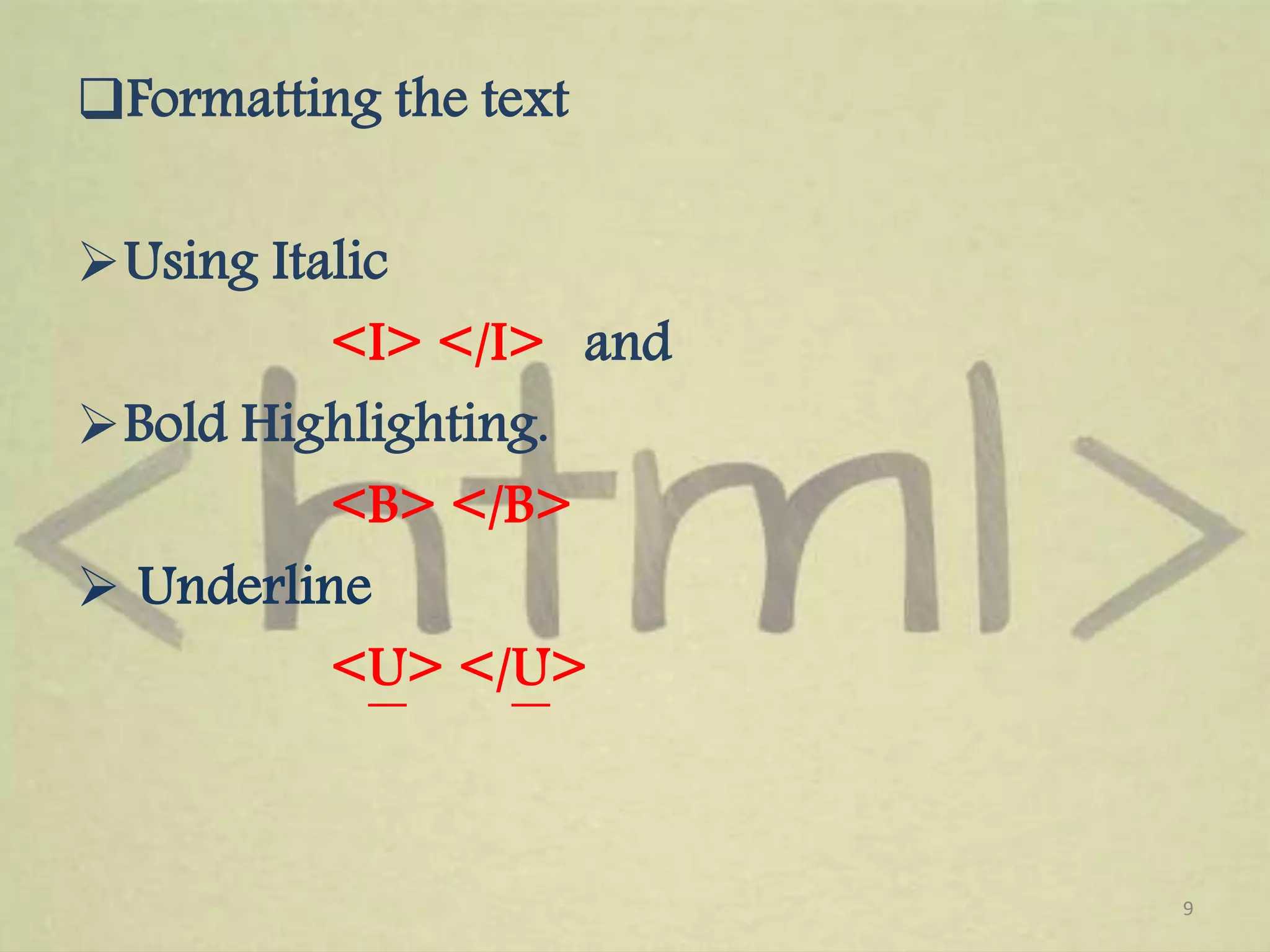
Details on paragraph and line break tags, text formatting using italic, bold, and underline, as well as foundational document tags.
Different types of lists (ordered, unordered, and definition lists) and associated HTML tags.
Instructions on embedding images using the img tag and creating hypertext links with the anchor tag.
Introduction to the three C's of web page design, emphasizing important considerations in web development.
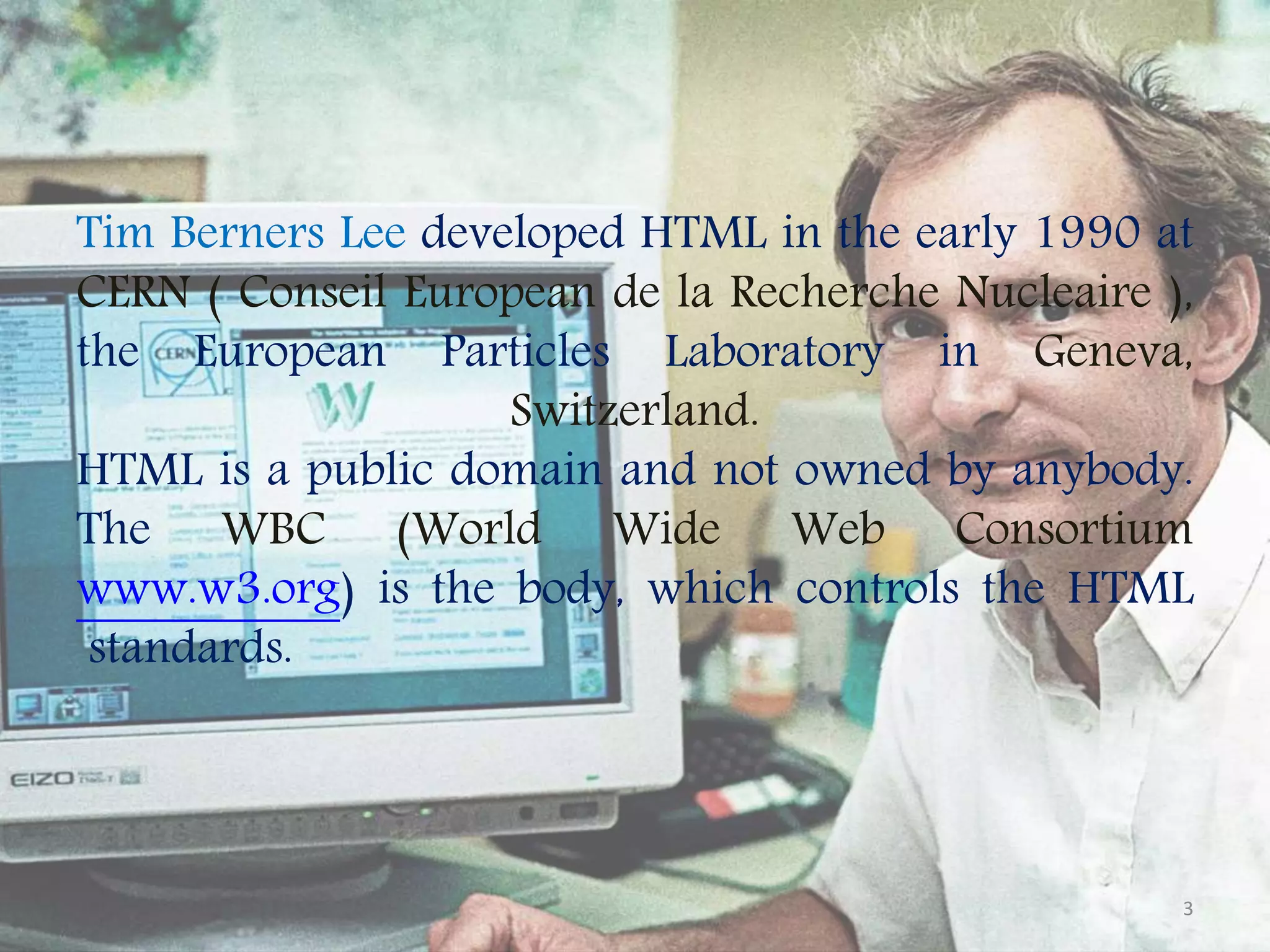
Tim Berners Leedeveloped HTML in the early 1990 at CERN ( Conseil European de la Recherche Nucleaire ), the European Particles Laboratory in Geneva, Switzerland. HTML is a public domain and not owned by anybody. The WBC (World Wide Web Consortium www.w3.org) is the body, which controls the HTML standards. 3
4.
HTML (HYPER TEXT MARKUPLANGUAGE) Hyper Text Markup Language (HTML) is suitable for converting ordinary text into hypertext. It is a set of special codes included to control the layout and appearance of the text. Technically, HTML is not a programming language. It combines instructions within data to form a display program, called browser. 4
5.
HTML HAS THEFOLLOWING FEATURES 1. • HTML is a character-based method for describing and expressing the content. The content is pictures, text, sound, and video clips. 2. • It delivers • the contents to multiple platforms. 3. • It links document components or documents together to compose compound documents. 4. • HTML is a type of code. It embeds simple codes within Standard ASCII test documents to provide an integrated, two- dimensional display of text and graphics. 5. • Any document created with any word processor and stored in ASCII format can become a Web page with the addition of a few HTML codes. 5
6.
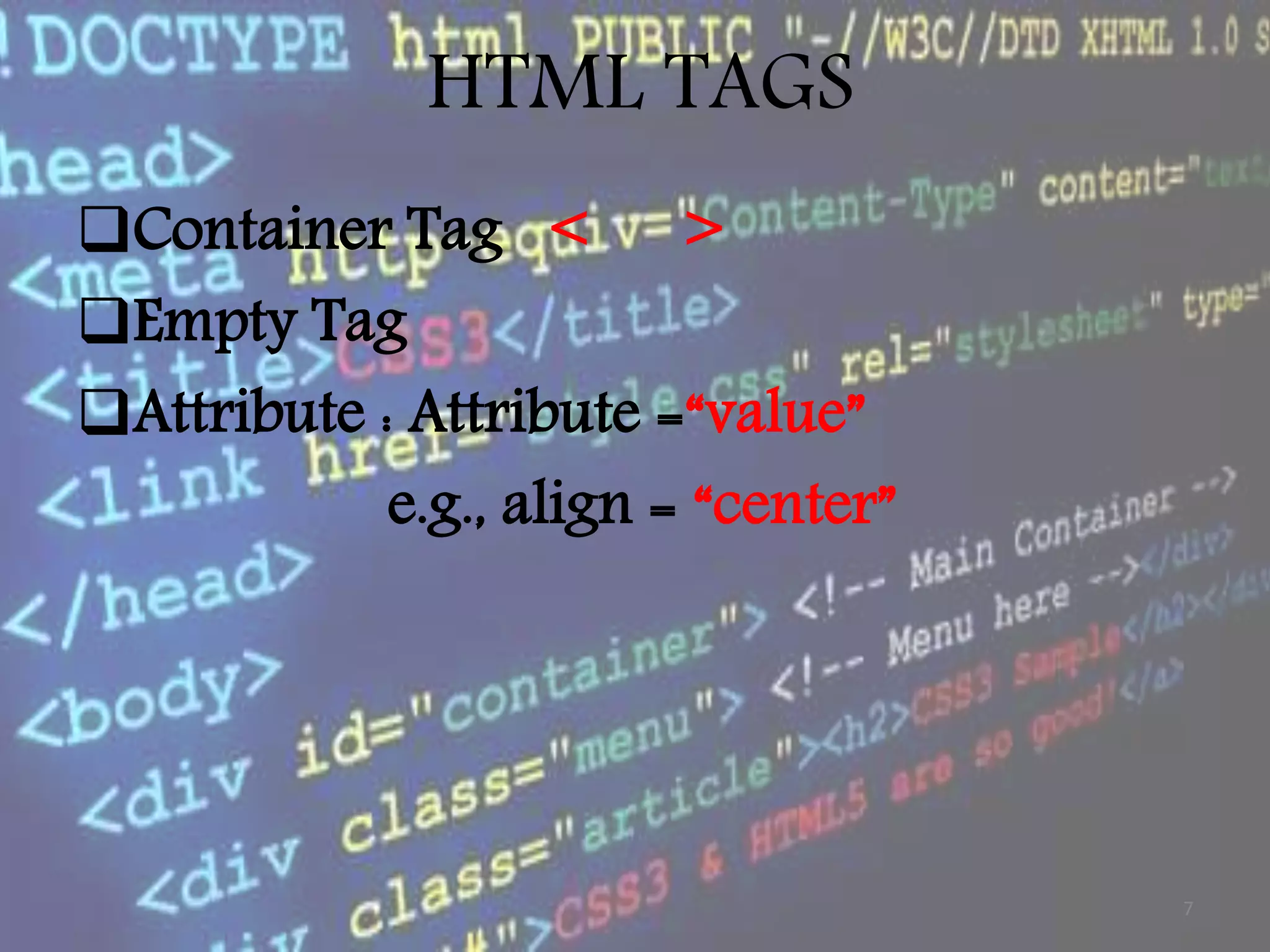
Tag or Tagelement refers to the HTML codes that define the element in an HTML file such as headings, images, paragraphs and list. There are two kinds of tags container tag and empty tag. HTML tags are inserted into a document between < and > symbols. Tags are not case-sensitive. 6
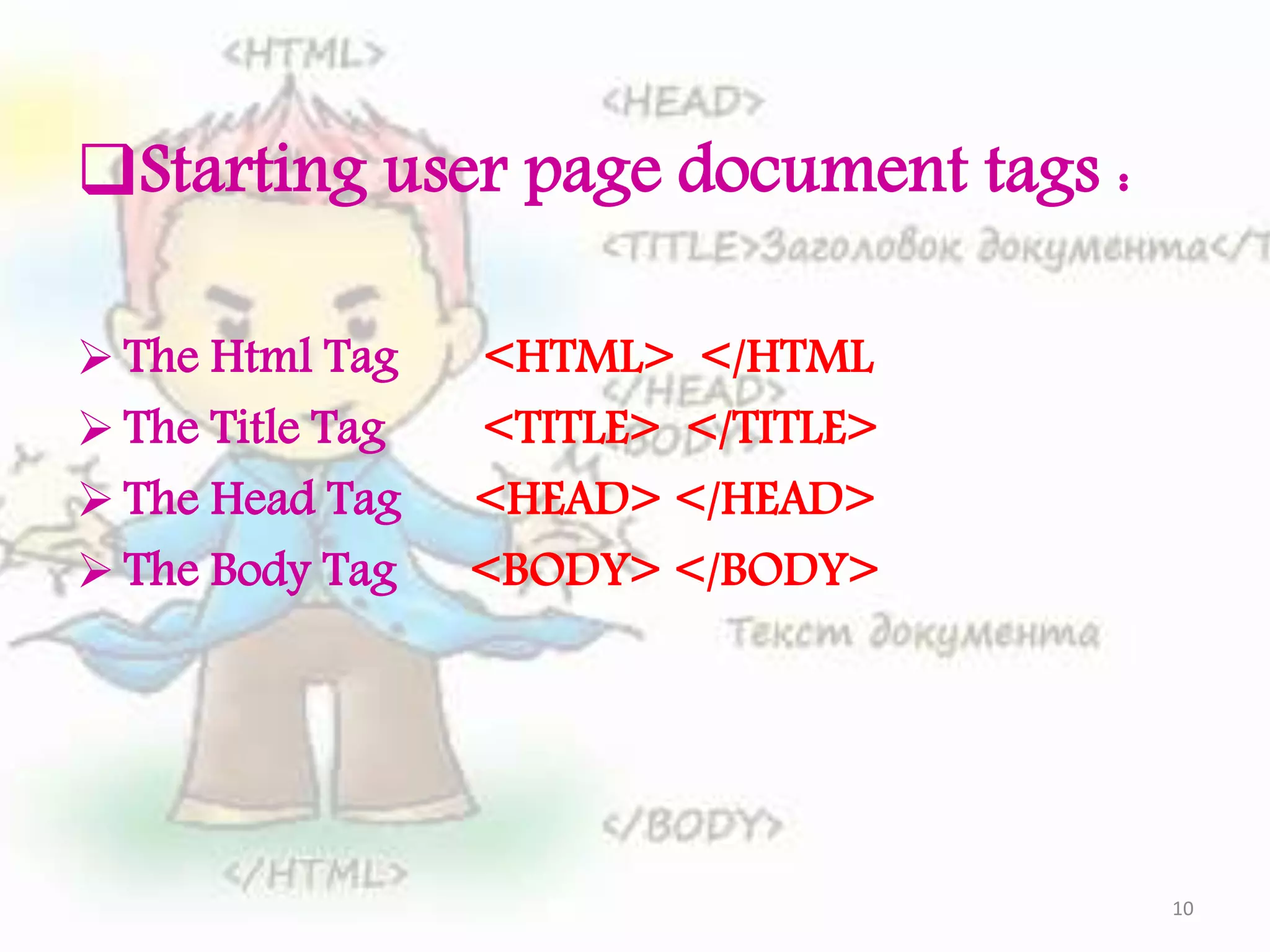
Starting user pagedocument tags : The Html Tag <HTML> </HTML The Title Tag <TITLE> </TITLE> The Head Tag <HEAD> </HEAD> The Body Tag <BODY> </BODY> 10
11.
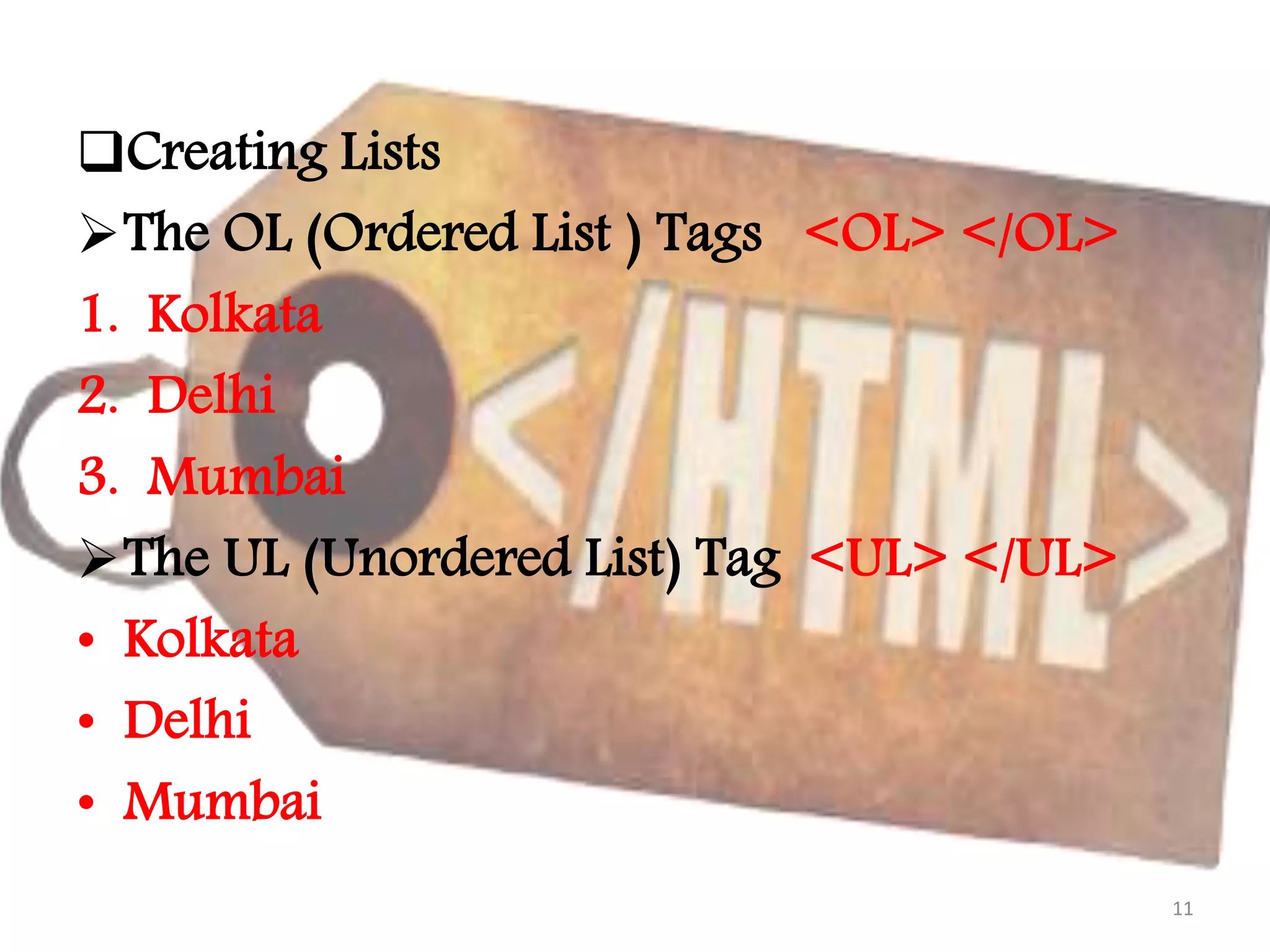
Creating Lists The OL(Ordered List ) Tags <OL> </OL> 1. Kolkata 2. Delhi 3. Mumbai The UL (Unordered List) Tag <UL> </UL> • Kolkata • Delhi • Mumbai 11
12.
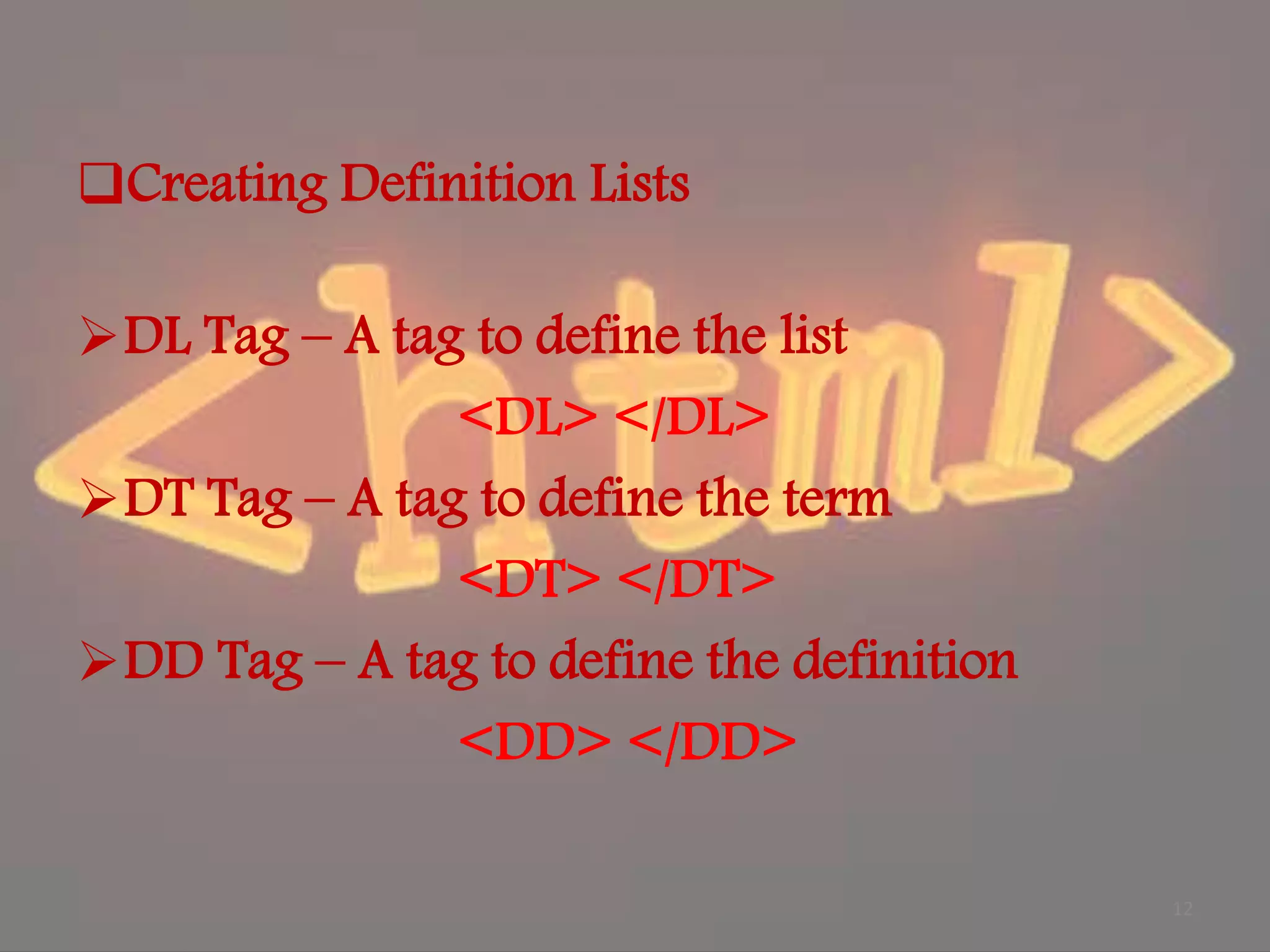
Creating Definition Lists DLTag – A tag to define the list <DL> </DL> DT Tag – A tag to define the term <DT> </DT> DD Tag – A tag to define the definition <DD> </DD> 12
13.
Other Tags The HRTag (Horizontal Rule) <HR> </HR> The LI Tag <LI> </LI> 13
14.
Adding Image toyour Web Page The Image Tag Syntax : <img src=“ file name with the extention .png or .jpg ”> </img> e.g.; <center><img src=“ sxccal.jpg”></img></center> 14
15.
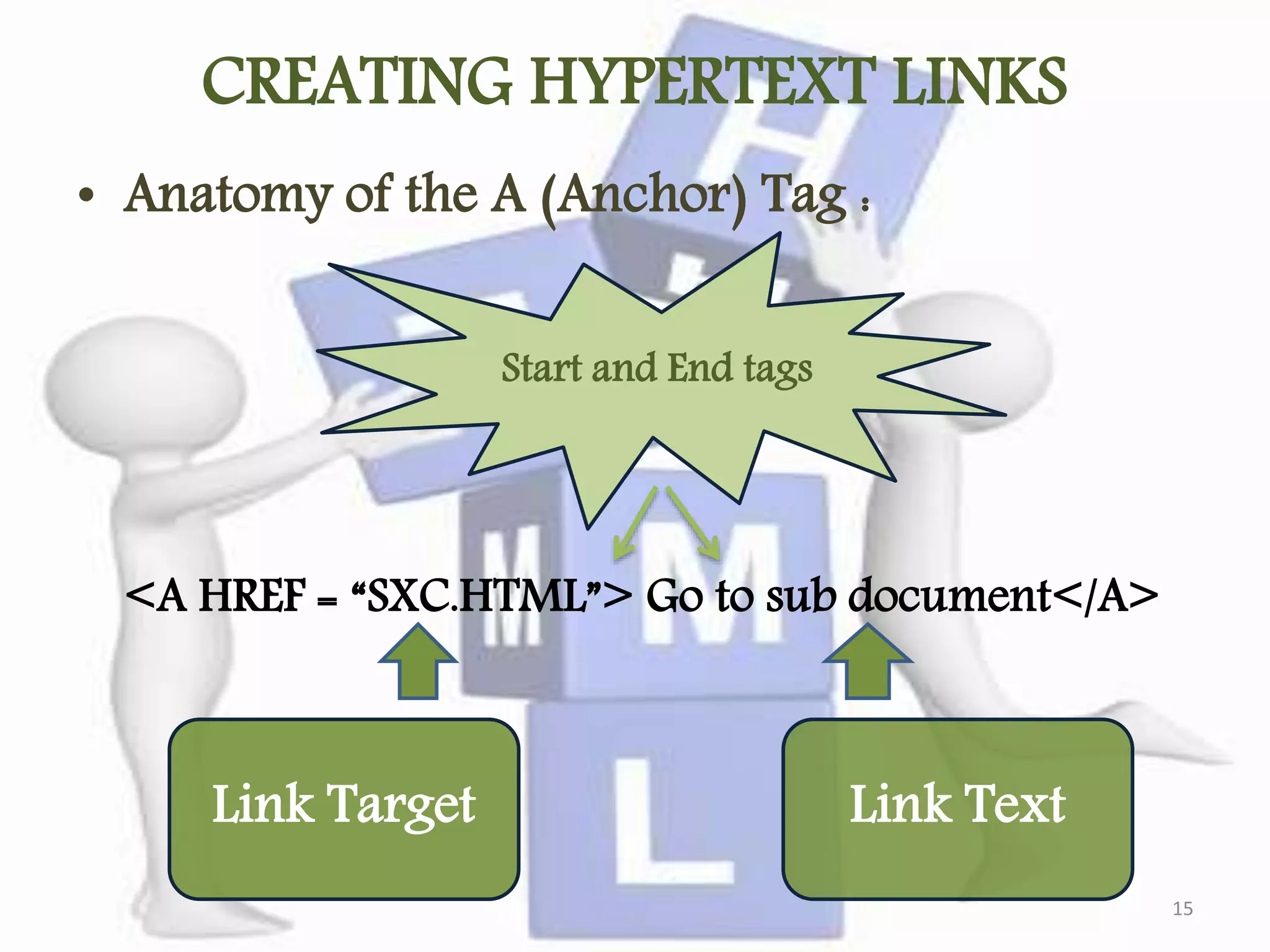
CREATING HYPERTEXT LINKS •Anatomy of the A (Anchor) Tag : <A HREF = “SXC.HTML”> Go to sub document</A> Start and End tags Link Target Link Text 15
16.
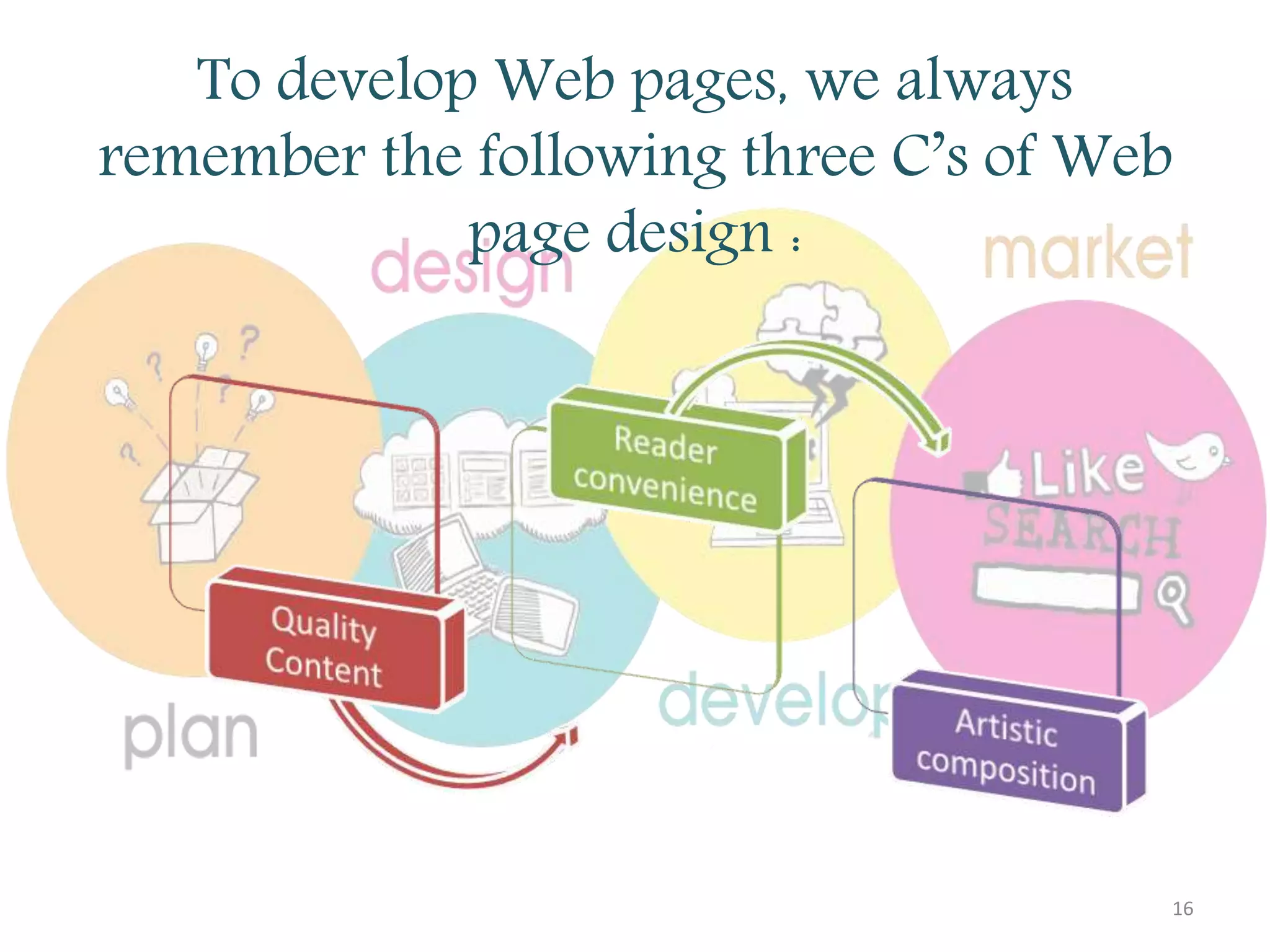
To develop Webpages, we always remember the following three C’s of Web page design : 16