What’s wrong with Postgres
Postgres is great loved wanted DBMS of the Year
Postgres is great, but it’s not perfect loved wanted DBMS of the Year
Who am I Helped build and grow Heroku Postgres Over 1.5 million databases across team of 8 individuals Lead product and cloud teams at Citus Currently running product for Azure Postgres Write a lot about Postgres – craigkerstiens.com Curate postgres weekly @craigkerstiens on twitter
But first
Biggest mistake Michael Fuhr <mike(at)fuhr(dot)org> writes: > On Wed, Jul 12, 2006 at 07:39:05PM +0300, Petronenko D.S. wrote: >> Can i get data in postgre from non-postgre db? > The name is PostgreSQL or Postgres, not postgre. It might help to explain that the pronunciation is "post-gres" or "post-gres-cue-ell", not "post-gray-something". I heard people making this same mistake in presentations at this past weekend's Postgres Anniversary Conference :-( Arguably, the 1996 decision to call it PostgreSQL instead of reverting to plain Postgres was the single worst mistake this project ever made. It seems far too late to change now, though. regards, tom lane
What’s wrong with Postgre
What’s wrong with Postgres Getting started 01 Getting to production 02 Operating at scale 03 The community 04 Other areas 05
Documentation Reference docs On boarding Tutorials/guides
Did you know Postgres has a tutorial?
The tutorial Before you can use PostgreSQL you need to install it, of course. It is possible that PostgreSQL is already installed at your site, either because it was included in your operating system distribution or because the system administrator already installed it. If that is the case, you should obtain information from the operating system documentation or your system administrator about how to access PostgreSQL. If you are not sure whether PostgreSQL is already available or whether you can use it for your experimentation then you can install it yourself. Doing so is not hard and it can be a good exercise. PostgreSQL can be installed by any unprivileged user; no superuser (root) access is required.
Go to chapter 16 to install
Installing for mac
Install from source? • Okay, so installing is wrong, but we can get past that • I return to google and it helps
What’s next • Architecture fundamentals • Creating a database • Accessing the database
Accessing the database Running the PostgreSQL interactive terminal program, called psql, which allows you to interactively enter, edit, and execute SQL commands. Using an existing graphical frontend tool like pgAdmin or an office suite with ODBC or JDBC support to create and manipulate a database. These possibilities are not covered in this tutorial. Writing a custom application, using one of the several available language bindings. These possibilities are discussed further in Part IV.
Libpq huh?
Accessing the database Running the PostgreSQL interactive terminal program, called psql, which allows you to interactively enter, edit, and execute SQL commands. Using an existing graphical frontend tool like pgAdmin or an office suite with ODBC or JDBC support to create and manipulate a database. These possibilities are not covered in this tutorial. Writing a custom application, using one of the several available language bindings. These possibilities are discussed further in Part IV.
Accessing the database Running the PostgreSQL interactive terminal program, called psql, which allows you to interactively enter, edit, and execute SQL commands. Using an existing graphical frontend tool like pgAdmin or an office suite with ODBC or JDBC support to create and manipulate a database. These possibilities are not covered in this tutorial. Writing a custom application in C, using one of the several available language bindings. These possibilities are discussed further in Part IV.
What if: • Getting started with • Ruby • Ruby and Rails • Ruby and Sequel • Python • Django • Python and SQLAlchemy • Java • Node • C • Go • PHP • Perl
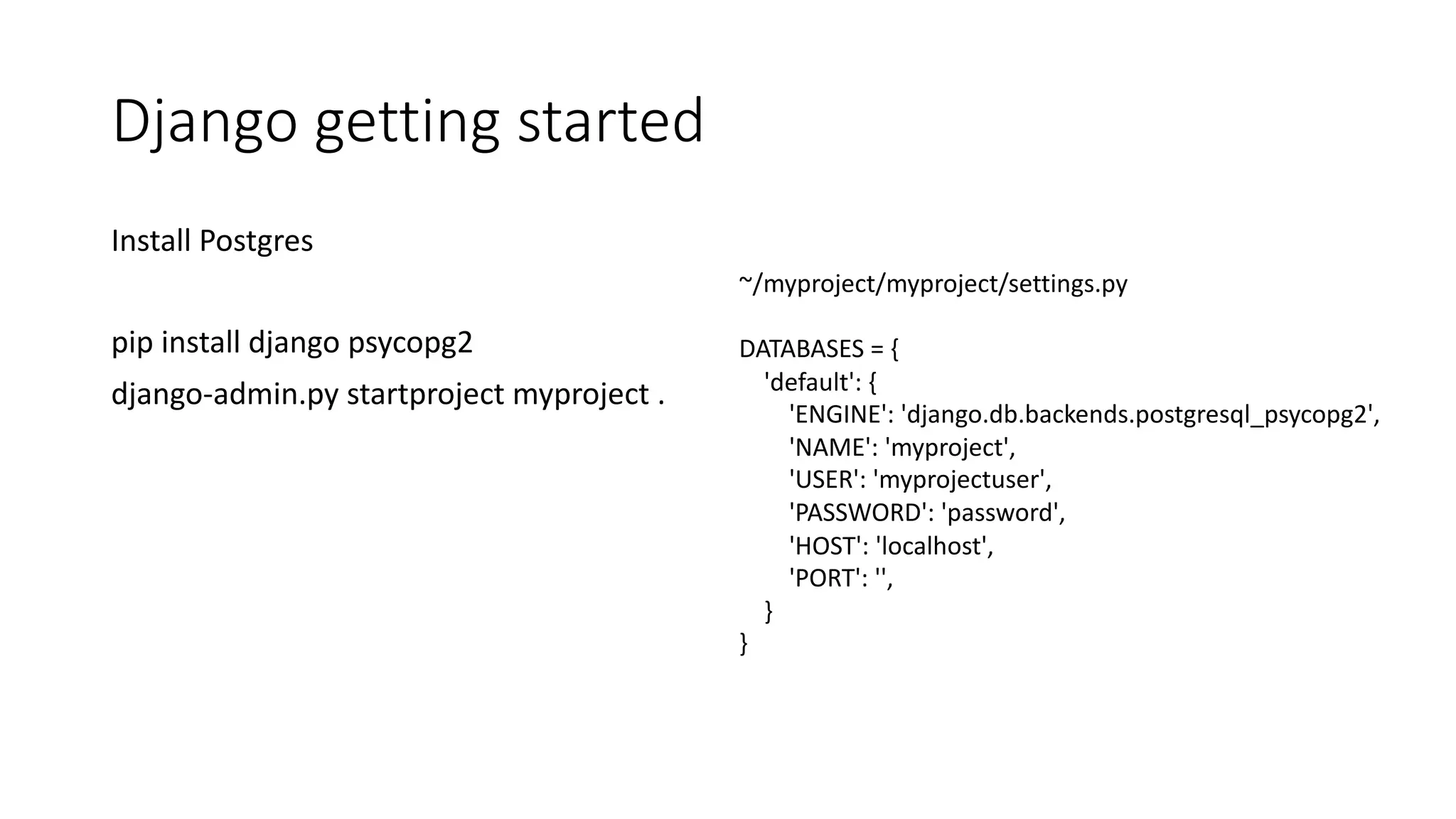
Django getting started Install Postgres pip install django psycopg2 django-admin.py startproject myproject . ~/myproject/myproject/settings.py DATABASES = { 'default': { 'ENGINE': 'django.db.backends.postgresql_psycopg2', 'NAME': 'myproject', 'USER': 'myprojectuser', 'PASSWORD': 'password', 'HOST': 'localhost', 'PORT': '', } }
Documentation Reference docs On boarding Tutorials/guides
How do I know what to look for
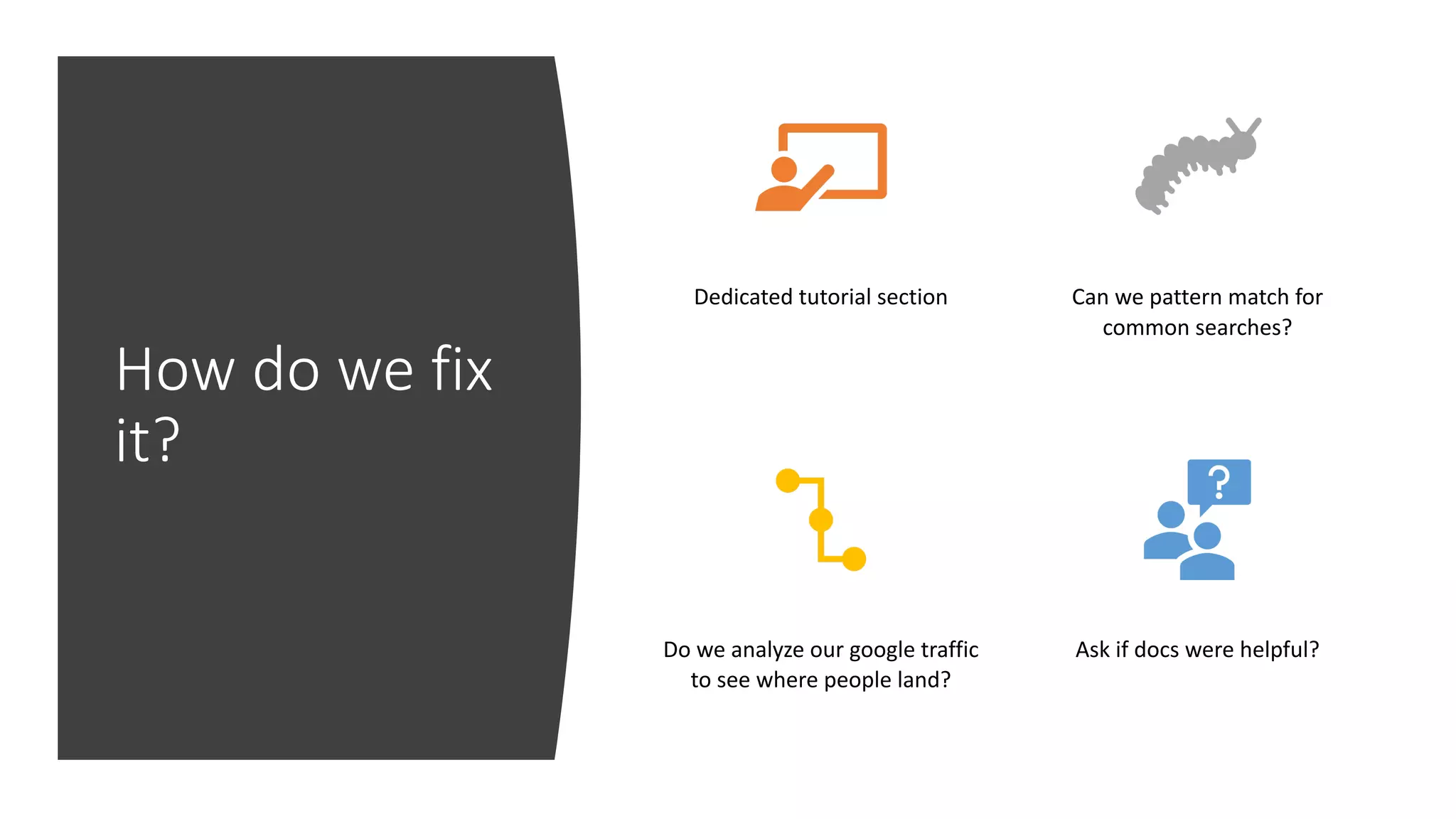
How do we fix it? Dedicated tutorial section Can we pattern match for common searches? Do we analyze our google traffic to see where people land? Ask if docs were helpful?
What’s wrong with Postgres Getting started 01 Getting to production 02 Operating at scale 03 The community 04 Other areas 05
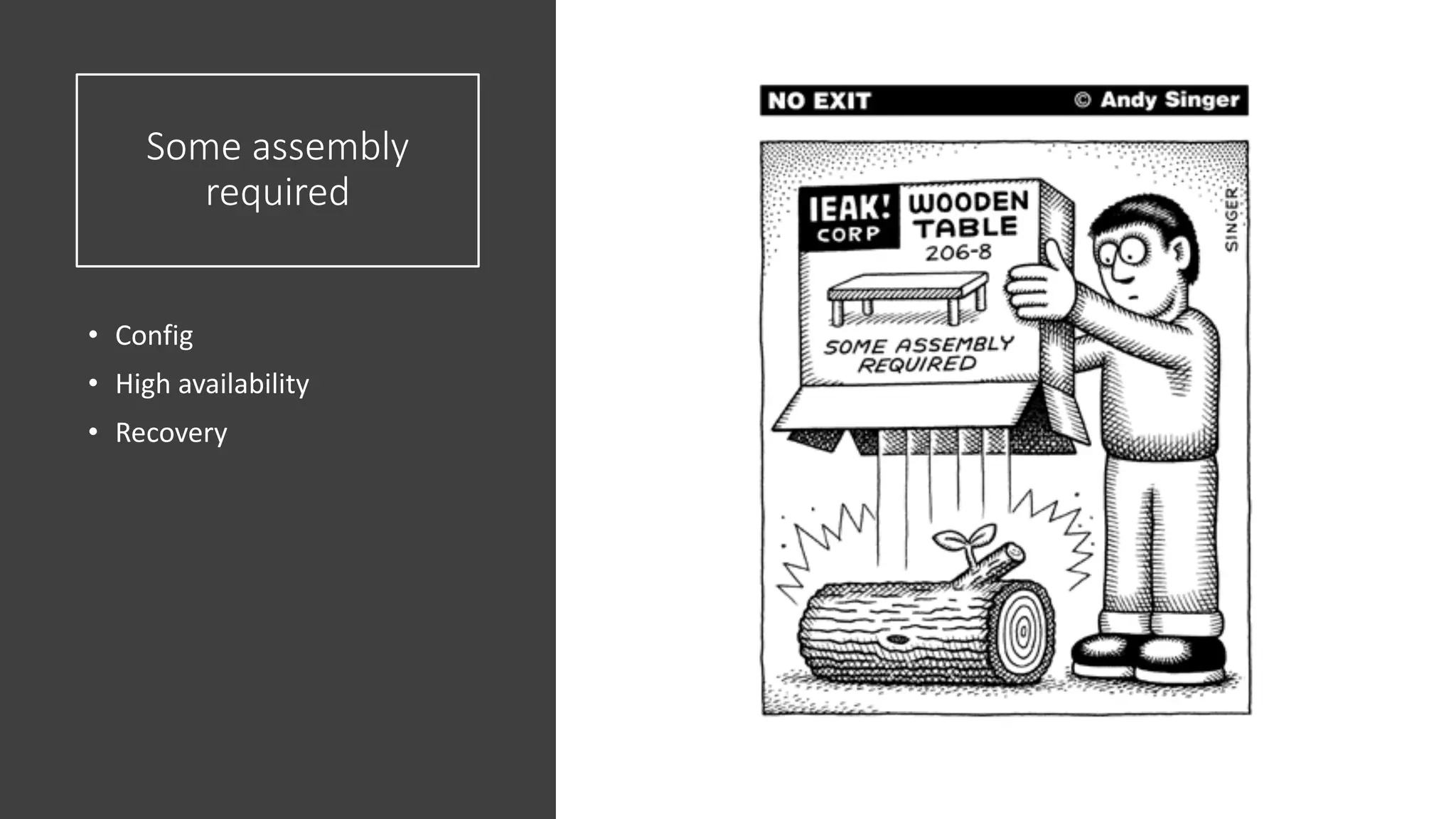
Some assembly required • Config • High availability • Recovery
Django Batteries included
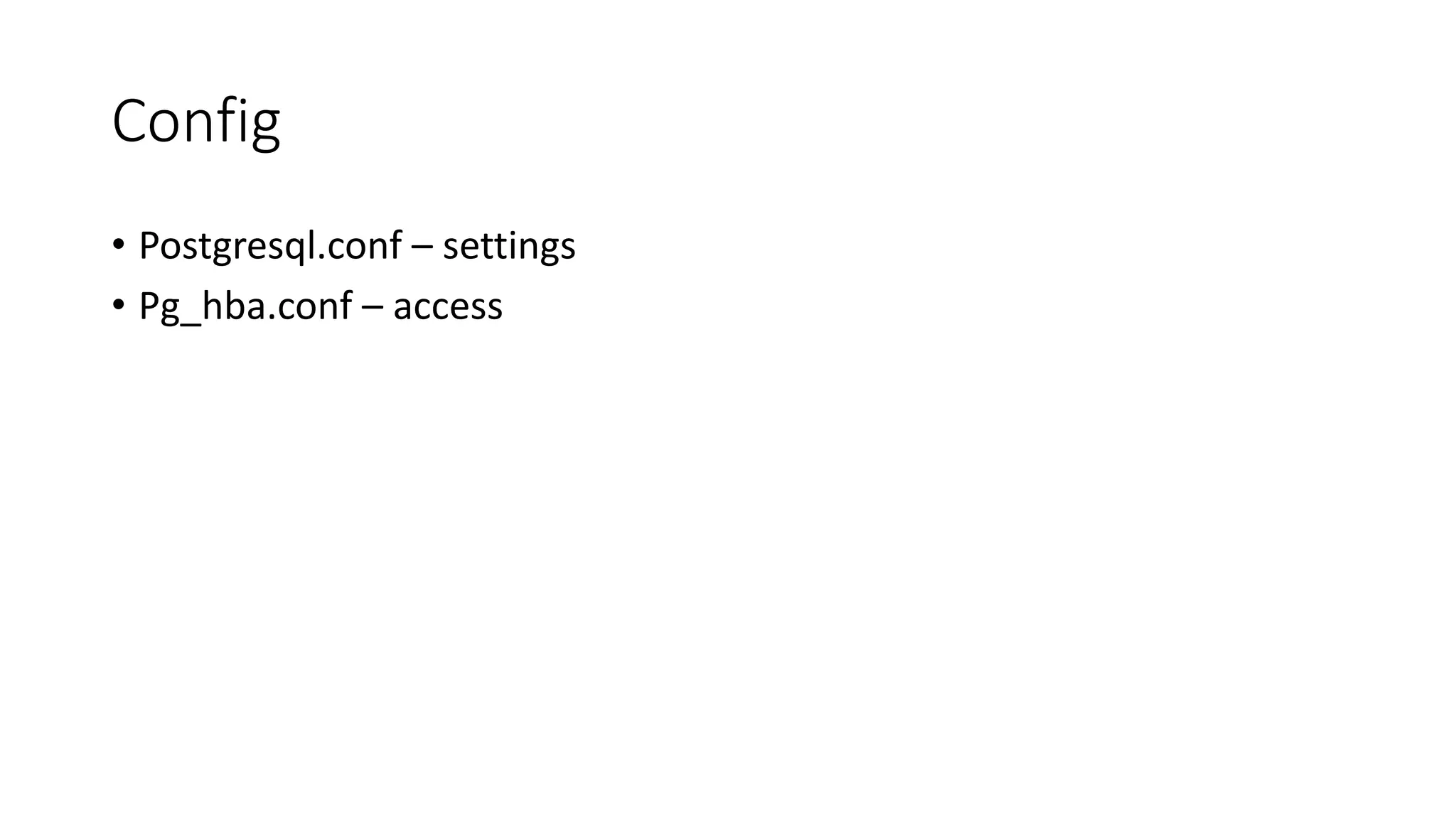
Config • Postgresql.conf – settings • Pg_hba.conf – access
Postgresql.conf • Logging • Memory • Checkpoints • Planner
Logging • If you have syslog use it • People that have syslog know what it is • If someone doesn’t know what syslog is, shouldn’t we give them something useful?
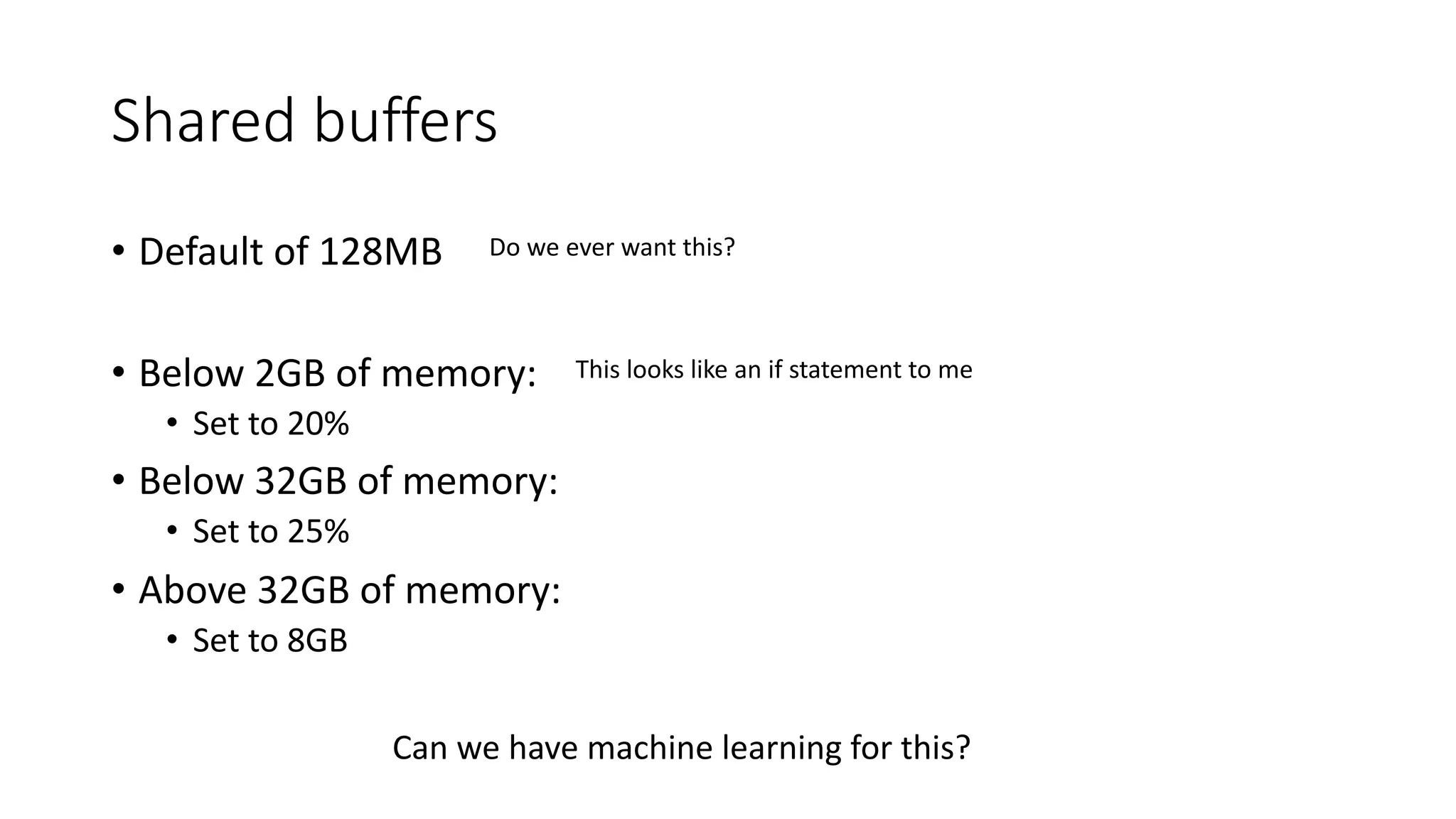
Shared buffers • Default of 128MB • Below 2GB of memory: • Set to 20% • Below 32GB of memory: • Set to 25% • Above 32GB of memory: • Set to 8GB Do we ever want this? This looks like an if statement to me Can we have machine learning for this?
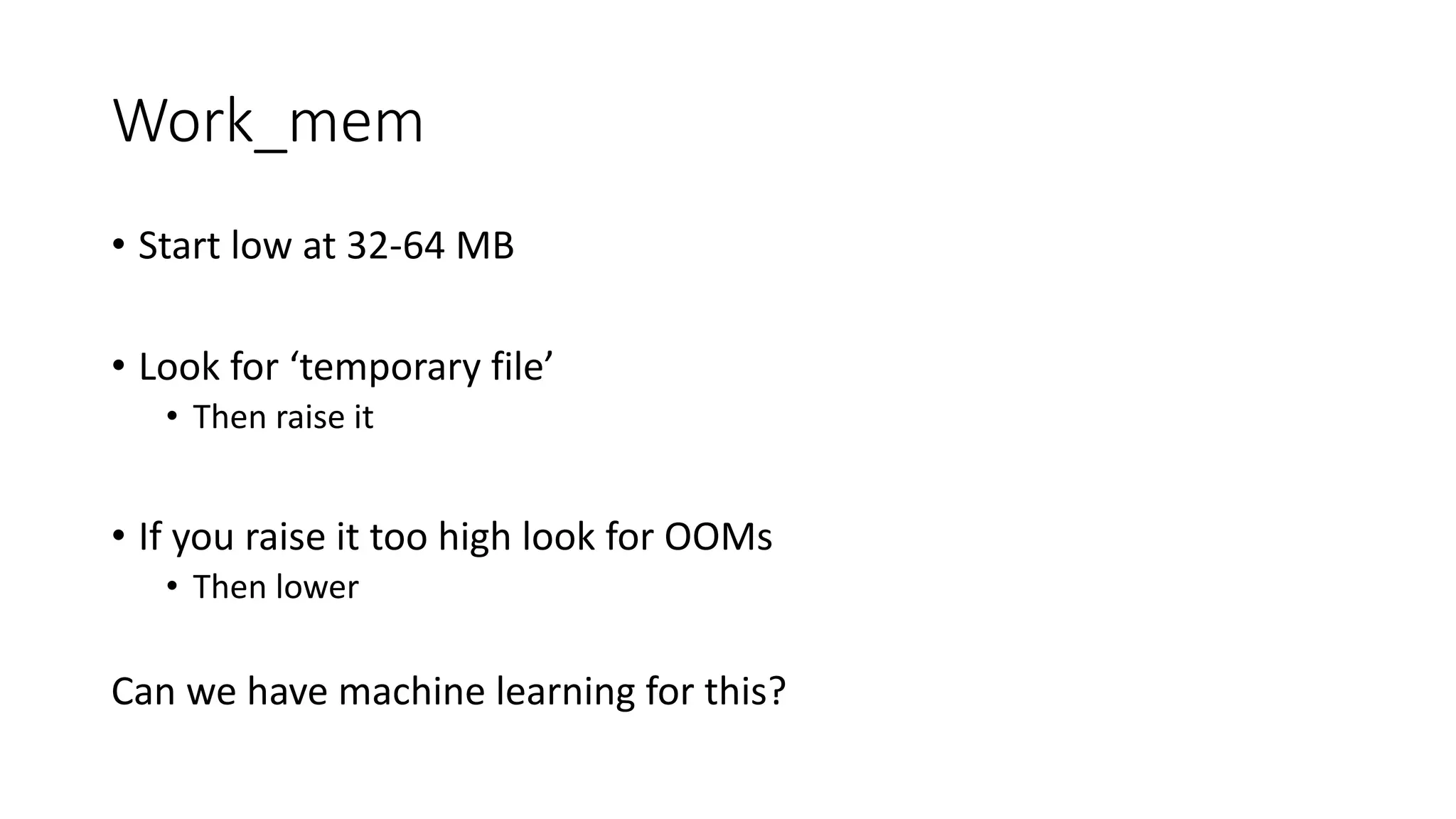
Work_mem • Start low at 32-64 MB • Look for ‘temporary file’ • Then raise it • If you raise it too high look for OOMs • Then lower Can we have machine learning for this?
But there are tools • https://postgresqlco.nf/en/doc/param/ • https://pgtune.leopard.in.ua/#/ • https://github.com/jfcoz/postgresqltuner And guides • https://thebuild.com/presentations/not-your-job-pgconf-us-2017.pdf
It’s up and running, ready for production!
I want availability • Read replica? • Primary/stand-by • Active/active • Load balancer?
Primary/stand-by • Patroni • PAF • Repmgr • Stolon • Pg_auto_failover
Postgres doesn’t have HA
Recovery time still not consistent
Backups Do we all agree we need them?
Backups • We give users pg_dump up to 100/500GB • Do we give them something else beyond that? • Same thing as HA, we don’t have a solution, we allow you to pick a solution
Backups • Postgres can know when it was last backed up • Should we tell users when it hasn’t been?
What’s wrong with Postgres Getting started 01 Getting to production 02 Operating at scale 03 The community 04 Other areas 05
Vacuum
Connections 1. Establishing a connection 2. Connection overhead 3. The ceiling is too low
Establishing a connection • Many databases running in cloud • Want to securely communicate • SSL or TLS negotiation aren’t free • 10-100ms to get a new connection
Connection overhead • Every connection consumes 10MB of overhead • Applications grab a “pool” of connections • Developers: I need 4,000 connections • Me: I see 4 active queries and 3996 idle queries
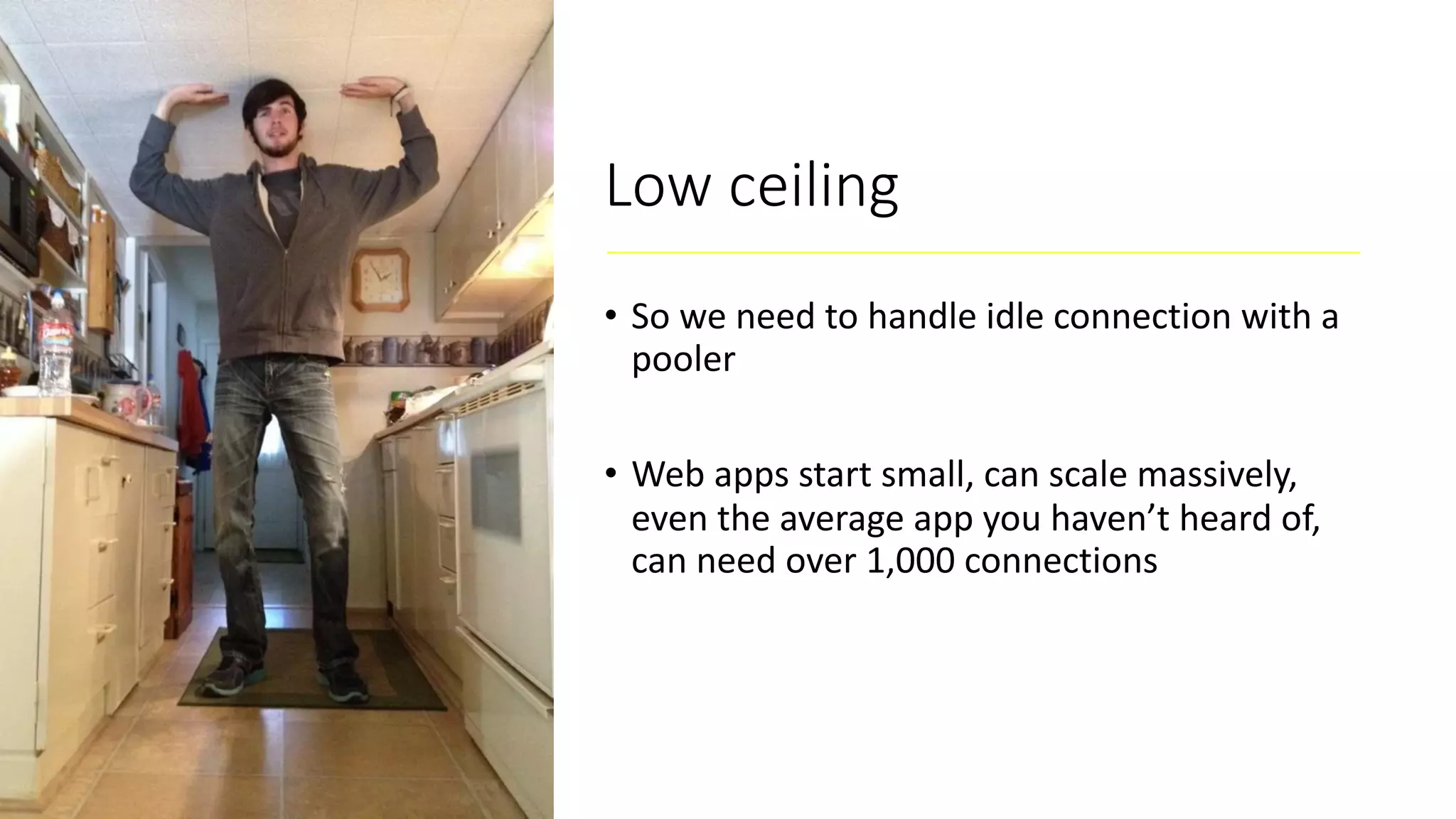
Low ceiling • So we need to handle idle connection with a pooler • Web apps start small, can scale massively, even the average app you haven’t heard of, can need over 1,000 connections
What’s wrong with Postgres Getting started 01 Getting to production 02 Operating at scale 03 The community 04 Other areas 05
The project • Businesses are betting on Postgres • But businesses have certain expectations
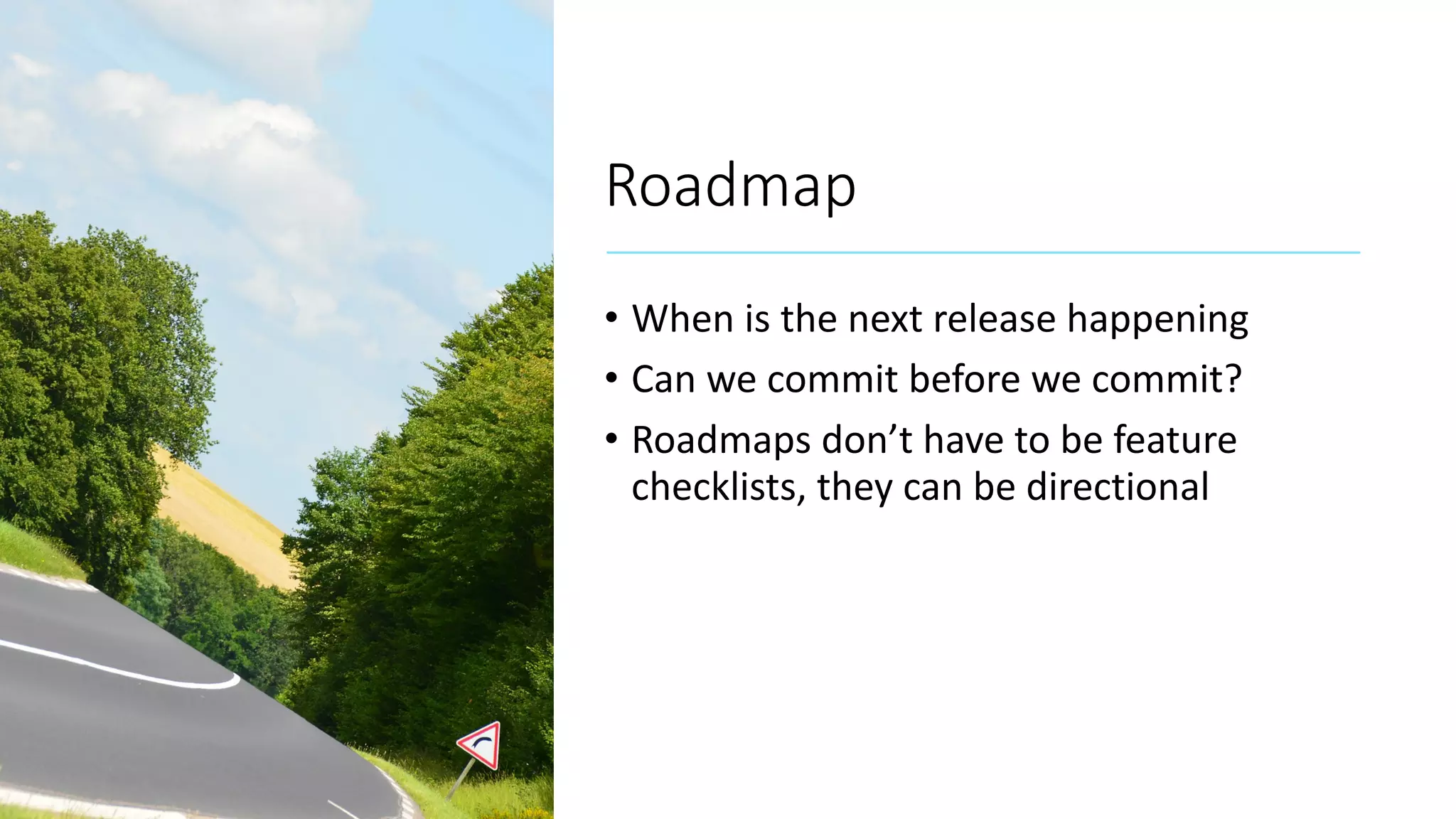
Roadmap • When is the next release happening • Can we commit before we commit? • Roadmaps don’t have to be feature checklists, they can be directional
Funding source • What is needed
What’s wrong with Postgres Getting started 01 Getting to production 02 Operating at scale 03 The community 04 Other areas 05
JSON • JSONB vs. JSON • Could these be one? • JSON users just want to insert data, they don’t want to even create a table
Extensions • What can’t they do: • Change the grammar • We still have a lot of missing hooks
Extensions • How do I discover them? • How do I vet them? • How do I install them? • Right now only a power user feature
What’s wrong with Postgre Getting started 01 Getting to production 02 Operating at scale 03 The community 04 Other areas 05 Thanks!

Whats wrong with postgres | PGConf EU 2019 | Craig Kerstiens

  • 1.
  • 2.
  • 3.
    Postgres is great,but it’s not perfect loved wanted DBMS of the Year
  • 4.
    Who am I Helpedbuild and grow Heroku Postgres Over 1.5 million databases across team of 8 individuals Lead product and cloud teams at Citus Currently running product for Azure Postgres Write a lot about Postgres – craigkerstiens.com Curate postgres weekly @craigkerstiens on twitter
  • 5.
  • 6.
    Biggest mistake Michael Fuhr<mike(at)fuhr(dot)org> writes: > On Wed, Jul 12, 2006 at 07:39:05PM +0300, Petronenko D.S. wrote: >> Can i get data in postgre from non-postgre db? > The name is PostgreSQL or Postgres, not postgre. It might help to explain that the pronunciation is "post-gres" or "post-gres-cue-ell", not "post-gray-something". I heard people making this same mistake in presentations at this past weekend's Postgres Anniversary Conference :-( Arguably, the 1996 decision to call it PostgreSQL instead of reverting to plain Postgres was the single worst mistake this project ever made. It seems far too late to change now, though. regards, tom lane
  • 7.
    Biggest mistake Michael Fuhr<mike(at)fuhr(dot)org> writes: > On Wed, Jul 12, 2006 at 07:39:05PM +0300, Petronenko D.S. wrote: >> Can i get data in postgre from non-postgre db? > The name is PostgreSQL or Postgres, not postgre. It might help to explain that the pronunciation is "post-gres" or "post-gres-cue-ell", not "post-gray-something". I heard people making this same mistake in presentations at this past weekend's Postgres Anniversary Conference :-( Arguably, the 1996 decision to call it PostgreSQL instead of reverting to plain Postgres was the single worst mistake this project ever made. It seems far too late to change now, though. regards, tom lane
  • 8.
  • 9.
    What’s wrong withPostgres Getting started 01 Getting to production 02 Operating at scale 03 The community 04 Other areas 05
  • 10.
    What’s wrong withPostgres Getting started 01 Getting to production 02 Operating at scale 03 The community 04 Other areas 05
  • 11.
  • 12.
    Did you knowPostgres has a tutorial?
  • 13.
    The tutorial Before youcan use PostgreSQL you need to install it, of course. It is possible that PostgreSQL is already installed at your site, either because it was included in your operating system distribution or because the system administrator already installed it. If that is the case, you should obtain information from the operating system documentation or your system administrator about how to access PostgreSQL. If you are not sure whether PostgreSQL is already available or whether you can use it for your experimentation then you can install it yourself. Doing so is not hard and it can be a good exercise. PostgreSQL can be installed by any unprivileged user; no superuser (root) access is required.
  • 14.
    The tutorial Before youcan use PostgreSQL you need to install it, of course. It is possible that PostgreSQL is already installed at your site, either because it was included in your operating system distribution or because the system administrator already installed it. If that is the case, you should obtain information from the operating system documentation or your system administrator about how to access PostgreSQL. If you are not sure whether PostgreSQL is already available or whether you can use it for your experimentation then you can install it yourself. Doing so is not hard and it can be a good exercise. PostgreSQL can be installed by any unprivileged user; no superuser (root) access is required.
  • 15.
    Go to chapter16 to install
  • 16.
  • 17.
    Install from source? •Okay, so installing is wrong, but we can get past that • I return to google and it helps
  • 18.
    What’s next • Architecturefundamentals • Creating a database • Accessing the database
  • 19.
    Accessing the database Runningthe PostgreSQL interactive terminal program, called psql, which allows you to interactively enter, edit, and execute SQL commands. Using an existing graphical frontend tool like pgAdmin or an office suite with ODBC or JDBC support to create and manipulate a database. These possibilities are not covered in this tutorial. Writing a custom application, using one of the several available language bindings. These possibilities are discussed further in Part IV.
  • 20.
    Accessing the database Runningthe PostgreSQL interactive terminal program, called psql, which allows you to interactively enter, edit, and execute SQL commands. Using an existing graphical frontend tool like pgAdmin or an office suite with ODBC or JDBC support to create and manipulate a database. These possibilities are not covered in this tutorial. Writing a custom application, using one of the several available language bindings. These possibilities are discussed further in Part IV.
  • 21.
  • 22.
    Accessing the database Runningthe PostgreSQL interactive terminal program, called psql, which allows you to interactively enter, edit, and execute SQL commands. Using an existing graphical frontend tool like pgAdmin or an office suite with ODBC or JDBC support to create and manipulate a database. These possibilities are not covered in this tutorial. Writing a custom application, using one of the several available language bindings. These possibilities are discussed further in Part IV.
  • 23.
    Accessing the database Runningthe PostgreSQL interactive terminal program, called psql, which allows you to interactively enter, edit, and execute SQL commands. Using an existing graphical frontend tool like pgAdmin or an office suite with ODBC or JDBC support to create and manipulate a database. These possibilities are not covered in this tutorial. Writing a custom application in C, using one of the several available language bindings. These possibilities are discussed further in Part IV.
  • 24.
    What if: • Gettingstarted with • Ruby • Ruby and Rails • Ruby and Sequel • Python • Django • Python and SQLAlchemy • Java • Node • C • Go • PHP • Perl
  • 25.
    Django getting started InstallPostgres pip install django psycopg2 django-admin.py startproject myproject . ~/myproject/myproject/settings.py DATABASES = { 'default': { 'ENGINE': 'django.db.backends.postgresql_psycopg2', 'NAME': 'myproject', 'USER': 'myprojectuser', 'PASSWORD': 'password', 'HOST': 'localhost', 'PORT': '', } }
  • 26.
  • 27.
    How do Iknow what to look for
  • 28.
    How do Iknow what to look for
  • 29.
    How do wefix it? Dedicated tutorial section Can we pattern match for common searches? Do we analyze our google traffic to see where people land? Ask if docs were helpful?
  • 30.
    What’s wrong withPostgres Getting started 01 Getting to production 02 Operating at scale 03 The community 04 Other areas 05
  • 31.
    Some assembly required • Config •High availability • Recovery
  • 32.
  • 33.
    Config • Postgresql.conf –settings • Pg_hba.conf – access
  • 34.
  • 35.
    Logging • If youhave syslog use it • People that have syslog know what it is • If someone doesn’t know what syslog is, shouldn’t we give them something useful?
  • 36.
    Shared buffers • Defaultof 128MB • Below 2GB of memory: • Set to 20% • Below 32GB of memory: • Set to 25% • Above 32GB of memory: • Set to 8GB Do we ever want this? This looks like an if statement to me Can we have machine learning for this?
  • 37.
    Work_mem • Start lowat 32-64 MB • Look for ‘temporary file’ • Then raise it • If you raise it too high look for OOMs • Then lower Can we have machine learning for this?
  • 38.
    But there aretools • https://postgresqlco.nf/en/doc/param/ • https://pgtune.leopard.in.ua/#/ • https://github.com/jfcoz/postgresqltuner And guides • https://thebuild.com/presentations/not-your-job-pgconf-us-2017.pdf
  • 39.
    It’s up andrunning, ready for production!
  • 40.
    I want availability •Read replica? • Primary/stand-by • Active/active • Load balancer?
  • 41.
    Primary/stand-by • Patroni • PAF •Repmgr • Stolon • Pg_auto_failover
  • 42.
  • 43.
    Recovery time stillnot consistent
  • 44.
    Backups Do weall agree we need them?
  • 45.
    Backups • We giveusers pg_dump up to 100/500GB • Do we give them something else beyond that? • Same thing as HA, we don’t have a solution, we allow you to pick a solution
  • 46.
    Backups • Postgres canknow when it was last backed up • Should we tell users when it hasn’t been?
  • 47.
    What’s wrong withPostgres Getting started 01 Getting to production 02 Operating at scale 03 The community 04 Other areas 05
  • 48.
  • 49.
    Connections 1. Establishing aconnection 2. Connection overhead 3. The ceiling is too low
  • 50.
    Establishing a connection •Many databases running in cloud • Want to securely communicate • SSL or TLS negotiation aren’t free • 10-100ms to get a new connection
  • 51.
    Connection overhead • Everyconnection consumes 10MB of overhead • Applications grab a “pool” of connections • Developers: I need 4,000 connections • Me: I see 4 active queries and 3996 idle queries
  • 52.
    Low ceiling • Sowe need to handle idle connection with a pooler • Web apps start small, can scale massively, even the average app you haven’t heard of, can need over 1,000 connections
  • 53.
    What’s wrong withPostgres Getting started 01 Getting to production 02 Operating at scale 03 The community 04 Other areas 05
  • 54.
    The project • Businessesare betting on Postgres • But businesses have certain expectations
  • 56.
    Roadmap • When isthe next release happening • Can we commit before we commit? • Roadmaps don’t have to be feature checklists, they can be directional
  • 57.
  • 58.
    What’s wrong withPostgres Getting started 01 Getting to production 02 Operating at scale 03 The community 04 Other areas 05
  • 59.
    JSON • JSONB vs.JSON • Could these be one? • JSON users just want to insert data, they don’t want to even create a table
  • 60.
    Extensions • What can’tthey do: • Change the grammar • We still have a lot of missing hooks
  • 61.
    Extensions • How doI discover them? • How do I vet them? • How do I install them? • Right now only a power user feature
  • 62.
    What’s wrong withPostgre Getting started 01 Getting to production 02 Operating at scale 03 The community 04 Other areas 05 Thanks!