






Blazor UI: Block/Busy Service
UI Block disables (blocks) the page or a part of the page.
Quick Example
Simply inject IBlockUiService to your page or component and call the Block/UnBlock method to disables (blocks) the element.
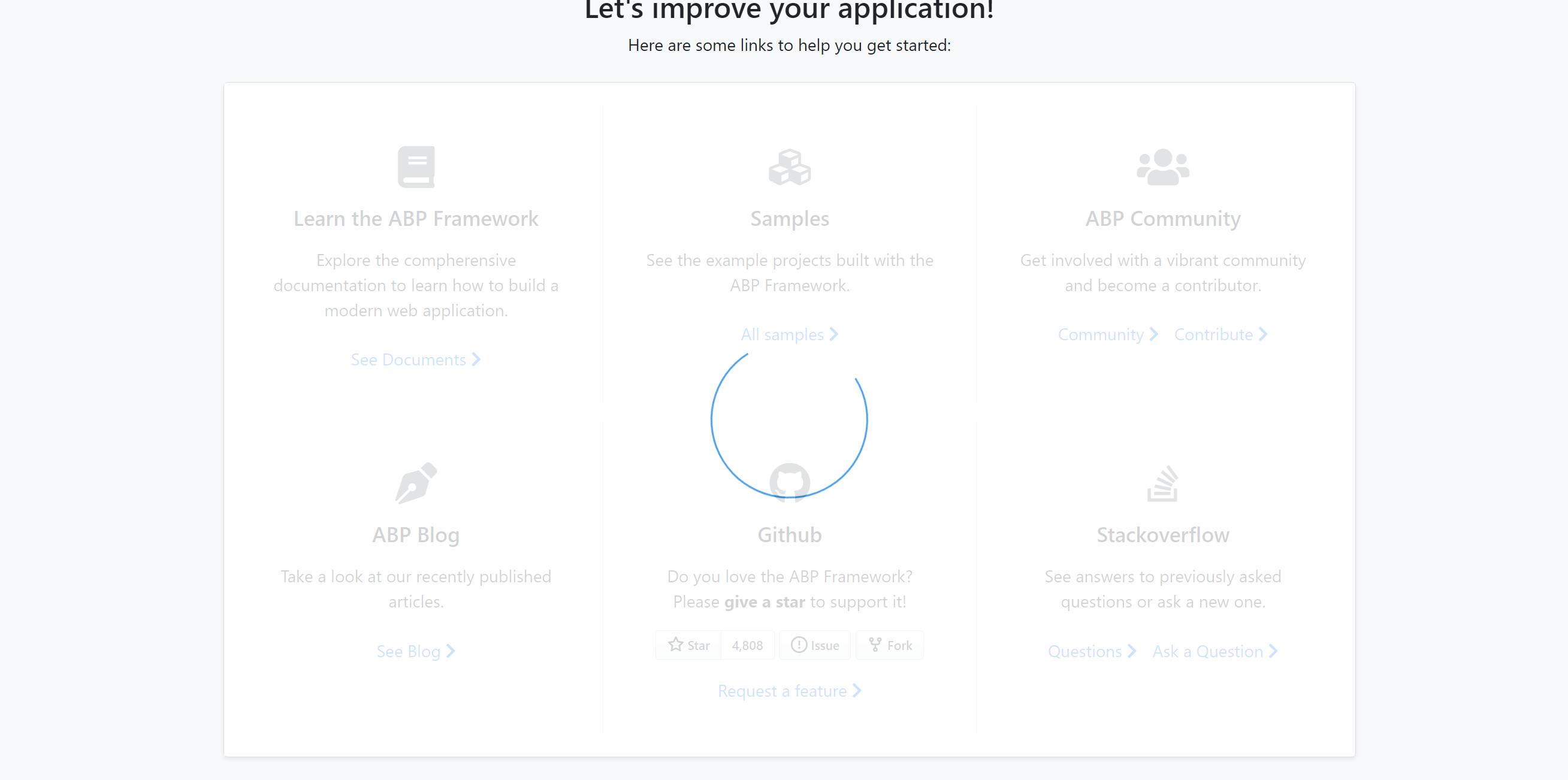
namespace MyProject.Blazor.Pages { public partial class Index { private readonly IBlockUiService _blockUiService; public Index(IBlockUiService _blockUiService) { _blockUiService = blockUiService; } public async Task BlockForm() { /* Parameters of Block method: selectors: A string containing one or more selectors to match. https://developer.mozilla.org/en-US/docs/Web/API/Document/querySelector#selectors busy : Set to true to show a progress indicator on the blocked area. */ await _blockUiService.Block(selectors: "#MySelectors", busy: true); } } } The resulting UI will look like below:
Then you can use _blockUiService.UnBlock() to re-enable the busy area/page.




