
AI for the real world of maintenance
We build smart, human-centered tools that turn clean data into action and empower technicians to do their best work.
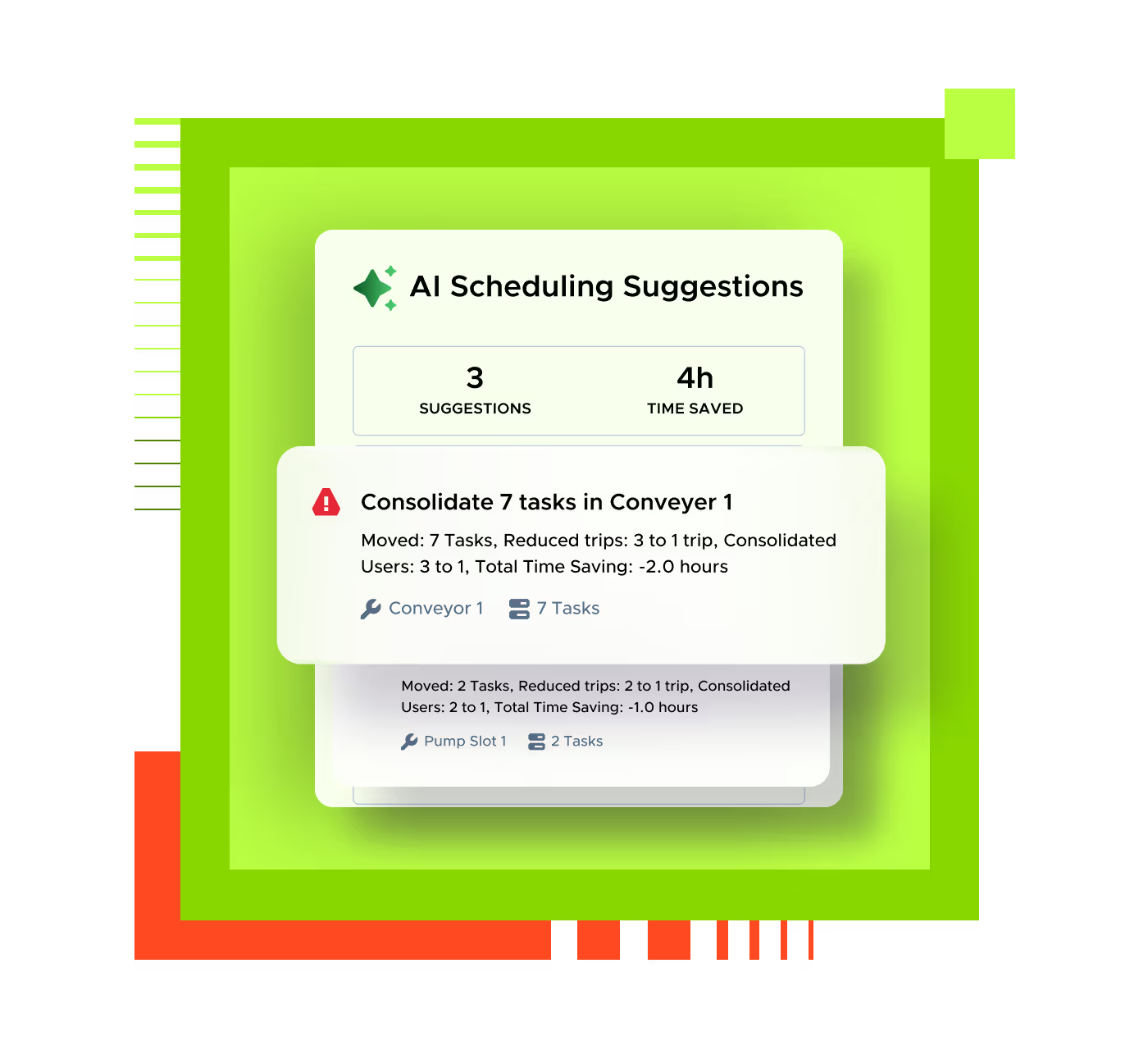
Introducing Practical AI
Our approach to AI is built for everyday maintenance work. It turns complex data into clear actions, so teams spot issues earlier, decide faster, and keep assets running.


Built into everyday workflows, not added after the fact.

Focused on measurable results, not buzzwords.

Made to work with your team, not instead of it.
Purpose-built intelligence. Practical design.
Every AI capability inside Limble is an example of Applied Intelligence in action: tools that make complex decisions simple and measurable.
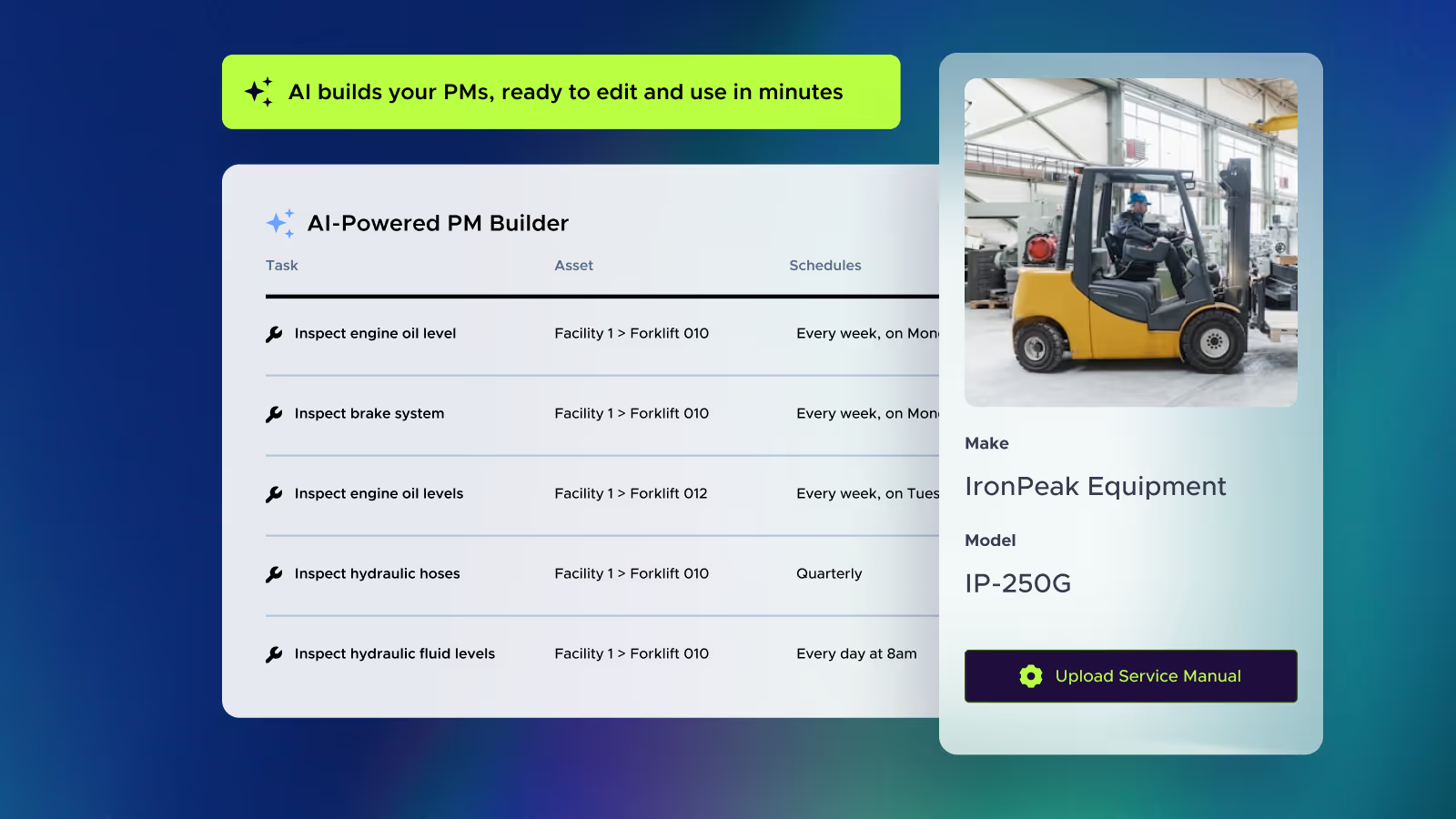
Build smarter PMs in minutes
Limble's AI PM Builder automatically turns service manuals and asset data into ready-to-use maintenance schedules, helping teams standardize and save hours of setup time.
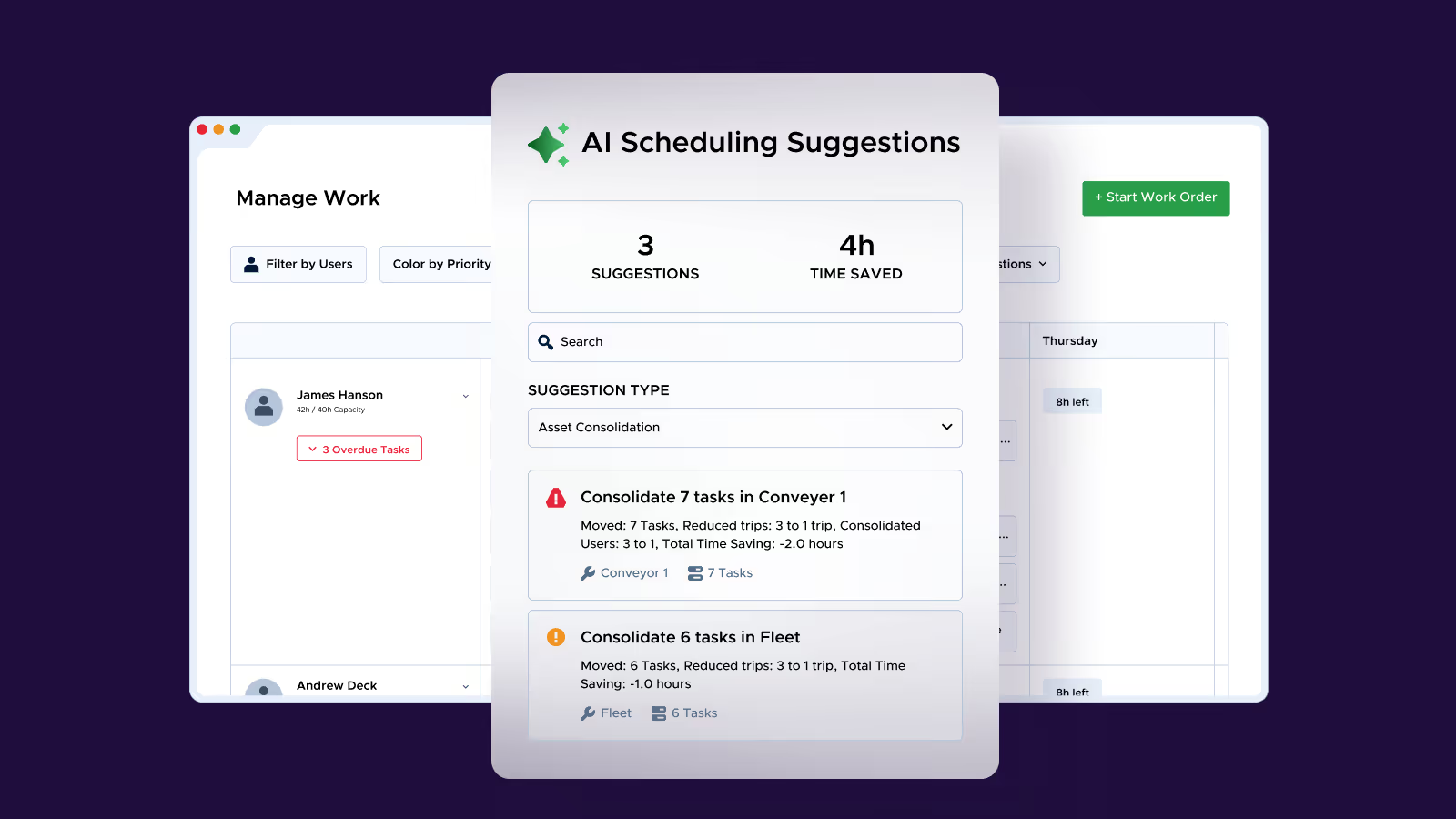
Plan every job with clarity and control
See labor capacity, inventory levels, and work priorities in one place. Limble helps you allocate resources efficiently and keep maintenance plans on track.
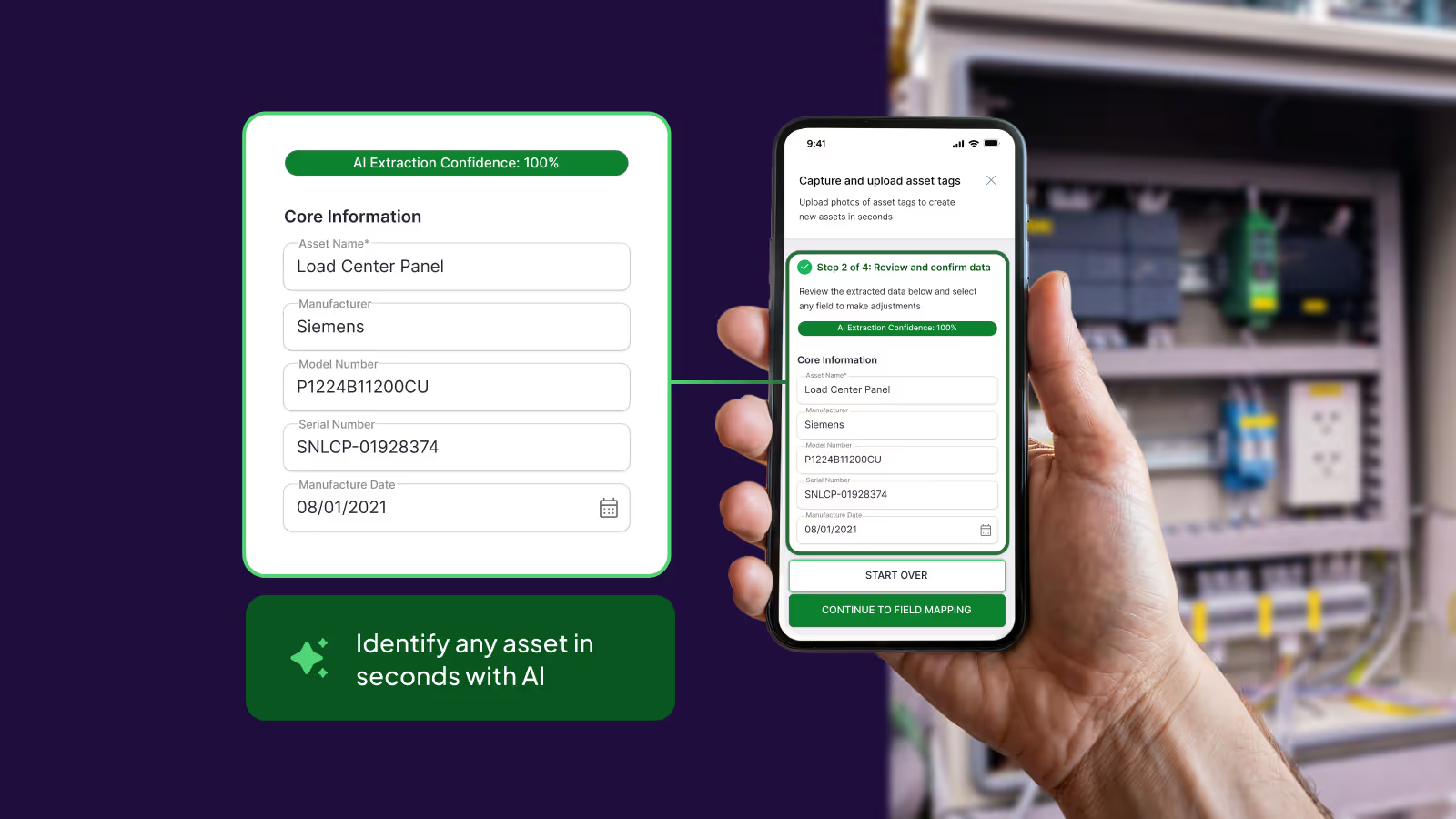
Capture and identify assets instantly
Asset Snap uses AI-powered image and text recognition to pull details directly from an asset nameplate, creating a new asset in seconds. No typing or manual entry required.
The AI-ready data layer powering smarter insights
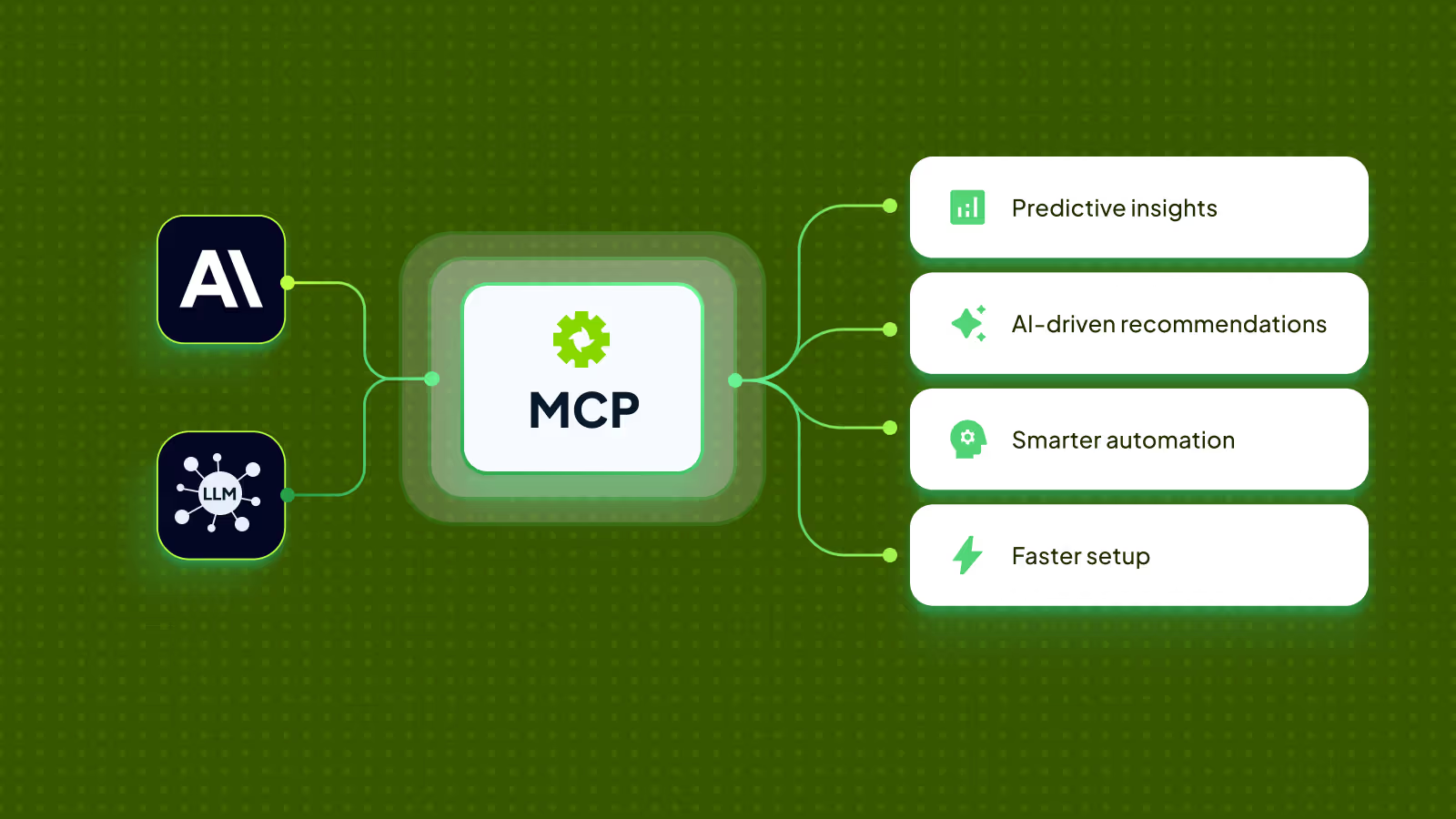
MCP lets developers securely connect Limble’s data to AI tools, powering better recommendations, faster automation, and flexible integrations for your maintenance team.
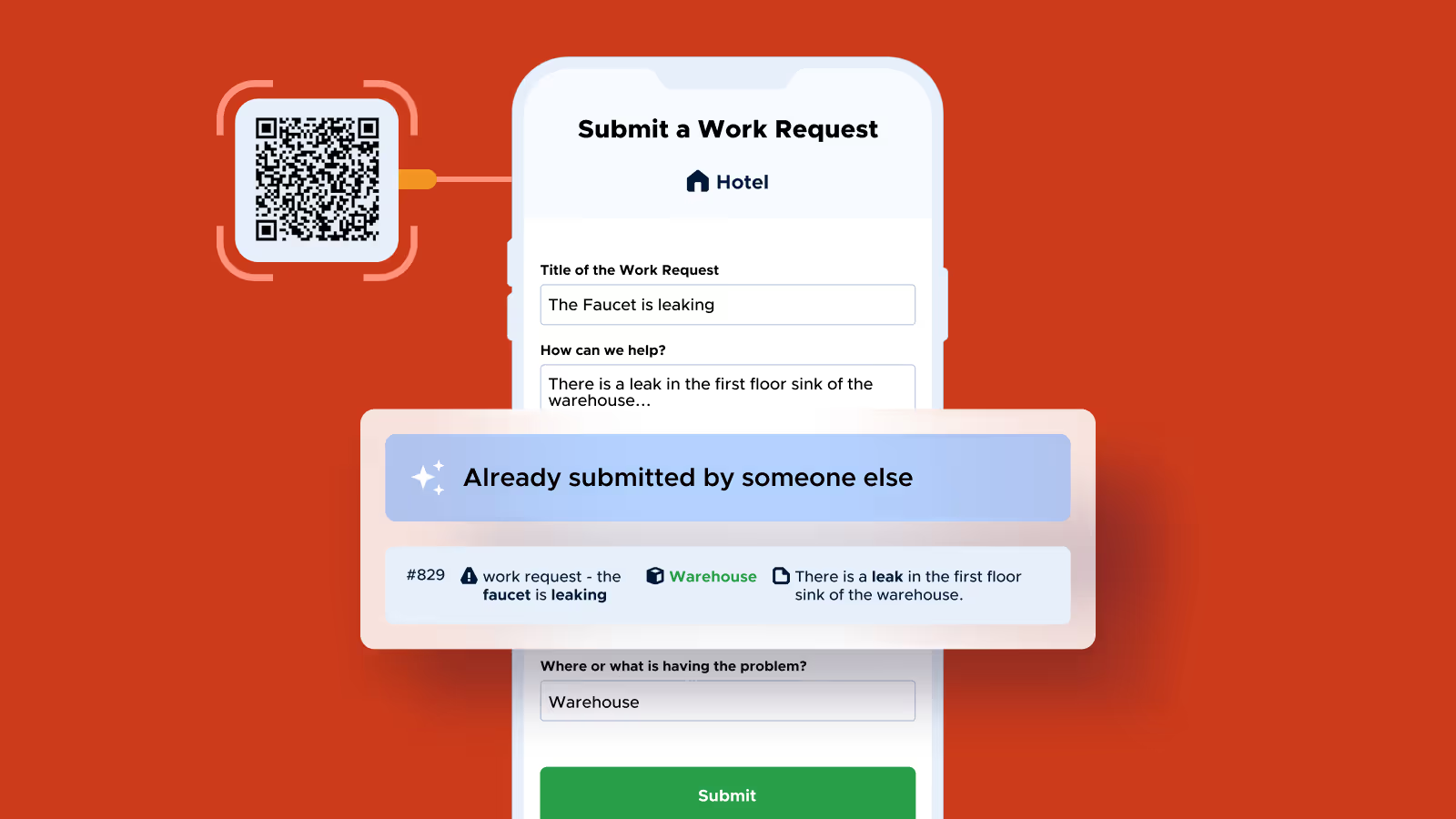
Prevent duplicate work requests automatically
Limble’s AI detects when multiple users submit similar requests for the same issue, saving time, reducing confusion, and keeping your maintenance data clean and accurate.
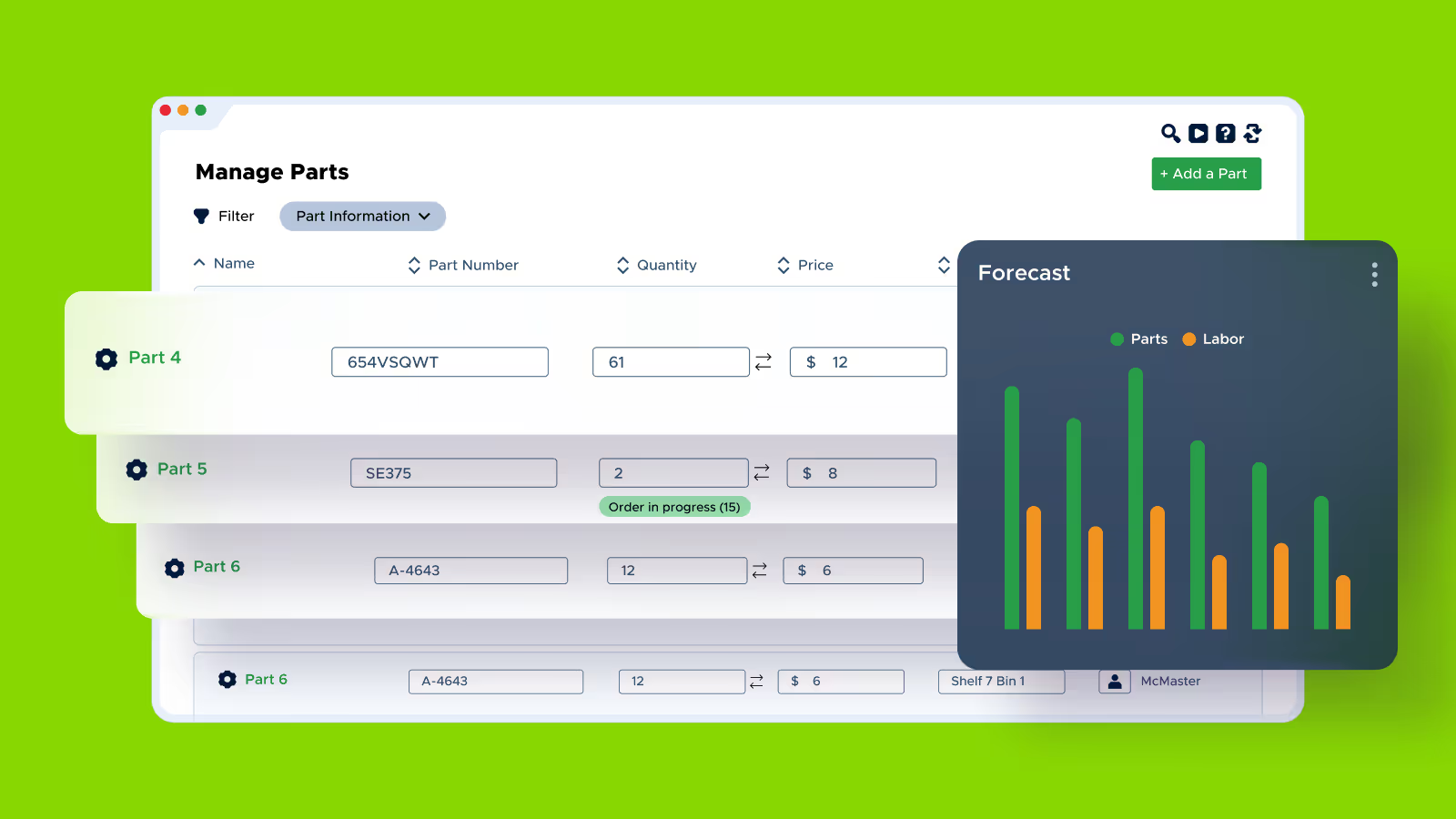
Forecast and plan with intelligent reporting
Spot trends, forecast needs, and plan resources with data-driven reports that help you stay ahead of maintenance demands.
Detect anomalies before failures happen
Limble monitors asset performance and flags unusual readings in real time, so you can act fast, prevent downtime, and keep equipment healthy.




AI that earns your trust
Our AI is only possible when data is safe, secure, and accurate. That’s why every Limble AI feature undergoes rigorous security and privacy reviews, with end-to-end data encryption and full CCPA and GDPR compliance.
Ready to learn more about Limble?
Schedule a demo or calculate your price right away.
FAQ for CMMS software
Key features to look for in a CMMS solution:
- Work Order Management: Track work orders from start to finish.
- Preventive Maintenance Scheduling: Automates the scheduling of maintenance needs to minimize downtime and ensure equipment reliability.
- Asset Tracking: Centralizes asset information and maintenance history.
- Inventory Management: Tracks inventory and ensures parts availability, minimizing delays and keeping maintenance operations running smoothly.
- Analytics: Delivers actionable insights into maintenance work and costs, supporting data-driven decision-making for improved maintenance program.
- EAM (Enterprise Asset Management) Readiness: The capability of a CMMS platform to scale for enterprise requirements and seamlessly integrate with other systems like ERP and more.
These features enhance efficiency, reduce costs, prevent breakdowns, and extend asset lifespan while improving reliability. Learn more about CMMS features.
Facility managers, operations managers, and asset managers use CMMS software to streamline audits, ensure regulatory compliance, schedule preventive maintenance tasks, and efficiently manage asset lifecycles. It is widely used in industries like manufacturing, education, energy & utilities, and food & beverage to help optimize resources and improve maintenance processes.
Implementing CMMS software often takes 6 to 12 months. With Limble, recognized as the best CMMS software, customers see value in just 3 weeks. Our product experts provide 24/7 hands-on support and ensure seamless migration every step of the way.
Limble’s CMMS can integrate with IoT devices and other software systems to enable real-time asset health monitoring, collecting of critical data on equipment performance. This supports predictive maintenance by identifying potential issues early, reducing downtime, and scheduling repairs before failures occur.