TRINITY INSTITUTE OF PROFESSIONAL STUDIES Sector – 9, Dwarka Institutional Area, New Delhi-75 Affiliated Institution of G.G.S.IP.U, Delhi Priyanka Rattan Assistant Professor(IT) BCA, FEDT VB .NET,20205
TRINITY INSTITUTE OF PROFESSIONAL STUDIES Sector – 9, Dwarka Institutional Area, New Delhi-75 Topics • Introduction to VB .Net • Creating VB .Net Project in VS 2005 • Data types and Operators in VB .Net • Conditions (If Else, Select Case) • Loops (Do While, Do Until, For) • Classes, Objects • Sub routines and Functions
TRINITY INSTITUTE OF PROFESSIONAL STUDIES Sector – 9, Dwarka Institutional Area, New Delhi-75 Introduction • VB .Net is developed by Microsoft • It is Visual Basic for .Net Platform • Ancestor of VB .Net is BASIC • In 1991, Microsoft added visual components to BASIC and created Visual Basic • After the development of .Net, VB was added with more set of controls and components and thus evolved a new language VB .Net
TRINITY INSTITUTE OF PROFESSIONAL STUDIES Sector – 9, Dwarka Institutional Area, New Delhi-75 Pros and Cons • Pros – Faster development of programs – Rich set of controls – Object Orientation of language enhances modularity, readability and maintainability • Cons – Debugging larger programs is difficult, due to the absence of an effective debugger
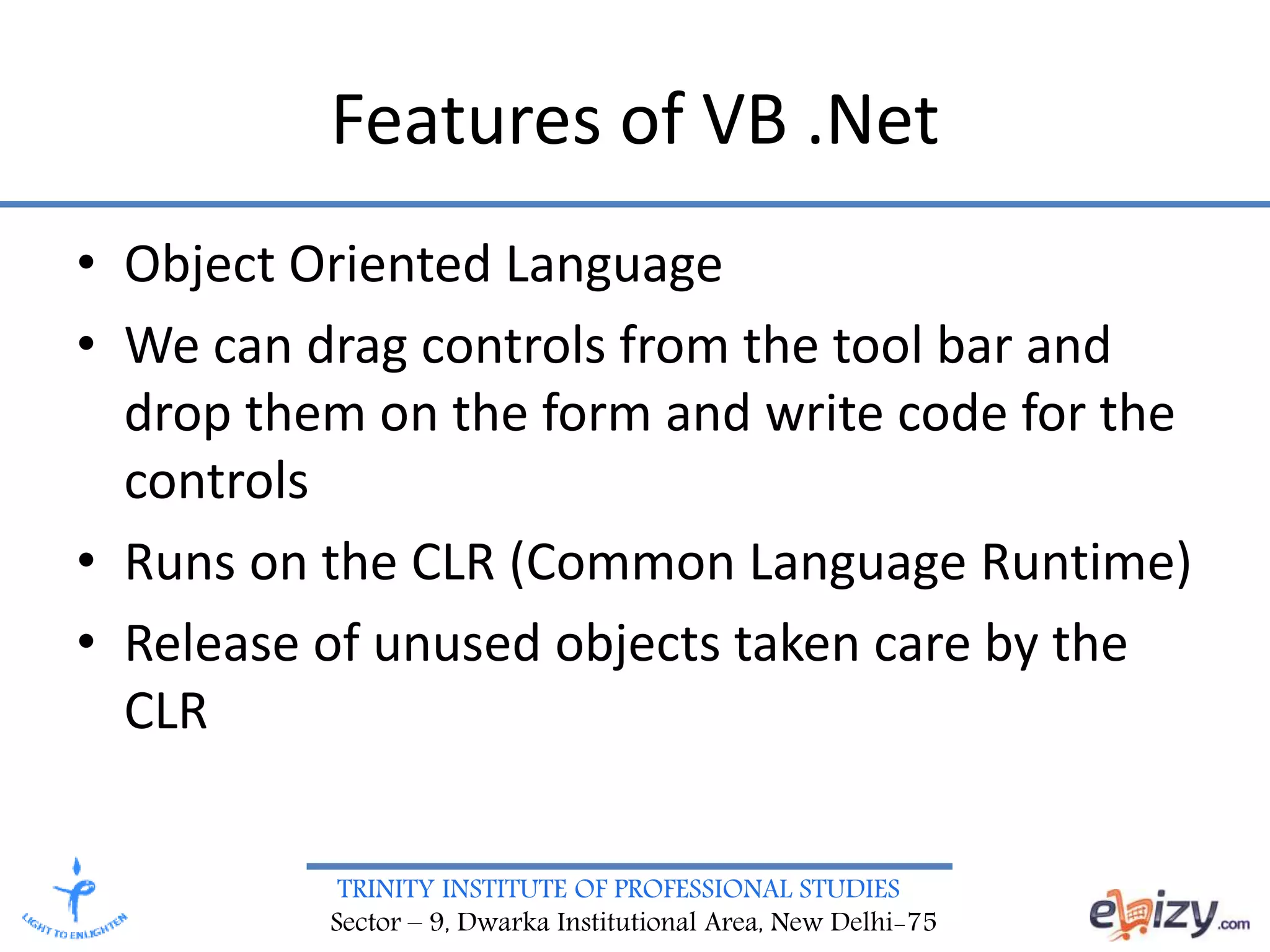
TRINITY INSTITUTE OF PROFESSIONAL STUDIES Sector – 9, Dwarka Institutional Area, New Delhi-75 Features of VB .Net • Object Oriented Language • We can drag controls from the tool bar and drop them on the form and write code for the controls • Runs on the CLR (Common Language Runtime) • Release of unused objects taken care by the CLR
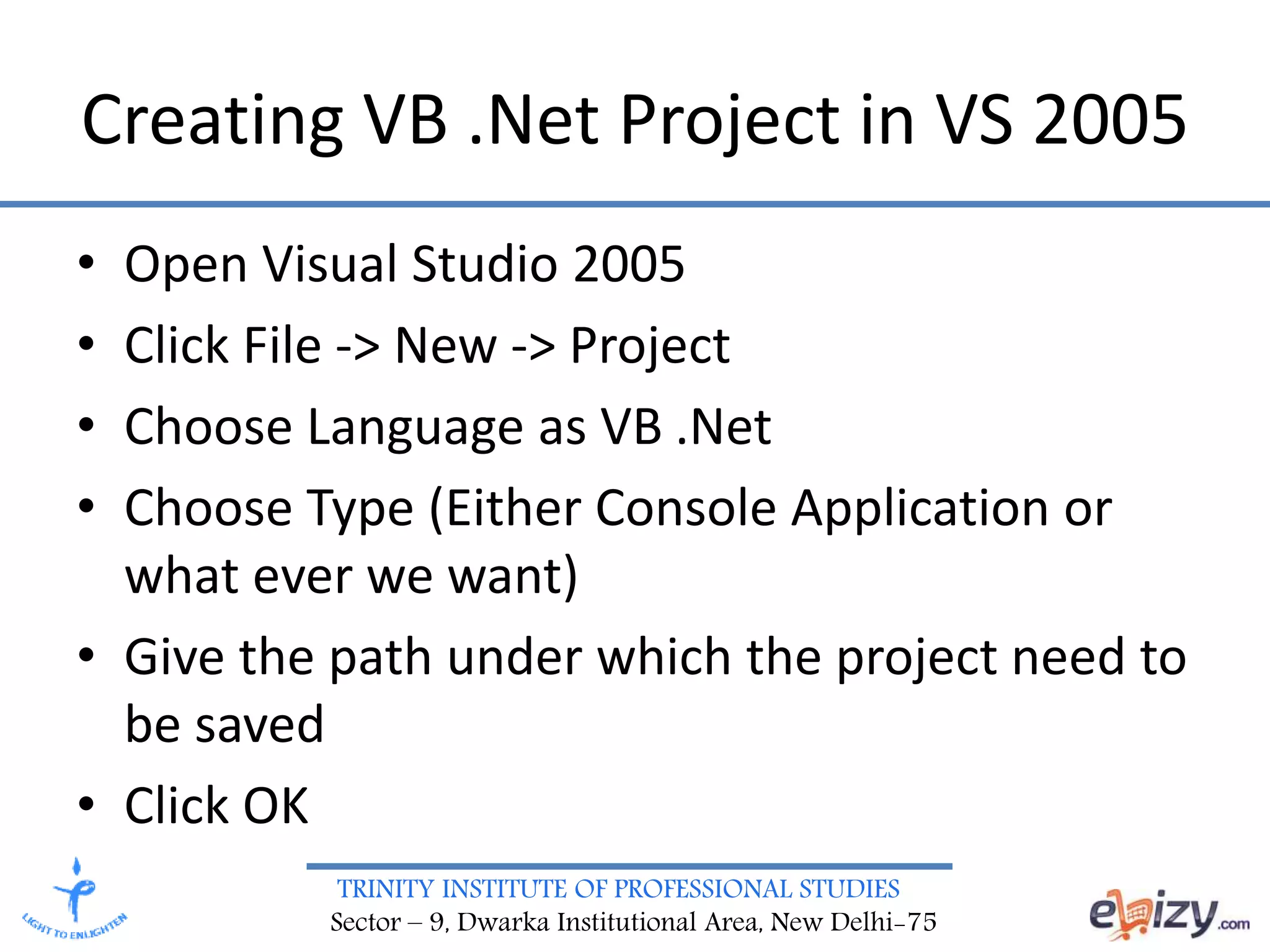
TRINITY INSTITUTE OF PROFESSIONAL STUDIES Sector – 9, Dwarka Institutional Area, New Delhi-75 Creating VB .Net Project in VS 2005 • Open Visual Studio 2005 • Click File -> New -> Project • Choose Language as VB .Net • Choose Type (Either Console Application or what ever we want) • Give the path under which the project need to be saved • Click OK
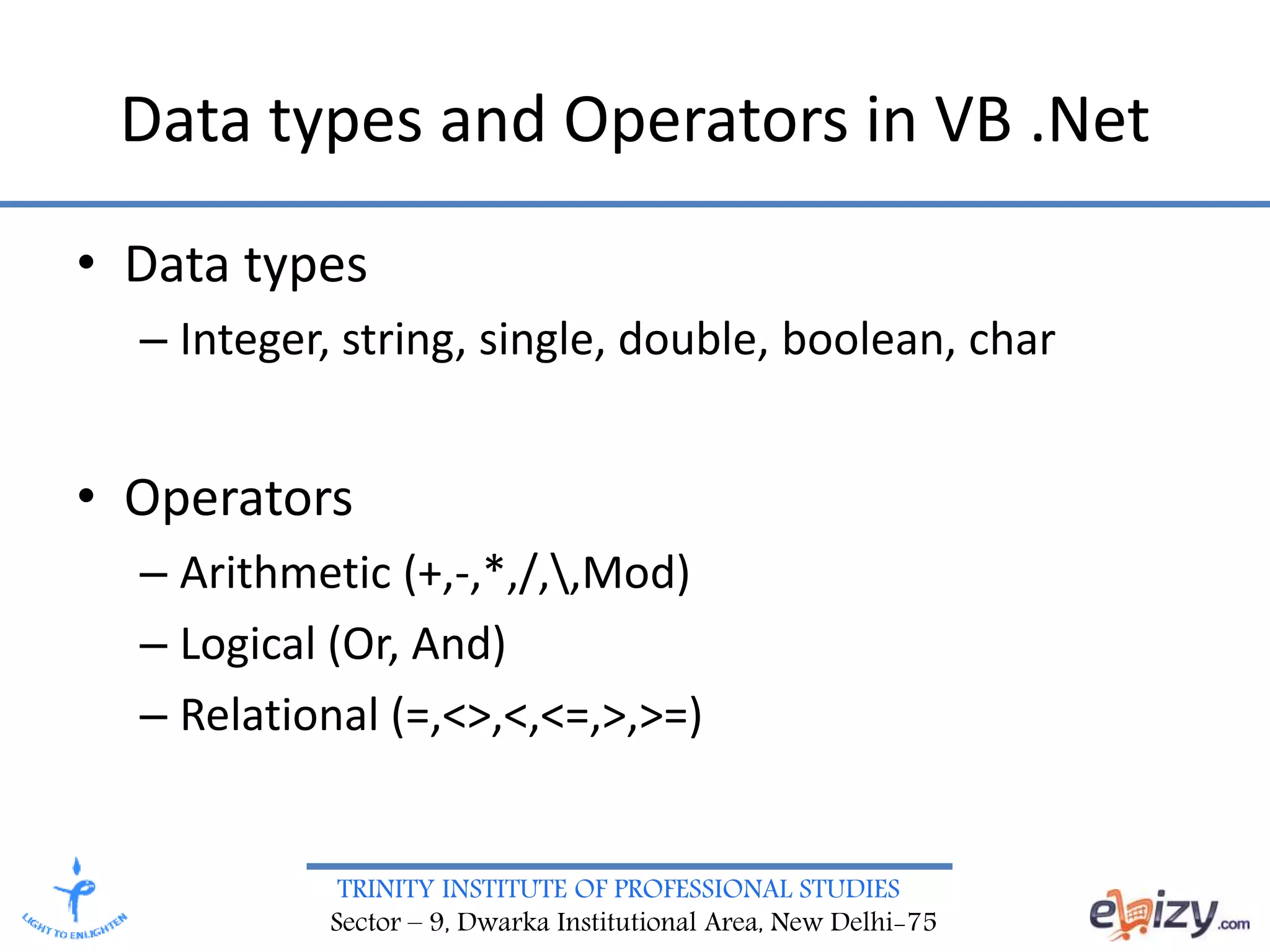
TRINITY INSTITUTE OF PROFESSIONAL STUDIES Sector – 9, Dwarka Institutional Area, New Delhi-75 Data types and Operators in VB .Net • Data types – Integer, string, single, double, boolean, char • Operators – Arithmetic (+,-,*,/,,Mod) – Logical (Or, And) – Relational (=,<>,<,<=,>,>=)
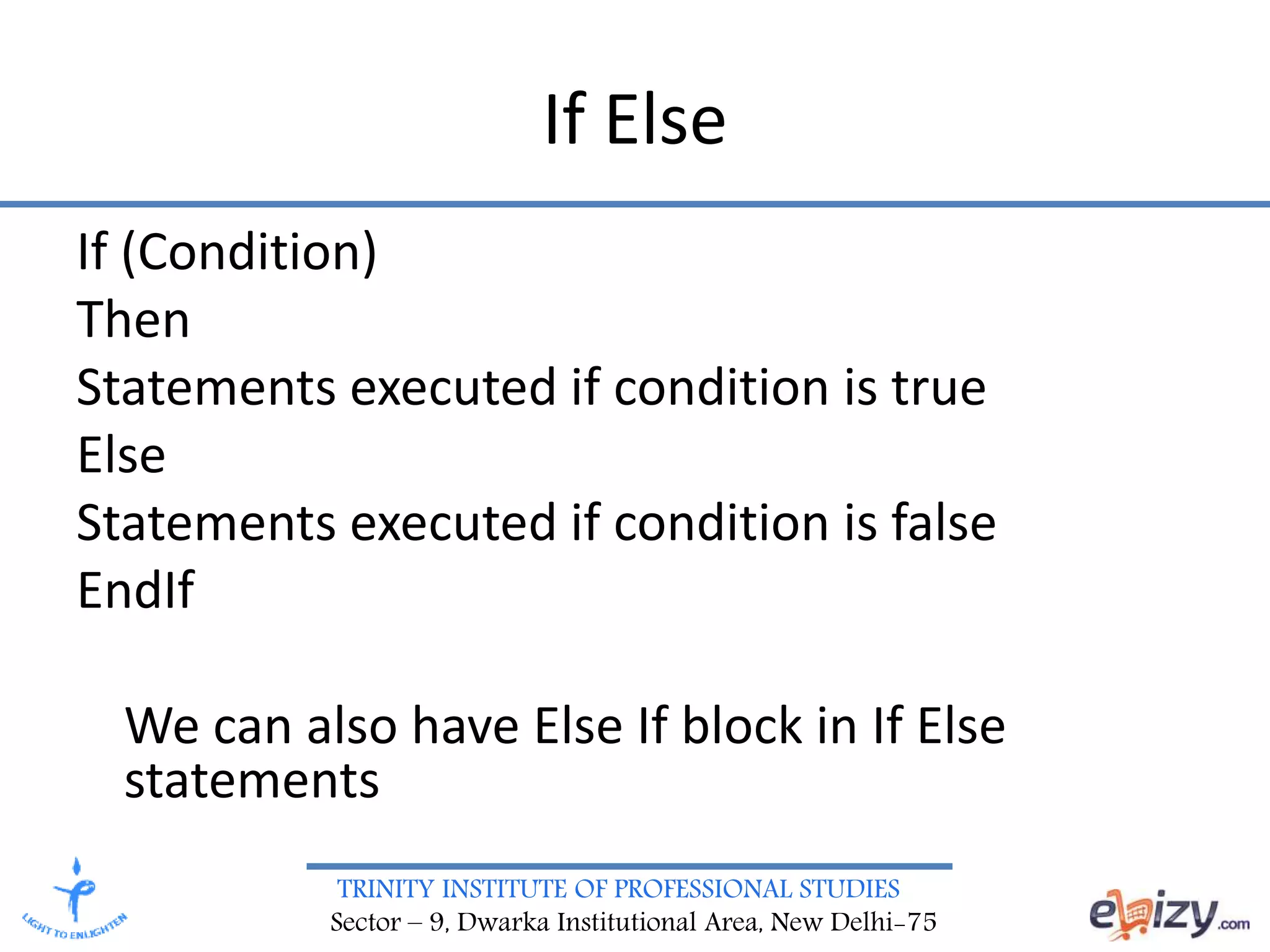
TRINITY INSTITUTE OF PROFESSIONAL STUDIES Sector – 9, Dwarka Institutional Area, New Delhi-75 If Else If (Condition) Then Statements executed if condition is true Else Statements executed if condition is false EndIf We can also have Else If block in If Else statements
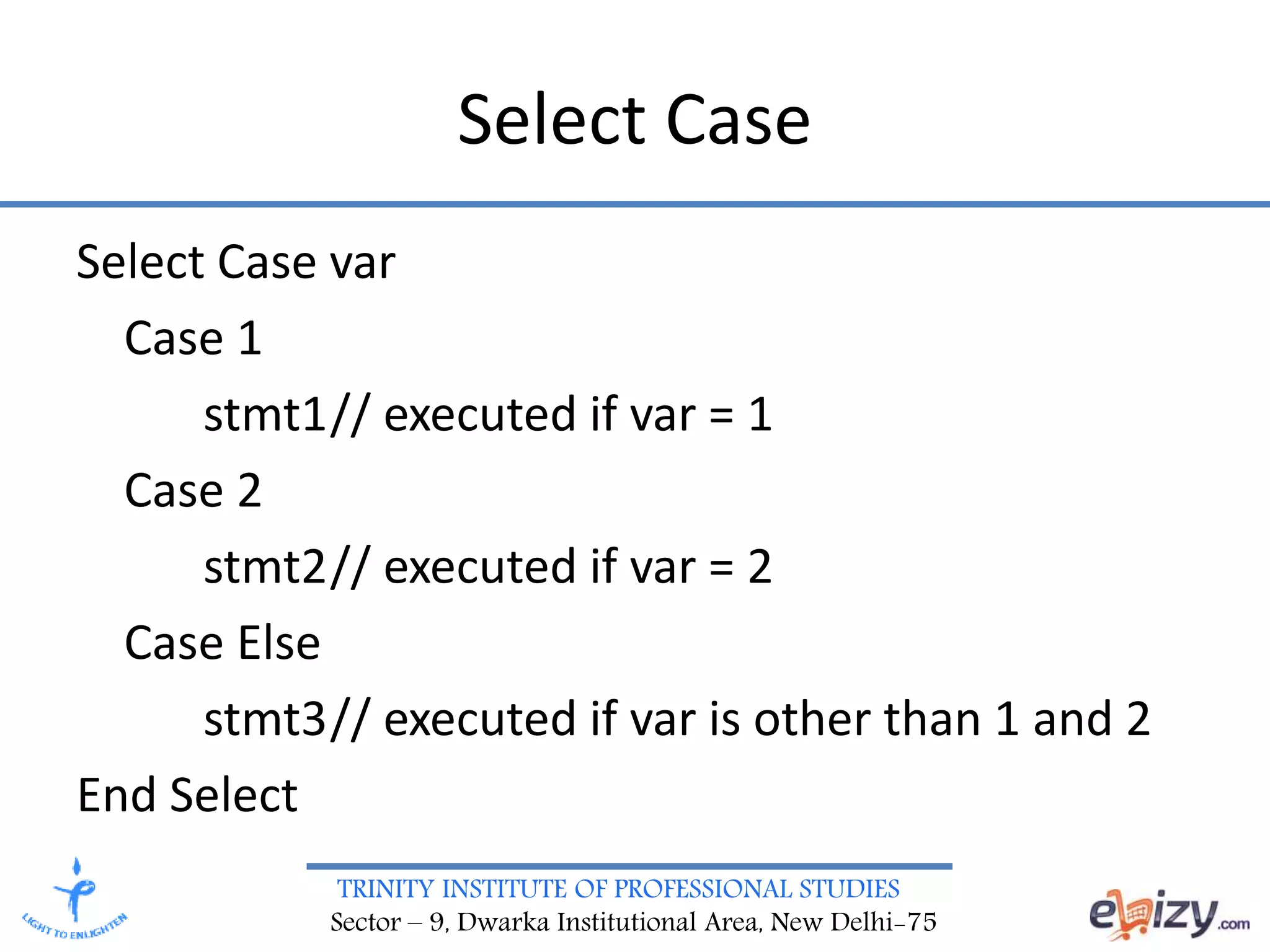
TRINITY INSTITUTE OF PROFESSIONAL STUDIES Sector – 9, Dwarka Institutional Area, New Delhi-75 Select Case Select Case var Case 1 stmt1// executed if var = 1 Case 2 stmt2// executed if var = 2 Case Else stmt3// executed if var is other than 1 and 2 End Select
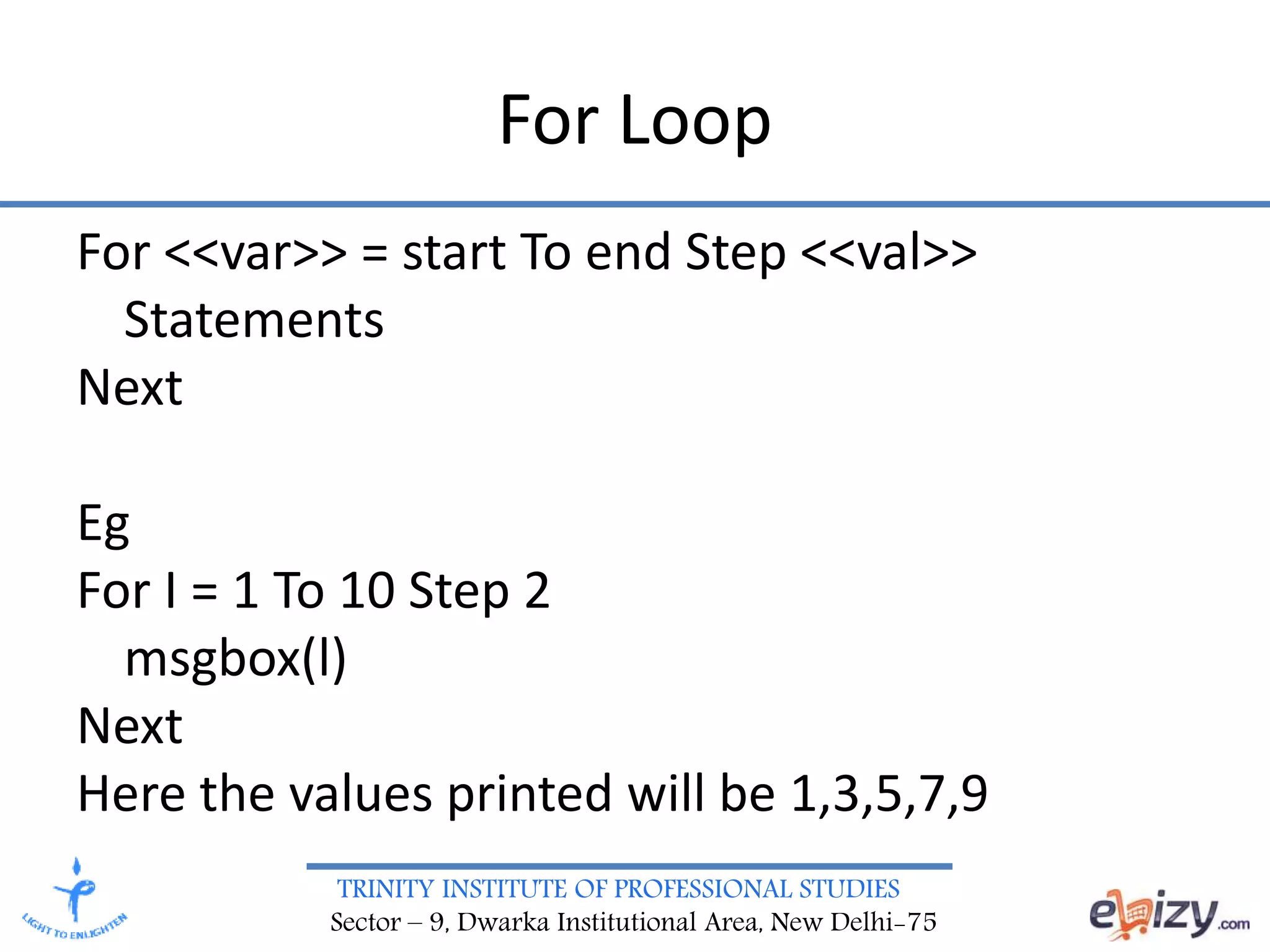
TRINITY INSTITUTE OF PROFESSIONAL STUDIES Sector – 9, Dwarka Institutional Area, New Delhi-75 For Loop For <<var>> = start To end Step <<val>> Statements Next Eg For I = 1 To 10 Step 2 msgbox(l) Next Here the values printed will be 1,3,5,7,9
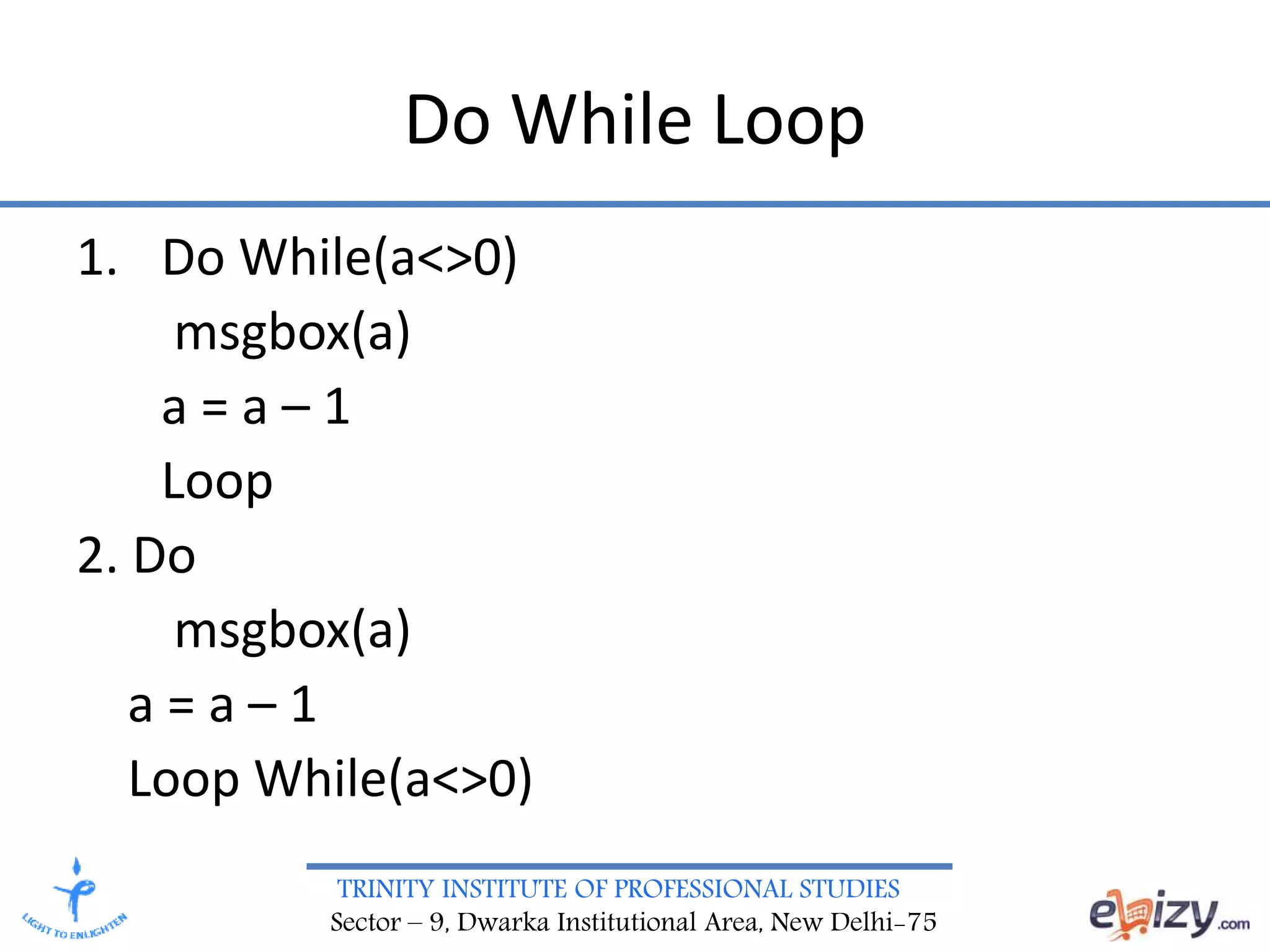
TRINITY INSTITUTE OF PROFESSIONAL STUDIES Sector – 9, Dwarka Institutional Area, New Delhi-75 Do While Loop 1. Do While(a<>0) msgbox(a) a = a – 1 Loop 2. Do msgbox(a) a = a – 1 Loop While(a<>0)
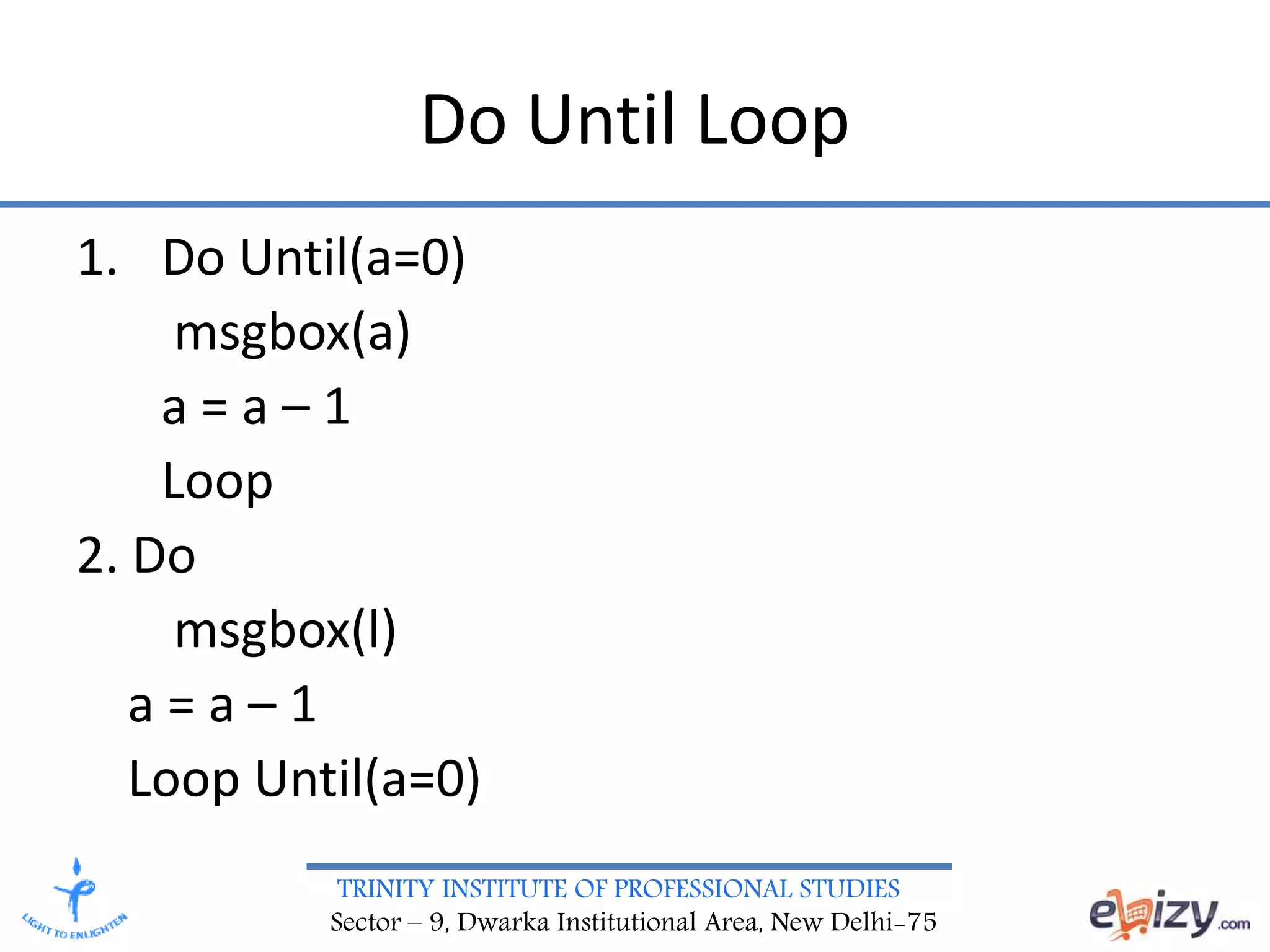
TRINITY INSTITUTE OF PROFESSIONAL STUDIES Sector – 9, Dwarka Institutional Area, New Delhi-75 Do Until Loop 1. Do Until(a=0) msgbox(a) a = a – 1 Loop 2. Do msgbox(l) a = a – 1 Loop Until(a=0)
TRINITY INSTITUTE OF PROFESSIONAL STUDIES Sector – 9, Dwarka Institutional Area, New Delhi-75 Class • Software structure that is important in Object Oriented Programming • Has data members and methods • Blue print or proto type for an object • Contains the common properties and methods of an object • Few examples are Car, Person, Animal
TRINITY INSTITUTE OF PROFESSIONAL STUDIES Sector – 9, Dwarka Institutional Area, New Delhi-75 Object • Instance of a class • Gives Life to a class • Ram is an object belonging to the class Person • Ford is an object belonging to the class Car • Jimmy is an object belonging to the class Animal
TRINITY INSTITUTE OF PROFESSIONAL STUDIES Sector – 9, Dwarka Institutional Area, New Delhi-75 Subroutines and Functions • Subroutines – Does not return any value – Can have zero or more parameters • Functions – Always Returns some value – Can have zero or more parameters

FEDT VB NET- Creating VB .Net Project

  • 1.
    TRINITY INSTITUTE OFPROFESSIONAL STUDIES Sector – 9, Dwarka Institutional Area, New Delhi-75 Affiliated Institution of G.G.S.IP.U, Delhi Priyanka Rattan Assistant Professor(IT) BCA, FEDT VB .NET,20205
  • 2.
    TRINITY INSTITUTE OFPROFESSIONAL STUDIES Sector – 9, Dwarka Institutional Area, New Delhi-75 Topics • Introduction to VB .Net • Creating VB .Net Project in VS 2005 • Data types and Operators in VB .Net • Conditions (If Else, Select Case) • Loops (Do While, Do Until, For) • Classes, Objects • Sub routines and Functions
  • 3.
    TRINITY INSTITUTE OFPROFESSIONAL STUDIES Sector – 9, Dwarka Institutional Area, New Delhi-75 Introduction • VB .Net is developed by Microsoft • It is Visual Basic for .Net Platform • Ancestor of VB .Net is BASIC • In 1991, Microsoft added visual components to BASIC and created Visual Basic • After the development of .Net, VB was added with more set of controls and components and thus evolved a new language VB .Net
  • 4.
    TRINITY INSTITUTE OFPROFESSIONAL STUDIES Sector – 9, Dwarka Institutional Area, New Delhi-75 Pros and Cons • Pros – Faster development of programs – Rich set of controls – Object Orientation of language enhances modularity, readability and maintainability • Cons – Debugging larger programs is difficult, due to the absence of an effective debugger
  • 5.
    TRINITY INSTITUTE OFPROFESSIONAL STUDIES Sector – 9, Dwarka Institutional Area, New Delhi-75 Features of VB .Net • Object Oriented Language • We can drag controls from the tool bar and drop them on the form and write code for the controls • Runs on the CLR (Common Language Runtime) • Release of unused objects taken care by the CLR
  • 6.
    TRINITY INSTITUTE OFPROFESSIONAL STUDIES Sector – 9, Dwarka Institutional Area, New Delhi-75 Creating VB .Net Project in VS 2005 • Open Visual Studio 2005 • Click File -> New -> Project • Choose Language as VB .Net • Choose Type (Either Console Application or what ever we want) • Give the path under which the project need to be saved • Click OK
  • 7.
    TRINITY INSTITUTE OFPROFESSIONAL STUDIES Sector – 9, Dwarka Institutional Area, New Delhi-75 Data types and Operators in VB .Net • Data types – Integer, string, single, double, boolean, char • Operators – Arithmetic (+,-,*,/,,Mod) – Logical (Or, And) – Relational (=,<>,<,<=,>,>=)
  • 8.
    TRINITY INSTITUTE OFPROFESSIONAL STUDIES Sector – 9, Dwarka Institutional Area, New Delhi-75 If Else If (Condition) Then Statements executed if condition is true Else Statements executed if condition is false EndIf We can also have Else If block in If Else statements
  • 9.
    TRINITY INSTITUTE OFPROFESSIONAL STUDIES Sector – 9, Dwarka Institutional Area, New Delhi-75 Select Case Select Case var Case 1 stmt1// executed if var = 1 Case 2 stmt2// executed if var = 2 Case Else stmt3// executed if var is other than 1 and 2 End Select
  • 10.
    TRINITY INSTITUTE OFPROFESSIONAL STUDIES Sector – 9, Dwarka Institutional Area, New Delhi-75 For Loop For <<var>> = start To end Step <<val>> Statements Next Eg For I = 1 To 10 Step 2 msgbox(l) Next Here the values printed will be 1,3,5,7,9
  • 11.
    TRINITY INSTITUTE OFPROFESSIONAL STUDIES Sector – 9, Dwarka Institutional Area, New Delhi-75 Do While Loop 1. Do While(a<>0) msgbox(a) a = a – 1 Loop 2. Do msgbox(a) a = a – 1 Loop While(a<>0)
  • 12.
    TRINITY INSTITUTE OFPROFESSIONAL STUDIES Sector – 9, Dwarka Institutional Area, New Delhi-75 Do Until Loop 1. Do Until(a=0) msgbox(a) a = a – 1 Loop 2. Do msgbox(l) a = a – 1 Loop Until(a=0)
  • 13.
    TRINITY INSTITUTE OFPROFESSIONAL STUDIES Sector – 9, Dwarka Institutional Area, New Delhi-75 Class • Software structure that is important in Object Oriented Programming • Has data members and methods • Blue print or proto type for an object • Contains the common properties and methods of an object • Few examples are Car, Person, Animal
  • 14.
    TRINITY INSTITUTE OFPROFESSIONAL STUDIES Sector – 9, Dwarka Institutional Area, New Delhi-75 Object • Instance of a class • Gives Life to a class • Ram is an object belonging to the class Person • Ford is an object belonging to the class Car • Jimmy is an object belonging to the class Animal
  • 15.
    TRINITY INSTITUTE OFPROFESSIONAL STUDIES Sector – 9, Dwarka Institutional Area, New Delhi-75 Subroutines and Functions • Subroutines – Does not return any value – Can have zero or more parameters • Functions – Always Returns some value – Can have zero or more parameters