Introduc)on  to  XHTML  and  CSS   Jussi  Pohjolainen   Tampere  University  of  Applied  Sciences  
EXTENSIBLE  MARKUP  LANGUAGE  
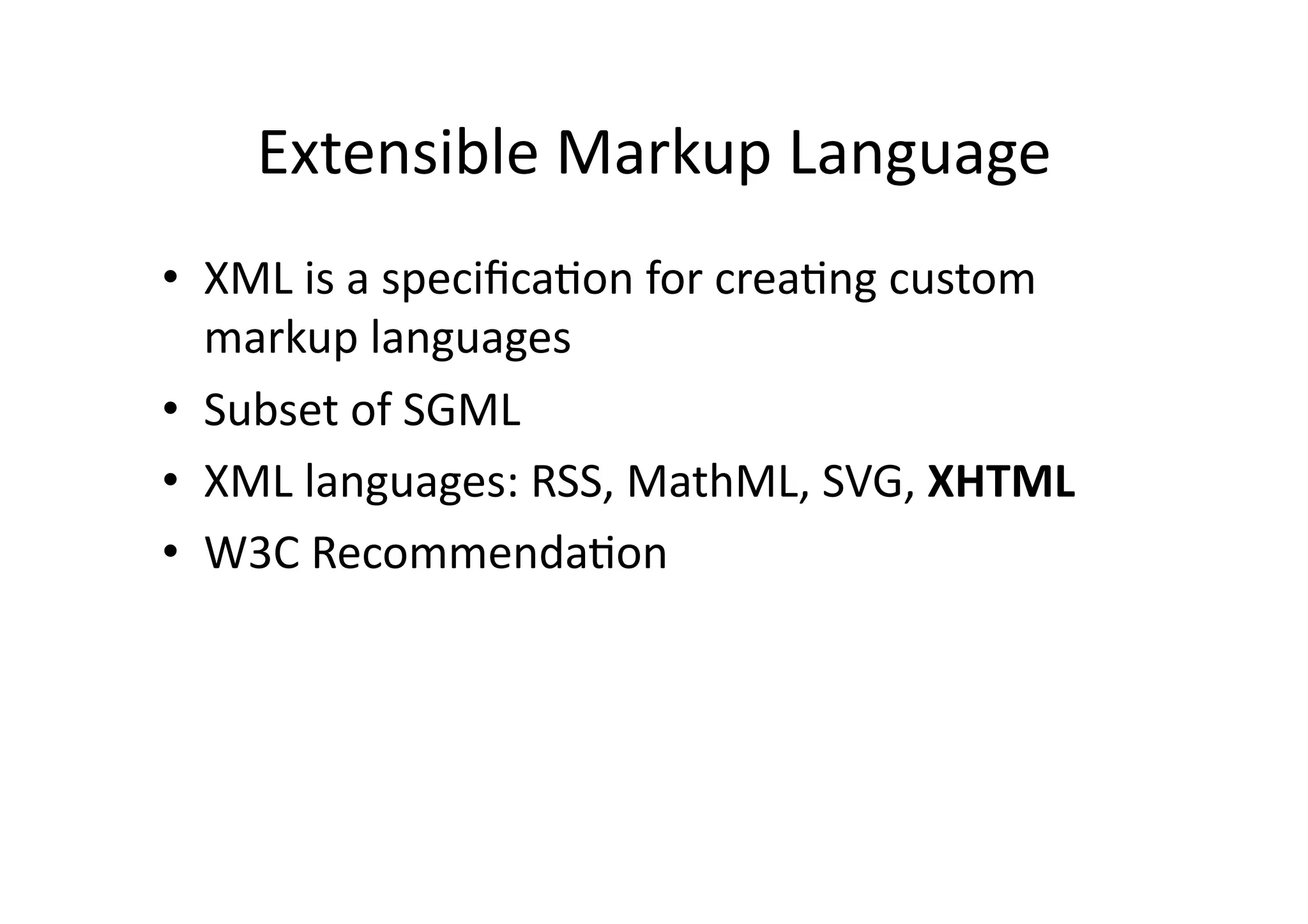
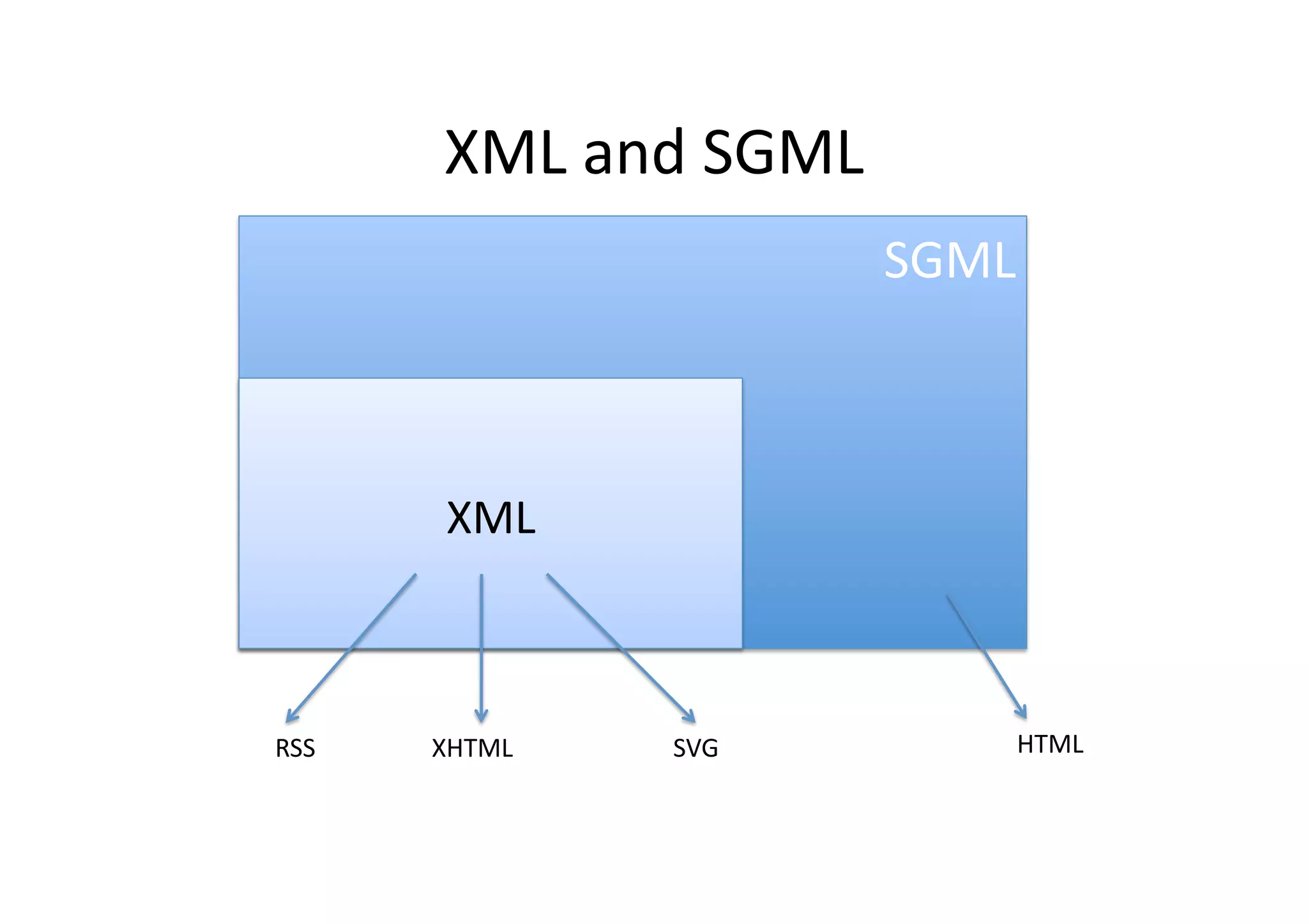
Extensible  Markup  Language   •  XML  is  a  specifica)on  for  crea)ng  custom   markup  languages   •  Subset  of  SGML   •  XML  languages:  RSS,  MathML,  SVG,  XHTML   •  W3C  Recommenda)on  
XML  and  SGML   SGML   XML   RSS   XHTML   SVG   HTML  
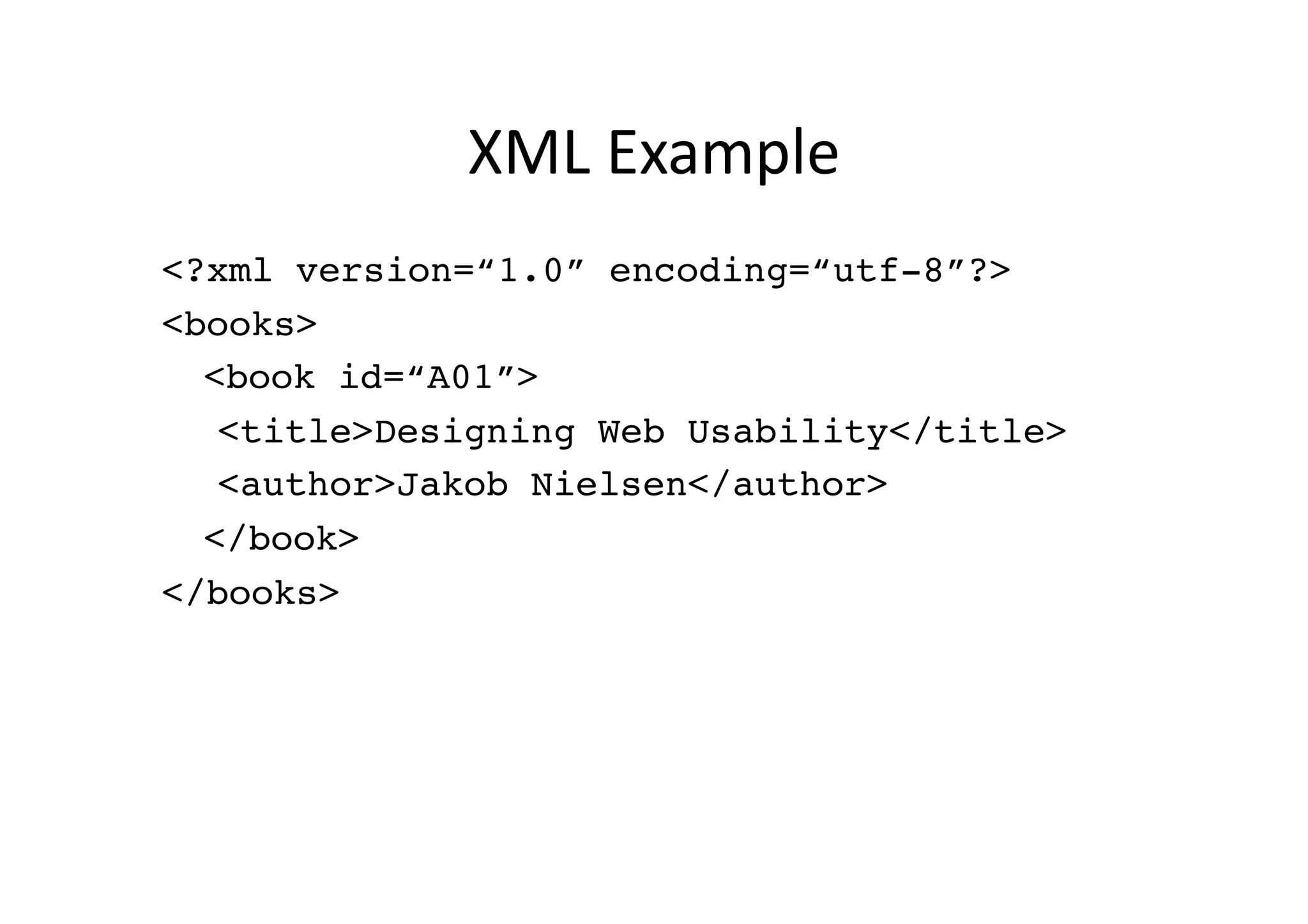
XML  Example   <?xml version=“1.0” encoding=“utf-8”?>! <books>! !<book id=“A01”>! !!<title>Designing Web Usability</title>! !!<author>Jakob Nielsen</author>! !</book>! </books>!
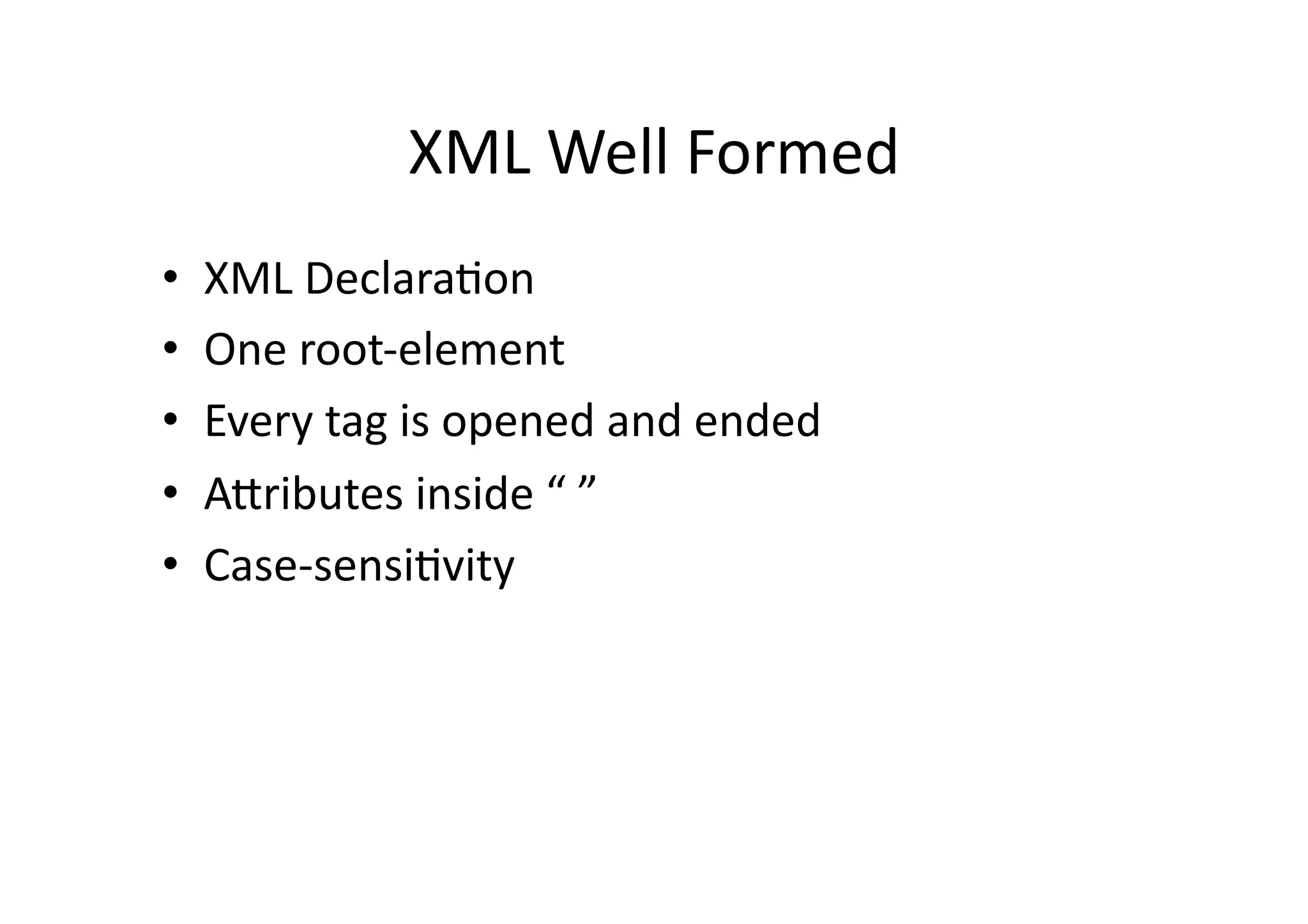
XML  Well  Formed   •  XML  Declara)on   •  One  root-­‐element   •  Every  tag  is  opened  and  ended   •  ASributes  inside  “  ”   •  Case-­‐sensi)vity  
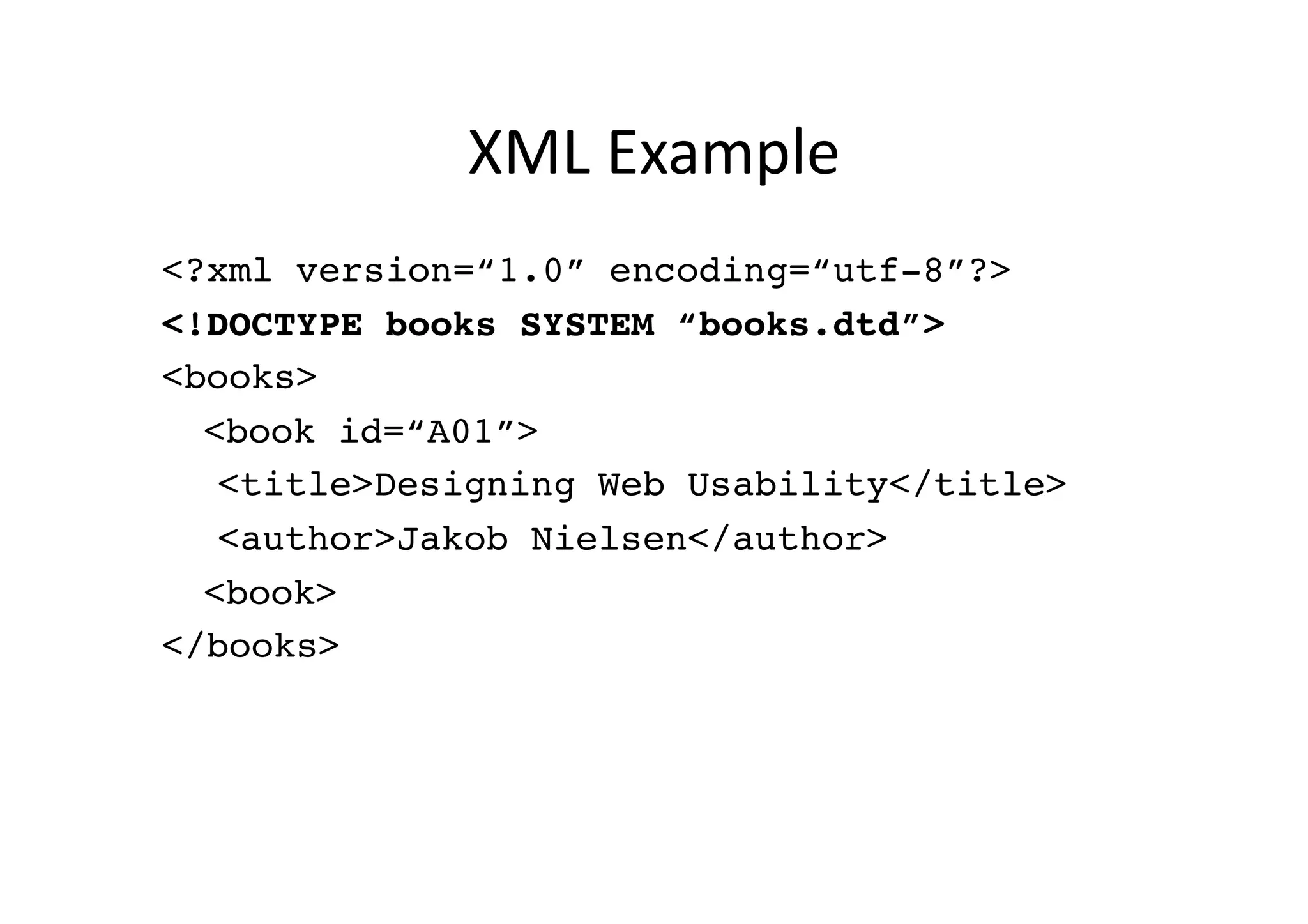
XML  Example   <?xml version=“1.0” encoding=“utf-8”?>! <!DOCTYPE books SYSTEM “books.dtd”>! <books>! !<book id=“A01”>! !!<title>Designing Web Usability</title>! !!<author>Jakob Nielsen</author>! !<book>! </books>!
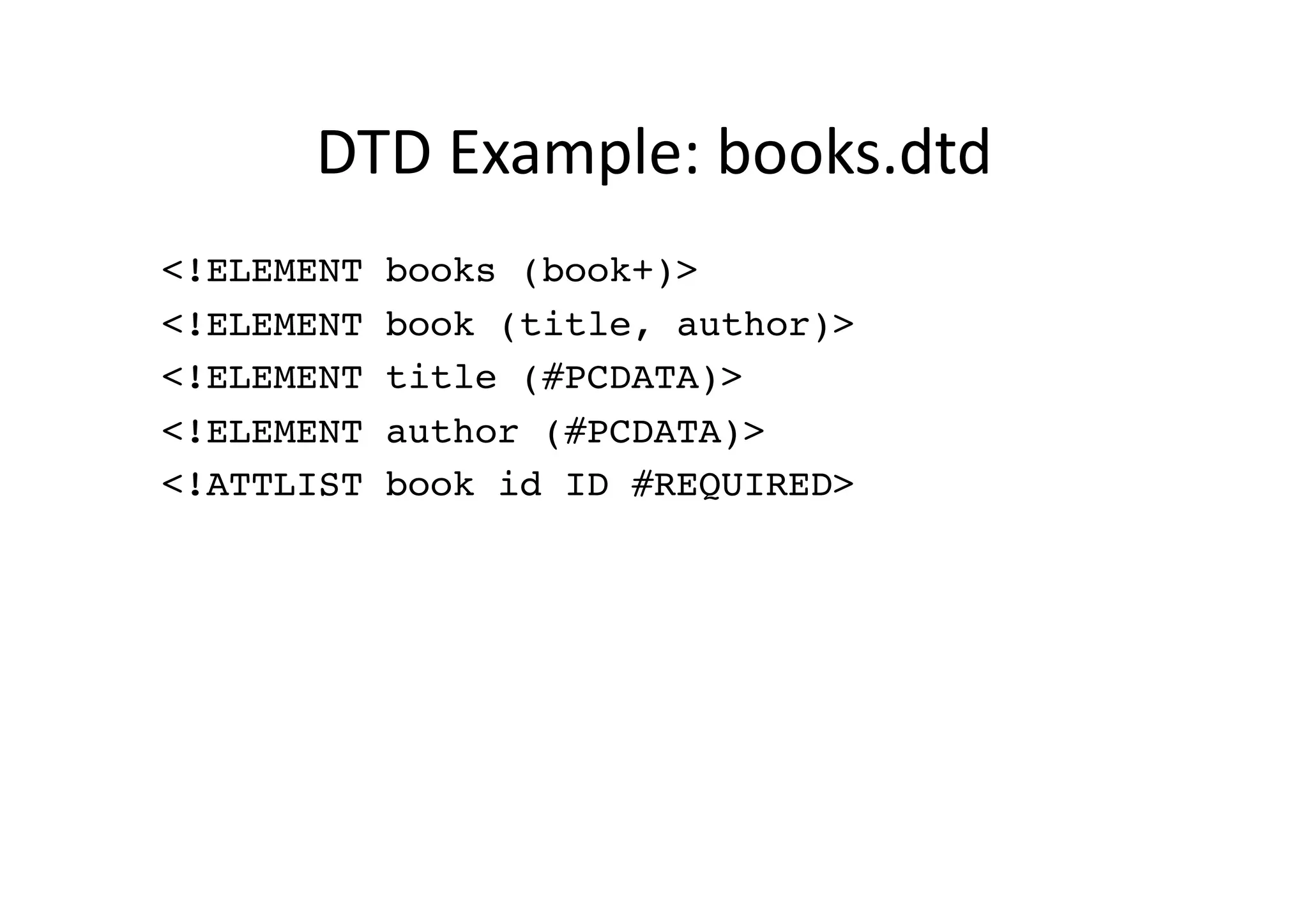
DTD  Example:  books.dtd   <!ELEMENT books (book+)>! <!ELEMENT book (title, author)>! <!ELEMENT title (#PCDATA)>! <!ELEMENT author (#PCDATA)>! <!ATTLIST book id ID #REQUIRED>!
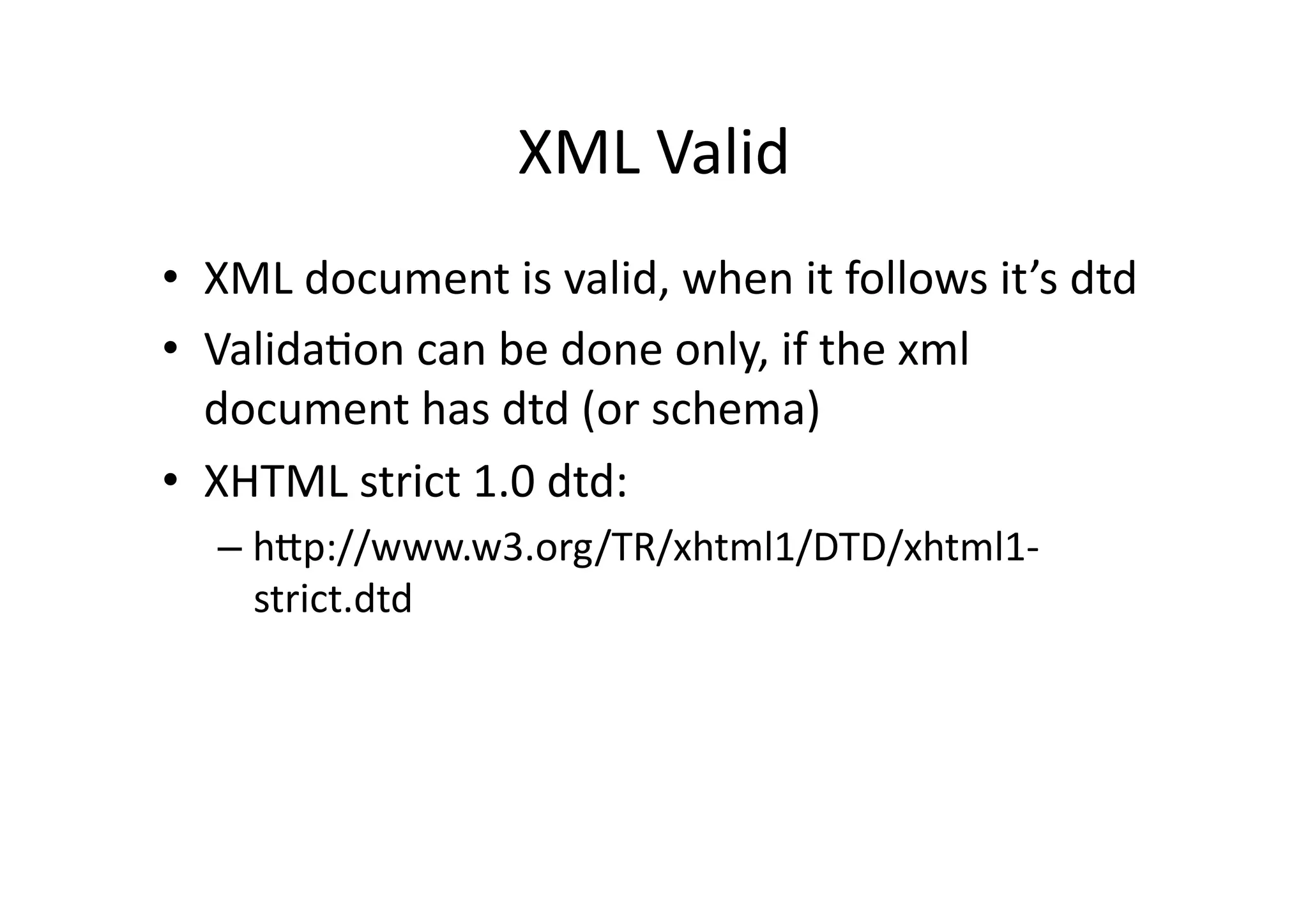
XML  Valid   •  XML  document  is  valid,  when  it  follows  it’s  dtd   •  Valida)on  can  be  done  only,  if  the  xml   document  has  dtd  (or  schema)   •  XHTML  strict  1.0  dtd:   –  hSp://www.w3.org/TR/xhtml1/DTD/xhtml1-­‐ strict.dtd  
EXTENSIBLE  HYPERTEXT  MARKUP   LANGUAGE  
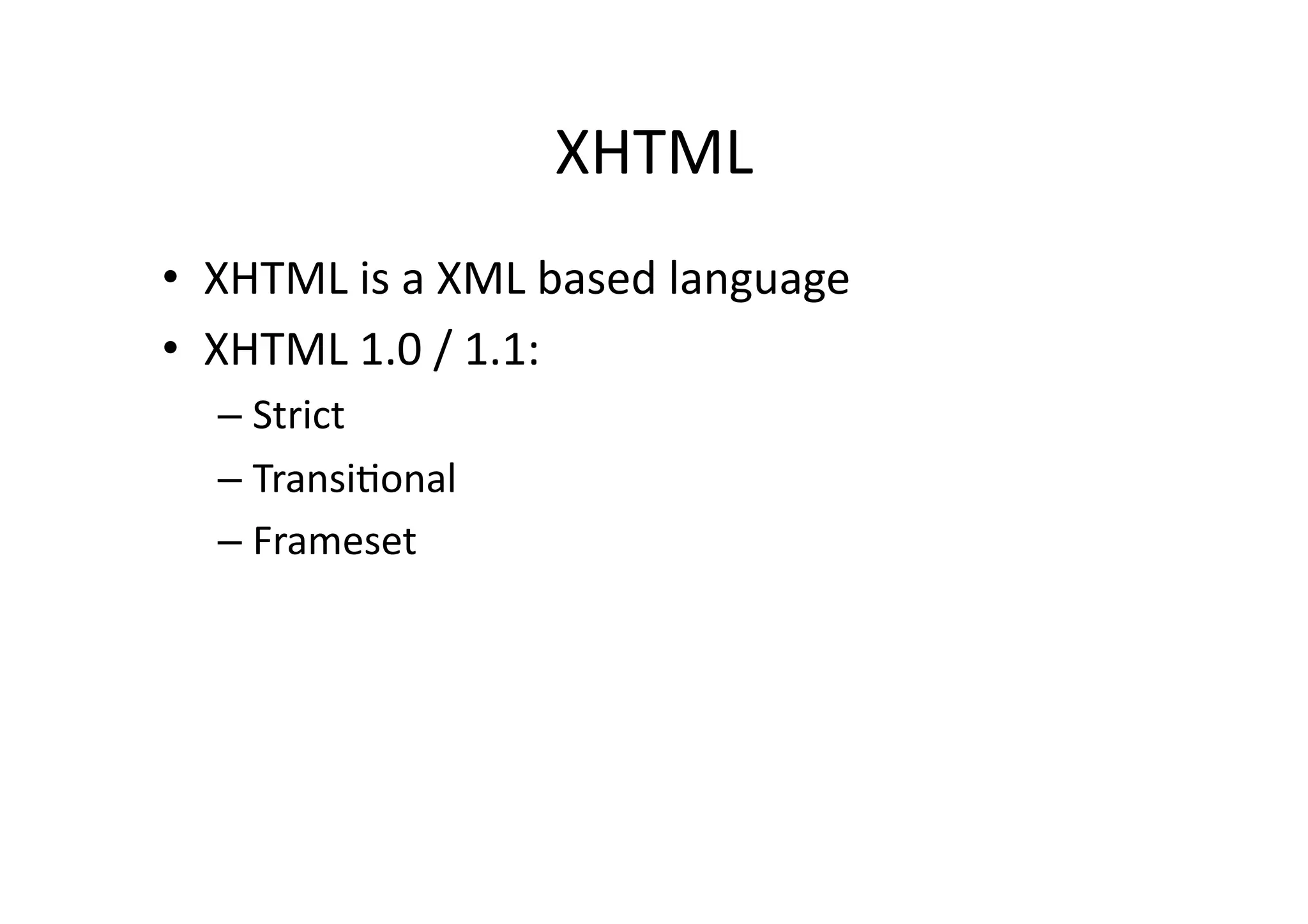
XHTML   •  XHTML  is  a  XML  based  language   •  XHTML  1.0  /  1.1:   –  Strict   –  Transi)onal   –  Frameset  
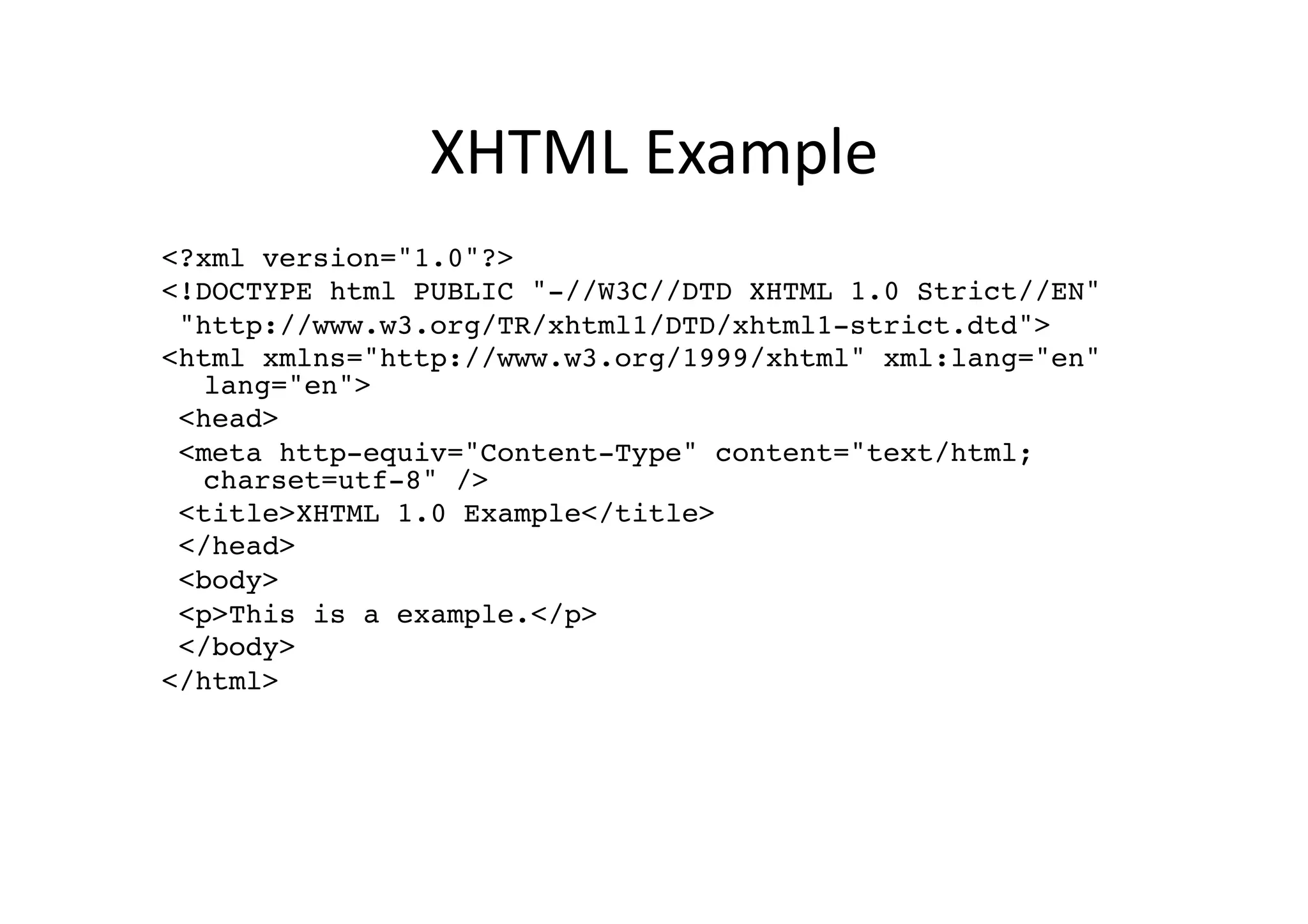
XHTML  Example   <?xml version="1.0"?>! <!DOCTYPE html PUBLIC "-//W3C//DTD XHTML 1.0 Strict//EN"! "http://www.w3.org/TR/xhtml1/DTD/xhtml1-strict.dtd">! <html xmlns="http://www.w3.org/1999/xhtml" xml:lang="en" lang="en">! <head>! <meta http-equiv="Content-Type" content="text/html; charset=utf-8" />! <title>XHTML 1.0 Example</title>! </head>! <body>! <p>This is a example.</p>! </body>! </html>!
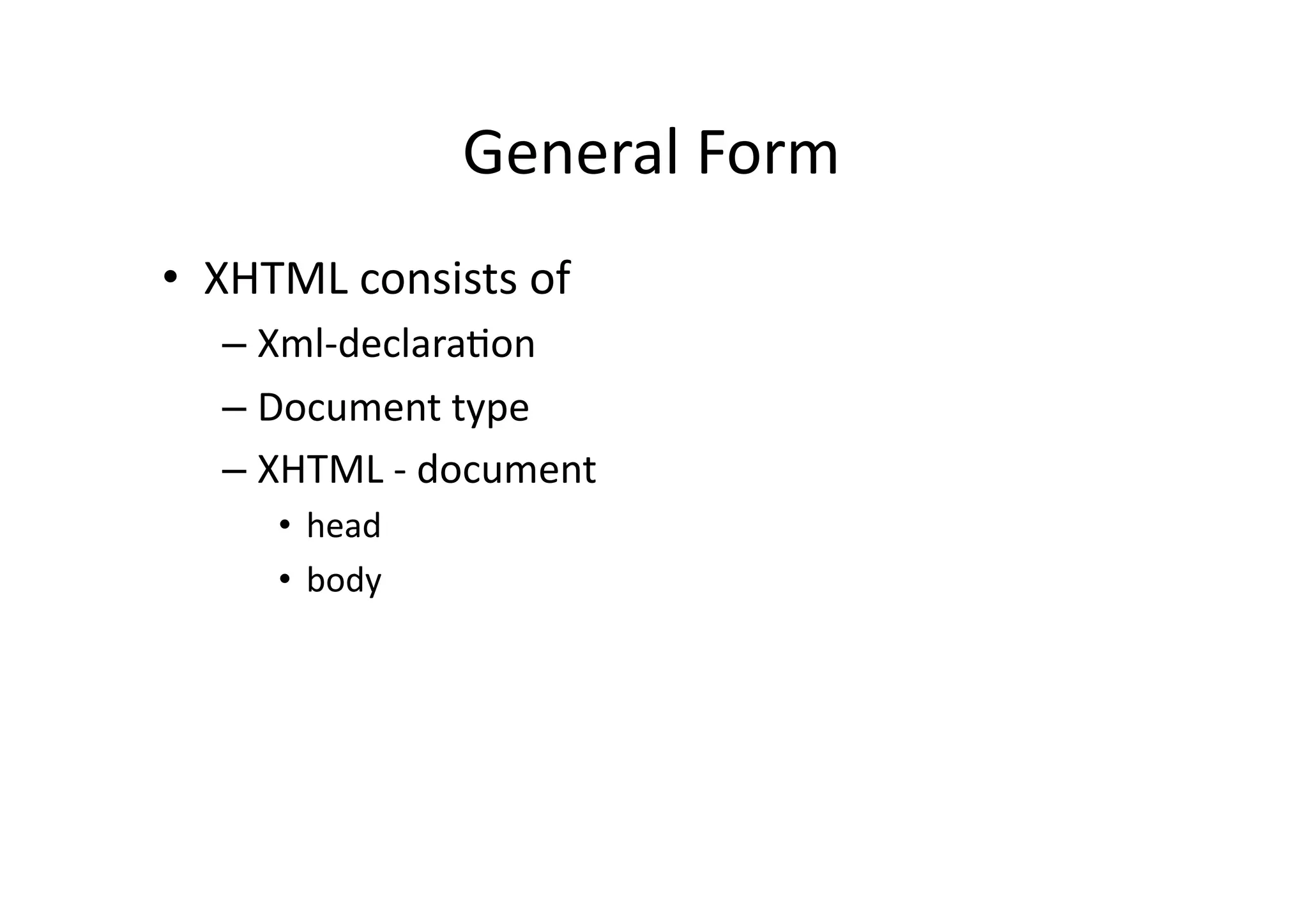
General  Form   •  XHTML  consists  of   –  Xml-­‐declara)on   –  Document  type   –  XHTML  -­‐  document   •  head   •  body  
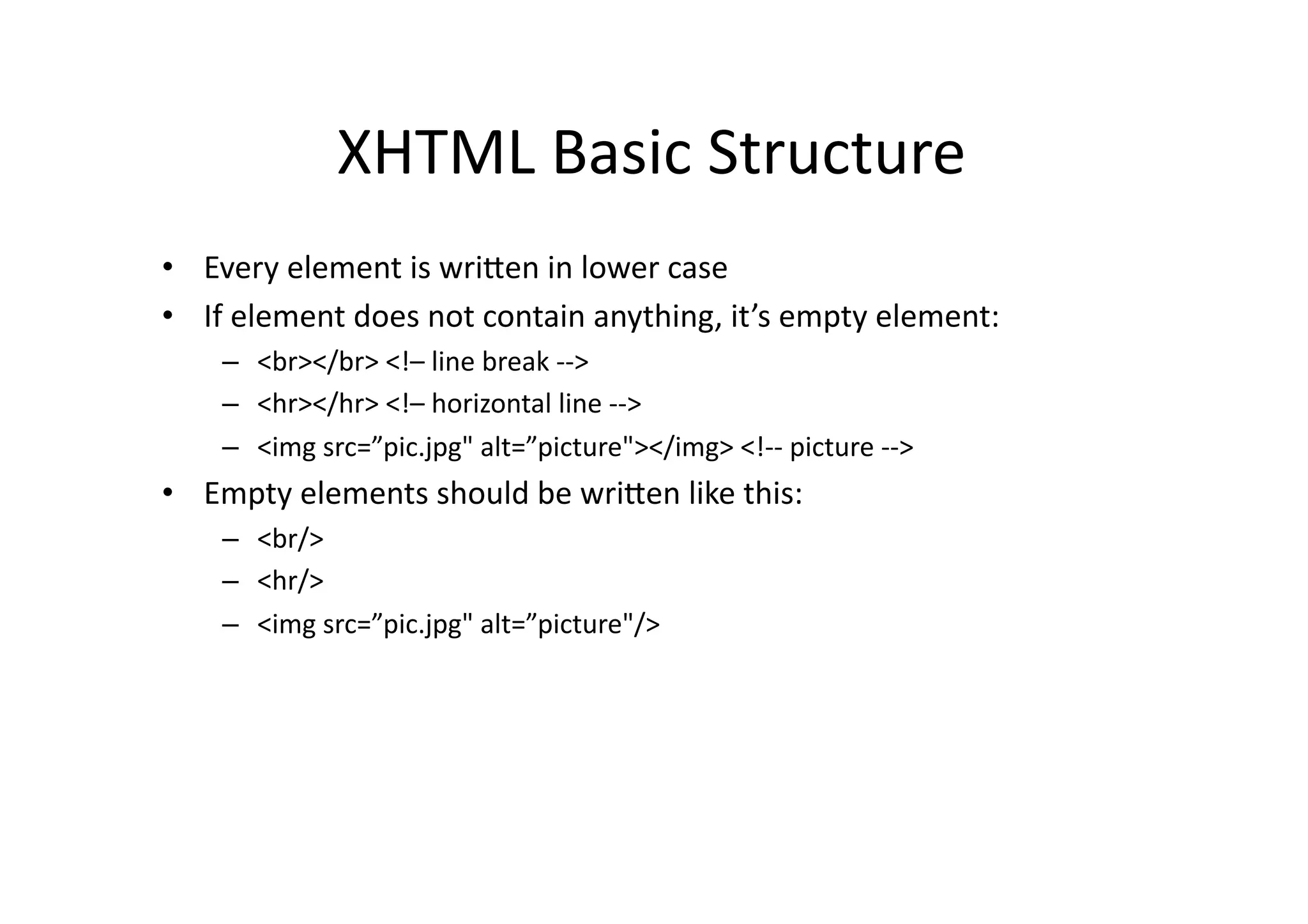
XHTML  Basic  Structure   •  Every  element  is  wriSen  in  lower  case   •  If  element  does  not  contain  anything,  it’s  empty  element:     –  <br></br>  <!–  line  break  -­‐-­‐>   –  <hr></hr>  <!–  horizontal  line  -­‐-­‐>   –  <img  src=”pic.jpg"  alt=”picture"></img>  <!-­‐-­‐  picture  -­‐-­‐>   •  Empty  elements  should  be  wriSen  like  this:   –  <br/>   –  <hr/>   –  <img  src=”pic.jpg"  alt=”picture"/>  
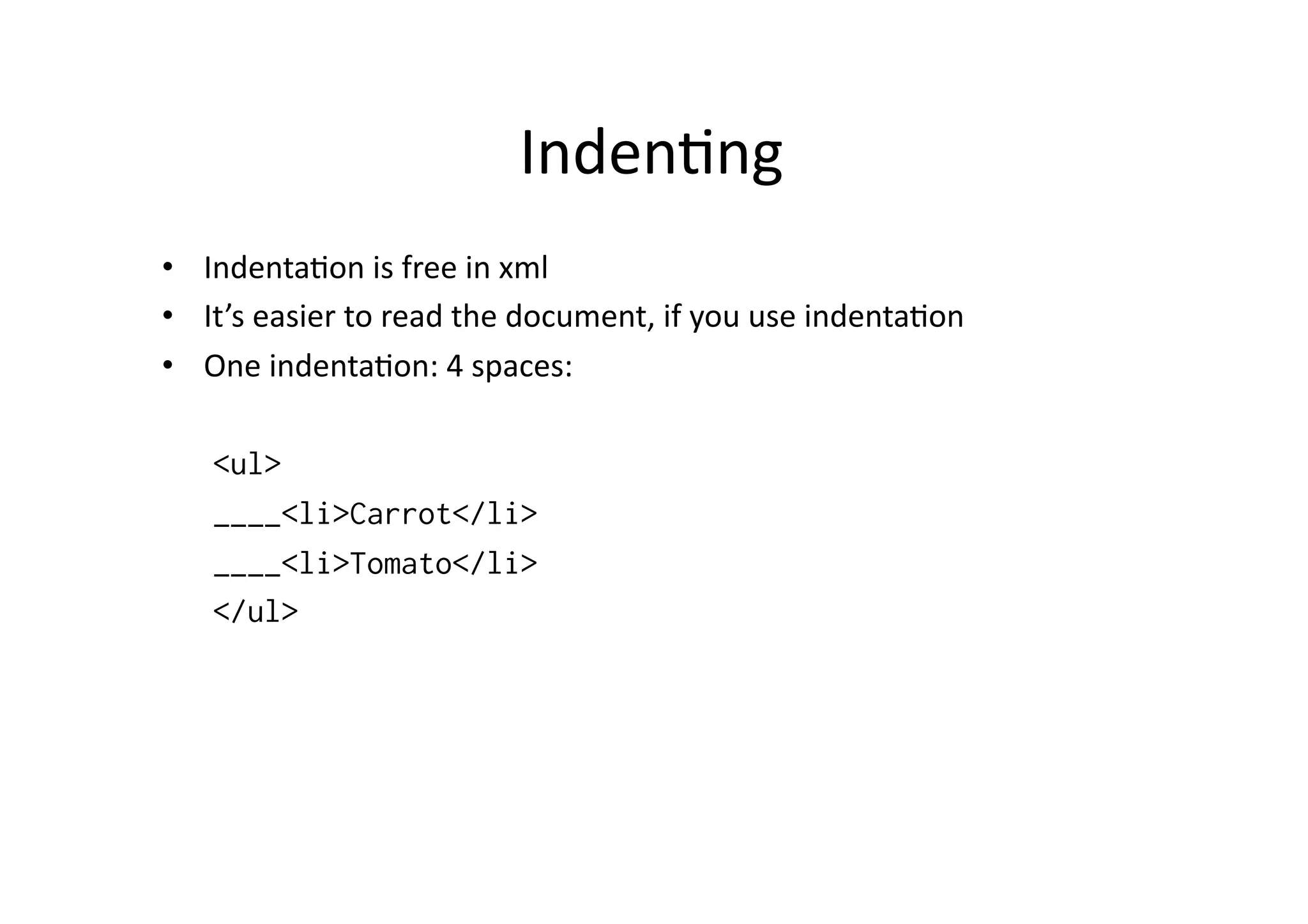
Inden)ng   •  Indenta)on  is  free  in  xml   •  It’s  easier  to  read  the  document,  if  you  use  indenta)on   •  One  indenta)on:  4  spaces:   <ul> ____<li>Carrot</li> ____<li>Tomato</li> </ul>
Commen)ng   •  It’s  possible  to  add  comments  to  xhtml  –   documents:   •  <!-­‐-­‐  and  here  we  have  a  list  -­‐-­‐>  
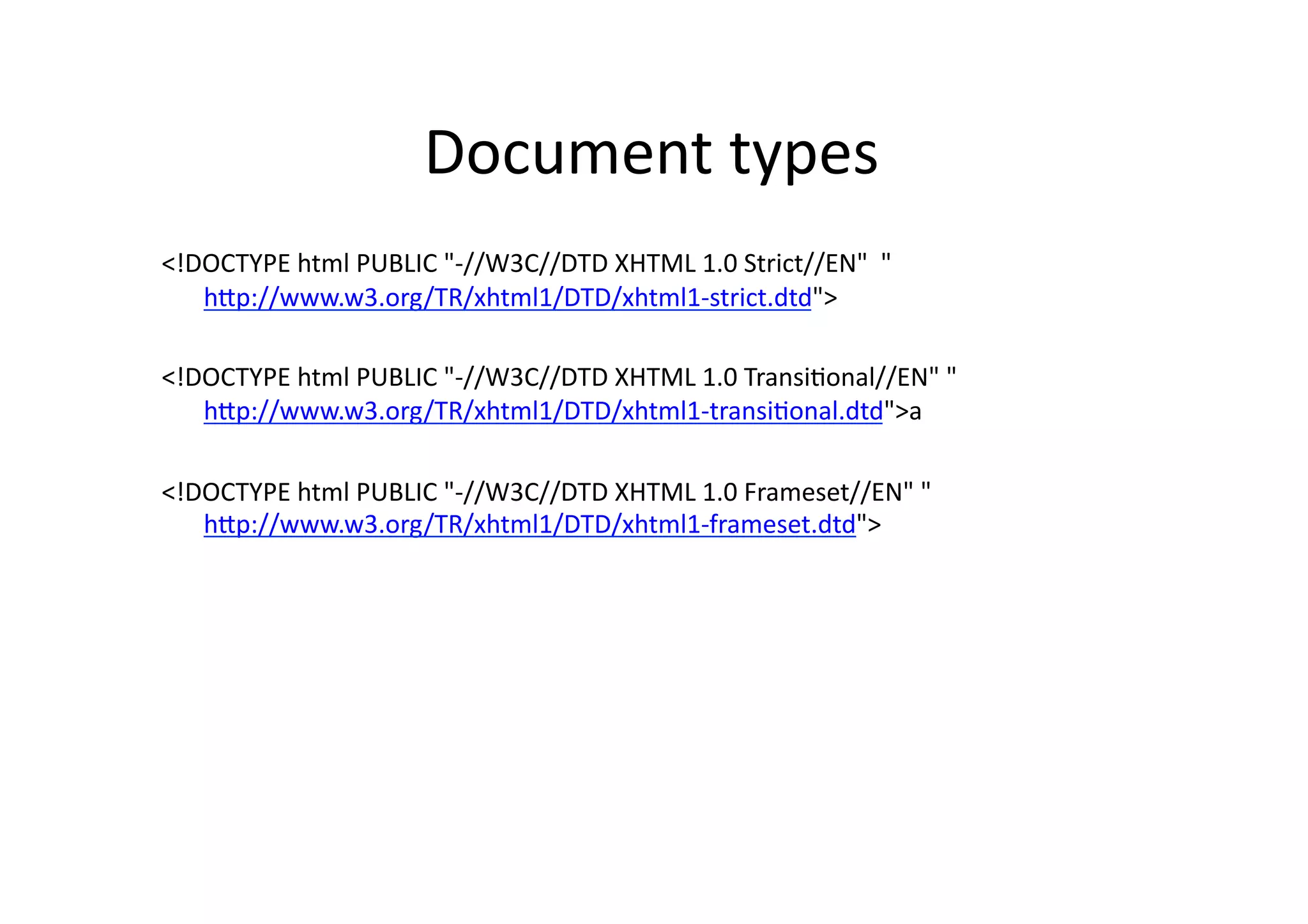
Document  types   <!DOCTYPE  html  PUBLIC  "-­‐//W3C//DTD  XHTML  1.0  Strict//EN"    " hSp://www.w3.org/TR/xhtml1/DTD/xhtml1-­‐strict.dtd">   <!DOCTYPE  html  PUBLIC  "-­‐//W3C//DTD  XHTML  1.0  Transi)onal//EN"  " hSp://www.w3.org/TR/xhtml1/DTD/xhtml1-­‐transi)onal.dtd">a   <!DOCTYPE  html  PUBLIC  "-­‐//W3C//DTD  XHTML  1.0  Frameset//EN"  " hSp://www.w3.org/TR/xhtml1/DTD/xhtml1-­‐frameset.dtd">  
Head   •  Compulsary:  )tle   •  Meta-­‐informa)on     –  See:   hSp://www.cs.tut.fi/~jkorpela/webjulk/1.6.html   •  Possible  linking  to  stylesheets  
Text  -­‐  elements   •  p   •  S   •  br   •  i   •  blockquote   •  b   •  pre   •  big   •  em   •  small   •  strong   •  sub   •  code   •  sup  
Lists   •  ul:  unordered  list   •  ol:  ordered  list   •  dl:  defini)on  list   •  ul  and  ol  items  are  marked  as  li   •  In  dl  items  are  marked  as  dt  and  dd  
Links   •  See:   –  hSp://www.cs.tut.fi/~jkorpela/webjulk/1.5.html   •  Link  to  outside   –  <a  href="hSp://www.tamk.fi">tamk</a>   •  Link  within  page   –  <a  href=”dog.html">Dog</a>  
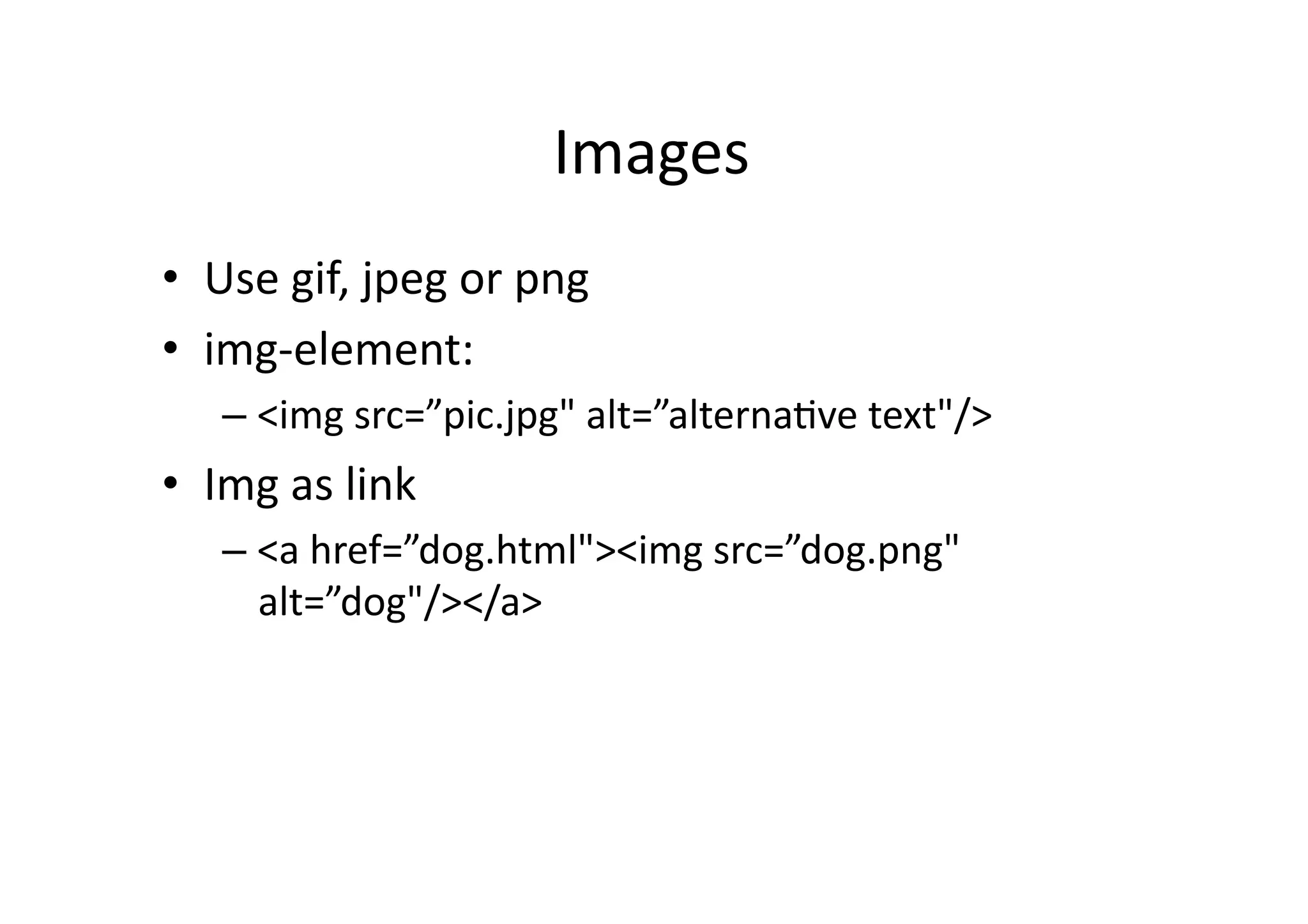
Images   •  Use  gif,  jpeg  or  png   •  img-­‐element:   –  <img  src=”pic.jpg"  alt=”alterna)ve  text"/>   •  Img  as  link   –  <a  href=”dog.html"><img  src=”dog.png"   alt=”dog"/></a>  
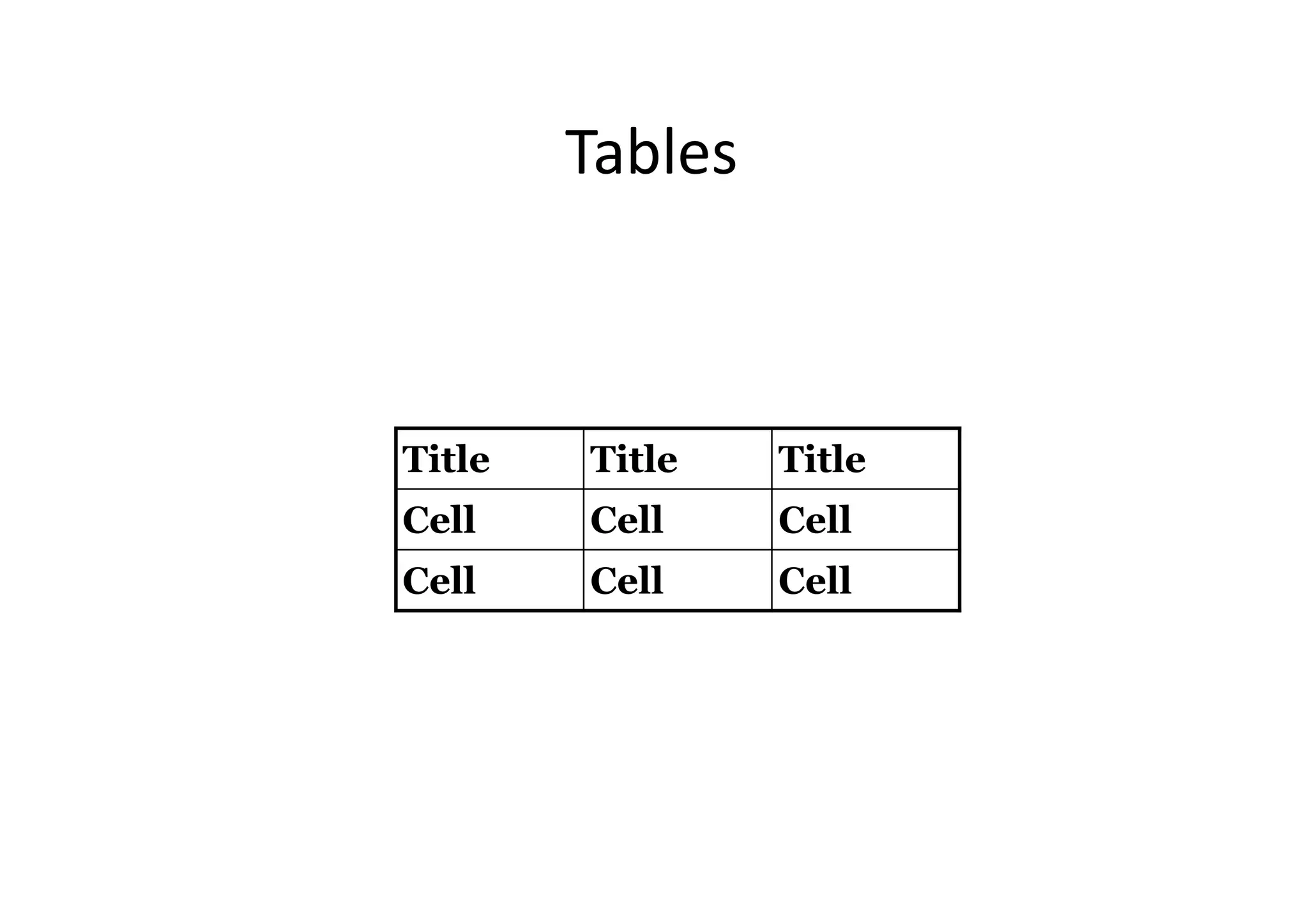
Tables   Title Title Title Cell Cell Cell Cell Cell Cell
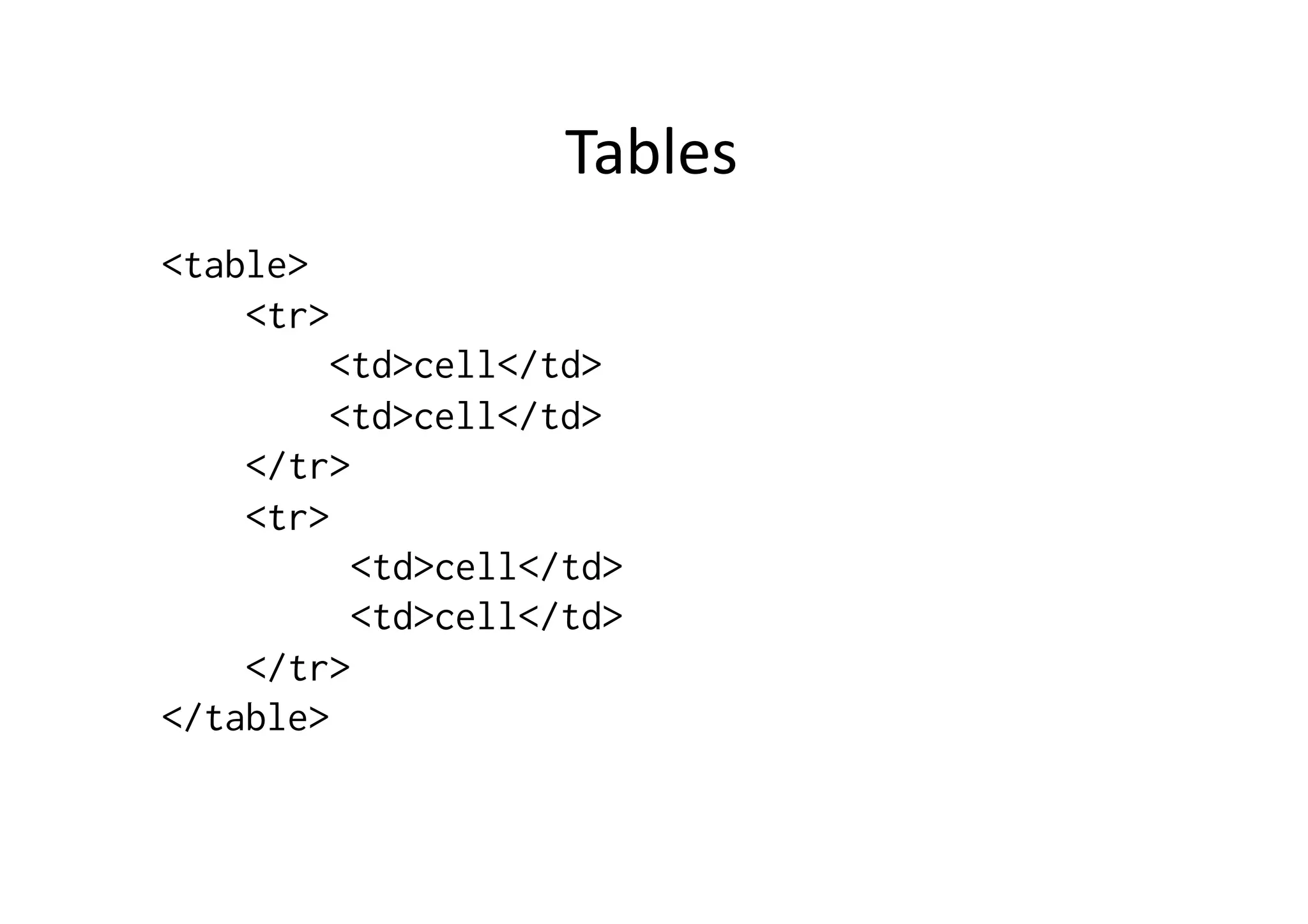
Tables   <table> <tr> <td>cell</td> <td>cell</td> </tr> <tr> <td>cell</td> <td>cell</td> </tr> </table>
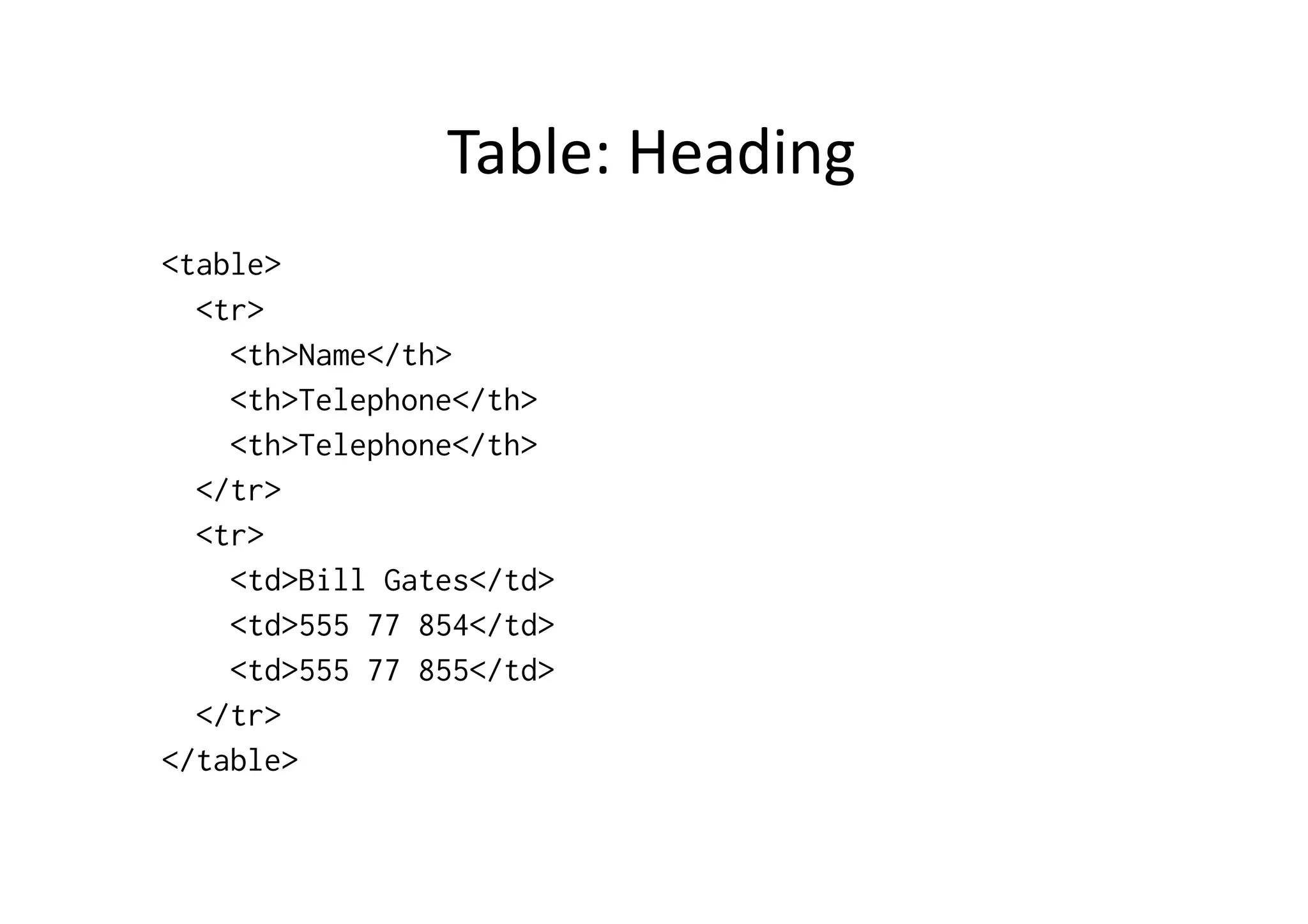
Table:  Heading   <table> <tr> <th>Name</th> <th>Telephone</th> <th>Telephone</th> </tr> <tr> <td>Bill Gates</td> <td>555 77 854</td> <td>555 77 855</td> </tr> </table>
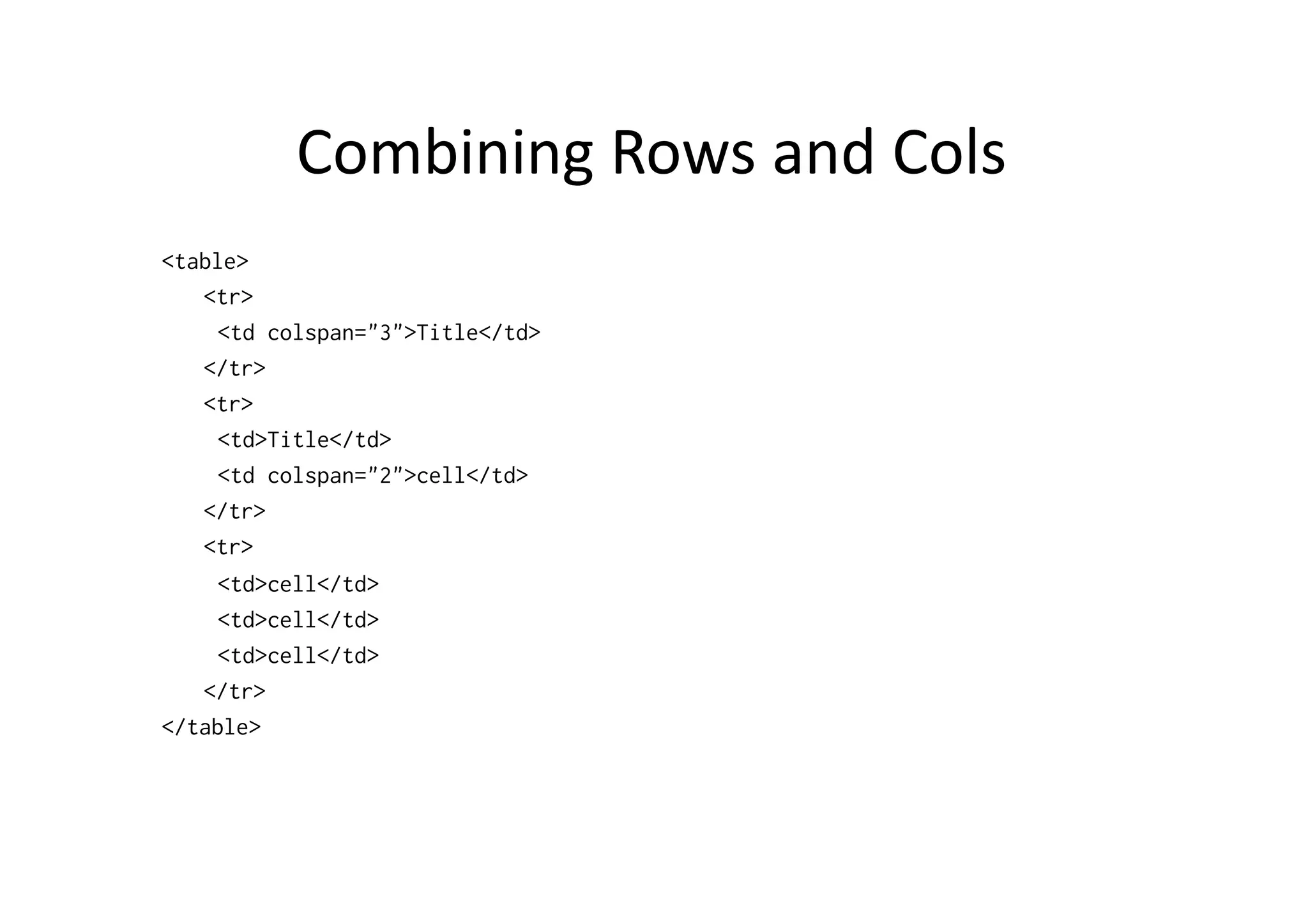
Combining  Rows  and  Cols   <table> <tr> <td colspan="3">Title</td> </tr> <tr> <td>Title</td> <td colspan="2">cell</td> </tr> <tr> <td>cell</td> <td>cell</td> <td>cell</td> </tr> </table>
CASCADING  STYLE  SHEETS  
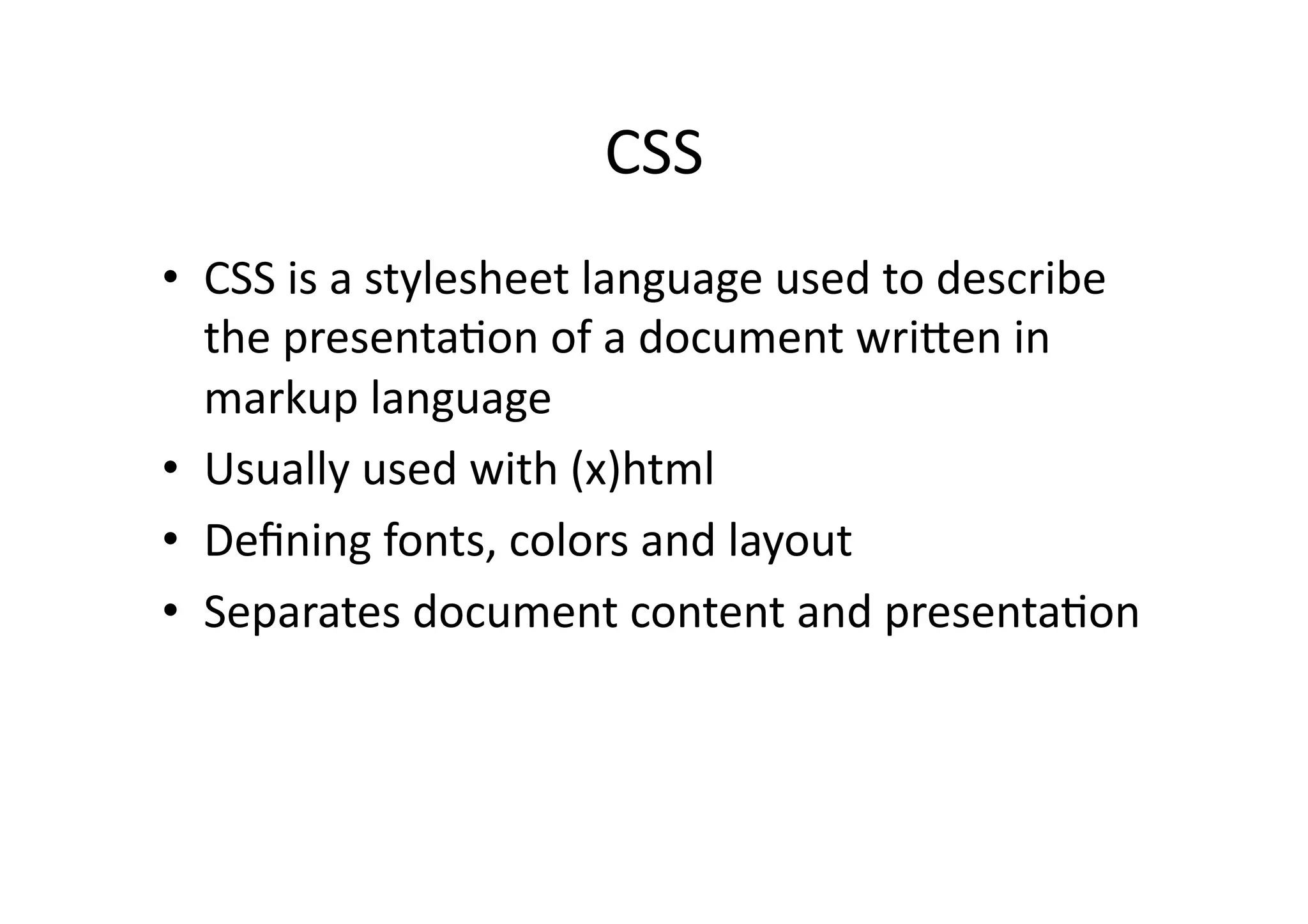
CSS   •  CSS  is  a  stylesheet  language  used  to  describe   the  presenta)on  of  a  document  wriSen  in   markup  language   •  Usually  used  with  (x)html   •  Defining  fonts,  colors  and  layout   •  Separates  document  content  and  presenta)on  
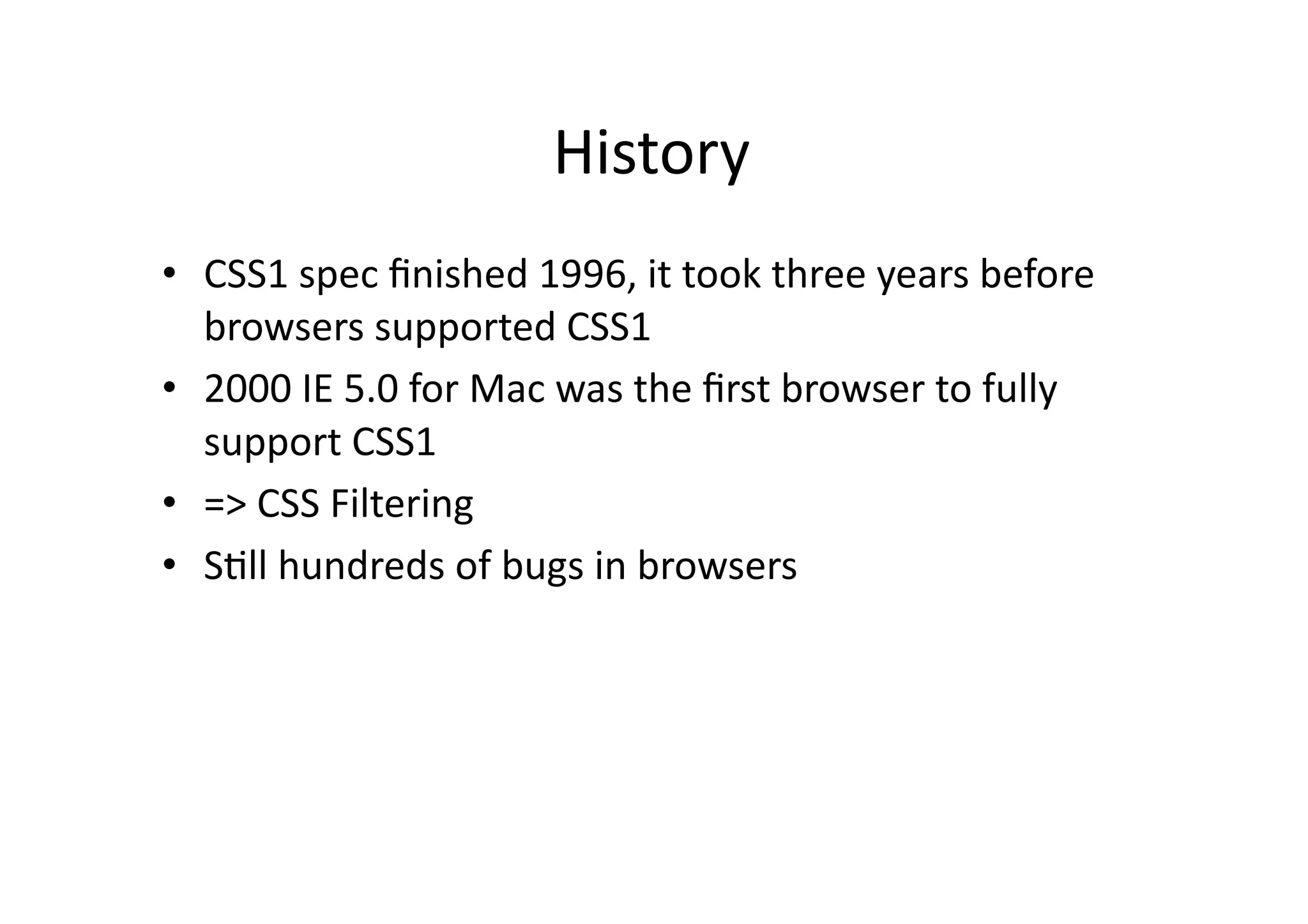
History   •  CSS1  spec  finished  1996,  it  took  three  years  before   browsers  supported  CSS1   •  2000  IE  5.0  for  Mac  was  the  first  browser  to  fully   support  CSS1   •  =>  CSS  Filtering   •  S)ll  hundreds  of  bugs  in  browsers  
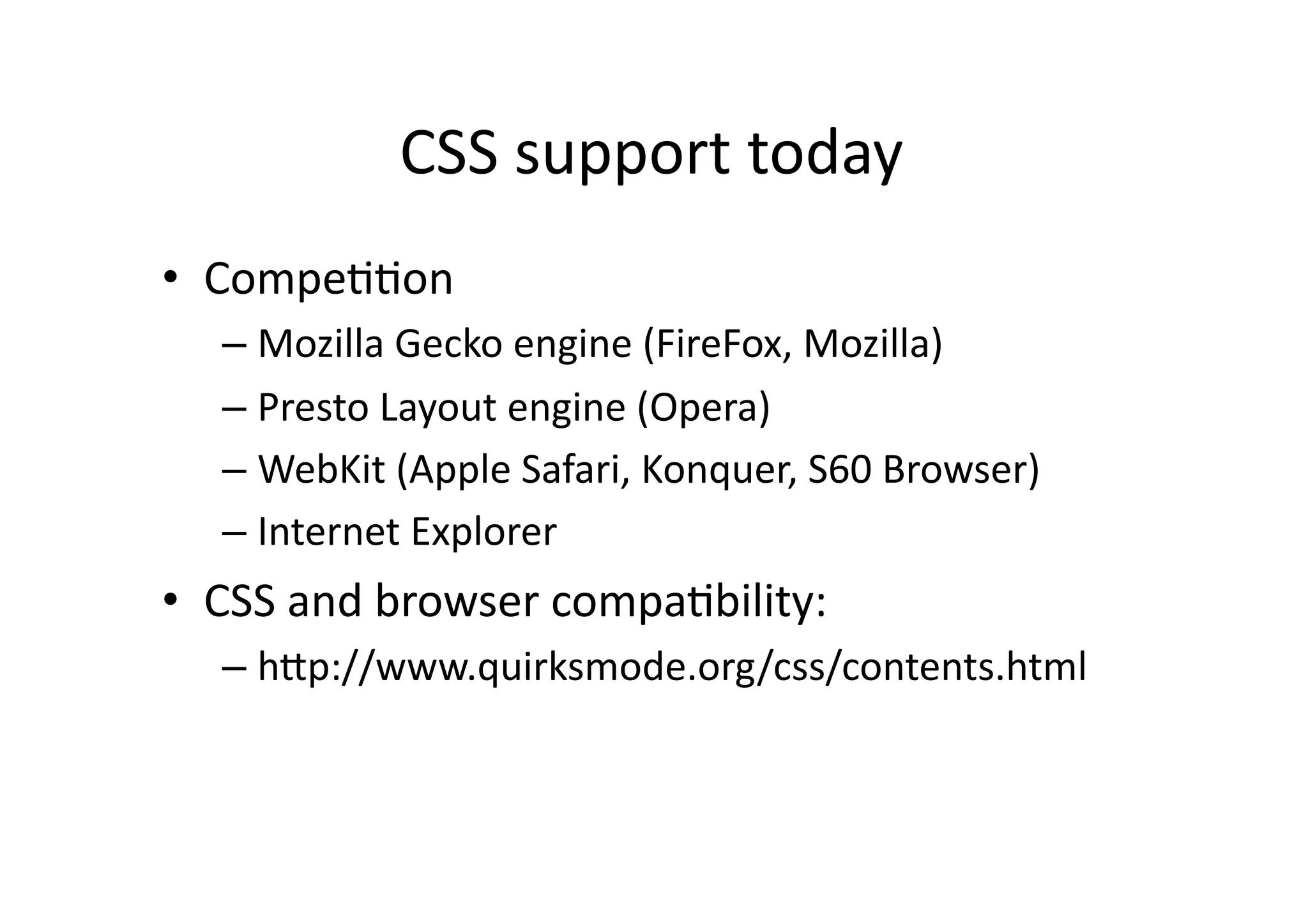
CSS  support  today   •  Compe))on   –  Mozilla  Gecko  engine  (FireFox,  Mozilla)   –  Presto  Layout  engine  (Opera)   –  WebKit  (Apple  Safari,  Konquer,  S60  Browser)   –  Internet  Explorer   •  CSS  and  browser  compa)bility:   –  hSp://www.quirksmode.org/css/contents.html  
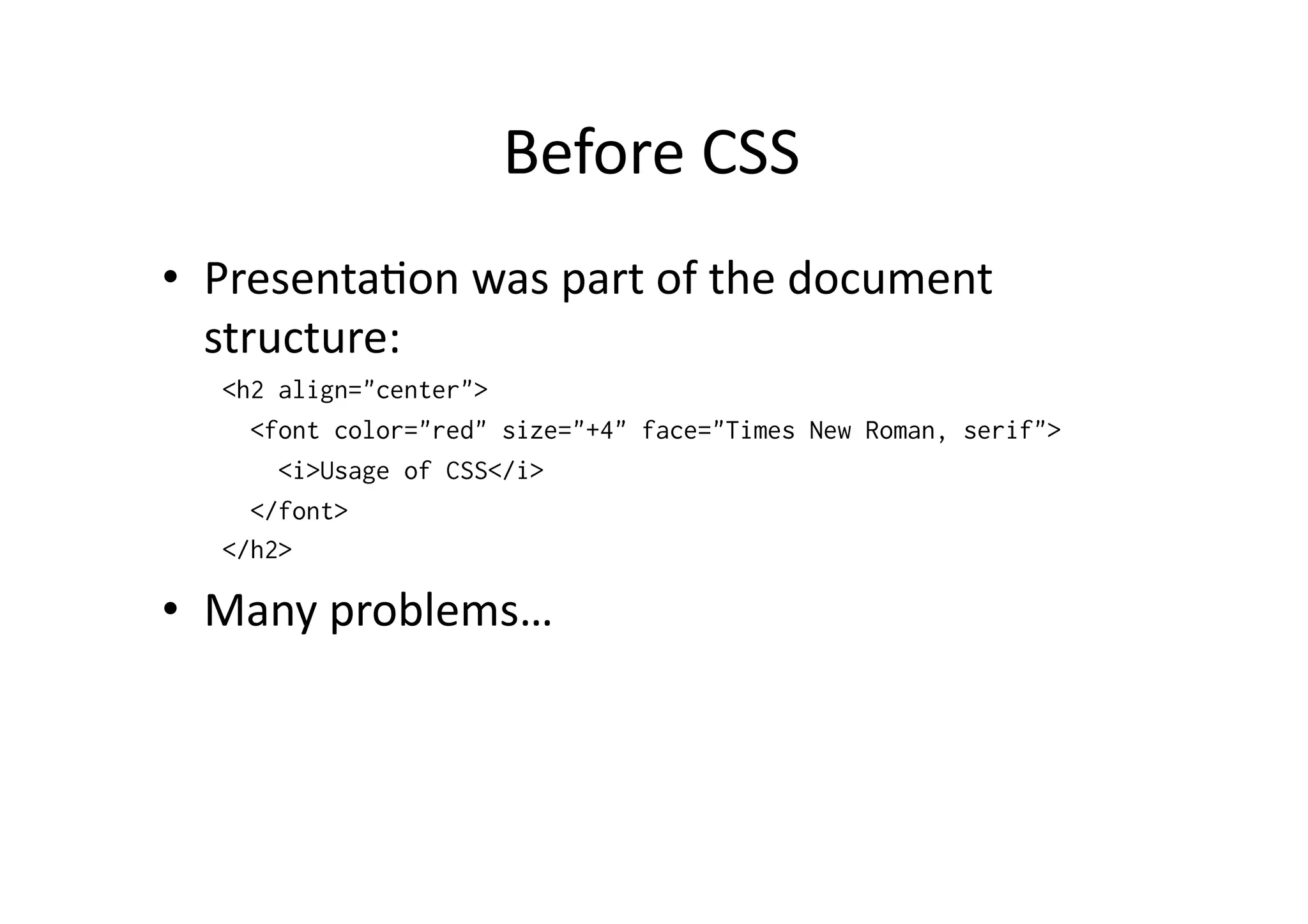
Before  CSS   •  Presenta)on  was  part  of  the  document   structure:   <h2 align="center"> <font color="red" size="+4" face="Times New Roman, serif"> <i>Usage of CSS</i> </font> </h2> •  Many  problems…  
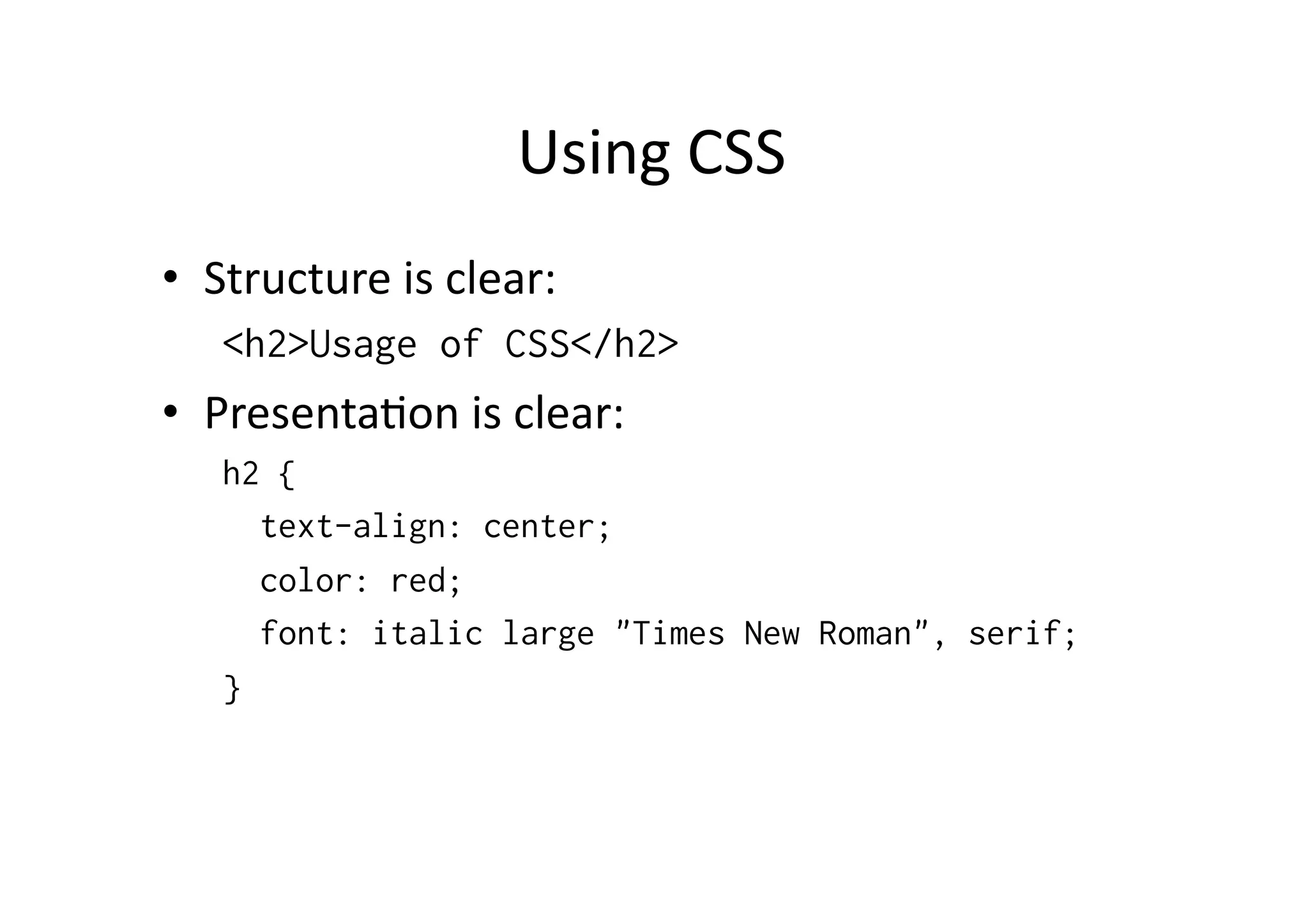
Using  CSS   •  Structure  is  clear:   <h2>Usage of CSS</h2> •  Presenta)on  is  clear:   h2 { text-align: center; color: red; font: italic large "Times New Roman", serif; }
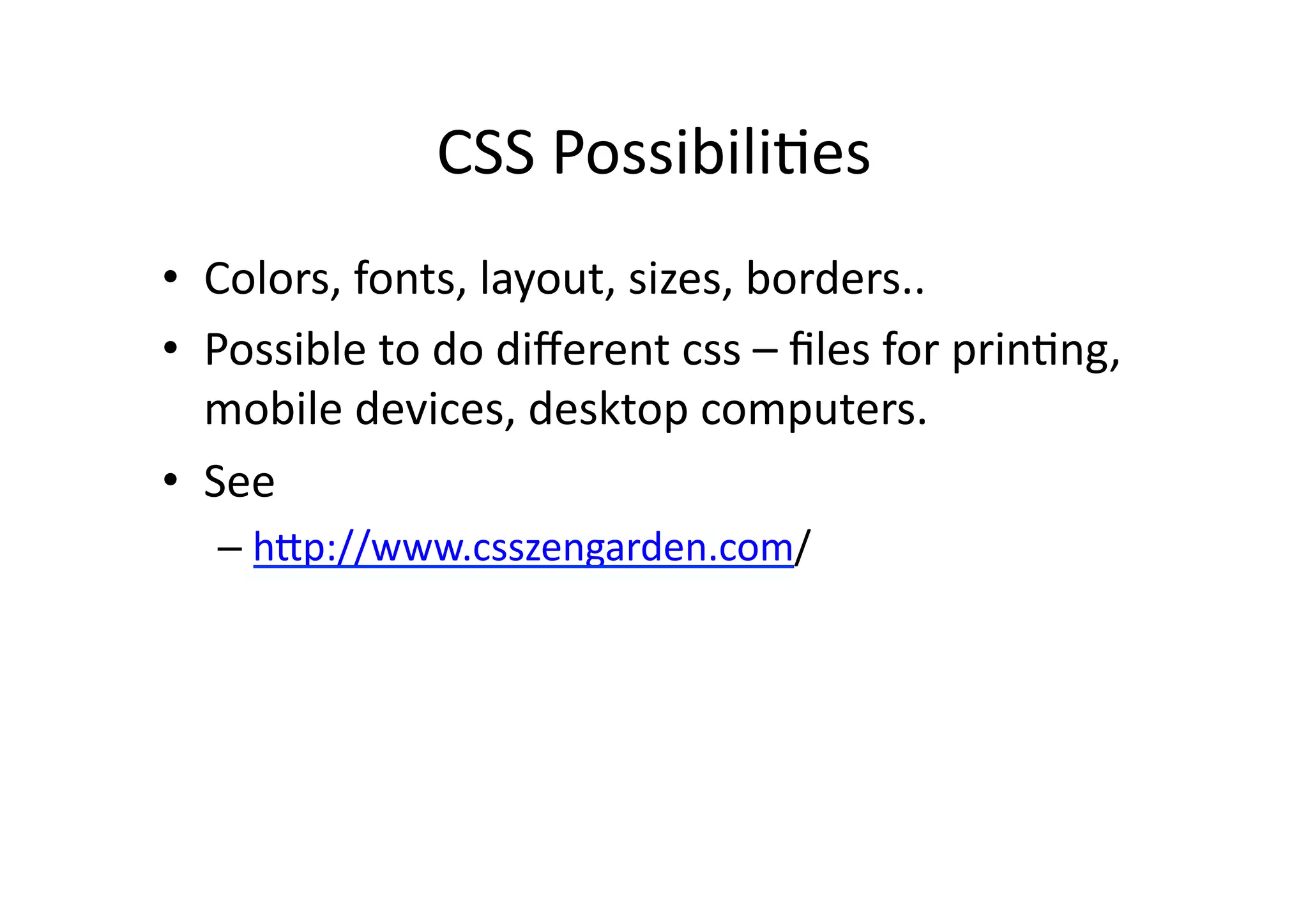
CSS  Possibili)es   •  Colors,  fonts,  layout,  sizes,  borders..   •  Possible  to  do  different  css  –  files  for  prin)ng,   mobile  devices,  desktop  computers.   •  See     –  hSp://www.csszengarden.com/  
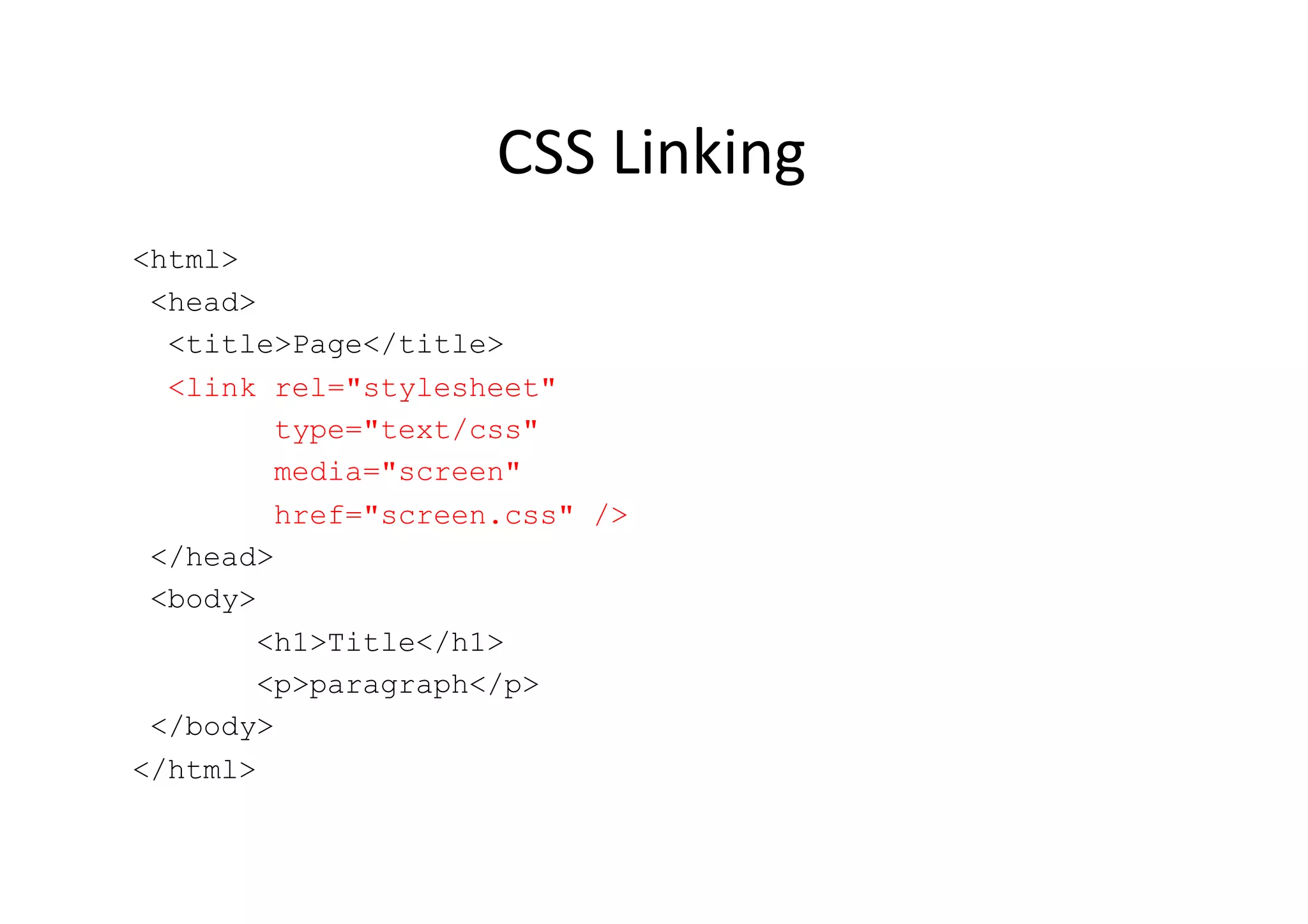
CSS  Linking   <html> <head> <title>Page</title> <link rel="stylesheet" type="text/css" media="screen" href="screen.css" /> </head> <body> <h1>Title</h1> <p>paragraph</p> </body> </html>
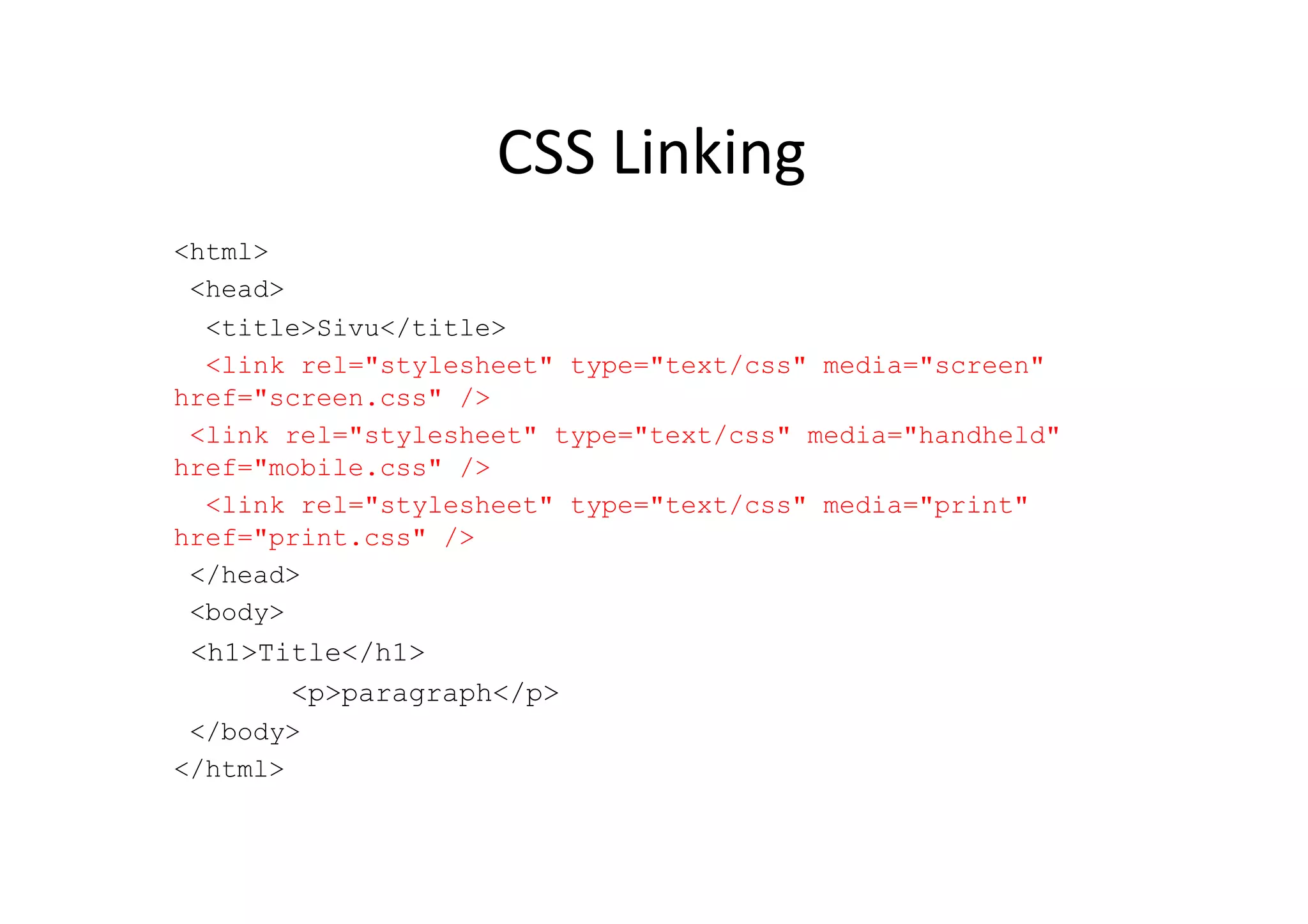
CSS  Linking   <html> <head> <title>Sivu</title> <link rel="stylesheet" type="text/css" media="screen" href="screen.css" /> <link rel="stylesheet" type="text/css" media="handheld" href="mobile.css" /> <link rel="stylesheet" type="text/css" media="print" href="print.css" /> </head> <body> <h1>Title</h1> <p>paragraph</p> </body> </html>
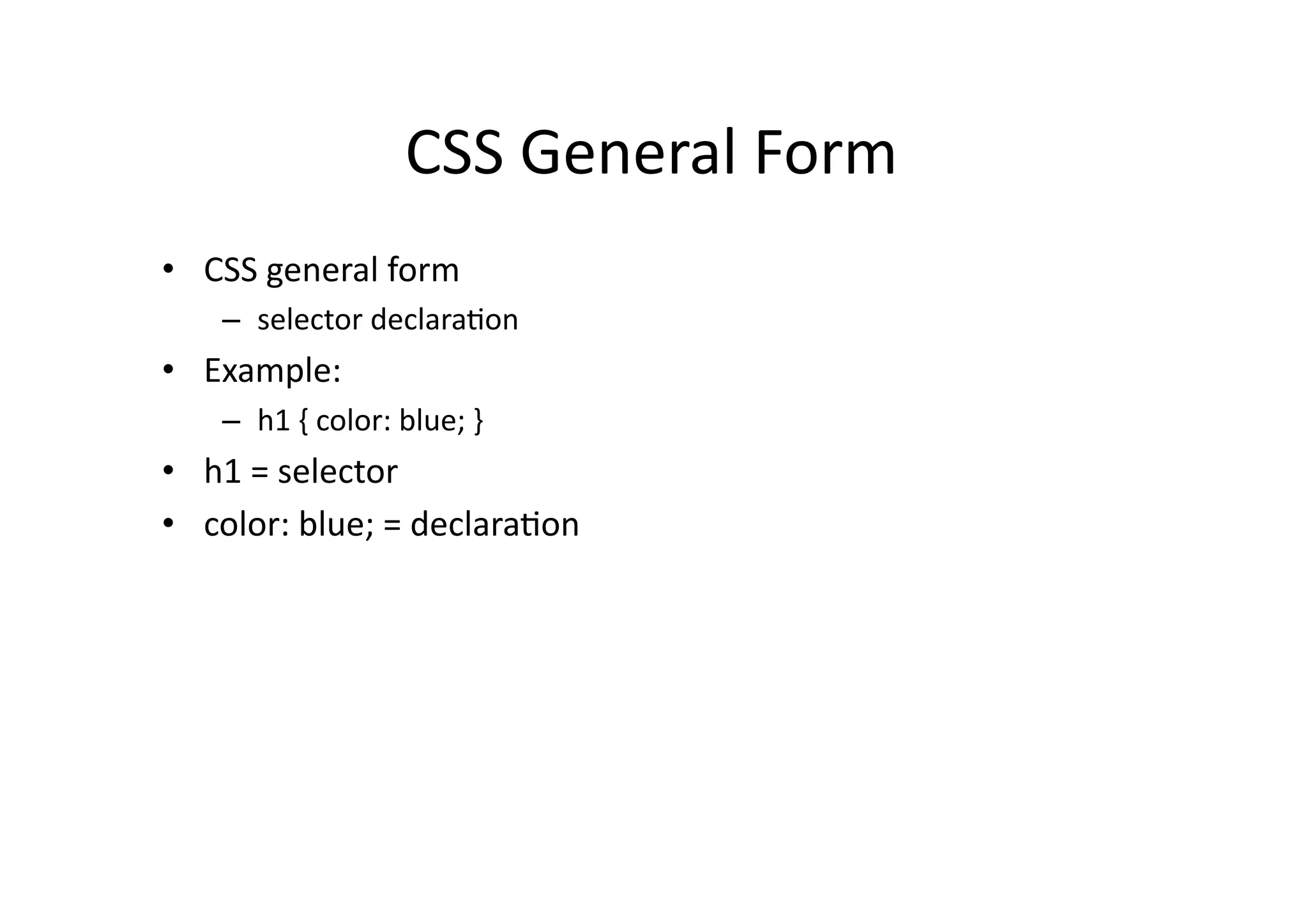
CSS  General  Form   •  CSS  general  form   –  selector  declara)on   •  Example:   –  h1  {  color:  blue;  }   •  h1  =  selector   •  color:  blue;  =  declara)on  
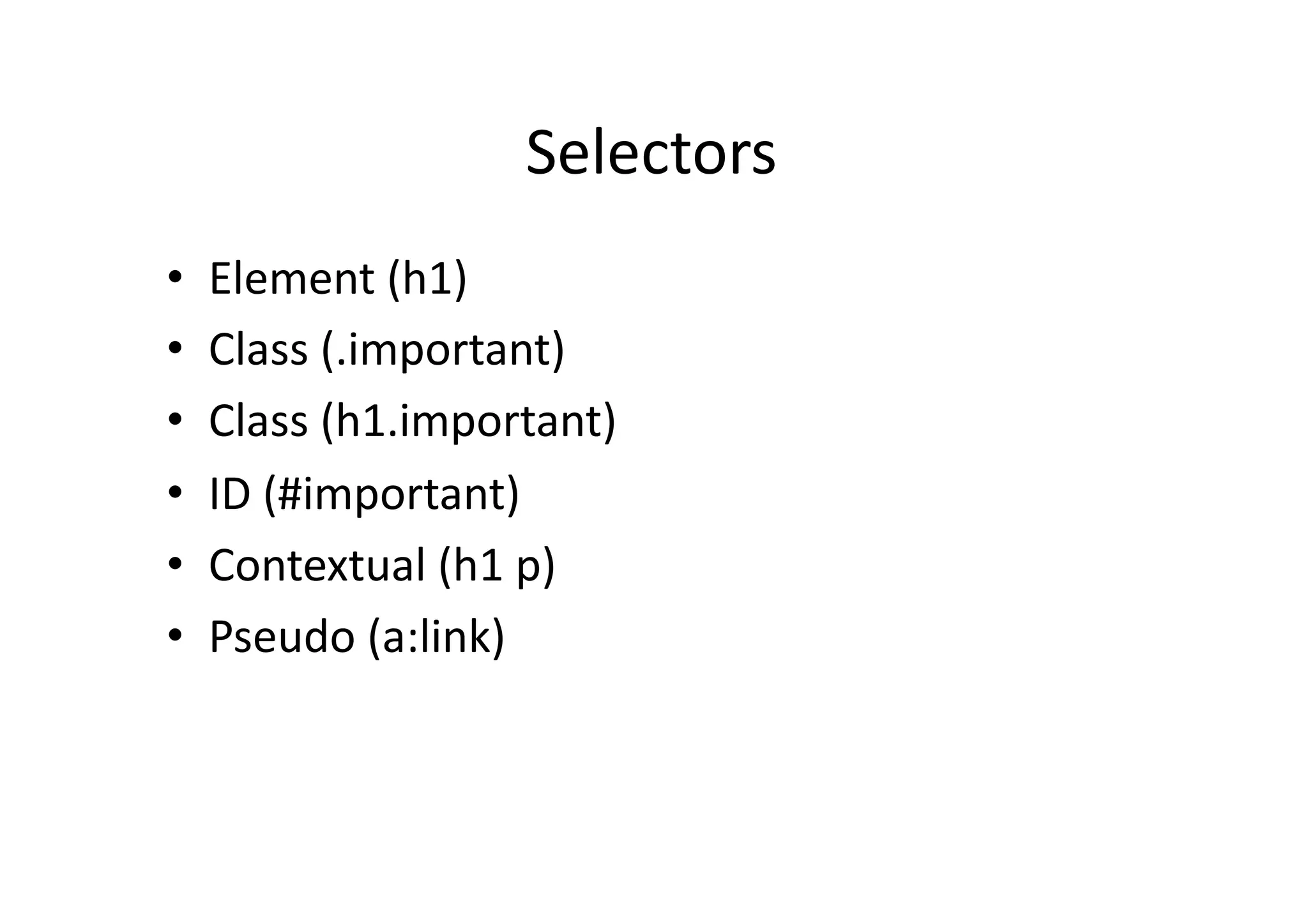
Selectors   •  Element  (h1)   •  Class  (.important)   •  Class  (h1.important)   •  ID  (#important)   •  Contextual  (h1  p)   •  Pseudo  (a:link)  
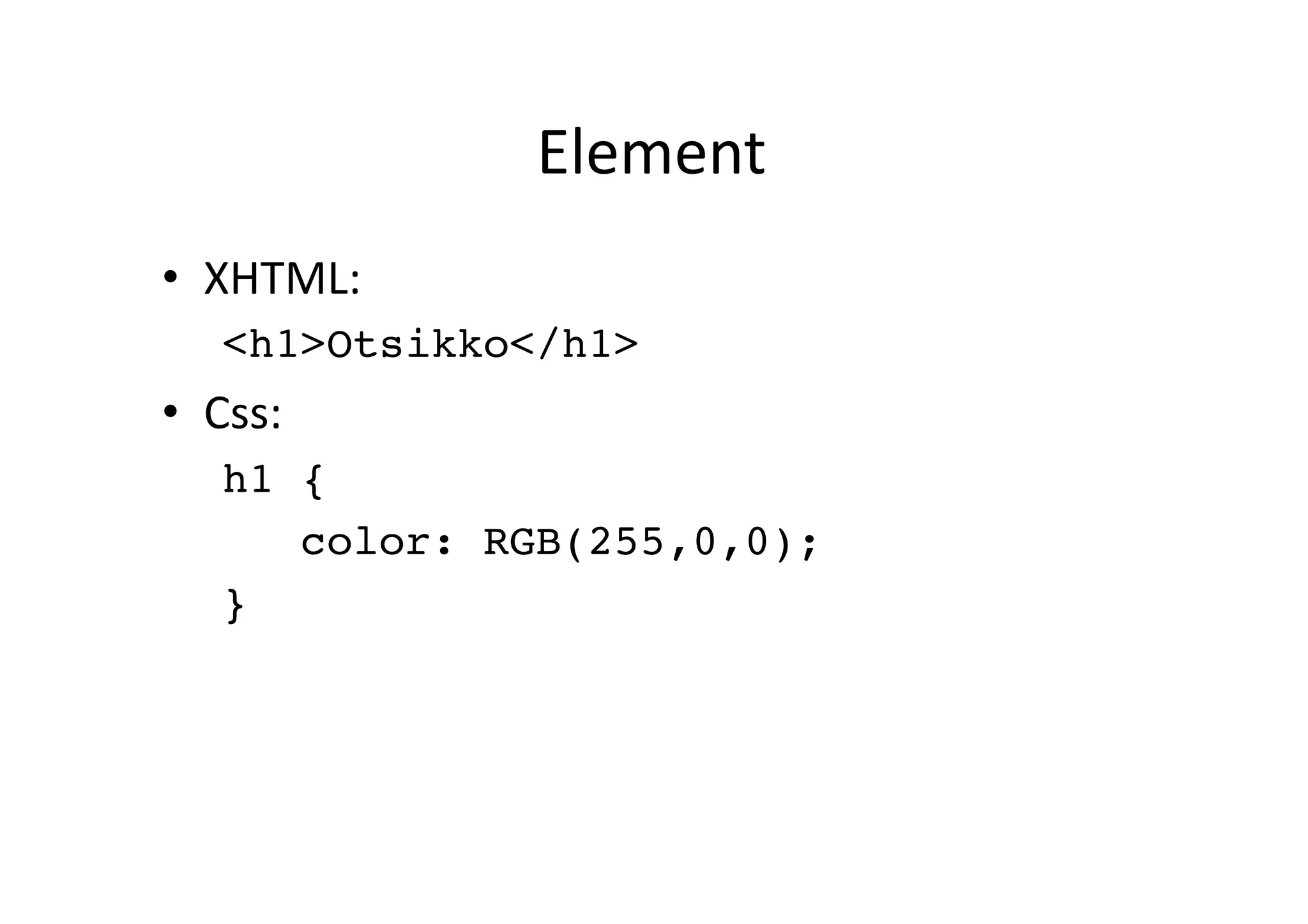
Element   •  XHTML:   <h1>Otsikko</h1>! •  Css:   h1 {! color: RGB(255,0,0);! }!
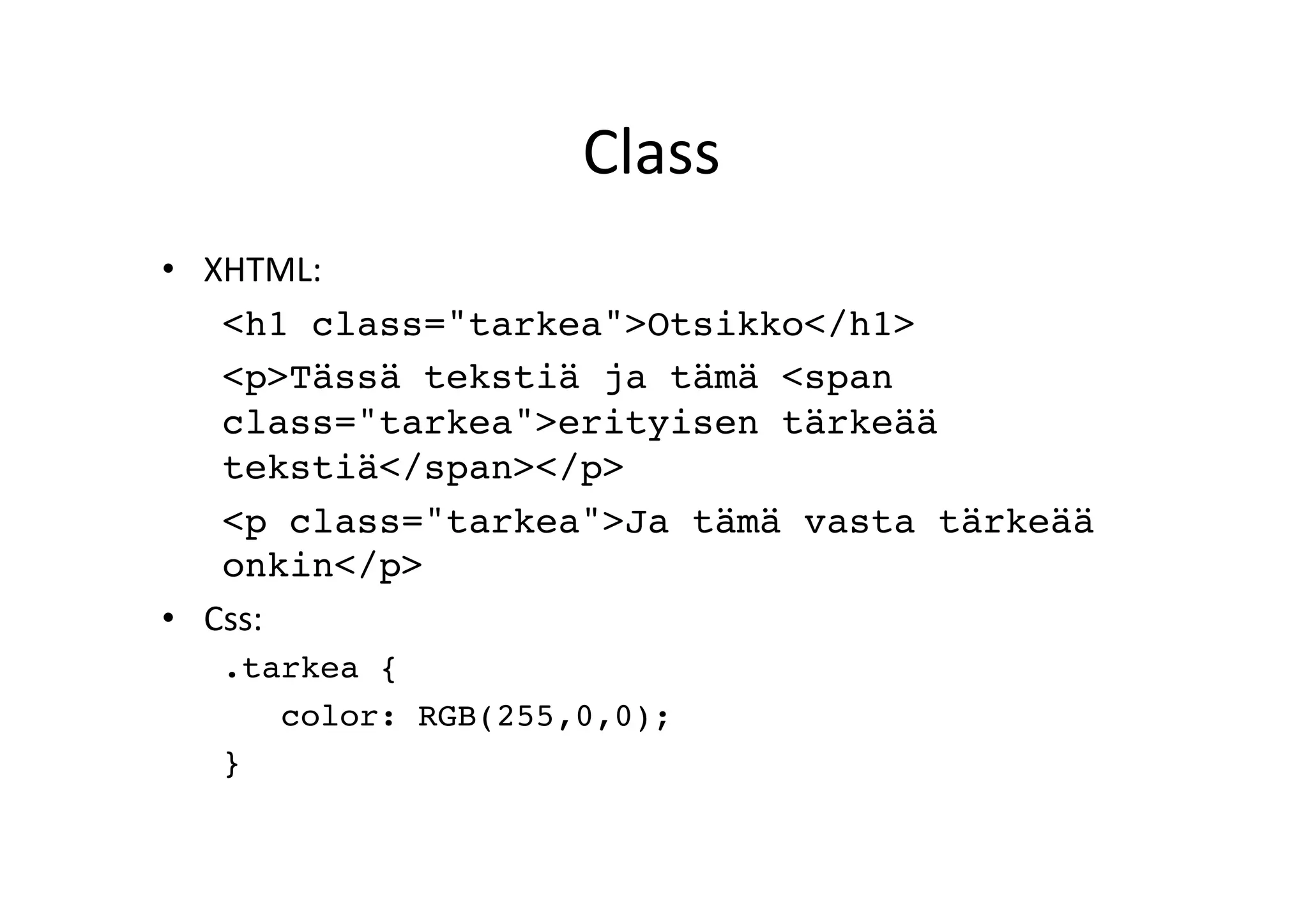
Class   •  XHTML:   <h1 class="tarkea">Otsikko</h1>! <p>Tässä tekstiä ja tämä <span class="tarkea">erityisen tärkeää tekstiä</span></p>! <p class="tarkea">Ja tämä vasta tärkeää onkin</p>! •  Css:   .tarkea {! color: RGB(255,0,0);! }!
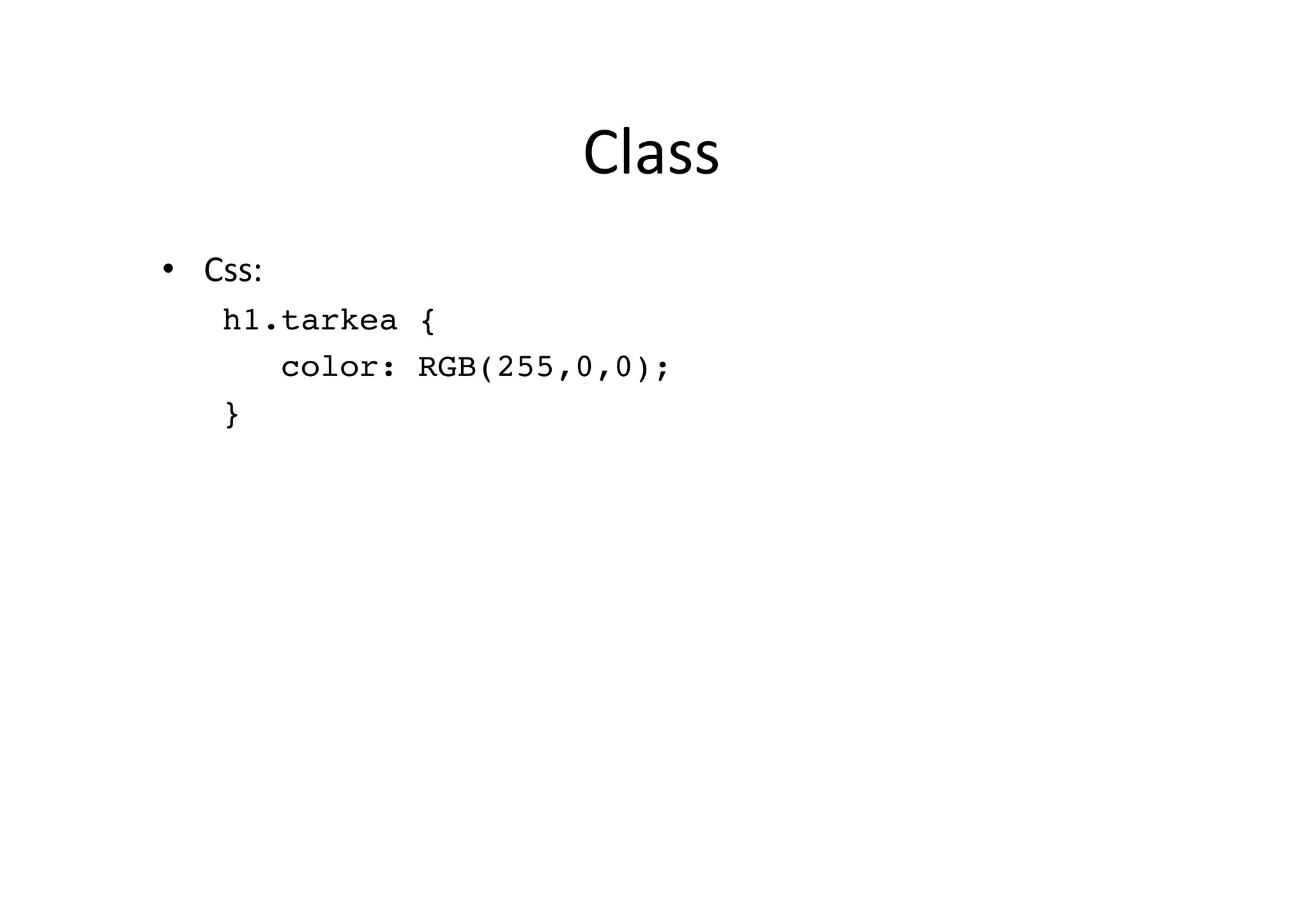
Class   •  Css:   h1.tarkea {! color: RGB(255,0,0);! }!
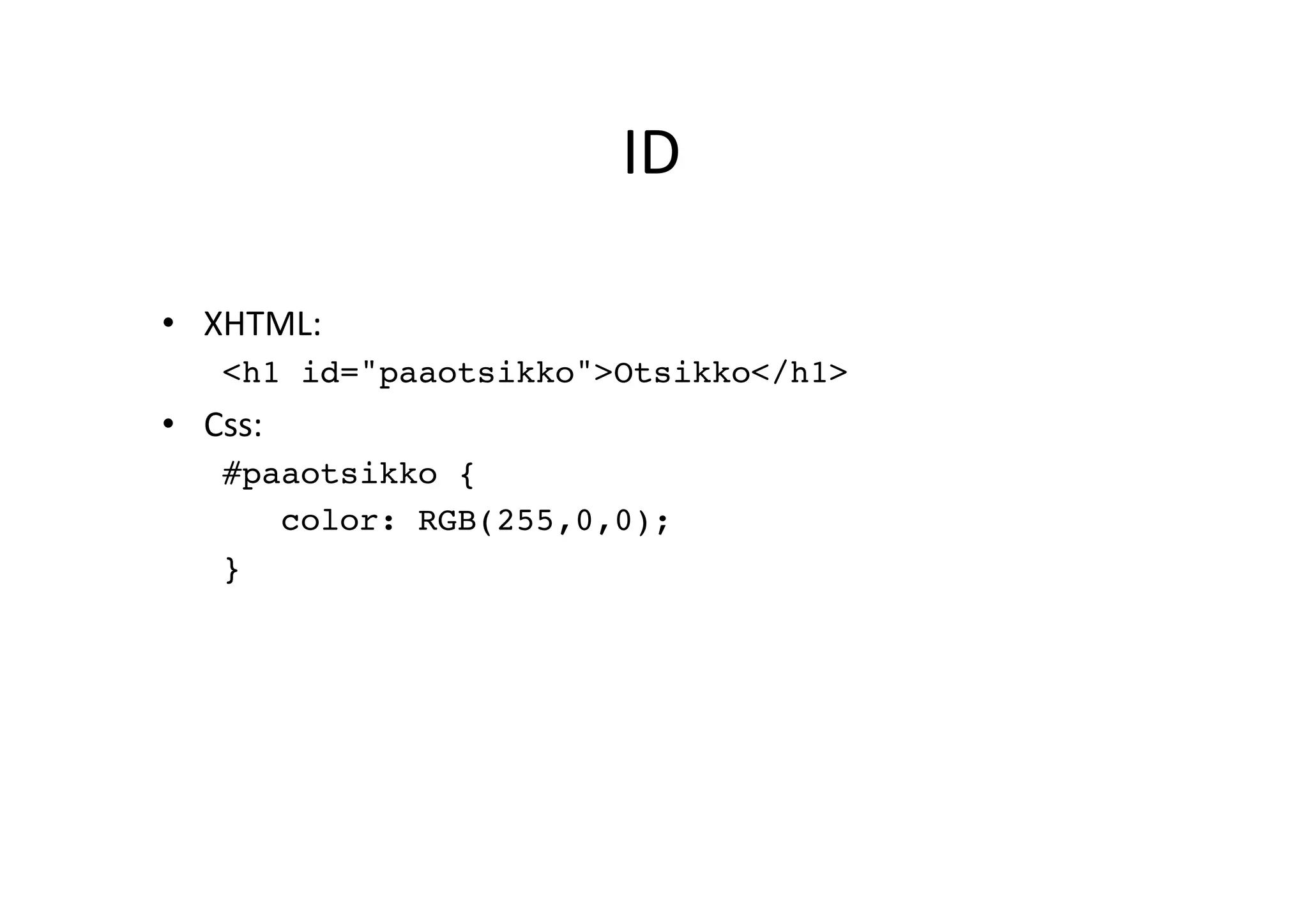
ID   •  XHTML:   <h1 id="paaotsikko">Otsikko</h1>! •  Css:   #paaotsikko {! color: RGB(255,0,0);! }!
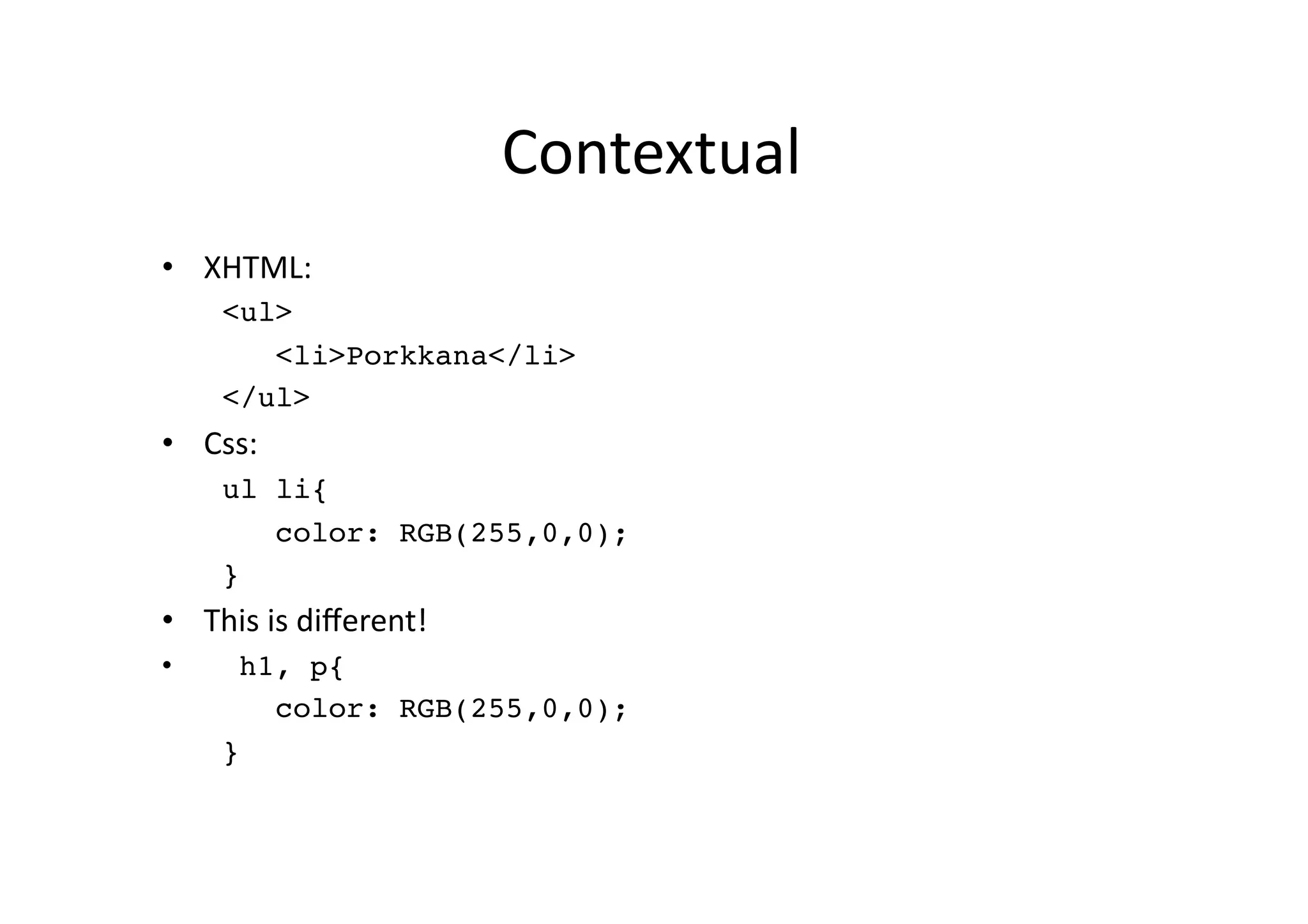
Contextual   •  XHTML:   <ul>! <li>Porkkana</li>! </ul>! •  Css:   ul li{! color: RGB(255,0,0);! }! •  This  is  different!   •  h1, p{! color: RGB(255,0,0);! }!
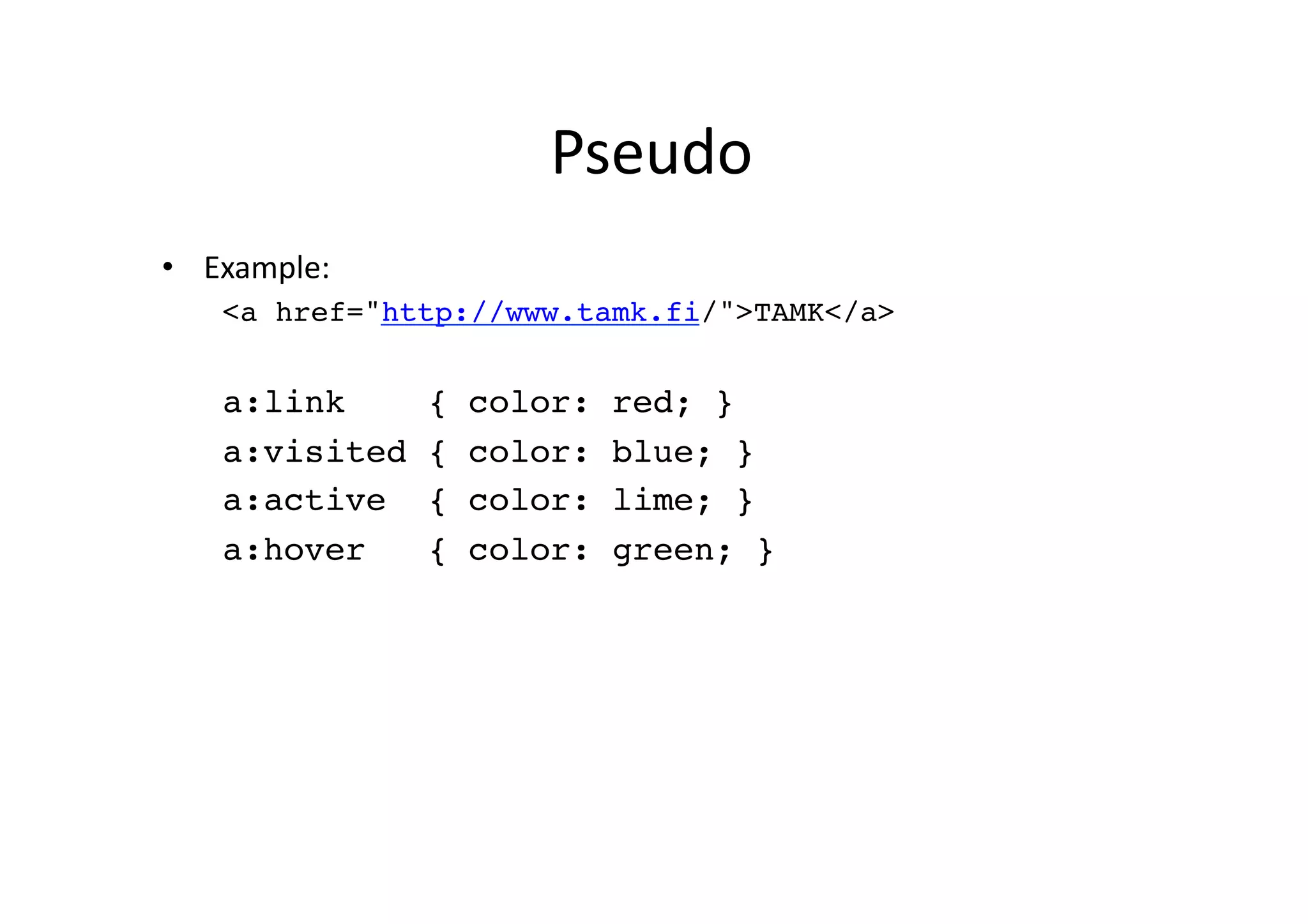
Pseudo   •  Example:   <a href="http://www.tamk.fi/">TAMK</a>! a:link { color: red; }! a:visited { color: blue; }! a:active { color: lime; }! a:hover { color: green; }!
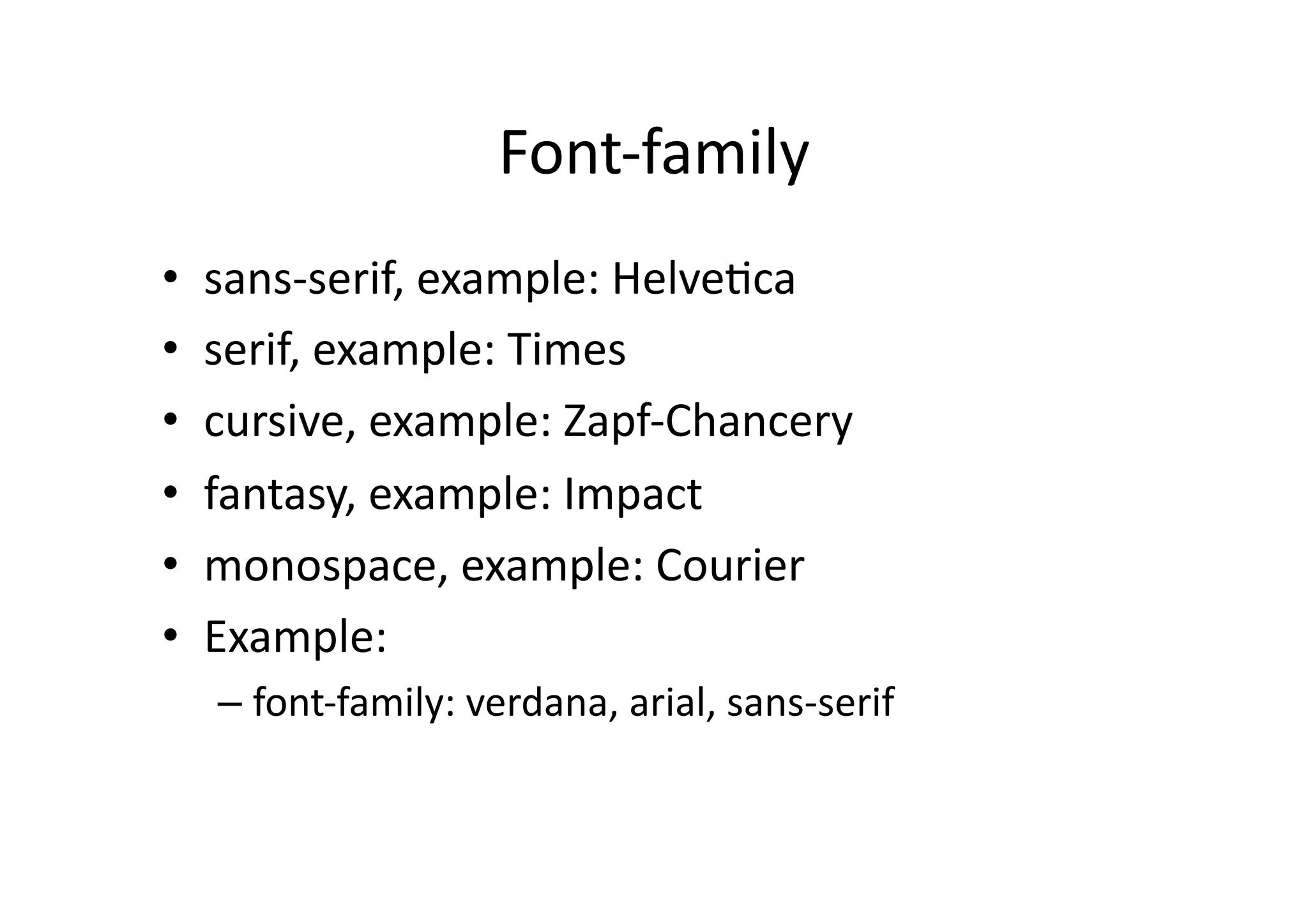
Font-­‐family   •  sans-­‐serif,  example:  Helve)ca   •  serif,  example:  Times   •  cursive,  example:  Zapf-­‐Chancery   •  fantasy,  example:  Impact   •  monospace,  example:  Courier   •  Example:   –  font-­‐family:  verdana,  arial,  sans-­‐serif  
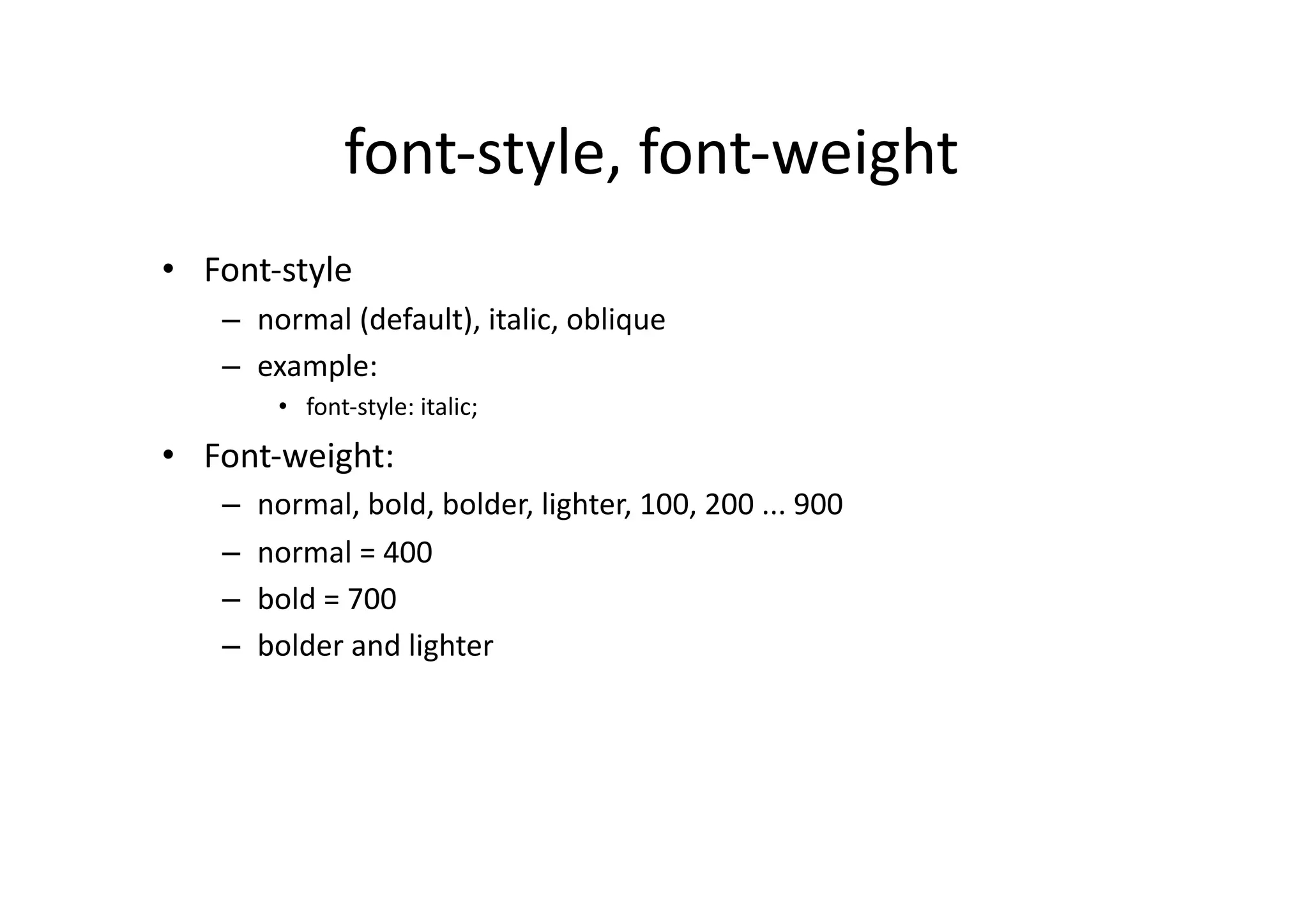
font-­‐style,  font-­‐weight   •  Font-­‐style   –  normal  (default),  italic,  oblique   –  example:   •  font-­‐style:  italic;   •  Font-­‐weight:   –  normal,  bold,  bolder,  lighter,  100,  200  ...  900   –  normal  =  400   –  bold  =  700   –  bolder  and  lighter  
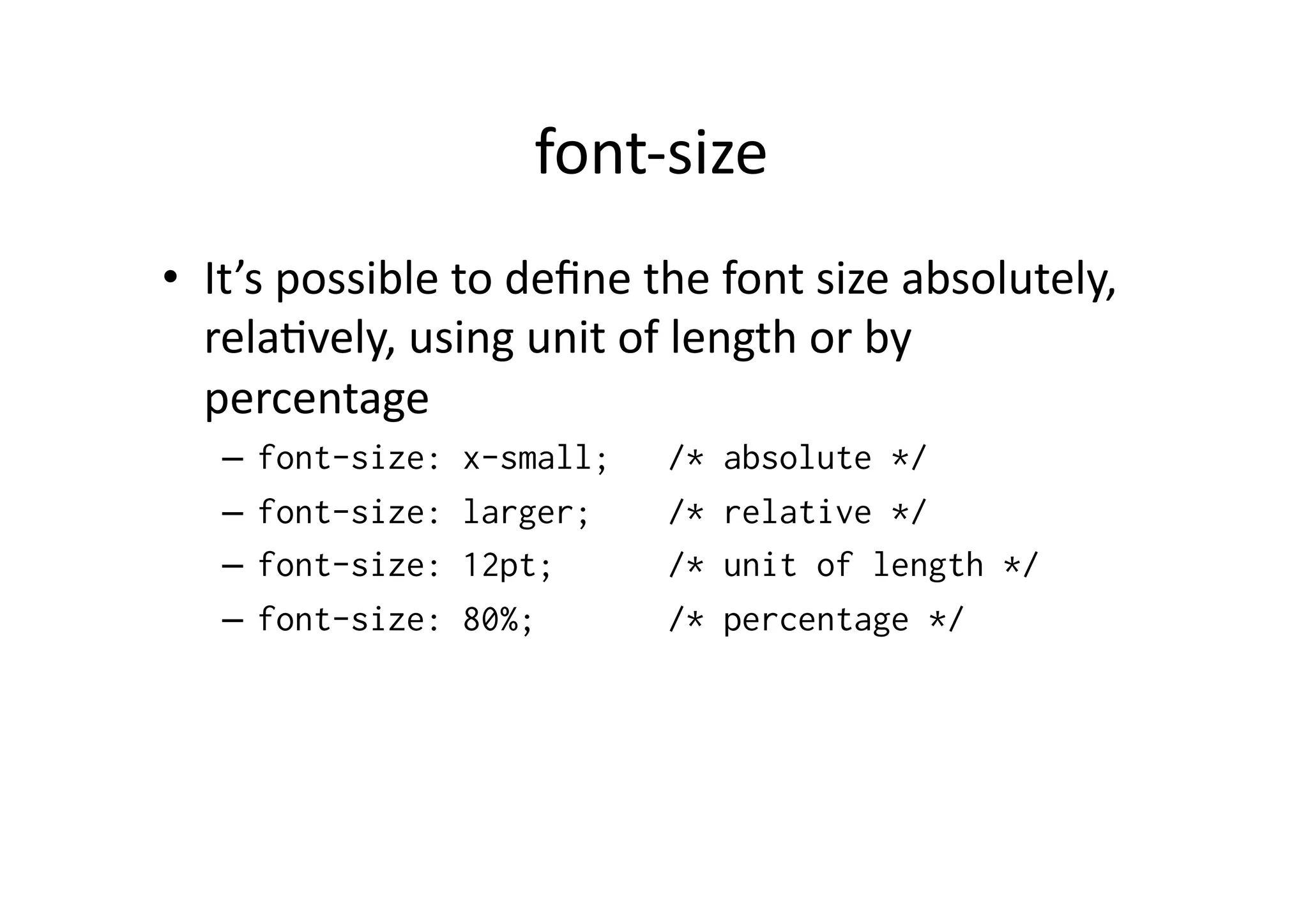
font-­‐size   •  It’s  possible  to  define  the  font  size  absolutely,   rela)vely,  using  unit  of  length  or  by   percentage   –  font-size: x-small; /* absolute */ –  font-size: larger; /* relative */ –  font-size: 12pt; /* unit of length */ –  font-size: 80%; /* percentage */
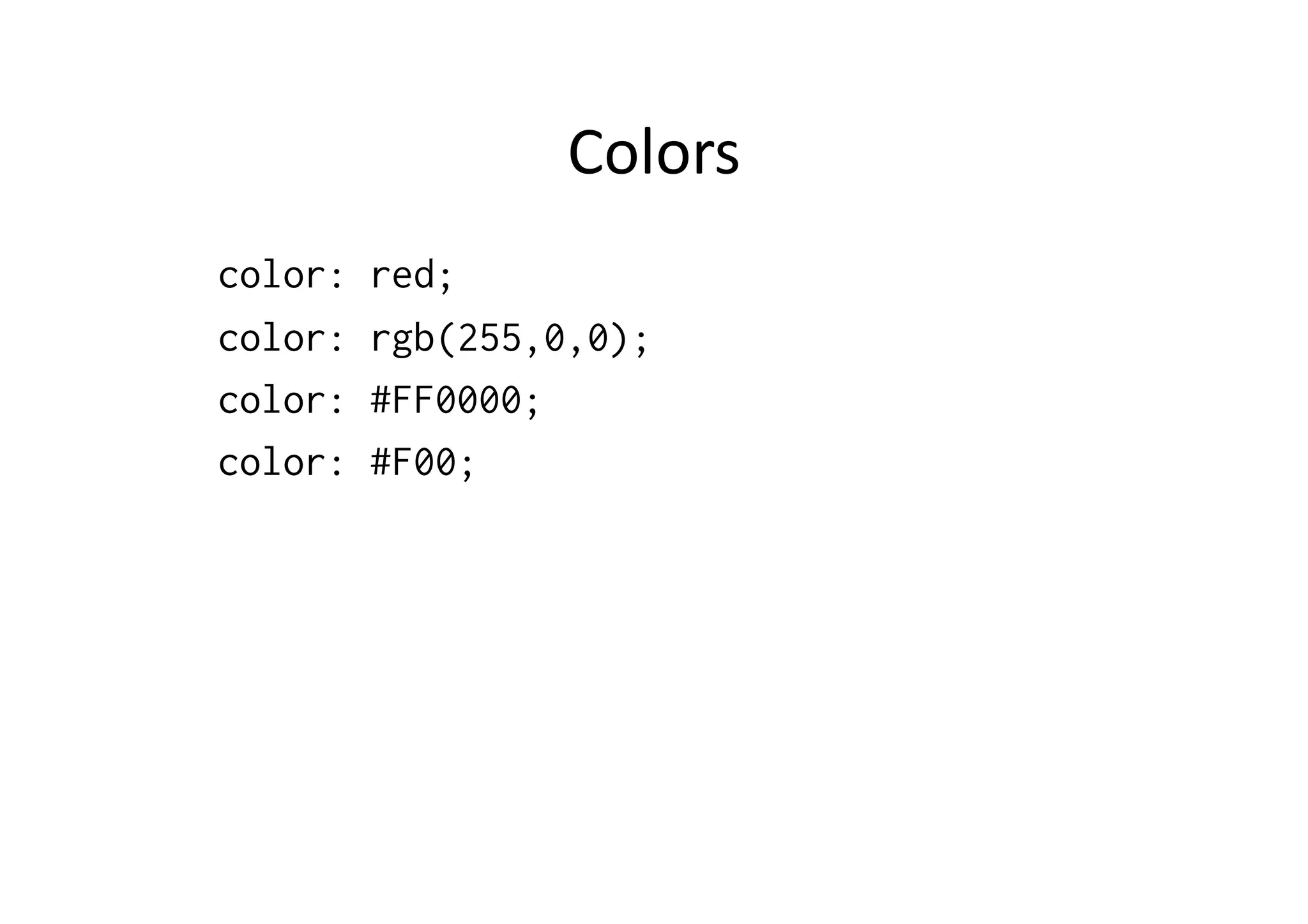
Colors   color: red; color: rgb(255,0,0); color: #FF0000; color: #F00;
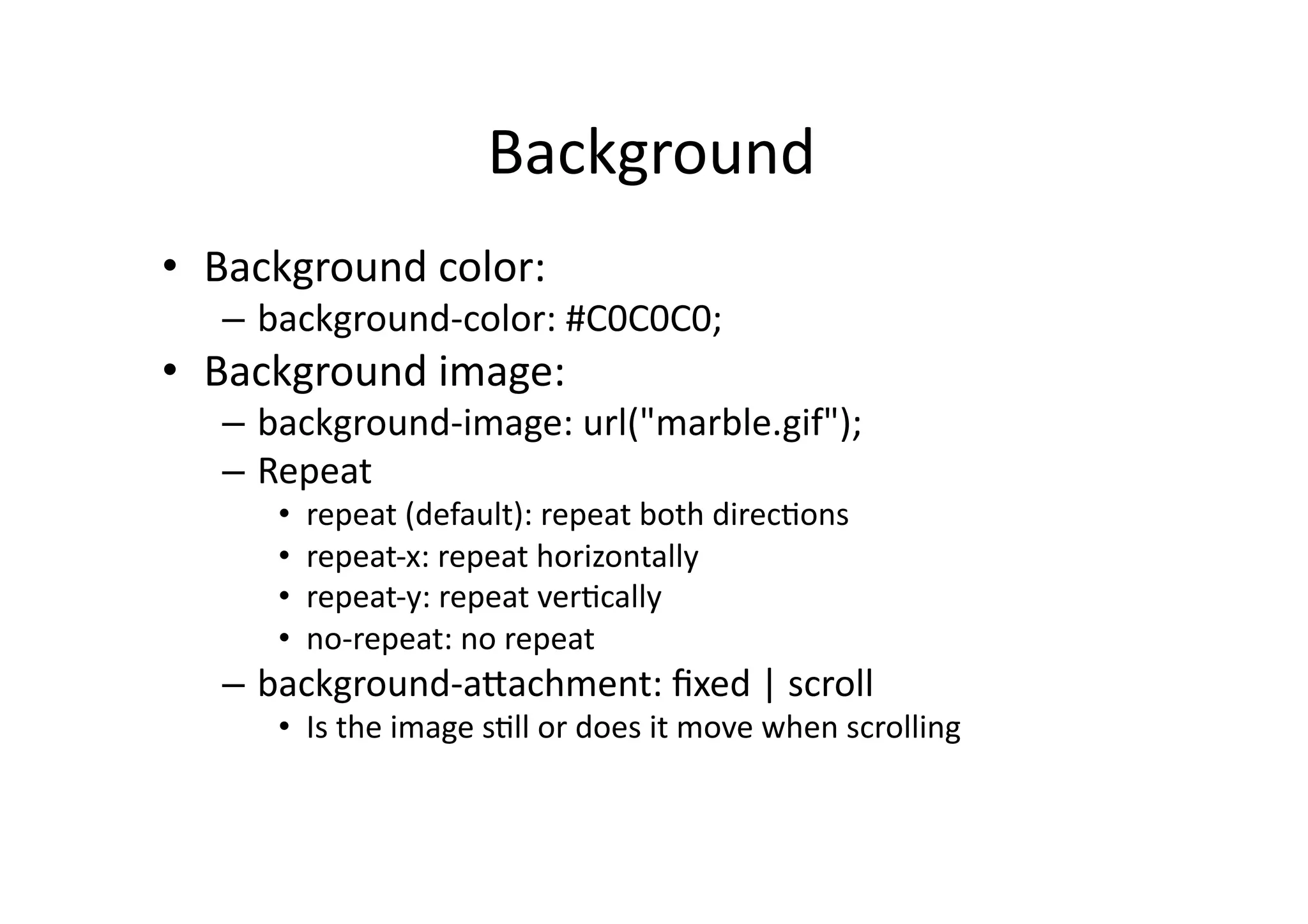
Background   •  Background  color:   –  background-­‐color:  #C0C0C0;   •  Background  image:   –  background-­‐image:  url("marble.gif");   –  Repeat   •  repeat  (default):  repeat  both  direc)ons   •  repeat-­‐x:  repeat  horizontally   •  repeat-­‐y:  repeat  ver)cally   •  no-­‐repeat:  no  repeat   –  background-­‐aSachment:  fixed  |  scroll   •  Is  the  image  s)ll  or  does  it  move  when  scrolling  
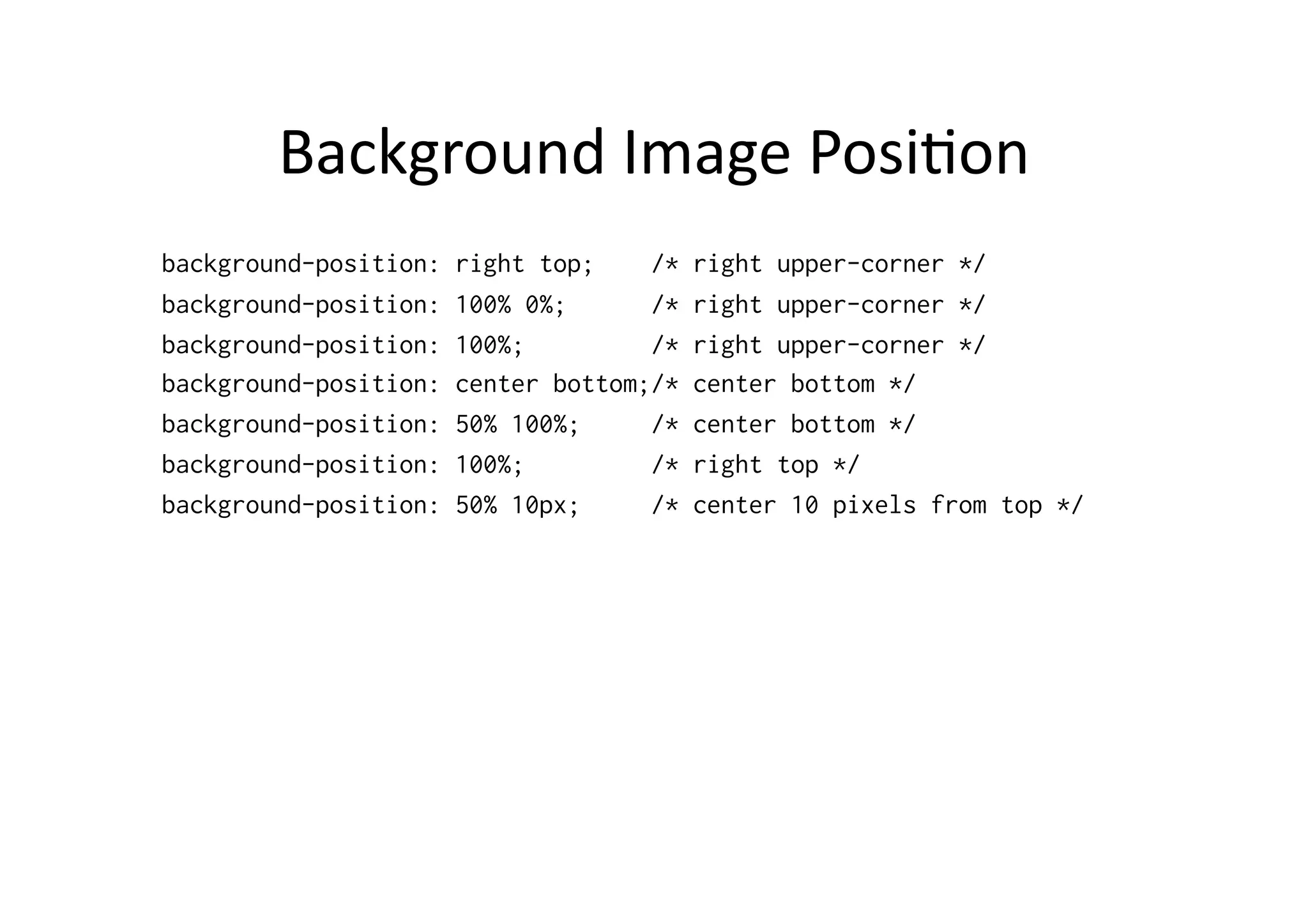
Background  Image  Posi)on   background-position: right top; /* right upper-corner */ background-position: 100% 0%; /* right upper-corner */ background-position: 100%; /* right upper-corner */ background-position: center bottom;/* center bottom */ background-position: 50% 100%; /* center bottom */ background-position: 100%; /* right top */ background-position: 50% 10px; /* center 10 pixels from top */
Text  Features   •  word-­‐spacing   •  leSer-­‐spacing   •  text-­‐decora)on   –  underline   –  overline   –  line-­‐through   –  blink  
Text  Features   •  ver)cal-­‐align   –  baseline,  middle,  sub,  super,  text-­‐top,  text-­‐boSom,  top,  boSom,   prosenyluku   •  text-­‐transform   –  capitalize,  uppercase,  lowercase   •  text-­‐align   –  lez,  right,  center,  jus)fy   •  text-­‐indent   •  line-­‐height  

Introduction to XML, XHTML and CSS

  • 1.
    Introduc)on  to  XHTML  and  CSS   Jussi  Pohjolainen   Tampere  University  of  Applied  Sciences  
  • 2.
  • 3.
    Extensible  Markup  Language   •  XML  is  a  specifica)on  for  crea)ng  custom   markup  languages   •  Subset  of  SGML   •  XML  languages:  RSS,  MathML,  SVG,  XHTML   •  W3C  Recommenda)on  
  • 4.
    XML  and  SGML   SGML   XML   RSS   XHTML   SVG   HTML  
  • 5.
    XML  Example   <?xmlversion=“1.0” encoding=“utf-8”?>! <books>! !<book id=“A01”>! !!<title>Designing Web Usability</title>! !!<author>Jakob Nielsen</author>! !</book>! </books>!
  • 6.
    XML  Well  Formed   •  XML  Declara)on   •  One  root-­‐element   •  Every  tag  is  opened  and  ended   •  ASributes  inside  “  ”   •  Case-­‐sensi)vity  
  • 7.
    XML  Example   <?xmlversion=“1.0” encoding=“utf-8”?>! <!DOCTYPE books SYSTEM “books.dtd”>! <books>! !<book id=“A01”>! !!<title>Designing Web Usability</title>! !!<author>Jakob Nielsen</author>! !<book>! </books>!
  • 8.
    DTD  Example:  books.dtd   <!ELEMENT books (book+)>! <!ELEMENT book (title, author)>! <!ELEMENT title (#PCDATA)>! <!ELEMENT author (#PCDATA)>! <!ATTLIST book id ID #REQUIRED>!
  • 9.
    XML  Valid   • XML  document  is  valid,  when  it  follows  it’s  dtd   •  Valida)on  can  be  done  only,  if  the  xml   document  has  dtd  (or  schema)   •  XHTML  strict  1.0  dtd:   –  hSp://www.w3.org/TR/xhtml1/DTD/xhtml1-­‐ strict.dtd  
  • 10.
  • 11.
    XHTML   •  XHTML  is  a  XML  based  language   •  XHTML  1.0  /  1.1:   –  Strict   –  Transi)onal   –  Frameset  
  • 12.
    XHTML  Example   <?xmlversion="1.0"?>! <!DOCTYPE html PUBLIC "-//W3C//DTD XHTML 1.0 Strict//EN"! "http://www.w3.org/TR/xhtml1/DTD/xhtml1-strict.dtd">! <html xmlns="http://www.w3.org/1999/xhtml" xml:lang="en" lang="en">! <head>! <meta http-equiv="Content-Type" content="text/html; charset=utf-8" />! <title>XHTML 1.0 Example</title>! </head>! <body>! <p>This is a example.</p>! </body>! </html>!
  • 13.
    General  Form   • XHTML  consists  of   –  Xml-­‐declara)on   –  Document  type   –  XHTML  -­‐  document   •  head   •  body  
  • 14.
    XHTML  Basic  Structure   •  Every  element  is  wriSen  in  lower  case   •  If  element  does  not  contain  anything,  it’s  empty  element:     –  <br></br>  <!–  line  break  -­‐-­‐>   –  <hr></hr>  <!–  horizontal  line  -­‐-­‐>   –  <img  src=”pic.jpg"  alt=”picture"></img>  <!-­‐-­‐  picture  -­‐-­‐>   •  Empty  elements  should  be  wriSen  like  this:   –  <br/>   –  <hr/>   –  <img  src=”pic.jpg"  alt=”picture"/>  
  • 15.
    Inden)ng   •  Indenta)on  is  free  in  xml   •  It’s  easier  to  read  the  document,  if  you  use  indenta)on   •  One  indenta)on:  4  spaces:   <ul> ____<li>Carrot</li> ____<li>Tomato</li> </ul>
  • 16.
    Commen)ng   •  It’s  possible  to  add  comments  to  xhtml  –   documents:   •  <!-­‐-­‐  and  here  we  have  a  list  -­‐-­‐>  
  • 17.
    Document  types   <!DOCTYPE  html  PUBLIC  "-­‐//W3C//DTD  XHTML  1.0  Strict//EN"    " hSp://www.w3.org/TR/xhtml1/DTD/xhtml1-­‐strict.dtd">   <!DOCTYPE  html  PUBLIC  "-­‐//W3C//DTD  XHTML  1.0  Transi)onal//EN"  " hSp://www.w3.org/TR/xhtml1/DTD/xhtml1-­‐transi)onal.dtd">a   <!DOCTYPE  html  PUBLIC  "-­‐//W3C//DTD  XHTML  1.0  Frameset//EN"  " hSp://www.w3.org/TR/xhtml1/DTD/xhtml1-­‐frameset.dtd">  
  • 18.
    Head   •  Compulsary:  )tle   •  Meta-­‐informa)on     –  See:   hSp://www.cs.tut.fi/~jkorpela/webjulk/1.6.html   •  Possible  linking  to  stylesheets  
  • 19.
    Text  -­‐  elements   •  p   •  S   •  br   •  i   •  blockquote   •  b   •  pre   •  big   •  em   •  small   •  strong   •  sub   •  code   •  sup  
  • 20.
    Lists   •  ul:  unordered  list   •  ol:  ordered  list   •  dl:  defini)on  list   •  ul  and  ol  items  are  marked  as  li   •  In  dl  items  are  marked  as  dt  and  dd  
  • 21.
    Links   •  See:   –  hSp://www.cs.tut.fi/~jkorpela/webjulk/1.5.html   •  Link  to  outside   –  <a  href="hSp://www.tamk.fi">tamk</a>   •  Link  within  page   –  <a  href=”dog.html">Dog</a>  
  • 22.
    Images   •  Use  gif,  jpeg  or  png   •  img-­‐element:   –  <img  src=”pic.jpg"  alt=”alterna)ve  text"/>   •  Img  as  link   –  <a  href=”dog.html"><img  src=”dog.png"   alt=”dog"/></a>  
  • 23.
    Tables   Title Title Title Cell Cell Cell Cell Cell Cell
  • 24.
    Tables   <table> <tr> <td>cell</td> <td>cell</td> </tr> <tr> <td>cell</td> <td>cell</td> </tr> </table>
  • 25.
    Table:  Heading   <table> <tr> <th>Name</th> <th>Telephone</th> <th>Telephone</th> </tr> <tr> <td>Bill Gates</td> <td>555 77 854</td> <td>555 77 855</td> </tr> </table>
  • 26.
    Combining  Rows  and  Cols   <table> <tr> <td colspan="3">Title</td> </tr> <tr> <td>Title</td> <td colspan="2">cell</td> </tr> <tr> <td>cell</td> <td>cell</td> <td>cell</td> </tr> </table>
  • 27.
  • 28.
    CSS   •  CSS  is  a  stylesheet  language  used  to  describe   the  presenta)on  of  a  document  wriSen  in   markup  language   •  Usually  used  with  (x)html   •  Defining  fonts,  colors  and  layout   •  Separates  document  content  and  presenta)on  
  • 29.
    History   •  CSS1  spec  finished  1996,  it  took  three  years  before   browsers  supported  CSS1   •  2000  IE  5.0  for  Mac  was  the  first  browser  to  fully   support  CSS1   •  =>  CSS  Filtering   •  S)ll  hundreds  of  bugs  in  browsers  
  • 30.
    CSS  support  today   •  Compe))on   –  Mozilla  Gecko  engine  (FireFox,  Mozilla)   –  Presto  Layout  engine  (Opera)   –  WebKit  (Apple  Safari,  Konquer,  S60  Browser)   –  Internet  Explorer   •  CSS  and  browser  compa)bility:   –  hSp://www.quirksmode.org/css/contents.html  
  • 31.
    Before  CSS   • Presenta)on  was  part  of  the  document   structure:   <h2 align="center"> <font color="red" size="+4" face="Times New Roman, serif"> <i>Usage of CSS</i> </font> </h2> •  Many  problems…  
  • 32.
    Using  CSS   • Structure  is  clear:   <h2>Usage of CSS</h2> •  Presenta)on  is  clear:   h2 { text-align: center; color: red; font: italic large "Times New Roman", serif; }
  • 33.
    CSS  Possibili)es   • Colors,  fonts,  layout,  sizes,  borders..   •  Possible  to  do  different  css  –  files  for  prin)ng,   mobile  devices,  desktop  computers.   •  See     –  hSp://www.csszengarden.com/  
  • 34.
    CSS  Linking   <html> <head> <title>Page</title> <link rel="stylesheet" type="text/css" media="screen" href="screen.css" /> </head> <body> <h1>Title</h1> <p>paragraph</p> </body> </html>
  • 35.
    CSS  Linking   <html> <head> <title>Sivu</title> <link rel="stylesheet" type="text/css" media="screen" href="screen.css" /> <link rel="stylesheet" type="text/css" media="handheld" href="mobile.css" /> <link rel="stylesheet" type="text/css" media="print" href="print.css" /> </head> <body> <h1>Title</h1> <p>paragraph</p> </body> </html>
  • 36.
    CSS  General  Form   •  CSS  general  form   –  selector  declara)on   •  Example:   –  h1  {  color:  blue;  }   •  h1  =  selector   •  color:  blue;  =  declara)on  
  • 37.
    Selectors   •  Element  (h1)   •  Class  (.important)   •  Class  (h1.important)   •  ID  (#important)   •  Contextual  (h1  p)   •  Pseudo  (a:link)  
  • 38.
    Element   •  XHTML:   <h1>Otsikko</h1>! •  Css:   h1 {! color: RGB(255,0,0);! }!
  • 39.
    Class   •  XHTML:   <h1 class="tarkea">Otsikko</h1>! <p>Tässä tekstiä ja tämä <span class="tarkea">erityisen tärkeää tekstiä</span></p>! <p class="tarkea">Ja tämä vasta tärkeää onkin</p>! •  Css:   .tarkea {! color: RGB(255,0,0);! }!
  • 40.
    Class   •  Css:   h1.tarkea {! color: RGB(255,0,0);! }!
  • 41.
    ID   •  XHTML:   <h1 id="paaotsikko">Otsikko</h1>! •  Css:   #paaotsikko {! color: RGB(255,0,0);! }!
  • 42.
    Contextual   •  XHTML:   <ul>! <li>Porkkana</li>! </ul>! •  Css:   ul li{! color: RGB(255,0,0);! }! •  This  is  different!   •  h1, p{! color: RGB(255,0,0);! }!
  • 43.
    Pseudo   •  Example:   <a href="http://www.tamk.fi/">TAMK</a>! a:link { color: red; }! a:visited { color: blue; }! a:active { color: lime; }! a:hover { color: green; }!
  • 44.
    Font-­‐family   •  sans-­‐serif,  example:  Helve)ca   •  serif,  example:  Times   •  cursive,  example:  Zapf-­‐Chancery   •  fantasy,  example:  Impact   •  monospace,  example:  Courier   •  Example:   –  font-­‐family:  verdana,  arial,  sans-­‐serif  
  • 45.
    font-­‐style,  font-­‐weight   • Font-­‐style   –  normal  (default),  italic,  oblique   –  example:   •  font-­‐style:  italic;   •  Font-­‐weight:   –  normal,  bold,  bolder,  lighter,  100,  200  ...  900   –  normal  =  400   –  bold  =  700   –  bolder  and  lighter  
  • 46.
    font-­‐size   •  It’s  possible  to  define  the  font  size  absolutely,   rela)vely,  using  unit  of  length  or  by   percentage   –  font-size: x-small; /* absolute */ –  font-size: larger; /* relative */ –  font-size: 12pt; /* unit of length */ –  font-size: 80%; /* percentage */
  • 47.
    Colors   color: red; color: rgb(255,0,0); color: #FF0000; color: #F00;
  • 48.
    Background   •  Background  color:   –  background-­‐color:  #C0C0C0;   •  Background  image:   –  background-­‐image:  url("marble.gif");   –  Repeat   •  repeat  (default):  repeat  both  direc)ons   •  repeat-­‐x:  repeat  horizontally   •  repeat-­‐y:  repeat  ver)cally   •  no-­‐repeat:  no  repeat   –  background-­‐aSachment:  fixed  |  scroll   •  Is  the  image  s)ll  or  does  it  move  when  scrolling  
  • 49.
    Background  Image  Posi)on   background-position: right top; /* right upper-corner */ background-position: 100% 0%; /* right upper-corner */ background-position: 100%; /* right upper-corner */ background-position: center bottom;/* center bottom */ background-position: 50% 100%; /* center bottom */ background-position: 100%; /* right top */ background-position: 50% 10px; /* center 10 pixels from top */
  • 50.
    Text  Features   • word-­‐spacing   •  leSer-­‐spacing   •  text-­‐decora)on   –  underline   –  overline   –  line-­‐through   –  blink  
  • 51.
    Text  Features   • ver)cal-­‐align   –  baseline,  middle,  sub,  super,  text-­‐top,  text-­‐boSom,  top,  boSom,   prosenyluku   •  text-­‐transform   –  capitalize,  uppercase,  lowercase   •  text-­‐align   –  lez,  right,  center,  jus)fy   •  text-­‐indent   •  line-­‐height