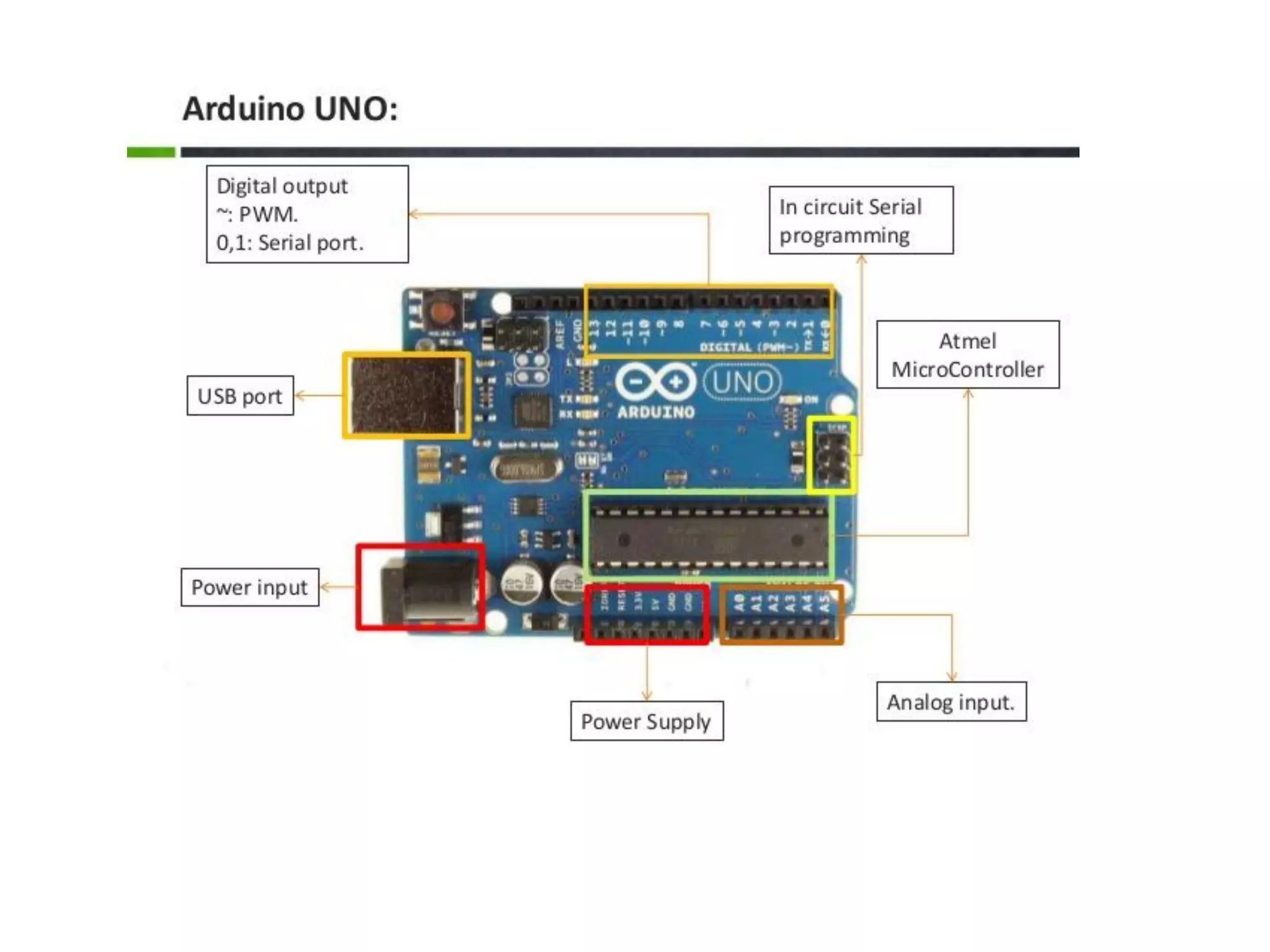
What is Arduino • A microcontroller board, contains on-board power supply, usb port to communicate with pc and an Atmel microcontroller chip. • It simplify the proces of creating any control system by providing the standard board that can be programmed and connected to the system without the need to any sophisticated PCB design. • An OPEN-SOURCE hardware.
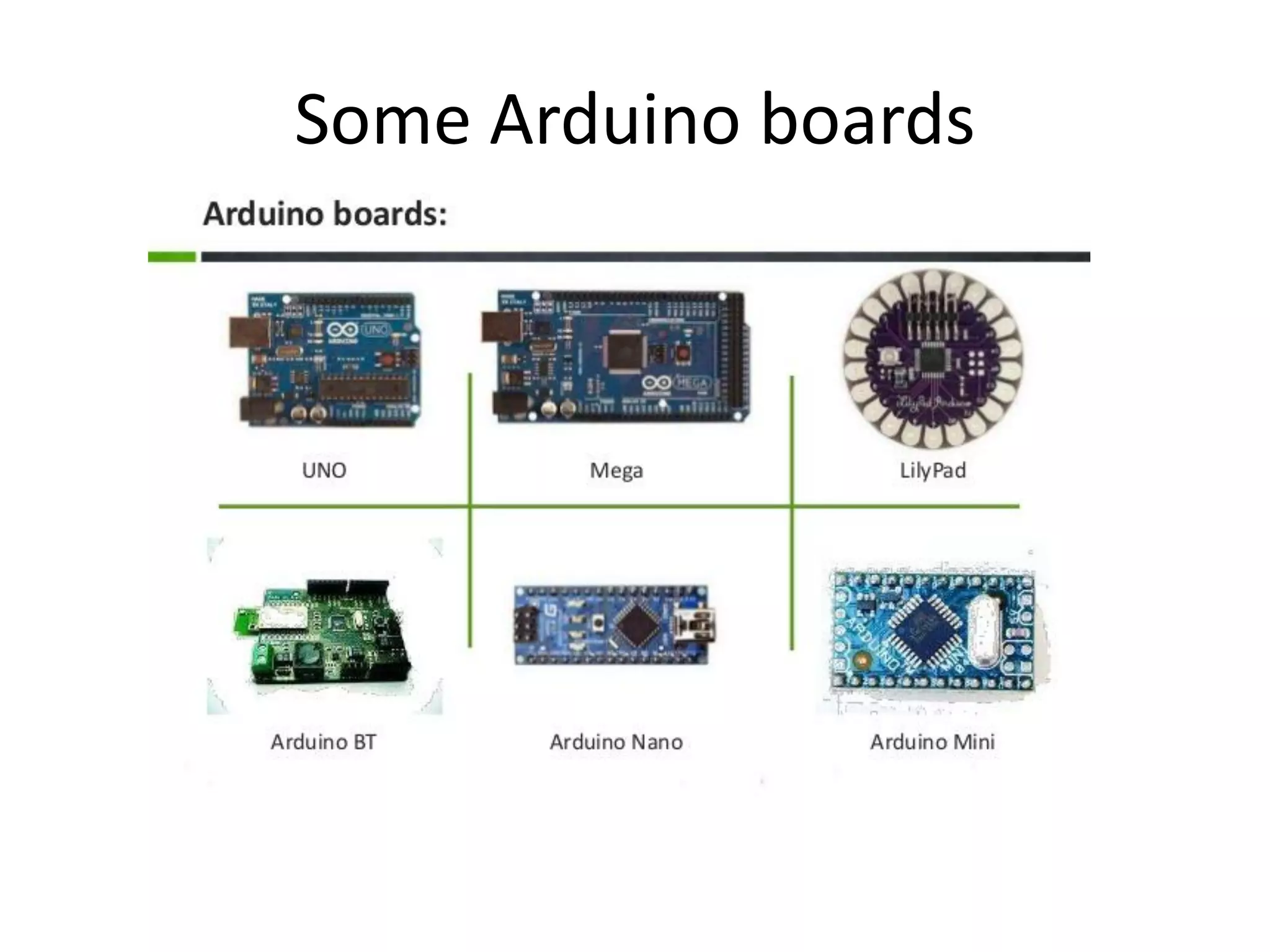
Some Arduino boards
Arduino philosophy is to learn by practicing so… Let’s do what Arduino wants…
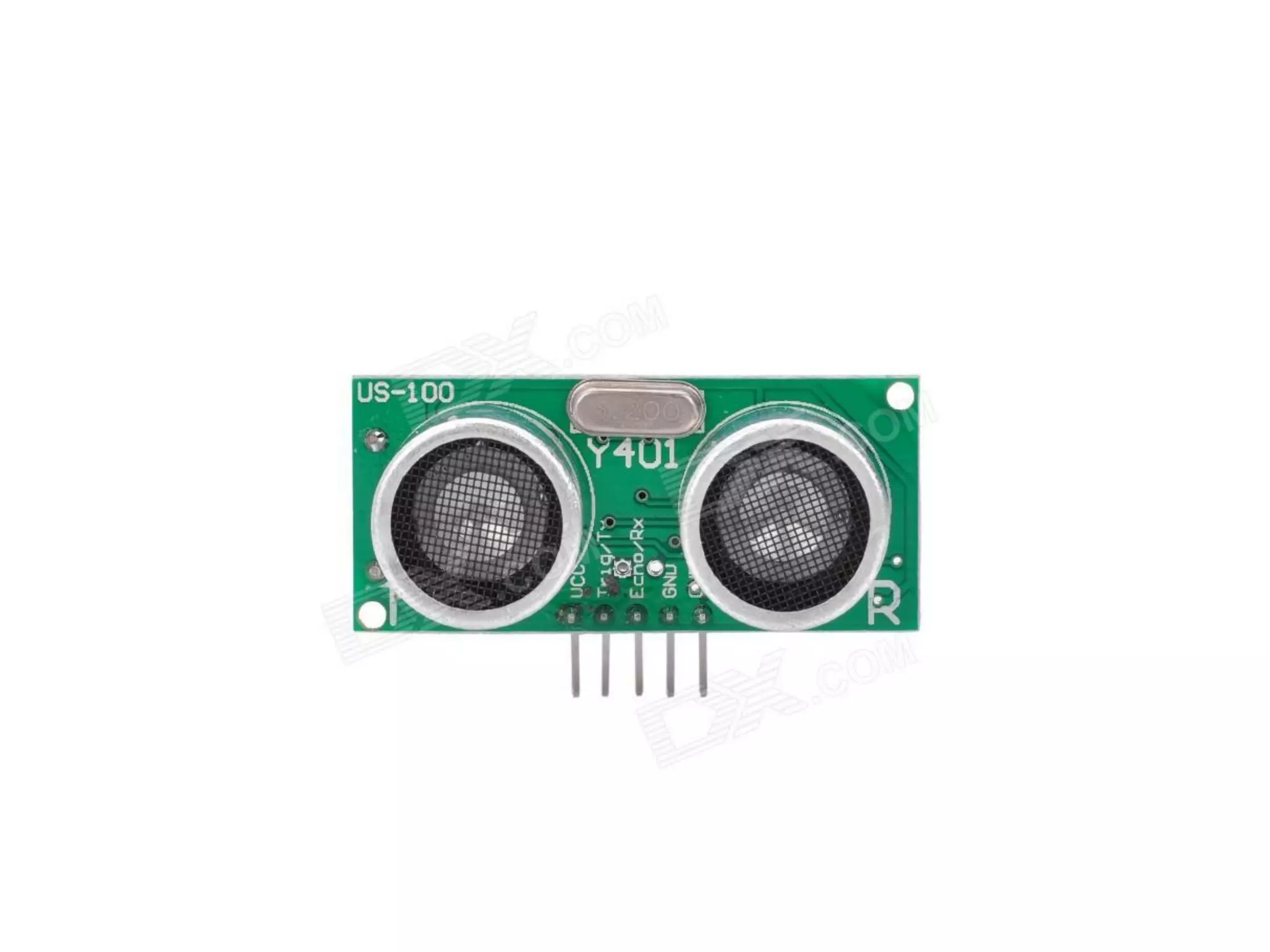
Ultrasonic sensor It is a sensor that work on a principle similar to radar, which evaulate attributes of a target by interpreting the echoes from radio or sound waves respectively.
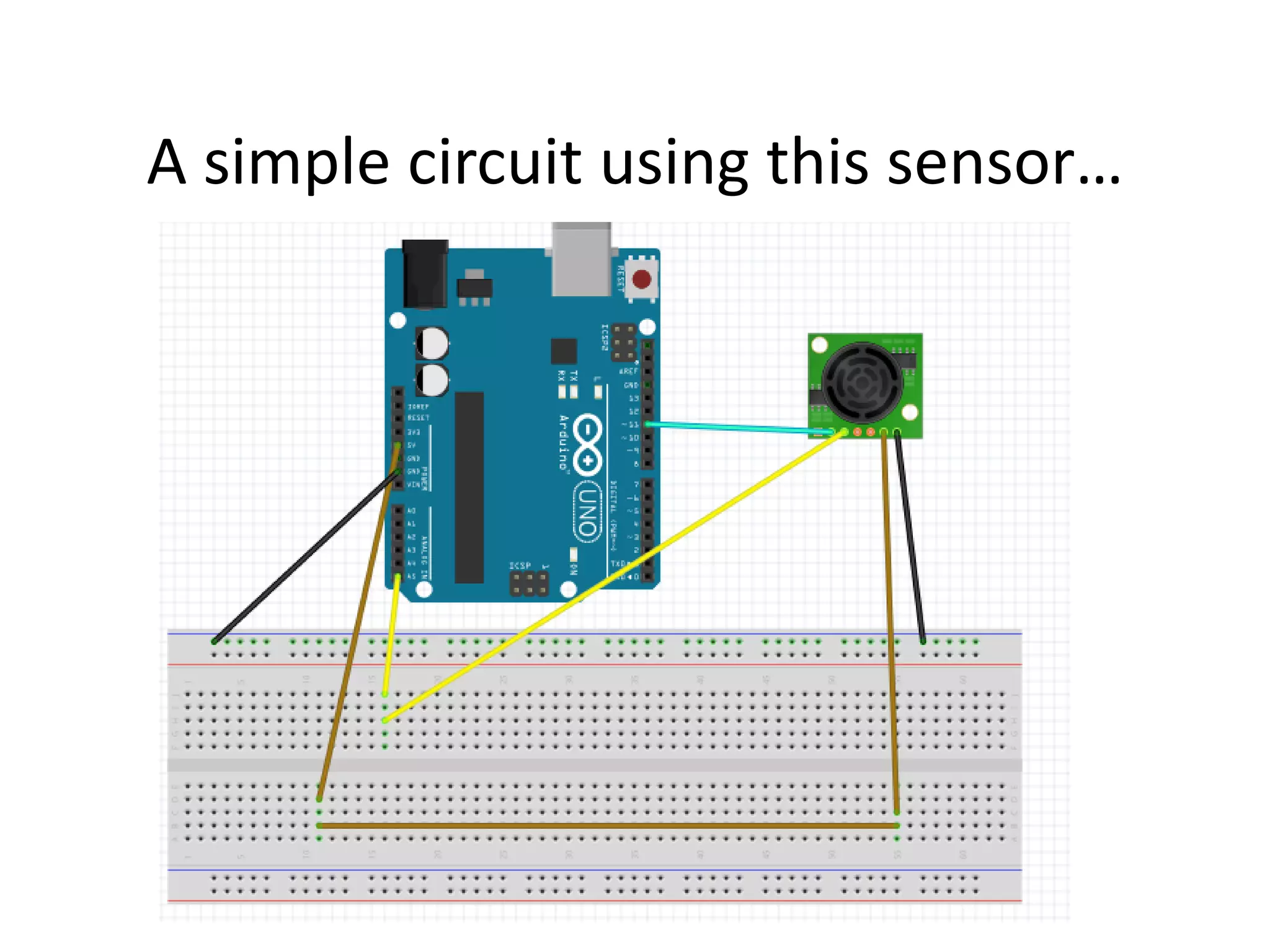
A simple circuit using this sensor…
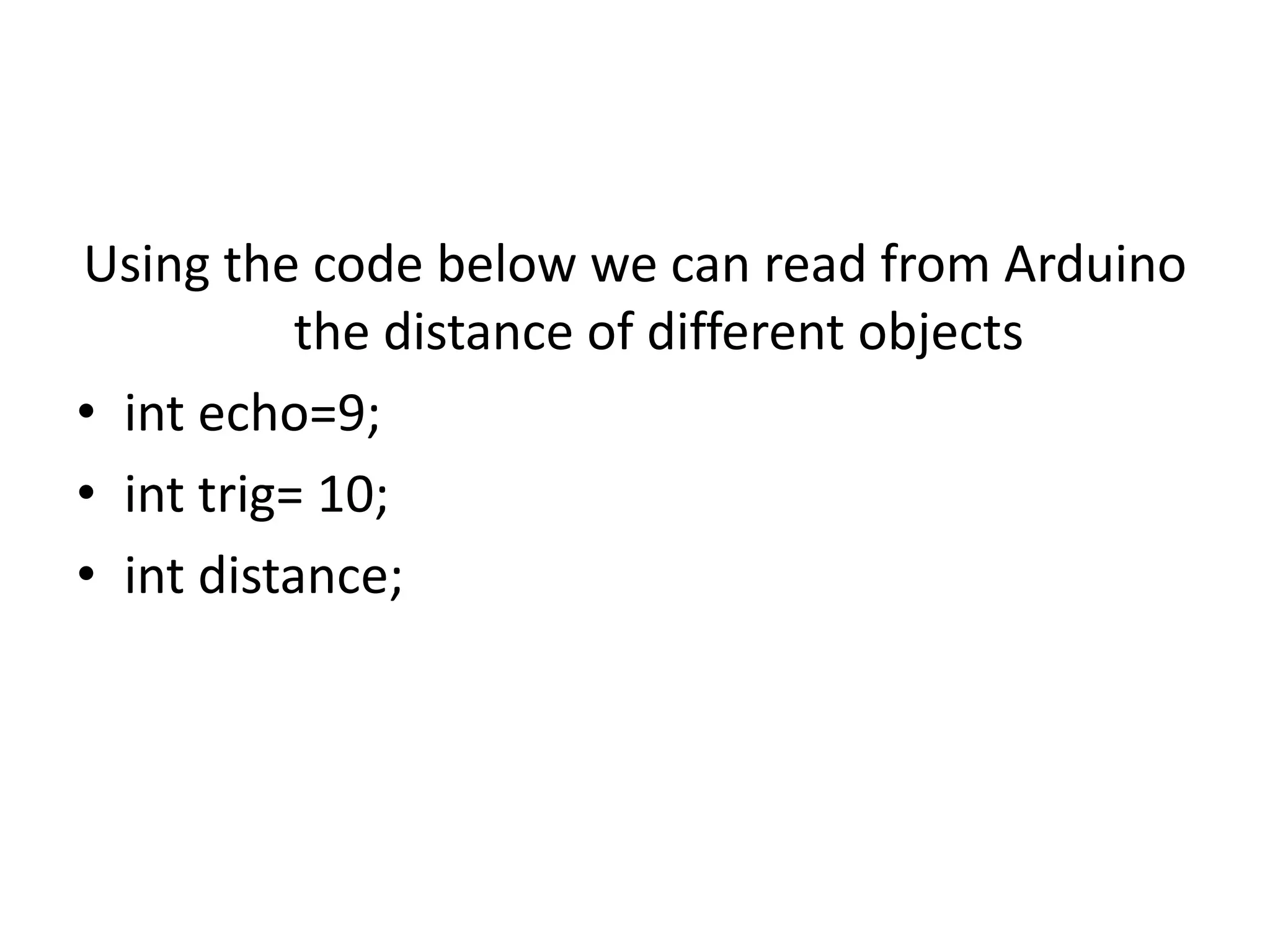
Using the code below we can read from Arduino the distance of different objects • int echo=9; • int trig= 10; • int distance;
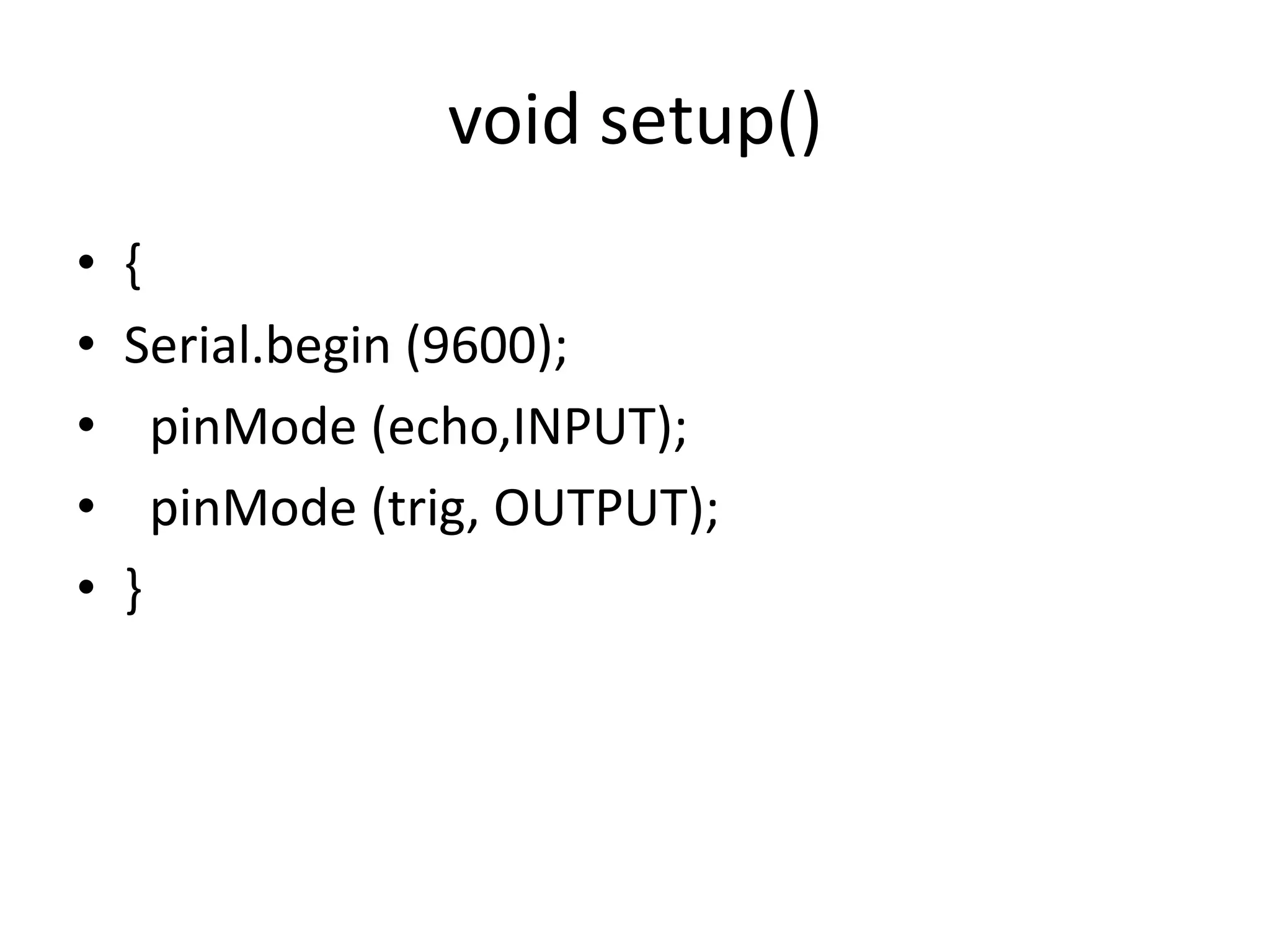
void setup() • { • Serial.begin (9600); • pinMode (echo,INPUT); • pinMode (trig, OUTPUT); • }
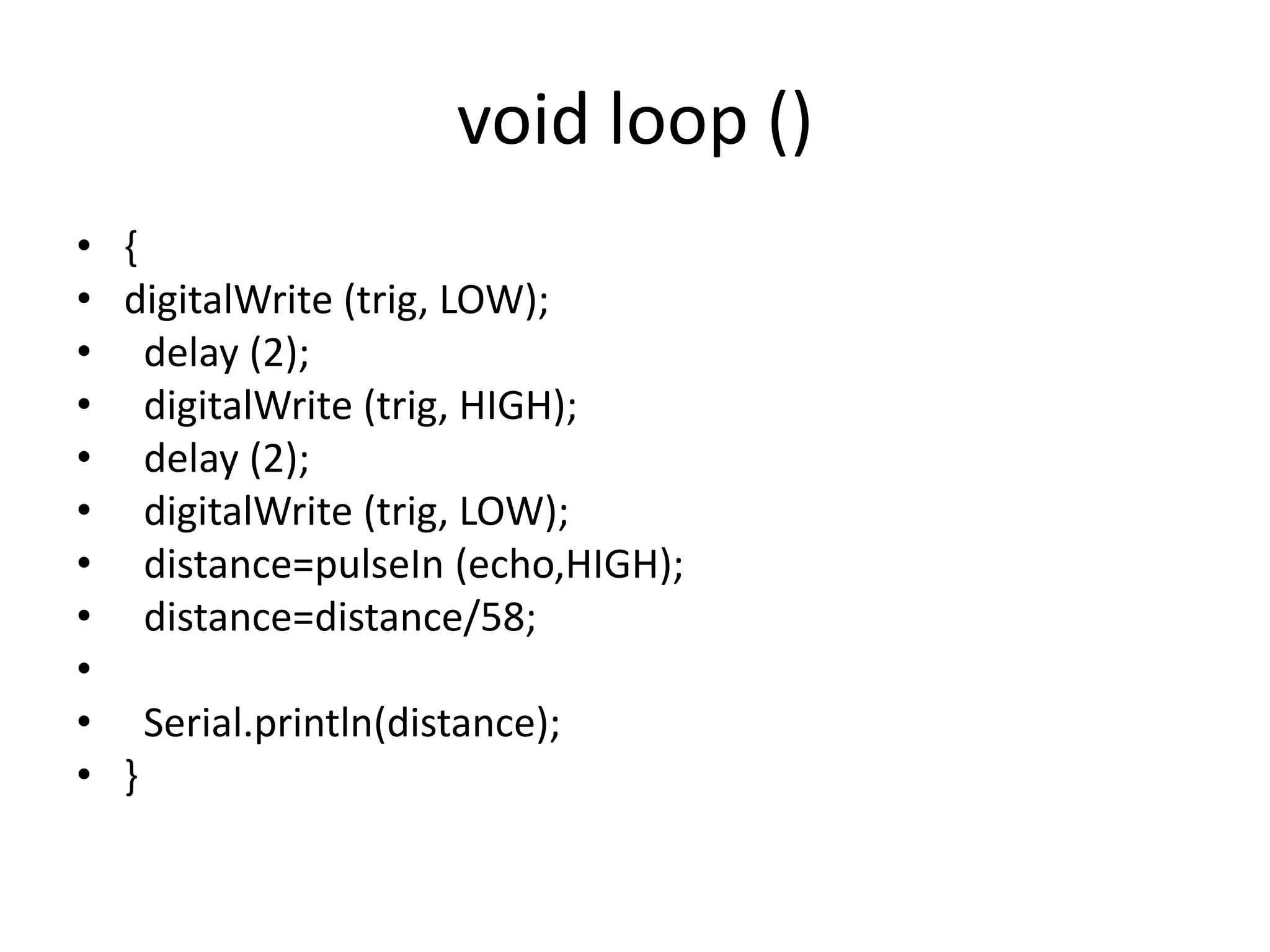
void loop () • { • digitalWrite (trig, LOW); • delay (2); • digitalWrite (trig, HIGH); • delay (2); • digitalWrite (trig, LOW); • distance=pulseIn (echo,HIGH); • distance=distance/58; • • Serial.println(distance); • }
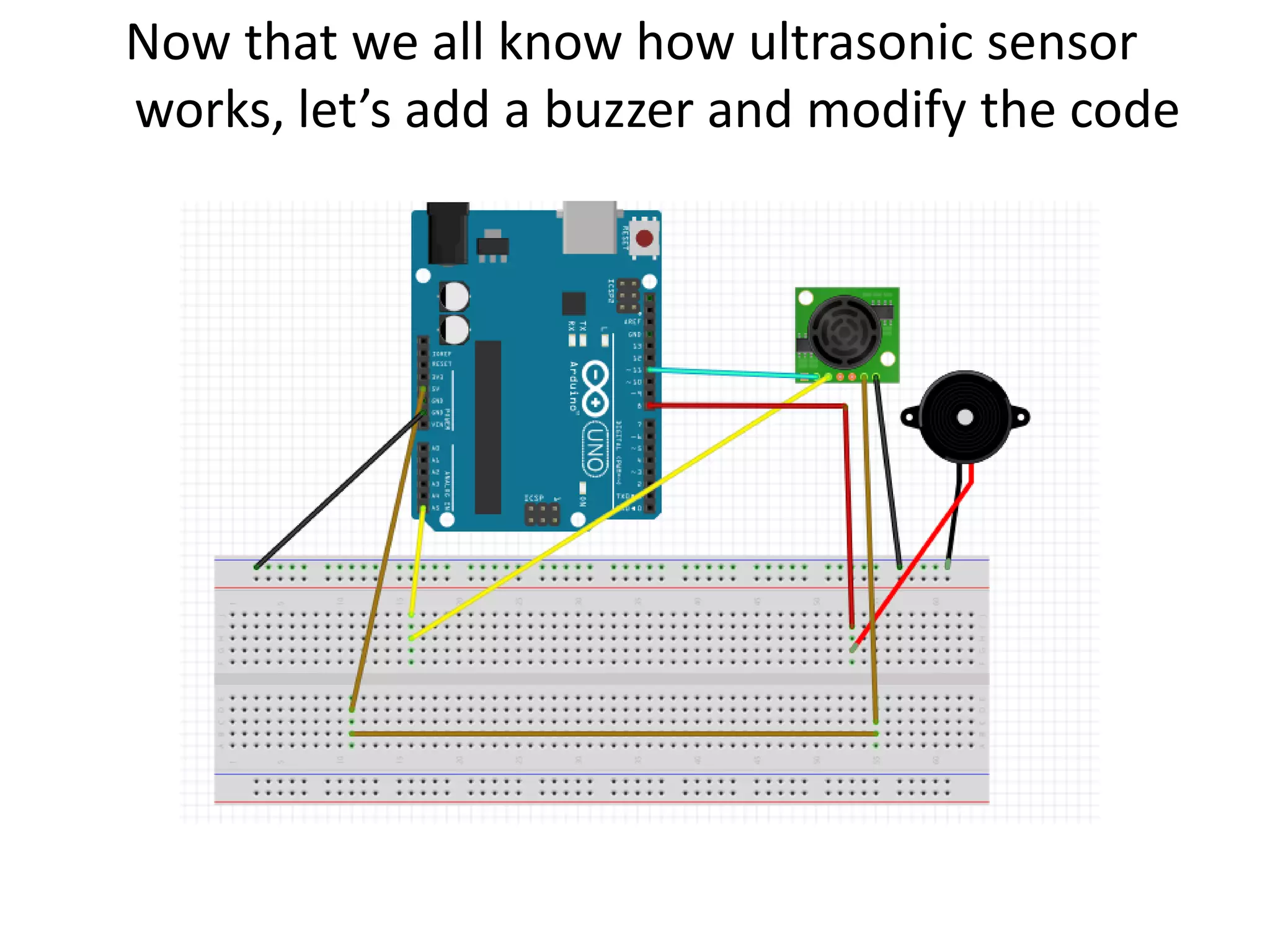
Now that we all know how ultrasonic sensor works, let’s add a buzzer and modify the code
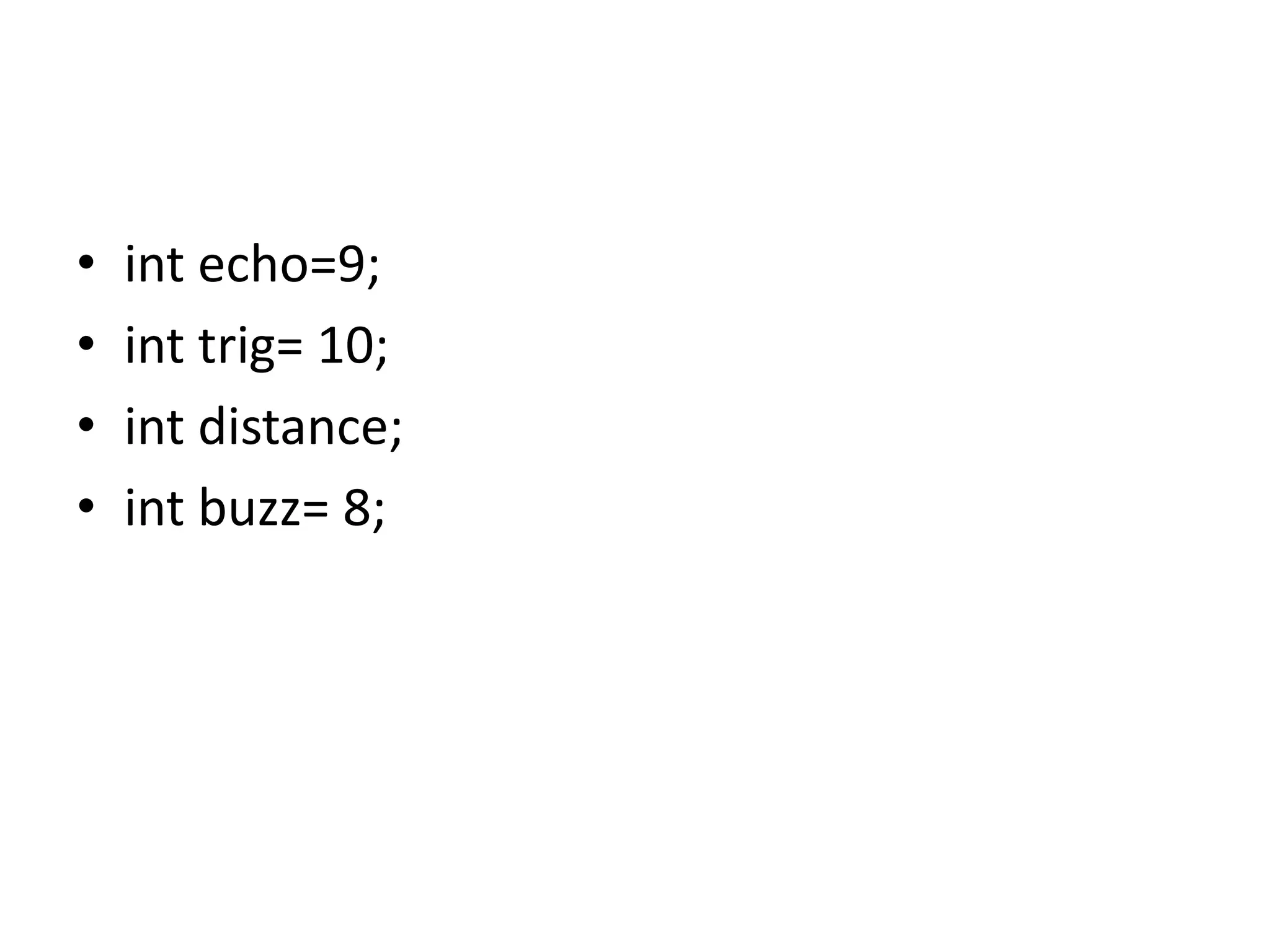
• int echo=9; • int trig= 10; • int distance; • int buzz= 8;
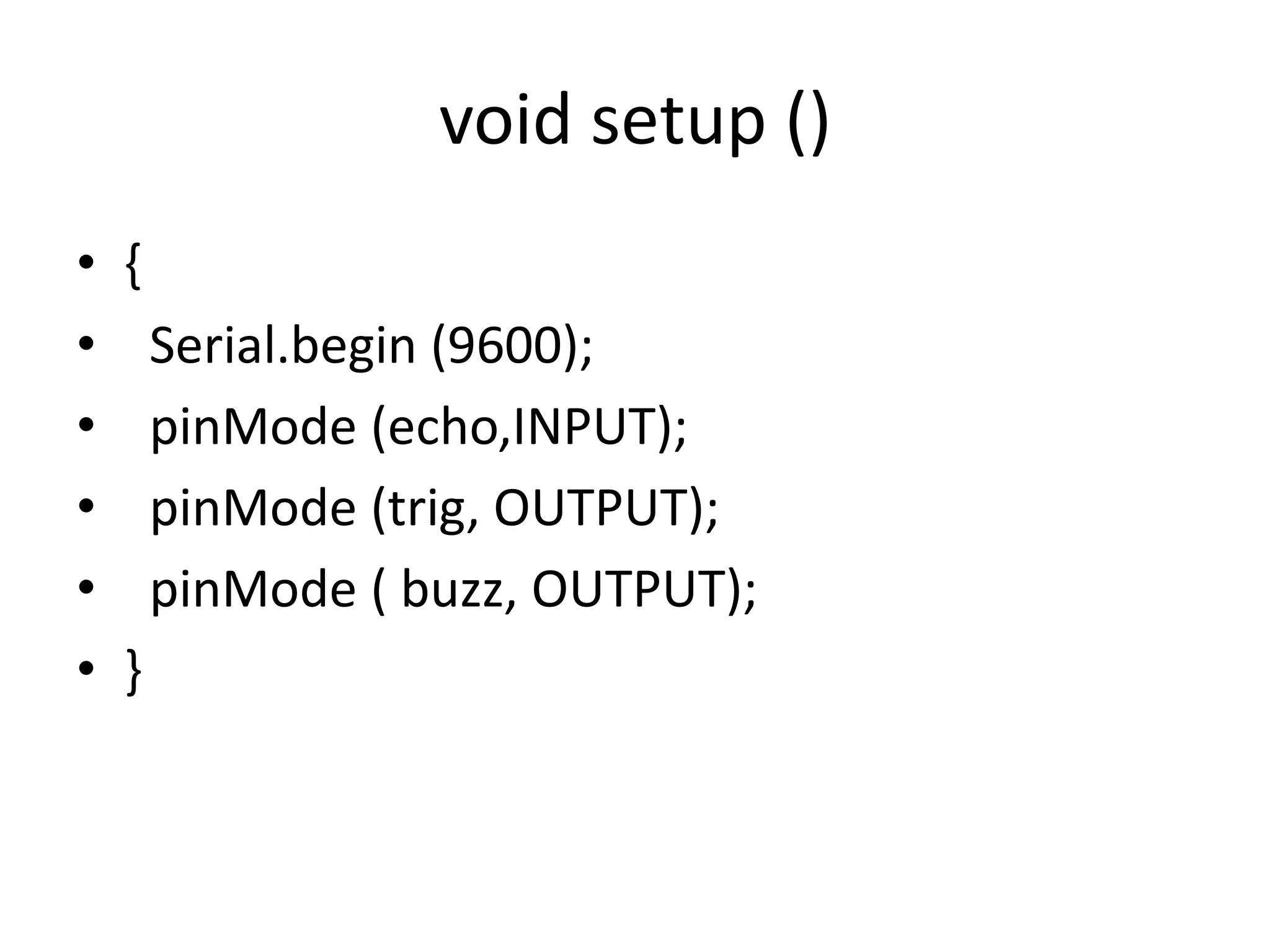
void setup () • { • Serial.begin (9600); • pinMode (echo,INPUT); • pinMode (trig, OUTPUT); • pinMode ( buzz, OUTPUT); • }
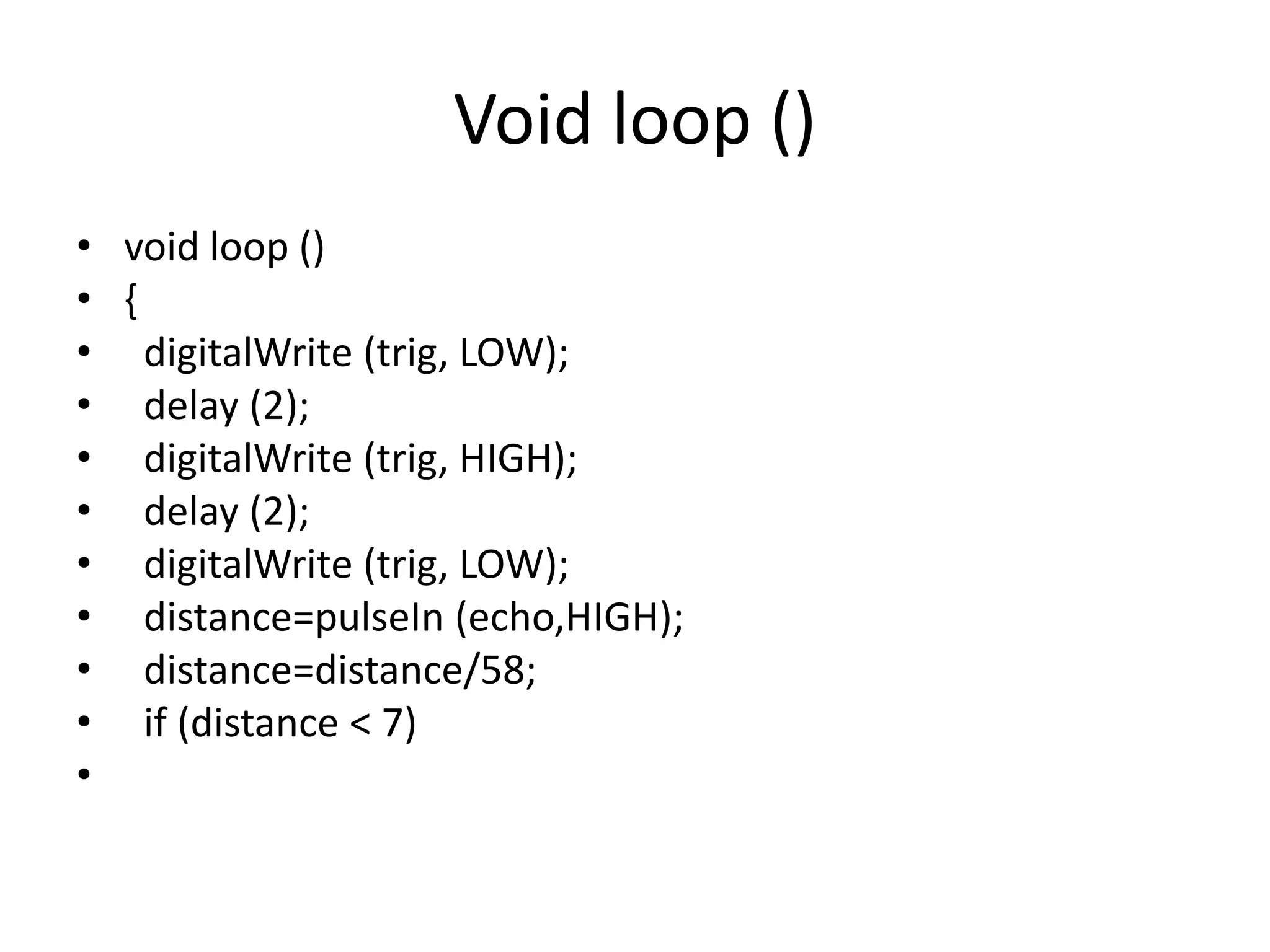
Void loop () • void loop () • { • digitalWrite (trig, LOW); • delay (2); • digitalWrite (trig, HIGH); • delay (2); • digitalWrite (trig, LOW); • distance=pulseIn (echo,HIGH); • distance=distance/58; • if (distance < 7) •
• digitalWrite (buzz, HIGH); • else • digitalWrite (buzz, LOW ); • • Serial.println(distance); • }
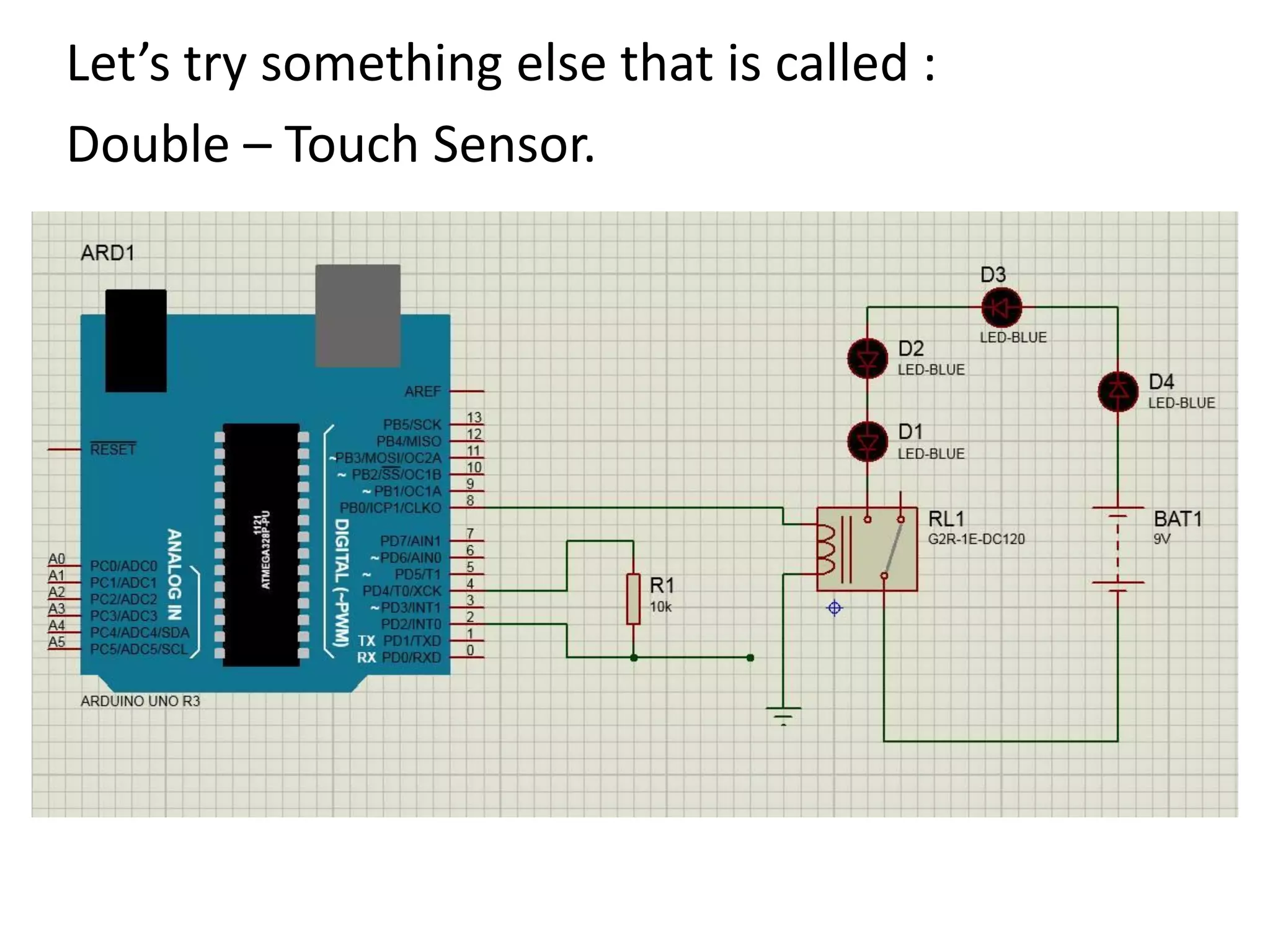
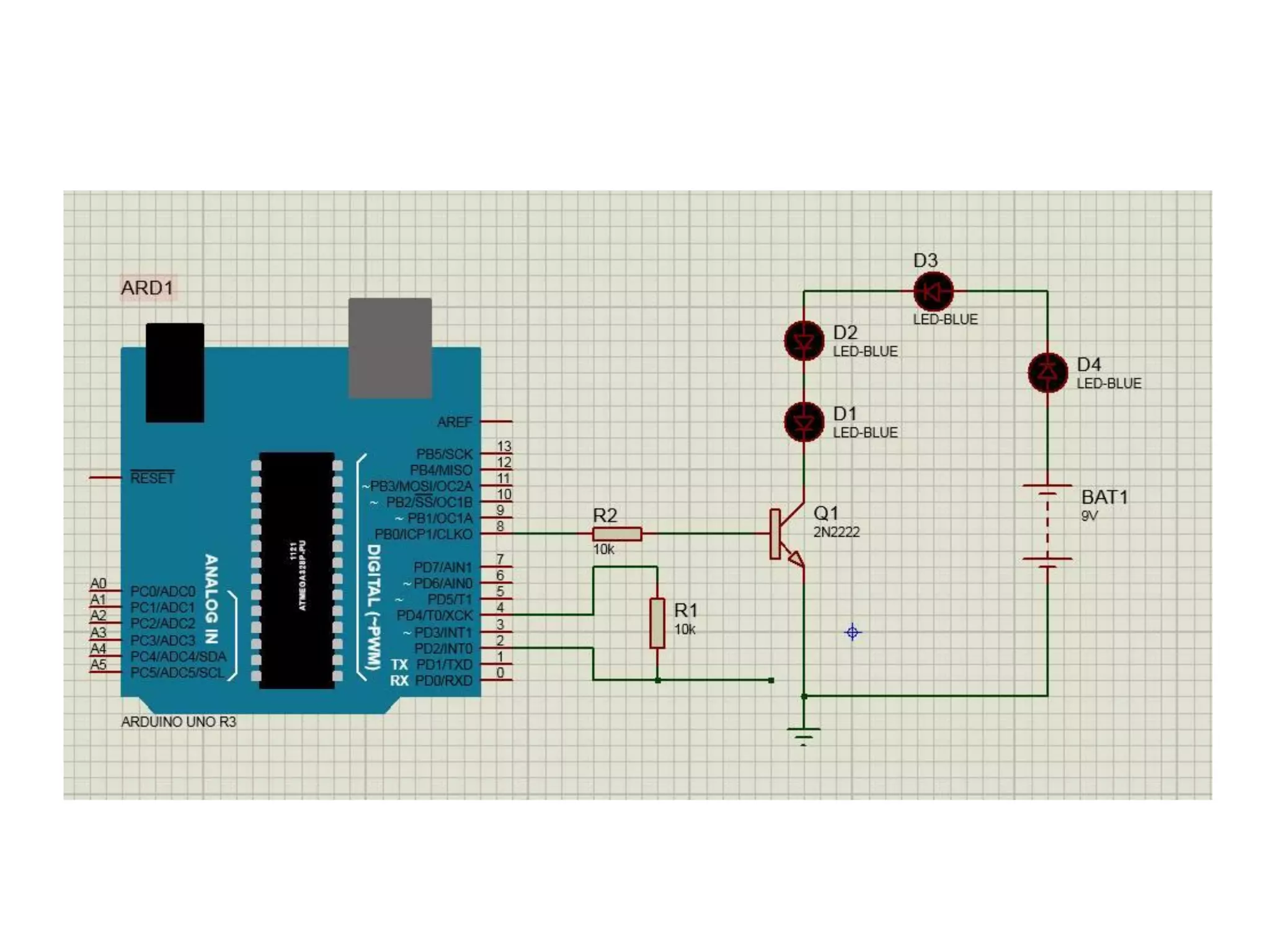
Let’s try something else that is called : Double – Touch Sensor.
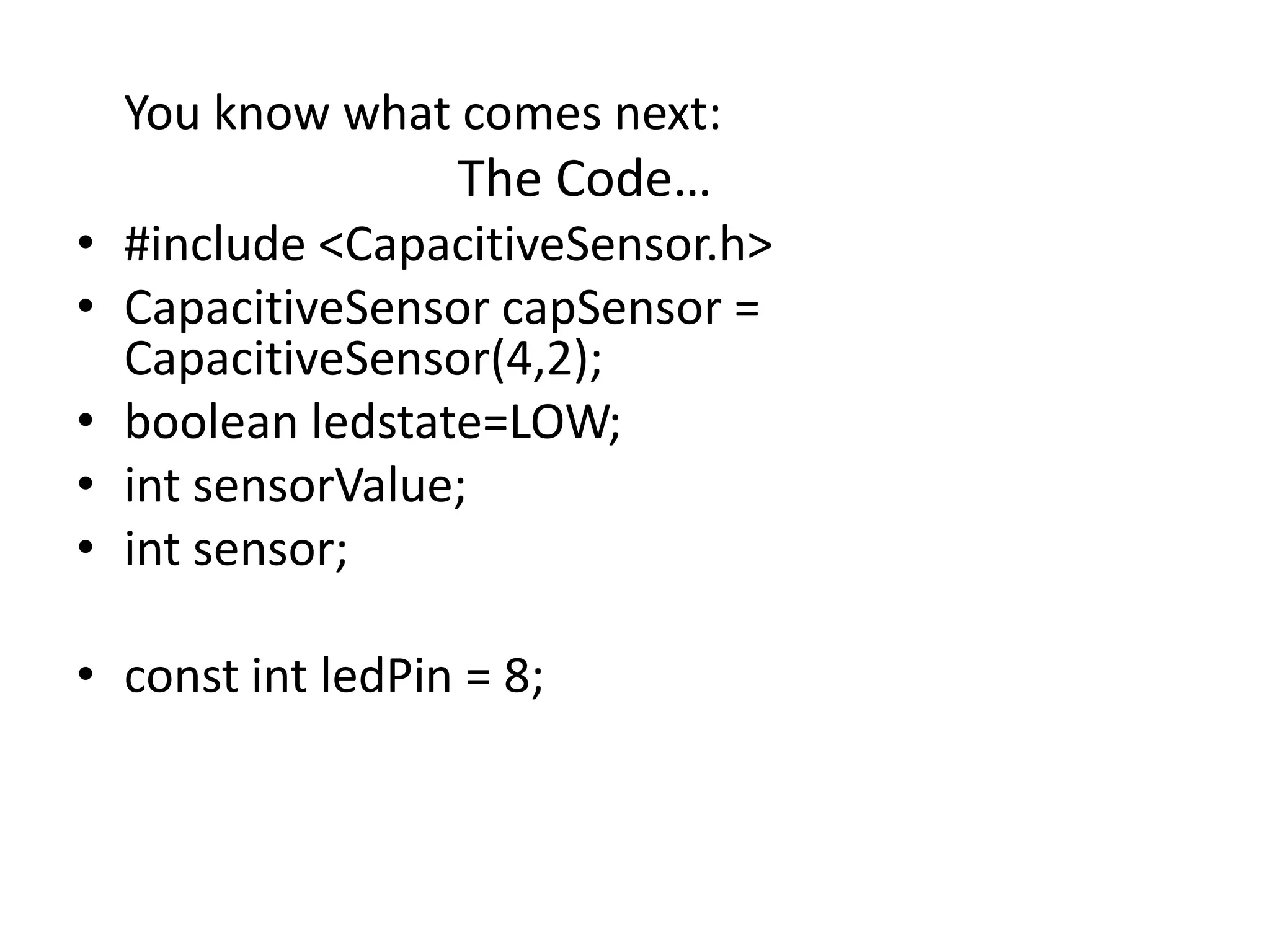
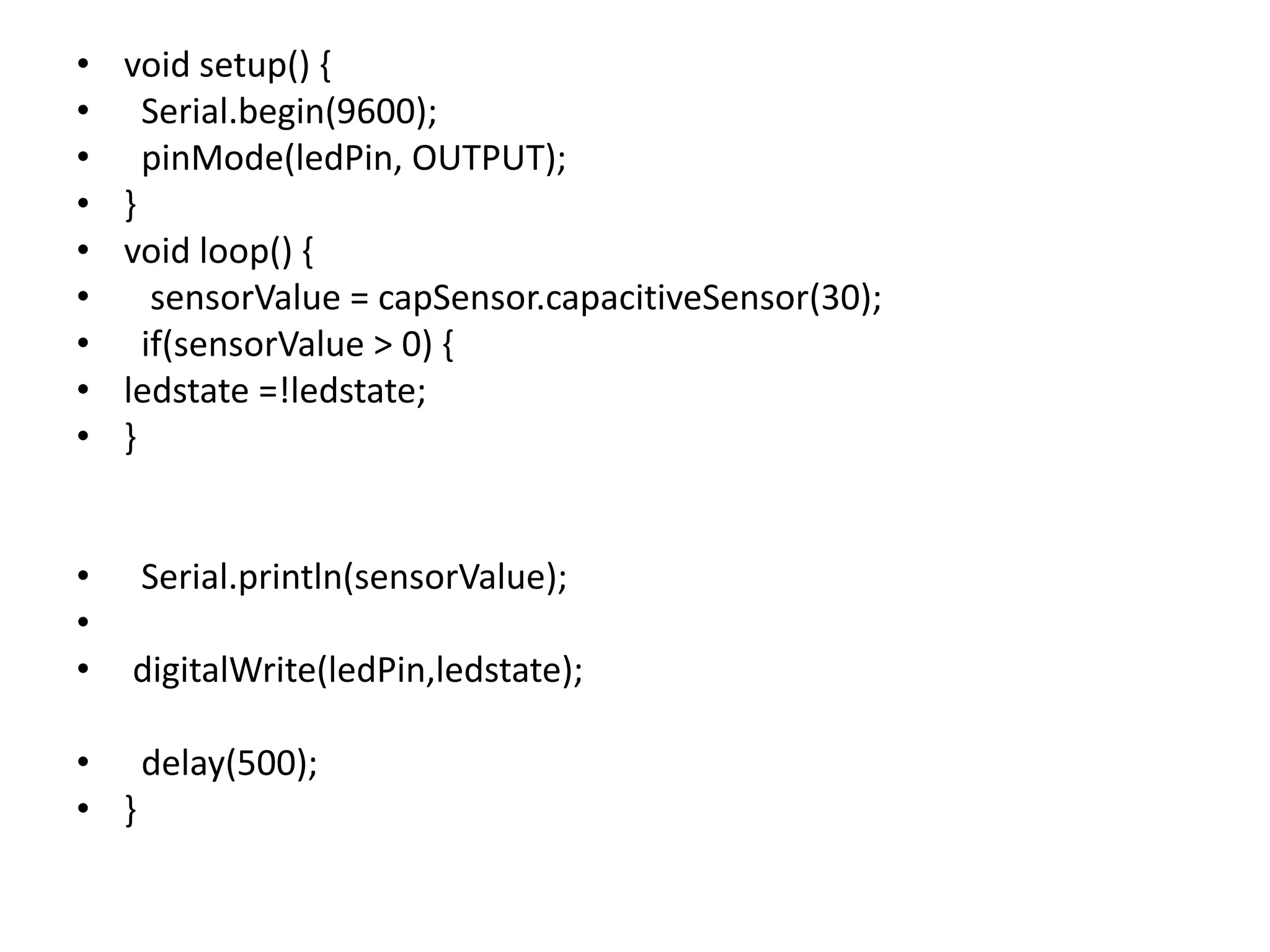
You know what comes next: The Code… • #include <CapacitiveSensor.h> • CapacitiveSensor capSensor = CapacitiveSensor(4,2); • boolean ledstate=LOW; • int sensorValue; • int sensor; • const int ledPin = 8;
• void setup() { • Serial.begin(9600); • pinMode(ledPin, OUTPUT); • } • void loop() { • sensorValue = capSensor.capacitiveSensor(30); • if(sensorValue > 0) { • ledstate =!ledstate; • } • Serial.println(sensorValue); • • digitalWrite(ledPin,ledstate); • delay(500); • }
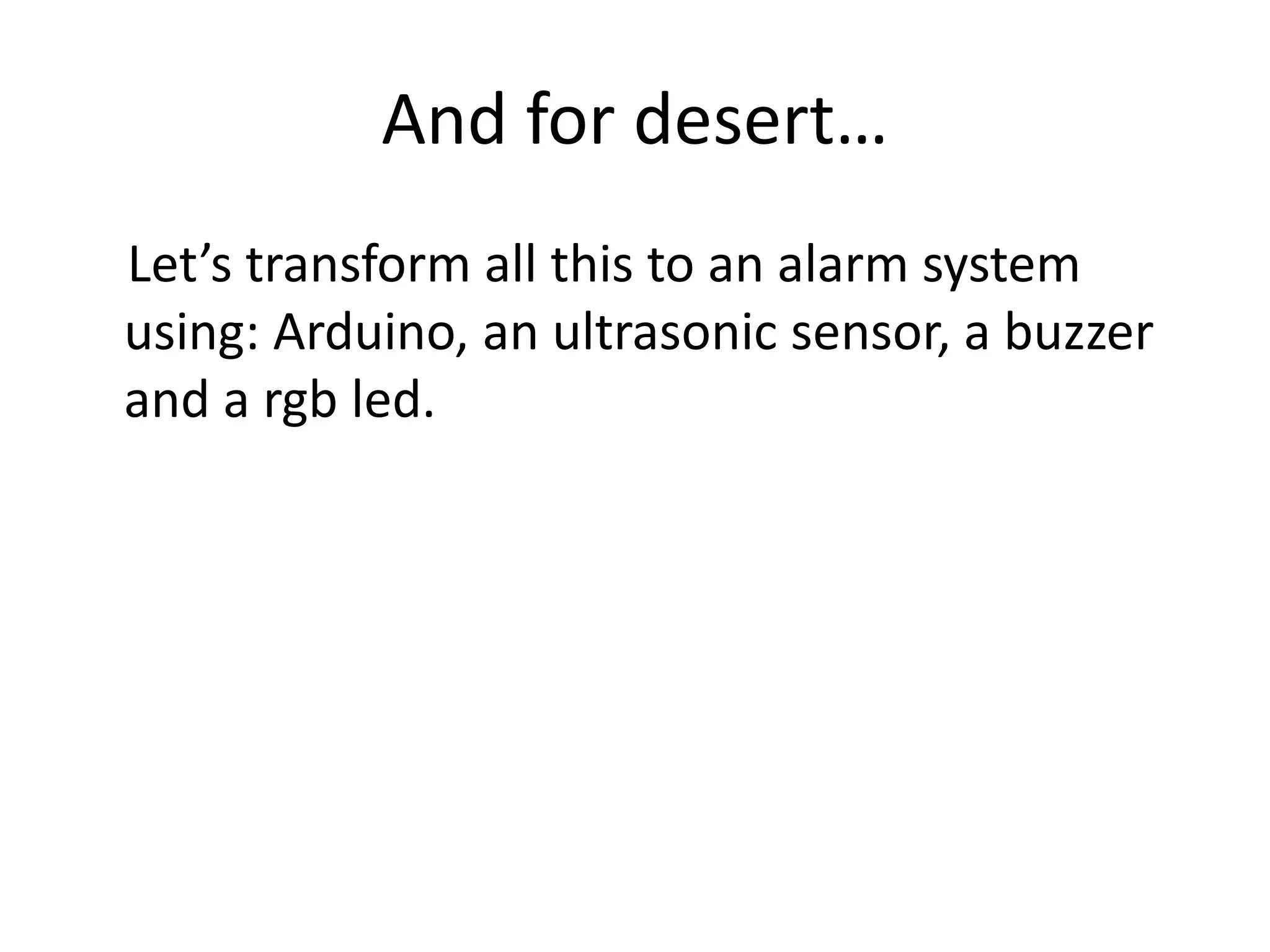
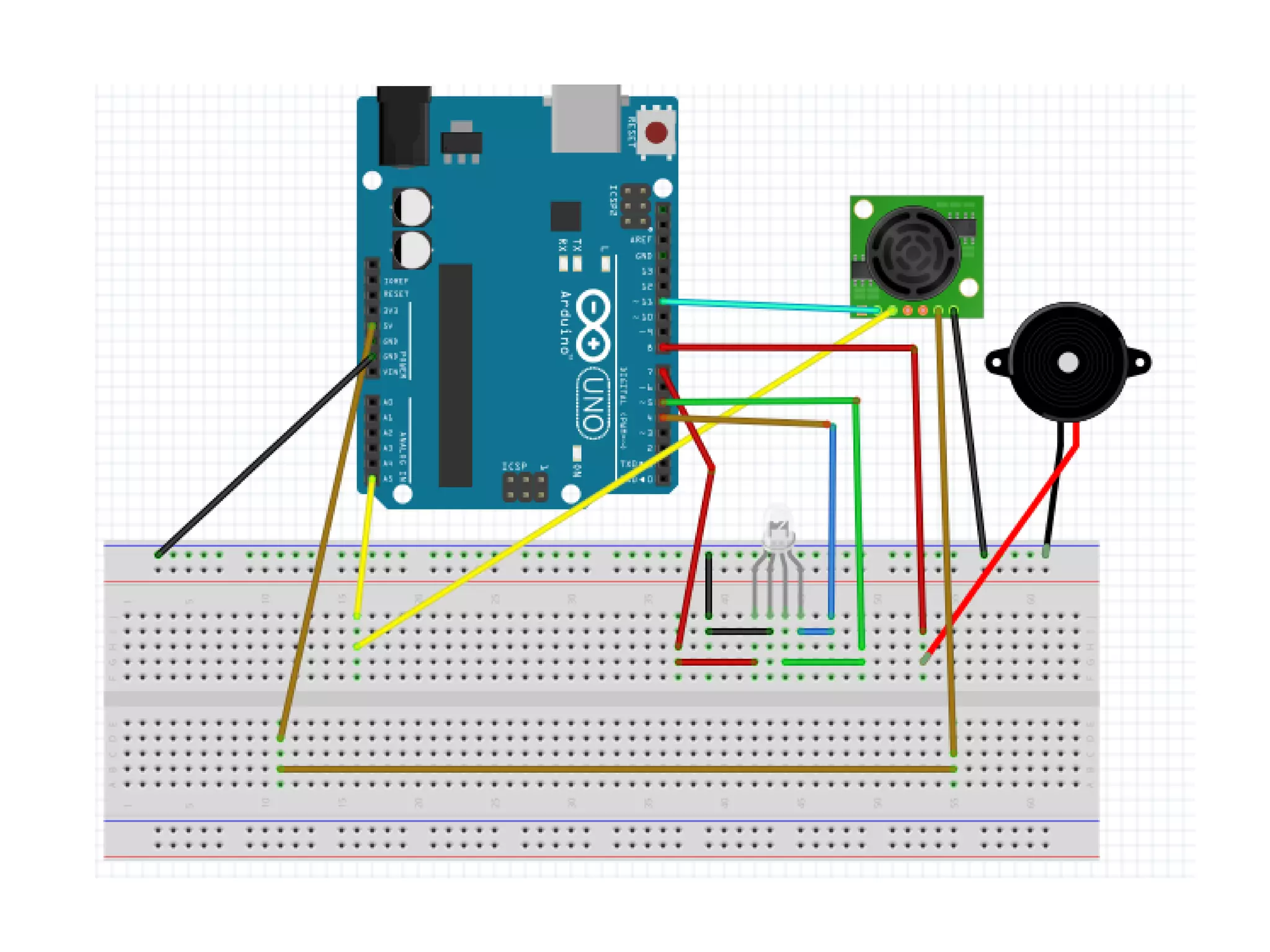
And for desert… Let’s transform all this to an alarm system using: Arduino, an ultrasonic sensor, a buzzer and a rgb led.
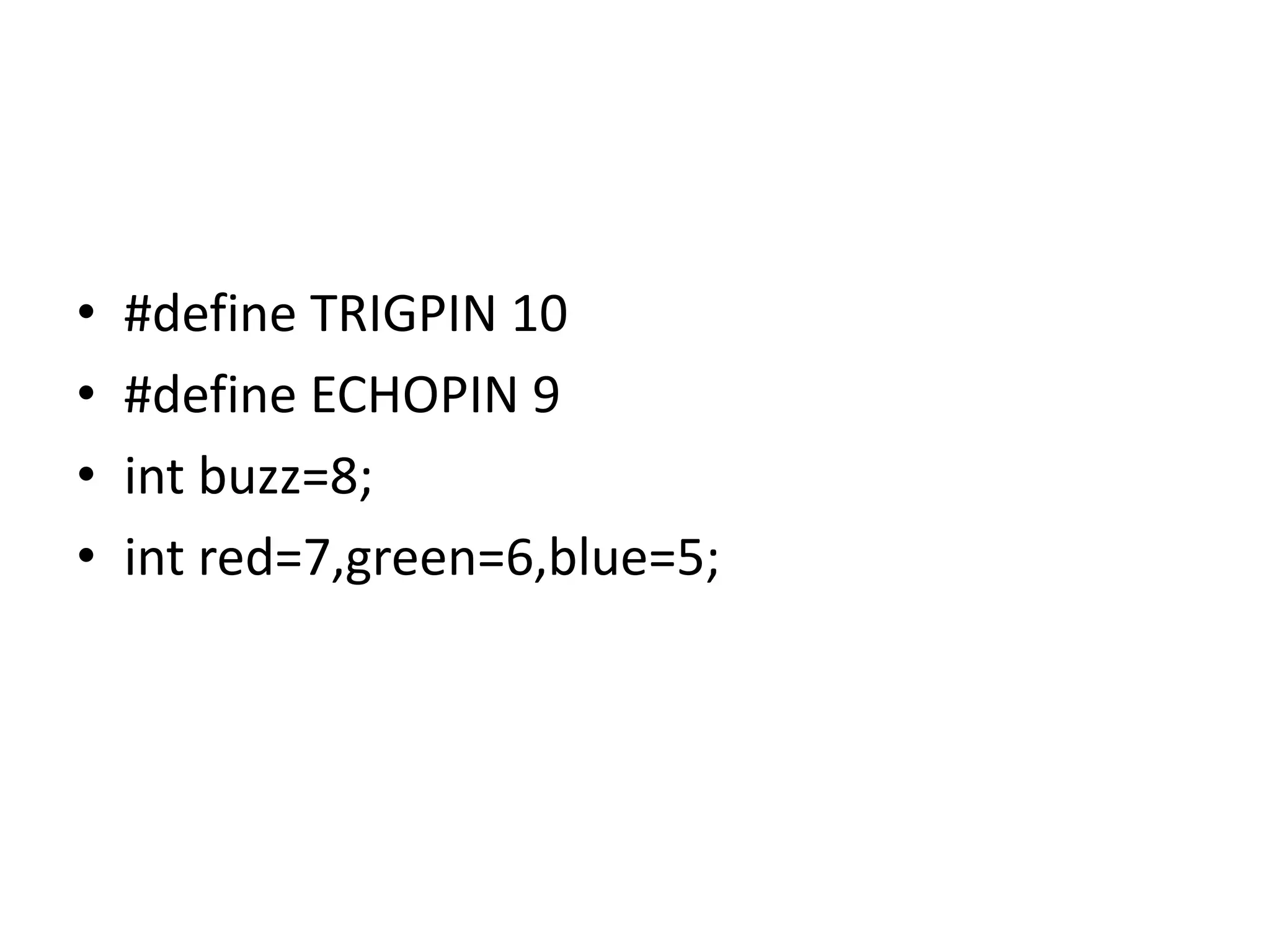
• #define TRIGPIN 10 • #define ECHOPIN 9 • int buzz=8; • int red=7,green=6,blue=5;
void setup () • { • Serial.begin(9600); • pinMode(ECHOPIN,INPUT); • pinMode(TRIGPIN,OUTPUT); • pinMode (buzz,OUTPUT); • pinMode (red,OUTPUT); • pinMode (green,OUTPUT); • pinMode (blue, OUTPUT); • }
void loop () • { • digitalWrite (buzz,LOW); • digitalWrite (red,LOW); • digitalWrite (green,LOW); • digitalWrite (blue,LOW); • digitalWrite(TRIGPIN,LOW); • delayMicroseconds(2); • digitalWrite(TRIGPIN,HIGH); • delayMicroseconds(2); • digitalWrite(TRIGPIN,LOW);
• int distance=pulseIn(ECHOPIN,HIGH); • distance=distance/58; • if (distance>20) • { digitalWrite (green,HIGH); • digitalWrite (buzz,LOW); • } • else if (distance>10 && distance<20) • { • digitalWrite (green, LOW); • digitalWrite ( blue,HIGH); • digitalWrite (buzz,LOW); • }
• else if ( distance>0 && distance <10 ) • { • digitalWrite (green, LOW); • digitalWrite (blue,LOW); • digitalWrite (red, HIGH); • digitalWrite (buzz,HIGH); • } • • Serial.println (distance); • delay(100); • }

Arduino

  • 1.
    What is Arduino •A microcontroller board, contains on-board power supply, usb port to communicate with pc and an Atmel microcontroller chip. • It simplify the proces of creating any control system by providing the standard board that can be programmed and connected to the system without the need to any sophisticated PCB design. • An OPEN-SOURCE hardware.
  • 2.
  • 4.
    Arduino philosophy isto learn by practicing so… Let’s do what Arduino wants…
  • 5.
    Ultrasonic sensor It isa sensor that work on a principle similar to radar, which evaulate attributes of a target by interpreting the echoes from radio or sound waves respectively.
  • 7.
    A simple circuitusing this sensor…
  • 8.
    Using the codebelow we can read from Arduino the distance of different objects • int echo=9; • int trig= 10; • int distance;
  • 9.
    void setup() • { •Serial.begin (9600); • pinMode (echo,INPUT); • pinMode (trig, OUTPUT); • }
  • 10.
    void loop () •{ • digitalWrite (trig, LOW); • delay (2); • digitalWrite (trig, HIGH); • delay (2); • digitalWrite (trig, LOW); • distance=pulseIn (echo,HIGH); • distance=distance/58; • • Serial.println(distance); • }
  • 11.
    Now that weall know how ultrasonic sensor works, let’s add a buzzer and modify the code
  • 12.
    • int echo=9; •int trig= 10; • int distance; • int buzz= 8;
  • 13.
    void setup () •{ • Serial.begin (9600); • pinMode (echo,INPUT); • pinMode (trig, OUTPUT); • pinMode ( buzz, OUTPUT); • }
  • 14.
    Void loop () •void loop () • { • digitalWrite (trig, LOW); • delay (2); • digitalWrite (trig, HIGH); • delay (2); • digitalWrite (trig, LOW); • distance=pulseIn (echo,HIGH); • distance=distance/58; • if (distance < 7) •
  • 15.
    • digitalWrite (buzz,HIGH); • else • digitalWrite (buzz, LOW ); • • Serial.println(distance); • }
  • 16.
    Let’s try somethingelse that is called : Double – Touch Sensor.
  • 18.
    You know whatcomes next: The Code… • #include <CapacitiveSensor.h> • CapacitiveSensor capSensor = CapacitiveSensor(4,2); • boolean ledstate=LOW; • int sensorValue; • int sensor; • const int ledPin = 8;
  • 19.
    • void setup(){ • Serial.begin(9600); • pinMode(ledPin, OUTPUT); • } • void loop() { • sensorValue = capSensor.capacitiveSensor(30); • if(sensorValue > 0) { • ledstate =!ledstate; • } • Serial.println(sensorValue); • • digitalWrite(ledPin,ledstate); • delay(500); • }
  • 20.
    And for desert… Let’stransform all this to an alarm system using: Arduino, an ultrasonic sensor, a buzzer and a rgb led.
  • 22.
    • #define TRIGPIN10 • #define ECHOPIN 9 • int buzz=8; • int red=7,green=6,blue=5;
  • 23.
    void setup () •{ • Serial.begin(9600); • pinMode(ECHOPIN,INPUT); • pinMode(TRIGPIN,OUTPUT); • pinMode (buzz,OUTPUT); • pinMode (red,OUTPUT); • pinMode (green,OUTPUT); • pinMode (blue, OUTPUT); • }
  • 24.
    void loop () •{ • digitalWrite (buzz,LOW); • digitalWrite (red,LOW); • digitalWrite (green,LOW); • digitalWrite (blue,LOW); • digitalWrite(TRIGPIN,LOW); • delayMicroseconds(2); • digitalWrite(TRIGPIN,HIGH); • delayMicroseconds(2); • digitalWrite(TRIGPIN,LOW);
  • 25.
    • int distance=pulseIn(ECHOPIN,HIGH); •distance=distance/58; • if (distance>20) • { digitalWrite (green,HIGH); • digitalWrite (buzz,LOW); • } • else if (distance>10 && distance<20) • { • digitalWrite (green, LOW); • digitalWrite ( blue,HIGH); • digitalWrite (buzz,LOW); • }
  • 26.
    • else if( distance>0 && distance <10 ) • { • digitalWrite (green, LOW); • digitalWrite (blue,LOW); • digitalWrite (red, HIGH); • digitalWrite (buzz,HIGH); • } • • Serial.println (distance); • delay(100); • }